
You open the plans. You grab the scale ruler. You measure the linear footage of a wall run, jot it in a spreadsheet, then do it again for the next sheet. Three hours later you have a number, and you are not fully sure it is right. Then a revised drawing set lands and you start over.
That workflow costs bids. A missed count or a mis-scaled measurement flows straight into your estimate, and the gap does not surface until the job is underway and the margin is gone. Manual takeoff is also slow, which means your team produces fewer bids per week than the pipeline demands. Fewer bids means fewer wins.
The construction takeoff software market was valued at $2.1 billion in 2025 and is projected to reach $4.6 to $4.9 billion by 2034, growing at roughly 9.8% CAGR, according to MarketIntelo and DataIntelo (2026). Cloud-based deployment already accounts for 62.4% of that market, per MarketIntelo (2026). The shift from paper and static spreadsheets to digital measurement is well underway, and North America drives 38.2% of global revenue.
If you run construction workflows and you are evaluating tools that measure plans, count quantities, and hand clean numbers to your estimate, this guide gives you a shortlist. The same evaluation discipline you would apply to any software decision applies here: does it reduce estimator time, improve bid velocity, and standardize a repeatable process without heavy implementation drag. For adjacent stack decisions, our roundups of ai app builder software and ai design tools follow the same practical framing.
What's inside
This guide is for contractors, estimators, and founders overseeing construction workflows who want to replace manual measuring with faster, more accurate digital takeoff. We compared seven real takeoff software options for 2026, ranked by how well they fit the workflow buyers actually care about.
We selected each tool on six criteria: measurement accuracy across length, area, and count; PDF plan handling; export to Excel or an integrated estimate; speed of onboarding; trade fit; and customer proof through public ratings. Pricing and G2 ratings reflect verified sources where available. Where a figure was not publicly confirmed, we wrote around it rather than guess.
TL;DR
- Best overall for AEC teams already living in PDFs: Bluebeam, for its deep markup, measurement, and collaboration stack.
- Fastest onboarding for small teams: Square Takeoff, cloud-based takeoff plus estimating with quick setup on Windows and Mac.
- Best AI-assisted starting point: On-Screen Takeoff, with typical and multi-condition tools inside a broader estimating context.
- Best for established-vendor trust: eTakeoff, with a free Basic tier, pattern search, and assemblies for disciplined estimating.
- Best takeoff plus integrated estimating: STACK Takeoff & Estimate, cloud access with AI accelerators and a free version.
- Best straightforward option: Active Takeoff, a direct on-screen measuring workflow with a free trial.
- Best emerging browser-based AI option: NEMO Takeoff, with BOQ workflows and professional PDF reports.
What is takeoff software?
Takeoff software is a digital tool that measures quantities from construction plans, such as lengths, areas, counts, and volumes, then feeds those numbers into an estimate to reduce manual re-entry and improve bid accuracy.
The core workflow is consistent across nearly every tool in this category. You upload a PDF or image plan set, set the scale, then measure quantities directly on screen using length, area, perimeter, count, and volume tools. Those measured quantities flow into an estimate, either inside the same platform or exported to Excel, so estimators stop re-keying numbers by hand.
Most construction takeoff software shares a common set of capabilities:
- PDF markup and annotation on plan sheets
- Quantity counting for fixtures, symbols, and repeated items
- Area, length, perimeter, and volume measurement
- Export to Excel or an integrated estimate
- Overlay and revision comparison across plan versions
- Collaboration so multiple estimators work the same set
- Integrations with estimating, accounting, or bid management tools
The strongest blueprint takeoff software also links measured quantities to cost items, so a change in the drawing updates the estimate. This is where digital takeoff software separates from a spreadsheet: the measurement and the number stay connected.
When to use takeoff software
Replace manual blueprint measurement
If your team still counts symbols by hand or measures with a scale ruler and logs results in a static spreadsheet, this is where takeoff software for construction pays off first. Digital measurement removes the two biggest sources of error: mis-scaled readings and transcription mistakes. When the drawing changes, overlay tools show exactly what moved, so you re-measure only the affected areas instead of the whole set.
Speed up bid turnaround
More bids without more errors is the point. Takeoff estimating software lets a single estimator produce more complete bids per week because counting, measuring, and pricing happen in one connected flow. That bid velocity matters when your pipeline is full and every unbid job is a missed shot. Faster estimates with the same headcount is a direct efficiency gain.
Standardize estimating across trades
An electrical estimator counts devices and homeruns. A concrete estimator measures volume and area. A framer works in linear feet. Different trade workflows need different measurement patterns and cost logic, which is why some teams standardize on trade-specific modules or assemblies. Picking software that fits your trade, rather than forcing a generic workflow, keeps your estimates consistent and defensible.
Comparison table
Here is a scannable view of all seven tools. Use it to shortlist two or three, then read the full sections below.
| # | Product | Intent | Key use case | Pricing | G2 rating |
|---|---|---|---|---|---|
| 1 | Bluebeam | PDF takeoff and collaboration | Markup, measurement, and review for AEC teams | From $260/user/year | 4.5/5 |
| 2 | Square Takeoff | Cloud takeoff and estimating | Online takeoff with bid management for smaller teams | From $249/month | Not listed |
| 3 | On-Screen Takeoff | Digital plan takeoff | Multi-condition takeoff inside an estimating suite | Contact sales | 4.4/5 |
| 4 | eTakeoff | Electronic viewing and estimating | Pattern search and assemblies with a free tier | Free; paid from $795/year | 4.7/5 |
| 5 | STACK Takeoff & Estimate | Cloud takeoff plus estimating | AI-assisted takeoff to profitable bid | From $249/user/month | 4.4/5 |
| 6 | Active Takeoff | Direct on-screen takeoff | Simple plan measuring and estimating reports | Free trial; store pricing | Not listed |
| 7 | NEMO Takeoff | Browser-based AI takeoff | 2D takeoff with BOQ and PDF reports | Free trial | Not listed |
Two or three of these will fit most teams. Match your pick to team size, trade, and whether you want takeoff alone or takeoff plus estimating in one place.
1. Bluebeam

Bluebeam is the PDF markup, measurement, and collaboration standard for a large share of AEC teams. It handles PDF creation, viewing, editing, and markup, then layers on a full measurement stack for length, area, perimeter, counts, angles, and volume. For estimators embedded in PDF-based preconstruction, it is often the tool the whole team already opens.
Best for: AEC teams that need PDF takeoff, markup, and real-time review in one workflow.
Key strengths
- Full measurement stack: Measure length, area, perimeter, counts, angles, and volume directly on the plan sheet.
- Studio collaboration: Multiple team members review and mark up the same document in real time.
- AI-assisted workflows: The Max plan adds AI-assisted capabilities on top of the core markup and measurement tools.
Why choose Bluebeam: If your preconstruction process already runs on PDFs, Bluebeam fits without forcing a new workflow. Estimators use it for bid-ready quantities that link into Excel, and the collaboration layer keeps distributed teams working the same set. It is the practical default for firms that want depth in markup and measurement rather than a separate estimating suite.
Bluebeam pricing: Bluebeam offers four annual plans, all including Revu for Windows plus web and mobile access. Basics starts at $260 per user per year, Core at $330, Complete at $440, and Max at $590 per user per year as an introductory price. There is no free tier. Its G2 rating sits at 4.5/5.
2. Square Takeoff
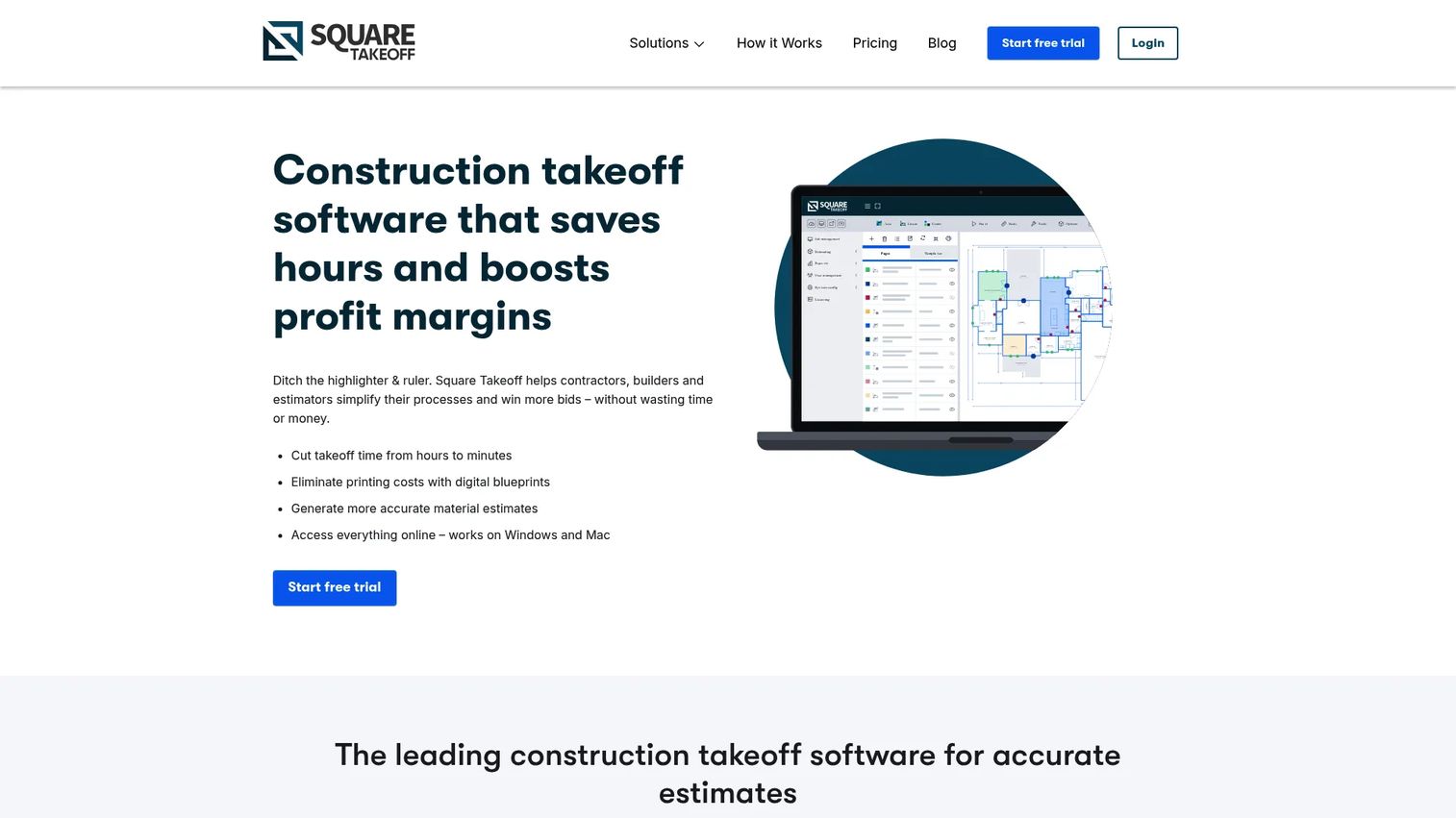
Square Takeoff is cloud-based construction takeoff, estimating, and bid management in one tool. It runs in the browser, so teams on Windows and Mac get the same experience without heavy installs. The appeal for smaller contractors is quick setup and an all-in workflow from measurement to bid.
Best for: Contractors who want cloud takeoff, estimating, and bid management together with fast onboarding.
Key strengths
- Online takeoff and estimating: Measure plans and build estimates in one connected browser workflow.
- Blueprint overlay and custom scale: Overlay plan revisions and set custom scales for accurate measurement.
- Team and bid management: Manage users and track bids without adding a separate tool.
Why choose Square Takeoff: Smaller teams pick it because there is little to configure before the first measurement. Every plan includes all features, so you are not gated out of capabilities you need on day one. That fast time-to-first-value is exactly what a lean shop wants when it is choosing a PDF takeoff software without a dedicated IT team.
Square Takeoff pricing: Square Takeoff bills three ways, all with full feature access. Month-to-month is $249 per month, quarterly is $599 per quarter, and annual is $1,699 per year. Enterprise or multiple licenses require a call. There is no free tier listed, and a verified G2 rating was not available from a primary source.
3. On-Screen Takeoff
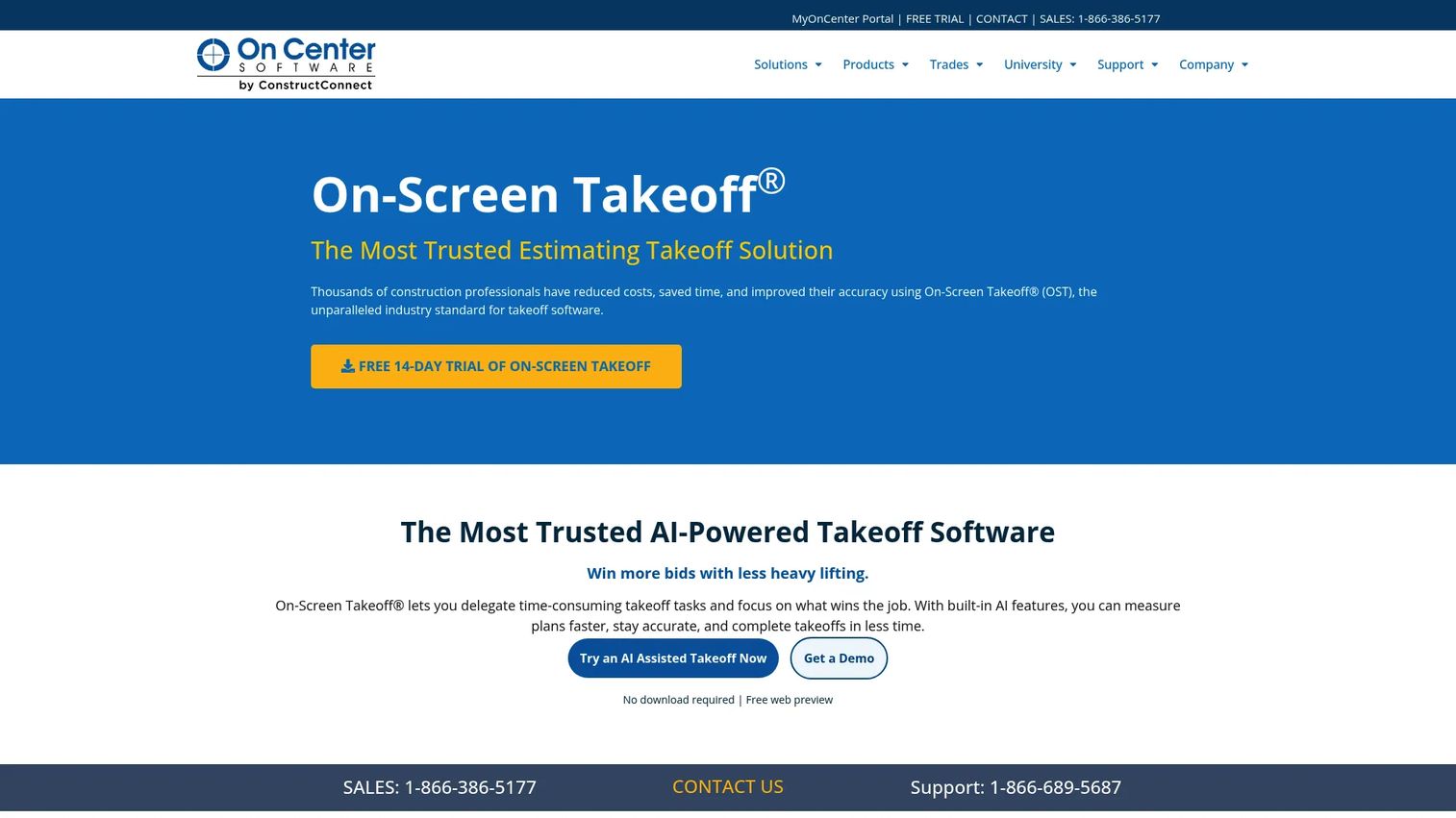
On-Screen Takeoff is digital plan takeoff and quantity measurement built for construction estimators. It sits inside a broader estimating context and offers a free web preview plus a trial as a low-commitment entry point. AI features act as a starting point for takeoff, not a replacement for estimator judgment.
Best for: Construction estimators who want digital plan takeoff and quantity measurement inside a larger estimating suite.
Key strengths
- Multi-condition takeoff: Measure several conditions at once to speed up complex plan sets.
- Typical takeoff tools: Reuse repeated patterns across sheets to cut manual repetition.
- Overlay: Compare plan revisions visually to catch what changed between versions.
Why choose On-Screen Takeoff: Estimators who want the assurance of an established estimating suite, with a no-install web preview to try before committing, land here. AI assists the takeoff, but the estimator keeps control of the final quantities, which matters when a bid depends on judgment as much as measurement. It suits teams that value multi-condition speed on dense drawings.
On-Screen Takeoff pricing: Public pricing is not listed on the product page; the vendor directs buyers to contact sales and offers a free 14-day trial plus a free web preview. Its G2 rating is 4.4/5.
4. eTakeoff
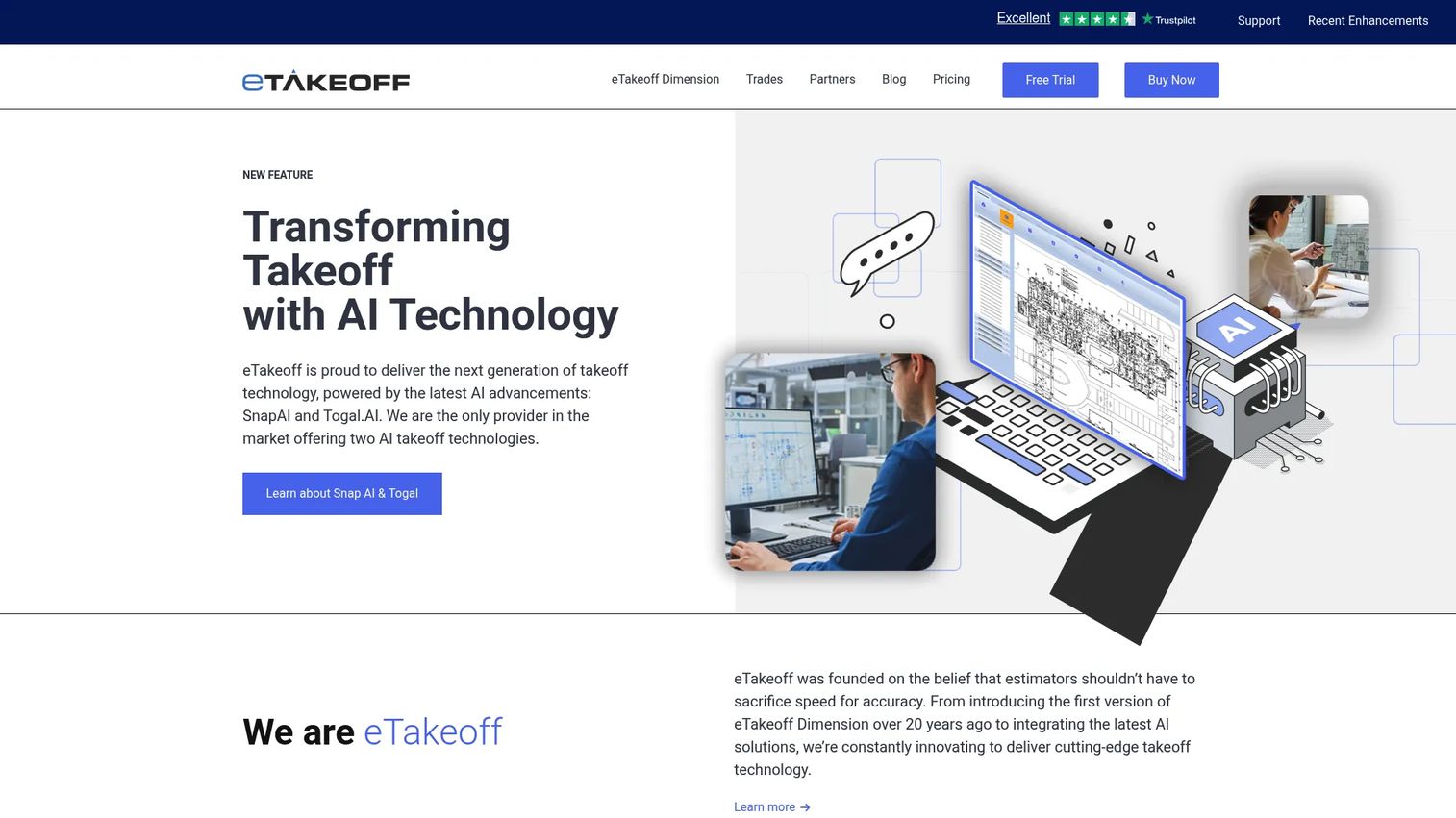
eTakeoff is construction takeoff software for electronic plan viewing, measuring, and estimating, with a long track record in the discipline. It offers a free Basic viewer plus paid tiers that add advanced scaling, pattern search, and assemblies. For firms that want an established vendor with a free on-ramp, it is a strong fit.
Best for: Construction estimators who want digital plan takeoff and measurement from a proven, established vendor.
Key strengths
- Electronic viewer and PDF takeoff: View and measure plans electronically with full PDF support.
- Advanced scaling and measuring: Handle precise scaling for accurate quantities across drawing types.
- Pattern search (Autocount): Automatically find and count repeated symbols across sheets.
Why choose eTakeoff: The free Basic tier lets a team validate the workflow before spending anything, and Autocount pattern search removes a lot of the manual counting grind. Firms that want legacy trust and disciplined estimating coverage, with the option to add Togal.ai, favor it. It is a measured, low-risk way into estimating takeoff software.
eTakeoff pricing: eTakeoff offers a free Basic tier. Paid tiers include Advanced at $795 per year, Premier at $1,495 per year, and a Togal.ai subscription at $1,800 per year. Its G2 rating is 4.7/5, the highest in this roundup.
5. STACK Takeoff & Estimate
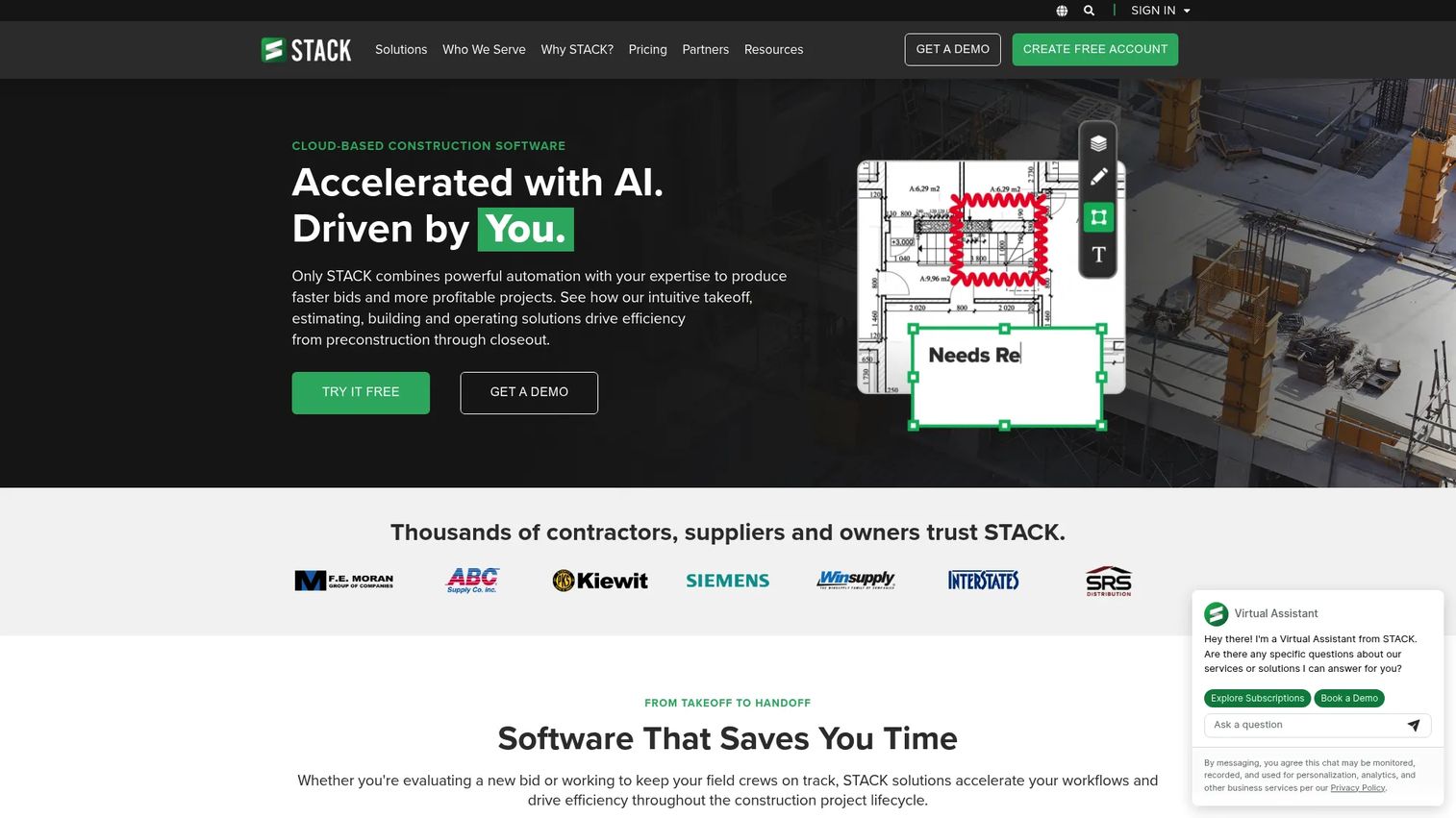
STACK Takeoff & Estimate is cloud-based construction takeoff and estimating built for contractors who want to move from plans to a profitable bid in one platform. It combines digital quantity and material takeoff with AI-assisted tools, then carries the numbers into estimates, proposals, and reporting. A free version lowers the barrier to trying it.
Best for: Construction contractors who want cloud-based takeoff and estimating in a single connected workflow.
Key strengths
- Digital quantity and material takeoff: Measure quantities and materials directly from plans in the browser.
- AI-assisted takeoff tools: Accelerate repetitive measurement with AI takeoff software features.
- Estimates, proposals, and reporting: Turn quantities into priced estimates and client-ready proposals.
Why choose STACK: Teams that want takeoff and estimating together, without stitching two tools, choose STACK for its end-to-end path from plan to bid. The AI accelerators speed up the takeoff while the estimating layer keeps pricing connected to quantities. The free version and cloud access make it easy to standardize across a growing team.
STACK pricing: STACK's Takeoff & Estimate plans are Premium at $249 per user per month and Pro at $299 per user per month, both billed annually, with a Build Your Own option. A free version is offered. Its G2 rating is 4.4/5.
6. Active Takeoff
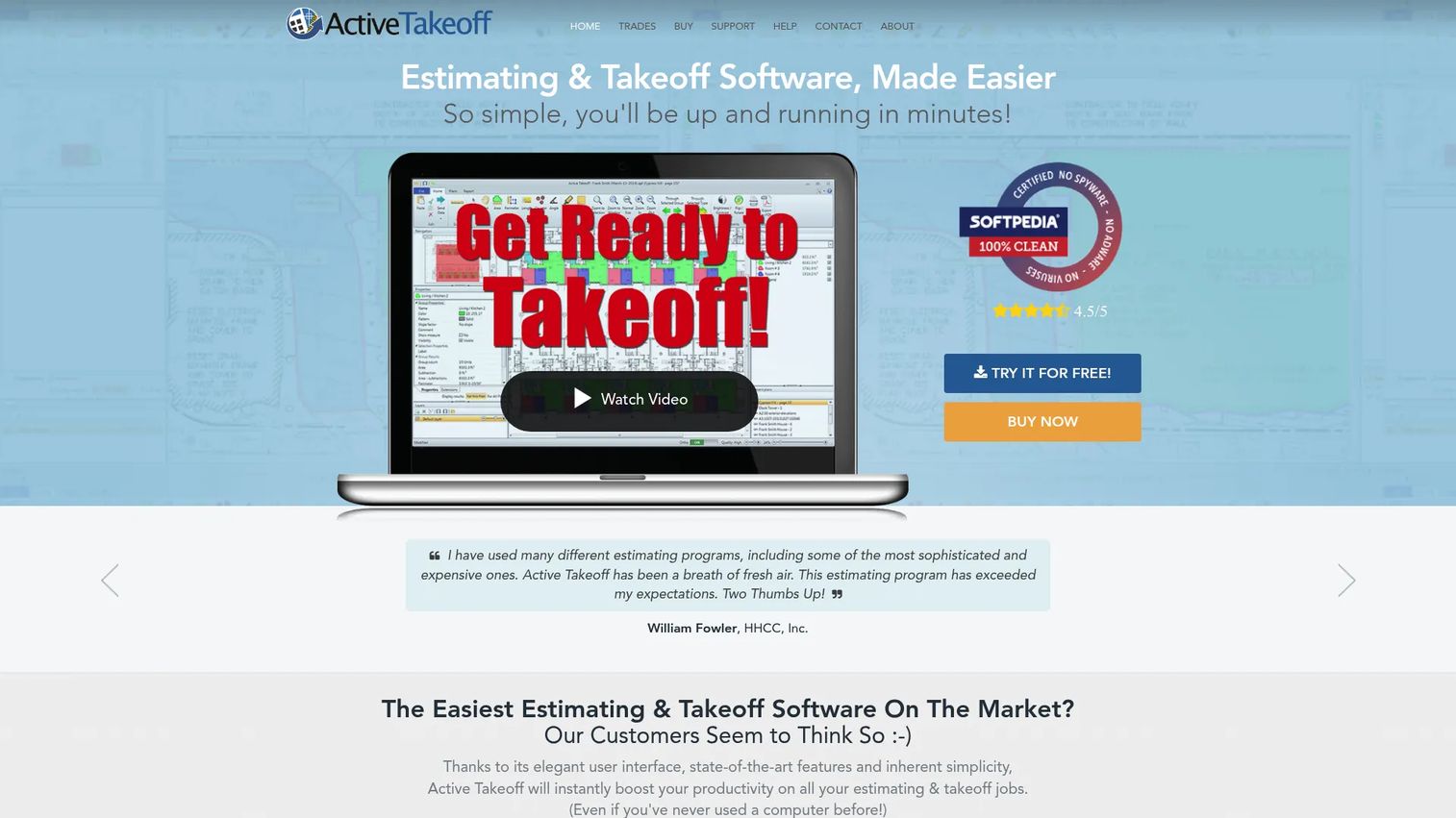
Active Takeoff is construction estimating and takeoff software for digital plans, built around a direct on-screen measuring workflow. It imports PDF and image plans, measures areas, perimeters, lengths, and volumes, then generates cost and estimating reports. For teams that want a straightforward, lighter-weight option, it is worth a look.
Best for: Contractors and estimators who want simple plan takeoff and estimating without a heavy learning curve.
Key strengths
- PDF and image plan import: Bring plans in from PDFs or images and start measuring quickly.
- On-screen measuring: Measure areas, perimeters, lengths, and volumes directly on the plan.
- Estimating reports: Generate cost, markup, and estimating reports from measured quantities.
Why choose Active Takeoff: Teams that want a direct, no-frills takeoff workflow, and a lighter-cost path into digital measurement, favor it. The focus is on measuring plans and producing estimating reports without a lot of extra layers. It suits shops that want the core takeoff job done cleanly.
Active Takeoff pricing: Active Takeoff runs a 14-day free trial and an online store, though public store prices were not verifiable from the vendor's site in this run. A verified G2 rating was not available. Check the store directly for current pricing before you buy.
7. NEMO Takeoff
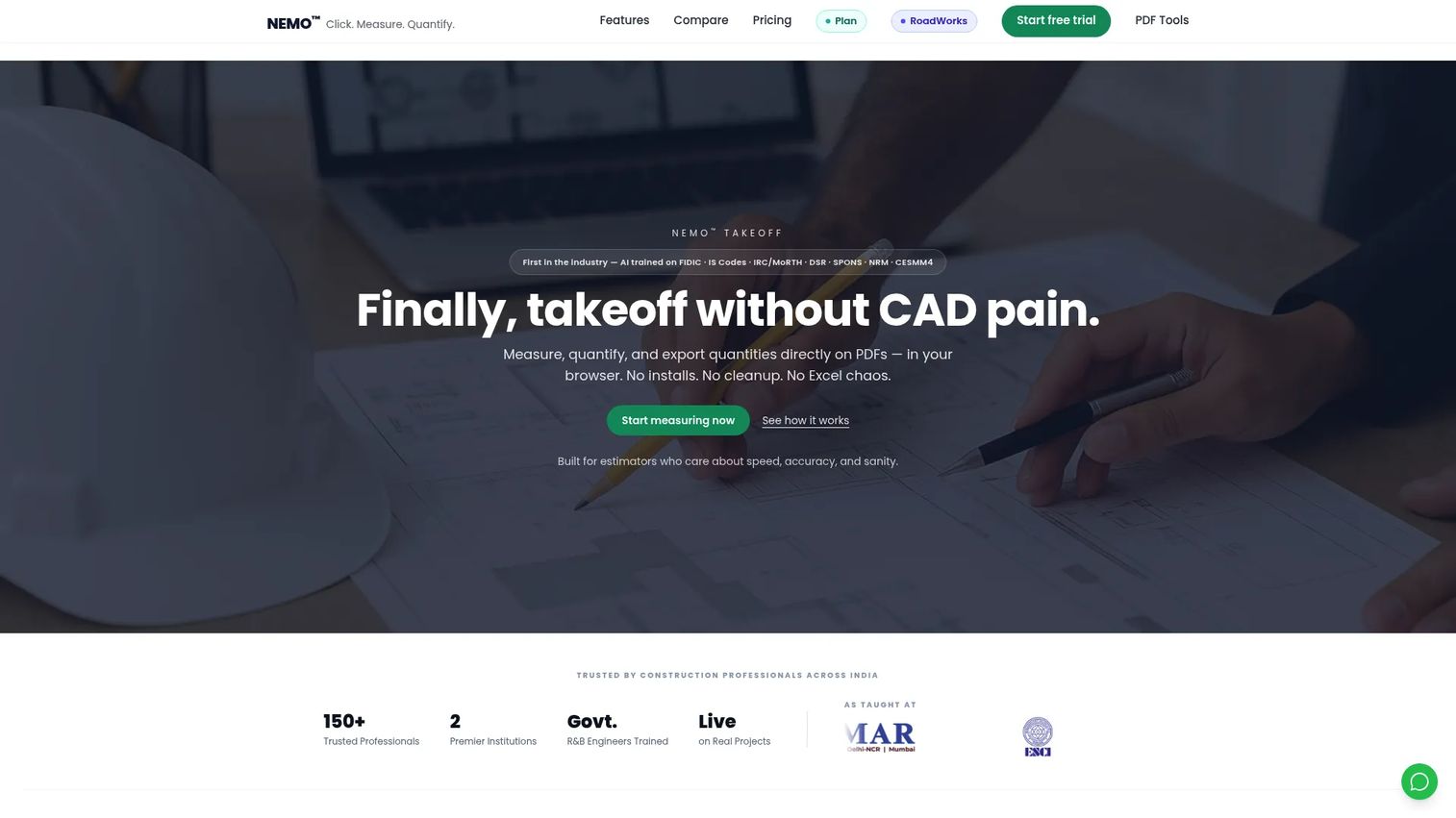
NEMO Takeoff is a browser-based construction takeoff, estimation, and planning platform with AI-assisted workflows. It handles 2D PDF takeoff with area, linear, and count tools, adds revision tracking and aligned PDF comparisons, then carries quantities into BOQ, budgeting, and export or reporting. As a more emerging, AI-led option, it fits teams that want modern browser delivery.
Best for: Construction estimators who want browser-based takeoff with BOQ and reporting workflows.
Key strengths
- 2D PDF takeoff: Measure with area, linear, and count tools directly in the browser.
- Revision tracking and overlays: Compare aligned PDF versions to catch changes across revisions.
- BOQ and reporting: Build bills of quantities, run rate analysis, and export professional reports.
Why choose NEMO Takeoff: Teams that want a modern, browser-first workflow with AI assistance and clean BOQ output land here. The professional PDF report workflow and Excel-friendly exports make it easy to hand results to clients or downstream estimating. It is a forward-looking pick for teams comfortable adopting a newer platform.
NEMO Takeoff pricing: NEMO Takeoff lists Starter, Pro, and Enterprise plans, with a free trial and no credit card required to start. Public plan prices were not verifiable from the page in this run, so confirm current pricing on the vendor's site. A verified G2 rating was not available.
Considerations before you buy
Before you commit, pressure-test each shortlisted tool against the criteria that actually affect your estimates and your bid velocity.
Measurement accuracy and scaling
The whole value chain starts with the measurement. Confirm the tool handles custom scales, calibrates cleanly against known dimensions, and measures every quantity type your trade needs: length, area, perimeter, count, and volume. A tool that is fast but imprecise costs you in the field.
PDF-to-Excel and estimate handoff
The point of digital takeoff is to stop re-keying numbers. Check whether quantities export to Excel or flow into an integrated estimate, and whether that link updates when a drawing changes. A clean PDF-to-Excel handoff is a common decision criterion that often gets overlooked.
Onboarding speed and cross-platform access
How long until your estimator produces a real bid? Cloud and browser-based tools tend to get teams working faster and run the same on Windows and Mac. If you are a lean shop without dedicated IT, weight fast setup heavily.
Trade fit and assemblies
Different trades need different measurement patterns and cost logic. Look for assemblies, typical takeoff patterns, or trade-specific modules that match your work. The right fit keeps estimates consistent and defensible across your team.
Pricing model and proof
Match the pricing model to your usage. Per-user monthly, annual, and one-time or lighter-cost options all exist across this list. Cross-check public ratings and reviews so you are buying on evidence, not just a sales page.
Conclusion
The best takeoff software for your team depends on team size, trade, and whether you want takeoff alone or takeoff plus estimating in one place.
Bluebeam is the strongest overall pick for AEC teams already living in PDFs, thanks to its markup, measurement, and collaboration depth. Square Takeoff wins for fast onboarding and an all-in cloud workflow for smaller teams. On-Screen Takeoff and eTakeoff both suit estimators who want the assurance of an established vendor, with eTakeoff carrying the highest G2 rating here and a free Basic tier. STACK is the best takeoff plus integrated estimating path, Active Takeoff is the straightforward, lighter-cost option, and NEMO Takeoff is the emerging browser-based AI pick.
Start with the workflow you run most. If you already open PDFs all day, trial Bluebeam. If you want speed and simplicity, try Square Takeoff or a free tier from eTakeoff or STACK. Pick one, run a real bid through it this week, and measure the time saved against your current process.
For more software decision frameworks that tie tools to outcomes, browse our guides on ai content creation tools, ai writing tools for marketers, and ab testing tools.
FAQs
Takeoff software is a digital tool that measures quantities from construction plans, such as lengths, areas, counts, and volumes, then feeds those measurements into an estimate. It replaces manual scale rulers and static spreadsheets, reducing both measurement errors and re-entry mistakes. Most modern tools are cloud or browser-based and export to Excel or an integrated estimate.
Quantity takeoff is the process of measuring and counting the materials and work items needed for a project directly from the drawings. It produces the quantities, such as square footage of concrete or linear feet of pipe, that an estimator then prices. Accurate quantity takeoff is the foundation of an accurate, defensible bid.
Yes. Most takeoff software exports measured quantities to Excel, and many tools link quantities to cost items so an estimate updates when a drawing changes. A clean PDF-to-Excel handoff is one of the most useful features to confirm before buying, since it removes manual re-keying and the errors that come with it.
Takeoff software measures quantities from plans, while estimating software applies pricing, labor, and markup to those quantities to produce a bid. Some tools do only takeoff, some do only estimating, and several, like STACK Takeoff & Estimate and Square Takeoff, combine both in one connected workflow so numbers do not get re-entered between steps.
AI takeoff software has become accurate enough to accelerate the takeoff, especially for counting repeated symbols and measuring standard conditions. The best practice is to treat AI as a starting point and have an estimator review the results, since a bid still depends on judgment. Tools like On-Screen Takeoff, STACK, and NEMO Takeoff position AI as an accelerator, not a replacement.
Small contractors usually favor cloud or browser-based tools with fast onboarding and full-feature plans. Square Takeoff is a common pick for its quick setup and all-in workflow, while eTakeoff's free Basic tier and Active Takeoff's free trial let small teams start without upfront cost. Weight onboarding speed and cross-platform access heavily if you lack dedicated IT.
Cloud and browser-based takeoff software, such as Square Takeoff, STACK, and NEMO Takeoff, runs the same on Mac and Windows because it operates in the browser. Some desktop-first tools center on Windows but also offer web and mobile access. If cross-platform parity matters to your team, prioritize the browser-based options.
Start with the measurement patterns your trade needs: volume and area for concrete, linear feet for framing, or counts for electrical devices. Look for assemblies, typical takeoff tools, or trade-specific modules that match your work, then confirm the tool exports cleanly to your estimate. Trial two tools on a real plan set and compare accuracy, speed, and the quality of the final handoff.