You open five tabs. One promises photoreal architecture. One promises real-time speed. One is free. One costs $2,000 a year. All of them use the words "photorealistic," "real-time," and "production-ready." None of them tell you which one fits the machine on your desk, the files you already have, or the deadline you're staring at.
That's the real problem with choosing 3D rendering software. It's rarely about which tool renders the prettiest hero shot. It's about which tool renders your shots, on your hardware, inside your pipeline, without forcing you to rebuild everything you've already made. Pick wrong and you inherit a licensing bill, a learning curve, and a file format war all at once.
The market is expanding fast, which is why so many options crowd the SERP. The global 3D rendering and visualization software market is projected to grow from roughly USD 4.6 to 5.1 billion in 2026 to as much as USD 16 to 19.8 billion by the early 2030s, at around 20 to 21% CAGR, according to Fortune Business Insights (2024). More money means more tools, more marketing, and more noise to cut through before you can commit a license.
This guide cuts through it. We compare eight of the strongest 3D rendering programs by output style, workflow fit, and the hardware and budget realities that actually decide the winner. If you evaluate marketing and creative tools regularly, you already know the drill: the same discipline behind choosing ai design tools or ai content creation tools applies here. Match the tool to the job, not the other way around.
What's inside
This guide is for anyone choosing rendering software for design, architecture, product visualization, animation, or real-time scenes. That includes solo artists, small studios, architecture and design teams, and larger production pipelines weighing a consolidation decision.
We selected the eight tools below based on four criteria that matter most when the choice is real: workflow fit (does it slot into your existing modeling and file setup), render style (photoreal, stylized, or real-time), ease of use and time to value, and performance and ecosystem (GPU versus CPU, plugins, and integrations). Pricing and ratings are drawn from each vendor's current listings and reflect the entry points teams will actually pay.
TL;DR
- Best free general-purpose renderer: Blender. A full 3D modeling and rendering suite with two capable engines, no license fee, and a massive community.
- Best for product visualization: KeyShot. Fastest path from a CAD file to a polished, marketing-ready product render.
- Best for photoreal production: V-Ray. A dedicated renderer that plugs into almost every major host app and studio pipeline.
- Best for architecture presentation: Lumion. Fast scene building and client-facing visuals for architects and design teams.
- Best for live design feedback: Enscape. Real-time visualization right inside your BIM and CAD tools.
- Best for high-end real-time and interactivity: Unreal Engine. A production platform for real-time rendering, virtual production, and interactive experiences.
If you want the reasoning behind each pick, keep reading. If you already know your workflow, skip to the comparison table.
What is 3D rendering software?
3D rendering software is the set of tools that turn a 3D model, its materials, lighting, and cameras into a finished 2D image, animation, or interactive real-time scene. Modeling builds the geometry. Rendering computes how light, surfaces, and shadows resolve into the final picture you actually show a client, a shopper, or an audience.
The distinction matters because they are two different jobs. Modeling is construction: vertices, edges, faces, and the shapes you sculpt or draft. Rendering is photography plus physics: the renderer simulates how light bounces, refracts, and scatters so the shape reads as glass, brushed steel, concrete, or skin. Some tools do both under one roof. Others are pure renderers that attach to a modeling app you already use.
Core capabilities you'll evaluate across every 3D renderer:
- Lighting: physical light sources, global illumination, HDRI environments, and shadow accuracy.
- Materials and shading: procedural and texture-based surfaces, subsurface scattering, and node-based material graphs.
- Cameras: depth of field, exposure, lens effects, and framing controls that mimic real photography.
- Ray tracing and path tracing: the light-simulation methods that produce photorealism, offered on CPU, GPU, or hybrid modes.
- Export and output: stills, animations, 360 panoramas, VR walkthroughs, and formats that pass cleanly into your downstream stack.
Why it matters: rendering software is a visual decision-making tool. Architects sign off on a building before a foundation is poured. Product teams approve a colorway before a single unit ships. Marketers test a hero image before it goes live. Getting the picture right early is far cheaper than fixing the real thing later.
When to use 3d rendering software
Rendering software earns its keep at specific moments. Here's how to recognize yours.
Visualize products, spaces, or scenes before production
Teams reach for a renderer when a decision costs real money to reverse. Building a product, pouring a floor, printing a catalog, or shipping a physical unit all get cheaper when you preview the outcome first. A photoreal render lets stakeholders react to something concrete instead of a spec sheet, which shortens approval cycles and kills expensive misunderstandings before they reach production. Faster iteration on the screen means fewer costly mistakes off it.
Choose between real-time and offline rendering
Real-time 3D rendering software computes frames instantly as you move through a scene, which is ideal for walkthroughs, client presentations, VR, and interactive experiences. Offline rendering takes longer per frame but chases maximum realism for hero shots, film, and print. Speed wins when you need to iterate live in front of a client. Final realism wins when the image is the deliverable. Many modern 3D renderers blur the line with hybrid workflows, giving you fast viewport previews and high-fidelity final passes from the same scene.
Match the renderer to your hardware and pipeline
The most beautiful renderer is useless if it fights your machine or your file formats. GPU rendering leans on your graphics card and VRAM for speed. CPU rendering leans on cores and RAM for stability and scene size. Cloud rendering offloads heavy jobs to remote farms when local hardware runs out of headroom. Before you commit, map the tool to your CPU, GPU, RAM, and the CAD, BIM, or DCC files you already work in.
Comparison table
Here's a high-level view of all eight 3D rendering programs, sorted by relevance to general rendering intent rather than alphabetically. Use it to shortlist two or three, then read the full sections below. Pricing and ratings reflect each vendor's current public listings.
| # | Product | Intent | Key use case | Pricing | G2 rating |
|---|---|---|---|---|---|
| 1 | Blender | Free all-in-one | General-purpose modeling and rendering, animation, VFX | Free and open source | - |
| 2 | KeyShot | Product visualization | Fast CAD-to-marketing product renders | From $108.25/user/mo (billed annually) | 4.5/5 |
| 3 | V-Ray | Photoreal production | Multi-host photorealistic rendering for arch and studios | From $45/mo (billed annually) | 4.5/5 |
| 4 | Lumion | Architecture viz | Fast architectural scenes and client visuals | Free trials; paid plans available | - |
| 5 | Enscape | Live design feedback | Real-time rendering inside BIM/CAD | From €44.90/mo (billed annually) | 4.6/5 |
| 6 | Twinmotion | Real-time arch viz | Quick CAD/BIM presentation and immersive visuals | Free under $1M revenue; $445/seat/yr | 4.5/5 |
| 7 | Unreal Engine | High-end real-time | Real-time rendering, virtual production, interactivity | Free under $1M; $1,850/seat/yr | 4.5/5 |
| 8 | 3ds Max | Modeling + rendering | Full production modeling and animation environment | From $168/mo (paid annually) | 4.5/5 |
Best 3d rendering software for 2026
Below is the full breakdown of each tool: what it does, who it fits, its key strengths, and pricing. Read the two or three that match your workflow, then test them before you commit.
1. Blender
Blender is a free and open-source 3D creation suite that handles modeling, animation, rigging, VFX, compositing, texturing, simulations, and video editing in one package. It's the strongest free general-purpose option on this list because it doesn't just render, it does the entire pipeline. For solo artists and small teams watching every dollar, that breadth is hard to beat, and the community around it is enormous.
Blender ships with two rendering engines. Cycles is its unbiased path-tracing engine for physically accurate, photoreal output, running on CPU, GPU, or both. Eevee is the real-time engine for fast viewport previews and quick stylized renders. Having both under one roof means you can iterate fast in Eevee, then switch to Cycles for the final hero frame without leaving the app.
Best for: Artists, hobbyists, and small studios that want a professional-grade 3D modeling and rendering software without a license fee.
Key strengths
- All-in-one pipeline: Model, texture, animate, simulate, and render in a single application with no format handoffs.
- Two render engines: Cycles for photoreal path tracing and Eevee for real-time previews cover both offline and fast workflows.
- Python scripting and community: Deep customization plus a vast library of free tutorials, add-ons, and assets.
Why choose Blender: If budget is the constraint and you want to learn one tool that does everything, Blender is the obvious starting point. The trade-off is that its all-in-one nature means more to learn than a single-purpose renderer, but the payoff is a complete creative suite that costs nothing and improves with every release.
Blender pricing: Blender is free and open source, forever. There is no paid tier, no seat cost, and no revenue threshold. That makes it the default entry point for anyone testing whether 3D rendering fits their workflow before spending money.
2. KeyShot
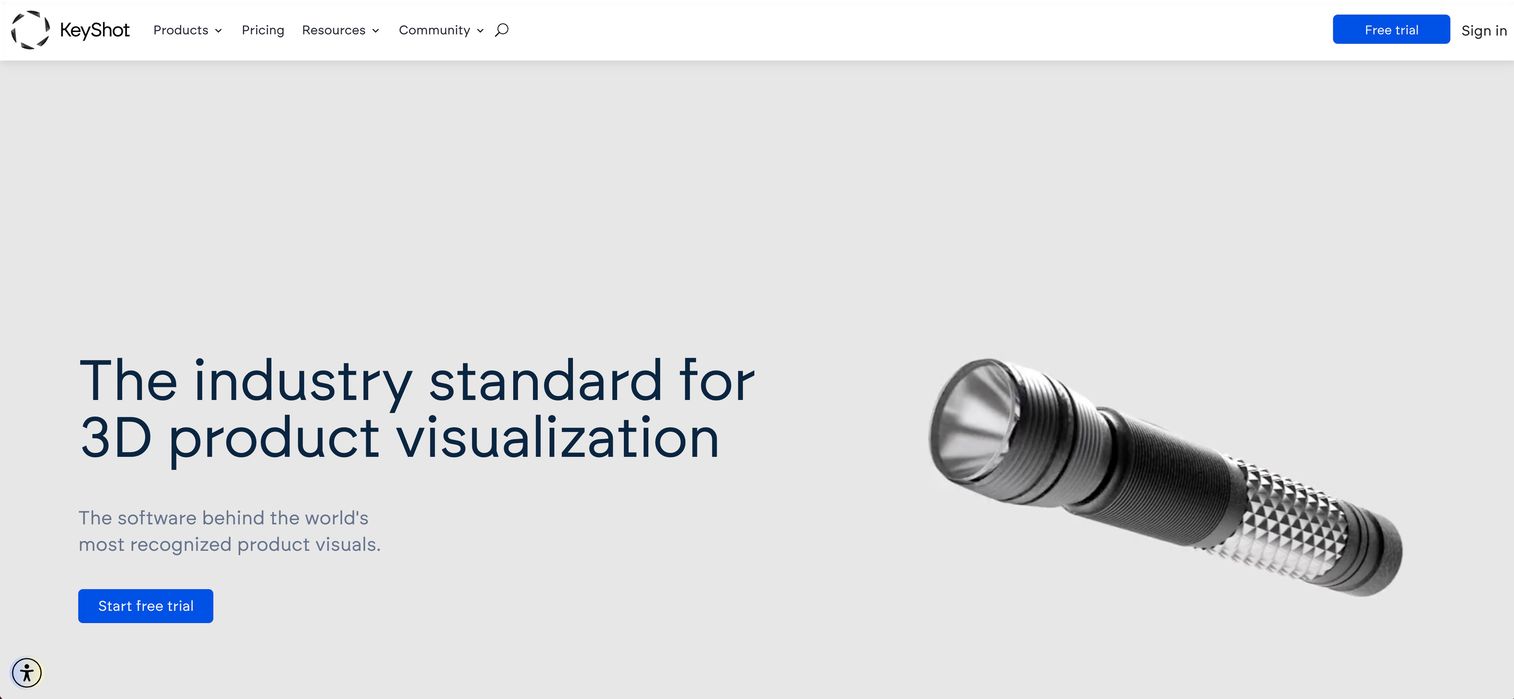
KeyShot is 3D product visualization and rendering software built for design, engineering, and marketing teams. Its whole reason for existing is speed to a polished product image. You import a CAD file, drag and drop a material onto it, and you're looking at a photoreal preview almost immediately. For teams that need marketing-friendly renders without a heavy technical setup, that fast path to a first image is the selling point.
The workflow is deliberately simple. A real-time ray tracing preview shows changes as you make them, a drag-and-drop material system removes the node-graph learning curve for basic work, and native CAD plugins keep your source files connected. Local AI tools for restyle, backgrounds, and image generation speed up variations further.
Best for: Product designers, engineers, and marketers who need fast photorealistic product renders straight from CAD data.
Key strengths
- Speed to first image: Drag-and-drop materials and real-time ray tracing preview get you a polished shot fast.
- CAD-native workflow: Native plugins keep product renders connected to source engineering files.
- AI assist: Local AI tools generate restyles, backgrounds, and image variants without leaving the app.
Why choose KeyShot: KeyShot fits teams whose deliverable is a clean product image rather than a full film or architectural scene. If your job is turning engineering files into marketing visuals on a schedule, its simplicity and speed are exactly the right trade against a deeper, more technical renderer.
KeyShot pricing: KeyShot Professional starts at $108.25 per user per month, billed annually. KeyShot Business runs $133.25 per user per month, billed annually, and Enterprise is custom pricing. Education pricing is available for eligible students and faculty at $7.92 per month, and add-ons like Network Rendering are priced separately. There is no free tier, though a trial is offered.
3. V-Ray
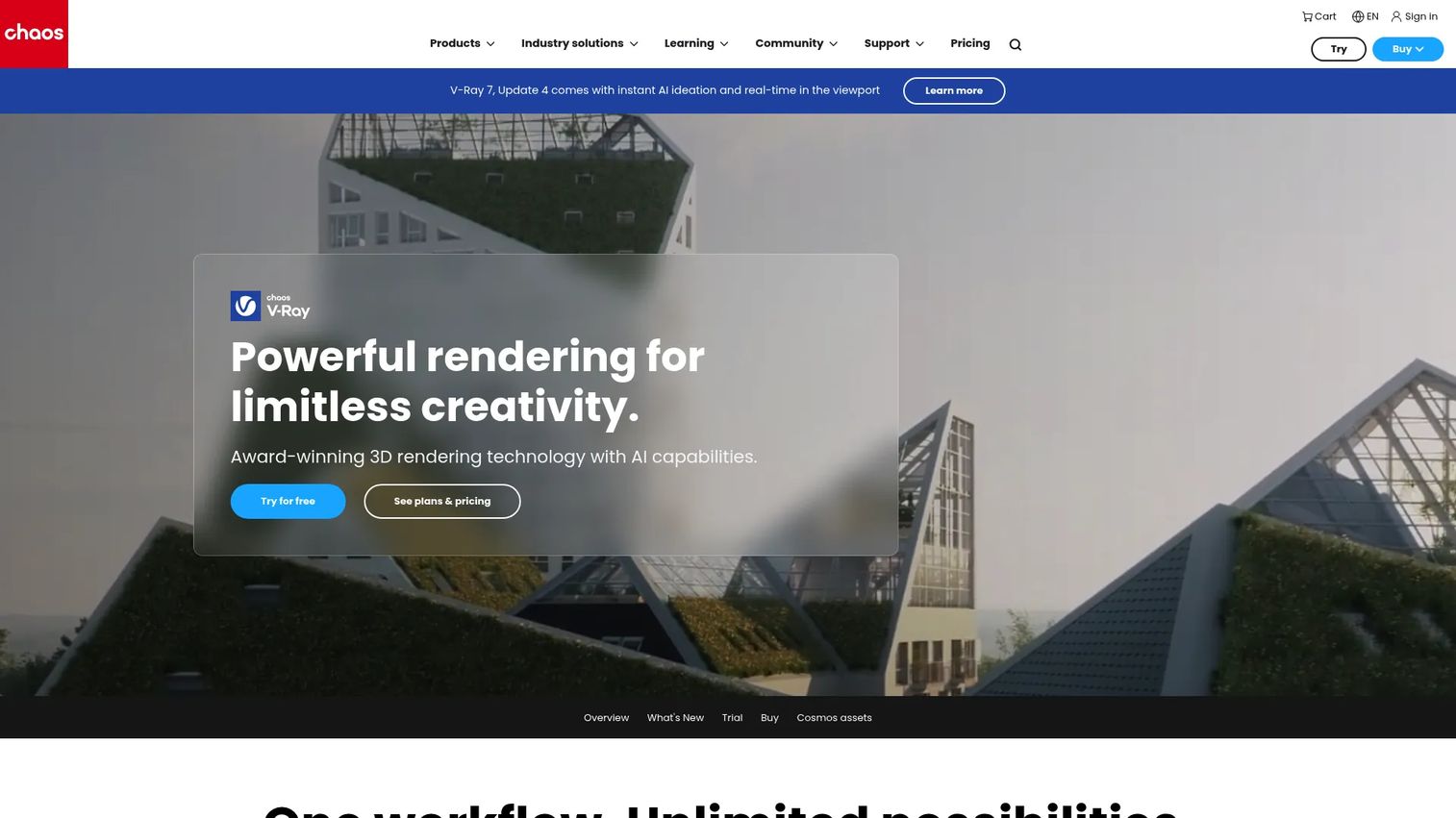
V-Ray by Chaos is a photorealistic renderer built for professional production work across architecture, design, and studio pipelines. It isn't a full modeling environment. It's a dedicated rendering engine that plugs into the app you already model in, which is exactly why it shows up in so many professional stacks. It works with 3ds Max, Maya, SketchUp, Rhino, Revit, Cinema 4D, Blender, Nuke, Houdini, and Unreal.
That breadth of integration is the point. V-Ray gives you CPU, GPU, and hybrid rendering, real-time viewport rendering, and AI-powered features, all attached to whatever modeling tool your team already knows. For studios that have standardized on a specific DCC app, V-Ray adds top-tier photorealism without forcing anyone to relearn modeling.
Best for: Architects, designers, and 3D artists who need photorealistic rendering inside their existing modeling app.
Key strengths
- Broad host support: Plugs into 3ds Max, Maya, SketchUp, Rhino, Revit, Cinema 4D, Blender, and more.
- Flexible rendering modes: CPU, GPU, and hybrid rendering let you tune for hardware and deadline.
- Production photorealism: Real-time viewport rendering plus a large asset and material library for final-quality output.
Why choose V-Ray: Choose V-Ray when photorealism is non-negotiable and you already have a modeling app you love. It slots in as the rendering layer rather than replacing your pipeline, which is why it's a fixture in professional arch-viz and studio work.
V-Ray pricing: V-Ray Solo starts at $45 per month, billed annually at $540. V-Ray Premium is $64.90 per month, billed annually at $778.80, and V-Ray Collection is $74 per month, billed annually at $886.80. A 30-day free trial is available. Commercial and educational plans are offered, with monthly, annual, and multi-year options.
4. Lumion
Lumion is 3D rendering and visualization software built specifically for architects and design teams. Its strength is speed of scene building for client-facing work. You bring in a model, drop in trees, people, materials, and lighting from its libraries, and produce a presentable architectural visual fast. When the goal is showing a client what a space will feel like, Lumion gets you there quickly.
It renders in real time inside SketchUp, Revit, and Archicad, so your design and your visualization stay in sync. Lumion Pro gives you deeper control over scene composition, assets, lighting, effects, and outputs, while Lumion Cloud adds collaboration and AI tools for teams that share work across locations.
Best for: Architects and design teams that need fast architectural visualization software for client presentations.
Key strengths
- Fast scene building: Large asset libraries and drag-in placement turn a raw model into a presentation quickly.
- Live BIM integration: Real-time rendering inside SketchUp, Revit, and Archicad keeps design and visuals aligned.
- Presentation-ready output: Stills, animations, and immersive outputs geared toward client communication.
Why choose Lumion: Lumion fits architecture practices that value iteration speed and presentation polish over deep, technical control. When your renders are a communication tool for winning and progressing projects, its fast, library-driven workflow pays off on every deadline.
Lumion pricing: Lumion offers free trials for both Lumion View and Lumion Pro so you can test the workflow before committing. Paid Lumion Pro and Lumion Studio plans are available; check the current plan details on Lumion's site for the tier that matches your team size and output needs.
5. Enscape

Enscape is a real-time rendering and VR plugin built for BIM and CAD workflows. Its defining feature is immediacy: it runs inside your design tool and updates the render live as you model, so you get instant visual feedback without exporting anything. For architects and designers who want to see the consequences of a design change the moment they make it, that viewport-style loop is the whole appeal.
Because it lives inside your design software, there's no round-trip between modeling and visualization. Enscape delivers real-time rendering, VR walkthroughs and exports, and asset and material libraries, plus cloud collaboration for sharing work with clients and colleagues.
Best for: Architects and designers who want immediate, real-time visual feedback inside their BIM or CAD tools.
Key strengths
- Live in-tool rendering: Renders update in real time inside your design application as you work.
- VR walkthroughs: Export immersive VR experiences for client review and design validation.
- Asset libraries and cloud sharing: Built-in content plus cloud collaboration for distributed teams.
Why choose Enscape: Enscape fits teams that want the shortest possible loop between a design decision and its visual result. If waiting on export-and-render cycles slows your process, its live, in-tool feedback keeps you moving.
Enscape pricing: Enscape Solo starts at €44.90 per month for one license, billed annually at €538.80. Enscape Premium is €51.90 per month, billed annually at €622.80, and Enscape Collection is €57.90 per month, billed annually at €694.80. A 14-day free trial is available.
6. Twinmotion
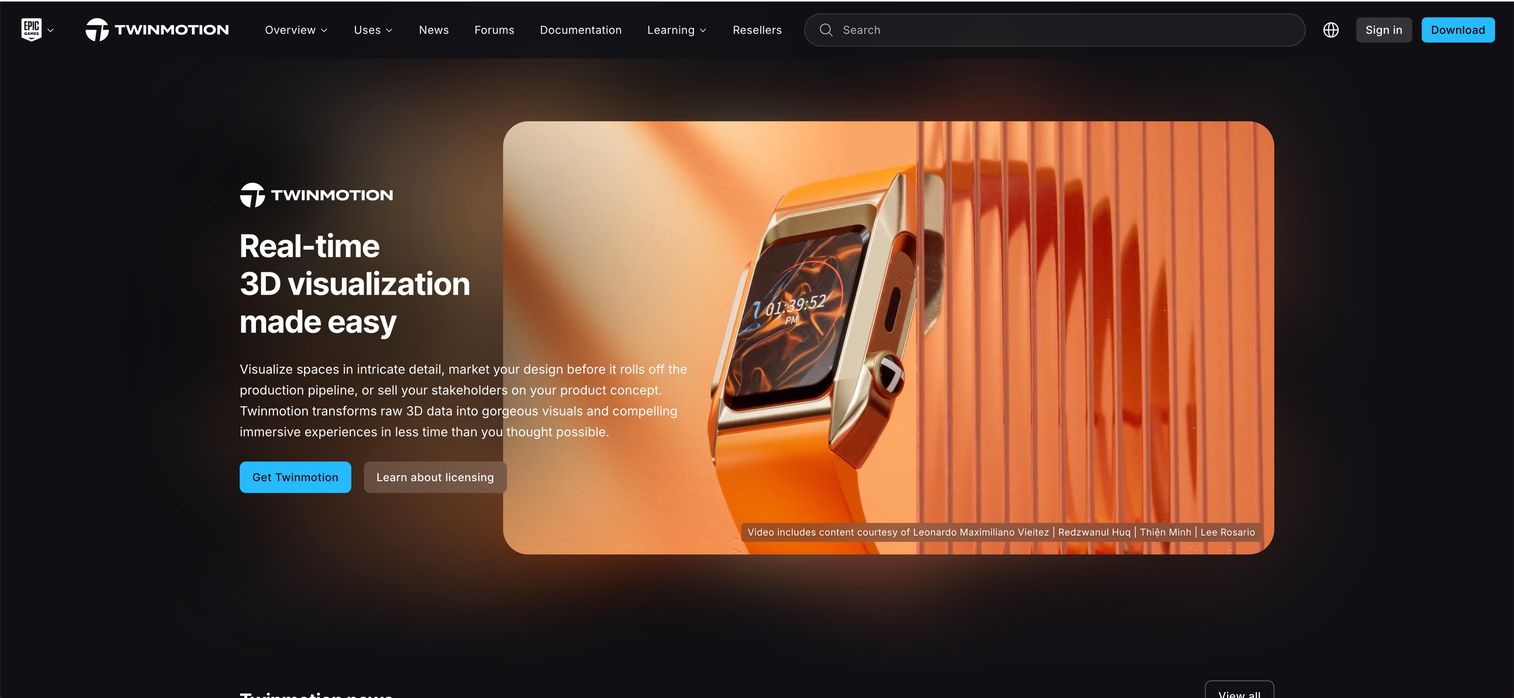
Twinmotion is real-time 3D visualization software that turns CAD and BIM data into photoreal visuals and immersive experiences. Built on Unreal Engine technology, it aims at accessible, quick scene setup for architects and visualization teams who need presentation output without a steep technical climb. When client communication is the goal and time is short, Twinmotion's fast workflow makes sense.
The 2026.1 release keeps its focus on speed and quality. Real-time rendering handles instant iteration, the Path Tracer adds high-fidelity final output for hero shots, and Twinmotion Cloud supports collaboration and sharing. That combination lets you present live and still deliver a polished final image from the same project.
Best for: Architects, designers, and visualization teams that need fast real-time presentation outputs from CAD and BIM data.
Key strengths
- Quick scene setup: Accessible workflow gets CAD and BIM data into a presentable scene fast.
- Real-time plus Path Tracer: Instant iteration in real time and high-fidelity final frames from one project.
- Twinmotion Cloud: Collaboration and sharing for distributed teams and client review.
Why choose Twinmotion: Twinmotion makes sense over a more technical renderer when accessibility and speed matter more than deep manual control. For teams that want real-time architectural visualization without managing a full game engine, it's a strong middle ground.
Twinmotion pricing: Twinmotion is free to use for individuals and small businesses that made less than $1 million USD in revenue in the past 12 months, plus students and educational institutions. For individuals and businesses over $1 million USD in gross annual revenue, or those needing Twinmotion Cloud, paid seats are $445 per seat per year.
7. Unreal Engine
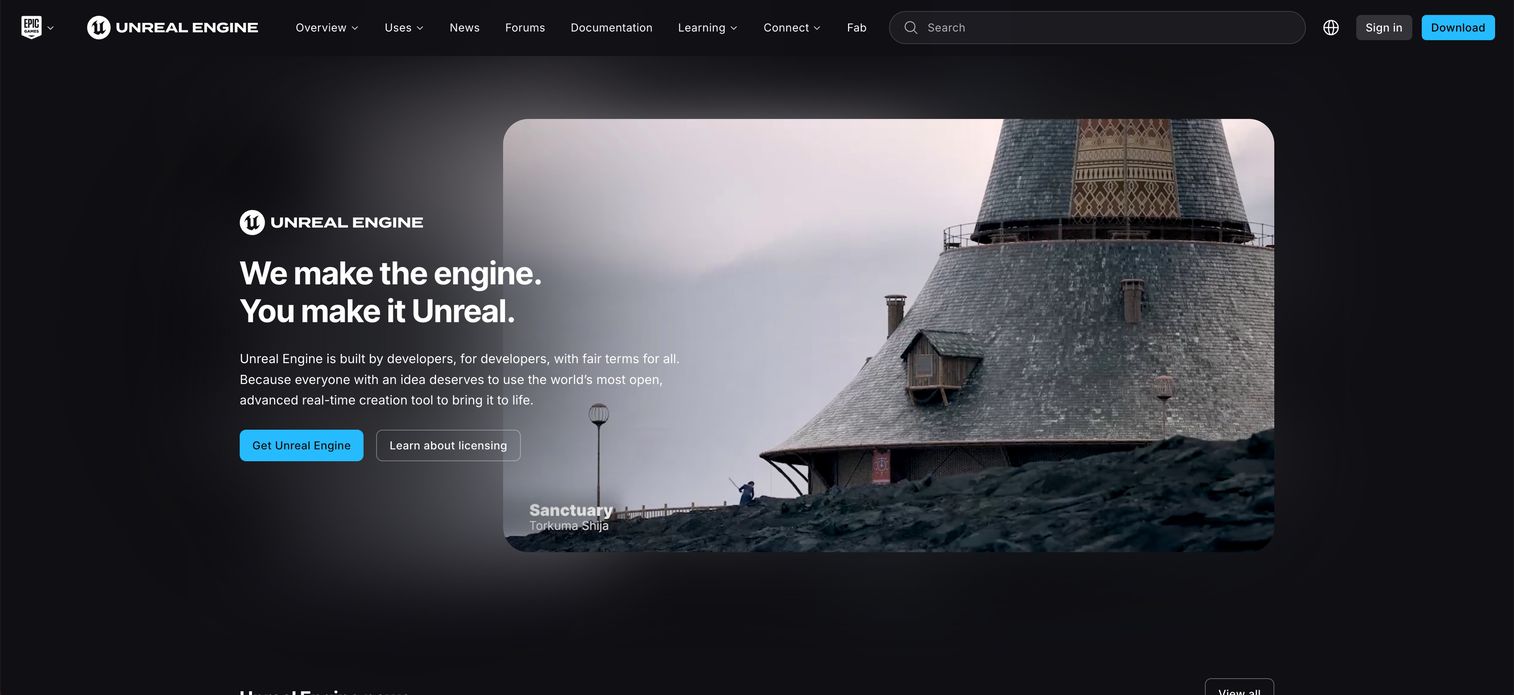
Unreal Engine is a real-time 3D creation platform for games, cinematic experiences, visualization, and simulation. It's the most powerful real-time option on this list, and also the broadest. It isn't only a renderer, it's a full engine that can drive interactive experiences, virtual production, and high-fidelity visualization from the same project. That makes it the right pick when interactivity and rendering both matter.
Unreal Engine 5.8 continues to push real-time fidelity with pipeline integration, world building, character and animation tools, advanced rendering, lighting, and materials, plus simulation and effects. For studios building interactive walkthroughs, virtual sets, or high-end real-time scenes, it's a production-grade platform rather than a single-purpose tool.
Best for: Studios and creators building high-fidelity real-time games, virtual production, or interactive visualization projects.
Key strengths
- Real-time fidelity: Advanced rendering, lighting, and materials produce high-end real-time visuals.
- Interactivity and simulation: Build interactive experiences, virtual production, and simulations, not just static renders.
- Full production pipeline: World building, characters, animation, and effects in one integrated platform.
Why choose Unreal Engine: Choose Unreal when your project needs interactivity alongside rendering, or when real-time fidelity is the whole point. It's strongest when a walkthrough, game, or virtual production is the deliverable rather than a single still. More than 20 professional Unreal Engine courses are now free, which lowers the on-ramp considerably.
Unreal Engine pricing: Unreal Engine is free for individuals and small businesses under $1 million in annual gross revenue, game developers under $1 million in gross product revenue, and educators and schools. Qualifying runtime products above $1 million are royalty-based at 5% of lifetime gross revenue per product. Seat licenses for certain commercial uses above $1 million are $1,850 per seat per year.
8. 3ds Max
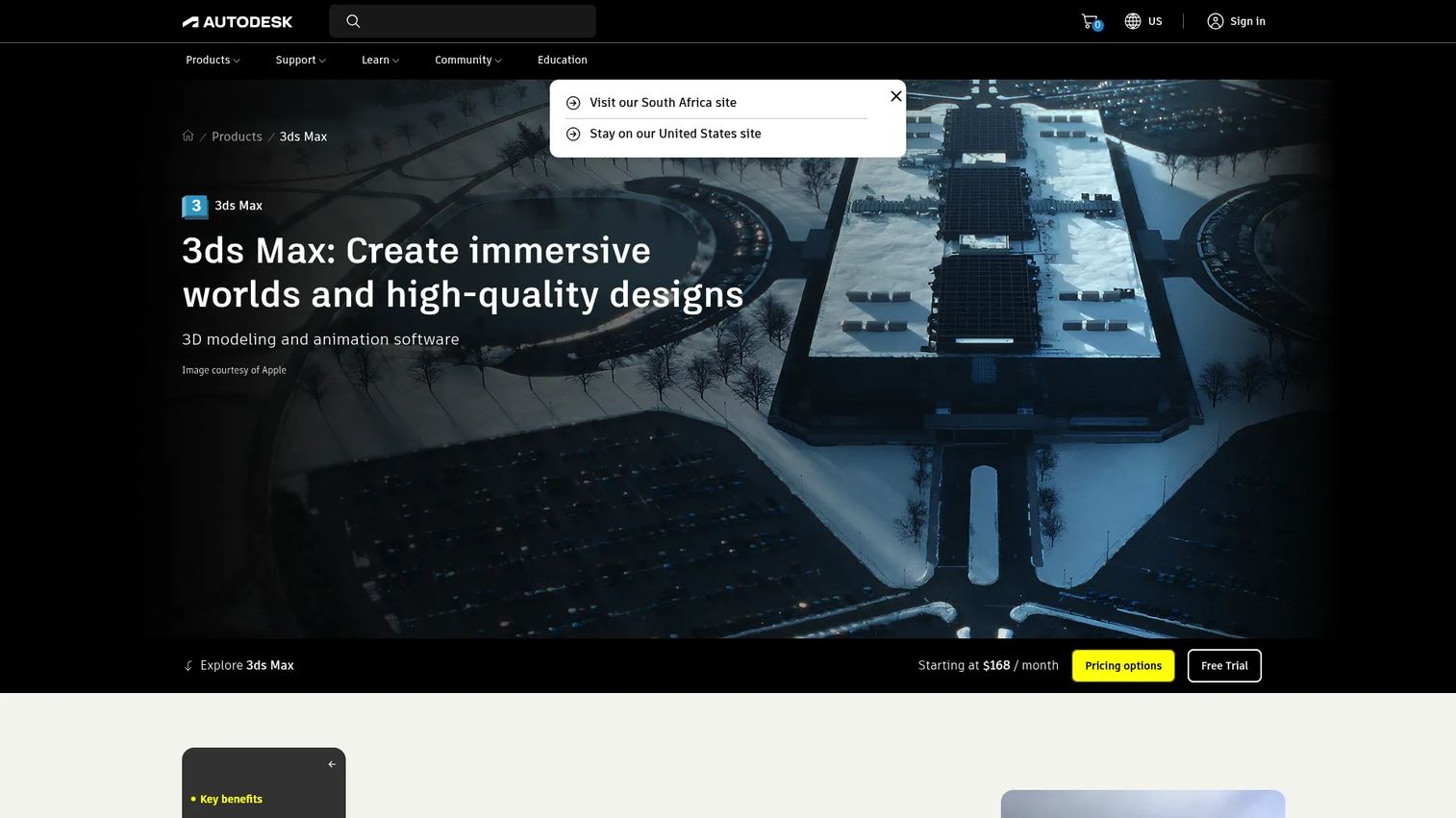
3ds Max is Autodesk's professional 3D modeling, animation, and rendering software, and a longtime workhorse in production pipelines. It's used by 3D modelers, animators, and lighting artists across film and TV, game development, product design, architecture, engineering, and construction. As a broad 3D modeling and rendering software environment, it gives you the full production toolset in one place.
Its modeling depth is the draw. Retopology tools, a modifier stack workflow, and the integrated Arnold renderer cover modeling, animation, and rendering from a single app. Many teams model in 3ds Max and pair it with a dedicated renderer like V-Ray for final output, which is a common and well-supported pairing in professional arch-viz and studio work.
Best for: 3D artists and studios that need a broad modeling, animation, and visualization environment for production work.
Key strengths
- Deep modeling toolset: Retopology tools and the modifier stack workflow handle complex production geometry.
- Integrated rendering: The built-in Arnold renderer covers final output, and third-party renderers plug in easily.
- Industry breadth: Used across film, games, product design, architecture, and construction pipelines.
Why choose 3ds Max: 3ds Max fits teams that need a full 3D production environment rather than a standalone renderer. If your work spans modeling, animation, and rendering, and you want the flexibility to pair with a dedicated render engine, it's a proven foundation.
3ds Max pricing: 3ds Max is $168 per month on an annual subscription paid annually, or $255 per month on a monthly plan. A one-year term runs $2,010 per year for one user, and a free trial is available. There is no free tier.
Considerations
Before you buy, run your shortlist through these five checks. They're the factors that separate a renderer that looks great in a marketing video from one that actually fits your work.
Rendering style
Decide first whether you need photorealism, stylized output, or real-time visualization. Style should drive your shortlist, not the other way around. A product team needs clean, photoreal stills. An architecture practice may prioritize fast, presentable real-time walkthroughs. A film or game project may need high-end interactive fidelity. Match the tool's core strength to the picture you actually have to deliver.
Hardware and performance
Verify CPU versus GPU needs, plus RAM and VRAM headroom. GPU rendering rewards a strong graphics card and ample VRAM. CPU rendering favors core count and system RAM for large, stable scenes. If your local hardware is a bottleneck, check whether the tool supports cloud rendering to offload heavy jobs. Hardware fit quietly decides whether a renderer feels fast or frustrating day to day.
Workflow and integrations
Confirm CAD and BIM support, the plugin ecosystem, file compatibility, and export formats. A beautiful renderer still fails if it can't read your files or hand off cleanly to the next tool. Check that it connects to your modeling app, imports your source formats, and exports the outputs your stakeholders expect, whether that's stills, animation, 360 panoramas, or VR.
Learning curve and time to value
Evaluate onboarding, presets, templates, and community support. Simpler tools often win for smaller teams because time spent learning is time not spent shipping. A large community, strong documentation, and ready-made presets shorten the path to your first usable render. Weigh the depth you'll actually use against the ramp-up you'll have to invest.
Budget and licensing
Check free versus paid, subscription model, seat costs, and enterprise packaging. Some tools are free outright or free under a revenue threshold. Others charge per seat per month or per year, sometimes with royalty terms. Map the full cost across the seats you need and the term you'll commit to, not just the sticker price on the entry tier.
Conclusion
The best 3D rendering software depends entirely on what you value: speed, realism, architecture fit, or general-purpose flexibility. Blender wins on breadth and price for anyone who wants a full free suite. KeyShot is the fastest path from CAD to a marketing-ready product render. V-Ray brings photoreal production quality into the modeling app you already use. Lumion, Enscape, and Twinmotion each excel at fast, client-facing architectural visualization, with Enscape leading on live in-tool feedback. Unreal Engine covers high-end real-time and interactive work. And 3ds Max remains a full production modeling and rendering environment that pairs cleanly with a dedicated renderer.
Don't try to decide from marketing pages alone. Shortlist the two or three 3D renderers that match your output style, hardware, and pipeline, then test each on a real project file before you commit a license. The right choice will feel obvious the moment you render your own work in it.
FAQs
3D modeling is building the geometry: the shapes, surfaces, and structure of an object or scene. 3D rendering is computing how that model looks under light, with materials, shadows, and cameras, to produce a finished image or animation. Some tools do both; others are dedicated renderers that attach to a modeling app.
Neither is universally better; they solve different jobs. Real-time rendering produces frames instantly, which is ideal for walkthroughs, VR, and live client presentations. Offline rendering takes longer per frame but chases maximum photorealism for hero shots, film, and print. Many modern tools offer both from the same scene.
For architecture and architectural visualization software, Lumion, Enscape, and Twinmotion are strong picks. Lumion excels at fast scene building, Enscape gives live feedback inside BIM and CAD tools, and Twinmotion offers accessible real-time output. V-Ray is the go-to when photoreal final quality is the priority.
KeyShot is among the most beginner-friendly rendering software for product work thanks to its drag-and-drop materials and instant preview. Twinmotion and Enscape are approachable for architecture. Blender is free and has an enormous learning community, though its all-in-one depth means a longer initial ramp.
Yes, most 3D rendering programs run on a capable laptop, especially real-time tools. Performance depends on the GPU, VRAM, RAM, and CPU. Real-time renderers and lighter product-viz tools handle laptops well, while heavy offline scenes benefit from a powerful desktop or cloud rendering to offload the load.
It depends on the renderer. GPU rendering prioritizes a strong graphics card and high VRAM. CPU rendering favors core count and system RAM for large, stable scenes. For most modern 3D renderers, a capable GPU, ample VRAM, and enough RAM to hold your scene are the factors that matter most.
Yes. Blender is free and open source and is used in professional studios for modeling, animation, and photoreal rendering with Cycles. Twinmotion and Unreal Engine are free under a revenue threshold and produce professional-grade real-time output. Free no longer means limited for serious work.
KeyShot is purpose-built for product visualization, with a fast CAD-to-render workflow and drag-and-drop materials for polished, marketing-ready images. V-Ray is a strong alternative when you need photoreal product renders inside an existing modeling app, and Blender handles product work well for teams on a free budget.