You have 40 items to catalog, a spreadsheet of donors, and a Saturday gala that lands in three weeks. Then the real work starts. Someone has to photograph each item, write descriptions, print bid sheets, chase outbid guests, tally winners by hand, and collect payment before people drift toward the parking lot. Every one of those steps is a place where money leaks out of your fundraiser.
That friction is exactly what silent auction software removes. Instead of paper bid sheets and end-of-night chaos, guests bid from their phones, get outbid alerts in real time, and pay online the moment the auction closes. The right platform turns a stressful night into a workflow that mostly runs itself.
The category is growing fast because nonprofits keep proving it works. The online silent auction platform market reached USD 1.70 billion in 2026 and is projected to hit USD 4.52 billion by 2032, a 17.59% compound annual growth rate, according to ResearchAndMarkets (2024). Adoption is highest in North America, where more than 60% of U.S. nonprofits already used online fundraising tools by 2022, per Verified Market Reports.
This guide compares nine tools worth shortlisting in 2026. We focus on the things that actually decide whether your event runs smoothly: mobile bidding, checkout and payment processing, automated reminders, pricing transparency, and how well each fits a small volunteer team versus a large gala committee.
What's inside
This guide is for the people who actually run the auction: nonprofit development staff, school and PTA volunteers, faith group organizers, and charity event committees. Whether you are running your first classroom auction or a black-tie gala, the goal is the same, less manual coordination and more dollars raised.
We chose these nine tools against four criteria that matter most to organizers:
- Bidding experience: browser-based and mobile bidding, real-time updates, and proxy bidding.
- Checkout and payments: how fast winners pay and how transparent the fees are.
- Automation: reminders, outbid alerts, and receipts that run without staff.
- Event fit and cost: free versus paid tiers, and whether the tool suits your event size.
The list includes genuinely free options and full-featured paid platforms, so there is a fit for most budgets.
TL;DR
- Best free option: 32auctions. A base auction is free forever, with no credit card required to start.
- Best all-in-one for nonprofits: Givebutter. Free unlimited auctions plus donor management and marketing in one place.
- Best for larger gala-style events: OneCause or GiveSmart. Built for high-touch, staff-run fundraising nights.
- Best for schools and PTAs: 32auctions or Auctria. Simple setup, low or no cost, quick to launch.
- Best for auction-focused event teams: Handbid and Silent Auction Pro. Deep bidding and checkout tooling for event-heavy calendars.
- Best pay-as-you-go flexibility: RallyUp. Free plan with donor tipping, or low platform fees only when you raise.
What is silent auction software?
Silent auction software is an online silent auction platform that lets an organization publish an item catalog, collect bids from guests on their phones or browsers, send automated reminders, and process payments, all without paper bid sheets or manual tallying.
At its core, the software replaces the folding table full of clipboards. Guests browse items on a branded page, place bids, and get notified the moment someone outbids them. Organizers watch results update live and close the auction with one click. Winners pay online, and receipts go out automatically.
Here are the essential features you should expect from any auction fundraising software in 2026:
- Bidder registration: guests sign up with a phone number or email, no app download required.
- Auction item catalog setup: upload photos, descriptions, starting bids, and bid increments.
- Mobile and browser-based bidding: guests bid from any device, in the room or at home.
- Real-time bidding updates: live leaderboards and instant outbid alerts.
- Proxy bidding: guests set a maximum, and the system bids on their behalf up to that cap.
- Automated reminders and notifications: outbid alerts, closing warnings, and payment nudges.
- Checkout and payment processing: integrated card payments, automatic receipts, and fast closeout.
- Reporting and bidder engagement: exportable results, donor data, and post-event analytics.
The best platforms bundle these into one workflow so a small team can run a large event. The differences between tools come down to price, event scale, and how much fundraising the platform does beyond the auction itself.
When to use silent auction software
Not every fundraiser needs the same tooling. Here is how to pattern-match your situation to the right kind of platform.
Run a fundraiser with limited staff
When your team is two people and a dozen volunteers, manual coordination is the enemy. Auction software for nonprofits automates the repetitive work, catalog publishing, bid tracking, outbid alerts, and receipts, so nobody spends the event glued to a spreadsheet. This matters most for volunteer-run PTAs, small charities, and faith groups where staff time is the scarcest resource. The software keeps the event moving even when your team is stretched thin.
Support mobile bidding at in-person or hybrid events
At a live gala, guests want to bid from their seats without leaving the conversation. Mobile bidding lets them raise their bid from a phone, see real-time bidding updates, and get a buzz the second they are outbid. That competitive nudge drives bid prices up. For virtual and hybrid fundraising events, browser-based bidding means remote supporters compete on the same items as guests in the room, widening your donor pool without extra logistics.
Simplify checkout after winners are announced
The end of the night is where auctions traditionally fall apart, long lines, lost bid sheets, and guests who leave before paying. Digital checkout and payment processing solves this. Winners get an itemized total on their phone, pay by card, and receive an automatic receipt. Faster closeout means less staff stress, a better donor experience, and fewer uncollected pledges the next morning.
Comparison table
This table helps you shortlist quickly. Compare each platform by its primary intent, best-fit use case, entry pricing, and independent rating so you can narrow to two or three before reading the full breakdowns. Pricing reflects each vendor's published rates as of mid-2026.
| # | Product | Intent | Key use case | Pricing | G2 rating |
|---|---|---|---|---|---|
| 1 | 32auctions | Free-first silent auctions | Schools, PTAs, and small nonprofits | Free base auction; packages around $170/event | 5.0/5 |
| 2 | Givebutter | All-in-one fundraising | Nonprofits wanting auctions plus CRM | Free forever; Plus from $29/month | Not listed |
| 3 | Bloomerang Fundraising | Fundraising platform with auctions | Nonprofits wanting a full giving stack | From $40/month, billed annually | Not listed |
| 4 | RallyUp | Flexible campaign fundraising | Auctions, raffles, and hybrid events | Free plan; Flex from 2.9% platform fee | 4.8/5 |
| 5 | OneCause | Gala and event fundraising | Larger, staff-run nonprofit events | Pay-as-you-go from $200; Pro at $2,995/yr | 4.7/5 |
| 6 | Handbid | Mobile-first auction management | Event-heavy fundraising teams | Custom by event and plan | Not listed |
| 7 | Auctria | Budget-friendly auction events | Small teams and cost-conscious groups | Free; Emerald $375/yr; Diamond $750/yr | 4.8/5 |
| 8 | GiveSmart | Full event fundraising suite | Larger organizations and formal galas | Basic from $3,000/year | 4.5/5 |
| 9 | Silent Auction Pro | Focused auction management | Charities running recurring auctions | From $449/yr + 2.0% of proceeds | 4.9/5 |
Best silent auction software for 2026
1. 32auctions
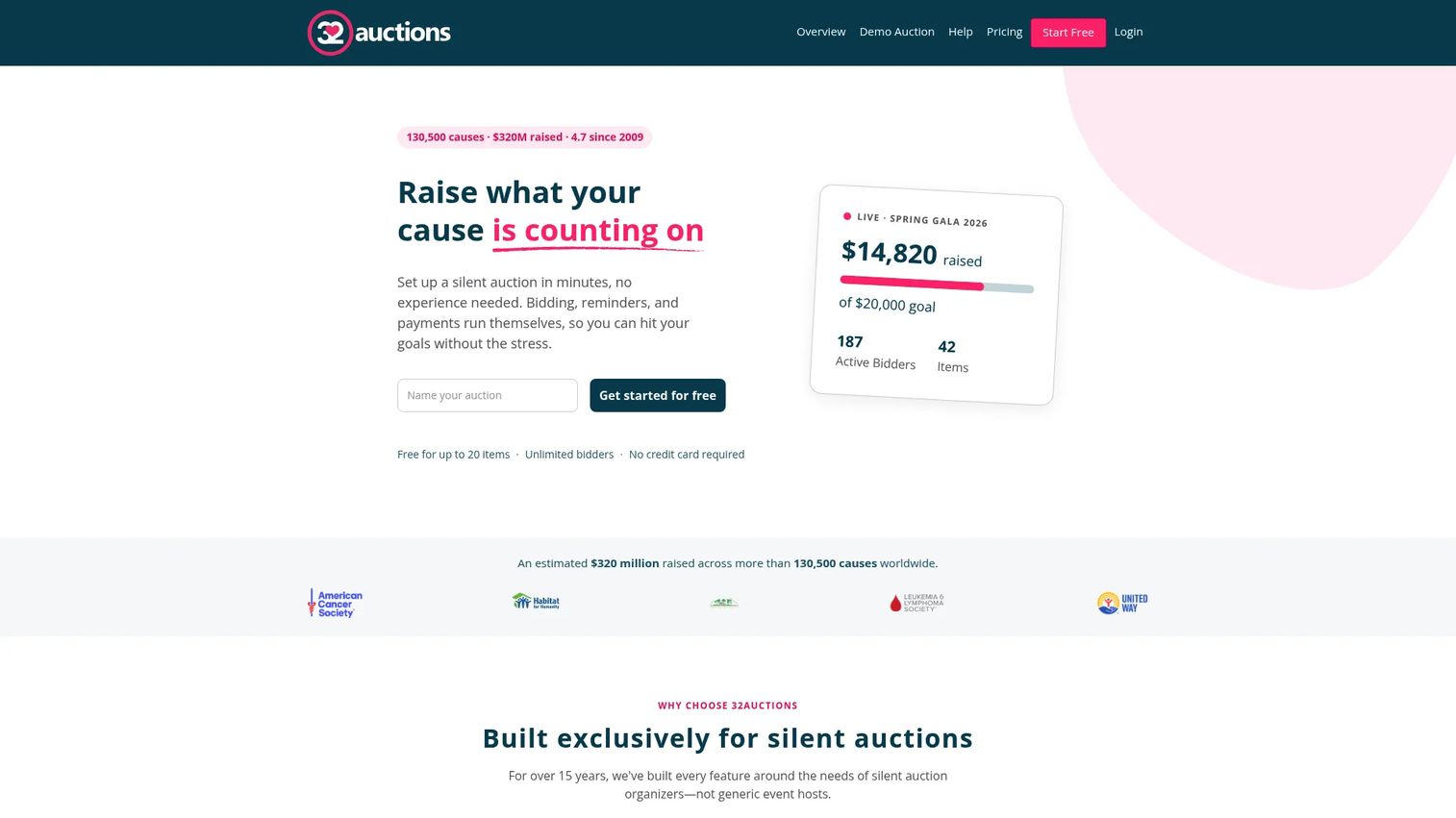
32auctions is one of the most popular free entry points into online auctions, and for good reason. You can launch a silent auction without paying anything up front, with no credit card required to start. It is built for organizers who want to publish a catalog, open bidding, and start raising money the same afternoon.
The platform handles mobile bidding with no app to download, so guests bid from a browser on any phone. Automated outbid alerts keep bidders engaged, and automatic checkout collects payment when the auction closes. That combination makes it a favorite for schools, PTAs, and small nonprofits running their first online event.
Best for: Schools, PTAs, and small nonprofits that want to run a silent auction for free or close to it.
Key strengths
- Free base auction: Start and run a silent auction at no cost, no credit card required.
- No-app mobile bidding: Guests bid from any browser, with outbid alerts built in.
- Automatic checkout: Winners pay online at close, with receipts handled for you.
Why choose 32auctions: The free tier is genuinely usable, not a crippled trial, which makes it the safest first step for a volunteer team testing online bidding. Paid packages add capacity and features when you outgrow the free plan.
32auctions pricing: A base auction is free forever. A popular paid package runs around $170 per event, and an Online Payment Collection upgrade adds a processing fee of 2.9% plus $0.40 per transaction. That à la carte structure lets you pay only for what your event actually needs.
2. Givebutter
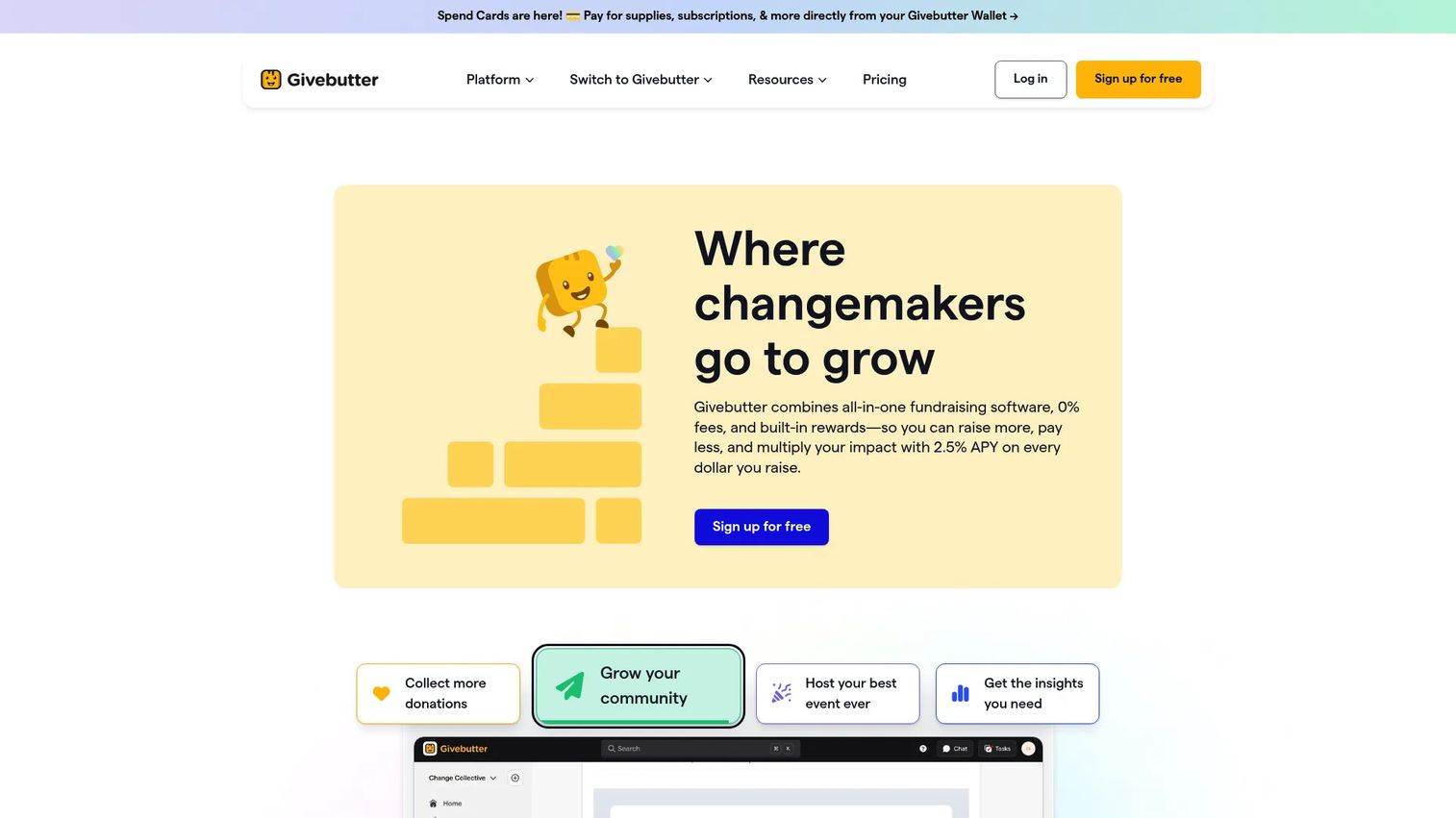
Givebutter is an all-in-one nonprofit fundraising platform where auctions are one feature among many. Alongside free unlimited auctions, you get donation forms, event pages, and a built-in donor CRM. For teams tired of stitching together three tools, that consolidation is the whole pitch.
The auction workflow covers real-time bidding updates, mobile bidding, and integrated checkout. Because donor data flows straight into the CRM, follow-up after the event is far less manual. Marketing and engagement tools let you promote the auction over email and social without leaving the platform.
Best for: Nonprofits that want auctions plus donor management and marketing in a single free-to-start platform.
Key strengths
- Free unlimited auctions: Run auctions with no platform subscription required to start.
- Built-in donor CRM: Bidder and payment data feed directly into donor records.
- Integrated engagement tools: Promote the auction by email and social from one place.
Why choose Givebutter: If your auction is one piece of a broader fundraising program, Givebutter reduces admin by keeping giving, events, and donor data together. The free tier is funded largely by optional donor tips rather than platform fees.
Givebutter pricing: Free forever, with the platform supported by optional donor tips at checkout. Givebutter Plus starts at $29 per month and adds advanced features for teams that want more control over branding and reporting. Standard payment processing fees apply to transactions.
3. Bloomerang Fundraising
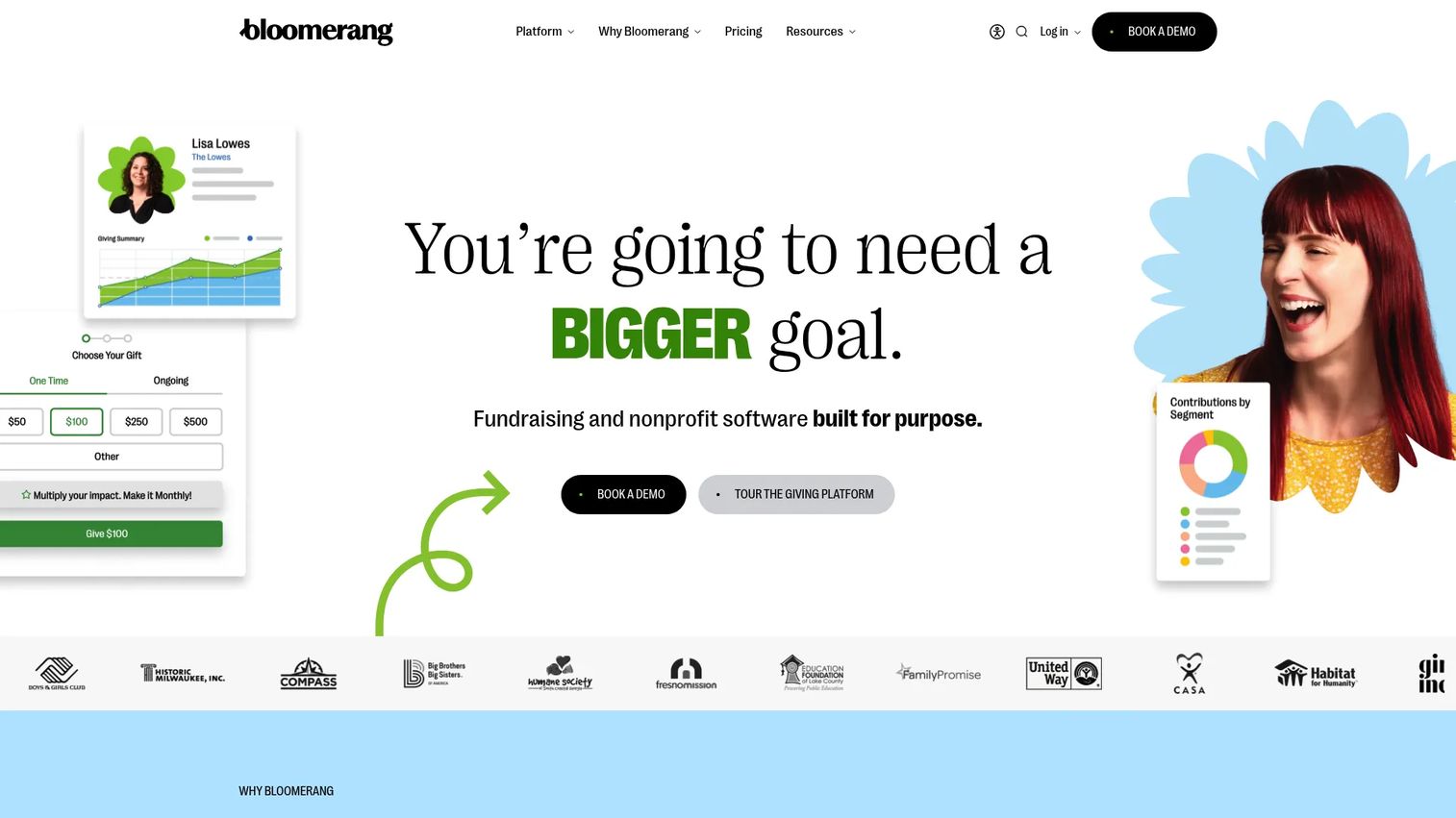
Bloomerang Fundraising approaches auctions from the angle of a broader nonprofit fundraising platform. Auctions sit alongside donation forms, event management, text fundraising, and peer-to-peer campaigns, so an auction becomes one campaign type inside a larger giving stack rather than a standalone tool.
That framing suits organizations that already think in terms of year-round donor relationships. Mobile apps for fundraisers and donors keep participation simple, and event management tools handle ticketing and check-in alongside the bidding itself. For nonprofits consolidating their fundraising software for nonprofits into one vendor, the breadth is the draw.
Best for: Nonprofits that want auctions inside a full donation, event, and text-to-give platform.
Key strengths
- Full fundraising stack: Donation forms, events, text fundraising, and auctions together.
- Fundraiser and donor apps: Mobile apps keep both organizers and supporters engaged.
- Peer-to-peer support: Extend the auction with supporter-driven fundraising pages.
Why choose Bloomerang Fundraising: Choose it when the auction is part of an ongoing giving program and you want donor data, events, and campaigns living in one system rather than scattered across point tools.
Bloomerang Fundraising pricing: Fundraising starts at $40 per month, billed annually. That entry price includes donation forms, event management, mobile apps for fundraisers and donors, and text fundraising. Auctions and peer-to-peer fundraising are available as part of the broader feature set.
4. RallyUp
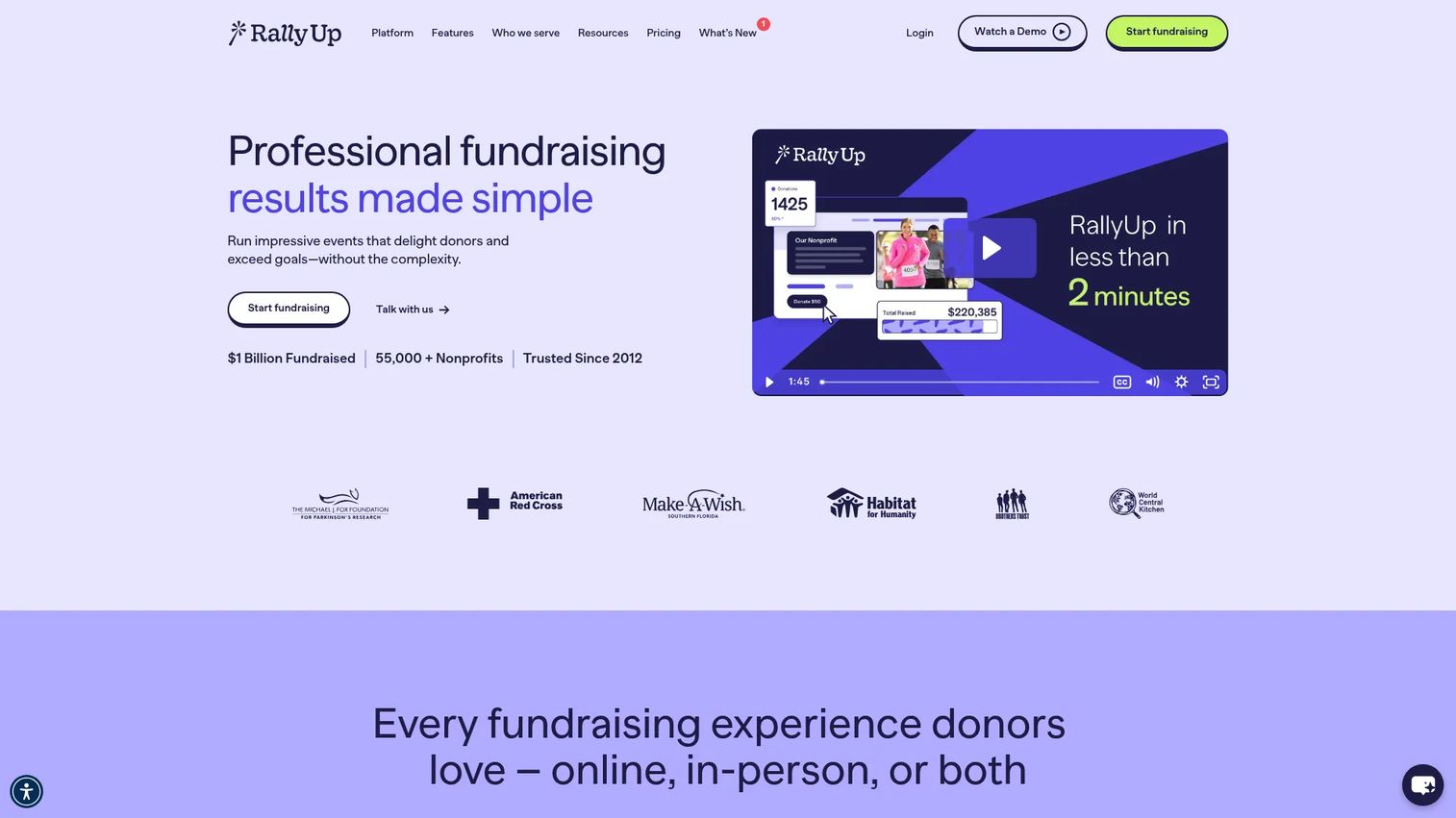
RallyUp is a flexible online fundraising platform that treats auctions as one of many campaign types, sitting next to raffles, crowdfunding, and paddle raises. That range appeals to organizers who run varied events and want one tool that flexes across them all.
For auctions specifically, RallyUp covers mobile and web bidding, automation, proxy bidding, and total custom branding so your auction page matches your organization. CRM and email integrations tie the platform into your existing donor tools, and the pricing model lets small groups start with zero platform fees.
Best for: Nonprofits that run a mix of auctions, raffles, and hybrid events and want branding control.
Key strengths
- Custom branding: Match the auction page fully to your organization's look.
- Proxy and web bidding: Guests set max bids and compete from any browser or device.
- CRM and email integrations: Connect the campaign to your existing donor stack.
Why choose RallyUp: Pick RallyUp when your calendar includes more than auctions and you want a single platform that adapts to raffles, campaigns, and events without a new tool each time.
RallyUp pricing: The Free plan carries no platform fee and relies on optional donor tipping. The Flex plan is pay-as-you-go, with platform fees starting at 2.9% and applied only when you raise money. Enterprise pricing is custom for larger campaigns and in-person events.
5. OneCause
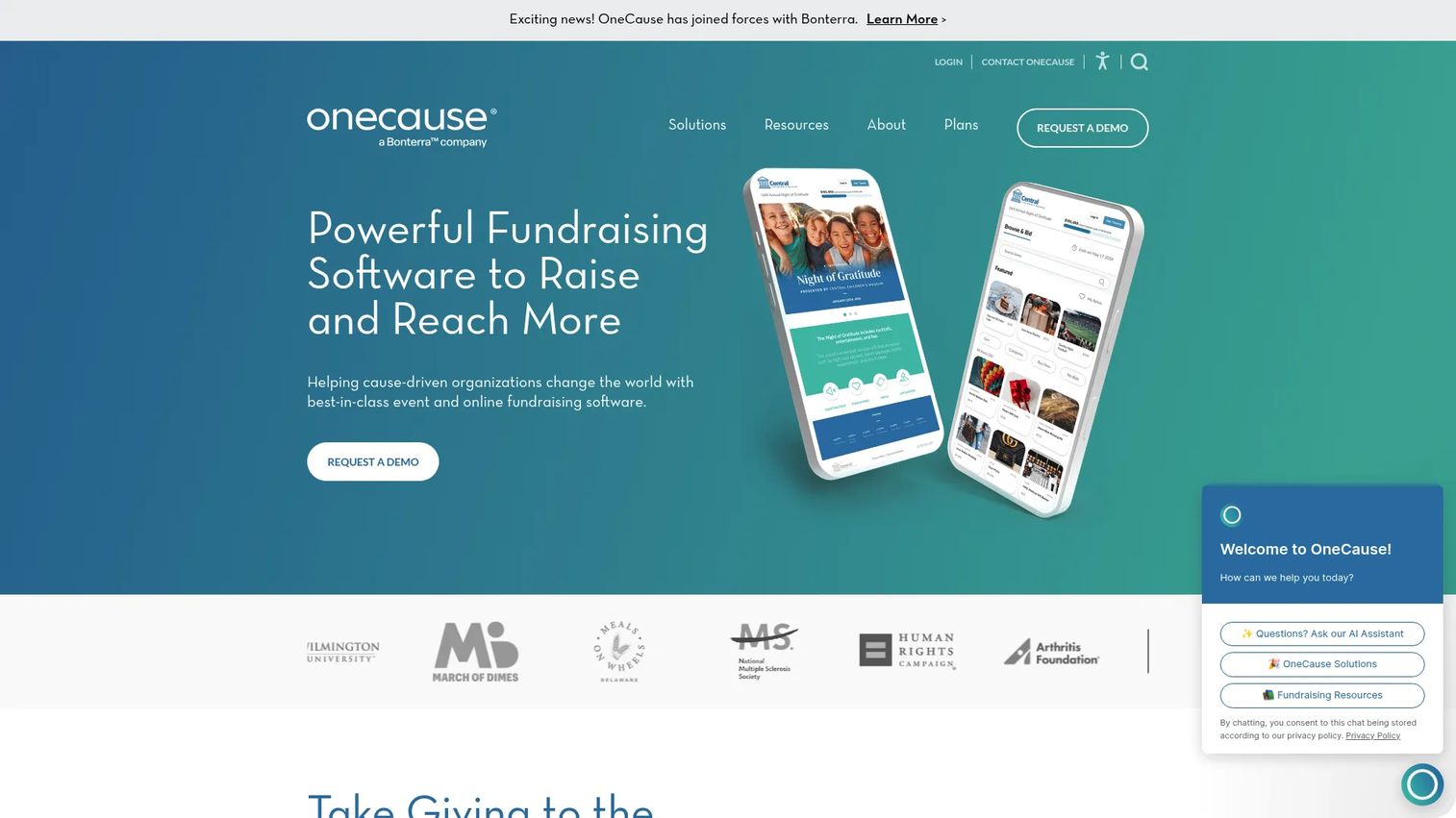
OneCause is fundraising software built for the higher-touch end of the market, the gala, the annual benefit, the staff-run event with hundreds of guests. It covers auction and event fundraising, online giving, Text2Give, and peer-to-peer campaigns in one platform designed around live events.
For larger nonprofits, the appeal is operational depth. The bidder experience is polished for in-person crowds, and event management tools handle the logistics that come with a big room, check-in, seating, and closeout. It is a fit when the auction is a marquee moment on your fundraising calendar rather than a quick online campaign.
Best for: Nonprofits running larger, staff-supported gala-style events and benefit auctions.
Key strengths
- Event-grade auction tools: Built for high-attendance, in-person fundraising nights.
- Text2Give and online giving: Capture donations beyond the auction itself.
- Peer-to-peer campaigns: Extend reach before and after the main event.
Why choose OneCause: Choose OneCause when your event is large enough that operational reliability and a professional bidder experience matter more than a rock-bottom price.
OneCause pricing: OneCause lists multiple packages. A publicly visible Pay-As-You-Go option starts at $200 with a 5% pay-later fee, and a Professional Auction & Event plan runs $2,995 as an annual subscription. Larger organizations should request a full quote based on event scale.
6. Handbid
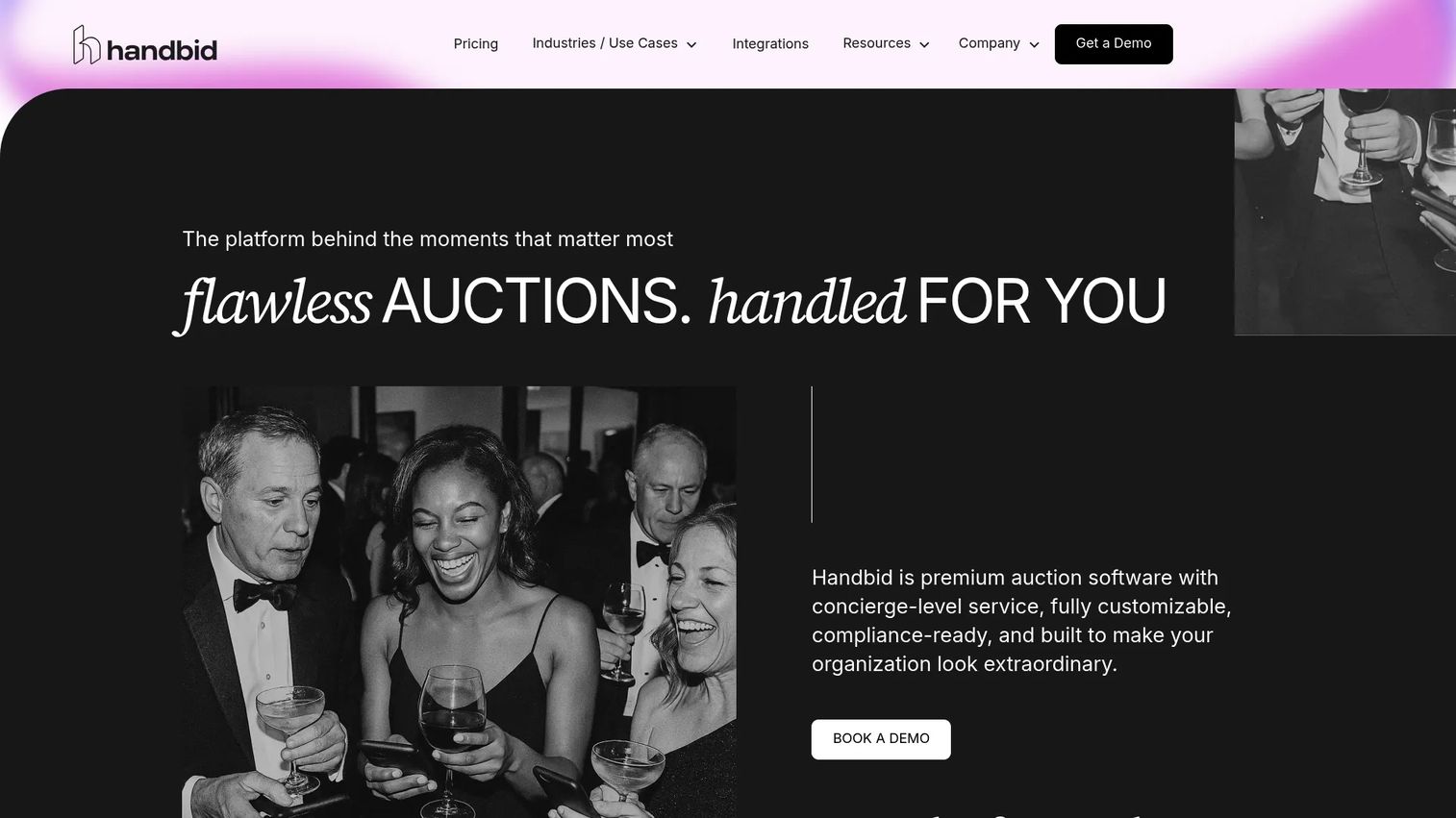
Handbid built its reputation on mobile-first auction management. The platform centers on the bidder's phone, with real-time bidding updates, push notifications, and a fluid mobile bidding experience designed to keep guests active throughout the event.
For event-heavy fundraising teams that run auctions regularly, Handbid's focus on the live-event workflow is the draw. Bidder notifications drive competitive bidding, auction management tools keep organizers in control, and integrated checkout handles payment when the auction closes. It suits teams who treat auctions as a recurring core of their fundraising.
Best for: Event-heavy fundraising teams that want a polished, mobile-first bidding experience.
Key strengths
- Mobile-first bidding: A phone-centric experience that keeps guests engaged.
- Push notifications: Outbid and closing alerts drive competitive bidding.
- Integrated checkout: Winners pay and receive receipts without staff lines.
Why choose Handbid: Choose Handbid when the bidding experience on guests' phones is your priority and you run enough events to justify a platform tuned for live auction nights.
Handbid pricing: Handbid structures pricing around event size and plan, so the right number depends on your attendance and feature needs. Request a quote based on your specific event to compare it against the flat-rate options on this list.
7. Auctria
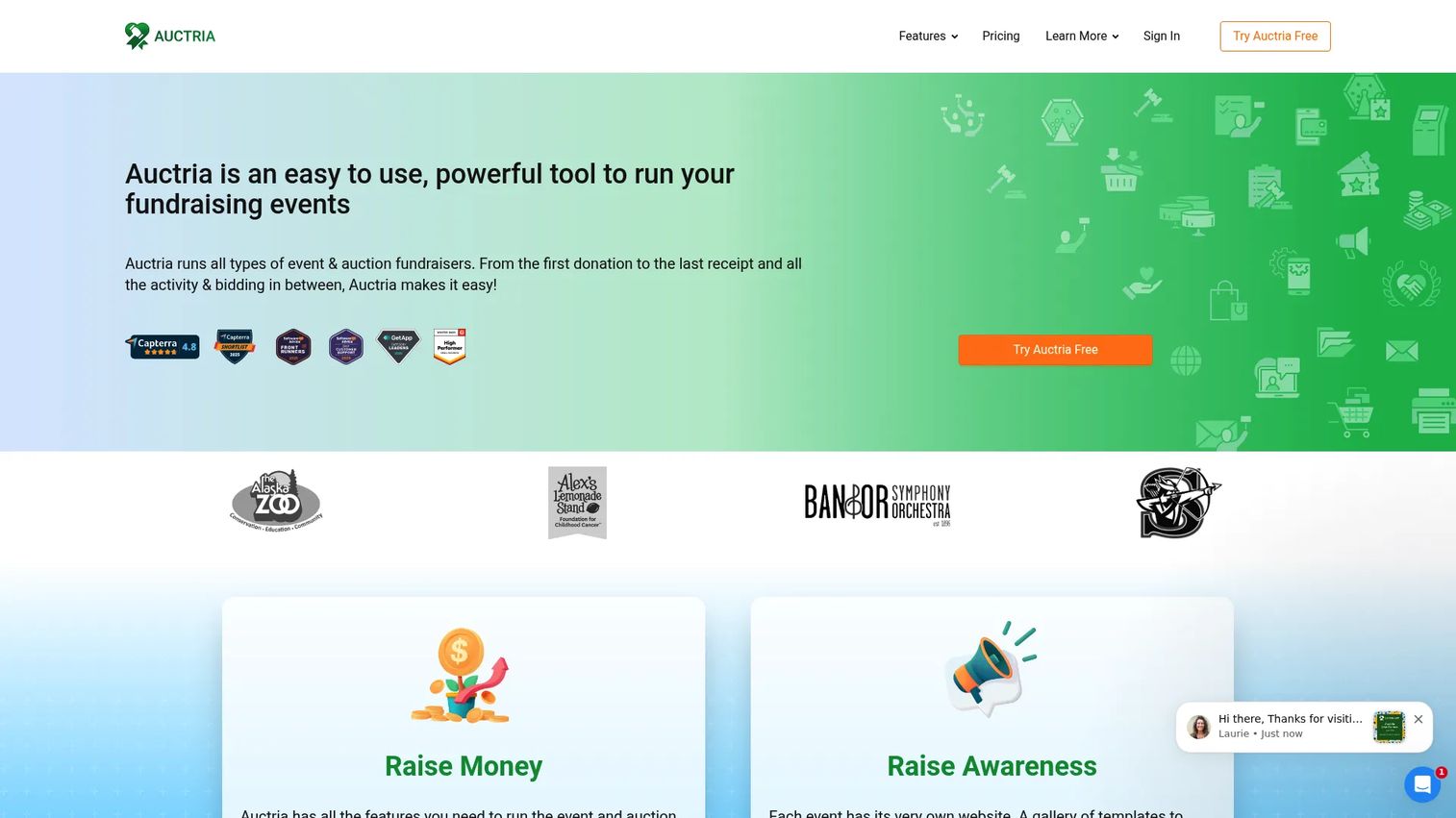
Auctria is auction and fundraising event management software that spans live, silent, online, virtual, and hybrid events. Its calling card is flexibility at a low price, which makes it a strong option for smaller teams and budget-conscious groups who still want full auction capability.
The platform covers online and mobile bidding, ticketing, sponsorships, donations, and customizable event websites so your auction page looks like your organization. Because the free tier is a real starting point rather than a locked demo, groups can build and test an event before committing any budget.
Best for: Small teams and cost-conscious nonprofits that want full auction features without a big spend.
Key strengths
- Online and mobile bidding: Support silent, live, and hybrid formats from one tool.
- Custom event websites: Brand the auction page to match your organization.
- Ticketing and sponsorships: Handle donations and sponsors alongside the auction.
Why choose Auctria: Choose Auctria when you want the flexibility to run several event types on a modest budget and prefer transparent annual pricing over per-transaction fees.
Auctria pricing: Auctria offers three annual license tiers. Explorer is free, Emerald is $375 per year, and Diamond is $750 per year. The free Explorer plan lets you build and run an event before deciding whether the paid tiers are worth it for your organization.
8. GiveSmart
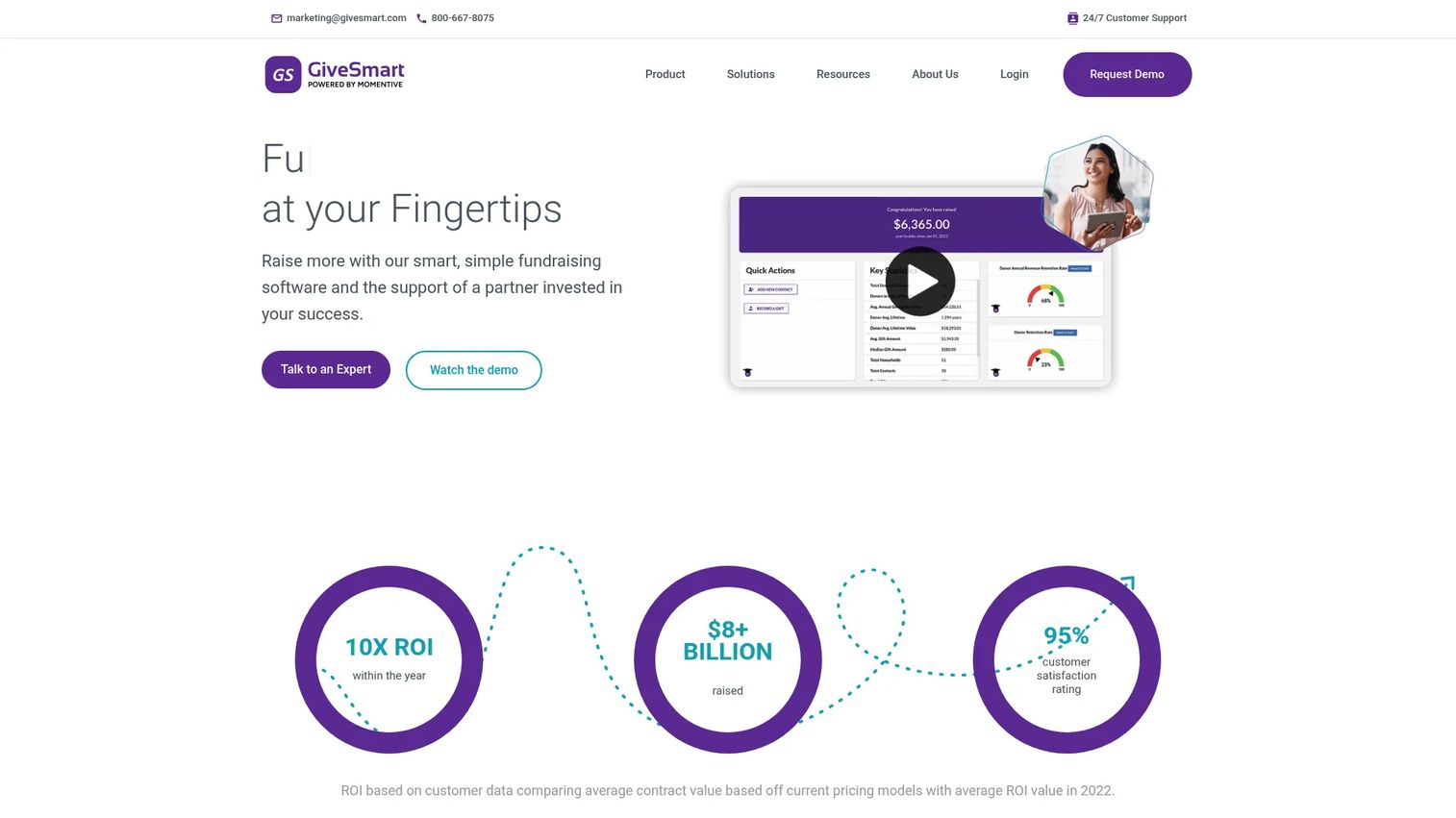
GiveSmart is a full fundraising, events, and donor management suite aimed at nonprofits and schools running more formal events. It combines mobile bidding and silent auctions with online fundraising, text-to-donate, and a donor CRM, positioning itself for organizations that want enterprise-style breadth.
The fit here is larger organizations and structured galas where event operations matter. Mobile bidding keeps guests engaged, the payment workflow moves winners through checkout quickly, and reporting gives development teams the donor data they need after the event. It is a platform for teams that treat fundraising as a year-round operation.
Best for: Larger organizations and schools running formal events that want a full fundraising suite.
Key strengths
- Mobile bidding and auctions: A polished silent auction experience for big events.
- Text-to-donate and online giving: Capture gifts beyond the auction floor.
- Donor CRM and reporting: Turn event data into ongoing donor relationships.
Why choose GiveSmart: Choose GiveSmart when your organization needs a comprehensive platform for formal events and values donor management and reporting depth alongside the auction itself.
GiveSmart pricing: GiveSmart presents fixed, transparent plans including Champion, Expert, and Donor CRM options. Third-party listings show a Basic plan at $3,000 per year. Because the tiers are quote-based for larger deployments, request a full breakdown to match pricing to your event scale.
9. Silent Auction Pro
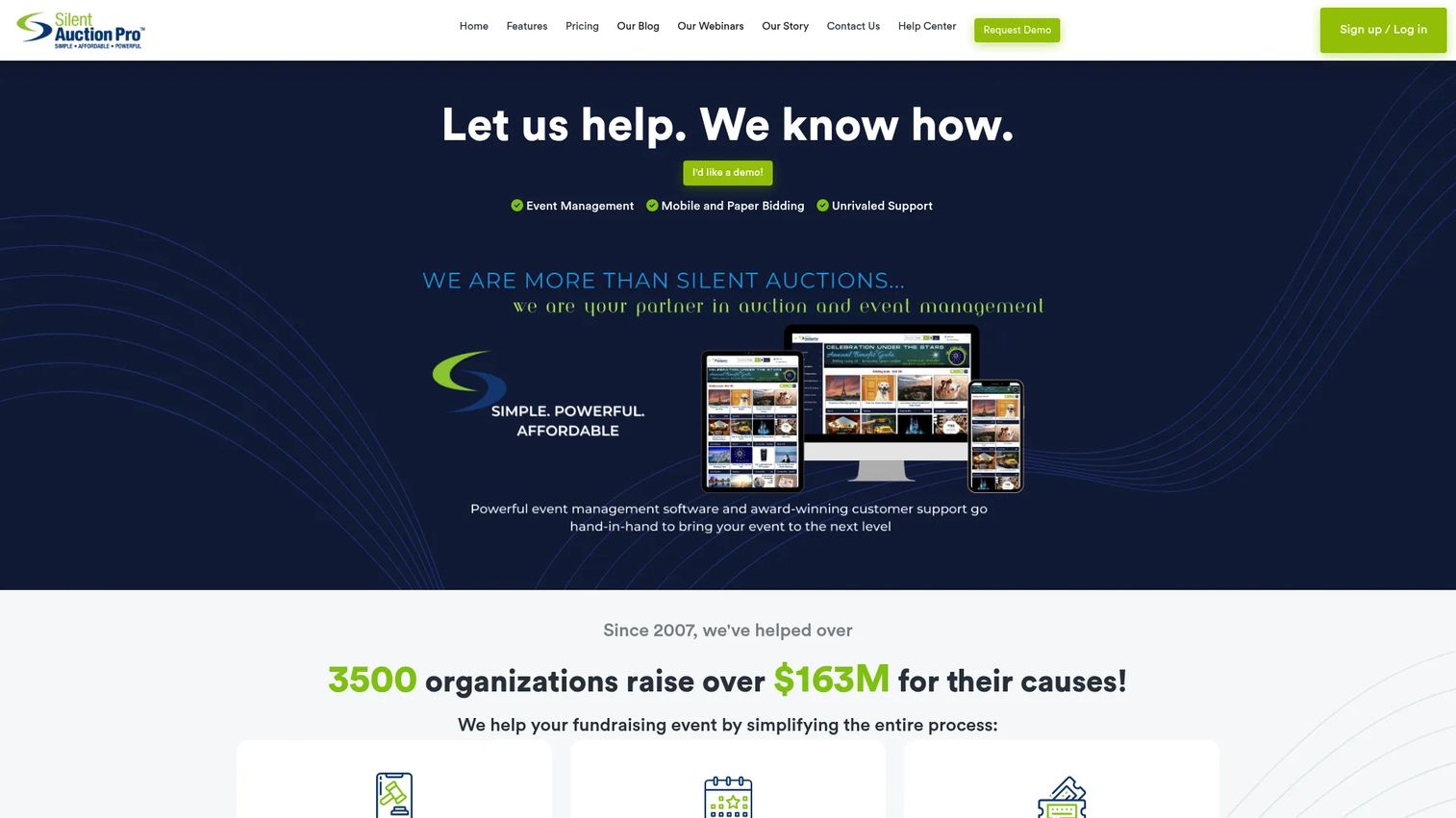
Silent Auction Pro is focused auction and event management software for silent, live, hybrid, and in-person events. As the name suggests, auctions are the core of the product rather than an add-on, which appeals to charities that run auctions as a recurring centerpiece of their fundraising.
The platform handles online and mobile bidding, live and in-person event support, and event management including ticketing and seating. Bidder-friendly features and automated reminders keep guests engaged, while integrated payment handling speeds up checkout. Its strong independent ratings reflect a tool that organizers return to event after event.
Best for: Charities and nonprofits that run recurring silent auctions and want a dedicated tool.
Key strengths
- Purpose-built auctions: Silent, live, hybrid, and in-person formats in one platform.
- Seating and ticketing: Manage the full event, not just the bidding.
- Automated reminders: Outbid and payment nudges keep guests engaged and paying.
Why choose Silent Auction Pro: Choose it when auctions are your organization's signature fundraiser and you want a specialized platform with strong support rather than a general-purpose giving suite.
Silent Auction Pro pricing: Four annual plans are available, each plus 2.0% of event proceeds: Bidsheet Plus at $449, Bidsheet Pro at $649, Mobile Plus at $749, and Mobile Pro at $899. The tier you choose depends on whether you need bid sheets, full mobile bidding, or both.
How to choose the right platform
Before you commit, run your shortlist against these criteria. Two tools that look similar on a feature list can differ sharply on the details that decide your event.
Fee transparency and total cost
Sticker price is only part of the story. Compare platform fees, payment processing fees, and whether the tool relies on donor tips to fund a free tier. A free plan with high transaction fees can cost more than a flat annual license once your event raises real money. Map the pricing model to your expected total, not just the entry number.
Mobile and browser-based bidding
Confirm that guests can bid without downloading an app. Browser-based bidding removes friction for older donors and remote supporters. Check that real-time updates and outbid alerts work reliably on phones, since that competitive nudge is what drives bid prices up during the event.
Checkout and payment processing
Look at how winners pay. The best platforms send an itemized total to each winner's phone and process card payments instantly, with automatic receipts. Fast, self-serve checkout is what prevents the end-of-night bottleneck and lost pledges.
Automation and reminders
Automated reminders reduce outbid drop-off and chase unpaid balances without staff effort. Verify the platform sends outbid alerts, closing warnings, and payment nudges automatically, so your small team is not manually texting guests during the event.
Support and event fit
For a once-a-year gala, responsive support during your event window matters more than any single feature. Match the platform to your event type, a lightweight tool for a classroom auction, a robust event platform for a large benefit, and confirm the level of help you get when something goes sideways on the night.
Conclusion
The best silent auction software is the one that matches your event, not the one with the longest feature list. For a school or PTA testing online bidding, 32auctions or Auctria let you launch for free and grow into paid features later. For nonprofits that want auctions inside a broader program, Givebutter and Bloomerang Fundraising keep giving, events, and donor data together.
If you run large, staff-supported galas, OneCause and GiveSmart bring the operational depth those nights demand. And for teams whose auctions are a recurring centerpiece, Handbid and Silent Auction Pro offer bidding and checkout tuned for event after event. RallyUp sits in the middle, flexible enough to cover auctions, raffles, and hybrid events on a pay-as-you-go model.
Your next step is simple. Shortlist two or three tools that fit your event size and budget, then compare them on the details that decide the night: total cost including fees, the mobile bidding experience, checkout speed, and the quality of support you will get when it counts. Test the free tiers where they exist, and you will know within an evening which platform your team can actually run.
FAQs
Silent auction software is an online platform that lets an organization publish an item catalog, collect bids from guests by phone or browser, send automated reminders, and process payments. It replaces paper bid sheets and manual tallying with a workflow that runs from item setup through bidding, outbid alerts, and checkout automatically.
Pricing varies widely by model. Some platforms are free to start and funded by optional donor tips, some charge a platform fee of roughly 2.9% only when you raise money, and others charge a flat annual license from around $40 to several thousand dollars. Beyond the sticker price, compare payment processing fees and whether a free tier passes costs to your donors.
Yes. 32auctions offers a base auction that is free forever with no credit card required, Auctria's Explorer tier is free, and Givebutter and RallyUp both offer free plans funded largely by optional donor tipping. Free tiers may cap item counts or charge standard payment processing fees, so confirm the limits before your event.
Prioritize mobile and browser-based bidding, integrated checkout and payment processing, and automated reminders for outbid alerts and payments. Branded auction pages, proxy bidding, and clear reporting round out the essentials. Then weigh setup simplicity and support quality, which matter most when your team is small or volunteer-run.
Yes. Browser-based bidding lets remote supporters bid on the same items as in-person guests, and real-time bidding updates keep everyone competing on equal footing. Platforms like RallyUp, Auctria, and Silent Auction Pro are built to run silent, live, and hybrid formats, so you can raise money from the room and from home at the same time.
School groups and PTAs usually want low cost, fast setup, and no app requirement for parents. 32auctions and Auctria both offer free or low-cost tiers with mobile bidding and simple catalog setup, making them easy for volunteer committees to launch quickly without a big budget or technical help.
Automated reminders keep bidders engaged and reduce lost revenue. Outbid alerts pull guests back to raise their bids, closing warnings create urgency in the final minutes, and payment nudges recover balances that would otherwise go uncollected. Together they lift final bid totals and speed up checkout without any manual effort from your team.