The expense report is almost never the actual problem. The problem is the reimbursement that lands three weeks late. It's the receipt someone photographed sideways. It's the policy violation nobody caught until month-end close. And it's the finance person spending a full day chasing submissions that should have taken minutes.
For a founder past early traction, that friction compounds. You're not evaluating expense software because you love finance workflows. You're doing it because manual expense processing quietly eats hours, muddies your cash picture, and forces exceptions to route back through you or your head of finance. The global expense management software market is projected to grow from roughly USD 8 to 9 billion in 2026 toward USD 17 to 23 billion by the mid-2030s, at an 8 to 12% CAGR, according to Straits Research (2025). That growth is not vanity. It reflects how much manual finance drag companies are trying to remove.
The right expense reporting software does three things: it gets employees paid back faster, it keeps policy checks intact without a human reviewing every line, and it feeds clean data into your accounting stack so close gets easier, not harder. That's the lens this guide uses. Not "which tool has the most features," but which reduces manual follow-up, speeds reimbursement, and keeps your reporting defensible when the board asks.
If you're mapping adjacent operational stacks, our guides to audit management software and contract lifecycle management cover the same evaluation discipline applied to different workflows.
What's inside
This guide covers expense report software that handles receipt capture, approval workflows, reimbursements, policy checks, and accounting sync. Some tools are lightweight employee reimbursement apps. Others are full spend management platforms where expense reporting is one module inside a larger finance system.
We selected the eight tools below on four criteria: automation depth (how much manual review disappears), integration breadth (whether it plugs into your accounting or ERP stack), ease of adoption (whether employees actually use it correctly), and pricing transparency. The list spans simple SMB reimbursement, finance-led control, travel-heavy operations, and broad spend governance, so you can match by use case rather than brand name.
TL;DR
- Best balance of automation and visibility: Ramp, if you want spend control and expense reporting inside one finance platform with real-time visibility.
- Best household-name all-in-one: Expensify, for teams that want a familiar receipt-to-reimbursement workflow that works out of the box.
- Best for SMB and Zoho-native stacks: Zoho Expense, for approachable pricing and clean approval routing without an enterprise rollout.
- Best for enterprise policy and travel complexity: SAP Concur, when global travel, deep policy enforcement, and ERP integration matter most.
- Best for travel-heavy teams: Navan, when travel booking and expense live in one system and travel is a major spend category.
- Best free spend controls: BILL Spend & Expense, for company cards and automated expense reporting at no per-user software fee.
What is expense report software?
Expense report software is a tool that automates how employees submit expenses, how managers approve them, how finance reimburses them, and how those transactions sync into accounting or ERP systems. It replaces spreadsheets, emailed receipts, and manual reconciliation with a structured workflow.
The core capabilities of expense management software include:
- Receipt scanning: mobile receipt capture, OCR data extraction, and automated expense matching
- Approval workflows: routing submissions to the right approver based on amount, category, or team
- Expense categorization and matching: tagging spend to accounts, projects, or cost centers
- Reimbursement handling: paying employees back, often via ACH or linked cards
- Accounting and ERP sync: pushing clean data into QuickBooks, NetSuite, Sage Intacct, Xero, and similar systems
- Policy enforcement and audit trail: flagging violations, catching duplicates, and keeping a defensible record
Here's the practical distinction that matters for a buying decision. A simple expense app handles the reporting workflow: capture, submit, approve, reimburse. A full expense management platform wraps that workflow inside broader spend control, including corporate cards, budgets, real-time visibility, and fraud detection. The lightweight tools are faster to roll out. The platforms give finance more control and cleaner data at scale. Neither is universally better. It depends on how much spend runs through your team and how much control your finance function needs.
When to use expense report software
Replace spreadsheets and email approvals
Manual expense reporting works fine at five people. At fifty, it breaks. Receipts get lost in email threads, approvals stall in someone's inbox, and finance spends the last week of every month reconstructing what happened. Dedicated software gives you consistency, a searchable audit trail, and far fewer follow-up emails. When headcount and spend climb, the cost of manual processing climbs faster.
Speed up reimbursements without losing control
Employees who wait three weeks to get paid back for a client dinner remember it. Automated reimbursement software gets money moving faster while keeping policy checks in place. The approval logic runs automatically, so finance is not the bottleneck on every submission. Faster reimbursement is a small morale lever that quietly builds operational trust, and it removes one more thing that routes back through you.
Connect expenses to accounting and close the books faster
The real payoff of accounting sync is at month-end. When expenses flow directly into your accounting or ERP system, categorized and matched, reconciliation stops being a manual scramble. You get fewer surprises at close, cleaner reporting, and numbers you can defend in a board meeting. This is where travel expense management software and broader spend platforms earn their keep, because they turn scattered transactions into structured, reportable data.
Comparison table
Here's the shortlist at a glance, sorted by overall relevance to expense report software for a scaling team. Pricing and ratings reflect each vendor's publicly listed figures at the time of writing. Verify current pricing on the vendor's site before you commit, since plans change.
| # | Product | Intent | Key use case | Pricing | G2 rating |
|---|---|---|---|---|---|
| 1 | Expensify | End-to-end expense management | Receipt capture, approvals, reimbursements | From $5 per member/month; free core plan | 4.5/5 |
| 2 | Ramp | Spend platform with expense reporting | Spend control, cards, expenses, bill pay | Free plan; Plus with 30-day trial; Enterprise custom | 4.8/5 |
| 3 | Zoho Expense | SMB receipt and reimbursement | Expense reports, approvals, travel | Free for 3 users; paid tiers per user/month | 4.5/5 |
| 4 | SAP Concur | Finance and enterprise governance | Global travel, expense, policy compliance | From ~$7 per report | 4.0/5 |
| 5 | BILL Spend & Expense | Spend control plus expense management | Company cards, automated expense reporting | $0 per user/month | 4.7/5 |
| 6 | Rydoo | Fast capture and automation | Mobile receipts, approvals, compliance | From €8 per user/month | 4.4/5 |
| 7 | Navan | Travel and spend automation | Travel booking, expenses, cards | Free up to 300 employees; Expense from $15/user/mo | 4.7/5 |
| 8 | Emburse Expense Professional | Policy and audit governance | Receipt capture, policy enforcement, reporting | Custom; 14-day free trial | - |
1. Expensify
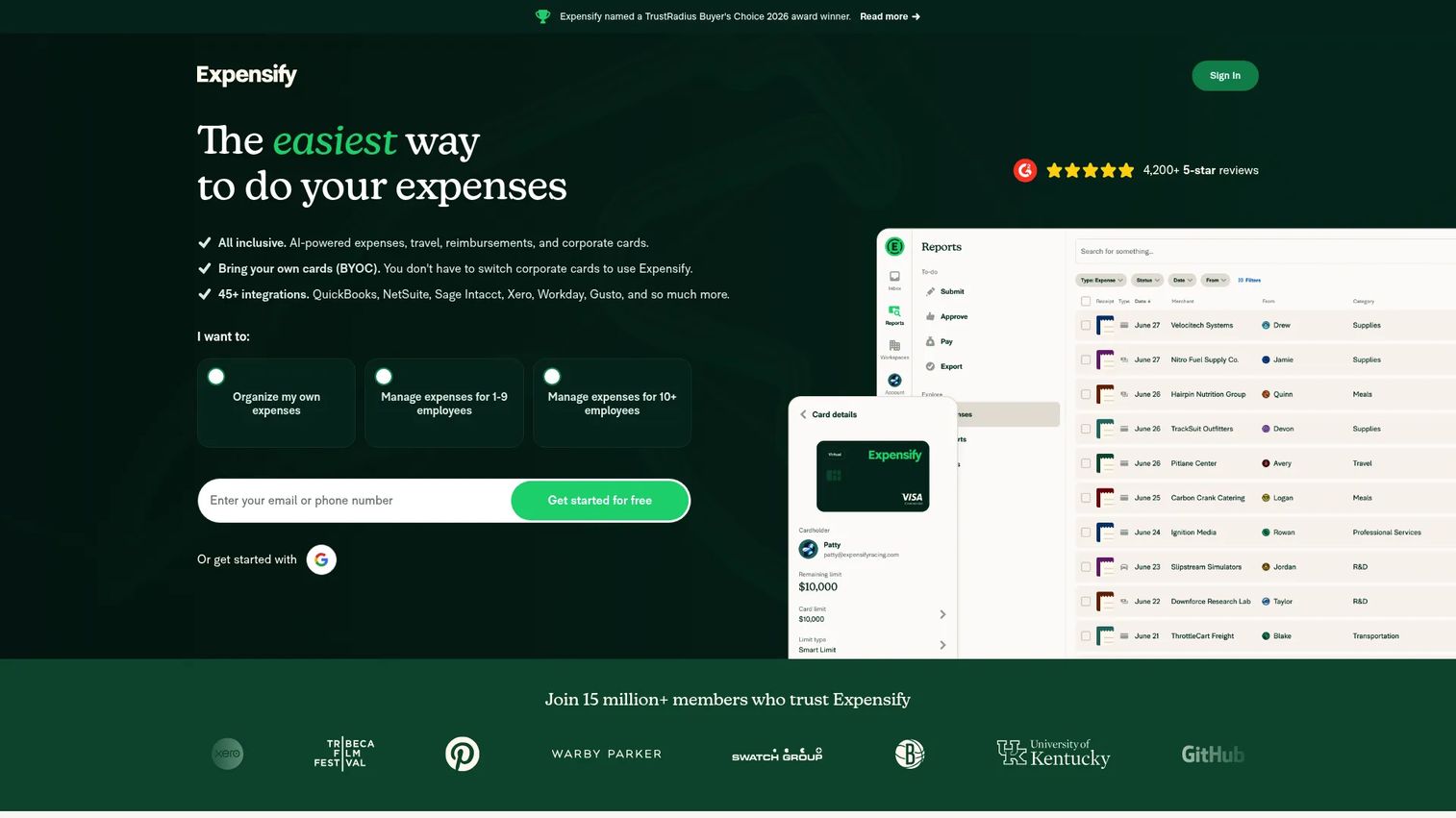
Expensify is the household name in expense reporting, and for good reason. It handles the full loop from receipt to reimbursement with a workflow most employees recognize on sight. SmartScan pulls data straight from a photographed receipt, expenses route through approval, and reimbursements move without finance touching every line. It's expense management software built for receipts, reimbursements, approvals, travel, and spend control.
Best for: Teams and individuals who want a familiar, all-in-one receipt-to-reimbursement workflow without a heavy rollout.
Key strengths
- Receipt scanning: SmartScan captures receipt data automatically, so employees photograph and submit in seconds via the mobile app.
- Approval workflows: Expenses route to the right approver with reimbursements and approvals handled in one flow.
- Accounting integrations: Native sync with QuickBooks, Xero, NetSuite, and Sage Intacct keeps expense data flowing into your books.
Why choose Expensify: If you want a tool employees already understand and finance can run without a long implementation, Expensify is the safe default. It scales from a solo founder tracking expenses to a distributed team. For companies that need deeper spend governance beyond reporting, a broader platform may fit better, but for pure expense reporting speed, this is hard to beat.
Expensify pricing: The Collect plan starts at $5 per member per month on a month-to-month basis. The Control plan uses custom pricing, listed as low as $9 per active member per month with annual and pay-per-use options. New Expensify is free for individuals for core features like SmartScan, sending and receiving money, and chat. Expensify holds a 4.5 out of 5 rating on G2.
2. Ramp
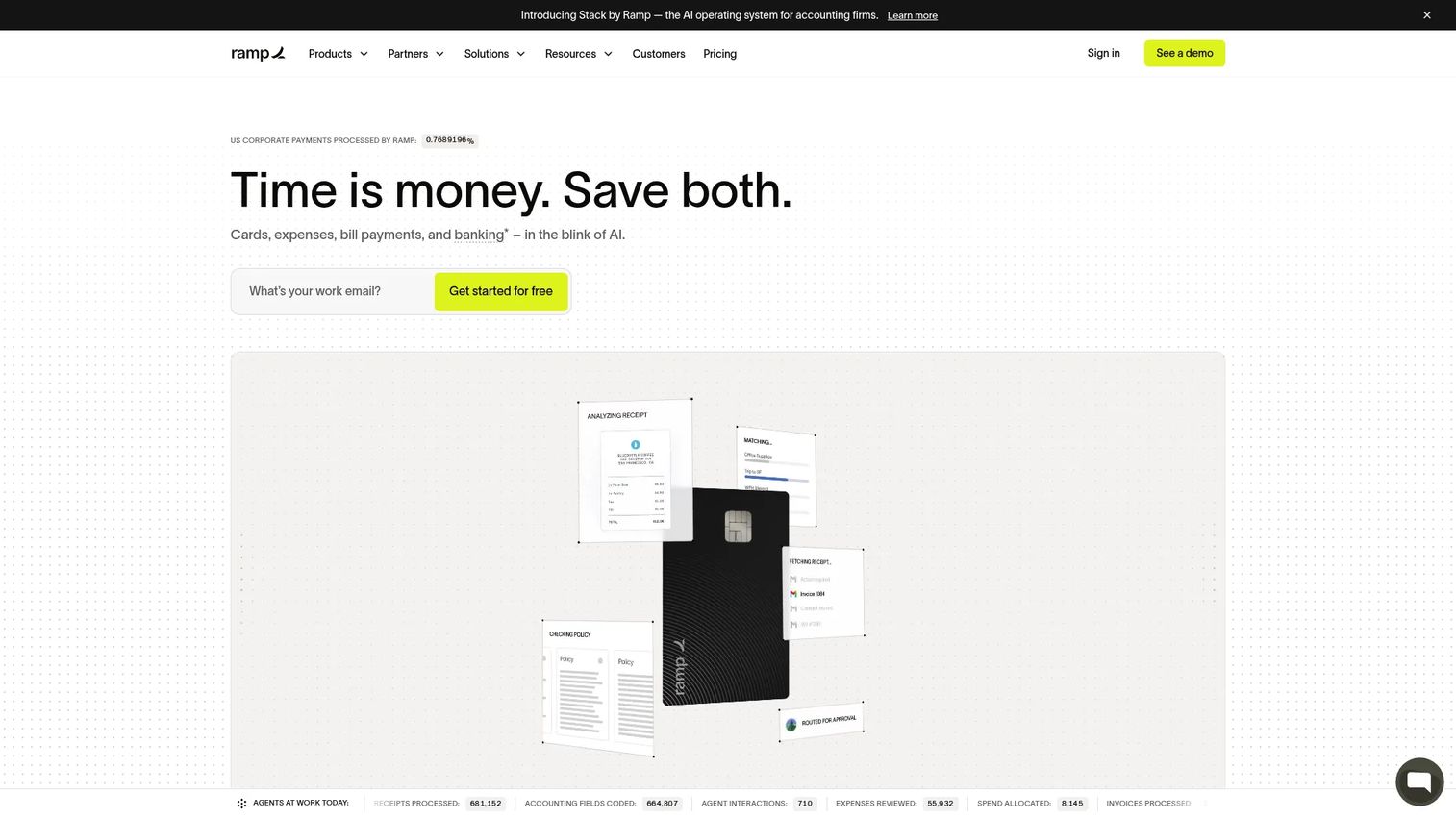
Ramp is a financial operations platform where expense reporting sits inside a larger stack that includes corporate cards, bill pay, procurement, and bookkeeping automation. Founders often reach for Ramp when they want spend control, not just reimbursement. Every card transaction, expense, and payment lands in one place with real-time visibility, which is exactly what a board-reporting finance function wants.
Best for: Teams that want an all-in-one finance operations platform with spend controls and automation layered on top of expense reporting.
Key strengths
- Corporate cards with spend controls: Set limits and policies at the card level, so overspend gets stopped before it becomes an expense to review.
- Expense management and reimbursements: Automated expense reporting with receipt matching cuts manual review, and reimbursements run inside the same system.
- Accounts payable and bill payments: Bill pay and AP live alongside expenses, so more of your spend flows through one platform with one audit trail.
Why choose Ramp: For a scaling company that wants to consolidate spend, cards, and expenses instead of stitching together separate tools, Ramp earns its place in the stack. The real-time visibility helps finance answer cash questions without pulling five dashboards. It's a broader commitment than a standalone expense app, which is the point.
Ramp pricing: Ramp Free is available for smaller teams. Ramp Plus includes a free 30-day trial. Ramp Enterprise is custom and billed annually, requiring a conversation with sales. Ramp does not list a public numeric starting price on its pricing page. It holds a 4.8 out of 5 rating on G2.
3. Zoho Expense
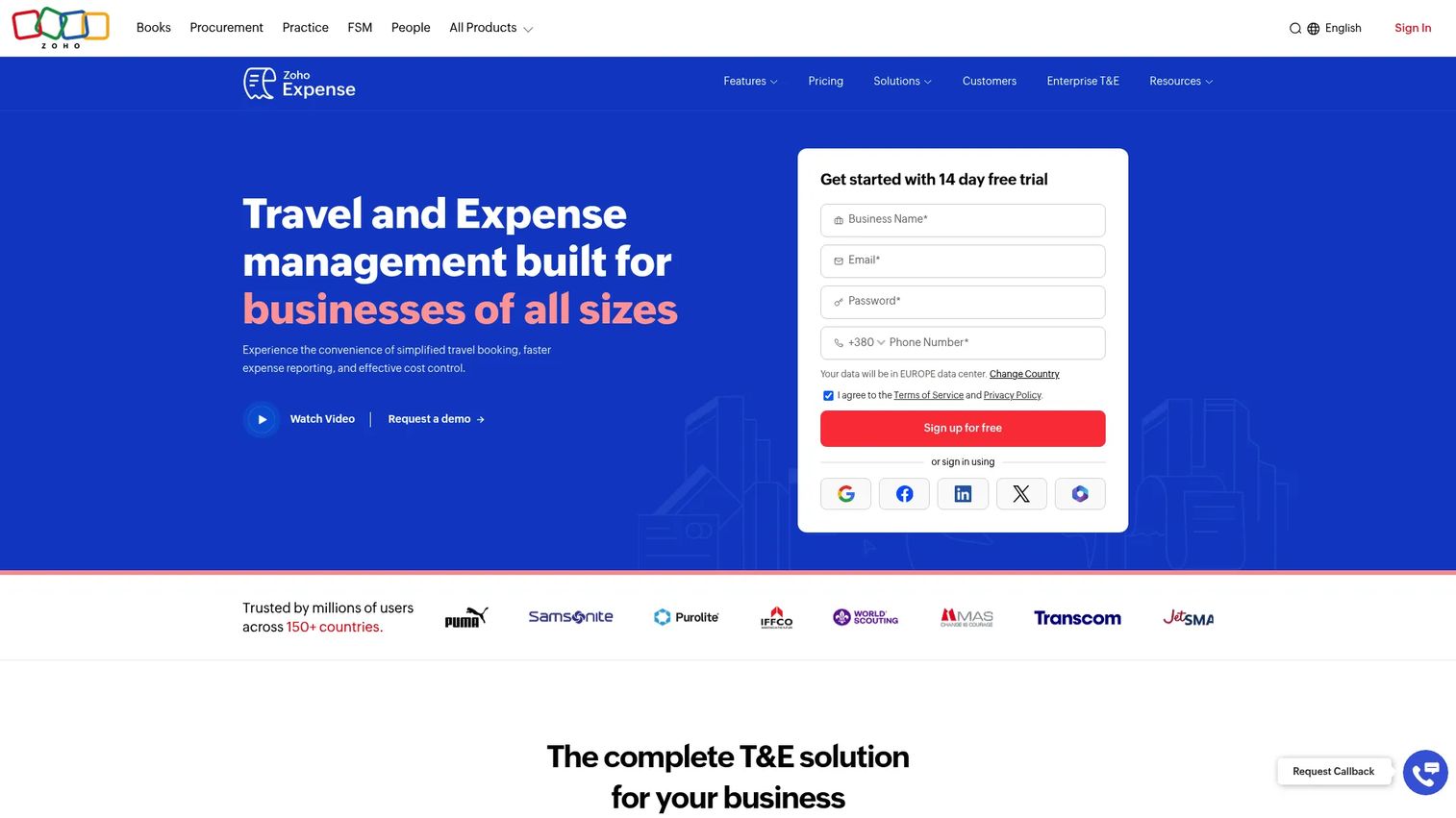
Zoho Expense is online expense reporting and spend management software that fits SMB and mid-market teams well, especially if you already run other Zoho products. It handles receipt autoscan, expense reports, approvals, reimbursements, and corporate card and travel management without demanding an enterprise implementation. For teams that want a traditional, approachable expense tool, it lands cleanly.
Best for: Teams that need automated expense capture, approval routing, and reimbursement workflows at approachable pricing.
Key strengths
- Receipt autoscan and capture: Photograph a receipt and let autoscan extract the data, cutting manual entry for employees on the move.
- Expense reports, approvals, and reimbursements: Structured report building with approval routing and reimbursement handling in one flow.
- Corporate card and travel management: Card reconciliation and travel support built in, so travel spend does not live in a separate silo.
Why choose Zoho Expense: If you want a dedicated expense tool without the weight of a full spend platform, and you value clean pricing, Zoho Expense is a strong fit. Teams already inside the Zoho ecosystem get integration continuity for free. It works well for companies that want a traditional expense reporting workflow rather than a finance-wide overhaul.
Zoho Expense pricing: Zoho Expense offers Free, Standard, and Premium tiers with monthly and yearly billing. The Free plan supports 3 users. Paid tiers are priced per user per month. It holds a 4.5 out of 5 rating on G2.
4. SAP Concur
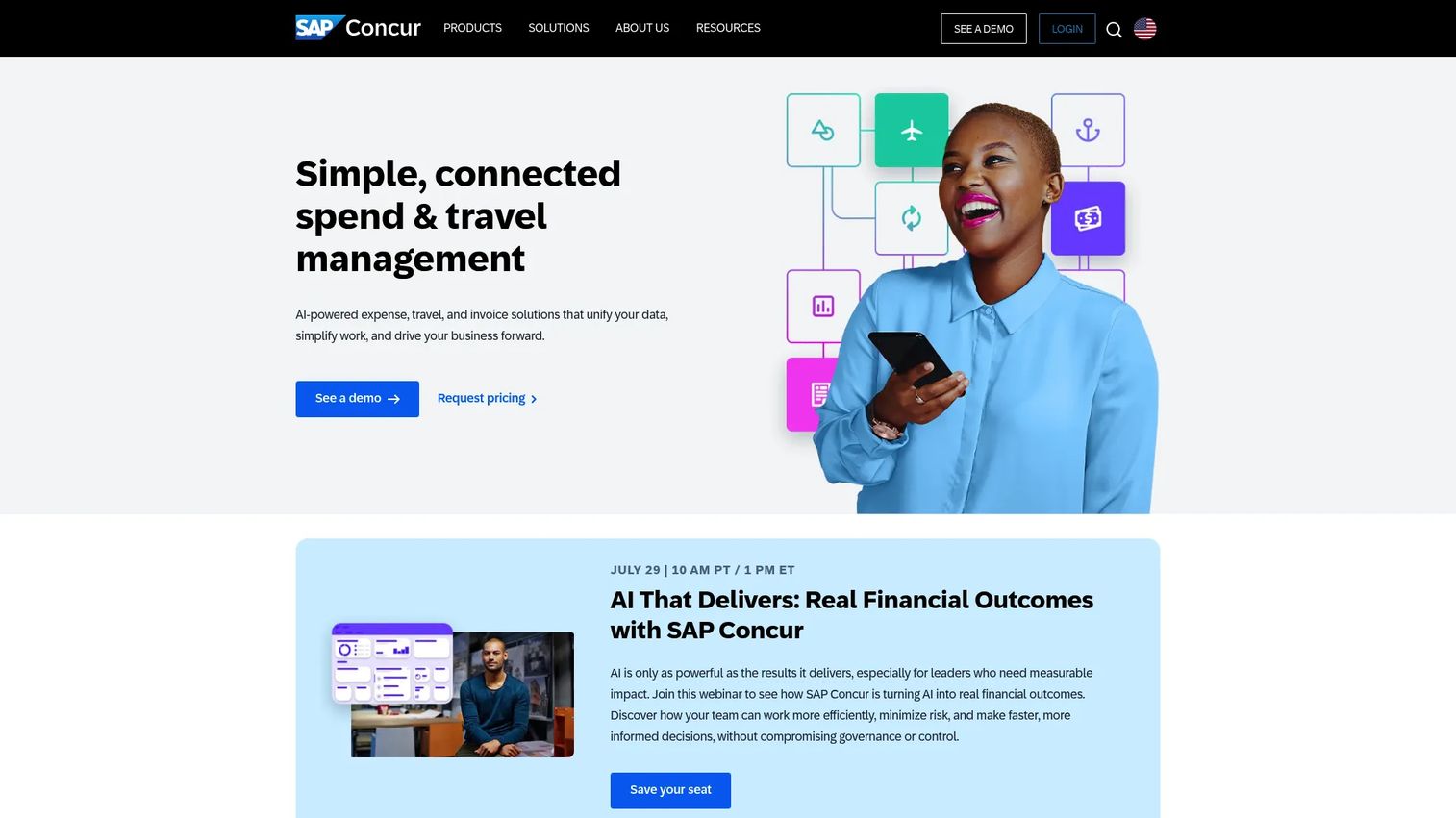
SAP Concur is cloud-based travel, expense, and invoice management software built for complexity. When you have global travel, layered policy rules, multi-currency spend, and deep ERP integration requirements, Concur is the enterprise choice. It's the tool process-heavy organizations pick when expense reporting has to satisfy finance, compliance, and audit simultaneously.
Best for: Mid-market to enterprise teams that need centralized travel and expense automation with serious policy depth.
Key strengths
- AI-powered receipt capture: Automated capture extracts receipt data and reduces the manual entry burden across large employee bases.
- Corporate card integration: Card feeds tie into expense workflows, so reconciliation and policy checks happen against real transactions.
- Policy compliance checks: Built-in policy enforcement flags violations automatically, which is why complex organizations trust its audit trail.
Why choose SAP Concur: If your travel and expense environment is genuinely complex, global, multi-currency, and heavily governed, Concur is built for it. Larger, process-heavy teams choose it precisely because it handles the edge cases lighter tools do not. Smaller teams may find it more than they need, but at scale that depth becomes the reason to buy.
SAP Concur pricing: Concur Expense lists a Base plan from roughly $7 per report and a Plus plan from roughly $11 per report, both on a monthly commitment, with a Premium tier at custom pricing. All listed prices are in USD. There is no free tier. It holds a 4.0 out of 5 rating on G2.
5. BILL Spend & Expense
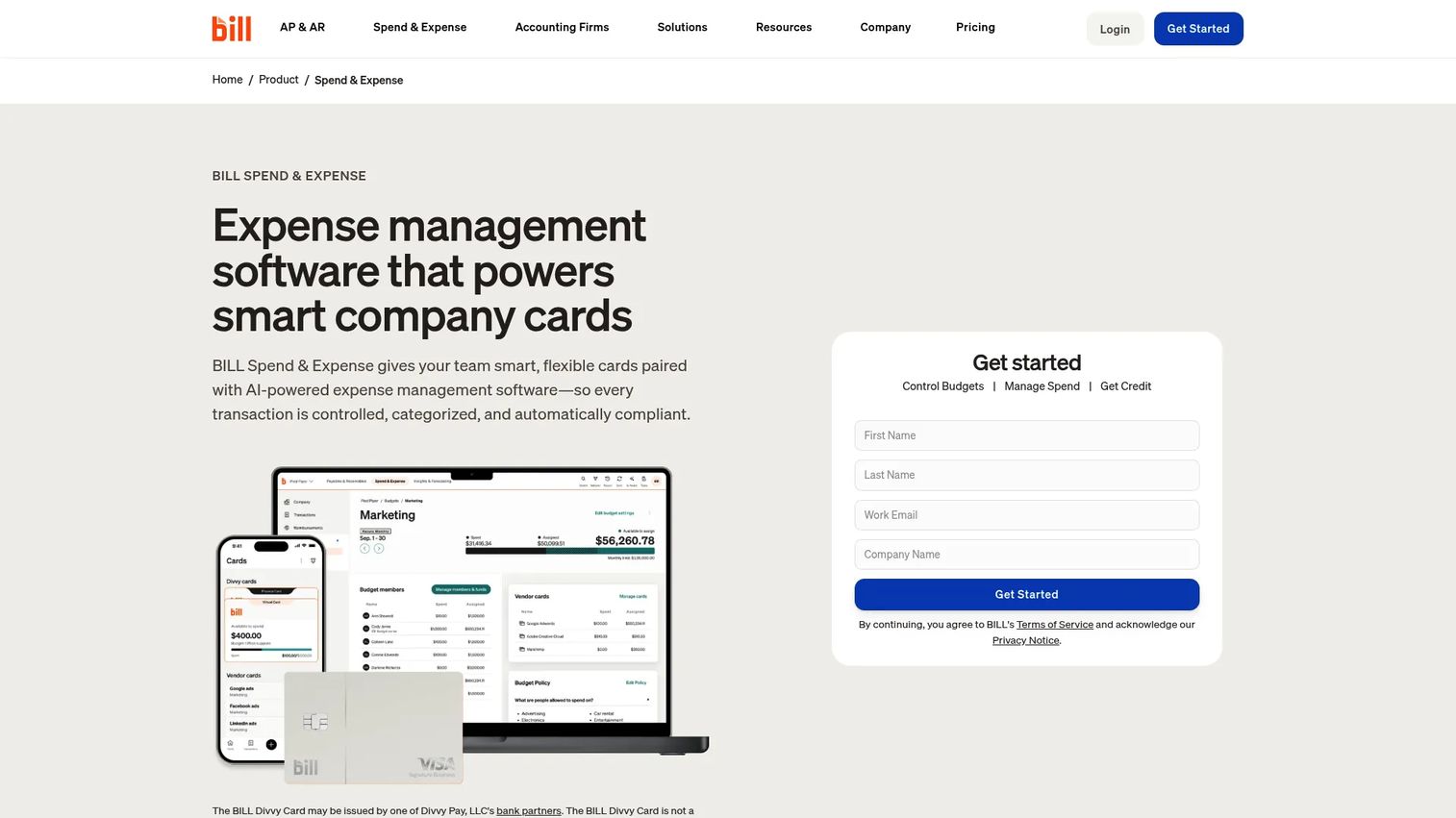
BILL Spend & Expense pairs company cards with automated expense management, and it does it at no per-user software fee. That combination appeals to teams trying to centralize spend and cut manual review work at the same time. Real-time card tracking, flexible limits, and automated receipt matching mean fewer expenses land on someone's desk for cleanup.
Best for: SMBs that want free spend controls, company cards, and automated expense workflows in one platform.
Key strengths
- Company cards with real-time tracking: Flexible limits and live transaction visibility stop overspend before it becomes a report to review.
- Automated expense reporting: Receipt matching and categorization run automatically, so automated expense matching handles the grunt work.
- Budget controls and reimbursements: Budgets, reimbursements, a mobile app, and integrations keep spend governed and reconciled.
Why choose BILL Spend & Expense: If you want spend control and expense management without a subscription fee eating into the budget, the $0 per-user model is a genuine draw. It centralizes card spend and expense reporting so finance reviews exceptions rather than every line. For SMBs consolidating scattered spend, it's a strong, cost-efficient pick.
BILL Spend & Expense pricing: BILL states that Spend & Expense has no subscription or per-user software fees, at $0 per user per month. Revenue comes from card interchange rather than seat licenses. It holds a 4.7 out of 5 rating based on current reviewer data.
6. Rydoo
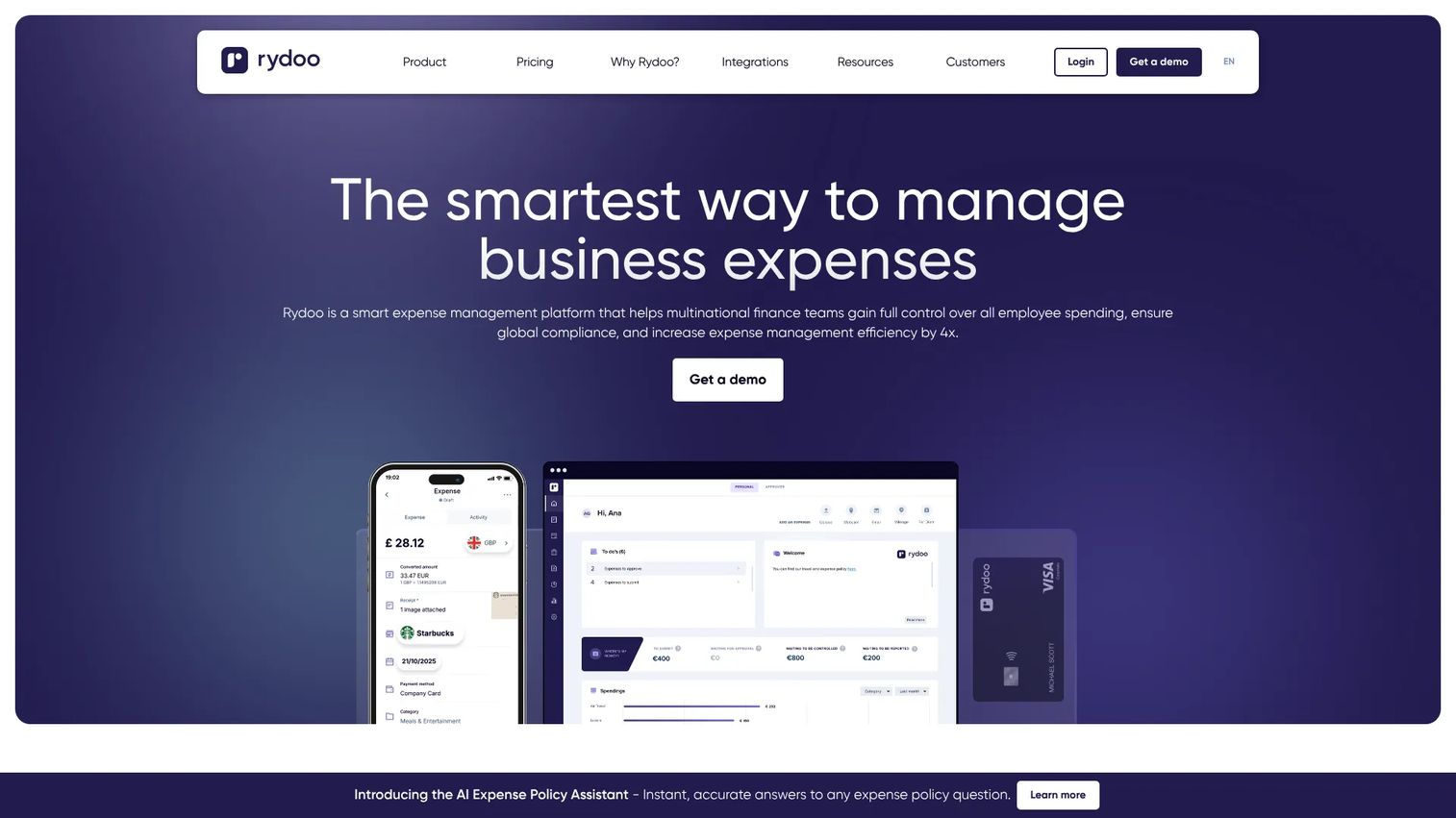
Rydoo is expense management software focused on fast capture, automation, and a clean user experience. It appeals to teams that care about adoption, because if employees find the mobile app frictionless, submissions actually happen on time. Rydoo covers receipt scanning, mileage, per diems, approvals, and compliance tools built for teams that need structure without heaviness.
Best for: Mid-market and enterprise teams that need expense automation with compliance and approval workflows employees will actually use.
Key strengths
- Mobile app with receipt scanning: Fast mobile receipt capture keeps submissions moving from the field rather than piling up.
- Unlimited expenses and mileage tracking: No caps on expenses, plus mileage tracking for teams that travel and drive.
- Per diems, approvals, and compliance: Per diem handling, approval routing, and policy enforcement keep finance in control.
Why choose Rydoo: If adoption is your real risk, and it often is, Rydoo's clean experience and fast capture reduce the friction that kills expense compliance. It suits teams that want automation and compliance without a complicated rollout. The user experience is the selling point, and for a scaling team that matters more than a long feature list.
Rydoo pricing: Rydoo lists an Essentials plan at €8 per user per month billed annually and a Pro plan at €10 per user per month billed annually, both starting at 5 users. Business starts at 30 active users and Enterprise at 50 active users, both with custom pricing. There is no free tier. It holds a 4.4 out of 5 rating on G2.
7. Navan
Navan is an AI-powered business travel and expense management platform, and it shines when travel is a major spend category. Booking and expense live in one system, so the trip a rep books flows straight into expense reporting without a separate submission. For travel-heavy organizations, that integration removes a whole layer of manual reconciliation.
Best for: Companies that want one platform for business travel, expenses, and corporate cards.
Key strengths
- Business travel booking and management: Book travel inside the platform, so trip spend ties directly to expense reporting.
- Expense management and reimbursements: Automated expense handling and reimbursements run alongside travel in a single system.
- Corporate cards and spend controls: Cards, payments, and spend controls keep travel and non-travel spend governed together.
Why choose Navan: If travel is where a large share of your spend goes, running booking and expense in one system is a real efficiency win. Travel and non-travel spend reconcile together, and finance gets one source of truth for a spend category that's usually messy. For teams where travel is incidental, a dedicated expense tool may be simpler, but travel-first companies benefit most here.
Navan pricing: Navan Business is free for companies up to 300 employees. Navan Expense is free for the first 5 monthly expensing users, then $15 per user per month. Navan Enterprise requires a custom quote. It holds a 4.7 out of 5 rating on G2.
8. Emburse Expense Professional
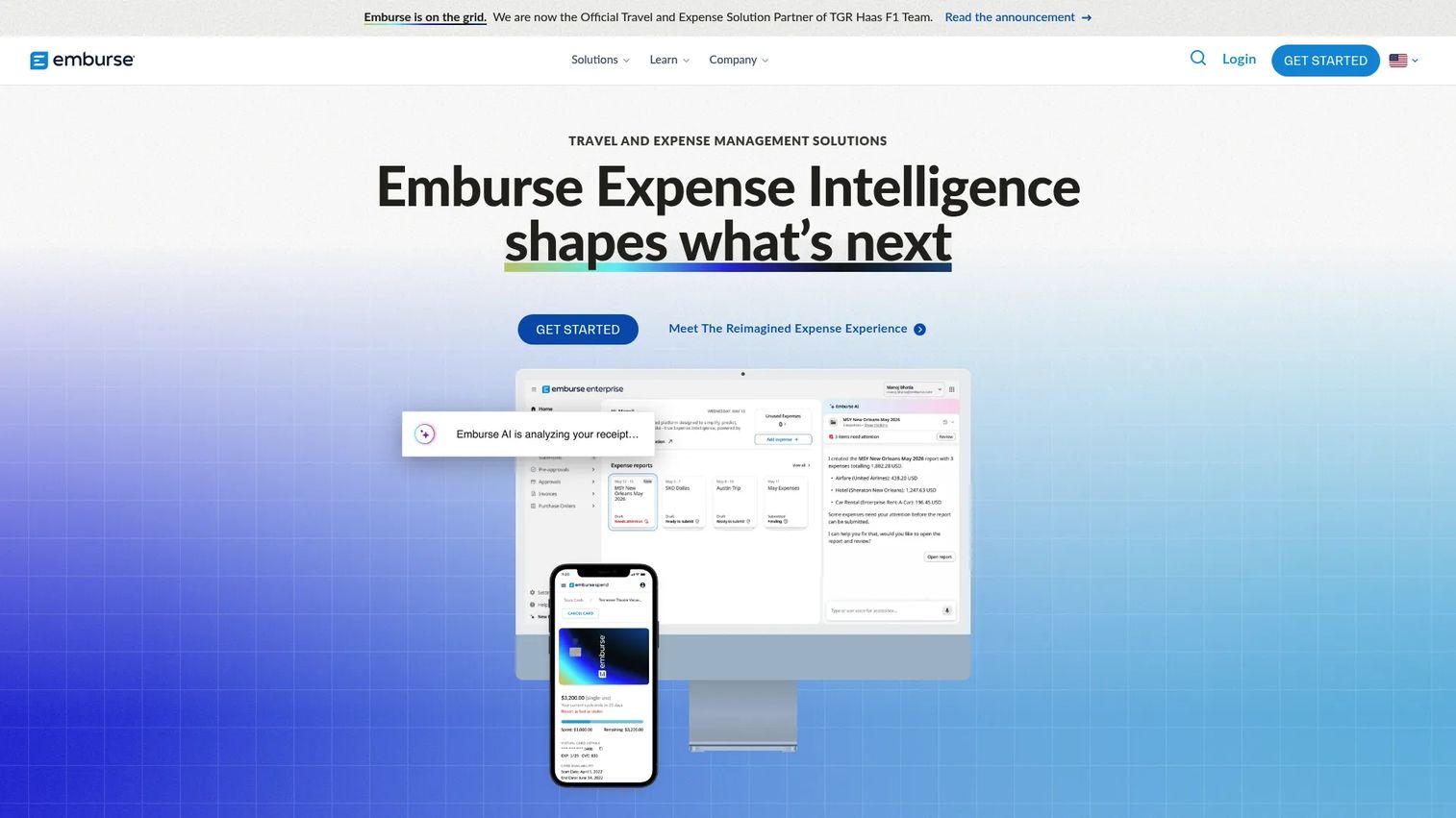
Emburse Expense Professional is expense management software for mid-size organizations that need configurable control and structure. It focuses on reporting, policy enforcement, receipt capture, and integration with finance systems. For teams that have outgrown a lightweight app but do not need full enterprise complexity, it occupies a useful middle ground.
Best for: Mid-size companies needing configurable expense management with policy controls and receipt capture.
Key strengths
- Free mobile app for reports: Employees build and submit expense reports from a free mobile app, keeping submissions timely.
- Receipt scanning and data autofill: Receipt capture with autofill reduces manual entry and speeds report building.
- Automated policy enforcement: Policy rules run automatically, flagging violations so finance reviews exceptions, not everything.
Why choose Emburse Expense Professional: If you want configurable policy controls and a structured expense workflow without an enterprise-scale implementation, Emburse Professional fits. It supports finance teams that need more control than a basic app offers while staying manageable for a mid-size company. The configurability is the draw for teams whose policy logic is more than a single rule.
Emburse Expense Professional pricing: Emburse describes flexible pricing options on its pricing page and offers a 14-day free trial, but does not list a public numeric price. You'll need to contact sales for a quote tailored to your team size and needs.
Considerations before you buy
Check accounting and ERP integrations first
This is the first filter for a finance-backed purchase, not the last. If the tool does not sync cleanly into your accounting or ERP system, you're trading one manual process for another. Check for native support of QuickBooks, NetSuite, Sage Intacct, Xero, or whatever your finance team runs. A native integration beats a connector-based one for reliability at close.
Decide how much automation you actually need
Receipt scanning, auto-categorization, approval routing, and policy enforcement are separate capabilities. A ten-person team may only need capture and reimbursement. A hundred-person team with layered policy needs the full stack. Don't pay for fraud detection and multi-tier approval logic you'll never configure. Match the automation depth to your real workflow, not the demo.
Look at rollout and employee adoption
The best expense report software is the one employees use correctly. A tool with brilliant features and a clunky mobile experience produces late, sloppy submissions. Prioritize mobile receipt capture, easy submission, and low-friction approvals. Adoption is where most rollouts quietly stall, so weight the employee experience heavily.
Verify policy controls, audit trail, and reimbursement logic
These are what earn finance's trust and cut month-end cleanup. Look at how the tool enforces policy, whether it catches duplicates, and how it handles fraud detection. A defensible audit trail matters when you're preparing for a fundraise or due diligence. Check that reimbursement logic matches how you actually pay people, whether ACH, card, or otherwise.
Compare pricing against total admin time saved
License price is the visible cost. The real cost includes implementation time, support, and the cleanup overhead that remains after launch. A cheaper tool that leaves finance doing manual reconciliation is not cheaper. Evaluate cost as time saved, and factor in hidden costs like onboarding and ongoing maintenance before you sign.
Conclusion
The shortlist sorts cleanly by use case. Expensify is the broad, familiar all-in-one for teams that want receipt-to-reimbursement without a heavy rollout. Ramp is the spend-platform choice when you want cards, expenses, and bill pay consolidated with real-time visibility. Zoho Expense is the SMB-friendly dedicated tool, especially inside the Zoho ecosystem. SAP Concur is the enterprise governance pick for complex, global, policy-heavy environments. Navan is the travel-first option when travel drives a large share of spend. BILL Spend & Expense, Rydoo, and Emburse Expense Professional round out the middle with spend control, adoption-friendly capture, and configurable policy respectively.
Through the founder lens, the right tool reduces manual follow-up, speeds reimbursement, and produces reporting clean enough to survive board scrutiny. That's the outcome you're buying, not a feature list.
The practical next step: shortlist two tools that fit your stack and pilot them against one real expense workflow. Run a week of actual submissions through each, watch where friction shows up, and let the cleaner close pick the winner. If you're evaluating adjacent operational stacks in parallel, our roundups of contract management and event management software apply the same discipline. Teams comparing broader operational tooling also find the guides to loyalty management and marketing resource management software useful for the same evaluation rigor.
FAQs
Expense report software automates how employees submit expenses, how managers approve them, how finance reimburses them, and how those transactions sync into accounting. It replaces spreadsheets and emailed receipts with a structured workflow that captures, routes, and reconciles spend. The goal is faster reimbursement and cleaner data with less manual review.
Expense report software is often the workflow layer: capture, submit, approve, reimburse. Expense management software is broader and can include corporate cards, spend controls, budgets, reporting, and spend governance across the company. Many tools blur the line, offering reporting inside a larger spend platform. The distinction matters when you decide whether you need pure reporting or full spend control.
For a small business, prioritize simplicity, pricing transparency, and clean accounting integration over enterprise features. A tool with a free tier or low per-user pricing, easy mobile receipt capture, and native QuickBooks or Xero sync usually fits best. Options with free or $0 per-user models are worth evaluating first, since they reduce cost while still automating the core workflow.
Travel-heavy teams benefit most from tools where travel booking and expense reporting live in one system, because the trip flows straight into the expense with no separate submission. Travel-focused platforms handle this natively, while broader spend suites and enterprise travel and expense tools also cover complex, multi-currency travel. The key is integration between booking and reimbursement, so travel spend reconciles automatically.
Prioritize receipt capture, approval workflows, reimbursement speed, policy enforcement, and accounting sync. Receipt scanning and automated expense matching cut manual entry. Approval routing and policy enforcement keep finance in control without reviewing every line. Accounting sync is what makes month-end close faster, so treat native integration as a non-negotiable rather than a nice-to-have.
Many expense tools integrate with QuickBooks, Xero, NetSuite, and Sage Intacct, but the depth varies. Some offer native, two-way sync that pushes categorized data automatically. Others rely on connector-based integrations that may need more manual mapping. Always verify whether the integration is native or connector-based, since that difference shows up directly in your reconciliation and close speed.
Finance teams weigh audit trail quality, policy controls, reporting, close speed, and total admin load. They also assess implementation complexity and adoption risk, because a tool employees resist creates more cleanup, not less. The evaluation usually starts with integration fit, then moves to control and automation depth, and finishes with total cost measured as time saved rather than license price alone.
Some vendors offer free tiers or free trials, but the limits vary. Free plans may cap the number of users, receipts, or approval features, or restrict integrations. A few platforms offer no per-user software fee by monetizing through card interchange instead. Check the caps carefully, since a free tier that limits users or core features may not cover a growing team.