



Paper programs are dead. Your attendees already have a smartphone in their pocket - 91% of Americans own one - and they expect to use it to navigate your event, connect with other participants, and engage with sessions in real time.
This guide breaks down what mobile event apps actually do, which features matter for different event types, and ranks 28 platforms with honest assessments of pricing, strengths, and where each one fits best.
What's inside
This guide covers what mobile event apps actually do, which features matter most for attendee engagement and organizer efficiency, and a ranked list of 30 platforms with honest assessments of pricing, strengths, and ideal use cases.
Selection criteria included G2 ratings, feature depth across networking and engagement tools, pricing transparency, and integration capabilities with CRM and registration systems.
TL;DR
- Mobile event apps are smartphone applications that help organizers manage events and help attendees navigate schedules, network, and engage in real time
- Must-have features: personalized agendas, attendee networking tools, live polling and Q&A, push notifications, and event analytics
- Top picks: Whova for large conferences, Eventee for mid-size events, and Cvent for enterprise deployments.
- Selection tip: Match app capabilities to your event format first, then evaluate integrations with your existing tech stack
What is a mobile event app
A mobile event app is a smartphone application that serves as a digital hub for event attendees and organizers. Top platforms like Webex Events, Eventee, and Whova offer features including personalized agendas, networking tools, interactive maps, and live polling to increase attendee engagement and simplify event management. These apps replace paper programs with interactive features like personalized schedules, attendee directories, live polling, and real-time notifications.
For organizers, mobile event apps provide a command center to push updates, track engagement, and capture attendee data. For attendees, they offer a single place to build custom agendas, connect with other participants, and interact with sessions.
There are three main types:
- Native apps: Downloaded from app stores, work offline, offer the smoothest experience
- Web apps: Accessed via browser link, no download required, but require internet connection
- Hybrid apps: Combine both approaches, often offering a progressive web app (PWA) option alongside native downloads
Mobile event app features that matter most
Personalized agenda and schedule builder
Attendees expect to build their own schedules. A good conference agenda app lets participants bookmark sessions, filter by track or speaker, and receive reminders before sessions start. The best platforms sync personal agendas across devices and update automatically when organizers make schedule changes.
Attendee networking and meeting scheduler
Networking drives attendee satisfaction at most events, with 58% of attendees citing it as their primary motivator. Conference networking apps include attendee directories with profile search, AI-powered matchmaking based on interests or goals, in-app messaging, and meeting booking tools. Some platforms suggest connections based on shared sessions or mutual contacts.
Live polling, Q&A, and audience engagement
Event engagement apps increase participation through live polls, moderated Q&A sessions, word clouds, and session feedback forms. Gamification features like leaderboards and achievement badges can boost engagement further, though they work better for some audiences than others.
Sponsor and exhibitor visibility tools
For trade shows and sponsored events, apps help sponsors get ROI through banner placements, sponsored session listings, exhibitor profiles with lead capture, and analytics showing impressions and interactions.
Push notifications and real-time updates
Push notifications replace frantic 'schedule change' announcements that interrupt sessions. Organizers can alert attendees to room changes, session reminders, networking opportunities, or emergency information instantly. The key is using them strategically, since too many notifications lead attendees to disable them entirely.
Event analytics and attendee insights
Mobile event apps track metrics that prove event ROI: app adoption rates, session attendance, popular content, networking meetings booked, and engagement patterns.
Check-in, badging, and access control
Conference registration app features like QR code check-in, badge printing integration, and session access tracking streamline operations. Touchless check-in became standard during the pandemic and attendees now expect it.
Integrations with CRM, registration, and marketing tools
Your event app data is only valuable if it flows into your other systems - 79% of organizers now integrate with CRM or marketing automation. Look for native integrations with Salesforce, HubSpot, Marketo, and popular registration platforms.
| Feature category | What it does | Who benefits most |
|---|---|---|
| Personalized agenda | Custom schedule building | Attendees |
| Networking tools | Meeting scheduling, matchmaking | Attendees, sponsors |
| Engagement tools | Polls, Q&A, gamification | Speakers, organizers |
| Analytics | Attendance and behavior tracking | Organizers, sponsors |
| Check-in | Badging, access control | Operations teams |
Why event organizers switch to mobile event apps
The shift from paper programs to mobile apps for events comes down to four practical benefits:
- Real-time updates: Change schedules, add sessions, or push emergency alerts without reprinting anything
- Attendee data capture: Understand which sessions drew crowds, which sponsors got traffic, and how attendees moved through your event
- Sponsor ROI: Provide measurable visibility metrics instead of "we printed your logo on 500 programs"
- Reduced waste: Eliminate paper programs, printed maps, and signage that becomes outdated - 34% of attendees consider sustainability practices before purchasing tickets
Mobile event apps also work across formats. The same platform can support in-person conferences, virtual events, and hybrid combinations where some attendees are remote.
How to choose the best conference mobile app
1. Start with user experience and interface design
Attendees won't use a confusing app. Look for intuitive navigation, fast load times, and clean design. The best test is to download the app yourself and try completing common tasks: find a session, message another attendee, check the floor map. If you struggle, your attendees will too.
2. Match app features to your event format
A trade show requires exhibitor maps and lead capture. A corporate summit requires branding control and security features. A virtual conference requires streaming integration and breakout room management. Ask yourself: What are the three things attendees absolutely have to do in this app? Start there.
3. Confirm integration with your existing tech stack
Check compatibility with your CRM, registration system, and marketing automation tools. Ask about API availability if you have custom requirements.
4. Compare pricing models before committing
Event app software uses different pricing structures:
- Per-event pricing: Pay for each event, good for occasional use
- Per-attendee pricing: Scales with event size, watch for caps
- Annual subscription: Unlimited events, better for frequent organizers
- Enterprise custom: Negotiated rates for large organizations
Watch for hidden costs like setup fees, premium feature add-ons, and support tier charges.
5. Evaluate customer support and onboarding resources
First-time users especially benefit from dedicated success managers, training resources, and responsive support. Ask about onboarding timelines and what happens if something breaks during your event.
6. Test the app with an interactive product demo
Many vendors offer sandbox environments or interactive demos to evaluate the platform before committing. This reduces buyer risk and helps you see how the app actually works rather than relying on sales presentations.
Mobile event app comparison table
| # | Product | Best for | Key differentiator | Pricing | G2 rating |
|---|---|---|---|---|---|
| 1 | Whova | Large conferences | Award-winning networking | Custom pricing | 4.8/5 |
| 2 | Eventee | Mid-size conferences | User-friendly interface | From $299/event | 4.8/5 |
| 3 | EventMobi | Corporate events | All-in-one platform | From $3,000/event | 4.6/5 |
| 4 | Cvent Attendee Hub | Enterprise events | Deep Cvent integration | Custom pricing | 4.3/5 |
| 5 | Bizzabo | B2B conferences | Premium branded experiences | Custom pricing | 4.3/5 |
| 6 | Swapcard | Trade shows | AI-powered matchmaking | Custom pricing | 4.6/5 |
| 7 | Hopin | Virtual events | Live streaming focus | Custom pricing | 4.5/5 |
| 8 | Airmeet | Community events | Social lounge networking | From $99/month | 4.6/5 |
| 9 | Webex Events | Corporate enterprise | Cisco ecosystem integration | Custom pricing | 4.6/5 |
| 10 | Guidebook | Associations & membership orgs (recurring events) | No-code branded app builder | Plans start around $3,000/year | 4.4/5 |
| 11 | SpotMe | Regulated industries (pharma/healthcare) | Compliance-focused engagement & content delivery | Custom pricing | 4.5/5 |
| 12 | Pheedloop | All-in-one (registration → app → virtual) | Registration + check-in + app in one platform | Starts around $1,000/event | 4.8/5 |
| 13 | Accelevents | Nonprofits / fundraising events | Auctions + fundraising tools | Starts around $500/event | 4.7/5 |
| 14 | BigMarker | Webinars & virtual summits | Webinar/streaming + marketing integrations | Plans start at $99/month | 4.7/5 |
| 15 | vFairs | Virtual trade shows & expos | 3D virtual environments | Custom pricing | 4.7/5 |
| 16 | Zuddl | Hybrid events (modern design, fast setup) | Modern UI + quick implementation | Custom pricing | 4.8/5 |
| 17 | 6Connex | Enterprise virtual events at scale | Enterprise-grade customization + integrations | Custom pricing | 4.5/5 |
| 18 | RingCentral Events | High-production virtual events | Video quality + production controls | Custom pricing | 4.5/5 |
| 19 | Yapp | Small events / tight budgets | Simple, affordable app builder | Starts at $399 per app | 4.8/5 |
| 20 | Sched | Agenda-first events | Conference scheduling focus | Starts at $1 per attendee | 4.4/5 |
| 21 | Meeting Application | EU orgs with GDPR requirements | GDPR + European data residency | Custom pricing | 4.8/5 |
| 22 | Canapii | ESG / sustainability-focused events | Sustainability & carbon tracking | Custom pricing | 4.6/5 |
| 23 | Eventleaf | Simple event tech (smaller orgs) | Straightforward registration + app | Starts at $1 per attendee | 4.7/5 |
| 24 | Certain | Enterprise portfolios of events | Multi-event portfolio management | Custom pricing | 4.4/5 |
| 25 | Gather | Internal meetings / team events | Spatial virtual environment | Starts at $7 per user | 4.8/5 |
| 26 | Brella | B2B events driven by 1:1 meetings | Networking + matchmaking | Custom pricing | 4.6/5 |
| 27 | Socio | Mid-market hybrid events | Balanced feature set + usability | Custom pricing | 4.6/5 |
| BONUS | Guideflow | Interactive event demos | Self-serve product experiences | Free tier available | 5.0/5 |
The 28 best event apps for conferences and events
1. Whova
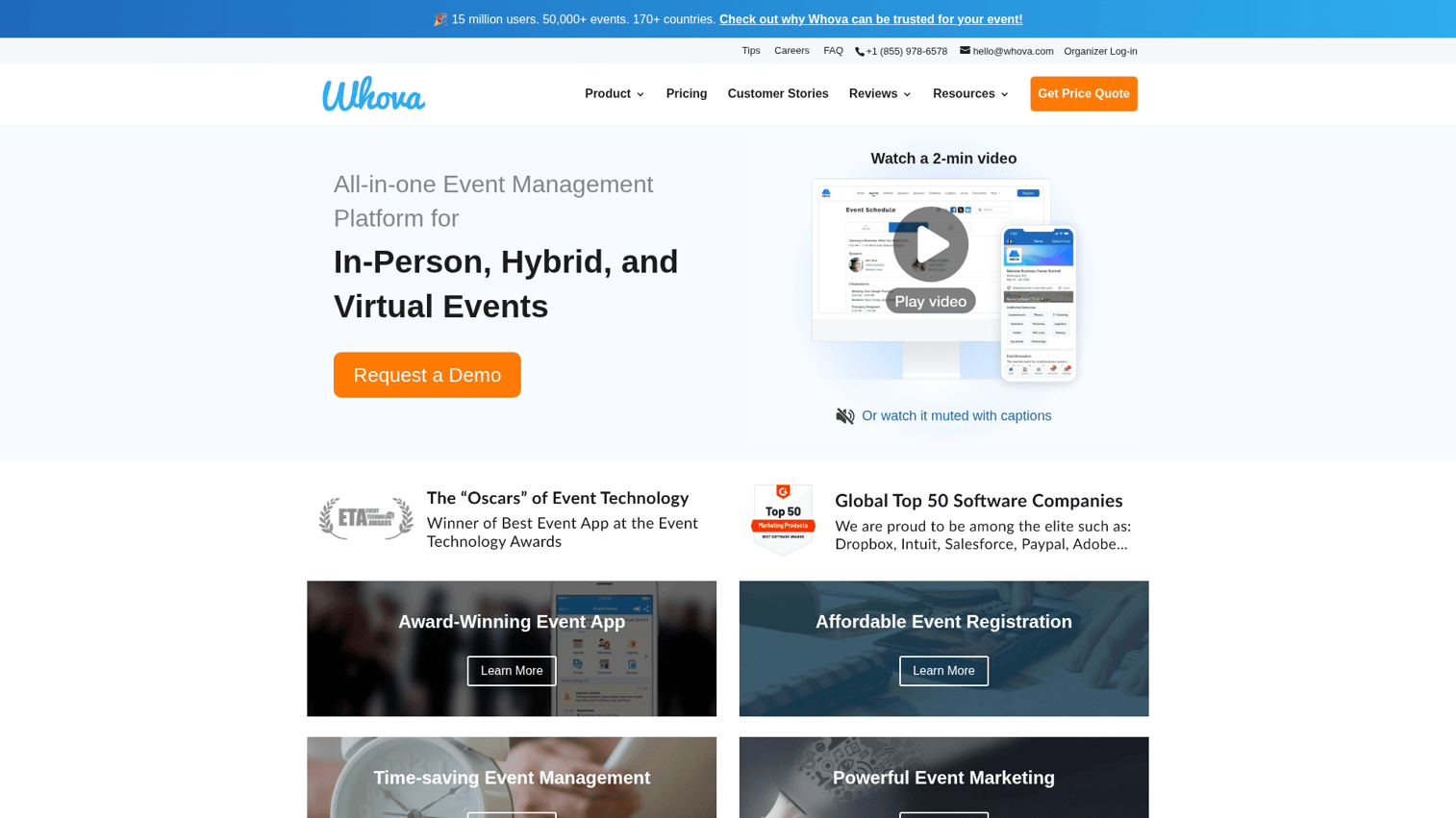
Whova consistently ranks as a top mobile event app for large conferences, with particular strength in attendee networking features. The platform includes community boards where attendees can post questions and connect before, during, and after events. The app offers agenda building with session recommendations, exhibitor profiles with lead capture, and gamification features that encourage participation.
Best for: Large multi-day conferences prioritizing attendee networking and community building.
Key strengths
- Award-winning networking features with community boards and matchmaking
- Offline agenda access for venues with poor connectivity
- Interactive maps and floor plans
- Robust sponsor and exhibitor visibility tools
Whova pricing
Custom pricing based on event size and features.
2. Eventee
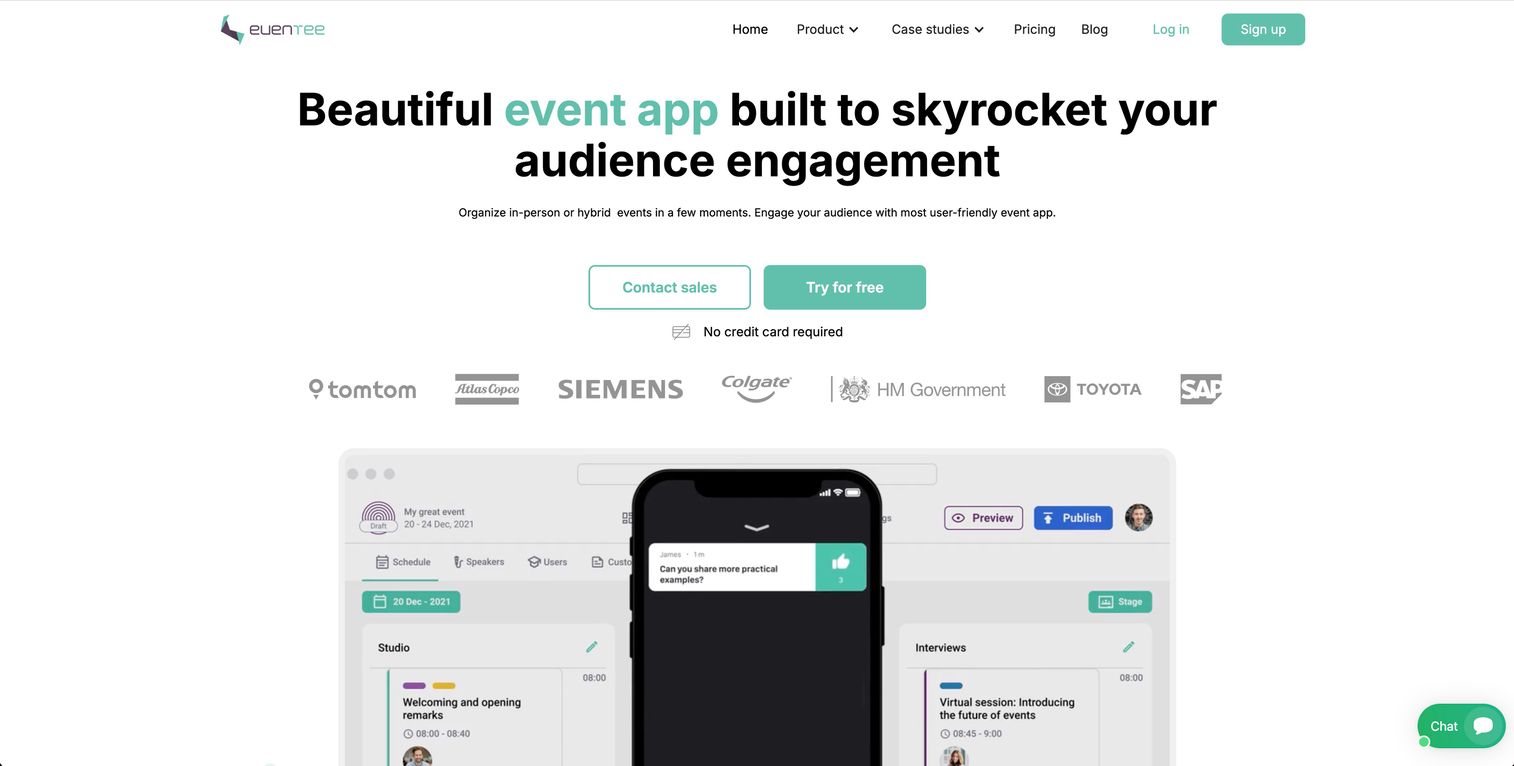
Eventee focuses on simplicity and user experience, making it a strong choice for mid-size conferences where ease of use matters more than enterprise features. The app includes live polling, Q&A, session ratings, and agenda management. Eventee's clean interface means less time training staff and fewer confused attendees asking for help.
Best for: Mid-size conferences and corporate events prioritizing user experience over feature complexity.
Key strengths
- Intuitive interface requiring minimal attendee training
- Live polling and Q&A with moderation options
- Session feedback and ratings
- Quick setup with templates
Eventee pricing
Plans start at $299 per event with pricing scaling based on attendee count and features.
3. EventMobi
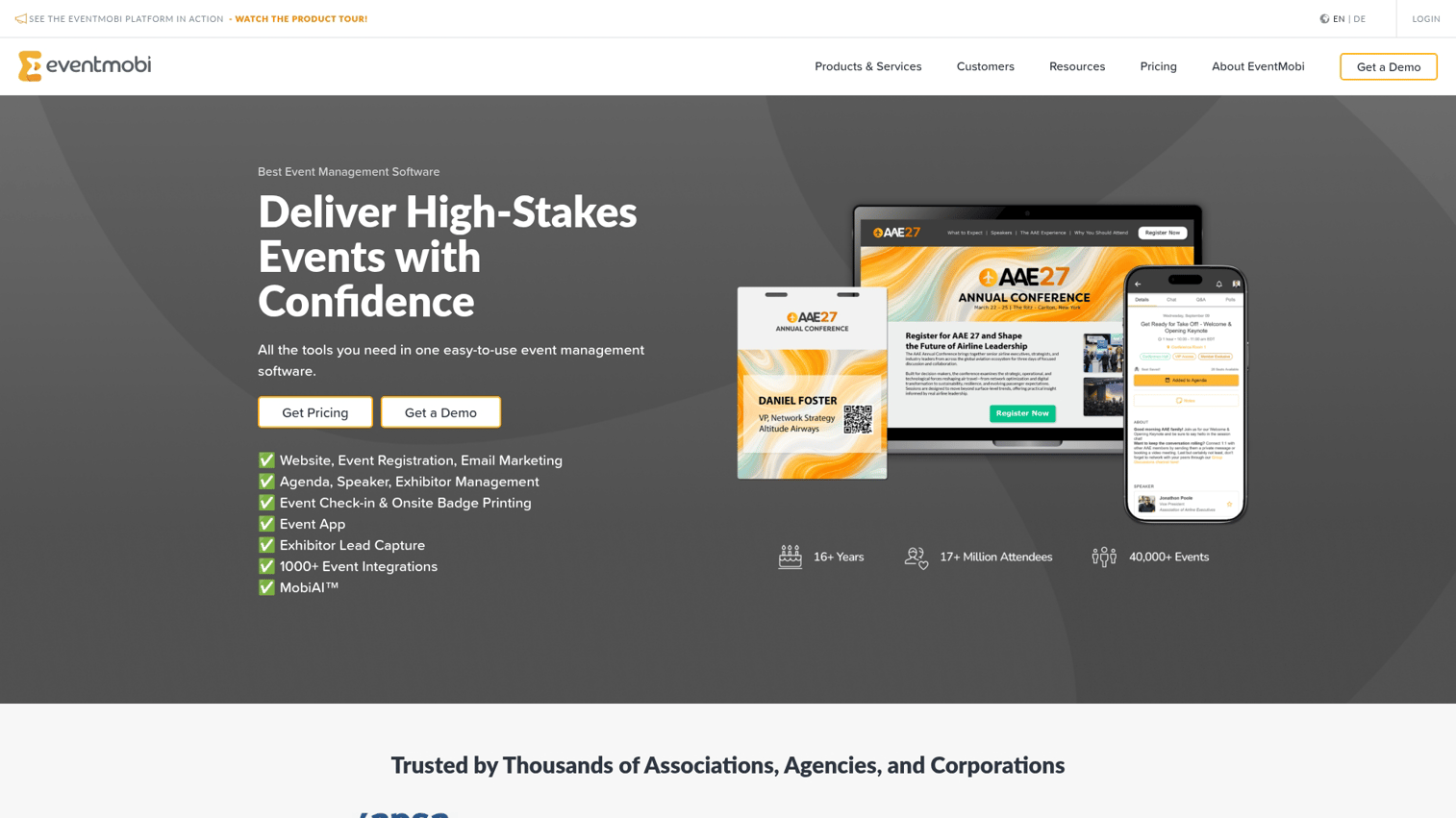
EventMobi positions itself as a comprehensive event management mobile app for corporate and association events. The platform combines registration, mobile app, and engagement tools in one system. Notable features include a video library for on-demand content, gamification with leaderboards, and robust customization options for branding.
Best for: Corporate event teams wanting an all-in-one platform with strong customization.
Key strengths
- Video library for on-demand session content
- Gamification with points, badges, and leaderboards
- Deep branding customization
- Registration and check-in integration
EventMobi pricing
Starts around $3,000 per event or $8,900 annually. Enterprise pricing is custom.
4. Cvent Attendee Hub
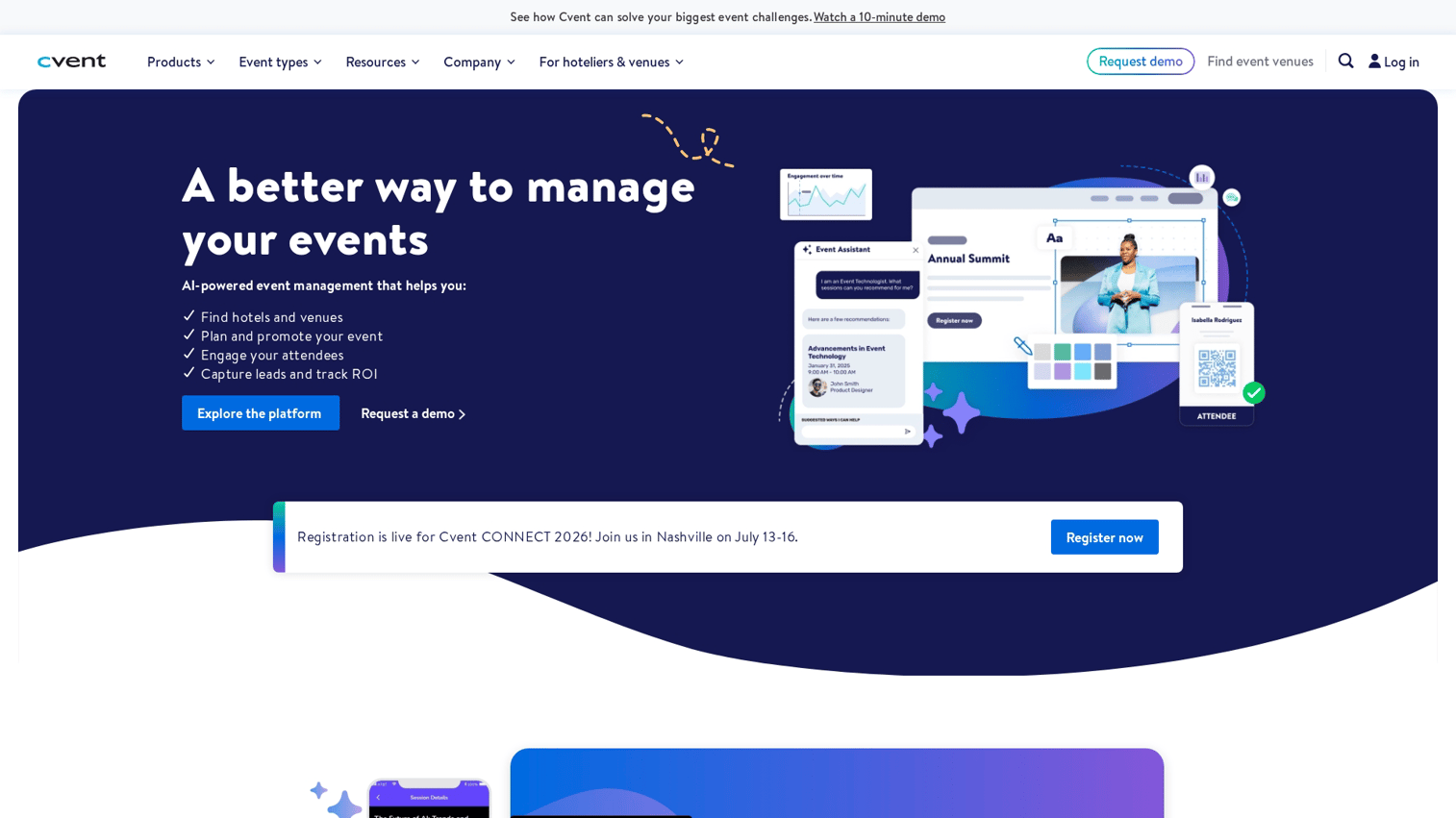
Cvent Attendee Hub is the mobile app component of Cvent's larger event management suite. For organizations already using Cvent for registration and venue sourcing, the Attendee Hub provides tight integration and consistent data flow. The app includes standard features like agenda management, networking, and engagement tools.
Best for: Enterprise organizations already invested in the Cvent ecosystem.
Key strengths
- Deep integration with Cvent registration and venue management
- Enterprise-grade security and compliance features
- Comprehensive analytics across the event lifecycle
- Support for complex multi-track conferences
Cvent Attendee Hub pricing
Custom pricing as part of broader Cvent contracts.
5. Bizzabo
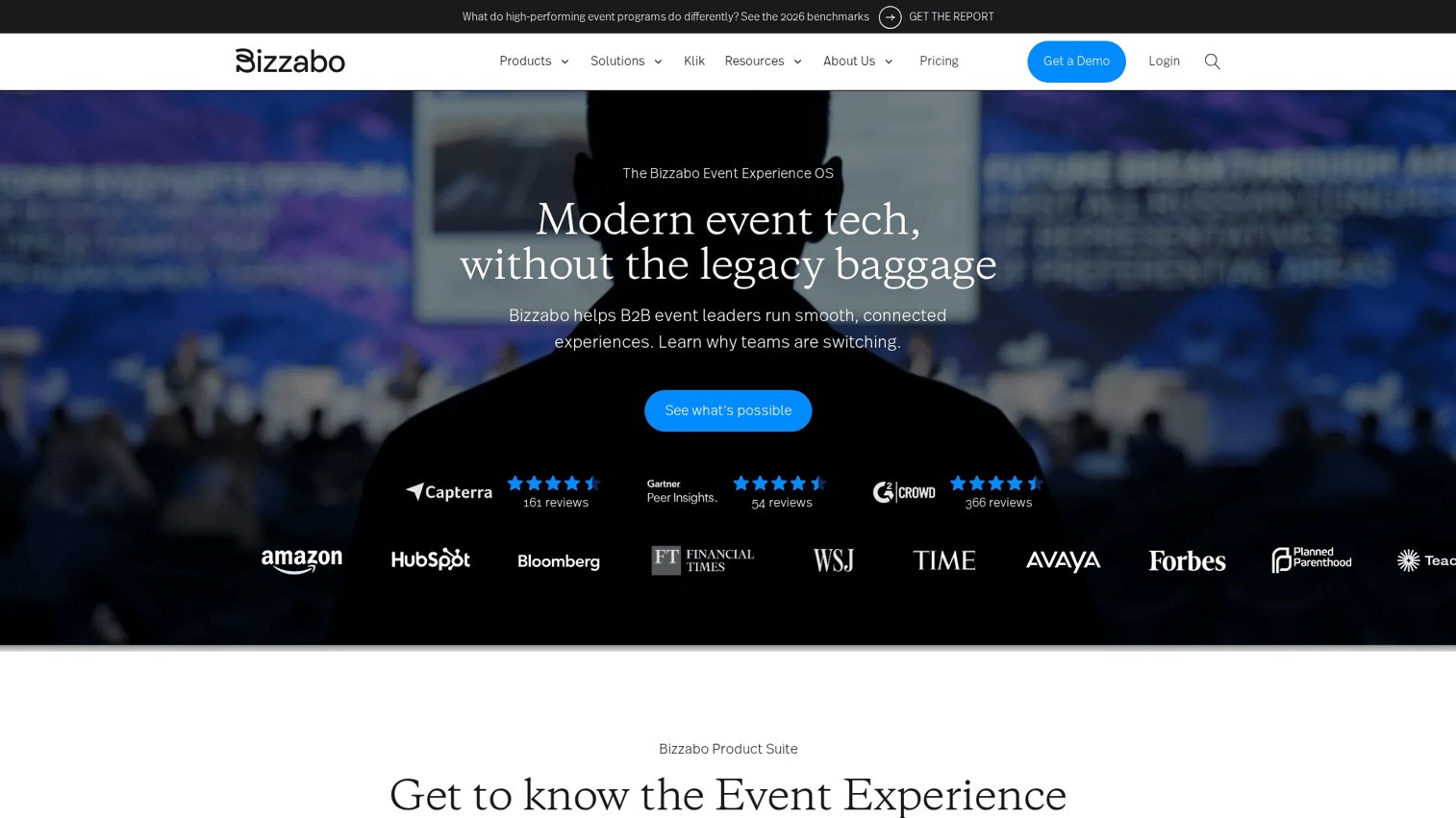
Bizzabo targets B2B conferences and corporate events with a focus on premium branded experiences. The platform emphasizes design quality and offers extensive customization for organizations that care about how their event app looks and feels.
Best for: B2B companies running branded conferences with larger budgets.
Key strengths
- Premium design and branding options
- Hybrid event support with virtual streaming
- Detailed engagement and ROI analytics
- Account-based marketing integrations
Bizzabo pricing
Custom pricing based on event requirements. Generally positioned at the higher end of the market.
6. Swapcard
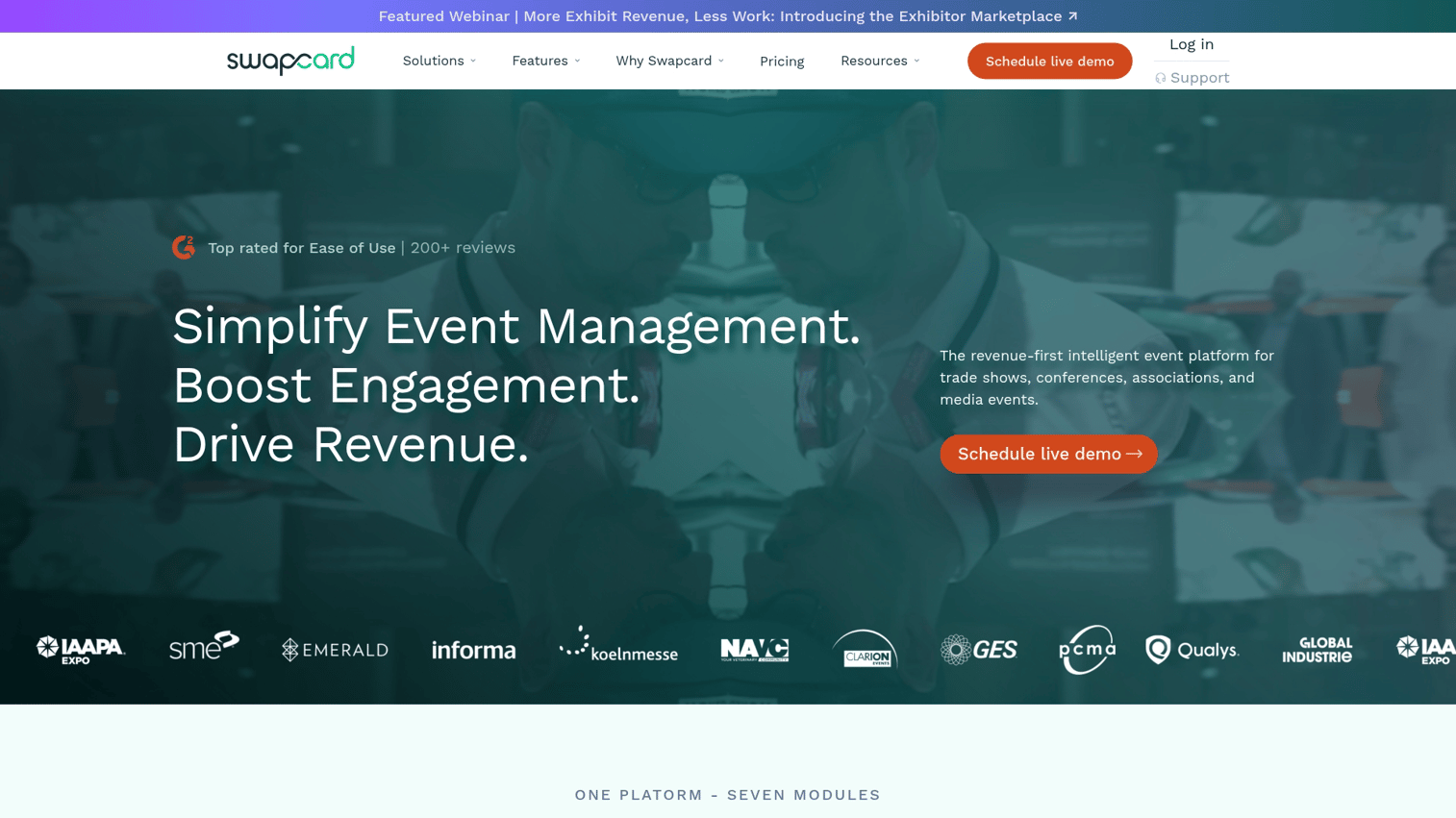
Swapcard specializes in AI-powered networking and matchmaking, making it particularly strong for B2B events and trade shows where attendee connections drive value. The platform uses attendee profiles and stated goals to suggest relevant meetings.
Best for: Trade shows and B2B events where networking and meetings are primary goals.
Key strengths
- AI-powered attendee matchmaking
- Meeting scheduling with calendar integration
- Exhibitor lead capture and qualification
- Virtual and hybrid event support
Swapcard pricing
Custom pricing based on event size and features.
7. Hopin
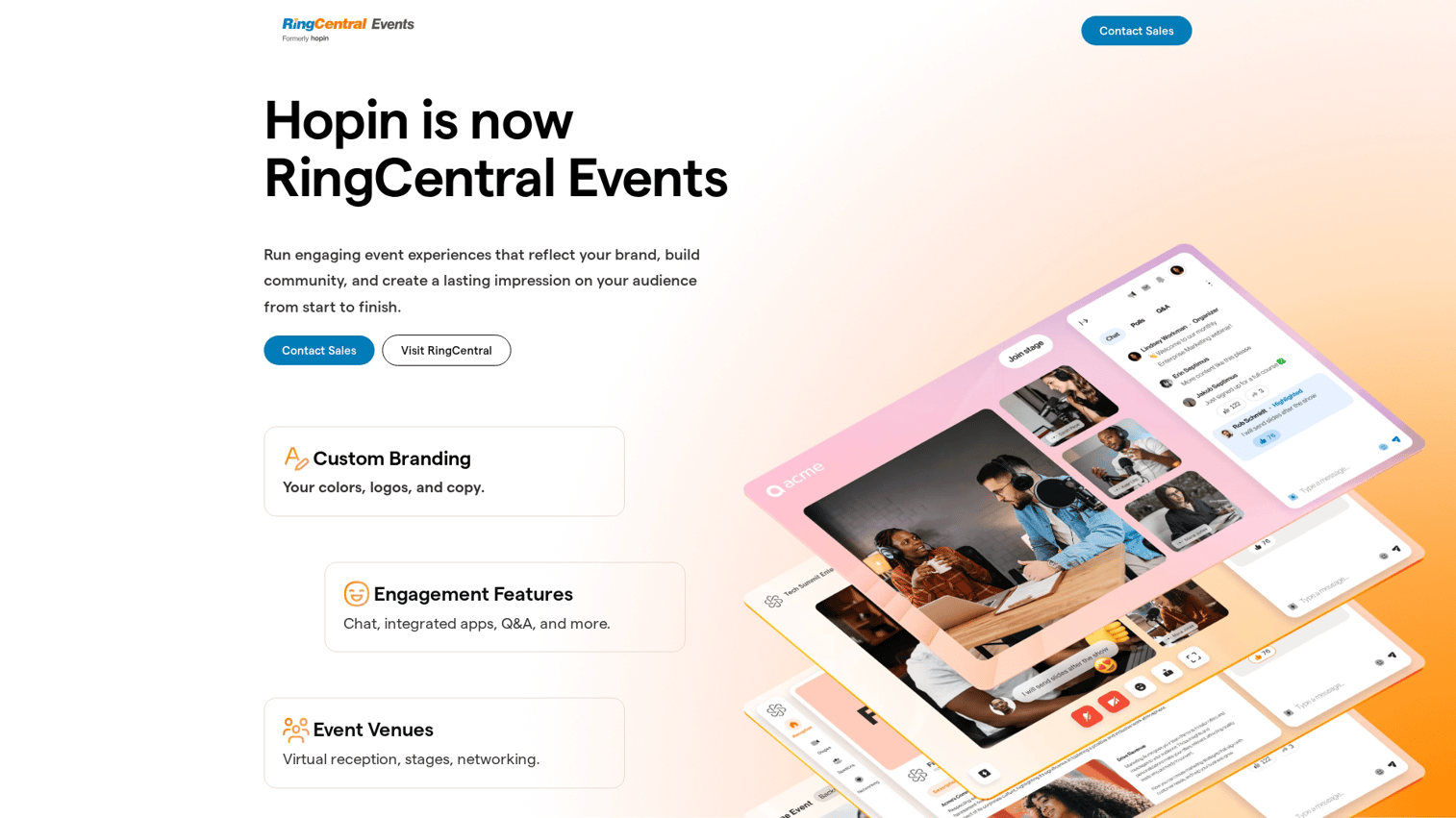
Hopin built its reputation on virtual events and maintains strong capabilities for online and hybrid formats. The platform includes live streaming, breakout rooms, virtual expo halls, and networking features designed for remote attendees.
Best for: Organizations prioritizing virtual event capabilities with mobile access.
Key strengths
- Strong live streaming and video quality
- Virtual expo halls and sponsor booths
- Breakout room management
- Recording and on-demand content
Hopin pricing
Custom pricing based on event type and attendee count.
8. Airmeet
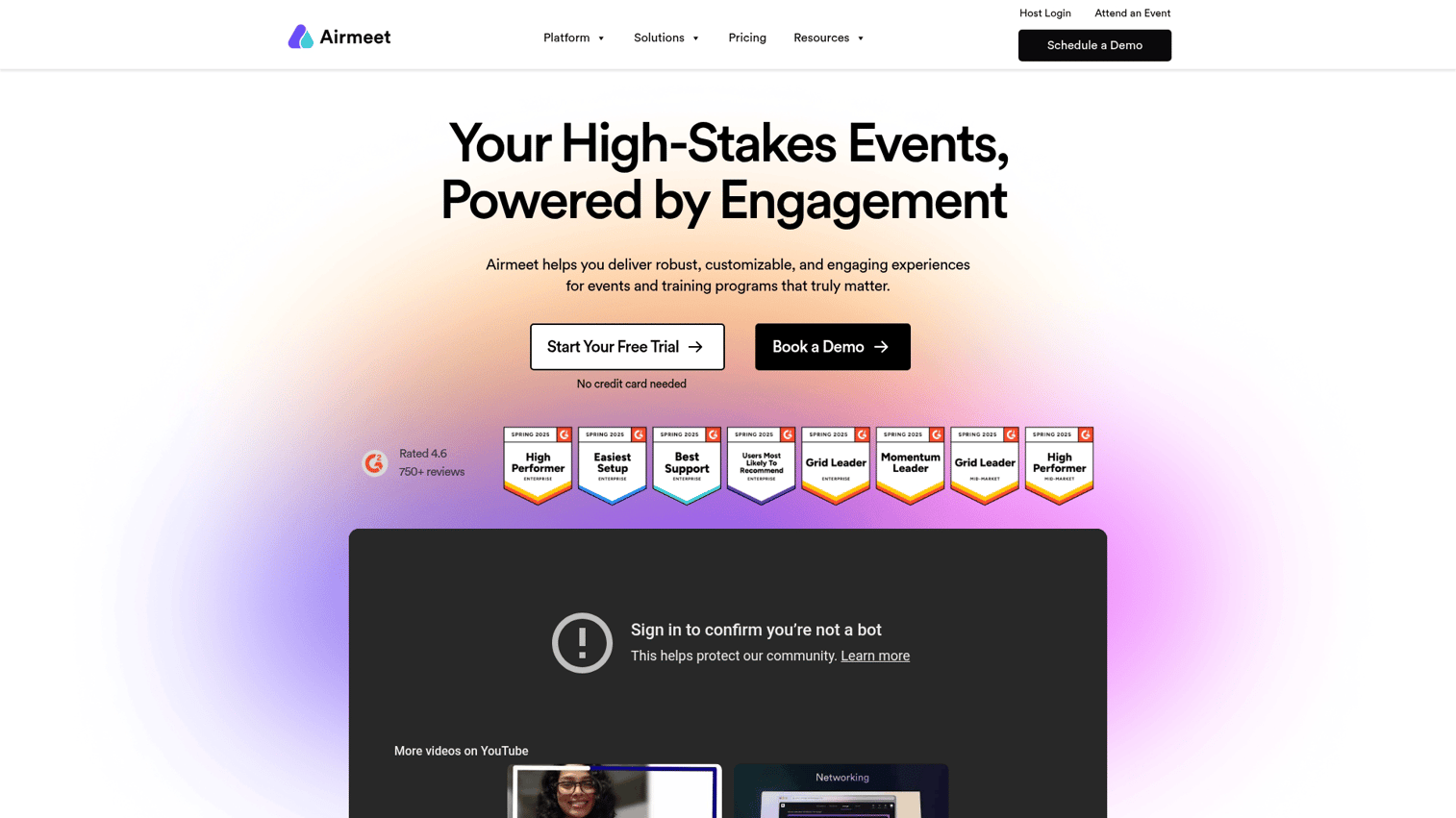
Airmeet focuses on virtual networking with features like "social lounges" that simulate the informal conversations that happen at in-person events. The platform works well for community events and conferences emphasizing attendee interaction.
Best for: Community events and conferences emphasizing informal networking.
Key strengths
- Social lounge feature for casual networking
- Speed networking sessions
- Virtual booth capabilities
- Backstage features for speakers
Airmeet pricing
Plans start at $99/month with pricing scaling based on features and attendee limits.
9. Webex Events
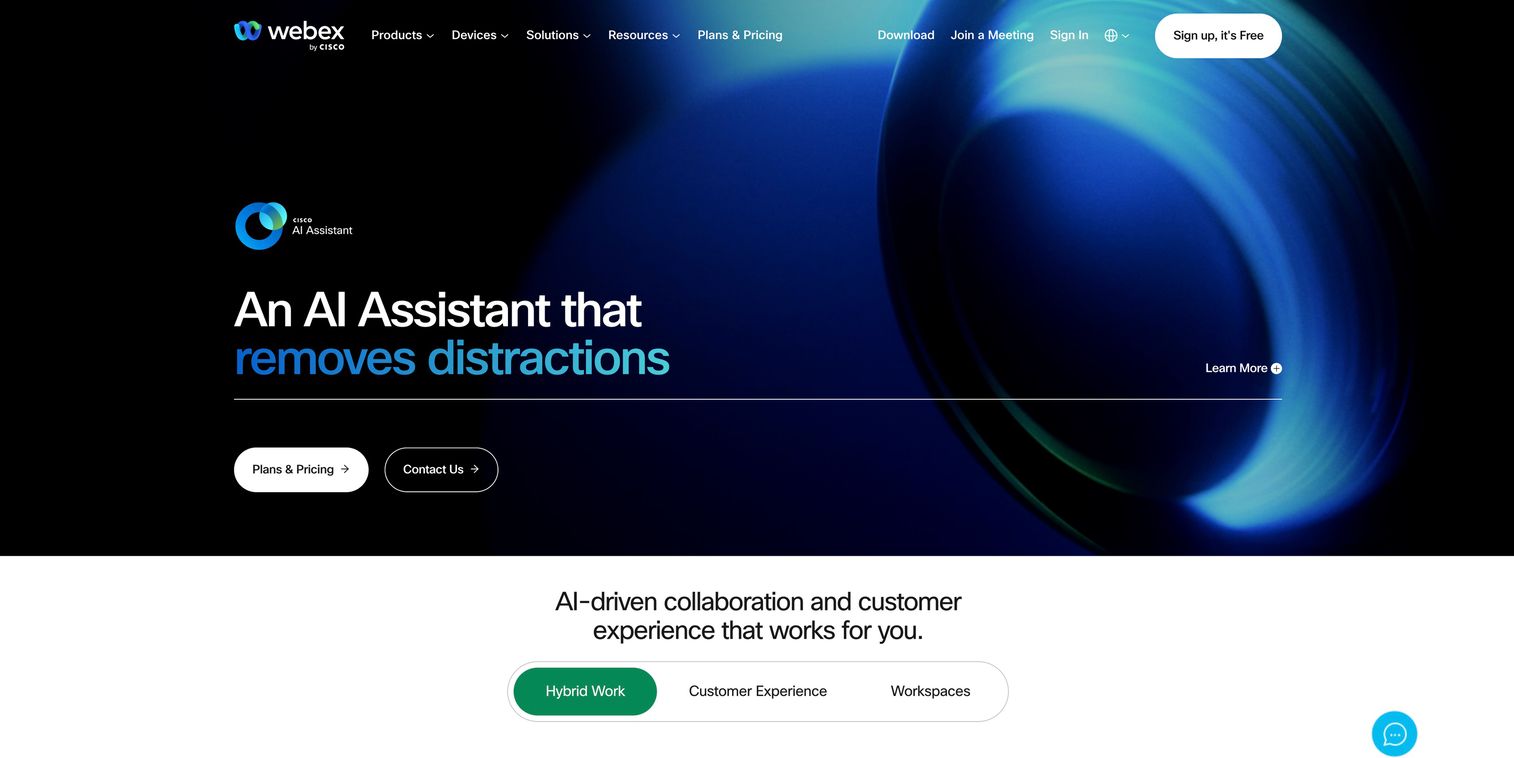
Webex Events is Cisco's enterprise solution for corporate events. The platform offers strong security features and integrates with other Cisco collaboration tools, making it attractive for organizations already in that ecosystem.
Best for: Enterprise organizations with strict security requirements and existing Cisco investments.
Key strengths
- Enterprise security and compliance features
- Integration with Webex and Cisco collaboration tools
- Global infrastructure and support
- Detailed analytics and reporting
Webex Events pricing
Custom enterprise pricing.
10. Guidebook
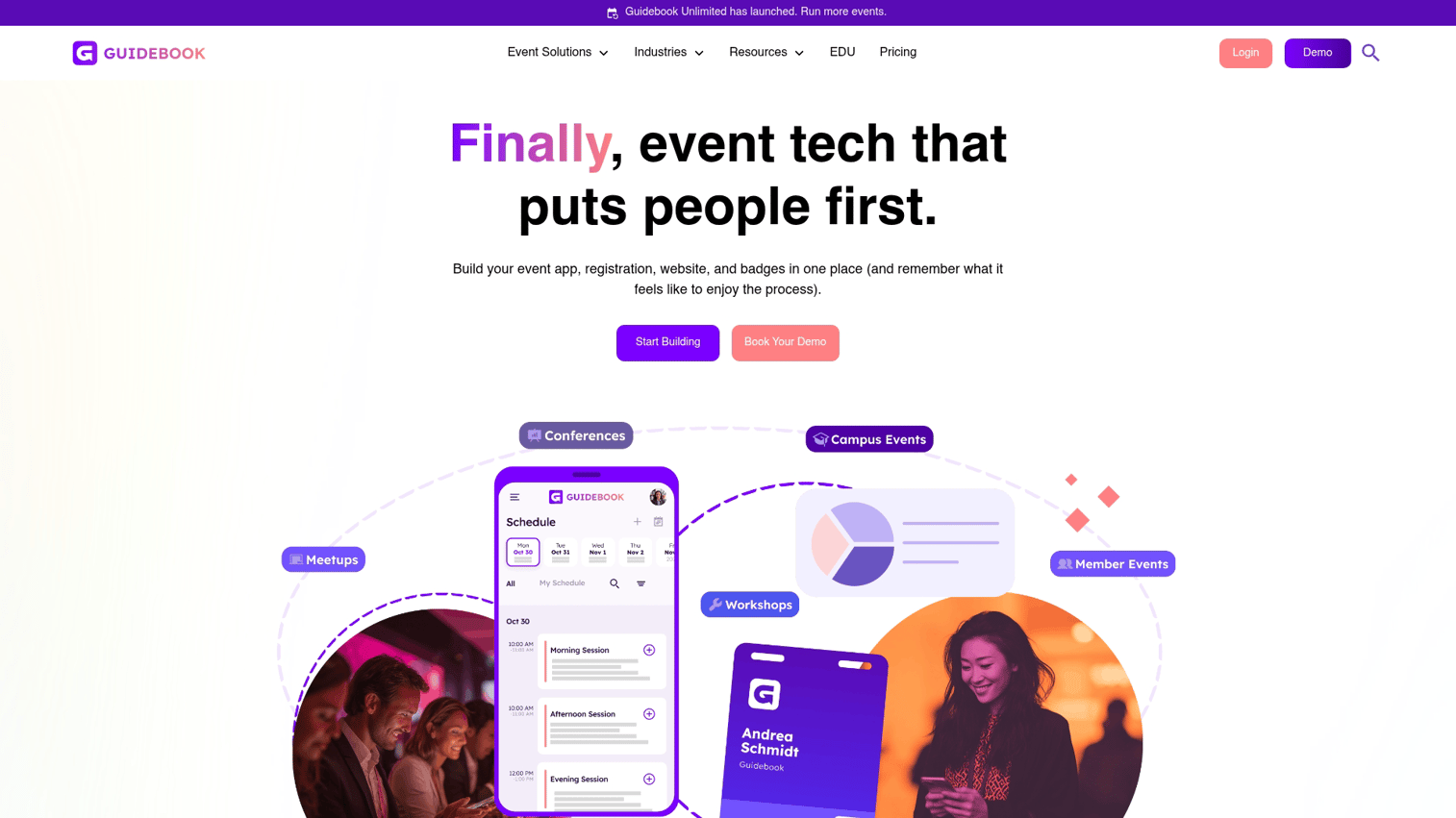
Guidebook offers a custom event app builder with strong branding options, making it popular with associations and organizations running recurring events. The platform allows non-technical users to create branded apps without coding.
Best for: Associations and membership organizations wanting branded apps for recurring events.
Key strengths
- No-code app builder with drag-and-drop interface
- Strong branding and white-label options
- Templates for different event types
- Published under your organization's name
Guidebook pricing
Plans start around $3,000/year with pricing based on features and app store publishing options.
11. SpotMe
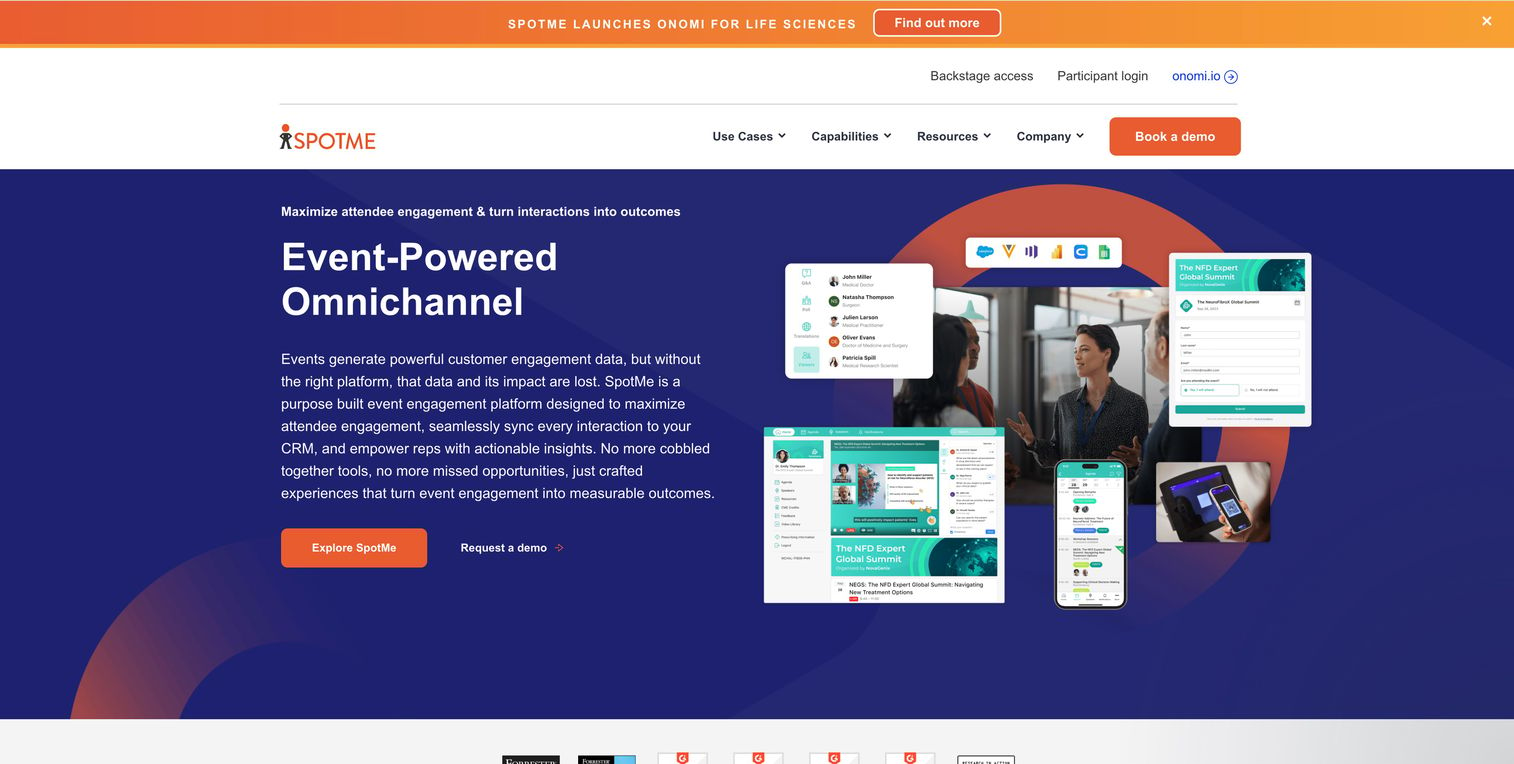
SpotMe focuses on engagement and content delivery with particular strength in regulated industries like pharma and healthcare. The platform includes compliance features that matter for events with strict documentation requirements.
Best for: Pharma, healthcare, and other regulated industries with compliance requirements.
Key strengths
- Compliance and documentation features
- Content delivery and on-demand access
- Engagement tracking for regulatory purposes
- Enterprise security
SpotMe pricing
Custom enterprise pricing based on requirements.
12. Pheedloop
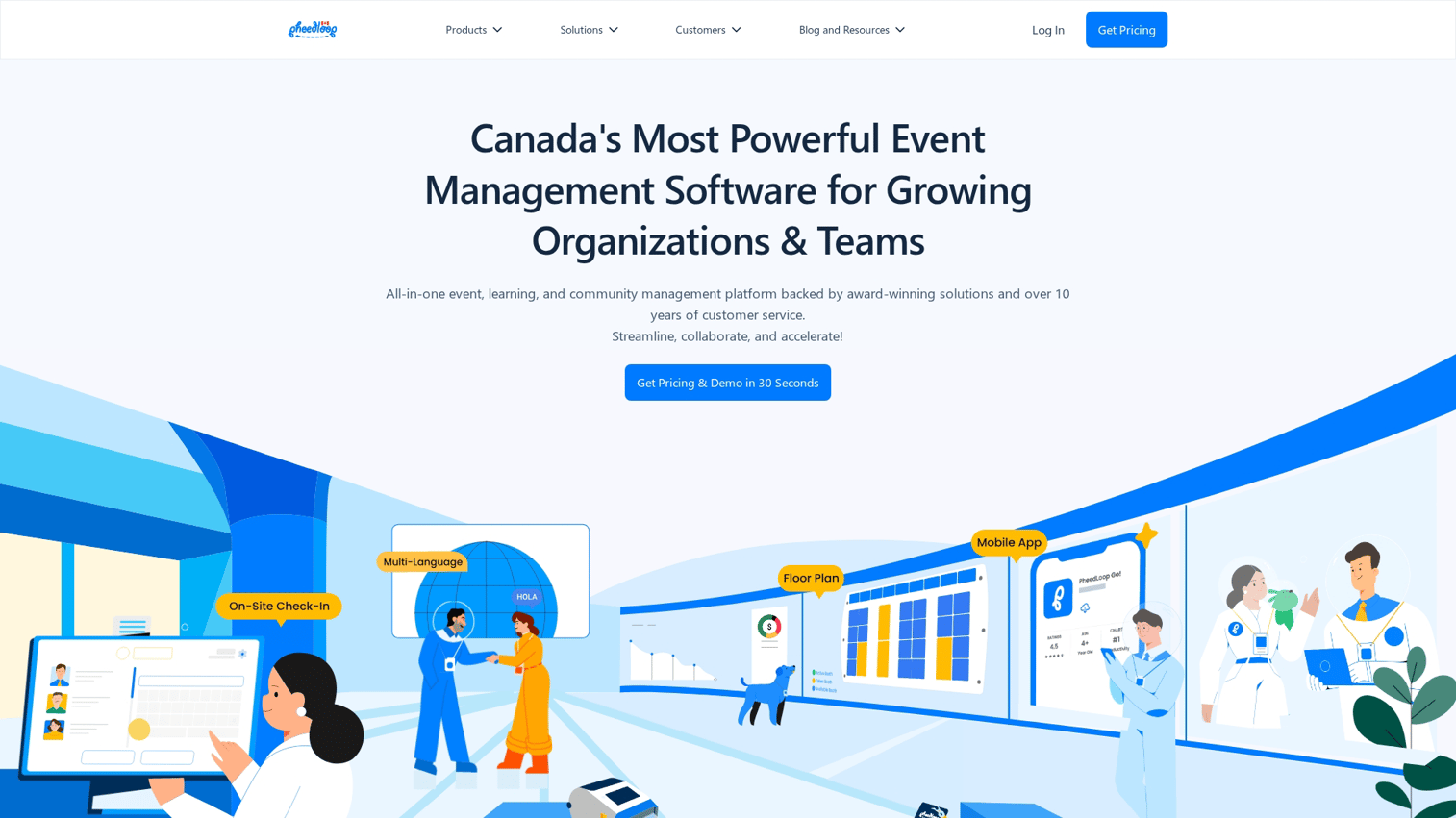
Pheedloop positions itself as an all-in-one platform combining registration, check-in, mobile app, and virtual event capabilities. The integrated approach reduces the need for multiple vendors and simplifies data management.
Best for: Organizations wanting consolidated event technology from registration through follow-up.
Key strengths
- Registration and ticketing included
- Check-in and badge printing
- Mobile app and virtual event capabilities
- Integrated analytics across touchpoints
Pheedloop pricing
Starts around $1,000 per event with pricing based on features and attendee count.
13. Accelevents
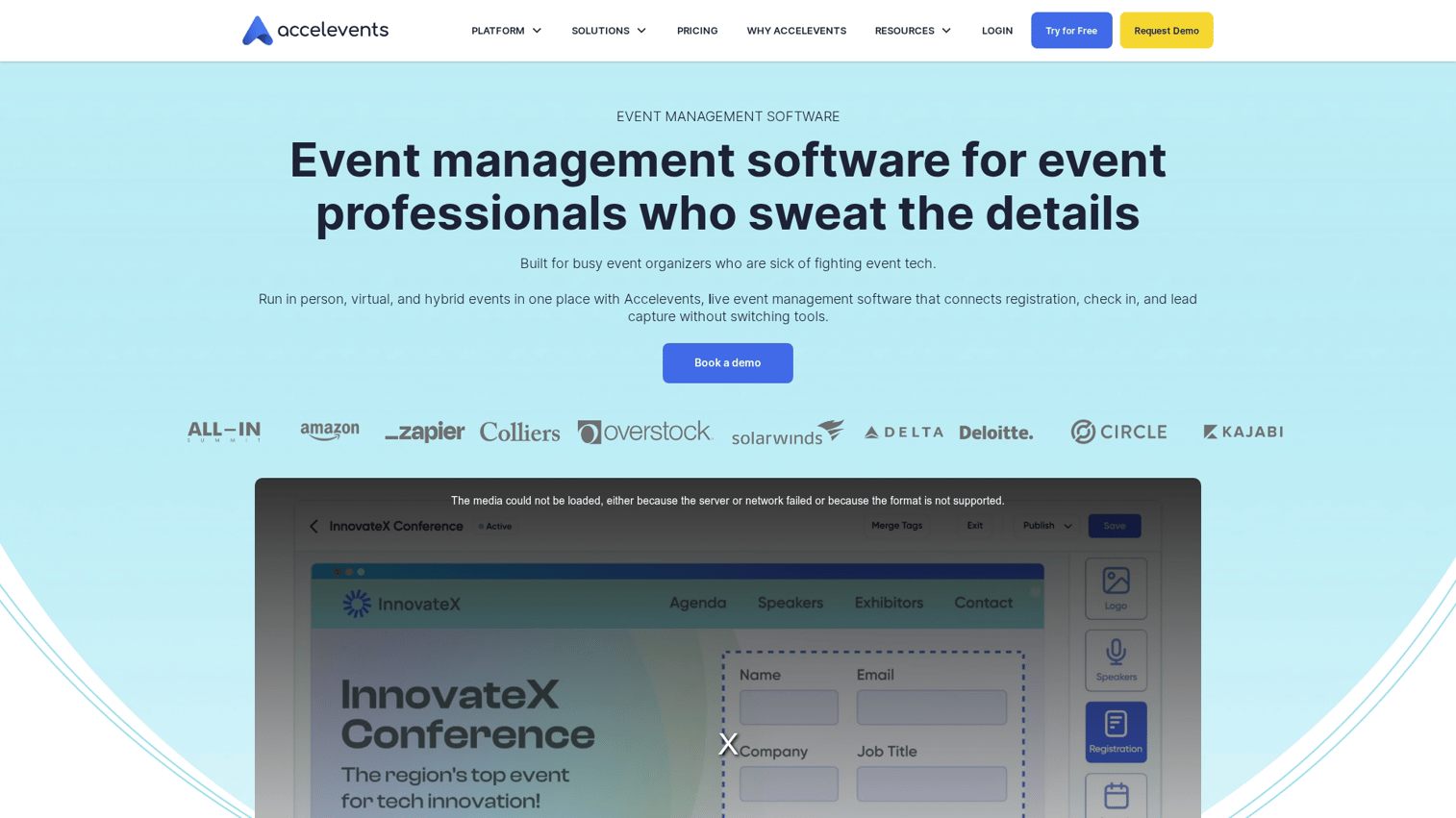
Accelevents offers flexibility for virtual, hybrid, and in-person events with notable strength in auction and fundraising features. This makes it particularly attractive for nonprofits and organizations running galas or fundraising events.
Best for: Nonprofits and organizations running fundraising events alongside conferences.
Key strengths
- Auction and fundraising tools
- Donation management
- Virtual, hybrid, and in-person support
- Competitive pricing
Accelevents pricing
Starts around $500 per event with pricing based on features and attendee count.
14. BigMarker
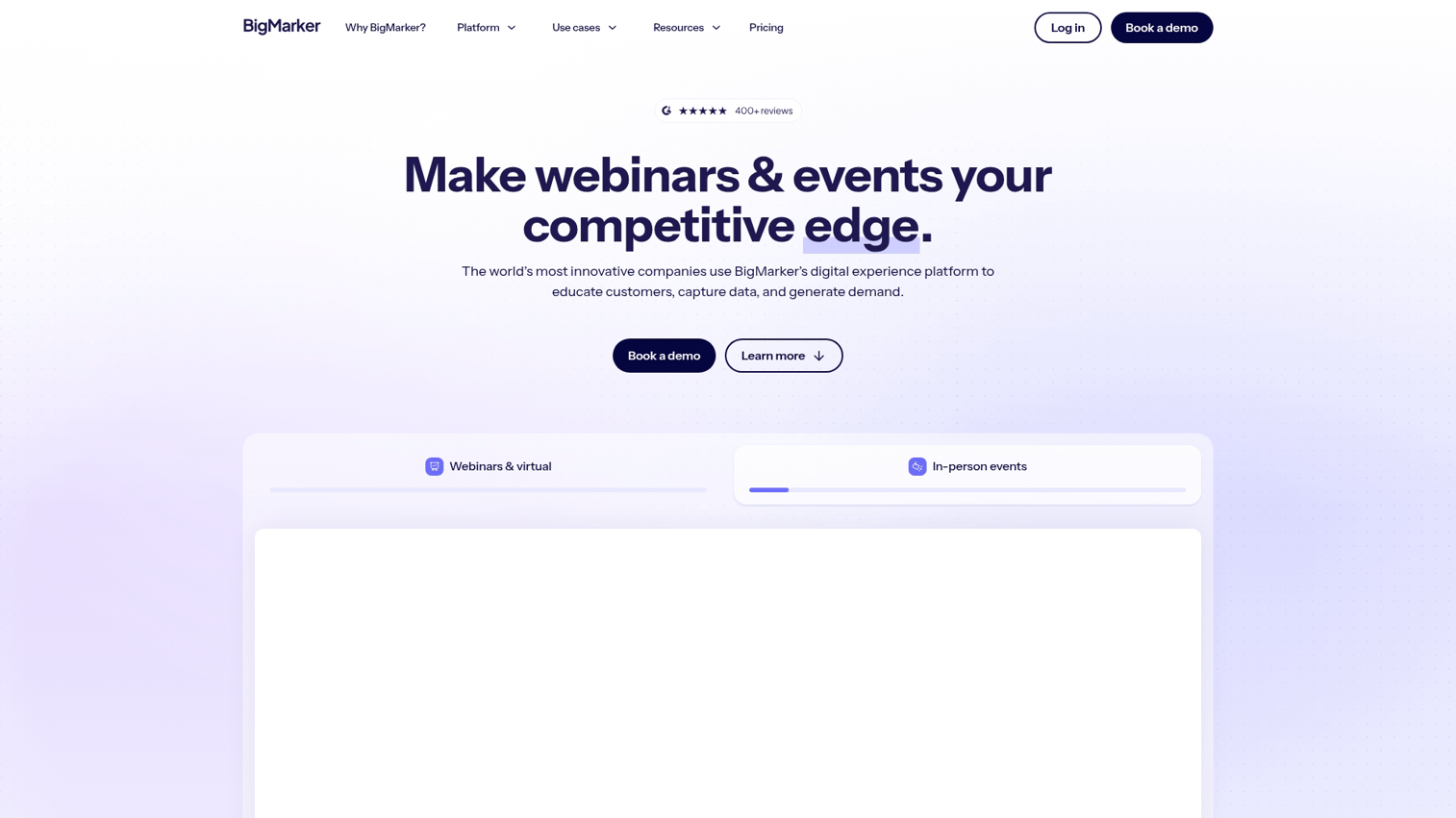
BigMarker focuses on webinars and virtual events with strong streaming capabilities. The platform works well for organizations running frequent webinars, virtual summits, or online training sessions.
Best for: Organizations running frequent webinars and virtual summits.
Key strengths
- Strong webinar and streaming capabilities
- Automated webinar features
- Landing page builder
- Marketing integrations
BigMarker pricing
Plans start at $99/month with pricing scaling based on features and attendee limits.
15. vFairs
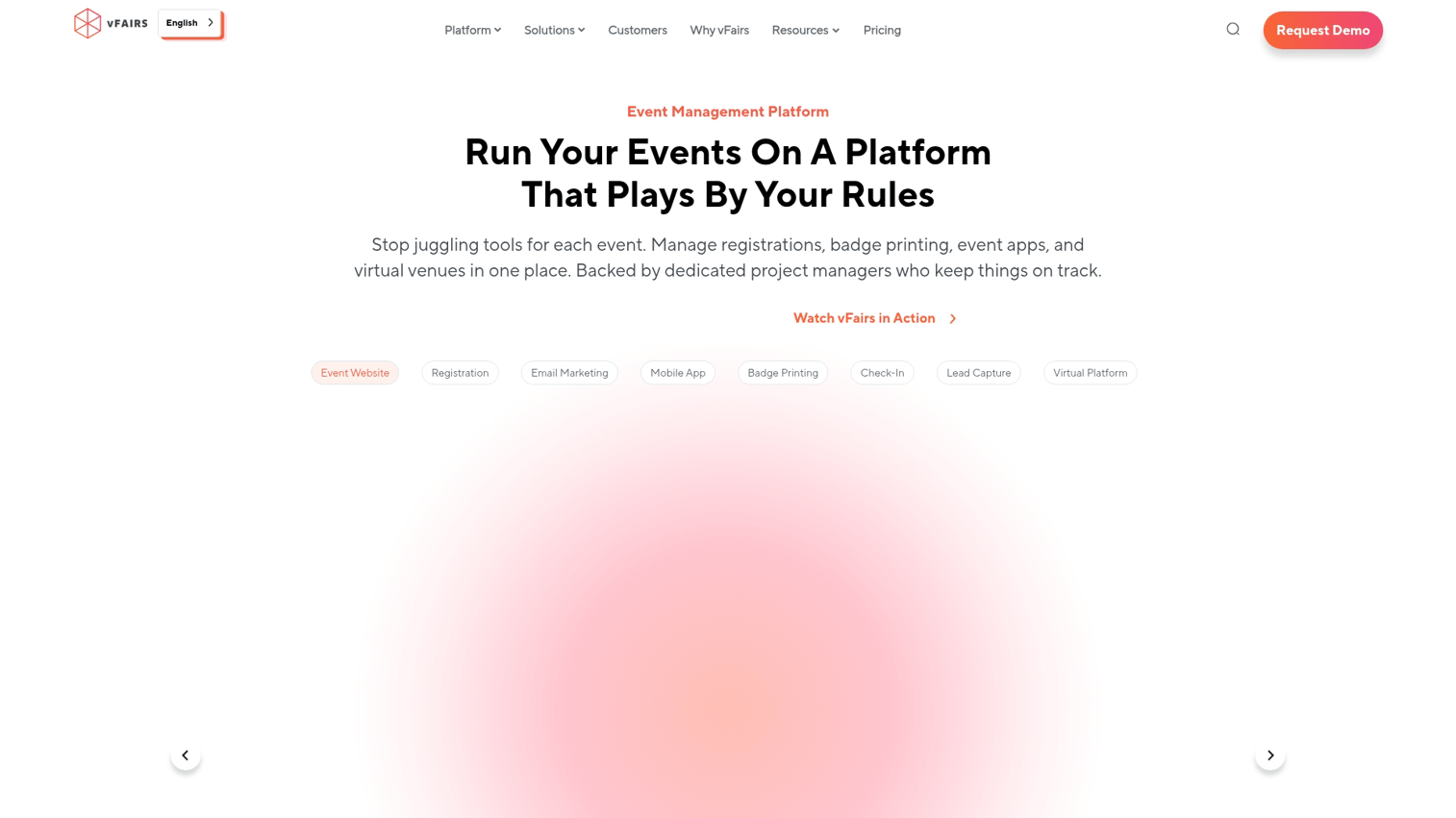
vFairs specializes in virtual trade shows and expos with 3D environments that simulate physical exhibition halls. The platform works well for organizations replacing or supplementing physical exhibitions with virtual alternatives.
Best for: Organizations running virtual trade shows and exhibitions.
Key strengths
- 3D virtual environments
- Virtual booth customization
- Lead capture and qualification
- Gamification for engagement
vFairs pricing
Custom pricing based on event size and features.
16. Zuddl
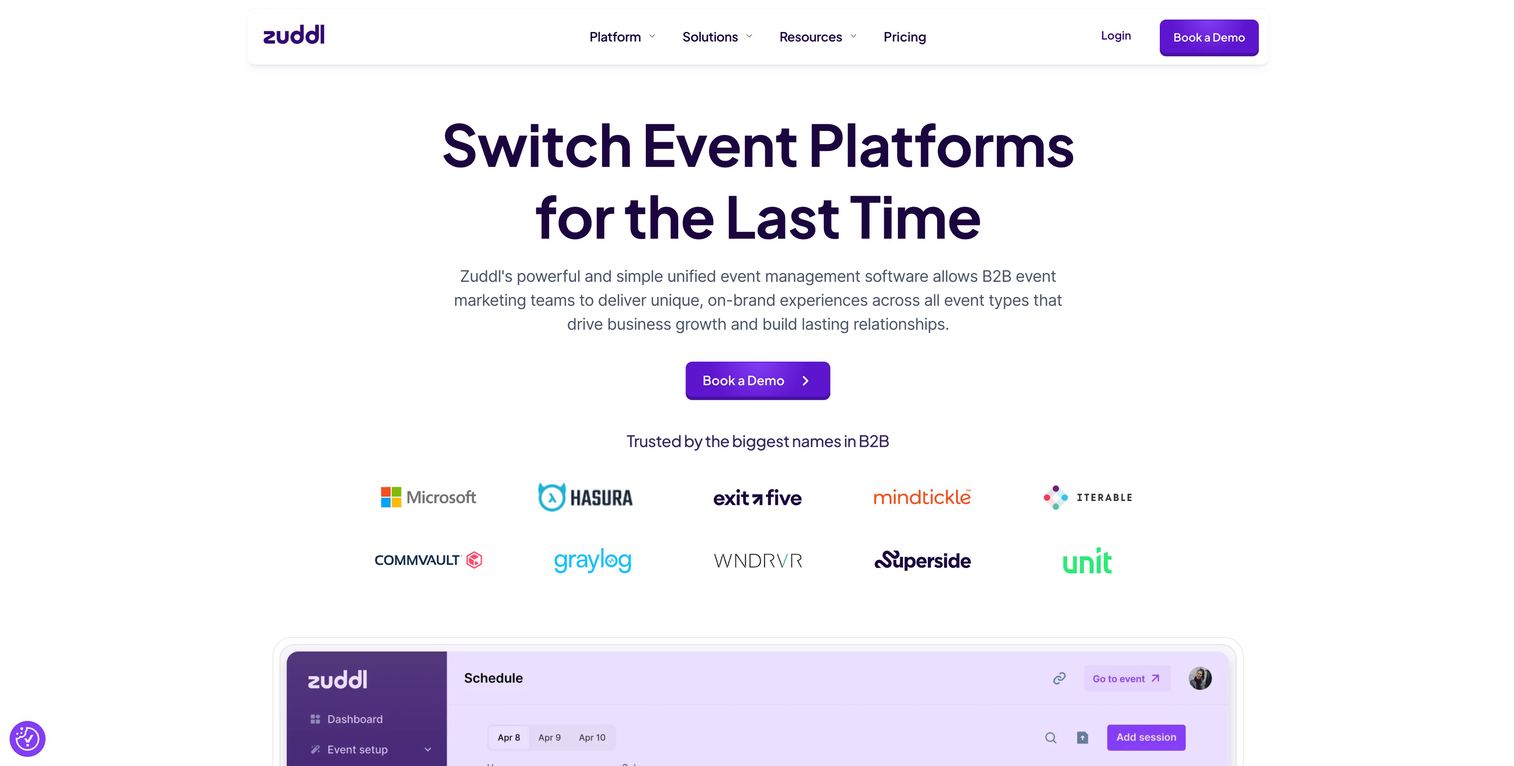
Zuddl is a newer platform focused on hybrid events with modern design and quick setup. The platform appeals to tech companies and organizations wanting a contemporary look without extensive configuration.
Best for: Tech companies wanting modern design and fast implementation.
Key strengths
- Modern, clean interface
- Quick setup and configuration
- Hybrid event support
- Responsive customer support
Zuddl pricing
Custom pricing based on event requirements.
17. 6Connex
6Connex offers an enterprise virtual event platform with mobile access, designed for large organizations running complex multi-track virtual events.
Best for: Large organizations running complex virtual events at scale.
Key strengths
- Enterprise-scale virtual events
- Detailed customization options
- Integration with enterprise systems
- Comprehensive analytics
6Connex pricing
Custom enterprise pricing.
18. RingCentral Events
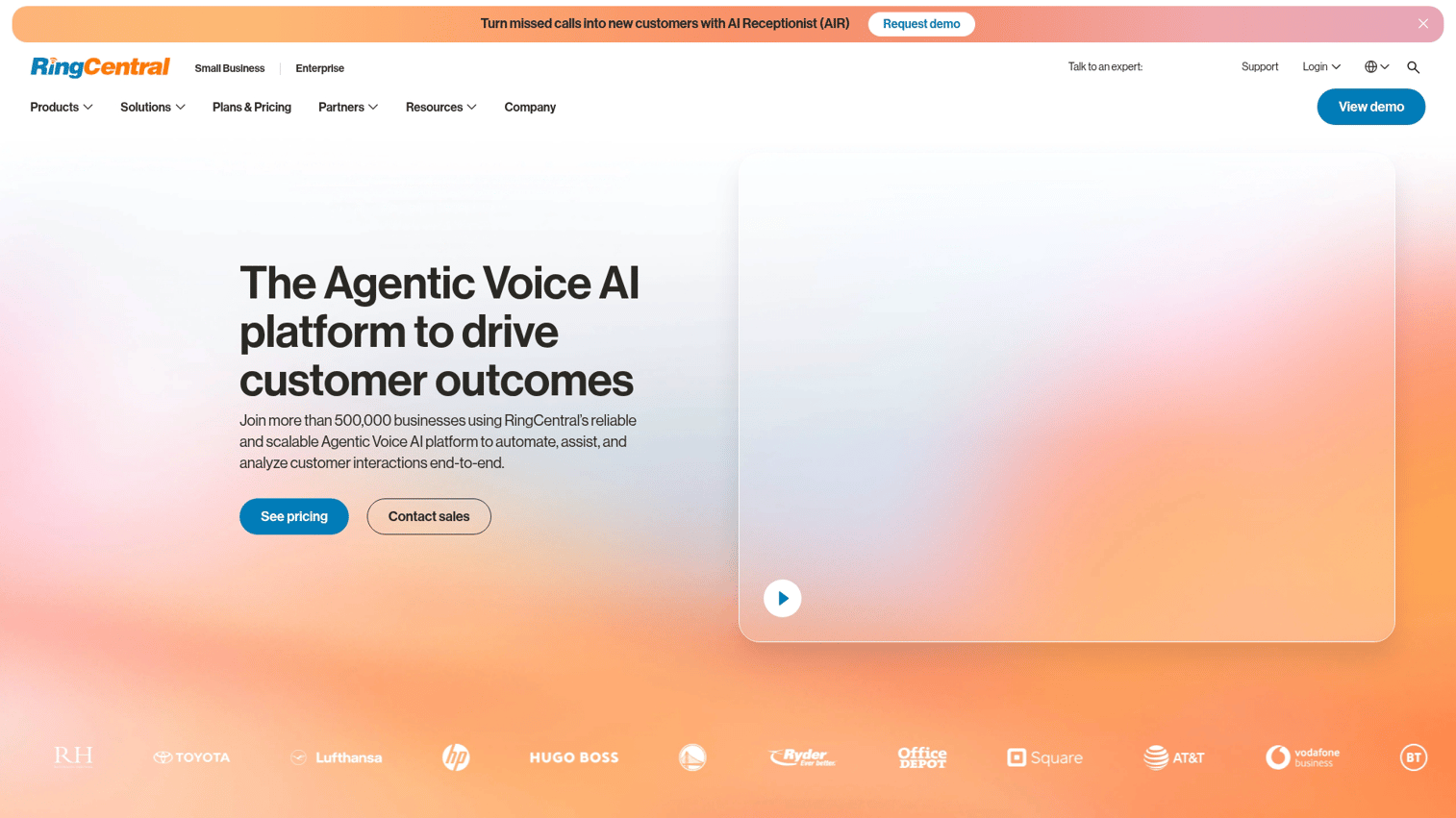
RingCentral Events focuses on video quality and production features. The platform works well for events where streaming quality and professional production matter.
Best for: Events prioritizing video quality and production value.
Key strengths
- High-quality video streaming
- Production features and controls
- Breakout room management
- RingCentral ecosystem integration
RingCentral Events pricing
Custom pricing based on event requirements.
19. Yapp
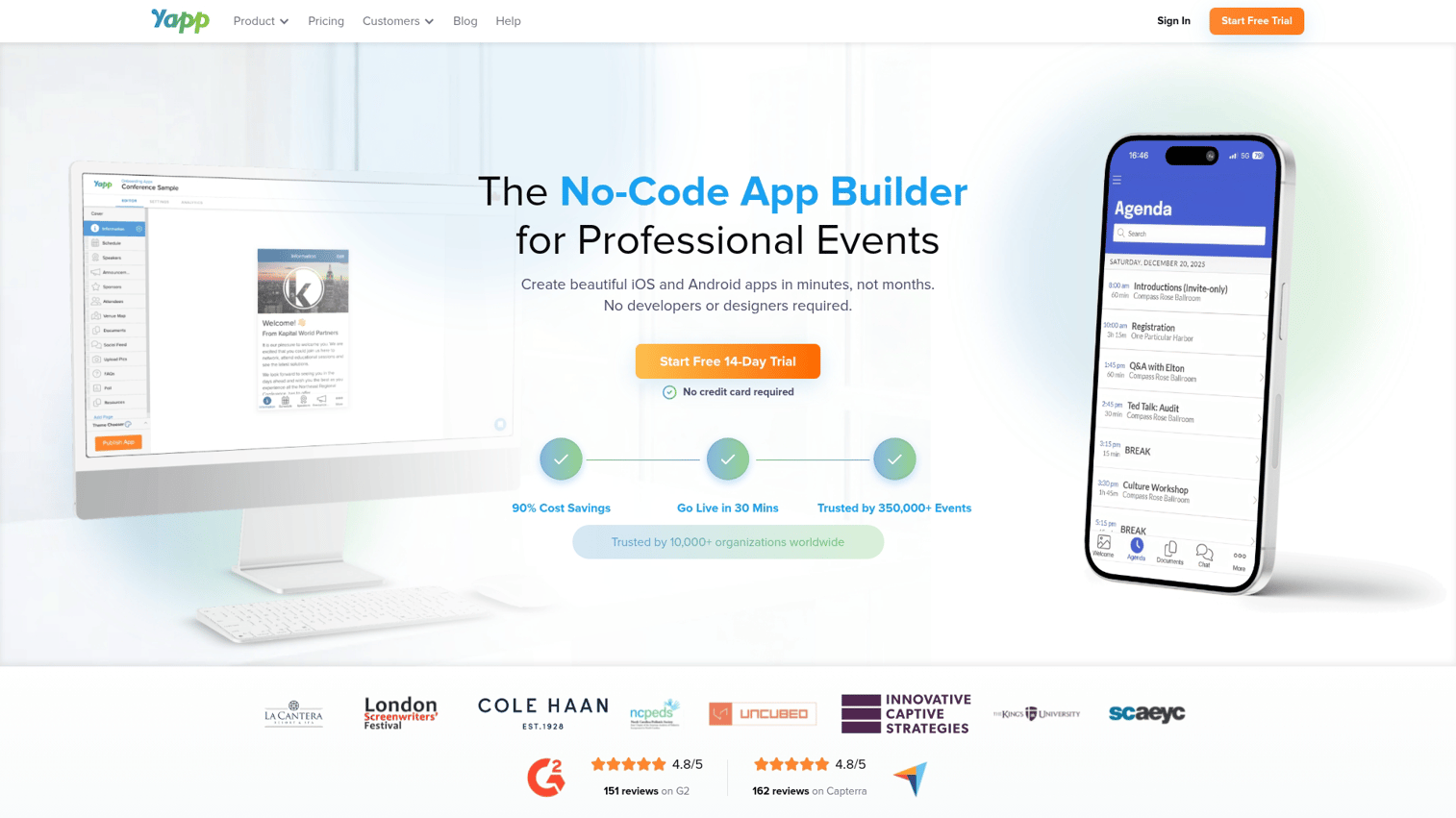
Yapp offers a simple, affordable conference mobile app builder for small events and organizations with limited budgets. The platform prioritizes ease of use over advanced features.
Best for: Small events and organizations with limited budgets wanting basic functionality.
Key strengths
- Simple, affordable pricing
- Easy drag-and-drop builder
- Quick setup
- No technical skills required
Yapp pricing
Starts at $399 per app with straightforward pricing.
20. Sched
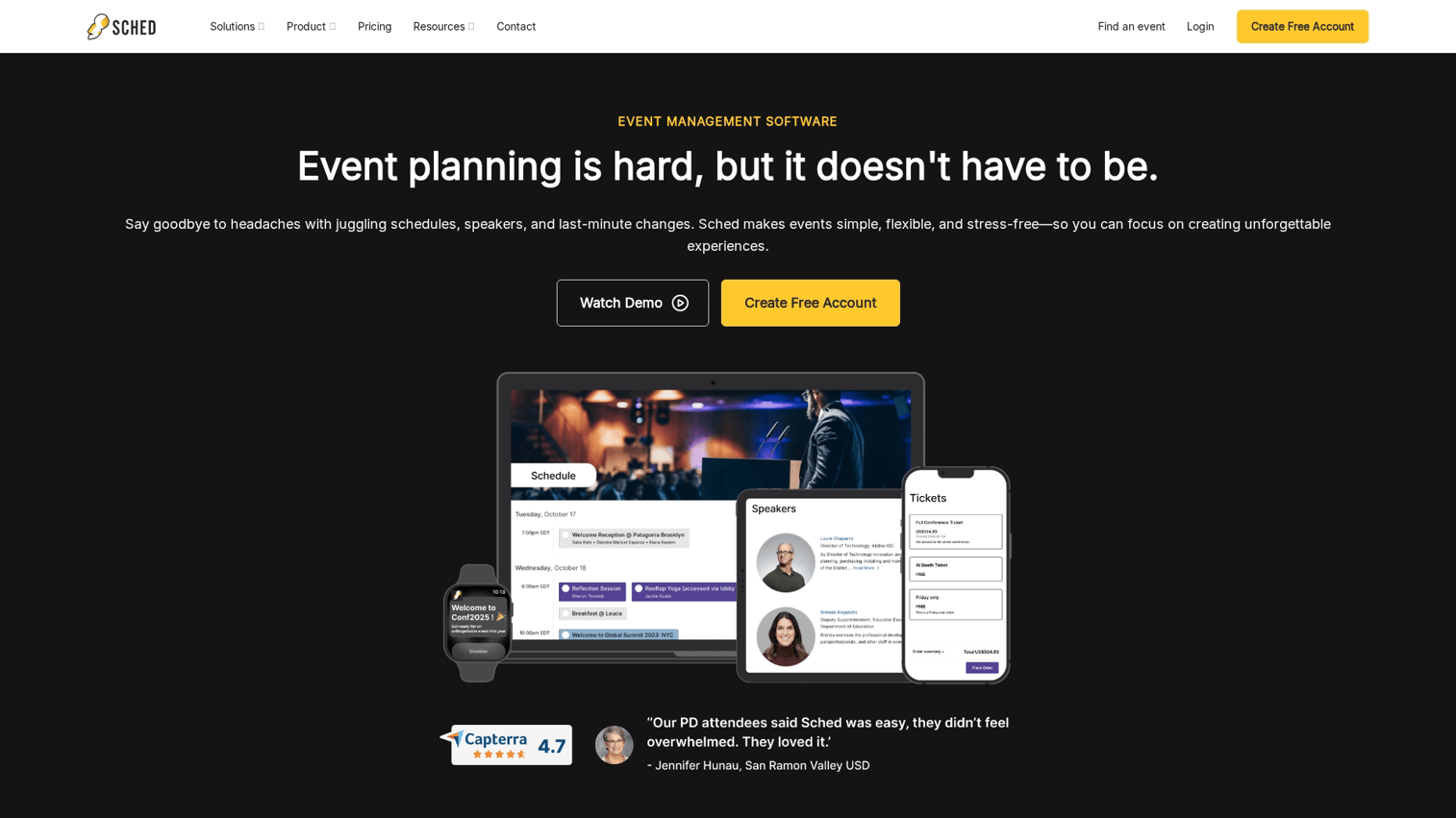
Sched focuses specifically on conference scheduling app functionality, making it strong for events where agenda management is the primary requirement.
Best for: Events where schedule management is the primary app requirement.
Key strengths
- Strong agenda and scheduling features
- Speaker and session management
- Attendee schedule building
- Affordable per-attendee pricing
Sched pricing
Starts at $1 per attendee with pricing based on features.
21. Meeting Application
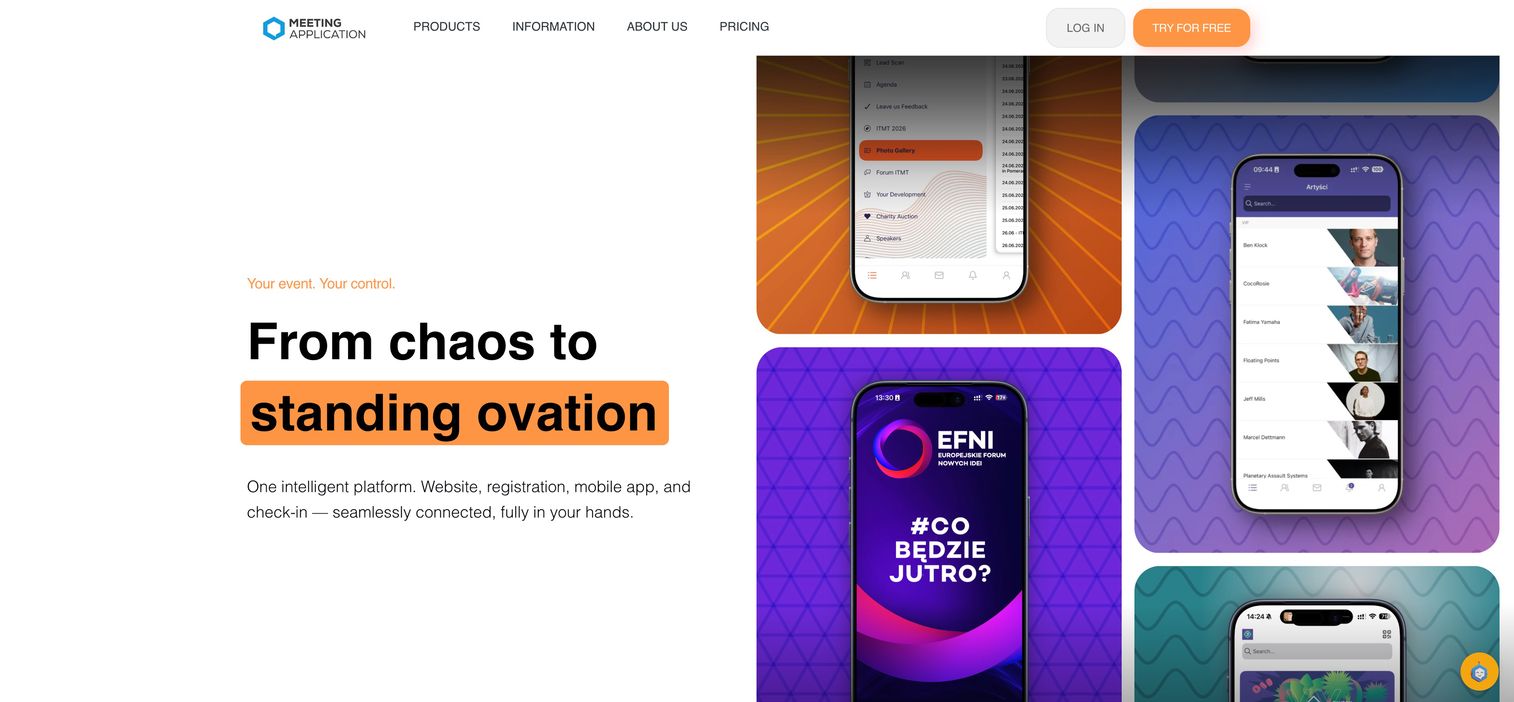
Meeting Application is a European-based mobile event application with strong GDPR compliance features.
Best for: EU organizations with strict GDPR and data privacy requirements.
Key strengths
- GDPR compliance features
- European data residency
- Privacy-focused design
- EU-based support
Meeting Application pricing
Custom pricing based on event requirements.
22. Canapii
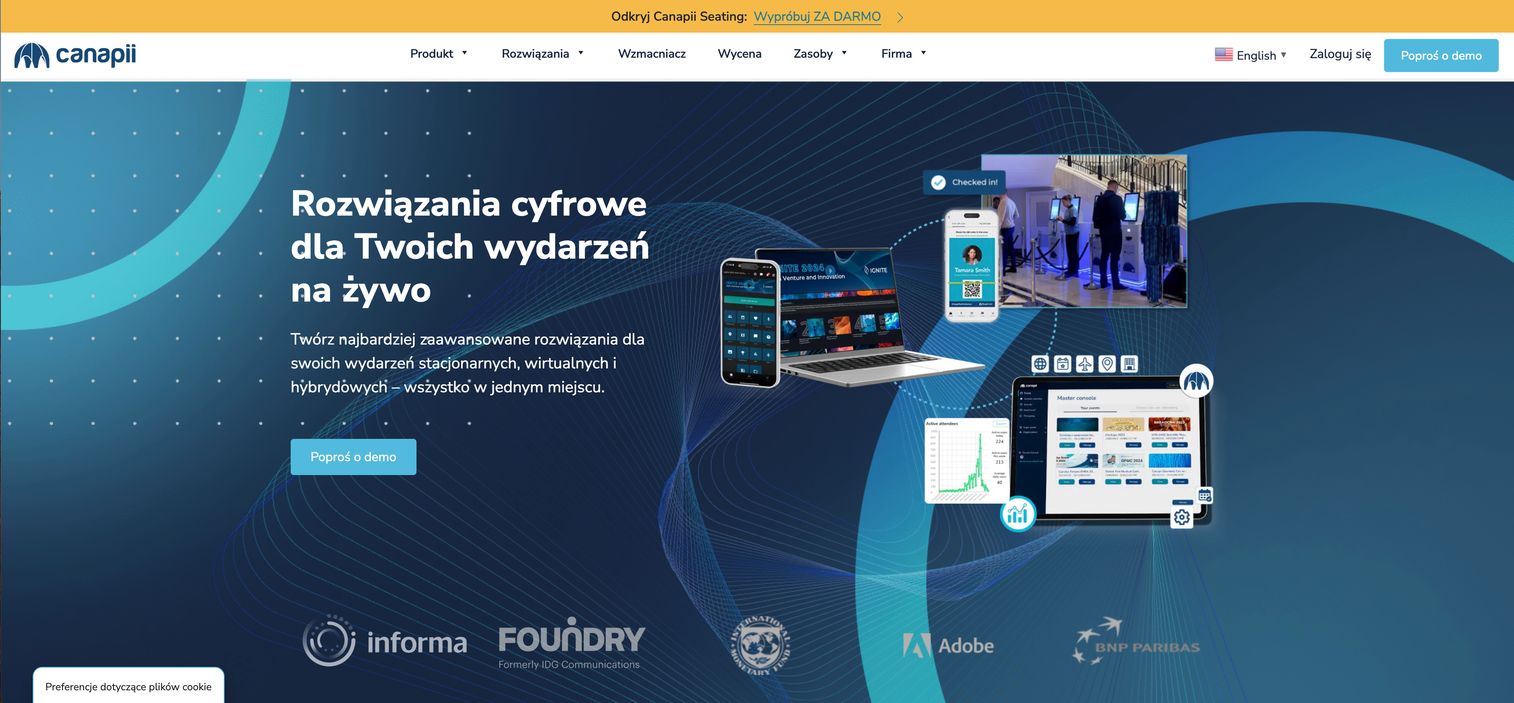
Canapii focuses on engagement and sustainability tracking, making it attractive for organizations prioritizing ESG reporting from events.
Best for: Organizations prioritizing sustainability tracking and ESG reporting.
Key strengths
- Sustainability and carbon tracking
- ESG reporting features
- Engagement tools
- Environmental impact metrics
Canapii pricing
Custom pricing based on event requirements.
23. Eventleaf
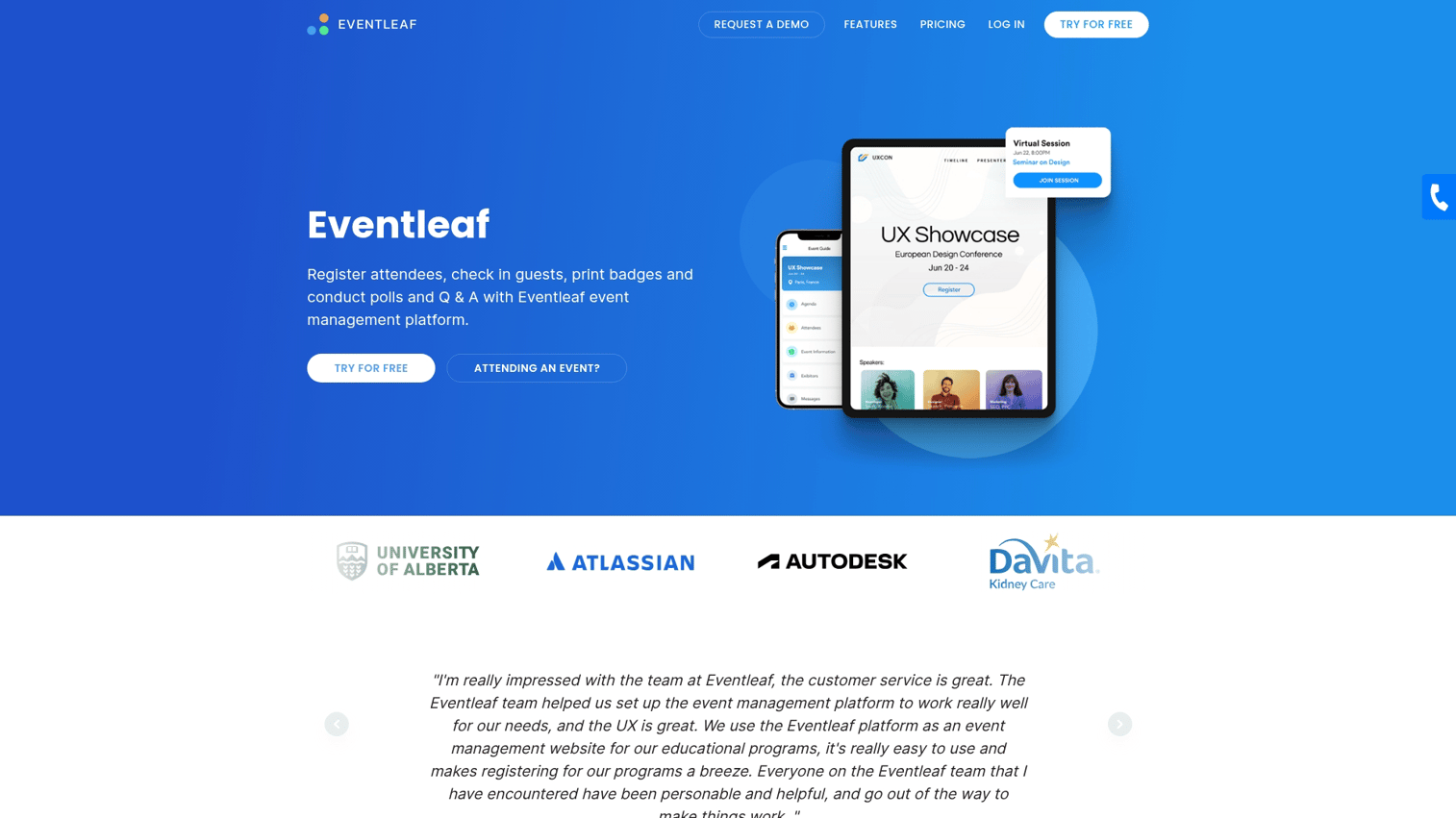
Eventleaf offers straightforward registration and mobile event management app functionality without the complexity of enterprise platforms.
Best for: Smaller organizations wanting simple, straightforward event technology.
Key strengths
- Simple registration and check-in
- Badge printing integration
- Basic mobile app features
- Affordable pricing
Eventleaf pricing
Starts at $1 per attendee with straightforward pricing.
24. Certain
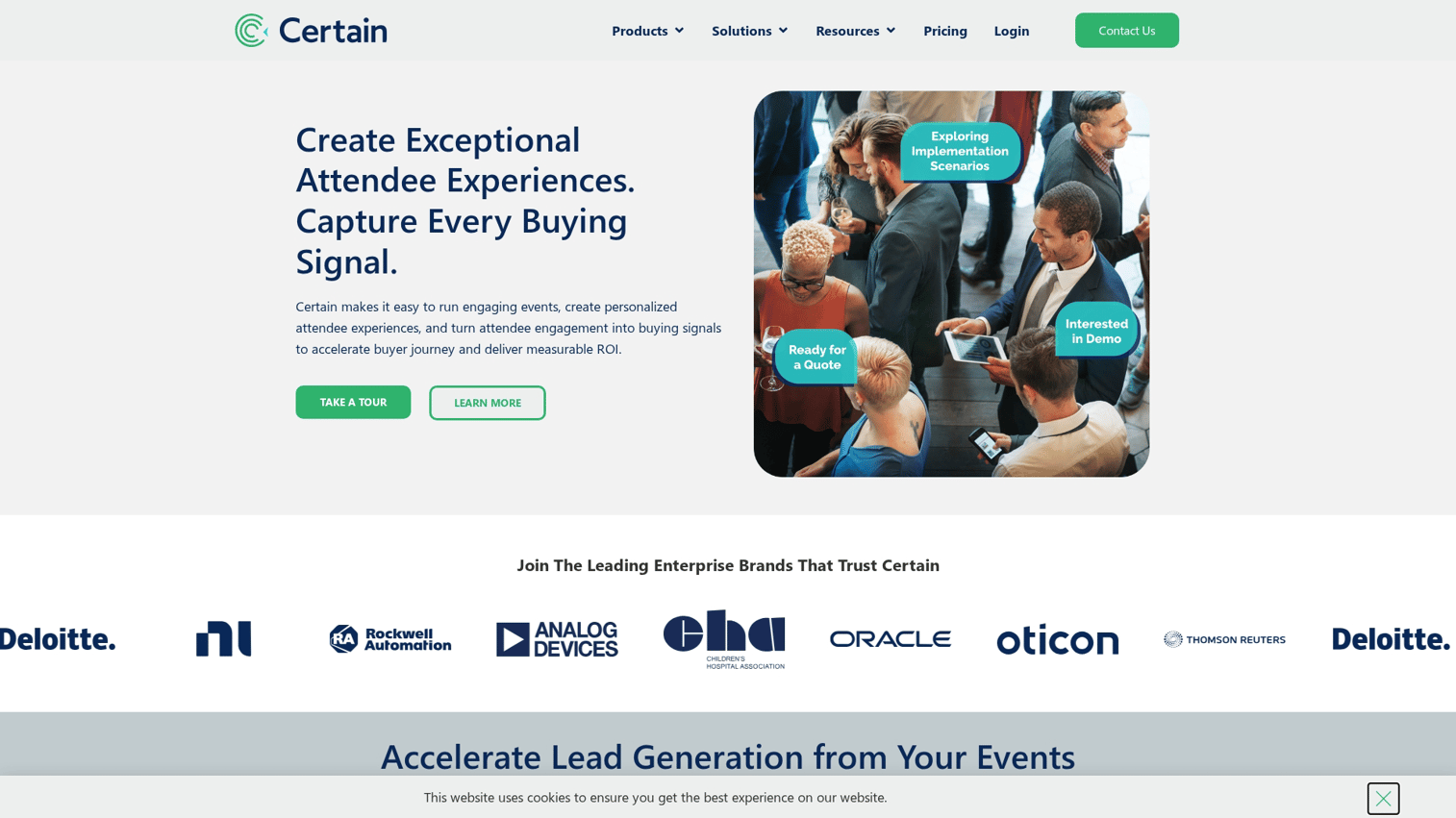
Certain offers enterprise event management with mobile capabilities, designed for large organizations managing portfolios of events.
Best for: Large organizations managing portfolios of events.
Key strengths
- Multi-event portfolio management
- Enterprise integrations
- Comprehensive analytics
- Global support
Certain pricing
Custom enterprise pricing.
25. Gather
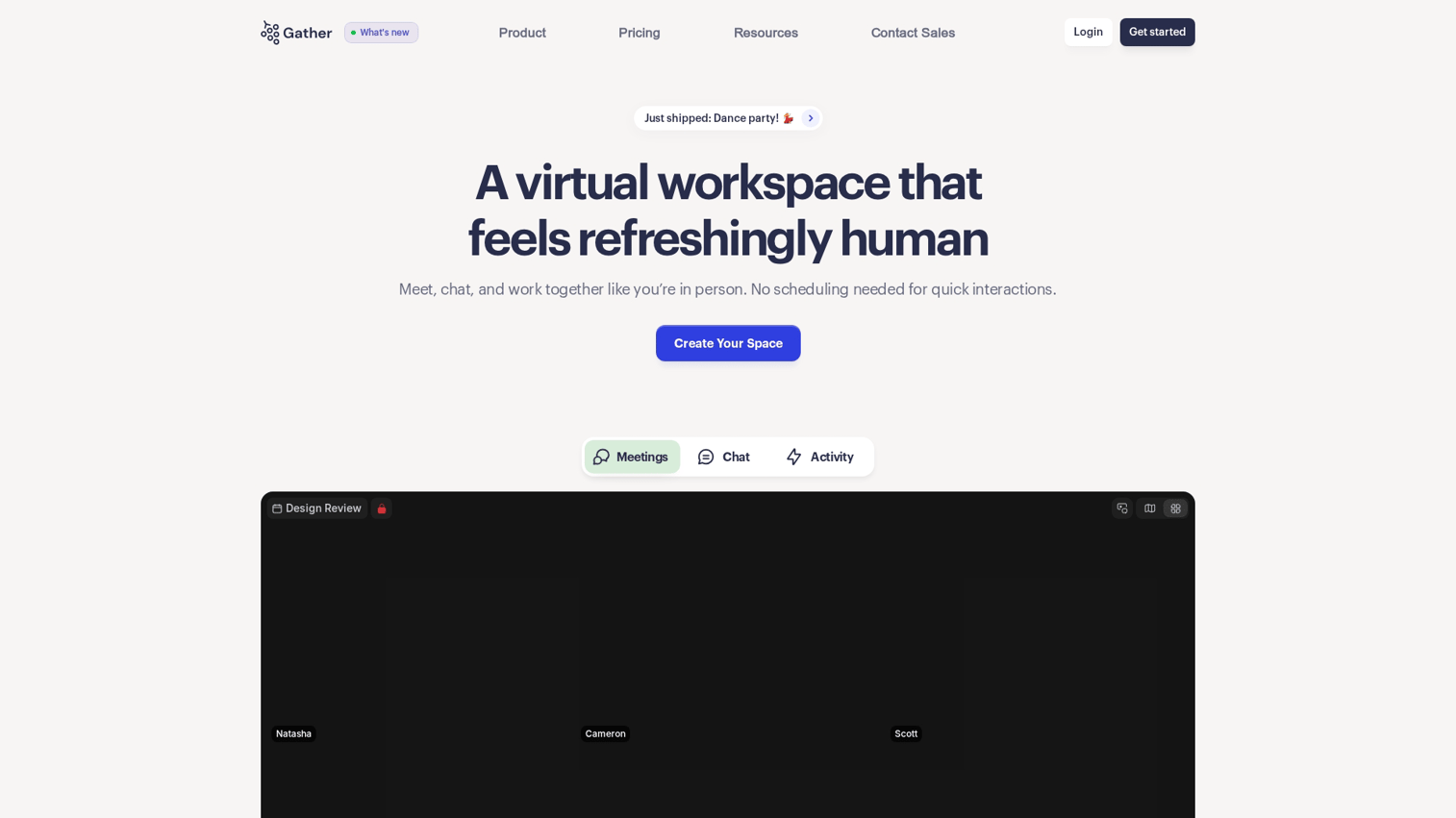
Gather offers a virtual space platform with mobile access, designed for internal meetings and team events wanting spatial interaction.
Best for: Internal company meetings and team events wanting spatial, informal interaction.
Key strengths
- Spatial interaction with avatars
- Informal networking spaces
- Customizable virtual environments
- Good for recurring team events
Gather pricing
Starts at $7 per user with pricing based on space size and features.
26. Brella
Brella specializes in networking-focused conference mobile apps with strong meeting matchmaking capabilities.
Best for: B2B events where one-on-one meetings and matchmaking drive attendee value.
Key strengths
- AI-powered meeting matchmaking
- Intent-based networking
- Meeting scheduling and management
- Networking analytics
Brella pricing
Custom pricing based on event requirements.
27. Socio
Socio offers a mid-market friendly platform for hybrid events. The platform balances feature depth with usability, making it accessible for teams without dedicated event technology staff.
Best for: Mid-market organizations wanting solid hybrid capabilities without enterprise complexity.
Key strengths
- Balanced feature set
- Hybrid event support
- User-friendly interface
- Reasonable learning curve
Socio pricing
Custom pricing based on event requirements.
28. Bonus: Guideflow for event team enablement
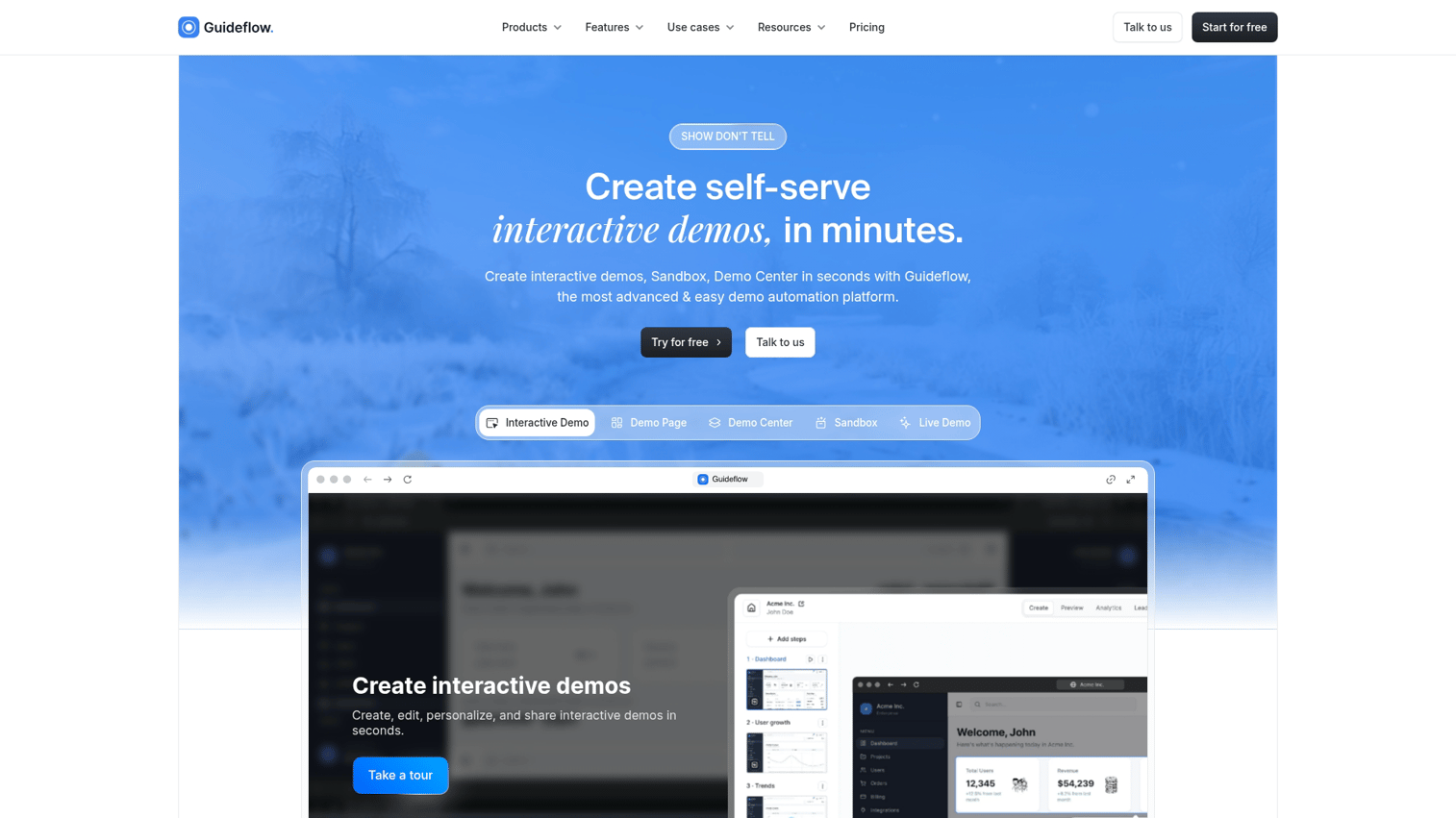
Mobile event apps handle what happens during your event. Guideflow handles what happens around it: training volunteers, onboarding exhibitors, walking sponsors through their dashboards, and showing prospects how your event app actually works before they download it.
It earns a bonus slot here because event teams keep running into the same problem. You pick a mobile event app, then you spend weeks explaining it to everyone who touches it. Guideflow replaces those explanations with interactive product demos that sponsors, exhibitors, and staff can click through on their own time.
A few common use cases for event teams:
- Sponsor and exhibitor onboarding: Build a clickable walkthrough of your event app's exhibitor portal. Send one link instead of running ten kickoff calls.
- Volunteer and staff training: Capture your check-in flow, badge printing process, and session management once. Reuse it across every event.
- Pre-event attendee education: Embed a short demo of your mobile app on your event landing page so attendees know what to expect before they download.
- Vendor evaluation: Use sandbox demos from event app vendors to compare platforms before booking sales calls.
Best for: Event marketing teams who want to reduce the manual work of explaining their event technology to sponsors, exhibitors, staff, and attendees.
Key strengths
- Interactive walkthroughs: Turn any workflow into a self-serve clickable demo with tooltips and CTAs
- No-code editor: Add branching, forms, and personalization without developer help
- Multi-channel distribution: Share via links, embeds, email, or social
- Engagement analytics: See completion rates, drop-off points, and which sponsors actually finished onboarding
Guideflow pricing
- Free: $0/month (5 guideflows, unlimited viewers)
- Solo: $40/month
- Growth: $499/month
- Advanced: $1,499/month
- Enterprise: From $2,999/month
Start your journey with Guideflow today!
Best mobile event apps by event type
Trade shows and expos
Trade shows prioritize exhibitor management, floor maps, lead capture, and sponsor visibility to boost conversion rates. Swapcard, vFairs, and Whova offer strong capabilities for expo-style events where attendee-exhibitor connections drive value.
Corporate conferences and summits
Corporate events often require branding control, security features, and integration with enterprise systems. Cvent Attendee Hub, Bizzabo, and EventMobi serve enterprise event app requirements with compliance and customization options.
Association and membership events
Associations running recurring events benefit from apps with year-round community features and strong branding. Guidebook, Attendify, and platforms offering mobile app for association capabilities support ongoing member engagement.
Internal company meetings and training events
Internal events often want simpler apps focused on agenda and informal interaction. Gather, Yapp, and platforms that integrate with collaboration tools work well for team events.
Hybrid and virtual events
Hybrid formats require platforms strong in both streaming and mobile access. Hopin, Airmeet, and Webex Events offer virtual event apps with capabilities spanning remote and in-person attendees.
What to consider before buying event app software
Beyond features, evaluate contract terms, data ownership, scalability, vendor stability, and total cost of ownership:
- Contract flexibility: Can you pay per event or are you locked into annual terms?
- Data ownership: Who owns attendee data and can you export it completely?
- Scalability: Does pricing scale reasonably as attendance grows?
- Vendor stability: Is the company well-funded and established?
- Total cost: What's included versus what costs extra for setup, support, or premium features?
How to get started with your event mobile app
Start by shortlisting two or three platforms that match your event format and budget. Request demos from each, ideally using your actual event scenario rather than generic presentations. Run a pilot with a smaller event before committing to a major conference. Measure adoption rates, attendee feedback, and operational friction during the pilot.
Many vendors offer interactive demos or sandbox environments that let you explore the platform before scheduling sales calls.
Start your journey with Guideflow today!
FAQs about mobile event apps
Most mobile event apps can be configured in one to four weeks depending on complexity. Simpler platforms like Yapp or Eventleaf offer same-day setup for basic events, while enterprise platforms like Cvent or Bizzabo typically require longer implementation timelines with dedicated onboarding support.
Many native mobile event apps support offline mode for agenda viewing, session details, and floor maps. However, networking features, live polling, and real-time updates typically require an internet connection.
Adoption varies widely based on promotion and ease of use. Well-promoted apps at tech-savvy events can see higher adoption, while poorly communicated deployments struggle to gain traction. Pre-event communication and clear value proposition significantly impact adoption rates.
Reputable event app vendors provide data processing agreements, consent management, and EU data residency options to support GDPR and other privacy regulations. Ask vendors specifically about their compliance certifications and data handling practices before committing.
Most custom event app platforms allow logo, color, and design customization. Some vendors like Guidebook offer fully branded native apps published under the organization's name in app stores, while others provide branded web apps or container apps with customization options.
Native apps are downloaded from app stores, often work offline, and typically offer smoother performance. Web-based event apps run in browsers without downloads but require internet access. Progressive web apps (PWAs) offer a middle ground with browser access and some offline capabilities.
Organizers track metrics like app adoption rate, session attendance, networking meetings booked, sponsor impressions, and post-event survey responses. The best platforms provide analytics dashboards that connect engagement data to business outcomes like lead quality and attendee satisfaction.
Yes, many event mobile apps offer progressive web app (PWA) versions that attendees access via browser link. This eliminates app store downloads while preserving core functionality like agenda viewing, networking, and session information.










