A new hire asks where the deployment runbook lives. Someone links a Google Doc. It's three versions behind. The current one is buried in a Slack thread from four months ago, pinned by a person who left in March.
That's not a documentation problem. It's a retrieval problem.
Most teams don't lack knowledge. They lack a single place where knowledge stays current and findable. Docs scatter across drives, wikis, ticket comments, and DMs. The person who wrote the process becomes the process, and when they're heads-down or gone, everyone waits.
The market reflects the scramble to fix this. The global internal wiki software market was worth about USD 2.5 billion in 2024 and is forecast to reach USD 7.8 billion by 2033, a 12.3% CAGR, according to LinkedIn's Internal Wiki Software Market Analysis (2024). Companies aren't buying wikis for fun. They're buying them because tribal knowledge stops scaling somewhere around the second or third team.
This guide breaks down seven tools that actually keep team documentation searchable, current, and open to both engineers and the people who don't write YAML.
What's inside
This is a buyer-first guide for product managers, ops leads, and team leads choosing internal wiki tools. We picked tools across the full range of team needs, from open-source and self-hosted to no-code company wiki software.
We ranked each tool on the criteria that matter mid-evaluation:
- Ease of use for both technical and non-technical contributors
- Search and how fast people find the right page
- Hosting flexibility, including self-hosted and cloud options
- Permissions and access control for governance
- Collaboration and how well the tool handles frequent updates
The list balances polished cloud platforms with lean open-source wiki options, so you can match the tool to your team's size and technical comfort.
TL;DR
Short on time? Here are the quick picks by team type:
- Best for large enterprises: Atlassian Confluence, especially if you already run Jira.
- Best self-hosted, open-source option with a modern editor: Wiki.js.
- Best lightweight, database-free wiki: DokuWiki.
- Best for structured docs plus internal apps: XWiki.
- Best proven, large-scale wiki engine: MediaWiki.
- Best for non-technical contributors: Notion.
- Best for search-first knowledge sharing: Slab.
No single tool wins for everyone. Match hosting, editing model, and search to how your team actually works.
What is internal wiki software
Internal wiki software is a centralized platform where a team creates, organizes, and searches its own documentation, so knowledge lives in one place instead of scattered across drives and chats.
It functions as an internal knowledge base built for collaborative editing. Anyone with access can add or update a page, link related pages together, and find answers through search instead of asking a colleague. Where a static folder of files goes stale, a wiki is designed to stay current because updating it is part of the daily workflow.
Most internal wiki tools share a common set of features:
- WYSIWYG and Markdown editing so both writers and engineers can contribute
- Search and page linking for fast, searchable documentation
- Permissions and access control to govern who sees and edits what
- Version history so you can track changes and roll back mistakes
- Integrations and notifications that connect the wiki to your existing stack
- Hosting options, including cloud access and self-hosted deployment
The category spans a wide range. Some tools are open-source wiki engines you install anywhere. Others are polished cloud workspaces that a non-technical team adopts in an afternoon. What they share is a single goal: turn team documentation into something people can retrieve, trust, and maintain. That's the difference between a knowledge base that grows with the company and a graveyard of dead links.
Adoption is trending that way. Over 60% of enterprises plan to expand internal knowledge management tools, and wiki-style platforms are now preferred over static document repositories for faster access and collaboration, according to Market.us (2025).
When to use internal wiki software
Not every team needs a dedicated wiki on day one. Here's when it earns its place.
Centralize tribal knowledge
When answers live in people's heads, every question becomes an interruption. Onboarding drags because there's no single path to follow. SOPs exist as one person's memory of how things get done.
A wiki turns that into shared, searchable knowledge. Onboarding checklists, standard operating procedures, product decisions, and support playbooks all get a home. New hires self-serve instead of pinging six people. The bottleneck moves from a person to a page.
Support non-technical contributors
A wiki only stays current if the people who own the knowledge can update it. That means CS, ops, and product managers all need to edit without touching code.
This is where a WYSIWYG editor matters. When editing feels like writing a doc, updates happen. When it requires learning Markdown syntax or wrestling with git, pages rot. The best internal company wiki software lowers the barrier so knowledge sharing doesn't depend on the technical team.
Keep fast-changing knowledge current
Products ship. Processes change. Release notes pile up. A wiki without ownership decays into the same stale mess you were trying to escape.
Version control and clear page ownership keep documentation honest. You can see who changed what and when, roll back a bad edit, and assign someone to keep a section current. For teams shipping on a fast cadence, that governance is the difference between living docs and archaeology.
Comparison table
Here's a side-by-side look at the seven tools. We sorted by relevance to teams evaluating internal wiki software, not alphabetically. Pricing reflects publicly listed values at the time of writing, and G2 ratings come from each tool's live G2 listing.
| # | Product | Best for | Key differentiator | Pricing | G2 rating |
|---|---|---|---|---|---|
| 1 | Atlassian Confluence | Teams needing a shared knowledge hub | Deep Jira and Atlassian integration | Free; Standard from $5.42/user/mo | 4.1/5 |
| 2 | Wiki.js | Self-hosted, open-source teams | Modern editor, install anywhere | Free (open source) | 4.3/5 |
| 3 | DokuWiki | Lean, infrastructure-conscious teams | No database required | Free (open source) | 3.9/5 |
| 4 | XWiki | Wiki plus structured internal apps | App-building on structured data | Free (open source) | 4.4/5 |
| 5 | MediaWiki | Large-scale, proven wiki mechanics | Battle-tested at massive scale | Free (open source) | 4.4/5 |
| 6 | Notion | Non-technical contributors | All-in-one workspace | Free; Plus from $10/member/mo | 4.6/5 |
| 7 | Slab | Search-first knowledge sharing | Fast unified search | Free; Startup from $6.67/user/mo | 4.6/5 |
Best 7 internal wiki software tools
Below is a closer look at each tool, what it does well, who it fits, and where it sits on price.
1. Atlassian Confluence

Atlassian Confluence is an AI-powered collaborative workspace for knowledge management and team documentation. It organizes content into spaces and pages with a clear hierarchy, so cross-functional teams can build a structured internal knowledge base. If your engineering org already runs Jira, Confluence slots in as the documentation layer next to it.
The draw for most teams is the ecosystem. Pages link directly to Jira issues, so product specs, release notes, and sprint work stay connected. Permissions and team spaces give you granular control over who sees and edits what, which matters once documentation spans multiple departments. Templates speed up repetitive docs, and version history tracks every change.
Best for: Teams already in the Atlassian ecosystem that want documentation living next to their project work.
Key strengths
- Pages, whiteboards, databases, and Loom integration
- Real-time editing, commenting, and notifications
- Rovo Search, Chat, Agents, plus advanced permissions and analytics
Why choose Atlassian Confluence: It's the natural fit if Jira is already your source of truth for engineering work. Teams without an existing Atlassian footprint may find it heavier than they need, but for connected product and dev teams, the integration depth is hard to beat.
Atlassian Confluence pricing: Free plan for up to 10 users. Standard starts at $5.42 per user per month, and Premium at $10.44 per user per month. Enterprise pricing requires contacting sales.
2. Wiki.js
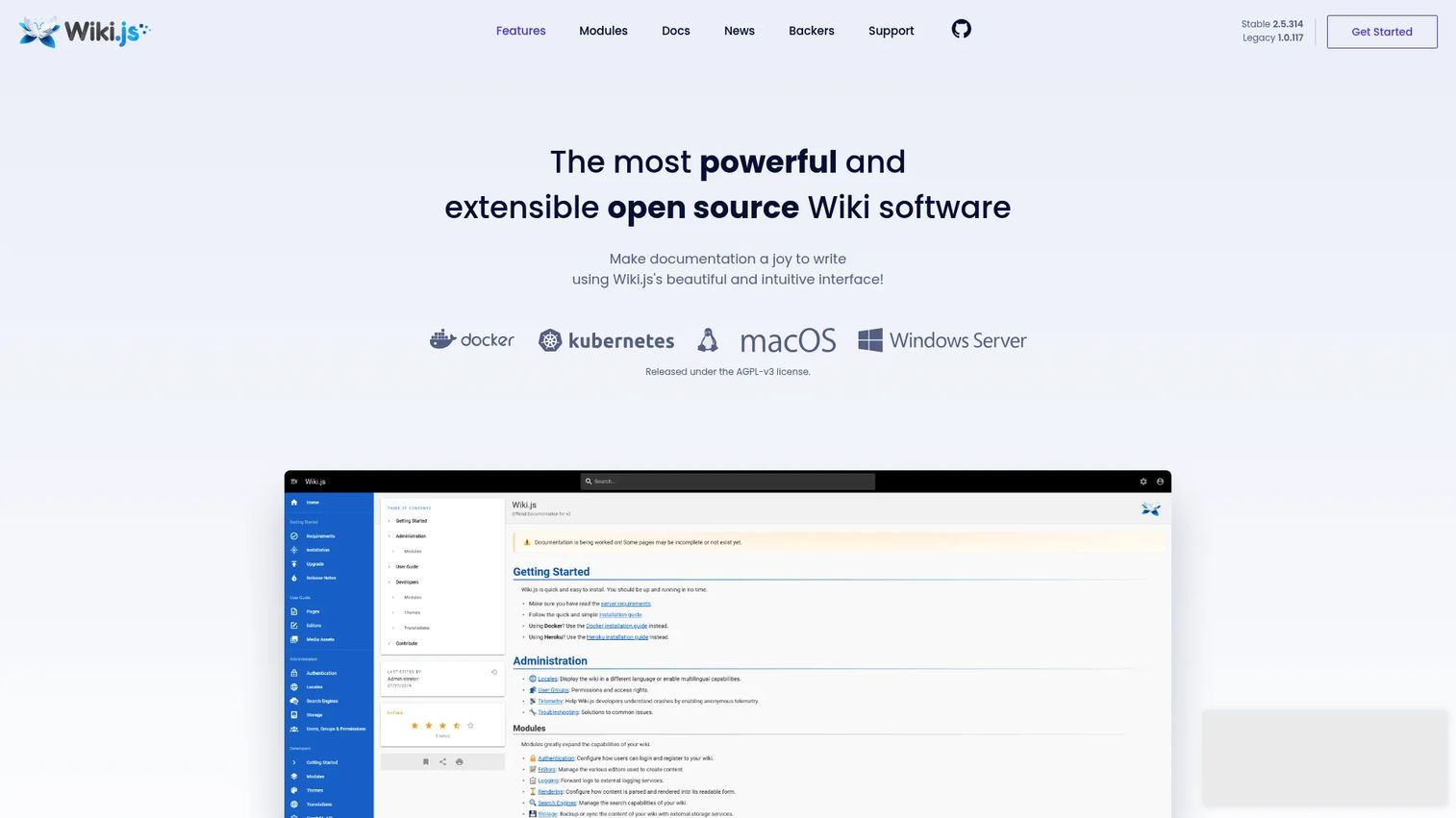
Wiki.js is open-source wiki software for documentation and knowledge management that you install anywhere. It's the pick for teams that want a self-hosted wiki with a modern feel, giving you control over hosting and data without giving up a clean editing experience. You run it on your own infrastructure and configure it to fit.
What sets it apart is flexibility across the stack. It supports multiple editors, including Markdown and visual editing, so technical and non-technical contributors both find a workflow that fits. Authentication integrations connect it to your identity provider, and access controls handle governance. It works across several databases, including PostgreSQL, MySQL, MariaDB, SQL Server, and SQLite.
Best for: Teams that want a self-hosted, open-source wiki with strong editor options and deployment control.
Key strengths
- Multiple editors, including Markdown and visual editing
- Authentication integrations and access controls
- Works with PostgreSQL, MySQL, MariaDB, SQL Server, and SQLite
Why choose Wiki.js: It hits a sweet spot between control and usability. If data ownership and install-anywhere flexibility matter, and you have the technical comfort to own the deployment, it delivers a modern searchable documentation experience without licensing costs.
Wiki.js pricing: Wiki.js is open source and free to use. The pricing page does not list paid tiers.
3. DokuWiki
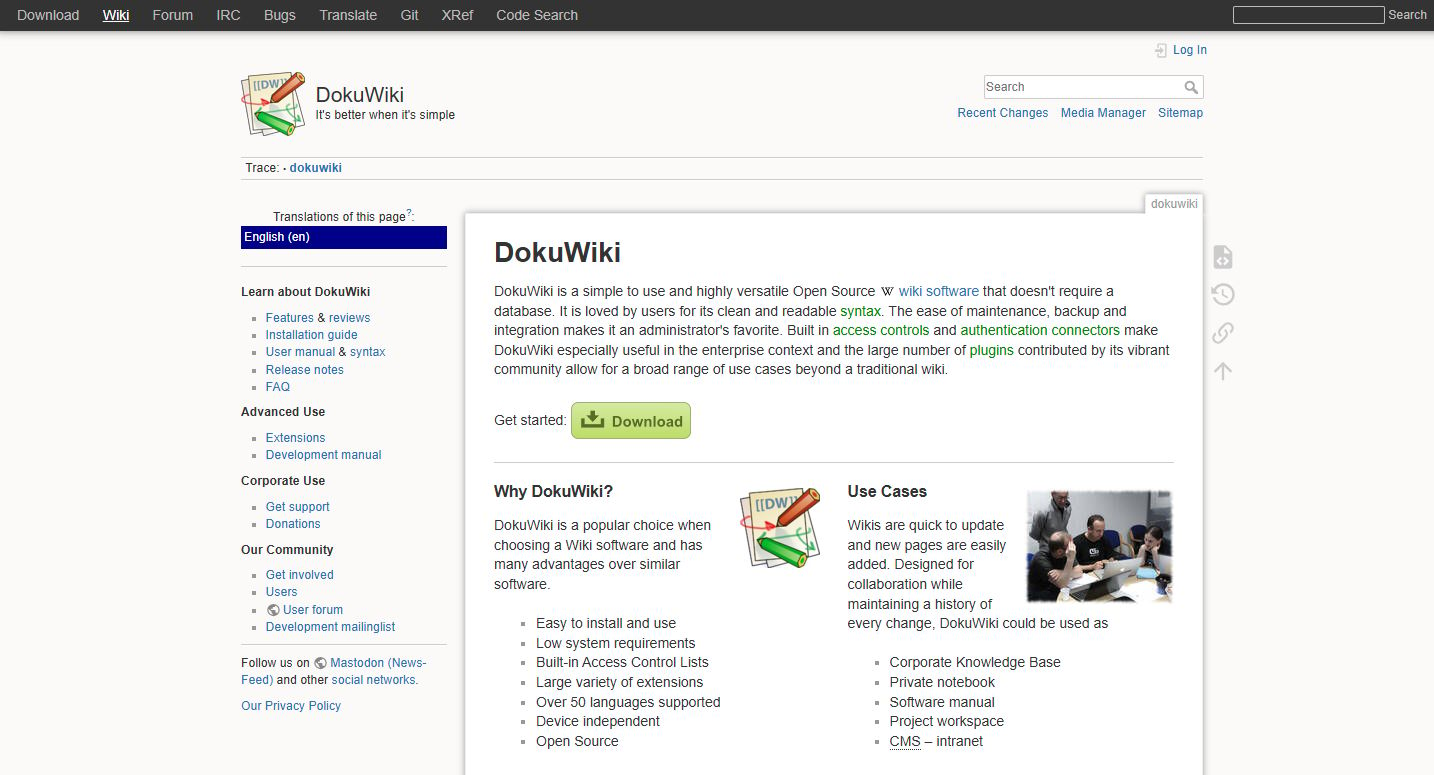
DokuWiki is open-source wiki software that runs without a database. That single design choice makes it one of the simplest internal wiki tools to stand up and maintain. Pages are stored as plain text files, which keeps backups trivial and the infrastructure footprint small.
For lean teams and infrastructure-conscious orgs, that simplicity is the whole point. There's no database to provision, tune, or recover. Built-in access controls let you govern who reads and edits, and a plugin ecosystem extends functionality when you need it. Page linking and readable output keep documentation easy to navigate.
Best for: Teams needing a simple, self-hosted wiki for documentation or knowledge bases without heavy infrastructure.
Key strengths
- No database required
- Built-in access controls
- Plugins and templates
Why choose DokuWiki: If you want a self-hosted wiki that's cheap to run and easy to back up, DokuWiki is a strong fit. It's less polished than the cloud workspaces on this list, but for teams that value low overhead and full control, that trade is often worth it.
DokuWiki pricing: DokuWiki is open source and free to use. No public paid pricing is listed on the official site.
4. XWiki
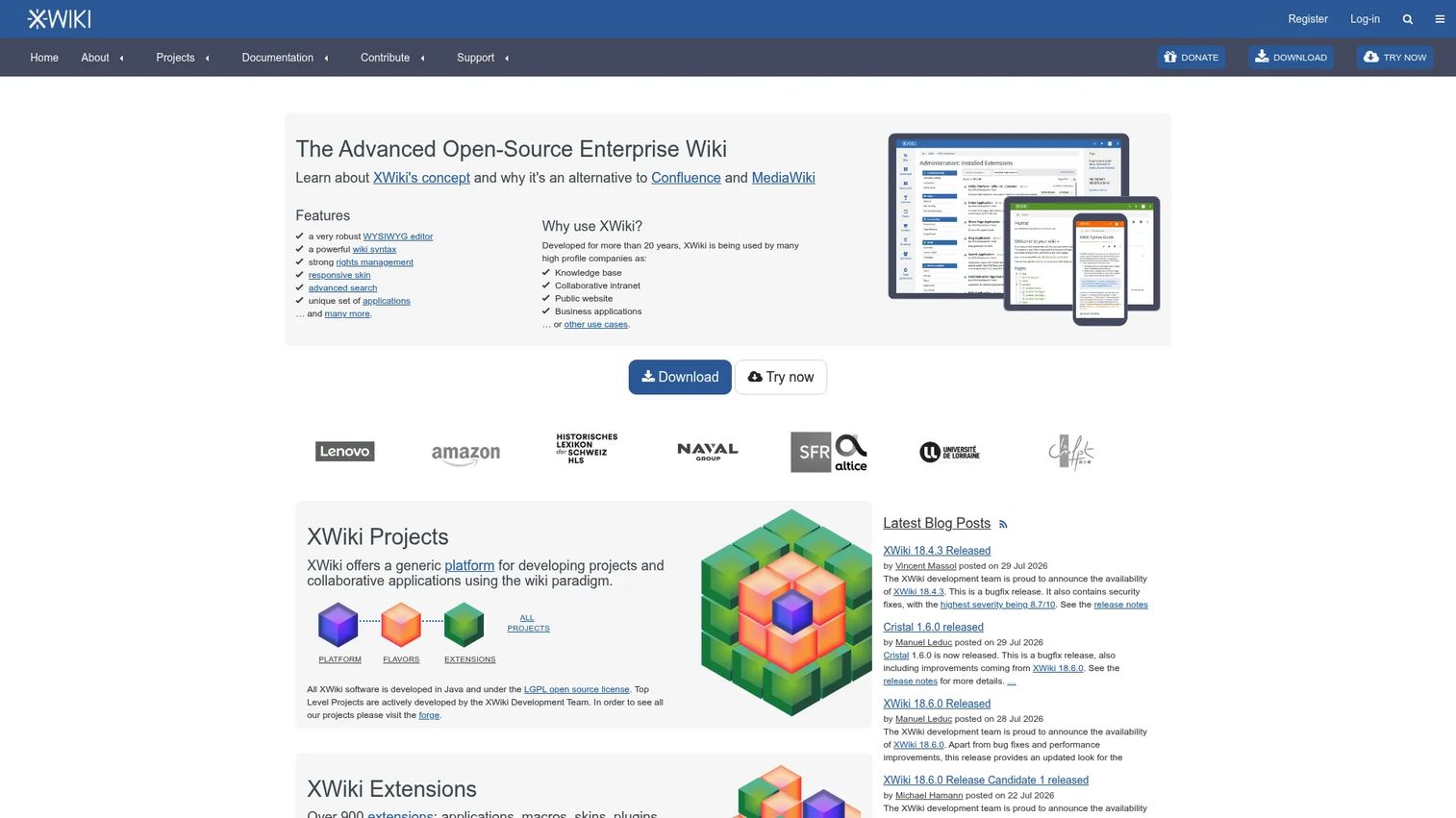
XWiki is an open-source enterprise wiki and application platform. It goes beyond flat pages: you can build structured internal applications on top of your documentation, which suits teams whose knowledge needs are more than a set of articles. Think trackers, directories, and structured data collections living alongside your wiki content.
The flexibility comes from its structured-data model. WYSIWYG editing keeps everyday documentation approachable, while app creation lets you turn pages into interactive tools. Rights management handles permissions at a granular level, and the platform adapts to enterprise requirements as documentation scales.
Best for: Teams needing a customizable wiki and knowledge base with app-building capabilities.
Key strengths
- WYSIWYG editing
- Rights management
- App creation with structured data
Why choose XWiki: Pick it when a plain wiki isn't enough and you need structured apps within the same platform. Teams that only want simple docs may find the extensibility more than they need, but for complex documentation, that depth pays off.
XWiki pricing: XWiki is open source and free to use and download. Public numeric pricing is not listed on the site for hosted or supported plans.
5. MediaWiki
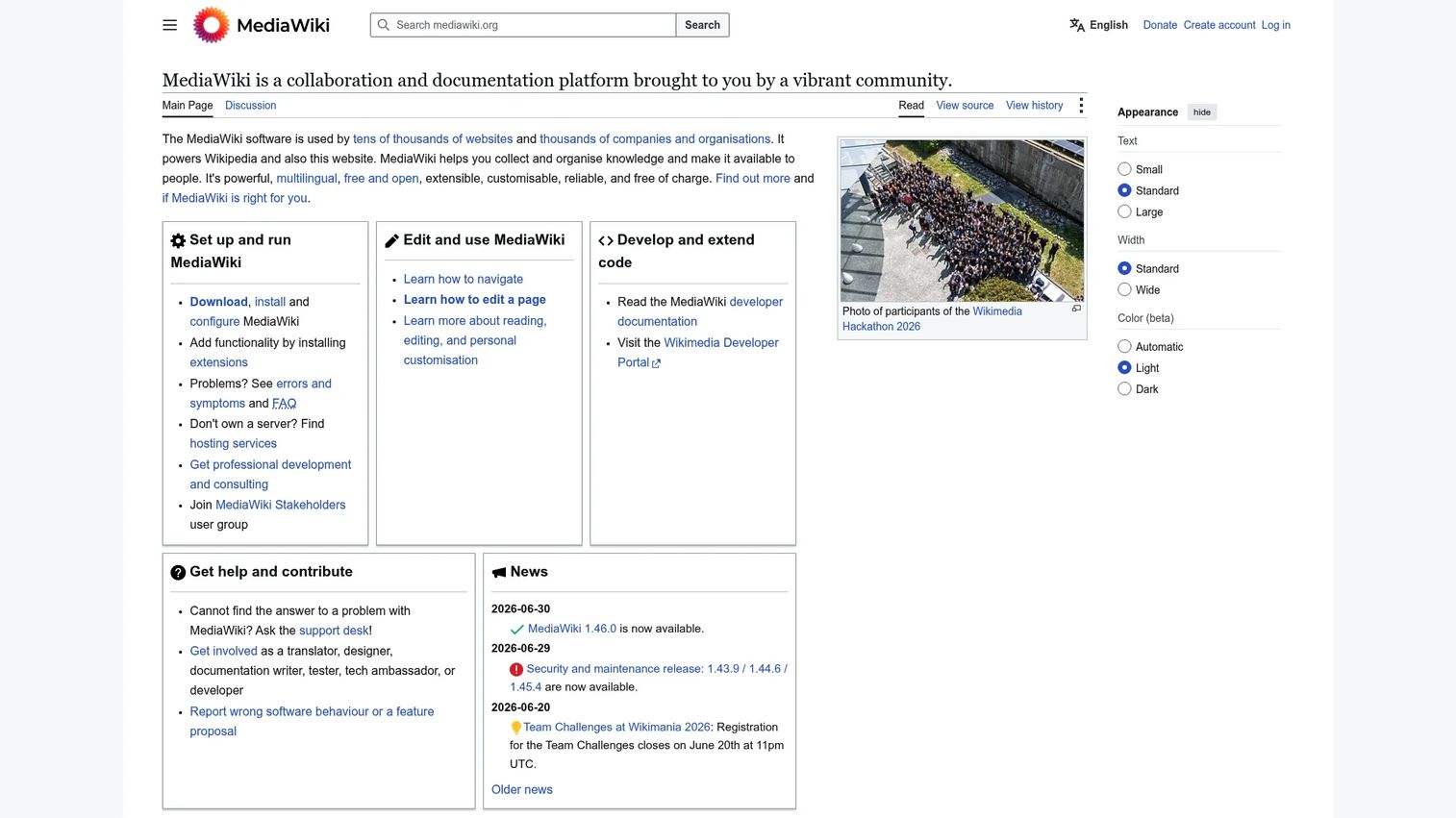
MediaWiki is the free, open-source, server-based engine behind some of the largest collaborative knowledge sites in the world. That heritage is its selling point: the wiki mechanics are proven at a scale most internal teams will never approach. If you want documentation infrastructure that's been battle-tested for decades, this is it.
It suits teams comfortable with a more technical setup. Wiki page editing with full revision history is core, multilingual support handles global teams, and a mature extension ecosystem lets you customize behavior. Categories and linking keep large knowledge bases navigable.
Best for: Organizations that want self-hosted, highly customizable wiki software with proven mechanics.
Key strengths
- Wiki page editing and revision history
- Multilingual support
- Extensible via extensions and APIs
Why choose MediaWiki: Choose it when scale and proven reliability outweigh out-of-the-box polish. The editing model rewards teams that invest in setup, and the extension library covers almost any customization you'd want.
MediaWiki pricing: MediaWiki is free software licensed under the GNU GPL. There are no paid pricing plans listed on the official site.
6. Notion
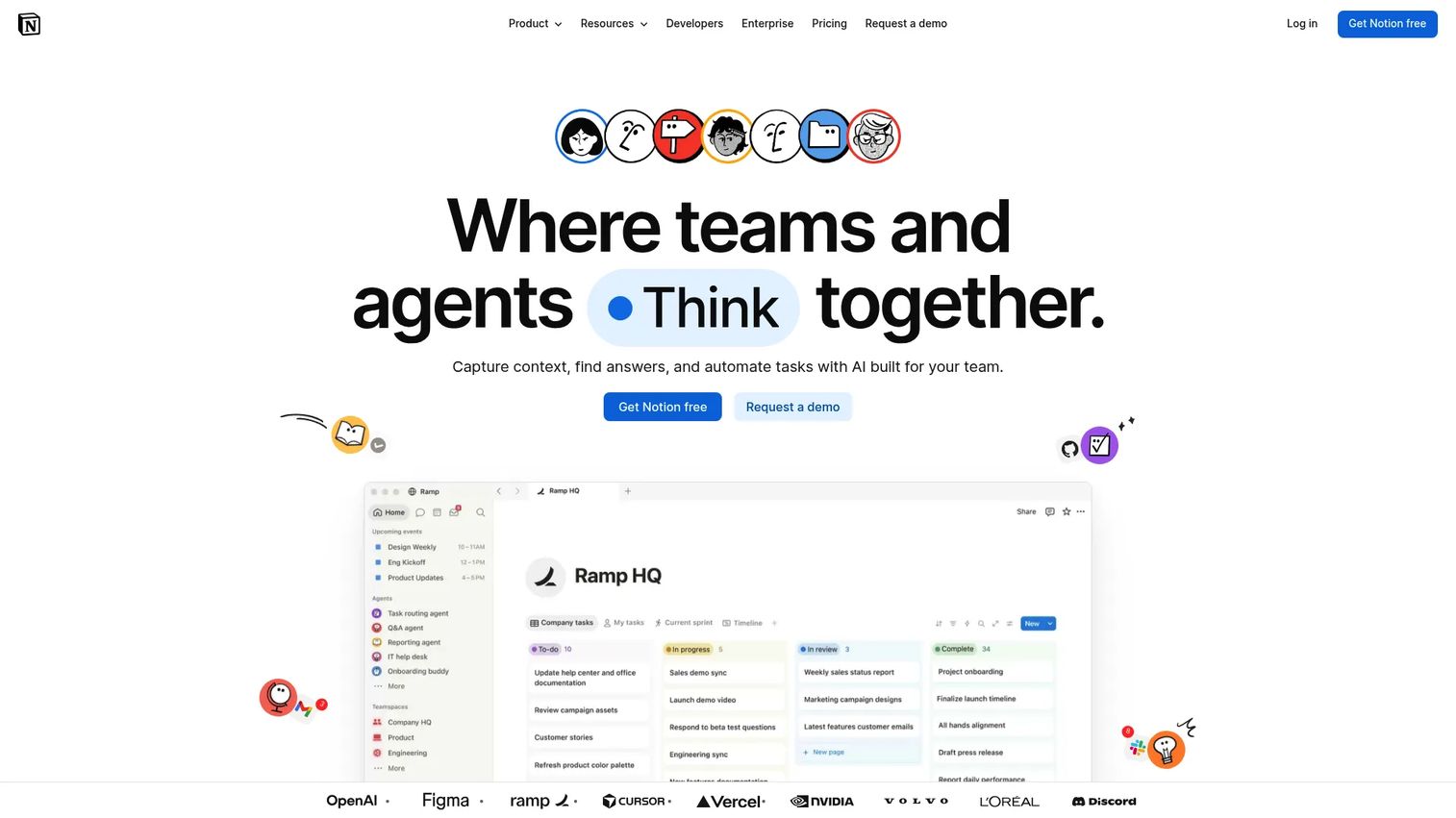
Notion is a connected AI workspace for docs, wikis, projects, and knowledge management. Many teams reach for it as their internal wiki because it's built for non-technical contributors first. Building a page feels like writing a doc, so PM, CS, and ops all update content without friction. That low barrier is why adoption spreads fast.
The flexibility is both the strength and the thing to watch. Databases and templates let you structure knowledge however you like, collaborative editing keeps teams in sync, and search spans your docs. The catch is that flexibility without discipline can turn a workspace messy. Set conventions early, and it stays organized.
Best for: Teams that want an all-in-one workspace for docs, projects, and company knowledge with easy editing.
Key strengths
- Docs and wikis
- Projects and databases
- AI features, including search, meeting notes, and agent tools
Why choose Notion: It's the strongest pick when adoption by non-technical teams is the priority. The trade-off is governance: without page structure and ownership, a fast-growing Notion workspace can sprawl. Teams that set conventions early get the best of it.
Notion pricing: Free plan available. Plus is $10 per member per month, Business is $20 per member per month, and Enterprise is custom pricing.
7. Slab
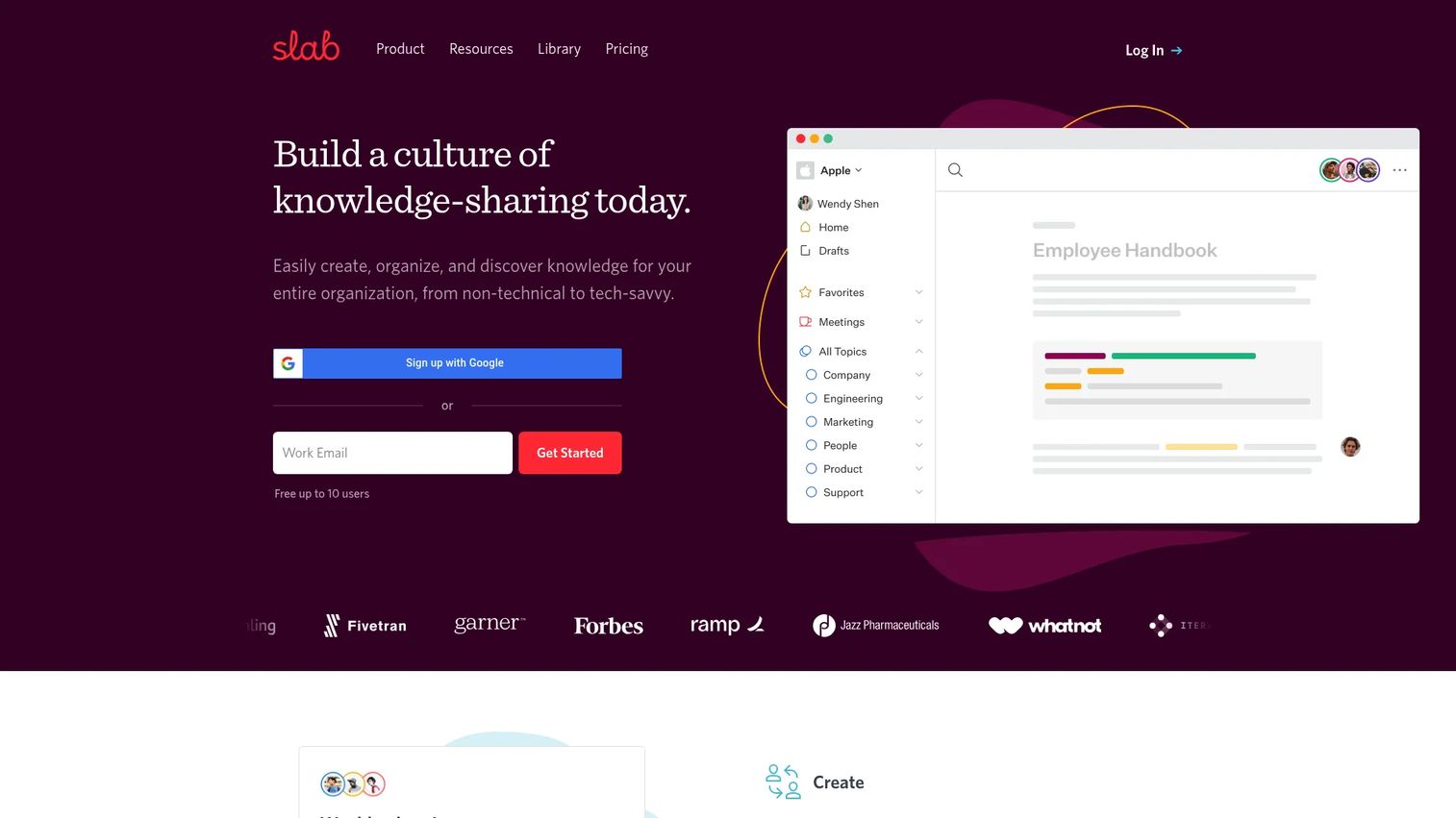
Slab is team wiki and knowledge base software built around shared documentation and fast search. Where some tools bolt search on, Slab treats it as the primary way people find answers. That focus makes it a strong lightweight option for teams that care about clean organization and quick retrieval over feature sprawl.
The editor is straightforward, so contributors write without a learning curve. Hierarchical topics and labels keep knowledge organized, and unified search pulls results from Slab and connected tools in one place. Permissions govern access, and templates speed up onboarding and process docs.
Best for: Teams needing an internal wiki with fast search and straightforward collaboration.
Key strengths
- Hierarchical topics and labels for organizing knowledge
- Real-time collaborative editor with templates and rich embeds
- Unified search across Slab and connected tools
Why choose Slab: Pick it when search speed and clean organization matter more than an expansive feature set. It's lighter than the all-in-one workspaces, which is exactly the appeal for teams focused on documentation and knowledge sharing.
Slab pricing: Free plan for up to 10 users. Startup is $6.67 per user per month billed annually, Business is $12.50 per user per month billed annually, and Enterprise is custom pricing.
Considerations before you choose
Before you commit, run each shortlisted tool through these criteria. They're the factors that decide whether a wiki gets adopted or abandoned.
Search quality
A wiki lives or dies by how fast people find the right page. Test search with your actual content, not a demo dataset. Check whether it searches page bodies, not just titles, and whether it pulls from connected tools. Slow or shallow search sends people back to asking colleagues.
Access control and permissions
Documentation spans departments, and not everyone should see everything. Evaluate how granular permissions get, whether you can set them per space or per page, and how they map to your identity provider. Governance that's hard to configure tends to get skipped.
Editing for everyone
The people who own the knowledge have to be able to update it. Confirm that non-technical contributors can edit without learning syntax or tooling. A WYSIWYG editor keeps documentation current because updates don't require a technical gatekeeper.
Hosting and data ownership
Decide early whether you need a self-hosted wiki or whether cloud access is fine. Self-hosting gives you data control and install-anywhere flexibility. Cloud lowers maintenance. Match the choice to your security requirements and the bandwidth of the team that would own the deployment.
Maintenance and staleness
Every wiki decays without ownership. Look for version control, clear page ownership, and easy ways to flag or retire outdated pages. The tool won't keep itself current, but the right features make the review cadence sustainable.
Conclusion
The right internal wiki depends less on features and more on fit. Match the tool to your team's size, technical comfort, and hosting needs.
For enterprises already running Jira, Atlassian Confluence keeps documentation next to project work. For teams that want a self-hosted, open-source wiki with a modern editor, Wiki.js is the pick, while DokuWiki suits lean teams that want no database to manage. XWiki fits when you need structured apps alongside docs, and MediaWiki delivers proven mechanics at scale.
If adoption by non-technical contributors is the priority, Notion lowers the barrier to near zero. And if fast, unified search is what your team keeps asking for, Slab is built around exactly that.
Your next step: shortlist two tools that match your hosting and editing needs, then test search with your real content before committing. The wiki that gets used is the one people can actually search.
Start your journey with Guideflow today!
FAQs
A wiki is usually collaborative and broad, where anyone with access can create and edit pages across any topic. A knowledge base is often more structured and support-oriented, organized for finding specific answers. Many internal wiki tools blur the line, offering both open collaboration and structured, searchable documentation in one platform.
Notion and Slab are the easiest for non-technical contributors, because both use simple WYSIWYG editing that feels like writing a doc. Confluence is approachable too, especially with its templates, though it carries more structure. If your CS, ops, and product teams need to update pages without learning syntax, those three lower the barrier most.
Wiki.js, DokuWiki, and MediaWiki are the leading self-hosted, open-source options. Wiki.js offers a modern editor and broad database support. DokuWiki runs without a database, which keeps maintenance light. MediaWiki brings proven mechanics at large scale. The best fit depends on your team's technical comfort and how much customization you want to own.
For most teams, yes, and it usually should. Shared drives scatter files with no linking, weak search, and no clear ownership. An internal wiki adds searchable documentation, page linking, version history, and permissions in one place. The result is knowledge people can actually retrieve instead of folders nobody opens.
Search comes first, since a wiki people can't search gets abandoned. After that, prioritize permissions and access control, version history, templates, and editing that works for non-technical contributors. Integrations with your existing stack help keep the wiki in the flow of work rather than as a separate destination.
Open-source wiki software is a strong fit when you want data ownership, install-anywhere flexibility, and no per-user licensing. Wiki.js, DokuWiki, XWiki, and MediaWiki all serve businesses well. The trade-off is that you own hosting, updates, and support. If your team lacks that bandwidth, a managed cloud tool with vendor support may be the safer call.
Assign clear ownership so every section has someone accountable. Set a review cadence tied to your release or process cycle. Use page templates to keep new docs consistent, and retire outdated pages instead of leaving them to mislead people. Version control helps you track what changed and roll back mistakes, but the discipline of regular review is what keeps documentation trustworthy.