Most accounting tools can track income and expenses. Nonprofits need something harder: Proof that restricted money stayed restricted, grant budgets stayed on track, and the board can trust the numbers without a spreadsheet cleanup sprint before every meeting.
The problem is that generic accounting software was not built for this. It handles customers, invoices, and revenue. It does not natively understand donor intent, program funds, or the difference between what you raised and what you are allowed to spend.
According to Insero and Co. CPAs (2024), 78% of nonprofits now run cloud-based accounting software, up from just 30% in 2020. The shift is happening fast. Choosing the wrong platform early means painful migrations later, messy fund histories, and board reports that still require manual assembly.
This guide helps you pick the right tool before that happens. No tool previews here. Those come next.
What's inside
This guide compares 7 nonprofit accounting software options for 2026, chosen for fund tracking depth, reporting quality, pricing clarity, and fit by organization size.
- 7 tools evaluated across nonprofit fund accounting, donor workflows, and board reporting
- Best-fit guidance for complex finance teams, volunteer treasurers, and small organizations
- A side-by-side comparison table with verified pricing and G2 ratings
- Buying criteria to pressure-test before you migrate your books
The guide covers accounting software decisions specifically for nonprofits, churches, charities, and mission-driven organizations.
TL;DR
- Best for complex nonprofit finance teams: Sage Intacct, for fund accounting, grants, dimensional reporting, and multi-entity consolidation
- Best nonprofit-specific all-rounder: Aplos, for fund accounting, donor management, online giving, and Form 990 support
- Best for volunteer treasurers: MoneyMinder, for PTAs, clubs, churches, booster groups, and small associations
- Best familiar accounting option: QuickBooks, for teams that want broad accounting workflows and accountant familiarity
- Best free starting point: ZipBooks, for small organizations that need basic bookkeeping before investing in nonprofit-specific tools
- Best payroll companion: Gusto, for nonprofits that need payroll and HR alongside their accounting system
What is nonprofit accounting software?
Nonprofit accounting software helps organizations track funds, donations, grants, expenses, budgets, and financial reports in a way that reflects donor restrictions and nonprofit reporting requirements.
The core difference from standard business accounting: Nonprofits do not track profit. They track accountability. A donor who gives $50,000 to a specific program expects that money to stay in that program. A funder reviewing a grant report needs to see that every dollar went where it was supposed to go. Standard accounting tools track transactions. Nonprofit accounting tools track intent.
Core capabilities to look for
- Fund accounting: Separate restricted and unrestricted funds with clean balances per fund
- Donation and donor tracking: Record gifts, generate acknowledgment letters, and link donors to giving history
- Grant and program tracking: Allocate revenue and expenses by grant or program, and report against budgets
- Budgeting tools: Build program budgets, compare actuals, and support planning conversations
- Bank reconciliation: Match transactions to statements and catch discrepancies
- Board-ready statements: Generate a statement of activities, statement of financial position, and budget-versus-actuals without manual cleanup
- Form 990 support: Organize the financial data that feeds into annual tax filing
- Audit trails and permissions: Control who can edit records and maintain a clean history for audits
Where generic accounting tools start to break
Generic tools handle income and expenses. They struggle once you add restricted funds, multiple grants with separate budgets, and a board that needs different financial views than a standard P&L. Teams using general-purpose bookkeeping software for accountants often build parallel spreadsheets just to produce compliant nonprofit reports. A nonprofit-specific tool eliminates that layer.
When to use nonprofit accounting software
Track restricted funds without spreadsheet cleanup
Donor restrictions and grant conditions require clean fund separation. If your team exports data into spreadsheets every month to prove fund balances, the accounting system is not doing the work it should. A proper fund accounting tool maintains those balances in real time, so any report you pull is already correct.
Build board reports without rebuilding the books
Board packets should come from a trusted system, not a monthly cleanup exercise. The statement of activities, statement of financial position, budget-versus-actuals, and grant status reports should all be pull-and-share. For operators managing board meeting software alongside accounting tools, this reduces the coordination overhead before every meeting.
Prepare for audits, Form 990, and grant reviews
Nonprofit reporting requirements get harder as revenue sources multiply. Each new grant adds a new fund, a new budget, and a new set of allocation rules. The right tool preserves clean records throughout the year so audit prep and Form 990 preparation do not require reconstructing history from scratch.
Nonprofit accounting software comparison
The table below covers all 7 tools with verified pricing and G2 ratings. Some are full nonprofit fund accounting platforms. Others serve narrower jobs such as bookkeeping, payroll, or volunteer treasurer workflows. Use it as a shortlist, not a final decision.
| # | Product | Best for | Key differentiator | Pricing | G2 rating |
|---|---|---|---|---|---|
| 1 | Sage Intacct | Larger nonprofits and finance teams | Advanced fund accounting, dimensions, grants, and multi-entity reporting | Quote-based | 4.3/5 |
| 2 | Aplos | Nonprofits wanting accounting plus donor tools | Fund accounting, donations, online giving, and Form 990 support | From $79/mo | 4.7/5 |
| 3 | MoneyMinder | Volunteer treasurers and small organizations | Simple nonprofit books, budgets, and treasurer-friendly workflows | $299/year | 4.6/5 |
| 4 | QuickBooks | Teams that want familiar accounting workflows | Broad accounting, accountant access, and add-on flexibility | From $0/mo | 4.0/5 |
| 5 | ZipBooks | Small teams seeking a free starting point | Free bookkeeping with tagging and basic reporting | Free | 4.7/5 |
| 6 | Sage 50 | Small organizations preferring cloud-connected accounting | Traditional accounting with cloud access and Sage support | From $132.17/mo | 3.9/5 |
| 7 | Gusto | Nonprofits needing payroll alongside accounting | Payroll, HR, benefits, and contractor payments | From $49/mo | 4.6/5 |
Best 7 nonprofit accounting software tools for 2026
The list runs from highest nonprofit fund accounting complexity to narrower-fit tools. Some handle everything. Some handle one specific job well. Match the tool to the job you actually have.
1. Sage Intacct
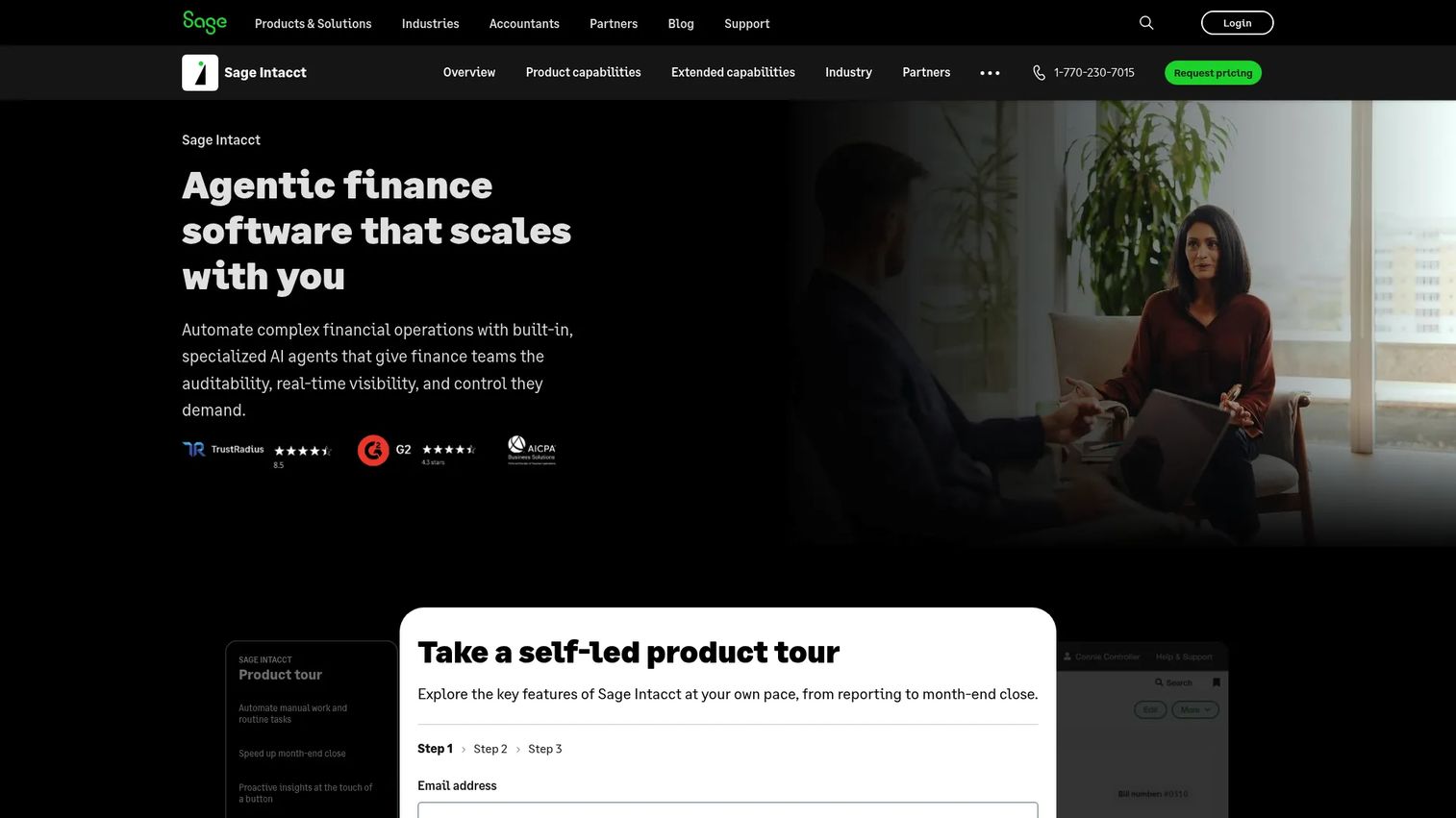
Sage Intacct is a cloud-based financial management platform built for growing and mid-sized organizations that need serious accounting infrastructure. For nonprofits, it covers fund accounting, multi-entity consolidation, dimensional general ledger, grant tracking, budgeting, allocations, dashboards, and audit-ready reporting. It is the system you reach for when the finance function has become infrastructure rather than admin.
Best for: Larger nonprofits, foundations, and organizations with complex grants, multiple entities, or finance teams that need dimensional reporting and audit-ready books.
Key features
- Fund and grant accounting with allocation controls
- Dimensional general ledger for program-level reporting
- Multi-entity consolidation across legal entities
- Budgeting and planning tools with variance analysis
- Real-time dashboards and financial statements
Why choose Sage Intacct: This is more system than a volunteer treasurer needs, and that is the point. For organizations where the finance team is a real function with a controller or CFO, Sage Intacct delivers the depth to match. Teams outgrowing spreadsheets or a lighter tool will find the dimensional reporting and grant management tools worth the investment.
Sage Intacct pricing: Sage prices by quote. Cost depends on modules selected, number of entities, user count, and implementation scope. Contact Sage directly for a customized figure. Subscriptions are annual.
G2 rating
4.3/5
2. Aplos
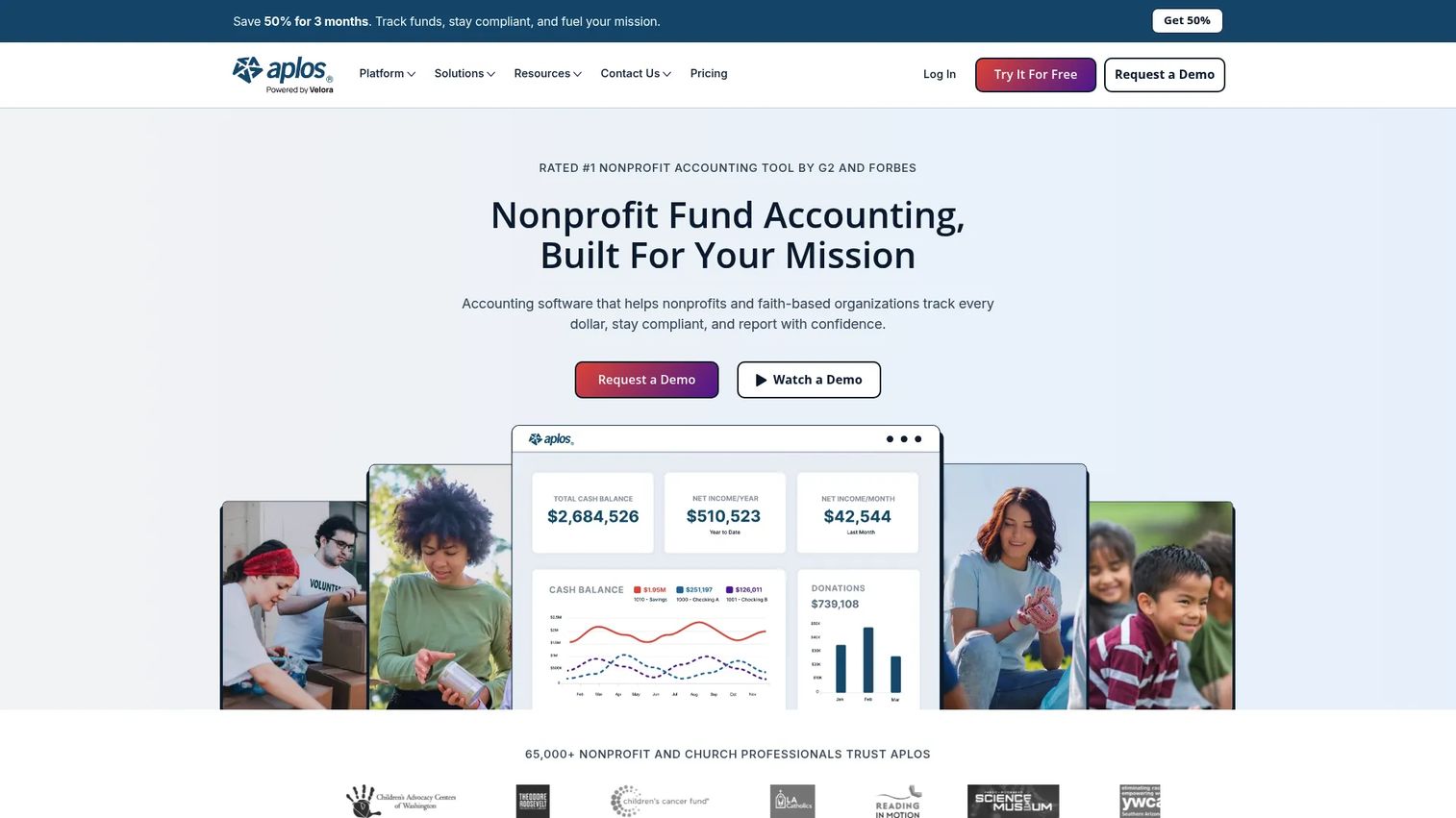
Aplos is a nonprofit-specific accounting platform that combines fund accounting, donation tracking, online giving, budgeting, reporting, and Form 990 support in a single system. It is built for churches, charities, schools, and small to midsize nonprofits that want accounting and fundraising workflows in the same tool without enterprise complexity. Bookkeeping and onboarding services are available as separate add-ons.
Best for: Nonprofits that want fund accounting and donor management together, without the overhead of an enterprise finance system.
Key features
- Fund accounting and fund-based reporting
- Donation tracking and giving statements
- Online giving forms and payment processing
- People and donor CRM database
- Form 990 data support and customizable financial reports
Why choose Aplos: The appeal is nonprofit specificity at a manageable scale. Teams that want their accounting tool to also handle donor records, online giving, and gift acknowledgment letters find Aplos reduces the number of disconnected systems. Organizations with advanced multi-entity needs or highly complex grant structures may want to compare it with enterprise options before committing.
Aplos pricing: Plans start at $79/month (Lite). The Core plan runs $129/month and adds budgeting, accounts payable and receivable, recurring transactions, integrations, and permissions. The Advanced plan is $229/month and adds dimensional budgeting and reporting. A Custom tier offers tailored pricing for larger organizations. No free tier, but Aplos has offered trial options.
G2 rating
4.7/5
3. MoneyMinder
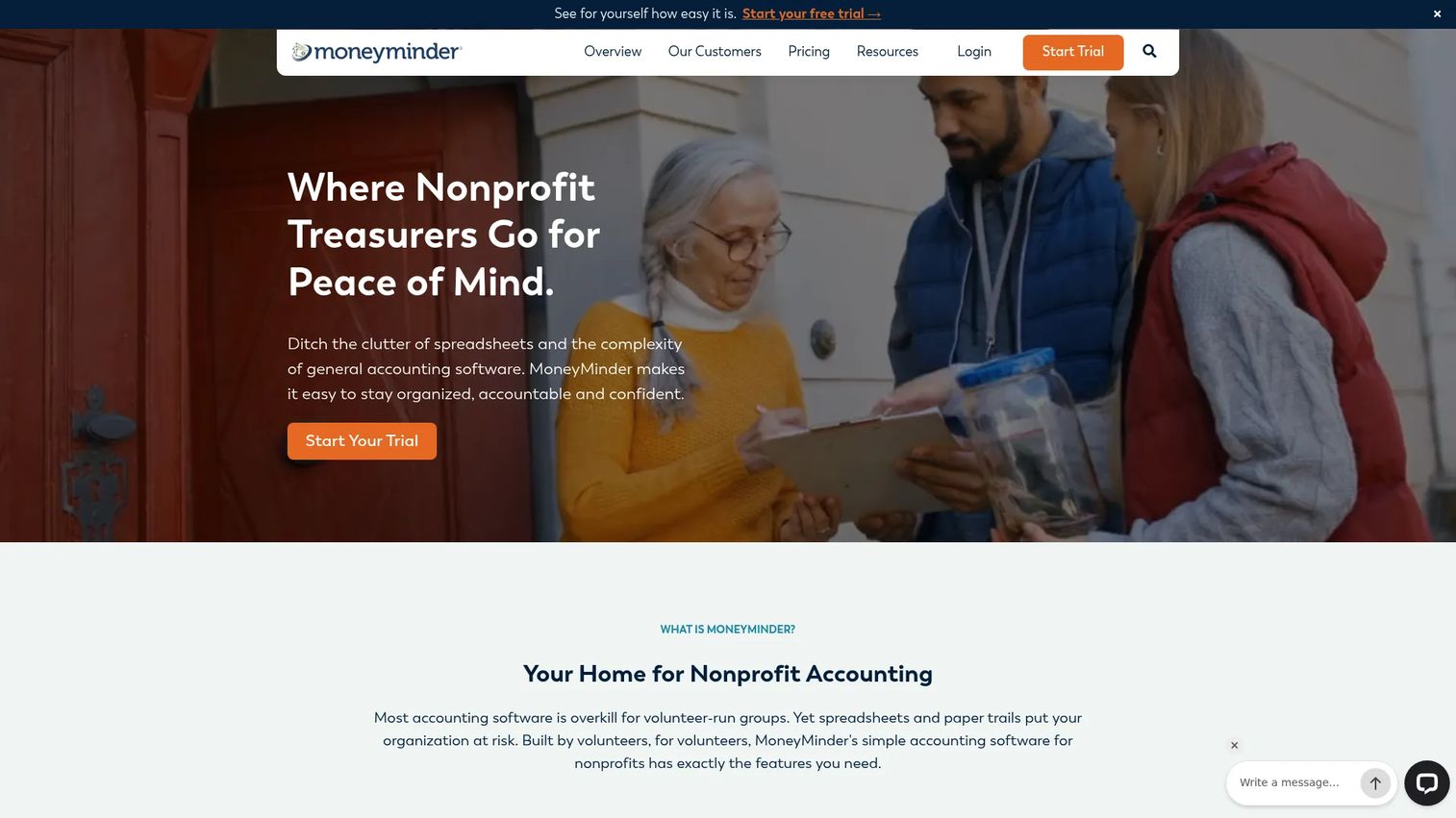
MoneyMinder is financial management software designed specifically for volunteer treasurers and small nonprofit groups. It covers accounting, budgets, reconciliation, reimbursements, contacts, reports, mobile access, and treasurer education for PTAs, PTOs, churches, booster clubs, sports teams, HOAs, and similar organizations. The platform is built to be manageable by someone who is not a full-time accountant.
Best for: Volunteer-led nonprofits, PTAs, and small associations where the treasurer handles books part-time and needs simple reports without accounting expertise.
Key features
- Treasurer-friendly bookkeeping with transaction imports
- Custom budgeting and budget analysis
- Bank reconciliation and financial reporting
- Reimbursement approvals and accounts payable
- Mobile app access for on-the-go management
Why choose MoneyMinder: The audience is clear: Groups where one volunteer owns the books and needs to hand off clean reports to a board or parent organization. The built-in treasurer education and guided workflows make this approachable for people who did not choose this role. The tradeoff is depth. Organizations managing multiple grant-restricted funds or needing dimensional reporting will outgrow it.
MoneyMinder pricing: The paid plan is $299 per year, billed annually. A Free Edition covers budgeting and contact tracking. A 30-day full-feature trial requires no credit card. IRS 990-N e-filing costs $99/year as a separate add-on.
G2 rating
4.6/5
4. QuickBooks
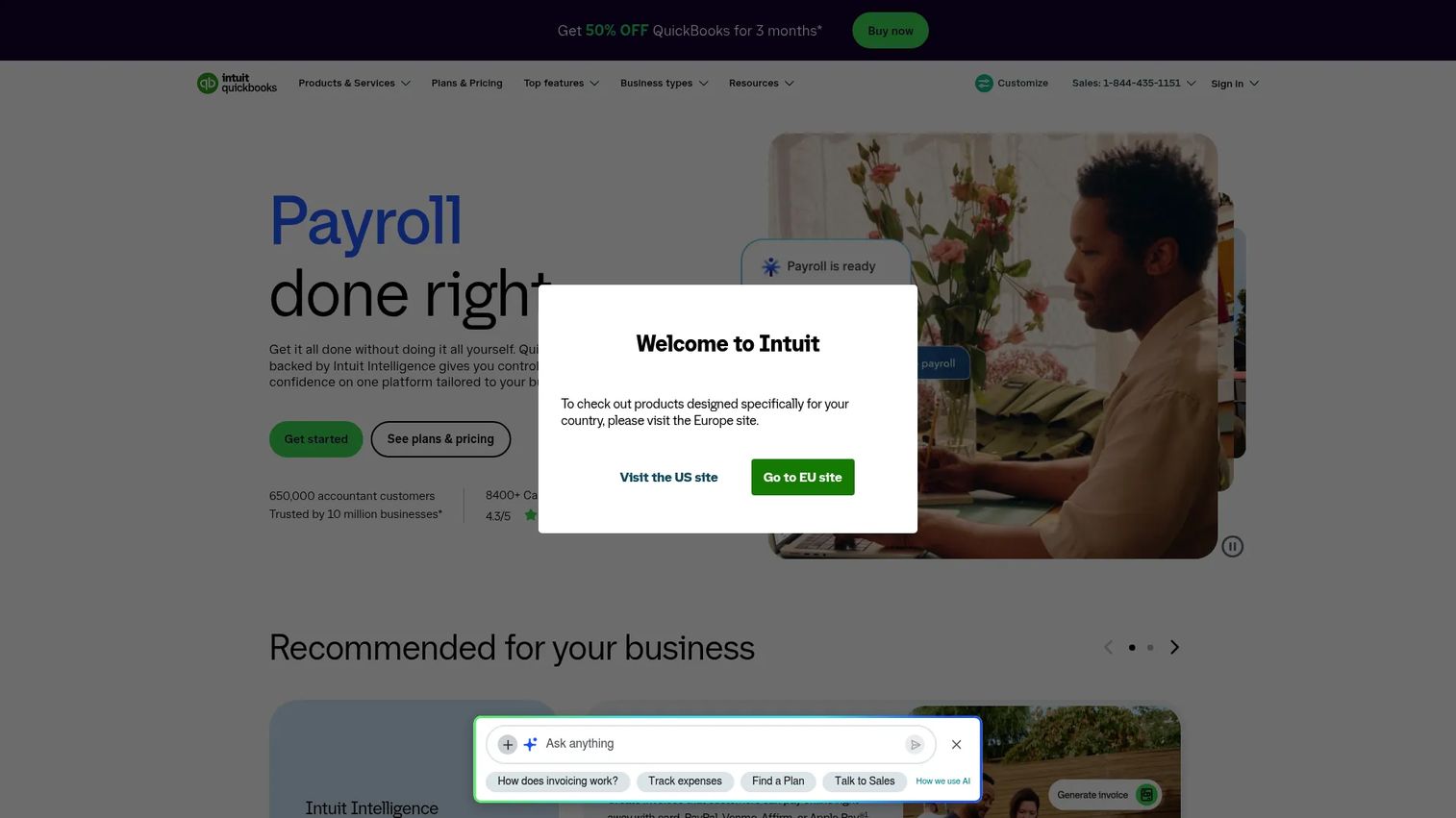
QuickBooks is a cloud accounting platform widely used across small businesses and organizations of all types. Nonprofits typically use classes, tags, projects, or third-party apps to approximate fund tracking within the platform. The broad accountant ecosystem means many finance professionals already know the tool, which reduces onboarding friction when you bring in outside help.
Best for: Nonprofits that want familiar accounting workflows and access to a large network of accountants who already know the system.
Key features
- Bank feeds with automated transaction categorization
- Expense tracking and receipt capture
- Class and project tracking for program-level views
- Accountant access and collaboration tools
- Payroll add-ons available separately
Why choose QuickBooks: The strongest case for QuickBooks is familiarity. If your accountant or bookkeeper already runs it, the learning curve disappears. The caution: Nonprofits with serious restricted fund requirements should test the reporting setup carefully before committing. Classes and tags can approximate fund accounting, but they are not the same as a purpose-built fund accounting structure.
QuickBooks pricing: QuickBooks Online has a Free plan and paid plans at $38/month (Simple Start), $85/month (Essentials), $140/month (Plus), and $340/month (Advanced). Standard monthly rates apply; promotional pricing is sometimes offered on the Intuit pricing page.
G2 rating
4.0/5
5. ZipBooks
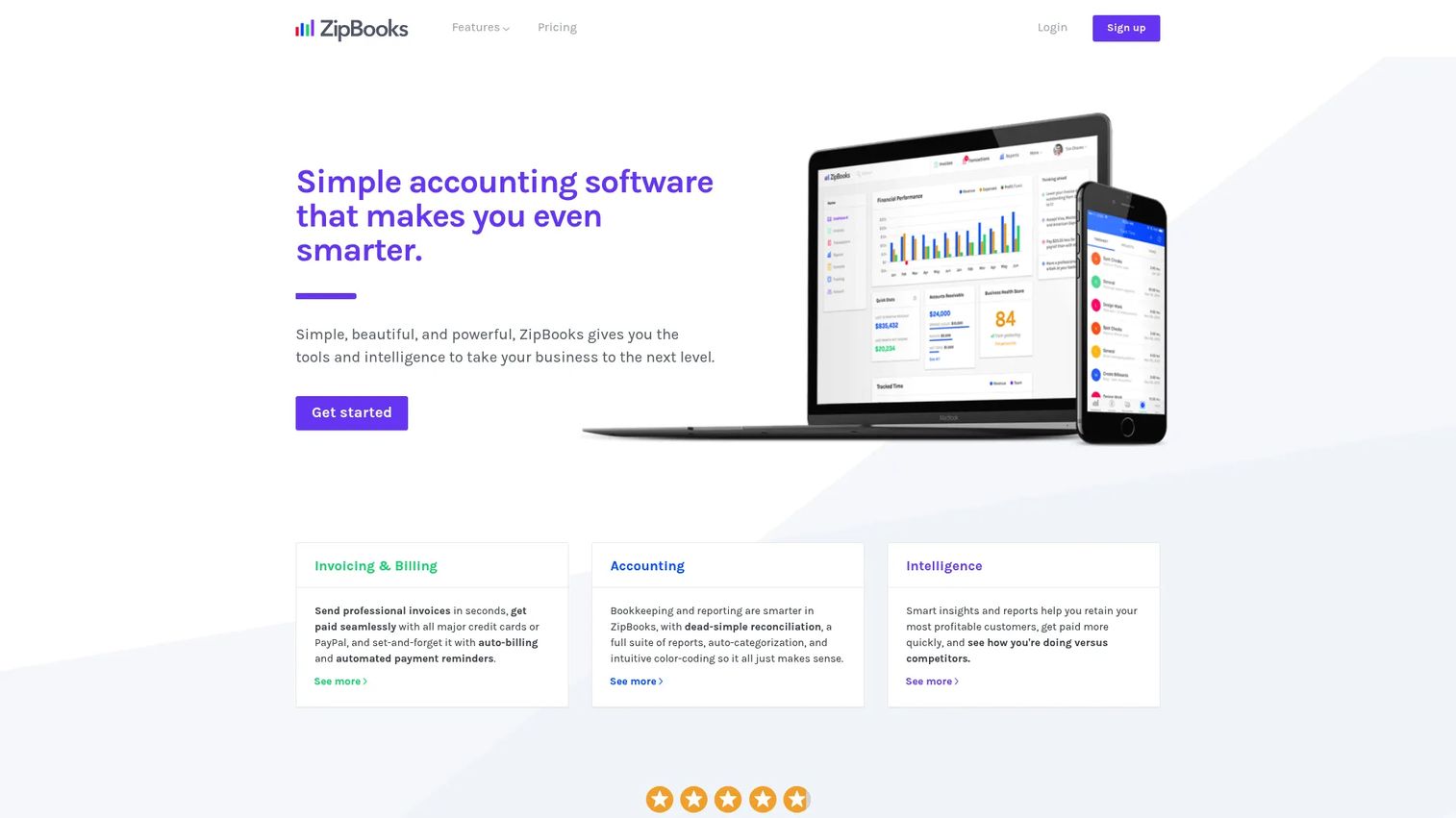
ZipBooks is a small-business accounting tool with a free Starter plan that covers invoicing, expense tracking, basic reports, and one bank connection. For small nonprofits or fiscal-sponsored programs that need to get books in order before investing in a dedicated tool, ZipBooks offers a low-friction starting point. It is not a deep nonprofit fund accounting platform.
Best for: Small nonprofits and early-stage organizations that need basic bookkeeping before they are ready to invest in nonprofit-specific accounting software.
Key features
- Free bookkeeping plan with unlimited invoicing
- Bank connections and reconciliation
- Expense tracking with smart categorization
- Custom tagging for basic segmentation
- Financial reporting and basic dashboards
Why choose ZipBooks: The free Starter plan makes it a practical option for organizations that are tracking simple income and expenses and are not yet managing restricted funds or grant portfolios. The paid Sophisticated plan ($35/month) adds smart tagging, advanced reporting, and unlimited users. The honest limitation: Restricted fund workflows and nonprofit-specific compliance reports require manual structure that ZipBooks does not provide natively.
ZipBooks pricing: The Starter plan is free. The Smarter plan is $15/month and adds recurring invoices, multiple bank accounts, and time tracking. The Sophisticated plan is $35/month and adds smart tagging, reconciliation, advanced reporting, and unlimited users.
G2 rating
4.7/5
6. Sage 50
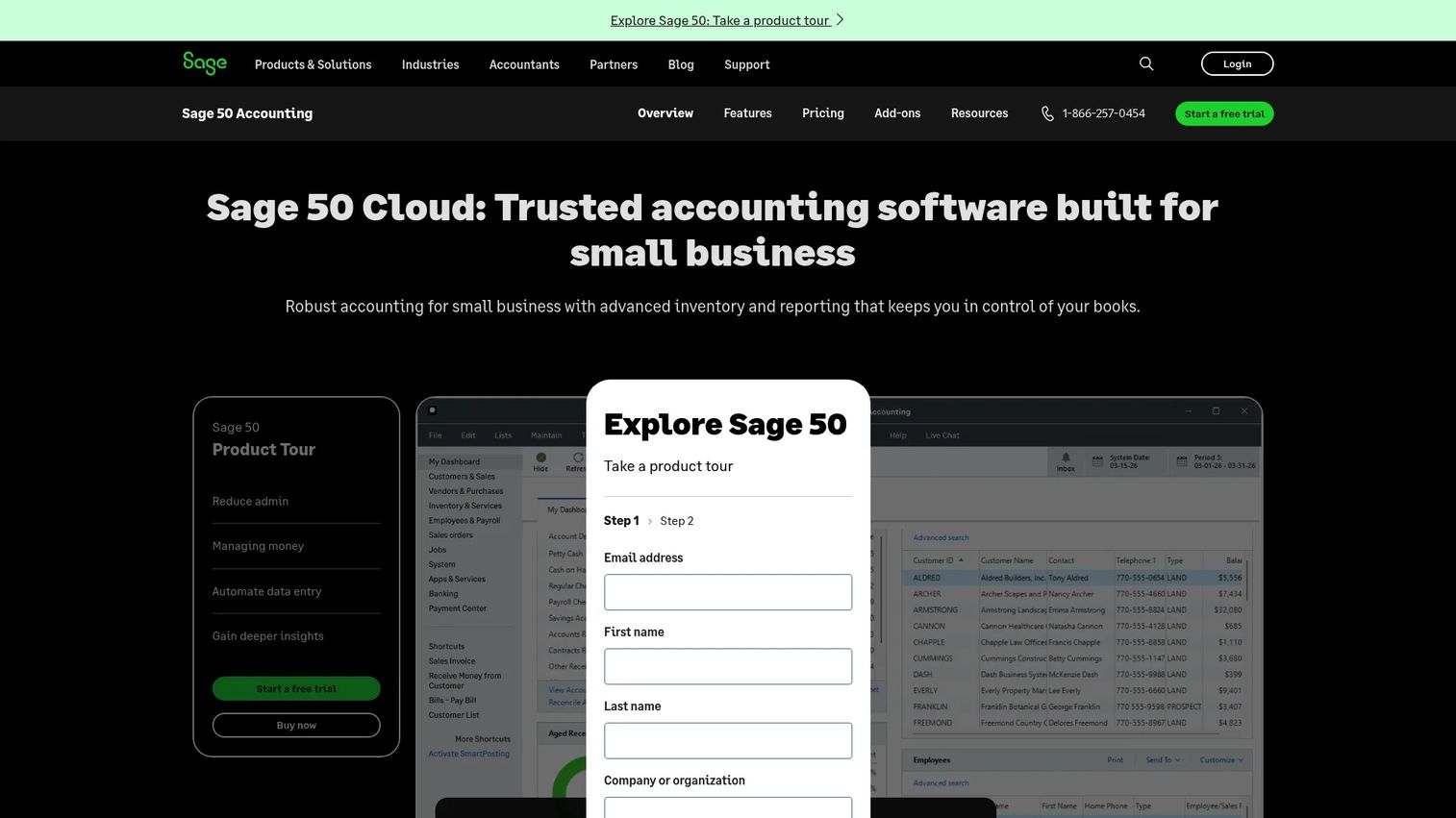
Sage 50 is cloud-connected accounting software for small businesses and organizations that want a comprehensive accounting foundation. It covers invoices, expenses, cash flow, bank reconciliation, inventory, job costing, and reporting, with cloud access for multi-user collaboration. It is a traditional accounting platform with cloud infrastructure, not a nonprofit-specific fund accounting system.
Best for: Small organizations that prefer a traditional, feature-complete accounting setup and do not need a full nonprofit fund accounting or grant management platform.
Key features
- Cloud access with real-time multi-user collaboration
- Invoice, bill, expense, and cash flow management
- Automated bank reconciliation
- Job costing and job management
- Advanced reporting and budgeting tools
Why choose Sage 50: The appeal is accounting depth in a familiar structure. Sage 50 suits small organizations that want a full accounting foundation, solid reporting, and Sage support. The tradeoff: Nonprofits that need fund-level reporting, restricted fund tracking, or grant management will find Sage Intacct is the more appropriate Sage product for those requirements.
Sage 50 pricing: The Pro Accounting plan starts at $132.17/month (1 user). Premium Accounting is $182.50/month (1 to 5 users). Quantum Accounting is $271.17/month (1 to 40 users). All plans include unlimited support and automatic updates. A 30-day free trial is available.
G2 rating
3.9/5
7. Gusto
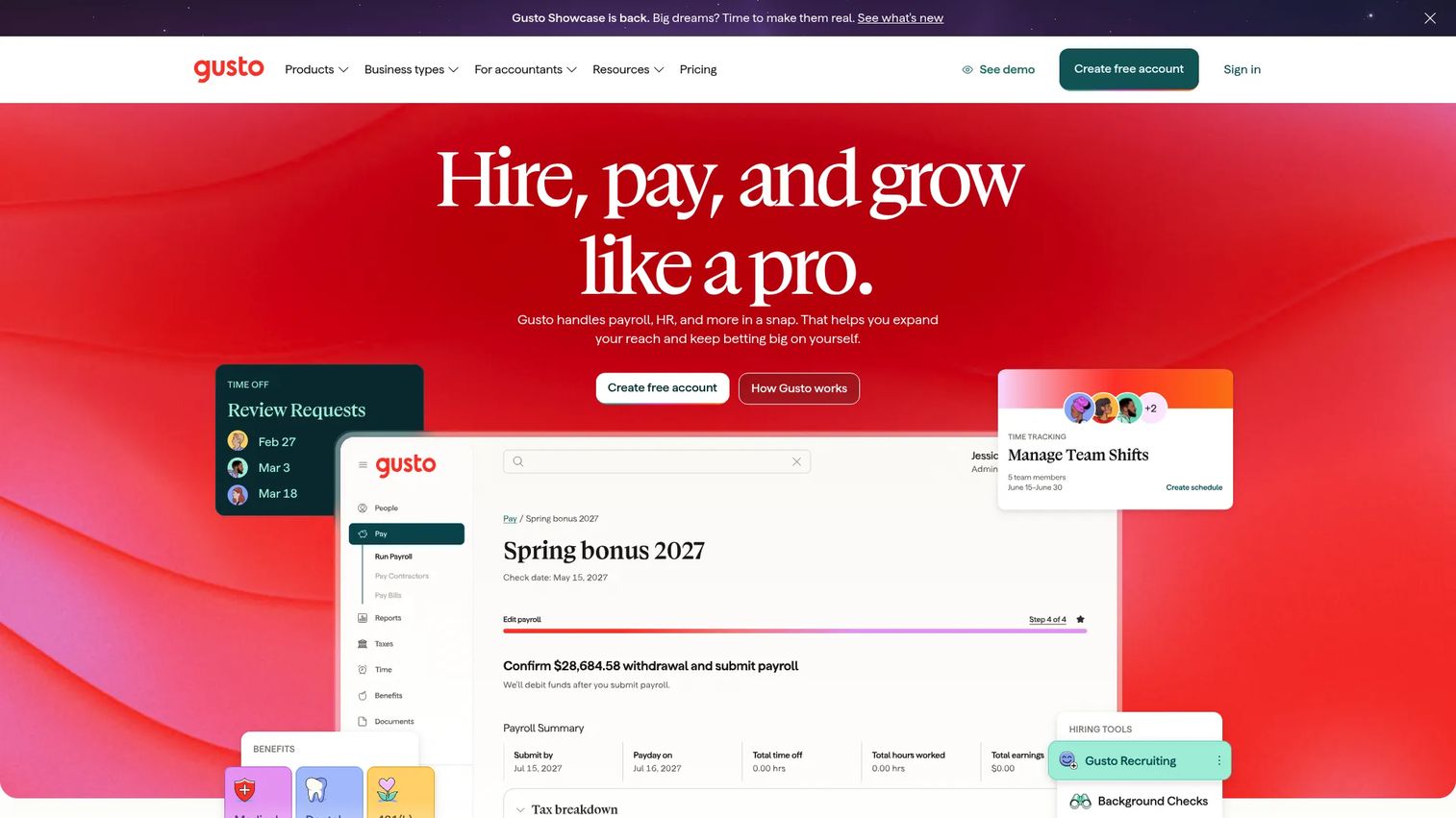
Gusto is an online platform for payroll, HR, benefits, hiring, and time tracking. It does not replace a nonprofit accounting system. It fills the payroll gap that appears once a nonprofit moves beyond volunteer-only operations and needs to pay staff, handle payroll tax filings, and manage benefits. Gusto integrates with accounting tools including QuickBooks and others, so payroll costs flow into your books without manual entry.
Best for: Nonprofits that need payroll, contractor payments, and HR tools alongside their accounting system, not as a replacement for it.
Key features
- Full-service payroll with automated tax filings
- Contractor payments and management
- Health, dental, vision, and retirement benefits administration
- Hiring, onboarding, and HR tools
- Integrations with accounting systems for automated bookkeeping
Why choose Gusto: As soon as a nonprofit hires its first paid employee, payroll compliance becomes a real operational concern. Gusto handles federal and state payroll taxes, generates W-2s and 1099s, and pushes payroll journal entries into accounting. Pair it with Aplos, QuickBooks, or Sage Intacct for the full financial picture. Using it without a fund accounting tool means you have clean payroll records but no fund-level financial visibility.
Gusto pricing: The Simple plan starts at $49/month plus $6/month per person. The Plus plan is $80/month plus $12/month per person. The Premium plan is $180/month plus $22/month per person. Paid add-ons are available for benefits and additional HR features.
G2 rating
4.6/5
Considerations when choosing nonprofit accounting software
Fund accounting depth
"Fund tracking" means different things across platforms. Some tools use tags or categories. Others maintain true fund-level balances with restricted and unrestricted separation. Before buying, test how the system handles a restricted donation, a grant draw-down, and a fund balance report. If that takes significant manual setup, it will take manual effort every reporting cycle. For context on how budgeting and forecasting software fits alongside fund accounting, the tools often complement each other at the program and grant level.
Reporting for the board and funders
Board-ready reports should be repeatable without cleanup. Evaluate whether the system can produce a statement of activities, statement of financial position, budget-versus-actuals, and grant status reports directly. If those reports require export and reformatting, factor in that monthly cost. For organizations managing board management software alongside accounting, connecting reporting workflows early saves significant time.
Pricing beyond the subscription
The subscription fee is one line item. Migration, implementation, training, bookkeeping service add-ons, extra modules, payment processing fees, and payroll costs are often separate. Sage Intacct quotes by scope and entity count. Aplos charges separately for bookkeeping services. MoneyMinder charges per e-filing. Understand the full annual cost before comparing plans.
Donor and fundraising workflows
Clarify whether the organization wants accounting only, or an integrated system for donations, online giving, gift receipts, and donor records. If donor management already lives in a separate CRM, strong integration matters more than native fundraising tools. If donor data is scattered, a platform like Aplos that combines both may reduce the total system count. See also the Guideflow guide to church management software for organizations that manage congregational records alongside finances.
Support for non-accountants
For volunteer-led organizations, the quality of support matters as much as the feature set. Check for onboarding templates, treasurer education resources, live chat or phone support, and reports that a non-accountant can interpret. MoneyMinder is built around this. Sage Intacct assumes a finance professional is in the chair. Match the tool to whoever will actually own the books day to day.
Conclusion
The right tool depends on who owns the books, how complex the funds are, and what the board needs to see.
For finance teams managing grants, multiple programs, or multi-entity structures, Sage Intacct is the strongest option. Aplos is the right call for nonprofits that want fund accounting and donor management together without enterprise overhead. MoneyMinder fits volunteer treasurers at PTAs, churches, and small associations. QuickBooks works when accountant familiarity matters most. ZipBooks offers a free bookkeeping foundation for organizations not yet ready to invest in a specialized tool. Sage 50 suits smaller teams that want a traditional accounting setup with cloud access. Gusto belongs in the stack when payroll compliance is the missing piece, always alongside a fund accounting platform.
Start with the complexity question, then match the tool to it. Overfitting your organization to a system built for a different scale creates rework later.
Start your journey with Guideflow today!
FAQs about nonprofit accounting software
There is no single best option for every organization. Sage Intacct fits larger nonprofits with complex fund accounting, grants, and multi-entity needs. Aplos fits small to midsize nonprofits that want fund accounting and donor management in one system. MoneyMinder is the strongest choice for volunteer treasurers at small groups. QuickBooks works for teams that prioritize accountant familiarity and a broad add-on market.
Regular accounting software tracks revenue, expenses, customers, and vendors. Nonprofit accounting software tracks donor restrictions, fund balances, grant activity, program costs, and compliance reporting. A nonprofit must demonstrate that restricted funds were used for their intended purpose. Generic tools can approximate this with tags and classes, but nonprofit-specific platforms maintain fund integrity by design rather than workaround.
If the organization manages restricted donations, grants, or multiple programs, fund accounting software prevents reporting problems from compounding over time. A basic bookkeeping tool may work temporarily for simple income and expenses, but delaying proper fund structure means harder cleanup later. The cost of migrating from a generic tool to a fund accounting platform grows with every year of mixed fund data.
Free accounting tools exist. ZipBooks offers a free Starter plan for basic bookkeeping. QuickBooks has a free plan with limited features. Free tools handle income and expense tracking, but fund accounting, restricted fund reporting, donor records, and Form 990 support generally require a paid platform. Starting free is reasonable for simple operations. Organizations with grants or donor restrictions should move to a purpose-built tool before those requirements arrive.
Yes, many nonprofits run QuickBooks. It handles bank feeds, expense tracking, reporting, and accountant collaboration well. Nonprofit fund tracking typically requires using classes, projects, or tags to simulate fund separation, which works but requires careful setup and discipline. Organizations with complex restricted fund portfolios should test the reporting output before committing, since the structure does not enforce fund boundaries the way a purpose-built fund accounting tool does.
Core reports for nonprofit compliance and board oversight include the statement of activities (equivalent to an income statement), the statement of financial position (balance sheet), budget-versus-actuals by program or fund, and fund balance reports showing restricted and unrestricted balances separately. Grant reports and donor giving summaries are also common. Form 990 preparation support, which organizes revenue and expense data by program and function, is an additional layer that some platforms include.
Start with data migration: What will carry over, what will need manual entry, and how historical fund activity will map to the new chart of accounts. Review the current chart of accounts for cleanup needed before import. Confirm how opening balances will be handled. Test reporting formats before go-live to confirm board and funder reports produce correctly. Factor in staff training time and whether the new system connects to existing donation, payment, and payroll tools. See also the related Guideflow guide on accounting practice management software for organizations coordinating finance across multiple functions.
Some platforms organize the financial data that feeds into Form 990 preparation, including revenue by source, functional expense allocations, and program descriptions. They do not replace a qualified tax preparer or CPA. The best approach is to keep income, expenses, fund activity, and program allocations clean throughout the year so Form 990 preparation is a reporting exercise rather than a reconstruction project.