You manage a dozen client books. Every month-end looks the same: chasing bank feeds that broke, re-keying receipts, rebuilding the same reports in a spreadsheet because the software could not produce them cleanly. The work is real. The manual cleanup around it is the tax.
The category has moved fast. According to the Intuit QuickBooks Accountant Technology Report via Tools8020 (2025), 95% of accounting firms adopted bookkeeping and accounting automation in the past year, and 46% of accountants now use AI tools daily. A separate Sage Global Practice Report via StealthAgents (2025) found 82% of accounting practices worldwide report using at least one AI-powered bookkeeping or accounting tool, up from 59% in 2023.
That adoption curve tells you the baseline expectation has shifted. Clients assume their accountant runs on cloud tooling with automated reconciliation, document capture, and reporting that holds up under scrutiny. Cloud deployment now accounts for about 68% of the global accounting software market, per Precedence Research via Tools8020 (2025), and the shrinking remainder sits on aging desktop installs.
So the question is not whether to use bookkeeping software for accountants. It is which tool matches how your firm actually works: how many clients you carry, how complex their books are, and how much advisory work you want the software to support instead of block. This guide compares eight tools through that lens.
What's inside
This is a firm-workflow shortlist, not a broad consumer accounting roundup. It is written for accountants, bookkeepers, CPA firm owners, and practice operators who need software that handles multi-client bookkeeping, bank reconciliation, reporting, and client collaboration without adding admin.
We selected the eight tools based on four criteria that matter for a practice: multi-client management and practice fit, depth of reconciliation and automation, reporting and forecasting strength, and pricing transparency. Each item section covers who the tool fits, its key strengths, and verified pricing so you can build a shortlist and move on.
TL;DR
- Best free multi-client hub: QuickBooks Online Accountant. Free for the firm, deep ecosystem, default choice for many practices.
- Best for traditional core accounting: Sage 50. Desktop depth with cloud access and strong controls.
- Best for usability and integrations: Xero. Clean interface, wide app ecosystem, straightforward client collaboration.
- Best budget-conscious pick: Zoho Books, with a free plan for very small clients and tight Zoho stack integration.
- Best for service-business invoicing: FreshBooks. Invoice-led workflows with an accountant access hub.
- Best truly free starter: Wave, for small clients and basic bookkeeping.
- Best practice management: Canopy, for firms running tax and client operations beyond the ledger.
- Best for complex and multi-entity clients: Sage Intacct, for advisory workflows at scale.
What is bookkeeping software for accountants?
Bookkeeping software for accountants is a tool that records, categorizes, and reconciles financial transactions across one or many client entities, then turns that data into reports, filings, and advisory output. Accounting software for accountants extends the same job with practice management, client collaboration, and multi-client dashboards built for a firm rather than a single business.
The distinction matters. General accounting software bookkeeping tools are built for one company. Software for accountants adds a layer for managing many books at once without switching logins for every client.
Core features accountants should expect:
- Multi-client management: One dashboard to switch between client books, with role-based access for staff.
- Bank reconciliation: Automated bank feeds that pull transactions and match them against the ledger.
- Document capture: Receipt and bill capture that reads data and attaches it to the right transaction.
- Reporting and forecasting: Standard financial statements plus cash flow and budget views clients can read.
- Client collaboration: A client portal or shared access so clients upload documents and approve work.
- Security and audit trail: Permission controls, activity logs, and a defensible record of who changed what.
- Integrations: Connections to payroll, tax, payments, and practice management tools.
- Automation: Rules for categorization, recurring entries, and reminders that cut manual month-end close work.
The strongest tools treat these as a system, not a feature list. Reconciliation feeds reporting, capture feeds reconciliation, and collaboration keeps clients from stalling the whole chain.
When to use each type of tool
Run a high-volume multi-client practice
If you carry many small-business clients, prioritize a hub that centralizes every book under one login with clean staff permissions. QuickBooks Online Accountant and Xero fit here because switching clients takes a click, not a re-login, and both keep an audit trail across every entity.
Serve complex or multi-entity clients
When clients have multiple entities, consolidations, or heavier reporting needs, the ledger depth matters more than the client count. Sage Intacct and Sage 50 handle structured accounting and multi-entity reporting that lighter tools are not built to carry.
Run the firm itself, not just the books
If your bottleneck is client operations, proposals, and workflow rather than the ledger, practice management is the job. Canopy handles client portals, tasks, and billing so bookkeeping sits inside a firm operations layer instead of standing alone.
Comparison table
Here is the shortlist at a glance. Pricing and G2 ratings reflect verified values as of July 2026. Use this to narrow to two or three tools, then read the item sections for fit. Note how the picks split by intent: accounting software for CPA firms leans toward practice hubs, while single-entity bookkeeping leans toward the cloud generalists.
| # | Product | Intent | Key use case | Pricing | G2 rating |
|---|---|---|---|---|---|
| 1 | QuickBooks Online Accountant | Multi-client practice hub | Free central hub to manage all client books | Free | Not published |
| 2 | Sage 50 | Traditional core accounting | Desktop depth with cloud access | From $128.67/mo | 3.9/5 |
| 3 | Xero | Cloud usability + integrations | Clean multi-client bookkeeping | From $2.50/mo intro | 4.4/5 |
| 4 | Zoho Books | Budget-conscious firms | Automation and Zoho stack fit | Free tier available | Not published |
| 5 | FreshBooks | Service-business invoicing | Invoice-led books with accountant access | From $2.30/mo | 4.5/5 |
| 6 | Wave | Free starter bookkeeping | Basic books for small clients | Free / $19/mo | 4.7/5 |
| 7 | Canopy | Practice management | Client portal + firm workflow | From $74/user/mo | 4.6/5 |
| 8 | Sage Intacct | Complex + multi-entity | Multi-entity accounting and reporting | Custom | 4.3/5 |
1. QuickBooks Online Accountant
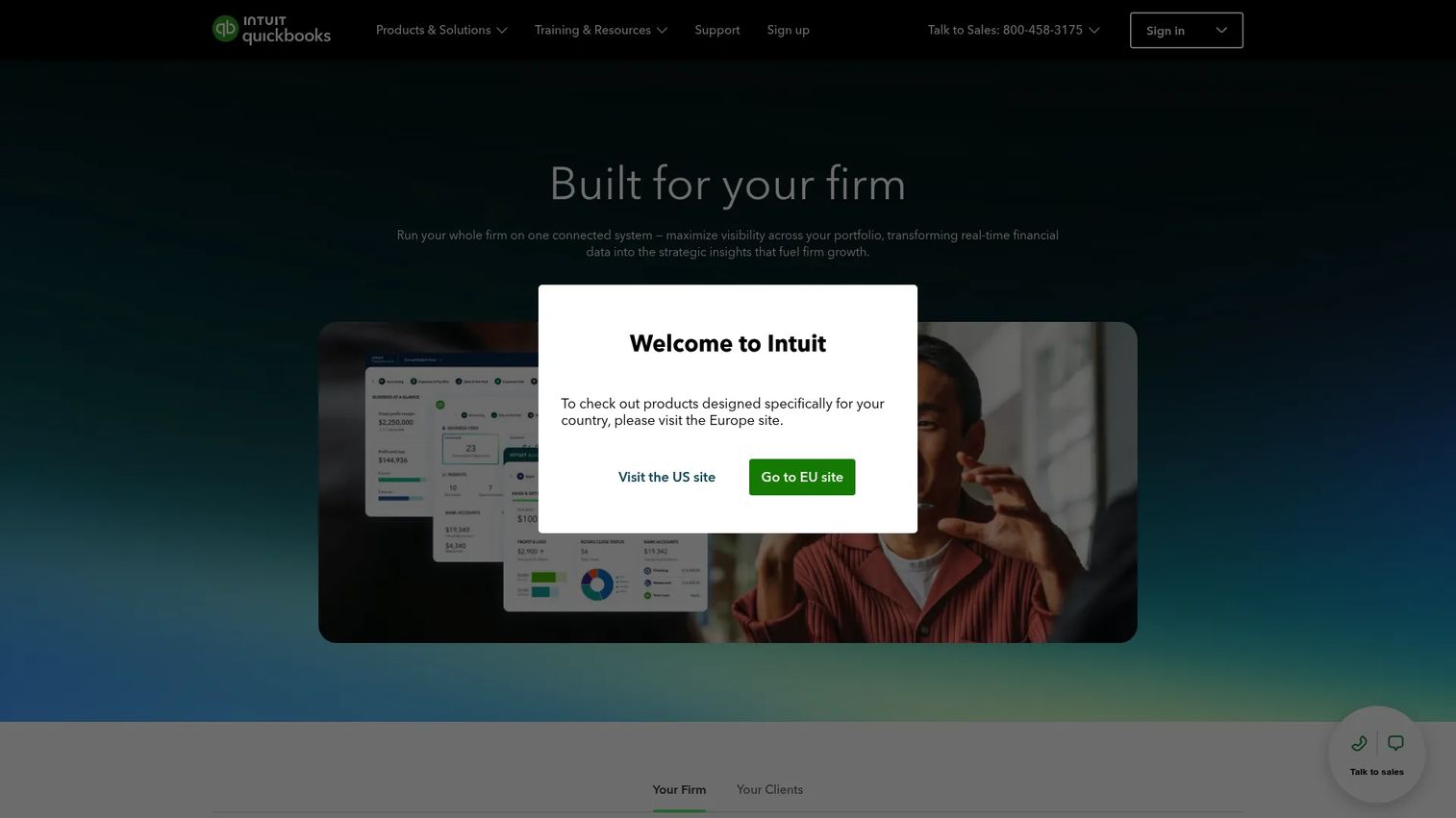
QuickBooks Online Accountant is the default multi-client hub for a huge share of firms, and the reason is structural: it is free for the firm and connects to the QuickBooks ecosystem most of your clients already use. You manage every client book from one login, assign work to staff, and share documents without bouncing between accounts. For a practice carrying dozens of small-business clients, that centralization is the whole point.
The accountant dashboard is built around the work, not the marketing. You see client status, overdue tasks, and reconciliation flags in one view. Accountant-only tools let you reclassify transactions in bulk, write off invoices, and run adjusting entries that clients never see. Client collaboration runs through shared access and document requests, so uploads and approvals do not stall your month-end close.
Best for: Firms that want a free, centralized hub to manage many small-business clients in the QuickBooks ecosystem.
Key strengths
- Free for the firm: QuickBooks Online Accountant costs nothing for the practice, lowering the barrier to standardize.
- Multi-client dashboard: One login to switch between every client book with role-based staff access.
- Accountant-only tools: Bulk reclassification, adjusting entries, and workflow automation with task management.
Why choose QuickBooks Online Accountant: If most of your clients are already on QuickBooks, this is the path of least resistance. The ecosystem breadth, from payroll to payments to a deep app marketplace, means fewer integration gaps. It suits firms that value a common standard clients recognize over maximum ledger customization.
QuickBooks Online Accountant pricing: The product is free for accountants to use inside their firm, with no subscription for the practice hub itself. Client subscriptions to QuickBooks Online are billed separately, and firms can access wholesale billing to manage those on behalf of clients. That free entry point is a large part of why it stays the default for so many practices.
2. Sage 50
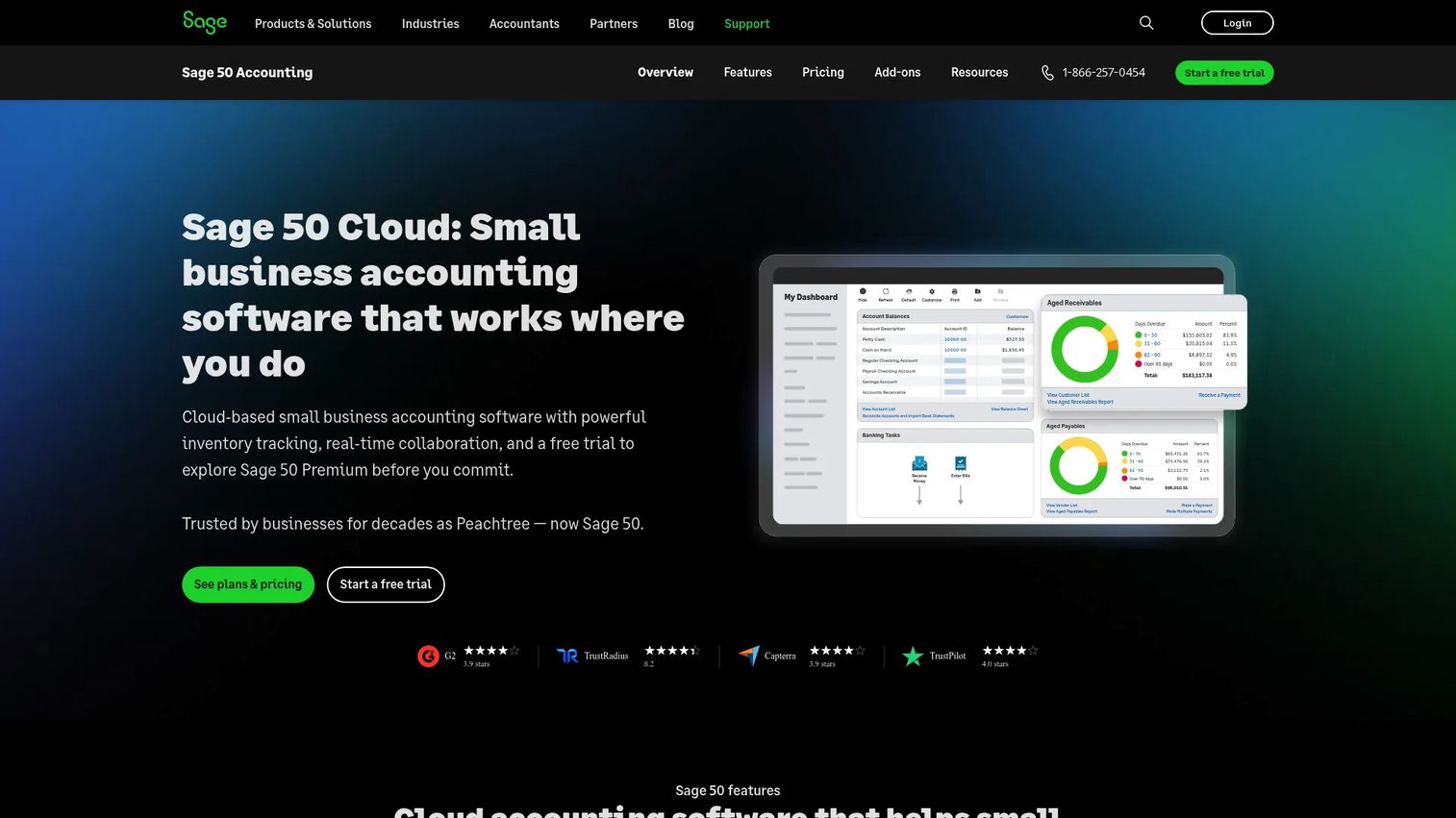
Sage 50 is the pick for firms and clients that want desktop-grade accounting depth with cloud access layered on top. It has decades of core accounting maturity behind it, which shows in its handling of inventory, job costing, and detailed controls. Firms with more traditional workflows, or clients who never fully trusted a browser-only ledger, still lean on it for that structure.
Where lighter cloud tools keep things simple, Sage 50 gives you granular control over the chart of accounts, invoice and bill tracking, and automated bank reconciliation that matches against the ledger cleanly. Inventory management is built in rather than bolted on, which matters for product-based clients. The cloud connection means data backs up and syncs without giving up the desktop experience staff already know.
Best for: Firms with product-based or process-heavy clients that need strong core accounting structure and inventory depth.
Key strengths
- Automated bank reconciliation: Matches transactions against the ledger with the control traditional accounting expects.
- Inventory management: Built-in stock tracking for product-based clients, not a separate add-on.
- Invoice and bill tracking: Detailed payables and receivables handling with a defensible record.
Why choose Sage 50: Choose it when the depth of the ledger matters more than a modern browser UI. It fits firms whose clients have inventory, job costing, or compliance needs that lighter tools handle less completely. The desktop-plus-cloud model suits practices that want local control without losing remote access.
Sage 50 pricing: Plans start at $128.67 per month for Pro Accounting, with Premium Accounting at $182.50 per month and Quantum Accounting at $271.17 per month. Desktop bundles with payroll are billed annually, at $1,120 per year for Pro with Payroll and $1,654 per year for Premium with Payroll. There is no free tier, and G2 rates the product 3.9 out of 5.
3. Xero
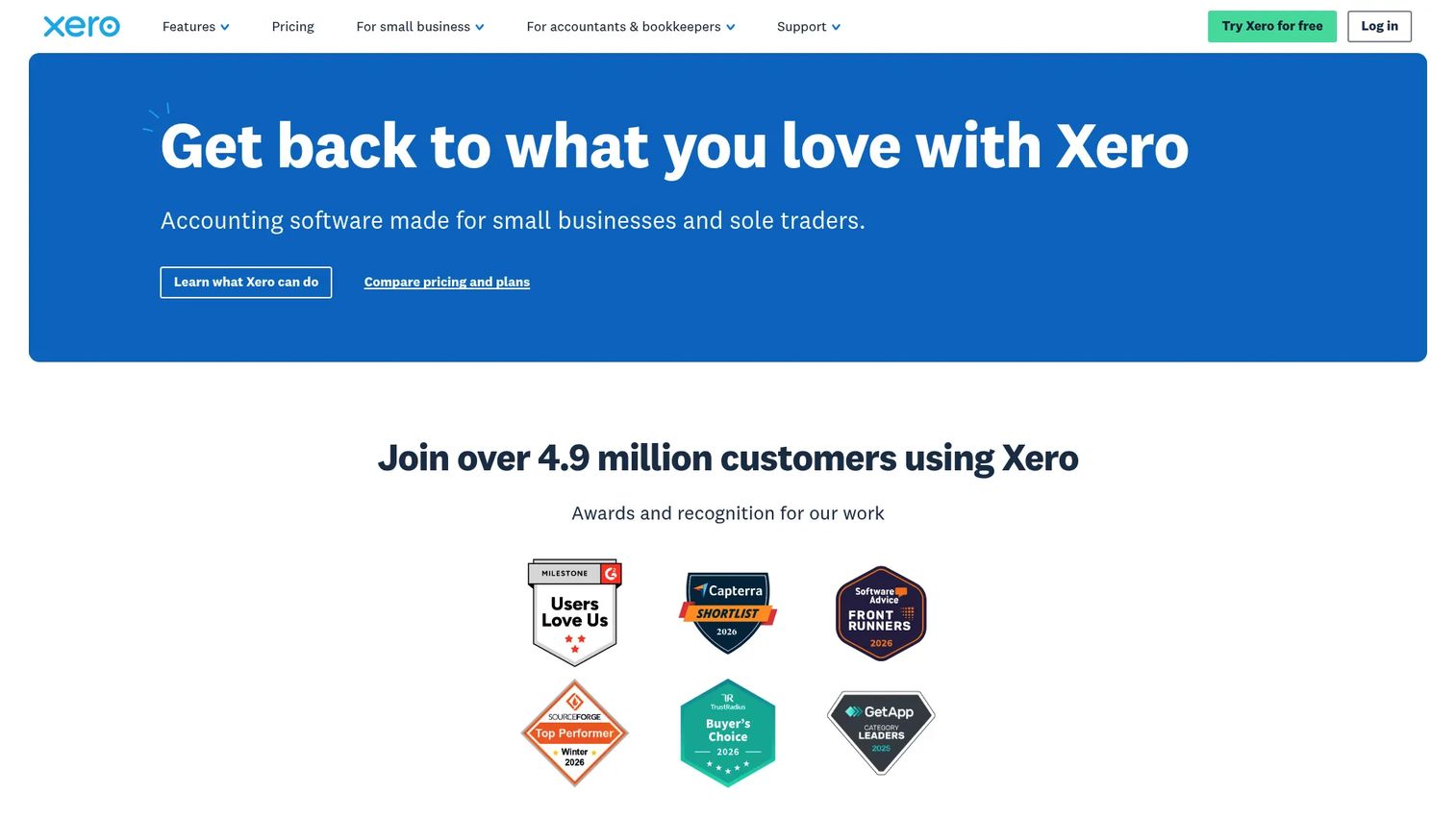
Xero wins on usability and its integrations ecosystem. For firms that prioritize a clean interface and want clients who can actually navigate their own books, Xero is often the easiest tool to standardize on. Bank feeds pull transactions automatically, reconciliation is a fast side-by-side match, and the app marketplace connects to hundreds of tools for payroll, payments, inventory, and reporting.
For multi-client bookkeeping, Xero gives your practice a central view of every client, with staff permissions and a consistent workflow across accounts. Online invoicing, expense claims, and reporting all live in one place, and the reporting engine produces statements clients can read without a translation call. Its collaboration model, where accountant and client work in the same file, keeps document capture and approvals moving without email chains.
Best for: Firms that want a modern, usable cloud ledger with a wide app ecosystem and easy client collaboration.
Key strengths
- Bank connections and reconciliation: Automated feeds with fast, side-by-side transaction matching.
- App ecosystem: Hundreds of integrations for payroll, payments, and reporting.
- Online invoicing and expense claims: Clean, client-friendly workflows in one interface.
Why choose Xero: Pick Xero when adoption is the risk. Its interface lowers the learning curve for clients, which reduces the support burden on your staff. It suits firms that value integrations and usability over the deepest possible ledger customization, and that want a shared file model for client collaboration.
Xero pricing: US plans are Early, Growing, and Established. Introductory pricing starts at $2.50 per month for the first six months on Early, then $25 per month; Growing runs $5.50 for six months then $55; Established runs $9 for six months then $90. Xero offers a first-month-free trial rather than a permanent free tier, and G2 rates it 4.4 out of 5.
4. Zoho Books
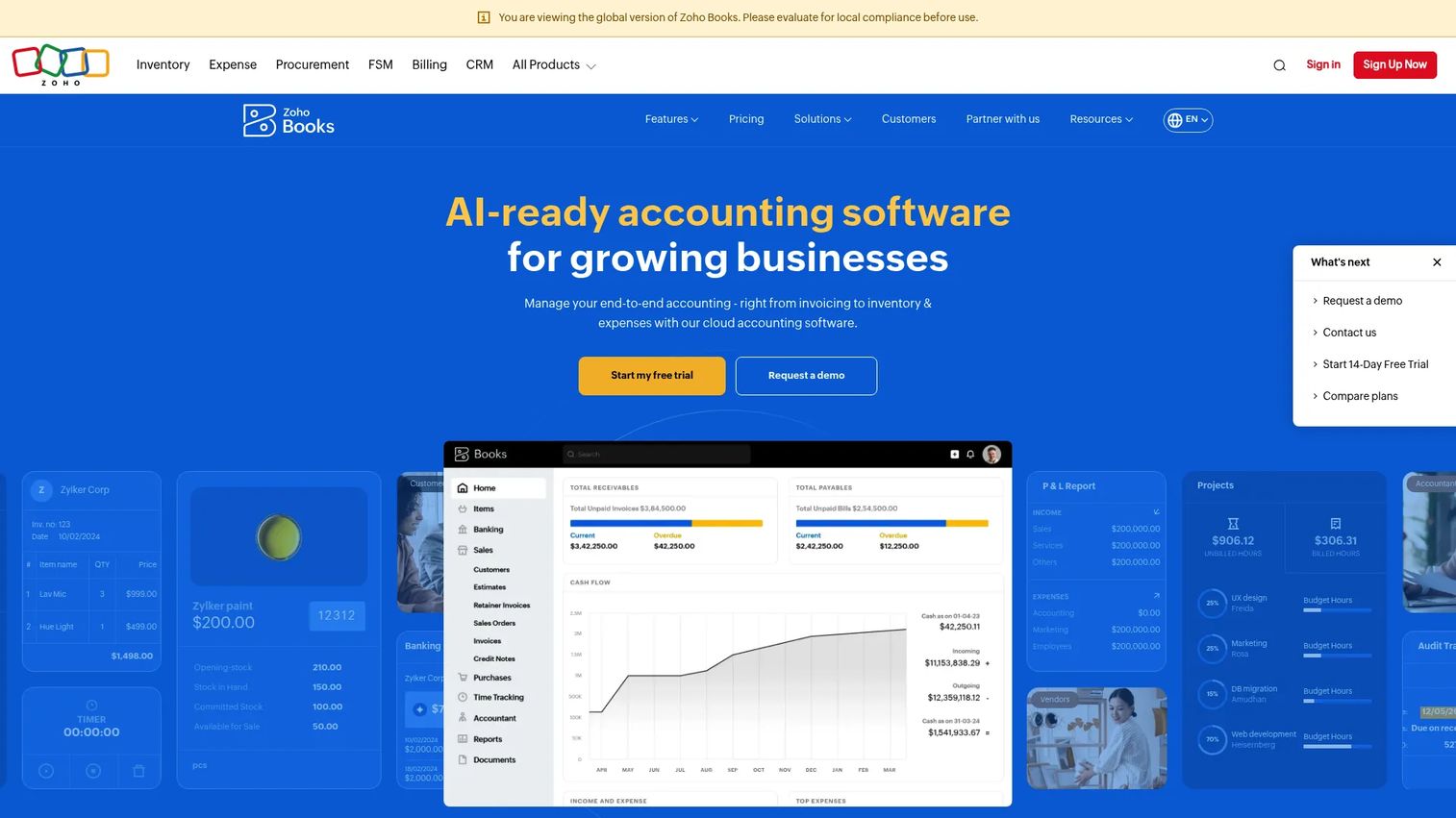
Zoho Books is the value pick, especially for firms already in or open to the broader Zoho stack. It brings strong automation to routine bookkeeping, categorization rules, recurring transactions, payment reminders, at a lower price point than most alternatives. For budget-conscious firms serving very small clients, the free plan for qualifying businesses removes the cost barrier entirely.
The automation depth is the standout. Workflow rules can trigger reminders, apply categorization, and route approvals, which trims the manual work that piles up across many small books. Client collaboration runs through a portal where clients view invoices, accept estimates, and share documents. Because it plugs into Zoho CRM, inventory, and payroll modules, firms already using Zoho get a connected view without stitching separate tools together.
Best for: Budget-conscious firms and those invested in the Zoho ecosystem that want automation on small-client books.
Key strengths
- Workflow automation: Rules for categorization, recurring entries, and reminders that cut manual work.
- Client portal: Clients view invoices, approve estimates, and share documents in one place.
- Zoho stack integration: Native connection to Zoho CRM, inventory, and payroll modules.
Why choose Zoho Books: Choose it when price and automation matter more than the largest third-party app marketplace. It fits firms that want to standardize small clients on an affordable tool, and firms already running other Zoho products who want a connected finance layer without extra integration work.
Zoho Books pricing: Zoho Books offers a free plan for very small qualifying businesses, then scales through paid tiers as transaction volume and features grow. The paid plans stay priced below many competitors, which is a large part of the appeal for cost-sensitive practices. Check the current Zoho Books pricing page for tier thresholds, since eligibility for the free plan depends on revenue limits.
5. FreshBooks
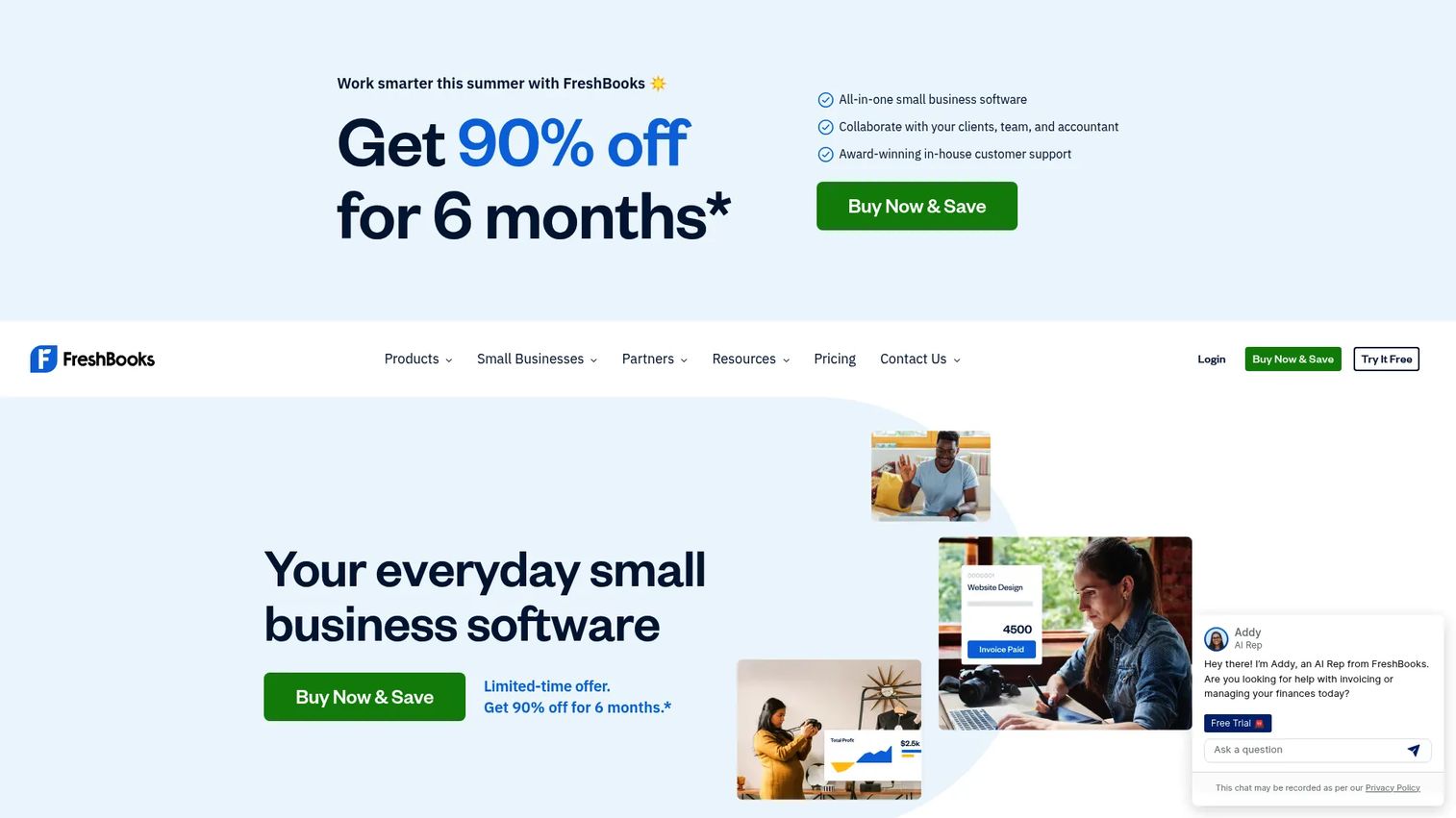
FreshBooks leads with invoicing and works best for firms serving freelancers and small service businesses. Its books are built around getting paid: invoicing, expense tracking, and time tracking sit at the center, with accounting workflows around them. For clients who bill hours or projects, that invoice-led model fits how they actually run.
The Accountant Hub gives your practice a route into client books without full account ownership, so you can review, adjust, and report while the client keeps running day-to-day invoicing. Time tracking ties directly to invoices, which matters for service clients billing by the hour. Expense capture and categorization keep the books current, and the reporting covers the statements a small service business and its accountant need. Team access controls let staff work in the right client files without oversharing.
Best for: Firms serving freelancers and small service businesses that live in invoicing and time-based billing.
Key strengths
- Invoicing: Client-friendly invoice creation, customization, and online payment collection.
- Time tracking: Hours tie directly to invoices for service and project billing.
- Expense tracking: Capture and categorize expenses to keep client books current.
Why choose FreshBooks: Pick it when your client base is service-first and invoicing is the daily job. The accountant access model and time-to-invoice link make it a strong fit for practices that support freelancers, consultants, and agencies rather than inventory-heavy businesses.
FreshBooks pricing: Plans are Lite at $2.30 per month, Plus at $4.30 per month, and Premium at $7.00 per month, with promotional USD monthly pricing shown on the pricing page. Select is a custom-priced tier for higher-volume needs. FreshBooks offers a 30-day free trial rather than a permanent free plan, and G2 rates it 4.5 out of 5.
6. Wave
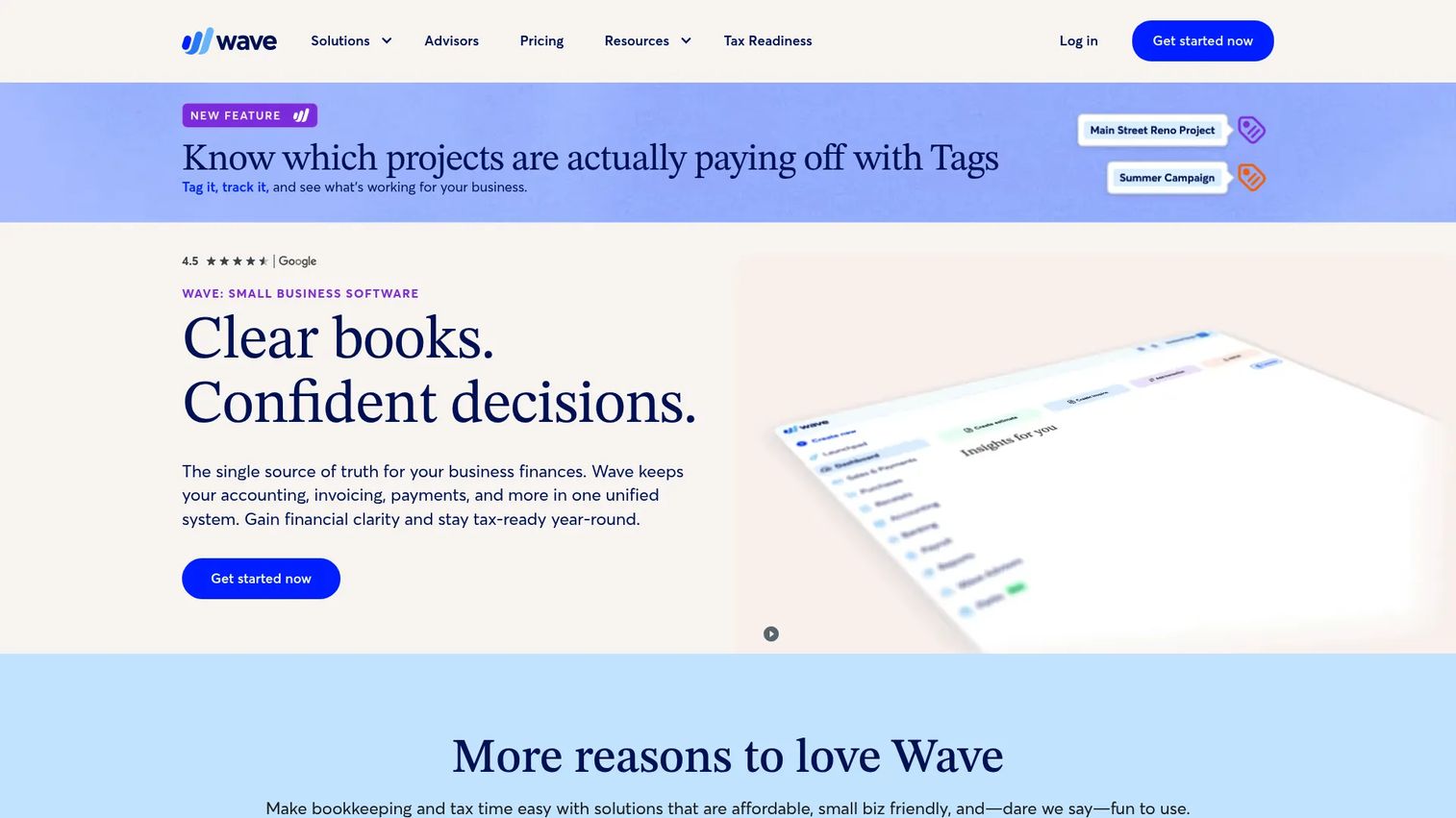
Wave is the genuinely free starter for basic bookkeeping. For very small clients, side projects, or firms that need a no-cost baseline ledger, Wave covers the core: unlimited invoices, estimates, bills, and bookkeeping records at no charge on the Starter plan. That makes it a practical option for accountants who want to onboard a micro-client without a subscription conversation.
The free plan handles more than most free tiers. You get unlimited bookkeeping records, invoice customization, and auto-import of bank transactions with categorization, which keeps a small book current without manual entry. Online payments are available, and the Pro plan adds discounted payment processing and bookkeeping automation for clients that outgrow the basics. For firms, Wave works best as an entry tool for the smallest clients rather than a hub for a full practice.
Best for: Accountants onboarding very small clients or side businesses that need a free, functional core ledger.
Key strengths
- Unlimited free records: Invoices, estimates, bills, and bookkeeping records at no cost on Starter.
- Auto-import and categorize: Bank transactions pull in and categorize automatically.
- Online payments: Accept payments and customize invoices from the free plan.
Why choose Wave: Choose it when cost is the deciding factor for a small client and the books are straightforward. It suits micro-clients and early-stage businesses that need clean invoicing and basic bookkeeping without a monthly fee, with a paid upgrade path when they grow.
Wave pricing: The Starter plan is free at $0. The Pro Plan is $19 per month or $190 per year and adds discounted online payments and bookkeeping automation. Wave also offers paid add-ons such as advisor services, receipts, and payroll billed separately. G2 rates Wave 4.7 out of 5.
7. Canopy
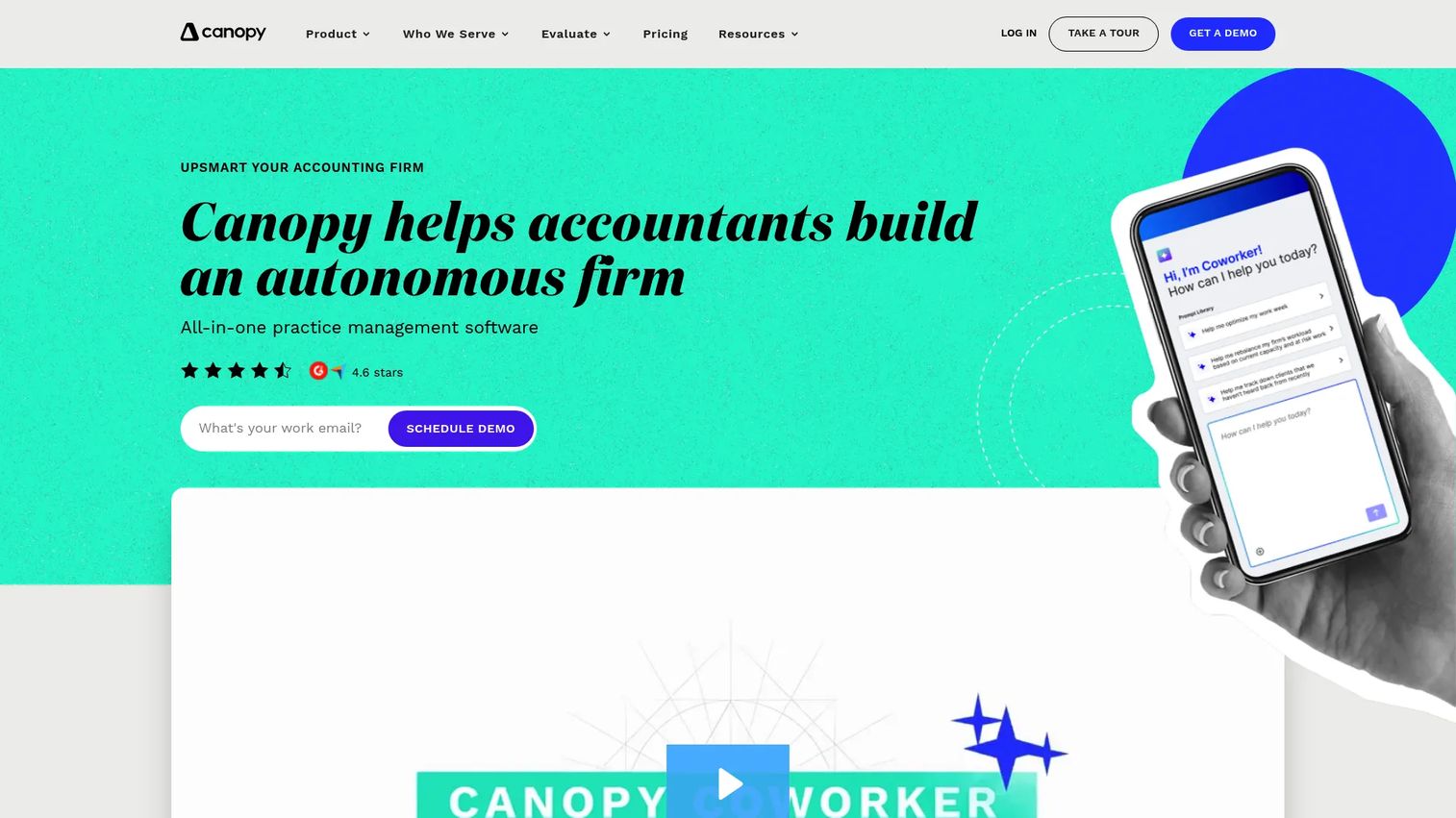
Canopy is practice management first, which makes it the pick when your bottleneck is running the firm, not the ledger. It handles the operational layer around bookkeeping: client portals, workflow and task tracking, document management with eSign, CRM, and billing. For accounting and tax firms that spend as much time on client operations as on the books, Canopy pulls that work into one platform.
The client portal and secure messaging cut the email back-and-forth that stalls document capture and approvals. Workflow and task tracking give the firm a shared view of what is due, for whom, and by when, which is exactly the accountant dashboard practice operators want. Document management with eSign keeps engagement letters and signed forms in one audit-ready place, supporting the security and audit trail a firm needs. Billing, invoicing, and payments round out the operations layer so client work and getting paid live together.
Best for: Accounting and tax firms that need practice management and client operations around their bookkeeping.
Key strengths
- Client portal and secure messaging: Clients upload, message, and approve in one secure place.
- Workflow and task tracking: Firm-wide view of what is due and who owns it.
- Document management and eSign: Audit-ready storage with built-in signature and CRM.
Why choose Canopy: Pick it when the firm operations problem is bigger than the ledger problem. Canopy is modular, so you can adopt the pieces you need, from client management to billing. It suits growing practices that want proposals, portals, and workflow in one system rather than a stack of disconnected tools.
Canopy pricing: Standard starts at $74 per user per month billed annually, Plus at $109 per user per month, and Premium at $149 per user per month, also billed annually. Enterprise is custom-priced through sales. The per-user model scales with your team size, and G2 rates Canopy 4.6 out of 5.
8. Sage Intacct
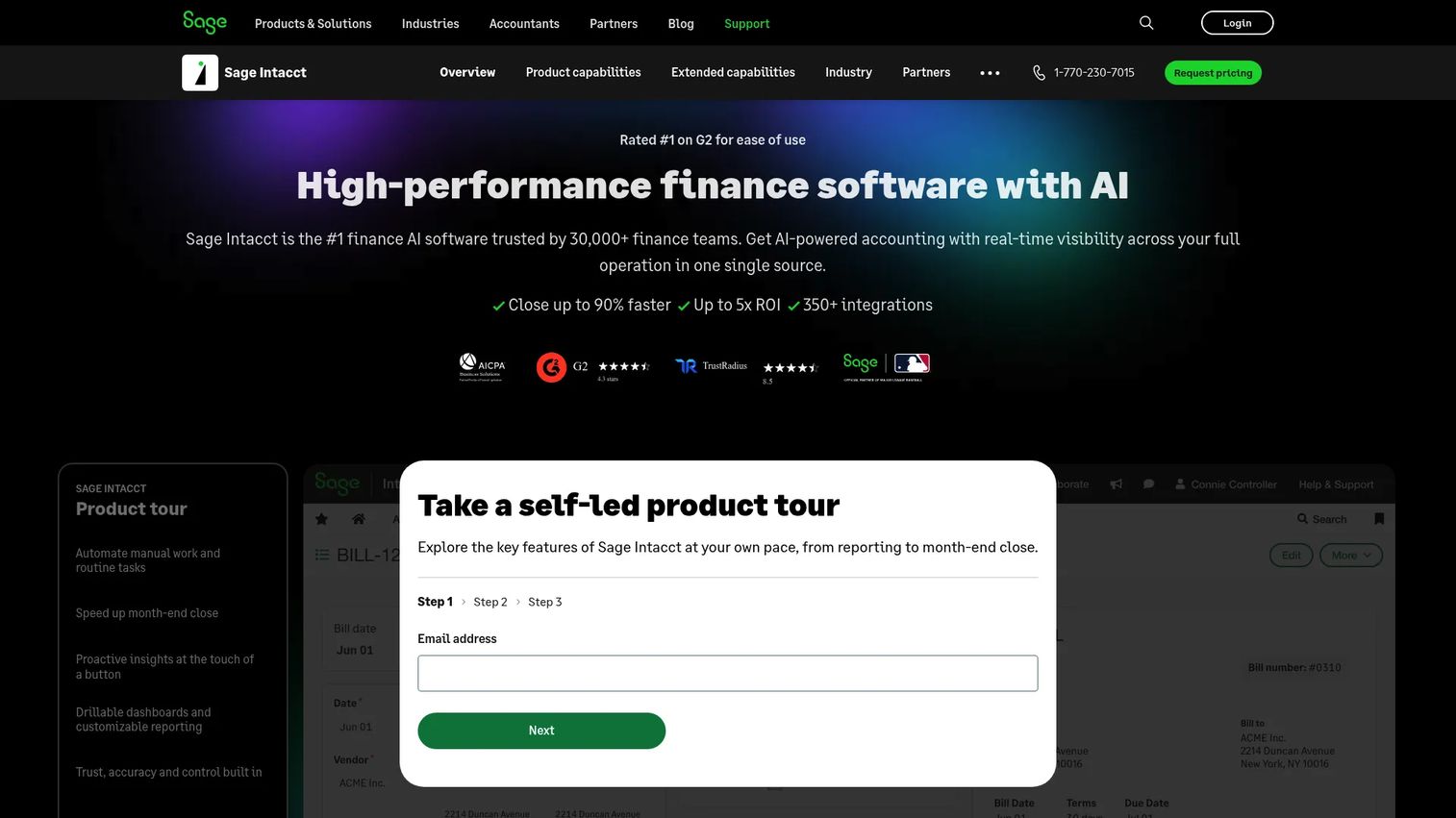
Sage Intacct is the pick for firms serving complex or multi-entity clients where standard bookkeeping tools run out of room. It is cloud financial management built for scaling and mid-sized businesses, with multi-entity accounting, shared dashboards, and AP automation. For firms doing advisory workflows for clients with consolidations, multiple entities, or dimensional reporting needs, Intacct carries the complexity.
Multi-entity accounting is the core differentiator. You consolidate across entities, currencies, and locations without the manual spreadsheet gymnastics that lighter tools force. Shared dashboards and reporting give clients and advisors a live view of financial performance, which supports the reporting and forecasting depth advisory work depends on. AP automation trims payables processing, and the dimensional reporting model lets you slice results by department, project, or location. For advisory-heavy practices, that reporting depth is what elevates bookkeeping into advisory output.
Best for: Firms serving mid-sized or multi-entity clients that need advanced reporting, consolidations, and advisory depth.
Key strengths
- Multi-entity accounting: Consolidate across entities, currencies, and locations without manual work.
- Shared dashboards and reporting: Live, dimensional financial views for advisors and clients.
- AP automation: Streamlined payables processing with AI-assisted workflows.
Why choose Sage Intacct: Choose it when your clients have outgrown small-business ledgers and need real financial management. It fits firms building advisory practices around complex clients, where multi-entity consolidation and deep reporting are the job, not a nice-to-have.
Sage Intacct pricing: Sage does not publish public numeric pricing. Cost is tailored by organization size and needs, and Sage directs prospects to request a quote. Expect enterprise-style packaging rather than a self-serve tier. G2 rates Sage Intacct 4.3 out of 5.
Considerations before you choose
Before committing, run your shortlist against the criteria that actually decide fit for a firm.
Multi-client management
Confirm how the tool handles many books. Can you switch clients without re-logging in, assign staff roles, and see firm-wide status in one accountant dashboard? A practice hub like QuickBooks Online Accountant or Canopy solves this differently than a single-entity ledger, so match the model to your client count.
Reconciliation and document capture
Test the bank reconciliation and document capture on a real client. Do feeds pull reliably, does matching stay fast, and does receipt capture read data cleanly? These are the workflows that eat month-end close time, so weak automation here costs you every month.
Reporting and forecasting
Check whether the reporting and forecasting output is client-readable and firm-defensible. Standard statements are table stakes; advisory work needs cash flow, budget, and dimensional views. Sage Intacct leads for complex clients, while the cloud generalists cover standard needs well.
Security and audit trail
Verify the security and audit trail. You need permission controls, activity logs, and a defensible record of who changed what. This is not optional for a firm handling client financial data, and it matters most as your team and client base grow.
Pricing and integrations
Map real cost against your integrations. Free tiers and low entry prices help, but check what payroll, tax, and payments connections you need and whether they are included or extra. A cheap tool that forces manual data transfer is not cheap. Use the free trial where offered to test the actual stack fit.
Conclusion
There is no single best bookkeeping software for accounting firms, only the best fit for how your practice runs. If you carry many small-business clients and want a free central hub, QuickBooks Online Accountant is the default for a reason. Xero wins when usability and integrations drive adoption. Sage 50 fits firms needing traditional core accounting depth, and Zoho Books covers budget-conscious practices with strong automation.
For service-first clients, FreshBooks matches invoice-led work. Wave is the free starter for the smallest clients. When the firm operations problem outweighs the ledger, Canopy brings practice management into one place. And for complex, multi-entity clients and advisory workflows, Sage Intacct carries the reporting depth that lighter tools cannot.
Start by mapping your client count and complexity against these picks, shortlist two, and run a free trial on real client books before you commit. The right accounting software for accountants should cut manual cleanup, not add to it.
FAQs
For multi-client work, QuickBooks Online Accountant and Xero lead because both centralize every client book under one login with staff permissions and a shared audit trail. QuickBooks Online Accountant is free for the firm, which makes it the common default. Choose based on which ecosystem your clients already use.
Accounting software for CPA firms depends on scope. If you need practice management around the books, Canopy handles client portals, workflow, and billing. If clients are complex or multi-entity, Sage Intacct carries consolidations and advisory reporting. For standard multi-client bookkeeping, QuickBooks Online Accountant or Xero fit most firms.
Prioritize multi-client management, automated bank reconciliation, document capture, reporting and forecasting, client collaboration, and a security and audit trail. Automation across categorization and recurring entries cuts month-end close time. Integrations with payroll, tax, and payments prevent manual data transfer between tools.
QuickBooks Online Accountant fits firms wanting a free hub in the ecosystem clients already know. Xero wins when usability and a wide app marketplace drive client adoption. Sage 50 suits firms needing deeper core accounting and inventory, while Sage Intacct handles complex multi-entity clients. Match the tool to client count and complexity.
Free tools like Wave and Zoho Books' free plan work well for very small clients with straightforward books. QuickBooks Online Accountant is free for the firm itself while clients pay for their subscriptions. As client complexity grows, paid tools with deeper reconciliation, reporting, and audit controls become worth the cost.
Look for client-readable statements plus cash flow, budget, and dimensional views for advisory work. Standard reports are table stakes; advisory-heavy practices need multi-entity consolidation and department or project-level slicing. Sage Intacct leads for complex reporting, while cloud generalists like Xero and QuickBooks cover standard needs.
Integrations decide how much manual work you avoid. Confirm the tool connects to your payroll, tax, payments, and practice management stack before committing. Xero and QuickBooks offer the widest app marketplaces, while Zoho Books connects natively across the Zoho stack. Missing integrations force manual data transfer that costs time every cycle.
Xero's shared file model lets accountant and client work in the same books, which reduces email chains. Canopy adds a dedicated client portal with secure messaging and document requests for firms that want a formal collaboration layer. FreshBooks and Zoho Books both offer client portals suited to smaller service-business clients.