You picked a host based on the price on the landing page. Then the renewal hit at triple that rate. Backups were an add-on. The "free" domain expired into a bill. Support answered in four hours, after your campaign page had already been down through the morning traffic spike.
That is the real cost of choosing WordPress hosting by the sticker price alone. And for a marketer, hosting is not a back-office line item. It is the infrastructure under every landing page, every launch, and every conversion path you own. A slow host quietly taxes your funnel. Every extra second of load time drags down conversion, and a site that goes dark during a paid push burns spend you cannot get back.
WordPress powers roughly 43% of all websites in 2026, with over 522 million sites running on it, according to W3Techs data reported by Barn2. That scale is exactly why the hosting market is crowded, confusing, and full of pricing that looks cheap until you read the footnotes. The global WordPress hosting service market was valued at $4.93 billion in 2024 and is projected to hit $10.5 billion by 2035, per WiseGuy Reports. More money, more providers, more noise.
This guide cuts through it. We ranked six providers by how well they actually serve a real site, weighing speed, uptime, security, migration friction, and honest total cost, not just the first-year promo. If you are also auditing the rest of your stack, our roundups on AI writing tools for marketers and A/B testing tools pair well with a hosting decision.
What's inside
This is a buyer's shortlist for anyone choosing WordPress hosting in 2026: marketers running campaign sites, small business owners, and agencies managing client work. We focused on managed WordPress hosting first, since that is what most teams should default to, and included budget and self-host-friendly options for readers who want more control.
We selected the six providers based on four criteria that decide whether a host is worth its recurring cost:
- Managed features: SSL, CDN, automatic backups, staging, and updates handled for you.
- Performance and uptime: load handling that supports traffic spikes and campaigns.
- Pricing clarity: honest total cost, not just a first-term promo rate.
- Migration and support: how easy it is to move in and get help when something breaks.
Plan fit changes by use case. A blogger, a WooCommerce store, and a 40-client agency need different things, so we call out who each host suits.
TL;DR
Short on time? Here is the fast version.
- Best broad managed pick: WordPress.com. Fully managed WordPress hosting with a free entry tier and a clean upgrade path to business and ecommerce plans.
- Best feature-rich plan with AI extras: GoDaddy. Bundles hosting, email, marketing, and the Airo AI toolset for teams that want everything in one account.
- Best cheap WordPress hosting: Namecheap. EasyWP-style affordability, a free trial, and simple setup for price-sensitive buyers.
- Best for agencies and multi-site teams: Pressable. A WordPress.org recommended host built on WP Cloud, with staging, backups, and expert support.
- Best established, WordPress.org-recommended option: Bluehost. A widely recognized choice for beginners, SMBs, and agencies wanting bundled hosting.
- Best beginner-friendly managed hosting: Hostinger. Affordable managed plans with a free domain, an AI assistant, and unlimited migrations.
What is WordPress hosting?
WordPress hosting is web hosting configured and optimized specifically to run WordPress sites, handling the server environment, performance tuning, and often the maintenance so your site loads fast and stays online.
There are three main categories buyers run into:
- Managed WordPress hosting: The host handles updates, security, backups, caching, and performance tuning. You focus on content and campaigns, not servers. This is the right default for most marketers and small businesses.
- Shared hosting: Your site shares a server with others. It is the cheapest entry point and fine for low-traffic sites, though performance can dip when neighbors get busy.
- WordPress.org recommended hosts: Self-hosted WordPress using the open-source software, run on a third-party provider from the official recommended list. This route gives you full control over plugins, themes, and code.
Across the category, buyers expect a common feature set. Look for these before you pay:
- SSL certificate for HTTPS and search ranking.
- CDN to serve assets fast to a global audience and support WordPress hosting performance.
- Automatic backups with easy one-click restore points.
- Staging environments to test changes safely before pushing live.
- Automatic updates for core, plugins, and themes.
- Support that answers fast when your site is down.
The reason this matters: your hosting choice directly affects WordPress hosting uptime, speed, WordPress hosting security, and how much of your week disappears into maintenance. Managed plans cost more than bare shared hosting, but they buy back the time and reduce the risk of a site outage during a campaign.
When to use WordPress hosting
Different situations call for different plans. Here is how to match a host to your reality.
Launch a site without managing servers
If your team wants to publish and move on, managed WordPress hosting is worth paying for. Updates, caching, and security run in the background, so a two-person marketing team can ship a landing page without a sysadmin. You trade a slightly higher monthly cost for speed to launch and near-zero maintenance overhead.
Run a business site that needs uptime and support
For a revenue-generating site, reliability is the whole point. You want automatic backups, fast restore points, monitored uptime, and support that picks up when something breaks at 9 a.m. on launch day. A managed plan with solid WordPress hosting uptime guarantees pays for itself the first time it prevents an outage.
Manage multiple clients or sites
Agencies need admin workflows that scale. Staging environments, per-site backups, clean multi-site management, and priority support matter more than the lowest headline price. WordPress hosting for agencies is a different buying problem than a single blog, and the right host removes hours of repetitive account juggling.
Sell online with WooCommerce
Ecommerce raises the stakes. A WooCommerce store needs stronger WordPress hosting performance, reliable checkout under load, and support that understands stores. WordPress hosting for WooCommerce should include caching tuned for dynamic pages, SSL by default, and headroom for traffic spikes during sales.
Comparison table
Read the table by intent first: find the row that matches your situation, then check pricing and rating. Prices reflect the lowest publicly listed starting tier at publishing time, and often require longer billing terms.
| # | Product | Intent | Key use case | Pricing | G2 rating |
|---|---|---|---|---|---|
| 1 | WordPress.com | Managed convenience | Blogs to business and ecommerce sites | Free; paid from $2.75/mo | 4.4/5 |
| 2 | GoDaddy | All-in-one + AI | Small business sites with email and marketing | From $9.99/mo | 3.9/5 |
| 3 | Namecheap | Budget | Simple, price-sensitive sites | Domains from $0.99/yr; hosting free trial | 4.3/5 |
| 4 | Pressable | Agency | Multi-site and client work | From $20.83/mo | 4.8/5 |
| 5 | Bluehost | Established SMB | Beginners and bundled hosting | From $3.99/mo | 3.4/5 |
| 6 | Hostinger | Beginner-friendly managed | Affordable managed sites | From $2.99/mo | 4.4/5 |
The 6 best WordPress hosting providers
Below, each provider gets a full breakdown: who it fits, key strengths, why you might choose it, and current WordPress hosting pricing.
1. WordPress.com
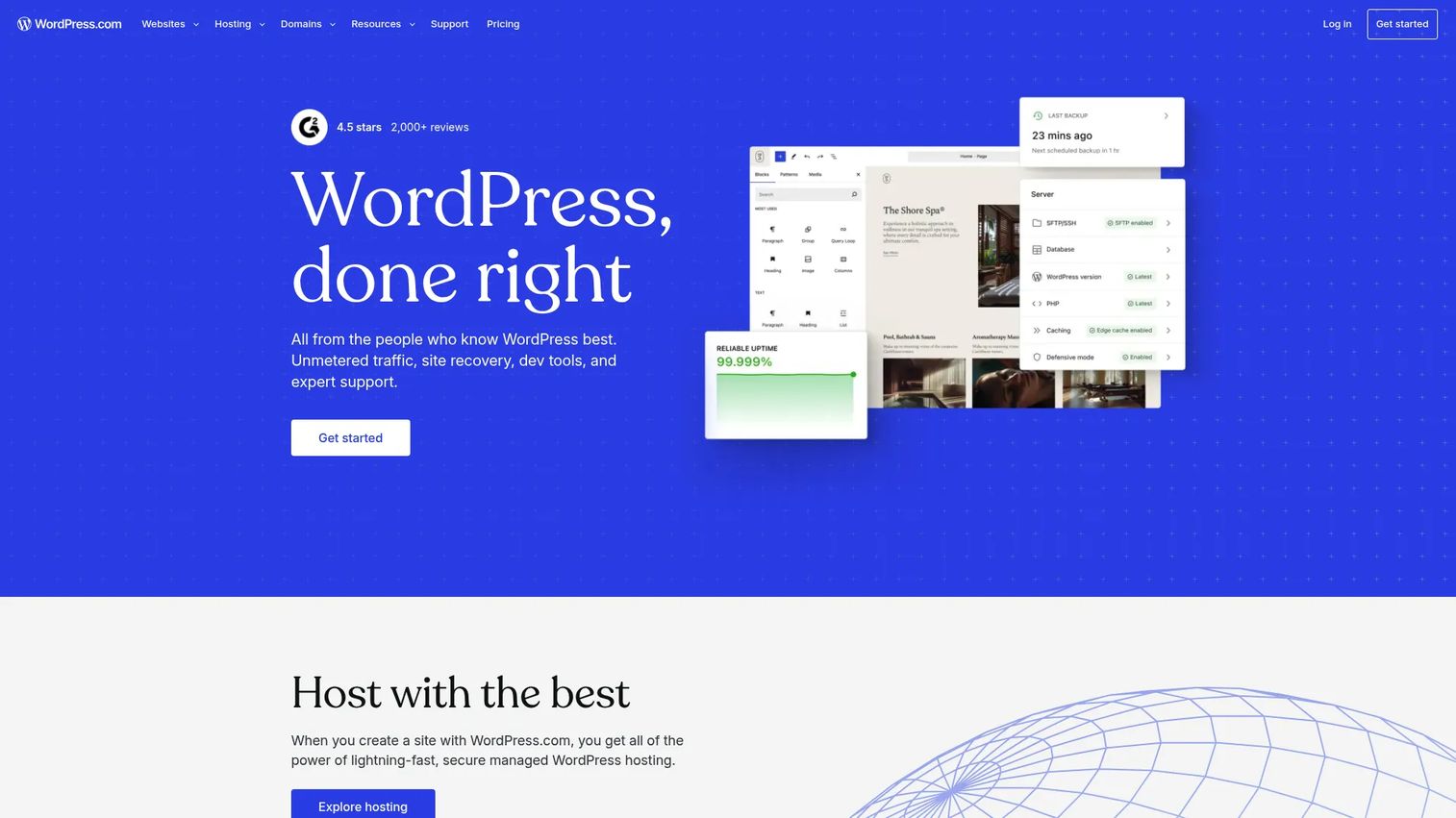
WordPress.com is the hosted platform from Automattic, and it is the most direct answer to "I want managed WordPress hosting without touching a server." Hosting, security, backups, and updates are handled for you across plans. You start on a free tier and scale up as your needs grow, which makes WordPress.com hosting a low-friction entry point for anyone testing an idea before committing budget.
Best for: Creators and businesses that want fully managed WordPress hosting with a clear upgrade path into customization and ecommerce.
Key strengths
- Fully managed stack: Security, automatic backups, and updates run in the background, so you publish instead of patch.
- Free entry tier: A free WordPress.com site with hosting lets you start at zero cost, then upgrade for custom domains and plugins.
- Ecommerce-ready top plans: Business and Commerce tiers add developer tools, plugin installation, and store features for selling online.
Why choose WordPress.com: If you want the shortest path from idea to live site with a name you already trust, this is it. The free plan removes the risk of committing early, and the paid ladder scales cleanly as you add a custom domain, plugins, and eventually a store. For marketers who want managed convenience over server control, it is the safe default.
WordPress.com pricing: There is a free plan with no expiration date. Paid WordPress hosting plans start at $2.75/month for Personal and $5.50/month for Premium, both billed on a three-year term. Business runs $17.50/month and Commerce $31.50/month on the same three-year billing, unlocking plugin installation, backups, developer tools, and ecommerce features. A free domain is typically included with paid annual plans. G2 reviewers rate WordPress.com 4.4 out of 5.
2. GoDaddy
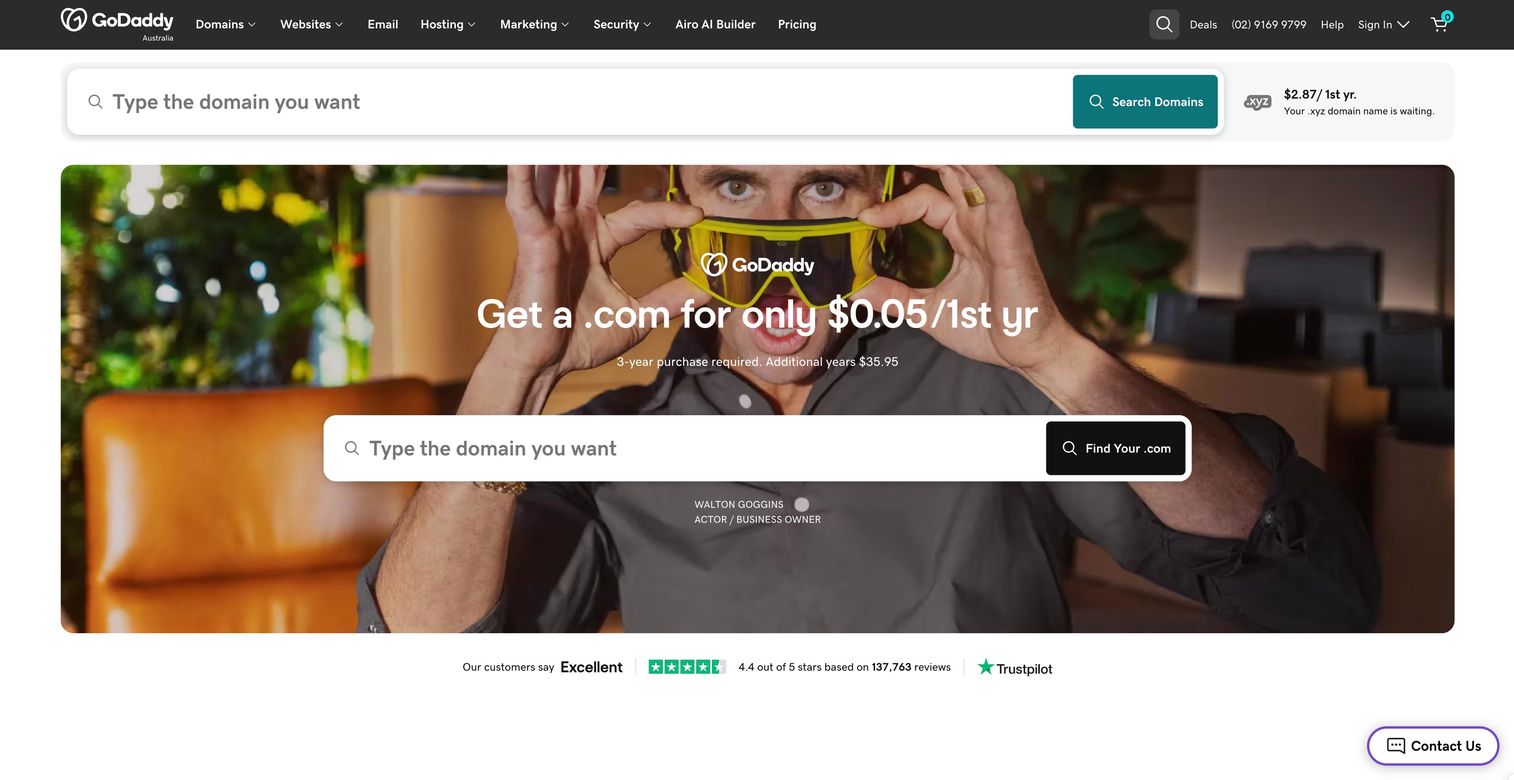
GoDaddy is the household-name registrar that has grown into a full website platform, offering hosting, email, marketing tools, and its Airo AI toolset. For teams that want domain, site, and marketing in one account, GoDaddy WordPress hosting bundles the pieces most small businesses juggle separately. The AI angle is real but practical: Airo helps with site setup, content, and optimization rather than being a gimmick bolted on top.
Best for: Small businesses and marketing teams that want an all-in-one domain, website, email, and marketing setup with AI assistance.
Key strengths
- All-in-one account: Domains, hosting, business email, and marketing tools live in one dashboard, cutting vendor sprawl.
- GoDaddy Airo AI: WordPress hosting with AI helpers speeds up setup, content drafting, and site optimization.
- Established support and onboarding: Broad support coverage and guided setup help less technical owners get live faster.
Why choose GoDaddy: The case for GoDaddy is consolidation. If you would otherwise buy a domain from one vendor, email from another, and hosting from a third, pulling them into one account reduces overhead and billing headaches. The Airo AI layer is a genuine time-saver for teams without a designer or copywriter on hand.
GoDaddy pricing: Website Builder plans start at $9.99/month for Basic on an annual plan, with Premium at $14.99/month and Commerce at $20.99/month. GoDaddy also offers a free website start and trial to test before committing. Verify the specific WordPress hosting plan against the current pricing page, since GoDaddy runs several product lines and promotions. G2 rates the GoDaddy Website Builder 3.9 out of 5.
3. Namecheap
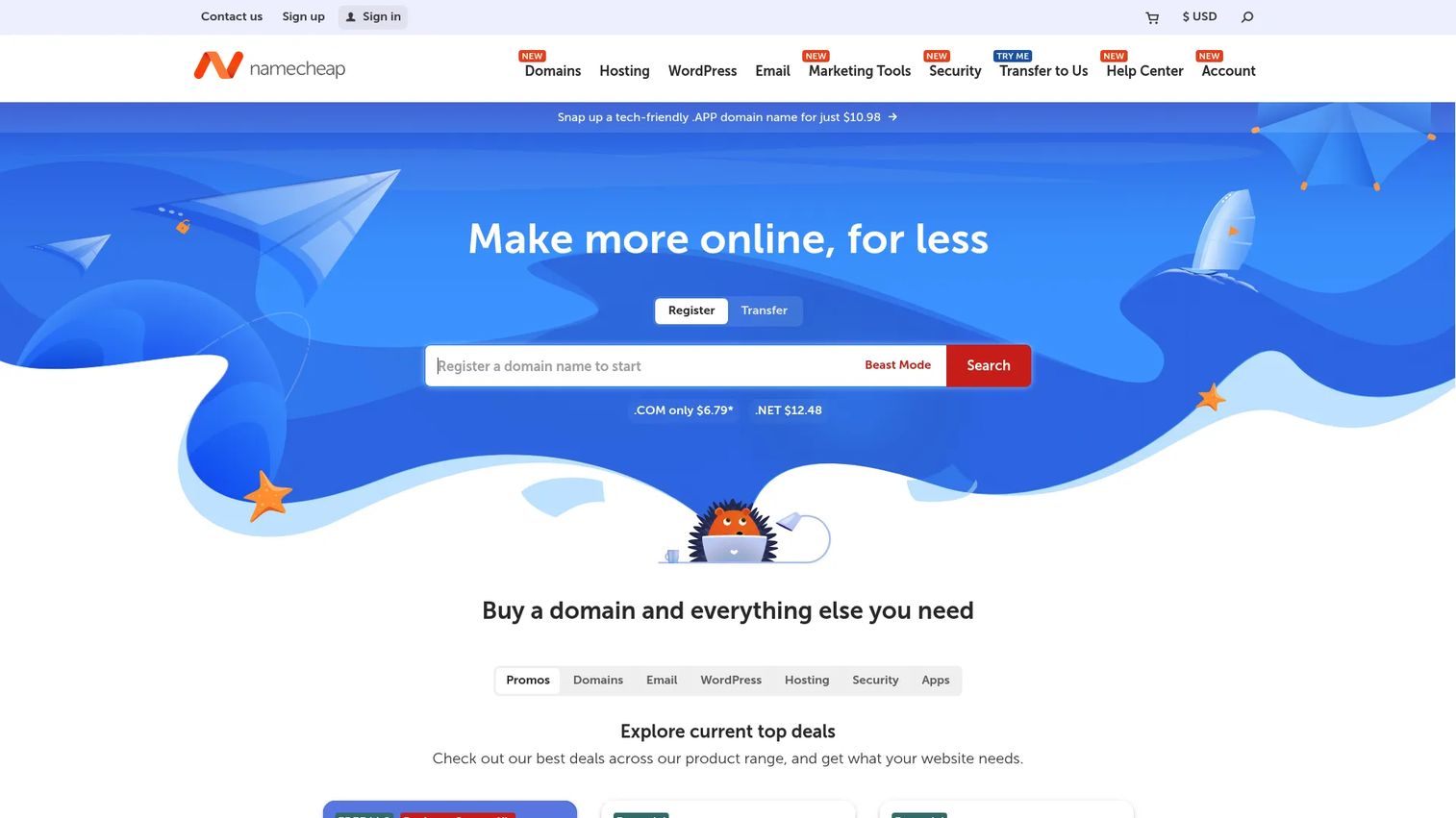
Namecheap built its name on cheap domains and carried that price discipline into hosting. Namecheap WordPress hosting, delivered through its EasyWP managed offering, targets buyers who want a simple site online without paying premium managed rates. You get domains, shared and WordPress hosting, business email, and security add-ons under one roof, with pricing that stays aggressive.
Best for: Budget-conscious buyers and beginners who want a simple site and the lowest realistic total cost.
Key strengths
- Aggressive pricing: Domains start at $0.99/year and hosting offers a free trial, keeping cheap WordPress hosting genuinely cheap.
- Beginner-friendly setup: Managed WordPress hosting through EasyWP gets a site live without deep technical steps.
- Broad add-on catalog: Business email, SSL, WHOIS privacy, and security tools round out the package.
Why choose Namecheap: If price is the deciding factor and your site is straightforward, Namecheap is hard to beat. The free trial WordPress hosting option lets you test the managed experience before you pay, and the domain-plus-hosting bundling keeps total cost low. It is the practical pick for a first site, a side project, or a lean campaign page.
Namecheap pricing: Namecheap leans on promotional pricing across its catalog. Domains start at $0.99/year, its shared hosting is offered with a free trial, and Private Email starts at $0.99/month. Its EasyWP managed WordPress tiers step up from a low-cost starter to higher-storage and higher-traffic plans. Check the current promos page for the exact WordPress hosting tier and renewal rates. G2 rates Namecheap 4.3 out of 5.
4. Pressable
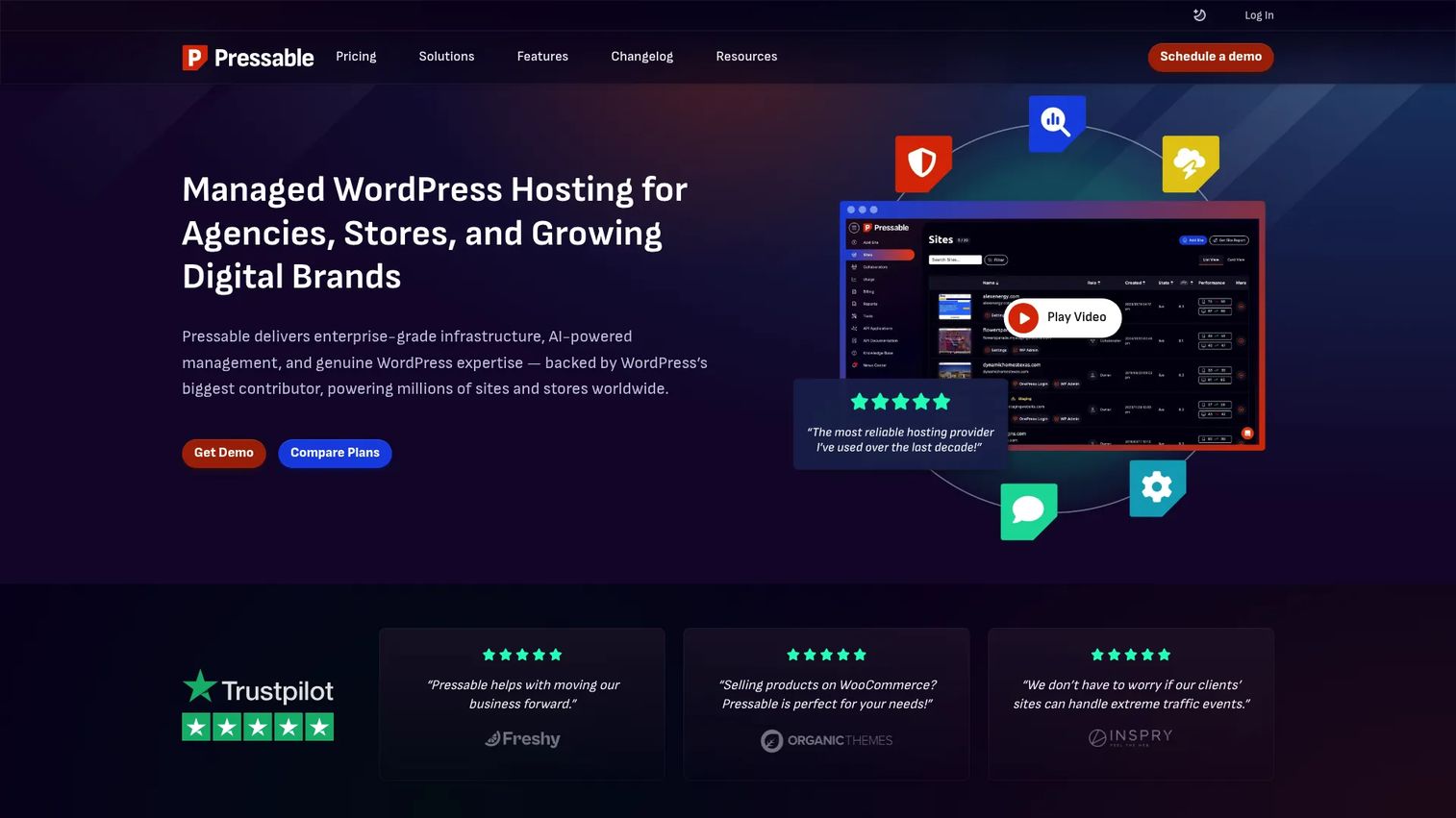
Pressable is a managed host built for teams that take WordPress seriously. As part of the Automattic family and running on the WP Cloud platform, Pressable WordPress hosting delivers performance, security, and expert support aimed squarely at agencies and businesses. Free SSL, smart staging environments, and automated backups come standard, and its plan structure scales from a single site up to large multi-site portfolios.
Best for: Agencies and WordPress teams that need managed hosting with staging, backups, and responsive expert support across many sites.
Key strengths
- Agency-grade features: Smart WordPress staging, automated backups, and free SSL support real client workflows.
- WP Cloud platform: Built on Automattic infrastructure for consistent WordPress hosting performance and reliability.
- Scalable plan ladder: Signature plans grow from one site to large portfolios, fitting WordPress hosting for agencies.
Why choose Pressable: Pressable earns its place when you manage multiple sites and cannot afford flaky staging or slow support. The staging tools and per-site management remove the repetitive account juggling that eats agency hours, and the support reputation is a genuine differentiator. Its 4.8 G2 rating reflects that agency satisfaction.
Pressable pricing: Pricing is public and tiered. Signature plans start at $20.83/month (billed at $250/year) for Signature 1 and climb through the range, with Signature 2 at $37.50/month and Signature 3 at $50.00/month, up to larger tiers for high-volume portfolios. Premium Site Plans start at $350.00/month for teams with heavier needs. There is no free tier, which fits its professional positioning. G2 reviewers rate Pressable 4.8 out of 5, the highest on this list.
5. Bluehost
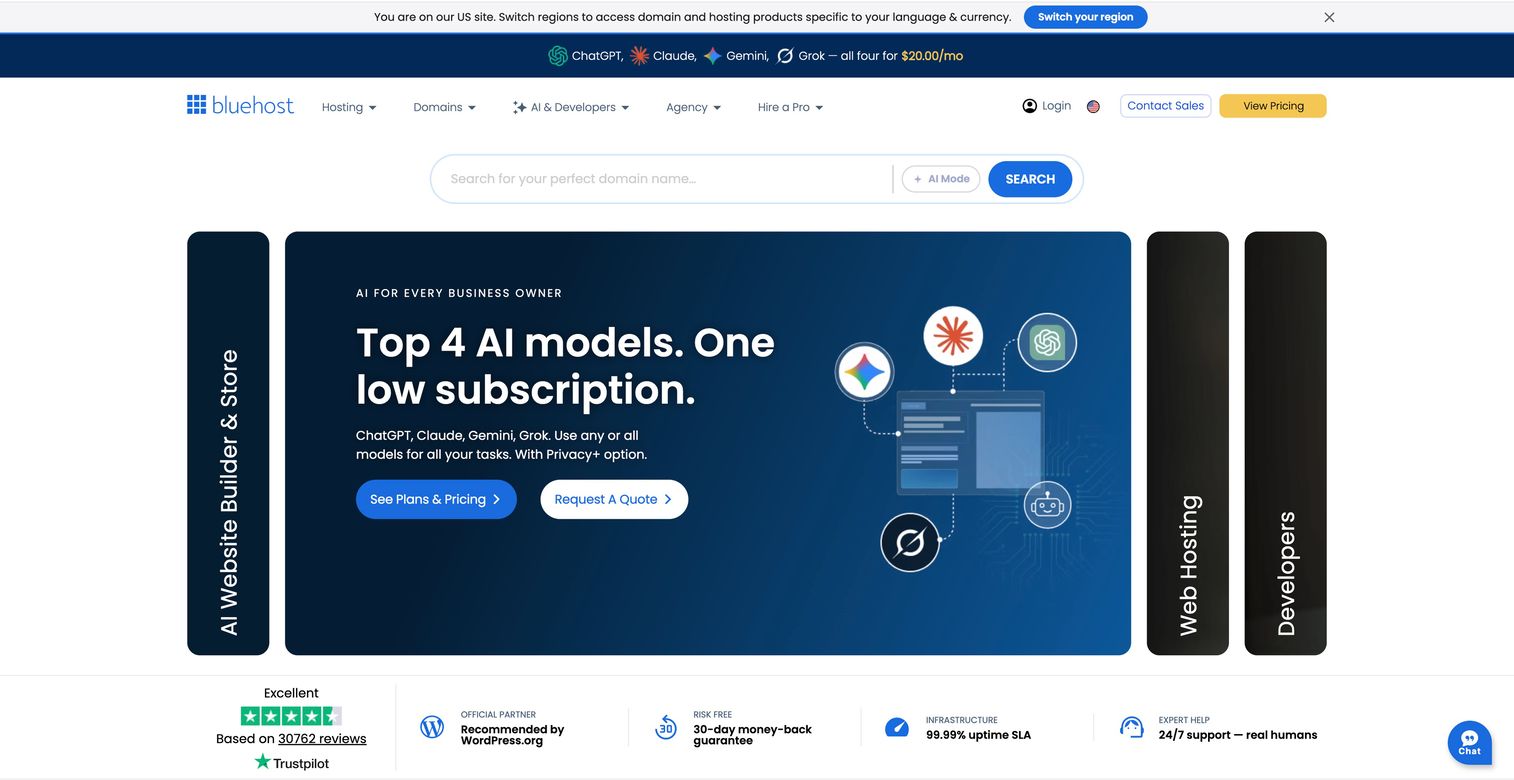
Bluehost is one of the hosts officially recommended by WordPress.org, which is a large part of why it remains a default choice for first-time site owners. Bluehost WordPress hosting spans shared hosting, ecommerce, and agency-focused plans, with WordPress pre-installed, a free domain for the first year on annual plans, free SSL, and 24/7 chat support. For buyers who want an established provider with broad recognition, it checks the familiarity box.
Best for: Beginners, small businesses, and agencies wanting an established, WordPress.org-recommended provider with bundled hosting and setup tools.
Key strengths
- WordPress.org recommendation: Official recommendation and pre-installed WordPress make first setup approachable.
- Bundled essentials: Free domain for one year on annual plans, free SSL, and email keep startup costs contained.
- Range of plans: Shared, ecommerce, VPS, and agency tiers cover growth from a first site upward.
Why choose Bluehost: Bluehost is the safe, recognizable starting point. If you want an established host with a free domain, SSL, and round-the-clock chat support without researching a dozen providers, it delivers a straightforward path. It suits beginners and SMBs who value familiarity and bundled setup over premium managed features.
Bluehost pricing: Shared hosting plans start at $3.99/month for Starter on a 36-month term, with Business and eCommerce Essentials both at $6.99/month on the same term. A free domain for the first year comes with annual plans, and free SSL is included on all plans. Note that renewal rates rise after the intro term, so factor total cost over your full contract. G2 rates Bluehost 3.4 out of 5.
6. Hostinger
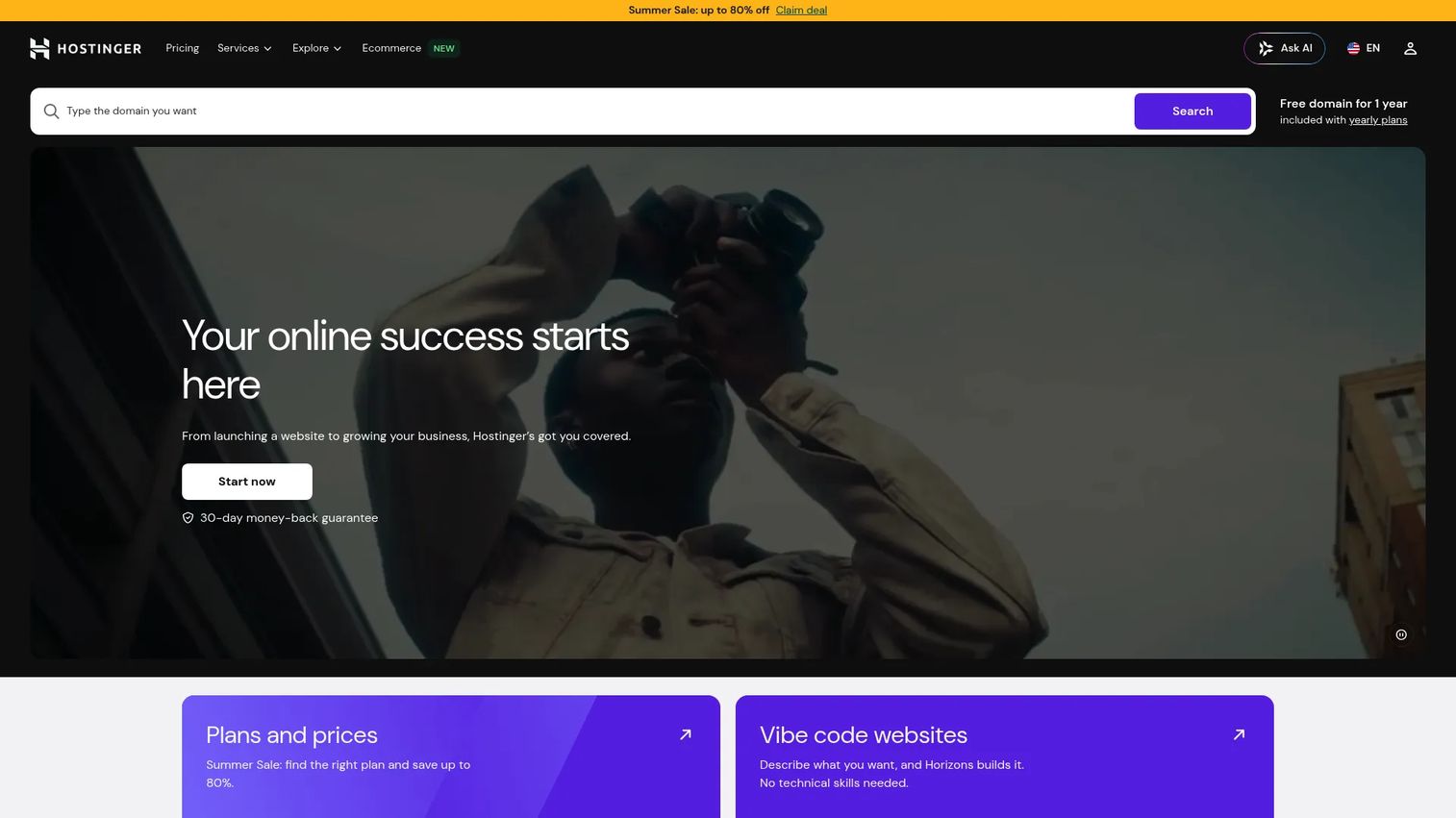
Hostinger pairs low prices with a genuinely modern managed experience. Hostinger WordPress hosting runs on LiteSpeed technology for speed and adds a Kodee AI assistant, a free domain on eligible annual plans, business email, automatic backups, a CDN, and unlimited migrations. WooCommerce support is built in, making it a practical pick for small stores that want managed hosting without heavy overhead.
Best for: Small businesses, creators, and developers who want affordable managed hosting with AI-assisted site building and minimal maintenance.
Key strengths
- Speed-focused stack: LiteSpeed technology and an included CDN support strong WordPress hosting performance.
- Kodee AI assistant: WordPress hosting with AI help for setup, troubleshooting, and site management.
- Migration and bundles: Unlimited migrations, a free domain on eligible plans, and business email lower switching friction.
Why choose Hostinger: Hostinger is the value pick that does not feel cheap. The LiteSpeed stack keeps sites fast, the WordPress hosting with free migration removes the pain of moving an existing site, and the AI assistant helps less technical users manage day to day. For beginners who want managed hosting with less overhead, it balances price and capability well.
Hostinger pricing: Plans start at $2.99/month for Premium on a 48-month term, with Unlimited at $3.79/month and Cloud Startup at $7.99/month on the same term. A free domain is included on eligible annual plans, and longer terms unlock the lowest monthly rates. As with most budget hosts, confirm renewal pricing before committing. G2 rates Hostinger 4.4 out of 5.
Considerations before you buy
Price is the loudest signal and the most misleading one. Before you commit, work through this checklist so the plan you pick still makes sense at renewal.
Performance and load handling
Confirm the host includes a CDN and server-level caching, not just a plugin you install yourself. Ask what happens during a traffic spike, since a campaign or a viral post can bury an underpowered plan. For WooCommerce or high-traffic marketing sites, verify the plan has real headroom.
Security and backups
Check that SSL is included on every plan, not gated behind an upgrade. Look for automatic daily backups, one-click restore points, and malware scanning. Then read the WordPress hosting uptime guarantee and what it actually compensates if breached.
Migration and onboarding
If you already have a site, migration friction is a real cost. Prioritize hosts offering WordPress hosting with free migration or unlimited migrations, and confirm whether they do it for you or hand you a plugin. Smooth onboarding saves a weekend of frustration.
Developer access and flexibility
If you or an agency will customize the site, verify staging environments, SSH, WP-CLI, Git support, and unrestricted plugin and theme installation. Fully managed plans sometimes limit these, so match the access level to how hands-on your team is.
Total cost of ownership
Read past the intro rate. Note the renewal price, what is bundled versus billed separately, and how much each upgrade tier costs. A "cheap" host with paid backups, paid SSL, and a domain that renews at full price can cost more than a transparent managed plan.
Conclusion
The right WordPress host depends on the job, not the brand. For most marketers and small businesses that want managed convenience, WordPress.com is the clean default, with a free tier to start and a straightforward path to ecommerce. If you want everything in one account with AI help, GoDaddy consolidates the stack. On the tightest budget, Namecheap keeps cheap WordPress hosting genuinely cheap.
For agencies and multi-site teams, Pressable is the standout, with staging, backups, and support built for client work, reflected in its 4.8 G2 rating. If you want an established, WordPress.org-recommended name, Bluehost is the familiar starting point. And for beginner-friendly managed hosting that stays fast and affordable, Hostinger balances price, speed, and AI assistance better than most.
Next step: shortlist two finalists that match your use case, then compare their renewal pricing and support response times side by side before you buy. That single comparison prevents the renewal-shock and support-gap problems that derail most first hosting decisions. And once your site is live, tighten the rest of your growth stack with tools like AI content creation tools and AI design tools to turn a fast site into a converting one.
FAQs
Managed WordPress hosting is a plan where the provider handles the technical maintenance for you: server tuning, security, automatic updates, caching, and backups. You focus on content and campaigns instead of patching software or configuring servers. It costs more than bare shared hosting, but it buys back time and reduces the risk of an outage, which is why it is the right default for most business sites and small teams.
WordPress hosting pricing ranges widely. Entry-level managed and shared plans start around $2.75 to $3.99 per month, though the lowest rates usually require multi-year billing. Agency-grade managed hosting like Pressable starts near $20.83 per month and scales with your site count and traffic. Always check the renewal rate, since intro pricing often jumps significantly at your first renewal.
WordPress.com is a hosted platform: you sign up and the hosting, updates, and maintenance are handled in one place, including a free tier. WordPress.org is the open-source software you install on a host of your choice, giving you full control over plugins, themes, and code. Choose WordPress.com hosting for managed simplicity, and a WordPress.org recommended host like Bluehost or Pressable when you want self-hosted flexibility.
On most managed plans, yes, though the entry tiers of some hosts restrict plugin installation until you upgrade. WordPress.com, for example, unlocks plugin and custom theme installation on its Business and Commerce plans. Self-hosted WordPress on a recommended host gives you unrestricted plugin and theme access from the start, which is why developers and agencies often prefer it.
Yes, when the plan is built for it. WordPress hosting for WooCommerce needs stronger performance, reliable checkout under load, SSL by default, and caching tuned for dynamic pages. Hostinger includes WooCommerce support on its managed plans, WordPress.com offers a dedicated Commerce tier, and Pressable suits higher-traffic stores. Match the plan's traffic and resource limits to your expected order volume before you buy.
For beginner-friendly WordPress hosting, WordPress.com is the easiest start thanks to its free tier and fully managed setup. Hostinger is a strong low-cost managed option with an AI assistant and unlimited migrations, and Bluehost is a widely recognized, WordPress.org-recommended choice with pre-installed WordPress and 24/7 chat support. For the best WordPress hosting for small business owners who want simplicity, start with a managed plan rather than bare shared hosting.