You booked a remote interview. The guest joined on a conferencing call. The audio came back compressed, thin, and out of sync with the video. You spent the next two hours cleaning it up in post, and it still sounded like a phone call.
That is the exact friction virtual recording studio software solves. Conferencing tools were built to keep a meeting alive, not to capture broadcast-grade sound. They compress audio to survive shaky connections, mix everyone into one track, and hand you a file that fights your editor at every step. For anyone producing podcasts, interviews, branded shows, or music sessions remotely, that trade-off quietly kills quality before you even hit publish.
The demand for clean remote capture is not a niche concern anymore. The music recording software market alone is projected to grow from USD 3.2 billion in 2025 to USD 8.4 billion by 2034 at a 10.8% CAGR, according to LinkedIn market data published in 2024. Remote production has moved from workaround to standard workflow, and the tools have matured to match.
If your team is already juggling landing pages, campaign analytics, and content production, adding another platform means asking what it replaces. The same consolidation logic that shapes how marketers evaluate account based marketing or local SEO tooling applies here: pick the platform that removes the most steps between recording and a finished asset. This guide compares eight virtual recording studio software tools so you can choose based on your actual workflow, not a feature checklist.
What's inside
This guide compares eight virtual recording studio software tools built for remote audio and video production in 2026. We selected them based on four things that matter across podcast, music, and marketing use cases: audio fidelity and studio-quality audio, source recording and local capture reliability, collaboration and guest access, and post-production workflow support including editing and integrations.
The evaluation lens is practical. Whether you produce founder interviews, remote music sessions, voiceover work, or a weekly show, the goal is the cleanest path from record to publish. Each tool below is scored against that reality, with verified pricing and ratings where available.
TL;DR
- Best overall for remote teams: Riverside pairs 4K local recording, separate track capture, and built-in AI editing, making it the most complete remote recording studio software for most workflows.
- Best for studio and music collaboration: Sessionwire delivers HQ audio, DAW integration, and browser-based guest access for real-time sessions.
- Best for podcast source recording: SquadCast focuses on separate local tracks and progressive cloud upload for clean post-production.
- Best for editing speed: Descript combines recording with transcription-led, text-based editing so capture and cutting live in one place.
- Best browser-based cleanup: Adobe Podcast offers free, web-first recording with strong AI speech enhancement.
- Best free audio-first option: Cleanfeed handles live browser-based capture with unlimited recording on its free tier.
What is virtual recording studio software?
Virtual recording studio software is a browser-based or app-based platform that records high-quality, separate audio and video tracks from remote participants locally on each person's device, then syncs them for post-production. It replaces the compressed, single-track output of conferencing tools with studio-quality audio and clean multi-track files.
The distinction from generic conferencing matters. A conferencing tool like Zoom prioritizes real-time connection stability, which means it compresses audio, mixes participants together, and drops quality when bandwidth dips. A virtual recording studio does the opposite: it records each participant at full quality on their own machine, so a weak connection never degrades the final file. That is why teams treat these platforms as a Zoom alternative for anything meant to be published.
Core capabilities to know:
- Source recording: Each participant is captured at full fidelity from the source, not from the streamed connection.
- Local capture: Audio and video record locally on each device, then upload separately, so connection drops never ruin the take.
- Drift elimination: Tracks stay in sync across long sessions, avoiding the slow desync that plagues conferencing recordings.
- Remote guest access: Guests join through a browser link, often with no-download guest access, keeping friction low.
- Multi-track recording: Separate tracks per speaker give you full control in editing.
- Post-production workflow: Auto-save and backup, transcription, and editing or DAW integration reduce cleanup time.
Optimized for that structured definition, the category sits between simple screen capture and full digital audio workstations. It handles the capture and collaboration layer, then hands clean assets to your editing tool of choice.
When to use virtual recording studio software
Not every recording needs a studio. Here is where these tools earn their place.
Use it for podcast interviews and remote shows
When you record a guest remotely, clean local capture and separate tracks are the difference between a polished episode and a rescue mission. Each speaker records on their own device at full quality, so one person's spotty wifi never drags down the whole take. Separate tracks let you fix a cough, balance levels, or cut a tangent without touching the other speaker. Guest ease matters too: a browser link with no-download guest access means your guest is recording in seconds, and auto-save and backup protect the session if something crashes mid-conversation.
Use it for music collaboration and vocal sessions
Remote music work demands more than clean playback. Low-latency collaboration, DAW integration, and studio-grade audio let musicians write, track overdubs, and review mixes together across cities. When a vocalist records against a scratch track, drift elimination keeps everything aligned, and high-quality streaming means the producer hears what the take actually sounds like. Songwriting sessions, remote tracking, and mix reviews all run smoother when the platform respects audio fidelity instead of compressing it away.
Use it for branded content and marketing production
Marketing teams increasingly own the content studio. Founder interviews, customer stories, webinars, and short social clips all start as a remote recording, and a virtual recording studio cuts the editor's cleanup time dramatically. Cleaner source files mean less time fixing audio and more time repurposing one session into a dozen assets. For a growth or content marketer measuring output against effort, that workflow saving is the ROI: faster production, less editor friction, and publish-ready remote collaboration without a physical studio.
Comparison table
Here is a fast, skimmable view of all eight tools sorted by relevance to remote recording workflows. Use pricing and ratings as decision shortcuts, then read the full section for the tool that fits your use case.
| # | Product | Intent | Key use case | Pricing | G2 rating |
|---|---|---|---|---|---|
| 1 | Riverside | All-in-one remote studio | 4K podcast and video recording with AI editing | Free; paid from $24/mo | 4.8/5 |
| 2 | SquadCast | Source recording specialist | Remote podcast capture with separate tracks | Free; paid from $16/person/mo | 3.8/5 |
| 3 | Sessionwire | Music and studio collaboration | Real-time remote sessions with DAW integration | Free; paid from $9/mo | Not listed |
| 4 | Descript | Recording plus editing | Transcription-led editing and repurposing | Free; paid from $16/mo | 4.6/5 |
| 5 | Adobe Podcast | Browser-first cleanup | Web recording with AI speech enhancement | Free; Premium $9.99/mo | 4.7/5 |
| 6 | Cleanfeed | Audio-first live capture | Browser-based remote audio recording | Free; Pro from $12/mo | Not listed |
| 7 | Boomcaster | Remote recording and livestream | Local 4K capture with multistreaming | Free; paid from $20/mo | 5.0/5 |
| 8 | Zencastr | All-in-one podcast platform | Remote recording plus hosting and clips | Free; paid from $24/mo | 3.7/5 |
The 8 best virtual recording studio software tools
Below is the full breakdown of each tool, with strengths, ideal users, and verified pricing.
1. Riverside
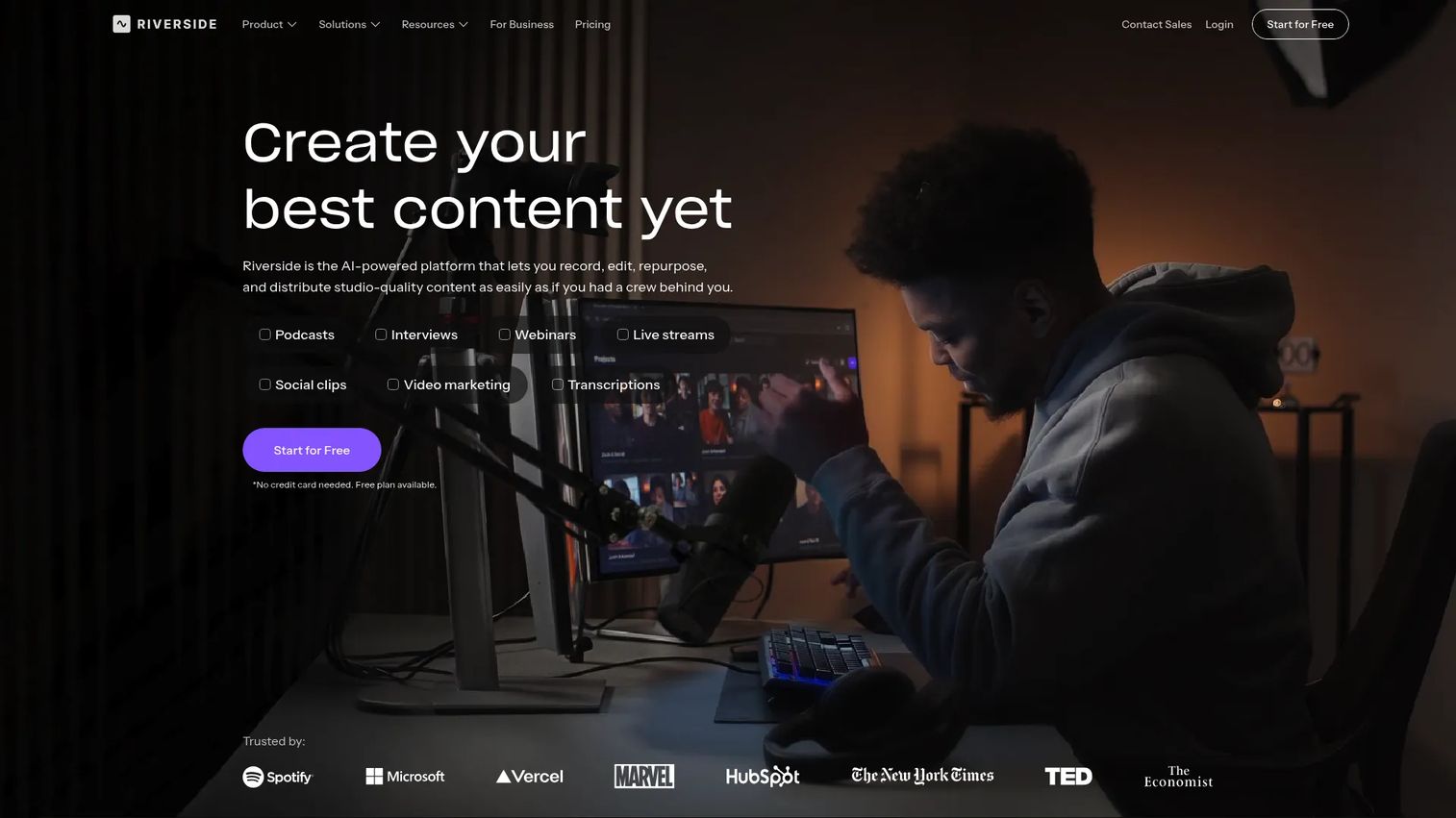
Riverside is an all-in-one platform for recording, editing, livestreaming, hosting, and repurposing video and podcasts. It captures up to 4K locally on each participant's device with separate audio and video tracks, then layers AI editing tools on top so you move from raw session to publishable clips without switching apps. For teams producing remote podcasts, interviews, webinars, and branded video, it covers the most ground of any tool on this list.
Best for: Teams and creators producing high-quality remote podcasts, interviews, webinars, and video content who want capture and post-production in one place.
Key strengths
- 4K local recording: Captures separate audio and video tracks locally, so a shaky connection never touches the final file.
- AI editing tools: Magic Clips, captions, transcription, and show notes turn one recording into multiple repurposable assets.
- Livestreaming and hosting: Built-in webinars, livestreaming, and podcast publishing keep the whole workflow under one roof.
Why choose Riverside: If your team records remotely and needs to publish fast, Riverside removes the handoff between capture and edit. The separate track capture protects audio fidelity, while the AI clipping features speak directly to marketers who need to turn a founder interview into social content the same day. It is the strongest default for mixed podcast and video production.
Riverside pricing: Riverside offers a Free plan at $0 per month. Paid plans include Pro at $24 per month, Grow at $34 per month, and Webinar at $79 per month, all billed annually. A Business tier is available with custom pricing. Riverside holds a 4.8/5 rating on G2.
2. SquadCast
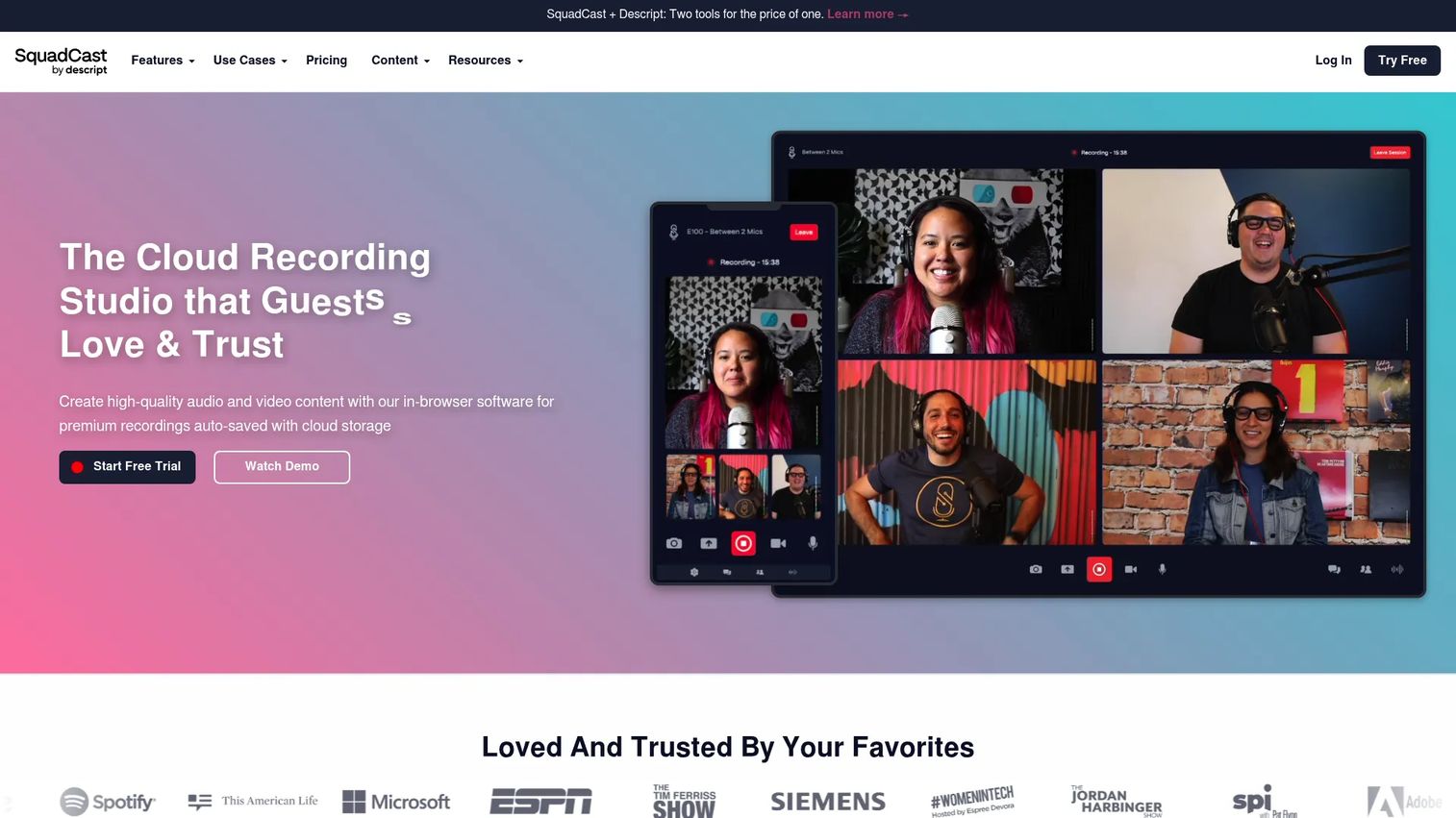
SquadCast is a cloud recording studio for remote audio and video collaboration, now presented as part of Descript. It built its reputation on source recording: each participant's track records locally and uploads progressively to the cloud, so you get clean, separate files even when connections wobble. For podcasters who care most about clean post-production, that reliability is the whole pitch.
Best for: Remote podcast and video recording teams that need studio-quality capture and dependable separate tracks.
Key strengths
- Separate local tracks: Records each participant locally with progressive cloud upload, protecting quality against connection issues.
- Video and screen recording: Captures video and screen alongside audio for interviews and demos.
- Integrations and API: Connects to broader production workflows through integrations and API access.
Why choose SquadCast: SquadCast is built for creators who treat backup reliability and source recording as non-negotiable. The progressive upload approach means a mid-session crash does not cost you the take, since tracks are already climbing to the cloud. Now part of the Descript ecosystem, it pairs capture strength with a clear path into transcription-led editing.
SquadCast pricing: SquadCast offers a Free plan at $0. Paid plans include Hobbyist at $16 per person per month, Creator at $24 per person per month, and Business at $50 per person per month. It holds a 3.8/5 rating on G2.
3. Sessionwire
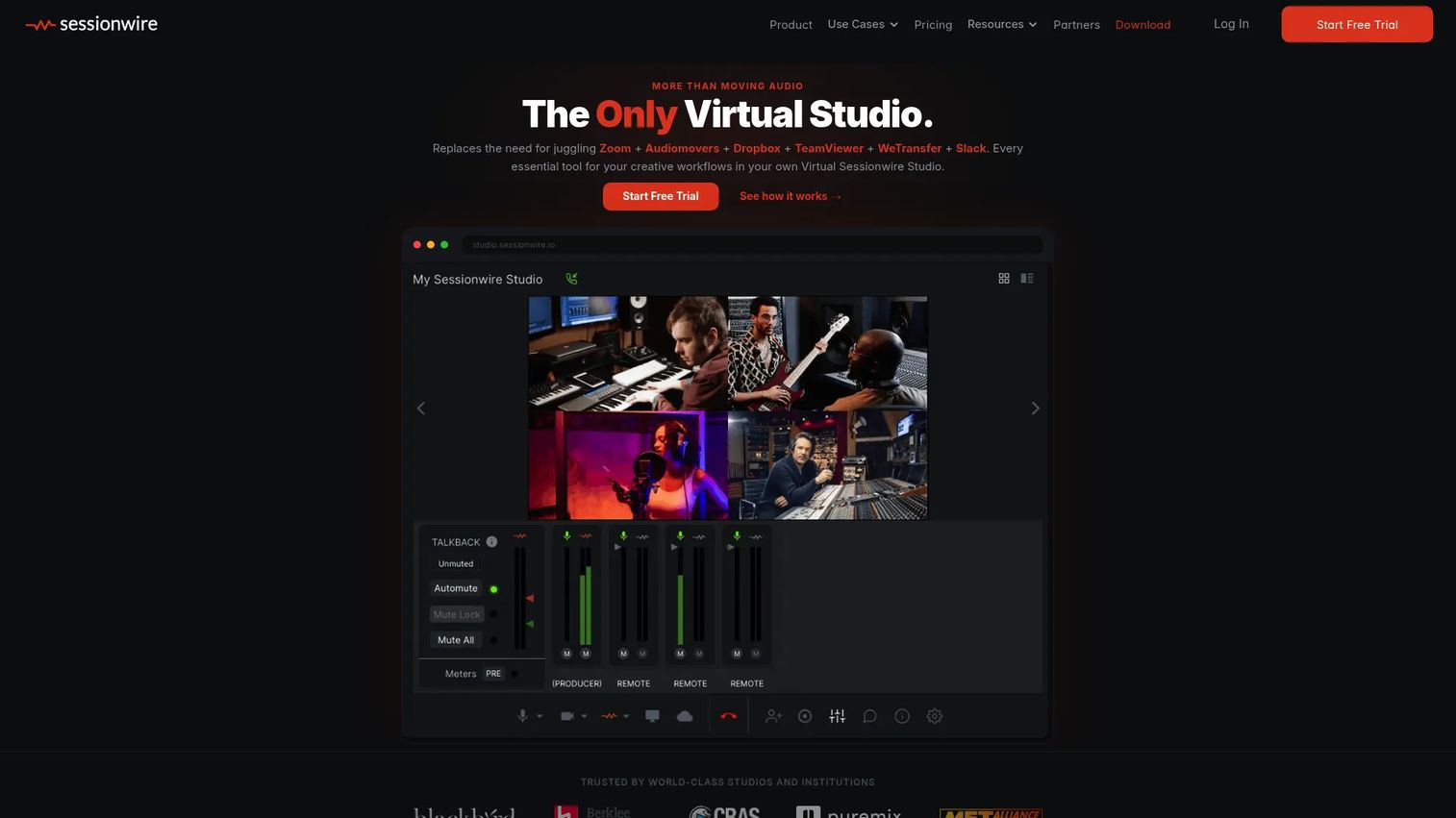
Sessionwire is a remote collaboration platform for music and audio professionals. It positions itself as a virtual studio where producers, engineers, and musicians work together in real time, with HQ audio and video, DAW integration, and browser-based guest access. Where podcast tools focus on interview capture, Sessionwire is tuned for the back-and-forth of a music session.
Best for: Musicians, producers, and engineers who need remote studio collaboration with real-time monitoring and DAW support.
Key strengths
- Free guest access via browser: Collaborators join instantly through a browser, no download required.
- HQ audio and video collaboration: High-quality streaming lets you hear takes as they really sound during a session.
- DAW and plugin integration: Connects to your digital audio workstation and plugins, plus file transfer and recording.
Why choose Sessionwire: For music recording software workflows, Sessionwire fits the songwriting, overdub, and remote mix review scenarios where real-time collaboration and studio-grade fidelity outrank async capture. The DAW integration keeps it inside a producer's existing setup rather than forcing a new one. It is the clearest fit on this list for musicians recording together across distance.
Sessionwire pricing: Sessionwire offers a Free plan. Paid plans start with Basic at $9 per month and Studio at $29 per month, both billed monthly. A Business tier is available with custom pricing.
4. Descript
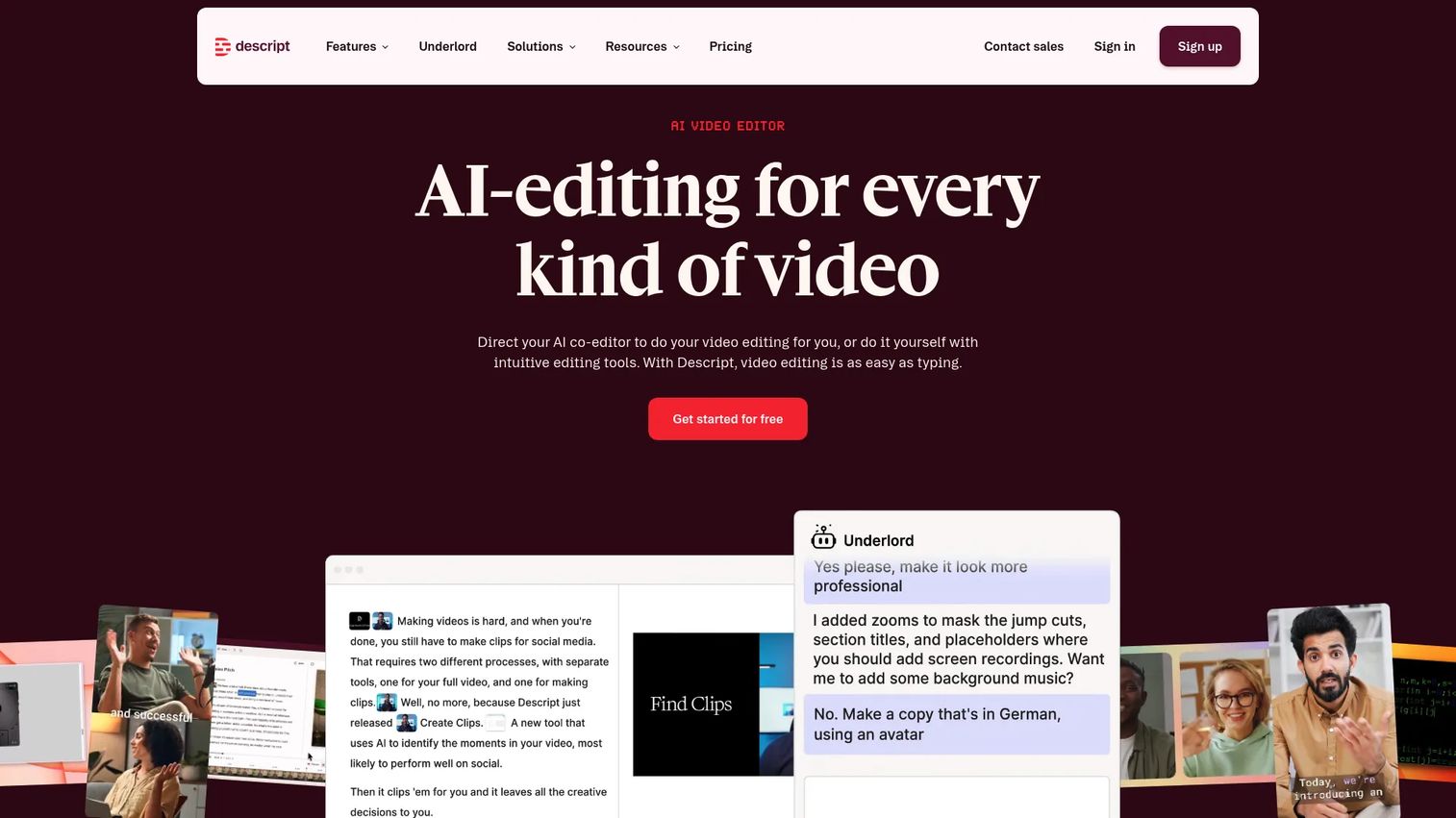
Descript is an AI-powered audio and video editing platform with text-based editing, recording, and publishing. Its signature move is transcription-led editing: it transcribes your recording, then lets you cut audio and video by editing the transcript like a document. For teams where editing speed matters as much as capture quality, that workflow is a genuine shortcut.
Best for: Creators and teams editing podcasts or videos with transcript-first workflows who want recording and editing in one tool.
Key strengths
- Text-based editing: Edit audio and video by editing the transcript, cutting the learning curve of a traditional timeline.
- Screen and remote recording: Captures screen and remote participants for interviews, tutorials, and voiceover recording software use cases.
- AI production tools: Transcription, filler-word removal, captions, dubbing, and voice generation speed up post-production.
Why choose Descript: Descript wins when the bottleneck is editing, not recording. Cutting a 60-minute interview down to a tight episode takes minutes when you are deleting sentences from a transcript instead of scrubbing a waveform. That makes it a strong post-production workflow anchor for marketing teams repurposing long recordings into clips, captions, and show notes.
Descript pricing: Descript offers a Free plan at $0 per month. Paid plans include Hobbyist at $16 per month, Creator at $24 per month, and Business at $50 per month, with annual billing lowering the effective rate. An Enterprise tier is available with custom pricing. Descript holds a 4.6/5 rating on G2.
5. Adobe Podcast
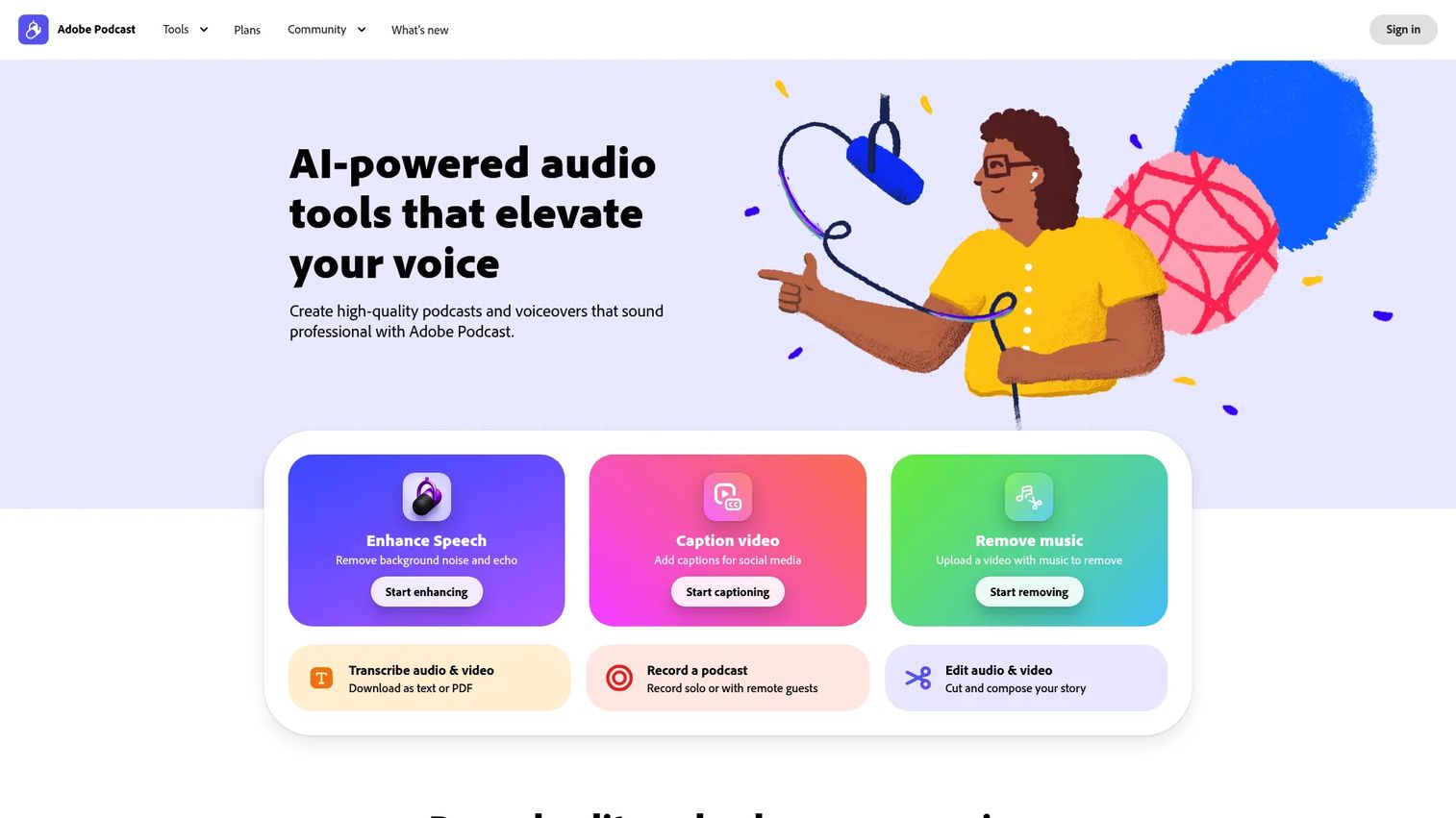
Adobe Podcast is a web-based AI audio recording, editing, and speech enhancement tool from Adobe. It runs entirely in the browser and leads with its Enhance Speech feature, which strips noise and echo from voice recordings automatically. For simple voice and interview capture that needs to sound clean without a studio, it is a low-friction browser-based recording studio.
Best for: Creators who want browser-based podcast recording and AI voice cleanup without a full studio setup.
Key strengths
- Enhance Speech: Removes background noise and echo from recordings with AI, no plugins required.
- Browser-based recording and editing: Records and edits entirely in the browser, keeping setup minimal.
- Transcript-based editing: Edits recordings through transcripts and supports remote recording.
Why choose Adobe Podcast: Adobe Podcast performs best when the priority is fast, clean voice capture with minimal overhead. The free tier makes it easy to test, and the Enhance Speech tool is genuinely useful for rescuing imperfect recording environments. For a marketer or solo creator who wants studio-quality audio from a home setup, it delivers a lot without a price barrier.
Adobe Podcast pricing: Adobe Podcast offers a Free plan at $0.00. The Premium plan is $9.99 per month and adds video support, bulk upload, adjustable enhancement strength, unlimited Studio downloads, and speaker-separated original recordings. Adobe notes the Premium plan also includes premium features in Adobe Express. It holds a 4.7/5 rating on G2.
6. Cleanfeed
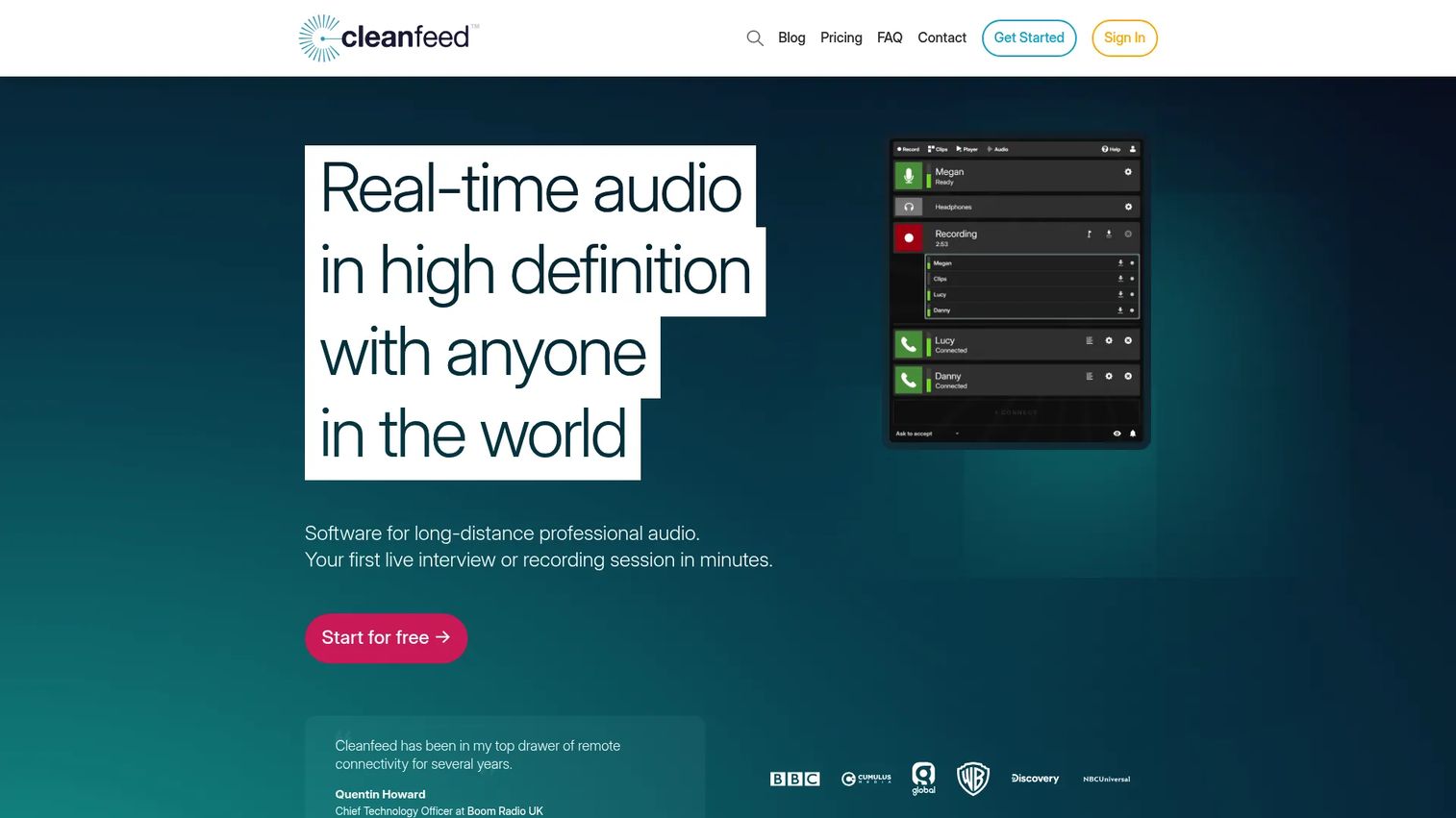
Cleanfeed is browser-based remote audio recording for podcasters, radio, and other live productions. It is audio-first by design, focused on high-quality live remote capture without the video overhead. Broadcasters and interviewers who care about sound above all else value its stripped-down, reliable approach and unlimited recording time.
Best for: Remote podcast and broadcast sessions that need clean browser-based audio recording.
Key strengths
- Unlimited recording time: No caps on session length, even on the free tier.
- Multitrack recording: Captures separate tracks for clean post-production control.
- Privacy controls and studio tools: Built-in controls and studio features support live production workflows.
Why choose Cleanfeed: Cleanfeed excels when audio is the entire point and video is a distraction. Its browser-based access means guests join with a link, and the free Lite tier, which includes commercial use, makes it one of the most accessible audio recording studio software options available. Radio producers and audio-focused podcasters gravitate to it for exactly that reason.
Cleanfeed pricing: Cleanfeed offers a free Lite plan that includes commercial use. The Pro plan starts at $12 monthly, and a Cinema plan is available at $2,500 yearly for the first seat, aimed at professional production teams.
7. Boomcaster
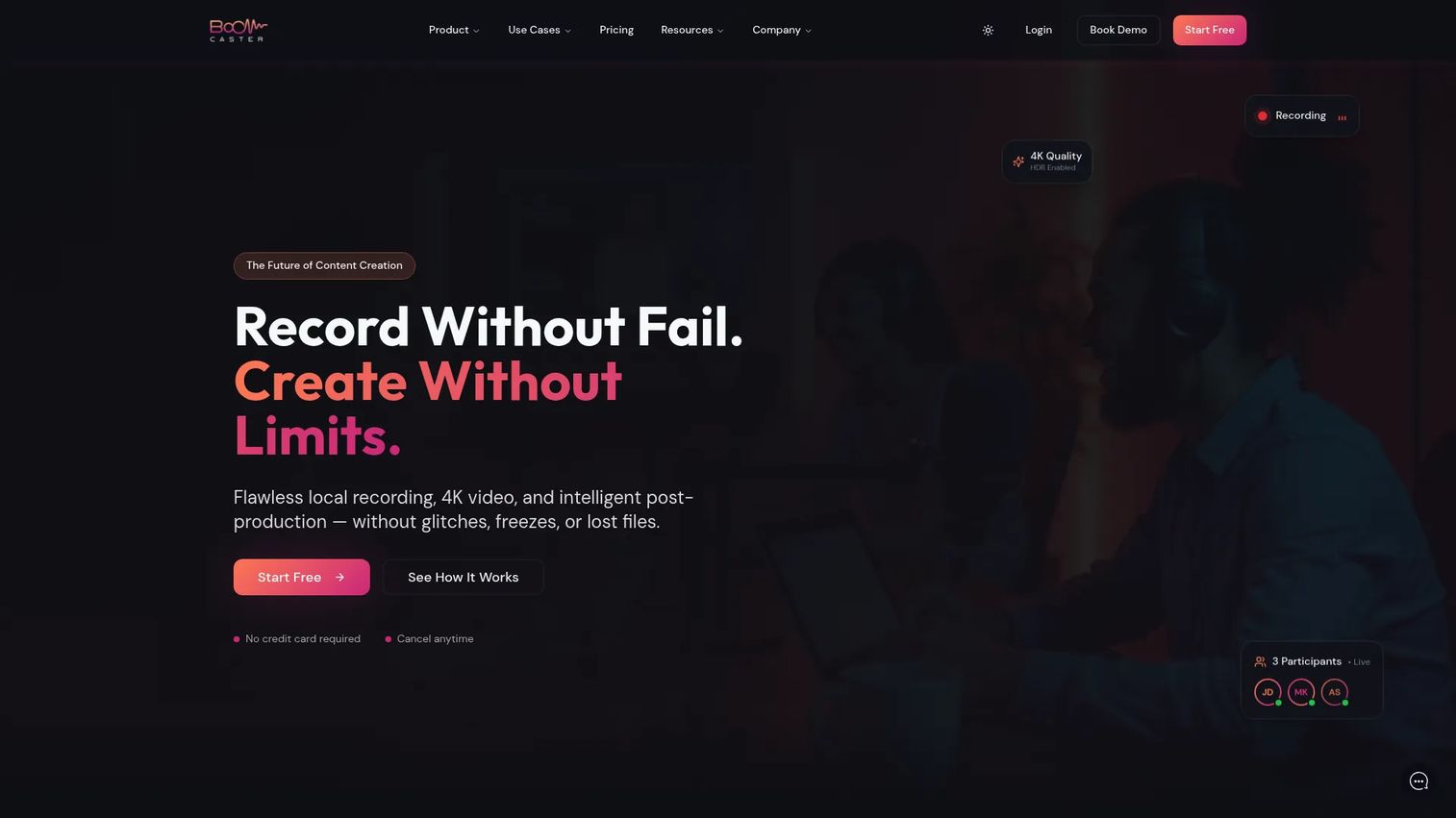
Boomcaster is a studio platform for remote recording, livestreaming, and AI-assisted post-production. It records local 4K video and uncompressed audio, protecting quality at the source, then supports multistreaming to platforms like YouTube, LinkedIn, and Twitch. For teams that record and broadcast in the same motion, it combines both jobs.
Best for: Podcasters, agencies, and businesses needing reliable remote recording and livestreaming with backup protection.
Key strengths
- Local 4K and uncompressed audio: Records locally at high quality, giving separate tracks and backup protection.
- Multistreaming: Broadcasts live to YouTube, LinkedIn, Facebook, Twitch, and custom RTMP simultaneously.
- AI post-production: LiveEdit, branding, customization, and team collaboration speed up the finish.
Why choose Boomcaster: Boomcaster fits podcast production where recording reliability and live broadcast both matter. The local capture with uncompressed audio gives you clean separate tracks for editing, while multistreaming lets you reach live audiences in the same session. Its perfect 5.0/5 G2 rating, though from a smaller review pool, reflects strong sentiment among the teams using it.
Boomcaster pricing: Boomcaster offers hour-based monthly plans, with Starter at $20.00 for 5 hours per month and Indie at $45.00 for 15 hours per month. Boomcaster also states a free forever plan on its homepage. It holds a 5.0/5 rating on G2.
8. Zencastr
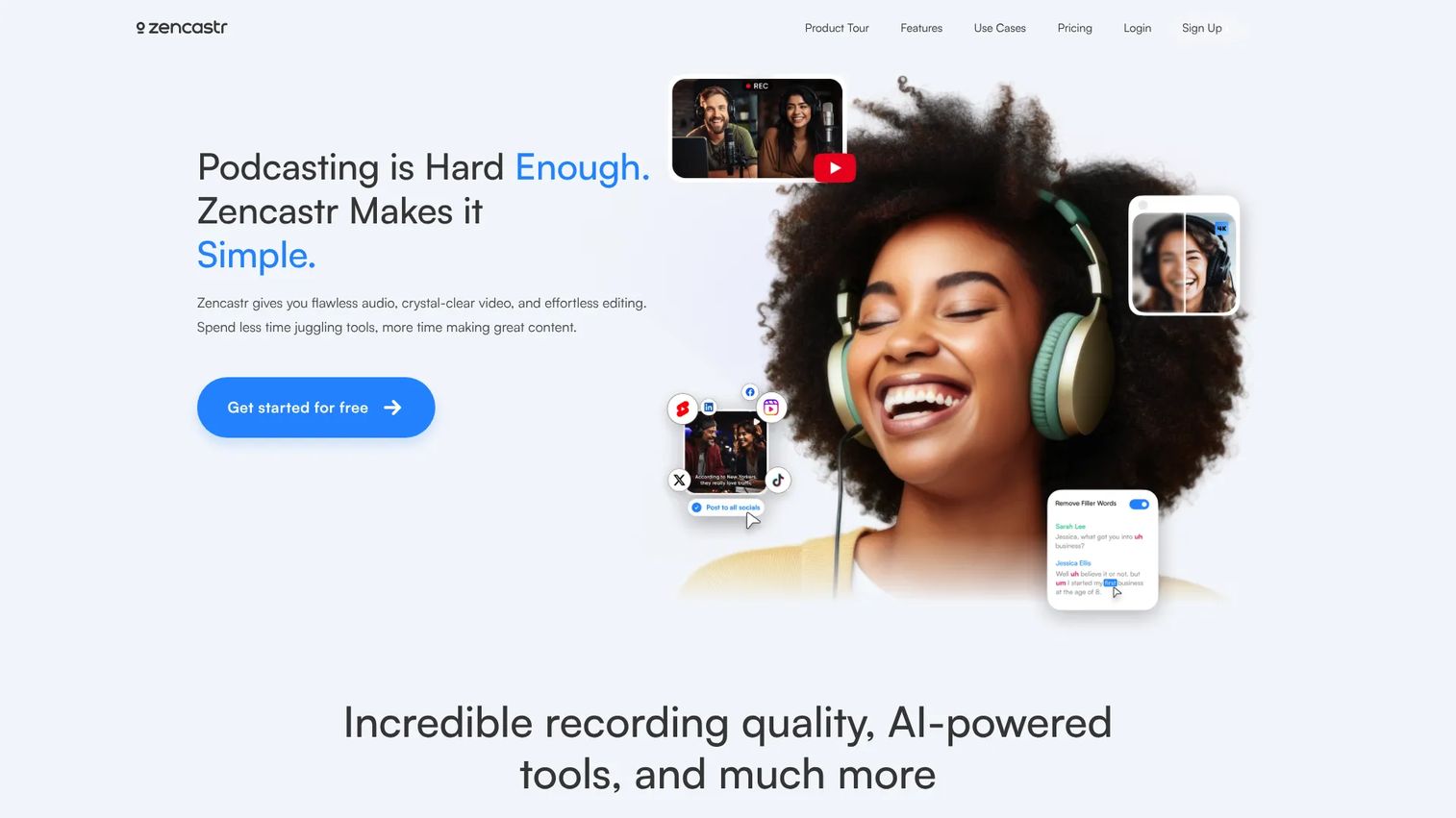
Zencastr is an all-in-one podcast creation platform for remote recording, editing, clipping, hosting, and monetization. It captures remote participants, then extends into AI editing, audio and video hosting, and publishing, so a podcast can live end to end inside one tool. For creators who want to consolidate their stack, that breadth is the draw.
Best for: Podcasters and creator teams needing remote recording plus AI post-production in one tool.
Key strengths
- Remote recording: Captures remote participants for podcast and video production.
- AI editing and clipping: Automates editing and generates shareable clips for social distribution.
- Hosting and publishing: Built-in audio and video hosting takes a show from record to release.
Why choose Zencastr: Zencastr appeals to podcasters who want recording, editing, and hosting under one login rather than stitching tools together. The hosting and repurposing value makes it a genuine consolidation play, which resonates with anyone tired of paying for four separate platforms. Its free tier lets you test the full workflow before committing.
Zencastr pricing: Zencastr offers a Free plan at $0. Paid plans include Grow at $24 per month, Scale at $40 per month, and Business at $80 per month, with yearly billing offering 20% savings. It holds a 3.7/5 rating on G2.
What to look for in remote recording software
Before you commit, run any tool through this checklist against your actual production reality.
Source recording and local capture
Confirm the tool records each participant locally at full quality, not just the streamed connection. Local capture is what protects your audio when a guest's wifi dips, and source recording is what gives you clean, separate files. Without both, you are back to conferencing-grade output.
Sync and drift elimination
Over a long session, cheaper tools let tracks slowly desync, forcing manual realignment in post. Check that the platform handles drift elimination and keeps audio and video locked together across an hour-plus recording. This single factor saves the most editing time.
Backup and reliability
Ask what happens if someone's browser crashes mid-session. The best tools use progressive upload and auto-save and backup so tracks are already safe in the cloud before the session ends. For anything you cannot re-record, this is non-negotiable.
Post-production and integrations
Decide how much editing you want inside the tool versus your own stack. Some platforms lead with transcription-led editing and AI clipping, while others focus on capture and hand off through DAW integration. Match the post-production workflow to how your team already works.
Guest experience
Your guest's ease is your reliability. Look for no-download guest access through a browser link, since every install step is a chance for the session to fall apart before it starts.
Choosing the right virtual recording studio
The best pick depends on your workflow, not an abstract quality score. For most remote teams producing a mix of podcast and video, Riverside is the strongest default: 4K local capture, separate tracks, and AI editing in one platform. For music collaboration, Sessionwire is the clear fit, with real-time sessions and DAW integration built for producers. Podcasters who prioritize clean source recording will find SquadCast purpose-built for it, while teams where editing speed is the bottleneck should start with Descript.
If budget or simplicity leads your decision, Adobe Podcast and Cleanfeed both offer capable free tiers, with Adobe leaning on AI cleanup and Cleanfeed on audio-first reliability. Boomcaster suits teams that record and livestream together, and Zencastr consolidates recording, editing, and hosting for creators who want fewer tools.
Start with the use case that describes you, shortlist two tools from this guide, and record a real test session on each. The one that gets you from record to publish with the least cleanup is your answer.
Building interactive product experiences instead of audio content? Start your journey with Guideflow today!
FAQs
Virtual recording studio software records high-quality, separate audio and video tracks from remote participants locally on each device, then syncs them for editing. Unlike a conferencing tool that compresses everyone into one mixed stream, it preserves studio-quality audio and gives you clean multi-track files built for post-production. Think of it as a virtual recording studio that replaces the physical room.
Zoom prioritizes keeping a live call connected, so it compresses audio, mixes participants together, and drops quality when bandwidth is weak. A virtual recording studio records each person locally at full quality, so connection issues never touch the final file. That local capture, separate tracks, and pro audio reliability make it a genuine Zoom alternative for anything you plan to publish.
Yes, if quality matters. Source recording captures each speaker at full fidelity from their own device instead of from the streamed connection, which preserves audio quality and reduces sync issues. It means one guest's poor internet never degrades your host's track, and separate files give you full control in editing.
It can, when the tool is built for it. Music workflows need low-latency real-time collaboration, DAW integration, and studio-grade fidelity, which is why a platform like Sessionwire targets producers and engineers specifically. For songwriting, overdubs, and remote mix reviews, look for tools that emphasize real-time monitoring over async interview capture.
Prioritize local capture and source recording for clean files, drift elimination to keep tracks in sync, and backup with auto-save so a crash never costs you a session. Then match the post-production workflow to your team: transcription-led editing if you cut fast, or DAW integration if you finish in your own stack. Guest ease through no-download access is the last essential.
Often, yes. Modern browser-based recording studio tools like Adobe Podcast and Cleanfeed record locally at high quality, so the browser is just the interface, not the recorder. Verify the tool captures separate local tracks rather than the streamed audio, and confirm it handles backup. When those boxes are checked, browser tools produce professional results.
For marketing teams producing founder interviews, customer stories, and social clips, Riverside and Descript stand out. Riverside pairs 4K capture with AI clipping to turn one session into many assets, while Descript speeds up editing and repurposing through transcription-led cutting. Both reduce editor friction, which is the real ROI for content-focused teams.
Not entirely, and they are not meant to. Virtual recording studio software handles capture, remote collaboration, and increasingly a strong post-production workflow, while a full DAW gives you deep mixing and mastering control. Tools like Descript are strong for editing and repurposing, and platforms like Sessionwire offer DAW integration so you can capture in the studio and finish in your workstation.