A feature shipped clean on Tuesday. By Thursday, production was broken and nobody could say which of the eleven merged branches caused it. The engineering lead spent four hours reconstructing the timeline from Slack threads and half-remembered pull requests. That is not a tooling gap. That is a version control gap.
Version control software is the operating layer behind safe shipping. It records every change, tells you who made it and why, lets teams work in parallel without overwriting each other, and gives you a clean path back when a release goes wrong. For product managers, this is not a developer nicety. It is the infrastructure that keeps release quality, cross-team coordination, and rollback confidence from depending on anyone's memory.
The category is growing fast. The version control systems market was valued at USD 1.24 billion in 2025 and is forecast to reach USD 5.89 billion by 2034, an 18.87% CAGR, according to Fortune Business Insights (2024). Distributed version control systems now hold roughly 68% market share against 32% for centralized systems, driven by DevOps and agile adoption, per Business Research Insights (2024).
If you are shaping how your team tracks changes, that shift matters. The same discipline that protects your codebase applies to how modern teams manage other structured assets too, from component content management systems to contract lifecycle management software where change history and traceability carry the same weight. This guide breaks down eight version control tools and systems so you can shortlist the right fit for your workflow, team scale, and integration needs.
What's inside
This guide compares eight version control software options: core version control engines and the hosted platforms teams build on top of them. We picked tools that are real, widely adopted, and still relevant in 2026, then evaluated each against the criteria that actually decide the choice: collaboration, branching and merging, rollback and traceability, ecosystem fit, team scalability, and integration with code review, bug tracking, and CI/CD.
It is written for product managers, engineering leaders, and technical evaluators who already understand the category and want a decision-oriented shortlist, not another definition-first explainer. Some entries are source code management engines. Others are platforms layered on top of them. We call out which is which so you can see the full stack clearly.
TL;DR
- Best universal baseline: Git is the distributed version control system nearly every modern team standardizes on. Free, open source, and the foundation most hosted platforms build on.
- Best all-in-one DevSecOps platform: GitLab combines source control, code review, CI/CD, and security in one place.
- Best for collaboration and ecosystem depth: GitHub is the most widely adopted Git hosting platform, with pull requests, Actions, and a massive integration ecosystem.
- Best for Atlassian-native teams: Bitbucket fits teams already running Jira and Trello, with built-in Pipelines for CI/CD.
- Best for centralized governance: Subversion (SVN) suits teams that prefer a central server model with file locking.
- Best for large binaries and game assets: Perforce Helix Core scales version control across [source code and massive design and 3D assets.
What is version control software?
Version control software is a system that records and manages changes to source code and other files over time, so teams can track history, work in parallel, and revert to earlier states when needed. It is the core of source control management (SCM)](https://www.atlassian.com/git/tutorials/source-code-management), the umbrella discipline for tracking who changed what, when, and why across a project.
At its heart, a version control system stores your work in a repository and captures each set of changes as a commit. Every commit is a checkpoint. Because the full history is preserved, you can compare any two points, trace a bug to the exact change that introduced it, and roll back a broken release without guesswork. That traceability is what turns "who touched this?" from a fire drill into a two-second lookup.
Core capabilities of version control systems include:
- Change history: a complete, timestamped record of every commit and who made it.
- Branching and merging: parallel lines of work that recombine cleanly.
- Collaboration: multiple people working the same codebase without overwriting each other.
- Traceability: blame, audit trails, and the ability to trace any change to its author and intent.
- Release management: tags, labels, and baselines that mark shippable states.
- Code review integration: pull or merge requests that gate changes before they land.
- CI/CD integration: automated builds, tests, and deploys triggered by commits.
The biggest architectural split is centralized vs distributed version control. Centralized systems keep the single source of truth on a server; you check out files, work, and commit back to that central repository. Distributed source control gives every contributor a full local copy of the history, so commits, branching, and diffs happen locally and sync later. Distributed models now dominate because they make local work fast and recovery resilient, but centralized systems still earn their place where strict governance and file locking matter.
Version control is not just for code. Teams use it for configuration files, infrastructure definitions, documentation, design and game assets, and deployment artifacts. Anywhere changes need history, review, and rollback, revision control applies. This same logic scales into adjacent disciplines: audit management software and contract management software tools both lean on traceability and versioned records for the same reason engineering teams do.
When to use version control software
Coordinate parallel work without overwriting changes
When more than one person touches the same codebase, branching and merging keep them out of each other's way. Each contributor works on an isolated branch, commits freely, then merges back with conflicts surfaced and resolved instead of silently overwritten. The full history stays intact, so no one's work disappears. For a product team shipping on a tight release cadence, this is the difference between parallel progress and constant collision. It also makes review a natural checkpoint rather than an afterthought.
Revert risky releases and debug faster
A broken release is a stopwatch problem. Version control shrinks recovery time because every state is reachable. You can roll back to the last known-good commit, or use blame and the commit log to trace a regression to the exact change that caused it. That audit trail turns root-cause analysis from hours of archaeology into a targeted diff. Safer shipping is not about never breaking things. It is about recovering fast and knowing precisely what changed, which is where traceability earns its keep.
Manage non-code assets and regulated workflows
Version control handles more than code. Teams track configuration files, infrastructure-as-code, documentation, design files, game assets, and legal redlines with the same discipline. In regulated environments, the audit trail and permission controls matter as much as the diffs. Some workflows also need file locking, so two people cannot edit the same binary asset simultaneously, since binaries do not merge the way text does. If your team versions large or non-mergeable files, that capability moves from nice-to-have to requirement.
Comparison table
Here is the full shortlist at a glance. The list is sorted by relevance to modern version control workflows, with Git first as the foundational engine, followed by hosted platforms and enterprise systems. Pricing and G2 ratings reflect verified values at the time of writing.
| # | Product | Intent | Key use case | Pricing | G2 rating |
|---|---|---|---|---|---|
| 1 | Git | Distributed VCS engine | Local branching, merging, and history for any team | Free and open source | 4.7/5 |
| 2 | GitLab | All-in-one DevSecOps platform | Source control plus CI/CD and security in one place | Free; Premium $29/user/mo; Ultimate custom | Not listed |
| 3 | GitHub | Git hosting and collaboration | Pull requests, code review, and Actions CI/CD | Free; Team $4/user/mo; Enterprise $21/user/mo | 4.7/5 |
| 4 | Bitbucket | Git hosting for Atlassian teams | Repos with Jira and Trello integration | Free (up to 5 users); Standard $3.65/user/mo; Premium $7.25/user/mo | Not listed |
| 5 | Subversion (SVN) | Centralized VCS | Central-server control with file locking | Free and open source | 3.9/5 |
| 6 | Mercurial | Distributed VCS engine | Local-history workflows with a simple model | Free and open source | 4.2/5 |
| 7 | Perforce Helix Core | Enterprise VCS for large assets | Version control for code plus large binaries | Free (up to 5 users); Cloud $39/user/mo; Scale and Platform quote-based | 4.2/5 |
| 8 | IBM Rational ClearCase | Legacy enterprise SCM | Configuration management in regulated stacks | Custom pricing | 2.9/5 |
1. Git
Git is the distributed version control system that nearly every modern software team runs on. Created for the Linux kernel and now the de facto standard, it gives every contributor a full local copy of the repository, including its complete history. Commits, branching, merging, and diffs all happen locally and fast, then sync to a shared remote when you are ready. If you are evaluating version control software in 2026, Git is the baseline everything else is measured against.
Its strength is workflow flexibility. Lightweight branching makes it cheap to spin up a branch per feature, per fix, or per experiment, then merge back with conflict resolution rather than silent overwrites. Local commits mean you can work offline and rewrite history before pushing. This is why Git version control underpins the DevOps and agile motions that pushed distributed systems to roughly 68% market share (Business Research Insights, 2024).
Best for: Teams and developers who want a fast, free, distributed version control engine as their foundation.
Key strengths
- Distributed architecture: Full local history means fast commits, branching, and diffs, with no dependency on a central server to work.
- Cheap branching and merging: Branches are lightweight and fast, which makes parallel feature work and experimentation low-cost.
- Universal ecosystem: Nearly every hosting platform, code review tool, and CI/CD system is built to work with Git first.
Why choose Git: Git is the safe default for almost any team because the entire modern tooling ecosystem assumes it. You get resilient local workflows, a proven branching model, and portability across hosts. Most teams pair Git with a hosting platform for pull requests, permissions, and collaboration, since Git itself is the engine, not the collaboration surface.
Git pricing: Git is free and open source under GPLv2. There is no paid tier and no license cost. You run it locally at no charge and pay only for whatever hosting platform you layer on top, if any.
2. GitLab
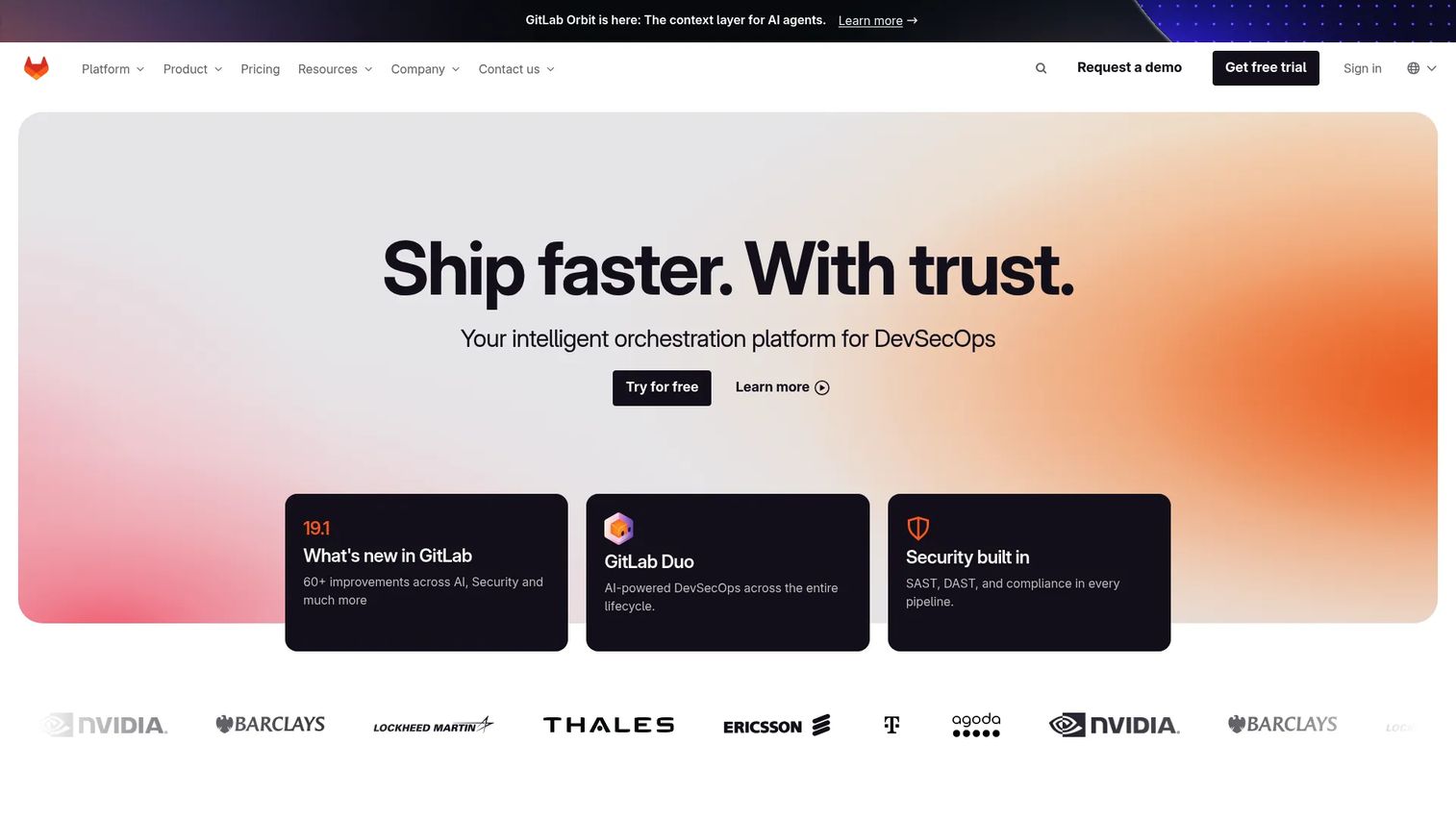
GitLab is a DevSecOps platform that wraps distributed source control, code review, CI/CD, and security tooling into a single application. Where Git is the engine, GitLab is the full delivery pipeline built around it. Teams choose it when they want to plan, build, secure, test, and deploy from one place instead of stitching together separate tools for each stage.
The appeal for product and engineering teams is consolidation. Merge requests handle code review, built-in CI/CD runs your builds and deploys, and security scanning gives you compliance signals inline. That end-to-end traceability, from an issue to a merge request to a deploy, means you can trace any shipped change back through the whole chain. For teams that treat release management and governance as first-class concerns, having it under one roof reduces the handoff gaps where context gets lost.
Best for: Teams that want an all-in-one DevSecOps platform with integrated CI/CD and security, not just a repository host.
Key strengths
- Built-in CI/CD: Pipelines live inside the same platform as your code, so builds, tests, and deploys trigger automatically on commits.
- Security and compliance tooling: Inline scanning and governance controls give traceability and audit signals without bolt-on tools.
- AI-assisted workflows: The GitLab Duo Agent Platform adds AI assistance across the development lifecycle.
Why choose GitLab: GitLab fits teams that want the whole software delivery lifecycle in one system rather than assembled from parts. If your priority is consolidating source control, review, pipelines, and security under a single roof with strong governance, it is a strong fit. Teams that prefer a lighter host and their own best-of-breed CI/CD may weigh that differently.
GitLab pricing: GitLab lists three plans publicly. Free is $0 per user per month with no credit card required. Premium is $29 per user per month billed annually. Ultimate uses custom pricing you arrange through their sales team, and adds advanced security and compliance capabilities.
3. GitHub
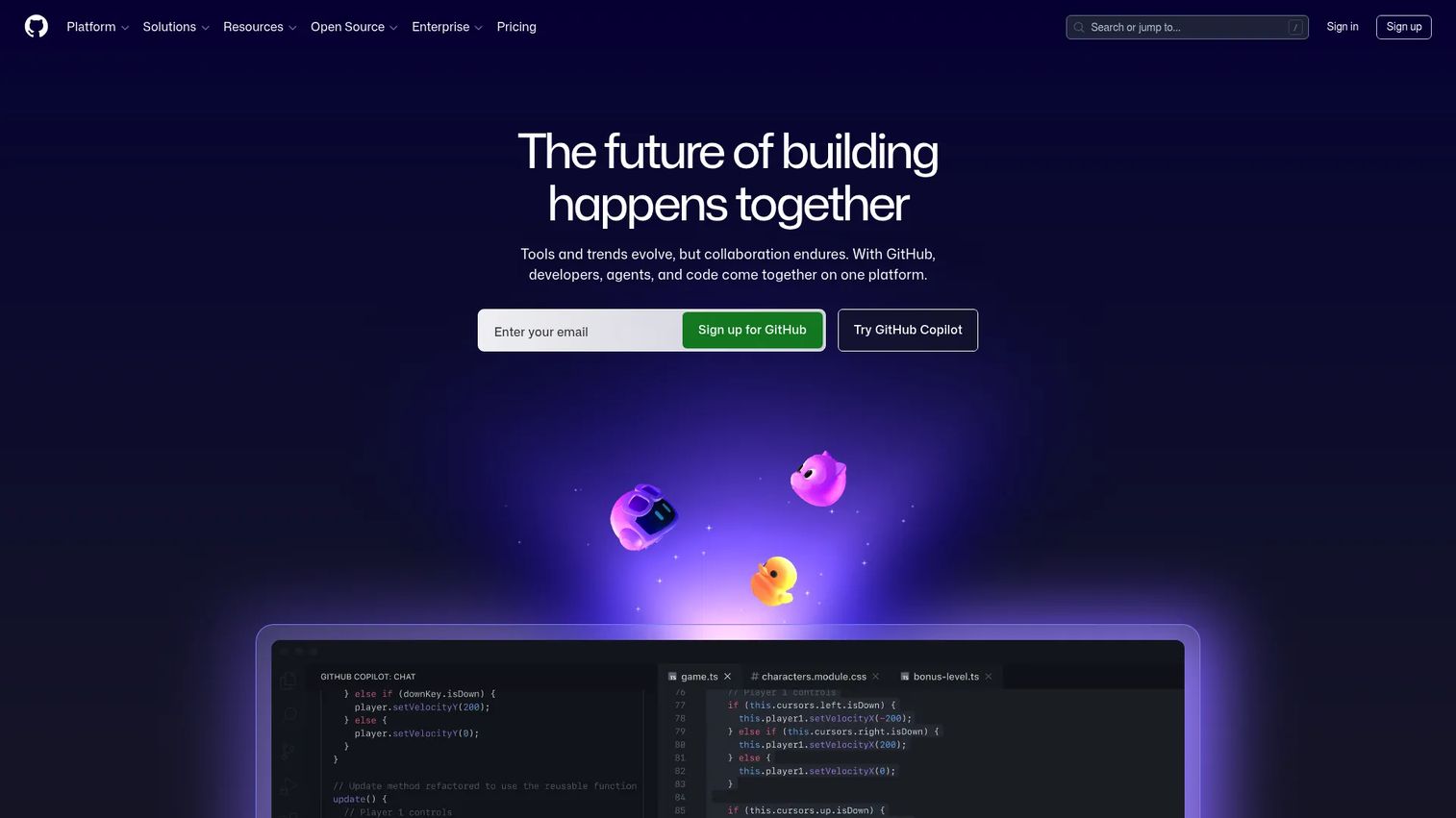
GitHub is the best-known Git hosting and collaboration platform, and for many teams it is synonymous with modern source control. It hosts your repositories, layers pull requests and code review on top of Git, and connects to one of the largest developer ecosystems in software. If your team already lives in Git, GitHub is the collaboration surface most reach for.
Its depth shows in day-to-day developer workflows. Pull requests make code review a structured, reviewable event with inline comments and required checks. GitHub Actions handles CI/CD automation directly in the repo, and Issues plus Projects give lightweight bug tracking and planning without leaving the platform. The sheer breadth of integrations and community adoption means whatever tool you use for testing, security, or deployment, there is almost certainly a GitHub integration for it.
Best for: Teams and individuals already standardized on Git who want deep collaboration, code review, and a vast integration ecosystem.
Key strengths
- Pull request code review: Structured review with inline comments, required checks, and approvals gates changes before they merge.
- GitHub Actions CI/CD: Native automation for builds, tests, and deploys triggered directly from repository events.
- Ecosystem depth: Unlimited public and private repos plus Projects, Issues, and thousands of third-party integrations.
Why choose GitHub: GitHub wins on adoption and ecosystem. If you want the widest talent familiarity, the deepest integration marketplace, and a mature collaboration model, it is hard to beat. Teams that want source control and CI/CD and security bundled as one opinionated platform may prefer a more all-in-one approach instead.
GitHub pricing: GitHub publishes three plans. Free is $0 per month forever, with unlimited public and private repositories. Team starts at $4 per user per month for the first 12 months and adds advanced collaboration controls. Enterprise starts at $21 per user per month for the first 12 months, adding SSO, governance, and enterprise support.
4. Bitbucket
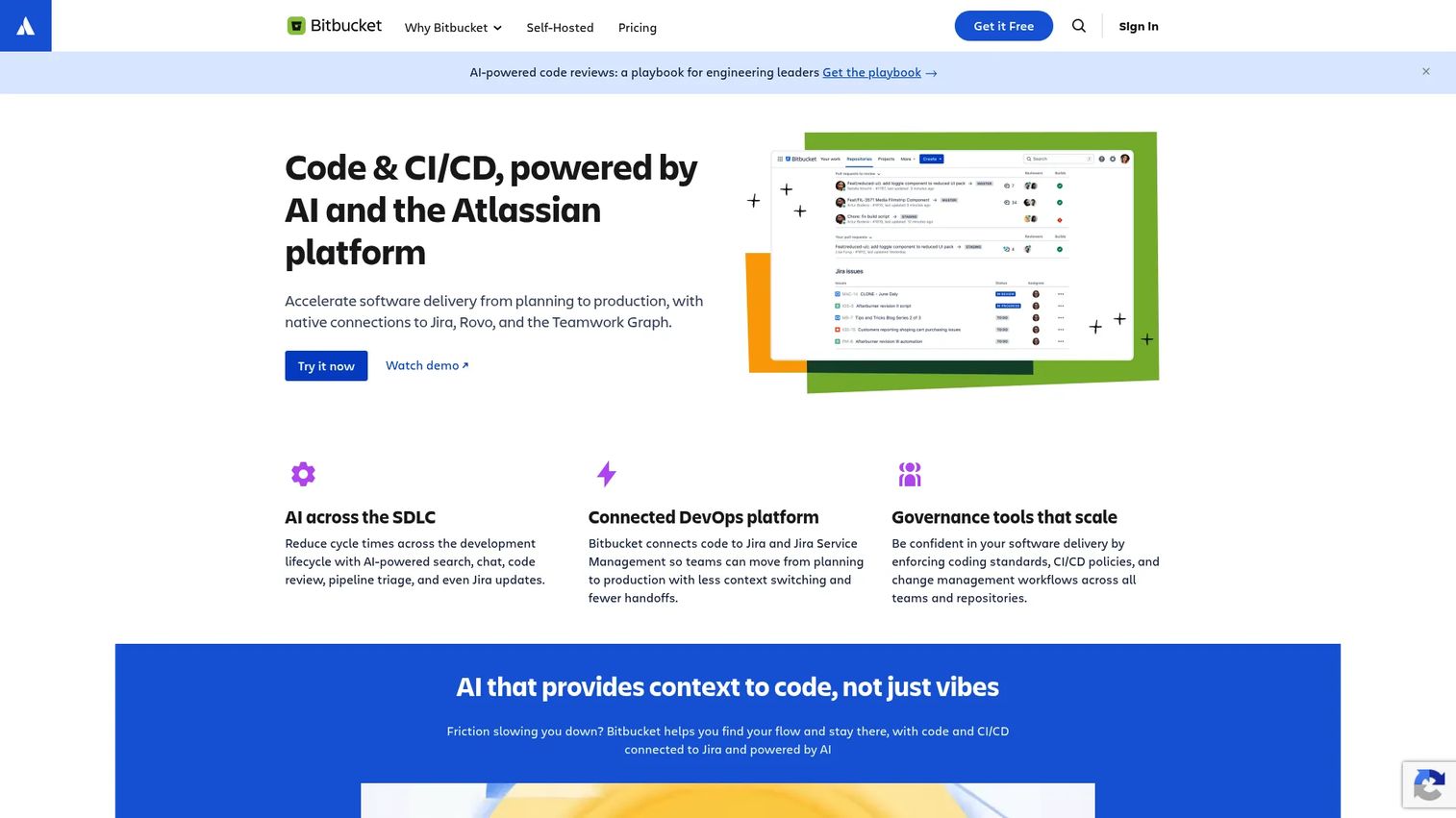
Bitbucket is Atlassian's Git code hosting and collaboration platform, built to sit tightly inside the Atlassian ecosystem. For teams already running Jira for issues and Trello for planning, Bitbucket closes the loop between the ticket, the branch, and the deploy. It offers Git hosting with code review plus built-in CI/CD through Bitbucket Pipelines.
The pull for product and engineering teams is workflow continuity. When your issue tracking, code review, and release coordination all reference the same Jira ticket, traceability from requirement to shipped change happens automatically. A branch links to its issue, a merge updates the ticket, and Pipelines runs the build. For teams that have standardized their planning and delivery inside Atlassian, keeping source control in the same neighborhood reduces context switching and keeps the audit trail connected.
Best for: Product and engineering teams already invested in Jira and the broader Atlassian ecosystem.
Key strengths
- Git code hosting and collaboration: Repositories with pull requests and code review for team-based development workflows.
- Bitbucket Pipelines: Built-in CI/CD so builds and deploys run inside the same platform as your code.
- Jira and Trello integration: Native links between issues, branches, and deploys keep traceability tight across the Atlassian stack.
Why choose Bitbucket: Bitbucket makes the most sense when your team already lives in Jira. The native connection between issues, branches, and pipelines gives you end-to-end traceability with minimal setup. Teams outside the Atlassian ecosystem may find the tightest value is realized when those adjacent tools are already in place.
Bitbucket pricing: Bitbucket offers three cloud plans. Free is $0, free forever for up to 5 users. Standard is $3.65 per user per month. Premium is $7.25 per user per month and adds advanced security and admin controls. Atlassian also mentions free community and academic subscriptions on its pricing page.
5. Subversion (SVN)
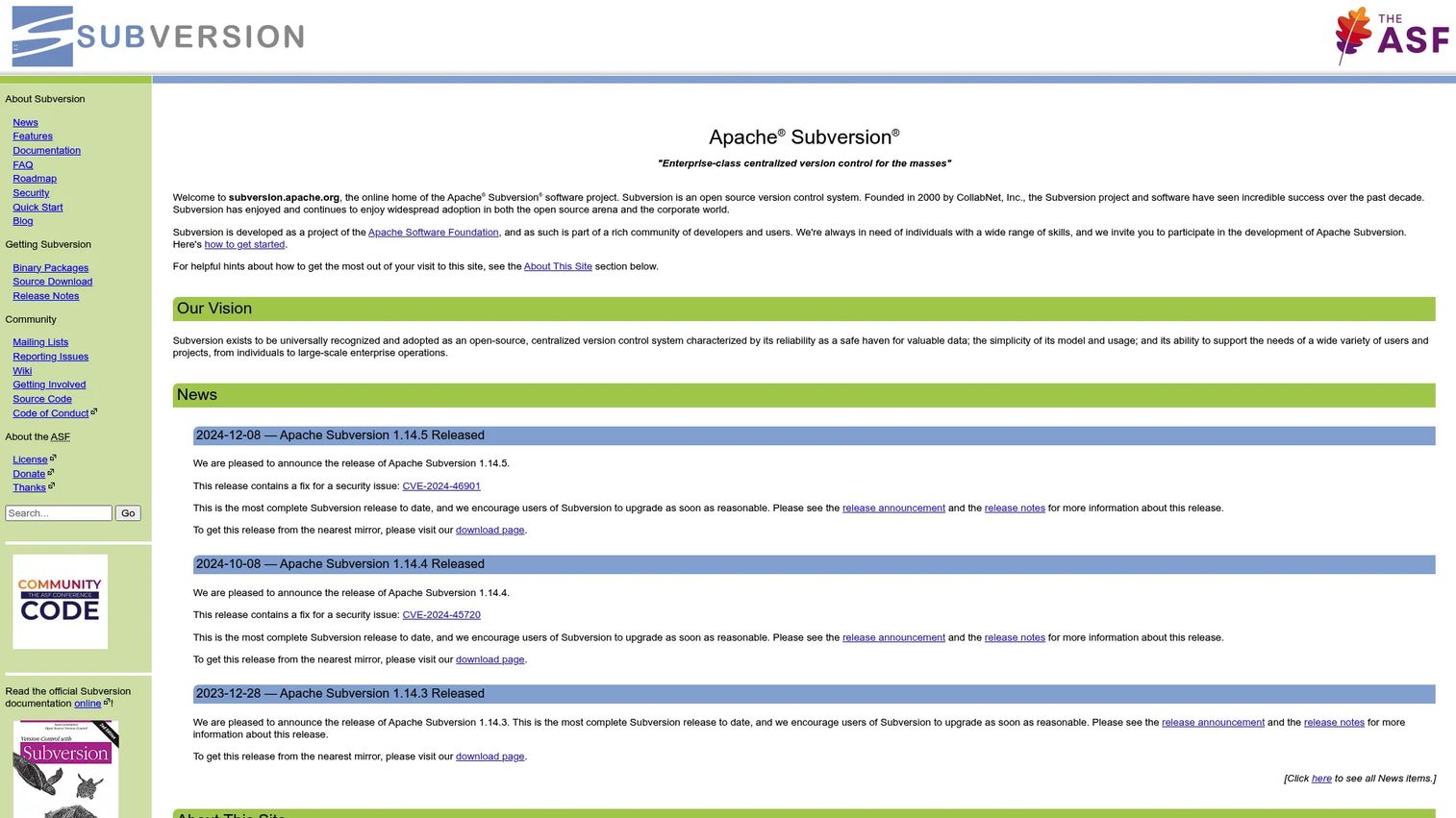
Subversion (SVN) is the classic centralized version control system, maintained by the Apache Software Foundation. In the centralized model, a single server holds the authoritative repository, and contributors check out, edit, and commit back to that central source of truth. For teams that want one canonical repository and clear central control, SVN remains a mature, well-understood option.
Its enduring appeal is governance and simplicity of the history model. Because everything flows through a central server, permissions and access control are straightforward to enforce, and the linear history is easy to reason about. SVN supports atomic commits, cheap branching and tagging, merge tracking, and file locking, which matters for teams working with binary or non-mergeable files where two people editing the same asset at once would cause problems. It runs over WebDAV/DeltaV or its own svnserve protocol.
Best for: Teams that prefer a mature, open-source centralized version control system with strong central governance.
Key strengths
- Versioned directories and metadata: SVN versions directory structure and file metadata, not just file contents.
- Atomic commits and cheap branching: Commits either fully succeed or fully fail, and branches and tags are inexpensive to create.
- File locking and merge tracking: Locking prevents concurrent edits on non-mergeable files, useful for binary asset workflows.
Why choose Subversion: SVN fits teams that want centralized control and a simple, linear history model, especially where file locking and strict access governance are priorities. It also anchors many legacy environments where migration cost outweighs the benefit of switching. Teams building around distributed workflows and modern DevOps pipelines typically gravitate toward Git-based options instead.
Subversion pricing: Apache Subversion is open source and free. The project distributes source code with no paid plans and no license cost. You pay only for whatever server infrastructure or third-party SVN hosting you choose to run.
6. Mercurial
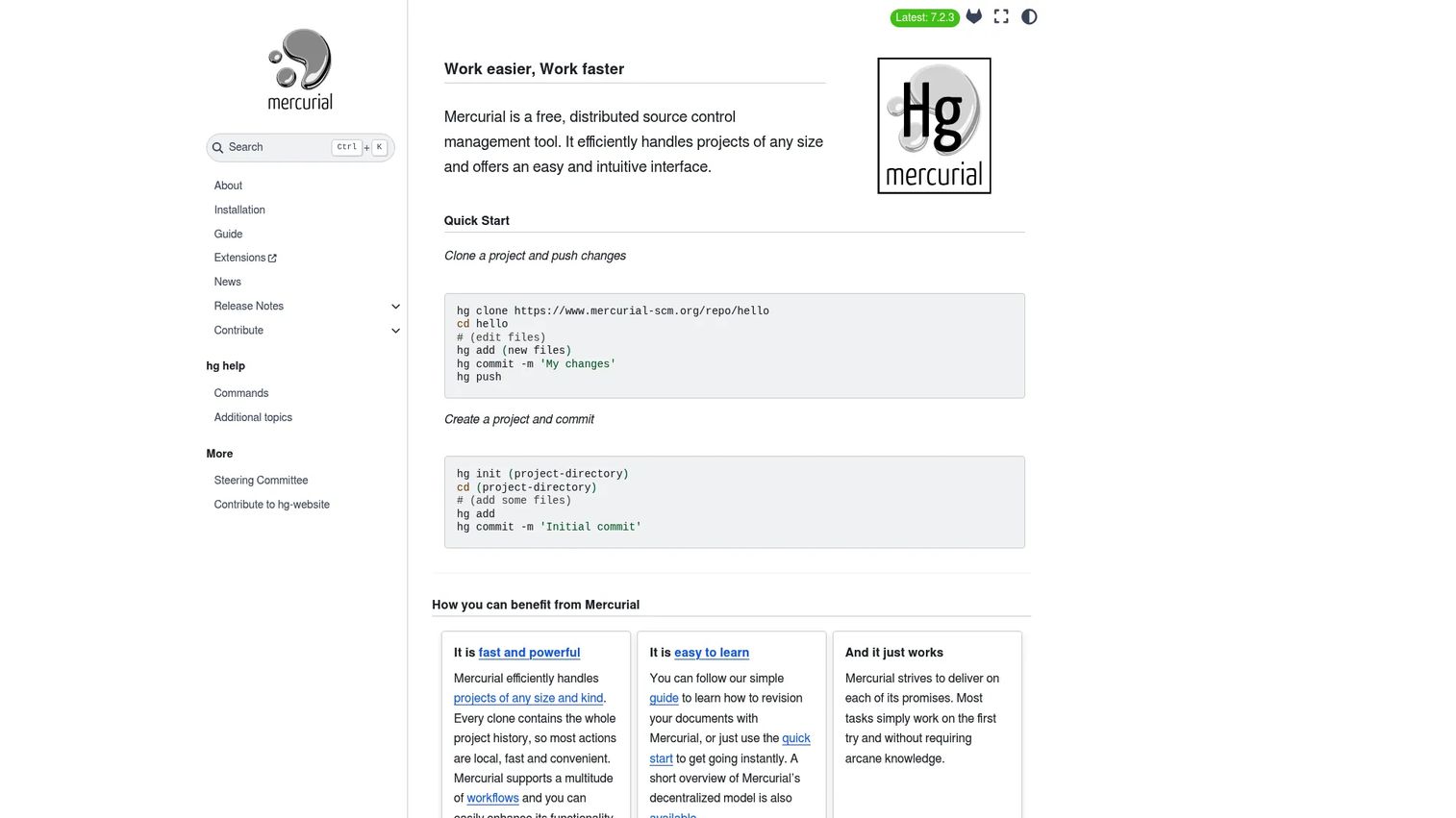
Mercurial is a free, distributed source control management tool that emerged around the same time as Git and shares its core distributed architecture. Every clone carries the full project history, so commits, branching, merging, and diffs run locally and fast. Teams that historically valued a clean, consistent command set often gravitated to Mercurial for its straightforward mental model.
In practice, Mercurial delivers the same distributed source control fundamentals as Git: full local history, fast branching and merging, and resilient offline workflows. It is extensible through built-in and custom extensions, so teams can tailor it to their process. While the broader ecosystem has consolidated heavily around Git, Mercurial still fits teams that already run it, value its workflow, or maintain projects standardized on it. Evaluating it today is a practical decision about ecosystem fit, not nostalgia.
Best for: Teams and developers who want a free distributed version control system with a clean, consistent workflow.
Key strengths
- Distributed architecture: Every clone holds the full local history, enabling fast, offline-capable commits and diffs.
- Fast branching and merging: Lightweight branching and quick merges support parallel work without central bottlenecks.
- Extensibility: Built-in and custom extensions let teams adapt Mercurial to their specific workflow.
Why choose Mercurial: Mercurial suits teams that already use it or prefer its command model and want distributed version control without adopting Git specifically. Its history handling and extension system are genuinely capable. Because most modern hosting, CI/CD, and code review tooling assumes Git first, teams starting fresh often default to Git for ecosystem reach.
Mercurial pricing: Mercurial is free and open source. There are no paid tiers and no license fees. As with other open-source engines, your only cost is the hosting or infrastructure you run it on.
7. Perforce Helix Core
Perforce Helix Core is enterprise-grade version control built for scale, and especially for teams that manage large binary and design assets alongside source code. It is a fixture in game development, film, and hardware, where repositories hold not just code but 3D models, textures, audio, and other massive files that traditional systems struggle with. When your version control needs to handle terabytes of assets and thousands of contributors, Helix Core is engineered for it.
Its differentiators are performance at scale and asset control. Helix Core tracks source code and large 3D assets together, supports Git workflows and Visual Studio tooling, and offers free code review, branching and merging, file locking, and audit controls. File locking is central here: for large binaries that cannot be merged, exclusive locks prevent two people from clobbering each other's work. Combined with enterprise permission and audit controls, that makes it a strong fit for regulated or high-stakes asset-heavy pipelines.
Best for: Teams that need scalable version control for source code plus large binary and design assets.
Key strengths
- Code and large assets at scale: Tracks source code and massive 3D and binary assets together in one system.
- File locking and audit controls: Exclusive locks and audit trails protect non-mergeable binaries and support governance.
- Flexible workflows: Supports Git workflows and Visual Studio tools, with free code review, branching, and merging.
Why choose Perforce Helix Core: Helix Core is the go-to when your assets are large, numerous, and non-mergeable, the exact scenario game and media studios face daily. Its performance and locking model are purpose-built for that world. Teams working purely with text-based code and smaller repos often find lighter Git-based platforms cover their needs.
Perforce Helix Core pricing: Helix Core is free for up to 5 users. The Cloud plan is $39 per user per month. Scale and Platform are quote-based annual plans arranged through Perforce. The free tier includes generous workspace and repo allowances, making it accessible for small teams to start.
8. IBM Rational ClearCase
IBM Rational ClearCase, now also branded IBM DevOps Code ClearCase, is a legacy enterprise version control and software configuration management system. It was built for large, controlled environments where access to code and assets needs tight governance, and it still appears in regulated industries and long-lived enterprise stacks. ClearCase pairs version and artifact control with enterprise-scale deployment and compliance support.
Its role today is specific. ClearCase remains embedded in organizations with strict configuration management, audit, and compliance requirements, or where the cost and risk of migrating decades of history outweigh the benefits of moving. It offers version and artifact control, enterprise-scale deployment, and compliance and audit capabilities. It is less common in modern Git-first organizations, and teams evaluating it should weigh maintenance expectations and the availability of talent familiar with it against their governance needs.
Best for: Large enterprises needing legacy software configuration management with controlled access to code and assets.
Key strengths
- Version and artifact control: Manages versioned code and build artifacts under a unified configuration management model.
- Enterprise-scale deployment: Built for large, distributed enterprise environments with controlled access.
- Compliance and audit support: Governance and audit capabilities suited to regulated industries.
Why choose IBM Rational ClearCase: ClearCase makes sense mainly for enterprises already running it, or those with configuration management and compliance mandates that a legacy, governed system satisfies. Migration cost is often the deciding factor. Organizations building new stacks or prioritizing modern developer workflows and ecosystem reach typically choose Git-based platforms.
IBM Rational ClearCase pricing: IBM lists several ClearCase bundles, including Rational ClearCase, ClearCase MultiSite, and various change management editions, each with its own pricing. IBM does not publish numeric prices publicly, so pricing is arranged directly through IBM sales.
Considerations before you choose
Picking version control software is less about the "best" tool and more about fit. Run your shortlist against these criteria before you commit.
Team size and workflow complexity
A three-person team and a 300-engineer org have different needs. Small teams should prioritize speed to set up and low overhead, which is why a free Git plus a hosted platform covers most of them. Larger teams need governance, permission models, and review workflows that scale, plus the ability to coordinate many parallel branches without chaos. Match the tool to how your team actually collaborates, not to a headcount you might reach someday.
Distributed vs centralized architecture
The architecture shapes daily behavior. Distributed systems give every contributor full local history, making commits, branching, and recovery fast and resilient. Centralized systems concentrate control on a server, which simplifies governance and file locking. Map the model to your team: distributed for speed and offline work, centralized where a single canonical source and strict locking matter more.
Integration with code review, CI/CD, and issue tracking
The repository is only part of the system. Where the real workflow lives is in code review, automated builds and deploys, and bug tracking. Evaluate how cleanly a tool connects to your existing review process, CI/CD pipelines, and issue tracker. A repository that does not integrate with delivery is a bottleneck waiting to happen.
File types and non-code asset support
If you version only text-based code, almost any Git-based option works. If you handle large binaries, design files, or game assets, you need a system built for scale and file locking, since binaries do not merge. Be honest about your asset profile before you choose, because it can flip the decision entirely.
Governance, compliance, and traceability
For regulated products, audit trails, permission controls, and rollback confidence are not optional. Look for granular access control, immutable history, and clean traceability from a change back to its author and intent. This is where version control becomes a risk and release-accountability tool, not just a developer convenience.
Conclusion
The strongest choice depends entirely on your workflow, team scale, and integration needs, but the pattern is clear. Git is the default foundation for almost every modern team: free, distributed, and the engine the entire ecosystem assumes. On top of it, GitHub wins on adoption and integration depth, GitLab wins on all-in-one DevSecOps consolidation, and Bitbucket wins for teams already living in Atlassian and Jira.
Beyond Git-based platforms, the specialists earn their place. Perforce Helix Core is the answer for large binary and asset-heavy pipelines like game development. Subversion still fits teams that want centralized governance and file locking, while Mercurial suits teams already invested in its clean distributed model. IBM Rational ClearCase remains where legacy configuration management and compliance mandates justify it.
Here is the practical next step: shortlist two or three of these against your actual workflow, then test them on a real branching and rollback scenario. Create a branch, merge it, break something on purpose, and revert. The tool that makes that loop fast, clear, and safe is the one that belongs in your stack. And if part of your evaluation involves communicating complex product workflows to your team, Guideflow can turn any process into an interactive, self-serve walkthrough. Start your journey with Guideflow today!
FAQs
Version control software is a system that tracks changes to source code and other files over time, storing a complete history of every change. It lets you compare versions, see who changed what and why, and roll back to an earlier state when something breaks. It is the foundation of source control management for any team that ships software or manages evolving assets.
Git is one specific type of version control software, specifically a distributed version control system. Version control software is the broad category, and Git is the most widely used engine within it. Platforms like GitHub, GitLab, and Bitbucket are not alternatives to Git; they sit on top of Git and add hosting, code review, permissions, and CI/CD around it.
In centralized version control, a single server holds the authoritative repository, and contributors check out files, work, and commit back to that central source. In distributed version control, every contributor has a full local copy of the entire history, so commits, branching, and diffs happen locally and sync later. Distributed systems dominate modern software teams because they are faster for local work and more resilient for recovery, holding roughly 68% market share per Business Research Insights (2024).
It depends on what large teams need most. For hosted Git platforms, GitHub and GitLab both scale well, with GitLab bundling CI/CD and security and GitHub offering the deepest ecosystem. For enterprises with heavy governance or huge binary assets, Perforce Helix Core or legacy systems like IBM Rational ClearCase may fit better. The best choice comes down to governance, code review workflows, and integration needs rather than headcount alone.
Yes. Teams use version control for configuration files, infrastructure-as-code, documentation, design files, game assets, and legal redlines. For large or binary files that cannot be merged, file locking prevents two people from editing the same asset at once, which is why systems like Perforce Helix Core and Subversion are common in asset-heavy or regulated workflows.
Many teams stay on SVN or ClearCase because of legacy infrastructure, established governance processes, and the real cost of migrating years of history. Both systems offer strong centralized control and, in ClearCase's case, mature configuration management and compliance support. For organizations where these needs are met and migration risk is high, staying put is a practical, deliberate decision.
Version control gives you a complete, timestamped commit history plus blame and audit tools, so you can trace a bug to the exact change that introduced it. When a release breaks, you can roll back to the last known-good commit or diff between versions to isolate the cause. That turns root-cause analysis from hours of guesswork into a targeted investigation, which is why traceability is central to faster debugging and safer shipping.