A product launch goes out, and within a week you've got five different documentation requests stacked up. Sales wants a battlecard that matches the new positioning. Support needs the help center updated before tickets start piling in. Engineering wants an API reference that matches what actually shipped, not what was scoped three sprints ago. Customers are still finding the old help article that describes a workflow you retired last quarter.
None of that is a writing problem. It's a systems problem, and the system runs on whatever documentation software your team picked, sometimes years ago, sometimes by accident.
Knowledge workers spend close to three hours a day hunting across roughly four different systems just to find the information they need, according to Coveo's 2025 Relevance Report. For a Product Marketing Manager coordinating a launch across Product, Sales, and Customer Success, that search tax shows up as stalled enablement, mismatched messaging, and a support team fielding questions your docs should already answer.
This guide compares 14 documentation platforms across managed knowledge bases, docs-as-code frameworks, API reference tools, and static site hosting, so you can pick a stack that keeps product education current instead of scattered.
What's inside
This guide is built for Product Marketing Managers and the cross-functional teams they coordinate with, including Product, Engineering, Support, and Customer Success.
- Managed documentation platforms with visual editors, permissions, and analytics
- Docs-as-code frameworks built around Git, Markdown, and version control
- API documentation tools for interactive references and OpenAPI workflows
- Documentation hosting and deployment layers for static sites
- Selection guidance based on publishing workflow, versioning, search, integrations, and pricing
Tools were chosen for their fit across technical documentation, user documentation, and API references, with an eye toward which teams actually own and maintain each platform day to day.
TL;DR
- Best overall documentation platform: Document360, for teams that need external product docs and internal knowledge management under one governed system.
- Best for AI-assisted technical docs: Mintlify, for developer-focused teams publishing AI-ready documentation with minimal setup.
- Best docs-as-code option: Docusaurus, for engineering-led teams that want React-based, Git-controlled documentation sites.
- Best for collaborative product documentation: GitBook, for teams mixing technical, product, and customer-facing content in one workspace.
- Best for interactive API documentation: ReadMe, for API-first companies where developer experience shapes adoption.
- Best for open-source publishing: Read the Docs, for projects that need hosted, versioned builds tied directly to a repository.
What is documentation software?
Documentation software is a platform or toolset used to create, organize, publish, search, maintain, and measure documentation for technical, user, process, API, or internal audiences. The category spans everything from hosted knowledge base editors to open-source static site generators, and most GTM teams end up running more than one.
Managed documentation platforms
These are hosted tools with visual editors, permissions, built-in search, and publishing analytics. Non-technical contributors can write, review, and ship content without touching a repository, which matters when PMM, Support, and Customer Success all need write access.
Docs-as-code tools
These frameworks treat documentation like source code: Markdown files, Git version control, pull requests, and automated builds. Docs-as-code gives engineering teams tight control over content, though it raises the bar for anyone outside the repository who wants to contribute.
API documentation tools
These tools import OpenAPI specifications and generate interactive references, complete with code samples, endpoint testing, and authentication details. Interactive API documentation matters most when developer self-service is part of your sales motion.
Process and workflow documentation tools
Standard operating procedures, repeatable processes, and internal handoffs live here. Process documentation software usually has different owners and different structures than customer-facing technical documentation, even when the underlying platform overlaps.
Documentation hosting and publishing tools
Static site generators need somewhere to deploy. Hosting layers handle domains, previews, redirects, and release workflows for documentation built with code.
Key features to look for
- Structured authoring and reusable content blocks
- Versioning and change history for every published page
- Search and navigation that scale as content grows
- Permissions, review, and approval workflows
- Custom domains and on-brand publishing
- API reference support, including OpenAPI import
- Git and CI/CD integrations for docs-as-code workflows
- Analytics and reader feedback loops
- AI-ready structure: Stable URLs, metadata, and machine-readable content
- Accessibility and content quality controls
No single platform wins every category on this list. The right choice depends on who owns the content, how often it changes, and whether your audience is a developer, a customer, or an internal team.
When to use documentation software
Coordinate product launches across teams
A launch touches release notes, sales enablement, and customer-facing help content at once. Documentation platforms with version history and approval steps let PMM keep messaging consistent while Product and Support update their own sections without breaking the story. A tool that supports collaboration across contributors matters more here than any single editing feature.
Help users reach value without repeated explanations
Searchable documentation, task-based guides, and API references let customers solve problems without opening a ticket. This is where self-service product education overlaps with support deflection, and where documentation analytics start proving their worth by showing exactly where readers get stuck.
Document technical and operational workflows
Developer docs, SOPs, and internal handbooks all count as documentation, but they rarely share an owner. Technical documentation tends to live with Engineering, while workflow documentation software usually sits with Ops or Support. Knowing which one you're solving for before you shop keeps you from buying a platform built for the wrong job.
Documentation software comparison
The table below sorts all 14 tools by category relevance, from managed knowledge bases through docs-as-code, API documentation, and hosting. Pricing and G2 ratings were checked against each vendor's live pricing page and G2 listing as of September 2026.
| # | Product | Best for | Key differentiator | Pricing | G2 rating |
|---|---|---|---|---|---|
| 1 | Document360 | External and internal knowledge bases | Governed publishing with AI search and analytics | Custom pricing | 4.7 |
| 2 | Mintlify | AI-assisted technical docs | Self-updating, AI-native developer documentation | Free / $450/mo | 4.9 |
| 3 | Docusaurus | React-based docs-as-code | Git-friendly static documentation sites | Free (open source) | N/A |
| 4 | GitBook | Collaborative technical and product docs | Visual editor with Git synchronization | Free / $65/site/mo | N/A |
| 5 | MkDocs | Lightweight Markdown documentation | Simple static site generation from YAML config | Free (open source) | 4.0 |
| 6 | GitHub | Repository-based documentation | Docs live next to code with native review flow | Free / $4/user/mo | 4.6 |
| 7 | ReadMe | Interactive API documentation | Branded developer hubs with API analytics | Free / $250/mo | 4.5 |
| 8 | Read the Docs | Open-source technical docs | Hosted, versioned builds from repositories | Free / $50/mo | 5.0 |
| 9 | Redocly | API documentation governance | OpenAPI linting and governed reference portals | Free / $69/mo | 5.0 |
| 10 | OpenAPI | API specification standard | Vendor-neutral, machine-readable API descriptions | Free (open spec) | N/A |
| 11 | Sphinx | Python and technical reference docs | Extensible generator with cross-referencing | Free (open source) | 4.4 |
| 12 | Stoplight Studio | Visual API design and docs | Design-first OpenAPI workflow with mock servers | Free / $44/mo | 4.4 |
| 13 | Swagger | API design and testing | Widely adopted OpenAPI tooling and interactive docs | Free / Custom | 4.5 |
| 14 | Netlify | Documentation deployment | Git-based hosting with instant preview builds | Free / $9/mo | 4.5 |
Best documentation software for 2026
1. Document360
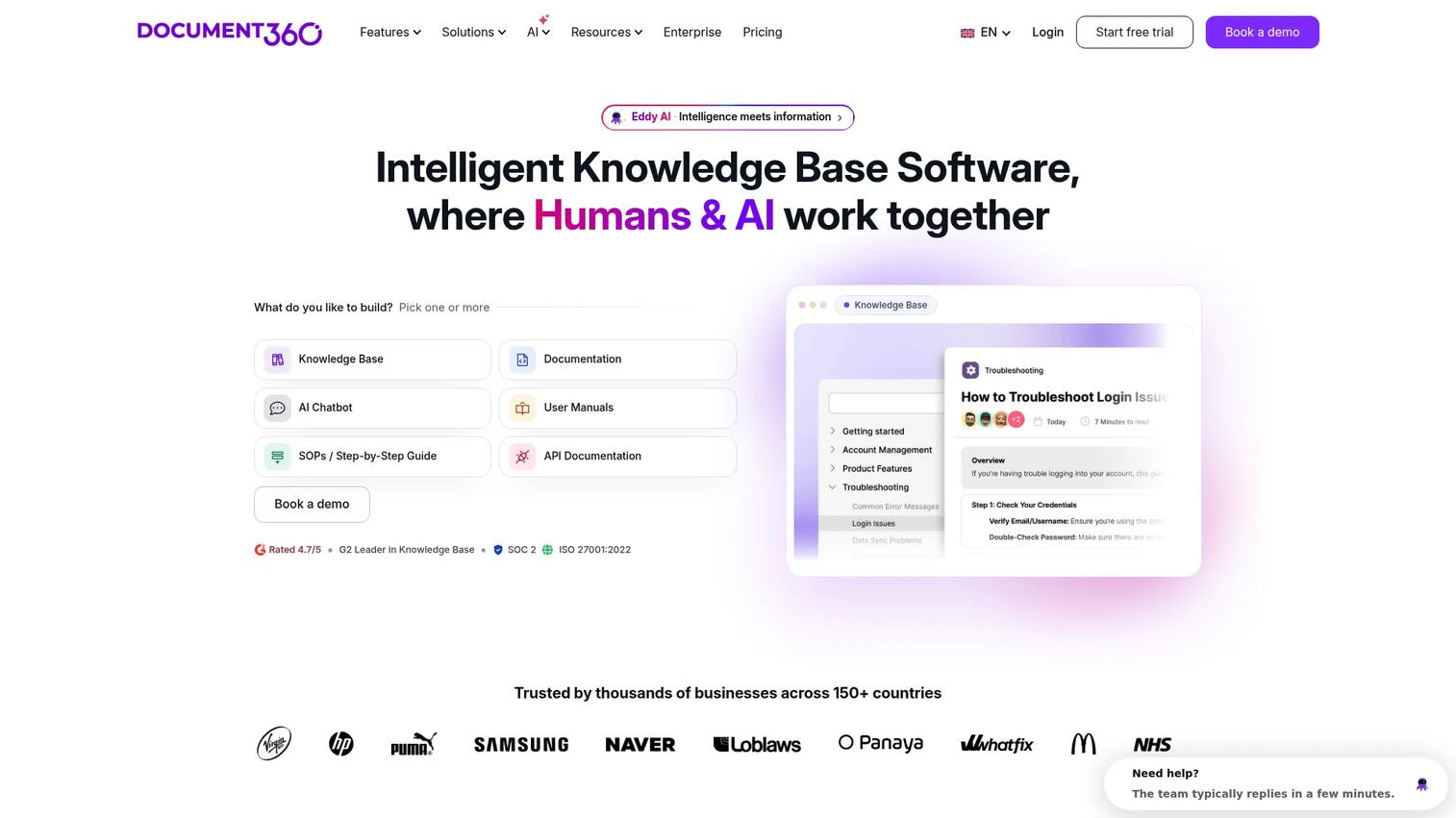
Document360 is an AI-powered knowledge base platform built for teams publishing both customer-facing and internal documentation from one system. It combines a WYSIWYG and Markdown editor with workflow approvals, multiple workspaces, and an AI chatbot layered on top of your published content, which makes it a strong fit when PMM needs governed knowledge base software that Support and Product can also write into.
Best for: Product Marketing Managers coordinating customer education, launch documentation, and internal enablement across teams that all need write access.
Key features
- Advanced WYSIWYG and Markdown editors
- Custom workflow builder with revision history
- Multiple workspaces and languages
- AI search and AI chatbot for readers
- Role-based access, SSO, and SCIM
Why choose Document360: It suits organizations where PMM, Support, and Product all contribute to the same knowledge system and need approval steps to keep messaging aligned before anything publishes.
Document360 pricing: Document360 skips a fixed price list. Sales quotes vary with the number of workspaces, languages, security requirements, and AI usage, and a 14-day free trial lets you test the editor first.
On G2, Document360 holds a 4.7 out of 5 rating from reviewers evaluating knowledge base and documentation platforms.
2. Mintlify
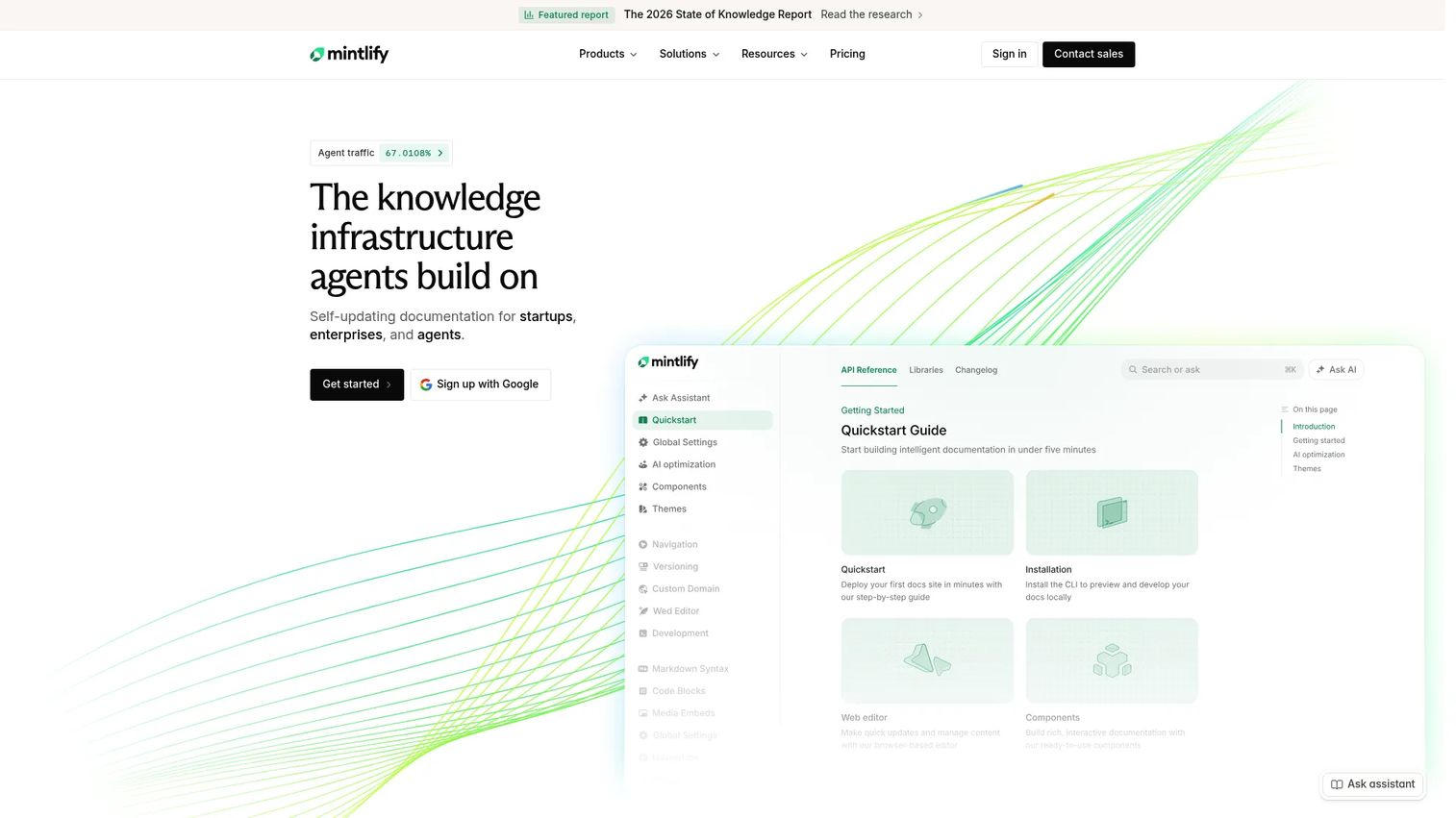
Mintlify builds AI-native technical documentation designed to stay current without constant manual edits. It pairs a web editor and API playground with an AI assistant, a writing agent, and an MCP server, positioning it as a documentation platform built as much for AI agents reading your docs as for the developers browsing them.
Best for: PMM teams working closely with developer advocates and Engineering on technical product education tied to a launch.
Key features
- Web editor with API playground
- AI assistant and writing agent
- MCP server for agent-readable docs
- Custom domains and authentication
- Preview deployments before publishing
Why choose Mintlify: Its AI tooling reduces the manual upkeep that usually causes developer docs to drift from the product, which matters when a fast release cadence outpaces your writing capacity.
Mintlify pricing: Mintlify's Starter plan is free with five editor seats and the core documentation toolkit. Pro runs $450 per month with unlimited seats and AI features, and Enterprise adds advanced security and hosting through a custom quote.
Mintlify's G2 rating sits at 4.9 out of 5, one of the highest in this category.
3. Docusaurus
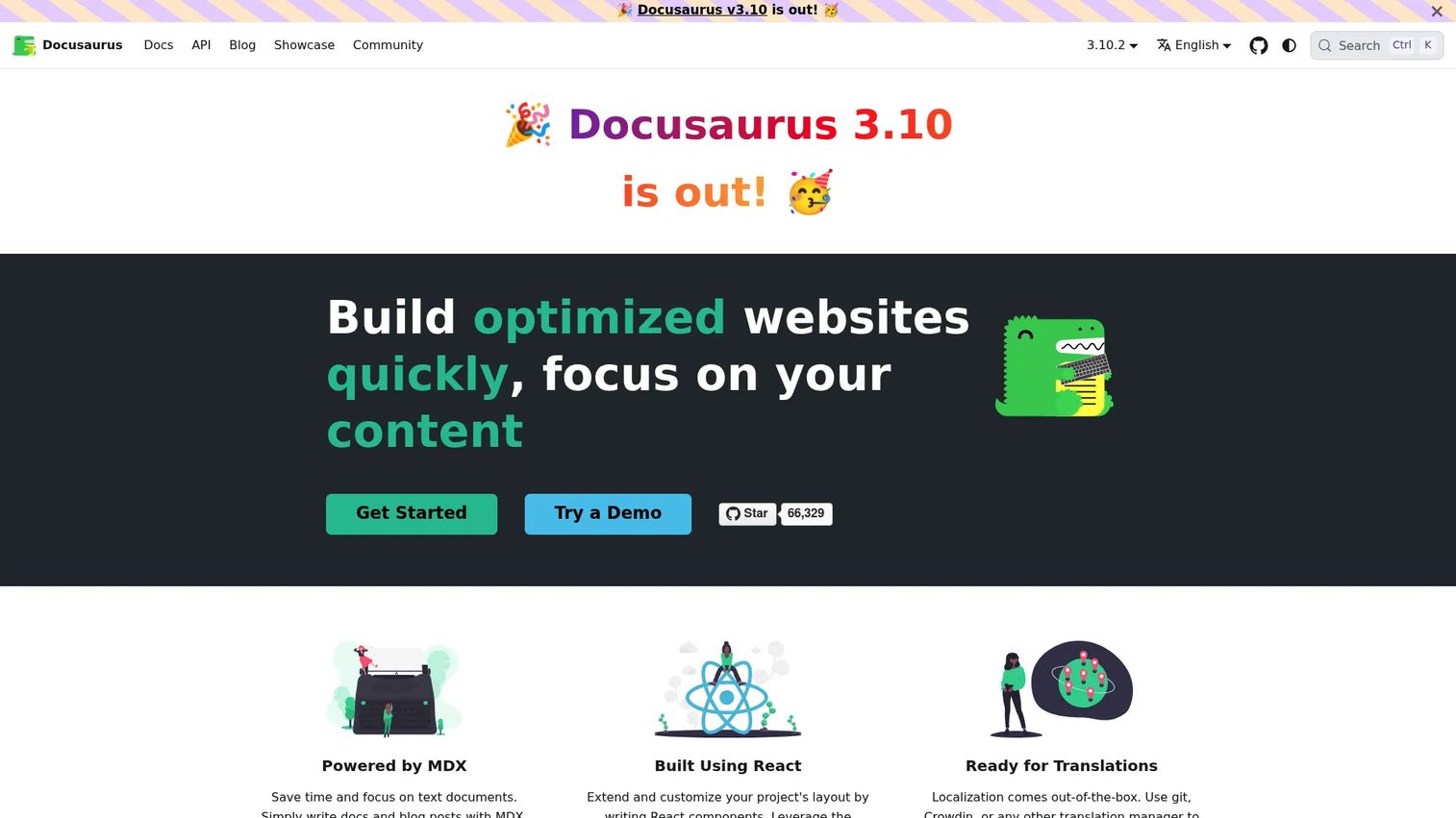
Docusaurus is an open-source, React-based static site generator built specifically for documentation. It supports MDX authoring, so you can drop live React components into Markdown pages, alongside built-in versioning, localization, and search integrations. This is docs-as-code in its purest form: Content lives in your repository and ships through your build pipeline.
Best for: Product and engineering teams comfortable managing documentation through Git and comfortable customizing a static site over using a hosted visual editor.
Key features
- MDX authoring with embedded React
- Document versioning across releases
- Built-in internationalization
- Pluggable search integrations
- SEO-friendly static HTML output
Why choose Docusaurus: It gives engineering-led teams full control over documentation structure and design, at the cost of needing a developer to make most changes.
Docusaurus pricing: Docusaurus costs nothing to run since it ships as an open-source npm package. You'll still pay for hosting, whether that's a static site host or your own infrastructure.
Docusaurus doesn't carry a current G2 rating, which tracks with its role as a self-hosted framework rather than a vendor-supported product.
4. GitBook
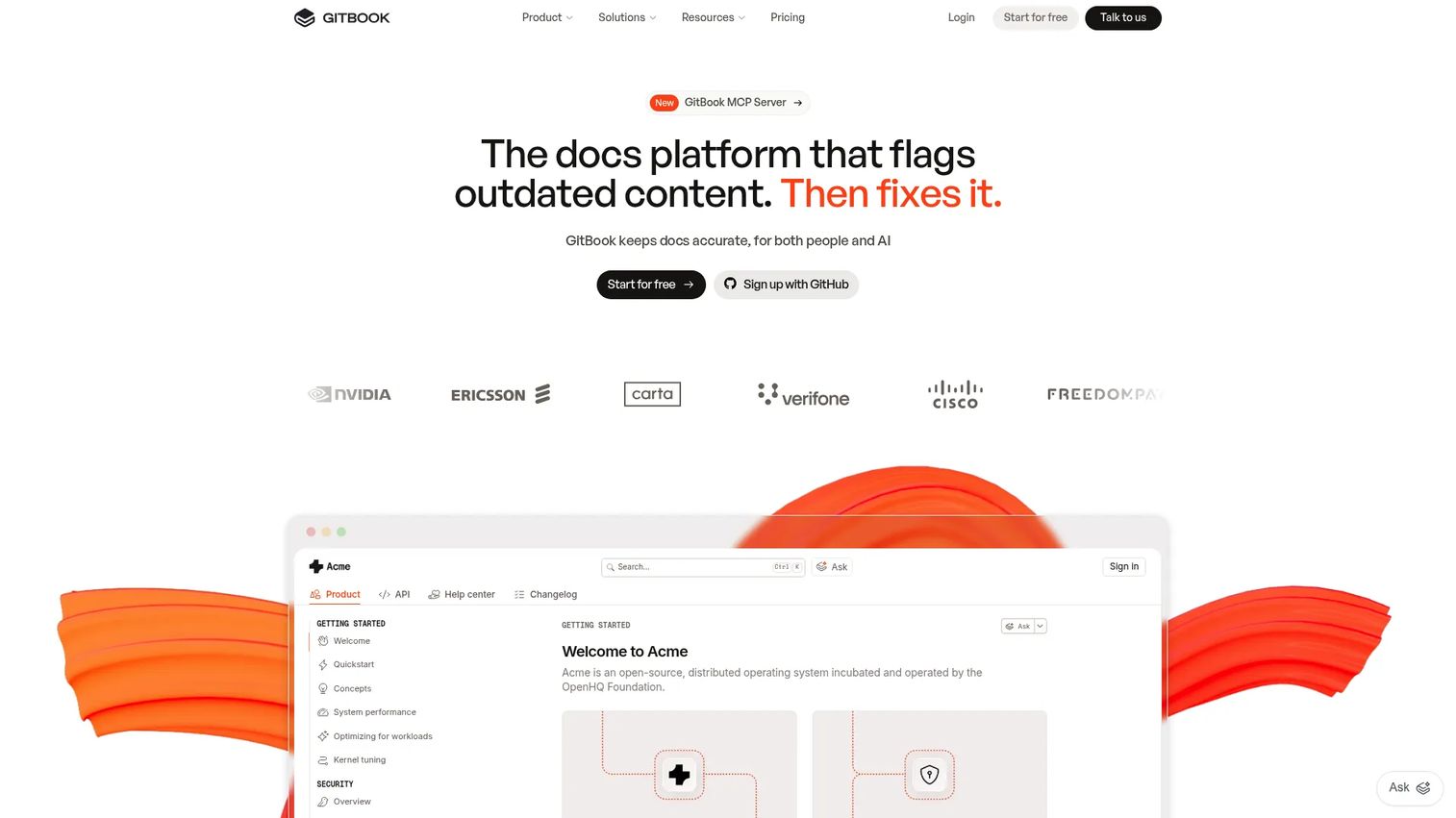
GitBook is a collaborative, AI-native documentation platform that mixes a block-based visual editor with GitHub and GitLab synchronization. Interactive API playgrounds and an AI search assistant sit alongside the editor, which makes GitBook a workable middle ground between a fully managed platform and a docs-as-code repository.
Best for: PMM teams that need contributors from Product, Engineering, Support, and Customer Success writing in the same workspace.
Key features
- Block-based visual editor with Markdown
- GitHub and GitLab sync
- Interactive API playgrounds
- AI search and GitBook Assistant
- Custom domains and user feedback
Why choose GitBook: It supports mixed contributor groups better than a pure docs-as-code setup, since non-technical writers get a visual editor while engineers keep their Git workflow.
GitBook pricing: GitBook's Free plan covers individuals at no cost. Premium starts at $65 per site monthly plus $12 per user, billed annually, and Ultimate moves to $249 per site plus the same per-user fee. Enterprise pricing is custom.
GitBook doesn't have a consistently verified G2 rating at this time, so treat its adoption signal as directional.
5. MkDocs
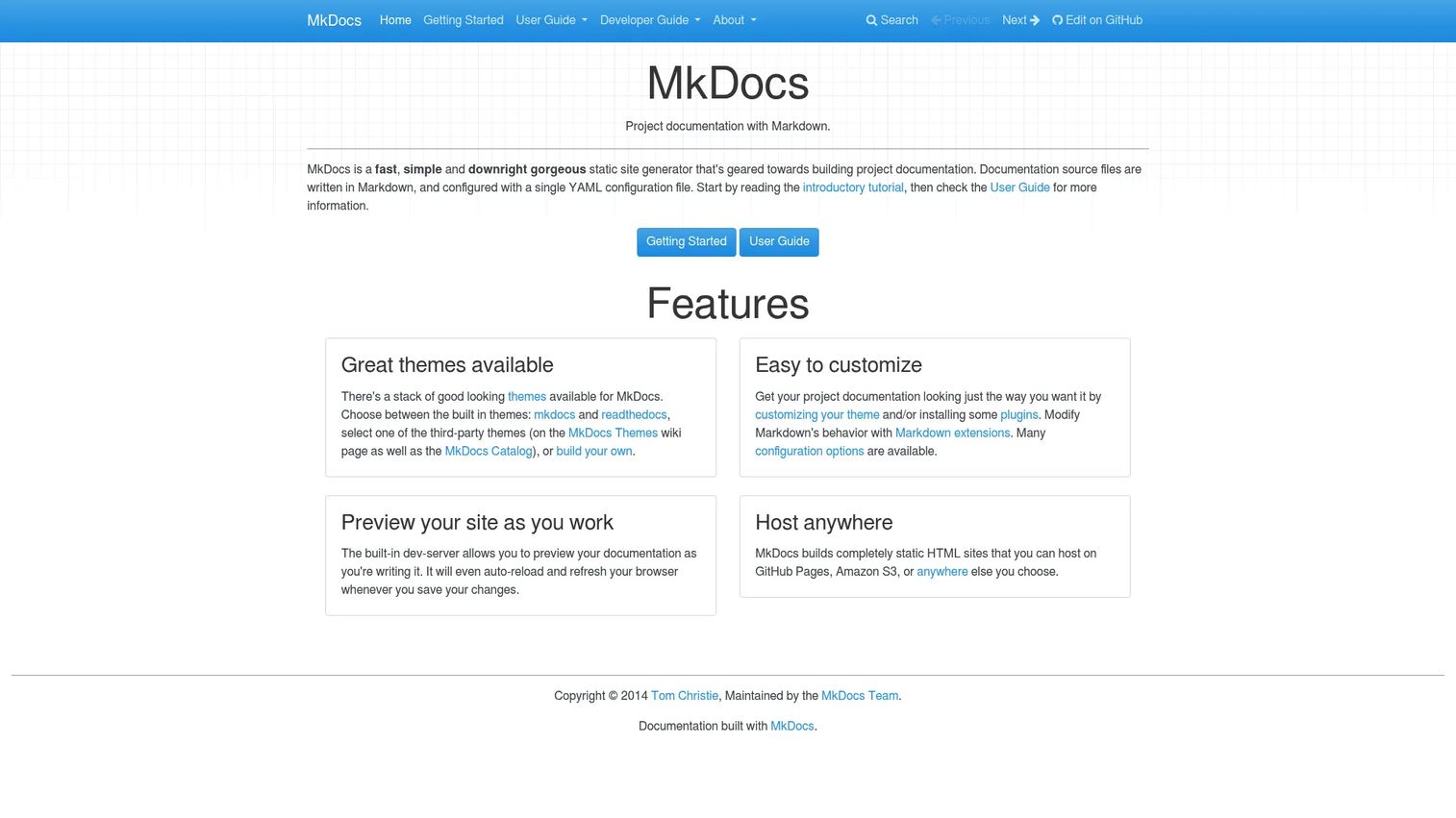
MkDocs is a fast, simple static site generator that turns Markdown files into a documentation site using a single YAML configuration file. It ships with a development server that auto-reloads as you write, plus a plugin and theme ecosystem for teams that want more than the default look.
Best for: Technical teams that want a lightweight, repository-based documentation workflow without a hosted platform's overhead.
Key features
- Markdown-first authoring
- YAML-based configuration
- Built-in and custom themes
- Plugin and extension support
- Static HTML output for any host
Why choose MkDocs: It's a practical option for teams with technical ownership who want speed and simplicity over a full-featured visual editor.
MkDocs pricing: MkDocs is free, open-source software with no vendor pricing page. Your only cost is the hosting you choose for the generated static site.
MkDocs carries a 4.0 out of 5 rating on G2, based on a small pool of reviews.
6. GitHub

GitHub supports README files, wikis, and Markdown documentation directly inside repositories, with pull request review and Actions automation layered on top. It's not a dedicated documentation platform, but plenty of engineering teams keep technical documentation here specifically because it never drifts far from the code it describes.
Best for: Engineering-led teams that want documentation to change in the same pull request as the code it explains.
Key features
- Markdown repository documentation
- Pull request review workflows
- Issue-based reader feedback
- Actions for documentation automation
- Native proximity to source code
Why choose GitHub: It keeps docs and code changes tied together, though PMM teams usually need an additional publishing layer for branded, customer-facing documentation.
GitHub pricing: GitHub's Free tier covers unlimited public and private repositories at no cost. Team pricing starts at $4 per user monthly for the first year, and Enterprise runs $21 per user monthly over the same introductory period.
GitHub's G2 rating stands at 4.6 out of 5 across a broad base of developer reviews.
7. ReadMe
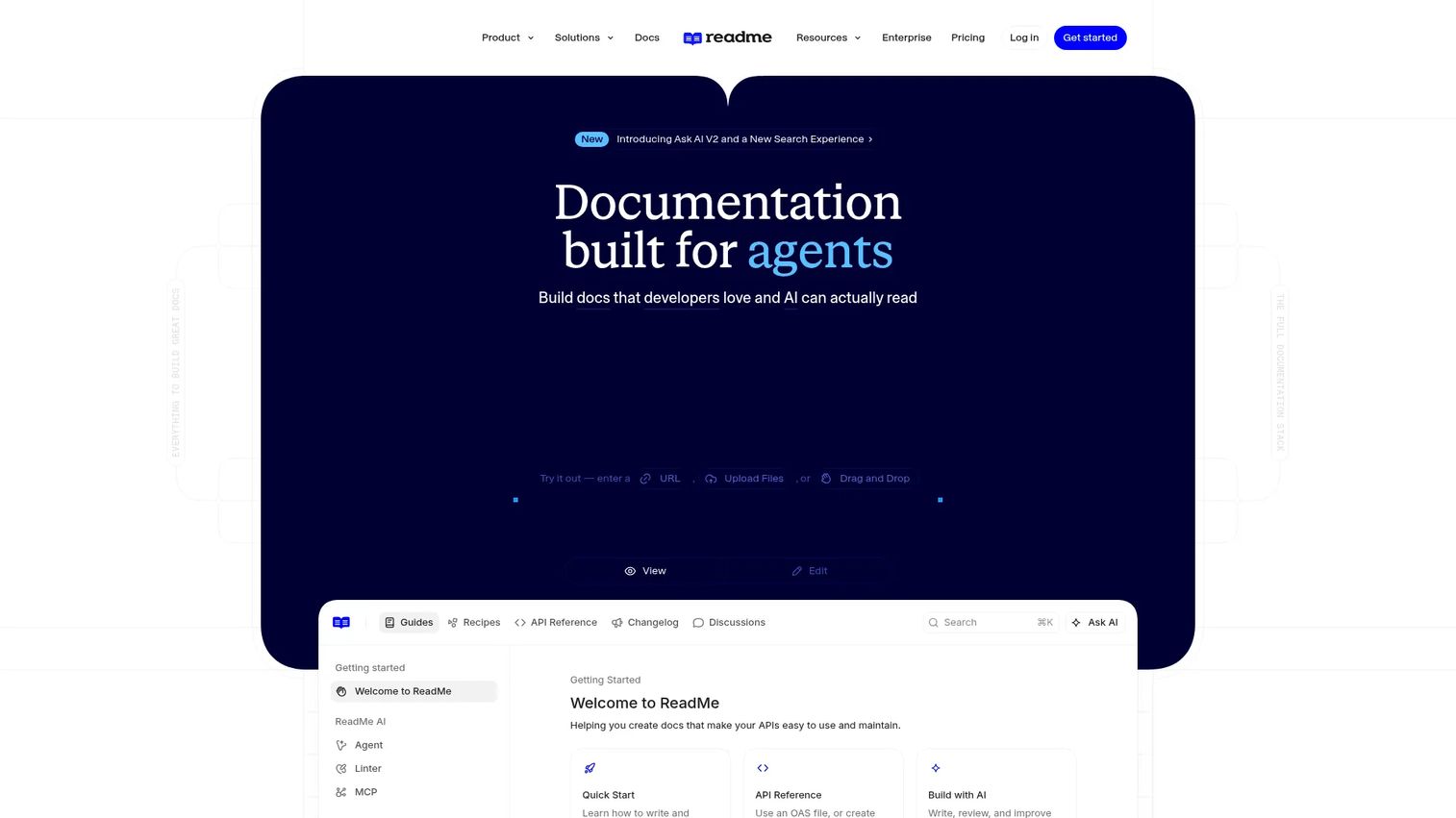
ReadMe builds interactive API documentation generated directly from OpenAPI specifications, with two-way sync back to your existing workflow. Guides, changelogs, and a discussion forum sit alongside the reference, and AI features like Ask AI and an automated docs audit help keep the reference matched to what the API actually does.
Best for: API-first SaaS companies where developer onboarding and integration speed influence pipeline and retention.
Key features
- Interactive API reference from OpenAPI
- Bi-directional GitHub synchronization
- Guides, recipes, and changelogs
- AI Linter and Docs Audit
- API usage analytics
Why choose ReadMe: It turns API documentation into a branded developer hub, which matters when partner and developer adoption is part of your launch plan.
ReadMe pricing: ReadMe's Starter plan is free for everyone. Pro costs $250 per month billed annually, and Enterprise pricing requires a conversation with sales on an annual contract.
ReadMe holds a 4.5 out of 5 rating on G2 from reviewers building developer-facing documentation.
8. Read the Docs
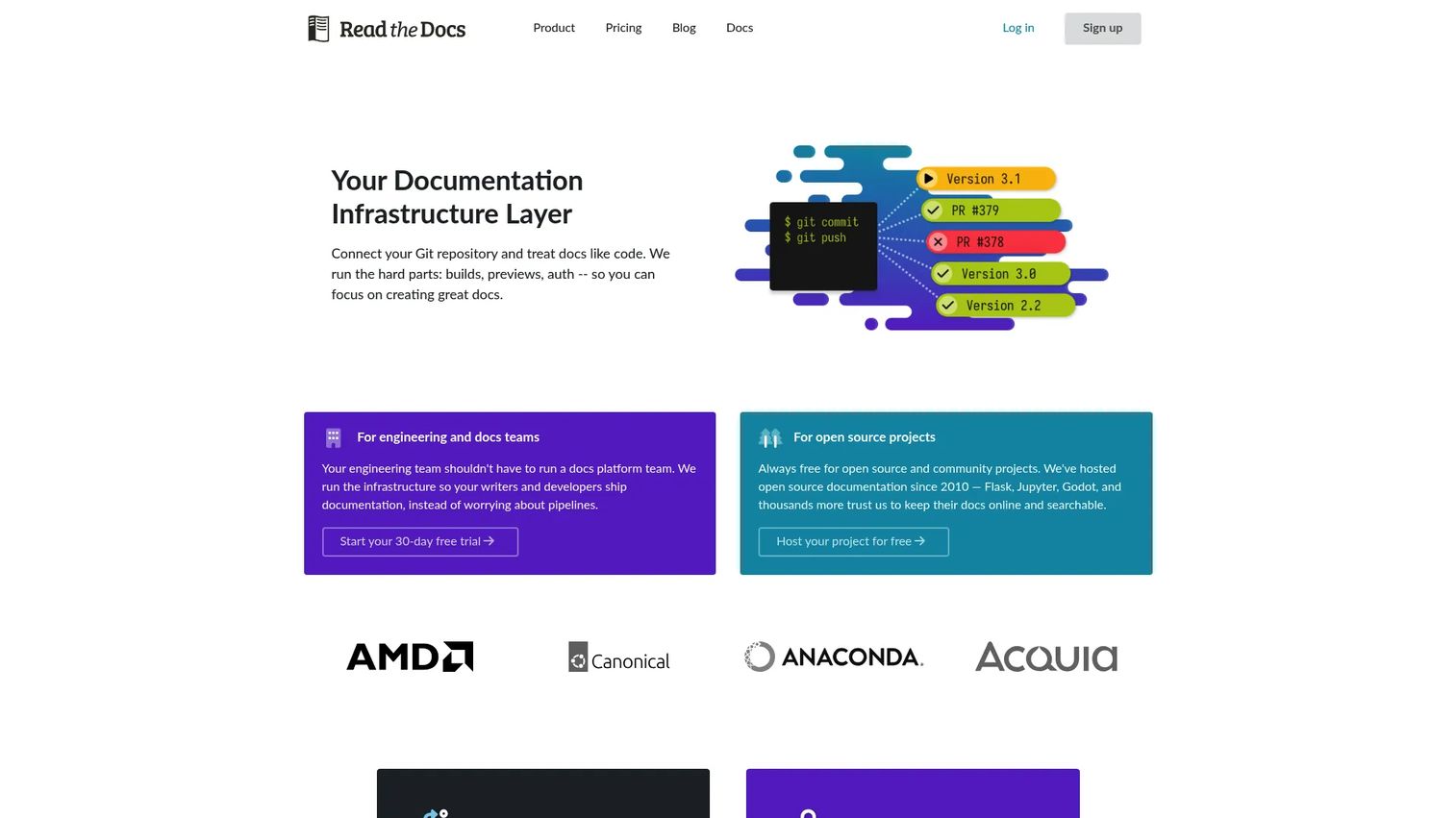
Read the Docs is a documentation infrastructure platform that builds, hosts, versions, and searches technical documentation straight from your repository. It supports Sphinx, MkDocs, Docusaurus, and other generators, with pull-request previews and offline PDF or EPUB exports for teams that need them.
Best for: Open-source projects and engineering teams managing documentation as code through Git-based workflows.
Key features
- Automatic builds from repository changes
- Versioned docs from branches or tags
- Pull-request previews with diffs
- Support for Sphinx, MkDocs, and more
- Integrated search and analytics
Why choose Read the Docs: It fits teams that want transparent, code-connected publishing without building their own hosting pipeline.
Read the Docs pricing: Read the Docs Community is free for open-source projects. Paid Business plans start at Basic for $50 per month, climb to Advanced at $150 and Pro at $250, and Enterprise begins at $10,000 per year.
Read the Docs carries a 5.0 out of 5 rating on G2, based on a small number of reviews.
9. Redocly
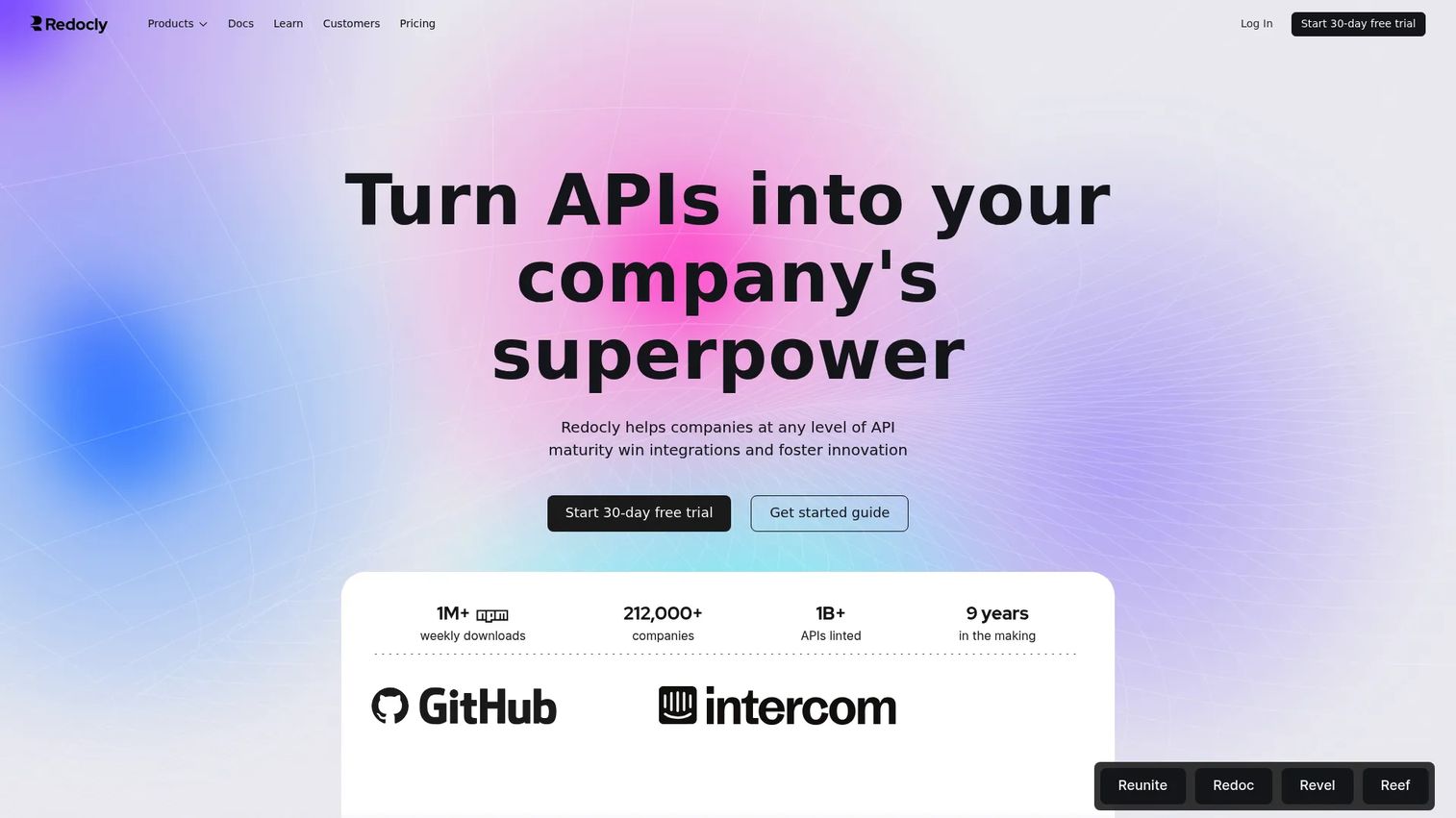
Redocly renders interactive API reference documentation from OpenAPI 3.0 and 3.1 definitions, backed by linting, validation, and style-guide enforcement across every API you publish. A try-it console and automated code samples sit on top of the reference, which makes governance and consistency the real selling point here.
Best for: API teams that need documentation quality controls across multiple services, not just one polished reference.
Key features
- OpenAPI reference rendering
- API linting and validation
- Try-it console with code samples
- Documentation portals
- Versioned API references
Why choose Redocly: It's built for organizations where API consistency across teams affects partner adoption and technical credibility, not just a single product's docs.
Redocly pricing: Redocly's Starter tier is free. Basic costs $69 per month billed annually, Professional moves to $300 per month on the same annual billing, and Enterprise pricing comes through a sales conversation.
Redocly's G2 rating is 5.0 out of 5, though it's based on a limited review count.
10. OpenAPI
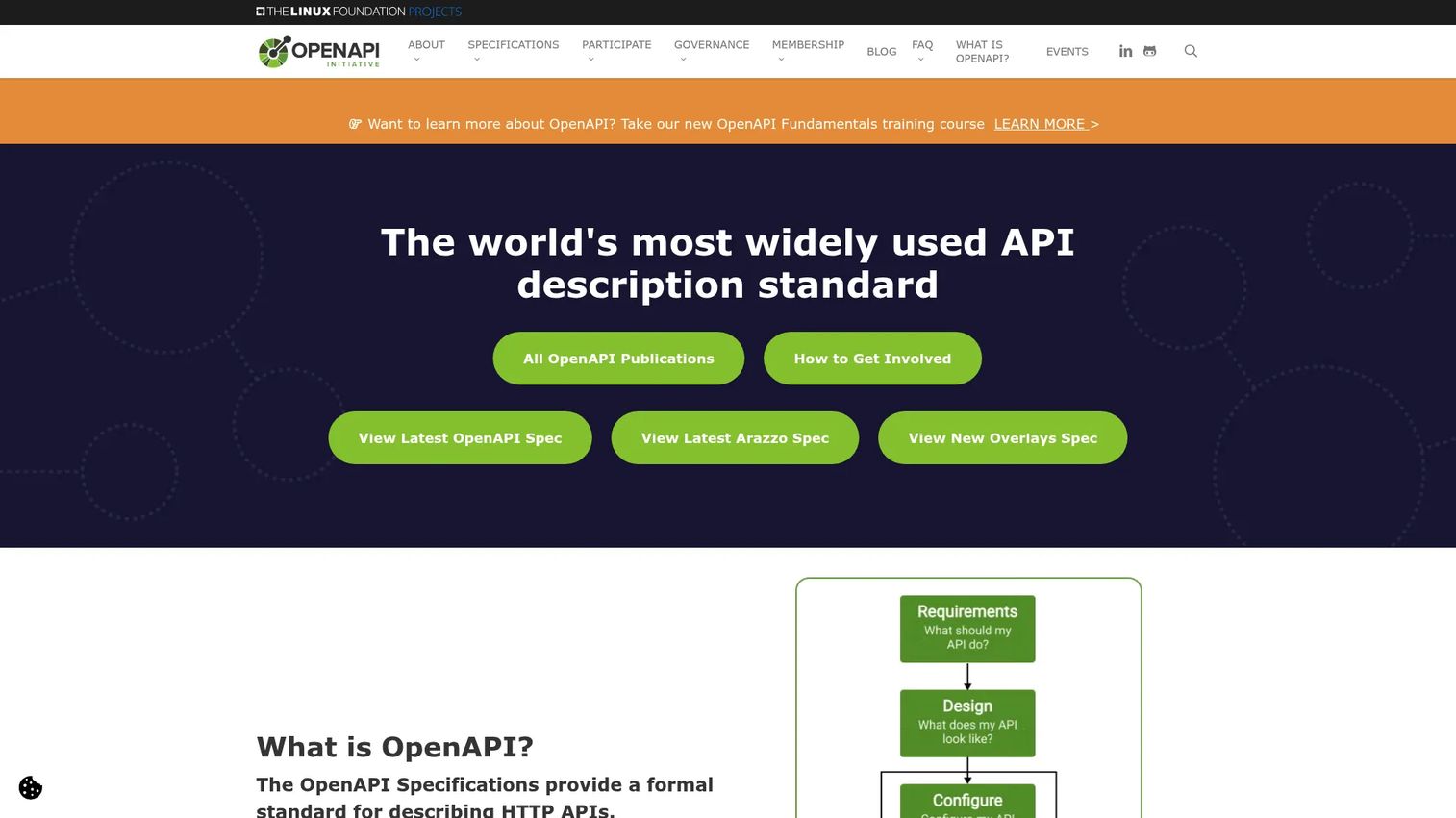
OpenAPI isn't a hosted product. It's a vendor-neutral specification, maintained under the Linux Foundation, for describing HTTP APIs in a machine-readable format. Most of the API documentation tools on this list, including ReadMe, Redocly, Stoplight Studio, and Swagger, generate their references from an OpenAPI file underneath.
Best for: API teams that want a documentation foundation connecting design, development, testing, and publishing across different tools.
Key features
- Machine-readable API descriptions
- Generated reference documentation
- Client and server code generation
- Validation and linting integrations
- Broad compatibility across tooling
Why choose OpenAPI: It works as the source layer underneath another platform that handles branding, analytics, or developer experience, rather than as a standalone publishing tool.
OpenAPI pricing: OpenAPI carries no license fee since it's a vendor-neutral specification. Your costs come from whichever tooling you pick to generate, validate, or publish against the spec.
As an open specification rather than a single vendor product, OpenAPI doesn't carry its own G2 rating.
11. Sphinx
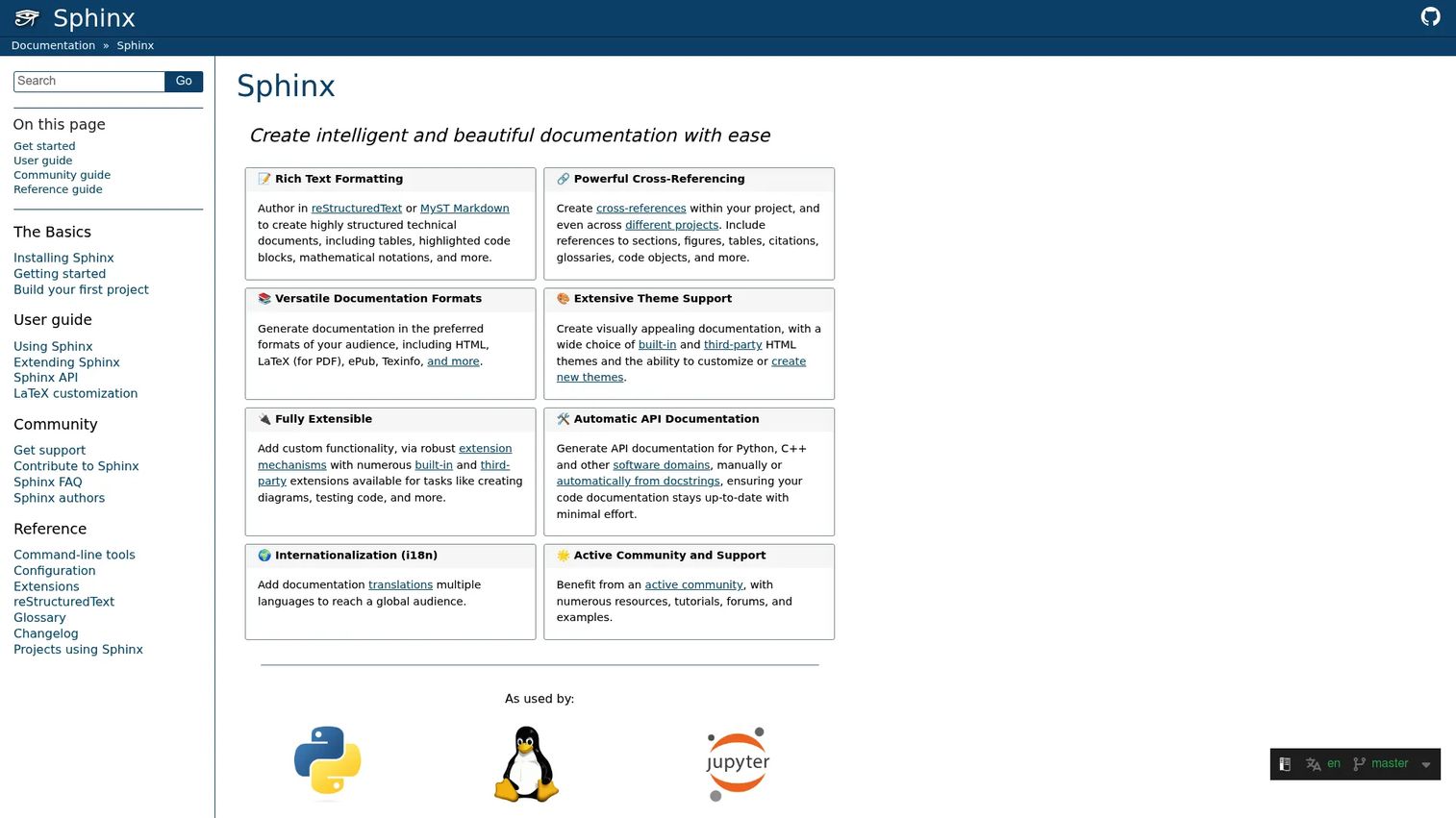
Sphinx is an open-source documentation generator built around reStructuredText, with MyST Markdown support available through extensions. It's especially common for Python projects, largely because it can pull API documentation directly from code and docstrings, then output HTML, LaTeX or PDF, ePub, and Texinfo from the same source.
Best for: Technical teams maintaining structured, reference-heavy documentation that needs to stay tied to source code.
Key features
- reStructuredText and MyST authoring
- Automatic Python API documentation
- Cross-reference systems
- Multiple output formats
- Extensible themes and plugins
Why choose Sphinx: Its depth for technical reference material comes with a real learning curve, so it fits teams with dedicated technical ownership rather than occasional contributors.
Sphinx pricing: Sphinx is free, open-source software with no commercial pricing tiers. Budget instead for hosting, themes, and the engineering time to maintain your build pipeline.
Sphinx holds a 4.4 out of 5 rating on G2.
12. Stoplight Studio
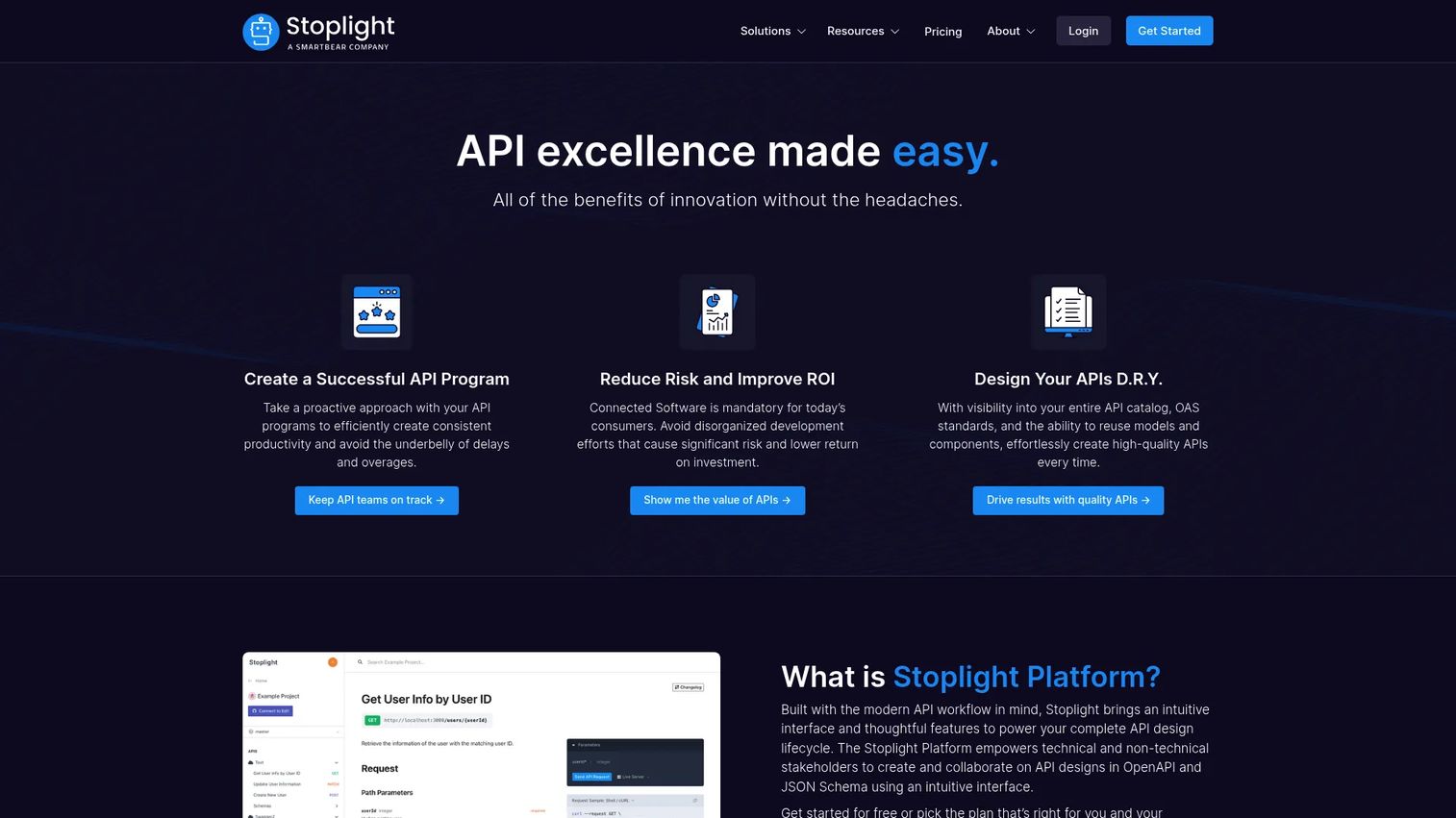
Stoplight Studio provides a visual OpenAPI design workflow, with mock servers and design collaboration built in, so teams can draft and document an API before a single endpoint ships. Reference documentation generates directly from the design, keeping the spec and the published docs in sync from day one.
Best for: Product and API teams that need alignment between API design and published documentation earlier in the process.
Key features
- Visual OpenAPI editing
- API design collaboration
- Instant mock server workflows
- Reference documentation generation
- Design review and governance
Why choose Stoplight Studio: It connects design and documentation before an API reaches external developers, which helps PMM coordinate messaging ahead of a technical launch.
Stoplight Studio pricing: Stoplight offers a free plan to start. Basic runs $44 per month billed annually or $56 month to month, Startup moves to $113 or $147, and Pro Team reaches $362 or $453. Enterprise pricing is custom, and paid plans include a 14-day trial.
Stoplight carries a 4.4 out of 5 rating on G2.
13. Swagger
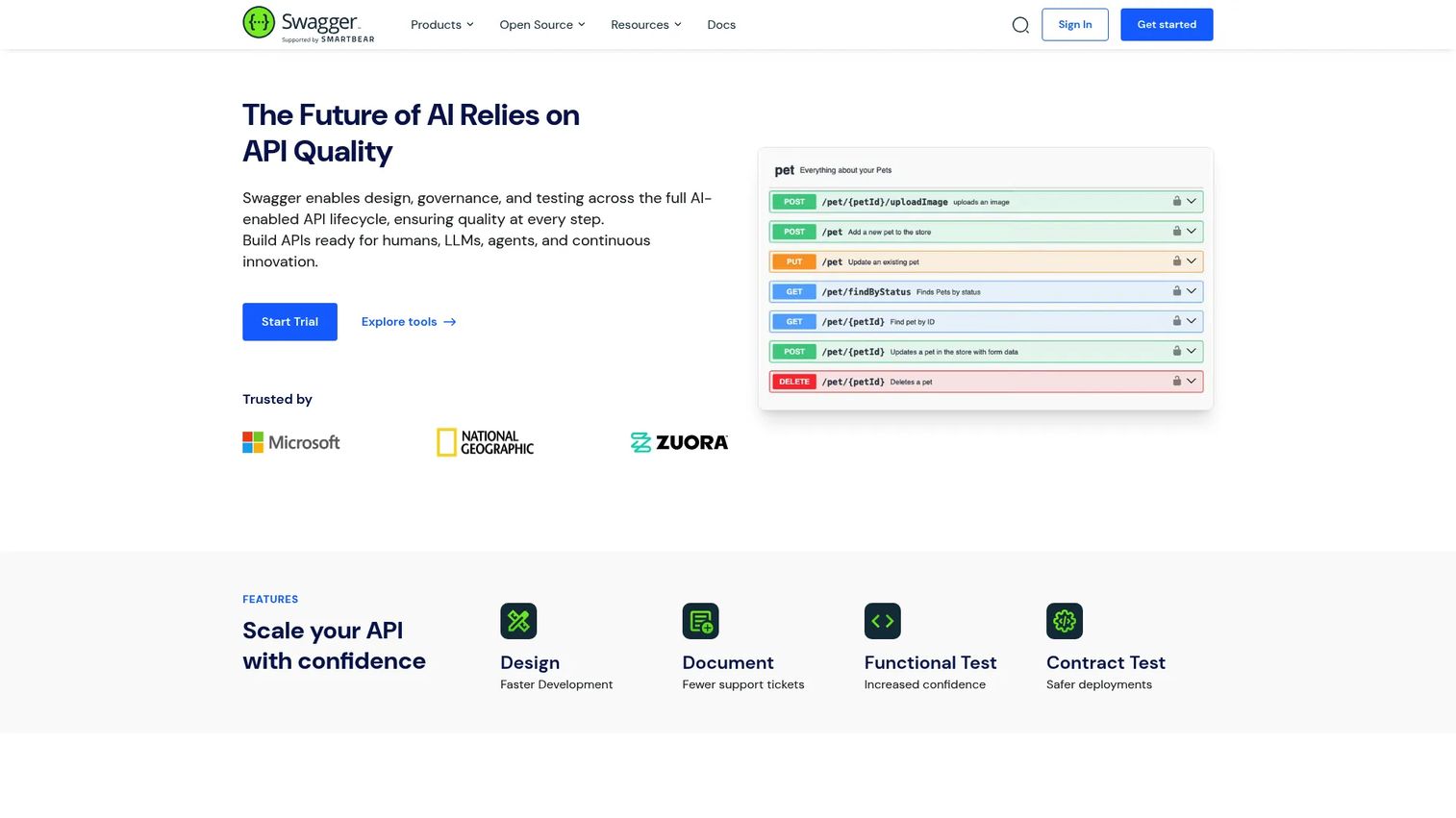
Swagger is a long-running suite of API design, documentation, testing, and governance tools built around OpenAPI. The open-source editor and interactive documentation are free, while Swagger for Teams and Swagger Enterprise add centralized portals, functional testing, and CI/CD integration for larger organizations.
Best for: Development teams that already know OpenAPI-based workflows and want a familiar, widely adopted toolset.
Key features
- Visual OpenAPI editing
- Interactive API testing
- Generated reference documentation
- API validation and style guides
- Client and server code tooling
Why choose Swagger: Its adoption is broad enough that most developers already know the interface, which shortens onboarding for API documentation work.
Swagger pricing: Swagger's open-source tools cost nothing to use. Swagger for Teams pricing isn't listed on the site, and Enterprise requires a sales conversation, though a free trial is available on the commercial tiers.
Swagger holds a 4.5 out of 5 rating on G2.
14. Netlify
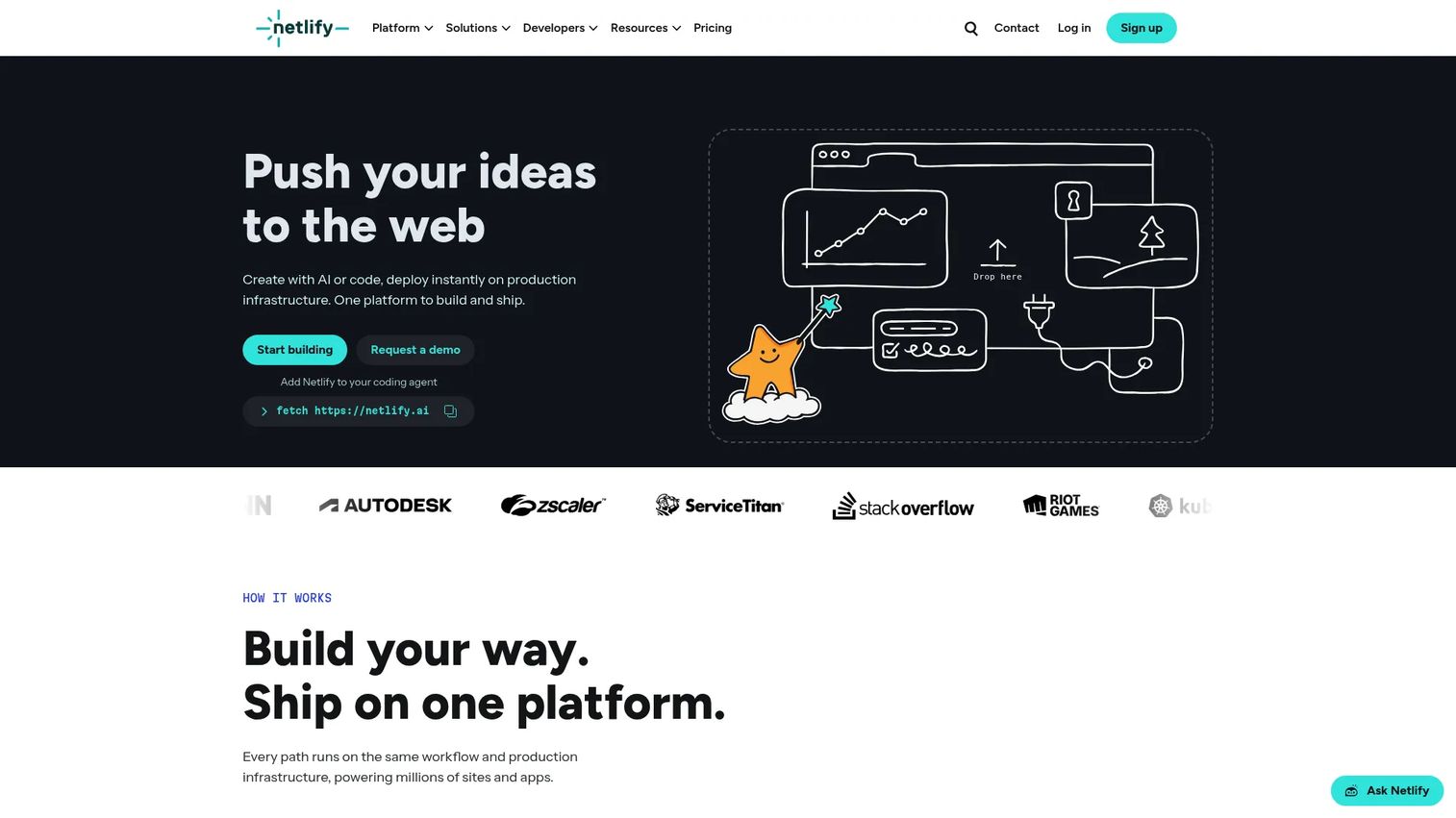
Netlify is a deployment and hosting layer for static sites, including the documentation sites generated by tools like Docusaurus, MkDocs, and Sphinx. Git-based deploys, preview environments for every pull request, and rollback controls make it a common final step in a docs-as-code pipeline.
Best for: Teams hosting custom documentation sites built with a static site generator elsewhere in this list.
Key features
- Git-based deployments
- Preview environments per pull request
- Custom domains
- Build plugins and integrations
- Rollback and deployment controls
Why choose Netlify: It complements a documentation generator rather than replacing it, and preview deployments give stakeholders a working link to review before a launch goes live.
Netlify pricing: Netlify's Free plan runs forever with 300 monthly credits. Personal costs $9 per month with 1,000 credits, Pro moves to $20 per month with unlimited members, and Enterprise pricing is custom.
Netlify's G2 rating is 4.5 out of 5.
Considerations
Match the tool to the documentation type
Decide whether the primary need is technical documentation, user documentation, process documentation, or API reference content before you shop. A platform that excels at one often handles the others only adequately, so don't pick a tool because it shows up in every category.
Define who owns publishing
Clarify whether content is maintained by Engineering, Product, PMM, or a shared team, since that answer determines whether you need a visual editor or a repository workflow. Tools built for collaboration across non-technical contributors support broader participation than a pure docs-as-code setup.
Check versioning and governance
Evaluate approvals, release versions, redirects, permissions, and content retirement. PMM teams specifically need confidence that launch messaging and product education stay aligned as the product changes underneath them.
Evaluate search and analytics
Look for search terms, failed searches, page engagement, and reader feedback, not just traffic totals. Good documentation analytics show you exactly where readers get stuck, which is more useful than knowing how many people visited a page.
Calculate the maintenance cost
Add up hosting, seats, migration, build pipelines, search, and the review time your team will actually spend. A tool with no license fee can still create the most expensive workflow on this list once you count the hours it takes to keep it current.
Conclusion
Document360 covers managed knowledge bases and cross-functional documentation in one governed system. Mintlify leads for modern, AI-native developer documentation. Docusaurus and MkDocs suit docs-as-code teams that want Git-controlled static sites, while GitBook gives mixed technical and product teams a shared visual workspace. ReadMe, Redocly, OpenAPI, Stoplight Studio, and Swagger cover API documentation from different angles, and Read the Docs, Sphinx, GitHub, and Netlify handle repository-based publishing and hosting.
For a Product Marketing Manager, the real test isn't which tool has the most features. It's whether the platform keeps launch messaging consistent, gives Sales current enablement, helps customers find answers without a ticket, and reduces the stale pages that undercut your positioning six months after a launch. Interactive product education can sit alongside written documentation for the moments when showing beats telling, but the documentation layer itself still needs a home.
Start with the documentation type that's causing the most pain right now, whether that's technical references, customer help content, or process documentation, and pick the tool built for that job first.
Start your journey with Guideflow today!
FAQs
Documentation software is any platform or toolset used to create, publish, search, version, and maintain written content for technical, user, process, or API audiences. The category includes managed knowledge base platforms, docs-as-code frameworks, API reference generators, and static site hosting tools, and most organizations run more than one at once.
It depends on whether the team prioritizes a hosted visual editor, a Git-based workflow, interactive API references, or full control over publishing. Teams that want speed and non-technical contribution often prefer a managed platform like GitBook or Document360, while teams comfortable in a repository lean toward Docusaurus, MkDocs, or Sphinx.
A knowledge base is typically one output of documentation software: A searchable library aimed at end users or internal teams looking for answers. Documentation software is the broader category, covering everything from that knowledge base to technical references, API docs, and process guides, often with different publishing models, permissions, and search behavior for each.
Neither wins outright. Docs-as-code gives engineering teams tight version control and keeps documentation changes tied to code changes, but it raises the barrier for non-technical contributors. A visual platform lowers that barrier and speeds up cross-functional collaboration, at the cost of some of the governance that comes built into a Git workflow.
Evaluate OpenAPI support, interactive try-it consoles, code samples, versioning, and developer analytics before choosing. ReadMe and GitBook lean toward developer experience and branded hubs, while Redocly, Stoplight Studio, and Swagger focus more on API governance, design workflows, and specification-level consistency.
PMM teams use documentation software to keep release notes, customer education, and sales enablement aligned during a launch, and to give Support and Customer Success accurate, current content to point customers toward. The goal is one source of truth that Product, Sales, and Support all pull from instead of maintaining separate, drifting versions of the same story.
Track successful versus failed searches, page engagement, task completion, and reader feedback rather than page views alone. Update frequency and content freshness matter too, since a technically accurate page that describes a retired workflow does more harm than an admittedly incomplete one.
Structured content, stable URLs, clear metadata, and consistent versioning all make documentation easier for AI agents and search tools to parse and retrieve accurately. Platforms built with machine-readable output, like Mintlify's AI-native approach or OpenAPI's structured specification format, are better positioned for this than loosely organized wikis with no consistent structure.