You shipped a landing page in English on Monday. By Friday, marketing wants it live in French, German, and Spanish, and someone is already pasting strings into a spreadsheet to send to a freelancer. Then product updates the headline. Now three translations are out of date, and nobody knows which version is correct.
This is what scaling past one language actually feels like. Not a strategy problem. A coordination problem. Every new market multiplies the manual handoffs, the missed updates, and the vendor invoices that creep up word by word.
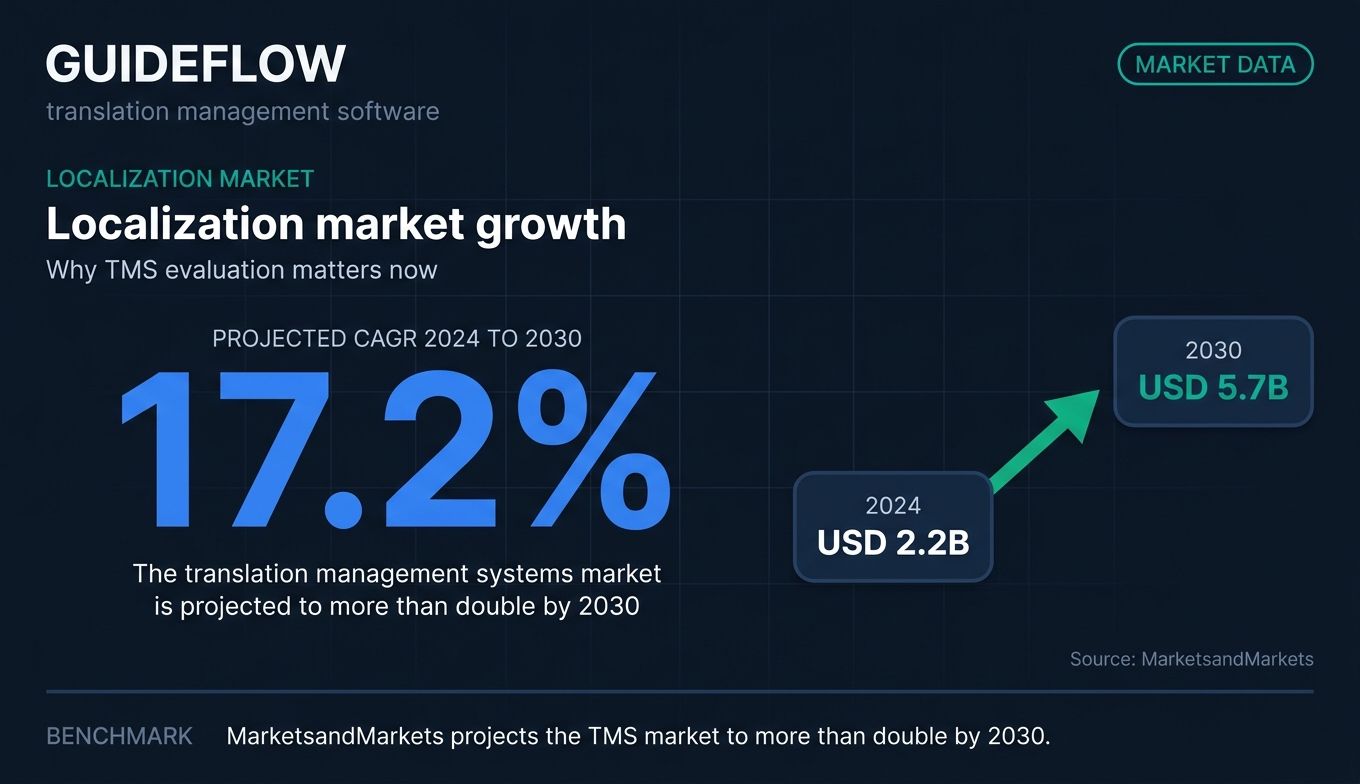
The market reflects how big this has gotten. MarketsandMarkets projects the translation management systems market to grow from USD 2.2 billion in 2024 to USD 5.7 billion by 2030, a 17.2% compound annual growth rate. Companies are not buying translation management software because it is trendy. They are buying it because spreadsheet localization breaks the moment you take it seriously.
A translation management system replaces that chaos with one place to manage source content, translations, reviewers, and machine translation, all tied back to your CMS and dev tools. The right platform cuts cost through translation memory reuse and gets new-market content live faster. The wrong one becomes another tab nobody opens. This guide ranks ten platforms so you can pick the one that fits your stack, not fight it.
What's inside
This guide is for marketers, localization owners, and content ops leads evaluating translation management software in 2026. We focused on platforms that solve real localization work, not single-purpose CAT tools or one-off plugins.
We selected and ranked tools against four criteria that matter most when you are consolidating a stack and defending ROI to leadership:
- Workflow automation: how much manual handoff the platform removes
- Integration depth: native connections to your CMS, dev tools, and design files
- AI and translation quality: machine translation, post-editing, and quality controls
- Pricing transparency: whether you can actually predict what you will pay
Every pricing figure and G2 rating below was pulled from live vendor pages and current G2 listings.
TL;DR
Short on time? Here are the decision shortcuts by team type.
- Best all-in-one localization platform: Lokalise, for product, design, and marketing teams that want visual context and automation in one place.
- Best for enterprise governance and orchestration: Phrase, for global teams needing AI workflow control and deep integrations.
- Best for hands-off managed localization: Smartling, for enterprises that want quality assurance plus managed services.
- Best for developer and open-source teams: Crowdin, for engineering-led continuous localization.
- Best free or no-code option for marketers: Weglot, for fast multilingual websites with minimal dev work.
- Best for small teams on a budget: POEditor, for simple string management starting free.
What is translation management software?
Translation management software is a platform that centralizes, automates, and tracks the entire process of translating content into multiple languages, connecting source files, translators, reviewers, and machine translation in one system. It replaces email threads and spreadsheets with a single source of truth for multilingual content.
A translation management system grew out of older CAT (computer-aided translation) tools. CAT tools focused on making one translator faster. As companies localized more content across more channels, they needed coordination, not just productivity. That gap produced what vendors sometimes call a GMS (globalization management system) or GCMS (global content management system). Today most people just say translation management system or TMS.
The core job is the same across every platform: get the right content to the right translator, reuse what you already translated, check quality, and push the result back into your product or site without manual copy-paste.
Core features of a translation management system
Most translation workflow software shares a recognizable feature set. When you evaluate platforms, expect these capabilities:
- Translation memory: stores previously approved translations and reuses them, cutting cost and keeping wording consistent.
- Terminology and glossary management: locks in approved terms so your brand and product names stay correct across languages.
- Machine translation and AI: built-in MT engines and AI post-editing to draft translations fast, then refine with human review.
- Workflow automation: routing, task assignment, approvals, and triggers that move content through stages without manual chasing.
- Integrations: native connectors to your CMS, repositories, design tools, and marketing stack.
- Collaboration: in-context editors, comments, and review steps that keep translators and reviewers aligned.
- Quality assurance: automated checks for missing translations, formatting errors, and terminology violations.
- Analytics: reporting on translation volume, turnaround time, cost, and translator efficiency.
According to MarketsandMarkets, the top three applications across these systems are translation, project management, and terminology management. Those three are the backbone of any serious localization operation.
When to use translation management software
You do not need a TMS to translate one page once. You need one the moment localization becomes recurring, multi-channel, or multi-language. Here are the three situations where translation project management software pays for itself.
Localize marketing campaigns and landing pages without manual handoffs
When campaigns ship in multiple markets, manual translation creates lag and version drift. A TMS connects to your CMS and pushes new content to translators automatically. Marketers see the localized page go live without emailing files around. When the source headline changes, the system flags exactly which translations need updating, so nothing goes stale silently. If you build conversion-focused pages, pairing localization with the right landing page builders keeps your multilingual funnels consistent.
Keep product and app strings in sync with development
Product strings change every release. Without automation, translations fall behind code. Translation workflow software integrates with your repositories, so new strings get queued for translation as part of the development cycle. This is where continuous localization matters: translations ship alongside features instead of weeks later. If you also localize product experiences like interactive demos, keeping that content current follows the same logic.
Scale support and documentation content across languages
Help centers and docs grow fast and update often. Translating them by hand does not scale past a few languages. A translation project management system reuses translation memory across articles, so repeated phrasing is translated once. Support teams keep multilingual documentation current without a dedicated localization hire for every market. Teams that pair localized docs with strong knowledge base software see the biggest reduction in repeat support volume.
Translation management software comparison table
Here is a side-by-side view of all ten platforms, sorted by overall relevance to most teams evaluating translation management systems. Pricing reflects entry-tier public pricing where available, and G2 ratings reflect current listings.
| # | Product | Intent | Key use case | Pricing | G2 rating |
|---|---|---|---|---|---|
| 1 | Lokalise | All-in-one localization | Product, web, and marketing localization with visual context | From $144/mo | 4.7/5 |
| 2 | Phrase | Enterprise orchestration | Centralized localization across software and content | From $27/mo | 4.5/5 |
| 3 | Smartling | Managed enterprise localization | Hands-off translation with QA and managed services | Free to start | 4.4/5 |
| 4 | Crowdin | Developer localization | Continuous localization for software and open source | Free to start | 4.4/5 |
| 5 | Transifex | Continuous localization | Agile web and app content localization | From $135/mo | 4.2/5 |
| 6 | XTM Cloud | Enterprise TMS | Large localization departments and LSPs | From $16,500/yr | 4.3/5 |
| 7 | memoQ | Translation-centric TMS | LSPs and professional translators | From $242/mo | 4.5/5 |
| 8 | Smartcat | AI plus marketplace | Translation, sourcing, and payments in one place | From $1,200/yr | 4.6/5 |
| 9 | Weglot | No-code website localization | Fast multilingual websites with SEO | Free, from €15/mo | 4.7/5 |
| 10 | POEditor | Lightweight string management | Small teams and startups on a budget | Free, from $20/mo | 4.5/5 |
10 best translation management software platforms for 2026
Each platform below includes what it does, who it fits, key strengths, why you would pick it, and verified pricing. Read these as trade-offs, not winners and losers. The best translation management system is the one that matches your stack and your team.
1. Lokalise
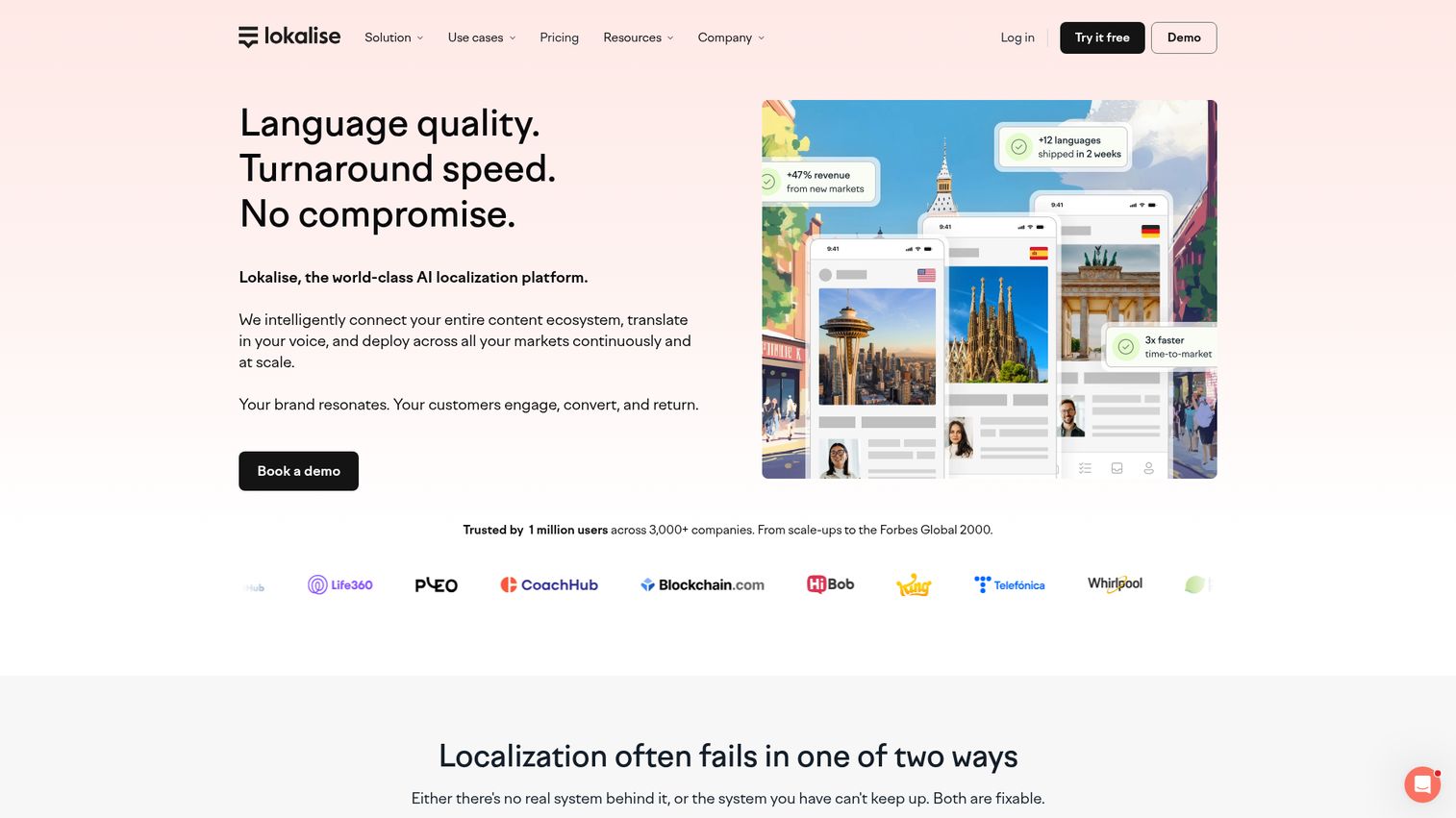
Lokalise is a localization and translation management platform built for product, engineering, design, marketing, and content teams. It is design-led, with strong visual context so translators see where copy lives before they translate it. The platform handles continuous localization across apps, websites, documents, and multilingual product content in one place.
Best for: Product and design teams that want visual context plus automation across continuous localization.
Key strengths
- AI orchestration: Context-aware translation with scoring, multi-LLM smart routing, and custom AI profiles for quality at speed.
- Full TMS toolkit: Glossary, translation memory, translation history, in-context editors, screenshots, and style guides keep wording consistent.
- Workflow and collaboration: A collaborative web editor with tasks, branching, workflow triggers, and custom workflows removes manual chasing.
Why choose Lokalise. If your team spans product, design, and marketing, Lokalise gives everyone a shared workspace with the visual context that makes translations accurate the first time. It is a strong pick when you want automation without losing control over quality. Teams managing frequent product and web updates get the most value.
Lokalise pricing. The Explorer plan starts at $144 per month, billed monthly or yearly. Growth is $499 per month and Advanced is $999 per month, with an Enterprise tier on request. Lokalise offers a 14-day free trial and free access for open-source projects. There is no general public free tier on the current pricing page.
2. Phrase
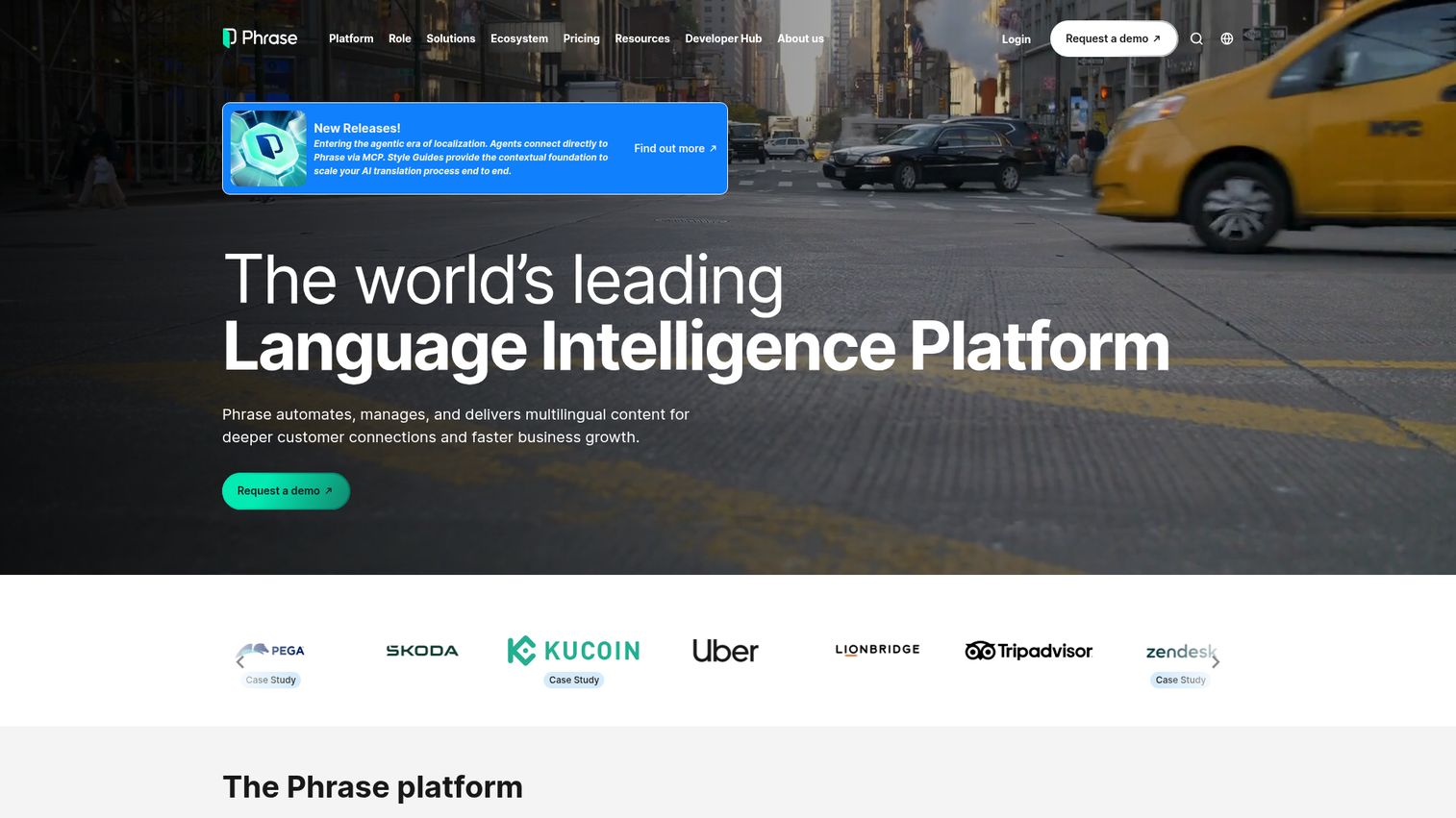
Phrase is a localization and language intelligence platform for managing translation, software localization, AI translation, workflow automation, quality, and integrations. It centralizes enterprise localization across software, content, multimedia, and AI translation in one platform, which is why global teams lean on it for governance and orchestration.
Best for: Enterprise product, localization, and marketing teams needing centralized workflows and AI orchestration.
Key strengths
- Unified translation engine: Translation memory, machine translation, AI quality estimation, workflow automation, and human review live in one platform.
- Native integrations: Connectors for GitHub, GitLab, Figma, Contentful, Salesforce, HubSpot, plus APIs and SDKs fit your existing stack.
- CAT depth: Translation memory, term base, pre-translation, quality assurance, in-context preview, and LQA support serious linguistic work.
Why choose Phrase. Phrase fits when localization spans many teams and you need orchestration, auditability, and quality controls at scale. Its integration breadth means it slots into both developer and marketing stacks. The AI quality estimation helps teams scale machine translation without guessing at output quality.
Phrase pricing. Freelancer starts at USD 27 per month, billed annually. Professional is USD 525 per month and Team is USD 1,245 per month, both billed annually. Business and Enterprise are custom priced. All plans include a 14-day free trial and 24/7 support. There is no free tier.
3. Smartling
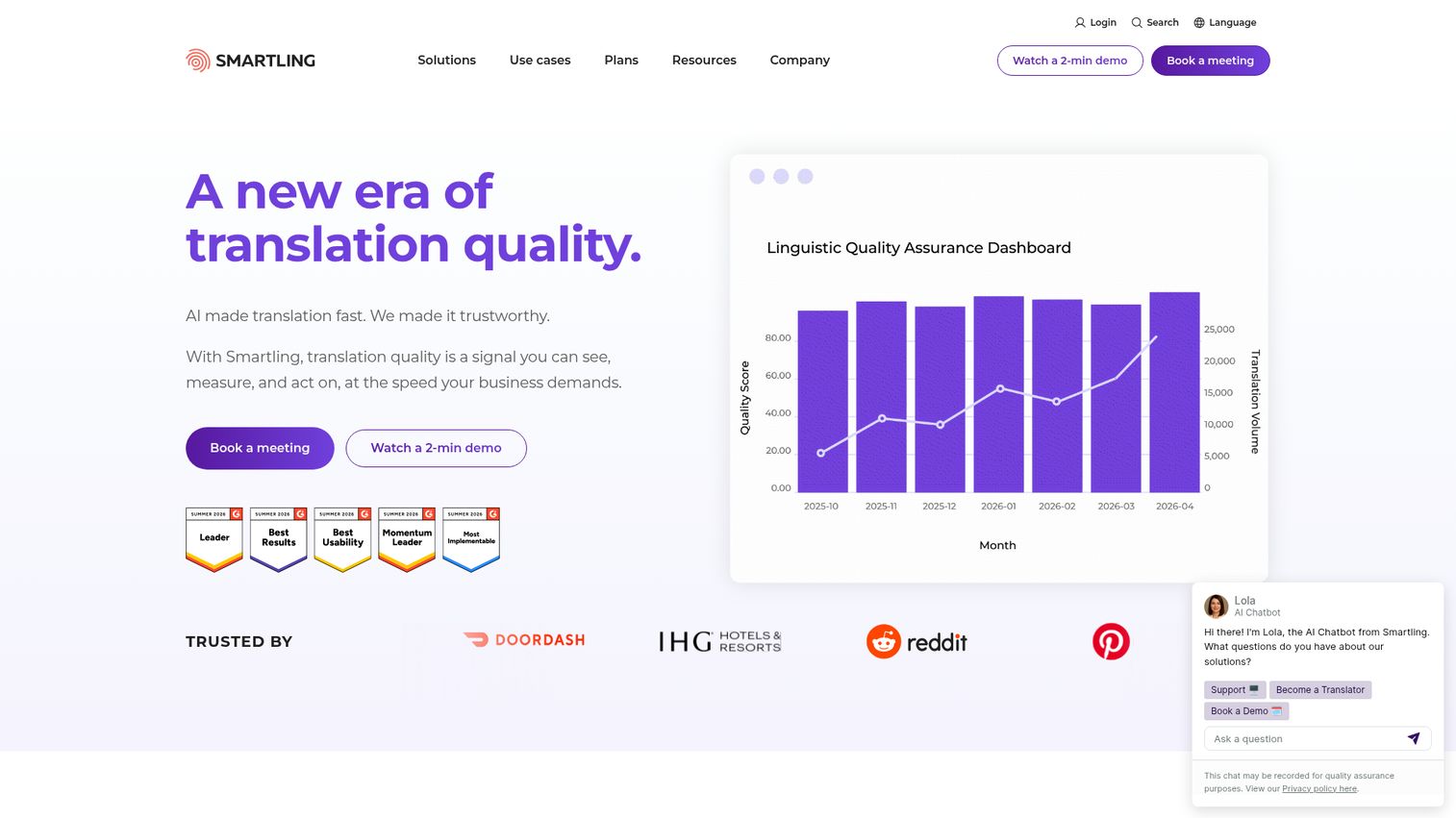
Smartling is an AI-enabled translation and localization platform for managing multilingual content, workflows, integrations, and translation services. It pairs a cloud TMS with a Global Delivery Network web proxy, visual context, and optional managed translation services, so enterprises can run hands-off localization with quality assurance built in.
Best for: Enterprises that want hands-off, managed localization plus strong quality assurance.
Key strengths
- Cloud TMS with project management: Workflow and project management keep large-scale localization organized across teams and content types.
- CAT tool with visual context: Translation memory, quality checks, glossary, and style guide support deliver consistent, in-context translations.
- Services and delivery layer: API access, the Global Delivery Network web proxy, AI and machine translation, plus human translation services in one platform.
Why choose Smartling. Smartling suits enterprises that would rather manage outcomes than manage translators. The managed services and proxy-based delivery reduce internal overhead. If your team needs to localize websites and apps without building an in-house localization function, Smartling carries more of the load.
Smartling pricing. The Core plan is free to start for individuals and small teams, with Enterprise priced on request. Translation services are billed per word: machine translation starts at $0.0075 per word, AI translation at $0.06 per word, AI human translation at $0.12 per word, and human translation at $0.20 per word.
4. Crowdin
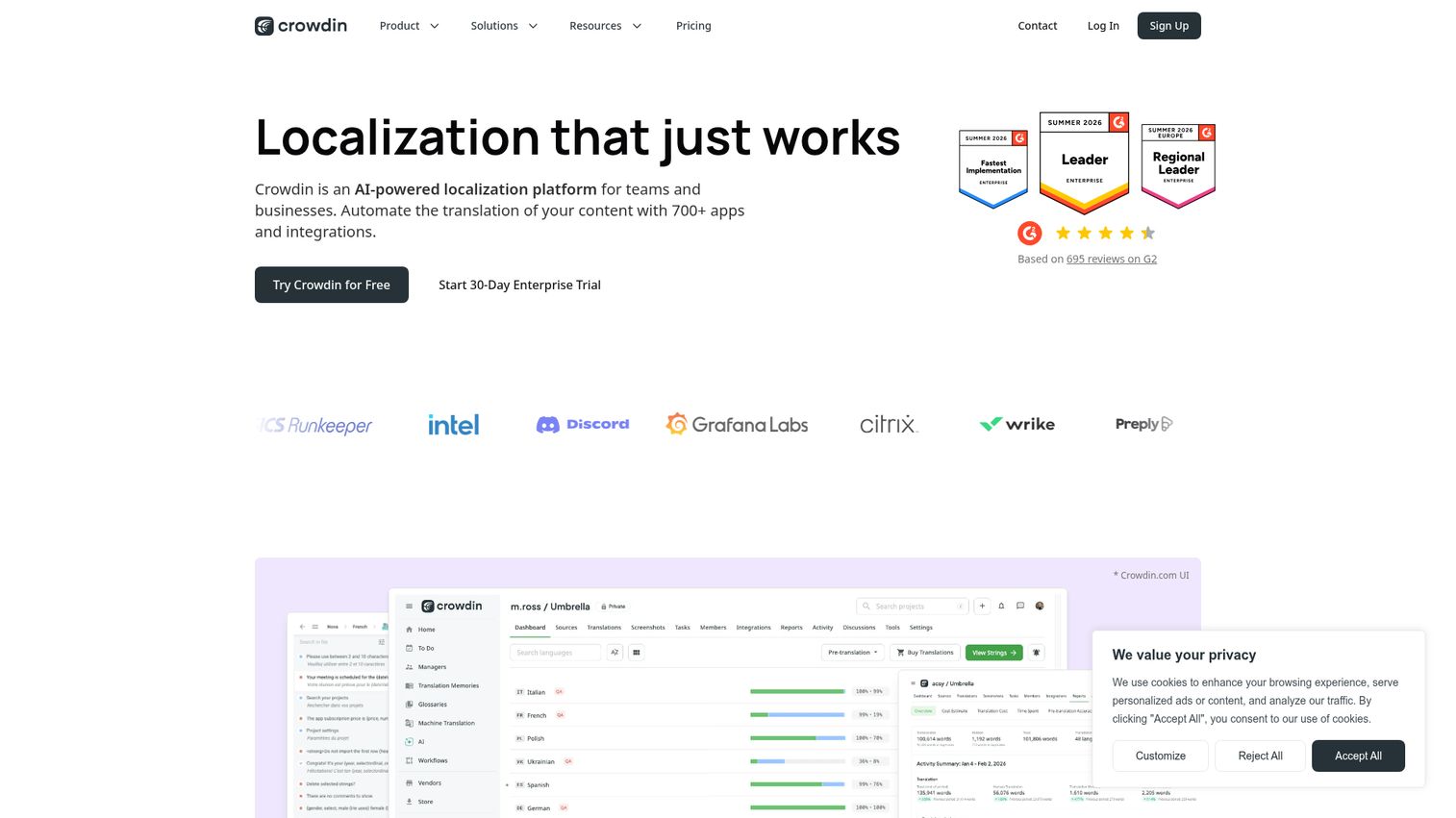
Crowdin is an AI-powered localization platform that automates translation of software, apps, websites, games, marketing content, and documentation. It is developer-friendly and crowdsourcing-capable, with a deep integration catalog that makes continuous localization part of the build process rather than an afterthought.
Best for: Developer teams and open-source or community localization projects.
Key strengths
- Huge integration catalog: More than 700 apps and integrations automate localization workflows across your tools.
- Full-featured editor: Translation memory, glossaries, collaborative editing, WYSIWYG preview, terms helper, ICU message syntax, and live spell check.
- Developer tooling: AI translation, in-context translation, screenshots, analytics, API, SDKs, CDN, and webhooks for engineering-led teams.
Why choose Crowdin. Crowdin earns its place with developer teams that want localization wired into their pipeline. The integration depth and crowdsourcing support also make it a favorite for open-source and community projects. If your translations need to move at the speed of your releases, Crowdin fits the motion.
Crowdin pricing. Crowdin offers a free start and paid Team and Business plans, with monthly or annual billing for individuals and teams and annual billing for organizations. A 14-day Team trial and a 30-day Crowdin Enterprise trial are available. Public numeric plan prices were not exposed on the pricing page at review time, so confirm current rates directly with Crowdin.
5. Transifex
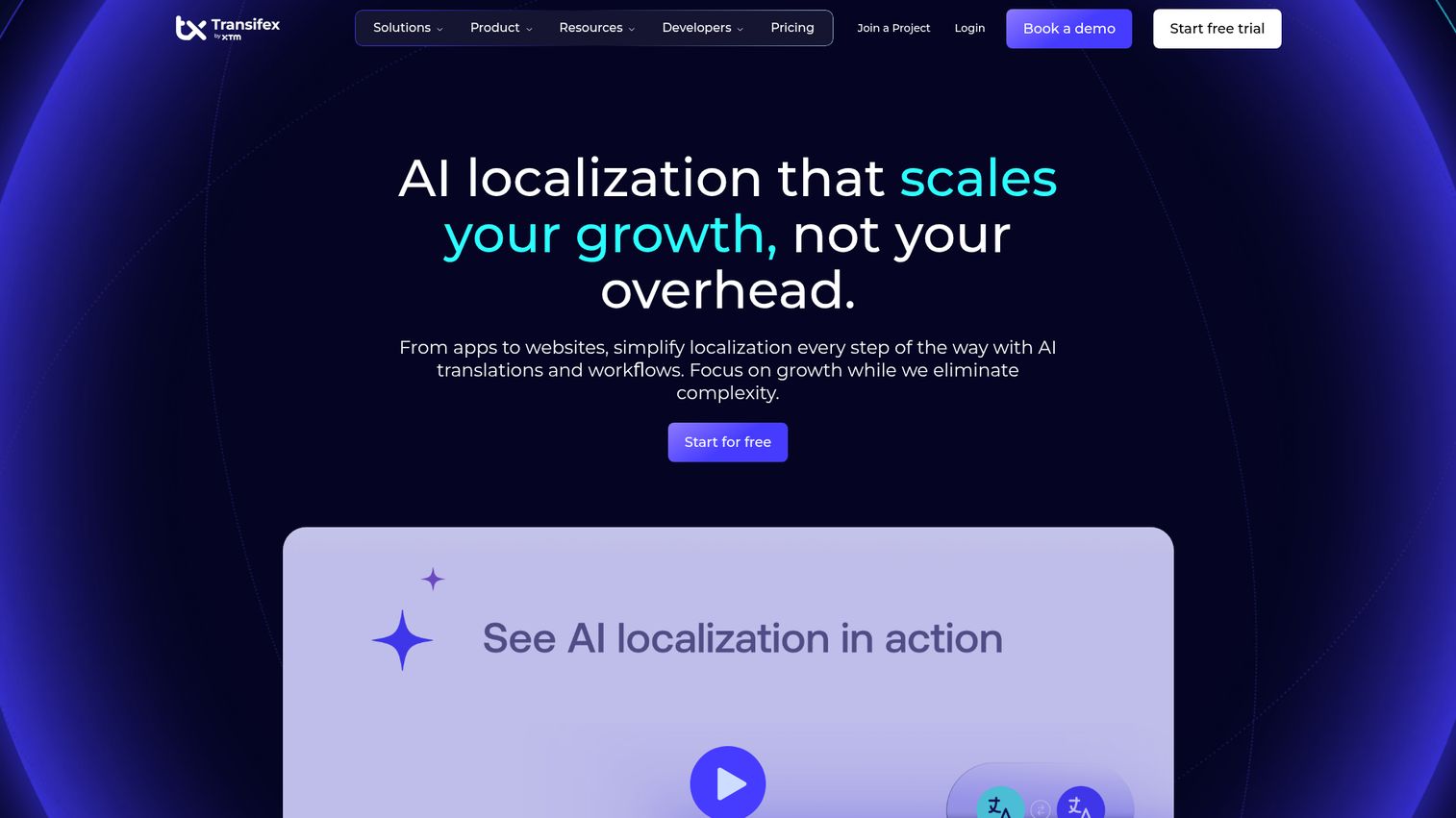
Transifex is a cloud-based translation management and continuous localization platform for software, websites, mobile apps, and digital content. It is built for distributed teams that localize frequently changing content, with AI features and CAT tools that keep quality steady as volume scales.
Best for: Agile teams localizing web and app content on a continuous basis.
Key strengths
- Consistency tooling: Translation memory, glossaries, style guides, and CAT tools keep translations consistent across fast-moving content.
- Stack integrations: GitHub, Jira, Figma, WordPress, APIs, SDKs, CLI, and webhooks connect localization to your workflow.
- Transifex AI: Context-aware translations, quality scoring, AI Fill-up, and workflow automation speed up repetitive work.
Why choose Transifex. Transifex fits agile teams that ship often and need translations to keep pace. Its continuous localization model and developer integrations support frequent updates without manual coordination. Teams localizing both web and app content from one platform get a unified workflow.
Transifex pricing. Starter begins at $135 per month billed annually, or $160 paid monthly. Growth starts at $200 per month billed annually, or $236 paid monthly. Enterprise+ directs you to contact sales. Pricing varies by selected word range, and Transifex is free for qualifying open-source projects.
6. XTM Cloud
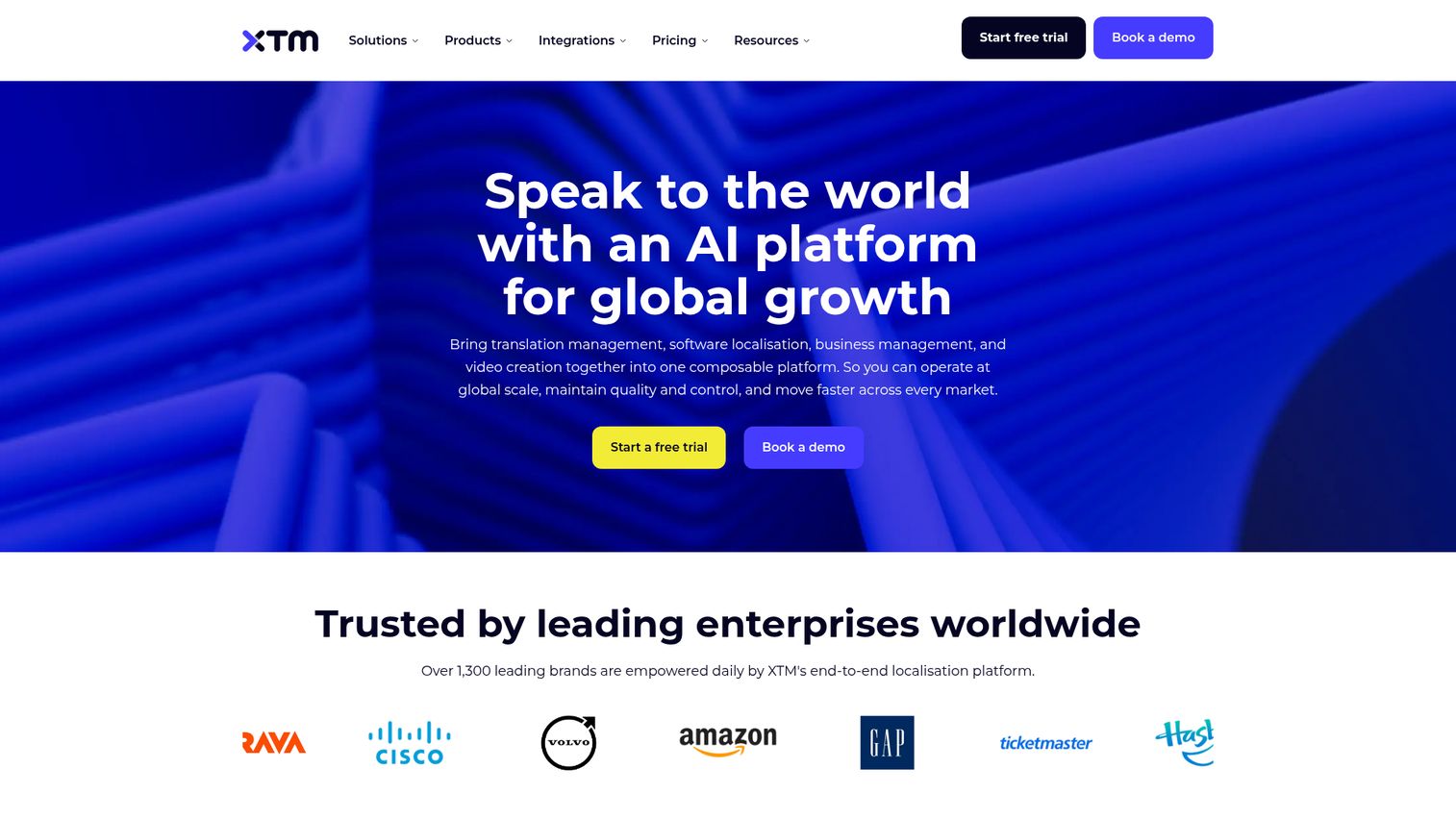
XTM Cloud is an AI-powered cloud translation management system for managing, automating, and scaling enterprise localization workflows. It is built for large localization departments and language service providers, with strong workflow automation and linguistic asset management at its core.
Best for: Large localization departments and language service providers.
Key strengths
- Centralized project management: Task assignment, progress tracking, approvals, and real-time collaboration keep complex projects on track.
- Translation memory at scale: A shared translation database reuses approved translations across teams and projects.
- AI-assisted quality: Built-in machine translation, AI quality checks, SmartContext, Intelligent Score, Language Guard, and Intelligent Workflow.
Why choose XTM Cloud. XTM Cloud suits enterprise localization teams and LSPs that manage high volume across many languages and contributors. Its automation and linguistic asset management reduce the overhead of running localization at scale. The connector model fits organizations with established content systems.
XTM Cloud pricing. The Team plan is $16,500 per year and includes up to 2 million processed words, unlimited users and projects, and one team connector. Business is $60,000 per year with up to 3 million words and Silver support. Enterprise is custom priced. A free trial is available, but there is no permanently free tier.
7. memoQ
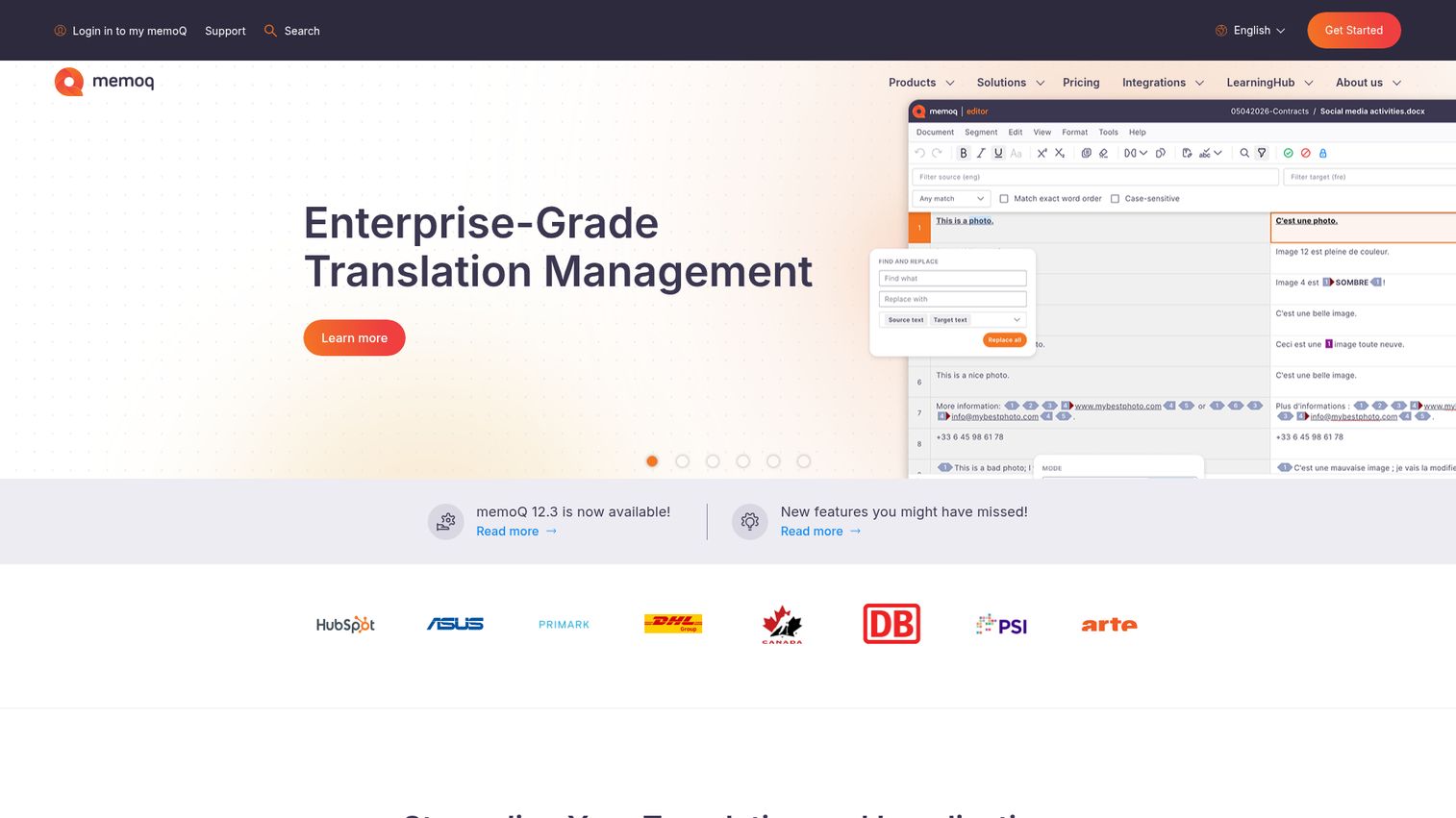
memoQ is an AI-powered translation management system for localization teams, project managers, language service providers, and professional translators. With deep CAT-tool heritage, it is favored by translation-centric teams that prioritize translation memory, terminology consistency, and translator productivity.
Best for: Translation-centric teams and language service providers.
Key strengths
- AI-powered automation: memoQ AGT brings AI-assisted translation into established professional workflows.
- Reusable linguistic assets: Translation memories, term bases, and reference documents keep terminology consistent across projects.
- Flexible deployment: Cloud, Azure private server, and on-premises options fit different security and infrastructure needs.
Why choose memoQ. memoQ is the pick when translation quality and translator experience come first. Its CAT heritage and terminology tooling make it a standard among LSPs and professional translators. The deployment flexibility also helps teams with strict security or hosting requirements.
memoQ pricing. The Starter monthly plan begins at $242 per month and includes 1 PM license and 5 linguist subscriptions. Higher tiers (Essential, Essential Plus, Professional, Professional Plus, and Custom) are priced on request. memoQ notes there is no volume-based pricing, so you can translate as much as you want. A 14-day free trial is available, with no free tier.
8. Smartcat
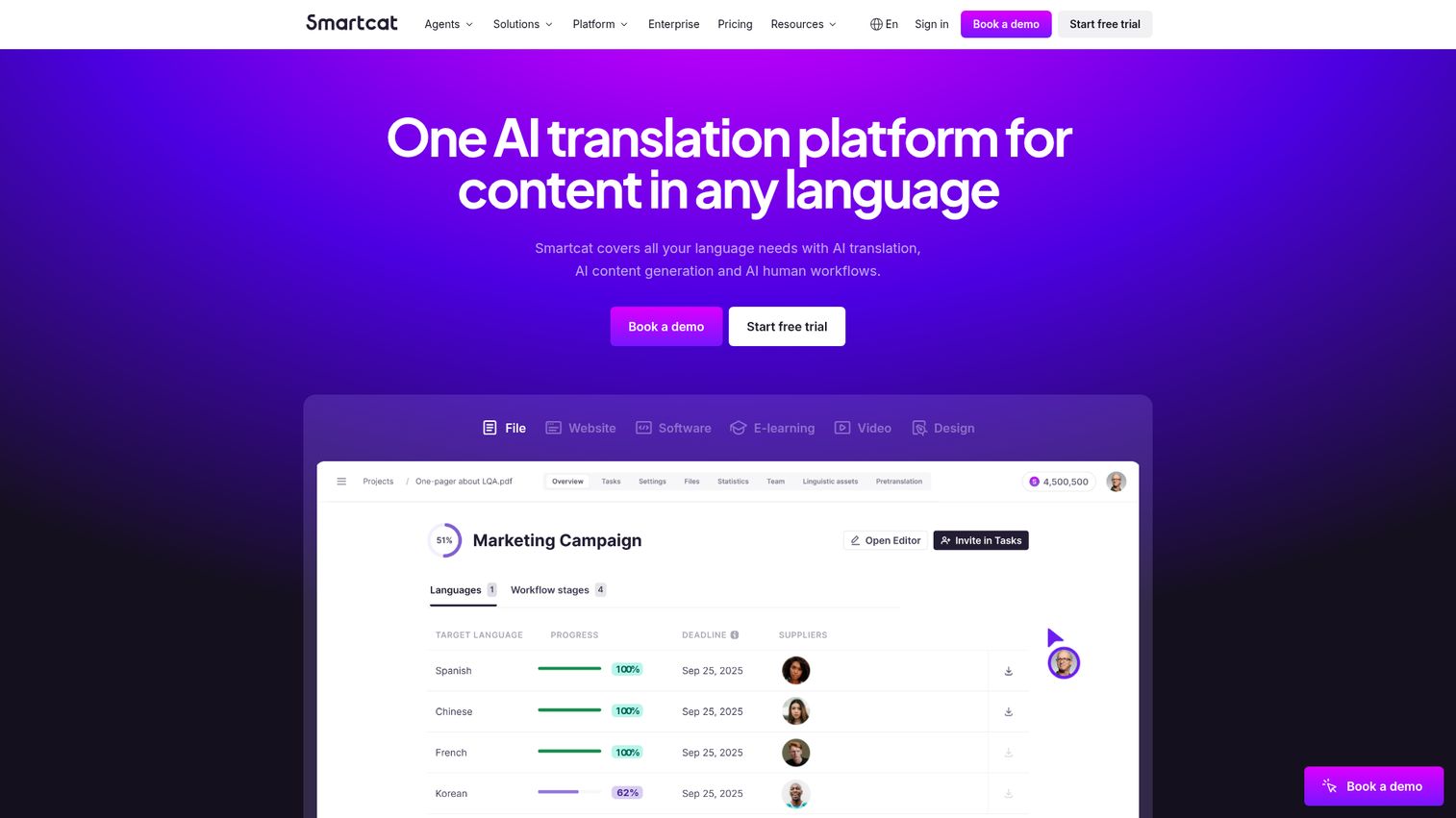
Smartcat is an AI platform for translating, creating, localizing, and managing global content with human-in-the-loop workflows. It combines a TMS, a translator marketplace, and payments in one place, so teams can translate, source linguists, and pay them without juggling separate tools.
Best for: Teams that want translation, vendor sourcing, and payment in one platform.
Key strengths
- AI translation at scale: AI-powered translation across more than 280 languages drafts content fast.
- Integrated marketplace: Access to 500,000-plus translators, editors, proofreaders, and agencies for sourcing on demand.
- Broad content support: Website, file, software, eLearning, video, ecommerce, and design content localization in one place.
Why choose Smartcat. Smartcat fits teams that want to consolidate translation, vendor management, and payments. Instead of contracting linguists separately, you source and pay them inside the platform. The breadth of content types it handles makes it a strong consolidation play for global teams.
Smartcat pricing. The Basic plan starts at $1,200 per year for independent creators and small companies, with unlimited users and one collaborative space. Enterprise is custom priced and adds marketplace access billed pay-as-you-go, 24/7 support for level 1 severity, and advanced compliance. A 15-day free trial is available.
9. Weglot
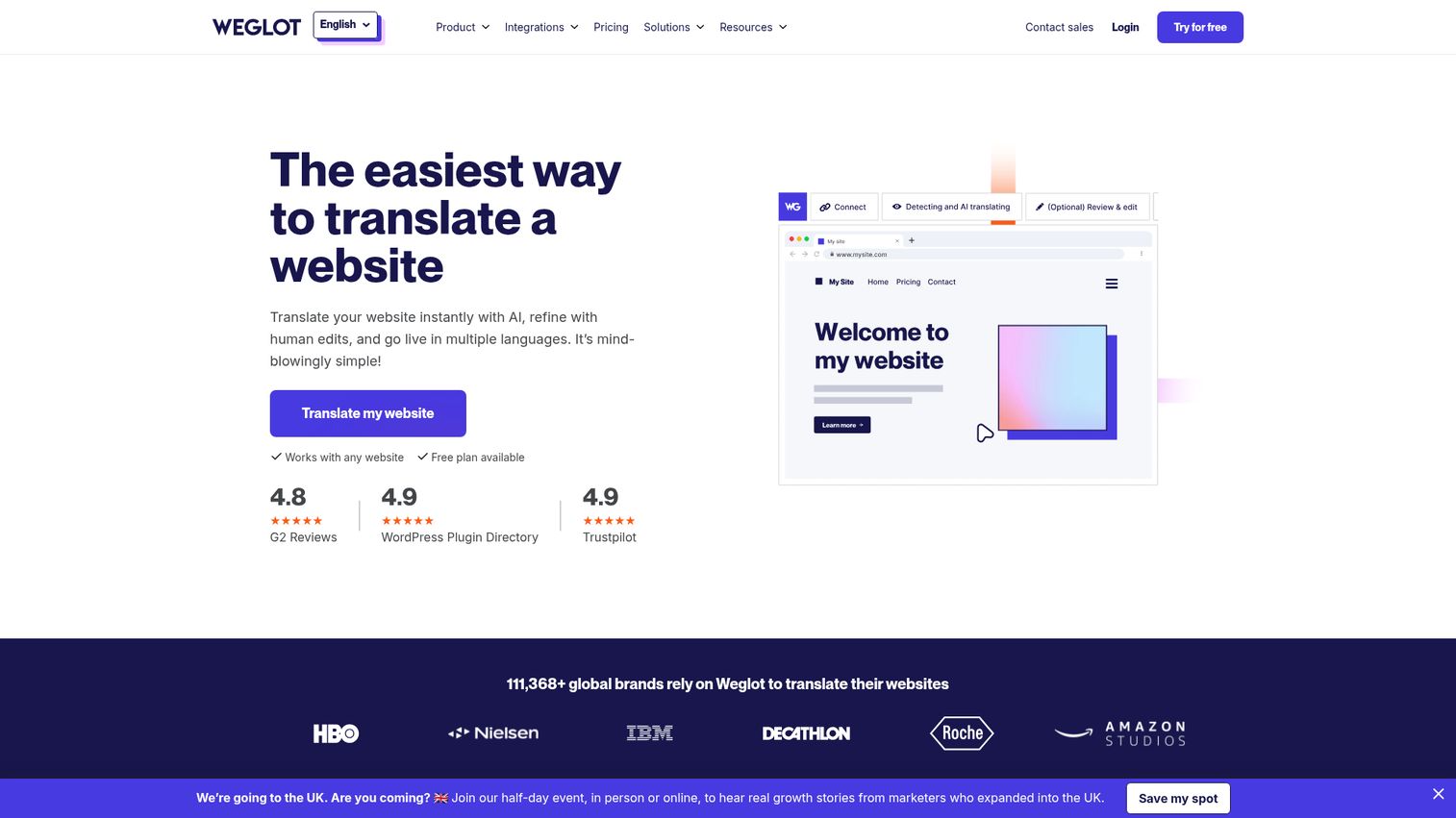
Weglot is a SaaS website translation platform for making websites multilingual with AI translation, editing controls, and multilingual SEO. It installs with no code and translates live sites fast, which makes it the strongest fit for marketers who need a multilingual website without pulling in developers.
Best for: Marketers who want fast multilingual websites with minimal dev work.
Key strengths
- No-code installation: Add website translation without engineering involvement, so marketing can move on its own timeline.
- AI translation with control: AI translation paired with a glossary, visual editor, full editing control, and a custom AI language model.
- Multilingual SEO: Language-specific URLs, translated metadata, and hreflang tags keep translated pages search-visible.
Why choose Weglot. Weglot is the consolidation and speed pick for marketing teams. It removes the dev dependency that slows most website localization, and its SEO features protect organic traffic across markets. To keep those translated pages ranking, pair Weglot with the right SEO tools. For teams that need a multilingual site live this week, it is hard to beat.
Weglot pricing. Weglot offers a free plan with 2,000 words and one translated language. Paid plans are Starter at €15 per month, Business at €29, Pro at €79, Advanced at €299, and Extended at €699 per month. Enterprise is priced on request. All standard plans are charged in euros.
10. POEditor
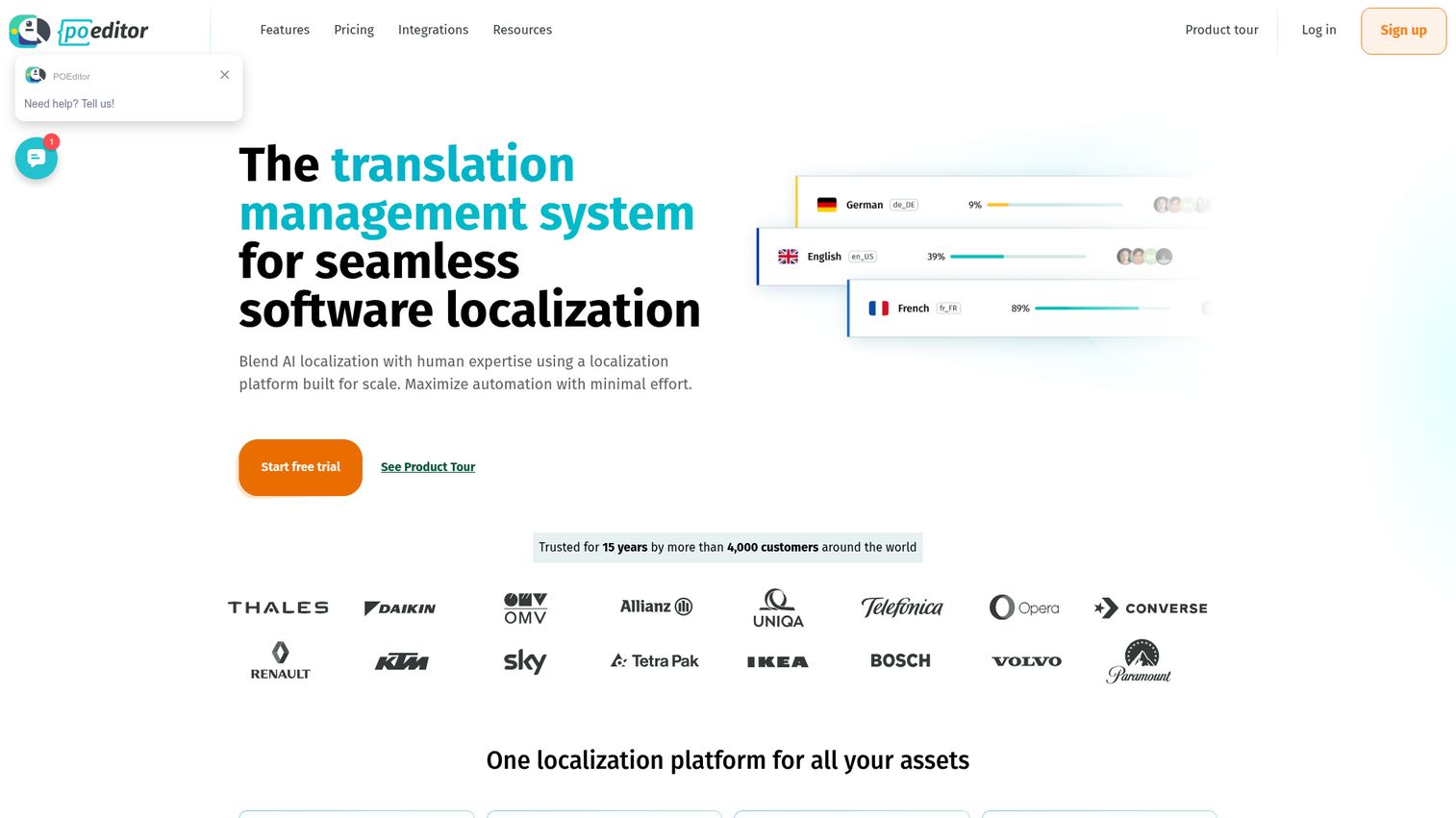
POEditor is a translation management system and localization platform for software teams, combining AI localization, human translation workflows, integrations, and automation. It is lightweight and string-based, which makes it a practical, affordable choice for small teams and startups that need simple string management.
Best for: Small teams and startups on a tight budget needing simple string management.
Key strengths
- Flexible translation options: Assigned contributors, professional human translation, machine translation, AI translation, and crowdsourced projects in one place.
- Quality control tooling: Glossaries, automated QA checks, comments, screenshots, tags, teams, translation memory, and change history.
- Integrations and automation: GitHub, Bitbucket, GitLab, Azure Repos, Slack, Microsoft Teams, REST API, workflows, webhooks, and pull request presets.
Why choose POEditor. POEditor is the budget-conscious pick for software teams that want clean string management without enterprise overhead. The string-based pricing keeps costs predictable, and the free tier lets small teams start without commitment. It scales sensibly as your string count grows.
POEditor pricing. Pricing is based on string limits. Free includes 1,000 strings, Start is $20 per month for 3,000 strings, Plus is $60 for 10,000, Premium is $160 for 30,000, and Enterprise is $260 for 100,000. POEditor offers discounts of 10% for six-month billing and 15% for yearly billing.
How to choose the right translation management software
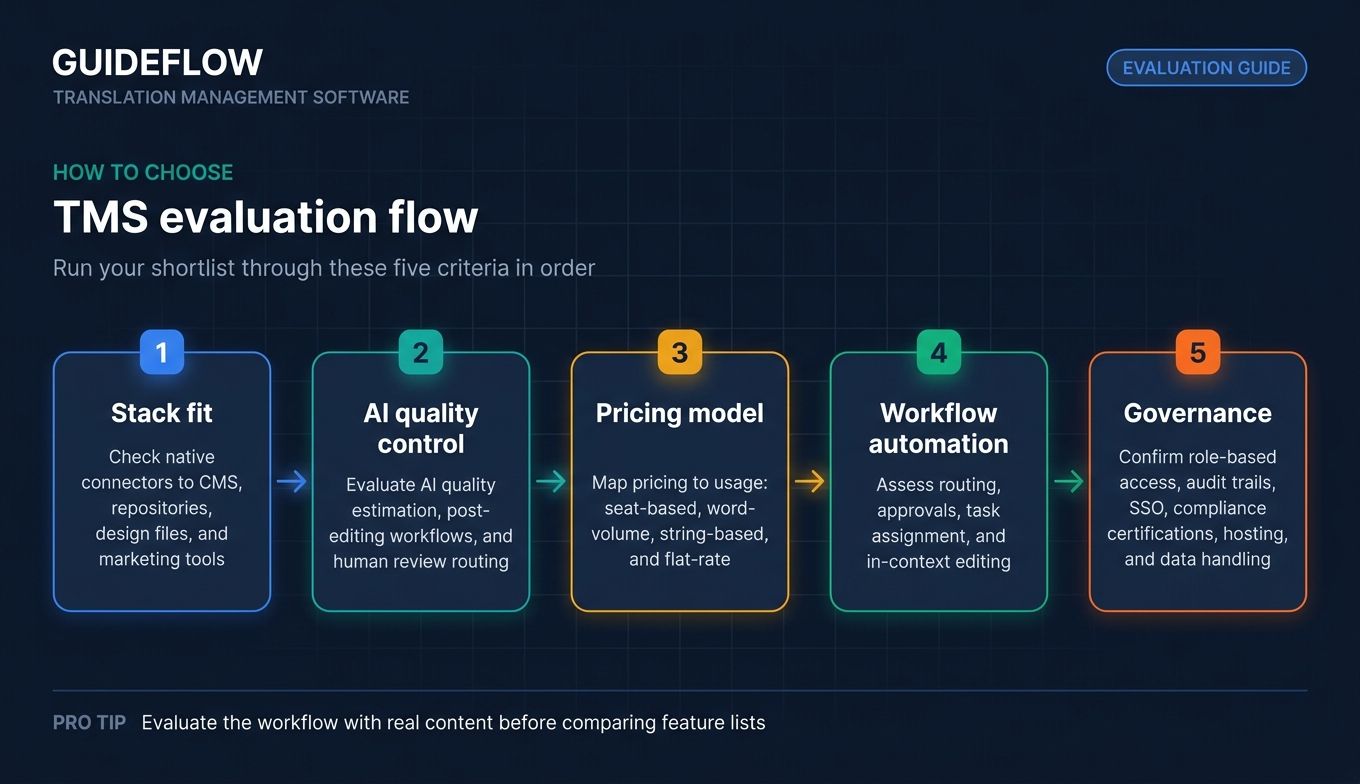
The right platform is the one that fits how your team already works. Before you commit, run your shortlist through these five criteria.
Integration depth with your CMS, CRM, and dev stack
A TMS only saves time if content flows in and out automatically. Check for native connectors to your CMS, repositories, design files, and marketing tools. Common integrations include WordPress, GitHub, GitLab, Figma, Salesforce, and Contentful. Shallow integration means manual exports, which defeats the point. If your localization also touches your sales motion, confirm it connects to your CRM software as well.
AI and machine translation quality controls
Almost every platform now offers machine translation and AI. The differentiator is control. Look for AI quality estimation, post-editing workflows, and the ability to route content to human review when it matters. Raw machine output without quality controls creates rework, not savings. Teams leaning hard on automation often layer in dedicated AI sales tools and content engines to keep quality consistent at scale.
Pricing model and total cost transparency
Pricing models vary: seat-based, word-volume, string-based, and flat-rate. Map the model to your actual usage. A word-volume model can balloon with high content output, while string-based pricing suits software teams. Predictable pricing is what you defend to finance, so favor transparency.
Workflow automation and collaboration
The whole value of translation project management software is removing manual handoffs. Evaluate routing, approvals, task assignment, and in-context editing. The fewer emails and spreadsheets your localization process needs, the more the tool earns its cost. The same automation logic applies to product education, which is why many teams pair localization with product tour software to keep guided experiences current across markets.
Governance, security, and compliance
If you operate in regulated markets or handle sensitive content, governance matters. Check for role-based access, audit trails, SSO, and compliance certifications. Enterprise teams should confirm hosting options and data handling before procurement gets involved.
Conclusion
Picking translation management software comes down to matching the platform to your team and stack, not chasing the longest feature list. For an all-in-one localization platform with visual context, Lokalise is the strongest all-around pick. Enterprises needing orchestration and governance should look at Phrase, while those wanting hands-off managed localization will find Smartling fits.
Developer and open-source teams get the most from Crowdin, and agile teams localizing continuously should evaluate Transifex. Large localization departments and LSPs lean toward XTM Cloud and memoQ. Smartcat consolidates translation, sourcing, and payments. For marketers, Weglot delivers fast no-code websites, and POEditor keeps small teams lean and affordable.
The best next step is to start a trial with the platform that matches your stack. Most offer a free trial or free tier, so you can test the integration and workflow before committing budget. Run a real piece of content through it, measure the time saved, and let that number make your case to leadership. And when you need to showcase a localized product experience, an interactive demo lets prospects experience it in their own language.
FAQs
Translation management software is a platform that centralizes and automates translating content into multiple languages. It coordinates source content, translators, reviewers, and machine translation in one system. A translation management system automates workflow routing, stores translation memory, applies machine translation, and runs quality assurance, replacing manual spreadsheets and email handoffs.
A CAT (computer-aided translation) tool focuses on making an individual translator faster, with features like translation memory and term bases inside an editor. A translation management system covers the whole operation: workflow automation, task routing, team collaboration, integrations, and analytics. CAT tools optimize one person's productivity, while a TMS orchestrates an entire localization process across teams and channels.
Costs range widely depending on model. Free and string-based options like POEditor start at $0, with paid tiers from $20 per month. Mid-market platforms like Lokalise start at $144 per month and Transifex at $135 per month. Enterprise systems like XTM Cloud start at $16,500 per year. Pricing models include seat-based, word-volume, string-based, and flat-rate, so match the model to your usage.
For small marketing teams, Weglot is the strongest no-code option, with a free plan and paid tiers from €15 per month, plus multilingual SEO built in. POEditor suits software-oriented small teams with a free tier and string-based pricing from $20 per month. Both keep costs predictable and require minimal setup, which matters when budget and time are tight.
Yes. By 2026, AI and machine translation are standard across translation management systems. Platforms offer built-in machine translation engines, AI post-editing, quality estimation, and in some cases multi-LLM routing. The key is quality control: strong platforms let you score AI output, post-edit it, and route sensitive content to human reviewers rather than publishing raw machine output.
Yes, integration depth is a core feature. Most platforms connect natively to tools like WordPress, GitHub, GitLab, Figma, Salesforce, and Contentful, plus APIs and SDKs. Integration depth matters because it removes manual exports and imports. Without it, content has to be moved by hand, which reintroduces the spreadsheet chaos a TMS is meant to eliminate.
Translation memory is a database of previously approved translations that the system reuses when the same or similar text appears again. It matters for two reasons: cost and consistency. Reuse means you do not pay to translate the same phrase twice, and it keeps wording consistent across content. Over time, translation memory becomes one of the biggest ROI drivers in any localization operation.
Measure ROI through three levers. First, faster time-to-market, since automated workflows get localized content live sooner. Second, reduced cost per word through translation memory reuse, which cuts what you pay translators for repeated content. Third, fewer manual hours spent coordinating files and chasing updates. Track these against your previous manual process to build a defensible case for the spend.