



You closed the quarter strong. Then the numbers came in, and revenue was lighter than the pipeline promised. Not because deals fell through, but because payments quietly leaked: declined cards that never retried, chargebacks nobody flagged, and an authorization rate that dropped two points in a region you stopped watching.
Most teams blame conversion. Better landing pages, they think. Better checkout copy. But the money often disappears after the buyer clicks pay, inside a payment stack spread across gateways, processors, and currencies that nobody reports on in one place. That is the gap payment analytics software closes.
The global payment analytics software market is projected to grow from roughly USD 4.30 billion in 2025 to USD 7.06 billion by 2035, a 5.1% CAGR, according to Spherical Insights (2025). The growth is not hype. It tracks a real shift: as digital payment volume climbs, the cost of flying blind on transaction data climbs with it.
For revenue and enablement teams, payment analytics tools matter beyond finance. The same data that exposes a declining authorization rate also arms sales with proof points on payment optimization and pricing. If you build messaging or battlecards, the conversion and decline numbers these platforms surface become defensible evidence. Strong reporting layers also pair well with adjacent stacks like payment processing and fraud analytics, and they feed the dashboards that revenue operations teams rely on. If your stack already spans multiple payment gateways, consolidated reporting becomes non-negotiable.
What's inside
This guide is for finance, payments operations, revenue operations, e-commerce, and merchant growth teams choosing payment analytics software in 2026. It is also useful for sales enablement leaders who need clean payment data to support pricing and revenue stories.
We selected platforms on four criteria: depth of transaction analytics and reporting, breadth of data-source and gateway coverage, real-time alerting and monitoring, and fit for a specific buyer type (global merchant, dashboard-first team, operational reporting team, or software business). Pricing and ratings reflect verified, public sources where available. Where a vendor keeps pricing private, we say so.
TL;DR
- Best for global merchants: BlueSnap, which ties payment analytics to orchestration across 200+ regions.
- Best for fast, flexible dashboards: Databox, a reporting layer that pulls payment metrics from many sources.
- Best for PayPal merchants: PaySketch, a focused desktop reporting tool for PayPal data.
- Best for ecommerce consolidation: Putler, which unifies stores, gateways, and analytics in one view.
- Best for operational payment control: Corefy, a payment intelligence platform with routing, reconciliation, and configurable reports.
- Best for enterprise omnichannel visibility: ACI Worldwide.
- Best for Stripe-native teams: Stripe, with reporting and an interactive SQL environment inside the platform.
- Best for software businesses: Freemius, with monetization analytics built into a merchant of record model.
What is payment analytics software?
Payment analytics software is a system that consolidates transaction data from gateways, processors, and payment methods, then exposes KPIs, trends, and issues through dashboards, reports, and alerts. It answers where payment performance leaks and how to recover it.
A strong payment reporting software platform usually covers a consistent set of capabilities. The depth varies by buyer, but the core features are stable.
- Transaction analytics: unified views of volume, success rate, declines, and refunds across every gateway and processor.
- Payment conversion analytics: authorization rate monitoring, decline reason analysis, and checkout-to-capture funnels.
- Real-time payment analytics: live transaction monitoring, anomaly detection, and KPI alerts that fire when metrics move.
- Chargeback analytics: dispute volume, reason codes, and recovery tracking tied to fraud detection signals.
- Omnichannel payment analytics: consolidated reporting across online, in-store, and mobile channels.
- A payment analytics dashboard: visualizations finance and operations teams can read without exporting to spreadsheets.
- Payment reconciliation: matching settlements, payouts, and fees against expected revenue.
- Exports and integrations: API, SQL, CSV, and BI connectors so data flows into the rest of the stack.
The category overlaps with broader BI and analytics work. For wider context on how reporting tools tie to outcomes, see how analytics platforms drive ROI and the discipline of marketing analytics. Teams running high transaction volume often pair payment analytics with application performance monitoring tools to correlate checkout failures with infrastructure issues.
When to use payment analytics software
Not every team needs a dedicated platform on day one. These are the moments when it earns its place in the stack.
Consolidate a fragmented payment stack
If you run more than one gateway or processor, your numbers live in silos. Payment analytics software unifies them so you stop reconciling three dashboards by hand. This is the trigger for most mid-market and global merchants: transaction analytics that span the whole stack, not one provider.
Catch revenue leaks in real time
Authorization rates drop, declines spike, and fraud patterns shift without warning. Real-time payment analytics and payment monitoring surface these the moment they happen. Anomaly alerts and KPI alerts mean you fix a routing problem in hours, not at month-end close.
Build the revenue story for sales and pricing
Payment conversion analytics gives enablement and product marketing hard numbers. When sales needs proof that your checkout or billing optimizes conversion, the authorization and decline data becomes a defensible talk track. This is where financial operations analytics connects directly to go-to-market work.
Comparison table
Here is how the eight platforms compare on intent, key use case, pricing, and G2 rating. Use it to shortlist two or three before reading the detailed sections.
| # | Product | Intent | Key use case | Pricing | G2 rating |
|---|---|---|---|---|---|
| 1 | BlueSnap | Global merchant payments and analytics | Orchestration plus reporting across 200+ regions | Custom | 4.1/5 |
| 2 | Databox | Dashboard-first reporting | Centralizing payment metrics from many sources | Free; paid from $64/mo | 4.4/5 |
| 3 | PaySketch | PayPal-focused reporting | Desktop analytics for PayPal merchants | Free trial; license | 4.0/5 |
| 4 | Putler | Ecommerce consolidation | Unifying stores, gateways, and analytics | From $20/mo | 4.6/5 |
| 5 | Corefy | Payment intelligence and orchestration | Reconciliation and configurable reporting | From 10,000/mo | 4.7/5 |
| 6 | ACI Worldwide | Enterprise omnichannel payments | Orchestration, billing, and fraud at scale | Custom | 4.4/5 |
| 7 | Stripe | Native processor analytics | Reporting and SQL inside Stripe | 2.9% + 30¢ per transaction | 4.4/5 |
| 8 | Freemius | Software monetization analytics | Revenue reporting for digital products | 4.7% + gateway fees | 4.7/5 |
1. BlueSnap
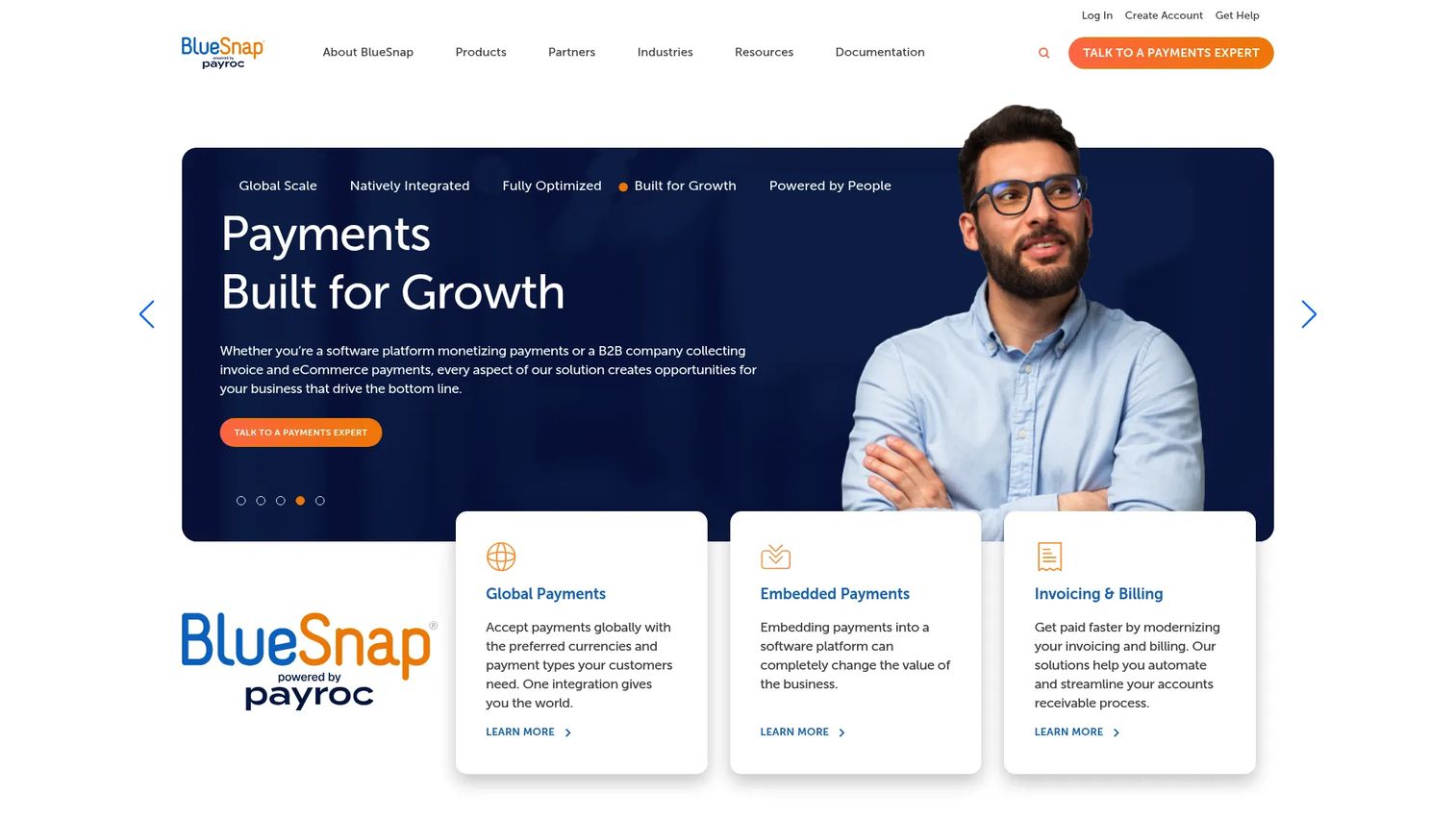
BlueSnap is a global payment orchestration platform that pairs payment acceptance with the analytics merchants need to optimize it. It accepts and processes payments across more than 200 regions, then reports on where conversion is strongest and weakest by currency, location, and price point. For merchant payment analytics tied directly to the processing layer, that closeness matters.
The reporting story is the reason to start here. Because BlueSnap sits in the payment flow, its analytics surface authorization rate monitoring and decline reason analysis without stitching data from outside tools. You see which currencies convert, which local payment methods underperform, and where a price point is costing you sales.
Best for: Global merchants that want payment analytics tied to orchestration and recurring billing in one platform.
Key strengths
- Global coverage: Payments across 200+ regions with local languages and currencies, so analytics reflect every market you sell in.
- Embedded and hosted checkout: Conversion data from checkout flows you control, useful for payment conversion analytics.
- Subscriptions and billing: Recurring billing with retries and account updater, giving you retention and failed-payment visibility.
Why choose BlueSnap: If your problem is global conversion and you want one platform that processes and reports, BlueSnap reduces the gap between data and action. It fits merchants selling across many currencies who want optimization built into the payment layer rather than bolted on afterward.
BlueSnap pricing: BlueSnap does not publish a public price. Its pricing page presents custom quotes and asks businesses to speak with a payments expert for a tailored rate. On G2, BlueSnap holds a 4.1/5 rating.
2. Databox
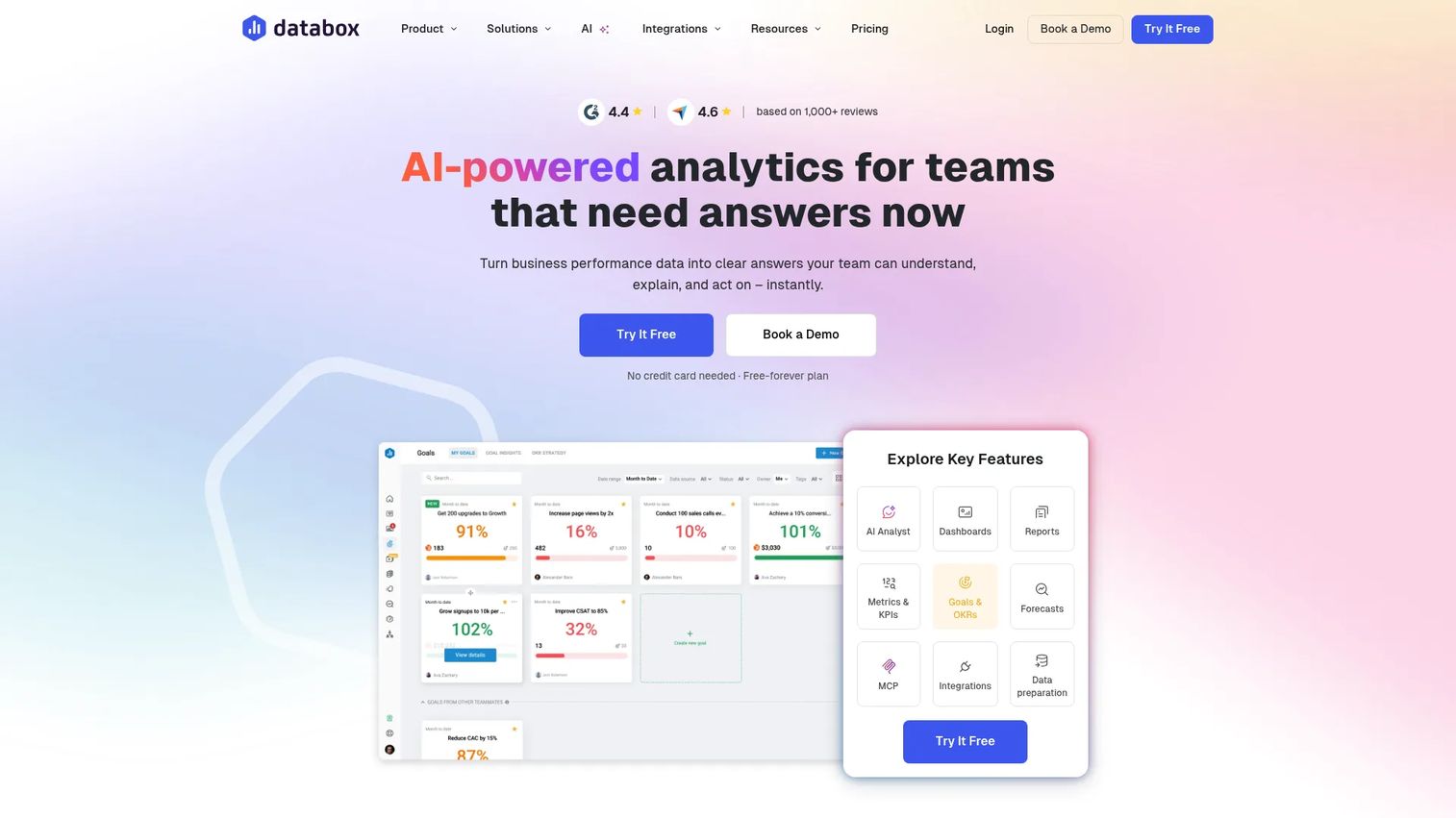
Databox is an AI-powered business intelligence platform that works as a reporting layer over your payment data. It pulls metrics from payment processors, billing tools, and other sources into a single payment analytics dashboard, so teams that need polished reporting fast can build it without custom development.
Databox is the dashboard-first pick. Rather than owning the payment stack, it sits above it and visualizes what your processors already track. That makes it useful when you want flexible reporting across payments and the rest of the business in one view.
Best for: Teams and agencies that want flexible visualization and automated reporting more than deep native payment-stack controls.
Key strengths
- Unlimited dashboards and reports: Build custom metrics and views for payment KPIs alongside marketing and sales data.
- Native and custom integrations: Connect payment sources via prebuilt connectors or the API.
- AI analyst and alerts: Scorecards, snapshots, goals, forecasting, and KPI alerts that flag movement automatically.
Why choose Databox: Choose Databox when reporting speed and breadth matter more than controlling the payment flow itself. It suits teams that already have payment data in multiple systems and want one clean dashboard layer with alerting on top.
Databox pricing: Databox offers a free plan. Paid tiers start at the Analyst plan at $64/month billed annually, then Pro at $159/month and Growth at $399/month, with a Custom plan available. Databox holds a 4.4/5 rating on G2.
3. PaySketch
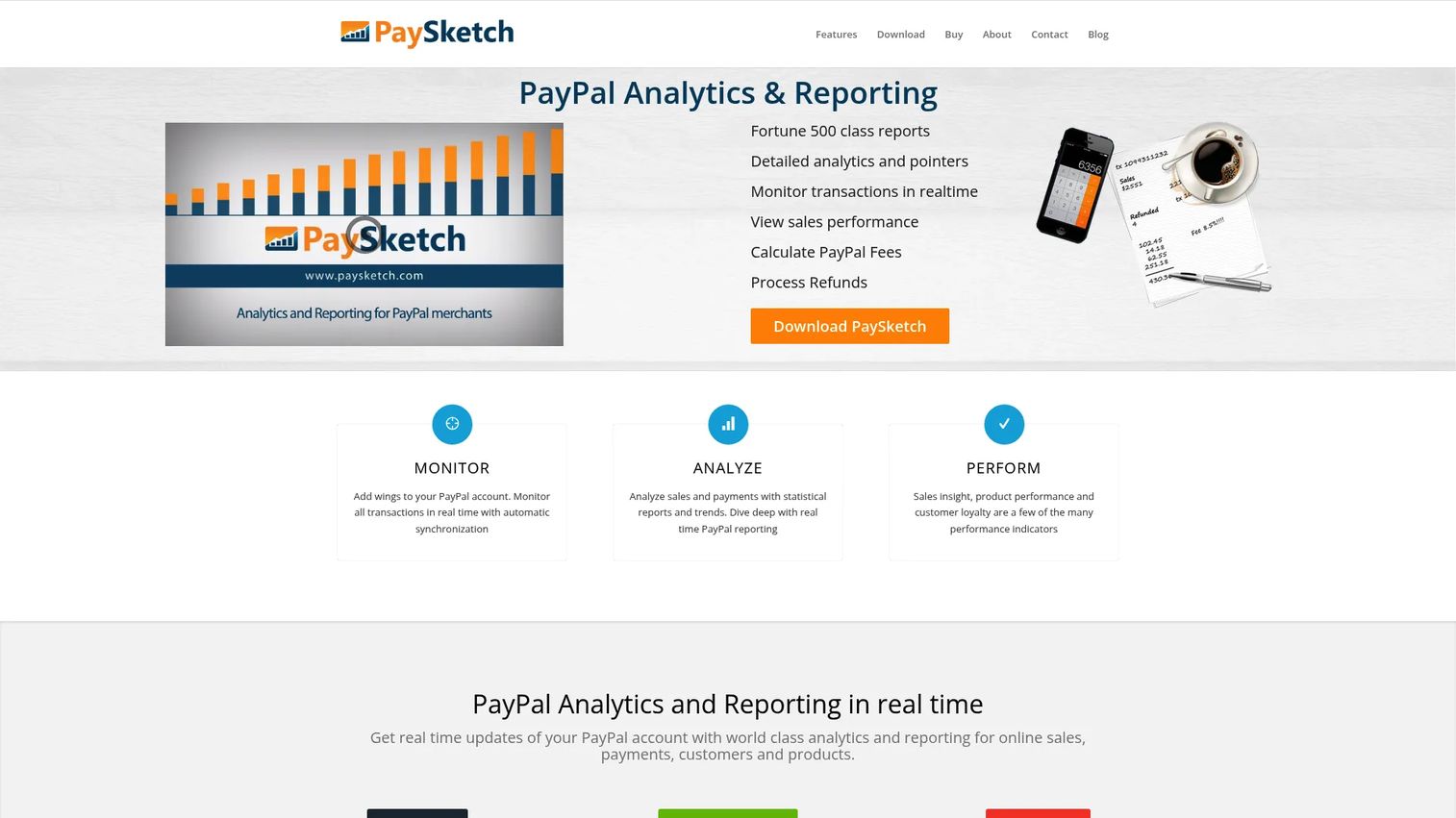
PaySketch is desktop PayPal analytics and reporting software built for merchants who run their business through PayPal. It turns raw PayPal activity into dashboards for sales, payments, customers, products, and transactions, giving a straightforward reporting interface without a steep setup.
For PayPal-heavy sellers, PaySketch keeps transaction analysis local and simple. You search, filter, export, and archive transaction data, and you can act on it directly: send money, process refunds, print shipping labels, and mark items shipped from the same place you read the numbers.
Best for: PayPal merchants who want desktop analytics and reporting with a clean, focused interface.
Key strengths
- PayPal dashboards: Sales, payments, customers, products, and transactions views in one place.
- Transaction data control: Search, filter, export, and archive every transaction for reporting and reconciliation.
- Operational actions: Send money, refund, print shipping labels, and mark items shipped without leaving the tool.
Why choose PaySketch: PaySketch fits the merchant who lives in PayPal and wants reporting that mirrors that reality, not a broad multi-gateway platform. It trades breadth for a focused, easy-to-read view of PayPal performance.
PaySketch pricing: PaySketch offers a free trial and is sold as a software license. The vendor does not publish a public price on its site. PaySketch holds a 4.0/5 rating on G2.
4. Putler
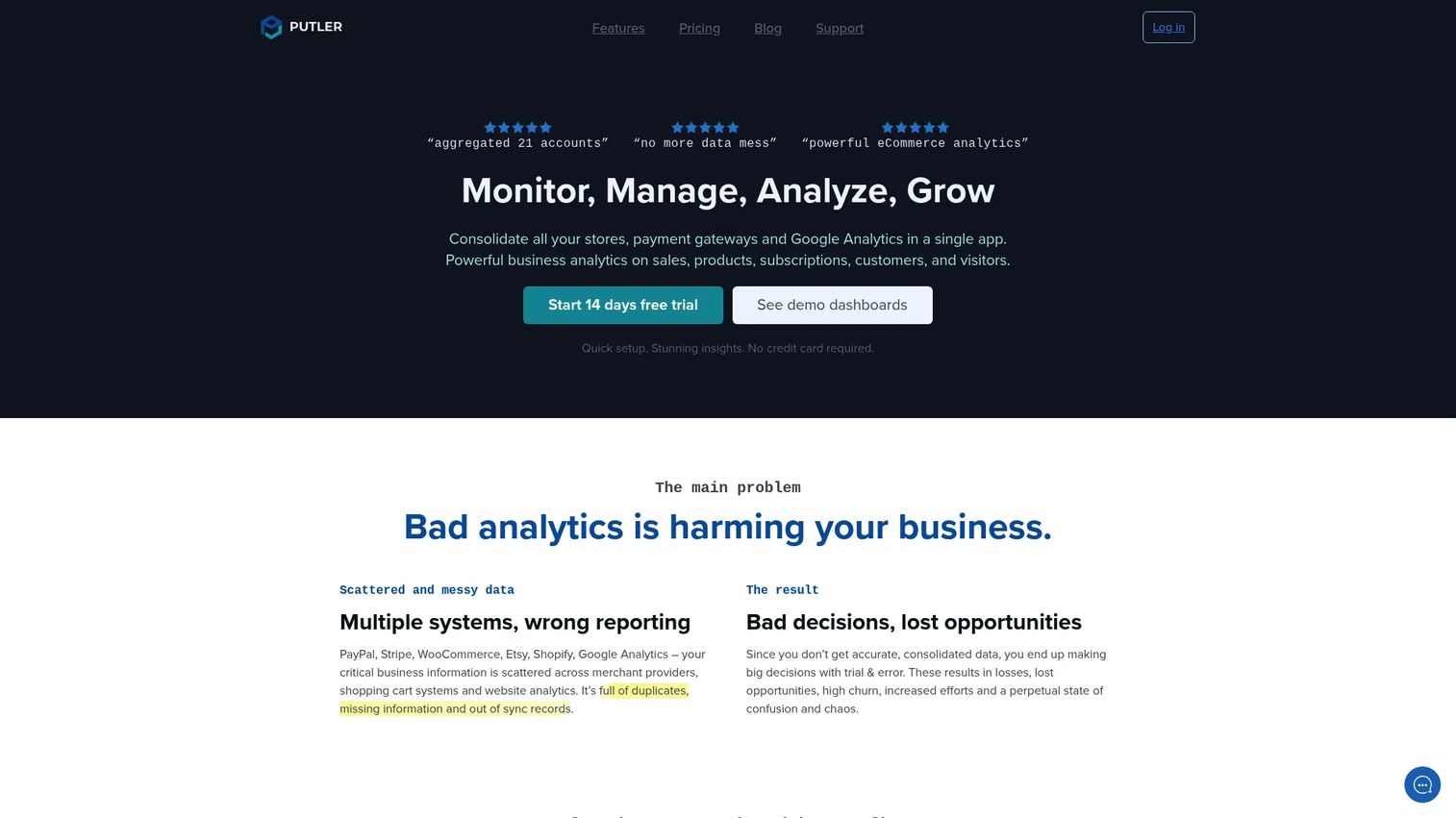
Putler is multichannel ecommerce analytics software that consolidates data from payment gateways, stores, and Google Analytics into one dashboard. For merchants juggling several sales channels, it answers the question every owner asks: what is actually happening across all of it, in one place.
Putler's value is consolidation. It merges multiple accounts and sources, builds customer profiles with RFM segmentation, and lets you drill into orders, products, and subscriptions. That makes it a practical payment intelligence and store intelligence layer for small to mid-sized businesses.
Best for: Small to mid-sized ecommerce businesses that need consolidated sales, customer, and subscription analytics.
Key strengths
- Multi-account consolidation: Combine gateways, stores, and analytics sources into unified reporting.
- Customer intelligence: RFM segmentation, customer profiles, and drilldowns for retention and growth.
- Forecasting and reporting: Goal setting, forecasting, and automated weekly email reports.
Why choose Putler: Putler fits merchants who do not need an enterprise platform but are past the point where one gateway dashboard tells the whole story. Its revenue-based pricing keeps it accessible for smaller stores while scaling with growth.
Putler pricing: Putler uses metered pricing based on monthly revenue, starting at $20/month for up to $10K in monthly revenue and rising through slabs as revenue grows, plus a custom plan. A 14-day free trial is available with no credit card required. Putler holds a 4.6/5 rating on G2.
5. Corefy
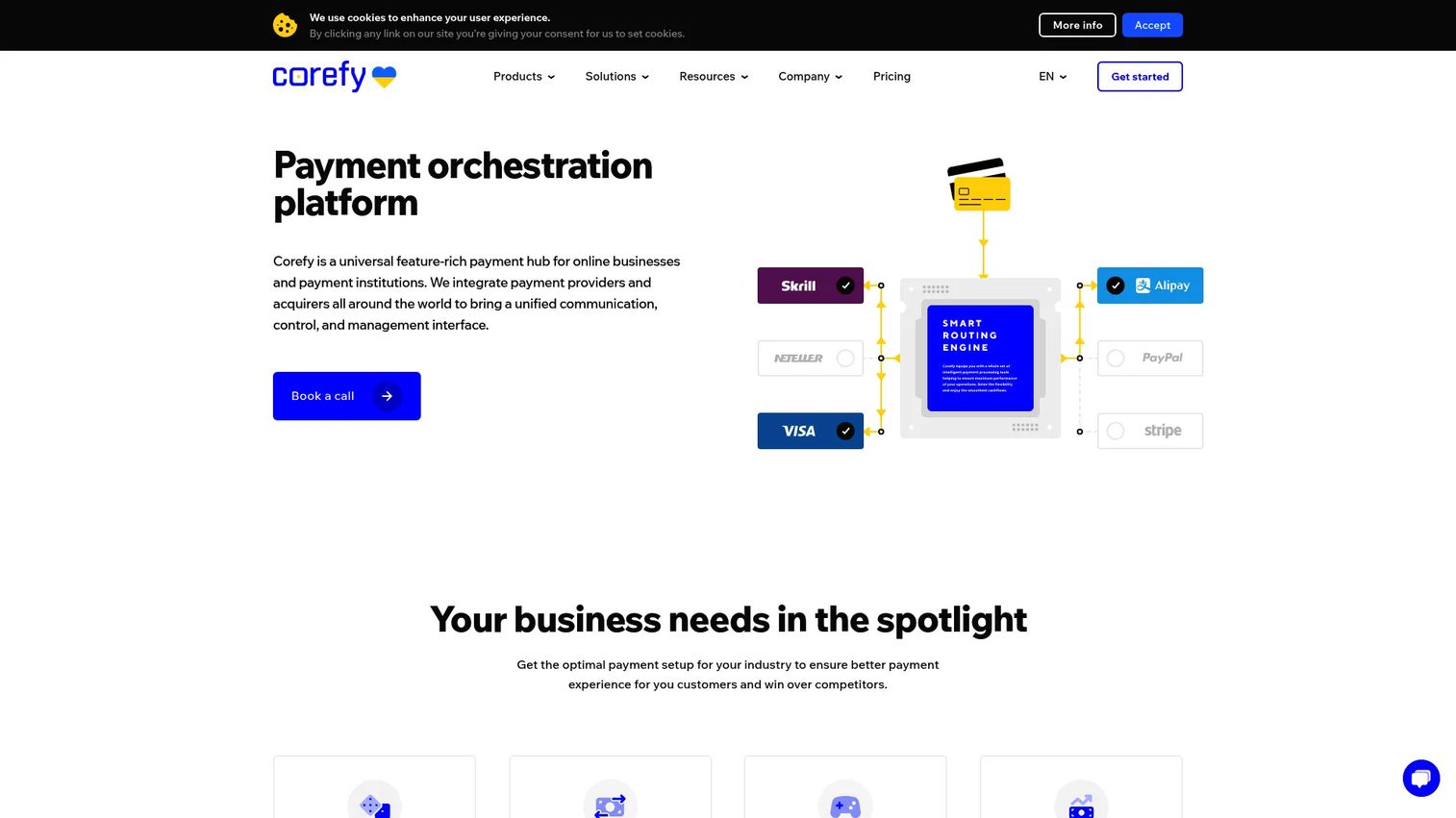
Corefy is a payment orchestration platform for online businesses and payment institutions, built around a collect, normalise, analyse workflow. It pulls data from many providers, standardizes it, and exposes a reporting system across payments, merchants, providers, and currency conversion. For teams managing a fragmented stack, it is a genuine payment intelligence platform.
Corefy is the operational control pick. Beyond dashboards, it offers alerting, exports, an API, SQL access, and payment reconciliation, so payments teams configure reporting to their exact workflow. Routing and cascading sit alongside the analytics, which means the data informs decisions you can act on inside the same system.
Best for: PSPs and merchants that need centralized orchestration and configurable reporting across multiple providers.
Key strengths
- Routing and cascading: Direct transactions across providers and use analytics to optimize approval rates.
- Configurable reporting: Reports, alerts, exports, API, and SQL for teams that want control over their data.
- Reconciliation: Match payments, payouts, and batch payouts across providers and currencies.
Why choose Corefy: Choose Corefy when your payment stack spans several providers and you need both orchestration and deep reporting in one place. It suits operations teams that treat payment data as something to query and act on, not just view.
Corefy pricing: Corefy's public pricing page shows a Standard plan at 10,000 per month, a Premier plan at 20% of the invoice per month, and a Turnkey plan at 30% of the invoice per month. Corefy holds a 4.7/5 rating on G2.
6. ACI Worldwide
ACI Worldwide is a global payments software provider serving banks, merchants, billers, and fraud management teams. Its merchant payment analytics deliver omnichannel payment analytics with KPI monitoring, dashboards, and alerting, framed around revenue optimization and faster decisions across complex global payment environments.
ACI is the enterprise pick. Where smaller tools report on one channel or gateway, ACI gives large merchants visibility across online, in-store, and mobile inside a broader payments orchestration context. The analytics sit next to payments processing, bill payment, and fraud prevention, so the data informs the whole operation.
Best for: Enterprise merchants that need broad omnichannel visibility within a larger payments orchestration platform.
Key strengths
- Payments orchestration: Route and manage high transaction volume across channels at enterprise scale.
- Billing and bill payment: ACI Speedpay and billing solutions with reporting and reconciliation built in.
- Fraud prevention: Fraud intelligence and detection that feeds chargeback analytics and risk monitoring.
Why choose ACI Worldwide: ACI fits enterprises that need payment analytics inside a platform that also handles processing, billing, and fraud at global scale. It is built for complexity and volume, not for a single-store reporting need.
ACI Worldwide pricing: ACI does not display public pricing. Its product pages use contact-sales and request-consultation flows for a tailored quote. ACI Worldwide holds a 4.4/5 rating on G2.
7. Stripe
Stripe is a payments infrastructure platform with analytics built into the same ecosystem teams already process payments in. For Stripe-heavy businesses, that native fit is the draw: reporting, fraud analytics through Radar, payouts visibility, and an interactive SQL environment for querying Stripe data directly.
Stripe is the native processor analytics pick. You do not export data to a separate tool to see authorization rate monitoring, decline reason analysis, or revenue trends; it is reported inside the platform. The SQL environment lets technical teams run transaction performance monitoring queries without building a pipeline first.
Best for: Teams already running on Stripe that want native analytics inside the same platform.
Key strengths
- Native reporting: Payments, payouts, and revenue analytics inside the Stripe dashboard.
- Fraud analytics: Radar surfaces fraud and risk signals tied to chargeback analytics.
- SQL environment: Query Stripe transaction data directly for custom transaction analytics.
Why choose Stripe: If most of your payment volume already flows through Stripe, native analytics remove the friction of moving data elsewhere. It suits developer-friendly teams that want reporting and querying in the same place they process payments.
Stripe pricing: Stripe uses pay-as-you-go pricing at 2.9% + 30¢ per successful domestic card transaction on the standard plan, with custom pricing available for larger or specialized businesses. Stripe holds a 4.4/5 rating on G2.
8. Freemius
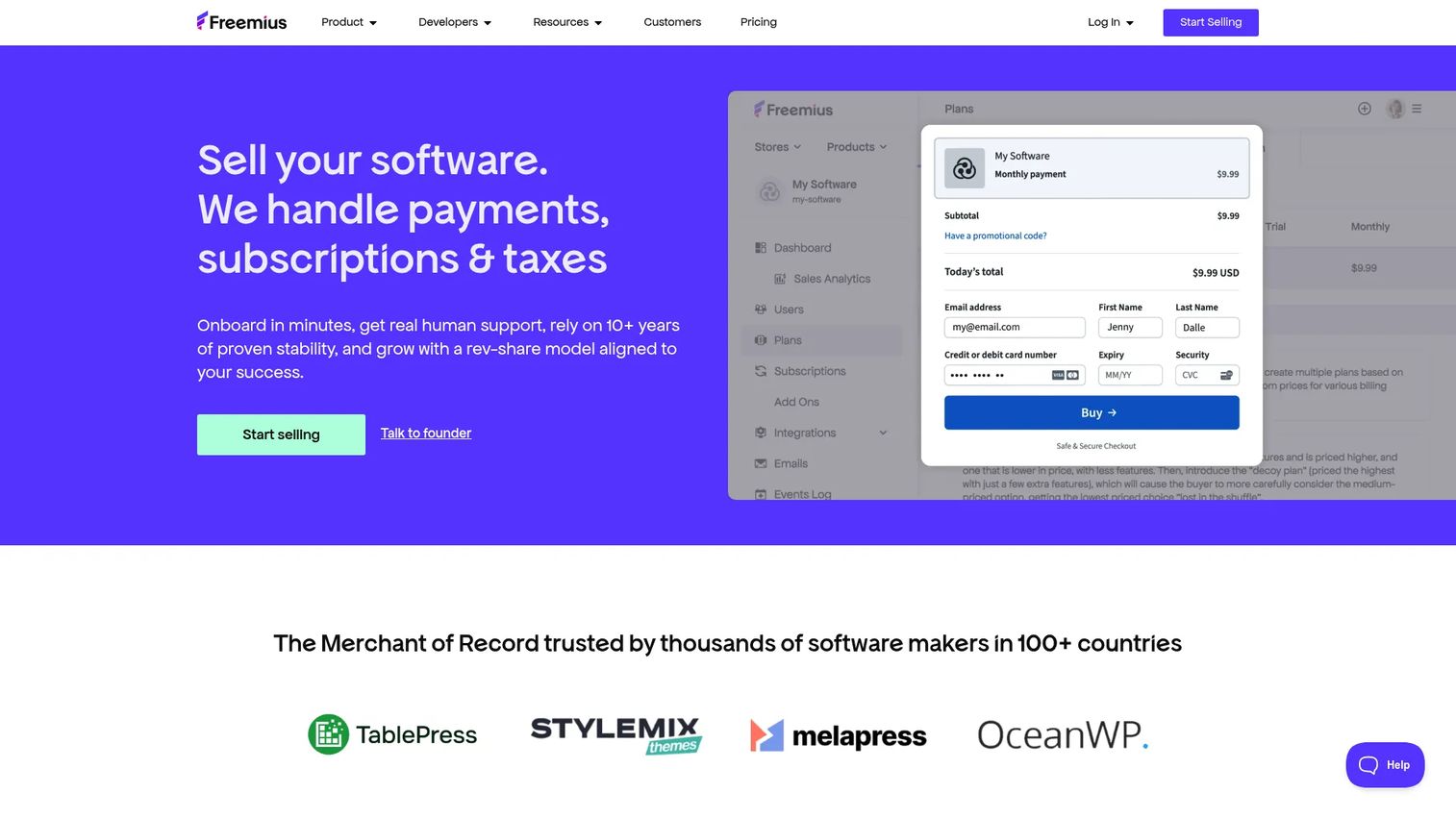
Freemius is a merchant of record platform for software makers, with monetization and revenue analytics built in. For businesses selling subscriptions, plugins, or digital products, it combines checkout, licensing, and tax compliance with the reporting that shows how product-led monetization is performing.
Freemius is the software business pick. Its analytics are tuned to the metrics that matter for digital products: subscription revenue, renewals, conversion, and refunds. Because Freemius acts as merchant of record, the reporting also covers sales tax and VAT handling, so revenue visibility and compliance live together.
Best for: Software businesses, especially those selling digital or WordPress products, that want monetization analytics and merchant of record in one platform.
Key strengths
- Monetization analytics: Subscription, renewal, and conversion reporting for digital products.
- Embedded checkout and licensing: Secure checkout, software licensing, and renewals with revenue tracking.
- Tax compliance: Sales tax and VAT handling as merchant of record, with reporting that reflects it.
Why choose Freemius: Freemius fits software makers who want revenue analytics tied to the way they actually sell, with checkout, licensing, and compliance bundled in. It is less a general payment analytics tool and more a monetization platform for product-led software businesses.
Freemius pricing: Freemius uses transaction-based pricing at 4.7% plus gateway fees, with progressive rates from 0.5% to 4.7% as monthly gross sales grow. No setup, monthly, or hidden fees are listed. Freemius holds a 4.7/5 rating on G2.
What to consider when choosing payment analytics software
Use this checklist to pressure-test your shortlist before you commit.
Integrations and data-source coverage
Confirm the platform connects to every gateway, processor, and store you use. A payment analytics dashboard is only as good as the data feeding it. Check for API, CSV, and BI connectors so the data flows into the rest of your stack rather than becoming another silo.
Real-time monitoring and alerting
Decide whether you need historical reporting, real-time payment analytics, or both. If a sudden drop in authorization rate would cost you real revenue, prioritize payment monitoring with anomaly detection and KPI alerts that fire automatically, not a tool you have to check manually.
Omnichannel and reconciliation depth
If you sell across online, in-store, and mobile, omnichannel payment analytics matters. Verify the platform consolidates channels into one view and supports payment reconciliation against settlements and payouts, so reported revenue matches what actually lands in the bank.
Fraud and chargeback visibility
Look for chargeback analytics and fraud detection signals inside the reporting, or clean integration with a dedicated fraud tool. Dispute reason codes and recovery tracking turn a reactive process into a measurable one.
Fit for your buyer type
Match the tool to your reality. Global merchants need orchestration-tied analytics; dashboard-first teams need flexible visualization; operations teams need configurable reporting and SQL; software businesses need monetization metrics. Buying the wrong category wastes more than money.
Conclusion
The right payment analytics software depends on one question: do you need a dashboard layer, a payments intelligence platform, or analytics inside your existing processor?
For global merchant payment analytics tied to orchestration, BlueSnap and ACI Worldwide lead, with ACI built for enterprise omnichannel scale. For dashboard-first teams, Databox delivers fast, flexible reporting across many sources. Putler suits small to mid-sized ecommerce stores that need consolidation without enterprise overhead. Corefy is the operational control pick for fragmented stacks that need reconciliation and configurable reporting. Stripe wins for teams already native to its ecosystem, and Freemius is the clear fit for software businesses selling digital products.
Start by naming your buyer type, then shortlist two platforms from that category and run them against your real transaction data. The tool that surfaces a leak you did not know about in week one is the tool worth keeping.
FAQs
Payment analytics software is a system that consolidates transaction data from gateways, processors, and payment methods, then exposes KPIs, trends, and issues through dashboards, reports, and alerts. It helps teams see where payment performance leaks and how to recover lost revenue. The strongest tools combine reporting, real-time monitoring, and optimization in one place.
It gives you visibility into authorization rates, decline reasons, and how transactions route across providers. When you can see which cards fail and why, you can fix retry logic, adjust routing, or add local payment methods. Payment conversion analytics turns vague checkout drop-off into specific, fixable problems.
The core metrics are authorization rate, transaction success rate, decline reasons, chargebacks, refunds, and revenue trends. Add payment conversion analytics at the checkout level and reconciliation against settlements to confirm reported revenue matches actual deposits. Real-time alerting on these metrics catches problems before they compound.
Native tools like Stripe's reporting or a PayPal-focused dashboard are enough for many single-processor teams. But if you run multiple gateways, sell across channels, or need consolidated reporting, a dedicated payment reporting software platform gives you a unified view native tools cannot. The trigger is fragmentation, not volume alone.
Payment reporting shows what happened: volume, settlements, and transaction logs, usually in operational dashboards. Payment analytics goes further, surfacing trends, anomalies, and optimization opportunities so you can act on the data. Reporting tells you the number; analytics tells you why it moved and what to do.
Real-time payment analytics monitors transactions as they happen and fires alerts when metrics move outside normal ranges. That means anomaly detection on declines, faster troubleshooting of routing issues, and the ability to fix a problem in hours rather than discovering it at month-end. For high-volume merchants, that speed protects real revenue.
Prioritize integrations and data-source coverage, omnichannel payment analytics if you sell across channels, real-time alerting, and compliance support like tax and reconciliation. Confirm the tool fits your buyer type, whether that is a global merchant, a dashboard-first team, or a software business. The best fit consolidates your real stack, not a generic one.
Yes. SaaS and software businesses use payment analytics for subscription revenue tracking, renewal and churn visibility, failed-payment recovery, and conversion reporting. Platforms like Freemius pair monetization analytics with merchant of record billing, so revenue visibility and tax compliance sit together. For subscription models, billing analytics is often the most important signal.










