



The first time payments break, it never breaks where you expect. A foreign card declines for no clear reason. A chargeback lands two months after the sale, and finance asks why. Payouts arrive on a schedule nobody can predict. A customer pings support because the checkout asked for a billing field that didn't apply. None of these are catastrophic on their own. Together, they quietly tax your team's time and your conversion rate.
That tax compounds at scale. The global payment processing solutions market is projected to reach roughly USD208.9 billion in 2026, up from USD173.4 billion in 2025, growing at a 19.76% CAGR through 2035, according to Precedence Research (2025). More providers and more features mean more ways to pick wrong. The sticker rate you compare on a pricing page rarely matches the effective rate you pay once chargebacks, international surcharges, and payout timing enter the picture.
For a SaaS founder, choosing payment processing software is closer to choosing an operating system than picking a billing widget. The processor you select shapes how clean your revenue metrics are, how fast cash lands, how much support load lands on your team, and how easily you expand into new markets. Swapping later is expensive and disruptive. So the goal here is not "cheapest." It is "lowest total drag for the way your business actually runs." If you also run educational or self-serve content alongside your checkout, formats like ai customer service software and structured product walkthroughs reduce the support tickets that payments inevitably generate.
What's inside
This guide covers eight payment processing services and the decision framework around them: how the transaction flow actually works, the difference between a payment gateway and a payment processor, merchant accounts versus payment service providers, fees and pricing beyond the sticker rate, PCI DSS and fraud handling, integrations and checkout experience, and international payments.
We selected providers based on four criteria that matter most for scaling SaaS:
- Total effective cost, not advertised transaction rates
- Integration depth with billing, CRM, and accounting stacks
- Reliability and payout speed under real volume
- Global and omnichannel reach for businesses that expand
TL;DR
- Best for software companies and subscription billing: Stripe, for developer-friendly payments, recurring revenue tooling, and 100+ payment methods.
- Best for buyer trust and consumer checkout: PayPal, for instant recognition and broad wallet acceptance.
- Best for omnichannel and in-person payments: Square, for unified POS and online payments under one roof.
- Best for transparent fees: Helcim, for interchange-plus pricing with no monthly account fees.
- Best for global and high-volume processing: Adyen, for multi-currency support and a single international integration.
- Best for recurring payments via bank rails: GoCardless, for direct debit and lower-friction subscription billing.
- Best for Shopify merchants: Shopify Payments, when your store already lives inside Shopify.
What is payment processing software?
Payment processing software is the set of tools that authorizes, captures, and settles electronic payments between a customer's bank and your business. It moves money from a card or bank account into your account while handling authorization, fraud screening, currency conversion, and settlement along the way.
A few terms get used interchangeably but mean different things:
- Payment gateway: The component that securely collects and transmits payment data from your checkout to the processor. Think of it as the secure messenger.
- Payment processor: The service that routes the transaction between the card networks (Visa, Mastercard) and the banks involved, then handles settlement.
- Merchant account: A specialized bank account that holds funds from card transactions before they settle into your business checking account.
- Payment service provider (PSP): An aggregator that bundles gateway, processing, and a shared merchant account into one signup. Stripe, PayPal, and Square are PSPs.
The merchant account vs payment service provider distinction matters more than founders expect. A PSP gets you live fast because you share its underlying merchant infrastructure. A dedicated merchant account gives you more control over pricing, underwriting, and stability at high volume, but takes longer to set up. Most SaaS businesses start on a PSP and revisit the question only when volume or custom pricing makes it worth the move.
Modern payment solutions also bundle security and compliance. Look for PCI DSS adherence, tokenization (replacing card numbers with safe tokens), and built-in tools for fraud and chargebacks. The right ai cybersecurity solutions layer on top, but your processor should handle the payment-specific compliance baseline.
How payment processing works
Understanding the flow helps you spot where fees and delays hide. Here is the path of a single card payment:
- Checkout. The customer enters card details. The payment gateway encrypts and transmits them.
- Authorization request. The processor sends the request to the card network, which forwards it to the customer's issuing bank.
- Authorization response. The issuer approves or declines based on funds, fraud signals, and limits. This round trip takes seconds.
- Capture. Once approved, the transaction is flagged for settlement. For SaaS, this often happens immediately.
- Settlement. The processor batches transactions and moves funds from the issuer to your acquiring bank or merchant account.
- Payout. Funds land in your business account, minus fees, on the provider's payout schedule.
Fees appear at multiple points: interchange (paid to the issuing bank), card network assessments, and the processor's markup. When a provider quotes "2.9% + 30¢," that single number bundles all three. The payout step is where timing risk lives. Some providers pay out next day; others hold funds for several business days. For a business managing burn and runway, payout speed affects working capital more than a few basis points on the rate.
How to choose the best payment processing provider
Every founder weighs these criteria differently. Here is how to think about the tradeoffs.
- Fees and pricing: Compare effective rate, not headline rate. A flat 2.9% can cost less or more than interchange-plus depending on your card mix and volume.
- Integrations: Your processor should connect cleanly to billing, CRM, and accounting. Broken integrations create manual reconciliation work that scales badly.
- Payout speed: Faster payouts protect cash flow. Verify the actual schedule, not the marketing claim.
- Support quality: When a payment issue blocks revenue, slow support is expensive. Check whether you get real humans or a ticket queue.
- Security and compliance: PCI DSS scope, tokenization, and fraud tooling should be built in, not bolted on.
- Global reach: If you sell internationally now or soon, multi-currency support and local payment methods are not optional.
For SaaS specifically, weight integration depth and recurring billing support heavily. A processor that mishandles failed subscription charges quietly leaks revenue every month.
Security, compliance, and fraud
Payment security splits across teams. Founders set the requirements; finance and engineering live with the details.
What founders need to verify:
- PCI DSS compliance: Confirm the provider reduces your PCI scope. PSPs that host checkout fields keep most of the compliance burden off your servers.
- Tokenization: Card data should be replaced with tokens so you never store raw numbers.
- Fraud screening: Look for built-in risk scoring, address verification, and configurable rules.
- Chargeback protection: Some providers offer dispute management and even fraud liability programs. Understand what is automated versus what your team must handle.
- Access controls: Role-based permissions and audit logs matter once more than one person touches payments.
Fraud and chargebacks deserve specific attention. A chargeback is not just a refund; it carries a fee and, if your ratio climbs too high, threatens your processing account. Good chargeback protection and clear dispute workflows keep that risk contained. This is also where reducing buyer confusion pays off. Clear product communication, whether through documentation or best ai customer service agents, cuts the "I didn't recognize this charge" disputes that quietly erode margin.
Pricing, fees, contracts, and hidden costs
The advertised rate is the start of the conversation, not the end. Watch for these line items:
- Per-transaction fees: The percentage plus fixed fee on each charge.
- Monthly or account fees: Some providers charge a base monthly fee; others charge nothing.
- International and currency conversion fees: Often an extra 1% or more for foreign cards or non-domestic currency.
- Chargeback fees: A flat fee per dispute, separate from the refunded amount.
- Payout fees: Charges for instant or expedited payouts.
- Hardware and terminal costs: Relevant for in-person payments.
To estimate your effective rate, take total fees paid over a month and divide by total volume processed. That single percentage tells you more than any pricing page. A provider advertising a low headline rate but layering on monthly, international, and payout fees can cost more than a slightly higher flat rate with nothing else attached.
Integrations, usability, and checkout experience
Checkout experience is a conversion lever, not a cosmetic detail. Every extra field, redirect, or moment of doubt drops completion. For SaaS founders managing a repeatable GTM motion, this matters as much as fees.
What to look for:
- Billing and subscription billing support: Native recurring billing, dunning, and retry logic for failed charges.
- CRM and accounting integrations: Clean syncing to Salesforce, HubSpot, QuickBooks, or Xero so revenue data stays consistent. If you are evaluating broader revenue tooling, a best business intelligence software layer turns payment data into board-ready metrics.
- Hosted vs custom checkout: Hosted checkout gets you live fast with less PCI scope. Custom checkout gives full brand control but more engineering work.
- APIs and no-code options: Developer-friendly payments matter if you want to embed checkout deeply. No-code payment links matter if you do not.
The same self-serve logic that improves checkout also improves onboarding. Teams running account based marketing often pair a frictionless checkout with personalized buyer journeys to lift conversion across the funnel.
Online vs offline and omnichannel fit
Your payment mix shapes which provider fits.
- Online-first SaaS: You need strong recurring billing, API depth, and clean dashboards. Stripe, Braintree, and Adyen lead here.
- Hybrid businesses: If you sell online and occasionally in person, you want a provider that unifies both. Square and Shopify Payments handle this with minimal setup.
- Brick-and-mortar or field sales: POS hardware, in-person reporting, and offline resilience matter. Square is built for this.
Omnichannel payments matter when a customer might buy online, in store, or through an invoice and you want one consistent record. Fragmented reporting across channels creates reconciliation headaches and muddy metrics, exactly what a founder trying to clean up board reporting wants to avoid.
International and multi-currency support
If global expansion is on your roadmap, evaluate this before you commit, not after.
- Multi-currency support: Can you charge customers in their local currency and settle in yours?
- Local payment methods: Cards dominate the US, but iDEAL, SEPA, Alipay, and others dominate elsewhere. Missing local methods means lost conversions.
- Cross-border pricing: Foreign card surcharges and conversion fees add up. Understand them upfront.
- Region coverage: Confirm the provider operates in your target markets.
Here, scale matters as much as features. A provider that processes globally at volume has better routing, lower decline rates, and stronger local relationships. Adyen and Stripe both operate at this level; lighter providers may handle international payments adequately but without the same depth.
Comparison table
Here are the eight payment processing software options compared at a glance. Pricing reflects publicly listed starting rates; effective costs vary by volume, card mix, and region.
| # | Product | Intent | Key differentiation | Pricing | G2 rating |
|---|---|---|---|---|---|
| 1 | Stripe | Software and subscription billing | Developer-friendly with 100+ payment methods | 2.9% + 30¢ per transaction | 4.4/5 |
| 2 | PayPal | Consumer trust and checkout | Instant buyer recognition and wallet acceptance | 2.89% + $0.29 per transaction | 4.4/5 |
| 3 | Square | Omnichannel and in-person | Unified POS and online payments | $0/mo. free tier | 4.5/5 |
| 4 | Helcim | Transparent fee structure | Interchange-plus with no monthly fees | $0 monthly fees | 3.9/5 |
| 5 | Adyen | Global and high-volume | Single integration across regions | $0.13 + 4% per transaction | 3.8/5 |
| 6 | GoCardless | Recurring bank payments | Direct debit and ACH Pull | 1% + 20p per transaction | 4.6/5 |
| 7 | Shopify Payments | Shopify ecommerce | Native Shopify checkout | 2.9% + 30¢ per transaction | Not listed |
| 8 | Braintree | Developer flexibility | PayPal ecosystem with custom checkout | 2.89% + $0.29 per transaction | 3.4/5 |
1. Stripe
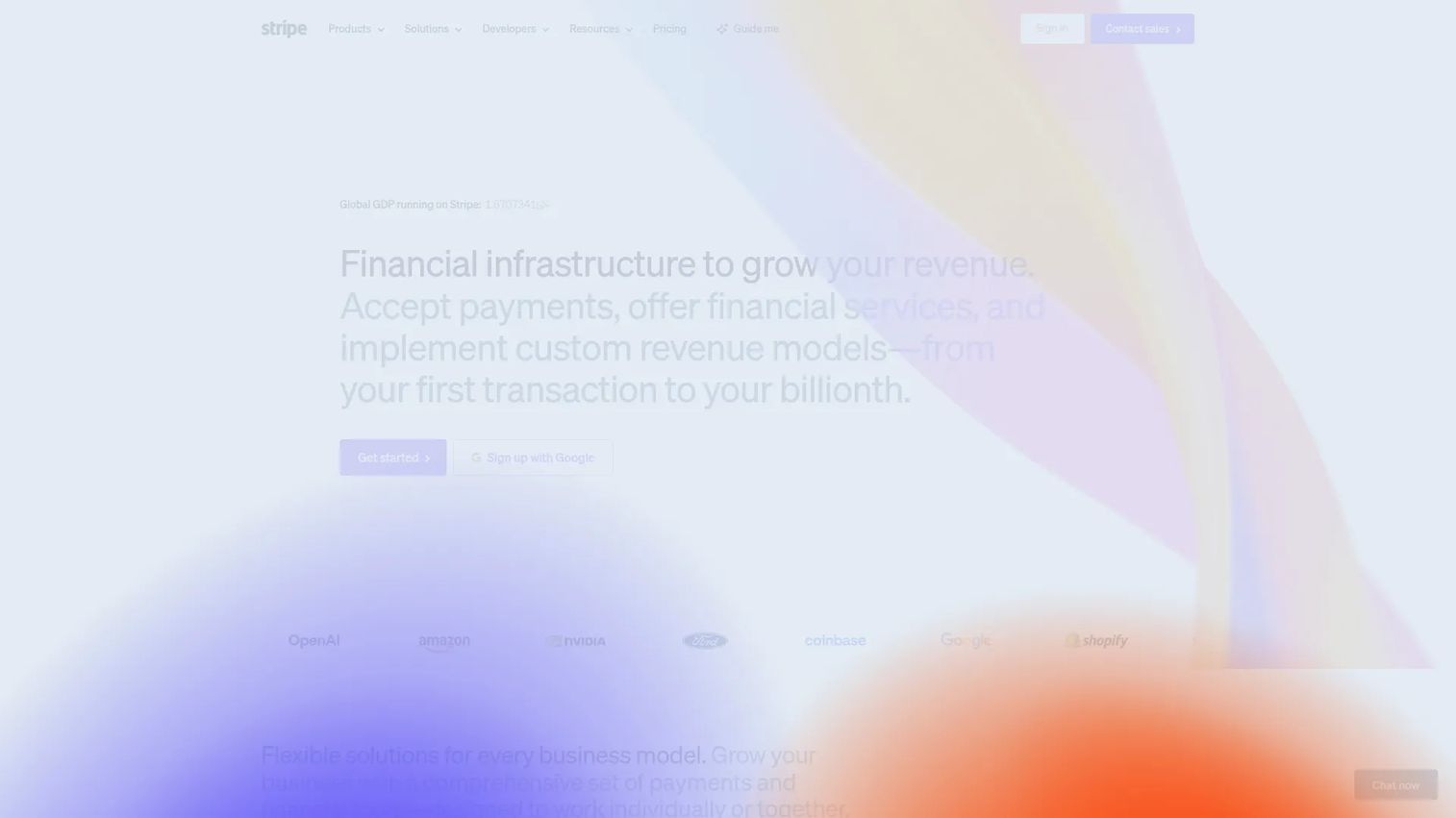
Stripe is payments infrastructure built for software companies. It handles online and in-person payments, subscription billing, invoicing, and financial automation through a clean, well-documented API. For SaaS founders, the appeal is that the same platform that processes a one-off charge also manages recurring revenue, dunning, and revenue recognition, which keeps your billing logic in one place rather than stitched across tools.
Best for: Software companies and scaling SaaS businesses that need developer-friendly payments and deep subscription billing.
Key strengths
- Recurring billing depth: Native subscription billing with retries, proration, and dunning that recover failed charges automatically.
- Global reach: More than 100 payment methods and multi-currency support for selling across borders.
- Developer experience: Documentation and APIs clean enough that engineering implements quickly rather than fighting the integration.
Why choose Stripe: If your business runs on subscriptions and you have even modest engineering bandwidth, Stripe earns its place fast. The recurring billing tooling alone removes the manual revenue-recovery work that quietly leaks MRR. It is the default for software-first companies for a reason.
Stripe pricing: Standard pricing is 2.9% + 30¢ per successful transaction for domestic cards. Add-ons are priced separately, including a custom domain at $10.00 per month and Tax Complete starting at $90.00 per month on a one-year contract. Pricing is pay-as-you-go, so there are no upfront commitments to start.
2. PayPal
PayPal is the payment method buyers already trust. For checkout, that trust translates directly into conversion: a returning PayPal user can pay without re-entering card details, and the brand recognition reduces hesitation at the moment of purchase. It supports sending and receiving money, card and wallet checkout, and pay-later financing options.
Best for: Businesses that want to reduce checkout friction by offering a widely recognized digital wallet alongside cards.
Key strengths
- Buyer trust: Instant recognition that lifts conversion for first-time and consumer buyers.
- Wallet acceptance: PayPal and Venmo checkout reach buyers who prefer not to type card numbers.
- Chargeback protection: Seller protection programs help contain dispute risk on eligible transactions.
Why choose PayPal: Offer PayPal as a checkout option when your buyers are consumer-leaning or international and value familiarity. The tradeoff to weigh is stack complexity: running PayPal alongside a primary processor means two systems to reconcile, so decide whether the conversion lift justifies the added operational surface.
PayPal pricing: Card processing runs 2.89% + $0.29 per transaction. PayPal and Venmo checkout is 3.49% + $0.49, Pay Later is 4.99% + $0.49, and Tap to Pay and POS is 2.29% + $0.09 per transaction. There are no monthly or setup fees shown on the business pricing page, and a free account is available.
3. Square

Square unifies in-person and online payments under one platform. It started as a POS company and expanded into a full commerce stack, which makes it the natural fit for businesses that sell across a counter and a website. Point-of-sale, online store, invoicing, loyalty, and staff management all live together, so reporting stays consistent across channels.
Best for: Small to midsize businesses that need integrated in-person and online payments without managing two systems.
Key strengths
- Omnichannel reporting: One record across POS, online, and invoicing so reconciliation stays clean.
- Fast setup: Hardware and software work together out of the box with minimal configuration.
- Built-in business tools: Invoicing, loyalty, and staff management reduce the need for separate apps.
Why choose Square: If your operation touches physical and digital sales, Square removes the friction of bolting a POS onto an online-only processor. For a pure SaaS subscription business it is less of a fit, but for hybrid and retail-adjacent models it is hard to beat on simplicity.
Square pricing: Square Free costs $0 per month with no subscription cost. Square Plus is $49 per month and Square Premium is $149 per month, both with a 30-day free trial. Per-transaction processing rates apply on top of the subscription tier.
4. Helcim
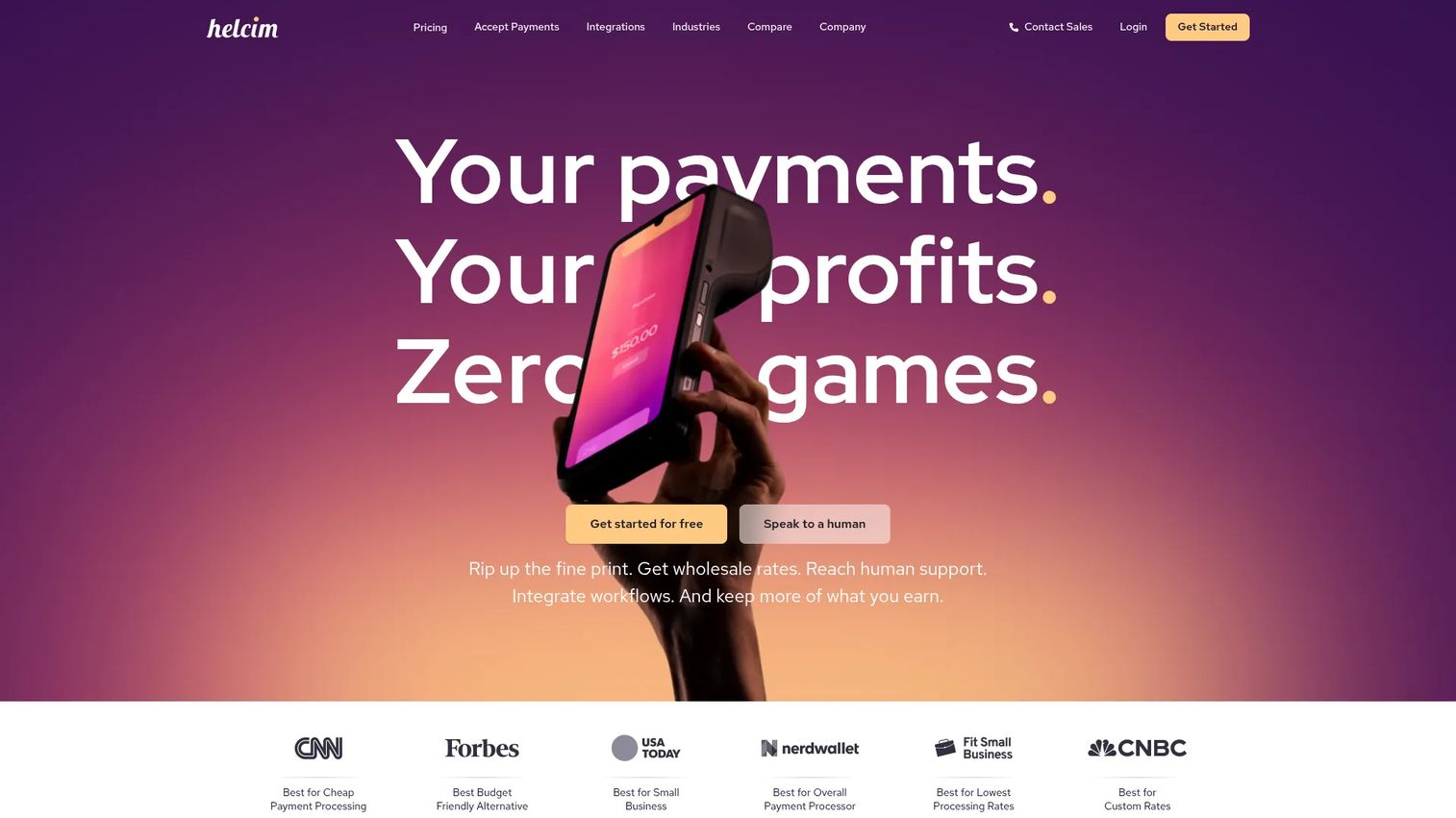
Helcim competes on pricing transparency. It uses interchange-plus pricing, which separates the wholesale interchange cost from Helcim's markup so you can see exactly what you pay. For growing businesses watching effective rate, that clarity is the selling point: no bundled rate hiding margin, no monthly account fees, and automatic volume discounts as you scale.
Best for: Small and growing businesses that want transparent interchange-plus pricing across online, in-person, keyed, and recurring payments.
Key strengths
- Transparent pricing: Interchange-plus structure with no account monthly, signup, cancellation, or PCI fees.
- Volume discounts: Rates automatically drop as your processing volume grows.
- Versatile acceptance: Virtual terminal, point-of-sale, and recurring payments in one account.
Why choose Helcim: Choose Helcim when fee structure matters more than flashy features. For a founder who has run the math on effective rate and wants pricing that scales in their favor, interchange-plus with no monthly fees often wins on total cost. The recurring payments add-on supports subscription billing for businesses that need it.
Helcim pricing: There are no account monthly fees, no cancellation fee, no signup fee, and no PCI fees. Recurring payments add +0.4% per transaction. Hardware is available, with the Helcim Smart Terminal at $349 per unit plus shipping or $32 per month on a one-year term, and the Helcim Card Reader at $199 per unit plus shipping.
5. Adyen
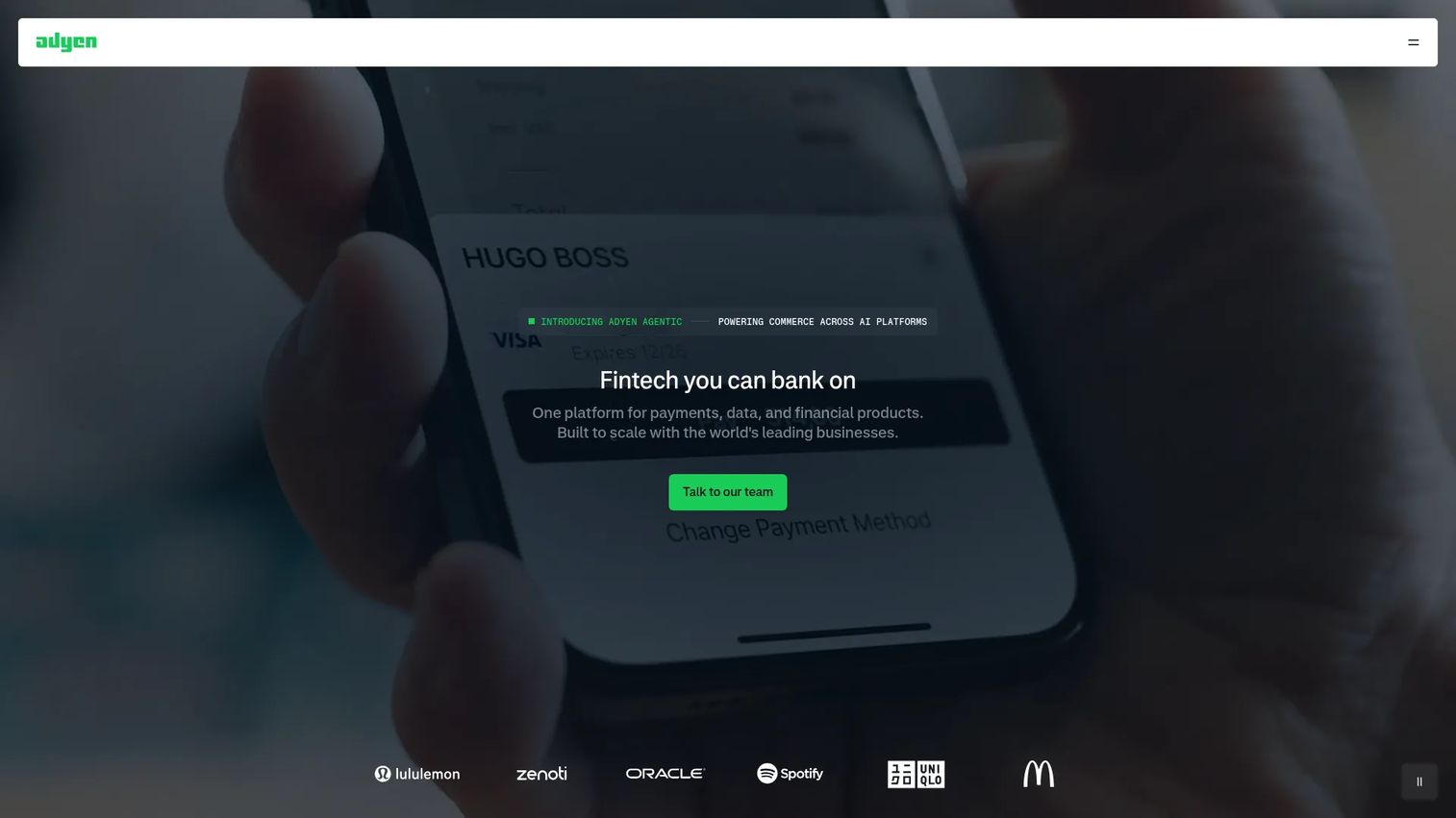
Adyen is built for global commerce at scale. It consolidates payments, data, and financial products into a single platform, with one integration that handles multiple payment methods, currencies, and regions. For companies processing high volume across borders, that single integration replaces a patchwork of regional processors.
Best for: Enterprises and high-volume businesses that need a global payments platform with broad multi-currency support.
Key strengths
- Single global integration: One connection covering multiple payment methods across regions.
- Flexible settlement: Choose payout and settlement currencies to match your operations.
- Unified platform: Payments, data, and financial products in one place for cleaner reporting.
Why choose Adyen: Adyen ranks higher for companies whose international payments volume is already material. The platform performs best at scale, where better routing and lower decline rates compound into real revenue. For an early-stage company processing modestly, lighter providers get you live faster; for a business expanding globally, Adyen's depth pays off.
Adyen pricing: Public pricing shows per-transaction fees starting at $0.13 + 4%, varying by payment method and region. There are no setup fees and no monthly fees on the headline pricing, though other Adyen products are priced separately. Pricing is presented as indicative, so confirm rates for your specific payment mix.
6. GoCardless
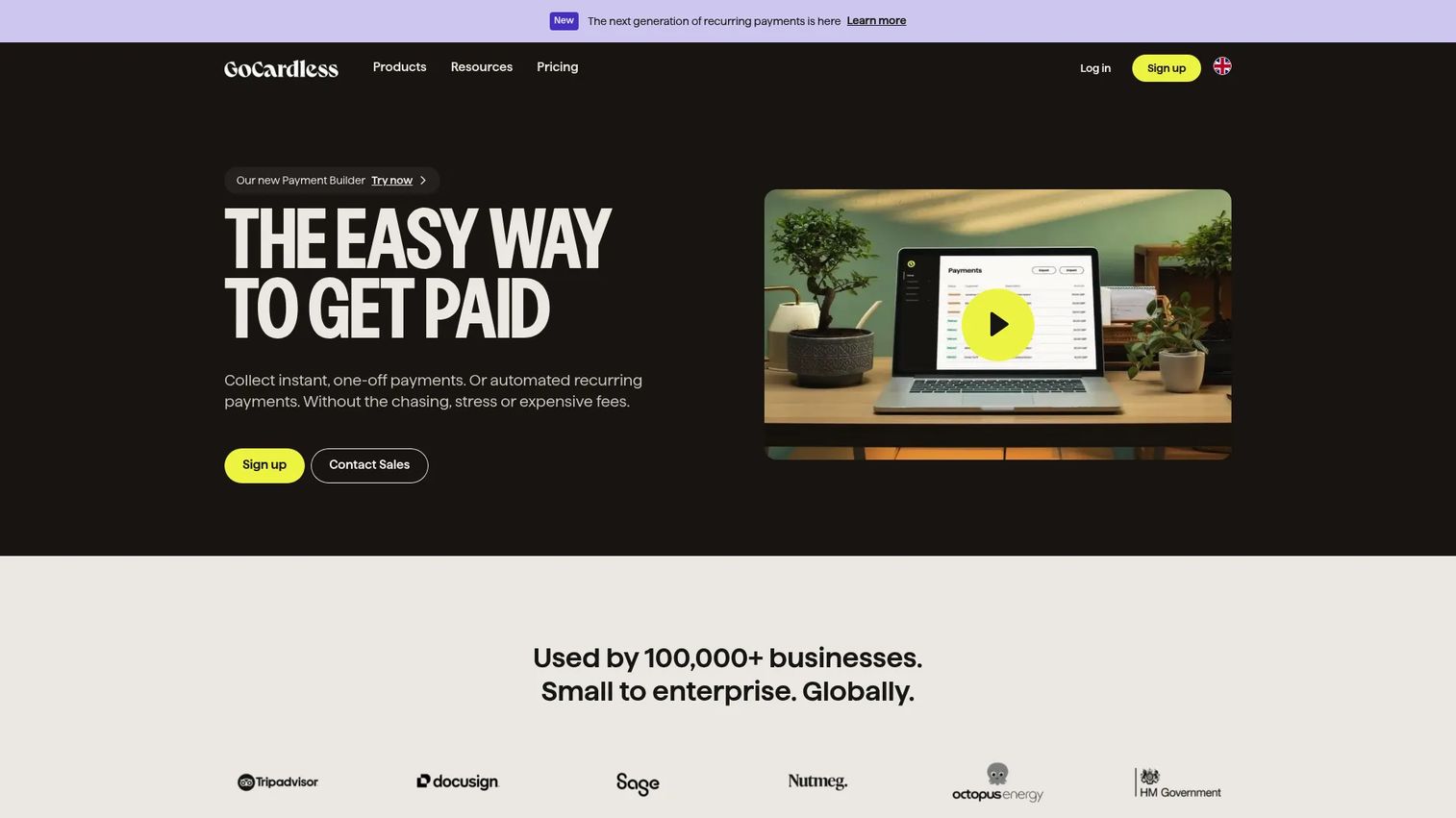
GoCardless moves payments over bank rails instead of cards. Through ACH Pull and direct debit, it collects one-off, recurring, and invoice payments bank-to-bank, which sidesteps card expiry, card fees, and many chargeback scenarios. For subscription and invoice-based revenue models, that translates into fewer failed payments and lower processing costs.
Best for: Businesses with subscription or invoice-based models that want to automate recurring collections via bank payments.
Key strengths
- Bank-to-bank collection: ACH Pull and direct debit avoid card decline and expiry churn.
- Automated recurring payments: Scheduled collections run without manual intervention.
- Reconciliation support: Invoice payments and matching reduce finance overhead.
Why choose GoCardless: If recurring revenue is your model and card failures are eating into retention, bank payments change the math. Direct debit does not expire the way cards do, which removes a common source of involuntary churn. It works best as a complement to card processing rather than a full replacement, since some customers still prefer cards.
GoCardless pricing: Pricing is pay-as-you-go with no setup costs and no hidden fees. The Standard plan is 1% + 20p per transaction, Advanced is 1.25% + 20p, and Pro is 1.4% + 20p. A Custom plan offers volume-based discounts for larger merchants.
7. Shopify Payments

Shopify Payments is the native processor built into Shopify checkout. Its advantage is integration: because it lives inside Shopify, there is no separate gateway to configure, and checkout, refunds, and reporting all happen in one dashboard. It accepts cards, wallets, installments, and crypto, with support for local currencies and local payment methods.
Best for: Merchants already running on Shopify who want payment processing that is built into the platform they already use.
Key strengths
- Native checkout: Built directly into Shopify, removing separate gateway setup.
- Broad acceptance: Cards, wallets, installments, and crypto in one flow.
- Local methods: Support for local currencies and regional payment methods.
Why choose Shopify Payments: This is the clear pick when your business already lives inside Shopify. The integration removes friction and keeps one dashboard for everything. The flip side is platform dependency: its value is tied to Shopify, so it is not the choice for a SaaS product that does not sell through a Shopify storefront.
Shopify Payments pricing: Rates depend on your Shopify subscription plan and market. Online standard card rates start at 2.9% + 30¢, with premium card rates at 3.5% + 30¢ and an additional 1% on international transactions. In-person rates start at 2.6% + 10¢. Shopify states there are no monthly, hidden, or setup fees for Shopify Payments itself, though transaction rates vary by plan.
8. Braintree
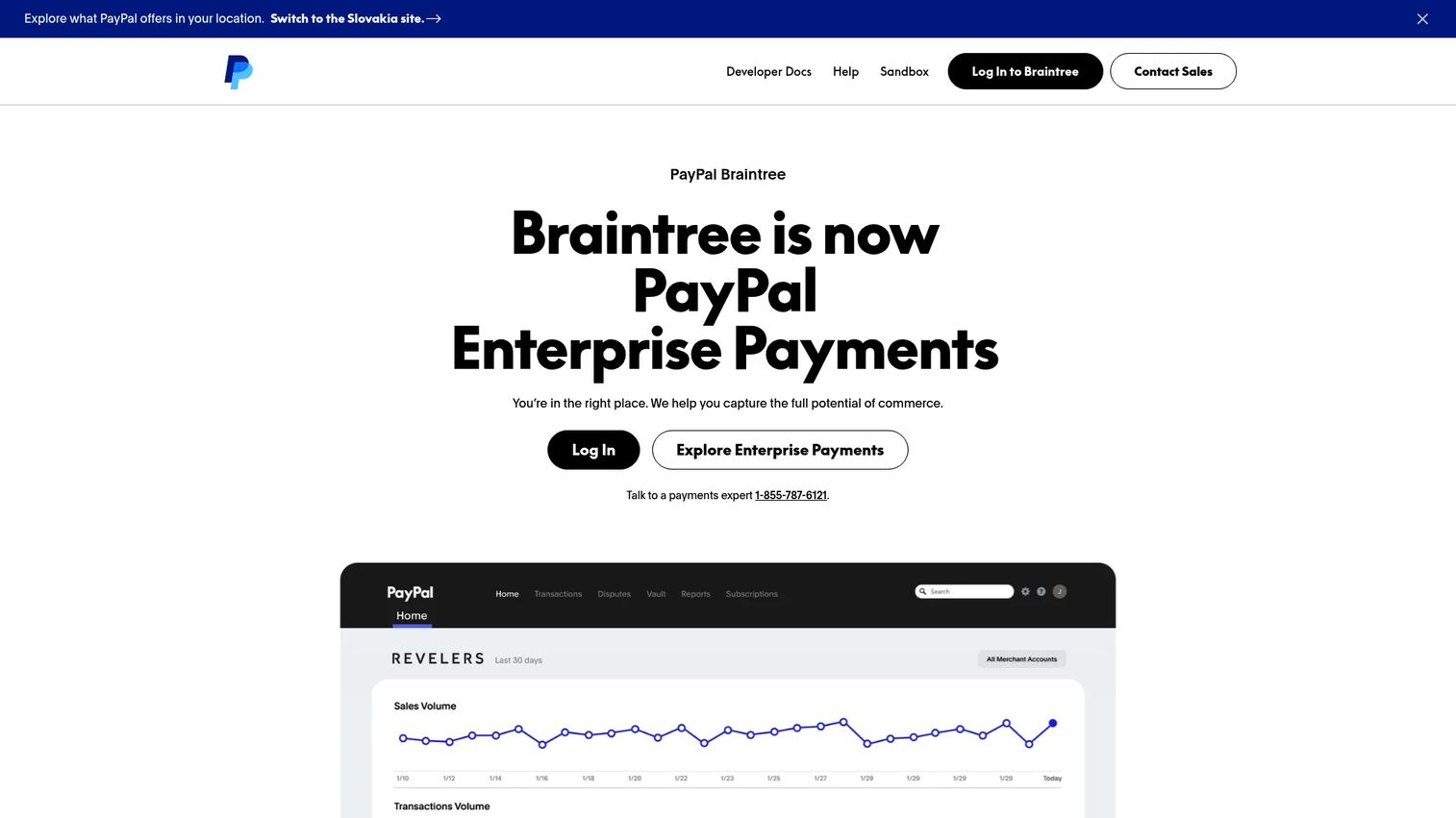
Braintree, now presented by PayPal as Enterprise Payments, gives developers a flexible, customizable payment platform with access to the PayPal ecosystem. It supports end-to-end checkout experiences, mobile SDKs, and a wide range of payment methods including PayPal, Venmo (US), cards, digital wallets, and local methods. For teams that want control over checkout without building processing from scratch, it sits in a useful middle ground.
Best for: Businesses needing a developer-oriented payment platform with support for multiple payment methods and subscriptions.
Key strengths
- Customizable checkout: End-to-end checkout experiences and mobile SDKs for branded flows.
- PayPal ecosystem access: Native PayPal and Venmo acceptance alongside cards.
- Fraud tooling: Basic and advanced tools that detect and help prevent fraudulent transactions.
Why choose Braintree: Braintree fits when you want flexibility and PayPal acceptance in one integration, with more control than a hosted checkout but less engineering than building direct. The tradeoff is that the customization that makes it powerful also means more implementation work than a plug-and-play PSP. For developer-led teams, that control is the point.
Braintree pricing: Standard merchant pricing is 2.89% + 0.29 USD per transaction. Additional fees include 0.15 USD per pass-through American Express transaction, an additional 1% for non-USD currency or cards issued outside the US, and 15.00 USD per chargeback. Pricing is verified from the first-party US pricing sheet.
Considerations
Before signing with any provider, run this checklist against your actual business model.
Fee structure
Calculate your effective rate, not the headline rate. Add up every fee category that applies to you: per-transaction, monthly, international, chargeback, and payout. Then divide projected total fees by projected volume. A flat-rate provider and an interchange-plus provider can flip in cost depending on your card mix and volume, so run the math on real numbers.
Security and compliance
Confirm PCI DSS scope reduction, tokenization, and built-in fraud screening. Verify what chargeback protection is automated versus manual. Check that role-based access controls and audit logs exist before more than one person touches payments. These are not features to retrofit later.
Integrations
Map the integration to your billing, CRM, and accounting stack before you commit. A processor that does not sync cleanly to your subscription billing or accounting tool creates manual reconciliation work that compounds as you scale. Confirm the specific connectors you need exist and are maintained.
Global support
If international payments are on your roadmap, verify multi-currency support, local payment methods in your target regions, and cross-border fees now. Adding global capability after the fact often means a painful migration. Confirm the provider operates in every market you plan to enter.
Support quality
When payments break, revenue stops. Test the support experience before you commit. Find out whether you reach a human quickly or sit in a ticket queue, and what the response times look like under pressure. For a small team, fast support is worth real money.
Conclusion
The right payment processing software depends on how your business actually runs, not on which name appears most often. For software companies built on subscriptions, Stripe is the default for its recurring billing depth and developer experience. If consumer trust drives your checkout conversion, PayPal earns a spot as a payment option. Square wins for hybrid and in-person businesses that need omnichannel payments under one roof. Helcim is the transparent-fee pick for founders optimizing effective rate, and Adyen is built for global, high-volume processing. GoCardless changes the math for recurring revenue collected over bank rails, and Shopify Payments is the obvious choice when your store already lives inside Shopify. Braintree fits developer-led teams wanting flexibility with PayPal access.
The next step is simple: model your effective rate against your real volume and card mix, confirm the integrations your billing and accounting stack need, and start a test account with the one provider that fits your model today. Choosing well now saves an expensive switch later.
FAQs
The payment gateway collects and securely transmits payment data from your checkout, acting as the encrypted messenger. The payment processor handles the actual transaction flow, routing the charge between card networks and banks and managing settlement. Many modern PSPs bundle both into a single service, so you rarely buy them separately anymore.
Most SaaS founders should start with a PSP like Stripe or PayPal. A PSP bundles the gateway, processing, and a shared merchant account into one fast signup, which gets you live quickly. A dedicated merchant account becomes useful at higher volume when you want more control over pricing, underwriting stability, or custom terms. Revisit the merchant account vs payment service provider question only when scale or pricing makes it worth the effort.
Beyond the per-transaction rate, watch for monthly or account fees, international and currency conversion fees (often an extra 1% or more), chargeback fees per dispute, payout fees for instant transfers, and hardware costs for in-person payments. The sticker rate rarely reflects what you actually pay. Calculate your effective rate by dividing total fees by total volume.
Prioritize recurring billing depth: native subscription billing, automated retries on failed charges, dunning, and clean invoicing. Failed payment recovery directly affects retention, so a processor that handles it automatically protects MRR. Stripe leads here for cards, while GoCardless avoids card expiry churn entirely by collecting recurring payments over bank rails.
Look for PCI DSS compliance that reduces your scope, tokenization so you never store raw card numbers, built-in fraud screening with configurable rules, and dispute management for chargebacks. Role-based access controls and audit logs matter once more than one person touches payments. These should be built into the platform, not added later.
For serious international volume, Adyen and Stripe lead on multi-currency support, local payment methods, and region coverage. Adyen's single global integration handles multiple regions through one connection, while Stripe supports more than 100 payment methods. Evaluate local payment method coverage in your specific target markets, since missing a dominant local method means lost conversions.
Square is purpose-built for omnichannel payments, unifying POS, online, and invoicing under one platform with consistent reporting. Shopify Payments handles both well for merchants already on Shopify. The key is consistent reporting across channels so reconciliation stays clean and your revenue metrics stay accurate regardless of where the sale happened.
Calculate your effective rate by adding every fee category that applies to you, then dividing total projected fees by total projected volume. Factor in payout timing, since slow payouts tie up working capital, and weigh support quality, since downtime stops revenue. A low headline rate with stacked monthly, international, and payout fees can cost more than a higher flat rate with nothing else attached.










