



You confirmed a corporate booking on Tuesday. On Thursday, catering scheduled a wedding in the same ballroom. Nobody caught it until both clients showed up.
That is what happens when bookings live in one calendar, leads live in a CRM, invoices live in a spreadsheet, and staffing lives in someone's head. Every handoff is a chance for something to drop. Double-bookings, missed follow-ups, invoices sent late, rooms that sit empty because nobody could see they were free.
The market has noticed. The event management software market reached $7.2B in 2025 and is projected to hit $14.7B by 2034, according to IMARC Group (2025). Buyers are consolidating disconnected tools into single systems that hold the full event lifecycle.
Conference center management software is the category built for exactly this. The right platform ties bookings, CRM, invoicing, staffing, and reporting into one place so the left hand can finally see what the right hand booked.
This guide compares four conference management software platforms so you can pick the one that fits how your venue actually runs.
What's inside
This guide is for venue operators, conference center managers, and event operations teams replacing spreadsheets or a patchwork of point tools. We looked at conference and event management software that covers the full operational stack, not just one slice of it.
We chose and ranked tools against four criteria:
- Booking and availability: shared calendars, holds, and double-booking protection
- CRM and sales workflow: leads, proposals, contracts, and follow-ups
- Billing and payments: invoicing, schedules, and reconciliation
- Reporting and operations: dashboards, utilization, catering, and staffing
TL;DR
Short on time? Here is the quick version.
- Best all-in-one option: EventPro, for venues that want a broad module set covering bookings through invoicing.
- Best for shared availability and revenue workflows: Momentus Technologies, for complex venues and campuses managing high event volume.
- Best for step-by-step buyer evaluation: PlanningPod, an all-in-one platform with clear public pricing and a practical feature set.
- Best for ERP-connected venue operations: ConventionSuite, for operators who want bookings and cloud ERP in one system.
This article compares complete venue systems, not isolated features. The goal is to help you consolidate tools and reduce the operational friction that causes double-bookings and missed handoffs.
What is conference center software
Conference center software is a platform that centralizes the full event lifecycle for a venue, from the first booking inquiry to the final invoice, in one system.
Instead of stitching together a booking calendar software tool, a separate event CRM software product, and a manual invoicing process, conference center management software holds all of it together. That shared foundation is what prevents the double-bookings and version drift that come from disconnected tools.
Core capabilities typically include:
- Booking and availability: shared calendars, room holds, and conflict detection across every space
- CRM: lead capture, proposals, digital contracts, and follow-up tracking
- Invoicing and payments: quotes, invoices, payment schedules, and reconciliation
- Operations: catering, staffing, resources, and floor plans
- Reporting: utilization, revenue, and pipeline dashboards
The best conference management software works as a single source of truth. When a booking changes, the calendar, the invoice, and the staffing plan all update together instead of drifting apart.
When to use conference center software
Not every venue needs a full platform on day one. Here is how to tell when you have outgrown your current setup.
Replace spreadsheets and disconnected calendars
You know the moment. Two people edit the same booking spreadsheet, and neither version matches. A shared Google Calendar shows a room as free while an email confirms it is booked.
When manual tools start producing double-bookings and version drift, you have outgrown them. Conference center booking software gives you one shared calendar with holds and conflict detection, so availability is never a guess.
Centralize sales, operations, and billing
Leads sit in one inbox. Proposals live in a folder. Invoices get built by hand in a spreadsheet. Every handoff between sales and operations loses context.
When lead tracking, proposals, invoicing, and collections need to live together, that is the signal to consolidate. A single system means fewer handoff errors and a cleaner path from inquiry to paid invoice.
Manage multi-space venues and recurring events
One room and a handful of events a month, you can manage manually. Multiple rooms, recurring event types, and shifting staffing needs, you cannot.
When your venue runs several spaces or repeatable event formats, venue management software earns its place. It ties staffing, resources, and reusable workflows to each space so you are not rebuilding the same setup every time.
Conference center software comparison table
We ranked these four tools by how completely they cover the venue operations stack, from booking through reporting, and by how well they fit different operating models. Pricing and ratings below reflect what each vendor publishes; where a vendor keeps pricing quote-based, we say so plainly.
| # | Product | Best for | Key differentiator | Pricing | G2 rating |
|---|---|---|---|---|---|
| 1 | EventPro | Configurable all-in-one venue and event management | Broad module set spanning venue, catering, CRM, and invoicing | Custom, contact for assessment | Not listed |
| 2 | Momentus Technologies | Complex venues, campuses, and high event volume | Operational depth with CRM, booking, accounting, and AI features | Quote-based (Enterprise, Elite) | 4.4/5 |
| 3 | PlanningPod | Single-location venues wanting public pricing | All-in-one operations with BEOs, contracts, and payments | From $199/month | Not listed |
| 4 | ConventionSuite | Venues needing an ERP-connected operations platform | Cloud ERP with NetSuite integration and event workflows | Custom, contact for pricing | Not listed |
Best conference center software for 2026
Here is a closer look at each platform, who it fits, and where it earns its place in your stack.
1. EventPro
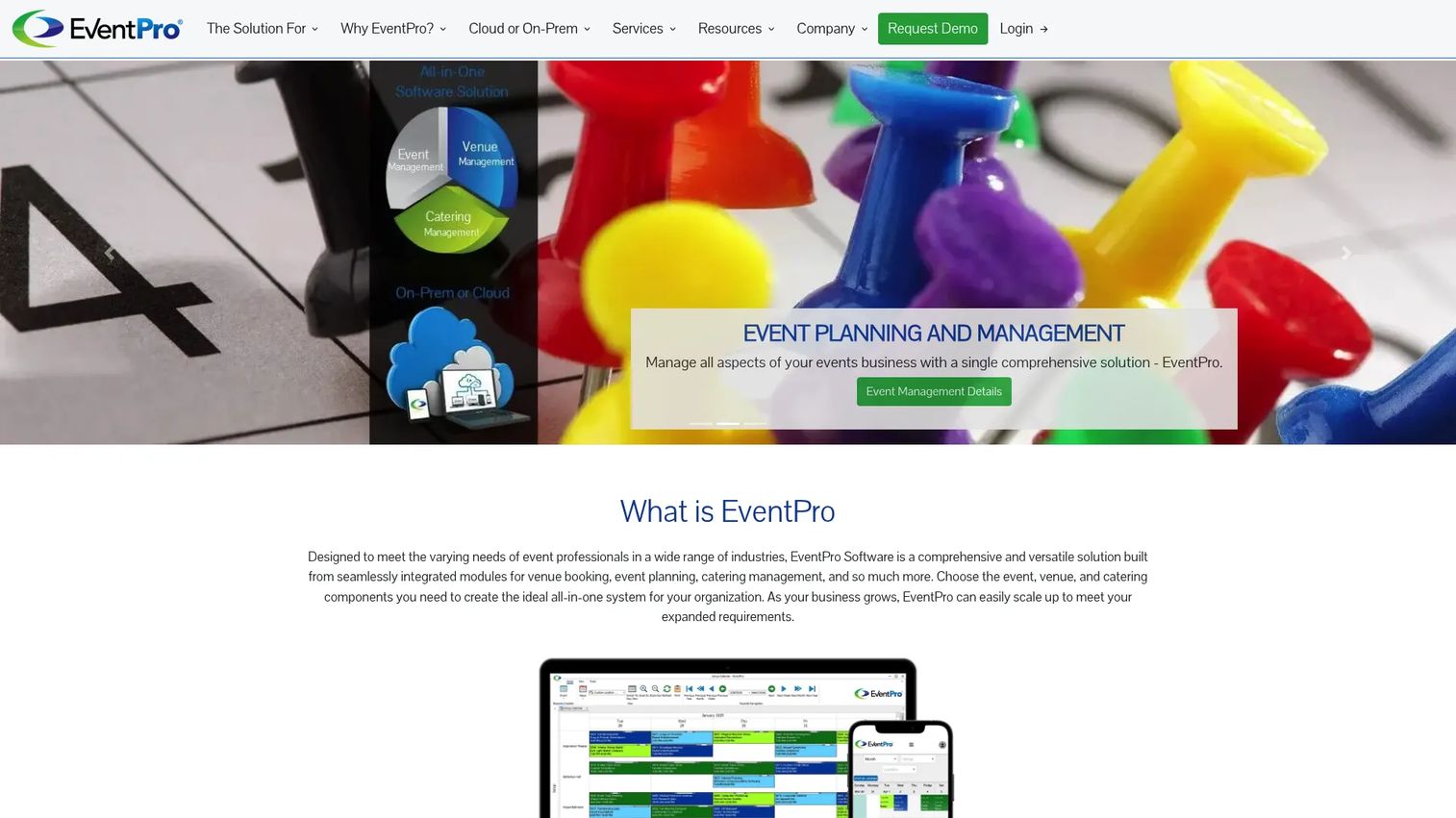
EventPro is event and venue management software with an unusually broad module set. It covers venue management for rooms, resources, and people, plus event planning, catering, CRM, document storage, and invoicing in one configurable platform. For a conference center juggling several operational functions, that breadth is the draw.
The strength here is configurability. Rather than forcing your venue into a fixed workflow, EventPro lets you shape modules around how you actually run bookings, catering, and billing. That fits operators who have specific processes and do not want to abandon them for the software.
Best for: organizations that need configurable event, venue, and catering management in a single system.
Key strengths
- Venue management for rooms, resources, people, and places
- Event planning and management workflows
- Catering management built in
- CRM for leads and client tracking
- Invoicing and payments alongside document storage
Why choose EventPro: if your venue needs catering, CRM, and invoicing under one roof and values configuration over rigid templates, EventPro is a strong fit. It suits operators who want a broad platform they can tailor.
EventPro pricing: EventPro tailors pricing to each organization. The site lists varying price levels and asks prospects to contact an account consultant for a complimentary assessment rather than publishing a starting figure.
2. Momentus Technologies
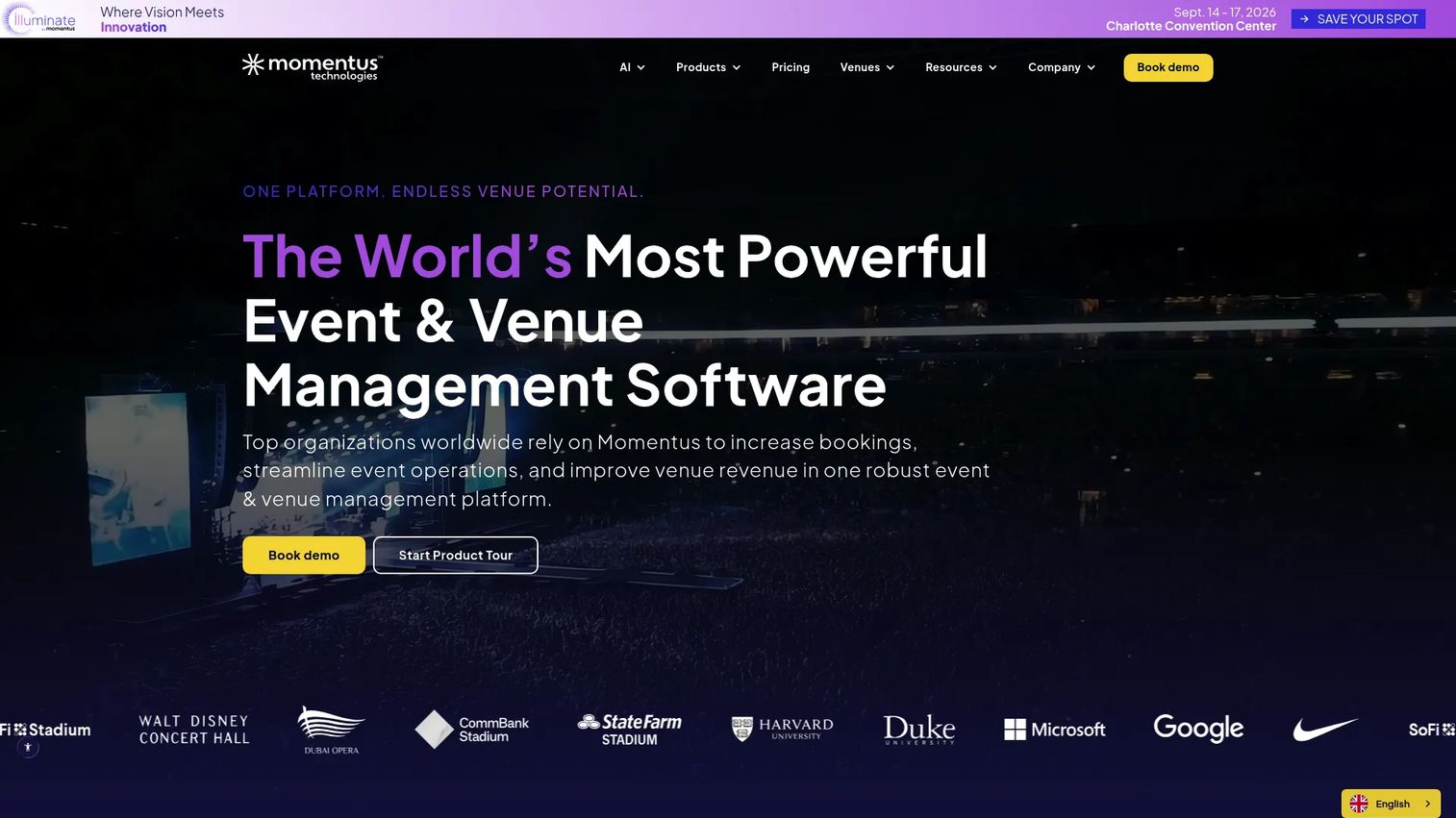
Momentus Technologies is venue and event management software built for complex operations. Large venues, campuses, and high-volume event organizations use it to run shared availability, revenue workflows, and day-to-day operational control from one platform. It brings CRM, booking, event management, accounting, and reporting together, with an API for connecting the rest of your stack.
Where Momentus stands out is operational depth. Shared calendars give teams real-time availability across spaces, and the platform layers proposals, digital contracts, invoicing, and utilization reporting on top. Newer AI features, including analytics and an assistant called Ask Mo, extend that operational core.
Best for: large venues, campuses, and event organizations that need an all-in-one operational platform.
Key strengths
- CRM, booking, and event management in one system
- Accounting and reporting built in
- API for connecting external tools
- Quote-based Enterprise and Elite packages
- AI features and add-ons, including analytics and Ask Mo
Why choose Momentus Technologies: if your venue runs high event volume across multiple spaces and needs shared availability plus revenue and utilization visibility, Momentus fits. It suits teams that want operational control at scale.
Momentus Technologies pricing: Momentus uses quote-based pricing across its Enterprise and Elite packages. The figure depends on venue complexity, event volume, workflow scope, integrations, and onboarding, so you contact a Momentus representative for a quote.
Momentus holds a 4.4 out of 5 rating on G2.
3. PlanningPod
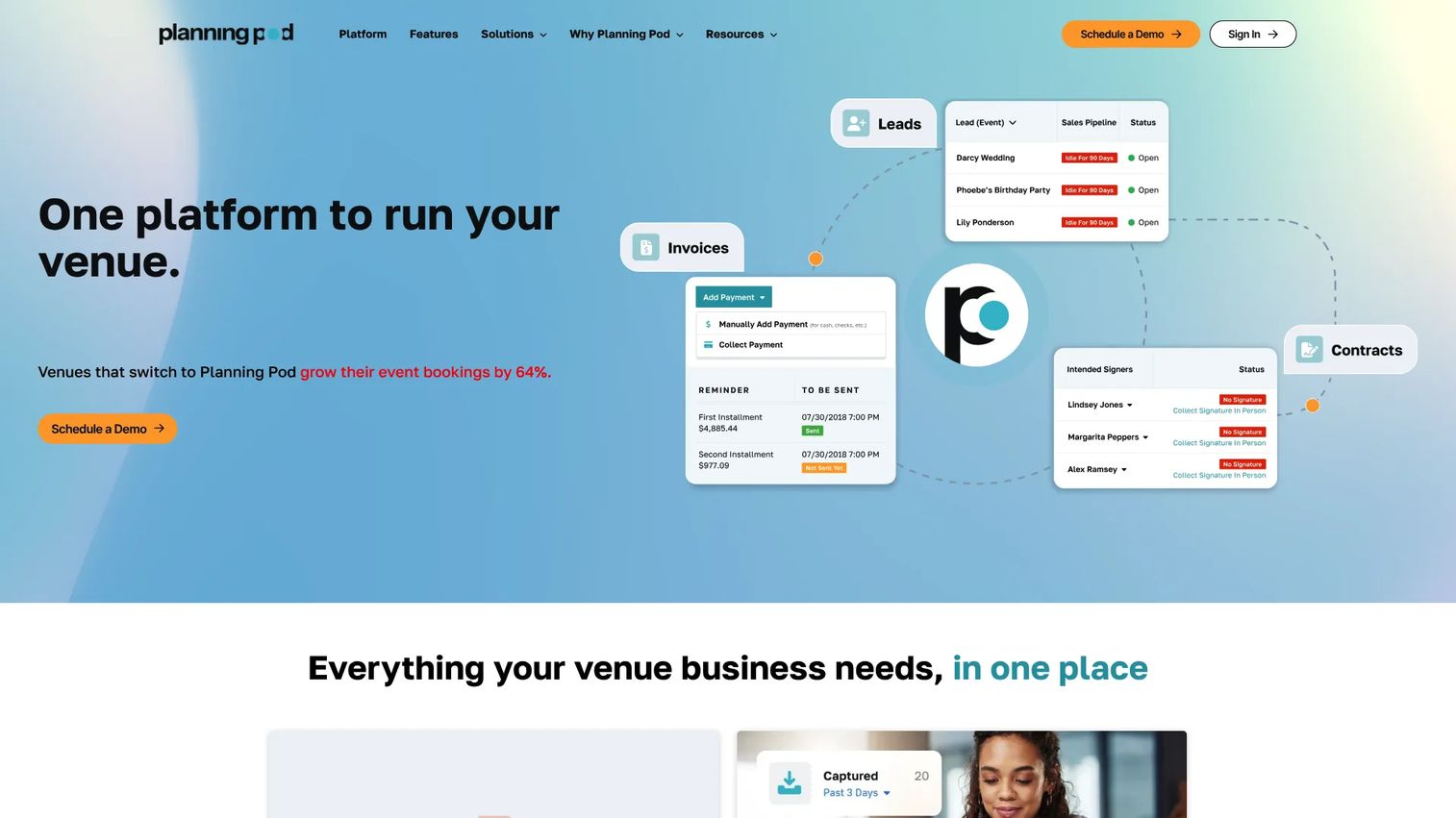
PlanningPod is venue and event management software that pairs a practical all-in-one platform with clear public pricing. It covers the booking calendar and lead management, floor plans and BEOs, and contracts, invoices, and integrated payments. For buyers who want to evaluate on real numbers rather than a sales call, the transparency helps.
The appeal is a complete operations toolkit without the guesswork. You get scheduling, financial tools, and event documents in one place, and the public pricing lets you weigh cost against your current stack up front. That makes PlanningPod easy to compare against what you already pay for.
Best for: venues and event businesses that want an all-in-one operations platform with pricing they can see before committing.
Key strengths
- Booking calendar and lead management
- Floor plans and BEOs
- Contracts, invoices, and integrated payments
- Free 14-day trial to test the fit
- Public pricing for straightforward comparison
Why choose PlanningPod: if you want an all-in-one venue system and prefer to evaluate on transparent pricing, PlanningPod fits. It suits single-location venues that want to know the cost before they buy.
PlanningPod pricing: PlanningPod offers a free 14-day trial, then paid monthly and yearly subscriptions. The site notes that most single-location venues land between $199 and $319 per month.
4. ConventionSuite
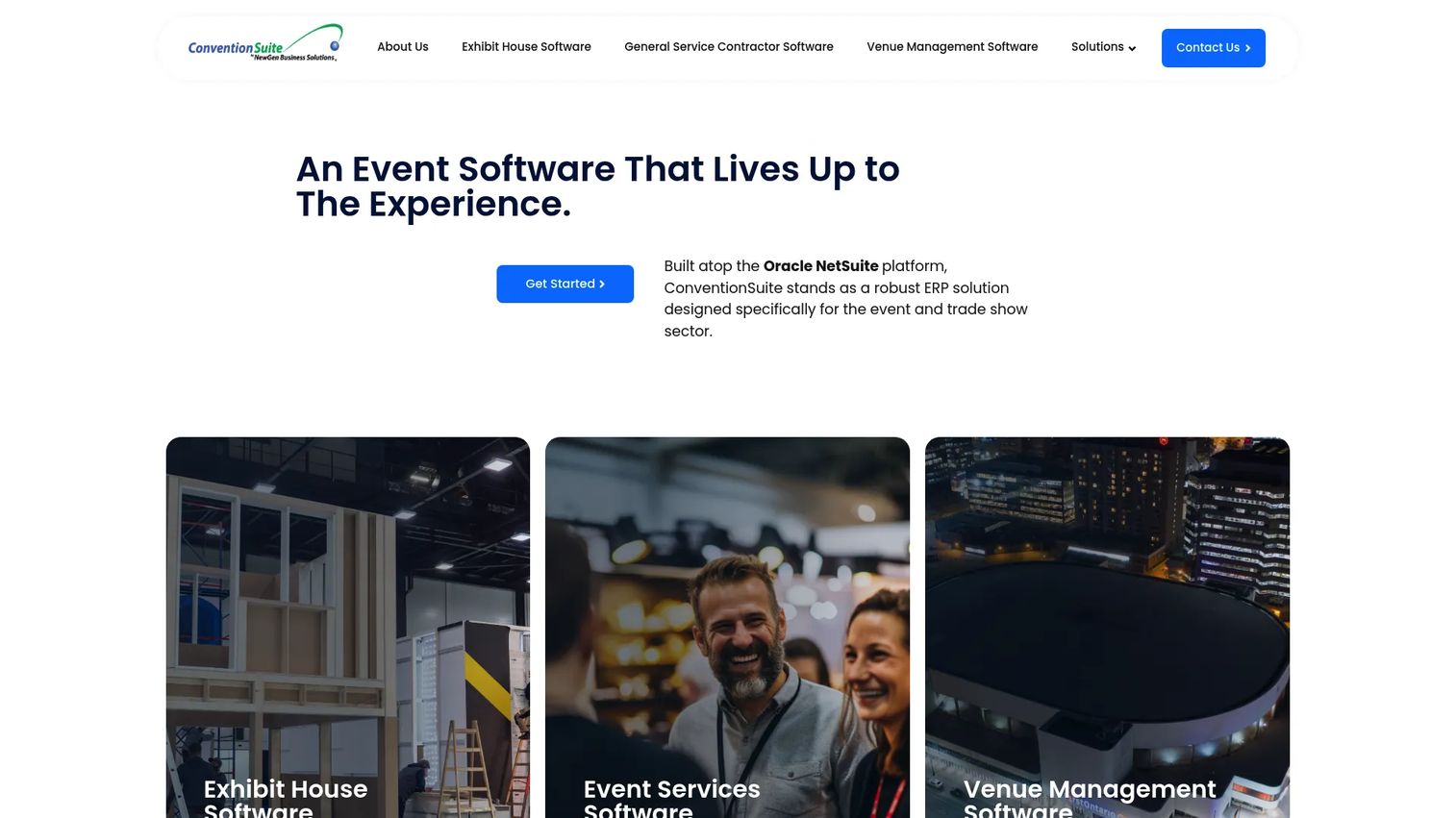
ConventionSuite is cloud ERP and event management software for the events, trade show, exhibit house, and venue industries. It combines bookings, reservations, CRM, and cloud ERP in one system, so operational and financial workflows share the same backbone. For venues that want their event operations connected to real accounting, that ERP layer is the differentiator.
The platform pairs all-in-one cloud business management, including accounting and commerce, with event-specific tools like drag-and-drop scheduling, conflict detection, and real-time calendar availability. It also carries an exhibitor services portal, lead and project tracking, rental availability, and procurement. Its NetSuite integration and AI capabilities give it an ERP-connected angle the others do not lead with.
Best for: event and venue operators that need an industry-specific ERP and workflow platform.
Key strengths
- All-in-one cloud business management with accounting, ERP, CRM, and commerce
- Lead and project tracking with rental availability and procurement
- Exhibitor services portal
- Drag-and-drop scheduling with conflict detection
- Real-time calendar availability with NetSuite integration
Why choose ConventionSuite: if you want bookings, reservations, and CRM connected to cloud ERP in one system, ConventionSuite fits. It suits operators who value an ERP-connected workflow and NetSuite integration over a standalone booking tool.
ConventionSuite pricing: ConventionSuite directs prospects to a contact and demo form to discuss cost, so you request a quote based on your operation.
Considerations
Before you commit, run each shortlisted platform against this checklist. These are the criteria that separate a system that reduces friction from one that just relocates it.
Booking and availability control
Check how the platform handles shared calendars, holds, and conflict detection. Can two coordinators see the same real-time availability? Does the system block a double-booking before it happens, not after? Workflow visibility across every space is the whole point of the category.
CRM and sales workflow fit
Confirm that leads, proposals, communications, and follow-up tracking are native, not bolted on. When sales and operations share one CRM, handoffs stop losing context. If the CRM is an afterthought, you will end up back in a separate inbox.
Billing, payments, and collections
Verify invoicing, payment schedules, refunds, and reconciliation workflows. Invoicing and payments software that ties billing to bookings means fewer manual steps and cleaner cash flow. Ask how the system handles deposits and phased payments, since events rarely pay in one lump.
Reporting and space utilization
Evaluate dashboards and reporting depth. You want space utilization software that shows which rooms earn their keep, plus revenue and pipeline visibility. Reporting is the proof layer, it tells you whether the operation is actually improving.
Deployment and security
Confirm cloud access, mobile access, permissions, and data protection. Role-based controls keep the right people in the right modules. For a team spread across a venue floor, mobile access is not a nice-to-have, it is how the platform gets used at all.
Conclusion
Four platforms, four operating models. EventPro fits venues that want a broad, configurable module set spanning catering, CRM, and invoicing. Momentus Technologies suits complex venues and campuses running high event volume with shared availability and revenue workflows. PlanningPod works for single-location venues that want an all-in-one platform with pricing they can see up front. ConventionSuite fits operators who want bookings and CRM connected to cloud ERP.
The real decision is not which feature list looks longest. It is which system consolidates your booking calendar, CRM, invoicing, and reporting into one place so double-bookings and missed handoffs stop happening.
Your next step: take the top two that match your venue size and operating model, and run them against your actual workflows. Book a trial or demo, walk a real booking from inquiry to invoice, and see which one removes the most manual steps. That comparison, done against your own process, will tell you more than any spec sheet.
FAQs
There is no single best answer, because the right conference center management software depends on your venue's complexity and workflows. A single-location venue has different needs than a multi-building campus. Match the tool to how you run bookings, billing, and operations, then shortlist on that basis rather than on feature counts alone.
At minimum, look for booking and availability control, a native CRM, invoicing and payments, reporting, resource and staffing management, and role-based permissions. The stronger platforms tie these together so a change in one updates the others. That shared foundation is what prevents the version drift and double-bookings that come from disconnected tools.
It centralizes availability into one shared calendar that every coordinator sees in real time. Booking holds reserve a space during negotiation so it cannot be sold twice, and conflict detection flags any overlap before it is confirmed. Because availability lives in one system instead of scattered calendars, there is no gap for a double-booking to slip through.
For most venues, cloud-based platforms win on flexibility. Staff can check availability and update bookings from anywhere, including from the venue floor on a phone or tablet. Updates roll out automatically without IT involvement, and access is not tied to one machine. Desktop software can suit specific offline or on-premise requirements, but cloud access fits how most event teams actually work.
Yes, if the platform includes operations modules. Tools like EventPro carry catering management directly, and most all-in-one platforms tie staffing and resources to each booking. This matters most for multipurpose facility management software, where a single venue runs varied event types that each need different catering and staffing setups tied to the space.
Pricing varies by venue size, modules, and deployment model. Some vendors publish figures, PlanningPod notes most single-location venues land between $199 and $319 per month, while EventPro, Momentus Technologies, and ConventionSuite use quote-based pricing driven by complexity, event volume, and integrations. For the quote-based options, expect the cost to scale with the scope of your operation.
Venue management software is the broader category, covering any space that hosts events, from stadiums to wedding venues. Conference center software is more focused on the event and booking lifecycle specific to conference and meeting spaces. In practice the two overlap heavily, and many platforms serve both, but conference-focused tools lean harder into recurring bookings, room availability, and event operations software workflows.
Modular, all-in-one platforms usually fit multipurpose facilities best, because a single venue running varied event types needs one system flexible enough to handle each. The more workflow complexity you have, across rooms, event formats, catering, and staffing, the more a consolidated platform pays off. Match the depth of the tool to the range of events you actually host rather than over-buying for edge cases.










