A partner file feed fails at 2 a.m. Nobody gets alerted until a downstream process breaks six hours later. Your buyer's security team asks who accessed the file, when, and whether it was encrypted in transit. The answer is buried in server logs nobody owns.
This is where basic SFTP jobs stop working. SFTP secures transport. It does not manage retries, alert teams to failures, produce audit reports, or give operations a clear picture of what moved where. The global managed file transfer market reached $2.2 billion in 2025 and is forecast to grow at an 11.5% CAGR through 2033, according to Grand View Research (2026), which reflects how hard enterprises are pushing to replace brittle scripts and manual processes with something auditable and automated.
For presales and technical evaluators, MFT software also shapes how you support buyers through security review, RFP responses, and POC planning. The tool your buyer selects determines what questions you will be answering for the next two years.
What's inside
This guide compares 12 managed file transfer software options for 2026, selected for technical evaluators, presales teams, and IT stakeholders building a shortlist.
- Coverage: Secure exchange across internal systems, external partners, and cloud storage
- Selection criteria: Automation depth, deployment fit, monitoring and auditability, and enterprise relevance
- Sourcing: Pricing verified against vendor pages; G2 ratings pulled from live listings
- Audience: Sales engineers, solutions consultants, and operations teams evaluating MFT for enterprise deals
TL;DR
- Best overall enterprise MFT: GoAnywhere MFT for workflow automation, protocol breadth, and cross-partner secure exchange
- Best cloud-native file operations: Files.com for teams replacing scattered SFTP servers, starting at $199/month
- Best for compliance-led transfer: Progress MOVEit for regulated organizations that need tamper-evident audit trails
- Best for AWS-native teams: AWS Transfer Family for managed SFTP and FTPS endpoints tied directly to AWS storage
- Best for complex B2B partner networks: Axway Managed File Transfer for high-volume, multi-protocol enterprise exchange
- Best for threat-aware transfer: MetaDefender Managed File Transfer for security teams that need content inspection before delivery
- Best for workload orchestration teams: Control-M when file transfers are part of broader job scheduling, starting at $2,400/month
What is managed file transfer software?
Managed file transfer software is enterprise software that secures, automates, monitors, and audits file movement between people, systems, applications, customers, and external partners.
SFTP alone secures transport. MFT adds the operational controls that teams need once the file starts moving: Scheduling, retries, routing, real-time alerts, audit logs, and delivery confirmation. It is the difference between a secure pipe and a managed business process.
Key capabilities to look for
- Secure protocols: SFTP, FTPS, HTTPS, AS2, AS3, AS4, and WebDAV
- Encryption: In transit and at rest, with key management
- Authentication and access: MFA, SSO, directory integration, and role-based access controls
- Workflow automation: Event triggers, scheduling, retries, file routing, and dependency management
- Audit trails: Tamper-resistant transfer logs, delivery receipts, user activity, and retention controls
- Cloud integrations: Amazon S3, Azure Blob, Google Cloud Storage, SharePoint, and OneDrive
- High availability: Failover, clustering, and disaster recovery options
- Deployment flexibility: Cloud, on-premises, hybrid, and managed service
- Partner onboarding: API support, self-service portals, and trading partner management
- Content security: DLP, malware scanning, or content inspection where the environment requires it
How MFT differs from adjacent methods
| Approach | What it does | Where it falls short | When it still fits |
|---|---|---|---|
| FTP | Moves files between servers | No encryption, no auditing | Internal, non-sensitive transfers on isolated networks |
| SFTP | Encrypts transport over SSH | No workflow automation, retries, or reporting | Secure point-to-point transfer with minimal governance needs |
| EFSS | Sync and share files for users | Not built for system-to-system or regulated B2B exchange | Teams sharing documents across cloud storage |
| Consumer file sharing | User-friendly cloud storage | No audit trails, access controls, or compliance support | Personal or informal collaboration |
| Manual scripts | Custom-built file jobs | Fragile, hard to monitor, ownership gaps when staff turn over | Low-volume, stable, non-critical transfers |
| Managed file transfer | Automates, monitors, audits, and governs file movement | Requires more setup than a single SFTP job | Any regulated, high-volume, or business-critical transfer |
When to use managed file transfer software
Replace fragile scripts and one-off SFTP jobs
Scripts work until someone changes credentials, a partner updates their endpoint, or the person who built the job leaves. MFT centralizes scheduling, retries, alerting, and logging in one place. For presales teams, ask buyers who owns failed-job resolution today and how long it takes to confirm delivery after a job runs.
Exchange regulated data with customers and partners
Healthcare, financial services, retail, manufacturing, and government organizations all face requirements around controlled access, encryption, and auditability. MFT can support the workflows that produce compliance evidence; it does not guarantee compliance on its own. Frame it as the operational layer, not the compliance program.
Monitor file movement before it becomes a deal risk
A missed file transfer can break downstream billing, inventory, or customer onboarding processes before anyone notices. Buyers will ask during demos how the system alerts teams before a missed file becomes a business incident. If the vendor cannot walk through alert routing and retry logic clearly, the POC will surface it.
Managed file transfer software comparison
The table below covers all 12 tools evaluated for this guide. Pricing reflects verified figures from vendor pages. G2 ratings are from live product listings.
| # | Product | Best for | Key differentiator | Pricing | G2 rating |
|---|---|---|---|---|---|
| 1 | GoAnywhere MFT | Enterprise workflow automation | Broad protocol support with automation and auditing | Custom pricing | 4.6/5 |
| 2 | Files.com | Cloud-native file operations | Hosted MFT with 50+ integrations and no-code automation | From $199/month | 4.5/5 |
| 3 | Progress MOVEit | Compliance-led enterprise transfer | Tamper-evident audit logging and controlled delivery | Custom pricing | N/A on G2 |
| 4 | AWS Transfer Family | AWS-native secure endpoints | Managed SFTP, FTPS, FTP, and AS2 into Amazon S3/EFS | Usage-based | 4.3/5 |
| 5 | Axway Managed File Transfer | Complex B2B partner exchange | Centralized governance for high-volume, multi-protocol networks | Custom pricing | 4.5/5 |
| 6 | JSCAPE MFT Server | Multi-protocol hybrid environments | Protocol breadth across FTP/S, SFTP, AS2, OFTP2, and more | Custom pricing | 4.5/5 |
| 7 | MetaDefender Managed File Transfer | Threat-aware file exchange | Multiscanning, Deep CDR, and DLP before delivery | Custom pricing | 4.8/5 |
| 8 | IBM webMethods Managed File Transfer | Large enterprise B2B integration | MFT inside IBM's integration platform with B2B and EDI support | From $2,565/month | N/A on G2 |
| 9 | Thru | Cloud-based B2B exchange | Partner file exchange with workflow visibility and Boomi integration | Custom pricing | 4.6/5 |
| 10 | Control-M | Workload automation teams | MFT inside enterprise job scheduling and orchestration | From $2,400/month | 4.3/5 |
| 11 | SFTP To Go | Managed SFTP without infrastructure | Hosted SFTP, FTPS, HTTPS, and S3 with PGP and SIEM integration | Contact for pricing | 4.7/5 |
| 12 | Couchdrop | Cloud SFTP gateway with MFT | 50+ storage integrations with no-code file automation | From $50/month | 4.8/5 |
Best 12 managed file transfer software tools for 2026
1. GoAnywhere MFT
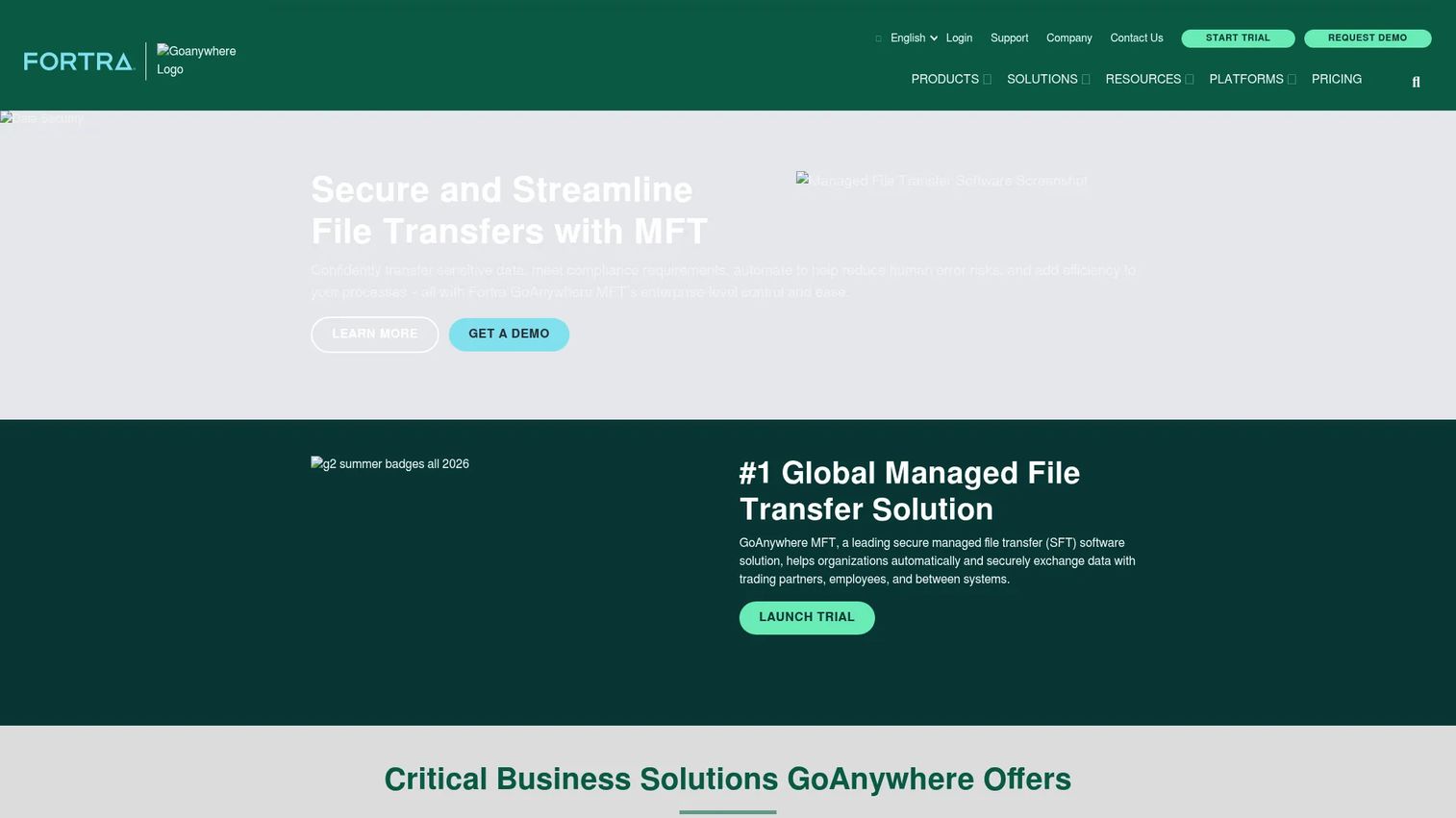
GoAnywhere MFT from Fortra is an enterprise managed file transfer platform that centralizes secure file exchange across employees, systems, customers, and trading partners. It supports a wide range of protocols and deployment options, including on-premises, cloud, hybrid, and SaaS. Teams use it to replace manual processes and fragmented SFTP jobs with a governed, auditable workflow layer.
Best for: Mid-market and enterprise organizations that need broad MFT capability across internal and external file exchange.
Key features
- SFTP, FTPS, HTTPS, AS2, AS3, AS4, and SCP support
- Workflow automation with 60+ tasks, scheduling, and event triggers
- Encryption, key management, and authentication controls
- Audit logs, reporting, and compliance dashboards
- Secure forms and collaboration for external file exchange
Why choose GoAnywhere MFT: GoAnywhere is a practical default for organizations that need one platform covering protocol breadth, automation, and auditing. For presales teams, it maps cleanly to RFP questions around protocols, retry logic, and logging without requiring separate tooling.
GoAnywhere MFT pricing: Pricing is quote-based; contact the Fortra sales team for a figure. Licensing is generally by module, with user-based pricing for Secure Mail and GoDrive and partner-based licensing for the AS2 module.
G2 rating
4.6/5
2. Files.com
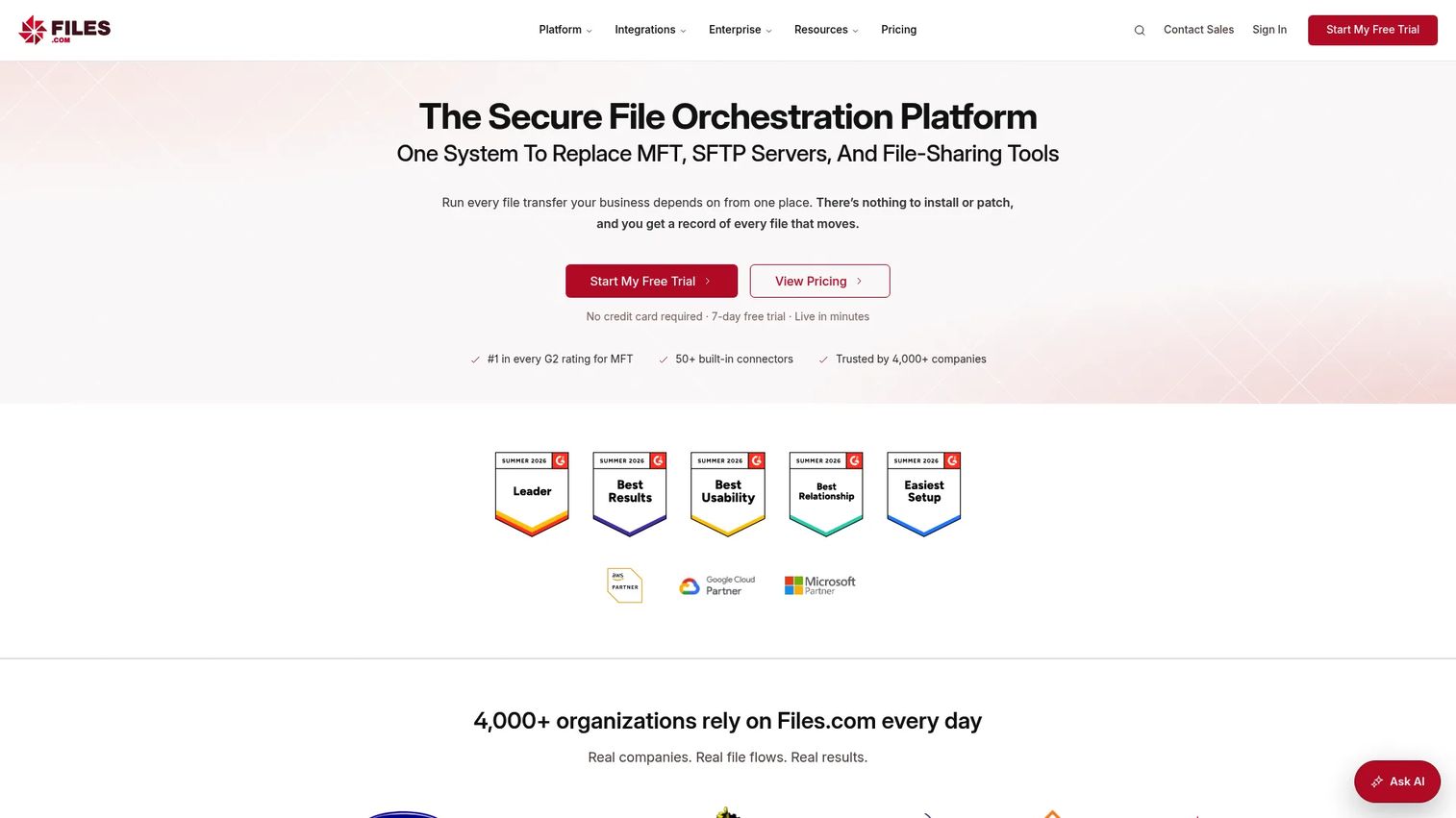
Files.com is a cloud-native file orchestration platform that handles managed SFTP, file sharing, automation, and integrations under one hosted roof. It covers SFTP, FTP, FTPS, and WebDAV alongside more than 50 integrations with cloud storage services and business applications. Teams reach for it when they want to move off legacy SFTP servers without building new infrastructure.
Best for: Organizations modernizing fragmented file infrastructure and wanting hosted MFT without server management.
Key features
- Hosted SFTP, FTP, FTPS, and WebDAV
- No-code automation rules and data-sync workflows
- Secure share links and upload inboxes
- 50+ cloud storage and partner integrations
- REST API, CLI, and Terraform provider
Why choose Files.com: Files.com fits teams that want fast rollout and fewer infrastructure dependencies. The presales angle here is straightforward: Buyers asking "how quickly can we replace the old SFTP server?" get a practical answer.
Files.com pricing: The Starter plan is $199/month (or $2,099/year). The Power plan runs $499/month (or $5,269/year). Enterprise pricing is quoted. A 7-day free trial is available with no credit card required.
G2 rating
4.5/5
3. Progress MOVEit
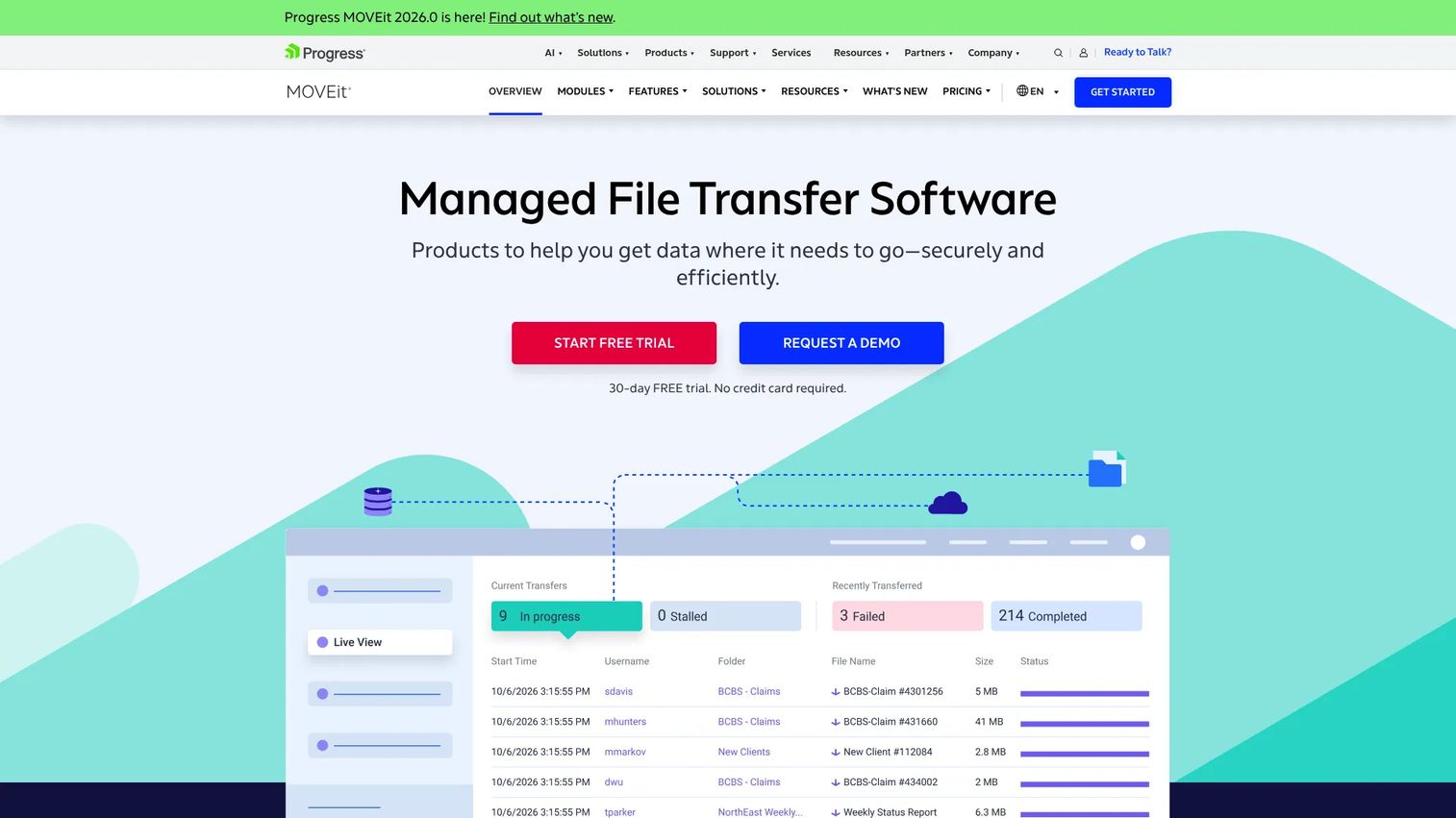
Progress MOVEit is an enterprise managed file transfer platform built around controlled, auditable, and automated file delivery. It covers transfer automation connecting to AWS S3, Azure Blob, Microsoft OneDrive, SharePoint, and Google Cloud Storage alongside FTP, FTPS, SFTP, and AS2/AS3 protocols. Regulated industries reach for MOVEit when the first question in a security review is "show us the audit trail."
Best for: Regulated organizations where tamper-evident logging and controlled access are non-negotiable requirements.
Key features
- Tamper-evident audit logging and multi-factor authentication
- Secure managed file transfer with encryption at rest and in transit
- Automation connecting to cloud storage, SFTP, and FTP endpoints
- Protocol support including AS1, AS2, and AS3
- Compliance-focused administration and reporting
Why choose Progress MOVEit: MOVEit is the right call when the buyer's primary concern is evidence: Who sent what, who received it, and whether the process was controlled. Presales teams find it useful for security questionnaires and compliance-heavy RFPs because the audit record is a first-class capability, not an afterthought.
Progress MOVEit pricing: Progress handles MOVEit pricing through sales. A 30-day free trial is available. Final cost reflects deployment model, automation scope, and support tier.
4. AWS Transfer Family
AWS Transfer Family is a fully managed AWS service for secure file transfers over SFTP, FTPS, FTP, and AS2, with files stored in Amazon S3 or Amazon EFS. There are no servers to manage. It autoscales and integrates natively with AWS identity providers, CloudWatch logging, and workflow automation. Teams that already operate inside AWS use it to replace self-managed SFTP servers without leaving the AWS control plane.
Best for: AWS-centered teams that need managed secure transfer endpoints tied to native cloud storage.
Key features
- Managed SFTP, FTPS, FTP, and AS2 endpoints
- Native integration with Amazon S3 and Amazon EFS
- Multiple identity provider options including Active Directory
- CloudWatch logging and workflow automation
- Autoscaling infrastructure with no server maintenance
Why choose AWS Transfer Family: Choose it when the transfer workflow already lives in AWS and the team wants managed infrastructure. Broader workflow orchestration across multiple systems or external partners may require layering other AWS services or external tools on top.
AWS Transfer Family pricing: Pricing is usage-based with no upfront costs. Charges depend on enabled protocols, data transferred, connector calls, AS2 messages, workflow steps, and web app units. Verify current per-unit rates on the AWS pricing page for your region before estimating costs.
G2 rating
4.3/5
5. Axway Managed File Transfer
Axway Managed File Transfer is built for large enterprises managing high-volume, multi-protocol file exchange across complex partner networks. It supports centralized governance, partner onboarding workflows, operational intelligence, and integration with third-party applications. Deployment options span on-premises, cloud, and hybrid environments, with a managed cloud services option that includes a minimum of 10GB transfer per month.
Best for: Large enterprises with many external trading partners and strict governance requirements across regulated or high-volume exchange.
Key features
- Multi-protocol file exchange with centralized administration
- Partner onboarding and self-service file transfer capabilities
- Operational intelligence and predictive analytics
- Enterprise security and compliance controls
- Flexible on-premises, cloud, and hybrid deployment
Why choose Axway Managed File Transfer: Axway is strongest when the buyer has a broad partner network and needs centralized visibility. During demos, presales teams should ask vendors to walk through partner onboarding, exception handling, and protocol-level monitoring.
Axway Managed File Transfer pricing: Pricing is quote-based, with both plans requiring a minimum of 25,000 file transfers per month. Contact the Axway sales team for a figure.
G2 rating
4.5/5
6. JSCAPE MFT Server
JSCAPE MFT Server from Redwood is a platform-independent managed file transfer server built to centralize secure file transfer processes, users, and services across hybrid environments. It covers an unusually broad protocol set and supports cloud storage connectors alongside event-driven automation. IT teams reach for it when they need one server that handles multiple transfer methods without separate tools.
Best for: Enterprise IT teams that need flexible MFT across hybrid or multi-protocol environments.
Key features
- FTP/S, SFTP, SCP, HTTP/S, WebDAV, AS2, OFTP2, and AFTP
- Event-driven triggers and workflow automation
- Encryption, DLP, authentication integrations, and reporting
- Cloud storage connectors
- High availability and failover options
Why choose JSCAPE MFT Server: JSCAPE fits evaluations that center on protocol breadth and deployment flexibility. Before the demo, ask buyers which protocols, storage targets, and failover requirements matter most. JSCAPE earns its place on shortlists where the answer is "several of each."
JSCAPE MFT Server pricing: Pricing is personalized through JSCAPE sales; contact the team directly for a quote.
G2 rating
4.5/5
7. MetaDefender Managed File Transfer
MetaDefender Managed File Transfer from OPSWAT combines managed file transfer with deep content security. Files are inspected before delivery using multiscanning, Deep CDR (Content Disarm and Reconstruction), Proactive DLP, and AI-powered malware detection. It is built for environments where the file itself may carry a threat, not just the transfer channel.
Best for: Security-heavy and regulated organizations that need file inspection before files move onward to internal systems or partners.
Key features
- Multiscanning and AI-powered malware detection
- Deep CDR and Proactive DLP
- Role-based access, Active Directory, SSO, MFA, and supervisor approvals
- Workflow orchestration with logic-based routing and metadata-driven transfers
- Centralized audit reporting and end-to-end encryption
Why choose MetaDefender Managed File Transfer: Choose it when files may carry security risk and the buyer wants inspection before delivery, not just after. Presales teams should map this to security review questions around malware, sensitive data handling, and quarantine workflows. It is MFT plus a threat prevention layer, not just file movement.
MetaDefender Managed File Transfer pricing: OPSWAT prices MetaDefender through sales. Contact the OPSWAT team for a quote based on environment scope.
G2 rating
4.8/5
8. IBM webMethods Managed File Transfer
IBM webMethods Managed File Transfer is cloud-based managed file transfer built as part of IBM's integration platform. It covers secure transfers with encryption and virus scanning, automated file workflows with real-time triggers, and real-time transfer visibility. The platform targets large enterprises already in the IBM ecosystem or running B2B integration and EDI workloads alongside file exchange.
Best for: Large enterprises that need MFT tied into broader B2B integration and partner exchange workflows.
Key features
- Secure transfers with encryption and virus scanning
- Automated file workflows with real-time triggers and configurable retries
- Transfer visibility, monitoring, logs, and audit-ready reporting
- B2B integration and EDI support
- Partner workflow automation
Why choose IBM webMethods Managed File Transfer: IBM's value shows up when MFT is part of a larger integration architecture rather than a standalone file-sharing need. Presales teams should validate integration dependencies, existing middleware, and partner exchange patterns before positioning this one.
IBM webMethods Managed File Transfer pricing: IBM pricing starts at USD 2,565/month for the Standard Tier of IBM Integration SaaS. Usage scales based on capabilities and files moved. Pricing is through IBM sales for larger deployments.
9. Thru
Thru is a cloud-based managed file transfer and secure file exchange platform now integrated with Boomi. It handles partner file exchange, scheduled transfer workflows, portal-based access, and audit trails with connector API support for MuleSoft and Boomi. Teams with external partner workflows that generate operational noise reach for Thru when they need visibility into delivery, not just the transfer itself.
Best for: Organizations that need cloud-based B2B file exchange with clear visibility across partner delivery and exception handling.
Key features
- Cloud-based MFT and partner file exchange
- Secure file-sharing portals
- Scheduled file-transfer workflows
- Audit trails and transaction auditing
- Connector API for MuleSoft and Boomi
Why choose Thru: Thru fits when external partner workflows create missed-transfer risk and the team needs a clear picture of what arrived and when. During technical discovery, ask buyers how they currently monitor partner delivery and who handles exceptions.
Thru pricing: Pricing is usage-based or quote-based. Contact the Thru team directly for a figure.
G2 rating
4.6/5
10. Control-M
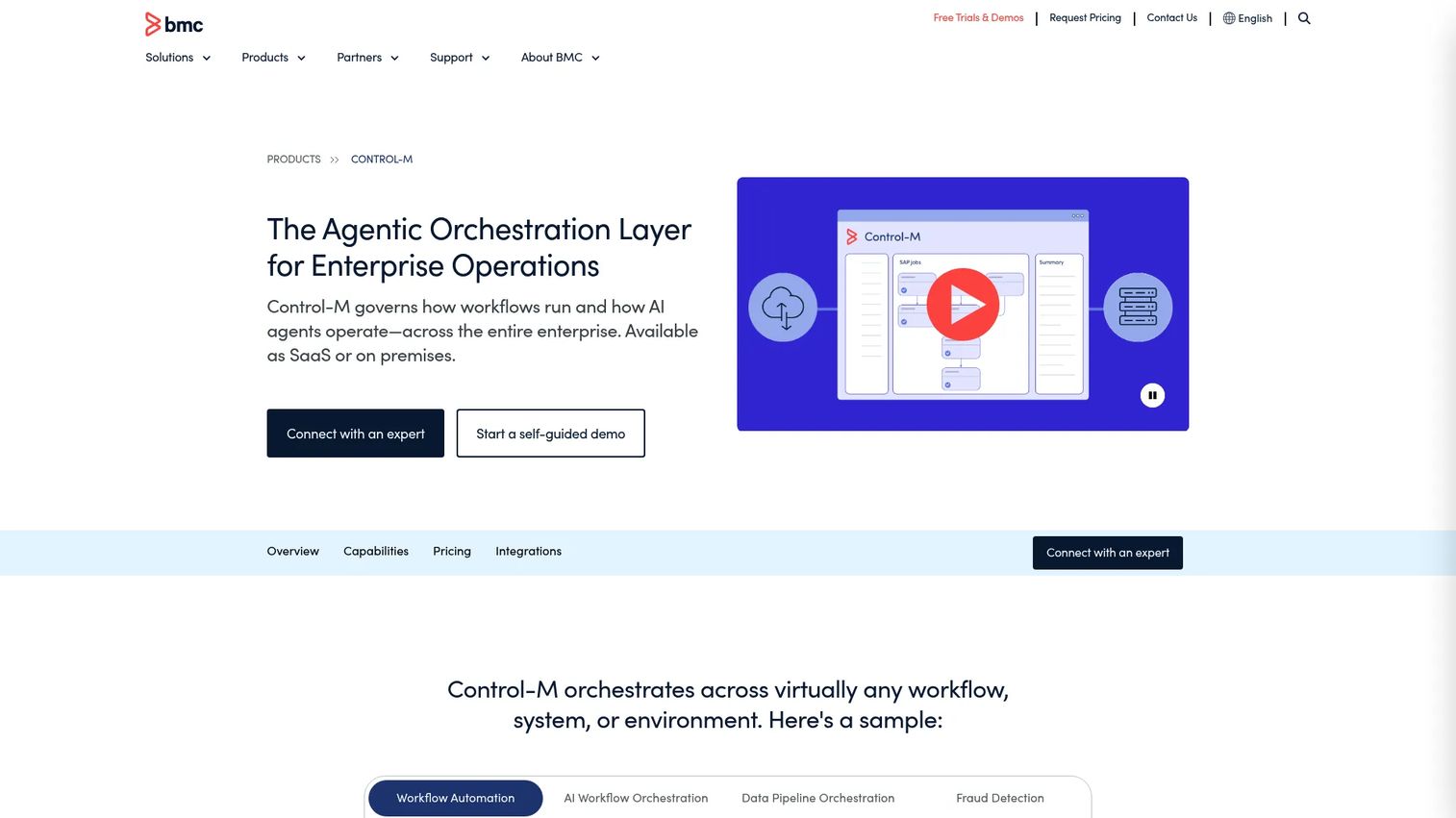
Control-M from BMC is a workload automation platform that includes managed file transfer as part of broader job orchestration. File transfers sit alongside application pipelines, data workflows, and mainframe jobs under one scheduling and monitoring layer. It is not a standalone MFT-only tool for every buyer, but for teams already orchestrating enterprise workflows in Control-M, adding file transfer there avoids another system.
Best for: Enterprise operations teams that manage file transfers as part of larger business process orchestration.
Key features
- Hybrid and multi-cloud workload automation
- Managed file transfer jobs inside enterprise scheduling
- SLA management and predictive monitoring
- Visual workflow design and dependency management
- Transfer monitoring and alerting
Why choose Control-M: Choose it when file arrival triggers downstream jobs and the buyer wants everything under one scheduling umbrella. Ask whether file transfer is currently managed separately from other job pipelines; if it is, that gap is the presales angle.
Control-M pricing: The Starter Pack SaaS plan starts at $2,400/month, billed annually. Enterprise pricing covers configurable SaaS, self-hosted, or hybrid deployments and is handled through BMC sales.
G2 rating
4.3/5
11. SFTP To Go
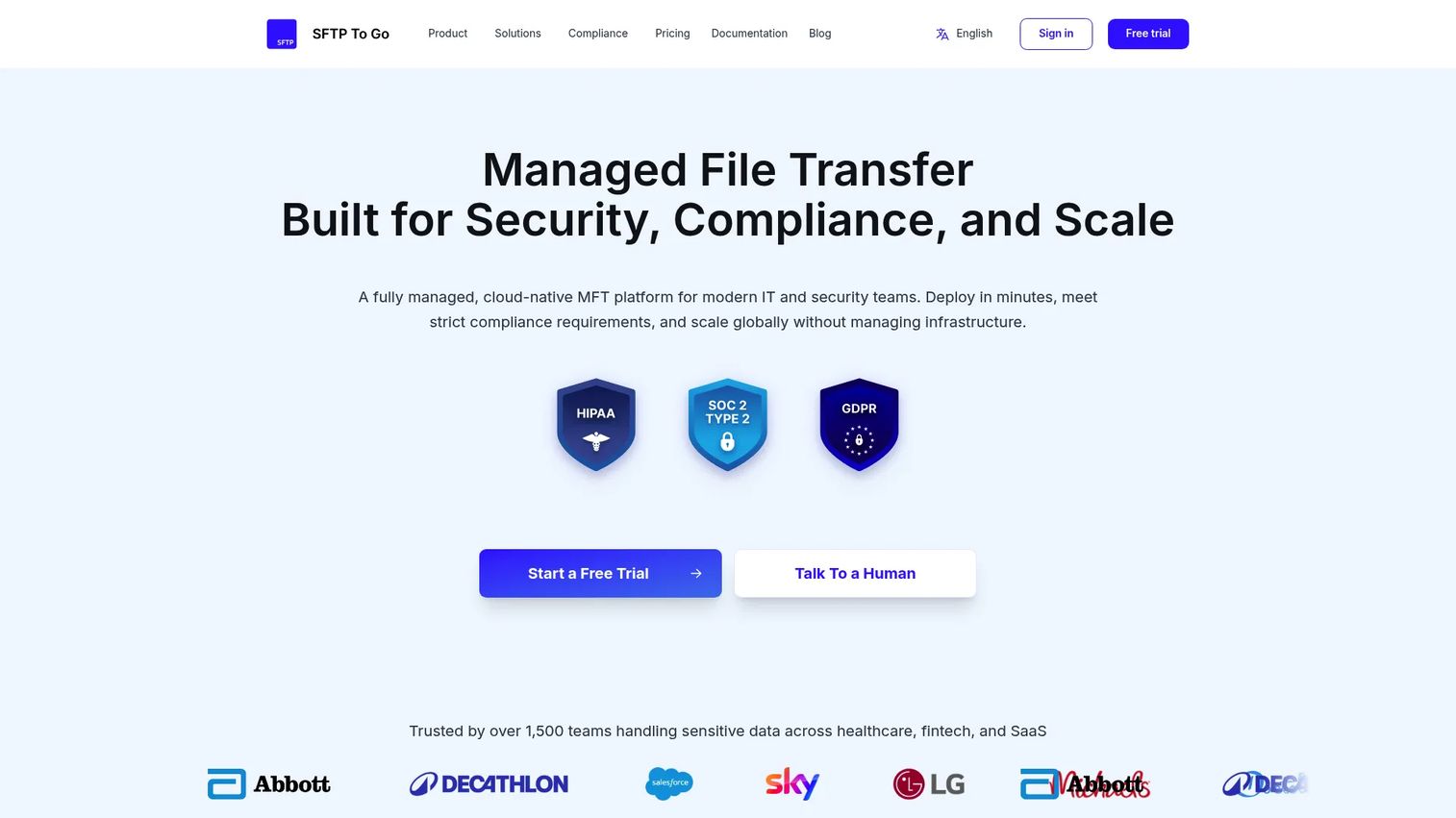
SFTP To Go is a managed cloud file-transfer and storage service supporting SFTP, FTPS, HTTPS, and Amazon S3 access. It includes PGP encryption workflows, native scheduled and event-driven automations, webhooks with automatic retries, and near-real-time audit log streaming to SIEM and observability platforms. Smaller technical teams and developers use it when they need a managed, auditable SFTP service without building and maintaining their own transfer infrastructure.
Best for: Smaller teams and developers who need managed, auditable SFTP without running infrastructure.
Key features
- SFTP, FTPS, HTTPS, and Amazon S3 access
- PGP encryption and decryption workflows
- Native scheduled and event-driven automations
- Near-real-time audit log streaming to SIEM platforms
- AES-256 encryption, MFA, access controls, and IP allowlisting
Why choose SFTP To Go: When the primary requirement is managed SFTP with solid auditability and the team does not need a full enterprise MFT suite, SFTP To Go delivers that quickly. Presales teams should clarify whether the buyer needs only secure transport or full workflow orchestration before putting it on the shortlist.
SFTP To Go pricing: A 7-day free trial is available. Contact SFTP To Go for current plan details.
G2 rating
4.7/5
12. Couchdrop
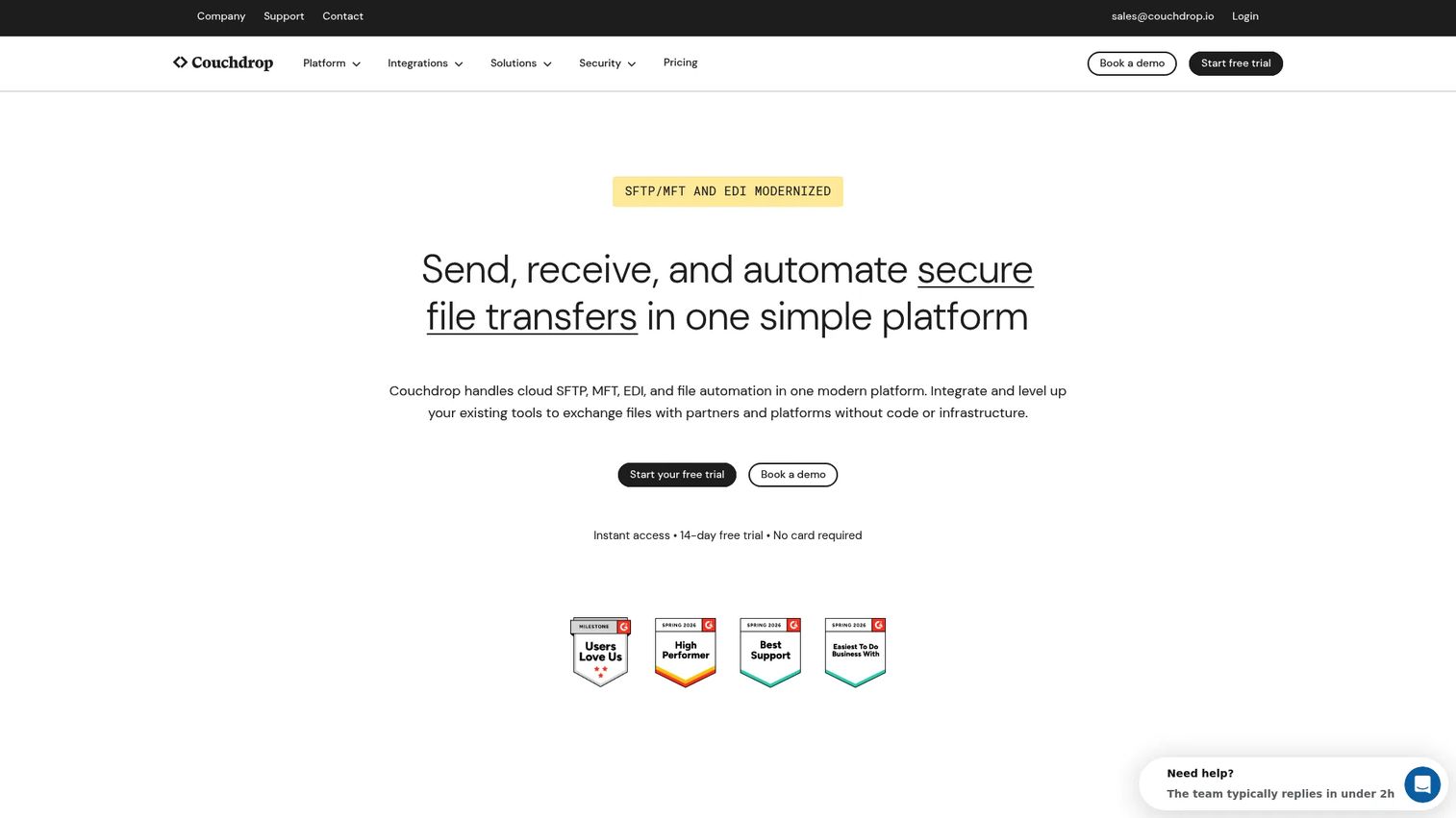
Couchdrop is a cloud-native platform for secure file transfer, managed file transfer, EDI, and file automation. It connects SFTP, FTP, FTPS, SCP, and AS2 access to more than 50 cloud storage and platform integrations through no-code automation rules. Teams that want simple cloud-based SFTP access to cloud storage without managing a dedicated MFT server reach for Couchdrop first.
Best for: Teams that need cloud-hosted SFTP and automated file exchange without managing server infrastructure.
Key features
- SFTP, FTP, FTPS, SCP, and AS2 support
- No-code scheduled and event-based automation
- 50+ storage and platform integrations
- Upload links, shared links, mailboxes, and webhooks
- Hosted storage with encryption and configurable data residency
Why choose Couchdrop: Couchdrop fits when the buyer wants simple, cloud-based SFTP access and does not need a heavy enterprise governance layer. Before recommending it, ask whether the evaluation is about protocol access or full transfer governance. If governance depth matters, move toward a larger enterprise MFT platform.
Couchdrop pricing: The Couchdrop Link plan starts at $50 USD/month, covering one SFTP/FTP user and up to 10GB of data transfer monthly. Essentials, Business, and Enterprise plans use contact-based pricing. A 14-day free trial requires no credit card.
G2 rating
4.8/5
Considerations when choosing managed file transfer software
Security controls and protocol support
Map your buyer's current partner requirements to the protocols they need before comparing vendors. Do not buy for protocol breadth if the team only uses one transfer pattern today. Do not underbuy if partner onboarding is expected to grow. Confirm MFA, SSO, directory integration, role-based access, and whether a DMZ proxy or gateway is required.
Automation and exception handling
Ask what happens when a file does not arrive. Ask who gets alerted, how quickly, and with what context. Scheduling and retries are table stakes. The real differentiator is whether the system can route exceptions intelligently and notify the right person before a downstream process breaks. A demo that only shows a happy path is not enough.
Auditability and compliance evidence
Look for tamper-resistant transfer logs, user activity records, delivery receipts, configurable retention, and exportable reports. Frame this as "supporting compliance evidence," not "making the organization compliant." Security reviewers and RFP evaluators will ask for specific log fields and export formats, so verify those details during the POC, not after.
Deployment and infrastructure fit
Deployment fit often narrows the shortlist before feature comparisons even begin. Cloud-only teams evaluate differently than hybrid shops running on-premises middleware. Verify whether the tool supports the buyer's existing storage backends, network topology, and security zone requirements. Infrastructure mismatches discovered late in a deal are expensive for everyone.
Cost drivers and procurement reality
MFT pricing varies across users, trading partners, data volume, transfer volume, connectors, high availability options, and support tiers. Enterprise platforms almost always price by quote. Get the buyer's volume estimates early so you can anchor a realistic budget range. Underestimating trading partner counts or connector needs is a common cause of sticker shock in late-stage procurement.
Conclusion
Choosing managed file transfer software comes down to what the buyer is replacing and what they cannot afford to break.
GoAnywhere MFT covers the widest ground for enterprise teams that need protocol breadth, workflow automation, and auditing in one platform. Files.com suits organizations ready to modernize SFTP infrastructure quickly, with transparent pricing from $199/month. Progress MOVEit belongs on the shortlist when audit trails and controlled delivery are the primary evaluation criteria. AWS Transfer Family serves teams already living inside AWS who want managed endpoints without server maintenance. Axway and IBM webMethods both belong in complex B2B integration discussions where partner networks are large and governance requirements are strict. JSCAPE earns its place when hybrid deployment and protocol flexibility are the decision drivers. MetaDefender adds a threat-prevention layer for security-sensitive environments, and Control-M fits teams that want file transfers inside their existing workload orchestration.
For lighter-weight needs, SFTP To Go and Couchdrop both deliver managed SFTP without the overhead of a full enterprise MFT suite.
Start your journey with Guideflow today!
FAQs
Managed file transfer software is enterprise software that secures, automates, monitors, and audits file movement between systems, applications, users, customers, and external partners. It extends beyond basic SFTP by adding workflow automation, retry logic, alerting, audit trails, and operational reporting. Teams use it to replace brittle scripts and manual processes with a governed, repeatable file exchange layer.
No. SFTP is a secure file transfer protocol that encrypts transport over SSH. MFT can use SFTP as one of many supported protocols, but adds workflow automation, monitoring, retry handling, audit logs, user access controls, and reporting on top of transport security. SFTP secures the pipe; MFT manages the business process around what moves through it.
Common triggers include handling regulated or sensitive data that requires audit evidence, scaling file exchange with external partners, experiencing failed transfers with no alerting, maintaining manual scripts that break when staff turn over, and facing SLA pressure on delivery timelines. Compliance requirements around access control and retention also push organizations toward a managed layer that FTP cannot provide.
Prioritize security controls, including encryption, MFA, and access management; automation with scheduling, retries, and event triggers; audit trails with exportable logs and delivery receipts; deployment fit for your infrastructure; and monitoring that alerts teams before a missed transfer becomes a business problem. Protocol support matters for partner integration, but monitoring and exception handling are what keep things running in production.
Cloud MFT can be secure when it includes encryption in transit and at rest, strong authentication, granular access controls, tamper-resistant logging, and appropriate deployment design. Verify the vendor's certifications, data residency options, and key management approach for your organization's requirements. Cloud deployment does not inherently weaken security, but the configuration choices and organizational controls around the platform determine the actual security posture.
Pricing for MFT software typically depends on the number of users, trading partners, connectors, data volume, high availability requirements, and support tier. Cloud tools like Couchdrop start at $50/month and Files.com at $199/month for entry plans, while enterprise platforms like IBM webMethods start at $2,565/month and Control-M at $2,400/month for SaaS starter packs. Most large enterprise MFT platforms price by quote, with final figures reflecting volume, deployment model, and contract terms.
Enterprise File Sync and Share (EFSS) tools are designed for users sharing documents and collaborating across cloud storage. MFT is built for controlled, automated, and auditable file exchange between systems, business processes, and external trading partners. EFSS lacks the workflow automation, retry handling, audit rigor, and partner onboarding capabilities that regulated enterprise file exchange requires. The two categories serve different audiences and compliance profiles.
Ask the vendor to show a failed-transfer workflow, not just a successful one. Walk through the audit report for a completed transfer and confirm which fields are captured. Request a demonstration of partner onboarding, protocol configuration, and retry logic. Check whether alerts route to the right team with enough context to act without digging through logs. A polished happy path tells you what the tool does when everything works. Exception handling and audit depth tell you what happens when it does not.