A complex product can look under control right up until the first integration fails. Requirements lived in one system. Architecture changed in another. Test evidence sits in a spreadsheet someone updated three weeks ago.
That gap is the real problem. Not diagram quality, not modeling language preferences. It is the absence of a shared engineering system that connects intent, design decisions, analysis, and proof of a working result. When that chain breaks, the costs show up as delayed releases, unmanaged risk, and leadership making board-level calls from incomplete data.
The systems engineering software market reached $3.8 billion in 2025 and is projected to hit $7.3 billion by 2034, according to MarketIntelo (2025). The adoption picture is still early: A 2025 MBSE Perspectives survey found that 38% of organizations had begun MBSE on a small scale, 37% reported established practices, and only 5% had fully transitioned. Most teams are somewhere in between, which makes tool selection a consequential decision.
This guide cuts through the category to help you build a defensible shortlist.
What's inside
This guide is for engineering leaders, systems engineers, and Series B founders evaluating technical infrastructure for complex product development. Items were selected based on:
- Lifecycle coverage: Does the tool address requirements, modeling, simulation, or verification, and how much of the chain does it connect?
- Integration potential: Can it connect to adjacent tools in a real engineering stack?
- Team fit: Does it suit teams at an early evaluation stage, an enterprise rollout, or a simulation-heavy workflow?
- Pricing transparency: What does it actually cost to start?
TL;DR
- Best overall for enterprise MBSE: Cameo Systems Modeler, for teams standardizing on formal SysML-based architecture governance
- Best for executable models and embedded systems: IBM Engineering Rhapsody, where behavior must be tested before code reaches hardware
- Best value for broad modeling: Enterprise Architect, with one-time licensing starting at $245 per seat
- Best open-source MBSE starting point: Capella, free to download and built on the Arcadia method
- Best for requirements-led programs: Innoslate (4.6/5 on G2) or IBM DOORS Next, depending on governance needs
- Best for simulation and quantitative analysis: MATLAB and Simulink, with standard annual licensing from $940
- Best for enterprise digital thread: Siemens Teamcenter, when engineering must connect to PLM and product data at scale
What are systems engineering tools?
Systems engineering tools are software platforms that help teams define requirements, model system behavior, analyze trade-offs, manage change, and verify that a complex product meets its intended purpose across the full development lifecycle.
The five software categories to understand
- Requirements management: Captures stakeholder needs, links requirements to design decisions and test evidence, and controls changes
- MBSE and systems modeling: Represents architecture, interfaces, behavior, and dependencies in a formal modeling language such as SysML
- Simulation and analysis: Tests performance, control logic, physical system behavior, and design alternatives before physical build
- Verification and validation: Connects requirements to test plans, results, and compliance evidence so you can demonstrate readiness
- Lifecycle and digital thread management: Links engineering artifacts across teams, products, releases, and product data systems
Methods are not the same as platforms
Context diagrams, N2 analysis, Pugh matrices, functional modeling, and FMEA are practices. Software platforms make those practices repeatable, traceable, and shareable across a team. The distinction matters when a founder is deciding whether to buy a tool or build a process first.
What systems engineering software should connect
The chain that generates confidence looks like this: Requirements feed architecture, architecture describes interfaces, interfaces get analyzed or simulated, simulation results support verification evidence, and change control keeps the whole thing coherent when a requirement shifts.
A tool that only serves one node in that chain still has value. A tool that connects multiple nodes reduces the most expensive coordination failures.
When to use systems engineering tools
Coordinate complex product dependencies
Use systems engineering software when software, hardware, external integrations, and compliance obligations create dependencies that no single product manager can track from tickets alone. The failure mode is integration surprises late in a release cycle, which cost significantly more to fix than upstream modeling would have.
Make requirements traceable before the product scales
Adopt a requirements management tool when customer commitments, contractual obligations, or safety requirements must connect to design decisions and validation evidence. Without that trace, a mid-cycle change leaves the team guessing what else was affected.
Validate architecture before expensive implementation
Bring in simulation or modeling tools when the product includes embedded software, physical components, controls logic, or external platform dependencies. Modeling catches design problems when they cost hours to fix. Physical prototypes catch them when they cost months.
You likely need a systems engineering tool if:
- Requirements change frequently and rework is a consistent delivery risk
- Multiple engineering disciplines (software, hardware, firmware, mechanical) share interfaces
- A customer, regulator, or auditor asks for traceability evidence
- An integration failure has already caused a missed quarter
- A new VP of Engineering needs engineering infrastructure that works on day one
Systems engineering tools comparison
No single platform wins every engineering job. Start from the work that creates the most risk today, then map a tool to that gap. The table below covers all 11 platforms evaluated in this guide.
| # | Product | Best for | Key differentiator | Pricing | G2 rating |
|---|---|---|---|---|---|
| 1 | Cameo Systems Modeler | Enterprise MBSE and SysML programs | Deep SysML modeling with architecture governance | Contact for quote | 4.3/5 |
| 2 | IBM Engineering Rhapsody | Embedded and safety-critical system design | Executable UML and SysML with SysML V2 support | Contact for quote | N/A |
| 3 | Enterprise Architect | Cost-conscious UML and SysML teams | Broad modeling coverage, one-time license from $245 | From $245/license | 4.1/5 |
| 4 | Capella | Open-source MBSE evaluations | Arcadia method, free and open source | Free | 3.8/5 |
| 5 | Innoslate | Requirements-led lifecycle engineering | Connected requirements, modeling, and V&V | Contact for quote | 4.6/5 |
| 6 | Vitech GENESYS | Architecture-led lifecycle management | Unified systems model with SysML and behavior simulation | Contact for quote | 4.1/5 |
| 7 | MATLAB and Simulink | Simulation-heavy engineering teams | Quantitative modeling, simulation, and code generation | From $940/year | 4.5/5 |
| 8 | Ansys ModelCenter | Multidisciplinary design optimization | Connects multiple simulation tools into one workflow | Contact for quote | 4.8/5 |
| 9 | Siemens Teamcenter | Enterprise digital thread and PLM integration | Links systems engineering to product data at enterprise scale | Contact for quote | N/A |
| 10 | IBM DOORS Next | Requirements traceability at scale | Web-based requirements with baselines, change history, and test linkage | Contact for quote | 4.0/5 |
| 11 | OpenModelica | Open-source physical system simulation | Modelica-based simulation with no license fees | Free | 4.2/5 |
Pricing and G2 ratings verified October 2026 from each tool's pricing page and G2 listing.
Best 11 systems engineering tools for 2026
1. Cameo Systems Modeler
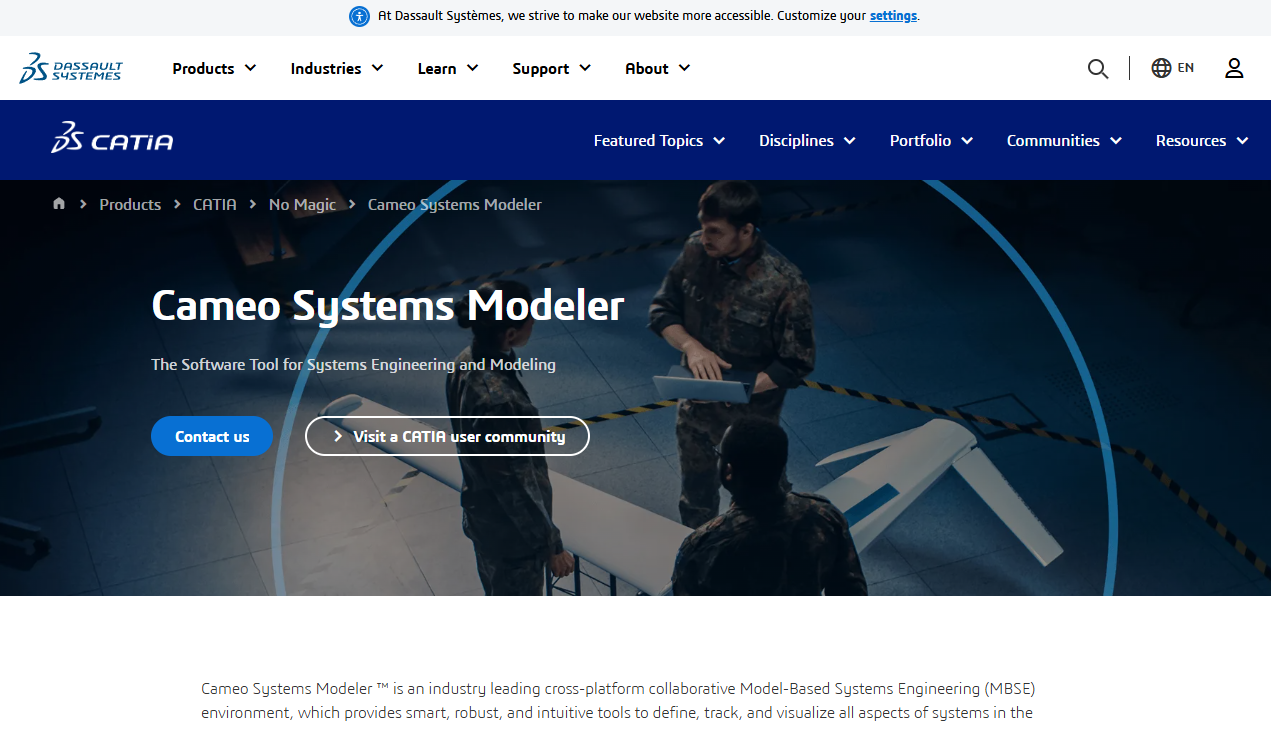
Cameo Systems Modeler is a cross-platform MBSE environment built for teams that need deep SysML modeling, architecture governance, and collaborative development on complex systems. It is widely used in aerospace, defense, automotive, and medical device programs where formal model discipline is a program requirement, not a preference.
Best for: Large engineering organizations standardizing on SysML-based MBSE with distributed teams and formal governance requirements.
Key features
- SysML and UML modeling with parametric analysis and measures of effectiveness
- Requirements traceability views connecting needs to architecture elements
- Model consistency validation and quality checks
- Collaborative repositories with branching and access controls
- Customizable reporting and direct web publishing of model outputs
Why choose Cameo Systems Modeler: It fits teams that need formal modeling discipline enforced at the platform level, not just by convention. If your engineering complexity has reached the point where informal diagrams create material product or compliance risk, Cameo provides the governance layer that prevents model drift.
Cameo Systems Modeler pricing: Cameo uses quote-based licensing. Contact the 3DS sales team directly for pricing, as no standard tier is published.
G2 rating: 4.3/5 (based on 12 reviews, verified October 2026)
2. IBM Engineering Rhapsody
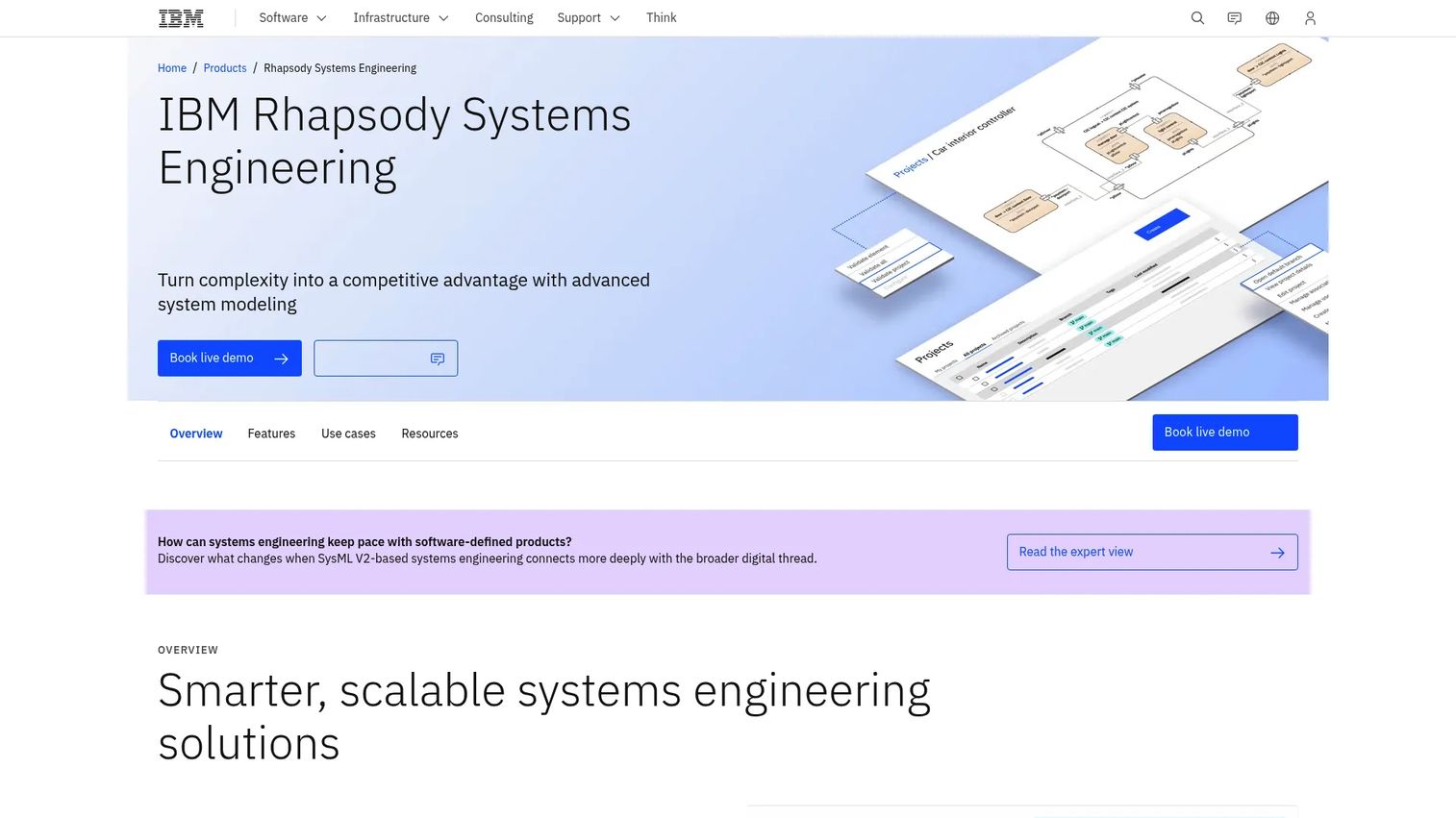
IBM Engineering Rhapsody is a cloud-native, web-based systems engineering platform designed for teams building complex, safety-critical, or software-intensive products. The current version supports SysML V2 with both graphical and textual representations, making it relevant for programs moving toward the next generation of systems modeling standards.
Best for: Enterprise teams designing embedded products, autonomous systems, or safety-critical applications where architecture models must directly inform implementation.
Key features
- SysML V2 modeling with graphical and textual editing
- Web-based collaboration across engineering disciplines
- Requirements, design, and lifecycle traceability
- AI-assisted extraction of use cases from natural-language requirements
- Configurable workflows and enterprise API access
Why choose IBM Engineering Rhapsody: Rhapsody matters most when the gap between documenting an architecture and executing it is expensive. Teams building controls software, autonomous features, or regulated embedded products benefit from a platform where behavior models can be validated before hardware integration begins.
IBM Engineering Rhapsody pricing: IBM does not publish numeric pricing for Rhapsody. Contact IBM directly for licensing options and enterprise packaging.
3. Enterprise Architect

Enterprise Architect from Sparx Systems is a collaborative modeling platform covering UML, SysML, BPMN, ArchiMate, and a wide range of other notations. It serves enterprise, business, software, and systems engineering contexts, making it one of the more versatile modeling environments at a relatively accessible price point.
Best for: Small to mid-sized engineering teams that need formal UML and SysML modeling without starting with a large enterprise software commitment.
Key features
- UML 2.5, SysML, BPMN, and ArchiMate modeling
- Requirements management with end-to-end traceability
- XMI import and export for interoperability
- Code engineering and model transformation
- Documentation generation from model elements
Why choose Enterprise Architect: The one-time licensing model means no recurring per-seat subscription, which matters when runway is finite. For teams that need broad notation support, practical modeling, and a phased adoption path, it covers significant ground without a heavyweight enterprise commitment.
Enterprise Architect pricing: One-time license pricing starts at $245 per Standard license for the Starter Edition, rising to $320 for Corporate, $535 for Unified, and $750 for the Ultimate Edition. Floating licenses are priced at $320, $425, $699, and $965 respectively. Annual maintenance renewals are listed separately.
G2 rating: 4.1/5 (verified October 2026)
4. Capella
Capella is an open-source MBSE tool built on the Arcadia method. Developed originally by Thales and contributed to the open-source community, it covers operational, logical, and physical architecture layers with formal model validation and semantic traceability built in.
Best for: Teams evaluating MBSE before committing to commercial licenses, academic programs, and engineering groups that are willing to adopt the Arcadia method as their framework.
Key features
- Arcadia method support across operational, logical, and physical architecture levels
- Model validation with integrity, design completeness, and traceability rules
- Operational analysis, capability architecture, dataflow, and state diagrams
- Semantic browser and computed links for model navigation
- Extensible through the Eclipse ecosystem
Why choose Capella: For a founder evaluating whether model-based systems engineering creates operating value before buying enterprise licenses, Capella is the lowest-risk starting point. The tool is free, the method is documented, and a commercial training and support ecosystem exists if the team wants structured onboarding.
Capella pricing: The core Capella platform is free to download and use. Commercial add-ons and support are available separately through the tool's ecosystem of service partners.
G2 rating: 3.8/5 (based on 3 reviews, verified October 2026)
5. Innoslate
Innoslate is a cloud-based systems engineering platform that brings requirements management, functional analysis, architecture modeling, verification planning, and simulation into one environment. It is particularly well suited to programs where the failure mode is lost context between requirements, design decisions, and test evidence.
Best for: Aerospace, defense, government, and industrial programs that need connected lifecycle data across requirements, architecture, and verification without assembling a large set of disconnected point tools.
Key features
- Requirements management with traceability, baselining, and version control
- System architecture modeling with diagrams and visualizations
- Verification and validation planning with linked test cases and results
- Simulation for system performance and design trade-offs
- Built-in AI features for requirements quality analysis, test case generation, and risk identification
Why choose Innoslate: It closes the gap between a requirements tool and a modeling tool in a single platform. For leadership that wants cleaner evidence behind roadmap commitments and release readiness, Innoslate provides traceability that survives a customer escalation or audit.
Innoslate pricing: Innoslate does not display pricing on its website. The platform offers cloud, on-premise enterprise, and government or classified deployment options. Contact Spec Innovations directly to request pricing for your deployment type and user count.
G2 rating: 4.6/5 (verified October 2026)
6. Vitech GENESYS
Vitech GENESYS is a model-based systems engineering platform for organizations that need architecture, requirements, interfaces, risk, and decision analysis connected through a common system model. It is built on a unified model architecture where all views, from stakeholder needs to physical components, stay synchronized.
Best for: Architecture-led engineering organizations that need cross-domain planning, lifecycle traceability, and behavior simulation in one environment.
Key features
- Requirements management and lifecycle traceability
- SysML modeling and diagram generation from a unified model
- Behavior modeling and simulation
- Decision and trade study support
- REST API and integrations with external engineering tools
Why choose Vitech GENESYS: Its value is consistency. Because all views derive from the same underlying model, a change in a requirement propagates to affected architecture elements automatically. For programs where dependencies between domains create delivery risk, that synchronization reduces late-stage surprises.
Vitech GENESYS pricing: Pricing is not listed on the Vitech or Zuken product pages. Contact Zuken directly for a quote based on deployment type and user count.
G2 rating: 4.1/5 (based on 20 reviews, verified October 2026)
7. MATLAB and Simulink
MATLAB and Simulink from MathWorks are the dominant tools for quantitative engineering analysis. MATLAB provides a numerical computing environment for data analysis and algorithm development. Simulink adds graphical block-diagram simulation for multidomain physical and control systems, making the combination the standard toolchain for teams whose engineering decisions depend on numbers, not only diagrams.
Best for: Teams validating algorithms, control systems, physical behavior, model-based design, and dynamic simulation before implementation begins.
Key features
- Numerical computing, data analysis, visualization, and programming in MATLAB
- Graphical block-diagram simulation across continuous, discrete, and mixed-signal domains
- Control and signal processing toolboxes
- Physical modeling with Simscape for mechanical, electrical, and thermal systems
- Automated code generation for C, C++, CUDA, PLC, Verilog, and VHDL targets
Why choose MATLAB and Simulink: These tools answer a different question than a SysML modeling platform. Where SysML describes what the system is and how it is structured, MATLAB and Simulink test whether the system will behave as intended under real operating conditions. Use them when technical risk comes from performance, controls logic, or algorithmic behavior.
MATLAB and Simulink pricing: A Standard annual individual license for MATLAB starts at $940 per year. Simulink and other toolboxes are priced separately. MathWorks also offers startup, academic, student, and home licensing at different rates.
G2 rating: 4.5/5 (verified October 2026)
8. Ansys ModelCenter
Ansys ModelCenter is a workflow automation and design exploration platform that connects specialist simulation tools so engineering teams can run multidisciplinary analysis systematically, rather than by running one-off simulations in isolation.
Best for: Engineering teams coordinating analysis across multiple domains, including mechanical, thermal, fluid, controls, and structural, who need repeatable trade study workflows.
Key features
- Automation and integration of analysis programs from multiple vendors
- Parametric, optimization, design-of-experiments, and probabilistic trade studies
- Workflow archiving with snapshots and trade-study result management
- Remote execution support for compute-intensive analysis
- APIs and plug-in SDKs covering Java, C++, Python, and Visual Basic
Why choose Ansys ModelCenter: Trade studies typically happen in spreadsheets when simulation tools are disconnected. ModelCenter replaces that with repeatable, automated workflows, so engineering decisions rest on consistent analysis rather than one engineer's manual run. For teams with expensive trade-off decisions across disciplines, that shift has direct cost implications.
Ansys ModelCenter pricing: Pricing is not available on the Ansys product page. Contact Ansys directly for quote-based licensing.
G2 rating: 4.8/5 (based on 2 reviews, verified October 2026)
9. Siemens Teamcenter for systems engineering
Siemens Teamcenter is an enterprise product lifecycle management platform with a systems engineering layer that connects requirements, architecture, interfaces, and parameters to the broader product record. It is designed for organizations that need a digital thread across mechanical, electrical, software, and systems disciplines in a single governed environment.
Best for: Large discrete-manufacturing organizations that need systems engineering, product configuration, change control, and cross-domain collaboration connected to a shared PLM backbone.
Key features
- Model-based systems engineering with requirements, architecture, and interfaces in one model
- Requirements management with cross-domain traceability
- Product structure and bill-of-materials management
- Change, configuration, workflow, and access-control management
- Cross-domain design collaboration across engineering disciplines
Why choose Siemens Teamcenter: Its value increases proportionally with the complexity of the product data it manages. For a typical SaaS company without hardware, it is probably excessive. For an organization managing multi-discipline engineering programs with regulated configurations, physical products, or aerospace ERP software needs, Teamcenter provides the enterprise backbone that point tools cannot replicate.
Siemens Teamcenter pricing: Teamcenter X is available in Essentials, Standard, Advanced, and Premium tiers. Siemens does not display numeric pricing. Request a quote from Siemens directly.
10. IBM DOORS Next
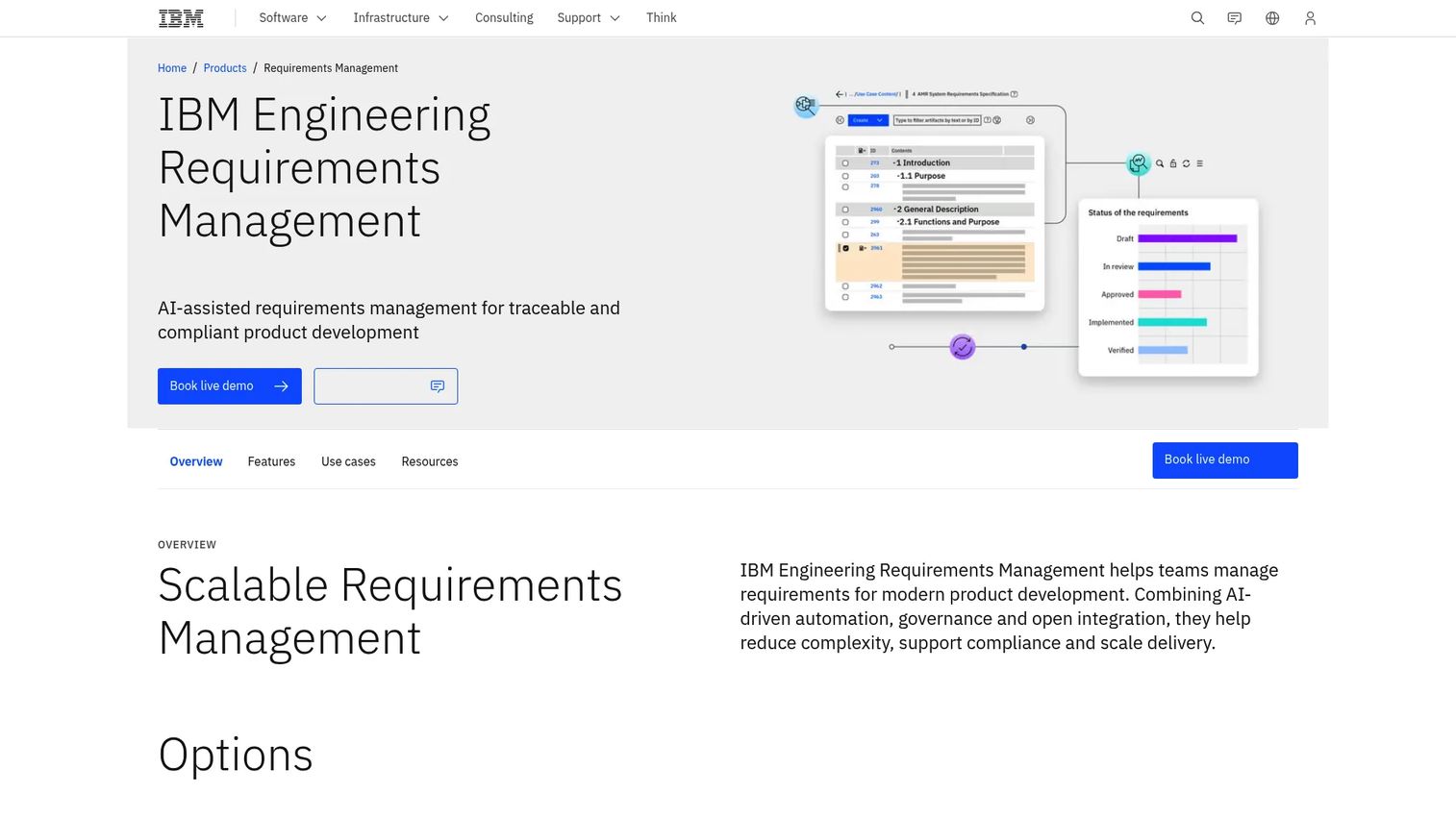
IBM DOORS Next is a scalable, web-based requirements management platform for teams that need controlled requirements with version history, impact analysis, collaborative review, and traceability into testing and design artifacts.
Best for: Large, compliance-focused engineering programs where requirements governance, auditability, and change control are the primary selection drivers.
Key features
- Requirements authoring, categorization, and sharing with rich-text and diagram support
- End-to-end traceability across requirements, design, and test artifacts
- Baselines, configuration management, and full change history
- Web-based collaboration with reviews, dashboards, and reporting
- Integration with IBM Engineering Lifecycle Management tools
Why choose IBM DOORS Next: A requirements platform is sometimes the right first purchase before a full MBSE suite. When requirements volatility drives rework and delivery risk, controlling that volatility at the source reduces costs across the entire development chain. DOORS Next is built specifically for that job at enterprise scale.
IBM DOORS Next pricing: IBM does not display numeric pricing. Contact IBM sales for licensing options, including cloud-hosted and on-premise deployment.
G2 rating: 4.0/5 (based on 136 reviews, verified October 2026)
11. OpenModelica
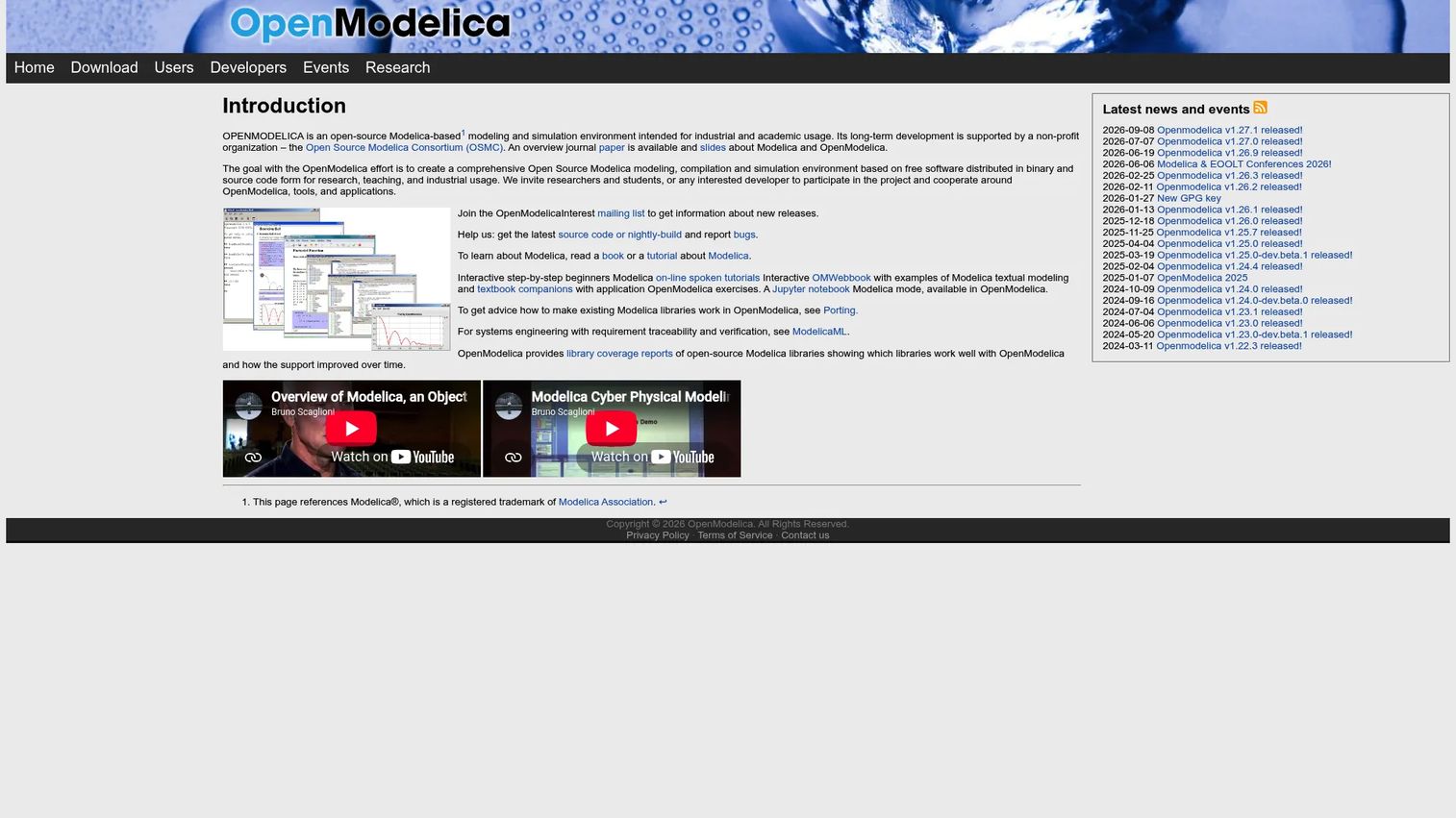
OpenModelica is an open-source Modelica modeling, compilation, and simulation environment maintained by the Open Source Modelica Consortium (OSMC). It supports multi-domain physical system modeling, covering mechanical, electrical, thermal, fluid, and control domains, without commercial licensing fees.
Best for: Researchers, educators, and engineering teams needing physics-based simulation for prototype modeling and technical due diligence without commercial software costs.
Key features
- Modelica-to-C compilation and simulation engine
- Graphical modeling with the OMEdit interface
- Optimization through OMOptim and dynamic optimization tools
- Python integration via OMPython
- FMI and TLM-based co-simulation through OMSimulator
Why choose OpenModelica: It is a low-cost path for teams evaluating whether equation-based physical simulation adds value before committing to a commercial tool. The trade-off is that it requires internal Modelica knowledge and more engineering ownership than a supported commercial product. OSMC individual membership is free at Level 1, with commercial and industrial membership tiers available for organizations that need formal support.
OpenModelica pricing: The core OpenModelica software is free and open source. OSMC individual Level 1 membership is €0 per year. Commercial and industrial membership tiers carry fees, verified on the OSMC consortium page in October 2026.
G2 rating: 4.2/5 (verified October 2026)
Considerations when choosing systems engineering tools
Start with the failure mode, not the feature checklist
Identify the specific gap that is costing the team time or creating delivery risk today. The right category to buy depends on whether that gap is requirements drift, architecture confusion, simulation capacity, verification evidence gaps, or fragmented product data. Buying the wrong category adds another disconnected system rather than closing the bottleneck.
Decide whether you need a platform or a connected stack
Most organizations combine requirements management, modeling, simulation, and lifecycle systems rather than running one monolithic tool. A single-vendor suite, such as IBM's Engineering Lifecycle Management portfolio, reduces integration effort. Modular stacks give more flexibility to swap components as the product and team mature.
Check traceability before committing
Ask vendors to demonstrate live how a requirement connects to architecture, through change history, to test evidence, and to a release decision. If that trace cannot survive a normal engineering change event, it will not hold during a customer escalation or external audit. Traceability that exists only at deployment time is not traceability.
Price implementation, not only licenses
For asset lifecycle management software categories and similarly complex platforms, the hidden costs often exceed the license fee. Model migration, governance design, team training, integration work, and ongoing administration all carry real cost. For a founder protecting runway, the total cost of adoption matters more than the entry license price.
Match tool rigor to product risk
A lightweight system may be sufficient for a pure SaaS product with limited dependencies. Formal MBSE becomes more valuable as the product gains hardware components, embedded logic, regulated requirements, safety concerns, complex integrations, or high-cost failure modes. Not every Series B SaaS company needs a defense-grade MBSE suite. The question is whether your engineering failure modes are cheap enough to discover late.
Conclusion
The right systems engineering tool is the one that closes the most expensive gap between a requirement, an engineering decision, and proof that the result works.
For enterprise MBSE programs, Cameo Systems Modeler provides the governance depth that informal tools cannot. IBM Engineering Rhapsody is the choice when embedded behavior must be validated before silicon. Enterprise Architect gives teams broad modeling capability at a one-time license cost starting at $245.
For open-source evaluation paths, Capella covers formal architecture modeling and OpenModelica covers physical simulation, both without license fees. Innoslate and IBM DOORS Next serve requirements-led programs where traceability and change control drive the decision.
MATLAB and Simulink remain the standard for simulation-heavy work and quantitative trade studies. Ansys ModelCenter connects those simulations into repeatable workflows across disciplines. Siemens Teamcenter is the platform for organizations that need a digital thread connecting systems engineering to PLM at enterprise scale.
Before booking demos, map one live engineering workflow from a customer requirement to a validated result. The tool that makes that chain easier to own and easier to hand off to a new VP of Engineering is the one worth evaluating first.
Start your journey with Guideflow today!
FAQs
Systems engineering tools cover the full range of lifecycle activities: Requirements management, simulation, verification and validation, and lifecycle or digital thread management. MBSE tools are a subset focused specifically on formal system models, their relationships, and the diagrams that represent architecture and behavior. You can do systems engineering without MBSE, but most mature programs use both.
Teams with strong requirements governance needs should evaluate IBM DOORS Next, which has 136 G2 reviews and is purpose-built for web-based requirements at scale, alongside Innoslate, which connects requirements to architecture and verification in one platform. The right choice depends on whether the primary need is controlled requirements authoring and change management (DOORS Next) or a connected lifecycle view from requirements through test results (Innoslate).
Yes. Enterprise Architect supports SysML alongside UML, BPMN, and ArchiMate in a single modeling environment, with a one-time license starting at $245. It is commonly selected by teams that need broad notation support without a large enterprise commitment. Before selecting it, verify whether the team's collaboration requirements favor a repository-based workflow and whether the modeling governance your program needs is achievable with the edition you choose.
Capella is the most established open-source MBSE option, built on the Arcadia method and actively maintained with a commercial support ecosystem. OpenModelica serves a different job: It is the leading open-source choice for Modelica-based physical system simulation. Choose Capella when the need is architecture modeling, and OpenModelica when the need is equation-based simulation of physical behavior.
Many SaaS startups do not need a formal MBSE platform. It becomes more relevant when requirements traceability directly affects delivery predictability, when the product includes embedded systems or hardware, when regulated workflows require audit evidence, or when multi-discipline engineering dependencies create expensive coordination failures. If those conditions are not present, a lightweight requirements tool and a good architecture review process are often sufficient.
No, they serve complementary purposes. MATLAB and Simulink focus on quantitative modeling and the simulation of physical and dynamic system behavior. SysML platforms focus on system structure, interfaces, requirements linkage, and behavioral diagrams that do not require numerical solution. Most programs with significant simulation work use both, with SysML capturing the architecture and Simulink validating the behavior.
Five questions worth asking before committing:
- Can we trace a customer requirement to a validated test result inside the tool?
- How does the tool handle a mid-cycle requirement change without losing traceability?
- What data needs to migrate from our current stack, and what does that typically cost?
- Which workflow requires the most ongoing administrator effort to maintain?
- What can a VP of Engineering or program manager review without becoming a daily tool user?
Open-source tools such as Capella and OpenModelica eliminate license fees entirely. Commercial platforms with per-seat or annual licenses start in the hundreds of dollars per user annually, with Enterprise Architect's one-time license beginning at $245. Enterprise platforms from IBM, Siemens, and Ansys are quote-based, with total cost determined by user count, deployment type (cloud or on-premise), integration scope, training, and governance requirements. For most programs, implementation cost is a larger variable than the license price itself.