



Most diary apps look identical on the app store. Clean type, a calendar, a lock icon, a promise of privacy. Then you actually use one for a month, and the differences show up where they hurt.
You want to write on your laptop and finish on your phone, but sync is broken. You want to attach a photo, but the free tier caps you. You want to leave, and there's no clean export, so your entries are hostage to a subscription.
The diary software market reached USD 2.8B in 2025 and is projected to hit USD 6.1B by 2034 at a 9.1% CAGR, according to Dataintelo (2025). More options means more noise, not more clarity.
The real decision comes down to four trade-offs: Privacy, portability, structure, and how much writing you actually want to do. No single app wins all four. This guide sorts out which one wins for you.
What's inside
This is a decision-first comparison for anyone shortlisting a diary app before they download or pay. We picked tools that are real, current, and category-native, then evaluated each against the factors that decide the choice.
- Privacy and security: Passcodes, biometric unlock, and encryption where it exists
- Cross-platform availability: Windows, Android, iPhone, iPad, and web coverage
- Media support: Photos, audio, video, and drawings inside entries
- Export and backup: Whether you can get your data out cleanly
- Search and organization: Tags, calendar views, and recall features
No lifestyle fluff. Just what each tool does, who it fits, and what it costs.
TL;DR
- Best overall and privacy-first: Day One, with encryption, cross-device sync, and clean export
- Best for Windows and pen input: Microsoft Journal, free and ink-first
- Best secure Android diary: My Diary, with lock, Google Drive sync, and backup
- Best offline-first with no subscription: Diarium, a one-time Pro purchase per platform
- Best polished multi-device journal: Journey, with rich text, media, and end-to-end encryption
- Best guided journaling: Grid Diary, with prompts and templates from $2.99/month
- Best mood tracking: Daylio, two-tap logging with charts and a free unlimited tier
What is diary software
Diary software is an application for writing, storing, and revisiting personal entries in a private, searchable digital format across your devices.
It replaces the paper journal with something you can lock, back up, sync, and search. A good diary app captures more than text: Photos from your day, a voice memo, a mood, a location, a timestamp. Then it makes all of that findable months later.
The category sits next to note-taking and journaling apps, but the emphasis is different. Diary software leans on privacy, chronology, and recall rather than collaboration or task management. Most tools are personal, single-user, and built to feel private by default.
Core features to expect:
- Private entries: Passcode, biometric lock, and optional encryption
- Cross-device sync: Write on one device, continue on another
- Media capture: Photos, audio, video, and drawings inside entries
- Organization: Tags, categories, calendar views, and full-text search
- Reminders: Nudges to write on a schedule
- Export and backup: A way to move your data out or archive it
Cloud-based deployment held a 62.4% share of the diary software market in 2025, per Dataintelo (2025), which tells you sync and backup are now baseline expectations, not premium extras.
The split that matters most: Some apps are freeform writing spaces, others are structured with prompts, and a few are closer to mood trackers than diaries. Pick the shape that matches how you actually reflect, because the wrong shape is the fastest way to abandon a diary in week two.
When to use diary software
Capture daily thoughts without losing context
Digital journaling keeps the entry, the photo, the location, and the timestamp together in one place. You jot a note on your phone at lunch, add a picture on the walk home, and finish the thought on your laptop that night. Nothing gets scattered across apps or lost in a camera roll.
Keep a private record across devices
Cloud sync is the reason most people upgrade past a free tier. Switching between phone, desktop, and web without sync means duplicate entries and version confusion. Sync plus backup means your diary survives a lost phone, a wiped laptop, or a platform switch.
Organize memories and revisit old entries
Search, tags, calendar views, and "on this day" features turn a pile of old entries into usable context. You look up what you wrote last spring, or the app surfaces an entry from a year ago automatically. Recall is what separates a diary you write from a diary you actually return to.
Comparison table
Here's the side-by-side. Pricing and ratings reflect each vendor's current listing at the time of writing. Note that most diary apps are consumer products, so several carry no G2 rating, which is normal for this category.
| # | Product | Best for | Key differentiator | Pricing | G2 rating |
|---|---|---|---|---|---|
| 1 | Day One | Privacy-first cross-device journaling | Encrypted entries plus AI reflection on Gold | Free; Silver $49.99/yr; Gold $74.99/yr | 5.0/5 |
| 2 | Microsoft Journal | Windows and pen input | Ink-first canvas with AI ink recognition | Free | Not rated |
| 3 | My Diary | Secure Android diary | Lock plus Google Drive sync and backup | Free with premium upgrade | Not rated |
| 4 | Diarium | Offline-first, no subscription | One-time Pro purchase, sync via your own cloud | Free; Pro from $14.99 one-time | Not rated |
| 5 | Journey | Polished multi-device journaling | Rich text, media, end-to-end encryption | Free plus Premium and Membership | Not rated |
| 6 | Grid Diary | Guided, structured journaling | Grid-based prompts and templates | Free; from $2.99/mo | Not rated |
| 7 | Daylio | Mood and habit tracking | Two-tap mood logging with charts | Free plus Premium | Not rated |
Best 7 diary software tools for 2026
1. Day One
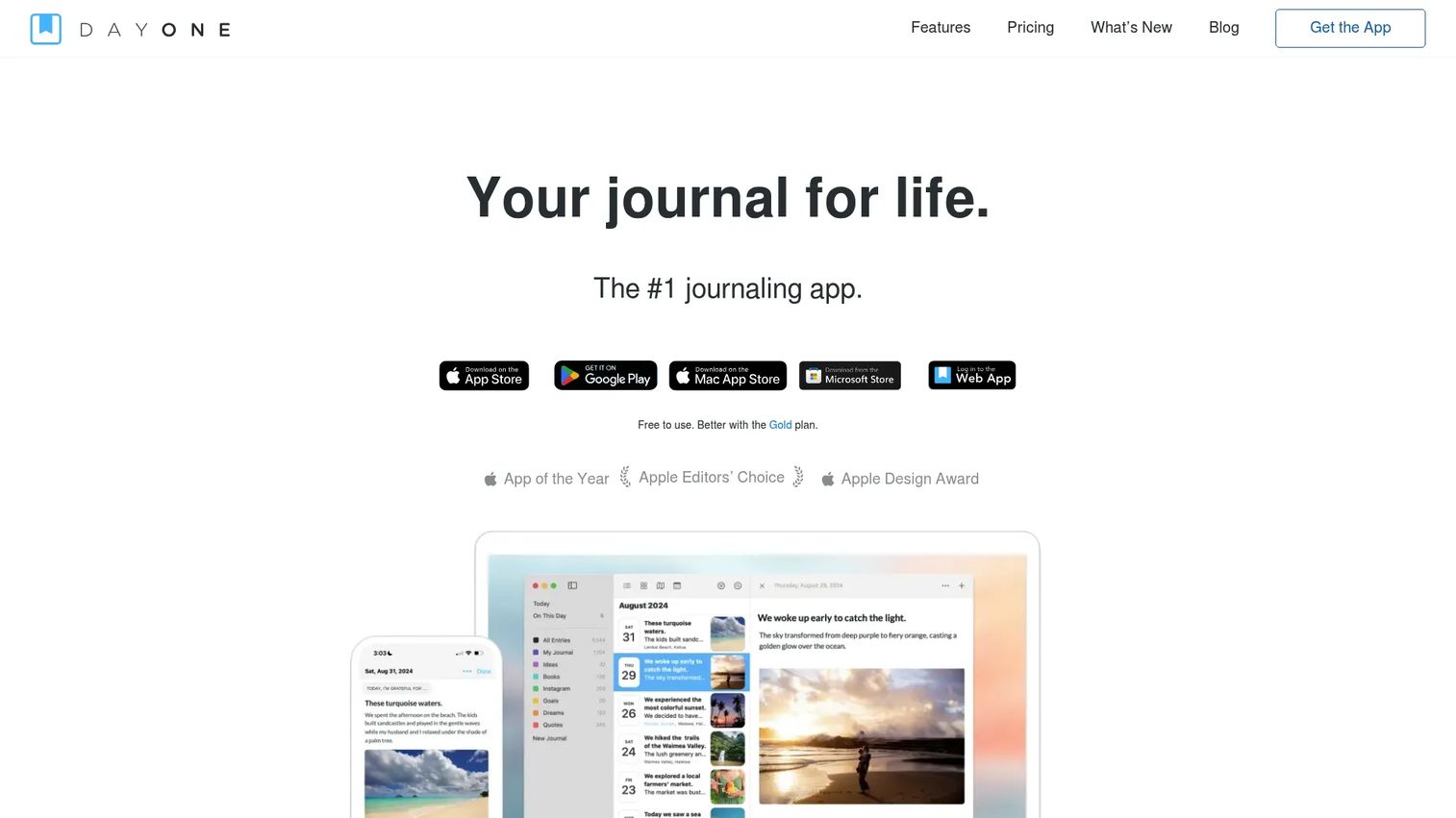
Day One is the reference point for private journaling across devices. It handles unlimited journals and entries, captures photos, video, audio, and drawings, and secures everything with end-to-end encryption and backup. The Gold tier adds AI journaling features for prompts and reflection.
Best for: People who want a private, cross-device diary with premium multimedia and optional AI reflection.
Key features
- End-to-end encryption and secure backup
- Photos, video, audio, and drawings
- On This Day memory recall
- Cross-platform sync across devices
- AI journaling tools on Gold
Why choose Day One: If privacy and long-term recall matter more than cost, Day One is the safest pick. The trade-off is that its best features (sync, extra media, AI) sit behind a paid tier.
Day One pricing: Basic is free. Silver runs $49.99 per year and adds sync, media, and integrations. Gold runs $74.99 per year and adds AI reflection features.
Day One shows a 5.0/5 rating on its G2 product listing.
2. Microsoft Journal
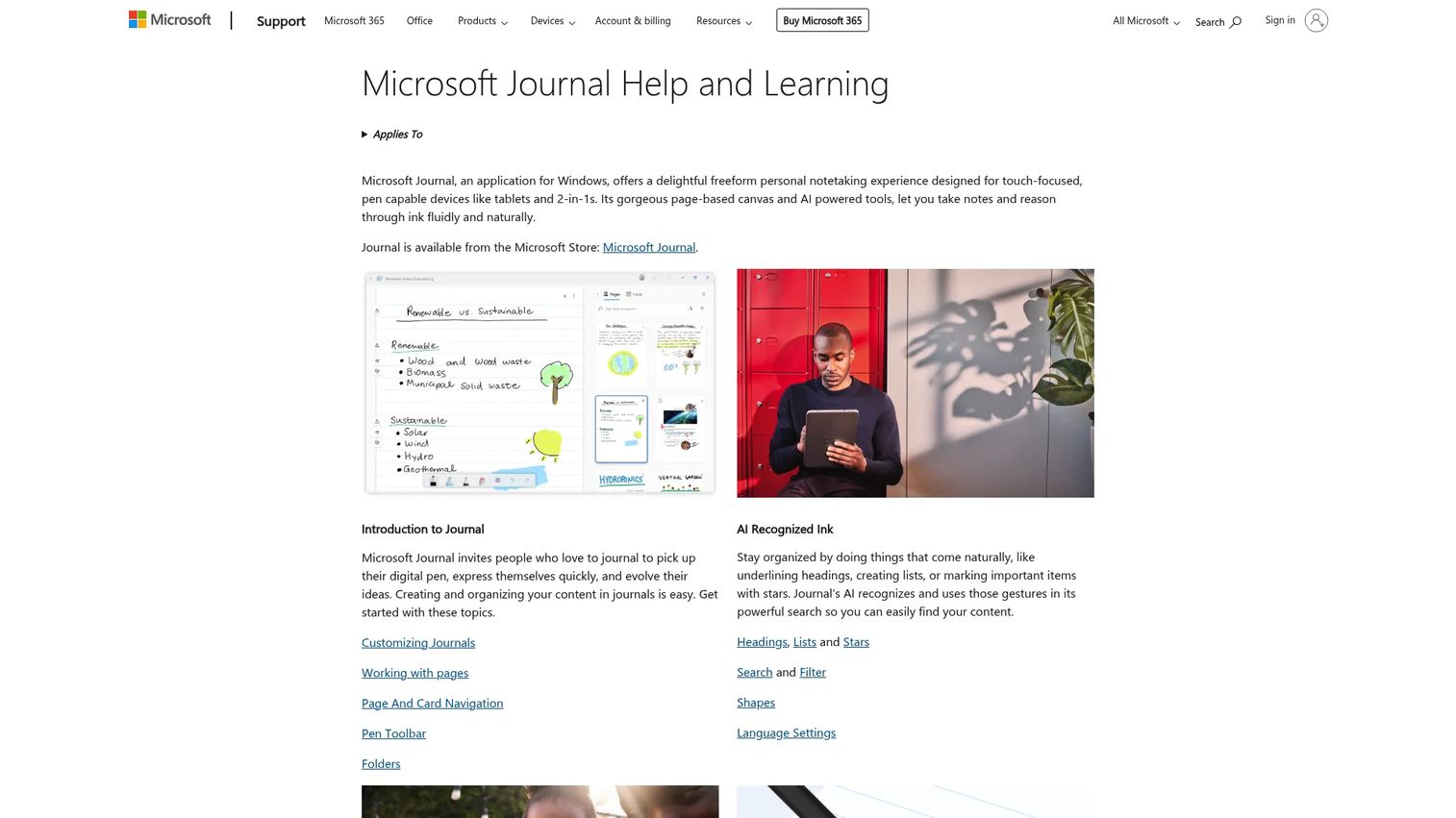
Microsoft Journal is a pen-first Windows app built for handwritten capture on touch and stylus devices. It uses a freeform, page-based canvas and recognizes ink gestures for headings, lists, and stars. You can import PDFs and images, then export entries to OneNote or PDF.
Best for: Windows users with a pen who want a fast, handwritten diary rather than a typed one.
Key features
- Freeform ink canvas for handwriting
- AI ink recognition for headings and lists
- Search and filter across ink
- Import PDFs and images
- Export to OneNote or PDF
Why choose Microsoft Journal: If you think better with a pen and live in Windows, this fits your workflow. It's less suited to typed, cross-platform journaling, since it's Windows-focused.
Microsoft Journal pricing: Microsoft offers Journal as a free application, with no paid tiers.
Microsoft Journal does not carry a verified G2 rating at this time.
3. My Diary
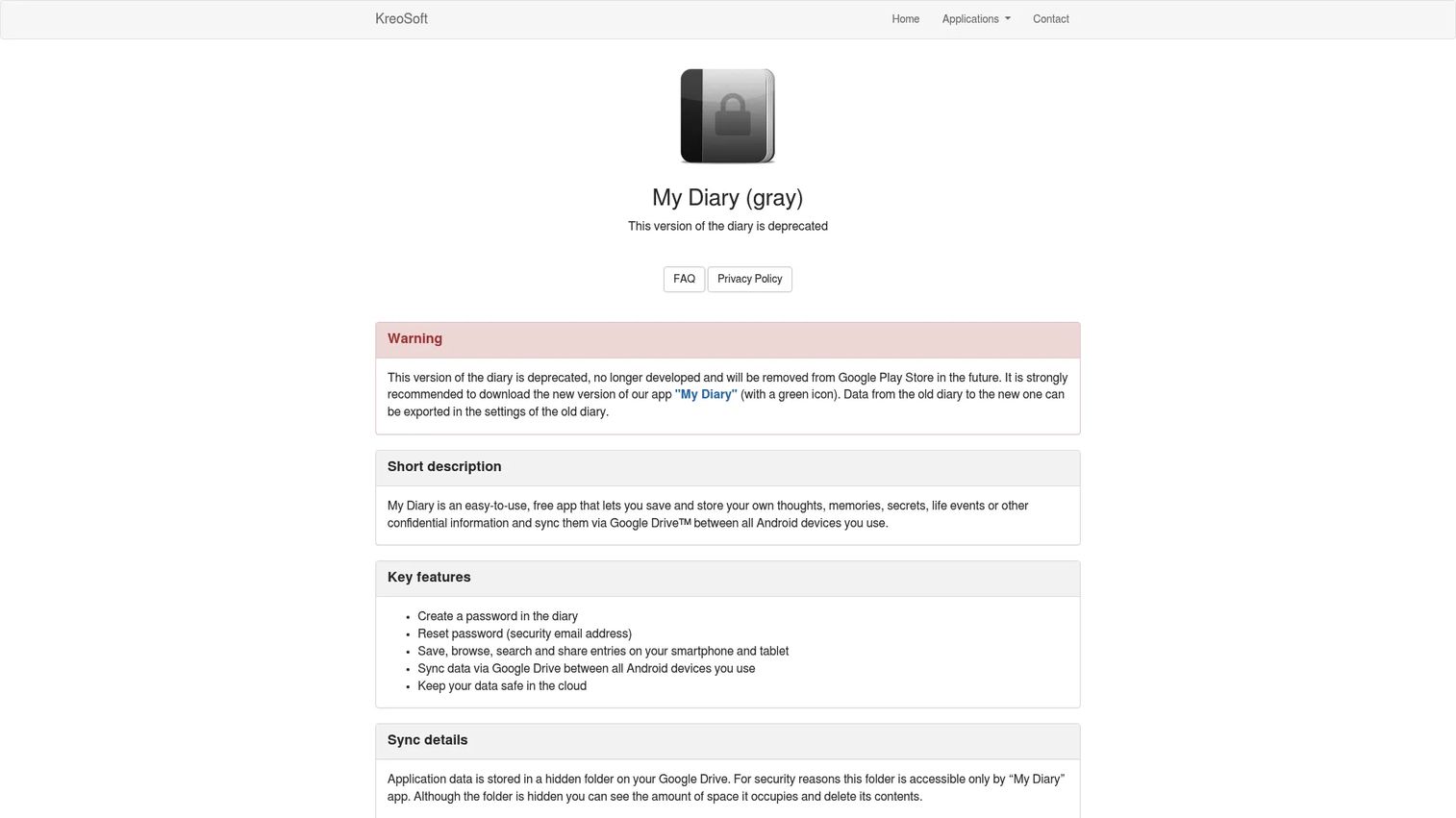
My Diary is a privacy-focused Android diary from KreoSoft for storing notes, memories, and confidential entries. It protects entries with a password or PIN plus biometric unlock, and syncs to Google Drive with backup and export options. You can browse, search, share, and organize entries by category.
Best for: Android users who want a simple, locked diary with cloud sync and an optional ad-free upgrade.
Key features
- Password or PIN with biometric unlock
- Google Drive sync and backup
- Browse, search, and share entries
- Organize entries by category
- Export options plus ad removal on premium
Why choose My Diary: For Android-first users who value a lock and cloud backup over cross-platform reach, it's a practical fit. Note the official site points users toward its newer version, so check you're on the current app.
My Diary pricing: The app is free to use, and a premium upgrade removes ads and adds sync and backup options.
My Diary does not carry a verified G2 rating at this time.
4. Diarium
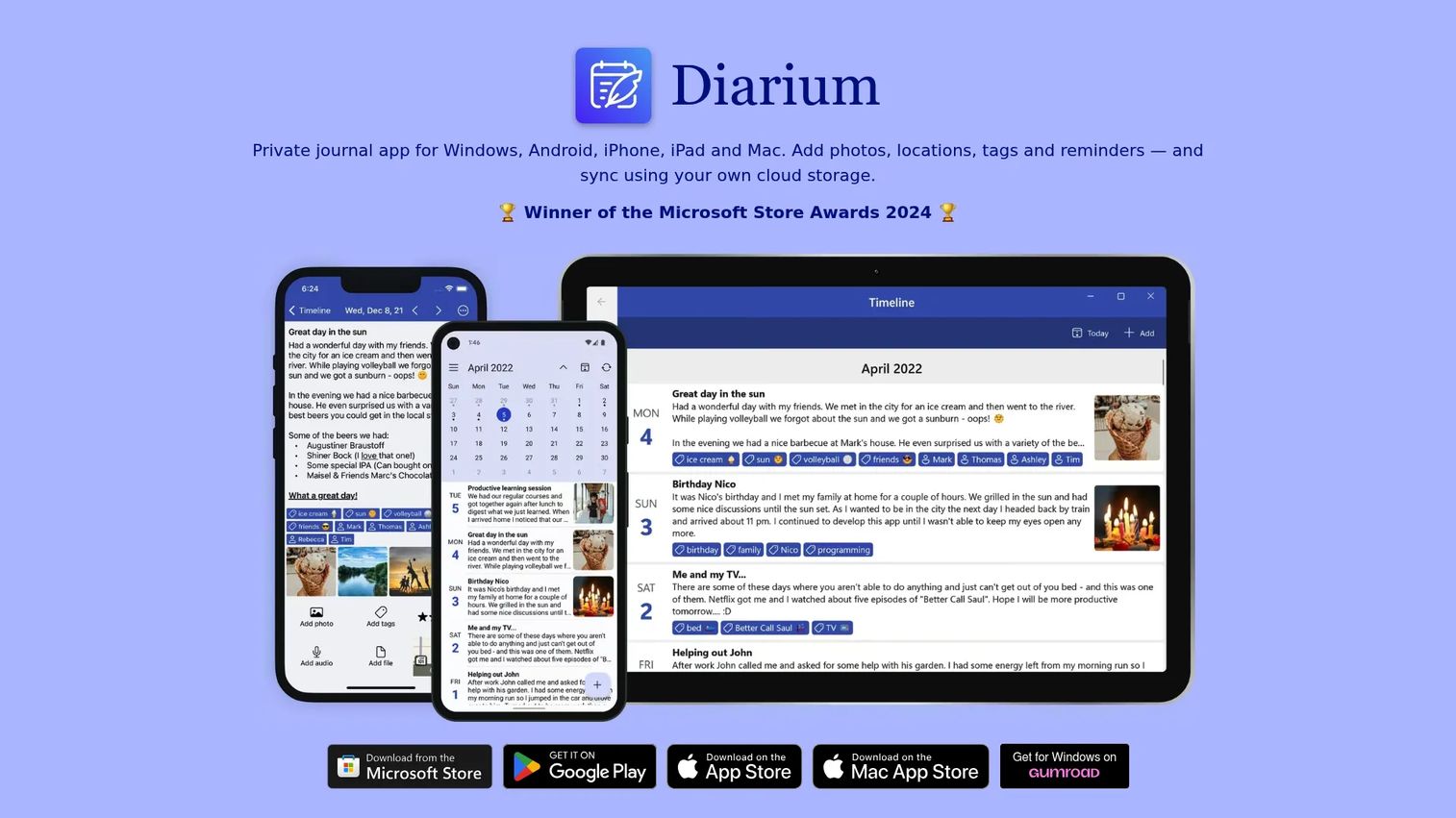
Diarium is a private, offline-first diary that runs across Windows, Android, iPhone, iPad, and Mac. It's private by default and needs no account. Sync is optional and routes through your own cloud storage, so your data stays in services you already control.
Best for: People who want a private, offline diary with optional sync and no recurring subscription.
Key features
- Cross-platform across five device types
- Private by default, no account required
- Optional sync via OneDrive, Google Drive, or iCloud
- Media entries with tags and calendar views
- Multiple export formats
Why choose Diarium: If subscriptions annoy you and you want to own sync through your own cloud, Diarium is the answer. The trade-off is a one-time cost per platform rather than a single license.
Diarium pricing: Diarium is free on most platforms, with Pro features as a one-time purchase. The iOS Pro version is $14.99, and the Windows app is paid.
Diarium does not carry a verified G2 rating at this time.
5. Journey
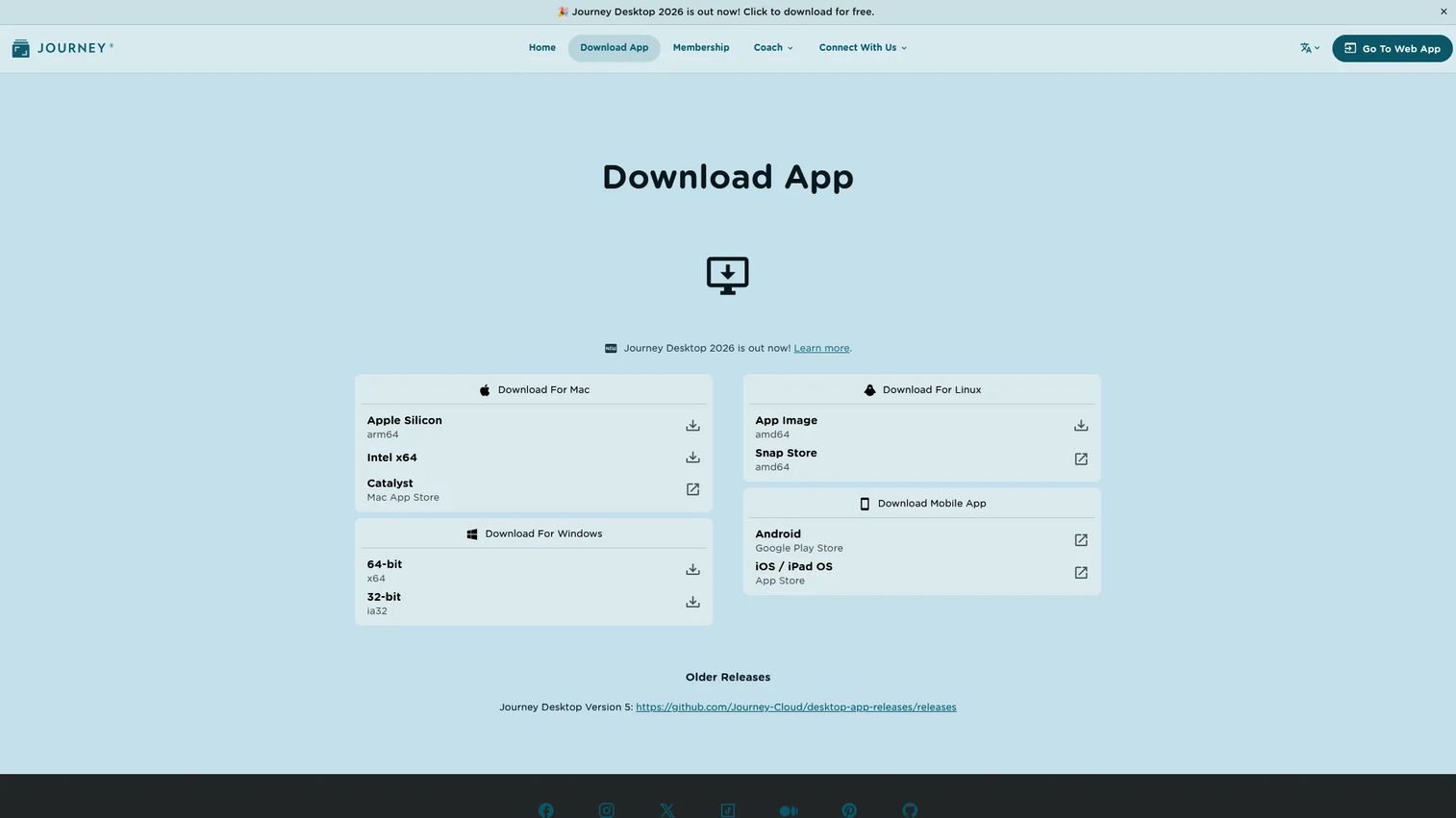
Journey is a polished journal that works on web, mobile, desktop, and even email. It pairs rich text editing with media uploads, mood tracking, and throwback, map, and calendar views. Privacy runs deep, with end-to-end encryption, shared journals, and self-hosting support.
Best for: Multi-device users who want a refined interface with strong privacy and media handling.
Key features
- Cross-platform web, mobile, desktop, and email
- Rich text editing and media upload
- Mood tracking and throwback recall
- Map and calendar views
- End-to-end encryption and self-hosting
Why choose Journey: If you want a diary that feels designed and syncs everywhere, Journey balances simplicity with depth. Its full pricing sits behind account tiers, so confirm plan details before committing.
Journey pricing: Journey has a free tier, plus Premium and Membership plans. Membership offers monthly, annual, and lifetime options.
Journey does not carry a verified G2 rating at this time.
6. Grid Diary
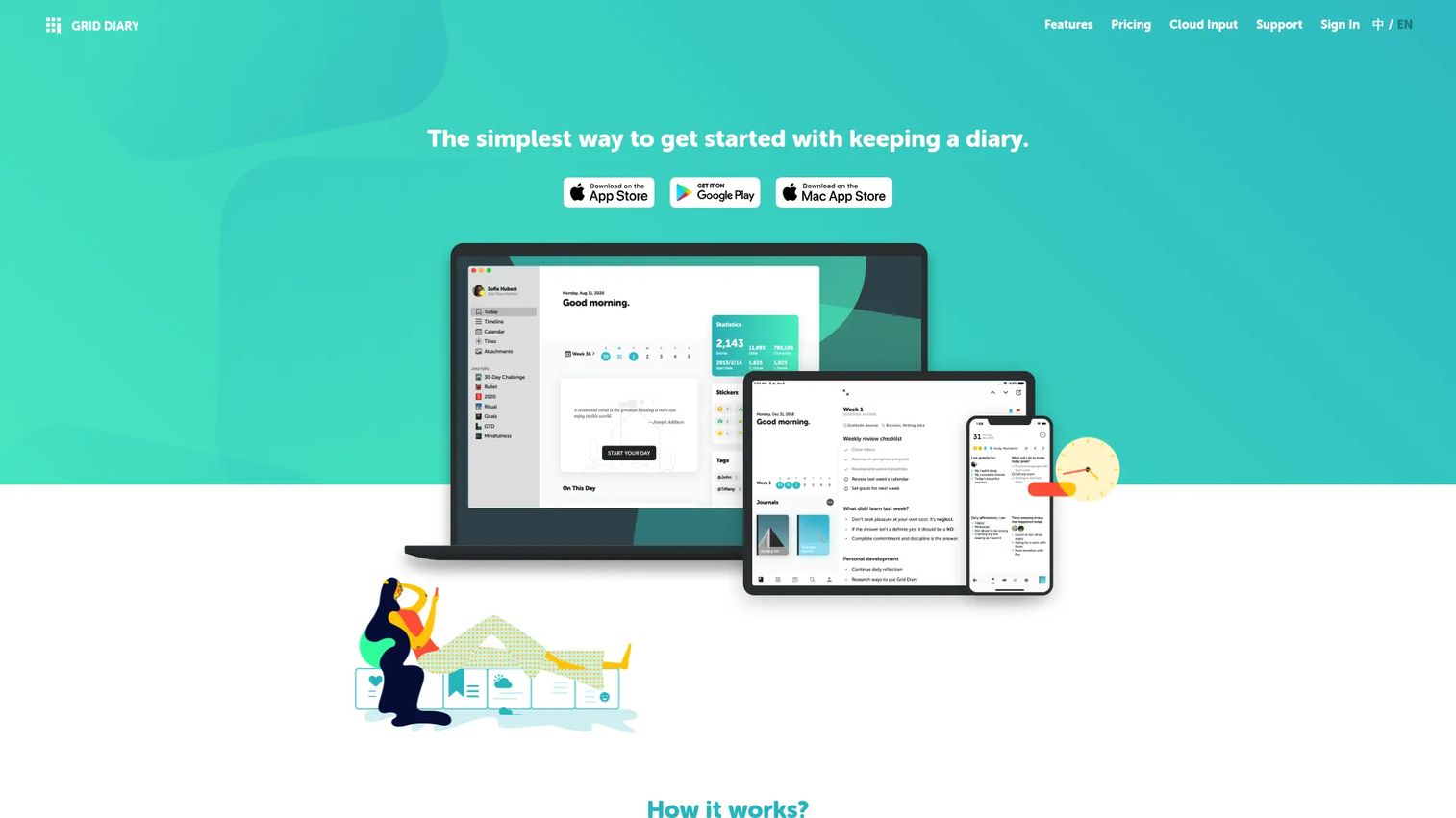
Grid Diary solves the blank-page problem with a grid of guided prompts. Instead of staring at empty space, you answer structured questions that pull the entry out of you. It supports multiple journals, a template library, tags, markdown, attachments, and cross-device sync.
Best for: People who want structure and prompts rather than a freeform writing space.
Key features
- Grid-based guided prompts
- Customizable templates and prompt library
- Multiple journals with tags
- Markdown, attachments, and dark theme
- Passcode, sync, exports, and reminders
Why choose Grid Diary: If you keep quitting freeform diaries because you don't know what to write, the prompts change that. It's less ideal if you prefer an open canvas with no scaffolding.
Grid Diary pricing: Many features are free. A single subscription unlocks advanced features, at $2.99 monthly or $22.99 annually, with a free trial.
Grid Diary does not carry a verified G2 rating at this time.
7. Daylio
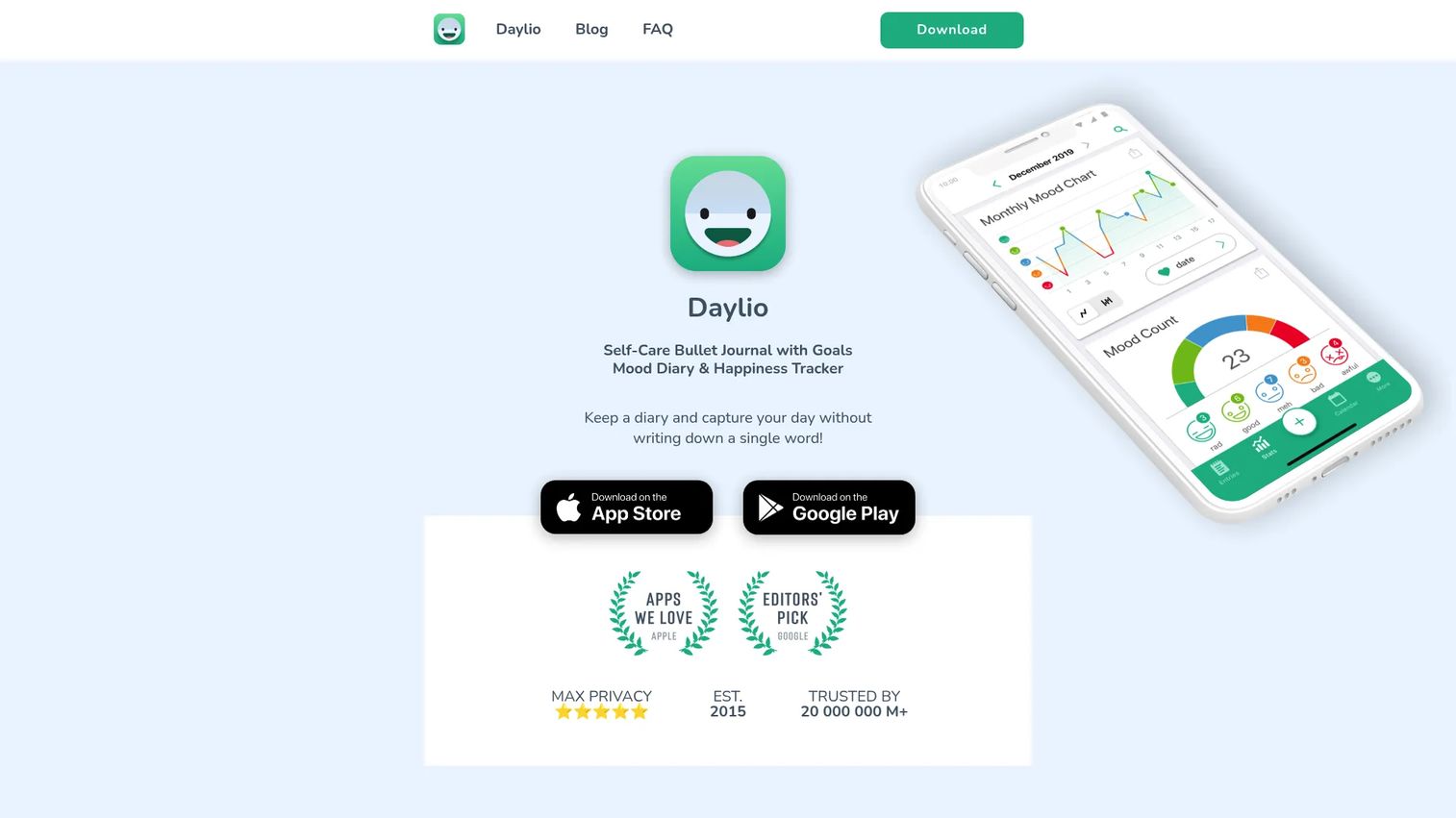
Daylio takes a different angle: Log your mood and activities in two taps, and let the app build the picture over time. It's the fastest way to keep a record when you won't write long-form every day. Charts and statistics turn those taps into visible patterns.
Best for: People who want a fast mood and habit journal without daily writing.
Key features
- Two-tap mood and activity logging
- Charts and advanced statistics
- Goals and reminders
- Backups and export
- Privacy controls
Why choose Daylio: If consistency beats depth for you, two-tap logging keeps the habit alive when writing would kill it. Be honest with yourself: This is different from a classic long-form diary, so pick it for tracking, not prose.
Daylio pricing: Daylio keeps a free unlimited version and offers a 7-day free trial. Premium is a monthly or annual subscription.
Daylio does not carry a verified G2 rating at this time.
Considerations
Before you download or pay, run each shortlisted app through these five checks.
Privacy and security
Look for a passcode, biometric unlock, and encryption, and read carefully about which one you're getting. Some apps lock the interface but store entries in plain text. If confidentiality is the reason you're keeping a diary, verify the encryption claim on the vendor's own page, not a review.
Cross-platform sync
Confirm the app runs on every device you use, and check how sync works. Some tools sync through their own cloud, others route through Google Drive, iCloud, or OneDrive. If you split time between Windows and iPhone, test that the pairing actually holds before you rely on it.
Export and backup
Your entries should be portable. Check the export format and whether it's gated behind a paid tier. An app that traps your writing inside a subscription is a switching cost you want to know about on day one, not two years in.
Media support
Decide what you'll actually attach: Photos, audio, video, or drawings. Then check the limits. Free tiers often cap media, so match the tier to how visual your journaling will be.
Organization and recall
A diary you can't search is a diary you won't reread. Look for tags, calendar views, full-text search, and an "on this day" feature. Recall is what turns months of entries into something you use.
Conclusion
The choice comes down to what you value most. Day One is the strongest all-round pick for privacy and cross-device recall, with clean export if you ever leave. Microsoft Journal wins for Windows pen users, and it's free. My Diary covers the secure Android case with Google Drive sync and backup.
If subscriptions bother you, Diarium's one-time purchase and own-cloud sync is the practical route. Journey suits anyone who wants a polished, encrypted journal across every device. Grid Diary fixes the blank-page problem with prompts, and Daylio keeps the habit alive with two-tap mood logging.
Here's a fast next step: Pick one privacy-first freeform app and one structured or mood-based app, run both for two weeks, and keep whichever you actually open. The best diary software is the one you return to, so let your own consistency, not a feature list, make the final call.
FAQs
Day One and Journey both offer end-to-end encryption, which is the strongest privacy signal in this list. For an Android-focused option, My Diary adds a password, PIN, and biometric lock. Always confirm the encryption claim on the vendor's own page before trusting it.
Microsoft Journal is built for Windows and works especially well with a pen or touch device. Diarium also runs on Windows and adds cross-platform sync to Android, iPhone, iPad, and Mac. Choose Journal for handwriting and Diarium for typed, multi-device journaling.
Yes, most tools here support export, though formats and limits vary. Day One, Diarium, Grid Diary, and Daylio all include export options, and Microsoft Journal exports to OneNote or PDF. Check whether export sits behind a paid tier before you commit.
Many do, and sync is now a baseline expectation rather than a premium extra. Cloud-based deployment held a 62.4% share of the diary software market in 2025, per Dataintelo (2025). Day One, Journey, and Diarium all sync across multiple devices, though Diarium routes through your own cloud storage.
For most personal journaling, yes. Daylio keeps a free unlimited version, Grid Diary offers many features free, and Microsoft Journal is fully free. Paid tiers mostly add sync, extra media, and encryption, so upgrade only when you hit a specific limit.
The terms overlap heavily and are often used interchangeably. A diary app leans toward dated, chronological personal entries, while a journal app may add prompts, mood tracking, or structured reflection. Grid Diary and Daylio show the structured end; Day One and Journey cover both.
Day One and Journey both handle photos, audio, and video inside entries, with Day One also supporting drawings. Diarium adds media across its cross-platform apps too. If media-rich entries matter, check the free tier's media caps before you download.
You own your entries, but portability depends on export. Apps with clean export, like Day One, Diarium, and Grid Diary, let you take your data elsewhere. If long-term ownership matters, prioritize export format and backup options over any single feature.










