Your reps passed the certification. Your technicians completed the LMS modules. But the first time a real workflow showed up, they hesitated.
That gap between completion data and actual readiness is what AR training simulator software is designed to close. Instead of watching a video or clicking through slides, learners practice inside simulated environments that mirror the real work, whether that's a clinical emergency, a maintenance procedure, or a high-stakes customer conversation. A 2025 meta-analysis published in BMC Medical Education found that AR and mixed reality training improved skill scores by 12.31 points and reduced failure rates by 8 percentage points compared to traditional instruction. The results hold across disciplines, not just medicine.
The challenge for Sales Enablement Managers and L&D leaders isn't whether immersive training works. The challenge is choosing the right platform for the specific training job, the content ownership model your team can sustain, the hardware your organization can support, and a measurement approach that connects to readiness outcomes rather than just session counts.
This guide gives you a practical shortlist of 15 tools across the AR, VR, MR, and XR landscape, with verified pricing and G2 ratings, so you can move faster toward a shortlist that fits.
What's inside
This guide is for Sales Enablement Managers, L&D leaders, and operations teams evaluating immersive training software.
- Who it's for: Teams training field workers, clinical staff, technical sellers, or skilled tradespeople
- How tools were selected: Use case fit, authoring ownership requirements, analytics depth, and deployment readiness
- Pricing and ratings: Verified against live vendor pages and G2 listings
- Enablement angle: Each entry addresses governance, adoption, and measurement, not just features
TL;DR
- Best for Microsoft-based field training: Dynamics 365 Guides pairs HoloLens with step-by-step holographic work instructions
- Best for remote expert guidance: Help Lightning connects field teams to remote experts through merged reality sessions
- Best for XR device management: ArborXR handles fleet deployment, kiosk control, and app distribution starting at $7 per device per month
- Best for medical and clinical simulation: SimX (multiplayer VR scenarios) and GigXR (holographic clinical modules) serve healthcare programs
- Best for broad immersive learning programs: EON Reality covers enterprise and education with XR and AI-assisted curriculum, starting at $36 per user per month
- Best for training analytics: SimInsights provides XR learner behavior tracking and assessment dashboards, with enterprise plans from $15 per user per month
What is AR training simulator software?
AR training simulator software lets learners practice tasks through digital overlays, simulated environments, guided procedures, or mixed reality scenarios that mirror work they need to perform.
The terminology matters for buyers. AR (augmented reality) overlays digital instructions onto the physical world, so a technician sees repair steps floating over the actual machine. VR (virtual reality) places learners inside a fully simulated environment, removing the physical context entirely. MR (mixed reality) blends interactive digital objects with physical surroundings. XR is the umbrella term that covers all three.
Training simulator software in this category typically includes scenario creation, learner interaction, assessment, and reporting. It is not a 3D viewer, a generic LMS, or a screen recording tool. To qualify, a platform must support interactive practice, simulated procedures, or immersive assessment, not passive content consumption.
Key features to look for
- Scenario authoring (no-code or low-code)
- 3D object and model support
- Guided procedure delivery
- Remote expert assistance
- Device management and deployment controls
- Learner assessment and scoring
- Completion and behavior analytics
- LMS or HRIS integration
- Content version control
- Multi-user training sessions
What does and does not qualify
A tool qualifies if it supports learner-driven interaction, skill practice, procedural guidance, or immersive assessment. Video libraries, slide decks, and standard e-learning authoring tools do not qualify, even if they include 360-degree video.
For enablement leaders, the practical question is: Can a learner make a decision, practice a step, or fail safely inside this platform? If the answer is yes, you're looking at the right category.
When to use AR training simulator software
Train high-risk workflows before real exposure
Healthcare, industrial maintenance, emergency response, and defense training all involve scenarios where a mistake during real work carries serious consequences. Simulation creates a rehearsal environment where learners practice rare or dangerous situations before encountering them in the field. A clinician can run a patient deterioration scenario dozens of times. A technician can attempt a complex repair without risking equipment. The stakes stay real; the environment stays controlled.
Standardize procedural knowledge across distributed teams
Field service teams, technical sellers, and support engineers often work across dozens of locations with inconsistent training access. AR and XR training platforms deliver the same procedural content, the same scenario conditions, and the same assessment criteria to everyone. For Sales Enablement Managers, this is where consistent execution and certification become achievable at scale, without scheduling dozens of live coaching sessions.
Capture behavior data beyond completion rates
Standard LMS reporting tells you who finished a module. Immersive training platforms can track decision accuracy, step sequence, time on task, error frequency, and scenario outcomes. That data connects directly to enablement KPIs: Ramp time, certification pass rates, coaching gaps, and field performance trends. If your current training stack produces completion counts but no behavior signals, this is where immersive platforms add the most incremental value.
AR training simulator software comparison
The table below covers 15 tools across the AR, VR, MR, and XR training landscape. Pricing and G2 ratings reflect verified figures at time of writing. Use this as a starting filter, then verify live vendor pages before finalizing any shortlist.
| # | Product | Best for | Key differentiator | Pricing | G2 rating |
|---|---|---|---|---|---|
| 1 | Dynamics 365 Guides | Microsoft-based field training | HoloLens holographic work instructions | Custom pricing | 4.2/5 |
| 2 | Help Lightning | Remote expert assistance | Merged reality guidance sessions | Custom pricing | 4.8/5 |
| 3 | Reflekt One | Industrial AR procedures | Enterprise AR work instructions | Custom pricing | 4.3/5 |
| 4 | ArborXR | XR device management | Fleet deployment and kiosk control | From $7/device/month | 4.8/5 |
| 5 | SimX | Medical and clinical simulation | Multiplayer VR patient scenarios | Custom pricing | N/A |
| 6 | SynergyXR | Enterprise XR training | No-code collaborative XR spaces | Custom pricing | 4.0/5 |
| 7 | BUNDLAR | No-code AR content creation | Drag-and-drop AR experience builder | Custom pricing | N/A |
| 8 | Interplay Learning | Skilled trades training | Simulation-based technical workforce training | From $54/user/month | 3.7/5 |
| 9 | Attensi | Gamified workforce training | AI-powered scenario-based practice | Custom pricing | 4.9/5 |
| 10 | EON Reality | Broad immersive learning programs | AI-powered XR curriculum at scale | From $36/user/month | N/A |
| 11 | Mass Virtual | Aerospace and defense training | Secure XR content management and delivery | Custom pricing | N/A |
| 12 | GigXR | Healthcare education | Holographic clinical learning modules | Custom pricing | N/A |
| 13 | SimInsights | Immersive training analytics | XR learner behavior tracking | From $15/user/month | N/A |
| 14 | GMetri | Web-based immersive authoring | No-code browser-based XR creation | From $44/month | 4.0/5 |
| 15 | ORamaVR | Surgical and medical VR training | Medical XR authoring with AI proctor | Free tier; from €1,590/year | N/A |
Best 15 AR training simulator software tools for 2026
1. Dynamics 365 Guides
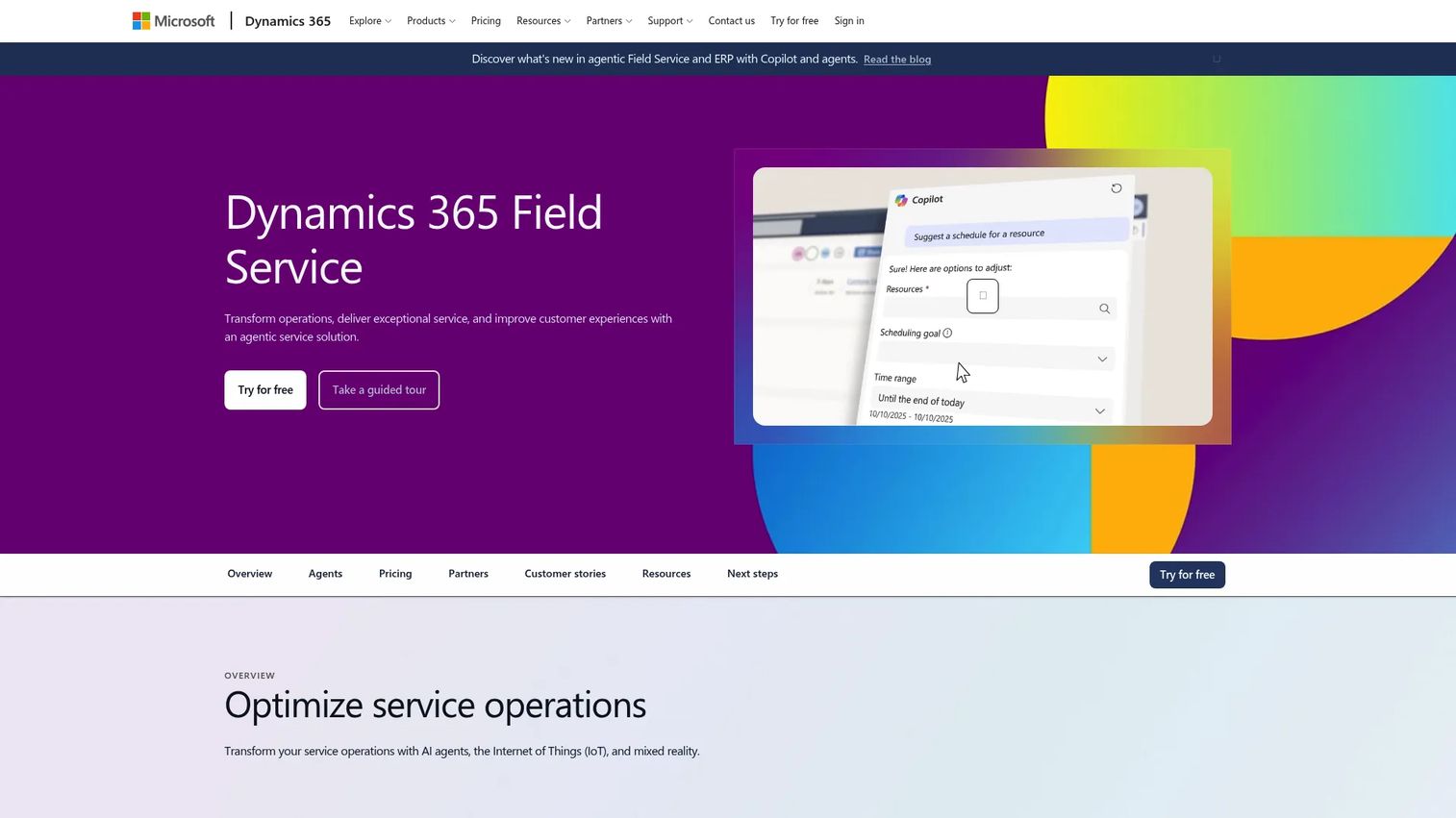
Dynamics 365 Guides is a Microsoft mixed-reality application for creating and delivering holographic step-by-step work instructions on HoloLens devices. Authors build guides without code using a PC authoring tool, then workers follow the instructions hands-free on a HoloLens headset, with holograms anchored to the physical environment. The platform integrates with Power BI for analytics and connects to Dynamics 365 Field Service and Supply Chain Management.
Best for: Organizations training or guiding frontline and field workers in manufacturing, maintenance, and field service who are already invested in the Microsoft ecosystem.
Key features
- HoloLens holographic step-by-step procedures
- No-code guide authoring on PC
- Spatial anchors and 3D model support
- Power BI analytics dashboards
- Integration with Dynamics 365 Field Service
Why choose Dynamics 365 Guides: If your organization already runs on Microsoft and uses HoloLens hardware, this is the most natural fit for procedural field training. It handles technical sellers who need to demonstrate equipment-heavy workflows and field teams who require hands-free guidance during live procedures.
Dynamics 365 Guides pricing: Microsoft directs buyers to contact sales for current licensing. Note that Microsoft has announced end-of-support for Dynamics 365 Guides on December 31, 2026, and subscriptions could only be purchased or renewed until November 1, 2025. Verify your organization's timeline before building a program around this product.
G2 rating: 4.2/5
2. Help Lightning
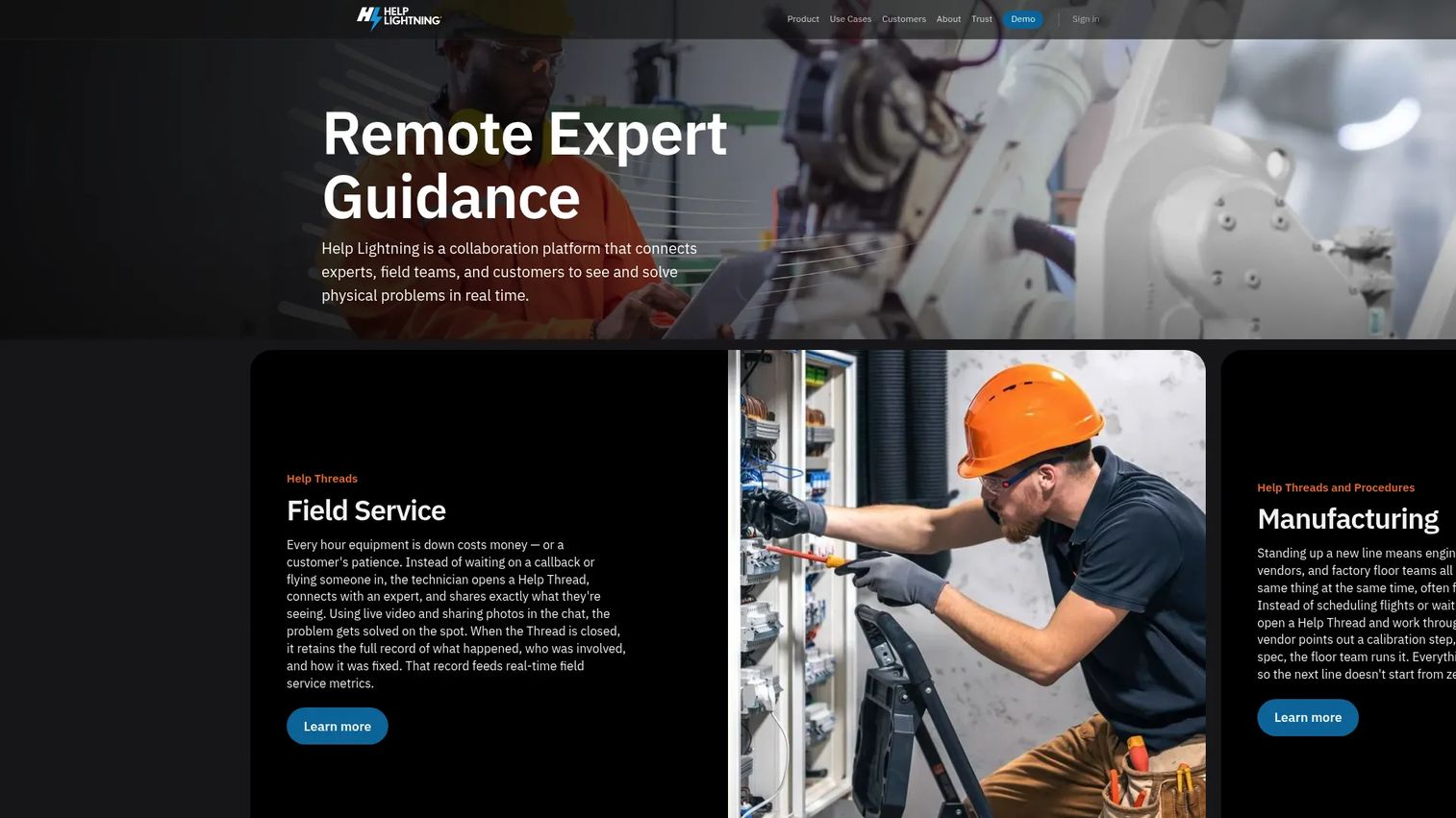
Help Lightning is a remote expert guidance platform that connects field workers, technicians, and customers to subject matter experts who can see what the worker sees and guide them in real time. Its Merged Reality feature overlays the expert's hands or annotations onto the worker's live camera view. Beyond live sessions, the platform captures knowledge through Help Threads that retain messages, media, procedures, and resolution history for future reference.
Best for: Enterprise field service, manufacturing, and call-center teams that need remote expert-guided troubleshooting and documented procedures at scale.
Key features
- Merged Reality overlays for live expert guidance
- Remote annotation, zoom, and freeze-frame
- Help Threads for persistent knowledge capture
- Step-by-step Procedures with sign-off tracking
- AI tools for summaries, photo analysis, and procedure generation
Why choose Help Lightning: This is the right tool when the training problem is access to expertise, not content creation. Distributed field teams or customer support staff who need an expert's eyes on a physical problem benefit from merged reality calls more than from pre-built simulations.
Help Lightning pricing: Enterprise licensing is customized to the organization. Contact Help Lightning for a quote.
G2 rating: 4.8/5
3. Reflekt One
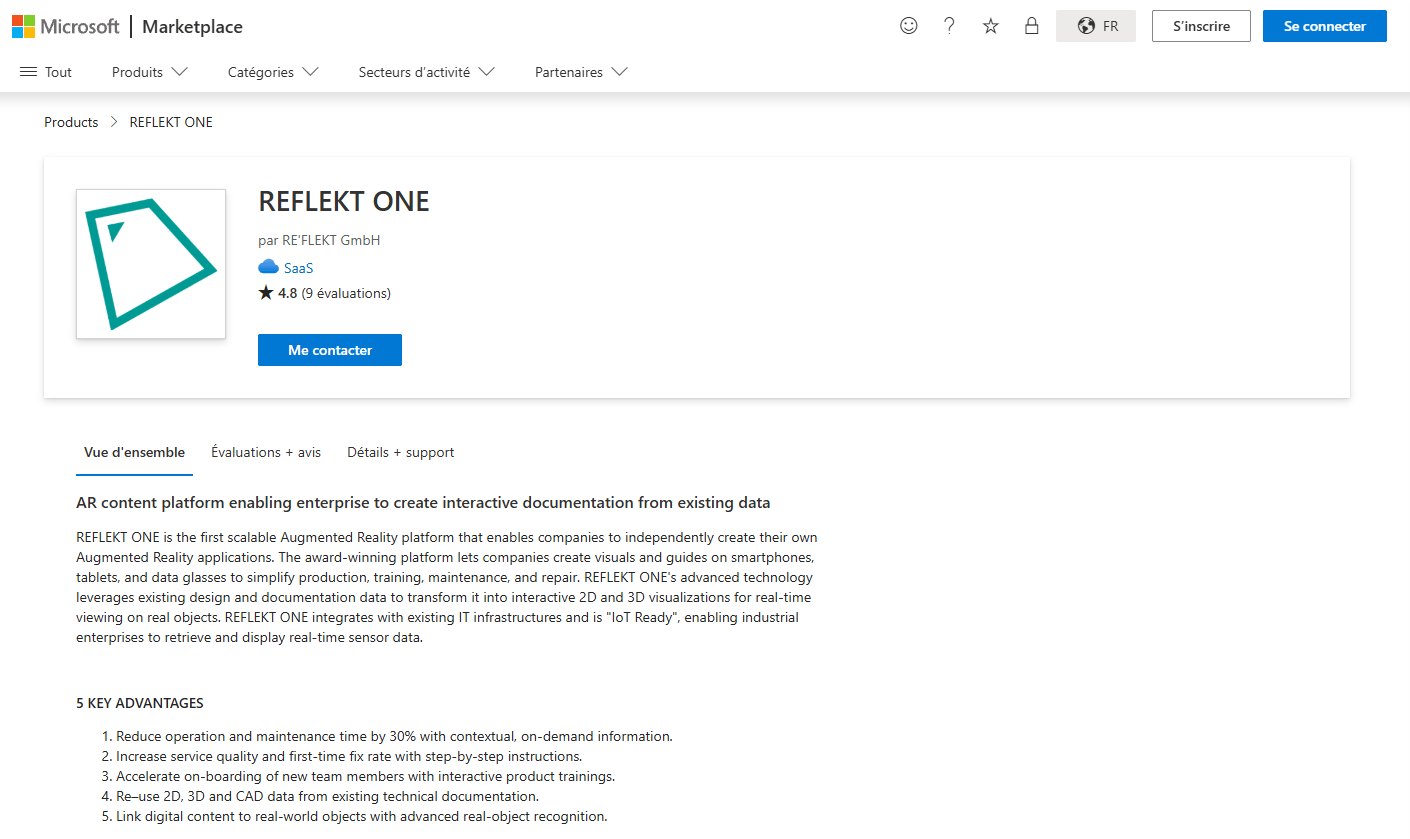
Reflekt One is an enterprise AR platform for creating interactive documentation, guides, and visualizations. Industrial organizations use it to digitize maintenance, repair, and operations documentation into AR work instructions that workers follow on smartphones, tablets, or HoloLens devices. Content is built from existing design data and documentation without coding.
Best for: Industrial enterprises in manufacturing, MRO, or regulated operations needing AR-based work instructions across a distributed frontline workforce.
Key features
- No-code AR application authoring
- Interactive 2D and 3D visualizations from existing design files
- Step-by-step AR work instructions
- Support for smartphones, tablets, and HoloLens
- Enterprise content management
Why choose Reflekt One: Choose this when the training job is standardizing complex industrial procedures at scale. Reflekt One works best for organizations with existing technical documentation that needs to be converted into field-accessible AR guidance rather than built from scratch.
Reflekt One pricing: Custom pricing. Contact Reflekt One for a quote.
G2 rating: 4.3/5
4. ArborXR
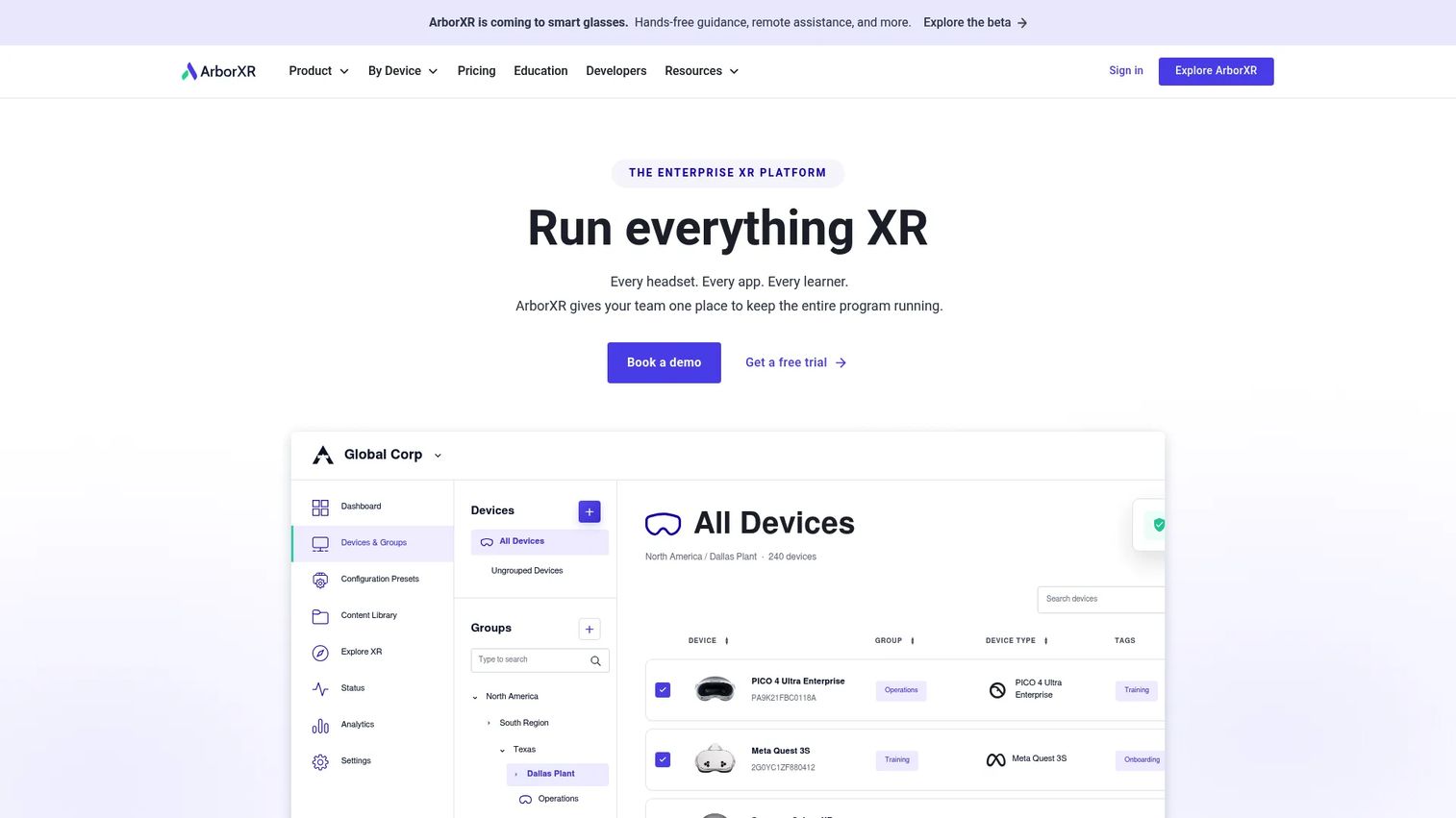
ArborXR is an XR device management platform for configuring headsets, distributing content, and managing XR fleets across multiple locations. It is not a content authoring tool. Its value is in the deployment layer: Enrollment, kiosk mode, remote headset control, app versioning, and usage reporting. Organizations that have already chosen simulation content but need to deploy it across a headset fleet use ArborXR alongside their content platform.
Best for: Organizations deploying XR headsets at scale across training sites, retail locations, or distributed field teams that require centralized governance and device control.
Key features
- XR device setup, inventory, and bulk enrollment
- Remote app distribution and content versioning
- Kiosk mode and access controls
- Remote headset monitoring and control
- Usage and engagement reporting
Why choose ArborXR: If your team has selected simulation content but has no clear plan for managing the headset fleet, ArborXR solves that specific operational problem. It handles the device governance and deployment that content platforms typically leave to IT.
ArborXR pricing: Business plans start at $7 per device per month (Starter, billed annually) and $10 per device per month (Essential, billed annually). Enterprise pricing requires a custom quote. Education plans start at $4 per device per month.
G2 rating: 4.8/5
5. SimX
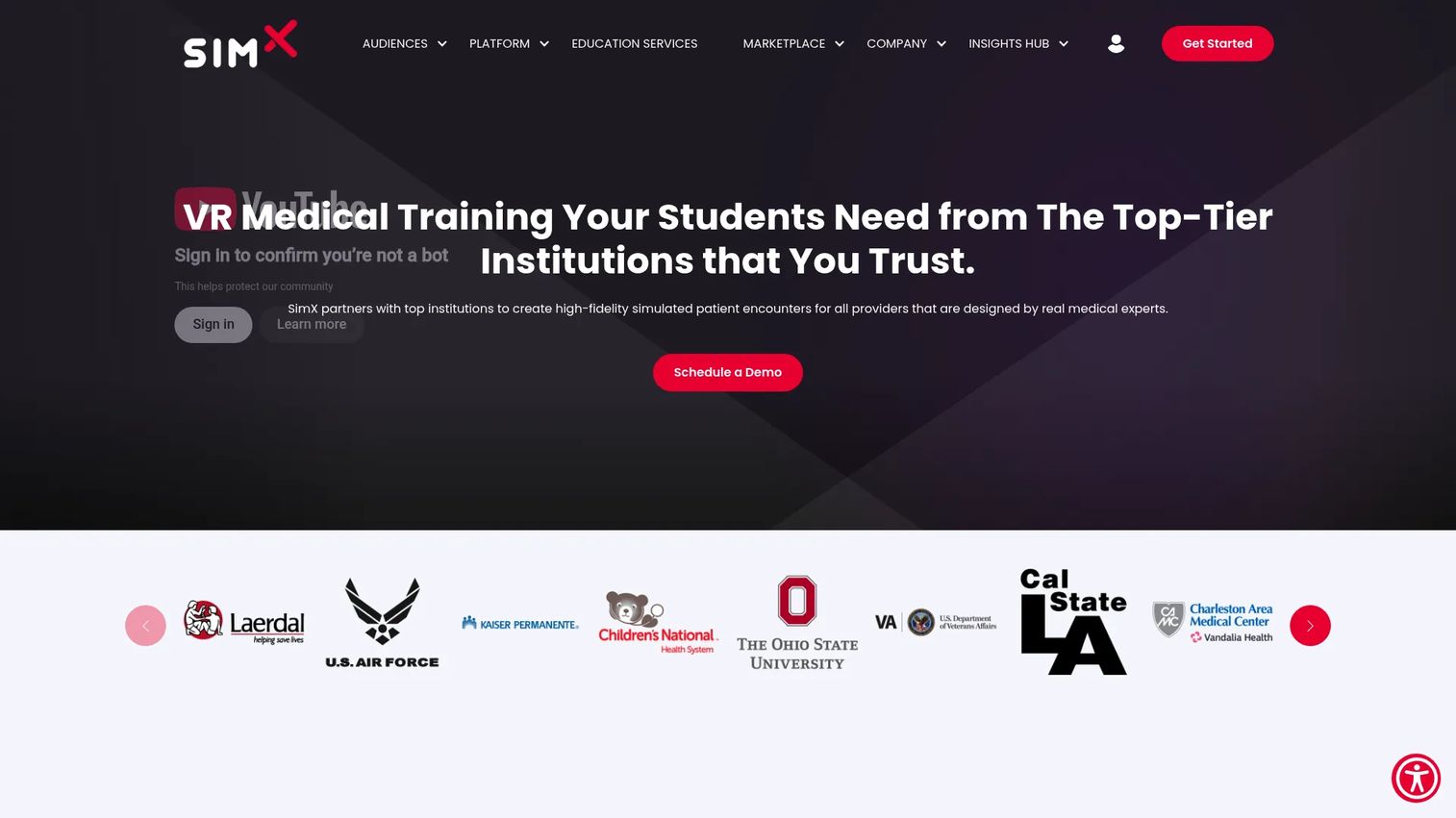
SimX is a VR medical simulation platform for high-fidelity clinical training. Its patented multiplayer capability allows co-located or remote teams to train together inside shared patient scenarios, with instructors controlling scenario parameters in real time. Medical programs use it for emergency medicine, nursing, EMS, and military medical training. A no-code Scenario Editor lets clinician educators customize VR scenarios without developer support.
Best for: Hospitals, nursing programs, EMS organizations, and military medical teams needing scalable, team-based clinical simulation.
Key features
- Patented multiplayer VR for co-located or remote teams
- Dynamic patient encounters without drop-down menus
- No-code Scenario Editor for custom clinical scenarios
- Instructor controls for real-time scenario variation
- VR headset support
Why choose SimX: SimX fits programs where team coordination is the training objective, not just individual skill practice. The multiplayer architecture enables realistic team training without requiring separate physical simulation spaces.
SimX pricing: Custom pricing for institutions. Contact SimX for a quote.
6. SynergyXR
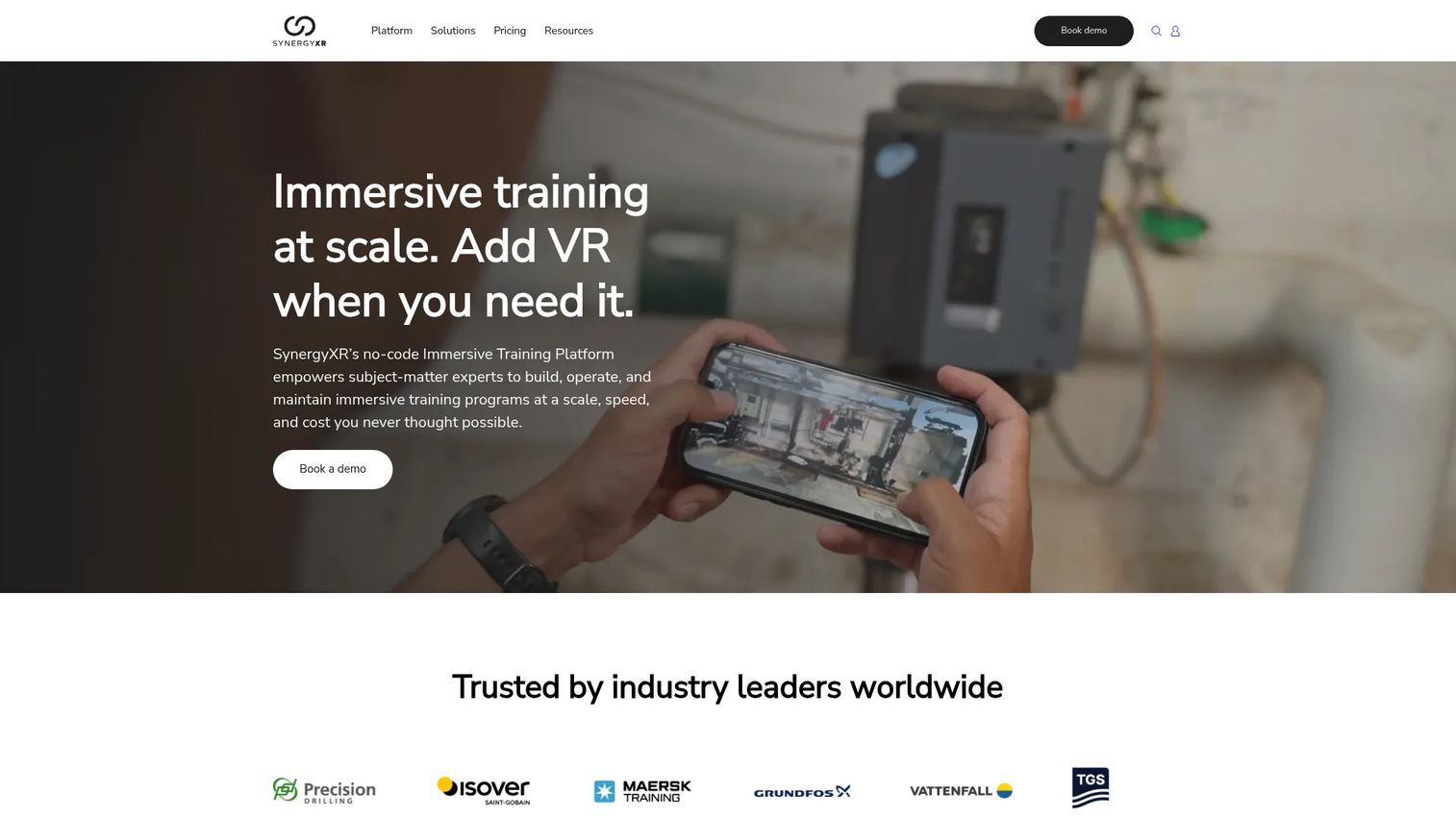
SynergyXR is a no-code, cloud-based XR platform for building and delivering immersive training, onboarding, and collaboration experiences across AR, VR, MR, PC, Mac, iOS, and supported headsets. Industrial and manufacturing organizations use it for product knowledge transfer, technical onboarding, and collaborative training sessions. The platform includes a Procedure Builder and spatially persistent AR with QR-code access.
Best for: Industrial, energy, and enterprise organizations that need scalable, multi-device XR training and collaborative learning across distributed teams.
Key features
- No-code XR experience creation and Procedure Builder
- Cloud content management for 3D models, videos, and PDFs
- Cross-platform deployment across AR, VR, MR, and PC
- Multi-user collaboration and live video streaming
- Spatially persistent AR with QR-code access
Why choose SynergyXR: SynergyXR suits organizations that want to run training without requiring specialized hardware for every learner. Cross-device support means content reaches workers on phones or computers as well as headsets, which improves adoption across mixed device environments.
SynergyXR pricing: Custom pricing. Contact SynergyXR for a quote.
G2 rating: 4.0/5
7. BUNDLAR
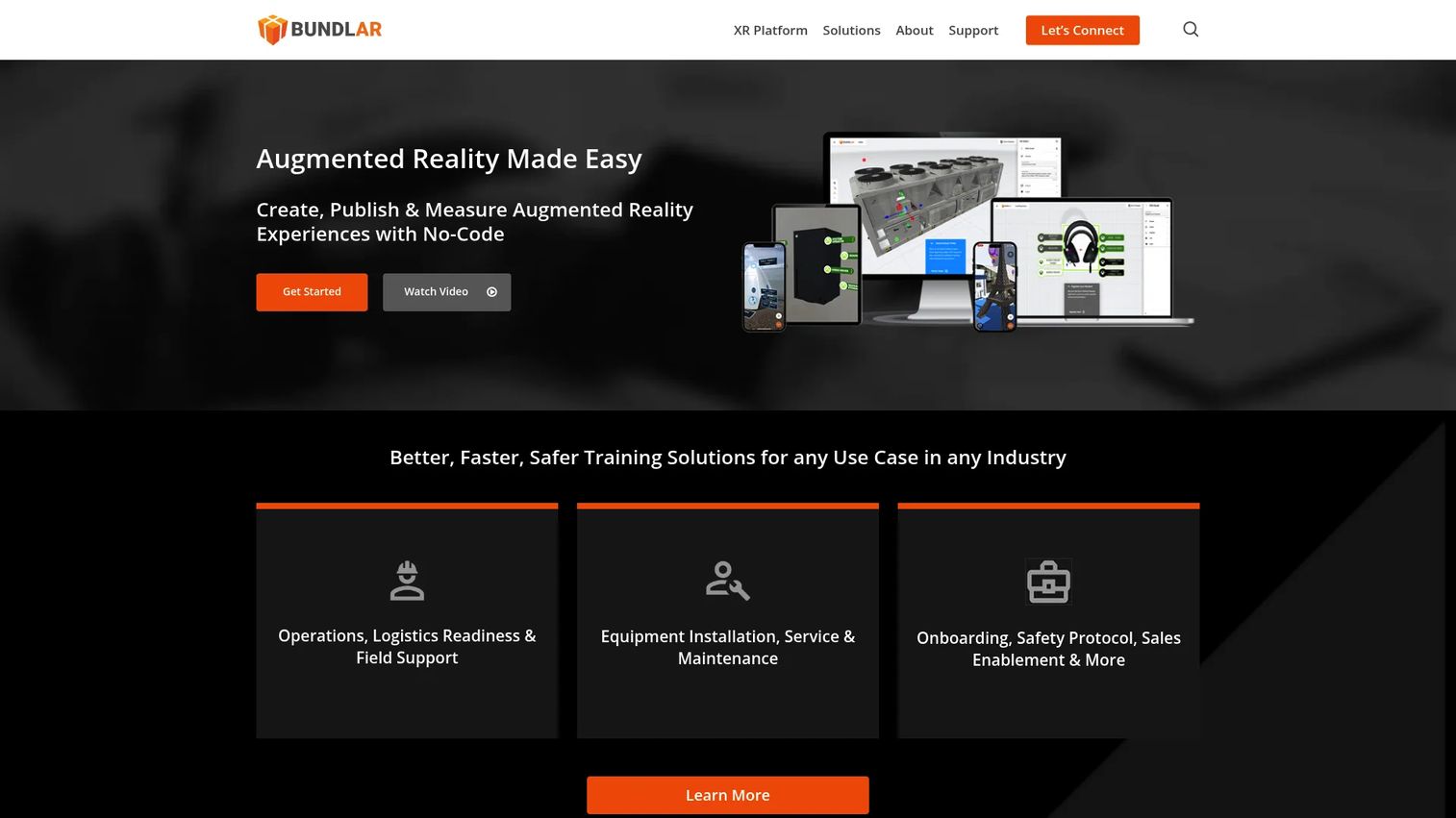
BUNDLAR is a no-code AR content management platform for creating, publishing, and measuring AR experiences. Content creators drag and drop media assets into marker-based, markerless, or geo-triggered AR experiences and publish them without writing code. Organizations use it for training, field support, equipment onboarding, safety, and sales enablement. A Federal plan is also available and is Phase III eligible.
Best for: Organizations needing AR training content that teams without developer support can build, update, and manage.
Key features
- No-code drag-and-drop AR content builder
- Image-marker, markerless, and geo-triggered AR
- Video, 3D model, audio, and PDF support
- QR code and Bundle Code publishing
- Offline and online interaction analytics
Why choose BUNDLAR: For enablement teams without 3D artists or developers on staff, BUNDLAR lowers the authoring barrier significantly. Content owners can update experiences without IT involvement, which matters when product documentation changes faster than a 3D production cycle allows.
BUNDLAR pricing: BUNDLAR lists Professional and Enterprise tiers but does not display numeric prices on its pricing page. Contact BUNDLAR for a quote.
8. Interplay Learning
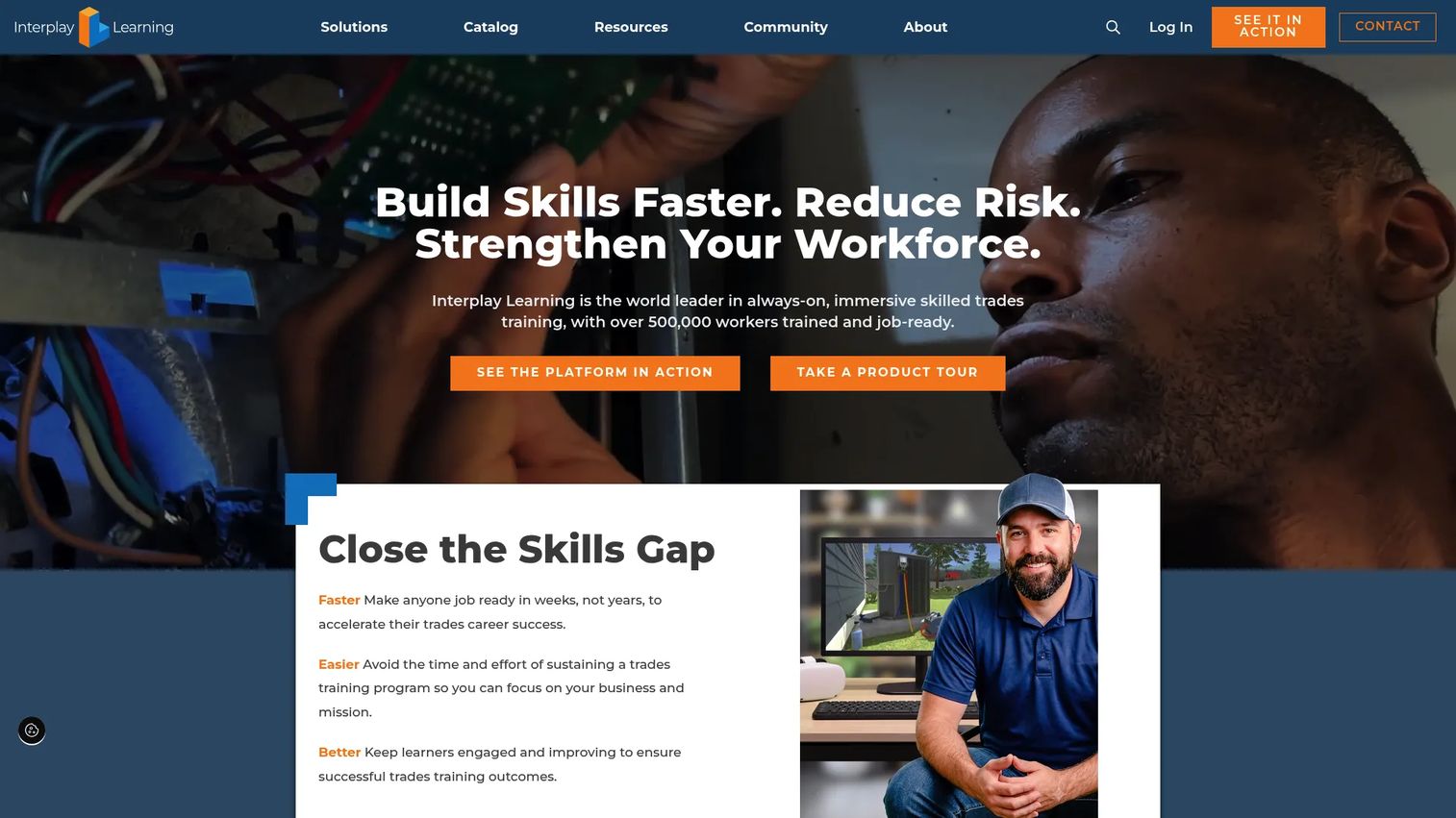
Interplay Learning is a simulation-based training platform for skilled trades including HVAC, electrical, plumbing, and maintenance. Rather than generic AR authoring tools, it delivers a content library of jobsite-style simulations built around the actual workflows tradespeople encounter. Organizations use it for onboarding, upskilling, certification prep, and workforce development programs.
Best for: Skilled-trades businesses, workforce development organizations, and technical schools needing simulation-based training without building custom content.
Key features
- Skilled trades simulations for HVAC, electrical, and plumbing
- Customizable learning paths and career pathways
- Knowledge checks and skills assessments
- Progress tracking and reporting
- Pre-built library of 400+ hours of content
Why choose Interplay Learning: If your training audience is tradespeople and you want simulation content without commissioning a custom build, Interplay Learning's pre-built library is a faster path to deployment. The tradeoff is that content is less customizable than a blank authoring platform.
Interplay Learning pricing: Individual (Solo) plans start at $54 per user per month, billed monthly, or $583 per year. Business Basic plans are subscription-based and cover up to 15 learners. Team and Enterprise plans require a quote.
G2 rating: 3.7/5
9. Attensi
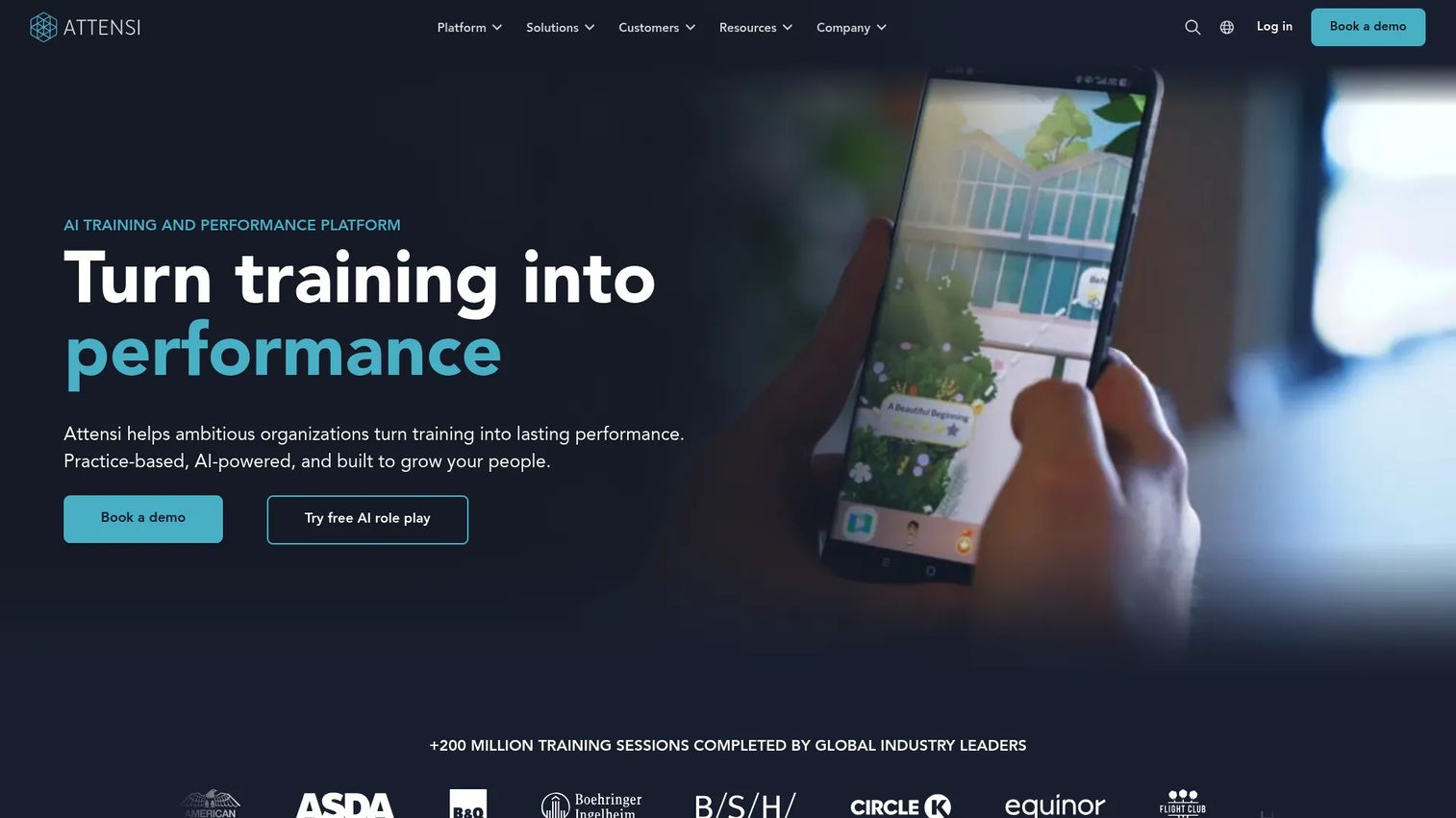
Attensi is an AI-powered, game-based employee training platform built for behavior change at scale. Its gamified simulations cover sales roleplay, customer service conversations, compliance scenarios, and operational procedures. Learners repeat scenarios until performance improves, with AI-powered virtual characters providing dynamic responses. The platform includes an LMS, mobile and desktop access, no-code content creation, and integrations with SAP SuccessFactors, SCORM, and enterprise identity providers.
Best for: Large organizations running sales, service, compliance, or operational training that requires scenario repetition and measurable behavior change.
Key features
- AI-powered roleplay with virtual characters and dynamic responses
- Gamified scenarios with progression and rewards
- No-code AI content creation with rapid translation
- AI-powered LMS with learning paths and analytics
- SAML, SCIM, SAP SuccessFactors, and SCORM integrations
Why choose Attensi: For Sales Enablement Managers, Attensi is the closest match to traditional sales training use cases within the immersive training category. Discovery conversations, objection handling, and compliance roleplay all fit. The gamification model also tends to drive completion without requiring manager pressure.
Attensi pricing: Enterprise pricing requires a quote. Contact Attensi for current rates.
G2 rating: 4.9/5
10. EON Reality
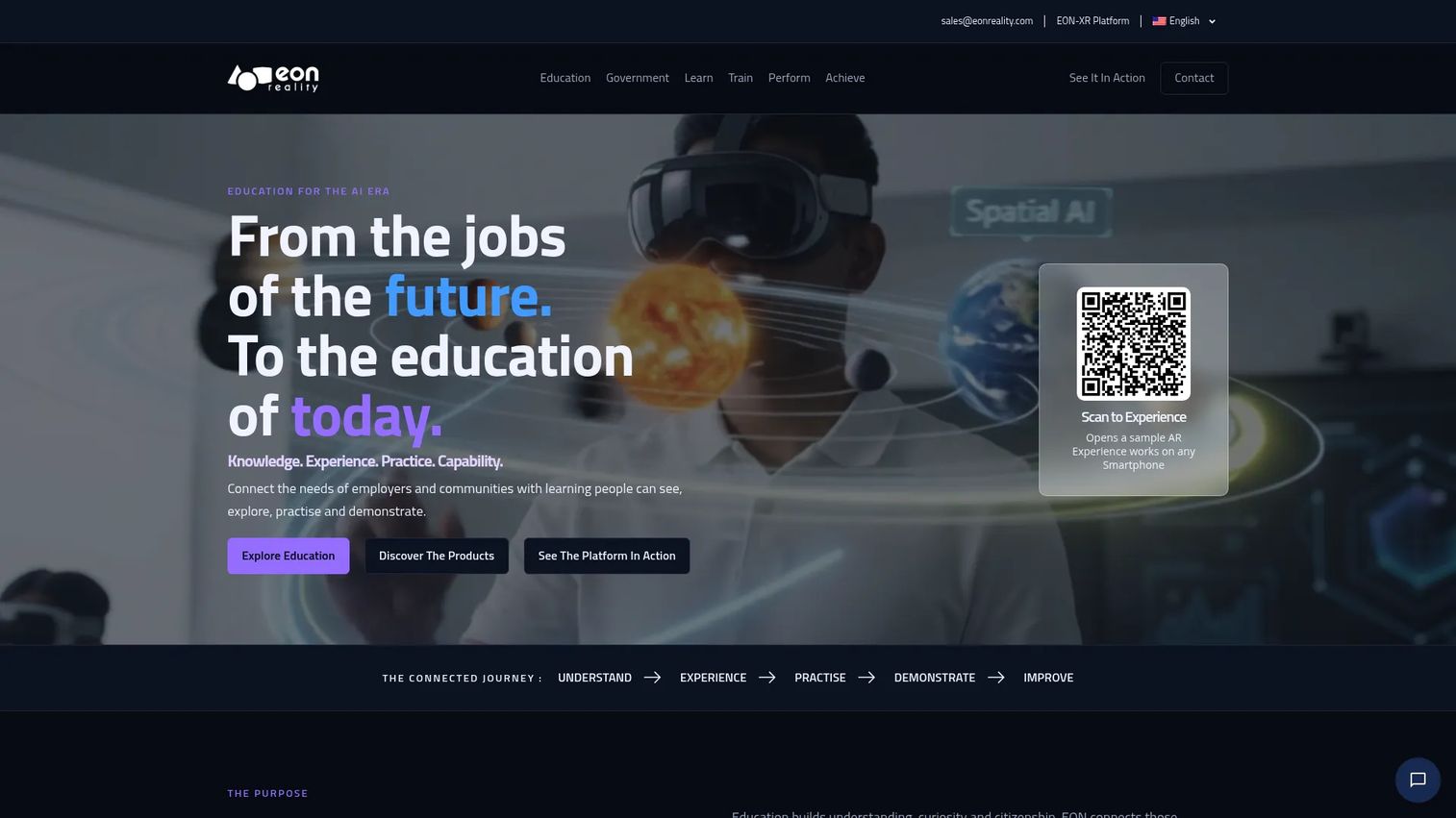
EON Reality provides an AI-powered, device-agnostic XR learning platform for enterprise and higher education. It covers no-code immersive content creation, AI-assisted curriculum, assessment, personalized learning, and job-aligned training across AR, VR, 3D simulations, and digital twins. The product suite includes tools for simulation, skills assessment, AI coaching, and career mapping.
Best for: Universities, enterprises, and government organizations building broad immersive training libraries across multiple subject areas and learner populations.
Key features
- No-code XR experience creation and deployment
- AI-powered curriculum, assessment, and personalized guidance
- AR, VR, 3D simulation, and digital twin support
- Cross-device access across headsets, tablets, and web
- Training library management and content organization
Why choose EON Reality: EON Reality suits organizations that want to build a large, multi-domain immersive training program rather than solve a single training problem. The breadth of the platform is the draw; the tradeoff is that organizations with a narrow initial use case may not need that scope at the outset.
EON Reality pricing: Education plans start at $36 per user per month (billed annually) for EON Classic or EON XR. EON Spatial plans start at $80 per user per month (education, billed annually). A minimum of 30 users applies.
11. Mass Virtual
Mass Virtual provides extended-reality training through its MassXR platform, with a focus on aerospace, defense, and enterprise organizations that require secure, scalable XR content management and delivery. The platform handles centralized hosting of XR content, cross-platform delivery, real-time analytics, adaptive learning, and identity-access management. It also supports no-code self-authored interactive content.
Best for: Aerospace, defense, and large enterprise organizations needing secure, governed XR training delivery with reporting and adaptive learning.
Key features
- Centralized XR content hosting and management
- Cross-platform delivery across devices
- Real-time analytics, visualization, and adaptive learning
- Identity-access, device, and security administration
- No-code self-authored interactive content
Why choose Mass Virtual: Organizations with strict security and governance requirements around training content will find Mass Virtual more purpose-built for controlled environments than general-purpose XR platforms. It suits programs where who sees what content, on which devices, must be tightly managed.
Mass Virtual pricing: Custom pricing. Contact Mass Virtual for a quote.
12. GigXR
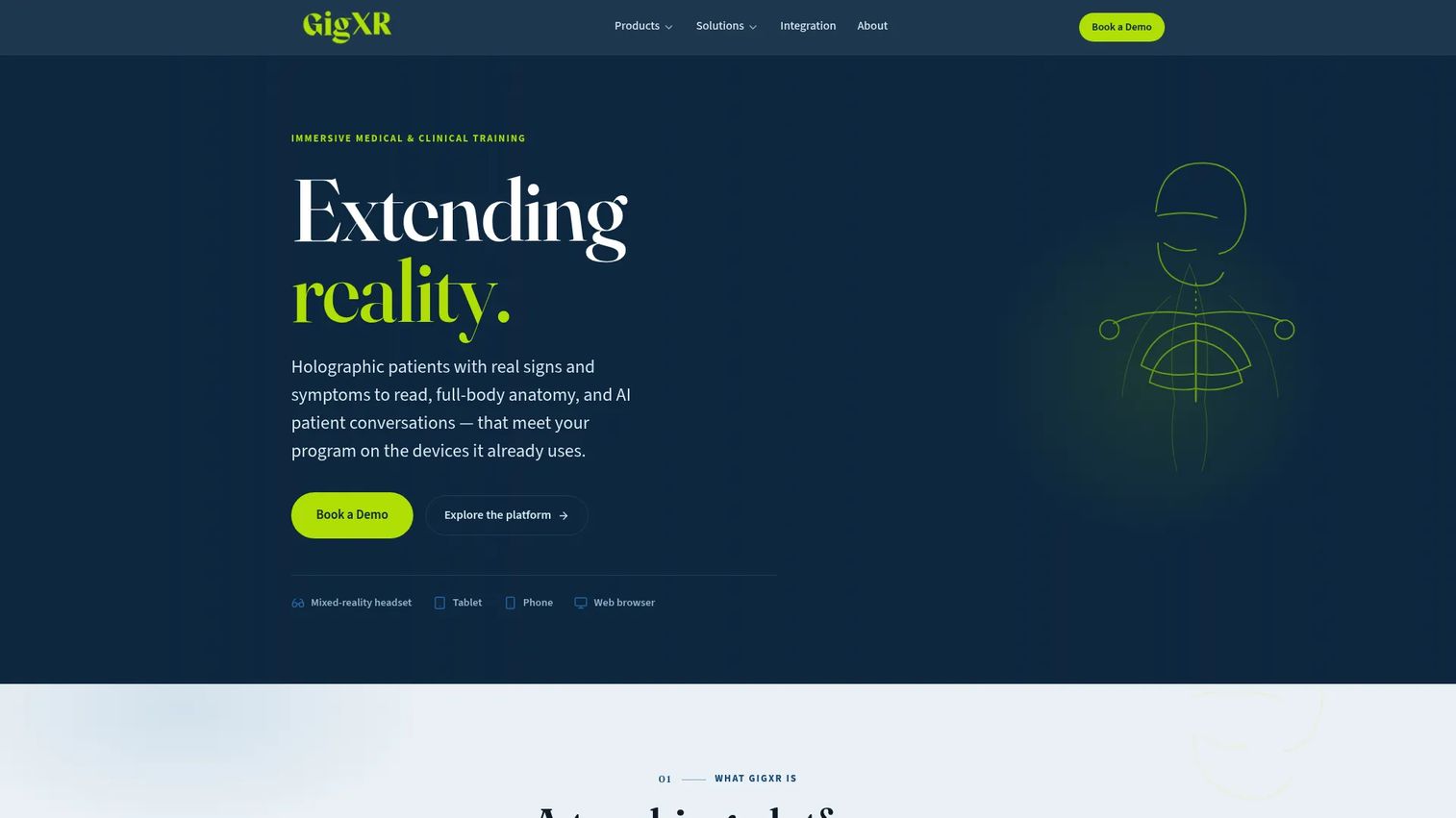
GigXR is a mixed-reality clinical training platform for nursing, health professions, and defense medicine programs. Its HoloPatient application delivers holographic standardized patients with changing signs and symptoms, AI conversations, and multi-user sessions. HoloHuman+ provides full-body anatomy models across 12 systems and approximately 2,500 structures. AI Conversations runs browser-based patient case dialogues without requiring a headset.
Best for: Nursing programs, health professions schools, and military medical programs needing scalable, curriculum-driven clinical simulation.
Key features
- Holographic standardized patient encounters with dynamic symptoms
- Full-body anatomy models with 12 layered systems
- AI Conversations for browser-based clinical dialogue practice
- Cross-device support: Headsets, tablets, phones, and web
- GigXR Management System for user and content governance
Why choose GigXR: GigXR is built specifically for clinical education programs rather than general enterprise training. The curriculum alignment and headset-plus-web delivery model makes it accessible to institutions that cannot equip every student with a headset for every session.
GigXR pricing: Custom institutional pricing. Contact GigXR for a quote.
13. SimInsights
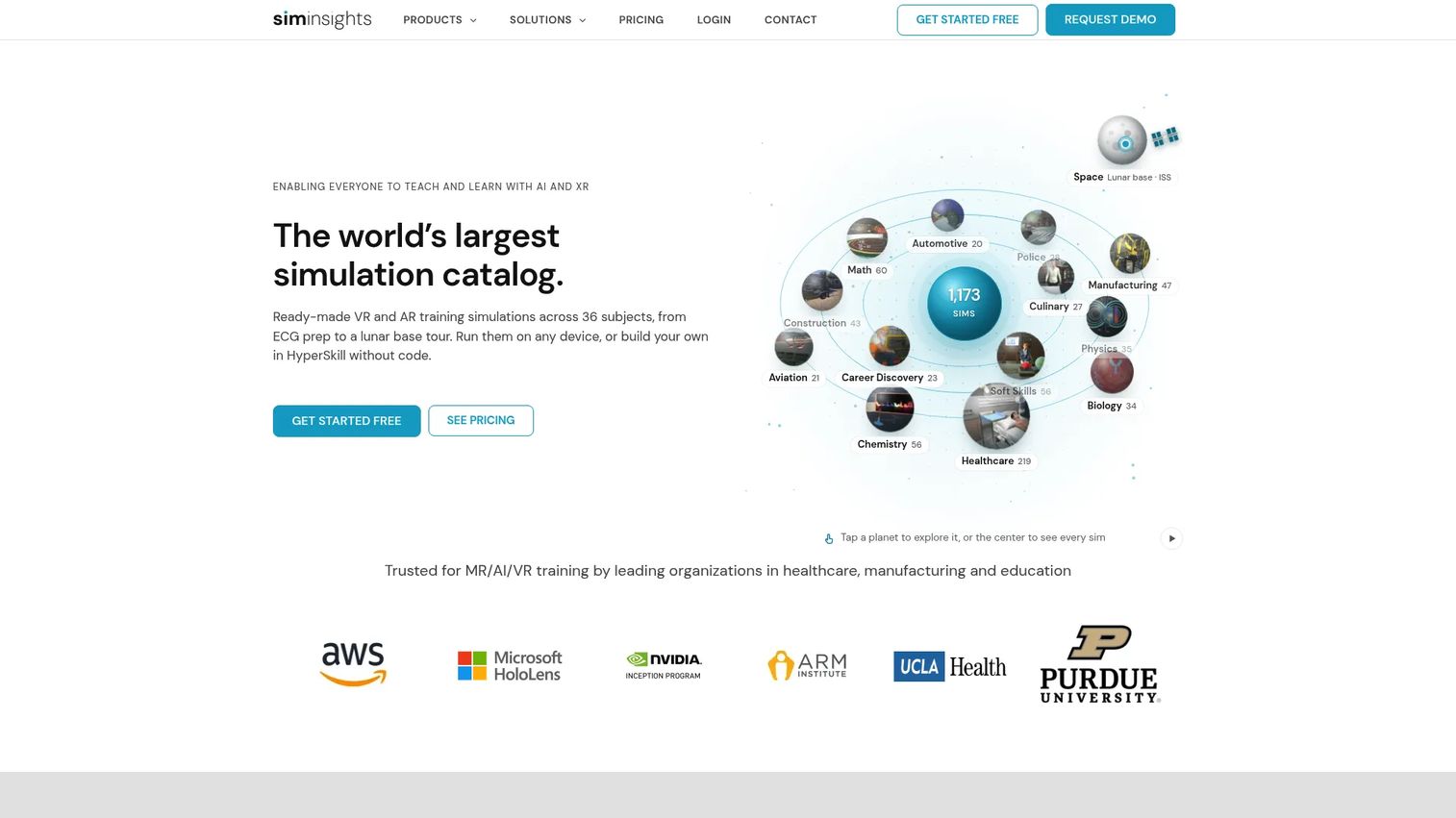
SimInsights is an AI-powered AR/VR/XR software platform for immersive training, education, and workforce development. Its HyperSkill product covers simulation authoring, cross-platform deployment, learner assessments, analytics, and session tracking. The platform also includes a simulation catalog for healthcare, manufacturing, and career exploration use cases. A free teacher tier is available for education programs.
Best for: Schools, workforce programs, and enterprises that need both immersive simulation content and the analytics infrastructure to measure learner behavior and performance.
Key features
- No-code authoring of VR and AR simulations
- Generative AI tools for scenes and interactive dialogues
- Cross-platform deployment: VR, AR, mobile, web
- Learner assessments, session tracking, and custom dashboards
- Simulation catalog across healthcare, manufacturing, and career content
Why choose SimInsights: For enablement leaders who want to prove readiness outcomes rather than report completion rates, SimInsights connects simulation performance to measurable behavior data. The analytics layer is more developed here than in most content-first platforms.
SimInsights pricing: Enterprise plans start at $15 per user per month. Education plans include free teacher access and school-site pricing at $250 per month or $2,500 per year.
14. GMetri
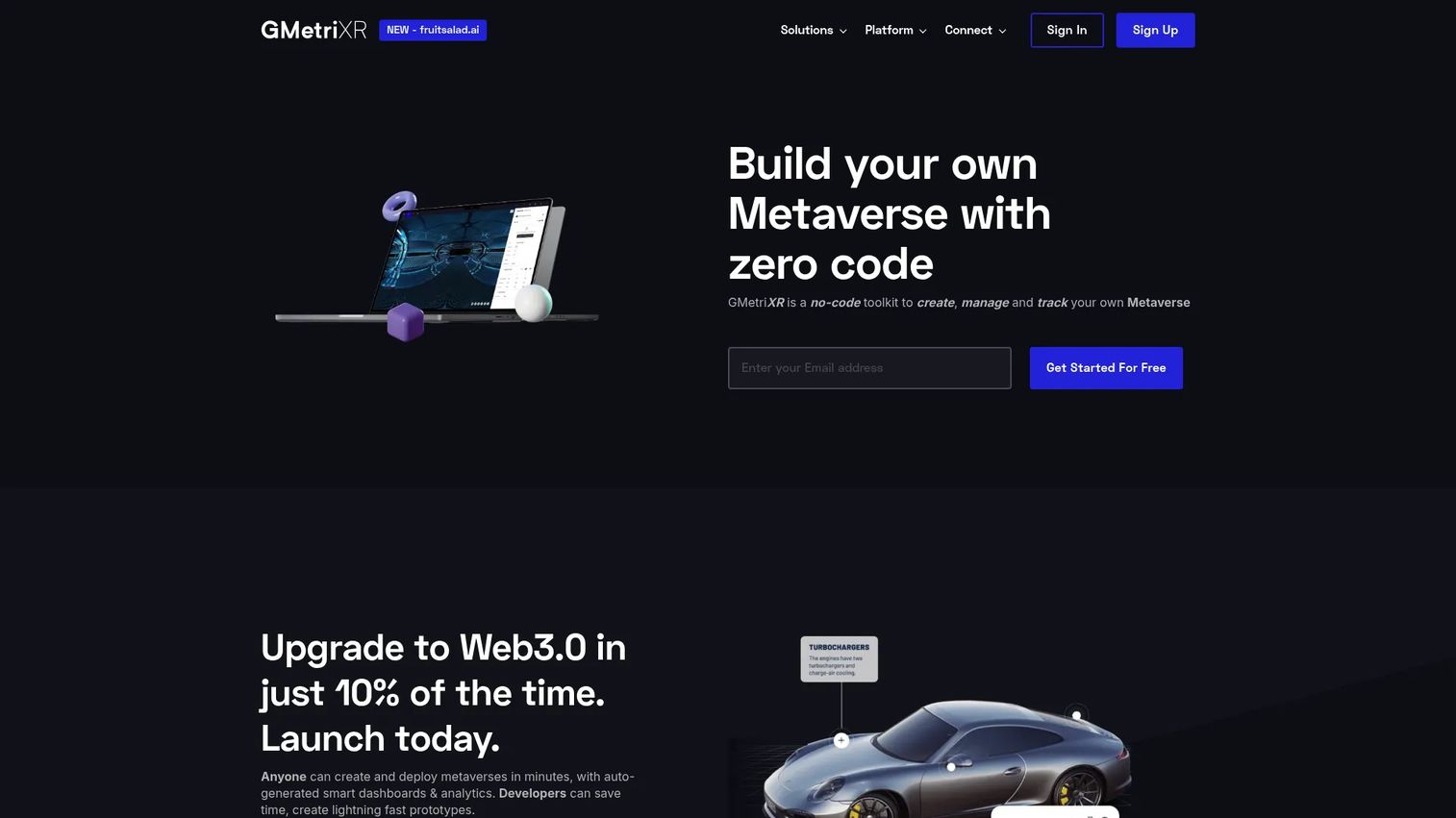
GMetri is a no-code, browser-based toolkit for creating, publishing, and tracking immersive learning experiences. It supports 3D, 360-degree, and orbit scenes with multimedia and 3D model integration, collaborative virtual spaces, SCORM export, and SSO. Teams use it for training, onboarding, product showcases, and gamified learning without headset requirements. A free plan is available.
Best for: Organizations creating browser-accessible immersive training that doesn't require headsets, with quick authoring and SCORM LMS compatibility.
Key features
- No-code immersive experience builder with rules engine
- 3D, 360-degree, and orbit scene support
- One-click web publishing with SCORM and SSO support
- Learner analytics: Completion, time spent, leaderboards
- Real-time collaboration with voice, text, and avatars
Why choose GMetri: GMetri reduces deployment complexity by running training in the browser, which removes headset procurement as a prerequisite. For teams exploring immersive training before committing to headset infrastructure, this is a practical starting point.
GMetri pricing: A free plan is available. Professional plans are $44 per month (billed annually) or $49 per month (billed monthly). Enterprise plans are custom.
G2 rating: 4.0/5
15. ORamaVR
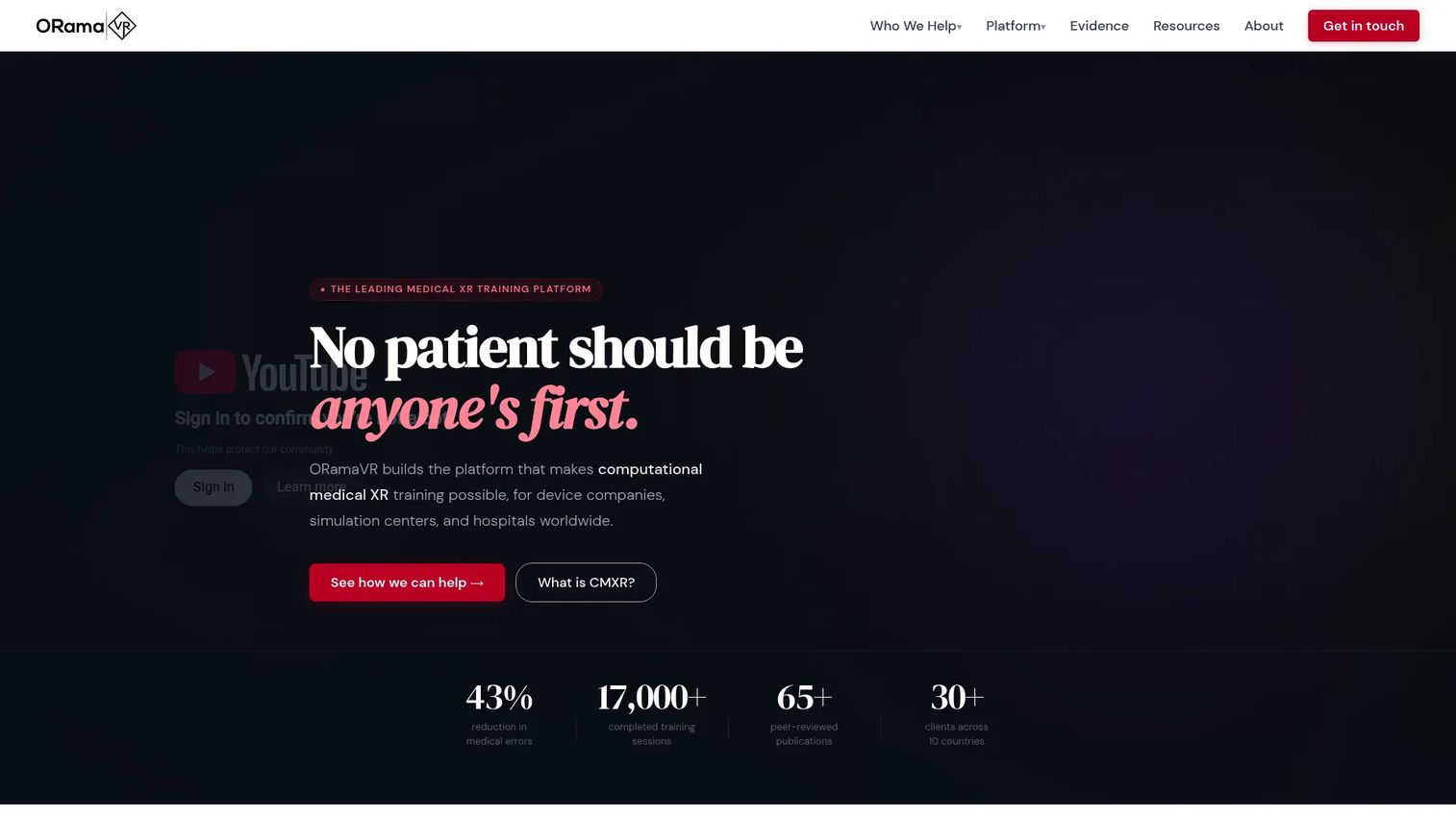
ORamaVR is a medical XR training platform for medical device companies, simulation centers, and hospitals. Its Unity-based Creator tool lets medical educators author VR scenarios with visual action editing and anatomical assets, including soft-body physics for surgical interactions. The SIM Library contains 84+ clinically validated medical XR simulations. The JARIA AI Proctor provides real-time guidance, error correction, and competency logging during learner sessions.
Best for: Medical device companies, simulation centers, and hospitals building or deploying scalable surgical and clinical VR training programs.
Key features
- Unity-based medical XR authoring with anatomical assets
- Up to 300-user multiplayer scenarios with soft-body physics
- 84+ clinically validated simulations in the SIM Library
- JARIA AI Proctor for real-time feedback and competency logging
- Cloud hosting with LMS integration and session analytics
Why choose ORamaVR: For programs that need both a validated simulation library and custom authoring capability in a single medical VR platform, ORamaVR covers both without requiring separate vendors. The AI Proctor adds assessment depth that pre-built simulation libraries typically lack.
ORamaVR pricing: Creator Solo is free for researchers and independent developers at organizations with revenue under €150K. Creator Pro costs €1,590 per year (or €159 per month) and covers commercial teams with additional assets, support, and two VTC licenses.
Considerations when choosing AR training simulator software
Match the simulator to the training risk level
Medical emergencies, equipment maintenance, and high-stakes sales conversations each require different simulation depth. A tool built for surgical training is not the right choice for sales roleplay, and a gamified behavior-change platform is not designed for clinical assessment. Start by defining the behavior you need to change, then choose the platform architecture that fits that specific job.
Check who owns content authoring
For Sales Enablement Managers, this is the governance question that determines long-term maintainability. If every content update requires a 3D artist or developer, your training library will fall behind product changes within months. Verify whether the tool supports no-code authoring by your own team and how long a typical content update takes when a procedure changes.
Verify hardware and deployment requirements before piloting
Some tools require specific headset models. Others run on tablets, phones, or browsers. A platform that requires HoloLens hardware may be the right fit for a manufacturing floor but impractical for a distributed sales team. Confirm device compatibility, procurement timeline, and whether ArborXR-style device management is needed alongside your content platform.
Measure behavior, not completion data only
The platforms that connect to readiness outcomes track decision accuracy, step sequence errors, time on task, and scenario retry frequency, not just whether someone finished a session. Before committing to a platform, confirm that its analytics output maps to the KPIs your organization actually reports on, whether that's ramp time, certification pass rates, or coaching improvement scores.
Plan governance before the first content build
Define content ownership, review cycles, version control, and retirement criteria before publishing any module. Immersive content that references an outdated product version, a deprecated safety procedure, or a superseded compliance requirement creates a different kind of risk than a stale PDF. Governance planning upfront saves significant rework later.
Conclusion
AR training simulator software covers a wide range of formats, deployment models, and training use cases. The right tool depends on what behavior you're training, not on which technology label appears in the product name.
For field service and Microsoft-heavy organizations, Dynamics 365 Guides fits procedural instruction with HoloLens. For remote expert coaching, Help Lightning solves the access-to-expertise problem. ArborXR handles headset fleet management independently of content choice. SimX, GigXR, and ORamaVR each serve distinct clinical and medical simulation needs. Interplay Learning is the fastest path to skilled-trades simulation content. Attensi fits sales and service behavior-change programs with a gamified approach. EON Reality suits organizations building broad, multi-domain immersive libraries. SimInsights adds the analytics layer that most content platforms underdeliver.
To move forward, shortlist three tools based on your training environment (what hardware you can support), your content ownership model (who can author and update), and your measurement requirements (what behavior data you need to prove readiness). Then verify pricing and run a scoped pilot before committing to a full deployment.
FAQs
AR training simulator software lets learners practice tasks through digital overlays, guided procedures, or immersive scenarios that replicate real-world work environments. It includes scenario authoring, learner interaction, assessment, and performance reporting. Unlike passive e-learning, it requires the learner to make decisions, attempt steps, or respond to simulated conditions.
AR overlays digital content onto the physical world, so a worker sees step-by-step instructions floating over an actual machine or workspace. VR places the learner inside a fully simulated environment, removing the physical surroundings entirely. MR (mixed reality) blends interactive digital objects with the physical environment. XR covers all three as an umbrella term.
The answer depends on the specific skill being trained. Attensi fits roleplay-based scenarios like discovery conversations and objection handling. Dynamics 365 Guides fits procedural field training for technical sellers or service teams. SynergyXR and GMetri suit product knowledge training that reaches a distributed team without headset requirements.
Pricing varies by content model, device requirements, learner count, and services included. GMetri starts at $44 per month. EON Reality starts at $36 per user per month (minimum 30 users). ArborXR starts at $7 per device per month. Interplay Learning Solo starts at $54 per user per month. Attensi, Help Lightning, SimX, Mass Virtual, Reflekt One, and GigXR all require a custom quote.
Some platforms require headsets, some support tablets and phones, and others run entirely in the browser. GMetri, SimInsights, and GigXR's AI Conversations product all support browser-based delivery without headsets. Dynamics 365 Guides is built specifically for HoloLens. Verify device compatibility before committing to any platform, and factor in procurement lead time for headset-dependent tools.
The most important features vary by training job, but consistently relevant capabilities include: Scenario authoring (preferably no-code), learner assessment with behavior data, content version control, device compatibility, LMS integration, and multi-user session support. For Sales Enablement Managers specifically, analytics that map to ramp time and certification outcomes matter more than raw completion counts.
Typically, no. AR and XR training platforms handle immersive practice, scenario assessment, and performance feedback. The LMS handles enrollment, compliance recordkeeping, course administration, and reporting across all training formats. Most platforms in this list integrate with LMS systems through SCORM, xAPI, or direct API connections. Plan for the two systems to complement each other rather than compete.
Focus on behavior indicators rather than activity counts. Useful metrics include: Certification pass rates before and after simulation, ramp time by cohort, scenario performance scores (accuracy, step errors, completion on first attempt), coaching session frequency, and downstream field performance like win rate or customer satisfaction. Establish a baseline before deploying any new platform so you can separate the training effect from other variables.