You start with a textarea. Then users ask for tables. Then pasted content from Word. Then images, comments, and export to PDF. Six months later, formatting bugs are blocking sprint reviews and your engineering backlog has a new line item every release.
The WYSIWYG editor is rarely a headline roadmap item, but the wrong choice affects activation rates, support ticket volume, and how much engineering time gets pulled into maintenance. According to Tiny Technologies' State of Rich Text Editors report (2025), 75% of the 534 technical professionals surveyed named security and performance as non-negotiable editor requirements. Getting the architecture decision right early saves real opportunity cost later.
This guide treats the WYSIWYG editor as product infrastructure, not a toolbar comparison. The right pick depends on your content model, release cadence, engineering capacity, and how the editor will evolve as the product scales.
What's inside
This guide is for product managers at SaaS companies evaluating a rich text editor for user-generated content, knowledge base software, internal workflows, or CMS-like product features. Tools were selected based on four criteria:
- Editor type: Packaged editor, headless framework, or block editor
- Output model: HTML, JSON blocks, Delta operations, or structured data
- Framework fit: React, Angular, Vue, and vanilla JavaScript support
- Maintenance burden: Plugin stability, release cadence, and long-term ownership cost
Pricing and G2 ratings are verified against live vendor pages and current G2 listings.
TL;DR
- Best overall for mature web applications: TinyMCE, with extensive plugins, load-based pricing, and broad framework support
- Best for document-heavy SaaS products: CKEditor 5, built for collaboration, track changes, Word import, and PDF export
- Best for custom product editing experiences: Tiptap, a headless framework with schema control and composable architecture
- Best flat license model: Froala Editor, with annual and perpetual pricing options and self-hosted deployment
- Best free open source options: Quill (Delta-based rich text), Lexical (React-first extensible framework), Editor.js (JSON block output), and Jodit (lightweight visual HTML editing)
What is a WYSIWYG editor?
A WYSIWYG editor is a visual content editor that lets users format text, media, and layouts as they will appear when published, while storing the result as HTML, JSON, Delta operations, blocks, or another structured format.
What WYSIWYG stands for
"What you see is what you get" describes a preview model where the authored view matches the rendered output. The phrase applies to multiple technical implementations, from simple HTML serializers to complex editor frameworks with their own state management and node graphs.
What a modern WYSIWYG editor includes
Most editors in production use today support a common feature set, though implementation depth varies by tool:
- Text formatting, headings, lists, and links
- Tables, images, embeds, and file handling
- Toolbar configuration and custom extensions
- HTML source editing or structured content output
- Keyboard shortcuts and accessibility support
- Paste cleanup and content normalization
- Framework bindings and a documented API
- Comments, version history, or collaboration (on select tools or paid tiers)
WYSIWYG editor versus plain textarea
A textarea adds in minutes but pushes formatting burden onto the user. The moment users need bold text, a table, or a pasted screenshot, the textarea becomes a support problem. A WYSIWYG editor shifts that complexity into the editor layer, which introduces its own requirements: Output sanitization, schema versioning, plugin testing, and maintenance across releases.
WYSIWYG editor versus HTML editor
Some editors hide markup entirely. Others expose a source mode. Some store content as structured data rather than HTML and render markup on demand. The output format is the decision that matters most for long-term portability.
| Approach | Best for | Output model | Typical tradeoff |
|---|---|---|---|
| Plain textarea | Simple text fields | Plain text | Limited formatting |
| WYSIWYG editor | User-friendly authoring | HTML or structured content | Integration and maintenance work |
| HTML source editor | Technical users | HTML | Less accessible to non-technical authors |
| Block editor | Structured pages and modular content | JSON blocks | More opinionated content model |
When to use a WYSIWYG editor
Let customers create rich content inside your product
Knowledge base articles, internal notes, project updates, community posts, and customer-generated pages all require controlled formatting with consistent rendering across product surfaces. A WYSIWYG editor handles this without pushing format decisions onto the user or back onto your support queue.
Replace manual formatting workflows
When users regularly paste from Word, spreadsheets, or Google Docs, a plain input field fails fast. Paste cleanup, image handling, and table normalization are table-stakes features that prevent a growing class of "why does my content look broken?" tickets.
Add collaborative review to document workflows
Comments, tracked edits, revision history, and export capabilities require more than a formatting toolbar. If your users need formal content review before publishing, the editor must handle conflict resolution, permissions, and auditability, not just bold and italic.
WYSIWYG editor comparison
One important framing before you scan the table: A free open source library does not mean low cost. Engineering time for integration, plugin maintenance, browser testing, and content migration can exceed the subscription cost of a packaged editor. Use the table to shortlist, then read the sections to understand the maintenance model.
| # | Product | Best for | Key differentiator | Pricing | G2 rating |
|---|---|---|---|---|---|
| 1 | TinyMCE | Full-featured embedded editing | Mature plugin ecosystem with load-based plans | Free tier; from $79/month (annual) | 4.5/5 |
| 2 | CKEditor 5 | Collaborative document workflows | Track changes, Word/PDF export, cloud or self-hosted | Free tier; from $144/month | 4.3/5 |
| 3 | Tiptap | Custom product editing experiences | Headless, schema-driven framework | Open source core; platform from $49/month | 4.6/5 |
| 4 | Froala Editor | Predictable self-hosted licensing | Flat annual or perpetual license, unlimited users | From $899/year or $2,699 perpetual | 4.4/5 |
| 5 | Quill | Free traditional rich text editing | Delta format, open source, modular architecture | Free (BSD license) | N/A |
| 6 | Lexical | React-focused extensible editing | Node-based state model, accessibility-first | Free (open source) | N/A |
| 7 | Editor.js | Block-based structured content | Clean JSON output for multi-surface rendering | Free (open source) | N/A |
| 8 | Jodit | Lightweight visual HTML editing | MIT-licensed core, one-time PRO pricing | Free core; PRO from $99 one-time | N/A |
Pricing and ratings verified October 2026 from each vendor's pricing page and G2 listing.
Best 8 WYSIWYG editor tools for 2026
1. TinyMCE
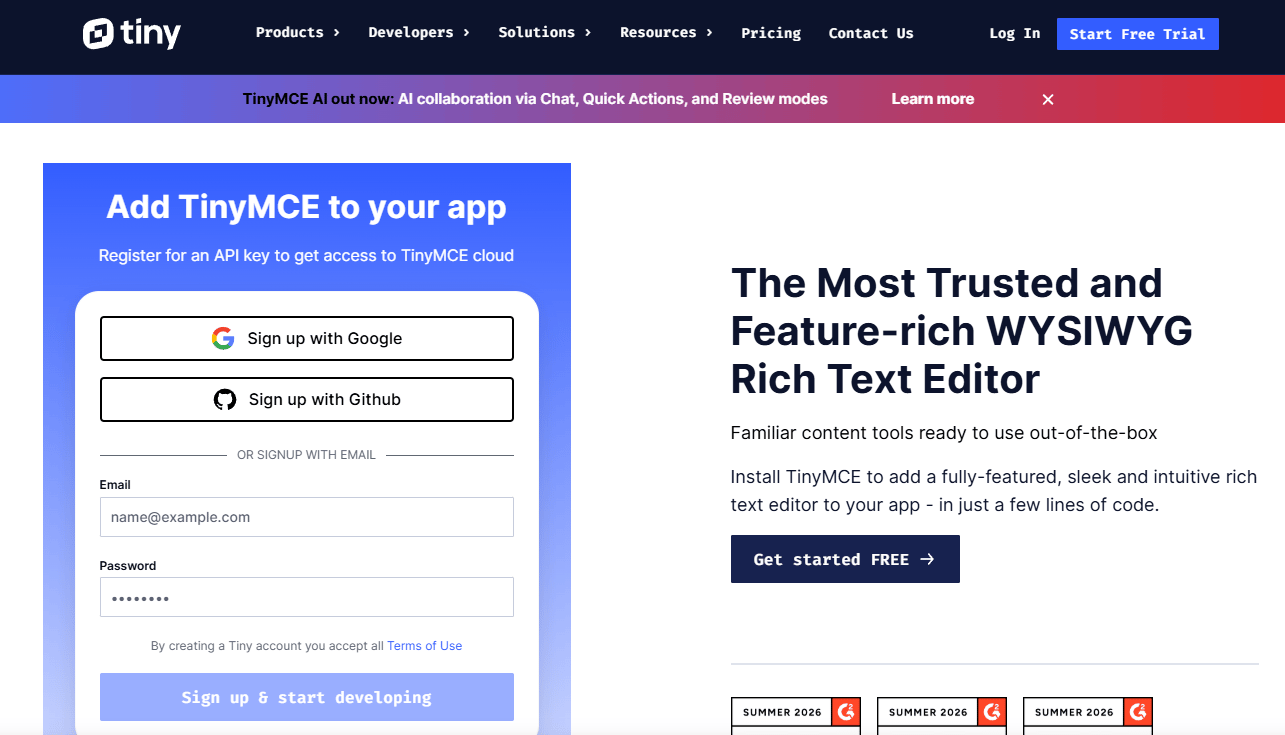
TinyMCE is one of the most widely deployed rich text editors for web applications, with a plugin ecosystem covering collaboration, document conversion, accessibility, and AI writing assistance. It supports React, Angular, and Vue integrations, making it straightforward to embed in most modern SaaS stacks. The editor handles HTML source editing alongside the visual surface, giving technical authors access to markup when needed.
Best for: Product teams that need a packaged editor with broad integrations, configuration depth, and a clear commercial path.
Key features
- Customizable toolbar and menus
- HTML source code editing mode
- React, Angular, and Vue integrations
- PowerPaste content preservation from Word and Google Docs
- Revision history and comments (paid plans)
Why choose TinyMCE: It fits teams who want familiar WYSIWYG behavior, deep configuration options, and a lower build burden compared to assembling a framework from primitives. The load-based pricing model rewards lower-volume applications but scales in cost as editor loads grow.
TinyMCE pricing: Free plan includes 1,000 editor loads per month. Essential starts at $79/month billed annually (5,000 loads/month), Professional at $145/month billed annually (20,000 loads/month), and Enterprise is custom. A paid plan is required once the free tier volume is exceeded in production.
G2 rating: 4.5/5, verified October 2026.
2. CKEditor 5
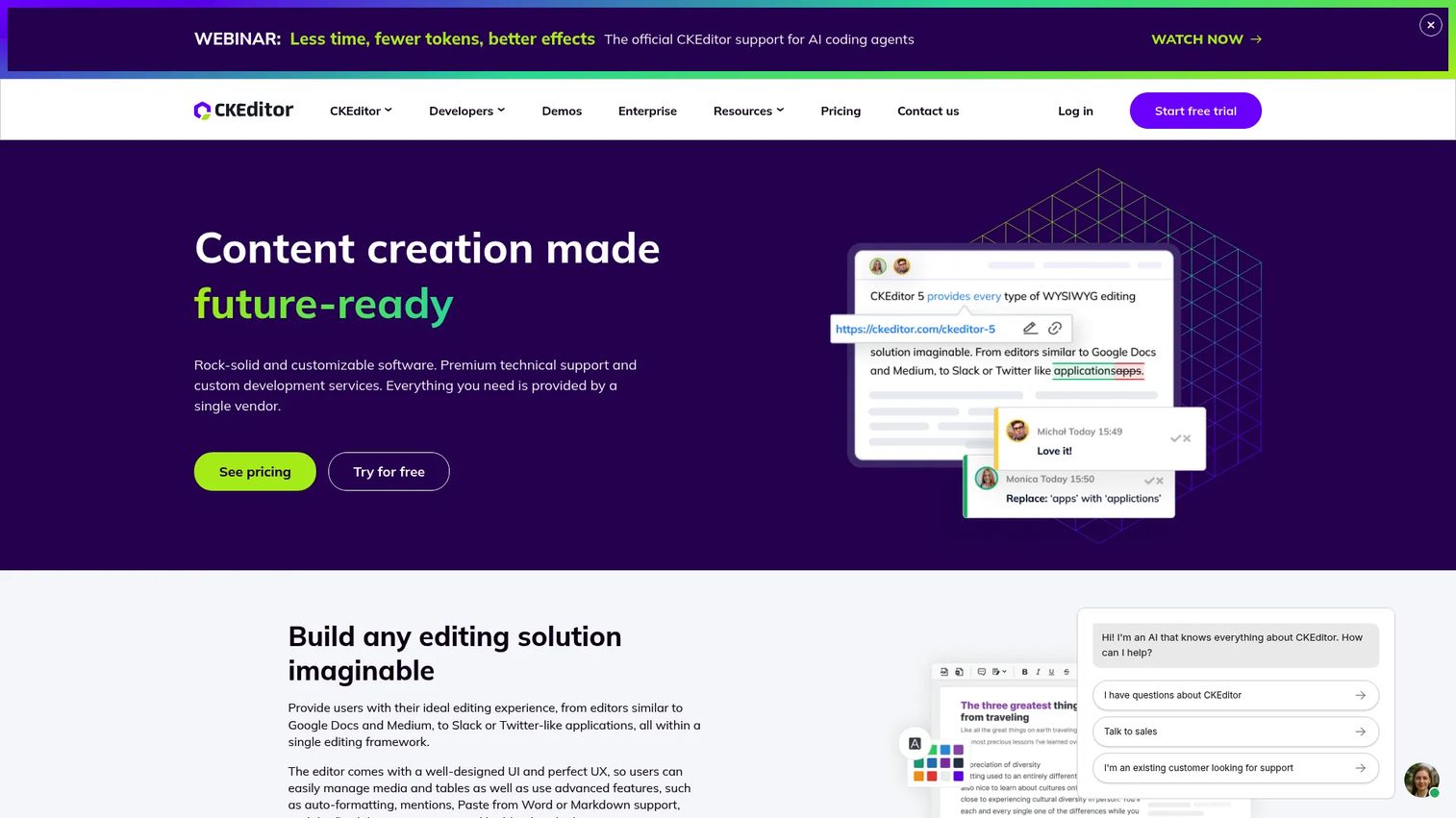
CKEditor 5 is a JavaScript rich text editor framework built for teams embedding collaborative, document-centric authoring into SaaS products. It supports real-time and asynchronous collaboration, including comments, track changes, and revision history, alongside Word and PDF import/export. For product managers evaluating cloud content collaboration software, CKEditor 5 is one of the few embedded editors that handles the full review-to-publish workflow without additional infrastructure.
Best for: SaaS teams building collaborative, regulated, or document-centric authoring experiences where review and export are first-class requirements.
Key features
- Real-time and async collaboration with comments and track changes
- Word and PDF import and export
- Document import and conversion tools
- Customizable toolbar and HTML or Markdown output
- Cloud and self-hosted deployment options
Why choose CKEditor 5: The collaboration layer is mature and well-documented. Teams whose users draft, review, approve, and export content inside the application will find CKEditor 5 handles that full workflow without requiring a separate document infrastructure layer.
CKEditor 5 pricing: Free tier available. Essential plan is $144/month (billed monthly), Professional is $405/month. Custom plans cover self-hosted, alternative licensing, and larger-scale requirements. Note that AI writing features and some advanced collaboration capabilities may be available as add-ons. Verify the complete cost model against your projected editor load and required features before committing.
G2 rating: 4.3/5, verified October 2026 under CKSource.
3. Tiptap
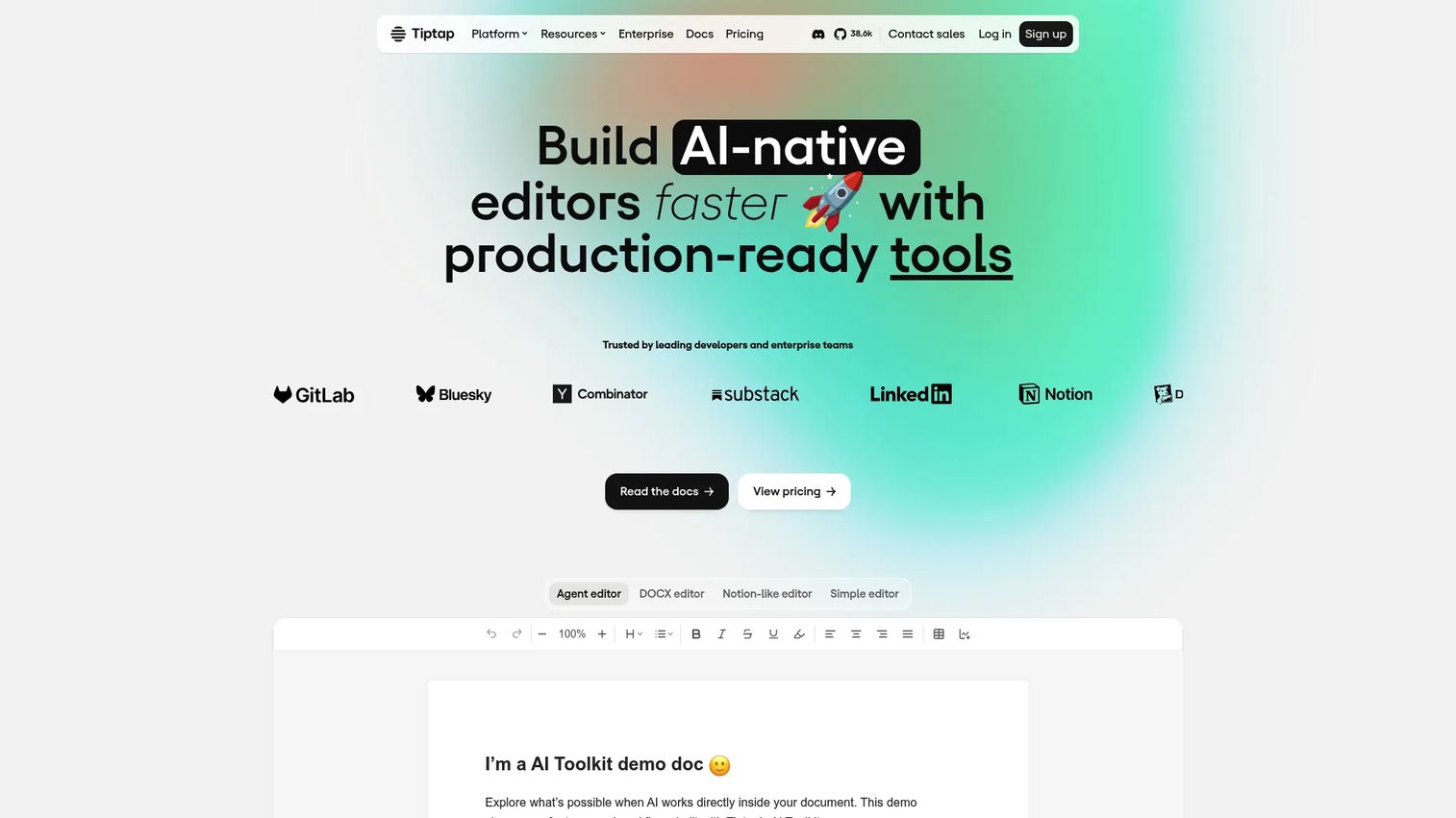
Tiptap is a headless, open-source editor framework built on ProseMirror. Rather than providing a fixed interface, it gives product teams a schema-driven foundation for building editors that behave like native product features. Extensions control every aspect of the content model, toolbar, and serialization. The platform tier adds real-time collaboration, AI tooling, DOCX import and export, and comments.
Best for: Product teams with engineering capacity who need the editor to conform to a custom domain model rather than a generic document metaphor.
Key features
- Headless architecture with no default UI
- Extension-based schema customization
- JSON content representation
- Real-time collaboration (platform tier)
- React and Vue integrations
Why choose Tiptap: When the editor must feel like a core product feature rather than an embedded widget, Tiptap's composable approach gives the team full control over behavior, output format, and interaction model. The open source core is MIT-licensed, and the platform tier adds collaboration without requiring a separate backend.
Tiptap pricing: The open source core is free. Platform plans start at $49/month (Start tier), $149/month (Team), and $999/month (Business), billed monthly. Enterprise is custom. Tracked changes are available as a $249/month add-on. A 30-day free trial is available for paid platform plans.
G2 rating: 4.6/5, verified October 2026.
4. Froala Editor
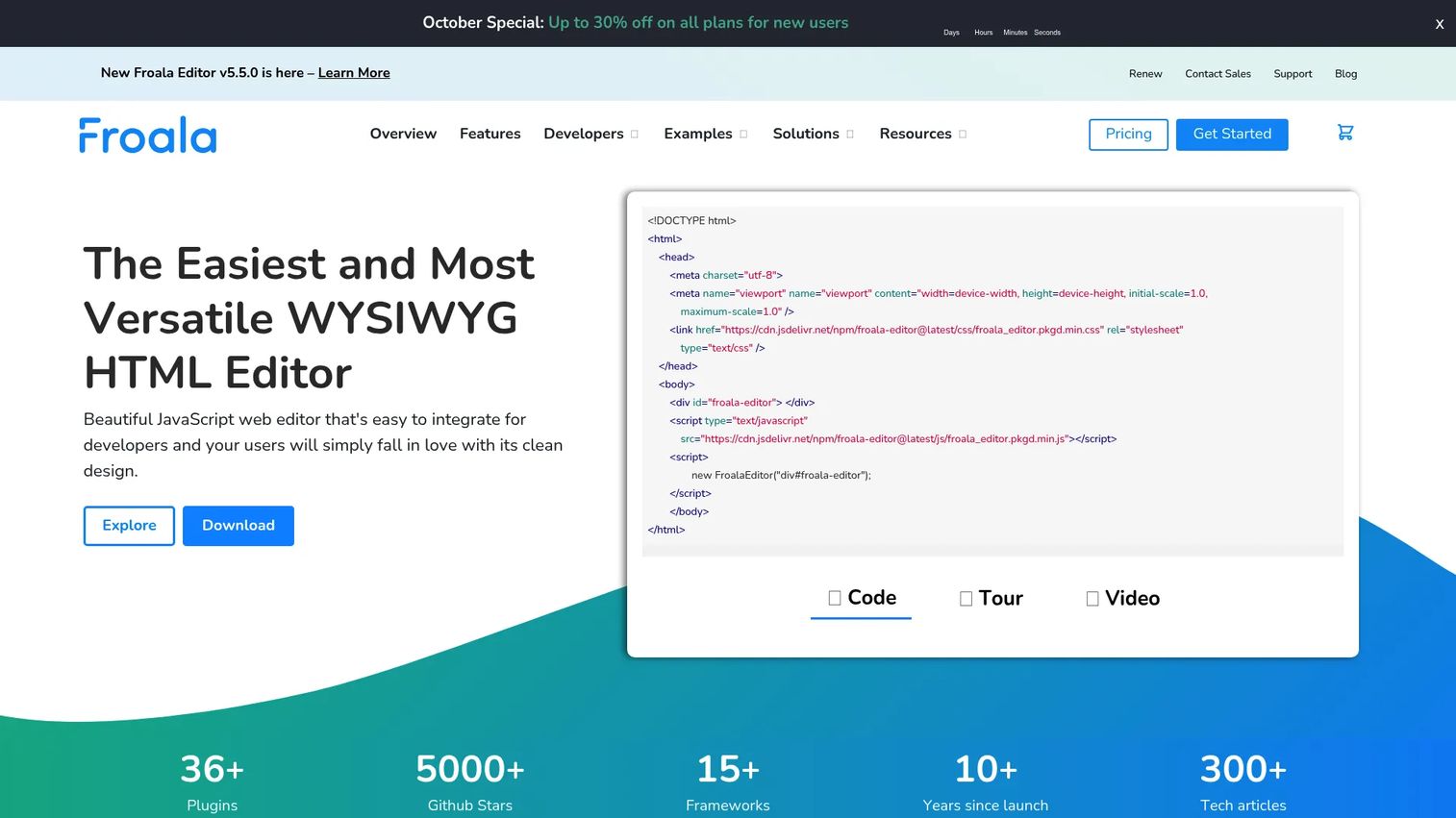
Froala Editor is a JavaScript WYSIWYG HTML editor with a flat licensing model covering annual subscriptions and perpetual options. It supports self-hosted deployment, which matters for teams with data governance requirements or restrictions on third-party cloud services. The editor ships with 30+ framework integrations, HTML source editing, media management, collaborative features, and an AI assist plugin.
Best for: Teams that prefer self-hosted deployment and predictable licensing as product usage scales, without per-load or per-user pricing adding uncertainty.
Key features
- Self-hosted deployment
- HTML source editing mode
- Media and file management
- Version history and comments
- AI assist plugin with dictation and inline autocomplete
Why choose Froala Editor: The flat license structure removes the variable cost risk that load-based pricing introduces. Teams building internal tools, admin panels, or SaaS products with high authoring volume will find Froala's pricing model more predictable than metered alternatives. Match the license tier carefully: Professional covers one product and three domains, while Enterprise adds unlimited products and OEM or SaaS distribution rights.
Froala Editor pricing: 30-day free trial available. Professional plan runs $899/year (annual subscription) or $2,699 as a perpetual license. Enterprise is $1,999/year or $5,999 perpetual. Custom Architect pricing covers specific contract or support requirements.
G2 rating: 4.4/5, verified October 2026.
5. Quill
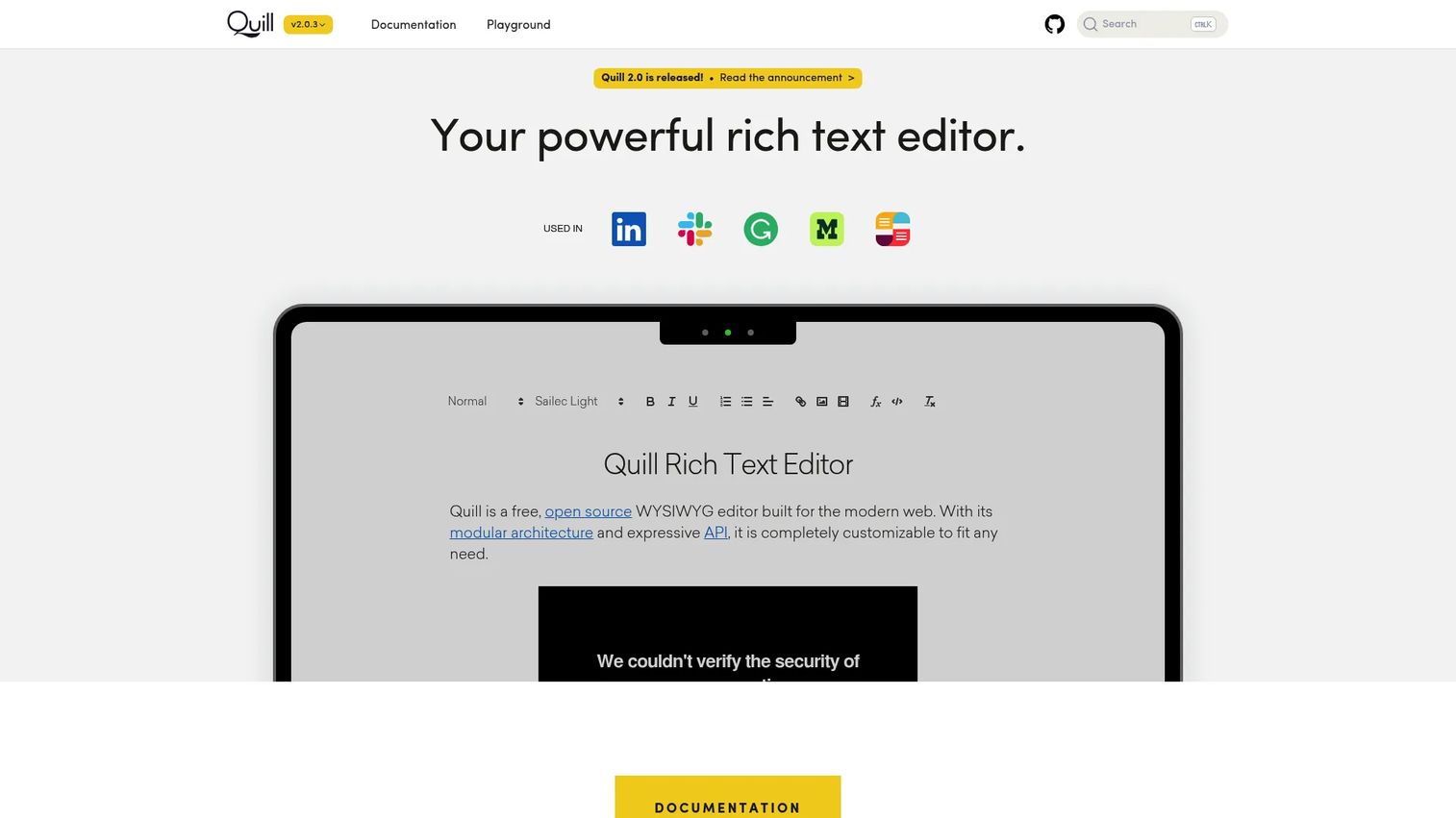
Quill is a free, open-source rich text editor distributed under the BSD license. Its Delta content format represents documents as a series of operations rather than raw HTML, which gives teams a deterministic and diffable content model. Quill runs across modern desktop, tablet, and mobile browsers, and its modular architecture lets teams swap in custom formats, modules, and themes.
Best for: Teams that need a free editor foundation with a well-structured content model and can own integration, extension maintenance, and accessibility validation.
Key features
- Open source core (BSD license)
- Delta content format for deterministic operations
- Modular architecture for formats and modules
- Configurable toolbar
- Snow and Bubble themes
Why choose Quill: It fits a focused rich text use case where the team needs more content model control than a hosted SaaS editor provides, but the feature scope does not justify a fully headless framework. The Delta format is well-documented and integrates cleanly with operational transform-based collaboration if that becomes a future requirement.
Quill pricing: Free and open source. No paid tiers or commercial subscriptions exist. Budget engineering time for integration work, sanitization, accessibility testing, and plugin maintenance. License cost is zero; implementation cost is not.
6. Lexical
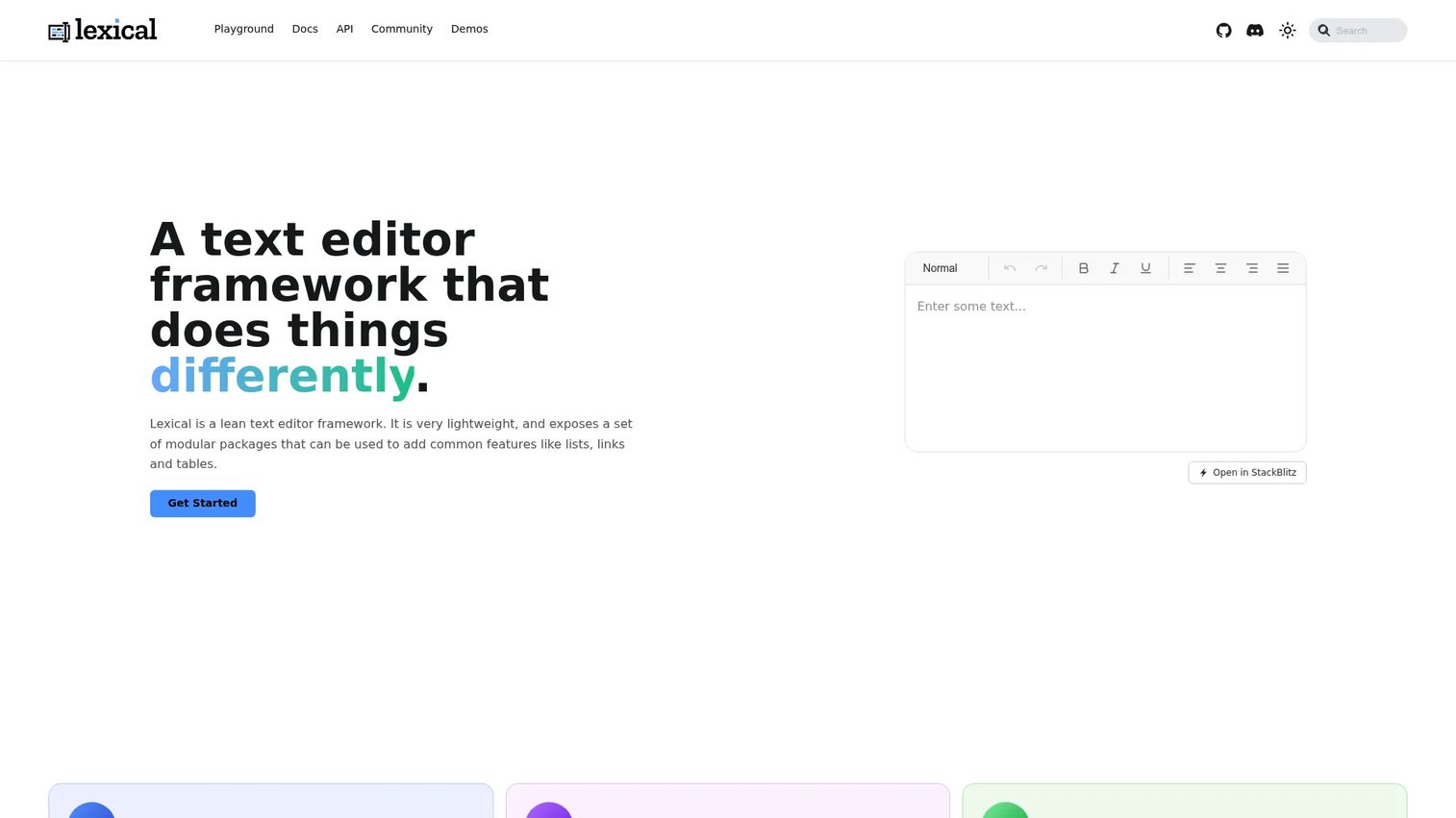
Lexical is an extensible text editor framework developed by Meta, focused on reliability, accessibility, and performance in React applications. Its node-based state model and plugin architecture give teams building blocks for rich text, Markdown, block editors, chat inputs, and AI agent interfaces. Lexical's design prioritizes WCAG alignment and screen reader compatibility as first-class constraints rather than afterthoughts.
Best for: React-oriented product teams building deeply customized editing experiences where performance, accessibility compliance, and long-term maintainability drive the architecture decision.
Key features
- Extensible plugin architecture
- Node-based editor state management
- React integration with modular packages
- Accessibility-focused design (WCAG-aligned)
- Support for rich text, block editing, and Markdown modes
Why choose Lexical: Use it when the product needs an editor that matches a custom interaction model and the team can own the implementation. The framework's accessibility foundation reduces remediation risk on enterprise deals that require WCAG documentation. For teams building AI content creation tools or complex input surfaces, Lexical's modular packages cover those use cases cleanly.
Lexical pricing: Free and open source. No paid tiers. Scope dedicated engineering time for toolbar design, serialization logic, paste behavior, plugin quality assurance, and content migration work before committing the team.
7. Editor.js
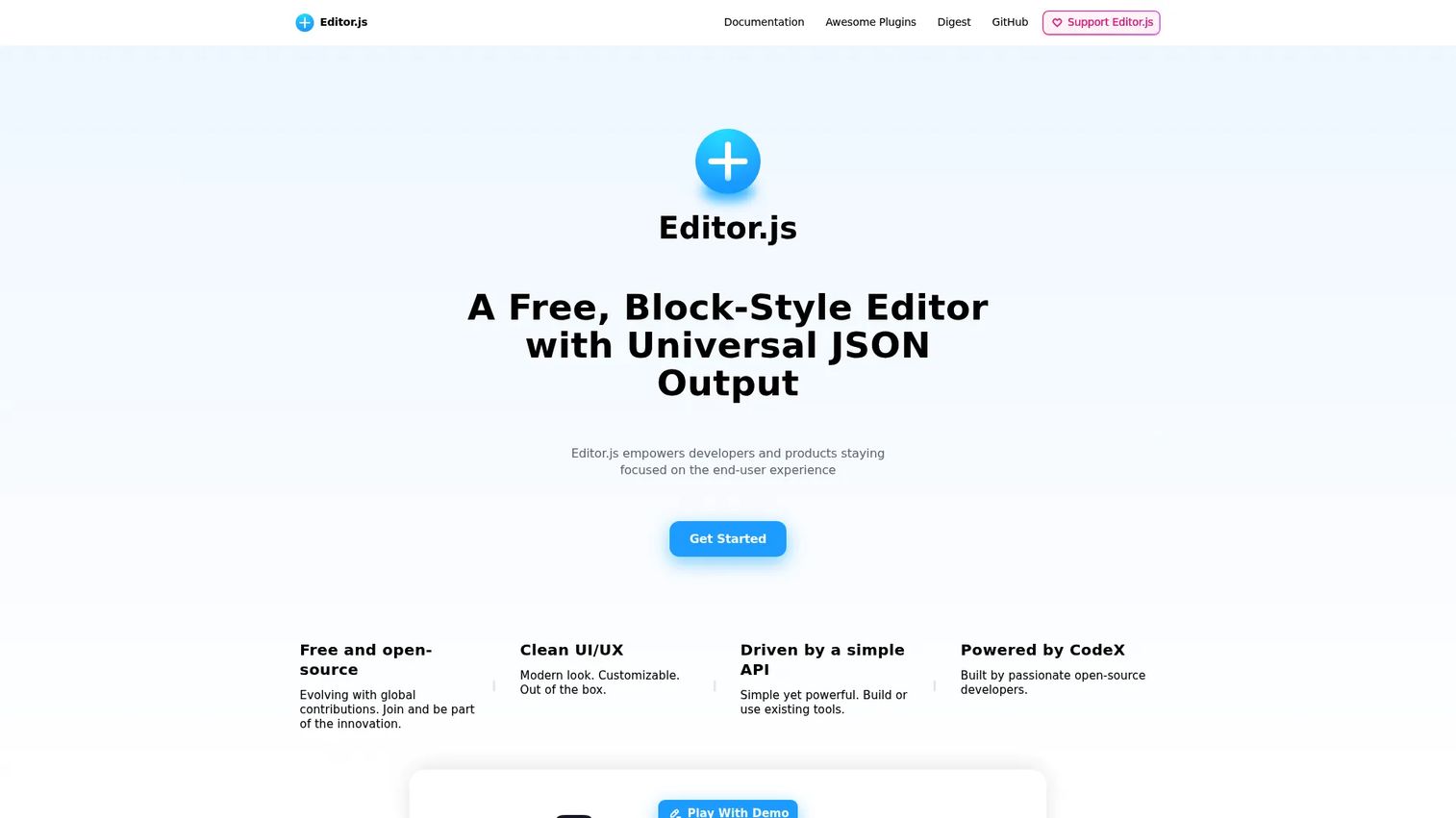
Editor.js is a free, open-source block-style editor that produces clean JSON output instead of HTML markup. Each content block, whether a paragraph, heading, image, quote, or embed, is an independent JSON object with a defined type and data schema. This output model makes it straightforward to render content consistently across web, mobile, email, and knowledge base surfaces without parsing or transforming HTML.
Best for: Product teams that want modular article or knowledge base content with a defined structure per block type, rather than freeform long-form document editing.
Key features
- JSON block output per content type
- Pluggable API for custom blocks and inline tools
- Image, embed, and list block support
- Custom block development via the block API
- Internationalization and read-only mode
Why choose Editor.js: It works well when each content component needs a defined schema, a reusable renderer, and consistent presentation across multiple surfaces. The structured output also simplifies search indexing and content portability compared to raw HTML. Block editors are opinionated about editorial workflow, so validate with representative users before committing content to a block schema. Relevant for teams evaluating best component content management systems, the block-first model aligns naturally with structured content strategies.
Editor.js pricing: Free and open source. No commercial tiers exist. Verify the current maintenance status and community activity before selecting it for a production feature that will need long-term plugin updates.
8. Jodit
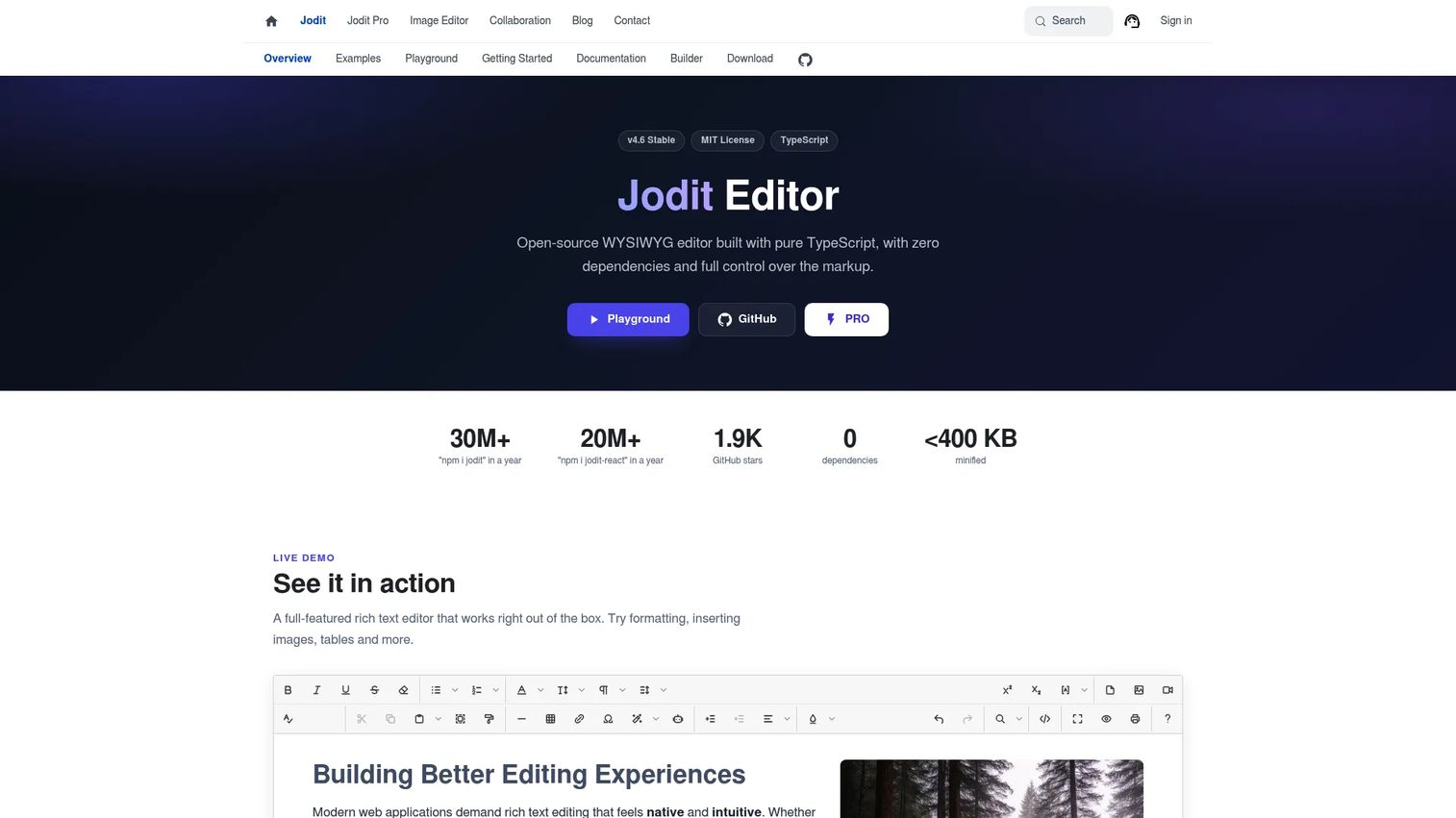
Jodit is an open-source WYSIWYG HTML editor built in pure TypeScript with no external dependencies. The MIT-licensed core covers visual editing, HTML source mode switching, a configurable toolbar, image and file handling, and 70+ built-in plugins. Framework wrappers are available for common JavaScript environments. Jodit PRO adds additional plugins, NPM access, and a commercial single-domain license.
Best for: Teams that need a pragmatic visual HTML editor for internal tools, admin panels, or simple CMS features, and want to move past a plain textarea without building a framework from scratch.
Key features
- Visual and HTML source editing modes
- 70+ built-in plugins
- Configurable toolbar and theming
- Image and file tool support
- Clean semantic HTML output
Why choose Jodit: It removes the configuration overhead of a fully headless framework while staying lightweight. The zero-dependency TypeScript build reduces bundle size risk. For teams evaluating best web design software or internal admin tooling, Jodit's barrier to implementation is genuinely low compared to assembling a plugin-based framework.
Jodit pricing: The core is free under the MIT license. Jodit PRO is a one-time payment of $99 for a single-domain license. Jodit Multi PRO covers unlimited domains at $399 one-time. Enterprise pricing is custom. No annual subscription is required for the PRO tier once purchased.
Considerations when choosing a WYSIWYG editor
Choose the content model before the toolbar
HTML, JSON blocks, Delta operations, and custom editor state each carry different implications for content migration, search indexing, rendering consistency, and export portability. Audit where content must render before selecting a tool. Switching content models mid-product is expensive.
Estimate engineering ownership honestly
The initial integration sprint is not the only cost. Ongoing responsibilities include plugin upgrades across releases, browser testing after framework updates, sanitization and XSS hardening, accessibility audits, and content migration when the schema evolves. Free library cost savings can evaporate within two release cycles if the maintenance burden was not scoped.
Validate paste behavior with real content
Paste handling is where support tickets originate. Test with actual Word documents, Google Docs exports, spreadsheet pastes, and copied HTML from live web pages before committing to a tool. Paste normalization quality varies significantly between editors, and discovering a gap after launch means an emergency plugin or a bespoke workaround.
Treat collaboration as a workflow requirement, not a feature
Comments, suggestions, version history, and concurrent editing need conflict handling, permissions, auditability, and predictable data storage at the backend layer. Teams that discover this requirement post-launch often find the chosen editor cannot support it without replacing the collaboration infrastructure entirely.
Instrument the authoring funnel
Track editor load failures, successful publishes, validation errors, draft abandonment, and time to first publish. For best product analytics software teams, this signal connects editor performance directly to activation and support workload. You cannot improve what you cannot measure, and most teams skip instrumentation until the editor is already a known problem.
How to choose the right WYSIWYG editor for your product team
If you need a mature editor with broad capabilities
Evaluate TinyMCE first. It fits established product surfaces that need plugin coverage, framework integrations, and predictable HTML output. The load-based pricing model works well at lower editor volumes. Review the plan threshold carefully if your product has high authoring frequency.
If your users author documents requiring review and approval
CKEditor 5 is the strong choice. Collaboration, track changes, export, and document conversion are built into the platform rather than bolted on. This matters for SaaS teams in regulated industries or those building approval workflows where content history and export are audit requirements.
If the editor must behave like a core product feature
Evaluate Tiptap or Lexical. Both fit product-specific workflows where the team can own custom behavior and long-term maintenance. Tiptap's extension model and platform collaboration layer give it an advantage for teams that need collaboration without building a separate backend. Lexical is the stronger pick if the React ecosystem and WCAG compliance are primary constraints.
If you need a low-cost or open source starting point
Quill suits traditional rich text with a well-structured Delta format. Editor.js suits structured block content where each component needs a defined schema. Jodit suits teams that want a direct visual HTML editor with minimal configuration overhead and a straightforward one-time PRO upgrade path.
If licensing predictability matters more than usage-based pricing
Froala Editor is built for this. The annual subscription and perpetual license options remove load-based uncertainty. Verify the tier against your distribution model before purchasing; OEM and SaaS distribution require the Enterprise tier.
Conclusion
Choosing a WYSIWYG editor is an architecture decision that affects content quality, engineering maintenance, and user activation long after the initial integration sprint ends. TinyMCE covers the broadest plugin surface for mature web application editing. CKEditor 5 is the default shortlist entry for collaborative document workflows with export requirements. Tiptap and Lexical make sense when the editor must conform to a custom product model rather than a generic document metaphor. Froala Editor offers pricing predictability for teams that prefer self-hosted deployment. Quill, Editor.js, and Jodit each provide a different open source entry point for teams that can absorb the engineering ownership.
Start with a one-week proof of concept. Use representative user content, define the required output format, test paste behavior thoroughly, and include the people who will support the feature after launch. The ticket queue after release will tell you whether the editor was right. The proof of concept is your chance to find out before it ships.
Explore related roundups to build out your full content infrastructure: best content creation software tools, best content marketing tools, and API documentation tools for teams pairing an editor with developer-facing publishing surfaces.
Start your journey with Guideflow today!
FAQs
The terms overlap significantly in practice. "WYSIWYG" emphasizes the preview model: What the author sees matches what gets rendered. "Rich text editor" describes support for formatted content beyond plain text. Most editors in this roundup qualify as both, and vendors often use the terms interchangeably.
For teams that need a packaged editor fast, TinyMCE and Froala both ship mature React integrations. For teams building a custom experience, Lexical was designed specifically for React and gives the most control over editor state, node types, and plugin behavior. Tiptap also has a strong React integration alongside its headless architecture.
Many do, but not all. Quill stores content as Delta operations. Editor.js stores JSON blocks. Tiptap's default serialization is JSON, with HTML export available. Lexical maintains its own editor state and serializes on demand. The output format affects rendering, search indexing, export portability, and future migration cost, so choose the format before choosing the editor.
License cost is only one component of total ownership. Engineering time for integration, content normalization, accessibility testing, plugin maintenance, and content migration across schema changes can cost more than a commercial subscription over a two-year period. Tiny Technologies' 2025 survey of 534 technical professionals found security and performance were non-negotiable requirements for 75% of respondents, both of which require ongoing engineering attention regardless of license model.
Server-side sanitization is mandatory. Client-side filtering alone is insufficient because users can submit raw HTML through the API without touching the editor UI. Use an allow-list approach for permitted HTML tags and attributes, handle media uploads through your own controlled pipeline, implement role-based permissions for who can publish versus draft, and enable audit logging for regulated workflows. OWASP's XSS prevention cheat sheet is the standard reference for the sanitization layer.
Some do, and some require a paid tier to access those features. TinyMCE includes revision history and comments on paid plans. CKEditor 5 ships track changes and comments as part of its collaboration layer. Tiptap offers comments on its platform tier, with tracked changes as a separate add-on. Verify concurrency behavior, data retention policies, and whether collaboration features require a backend service or are fully managed, before building your feature spec around them.
Run a one-week proof of concept with real user content. Test pasting from Word, Google Docs, and copied web HTML. Verify table handling, image upload, source output format, and rendering on every product surface where content will appear. Include keyboard navigation and screen reader behavior in the test scope. Check failure states, for example what happens when an image upload fails mid-draft. Teams evaluating best user onboarding software will recognize this pattern: The editor's activation experience for your authors is as important as the feature set.
Block editors suit modular content where each component has a defined type and schema: Help center articles, landing page sections, knowledge base entries, and structured product descriptions. Traditional rich text editors are better for freeform documents where users expect word processor behavior, including the ability to place the cursor anywhere and flow content freely. If your content must render consistently across multiple surfaces, such as web, mobile, and email, the JSON block output of a block editor simplifies that rendering layer considerably.