Most directory projects start with a spreadsheet. Then someone wants search filters. Then another team needs profile pages with custom fields. Then legal asks about access controls, and suddenly you need payments, SEO, and a CRM integration that nobody budgeted for.
The category that should have been simple turns into a six-month detour because the wrong software was chosen for the wrong directory model. According to BrightLocal's 2025 Consumer Review Survey, 74% of consumers use two or more websites to read reviews before choosing a local business. Directory software sits at the center of that behavior. The tool you pick determines whether your directory becomes a traffic asset, an engagement hub, or a maintenance burden.
The core problem is that review sites often mix online business listing management software, employee directories, identity platforms, and WordPress plugins into one undifferentiated list. That makes the buying decision harder, not easier.
This guide separates the categories clearly and gives you the data you need to decide fast.
What's inside
This guide compares 20 directory software products across four distinct directory types for 2026. Tools were selected based on category relevance, search and filtering quality, profile management depth, monetization options, and G2 rating.
- Public directory builders for business listings, local directories, and marketplaces
- Employee and corporate directory tools for internal people search and org charts
- Membership and community directory platforms for associations and nonprofits
- Identity directory tools for access, authentication, and user provisioning
- WordPress directory plugins for self-hosted listing sites
TL;DR
- Best for membership directories: Raklet combines member profiles, events, payments, and communication tools in a single platform
- Best for online business directories: Brilliant Directories and eDirectory are the strongest hosted fits for public listing websites with monetization
- Best for employee directories: Workfolio Directory, ThoughtFarmer, OneDirectory, and Connecteam each serve distinct internal people-search needs
- Best for identity directories: Okta, Microsoft Entra ID, OneLogin, JumpCloud, and ManageEngine ADManager Plus are the IT-led picks
- Best WordPress options: Directorist and GeoDirectory offer the most flexible plugin-based approach for self-hosted directory sites
What is directory software?
Directory software is a platform for creating, managing, searching, and publishing structured records such as business listings, member profiles, employee profiles, provider directories, or user identities.
The category is wide. It covers tools built for completely different jobs, which is why comparing them on a single feature matrix rarely produces a useful answer. The right choice depends on whether the directory is public-facing or internal, paid or free, community-based, or tied to identity and access management.
Types of directory software
- Online business directory software: Hosted platforms for building searchable listing sites with categories, maps, reviews, and monetization
- Membership directory software: Platforms combining member profiles, renewals, events, and community engagement
- Employee directory software: Internal tools for people search, org charts, and workforce visibility
- Corporate identity directory software: IAM platforms where directory data drives authentication and application access
- WordPress directory plugins: Self-hosted plugins for adding listing or directory functionality to WordPress sites
- Provider or expert directory software: Searchable profile pages for professionals, specialists, or service providers
- Community and association directory platforms: Member-led platforms for nonprofits, alumni groups, and industry associations
Key features to look for
- Listing and profile management with custom fields
- Search, filters, categories, and location data
- Reviews, ratings, claims, and moderation workflows
- Payments, subscriptions, paid listings, and featured placements
- SEO controls including schema, sitemaps, and indexable pages
- User roles, permissions, privacy controls, and authentication
- CRM, email, analytics, and CMS integrations
- Mobile access or native apps
- Reporting on engagement, leads, and directory usage
Where the category gets confusing
Review sites frequently list public directory builders alongside identity management platforms, intranet tools, and WordPress plugins as if they solve the same problem. An IT team evaluating Okta for user provisioning and a marketer building a local business listing management software hub are not shopping the same category. The reviews below are organized by type so you can scan directly to the tools that match your actual use case.
When to use directory software
Build a searchable public directory
A public directory turns a structured database into a traffic and lead-generation asset. Teams building business listing sites, provider directories, local marketplaces, or partner ecosystems need SEO-optimized listing pages, review moderation, lead capture, and paid placement options. If your goal is organic discovery and listing revenue, this is the category to evaluate first. Local SEO software often pairs with these tools to improve ranking for location-specific searches.
Centralize member, employee, or organization profiles
Internal directories and membership platforms solve a different problem: Getting the right person in front of the right person, fast. Associations, nonprofits, alumni networks, and distributed companies all need profile completeness, privacy controls, custom fields, and sync with HR systems or identity providers. Attribution, conversion rates, and listing revenue matter less here. Profile data accuracy and search quality matter more.
Monetize listings, access, or community visibility
For digital marketers, a directory can become a standalone revenue channel. Paid listings, sponsored placements, membership subscriptions, event listings, and lead generation packages all require directory software with payment depth, renewal automation, and clear reporting on revenue per listing. Tools built for employee directories will not support these models.
Directory software comparison
The table below maps 20 tools by directory type, key differentiator, pricing, and G2 rating. Pricing reflects the lowest paid entry point where available. G2 ratings are sourced from each tool's current G2 listing. Ratings marked N/A could not be verified at the time of writing.
| # | Product | Best for | Key differentiator | Pricing | G2 rating |
|---|---|---|---|---|---|
| 1 | Raklet | Membership and community directories | Member profiles with payments, events, and communication | From $49/mo | 4.8/5 |
| 2 | Brilliant Directories | Online business and membership directories | Hosted directory builder with monetization and lead gen | From $40/mo | 4.4/5 |
| 3 | eDirectory | Local business and niche directories | Full directory platform with AI content and mobile apps | From $74.25/mo (billed yearly) | 3.9/5 |
| 4 | Workfolio Directory | Employee and expert profile directories | Customizable people-profile directory with approval workflows | Custom pricing | N/A |
| 5 | Worky | Freelance talent directories | Curated on-demand talent matching for technical teams | Custom pricing | 4.5/5 |
| 6 | ThoughtFarmer | Intranet and employee directory experiences | People directory inside a full intranet platform | From $6/user/mo | 4.7/5 |
| 7 | Okta | Identity directories and user access | Universal Directory with SSO and lifecycle management | From $6/user/mo | 4.5/5 |
| 8 | Employee Directory | Simple employee directory use cases | Dedicated staff search and profile management | N/A | N/A |
| 9 | Microsoft Entra ID | Enterprise identity directories | Microsoft-native identity, conditional access, and governance | Free / From $7/user/mo | 4.5/5 |
| 10 | OpenOTP | Authentication and identity directories | MFA and directory-backed access with on-premise or SaaS options | Free edition available | N/A |
| 11 | HelloID | Identity and access lifecycle management | Cloud IAM with provisioning and self-service requests | Custom pricing | 4.5/5 |
| 12 | OneDirectory | Microsoft 365 employee directories | Employee directory and org chart built on Entra ID data | From $349/mo | 4.9/5 |
| 13 | Salesforce Nonprofit Cloud | Nonprofit constituent and member records | Salesforce-native nonprofit CRM and program management | From $70/user/mo | 4.1/5 |
| 14 | OneLogin | Workforce identity directories | SSO, MFA, and identity lifecycle across 6,000+ app integrations | From $3/user/mo | N/A |
| 15 | ManageEngine ADManager Plus | Active Directory administration | Bulk AD management, reporting, and workflow automation | From $595/year | 4.5/5 |
| 16 | JumpCloud | Cloud directory and device identity | Unified identity and device management across platforms | From $9/user/mo | 4.5/5 |
| 17 | Connecteam | Deskless employee directories | Mobile-first employee management with comms and scheduling | From $29/mo (first 30 users) | N/A |
| 18 | ListingProWP | WordPress business directories | WordPress directory theme with claims, reviews, and paid listings | $69 one-time | N/A |
| 19 | Directorist | WordPress directory plugins | Modular directory plugin with AI builder and monetization | From $116/year | 4.3/5 |
| 20 | GeoDirectory | Location-based WordPress directories | Scalable location directory plugin with proximity search | From $115/4 months | N/A |
Best 20 directory software tools for 2026
1. Raklet
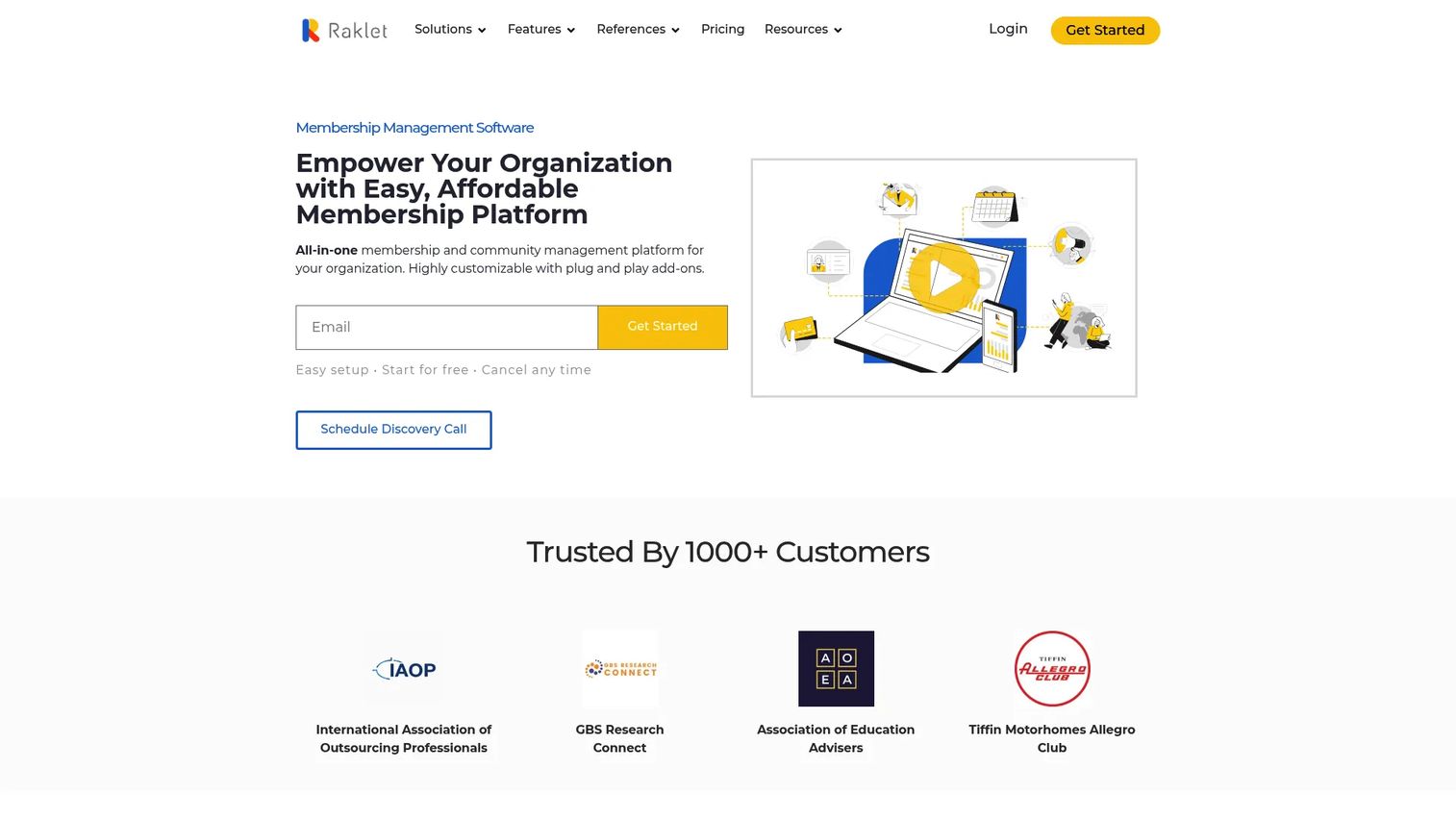
Raklet is an all-in-one membership and community management platform for associations, nonprofits, clubs, and community-led organizations. It combines a member directory with payments, event management, email and SMS tools, discussion boards, and custom forms. The mobile app means members can access the directory from any device, and the CRM layer keeps your contact data in one place alongside engagement history.
Best for: Membership organizations that need a searchable directory plus renewals, events, and member communication in one platform.
Key features
- Member profiles with custom fields and contact management
- Event listings and ticketing
- Online payments and automated renewals
- Email and SMS outreach tools
- Community discussion boards
Why choose Raklet: Raklet makes sense when the directory is part of a broader membership operation rather than a standalone listing database. If you need to run renewals, send targeted messages, and track event attendance alongside the directory, Raklet consolidates those workflows so you're not maintaining separate tools.
Raklet pricing: A free plan is available. Paid plans start at $49/month (billed annually) for the Essentials tier, $99/month for Professional, and $399/month for Premium.
G2 rating: 4.8/5
2. Brilliant Directories
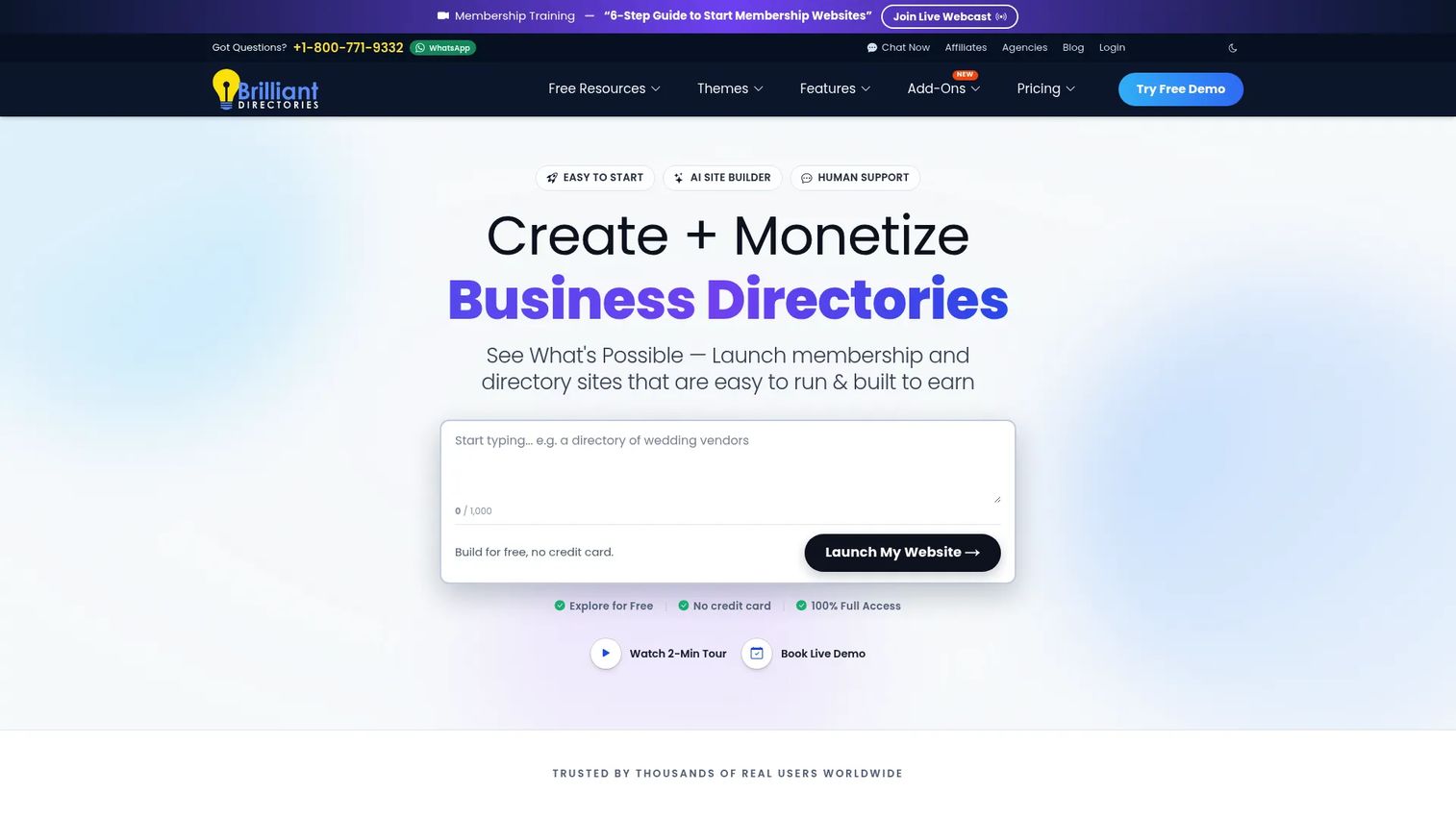
Brilliant Directories is a hosted platform for building and monetizing online directory websites, member portals, and business listing sites. Plans include a directory builder, member dashboards, paid listing packages, lead generation forms, SEO tools with schema and sitemaps, and white-label branding. The platform charges zero transaction fees and handles hosting, SSL, and backups.
Best for: Teams building a revenue-generating online directory website without custom development.
Key features
- Directory website builder with drag-and-drop customization
- Paid listing packages and membership plans
- Lead generation forms and lead sales
- SEO-friendly pages with schema and dynamic sitemaps
- White-label branding and custom domains
Why choose Brilliant Directories: It's the right call when the directory is the business model, not a feature inside another platform. Monetization, member login, and SEO-optimized listing pages are built in from day one, so you're not bolting them on after launch.
Brilliant Directories pricing: Plans start at $40/month (or $240/year) for Essentials, $80/month for Builder, and $120/month for Pro. All plans include AI creator tools, SSL, and $0 platform fees. A free trial is available on every plan.
G2 rating: 4.4/5
3. eDirectory
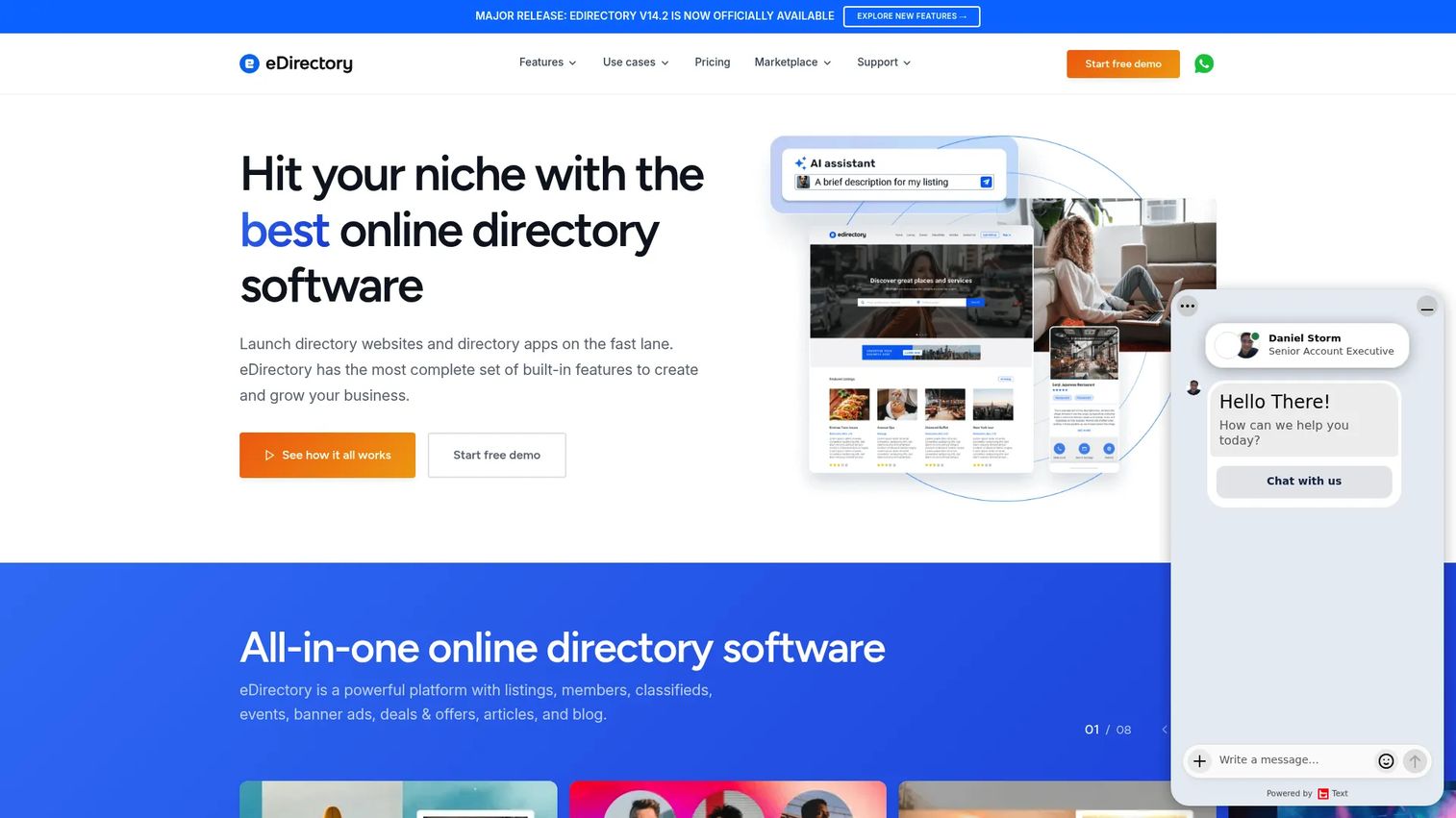
eDirectory is a full online directory platform for building local business directories, niche directories, classified sites, and content-driven listing communities. It includes AI-powered content generation and review reply tools, a native iOS and Android app builder, advanced map and proximity search, deals, events, and multi-site management. Self-hosting via a source license is also available for teams that want full code control.
Best for: Businesses building a monetized directory website that needs listings, events, mobile access, and optional self-hosting.
Key features
- Business listings with categories, maps, and proximity search
- Classifieds, events, deals, and ads management
- AI-powered content generation and review summaries
- Native iOS and Android app builder
- SEO tools with schema and multi-site management
Why choose eDirectory: eDirectory fits teams that need a structured directory business, not a lightweight plugin. The combination of listings, AI content, mobile apps, and advertising tools is hard to replicate with a WordPress plugin approach.
eDirectory pricing: Cloud plans start at $74.25/month billed yearly (or $99/month billed monthly). A source license for self-hosting is $1,499 as a one-time fee.
G2 rating: 3.9/5
4. Workfolio Directory
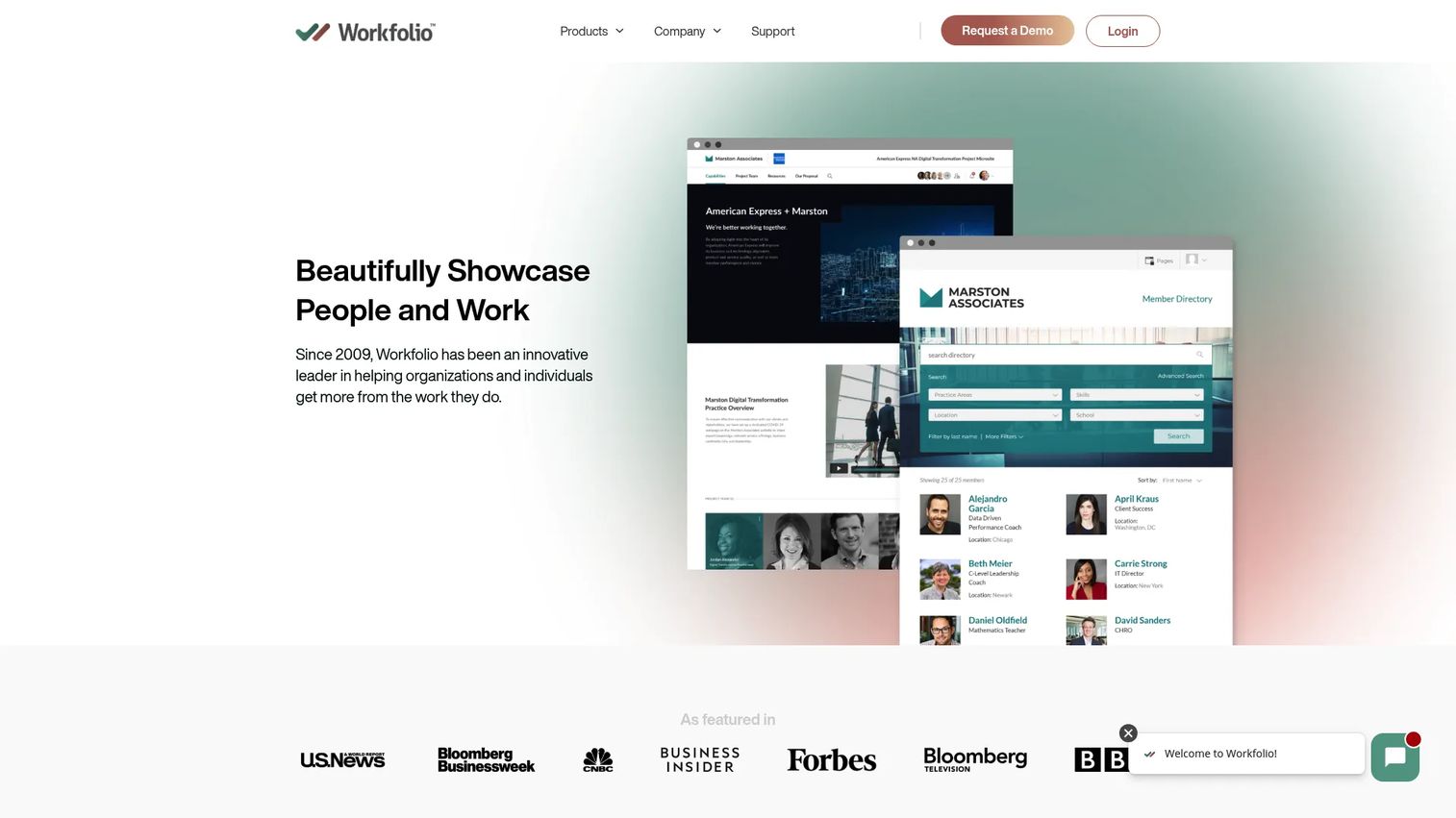
Workfolio Directory is a customizable directory platform for employee, membership, professional, vendor, and public-facing profile directories. It supports keyword search, custom filters, profile templates, change approval workflows, member access controls, PDF profile downloads, and API support for embedding directories on external websites. The platform covers everything from internal employee directories to public expert showcases.
Best for: Organizations that need searchable people profiles with expertise signals, approval workflows, and custom branding.
Key features
- Keyword search and custom filters across profiles
- Profile variants and section management
- Change approval workflows for data governance
- Custom branding and domain support
- API for powering directories on external sites
Why choose Workfolio Directory: It works best when the profile itself carries credibility signals, such as credentials, specialties, or published work. Expert directories, faculty directories, and professional showcases are strong fits.
Workfolio Directory pricing: Pricing is handled through a direct sales conversation. Contact Workfolio for a quote based on your directory scope and profile count.
G2 rating: N/A
5. Worky

Worky is a curated freelance talent platform that matches companies with specialized on-demand talent across engineering, product, design, marketing, and consulting. It operates as a talent directory with human-led selection, offering freelance, team, and fully managed service options alongside ongoing engagement and onboarding support.
Best for: Companies seeking curated technical or specialist freelance talent without running an internal recruitment operation.
Key features
- Curated talent matching across technical and creative disciplines
- Human-led candidate selection process
- Freelance, team, and fully managed engagement options
- Onboarding and ongoing engagement support
Why choose Worky: Worky is a fit when you need a pre-vetted talent directory rather than building one yourself. It removes the sourcing overhead for specialized roles.
Worky pricing: Pricing is not displayed on the site. Contact Worky directly to discuss engagement pricing based on role type and scope.
G2 rating: 4.5/5
6. ThoughtFarmer
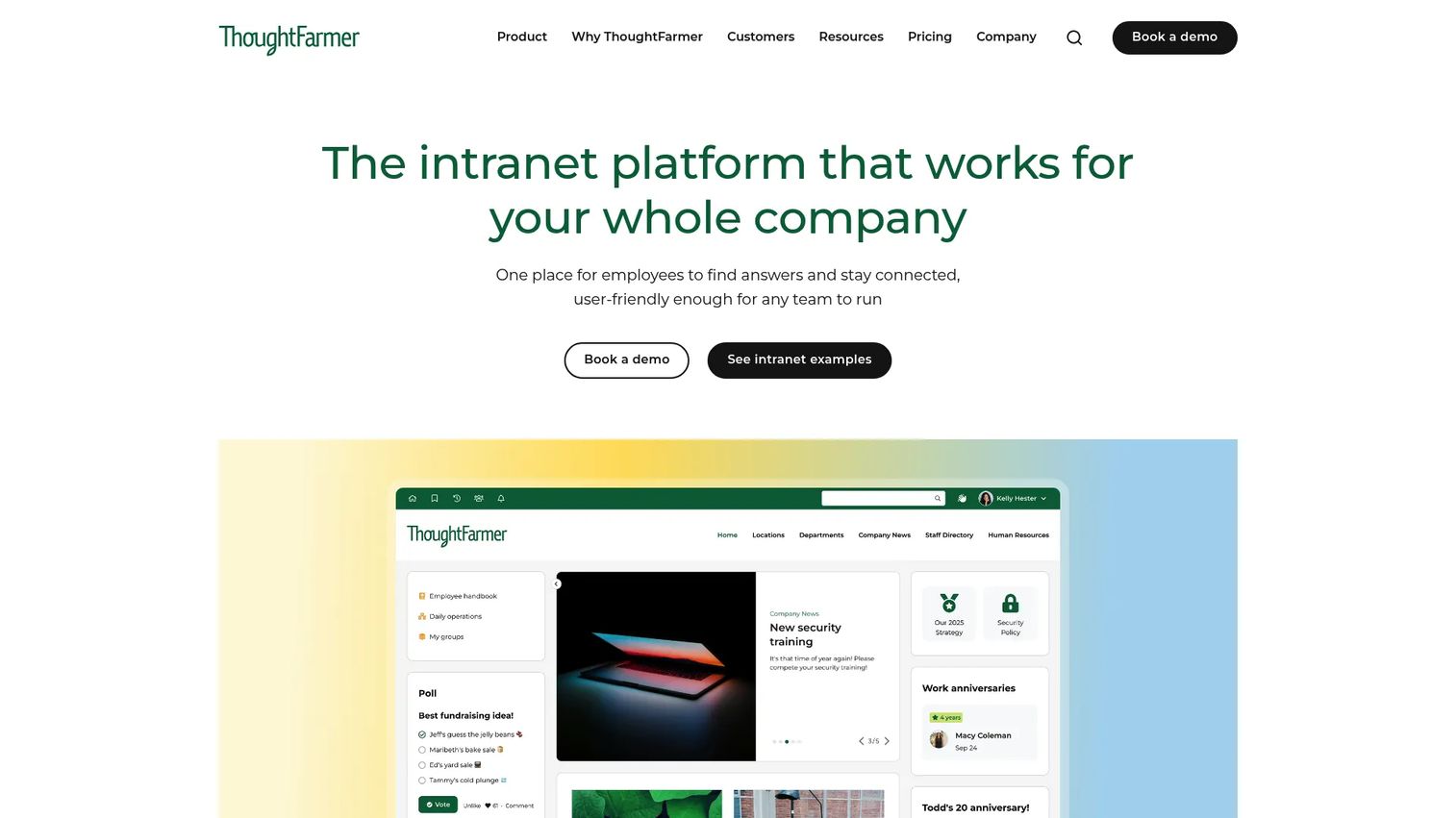
ThoughtFarmer is an employee intranet platform with a built-in people directory and interactive org chart. It covers knowledge management, internal communications, content publishing, forms, and workflow management alongside employee search and profile pages. Native iOS and Android apps extend access for distributed teams, and AI tools assist with content creation and enhancement.
Best for: Organizations that want an employee directory embedded inside a broader intranet with knowledge management and internal comms.
Key features
- Employee directory with searchable profiles
- Interactive org chart with reporting lines
- AI-assisted content creation and enhancement
- Required reading and broadcast notifications
- Analytics for usage and content performance
Why choose ThoughtFarmer: Choose ThoughtFarmer when the employee directory needs to connect to company knowledge, news, and internal content rather than living as a standalone profile database. It is not built for public listing use cases.
ThoughtFarmer pricing: Pricing starts at $6/user/month for 500 to 999 users and scales up to $12/user/month for teams of 50 to 99. All features are included at every tier. A 14-day free trial is available by contacting ThoughtFarmer.
G2 rating: 4.7/5
7. Okta
Okta provides cloud-based workforce and customer identity management, including a Universal Directory that centralizes user profiles, groups, and application access. It covers single sign-on, multi-factor authentication, lifecycle management, access governance, and identity threat protection. Okta is designed for IT and security teams managing identity across cloud and on-premise environments.
Best for: IT teams that need a centralized identity directory with SSO, MFA, and access governance across applications.
Key features
- Universal Directory for centralized user and group management
- Single sign-on across cloud and on-premise apps
- Multi-factor and passwordless authentication
- Lifecycle management for user provisioning and deprovisioning
- Identity threat protection and access governance
Why choose Okta: Okta is the right pick when directory data directly drives application access, authentication, and compliance. It is over-specified for a marketing directory, but it is the standard choice for workforce identity management.
Okta pricing: The Starter plan is $6/user/month billed annually. Core Essentials is $14/user/month and Essentials is $17/user/month. Professional and Enterprise plans require contacting sales.
G2 rating: 4.5/5
8. Employee Directory

Employee Directory is a dedicated tool for internal staff search and profile management. It focuses on the core job of helping employees find each other by department, role, or contact detail without requiring a full intranet or identity management platform.
Best for: Teams that need a simple internal people directory without buying a heavy identity or intranet platform.
Key features
- Employee search and staff profiles
- Department and team filters
- Contact detail management
- Directory administration tools
Why choose Employee Directory: It fits teams whose directory requirement is genuinely straightforward: Find a colleague, see their role, get their contact info. If you need org charts, approvals, or access controls, other tools in this list handle those jobs.
Employee Directory pricing: Pricing information was not accessible via the official site at time of review. Contact the vendor directly for current plan details.
G2 rating: N/A
9. Microsoft Entra ID
Microsoft Entra ID is Microsoft's cloud-based identity and access management platform. It provides a user and group directory alongside single sign-on, multi-factor authentication, conditional access, privileged identity management, and identity governance. It integrates natively with Microsoft 365 and supports hybrid on-premise and cloud environments.
Best for: Microsoft-centered organizations managing workforce identity, application access, and security governance.
Key features
- User and group directory with role-based access
- Single sign-on and MFA for Microsoft 365 and connected apps
- Conditional access policies based on user, device, and location
- Privileged Identity Management for sensitive role control
- Identity governance with access reviews and entitlement management
Why choose Microsoft Entra ID: If your organization already runs on Microsoft 365, Entra ID is the natural identity directory. It is not a public listing platform; it exists to secure access and govern user lifecycle in enterprise environments.
Microsoft Entra ID pricing: A free tier is available with core identity management and unlimited SSO. The P1 plan is $7.00/user/month and P2 is $10.00/user/month, both billed annually.
G2 rating: 4.5/5
10. OpenOTP
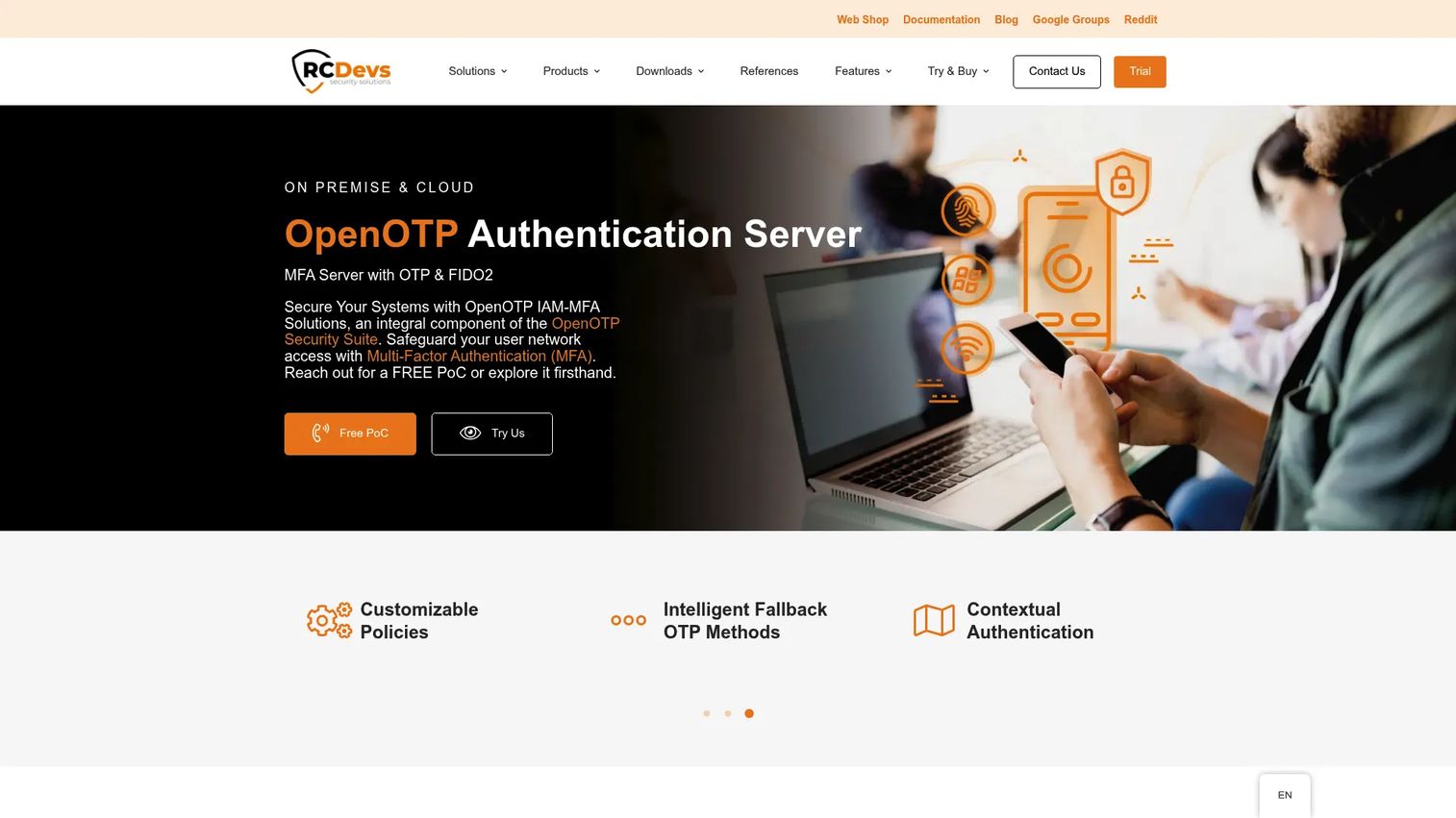
OpenOTP is an enterprise MFA and identity access management solution from RCDevs. It supports OTP, FIDO2, passkeys, YubiKey, and mobile push authentication, and integrates with Active Directory and LDAP. It can deploy on-premise or as a SaaS instance, making it relevant for organizations that need directory-backed authentication with flexibility over hosting.
Best for: Security teams that need strong MFA and authentication tied to existing directory infrastructure.
Key features
- Active Directory and LDAP integration
- OTP, FIDO2, passkeys, and mobile push authentication
- Contextual and geolocation-based access policies
- RADIUS support for network access control
- On-premise and SaaS deployment options
Why choose OpenOTP: OpenOTP fits when the directory's job is authentication security rather than user discovery. IT and security teams with existing AD infrastructure who want MFA without replacing their directory will find it a focused, compatible choice.
OpenOTP pricing: A freeware on-premise edition is available at no cost (valid for 365 days and renewable). Trial editions for on-premise and SaaS are also free for 30 days. Paid production pricing requires contacting RCDevs sales.
G2 rating: N/A
11. HelloID
HelloID is Tools4ever's cloud-based Identity and Access Management platform focused on user account lifecycle automation, application SSO, and self-service access requests. It handles provisioning and deprovisioning across connected systems, IT helpdesk delegation, and task automation for onboarding and offboarding workflows.
Best for: IT teams automating identity lifecycle, access requests, and provisioning accuracy across connected applications.
Key features
- Automated user account provisioning and deprovisioning
- Single sign-on across applications
- Self-service access requests and IT task automation
- Identity lifecycle management
- Cloud-based deployment with no on-premise infrastructure required
Why choose HelloID: HelloID fits when directory accuracy is the operational bottleneck, specifically when onboarding and offboarding errors create access problems or audit findings. It is built for identity teams, not marketing or HR teams managing public-facing profiles.
HelloID pricing: HelloID does not display pricing on its website. Contact the vendor for a quote based on your organization's size and required modules.
G2 rating: 4.5/5
12. OneDirectory
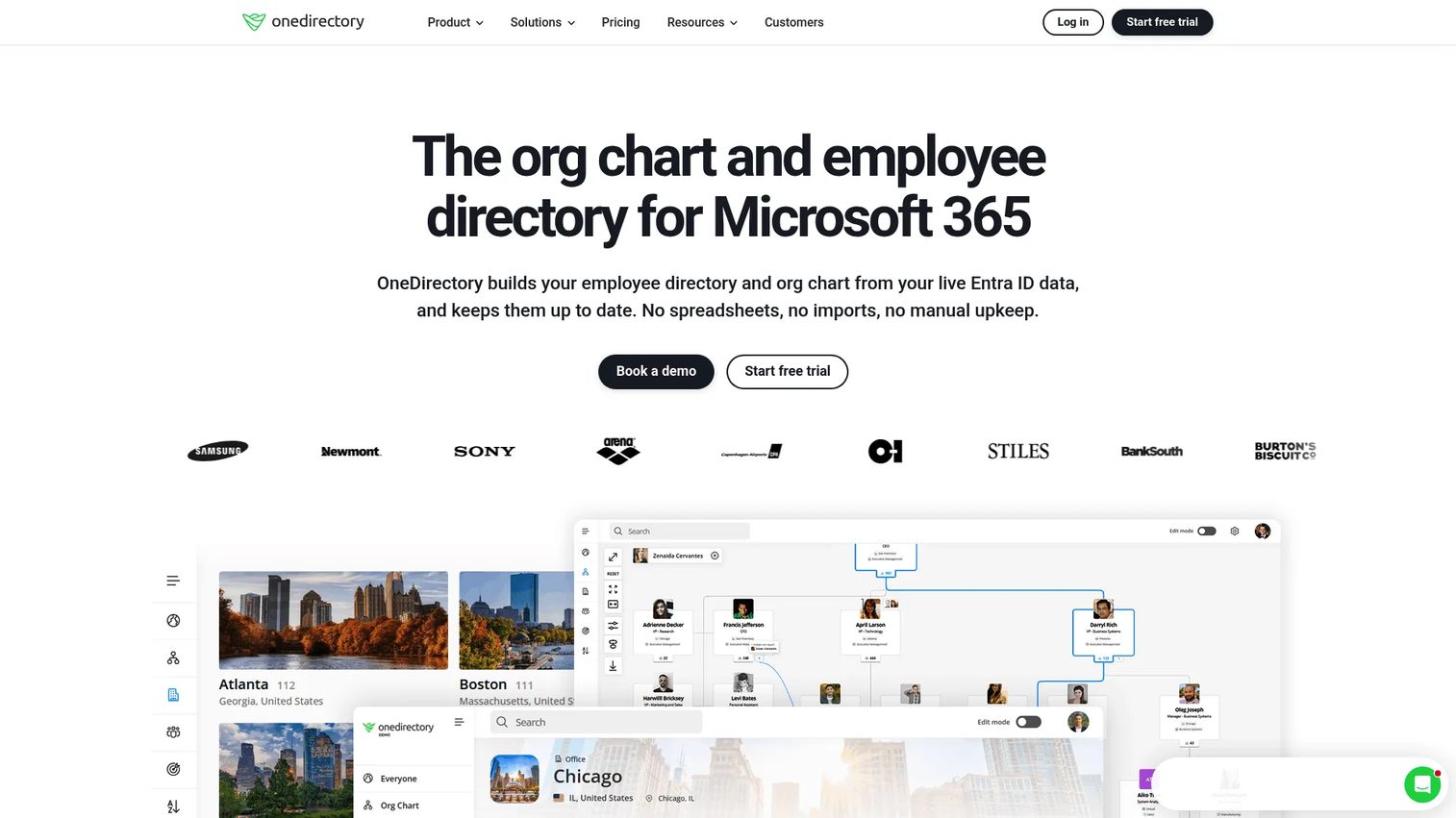
OneDirectory is an employee directory and interactive org chart built specifically for Microsoft 365 environments. It syncs automatically with Microsoft Entra ID data, so profiles stay current without manual updates. Users can search by role, team, office, or skills, and the org chart visualizes reporting lines in real time.
Best for: Mid-size and large Microsoft 365 organizations that want a cleaner, searchable employee directory experience than what Entra ID exposes by default.
Key features
- Automatic Microsoft Entra ID synchronization
- Searchable employee profiles with custom fields
- Interactive org chart with live reporting lines
- People search by skills, teams, and offices
- Single sign-on and filtering rules
Why choose OneDirectory: It delivers better people discovery on top of your existing Microsoft 365 investment without requiring a new identity system. If your team already lives in Microsoft 365 and wants a professional-grade directory layer, OneDirectory removes the gap without adding infrastructure complexity.
OneDirectory pricing: The Pro plan starts at $349/month (or $3,790/year) for up to 250 employee profiles. Enterprise pricing is custom. A 14-day free trial is available.
G2 rating: 4.9/5
13. Salesforce Nonprofit Cloud

Salesforce Nonprofit Cloud is a Salesforce-native CRM platform for nonprofits, covering fundraising, program management, volunteer management, grantmaking, and constituent records. It is not a directory product in the traditional sense, but it functions as a central record system for members, donors, volunteers, and organizational contacts that many nonprofits treat as their de facto directory.
Best for: Nonprofits managing constituent, donor, volunteer, and program records inside the Salesforce platform.
Key features
- Constituent and donor records with relationship tracking
- Program management and outcomes tracking
- Volunteer management and scheduling
- Grantmaking workflows
- Salesforce reporting and analytics
Why choose Salesforce Nonprofit Cloud: Choose this when your directory is part of a nonprofit CRM operation rather than a standalone listing page. It fits organizations that need relationship management, donation tracking, and program reporting alongside constituent records. Eligible nonprofits receive 10 free licenses through the Power of Us Program.
Salesforce Nonprofit Cloud pricing: Plans start at $70/user/month (billed annually) for Sales and Service Core. Advanced is $125/user/month and Max tiers are $285/user/month. A 30-day free trial is available.
G2 rating: 4.1/5
14. OneLogin
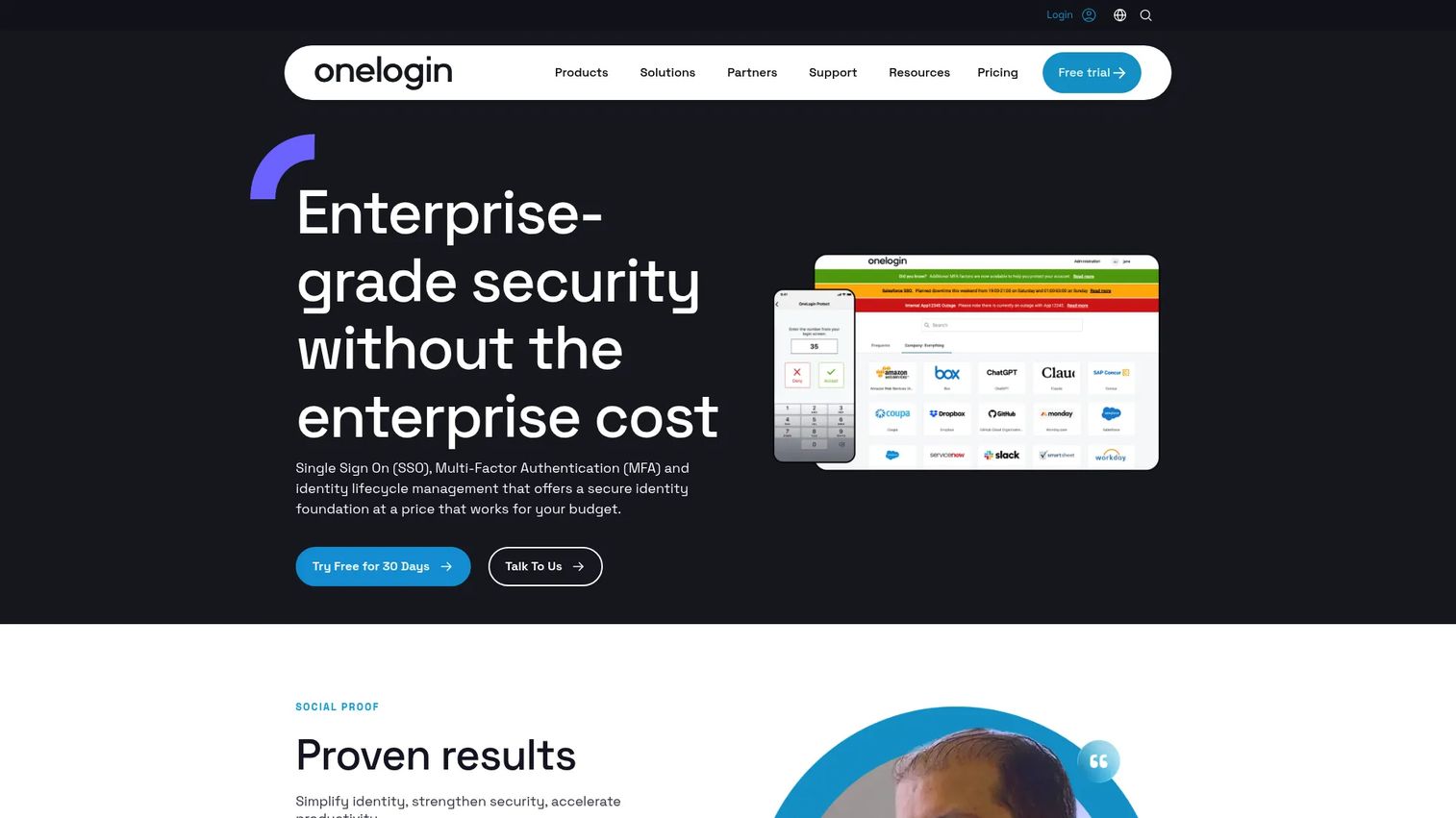
OneLogin is a cloud-based workforce identity platform with a built-in Advanced Directory, SSO across more than 6,000 pre-integrated applications, and multi-factor authentication. It supports SmartFactor Authentication for adaptive access and identity lifecycle management for user provisioning and deprovisioning.
Best for: Organizations centralizing user access across many applications with a focus on SSO, MFA, and directory integration.
Key features
- Advanced Directory for user and group management
- Single sign-on across 6,000+ pre-integrated apps
- Multi-factor and SmartFactor Authentication
- Identity lifecycle management
- Access policy management
Why choose OneLogin: It suits IT teams consolidating multiple identity workflows and application integrations into one platform. The broad app catalog reduces manual provisioning work across a complex tool stack.
OneLogin pricing: The Basic plan is $3/user/month, Essentials is $6/user/month, and Business is $10/user/month. Enterprise pricing requires contacting sales.
G2 rating: N/A
15. ManageEngine ADManager Plus
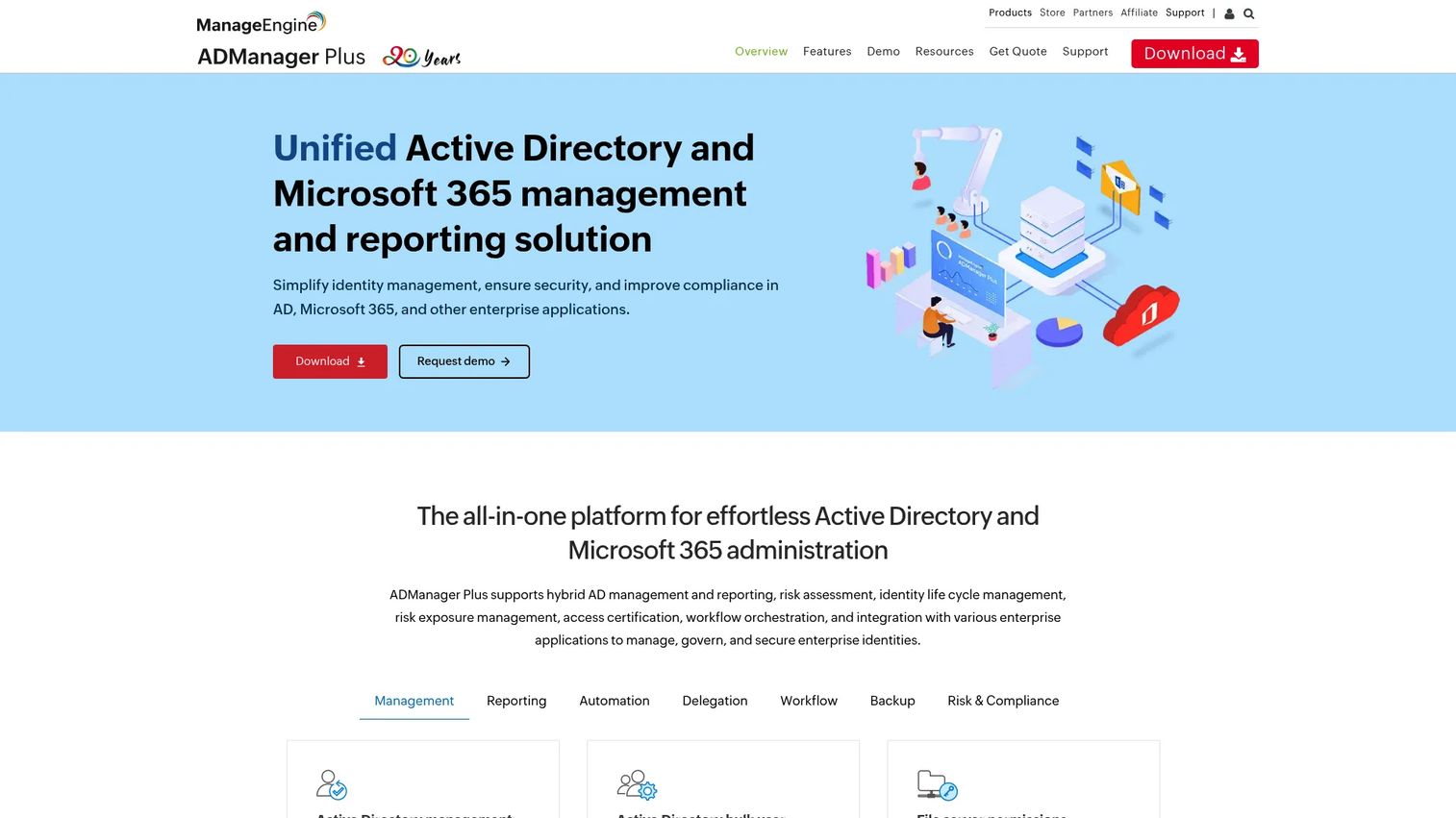
ManageEngine ADManager Plus is identity governance and administration software for managing Microsoft Active Directory, Microsoft 365, Exchange, and Google Workspace. It covers bulk user provisioning, more than 200 AD reports, workflow automation, delegation, and lifecycle management for IT administrators.
Best for: IT administrators who need centralized, automated, and delegated Active Directory management with reporting depth.
Key features
- Active Directory user, group, computer, and GPO management
- Bulk user provisioning and modification via templates or CSV
- Over 200 Active Directory reports
- Workflow automation, delegation, and lifecycle management
- Microsoft 365, Exchange, and Google Workspace management
Why choose ManageEngine ADManager Plus: It is purpose-built for the AD administration bottleneck. Teams that spend hours on manual user creation, bulk updates, and compliance reporting will find it reduces that overhead significantly. It is an IT operations tool, not a public directory.
ManageEngine ADManager Plus pricing: The Standard Edition starts at $595/year for one domain with two help desk technicians. Professional Edition is $795/year. A free edition is available with a 100-domain-object limit and no expiration.
G2 rating: 4.5/5
16. JumpCloud
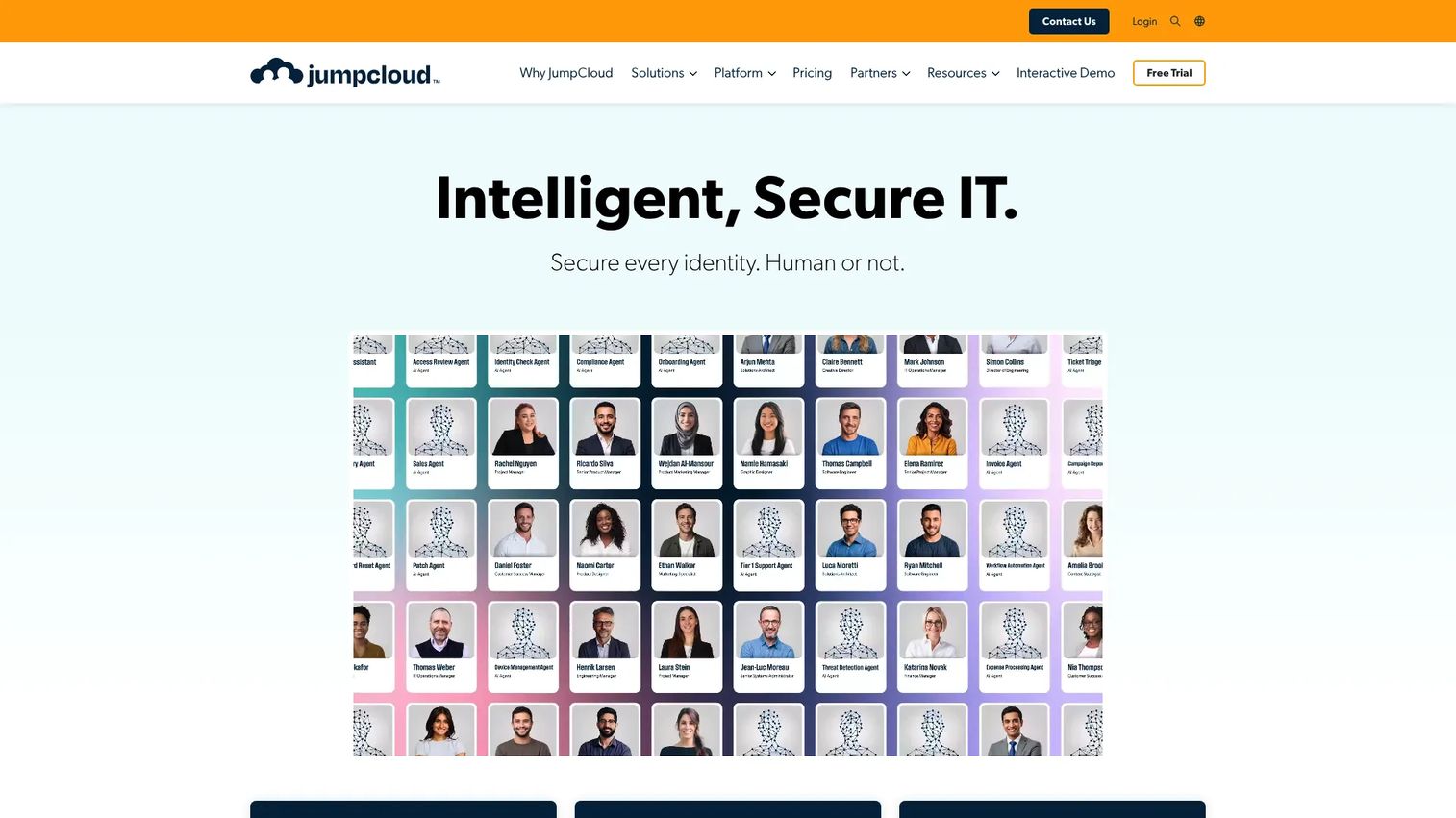
JumpCloud is a unified identity, device, and SaaS management platform. It acts as a cloud directory for users and devices, covering SSO, MFA, cloud LDAP, cloud RADIUS, password management, and cross-platform device management for macOS, Windows, Linux, iOS, and Android. It fits distributed teams that need identity and device trust managed from one place.
Best for: IT teams managing users and devices across cloud-first, multi-OS environments without a traditional on-premise AD setup.
Key features
- Cloud directory for users, groups, and devices
- SSO, MFA, and passwordless authentication
- Device management and MDM across major platforms
- Cloud LDAP and RADIUS support
- Conditional access and password management
Why choose JumpCloud: It is the right choice when user identity and device trust need to live together in a single platform. Distributed teams running multiple operating systems, without an on-premise domain controller, will find JumpCloud covers more of their identity stack than tools built specifically around Microsoft environments.
JumpCloud pricing: Device Management starts at $9/user/month billed annually ($11 monthly). SSO is $11/user/month annually. Device Identity Management is $13/user/month annually. Platform tiers require contacting sales. A 30-day free trial is available.
G2 rating: 4.5/5
17. Connecteam

Connecteam is an employee management app combining scheduling, time tracking, communication, and HR tools. Its employee directory capabilities are part of a broader operational platform designed for deskless teams. Frontline workers access profiles, company updates, and communication tools from a mobile app without needing a desktop.
Best for: Deskless and distributed teams that need mobile employee profiles connected to daily operations like scheduling and time tracking.
Key features
- Mobile employee directory and profile management
- Team chat and company updates
- Job scheduling and time clock with GPS
- Forms, tasks, and onboarding checklists
- HR tools including time off and org charts
Why choose Connecteam: The employee directory is strongest here when it connects to the daily work, not just contact discovery. If your frontline teams need to check schedules, submit forms, and find colleagues in the same app, Connecteam consolidates that without requiring separate tools.
Connecteam pricing: Plans start at $29/month for the first 30 users (billed yearly) on the Basic tier. Advanced is $49/month and Expert is $99/month. Enterprise pricing is customized. A 14-day free trial is available.
G2 rating: N/A
18. ListingProWP
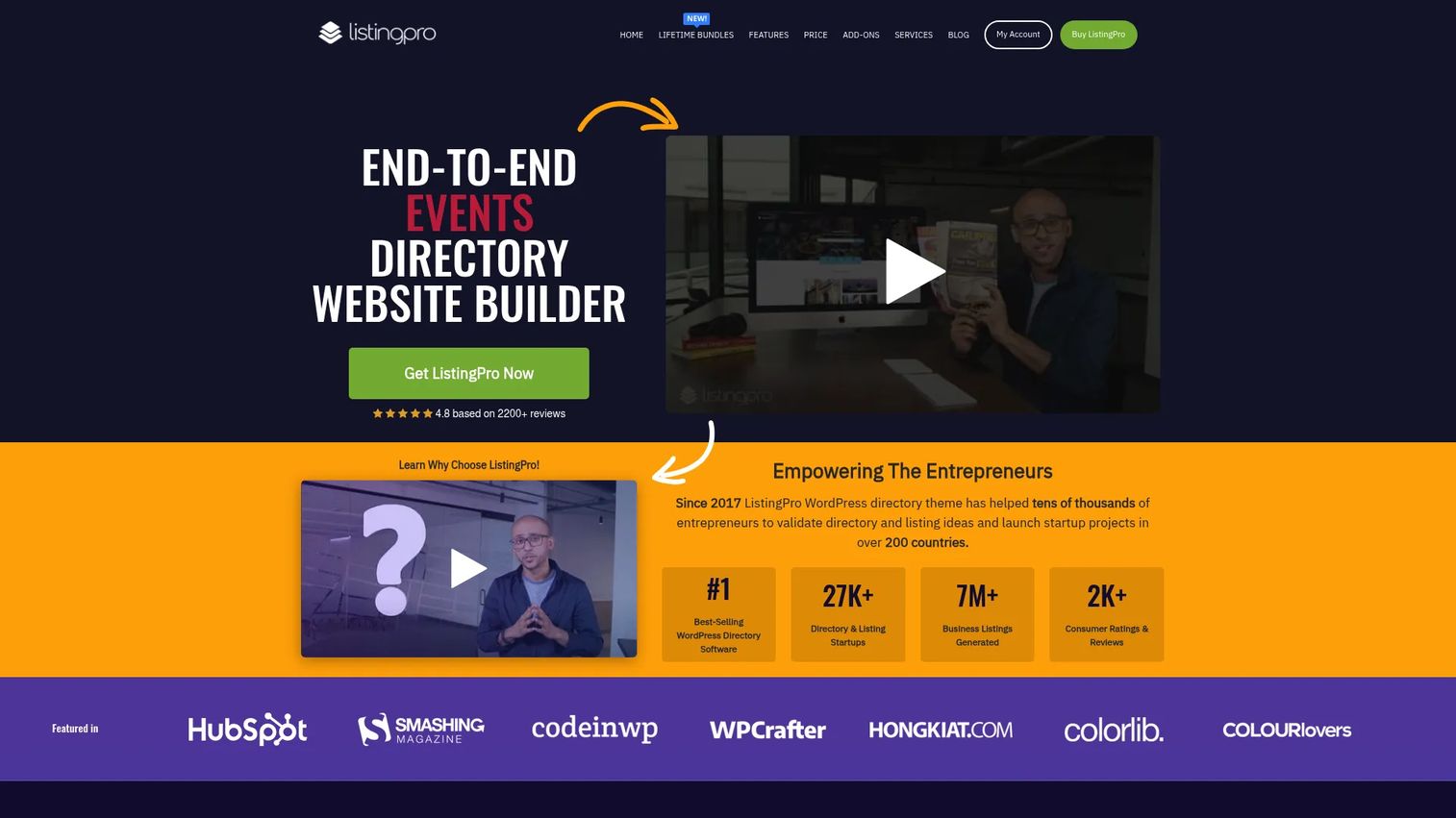
ListingProWP is a WordPress theme for building and monetizing local business directory and listing websites. It includes listing claims, multi-criteria reviews, location search, appointment booking, events management, ads management, and paid listing packages. As a theme-based approach, it gives teams visual control over the directory site alongside WordPress's content management flexibility.
Best for: WordPress users building a directory website with a theme-based approach and comfortable managing hosting, plugins, and updates.
Key features
- WordPress directory theme with listing claims and reviews
- Location search and map integration
- Paid listing packages and ads management
- Appointment booking and event listings
- User and admin dashboards
Why choose ListingProWP: It fits teams that want directory features inside WordPress with theme-level design control. The one-time purchase keeps ongoing costs low compared to hosted platforms, but it does require you to manage your own WordPress environment.
ListingProWP pricing: Available through Envato for $69 as a one-time purchase. Hosting, domain, and any premium plugin costs are separate.
G2 rating: N/A
19. Directorist
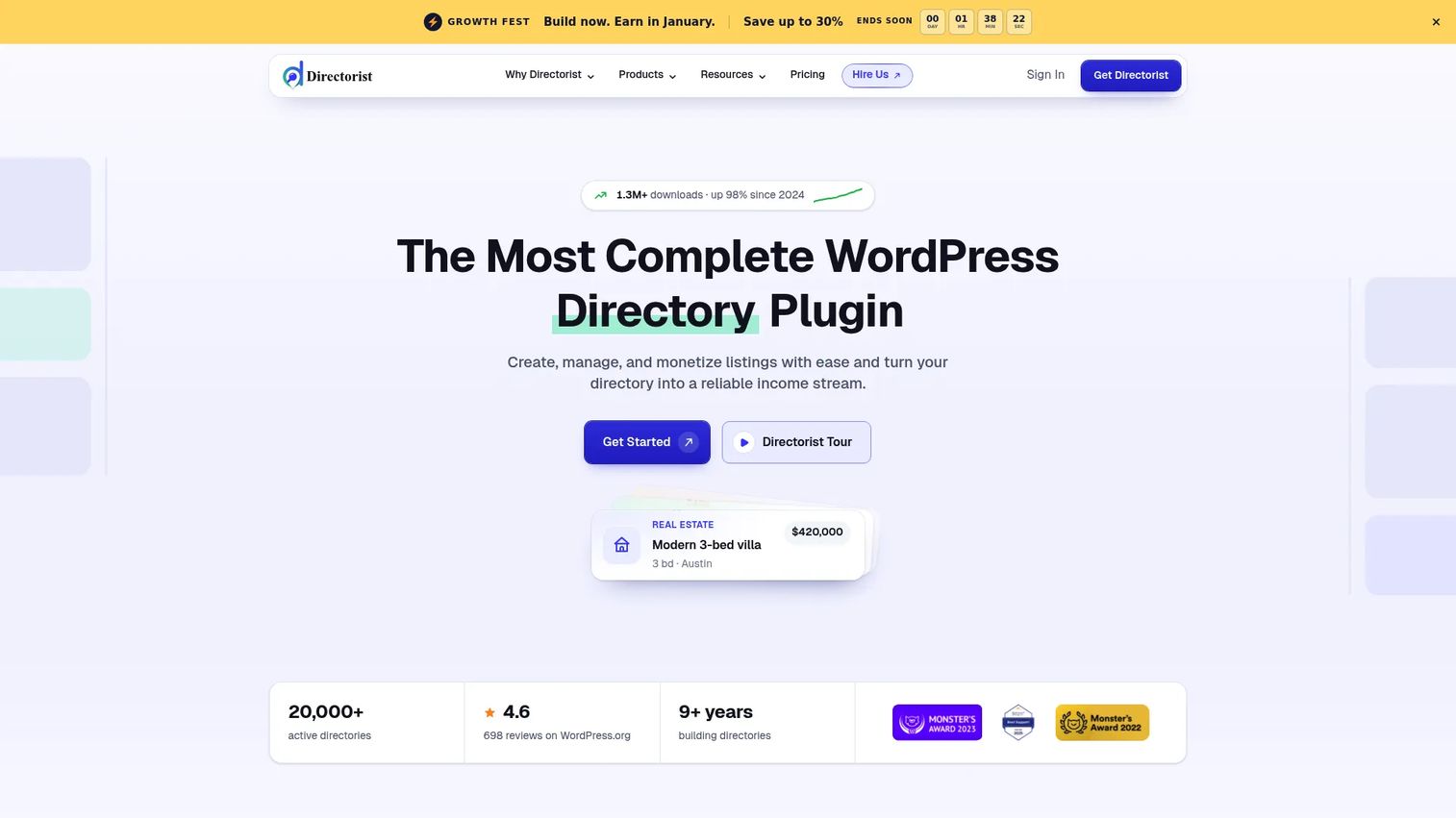
Directorist is a WordPress directory plugin for building business directories, classified sites, real estate listing pages, service directories, and niche marketplaces. It includes an AI directory builder, drag-and-drop form and directory builder, unlimited custom fields, multi-directory support, geolocation search, CSV import and export, and paid listing extensions.
Best for: WordPress teams that want modular, plugin-based directory functionality they can add to an existing site without changing their theme.
Key features
- AI directory builder and drag-and-drop form builder
- Unlimited custom fields and multi-directory support
- Advanced search with geolocation and proximity
- Paid listing plans and monetization extensions
- Frontend listing submission and CSV import/export
Why choose Directorist: It is the right fit when you want to add directory functionality to an existing WordPress site without rebuilding around a new theme. The extension model means you can start simple and add monetization, advanced search, or booking features as the directory grows.
Directorist pricing: A free core plugin is available. Paid annual plans start at $116/year (Starter, one site), $135/year (Pro, up to 5 sites), and $153/year (Agency, unlimited sites). Lifetime plans start at $379.
G2 rating: 4.3/5
20. GeoDirectory
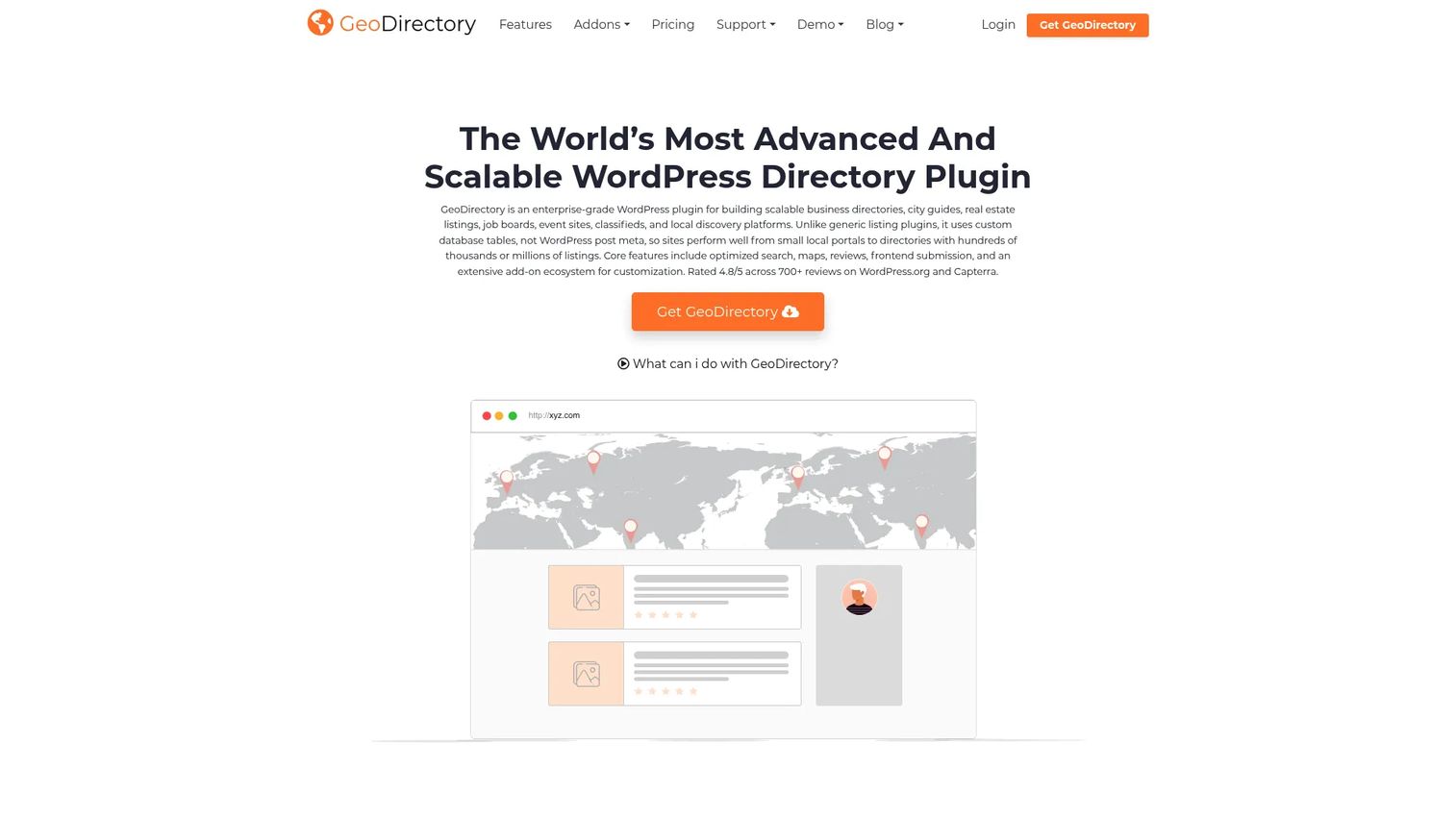
GeoDirectory is a WordPress plugin for building scalable location-based business and listing directories. It supports frontend listing submission, proximity and location search, maps and directions, reviews and claims, custom fields, CSV import and export, WordPress Multisite compatibility, and a library of add-ons for events, pricing plans, and advanced functionality.
Best for: WordPress teams building local, regional, or global location directories where proximity search is central to the user experience.
Key features
- Location-based search with maps and proximity filters
- Frontend listing submission and editing
- Reviews, ratings, and listing claims
- Custom fields and advanced sorting options
- WordPress Multisite and add-on library
Why choose GeoDirectory: Choose GeoDirectory when location search is the defining feature of your directory. City guides, local business directories, provider locators, and multi-location listing sites are natural fits. The free core plugin lets you start without upfront cost.
GeoDirectory pricing: The core plugin is free. Paid membership (all add-ons, themes, premium support, and auto-updates for unlimited websites) is $115 per 4 months or $229 per year.
G2 rating: N/A
Considerations when choosing directory software
Match the software to your directory type
The four major categories, public listing, employee, membership, and identity, have fundamentally different data models, user journeys, and revenue structures. Choosing a tool from the wrong category creates integration problems and poor adoption. Before shortlisting, write one sentence that describes who creates directory records, who searches them, and what action they take next.
Test search before you buy
Search quality is where most directory projects break. Request a sandbox and test spelling tolerance, filter combinations, location search, mobile performance, and custom field queries. For marketers, weak search directly reduces time on site and conversion rates from directory traffic. Tools that look identical in a demo often diverge significantly in search behavior under real data.
Check monetization and payment depth
If your directory will charge for listings, featured placements, subscriptions, or event visibility, verify that the payment tools are built in rather than bolted on. An employee directory or identity platform will not support paid listings. Hosted directory builders typically handle this natively; WordPress plugins often require paid extensions that add to the total cost.
Audit integrations and data ownership
A directory is only useful if its data stays current. Confirm that the tool connects to your CRM, HRIS, identity provider, email platform, and analytics stack. Ask specifically whether you can export all records cleanly if you switch platforms later. Data portability is a point that vendors understate and teams discover too late.
Plan for maintenance and record decay
Directory records go stale. Profiles get abandoned, listings become inaccurate, and duplicate records accumulate. Evaluate how the platform handles owner workflows, self-service updates, moderation queues, and approval flows. A directory with no maintenance mechanism becomes a liability within 12 months.
Conclusion
The right directory software depends entirely on the directory you are building.
For membership organizations, Raklet handles member profiles, renewals, events, and communication without requiring separate tools. For public business directories, Brilliant Directories and eDirectory are the strongest hosted platforms with built-in monetization. For employee profile visibility, OneDirectory delivers the cleanest Microsoft 365 experience, while ThoughtFarmer and Connecteam cover intranet-connected and deskless teams respectively. For identity directories, Okta, Microsoft Entra ID, JumpCloud, OneLogin, and ManageEngine ADManager Plus each fit a different IT architecture. For WordPress-based listing sites, Directorist and GeoDirectory offer the most flexible, cost-effective approach. Salesforce Nonprofit Cloud suits nonprofits that need constituent and program management alongside their member records.
Start by confirming your directory type, then verify pricing, integrations, and admin workload before scheduling demos. The tool with the highest G2 rating in a blended category list may be completely wrong for your specific model.
If your team also needs to show stakeholders how a new directory, portal, or software workflow operates before launch, an interactive demo lets you walk them through the experience without a live environment or static deck.
Start your journey with Guideflow today!
FAQs about review directory software
Directory software organizes and publishes structured records so users can search, filter, and find what they need. Use cases include public business listings, employee profiles, membership databases, provider directories, and identity management systems. The category spans tools with very different designs depending on whether the directory is public-facing, internal, or tied to authentication.
Brilliant Directories and eDirectory are the strongest hosted platforms for public business directory sites with monetization. For WordPress-based approaches, Directorist and GeoDirectory offer flexible plugin options with listing submissions, reviews, and paid listing extensions. The choice between hosted and WordPress depends on your team's technical capacity and hosting preference.
Raklet is the strongest fit for associations, clubs, and community organizations that need member profiles, renewals, events, and communication in one platform. Brilliant Directories also covers membership directories with paid listing and member login capabilities. Salesforce Nonprofit Cloud suits nonprofits where constituent relationship management matters as much as directory access.
Directory software publishes or organizes searchable records so users can find and explore them. CRM tracks relationships, activities, pipeline, donations, or customer history. Some tools, like Salesforce Nonprofit Cloud and Raklet, combine both functions. A standalone directory tool gives you search and profiles; a CRM gives you relationship history and workflow automation.
Yes. ListingProWP, Directorist, and GeoDirectory are all built for WordPress-hosted directory sites. Directorist and GeoDirectory offer free core plugins with paid extensions. Evaluate hosting performance, plugin compatibility, update management, and extension costs before committing. WordPress directories give you ownership and flexibility, but they require more ongoing maintenance than hosted platforms.
Search quality and filter flexibility matter most for user experience. Custom fields determine whether the directory model fits your data. Payment and subscription tools determine whether monetization is viable. Integrations with CRM, HRIS, and identity providers determine whether the directory stays accurate. The priority order shifts by directory type: An employee directory weights privacy and sync quality; a business listing site weights SEO and conversion.
Costs range from free core plugins to several hundred dollars per month for hosted platforms or enterprise identity tools. WordPress directory plugins often start at a one-time purchase under $100, while hosted directory builders like Brilliant Directories start around $40 to $120 per month. Identity platforms like Okta and Microsoft Entra ID price per user per month and scale with headcount. The total cost always includes hosting, extensions, and integrations, not just the base license.
Sort tools by directory type first. Comparing an identity platform like JumpCloud to a listing builder like eDirectory as if they solve the same job produces a useless shortlist. Within each category, compare data model flexibility, search experience, integration quality, pricing total cost, G2 rating, and support responsiveness. Also check review recency: Ratings from three or more years ago may not reflect the current product. For access review software and identity tools, pay close attention to governance and compliance features in recent reviews.