



You need forty terrain variants by Friday. Each one hand-sculpted, eroded, textured, and exported into your engine. Your team has three days and one artist free. That math does not work.
This is the wall procedural generation software was built to knock down. Instead of building every map, texture, level, or environment by hand, you write rules and let algorithms produce the content. Change a seed, get a new variant. Tweak a parameter, ripple the change across a whole scene. The work shifts from manual authoring to system design.
The demand is real and growing. The global procedural environment generation market hit USD 1.42 billion in 2024, and DataIntelo (2024) forecasts an 18.7% CAGR through 2033, reaching USD 6.89 billion. Games alone push the pace: the global game development software market reached USD 8.2 billion in 2024 per Strategic Market Research (2024), growing at 13.1% annually.
So which tool actually fits your pipeline? The eight below cover the spread, from studio-grade VFX to terrain-only specialists.
What's inside
This guide is for anyone choosing a procedural tool for a real production pipeline, whether you build games, 3D scenes, terrain, or VFX. It covers what procedural generation software is, how it differs from plain random generation, and which eight tools matter most in 2026.
We picked tools based on four things:
- Production readiness, not tech demos
- Workflow fit across games, 3D, terrain, and VFX
- Control over output through seeds, rules, and parameters
- Export and interoperability with common engines and DCC tools
TL;DR
- Best for high-end procedural pipelines: Houdini
- Best for node-based workflows inside Blender: Blender Geometry Nodes
- Best for procedural materials and textures: Adobe Substance 3D Designer
- Best for open-world terrain generation: World Machine or Gaea
- Best for real-time, in-engine game content: Unreal Engine PCG Framework
- Best for parametric design and architecture: Grasshopper
- Best for photorealistic natural environments: Terragen
Most teams end up running two or three of these together. A terrain tool feeds an engine, a material tool feeds the terrain, and a DCC handles the rest.
What is procedural generation software
Procedural generation software creates digital content through rules, algorithms, and seeds instead of manual authoring of every asset. You define how content should be built, then the system generates it, often with controlled randomness so each output varies while staying consistent with your rules.
The key point: procedural generation is an approach, not a single algorithm. Wikipedia defines it as a method of creating data algorithmically rather than manually, used widely across computer graphics and video games. Different tools apply that approach to different problems, terrain here, materials there, whole worlds elsewhere.
Core capabilities you will find across procedural generation tools:
- Seed based repeatability, so the same seed always produces the same output
- Randomized variation under control, so you get variety without chaos
- Rule driven asset creation, where geometry, textures, or placement follow parameters
- Coverage of terrain, textures, levels, and environments
- Hybrid workflows that mix procedural systems with manual, hand-authored work
That last point matters more than people expect. Almost no shipping production is fully procedural. Teams generate the base, then art-direct on top. The tool does the heavy lifting; the artist keeps the taste.
For a product manager evaluating this category, think of it the way you would any onboarding or activation system. The upfront cost is building the rules. The payoff is scale: once the graph works, new variants cost almost nothing. The risk is maintenance, so weigh how often your content needs to change against how much setup each tool demands.
When to use
Generate large amounts of repeatable content
When you need a hundred rock variants, fifty building layouts, or a whole tiled world, hand-authoring stops being viable. Procedural systems let one artist produce output that would take a team weeks. You build the generator once, then dial parameters to get scale and variety from the same source. This is where the return on setup time shows up fastest.
Keep worlds consistent across seeds
Deterministic output is the quiet superpower here. A seed is a starting value that drives the algorithm, and the same seed always produces the same result. That matters in development and QA: a bug in seed 4471 is reproducible, so your team can fix it. Change the seed and you get a fresh but equally valid world. Random generation without seeds gives you variety you cannot reproduce, which is a debugging nightmare.
Build environments faster across games and VFX
Terrain, textures, crowds, simulations, and digital sets all benefit from procedural systems. A VFX team can generate an eroded canyon in an afternoon instead of a week. A game team can populate a forest with rule-based scattering rather than placing every tree. The time saved compounds across every scene you build.
Comparison table
The table below compares the eight tools by intended use case, differentiator, price, and rating so you can shortlist fast. Pricing and ratings reflect each vendor's own pages and G2 listings at the time of writing.
| # | Product | Best for | Key differentiator | Pricing | G2 rating |
|---|---|---|---|---|---|
| 1 | Houdini | High-end procedural VFX and 3D pipelines | Deep node-based procedural and simulation toolset | Indie from $299/year; free learning tier | 4.5/5 |
| 2 | Blender Geometry Nodes | Procedural work inside a free DCC | Node-based geometry system built into Blender | Free and open source | 4.6/5 |
| 3 | Adobe Substance 3D Designer | Procedural materials and textures | Node-based parametric material authoring | Collection from US$59.99/mo | 4.5/5 |
| 4 | World Machine | Open-world terrain generation | Graph-based terrain with erosion simulation | Free tier; Indie from $119 | N/A |
| 5 | Gaea | Fast iteration on natural terrain | Perpetual license terrain design with erosion | Free tier; Indie from $99 | N/A |
| 6 | Unreal Engine PCG Framework | Real-time in-engine world building | Procedural population inside Unreal Engine | Free under $1M revenue | 4.5/5 |
| 7 | Grasshopper | Parametric design and architecture | Visual algorithm editor tied to Rhino | Included with Rhino | 3.9/5 |
| 8 | Terragen | Photorealistic natural environments | Physically-based atmosphere and terrain rendering | Indie from $10/mo; free education | N/A |
Best procedural generation software for 2026
1. Houdini

Houdini from SideFX is the reference standard for procedural 3D and VFX. Everything in it runs on a node graph, so any part of a scene can be regenerated, re-parameterized, or reused. Studios reach for it when a shot needs destruction, fluids, or a procedurally built environment that has to hold up on a cinema screen.
Best for: studios and technical artists who need deep procedural VFX, simulation, and environment pipelines.
Key features
- Node-based procedural modeling and workflows
- VFX simulation for fire, smoke, fluids, particles, and destruction
- Lighting, lookdev, rendering, and compositing tools
- Character rigging and technical animation
Why choose Houdini: if your work spans games, film, and commercials, its procedural depth pays off across all three. The node graph has a real learning curve, but it rewards teams that build reusable systems rather than one-off assets.
Houdini pricing: the Indie annual license starts at $299 USD, or $449 USD for a two-year term. Perpetual Core is $1,995 USD and FX is $4,495 USD. A free learning tier is available for non-commercial use.
Houdini holds a 4.5/5 rating on G2.
2. Blender Geometry Nodes

Blender Geometry Nodes brings a full node-based procedural workflow inside the free Blender DCC. You build visual node graphs that modify meshes, curves, point clouds, volumes, and instances, then iterate fast without leaving the app you already model in. For artists already living in Blender, it removes any reason to jump to a separate procedural tool.
Best for: artists and small studios building procedural 3D workflows inside Blender.
Key features
- Modifies meshes, curves, point clouds, volumes, and instances
- Node-based procedural tools and modifiers
- Scattering and instancing for environment variation
- Node-based tools and reusable assets
Why choose Blender Geometry Nodes: it is the fastest path to procedural modeling if Blender is already your home base, and the price is zero. The tradeoff is depth for the very heaviest simulation work, where dedicated tools go further.
Blender Geometry Nodes pricing: Blender is free and open source, with no paid tier.
Blender holds a 4.6/5 rating on G2.
3. Adobe Substance 3D Designer

Adobe Substance 3D Designer is the standard for procedural materials and textures. You author materials as node graphs, so a single surface can spawn endless variations by changing parameters rather than repainting. That parametric, non-destructive approach keeps textures consistent across an entire asset library, which is why it anchors so many game and film pipelines.
Best for: 3D artists and technical material authors who need procedural, non-destructive texture creation.
Key features
- Node-based workflow for material creation
- Procedural materials, patterns, image filters, and lights
- Parametric authoring with preset sharing
- Non-destructive variation across surfaces
Why choose Adobe Substance 3D Designer: when texture consistency across hundreds of assets matters, procedural materials beat hand-painted ones for scale and control. It fits teams already in the Adobe stack and studios standardizing material pipelines.
Adobe Substance 3D Designer pricing: Designer is included in the Substance 3D Collection, which starts at US$59.99/mo for individuals and US$119.99/mo per license for teams. Education pricing and a 30-day free trial are available.
Adobe Substance 3D Designer holds a 4.5/5 rating on G2.
4. World Machine
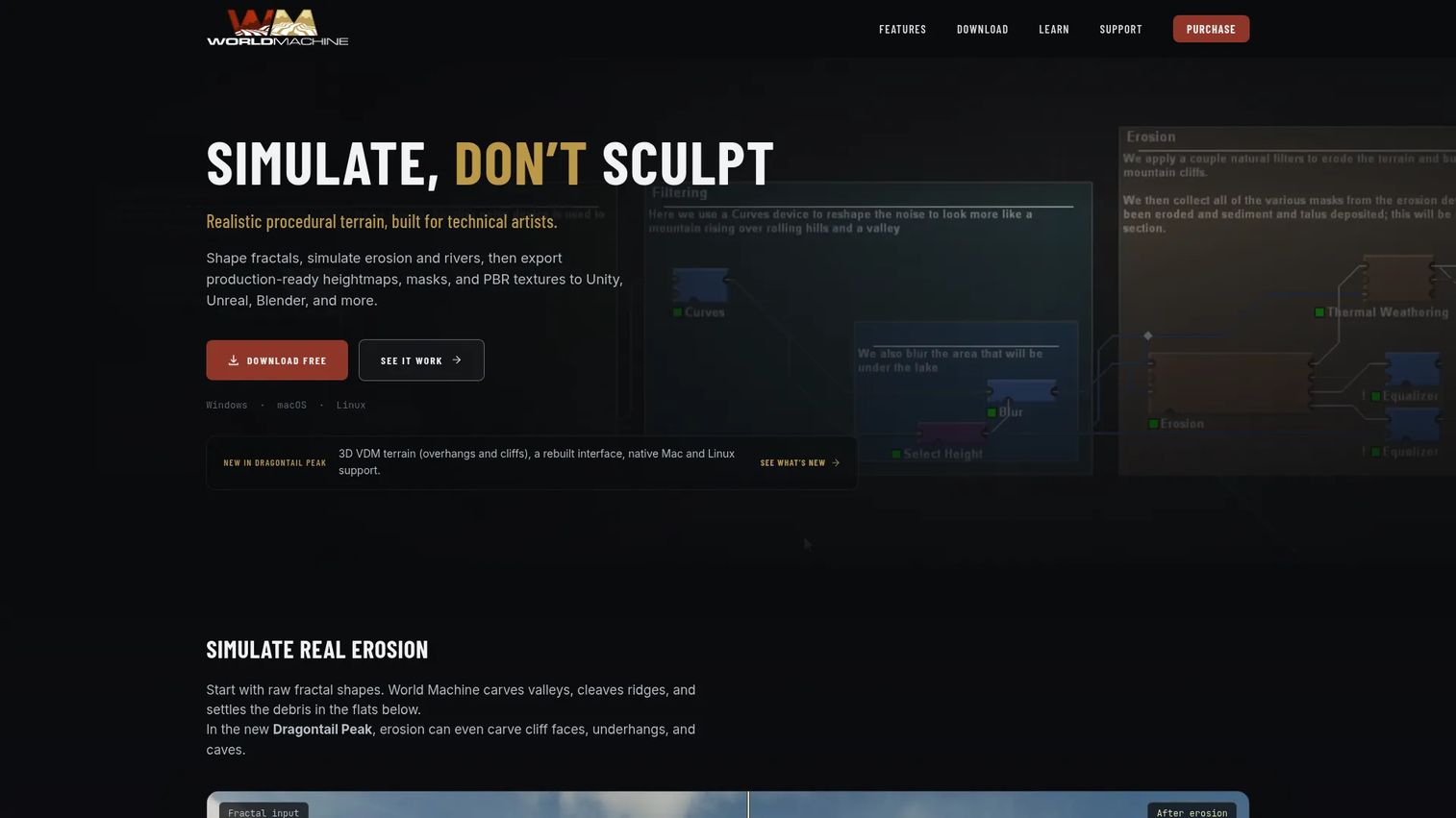
World Machine is procedural terrain generation built for landscapes and open worlds. You assemble terrain from a graph of nodes, run erosion simulation to make it read as real, then export heightmaps and masks straight into your engine or renderer. Terrain artists have leaned on it for years precisely because the erosion output looks believable without hand-sculpting.
Best for: terrain artists and game or VFX teams needing procedural landscape generation.
Key features
- Procedural graph-based terrain creation
- Erosion simulation for realistic landforms
- Water systems and detail layering
- Heightmap and mask export for engines
Why choose World Machine: if terrain is your core need and you want proven erosion output that exports cleanly, it is a focused, dependable pick. It does one job and does it well, which suits pipelines that already handle everything else.
World Machine pricing: the Basic tier is free for personal, non-commercial use. Indie is $119, Professional is $299, and a Studio Site License is $1,999, each a perpetual license with one year of updates.
5. Gaea
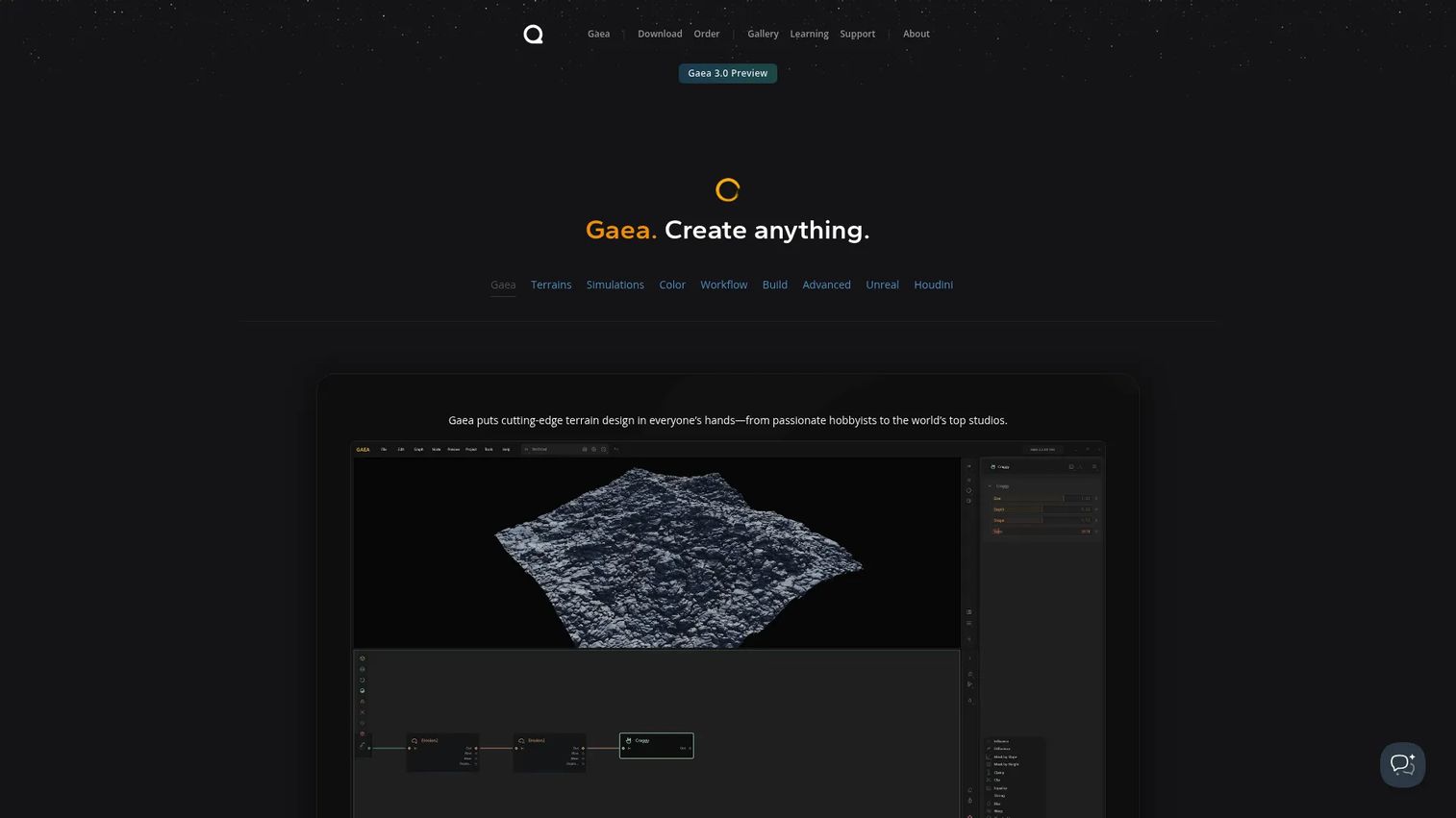
Gaea from QuadSpinner is a modern terrain and world-building tool that many artists prefer for fast iteration on natural environments. It handles erosion, procedural worlds, and export at large terrain resolutions, with a workflow tuned for quick visual feedback. Teams that want to see terrain take shape as they tweak, rather than waiting on long bakes, gravitate to it.
Best for: artists and studios building procedural terrain and landscape assets.
Key features
- Erosion simulation for natural landforms
- Procedural world generation
- Export and build at large terrain resolutions
- Layered terrain control
Why choose Gaea: the perpetual license model and fast iteration loop make it appealing for artists who want terrain control without a subscription. It fits solo artists and studios alike, and the free Community tier lowers the barrier to trying it.
Gaea pricing: Community is free forever. Indie is $99, Professional is $199, and Enterprise is $299, each a one-time perpetual purchase.
6. Unreal Engine PCG Framework

The Unreal Engine PCG Framework is Unreal's in-engine approach to procedural content generation. It works in the editor and at runtime, so you can populate large worlds with rule- and parameter-based systems without leaving the engine you ship in. For teams already building in Unreal, that means procedural worlds that update live against the same assets and lighting the final game uses.
Best for: teams building large, interactive worlds that need procedural population inside Unreal Engine.
Key features
- In-editor procedural content tools
- Runtime component for real-time applications
- Rule and parameter-based scene population
- Native fit with the Unreal asset pipeline
Why choose Unreal Engine PCG Framework: keeping procedural generation inside the engine removes export round-trips and keeps everything in sync with your game build. It is the natural pick for game production already committed to Unreal.
Unreal Engine PCG Framework pricing: Unreal Engine is free for users under $1M USD in annual gross revenue. Above that threshold, commercial seat licensing runs $1,850 per seat per year in certain cases, and royalties apply for qualifying products.
Unreal Engine holds a 4.5/5 rating on G2.
7. Grasshopper
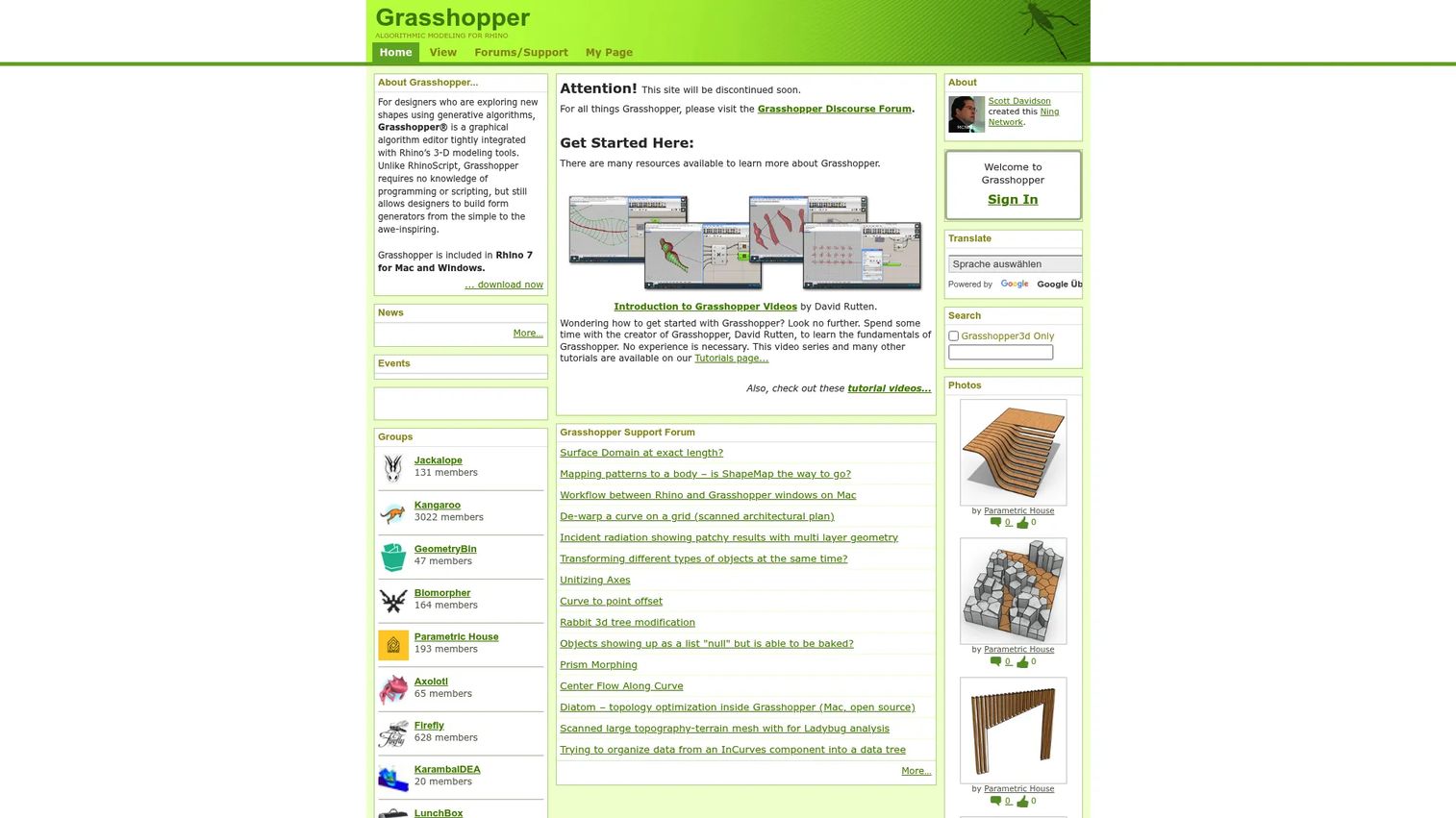
Grasshopper is a graphical algorithm editor tied tightly to Rhino's 3D modeling tools. You build generative and parametric geometry by wiring nodes together, no scripting required, then drive complex forms from a handful of parameters. Architects and product designers use it to explore geometry that would be impractical to model by hand.
Best for: designers using Rhino for generative and parametric modeling.
Key features
- Graphical algorithm editor for generative design
- Tight integration with Rhino 3D modeling
- Parametric forms driven by parameters
- No programming or scripting required
Why choose Grasshopper: if your work is architecture, product design, or complex geometry rather than game or VFX content, it is the parametric tool of choice in the Rhino world. It fits teams whose output is buildable form, not rendered scenes.
Grasshopper pricing: Grasshopper is included with Rhino 6 and 7, so its cost is the Rhino license rather than a standalone fee.
Grasshopper holds a 3.9/5 rating on G2.
8. Terragen
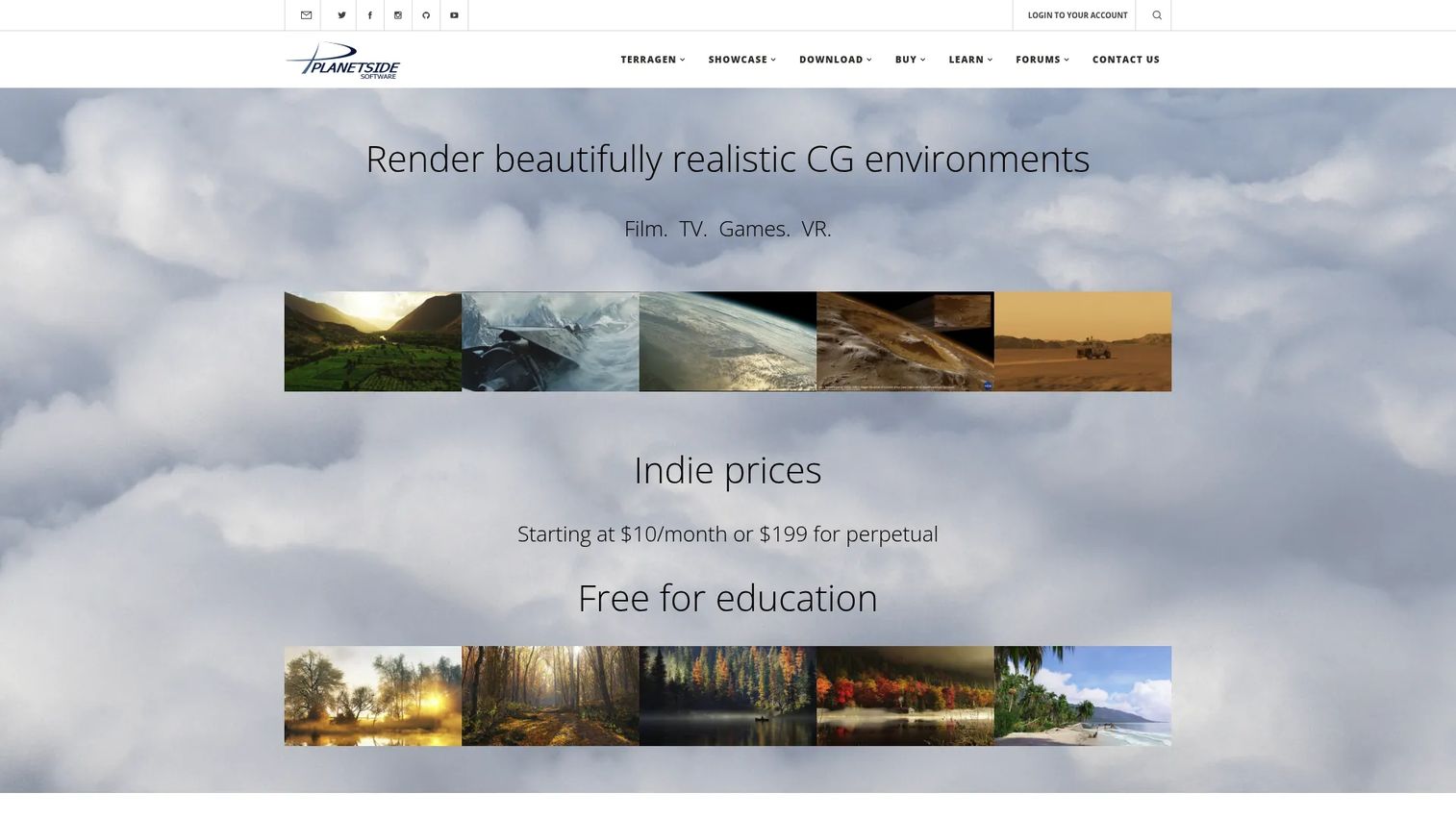
Terragen from Planetside is photorealistic 3D environment design and rendering for natural scenes. Its strength is atmosphere: physically-based skies, clouds, volumetric lighting, and terrain that render to a level suited for film and high-end visualization. Where other terrain tools stop at the heightmap, Terragen carries all the way through to the final rendered frame.
Best for: VFX, animation, and high-end natural-environment rendering.
Key features
- Hybrid micropolygon and ray tracing renderer
- Atmosphere, clouds, lighting, and volumetric effects
- Procedural terrains, shaders, and instancing
- Photorealistic natural scene output
Why choose Terragen: when the deliverable is a photoreal landscape or sky, its atmosphere model and renderer are hard to match. It fits VFX and visualization teams that need the full environment, not just the terrain geometry.
Terragen pricing: subscription tiers start at INDIE 50 for $10/month or $96/year, scaling up through company tiers to LARGE CO at $58/month. Perpetual licenses are also available, and educational licenses are free for qualifying users.
Considerations
Control and repeatability
Check how the tool handles seeds and deterministic output. If the same seed reliably produces the same result, your team can reproduce bugs, share exact scenes, and version content with confidence. Tools without solid seed control give you variety you cannot lock down, which turns QA into guesswork.
Workflow fit
Decide whether you want procedural generation inside a DCC, inside a game engine, or as a standalone pipeline stage. A Blender-first team gains most from Geometry Nodes. A team shipping in Unreal gains most from keeping generation in-engine. A studio with a mixed pipeline may want a standalone terrain or material tool that feeds several downstream apps.
Learning curve
Node-based tools reward investment but ask for it upfront. Be honest about how much complexity your team can absorb alongside its actual release cadence. The opportunity cost of a steep tool is real, so match the depth of the tool to the depth of your need.
Export and interoperability
Confirm that outputs move cleanly into your downstream tools, whether that is Unreal, Blender, or a renderer. Heightmaps, masks, meshes, and materials should export in formats your pipeline already reads. A tool that produces beautiful output you cannot get into your engine is a bottleneck, not a shortcut.
Scale and maintenance
The point of procedural generation is scale, so test whether the tool supports production volume without becoming a maintenance drag. Ask how much rework a graph needs when requirements change, and whether one artist can own it without constant help. Low-maintenance systems are the ones that survive contact with a real roadmap.
Conclusion
The right procedural generation software depends on what you build and where it ships. For deep, studio-grade pipelines across games, film, and VFX, Houdini is the reference standard. For procedural work inside a free DCC, Blender Geometry Nodes is the fastest starting point. For materials and textures, Adobe Substance 3D Designer sets the bar.
If terrain is your focus, choose between World Machine and Gaea based on whether you want proven erosion export or fast iteration on a perpetual license. For real-time worlds, the Unreal Engine PCG Framework keeps everything in-engine. For parametric design, Grasshopper rules the Rhino world. And for photoreal natural scenes, Terragen carries you from terrain to final frame.
Start with the tool that matches your primary pipeline, then add specialists as your content needs grow. Most production teams run two or three of these together rather than betting everything on one.
Start your journey with Guideflow today!
FAQs
It creates digital content through rules, algorithms, and seeds instead of manual authoring of every asset. You define how content should be built, and the software generates terrain, textures, levels, or environments at scale. The approach lets one artist produce output that would otherwise take a full team.
Random generation produces variety you cannot reproduce, since each run gives a different, uncontrolled result. Procedural generation uses seeds and rules, so the same seed always produces the same output, and you control the variation. In short, procedural generation is repeatable and directable; pure random generation is not.
World Machine and Gaea are the two leading picks for procedural terrain generation. World Machine is known for proven erosion output and clean heightmap export, while Gaea is favored for fast iteration and a perpetual license model. For photoreal rendered landscapes rather than exported terrain, Terragen is the stronger fit.
Houdini leads for deep node-based procedural and simulation work, while Blender Geometry Nodes offers a strong node graph inside a free DCC. Adobe Substance 3D Designer applies the node-based approach to materials, and Grasshopper does the same for parametric design in Rhino. The best choice depends on whether you are building geometry, materials, or design forms.
No. Procedural generation is used across games, film and VFX, architecture, product design, and scientific visualization. Terrain, textures, crowds, simulations, and photoreal environments all rely on procedural systems. Autodesk describes applications spanning gaming, film and TV, and simulations, well beyond games alone.
Rarely fully, and that is usually not the goal. Most shipping productions use hybrid workflows: procedural systems generate the base, then artists art-direct on top. The tool handles scale and repetition, while the artist keeps creative control over the final result.










