



You changed the price of a combo last week. The screen still shows the old one. A guest catches it at the register, and now your cashier is apologizing for something a laminated menu would have hidden until the next reprint cycle.
That gap between what your menu says and what your POS actually charges is the real cost of static menus. It is not the printing. It is the drift.
Printed boards go stale the moment breakfast ends. Sold-out items keep selling. Limited-time offers launch three days late because the reprint got stuck at the vendor. Multiply that across five, ten, or fifty locations and you get a quiet tax on margin that nobody line-items.
The global digital menu board software market hit $1.8B in value in 2025 and is projected to grow at an 8.2% CAGR through 2034, according to MarketIntelo (2025). Restaurants are moving to screens because the math finally works: real-time updates, no reprint lag, and one dashboard instead of a folder of PDFs.
This guide breaks down seven digital menu board software options for restaurants, cafés, QSRs, and multi-location operators. We compare pricing, hardware support, scheduling, and multi-location control so you can shortlist fast.
What's inside
This guide is for restaurant operators, QSR managers, café owners, and multi-location food service buyers who want to replace printed menus with screens. We looked at menu board software that teams can actually run without a full-time signage admin.
We chose the shortlist using four criteria:
- Scheduling and dayparting: switch breakfast, lunch, and dinner automatically
- Templates and publishing speed: update content without a designer
- Pricing and free trial: clear per-screen cost, free tiers where offered
- Hardware support and multi-location control: screens, players, and central governance
TL;DR
Short on time? Here are the quick picks for digital menu board software in 2026.
- Best for affordability and a free starter tier: Digital Signage
- Best for app modules and restaurant workflows: Yodeck
- Best for hardware flexibility and structured rollout: Kitcast
- Best for Samsung hardware environments: Samsung VXT
- Best for lean teams that want simple control: ScreenCloud
- Best for schools, nonprofits, and budget-sensitive menus: Rise Vision
- Best for cloud-managed signage with templates: NoviSign
What is electronic menu board software
Electronic menu board software is a cloud platform used to create, schedule, and remotely manage digital menu boards on TVs, media players, or signage displays. It replaces printed boards with screens you update from a browser.
Restaurants use it to change prices, swap dayparts, flag sold-out items, and push promotions across one screen or hundreds without reprinting anything.
Core capabilities to expect:
- Real-time menu updates: change a price or item and it reflects on screens in minutes
- Scheduling and dayparting: automate breakfast, lunch, and dinner content by time
- Templates and branding: start from restaurant-ready layouts, apply your colors and logo
- Remote management: control every screen from one dashboard
- Hardware compatibility: run on TVs, Android TV, Windows, Raspberry Pi, or dedicated players
- Multi-location control: set regional permissions and keep brand consistency across sites
- Reporting or proof of playback: confirm content actually displayed on each screen
Digital signage for restaurants overlaps heavily with menu board software. The difference is focus: menu display software is tuned for pricing, dayparts, and food merchandising, while general signage covers any screen content.
When to use electronic menu board software
Update menus without reprinting
Prices change. Items sell out. A supplier cost jumps and you need to move a number today, not next quarter. With digital menu boards you edit once and push to every screen. Seasonal menu switches, limited-time offers, and sold-out flags all happen from one dashboard, no reprint cycle in the way.
Run breakfast, lunch, and dinner dayparts
Dayparting means your screens change content automatically by time of day. Breakfast rolls off at 10:30, lunch appears, dinner takes over at 4. You set the schedule once and the boards follow it. No one on the floor has to swap anything, and no guest sees a breakfast burrito at 7 p.m.
Standardize multi-location control
Chains live or die on consistency. Multi-location control lets corporate set the master menu while giving regional managers permission to adjust local pricing or promos. Brand fonts, colors, and layouts stay locked. One franchisee cannot accidentally publish an off-brand board to the whole network.
Promote upsells and add-ons
Screens sell. A combo upgrade, a dessert add-on, or a drink pairing shown at the right moment moves average ticket. Digital signage for restaurants makes cross-sells and promotional placements easy to rotate, so you can test which upsells actually land and drop the ones that do not.
Comparison table
Here is how the seven digital menu board software options compare on best fit, use case, pricing, and rating. Use it to narrow to two or three before reading the full sections.
| # | Product | Best for | Key use case | Pricing | G2 rating |
|---|---|---|---|---|---|
| 1 | Digital Signage | Affordability, free starter tier | Budget-friendly menu boards with scalable paid plans | Free; Plus+ from $3/screen/mo | Not listed |
| 2 | Yodeck | App modules, restaurant workflows | Centrally managed screens with templates and scheduling | Free for 1 screen; Basic $8/screen/mo | 4.7/5 |
| 3 | Kitcast | Hardware flexibility, structured rollout | Apple TV and multi-device signage with offline playback | Starter $7/screen/mo (annual) | 4.5/5 |
| 4 | Samsung VXT | Samsung hardware environments | Cloud CMS for Samsung smart signage | S Series $20/mo | 4.6/5 |
| 5 | ScreenCloud | Lean teams, easy control | Centralized content across many screens | Core $20/screen/mo + VAT | Not listed |
| 6 | Rise Vision | Schools, nonprofits, budget menus | Signage plus screen sharing and alerts | Basic $11/display/mo | 4.7/5 |
| 7 | NoviSign | Cloud-managed signage with templates | Drag-and-drop menu boards and promotions | Business $20/screen/mo | 4.9/5 |
Best electronic menu board software for 2026
1. Digital Signage
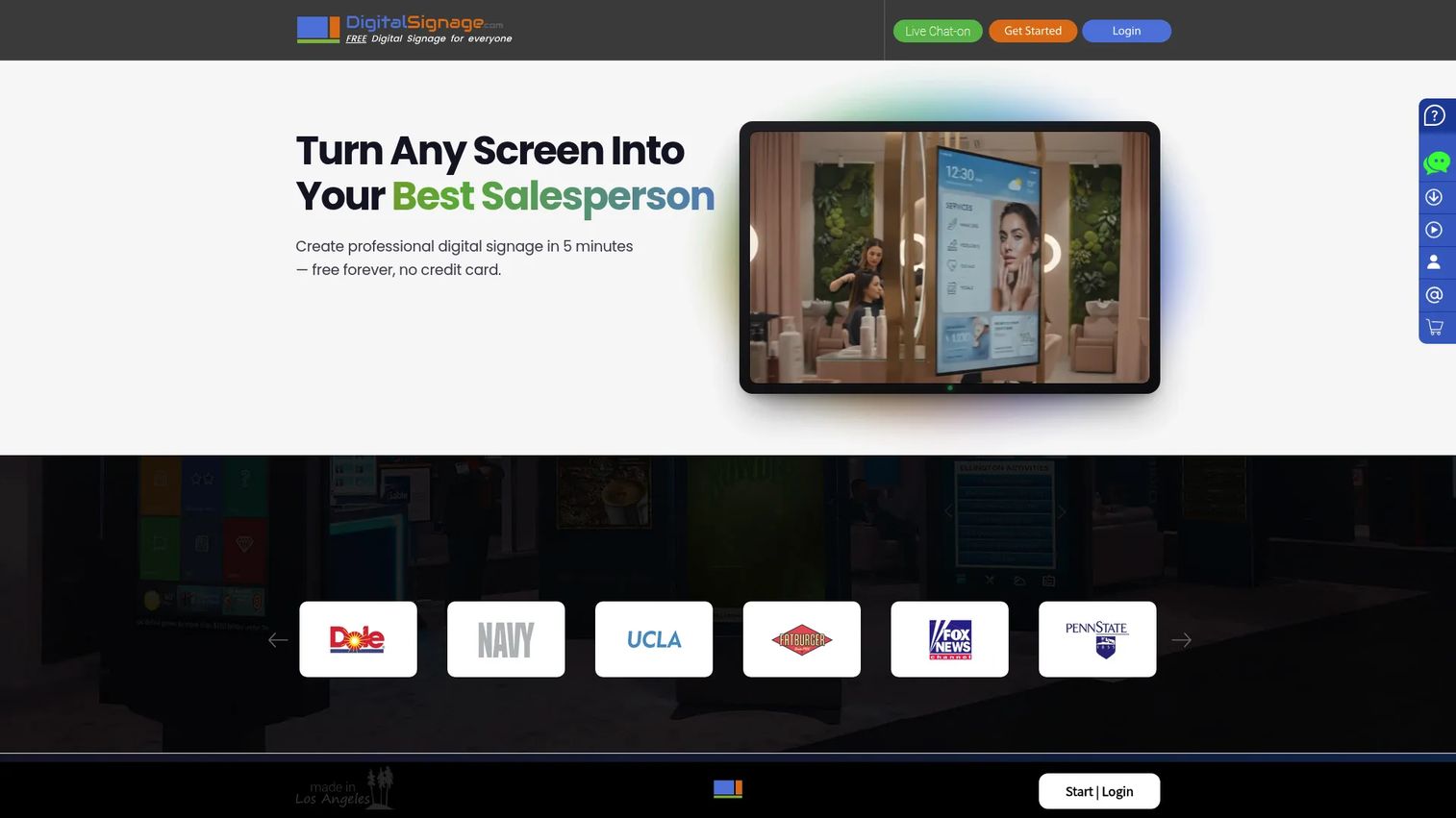
Digital Signage is a cloud-based platform built around low cost and a genuinely free starting point. You can run up to three screens for free, then scale into paid plans as you add locations. For a single café or a food truck testing digital menu boards for the first time, that free tier removes the usual reason to stall.
Best for: Restaurants and small operators who want a budget-friendly way to launch menu boards without committing upfront.
Key features
- Up to 3 screens free
- Per-screen Plus+ plan for scaling locations
- Enterprise features: proof of play, remote touch, access control lists
- Cloud content publishing and management
Why choose Digital Signage: If cost is the blocker keeping you on laminated boards, this is the lowest-friction way in. The free tier lets you prove the concept on one screen before you spend a dollar, and the per-screen model keeps the math predictable as you grow.
Digital Signage pricing: Free tier for up to 3 screens. mediaCLOUD Plus+ starts at $3.00 per screen per month. The enterprise edition starts at $19.00 per month with cancel-anytime billing.
2. Yodeck
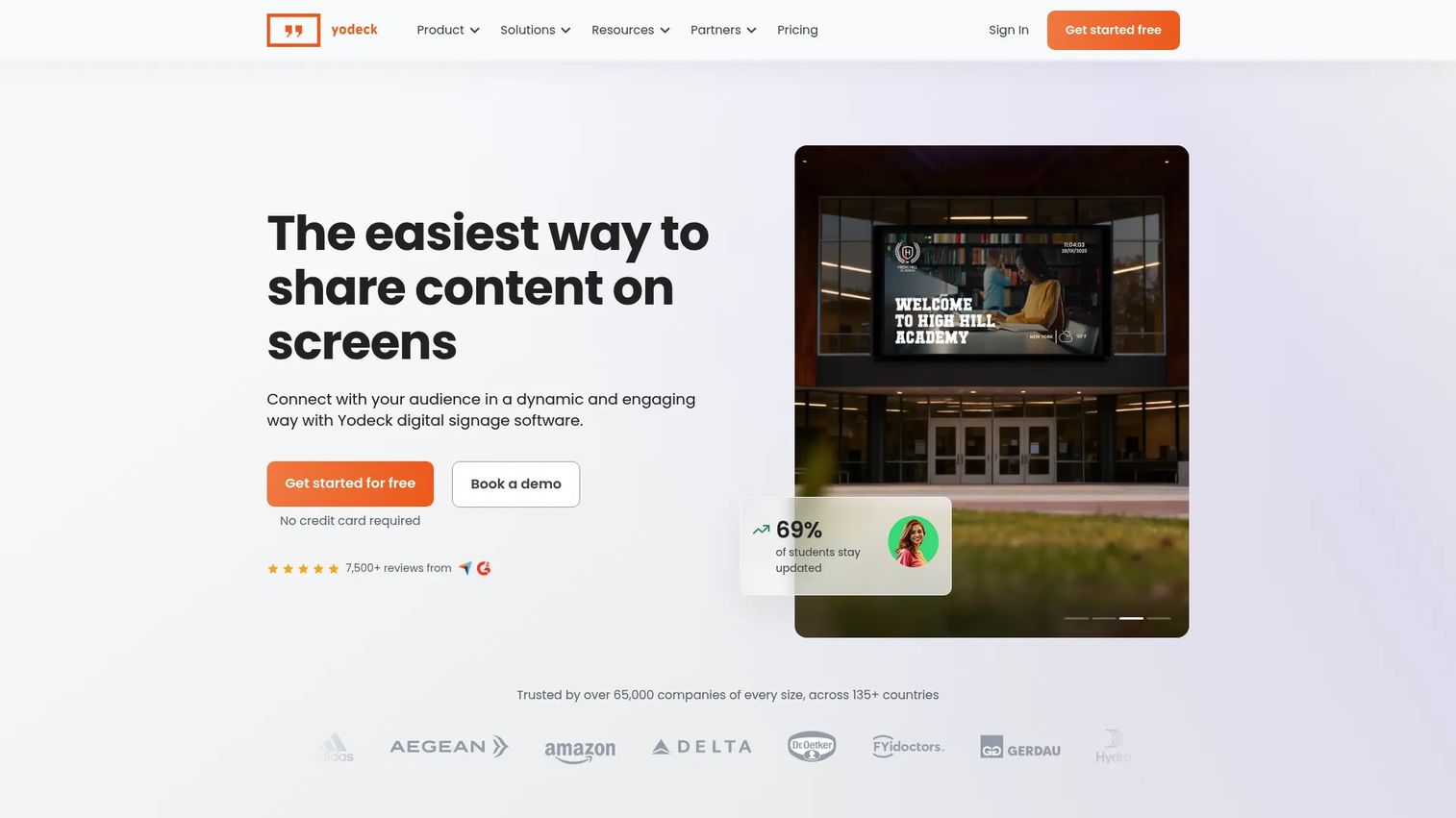
Yodeck is a cloud signage platform with a deep template library and app modules that fit restaurant workflows. With more than 800 free templates, playlist scheduling, and support for apps and a REST API, it handles the real-time flexibility a busy kitchen needs. Dayparting and multi-location governance are built in, so a chain can run breakfast, lunch, and dinner content across sites from one place.
Best for: Restaurant teams that want broad control, a large template ecosystem, and central governance across many screens.
Key features
- 800+ free templates
- Playlist creation and scheduling
- Apps, REST API, and interactive screen support
- Central multi-screen management
Why choose Yodeck: The template depth means you rarely start from a blank canvas, and the scheduling tools make dayparting straightforward.
Its 4.7/5 G2 rating reflects a platform teams trust to run across one screen or a whole network.
Yodeck pricing: Free forever for 1 screen. Basic is $8 per screen per month, Premium is $12 per screen per month, and Enterprise is $16 per screen per month. Annual plans include free Yodeck Players.
3. Kitcast
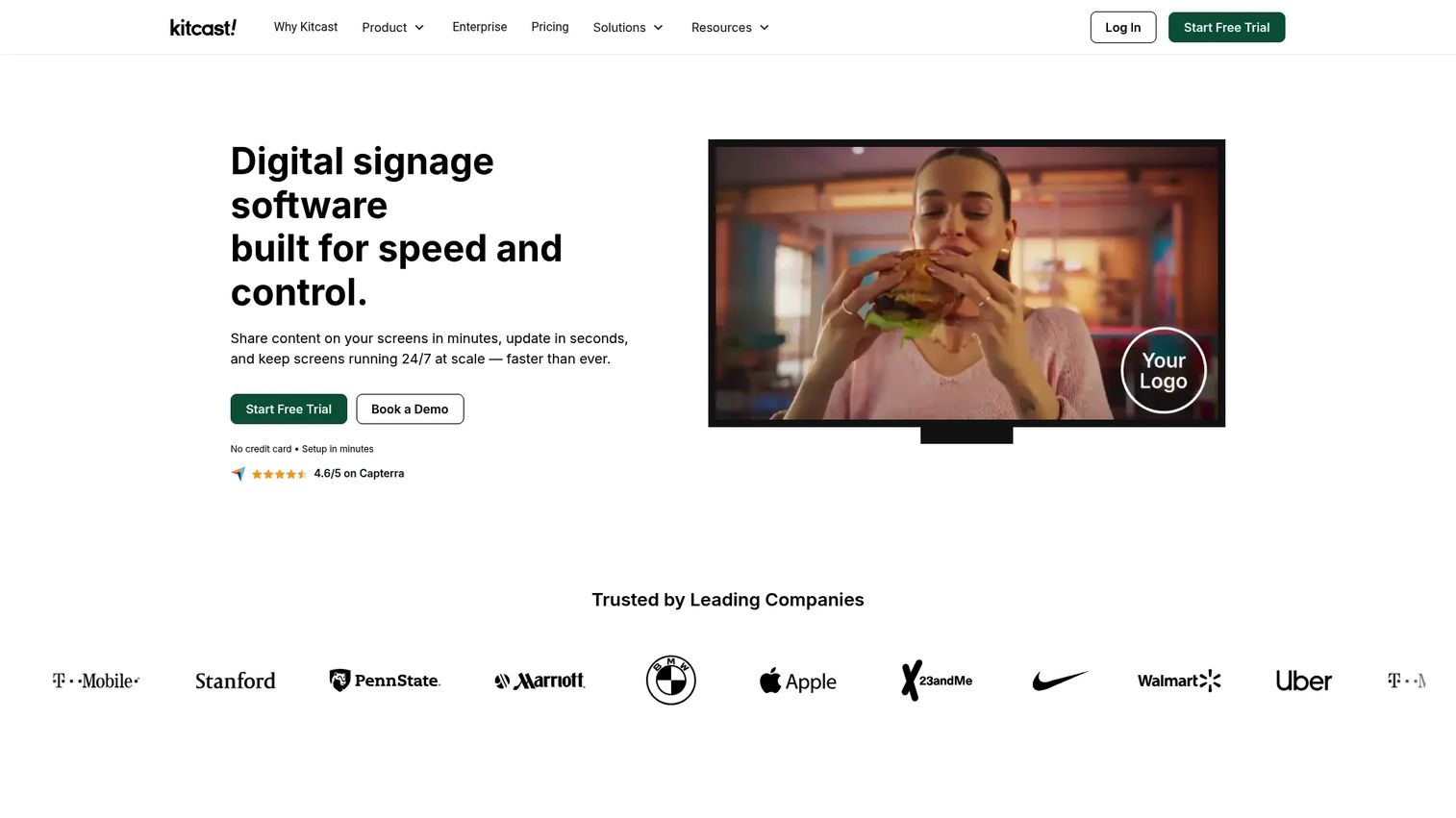
Kitcast is cloud signage software with strong hardware support, built to run cleanly across Apple TV and other supported devices. It handles per-screen scheduling, multi-zone layouts, and offline playback, so a board keeps running even if the network drops during a rush. For operators who care about clean governance, it also offers SSO/SCIM, MDM, API access, and audit logs.
Best for: Operators who want a structured rollout with reliable hardware support and enterprise-grade permissions.
Key features
- Per-screen content publishing and scheduling
- Multi-zone screen layouts
- Apps, integrations, and web page display
- Offline playback for network drops
- SSO/SCIM, MDM, API, audit logs
Why choose Kitcast: If you run on Apple TV or need offline reliability and audit trails, Kitcast fits a disciplined rollout. The permissions and logging suit multi-location teams that treat menu boards as managed infrastructure, not a side project.
Kitcast pricing: Starter is $7 per screen per month billed annually. Pro is $10 per screen per month billed annually. Enterprise is custom pricing. A 14-day free trial is available.
4. Samsung VXT
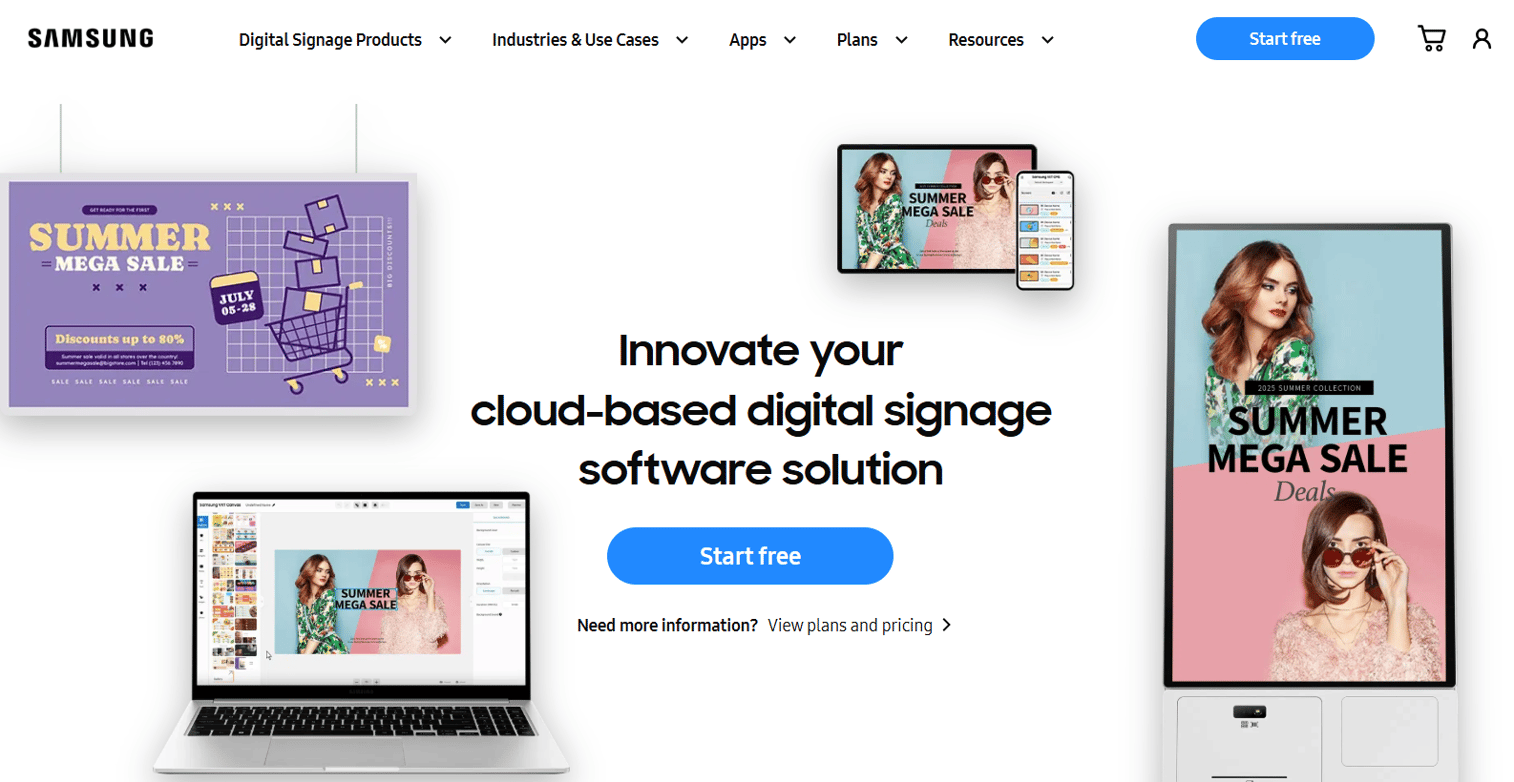
Samsung VXT is Samsung's cloud-based content management solution, and it is strongest when your displays are already Samsung smart signage. It handles all-in-one content management and remote management of both software and hardware, which matters when you want screens and CMS from one vendor. Seasonal menu changes and regional governance are handled centrally, so multi-site brands keep control.
Best for: Restaurants and chains standardized on Samsung display hardware who want a single-vendor signage setup.
Key features
- All-in-one digital signage content management
- Remote management of software and hardware
- Free trial available
- Centralized control across locations
Why choose Samsung VXT: When your screens are Samsung, the tight hardware alignment removes a lot of compatibility guesswork. Remote management of both the display and the content keeps operational overhead low for regional teams running seasonal updates.
Samsung VXT pricing: VXT S Series (CMS Standard) is $20.00 per month or $200.00 per year. P Series (CMS Pro) is $40.00 per month or $400.00 per year. X Series (CMS Enterprise) is $50.00 per month or $500.00 per year. A free trial is offered.
5. ScreenCloud
ScreenCloud is digital signage software focused on centralized content and device management across many screens. It leans on ease of use, template-driven content, and cloud management, which makes it a fit for lean teams without a dedicated signage admin. With 80+ apps and integrations, a GraphQL API, and dashboards, it scales from a handful of screens to a large fleet.
Best for: Smaller restaurant teams that need simple, centralized control across multiple locations.
Key features
- Screen and remote device management
- 80+ apps and integrations
- GraphQL API
- Dashboards and QR code metrics
Why choose ScreenCloud: The interface is approachable enough that a manager can update a board without training. That ease matters most when the person running your screens also runs the floor, the schedule, and everything else in a small operation.
ScreenCloud pricing: Core is $20 per screen per month plus VAT. Pro is $30 per screen per month plus VAT. Enterprise is quoted by sales. There is no free tier, but a free trial is available.
6. Rise Vision
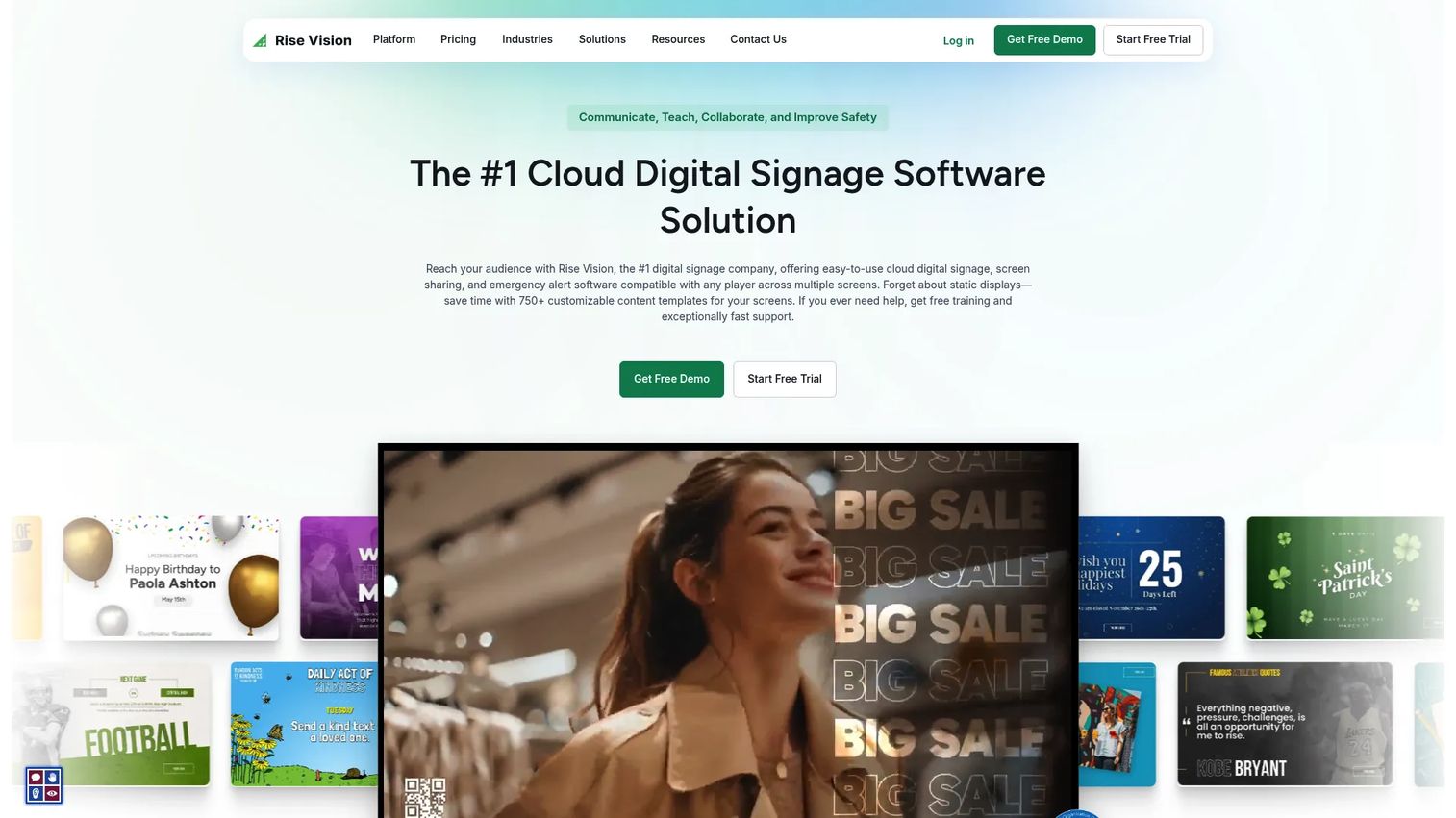
Rise Vision is a cloud platform for digital signage, screen sharing, and emergency alerts, with pricing built for budget-sensitive buyers. Its 750+ customizable templates make it fast to stand up a menu board, and features like screen sharing and CAP-based alerts extend it beyond menus. For cafés inside schools, campuses, or nonprofits, the low per-display cost keeps signage affordable.
Best for: Schools, nonprofits, and budget-conscious operators running straightforward menu boards.
Key features
- 750+ customizable templates
- Screen sharing across devices
- CAP-based emergency alerts
- Per-display pricing with school licensing
Why choose Rise Vision: For simpler menu-board needs where budget matters most, Rise Vision delivers templates and central management without enterprise pricing. Its 4.7/5 G2 rating and school-license options make it a comfortable pick for education and campus food service.
Rise Vision pricing: Basic is $11 per display per month. Advanced is $138 per display per year. Enterprise is $164 per display per year, with an unlimited-display school license at $1,399 per school per year.
7. NoviSign
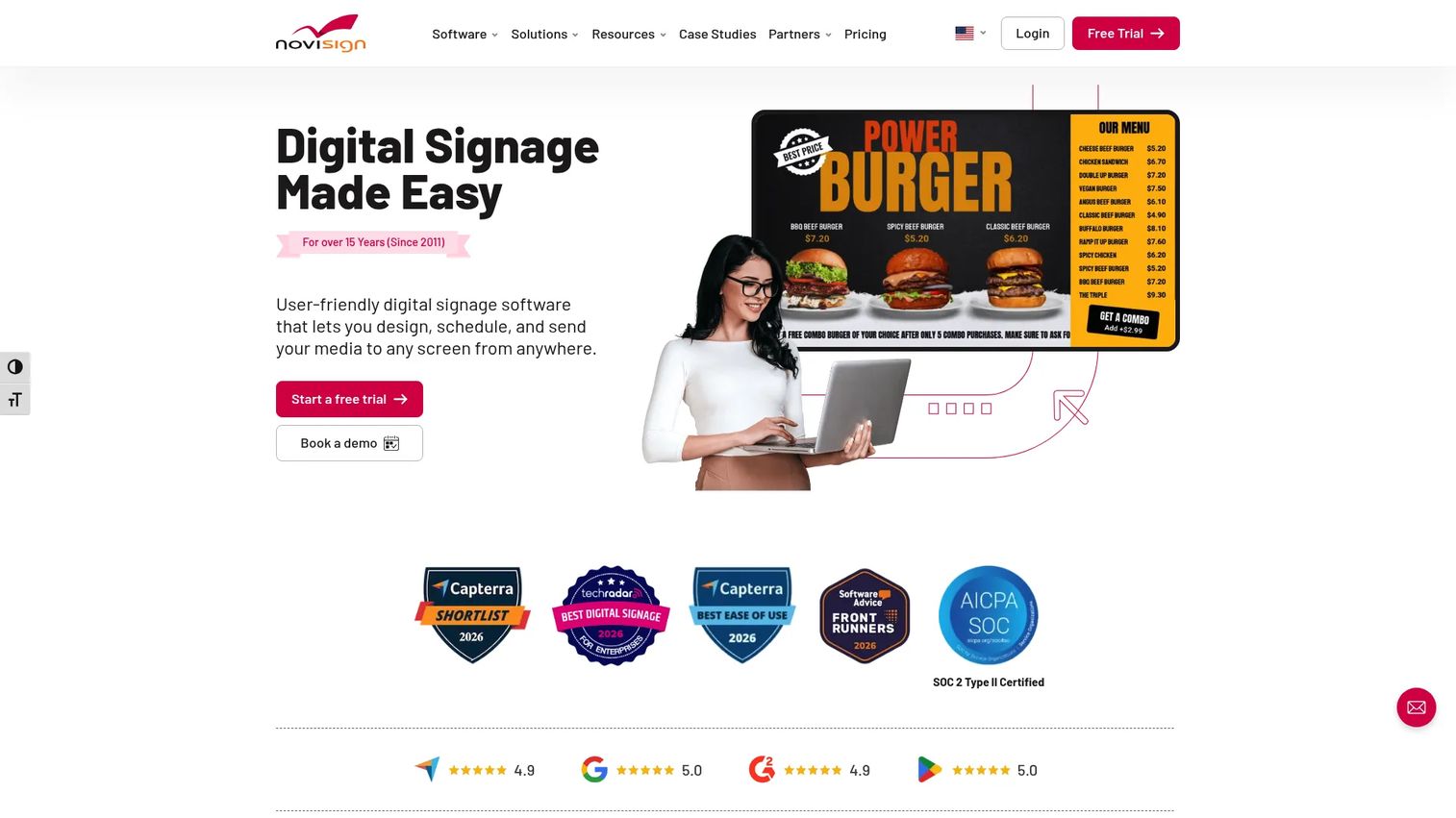
NoviSign is cloud-based signage software with a drag-and-drop CMS built for fast publishing. It handles playlist scheduling, remote screen management, and promotions, plus integrations, APIs, templates, and widgets. That combination makes it a practical all-rounder for restaurants that want to build restaurant digital menu boards quickly and rotate promos without waiting on a designer.
Best for: Restaurants that want a versatile, cloud-managed signage tool with strong templates and promo tools.
Key features
- Drag-and-drop digital signage CMS
- Playlist scheduling and remote screen management
- Integrations, APIs, templates, and widgets
- Promotion and campaign tools
Why choose NoviSign: The drag-and-drop builder gets a board live fast, and the widget library covers the extras restaurants actually use. Its 4.9/5 G2 rating points to a tool that teams find both capable and easy to run day to day.
NoviSign pricing: The Business plan is $20 per screen or media player per month. A free 30-day trial is available. Annual and volume discounts are mentioned for larger deployments.
Considerations
Before you sign, run the shortlist through these five checks. They separate a tool that fits your operation from one that fights it.
Pricing model and total cost
Look past the sticker price. Compare free tiers, trials, and per-screen monthly cost, then add hardware. Digital Signage and Yodeck offer free starting points; ScreenCloud and Samsung VXT price by tier. Multiply per-screen cost by your real screen count across every location before you decide.
Hardware compatibility
Confirm the software runs on what you own or plan to buy. Check support for TVs, Android TV, Windows, Raspberry Pi, Samsung displays, and dedicated media players. Kitcast leans into Apple TV; Samsung VXT is strongest on Samsung hardware. Matching software to hardware upfront saves a painful return later.
Templates and publishing speed
The question that matters: can a manager update a board without design help? Yodeck, Rise Vision, and NoviSign ship hundreds of templates so you rarely start blank. Time-to-publish is the real metric here, because a tool nobody can update fast becomes another stale board.
Multi-location governance
For chains, look for permissions, regional controls, and auditability. Corporate should set the master menu while regional managers adjust local pricing within guardrails. Kitcast offers audit logs and SSO; Yodeck and Samsung VXT handle regional governance. Lock brand assets so one location cannot publish off-brand.
Scheduling and offline reliability
Confirm dayparting works the way your service runs, and ask what happens when the network drops. Offline playback, like Kitcast's, keeps a board live during an outage mid-rush. A menu board that goes black at noon is worse than a printed one.
Conclusion
The right pick comes down to three things: cost, hardware, and how many locations you manage.
If budget is the blocker, start with Digital Signage and its free tier, or Yodeck's free single-screen plan. If you run Samsung displays, Samsung VXT keeps everything under one vendor. Apple TV or offline-reliability needs point to Kitcast. Lean teams that want simple control lean toward ScreenCloud, while schools and nonprofits fit Rise Vision. NoviSign is the versatile all-rounder for fast publishing and promotions.
Shortlist two or three based on your screen count and hardware, then run a pilot in one location. Check each vendor's pricing page against your real screen total, start a free trial where offered, and put a single board live before you roll out network-wide. A one-store pilot surfaces the operational quirks a spec sheet never will.
FAQs
Electronic menu board software is a cloud platform that lets restaurants create, schedule, and remotely manage digital menu boards on screens. You edit prices, dayparts, and promotions from a browser, and the changes push to every display without reprinting. It replaces laminated boards and printed inserts with content you control in real time.
Pricing is usually per screen per month. Entry plans run from about $3 per screen (Digital Signage Plus+) to $8 to $20 per screen for tools like Yodeck, ScreenCloud, and NoviSign. Some vendors, including Digital Signage and Yodeck, offer free tiers, and most provide a free trial. Add hardware cost separately.
At minimum, a screen and a media player or built-in smart display. Many platforms run on Android TV, Windows, Raspberry Pi, Apple TV, or dedicated players. Samsung VXT pairs with Samsung smart signage, and Kitcast runs cleanly on Apple TV. Check the vendor's hardware compatibility list against what you already own.
Yes. Most menu board software runs on a standard commercial or consumer TV paired with a media player. Commercial-grade displays hold up better under all-day use and heat, but a regular TV plus a supported player is a common, lower-cost starting point for a single location.
Yes, this is called dayparting. You schedule breakfast, lunch, and dinner menus to switch automatically at set times. Yodeck, Kitcast, and most tools on this list support it. Once configured, screens change themselves, so staff never swap boards and guests never see the wrong daypart.
Screens surface upsells, combos, and add-ons at the moment guests are deciding, which lifts average ticket. You can rotate promotions, highlight high-margin items, and test which offers convert. Real-time updates also mean sold-out items disappear fast, reducing order friction and keeping the line moving.
Yes. Multi-location control is a core feature of most menu board software. Corporate sets a master menu, and regional managers adjust local pricing or promos within permission guardrails. You push updates to one screen or an entire network from a single dashboard, with brand assets locked for consistency.
Yes. Digital Signage offers a free tier for up to three screens, and Yodeck is free forever for one screen. These free plans are a practical way to pilot digital menu boards before committing to paid, per-screen plans as you add locations.










