The release passed locally. The demo broke in front of the buyer.
That situation is more common than most presales teams want to admit. A workflow that looked stable in staging falls apart when a prospect clicks through it, because the underlying product was never tested against that environment condition. According to Katalon's State of Software Quality report (2025), 76% of QA professionals now use AI-powered tools in their testing practice, yet broken flows still reach buyers every week.
The problem is not effort. It's coverage. Most teams test what they build but not what buyers actually trigger during demos, POCs, and technical evaluations. A solid software testing stack does not just protect release quality. It protects the moments where a prospect decides whether the product can survive real scrutiny.
This guide compares 15 software testing tools for 2026, selected to help QA, engineering, and presales teams build coverage that holds under pressure.
What's inside
This guide is for QA engineers, engineering leads, and presales teams who need a practical shortlist across the major testing categories.
Tools were selected using these criteria:
- Test type fit: Web, mobile, API, visual, and performance testing each represented
- Automation maturity: From open-source frameworks to managed services and AI-assisted platforms
- CI/CD compatibility: How well the tool connects to pipelines and release workflows
- Presales relevance: Whether the tool reduces demo risk, supports POC validation, or produces evidence enterprise buyers ask for
TL;DR
- Best for mobile automation: Appium, the open-source standard for native and hybrid app testing
- Best for developer-friendly web testing: Cypress or Playwright, depending on whether you need component tests or cross-browser breadth
- Best for real-device cloud testing: BrowserStack Automate or LambdaTest, for teams that need broad browser and device coverage
- Best for API testing: Postman, particularly useful when a technical buyer needs to validate integration depth
- Best for enterprise test automation: Tricentis Tosca, for complex business workflows and packaged apps
- Best for defect tracking and release visibility: Jira, the de facto standard for engineering and QA workflow alignment
What is software testing tools
Software testing tools are applications, frameworks, and platforms that help teams verify whether software works as expected before and after release.
The category is wide. Some tools are code-level frameworks that engineers write tests in. Others are cloud platforms that run tests across hundreds of real devices. Still others handle specific jobs: API validation, visual regression detection, load testing, or defect tracking. Choosing the wrong category for your risk is as costly as choosing no tool at all.
A useful distinction: A test automation framework (Selenium, Playwright, Appium) provides the code structure and protocol to write and run tests. A testing platform (BrowserStack Automate, Katalon, Mabl) wraps that execution with infrastructure, dashboards, integrations, and sometimes managed services. Both have a role depending on team skill and workflow maturity.
Testing also divides into static and dynamic approaches. Static testing reviews code or configuration without running it. Dynamic testing runs the software and validates output. Most teams need dynamic testing for the flows buyers actually see.
Key capabilities to look for:
- Test creation and execution across target environments
- Cross-browser and real-device coverage
- API request testing and collection sharing
- Visual regression detection for UI-sensitive flows
- CI/CD pipeline integration for automated regression checks
- Reporting, traceability, and defect history for enterprise evidence
- AI-assisted test authoring and maintenance
- Defect tracking and release workflow management
Why presales teams should care: Buyer-facing demos depend on stable product flows. POC environments need repeatable validation. Technical stakeholders at enterprise accounts often ask for test coverage evidence during security review and procurement. A testing gap in engineering becomes a credibility gap in the sales cycle.
When to use software testing tools
Validate buyer-facing workflows before demos
Presales teams often depend on login, onboarding, integration, reporting, and admin flows working exactly as shown. Testing tools give QA and engineering a way to catch regressions in those specific paths before they surface on a live call. This is especially critical when SEs demo new features shortly after a release, when the risk of an untested edge case is highest.
Automate regression checks before releases
Automation testing tools reduce the manual effort of checking every flow after every code change. For presales teams, this means fewer last-minute surprises when a demo environment has changed overnight. Automation pays back most when applied to stable, high-frequency flows rather than exploratory edge cases.
Prove technical readiness during POCs
Enterprise buyers regularly ask how the product is tested, what coverage exists, and how defects are tracked and resolved. Software testing tools help engineering and QA produce that evidence: Test reports, defect histories, regression results. A team with clean test dashboards moves through security review and procurement faster than one responding to these questions manually. See also our guide to AI software testing tools for coverage on AI-assisted approaches.
Software testing tools comparison
The table below covers all 15 tools in order of relevance to the broad software testing keyword. Pricing reflects the verified entry-level or public tier. G2 ratings are sourced from each tool's current G2 listing.
| # | Product | Best for | Key differentiator | Pricing | G2 rating |
|---|---|---|---|---|---|
| 1 | Appium | Mobile app automation | Open-source automation for native, hybrid, and mobile web | Free (open source) | N/A on G2 |
| 2 | Cypress | Front-end web testing | Developer-friendly end-to-end and component testing | Free (open source); Cloud from $67/mo | 4.7/5 |
| 3 | Selenium | Browser automation framework | Broad language and browser support, mature ecosystem | Free (open source) | 4.3/5 |
| 4 | Playwright | Modern cross-browser automation | Fast, reliable testing across Chromium, Firefox, and WebKit | Free (open source) | 4.8/5 |
| 5 | BrowserStack Automate | Real-device cloud testing | 20,000+ real devices, no local lab needed | From $99/mo (annual) | 4.4/5 |
| 6 | LambdaTest | Cross-browser and AI testing | AI-native QA platform with KaneAI and HyperExecute | Free tier; paid from $15/mo | 4.5/5 |
| 7 | Postman | API testing and collaboration | API design, collections, mock servers, and governance in one platform | Free; paid from $9/mo | 4.6/5 |
| 8 | Tricentis Tosca | Enterprise test automation | Model-based automation for complex enterprise systems | Custom pricing | 4.3/5 |
| 9 | Mabl | AI-assisted end-to-end testing | Low-code authoring with AI failure analysis and auto-healing | Custom pricing (14-day trial) | 4.4/5 |
| 10 | QA Wolf | Managed end-to-end testing | Done-for-you Playwright and Appium test coverage | $1/run (web); $2/run (mobile) | 4.8/5 |
| 11 | TestGrid | Web and mobile real-device testing | AI-native testing with private device lab options | From $249/seat/mo | 4.7/5 |
| 12 | Katalon | All-in-one test automation | AI-powered testing across web, mobile, API, and desktop | Free tier; Professional from $1,000/seat/year | 4.4/5 |
| 13 | Applitools | Visual regression testing | Visual AI for cross-browser UI validation at scale | From $667/mo (annual) | 4.3/5 |
| 14 | JMeter | Performance and load testing | Open-source load testing for APIs, web apps, and backend systems | Free (open source) | 4.3/5 |
| 15 | Jira | Defect tracking and release visibility | Issue tracking tied to engineering workflows and release boards | Free (up to 10 users); paid tiers by calculator | N/A verified |
Best 15 software testing tools for 2026
The entries below cover each tool's core job, who it suits, and what the pricing actually looks like.
1. Appium
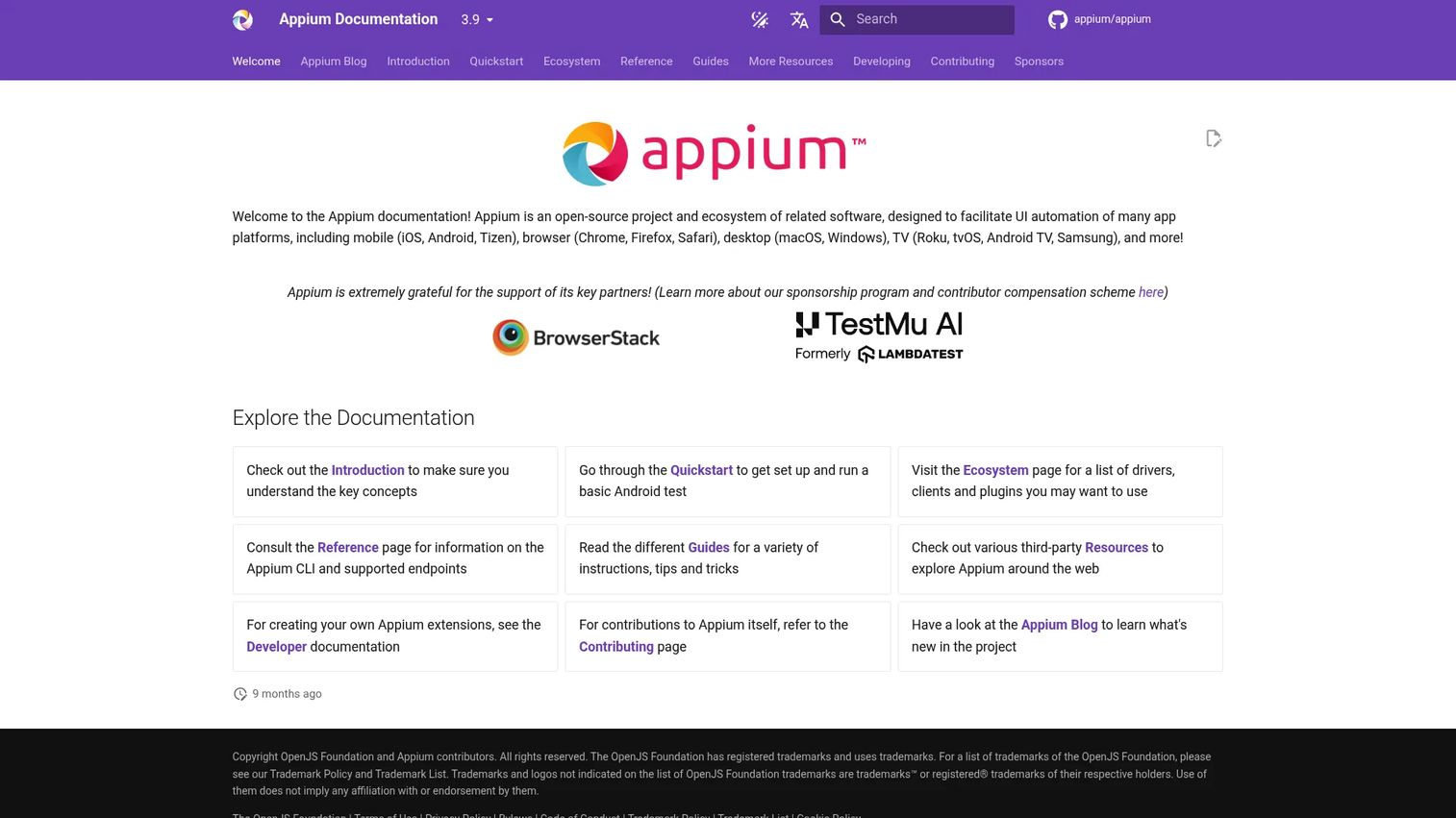
Appium is an open-source automation framework for native, hybrid, and mobile web applications across iOS and Android. It uses the WebDriver protocol, which means your existing test code structure carries over across platforms. The framework is maintained by the OpenJS Foundation and supports client libraries in multiple languages, including Java, Python, and Ruby.
Best for: Mobile teams testing native and hybrid apps where behavior across OS versions and device models is the primary risk.
Key features
- iOS and Android automation via WebDriver protocol
- Native, hybrid, and mobile web app support
- Appium Inspector for screen element inspection
- Multi-language client libraries (Java, Python, Ruby, and more)
- Driver-based architecture supporting desktop and browser platforms
Why choose Appium: Choose Appium when mobile behavior across devices is the core risk and your team has engineering capacity to write and maintain scripts. It fits organizations that need an open standard rather than a vendor-controlled approach.
Appium pricing: Appium is free and open source. Running costs come from device lab infrastructure, cloud testing services like BrowserStack or LambdaTest, and engineering time for script maintenance.
G2 rating: No current overall rating listed on G2 for Appium; Capterra reviewers report 4.3/5.
2. Cypress
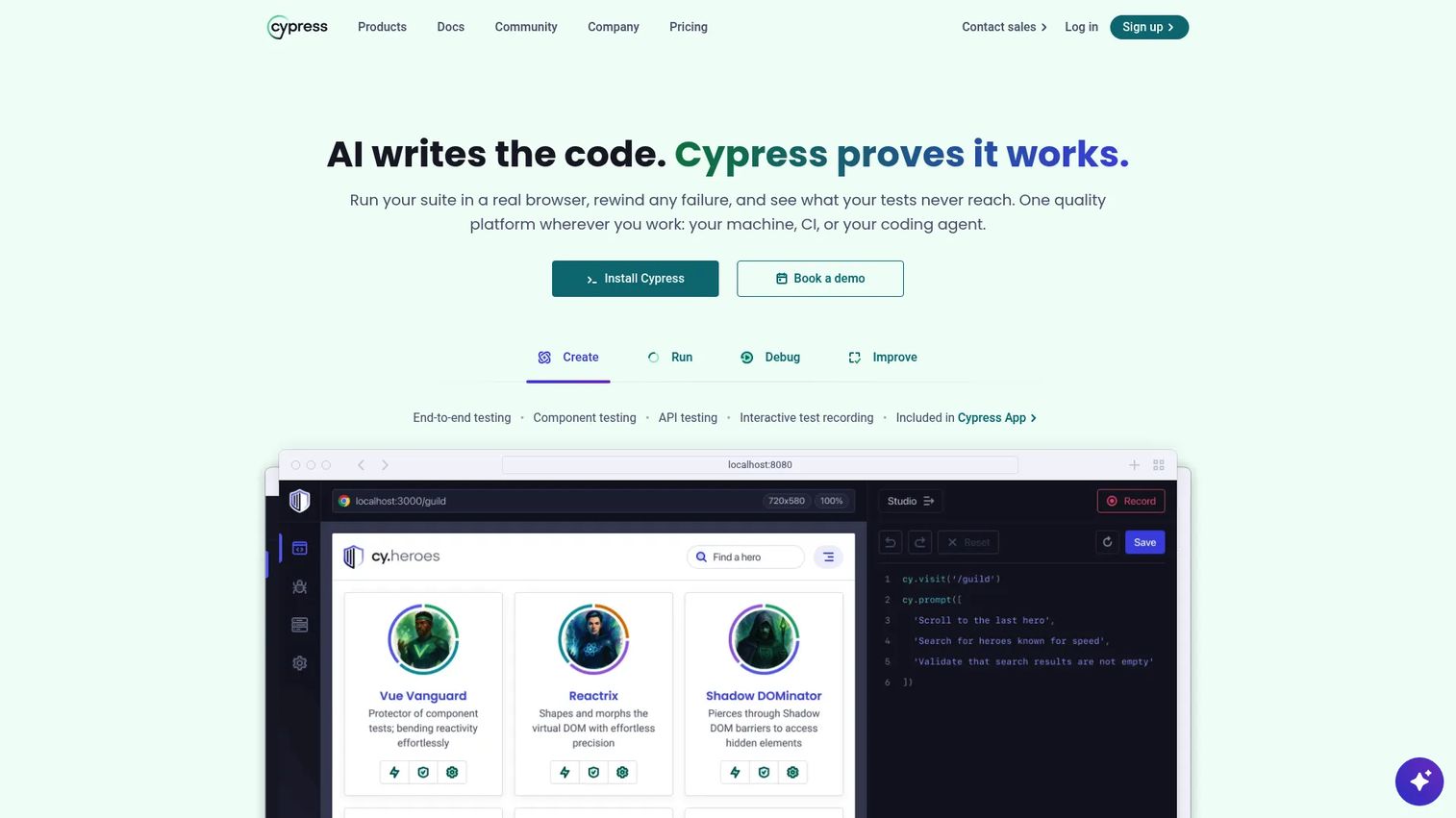
Cypress is a JavaScript-focused testing tool built for modern front-end development. It supports both end-to-end and component testing in a single runner, with debugging tools that make test failures easier to diagnose. The open-source Cypress App runs locally, while Cypress Cloud adds recording, parallelization, flake detection, and analytics.
Best for: Front-end and full-stack web teams working in JavaScript frameworks who want fast local feedback and scalable CI execution.
Key features
- End-to-end and component testing in one tool
- Time-travel debugging with DOM snapshots
- Automatic waiting on assertions and network requests
- Network traffic control, spies, and stubs
- Parallelization and flake detection via Cypress Cloud
Why choose Cypress: Choose Cypress when developers own test creation and debugging speed matters. It works best for web apps where the team ships JavaScript and wants testing to feel like part of the development workflow, not a separate QA step.
Cypress pricing: The open-source Cypress App is free. Cypress Cloud starts at $67/month (billed annually at $799/year) for the Team plan and $267/month (billed annually at $3,199/year) for Business. Enterprise pricing requires contacting Cypress.
G2 rating: 4.7/5
3. Selenium
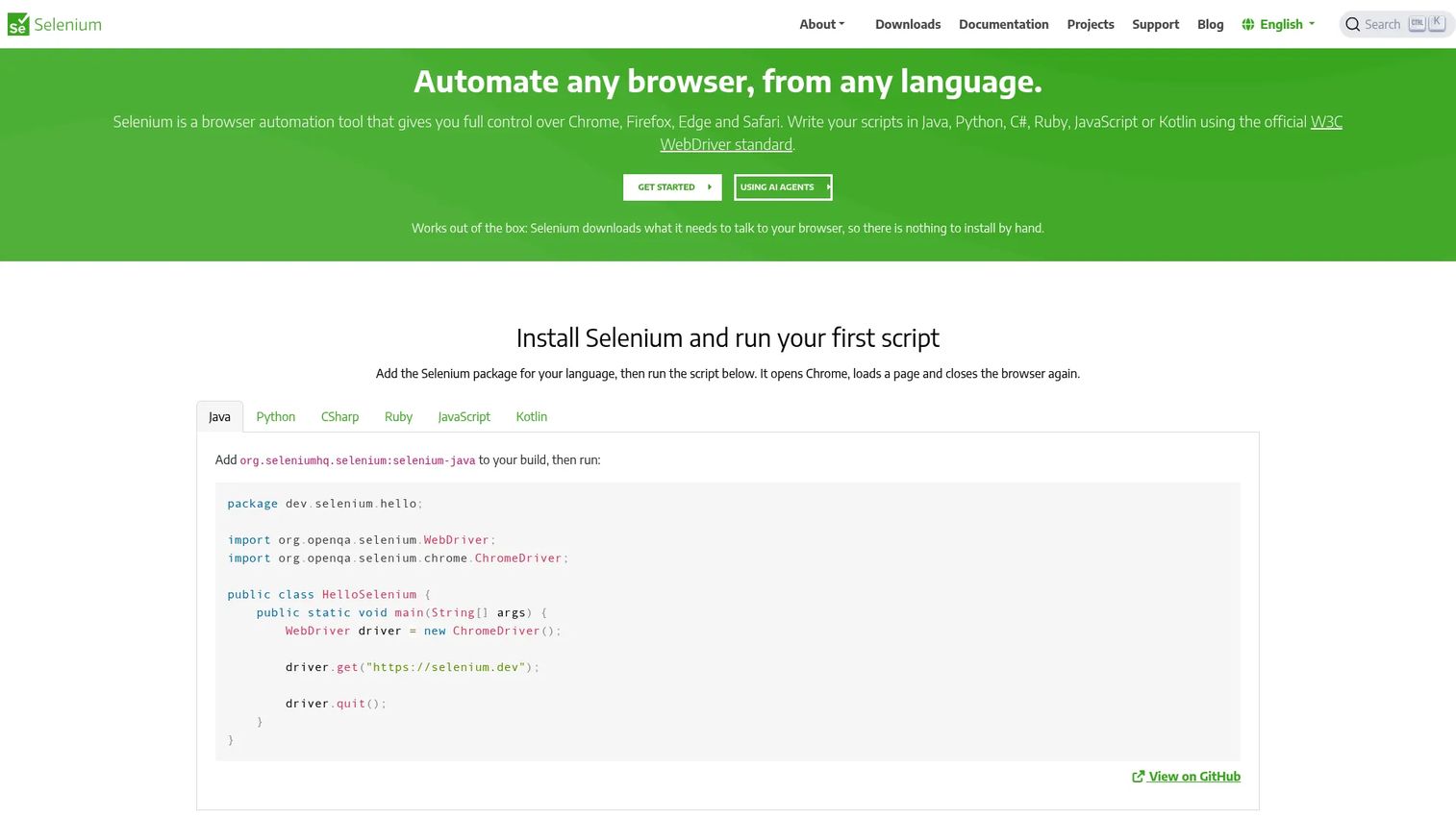
Selenium is the long-established browser automation framework that underpins much of the industry's web testing infrastructure. It supports Java, Python, C#, Ruby, JavaScript, and Kotlin, and runs across Chrome, Firefox, Edge, and Safari. Selenium Grid enables parallel execution across machines and browsers. Selenium Manager handles browser-driver compatibility automatically.
Best for: QA teams and developers who need mature browser automation with broad language flexibility and an established ecosystem of extensions.
Key features
- Browser automation via WebDriver
- Language bindings for Java, Python, C#, Ruby, JavaScript, Kotlin
- Selenium Grid for parallel cross-browser execution
- Selenium IDE for recording and replaying browser interactions
- Selenium Manager for automatic driver management
Why choose Selenium: Choose Selenium when your team has existing automation infrastructure or needs maximum language flexibility. It fits mature QA organizations where the priority is a proven open standard over an opinionated developer experience.
Selenium pricing: Selenium is free and open source. Associated costs come from CI infrastructure, cloud execution platforms, and ongoing script maintenance.
G2 rating: 4.3/5
4. Playwright
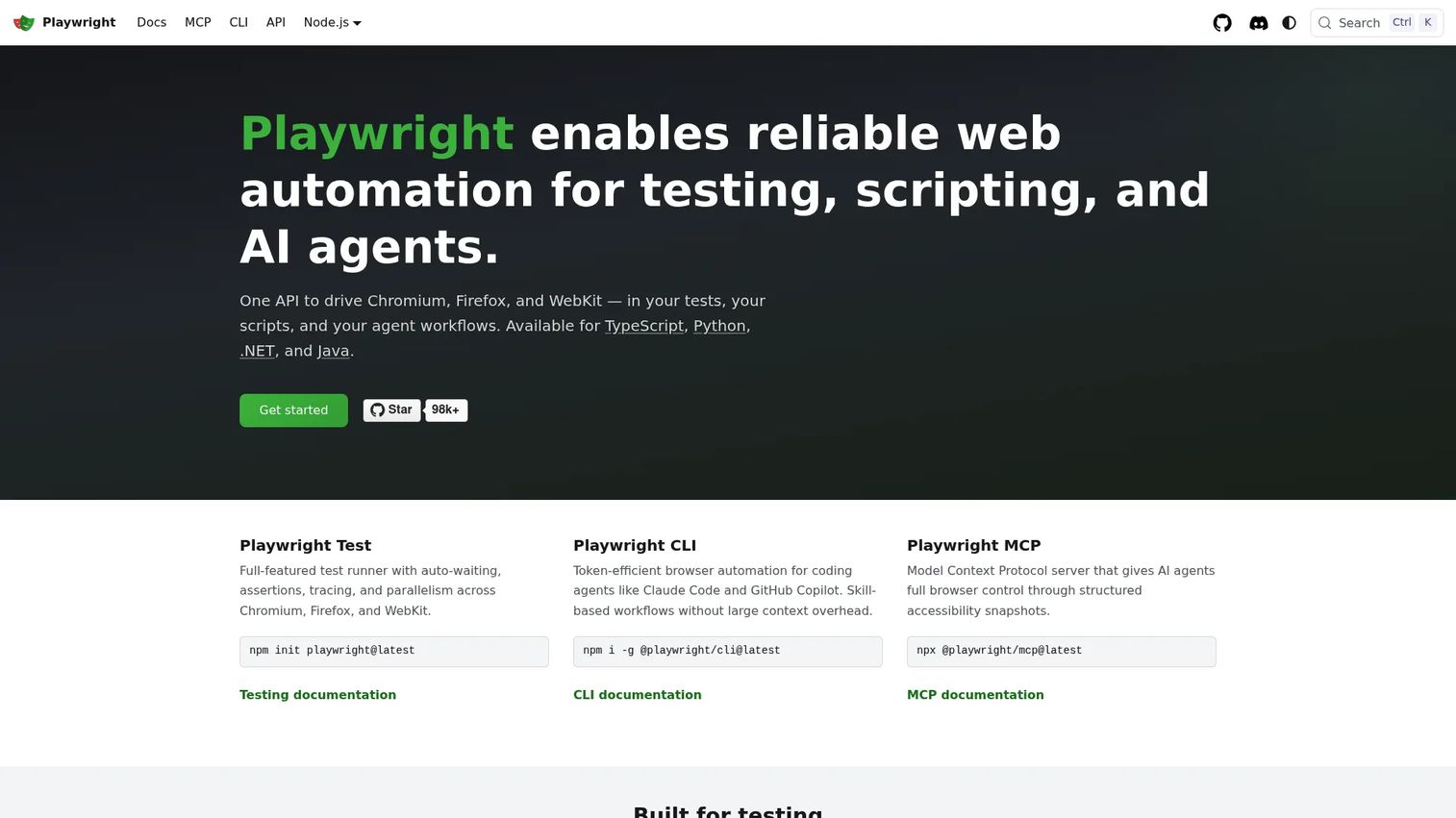
Playwright is a modern web automation framework from Microsoft that tests across Chromium, Firefox, and WebKit with a single API. It handles auto-waiting, parallel execution, and browser context isolation natively. The Trace Viewer gives teams a step-by-step visual record of test runs, which shortens debugging cycles significantly.
Best for: Engineering teams moving from brittle browser tests to a modern framework with strong cross-browser fidelity and developer ergonomics.
Key features
- Cross-browser automation: Chromium, Firefox, WebKit
- Auto-waiting on elements and network responses
- Trace Viewer for post-run debugging
- Parallel test execution and browser context isolation
- API testing support alongside UI tests
Why choose Playwright: Choose Playwright when cross-browser reliability and developer experience both matter. It's a strong fit for teams catching up on test coverage who want a framework that reduces flakiness from the start.
Playwright pricing: Playwright is free and open source. Costs come from CI compute, browser infrastructure, and team time for test creation.
G2 rating: 4.8/5
5. BrowserStack Automate
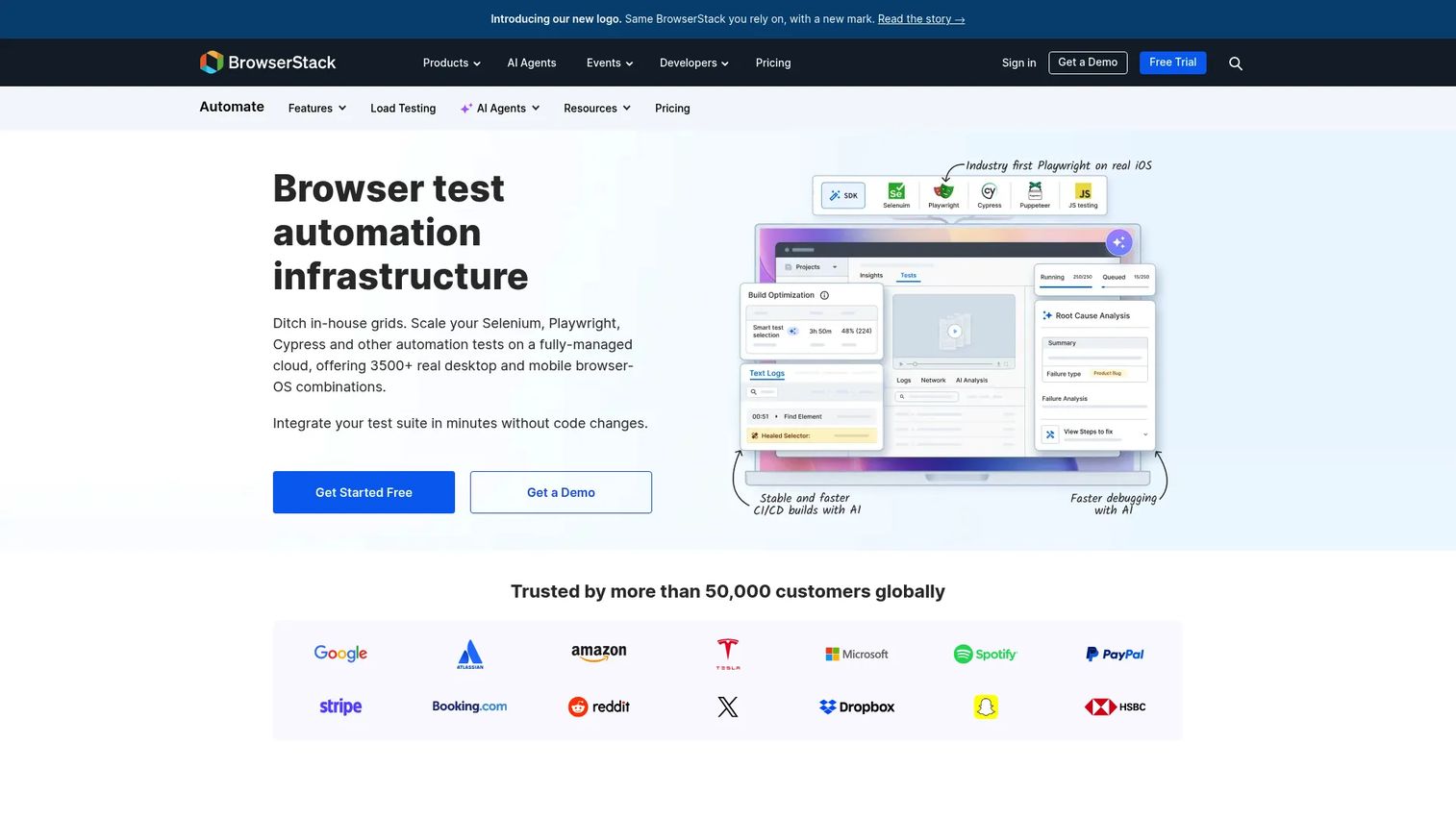
BrowserStack Automate is a cloud-based platform for running automated browser and device tests on real infrastructure without maintaining a local lab. It supports Selenium, Cypress, Playwright, and Puppeteer, and connects to CI pipelines. Teams get video replays, screenshots, and failure logs for every test run, which makes defect reporting for enterprise buyers much faster.
Best for: QA and development teams that need broad real-device and browser coverage in CI/CD without owning physical test infrastructure.
Key features
- Real-device cloud with 20,000+ desktop, iOS, and Android devices
- Selenium, Cypress, Playwright, and Puppeteer support
- Parallel test execution across multiple environments
- Built-in video, screenshots, and logs per run
- Local environment testing for staging and dev builds
Why choose BrowserStack Automate: Choose BrowserStack Automate when test infrastructure is slowing releases or when a presales team needs proof that customer-facing flows work across the browsers and devices buyers actually use. The free trial covers 60 minutes of Automate usage.
BrowserStack Automate pricing: The Desktop plan starts at $99/month (billed annually). The Desktop and Mobile plan starts at $175/month (billed annually). Enterprise pricing requires contacting BrowserStack.
G2 rating: 4.4/5
6. LambdaTest
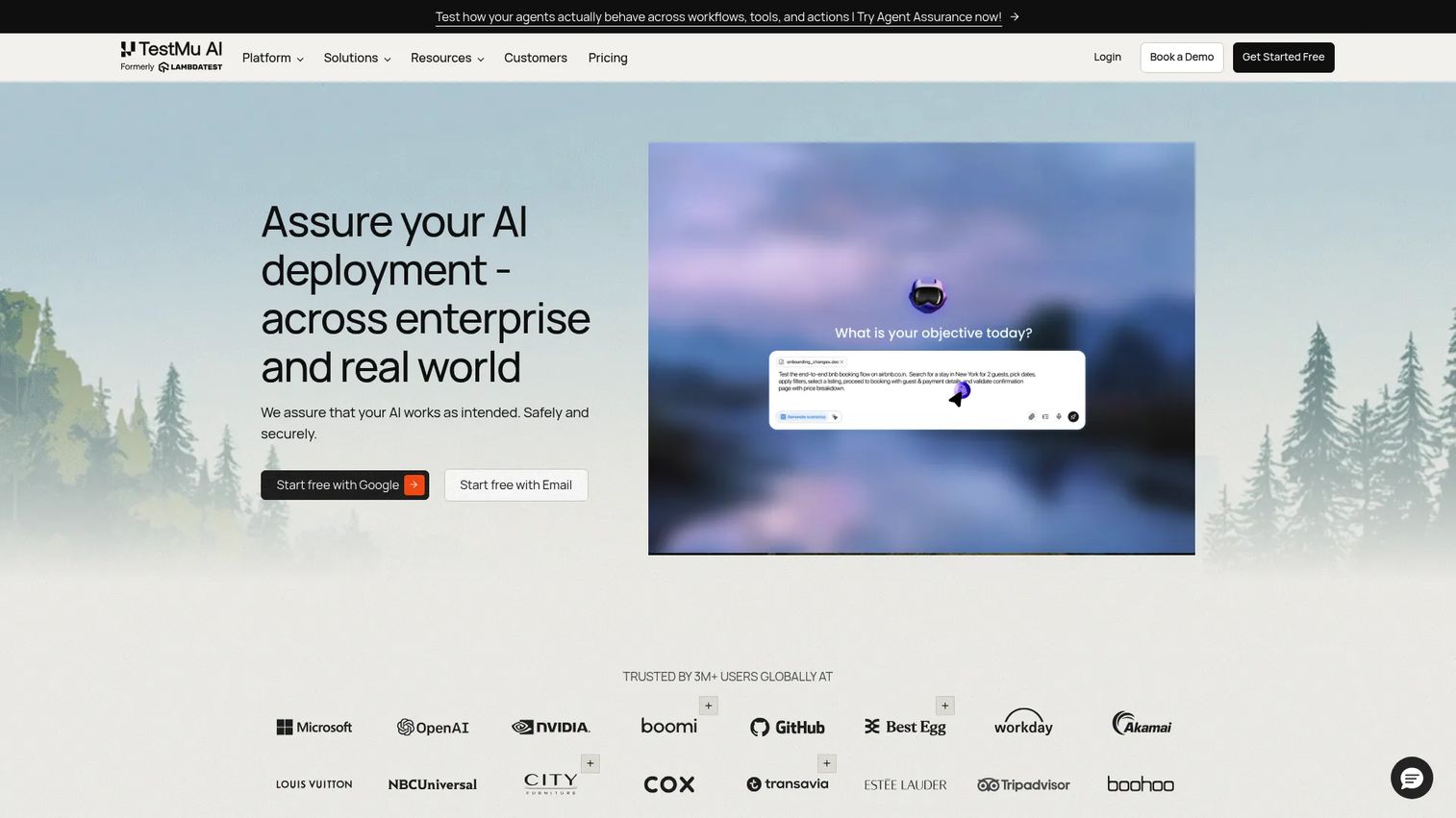
LambdaTest has expanded from a cross-browser testing grid to an AI-native quality engineering platform, now rebranding as TestMu AI. It covers cross-browser testing, real-device testing, AI agent testing via KaneAI, and parallel execution through HyperExecute. CI/CD integrations connect to common pipelines, and the platform includes accessibility and visual testing alongside core automation.
Best for: Engineering and QA teams that need cloud browser and device coverage alongside AI-assisted test generation and parallel execution at scale.
Key features
- Cross-browser testing across browsers and real devices
- KaneAI for AI-native test case generation and management
- HyperExecute for parallel test orchestration
- Selenium Grid, Playwright, and Cypress support
- Accessibility, visual, API, and performance testing
Why choose LambdaTest: Choose LambdaTest when your team needs broad compatibility coverage with flexible execution options, particularly if AI-assisted test generation is a priority. It's useful for reproducing browser-specific bugs before they reach a buyer during a POC. For a deeper look at API testing tools that pair well with LambdaTest, see our dedicated guide.
LambdaTest pricing: A free tier is available. The Virtual Live plan starts at $15/month (billed annually). KaneAI Starter starts at $17/month (billed annually). KaneAI Pro runs $89/month and KaneAI Max $179/month, both billed annually. Enterprise pricing requires contacting sales.
G2 rating: 4.5/5
7. Postman
Postman is a unified API platform covering design, testing, documentation, monitoring, and governance. For presales teams, it's the most direct way to validate API behavior during integration-heavy evaluations. Technical buyers can receive shared collections that demonstrate endpoint behavior, authentication handling, and data flow, without needing to spin up a full environment.
Best for: API development teams and presales engineers supporting technical buyers who need to validate integration depth, authentication, and endpoint behavior.
Key features
- API collections for organizing and sharing requests
- Automated API tests with assertions and collection runners
- Mock servers for testing against planned endpoints
- Environment variables for managing multiple test contexts
- Team workspaces for collaborative API development and review
Why choose Postman: Choose Postman when the product's value depends on APIs or integrations. Sharing a collection with a technical evaluator gives them a structured, repeatable way to validate behavior, which reduces back-and-forth during security review and procurement. Check our API testing tools guide for complementary options.
Postman pricing: The Free plan covers individual API work. The Solo plan is $9/month (billed annually). The Team plan is $19/user/month (billed annually). Enterprise pricing requires contacting Postman.
G2 rating: 4.6/5
8. Tricentis Tosca
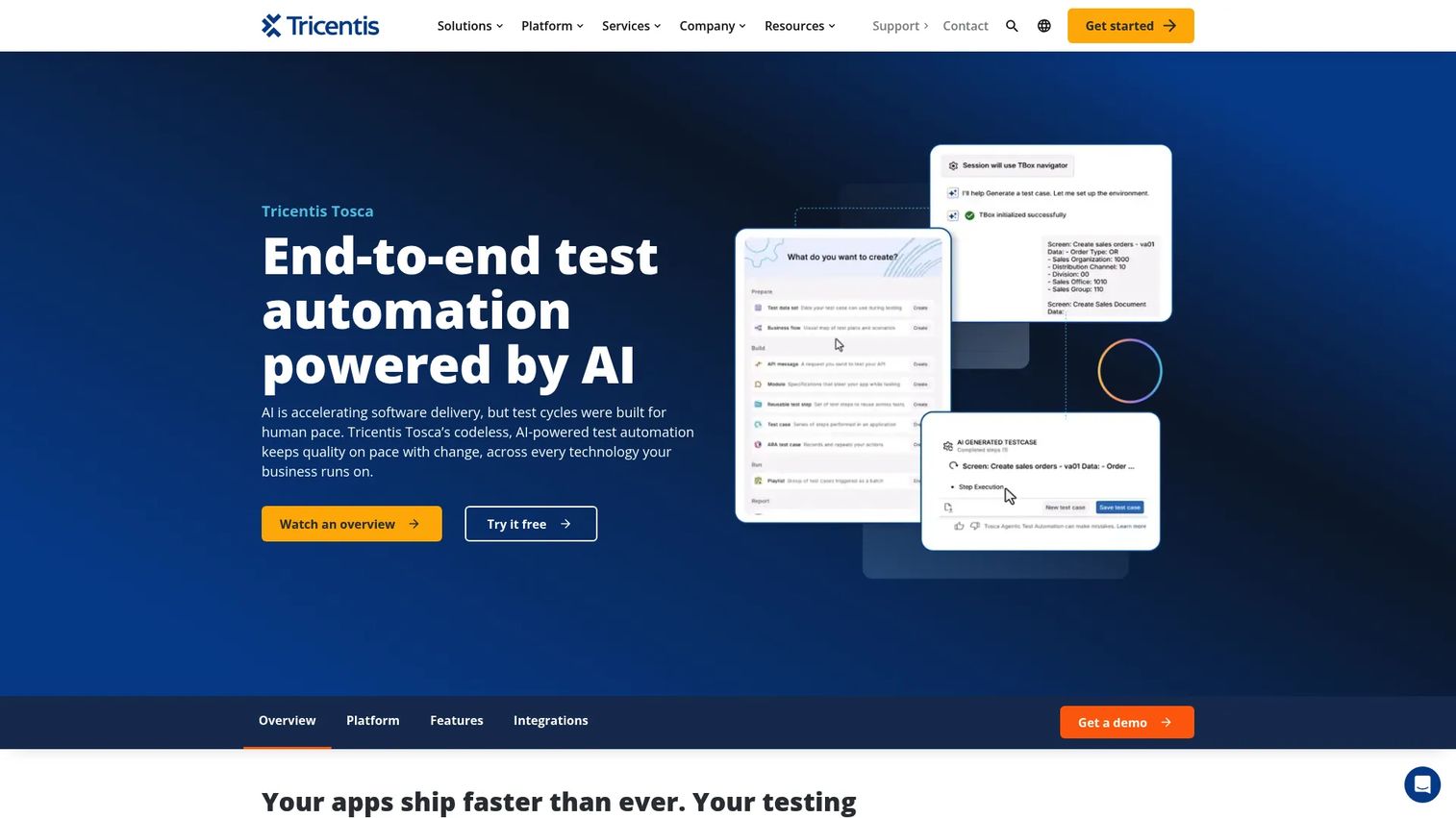
Tricentis Tosca is an enterprise test automation platform built around model-based and AI-assisted codeless testing. It covers packaged apps (SAP, Salesforce, Oracle), complex business workflows, and regulated environments. Risk-based testing helps teams prioritize what to automate based on business impact, which is particularly relevant when enterprise buyers ask for evidence of test coverage depth.
Best for: Enterprise QA teams automating end-to-end business workflows across multiple applications, particularly those running SAP or other packaged enterprise systems.
Key features
- Model-based codeless test automation
- AI-driven test generation from natural language
- Risk-based testing and prioritization
- Enterprise app coverage (SAP, Salesforce, Oracle, and others)
- Reporting, traceability, and test data management
Why choose Tricentis Tosca: Choose Tricentis Tosca when enterprise scale, governance requirements, and packaged application coverage are the deciding factors. It suits organizations where test traceability and audit readiness matter as much as execution speed.
Tricentis Tosca pricing: Custom pricing. Contact Tricentis to discuss users, environments, application coverage, support tier, and professional services.
G2 rating: 4.3/5
9. Mabl
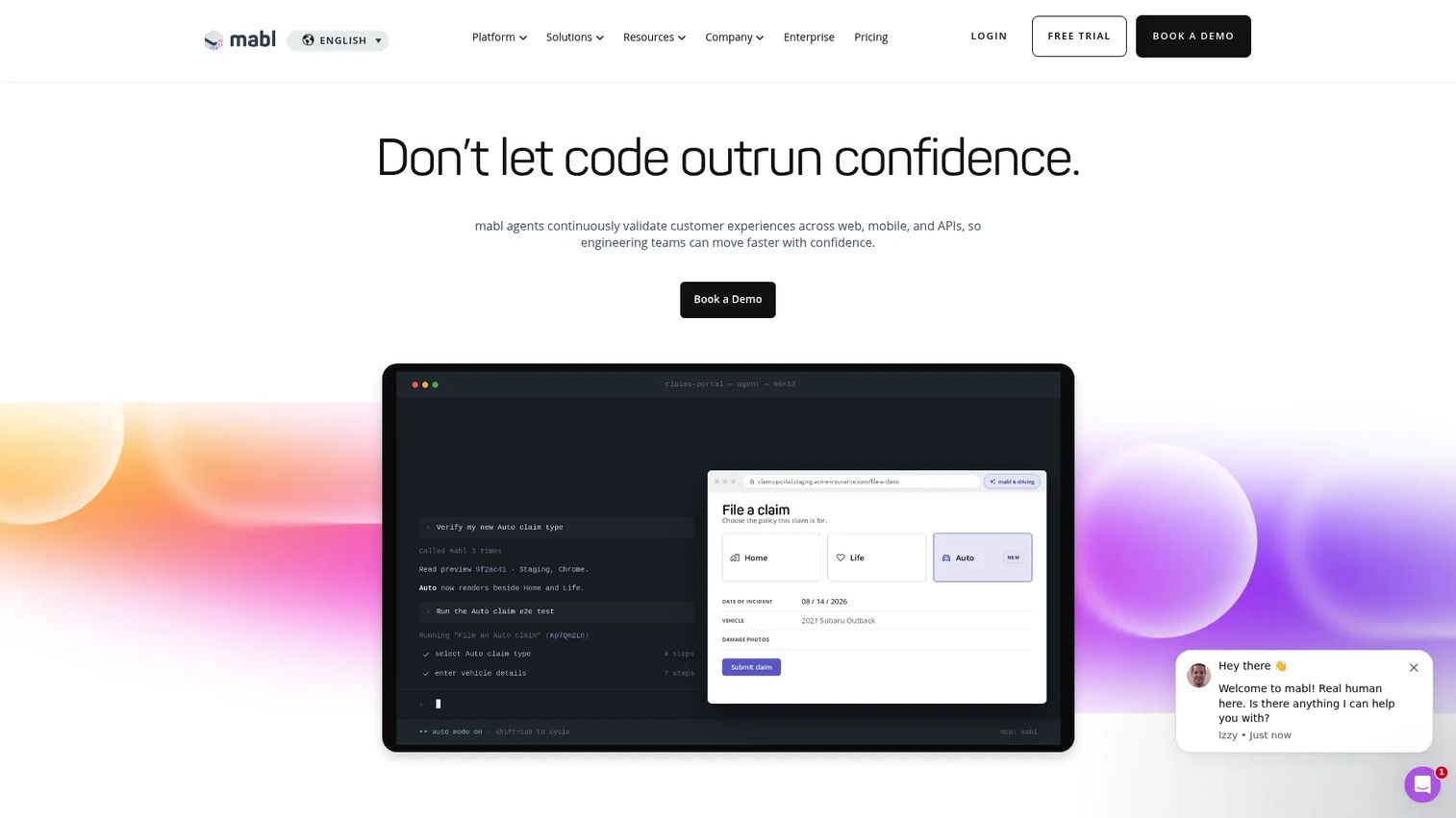
Mabl is an agentic testing platform for web, mobile, API, accessibility, and performance validation. Its AI capabilities focus on practical maintenance problems: Auto-healing broken tests, summarizing failure root causes, and detecting visual changes alongside functional regressions. Mabl targets teams that want automation coverage without writing every test from scratch.
Best for: Engineering and QA teams that want low-code end-to-end automation with AI-assisted maintenance, particularly where fast release cycles create ongoing regression risk.
Key features
- Low-code test authoring with AI-powered failure summaries
- Auto-healing for test maintenance across UI changes
- Cross-browser testing with unlimited parallel execution
- Accessibility and performance testing alongside functional checks
- CI/CD, Jira, GitHub, Slack, and Teams integrations
Why choose Mabl: Choose Mabl when maintenance effort is the biggest blocker to automation adoption. Teams that release frequently and can't afford the time cost of broken test suites will find the auto-healing and failure analysis features especially useful.
Mabl pricing: Custom pricing, with a 14-day free trial. Pricing covers unlimited local and CI test runs, cloud concurrency, environments, and workspaces.
G2 rating: 4.4/5
10. QA Wolf
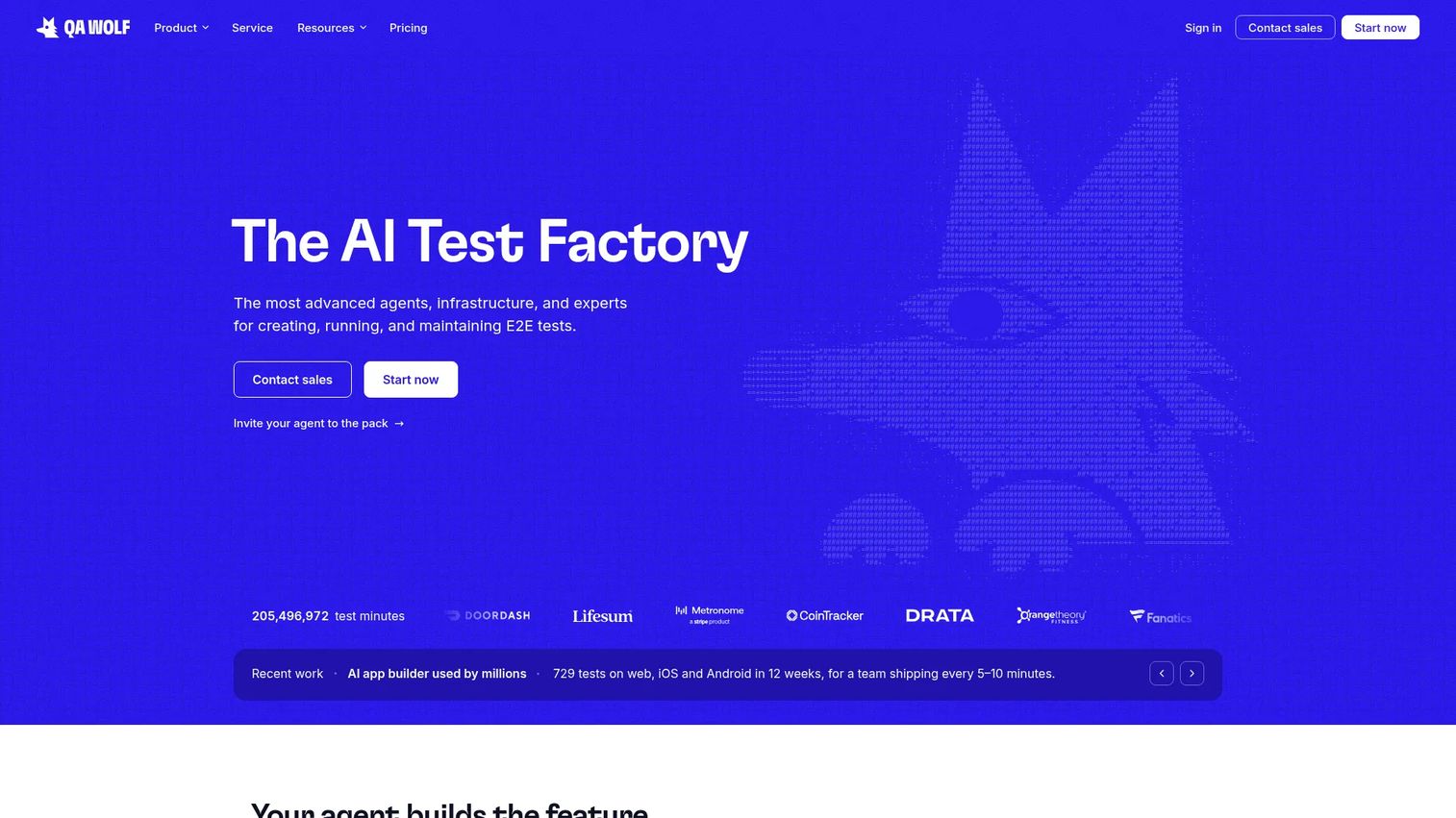
QA Wolf is an AI-native end-to-end testing platform that generates and maintains Playwright and Appium tests automatically. The managed Coverage-as-a-Service model handles test creation, failure investigation, and maintenance on behalf of the team. For presales teams, QA Wolf addresses the scenario where internal QA bandwidth is the bottleneck and sales-critical workflows still need automated protection.
Best for: Engineering teams that need high end-to-end test coverage without staffing a dedicated automation function.
Key features
- AI-powered workflow mapping and test generation via prompts
- Automated failure investigation and bug reporting
- Parallel testing across web, mobile, and desktop
- Multi-user, multi-device, API, and database test support
- CI integration with maintained test suites
Why choose QA Wolf: Choose QA Wolf when the priority is test coverage outcomes rather than script ownership. It's a strong match for organizations where engineering time is more valuable spent on product development than maintaining a test library.
QA Wolf pricing: Platform pricing runs $1/run for web tests and $2/run for mobile or desktop tests (billed in five-minute blocks). New teams receive free test runs. Jump Start and Coverage-as-a-Service are custom-priced.
G2 rating: 4.8/5
11. TestGrid
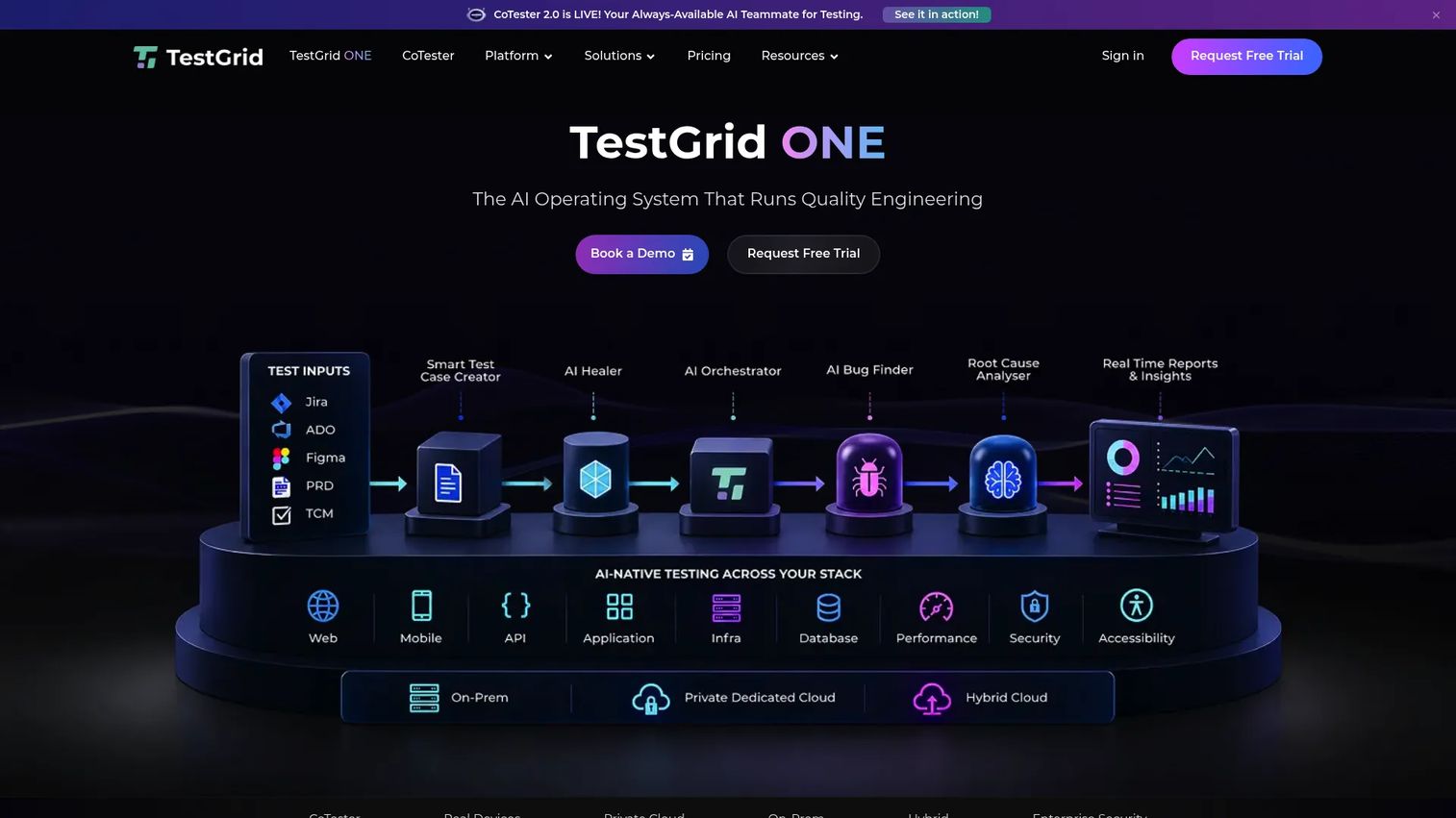
TestGrid is an AI-native quality engineering platform combining test creation with real-device and browser infrastructure. Its AgentRx self-healing capability addresses test drift as the UI changes. The platform supports on-premise, private-cloud, and hybrid deployment, which matters when enterprise buyers have data residency or security requirements for testing environments.
Best for: Enterprise QA teams that need AI-assisted testing alongside flexible device lab deployment, including private or on-premise options.
Key features
- AI test case generation with AgentRx self-healing
- Real-device and browser test execution
- Visual, performance, and API testing
- Cross-browser and mobile app testing
- On-premise, private-cloud, and hybrid deployment options
Why choose TestGrid: Choose TestGrid when device access and automation need to sit close together, especially if the organization has security requirements that rule out fully public cloud infrastructure.
TestGrid pricing: The Starter package starts at $249/seat/month, including 4 devices or browsers and 5,000 tokens. Growth and Custom Device Lab packages use custom pricing.
G2 rating: 4.7/5
12. Katalon
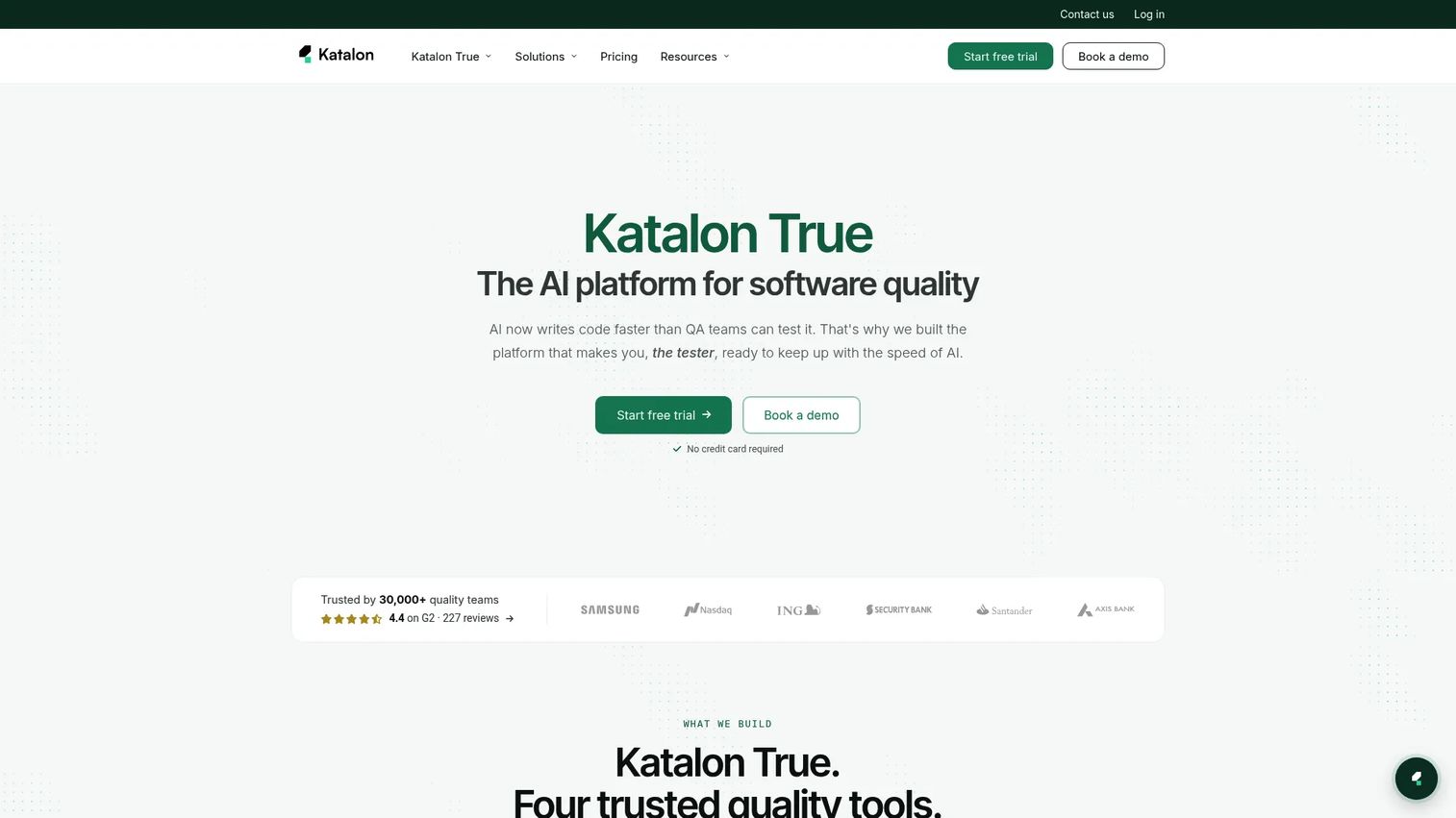
Katalon is an AI-powered software quality platform covering test automation, management, cloud execution, and production monitoring across web, mobile, API, and desktop. It supports Playwright and MCP integrations alongside its own test runner. Low-code authoring keeps the platform accessible to QA teams without deep scripting expertise.
Best for: QA teams that need one automation platform across several test types, with AI-assisted authoring and enterprise governance options.
Key features
- AI-assisted test generation, failure analysis, and self-healing
- Web, mobile, API, and desktop test automation
- Test management, reporting, and analytics
- Cloud execution across browsers and real mobile devices
- Playwright support and MCP integrations
Why choose Katalon: Choose Katalon when the team needs broad coverage without building separate frameworks for each test type. It suits QA organizations that want structure, scripting flexibility, and governance in one platform.
Katalon pricing: A free tier supports local authoring and execution. The Professional plan starts at $1,000/seat/year (billed annually). Enterprise pricing is custom.
G2 rating: 4.4/5
13. Applitools
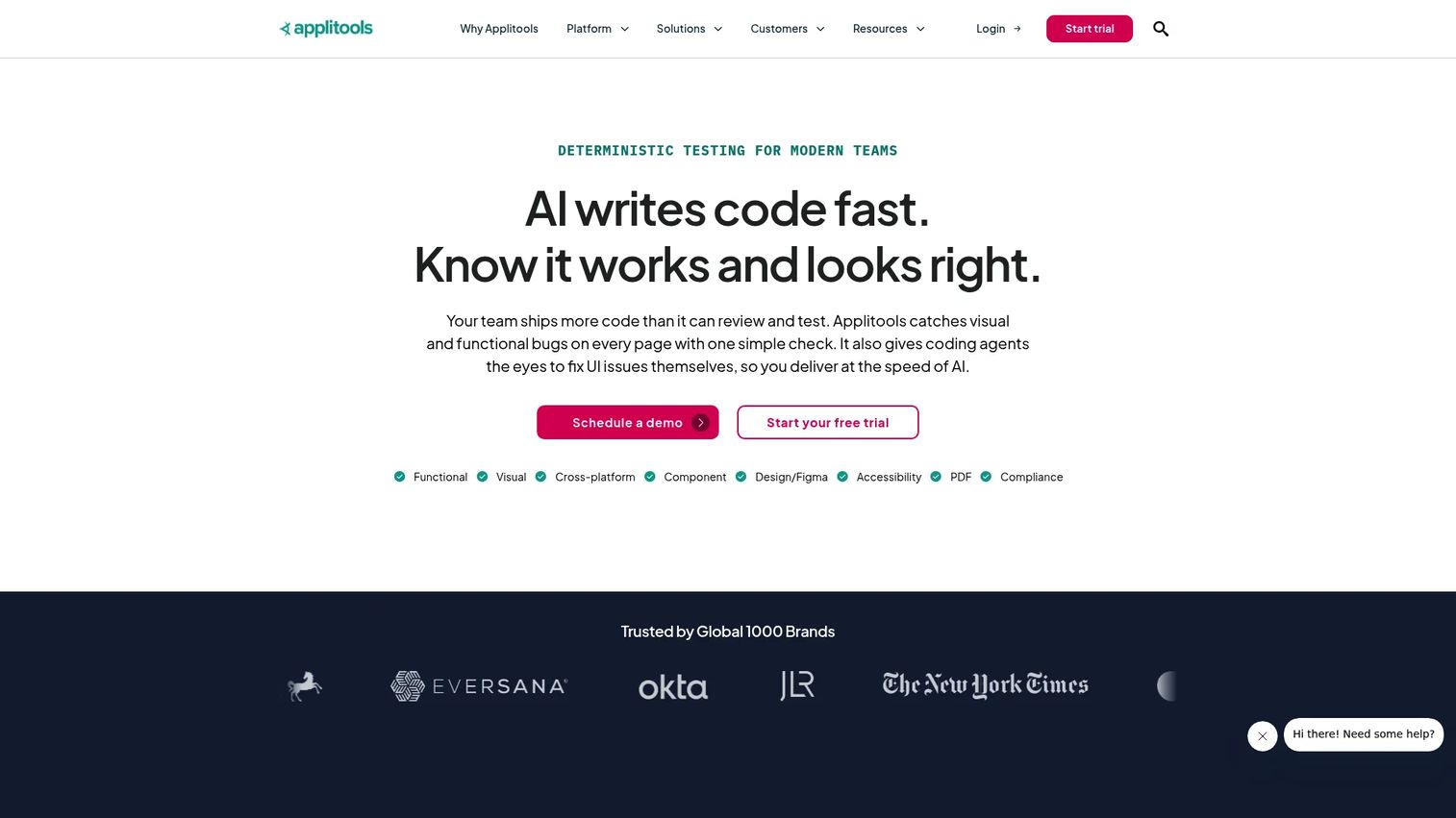
Applitools is an AI-powered testing platform focused on visual validation, functional testing, and cross-browser UI regression. Its Visual AI engine compares screenshots at a level that catches rendering differences a functional assertion would miss. For presales teams, Applitools helps catch the layout and visual defects that damage credibility in a buyer-facing demo.
Best for: Engineering and QA teams where UI accuracy is part of product trust, and visual regressions need to be caught before they reach a buyer or production.
Key features
- Visual AI testing for cross-browser and cross-device validation
- Automated screenshot comparison with root cause analysis
- Accessibility and document testing
- NLP-based test authoring and codeless API testing
- CI/CD integrations for automated visual checks
Why choose Applitools: Choose Applitools when functional tests alone miss the UI defects that damage buyer confidence. It works alongside existing functional automation rather than replacing it, adding a visual layer to regression coverage.
Applitools pricing: The Starter plan is $667/month (billed annually), covering 100,000 component checkpoints or 1,000 page checkpoints. Professional and Enterprise pricing is customized.
G2 rating: 4.3/5
14. JMeter
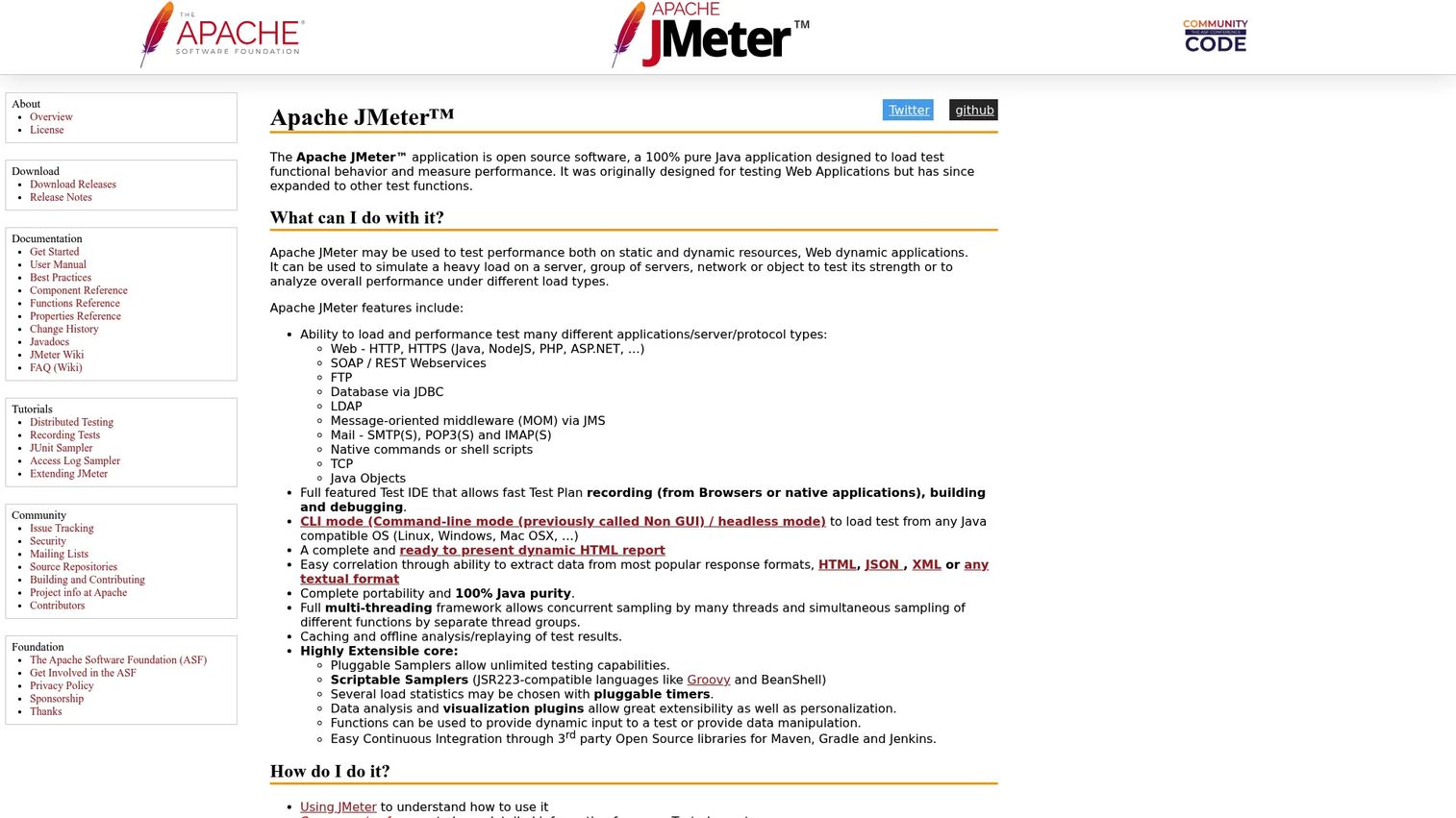
JMeter is an open-source Java application for load, stress, and performance testing of web applications, APIs, and backend systems. It supports HTTP/HTTPS, REST, SOAP, JDBC, FTP, and other protocols. CLI execution makes it straightforward to run JMeter in CI pipelines. For presales teams, JMeter produces the performance evidence enterprise buyers ask for when evaluating scalability and latency.
Best for: Teams running protocol-level load and performance tests where engineering capacity exists to configure and maintain the tool.
Key features
- Load and performance testing across HTTP, REST, SOAP, JDBC, and FTP
- Test plan IDE for building, recording, and debugging
- CLI and headless execution for CI integration
- Dynamic HTML reporting and real-time statistics
- Extensible via samplers, scripting, and visualization plugins
Why choose JMeter: Choose JMeter when performance evidence matters and your team can handle the setup. It's engineering-led rather than no-code, which makes it a better fit for organizations with QA or DevOps engineers than for teams looking for a managed service.
JMeter pricing: Free and open source. Costs come from infrastructure, scripting time, and any reporting or monitoring add-ons the team chooses.
G2 rating: 4.3/5
15. Jira
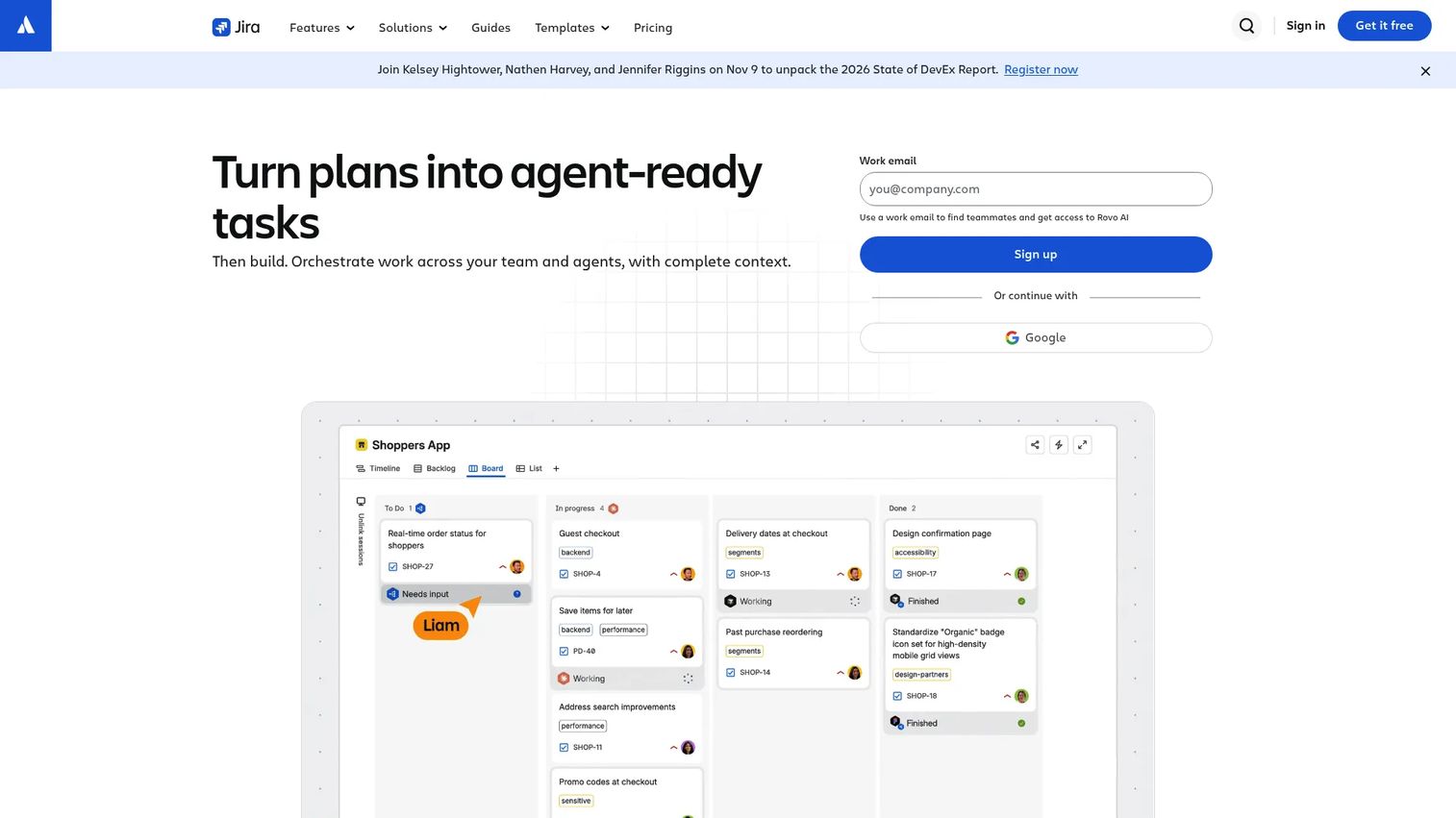
Jira is Atlassian's project management and issue tracking platform, used by engineering and QA teams to plan work, track defects, manage releases, and coordinate across functions. It is not a test execution framework. Its role in a testing stack is visibility: Keeping QA, engineering, product, and presales aligned on what blocks release readiness.
Best for: Cross-functional teams that need a shared system for defect tracking, release workflow, and handoffs between QA, engineering, and sales.
Key features
- Issue tracking with customizable workflows and statuses
- Boards, timelines, and calendars for release planning
- Dependency management across teams and projects
- Integrations with engineering tools including GitHub, Bitbucket, and CI systems
- Reporting dashboards for release health and defect trends
Why choose Jira: Choose Jira when the testing problem is visibility, ownership, and handoff rather than test execution. It keeps QA, product, and presales aligned on what still blocks release confidence, which is the kind of information a sales team needs before booking a POC.
Jira pricing: The Free plan covers up to 10 users. Standard and Premium pricing uses Atlassian's per-user calculator. Enterprise pricing is annual and available through sales.
G2 rating: Not currently verifiable from G2 listing.
Considerations when choosing software testing tools
Match the tool to the test type
API, mobile, visual, performance, and browser testing are distinct problems that require different tools. A platform that claims to do everything often does several things adequately. If your primary risk is visual regressions, adding Applitools to an existing functional suite is more targeted than replacing the suite with a broad platform. Identify the test type that most directly affects your buyer-facing risk, then shortlist tools in that category.
Check who will maintain the tests
Automation fails when ownership is unclear. Developer-owned frameworks like Playwright and Cypress require engineering buy-in. QA-owned platforms like Katalon and Mabl shift authoring toward QA teams. Managed services like QA Wolf remove maintenance from the team entirely. The right model depends on whether your team has bandwidth to write scripts, not on which tool sounds most sophisticated.
Verify CI/CD and workflow fit
Testing tools need to connect to pipelines, issue trackers, and release processes to create real value. A tool that runs tests but doesn't surface results where the team works is a reporting gap waiting to become a missed regression. For presales teams specifically, the link between test results and demo environment readiness is the gap that matters most.
Evaluate reporting and evidence quality
Enterprise buyers ask for proof, not assurances. Review each tool's reporting capabilities: Dashboards, log exports, defect traceability, and test coverage summaries. A team that can show a clean test report during a security review moves faster through procurement than one that describes their process verbally. This is also where CI/CD tools matter, since automated pipelines surface test results where engineering decisions happen.
Compare total cost, not just the subscription price
Open-source tools carry infrastructure and maintenance costs that don't appear in a license comparison. Managed services may include support, test authoring, and maintenance that would otherwise consume engineering time. Quote-based enterprise tools vary by seat count, environment count, and support tier. Ask what the price includes before drawing a line between options.
Conclusion
The right software testing stack for 2026 depends on where your coverage gaps actually sit. Appium and BrowserStack Automate cover mobile risk. Cypress and Playwright protect web flows closest to how developers work. Postman validates API depth that integration-heavy buyers check during evaluation. Tricentis Tosca handles enterprise complexity at scale. Mabl, QA Wolf, and Applitools address maintenance overhead and visual accuracy. JMeter produces the performance evidence large buyers need. Jira keeps the defect history visible across the teams that share responsibility for release readiness.
For presales teams, the lens is straightforward: Better testing protects the moments where buyers validate product truth. Stable demos, reliable POC environments, and clear defect records help technical evaluations move forward rather than stall. Once product flows are stable, the next step is turning them into buyer-ready experiences that prospects can explore at their own pace.
Start your journey with Guideflow today!
FAQs
Software testing tools are applications, frameworks, and platforms that help teams plan, execute, automate, manage, and report on tests that verify software quality before and after release. The category spans test automation frameworks, cloud execution platforms, API testing tools, visual regression tools, performance tools, and defect tracking systems.
A test automation framework (Selenium, Playwright, Appium) provides the code structure, protocol, and language bindings for writing and running tests. A testing platform (BrowserStack Automate, Katalon, Mabl) wraps execution with infrastructure, dashboards, integrations, and sometimes managed services. Teams often use both: A framework for writing tests and a platform for running them at scale.
Cypress and Playwright are the strongest choices for teams building modern web applications, offering end-to-end and component testing with developer-friendly debugging. BrowserStack Automate and LambdaTest extend coverage to real devices and browsers without local lab overhead. Mabl suits teams that want low-code automation with AI-assisted maintenance. Applitools adds visual regression detection where UI accuracy matters.
Appium is the open-source standard for native and hybrid mobile app automation across iOS and Android. BrowserStack Automate and LambdaTest provide real-device cloud infrastructure for running mobile tests at scale. TestGrid adds on-premise or private-cloud device lab options for teams with data residency requirements. Katalon covers mobile testing alongside web and API within a single platform.
Postman is the most widely used tool for API testing, covering request creation, automated test collections, mock servers, and team collaboration. Engineering teams often pair Postman with code-based frameworks or CI/CD pipelines for running API tests automatically on each release. LambdaTest and Katalon also include API testing capabilities within broader platforms. For more options, see our API testing tools guide.
According to Katalon's State of Software Quality report (2025), 76% of QA professionals already use AI-powered tools in their practice. AI testing tools help most with authoring speed, test maintenance, visual regression detection, and failure triage. They reduce the cost of keeping tests current as the product changes. AI does not replace test strategy, environment control, or human judgment about what to cover. See our guide to AI software testing tools for a focused comparison.
Presales teams rarely own testing tools directly, but they absorb the impact of gaps in test coverage during demos, sandboxes, and POCs. A workflow that breaks during a live evaluation costs more than a failed test run. The most productive approach is partnering with QA and engineering to identify the specific product flows that appear in buyer interactions and ensuring those flows are covered by automated regression tests before each release cycle. Our guide to best presales software tools covers the broader presales stack.
Start by identifying the application type (web, mobile, API, desktop), the test type (functional, visual, performance), and the team's scripting capacity. From there, evaluate CI/CD compatibility, reporting depth, and whether the pricing model fits the team's usage pattern. Shortlist two or three tools for a pilot rather than running a full category evaluation at once. The goal is matching the tool to the specific risk, not covering every category simultaneously.