



Your team closed on a Saturday night. Somebody stayed two extra hours counting bottles on a clipboard, then keyed the numbers into a spreadsheet Sunday morning. By Monday the count is already wrong.
That gap is where money leaks. Over-pouring, missed reorders, dead stock sitting in a back cooler, invoices nobody reconciled against what actually arrived. Every one of those shows up as pour cost you can't explain and variance you can't chase.
The global beverage inventory management software market hit $1.2B in 2025 and is projected to grow at a 9.8% CAGR through 2034, according to MarketIntelo (2025). More operators are moving off spreadsheets and weak apps toward real bar inventory software because manual counts stopped being cheap the moment labor got expensive.
This guide ranks 7 tools by how well they fit real liquor workflows: faster counts, automated ordering, and reporting that ties pour cost control to variance tracking. We picked based on workflow fit, not feature bragging.
What's inside
This guide is for bar owners, restaurant operators, general managers, and beverage directors evaluating a liquor inventory app to replace spreadsheets or a tool that stopped keeping up. Every pick maps to an operational need you already recognize.
We ranked the 7 tools on four criteria:
- Speed of inventory capture: how fast a full count gets done
- Automated ordering: purchase orders and vendor workflows that reduce manual reorders
- Reporting depth: variance, COGS, and pour cost visibility
- Mobile access and integrations: phone-and-tablet counting plus POS integration
TL;DR
Short on time? Here are the decision shortcuts:
- Best overall for bars and restaurants: Backbar, for invoice-fast onboarding, POS-connected counts, and ordering in one place
- Best for fast counting: Partender, built around a roughly 15-minute inventory workflow
- Best for ordering automation: Backbar, with one-click purchasing and invoice capture
- Best for a hands-on vendor relationship: Bar Patrol, with Bluetooth-scale counts and bar-industry support
- Best for multi-venue beverage programs: Bevspot, for inventory, ordering, and recipe costing across locations
- Best for a full food-and-beverage operation: WISK.ai, pairing beverage and food inventory with cost control
- Best for simple visual inventory: Sortly, for photo-based tracking and quick adoption
What is liquor inventory software?
Liquor inventory software is a system for counting beverage stock, tracking consumption, generating purchase orders, and reporting on variance and cost of goods sold. It replaces the clipboard-and-spreadsheet routine with a mobile inventory counting flow that syncs to sales data, so operators can see margin leakage instead of guessing at it.
At its core, a bar inventory app handles the loop between what you bought, what you poured, and what should be left on the shelf. When that loop closes, pour cost stops being a monthly surprise.
Core capabilities to expect from beverage inventory software:
- Mobile counting: count bottles by phone or tablet, on the floor, in real time
- Beverage ordering: generate purchase orders sorted by distributor
- Barcode scanning or invoice capture: log items and reconcile deliveries without manual entry
- Variance and pour cost reporting: compare theoretical vs actual usage to surface shrinkage
- POS and accounting integrations: pull sales data automatically to calculate COGS
The difference between a good tool and a spreadsheet is signal. A spreadsheet tells you what you counted. Bar inventory management software tells you what that count means for margin.
When to use liquor inventory software
Stop doing counts in spreadsheets
If your count still lives in a shared sheet, you are paying twice: once for the labor to count, once for the errors that follow. A dropped decimal or a stale tab quietly distorts every downstream number. A dedicated tool moves counting to a mobile flow and locks the math, so the count you finish is the count you trust.
Reduce waste and dead stock
Waste hides in plain sight. Bottles that never sell, product that expired, over-pours nobody flagged. Variance tracking compares expected usage against actual depletion and shows you exactly where liquid disappeared. Spotting dead stock early means you stop reordering things that gather dust.
Automate replenishment and vendor ordering
Manual reordering is where operators lose evenings and over-buy. Automated ordering builds purchase orders off par levels and current counts, then groups them by vendor. You approve, send, and move on. Fewer stockouts, fewer emergency runs, cleaner invoices to reconcile later.
Comparison table
The list below is ordered by relevance to liquor inventory workflows, starting with the strongest all-around fit for bars and restaurants.
| # | Product | Best for | Key differentiator | Pricing | G2 rating |
|---|---|---|---|---|---|
| 1 | Backbar | Bars and restaurants wanting onboarding speed | Invoice-fast setup with POS-connected ordering | Free; paid from $79/mo per location | 3.8/5 |
| 2 | Partender | Teams that want the fastest counts | Roughly 15-minute inventory workflow | From $299/mo (annual) | Not listed |
| 3 | Bar Patrol Inventory App | Independent bars wanting hands-on support | Bluetooth liquor scale plus 1-click ordering | From $49/mo (annual) | Not listed |
| 4 | Bevspot | Multi-location beverage programs | Inventory, ordering, and recipe costing | From $948/yr | 3.0/5 |
| 5 | Bar cop | Bars wanting inventory plus loss recovery | Variance, labor, and cash reconciliation | $249/mo | Not rated |
| 6 | WISK.ai | Full food-and-beverage operations | Beverage and food inventory with invoice scanning | From $249/mo | 5.0/5 |
| 7 | Sortly | Simple visual inventory | Photo-based tracking with barcode scanning | Free; paid from $24/mo | 4.3/5 |
1. Backbar
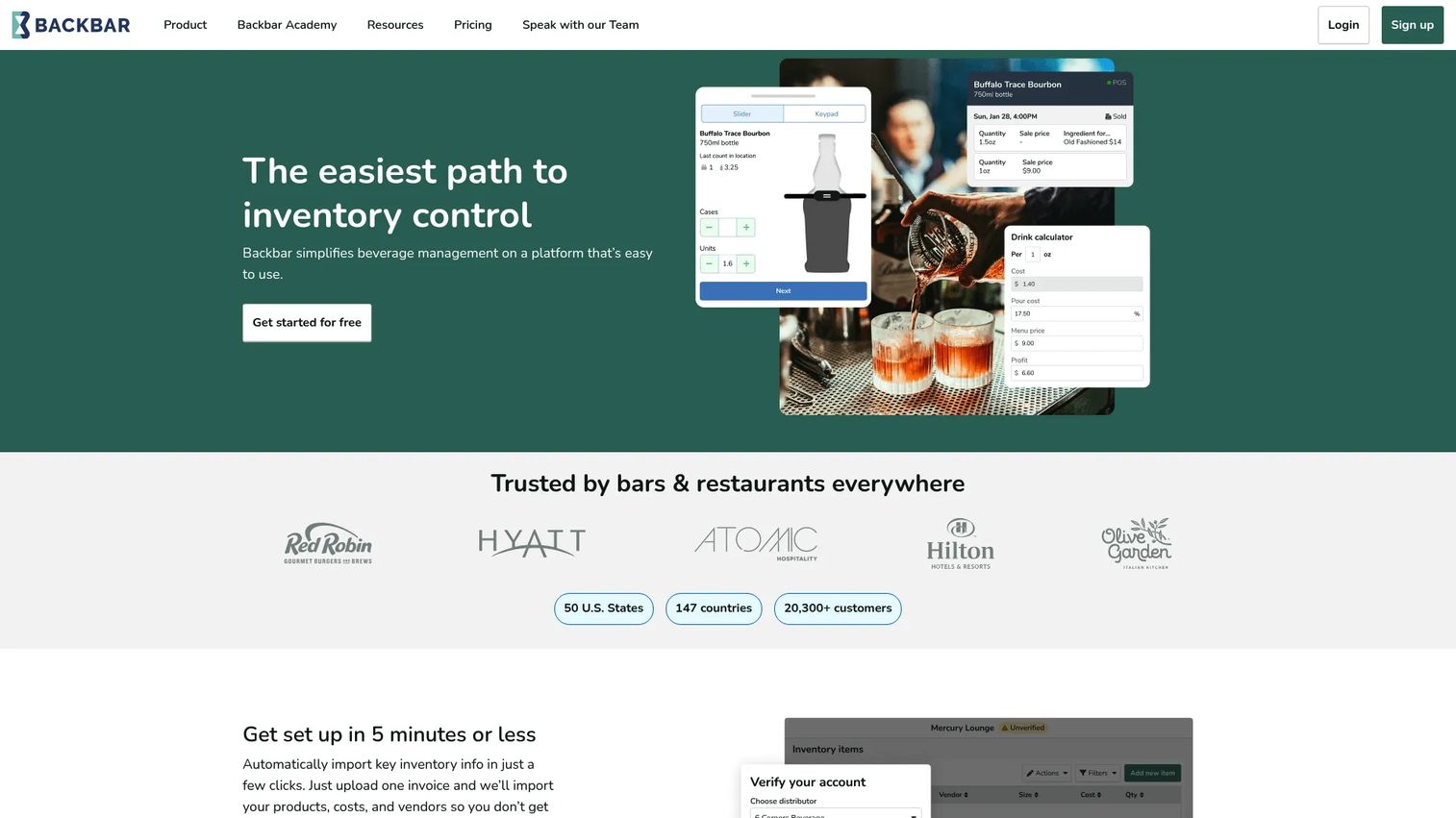
Backbar is bar inventory, purchasing, and reporting software built for bars and restaurants that want operational fit without a long setup. You can upload an invoice to seed your product list, count on web or mobile, and connect your POS so counts and sales data line up. Ordering and cost control live in the same place, which is why it earns the top spot for teams switching off spreadsheets.
Best for: Bars and restaurants that want fast onboarding and ordering in one system.
Key features
- Web and mobile inventory counting
- Purchase orders and invoice capture
- Drink pricing and pour cost calculator
- POS integration for sales-connected counts
- One-click purchasing by vendor
Why choose Backbar: If you want a straightforward mobile workflow and a single place for counting, ordering, and pour cost, Backbar fits operators who value getting running quickly over configuring a heavy suite.
Backbar pricing: Backbar starts free at $0/month per location on the Basic plan. Essential runs $79/month per location and Professional is $129/month per location, with yearly billing offered at different listed rates.
Backbar holds a 3.8/5 rating on G2.
2. Partender
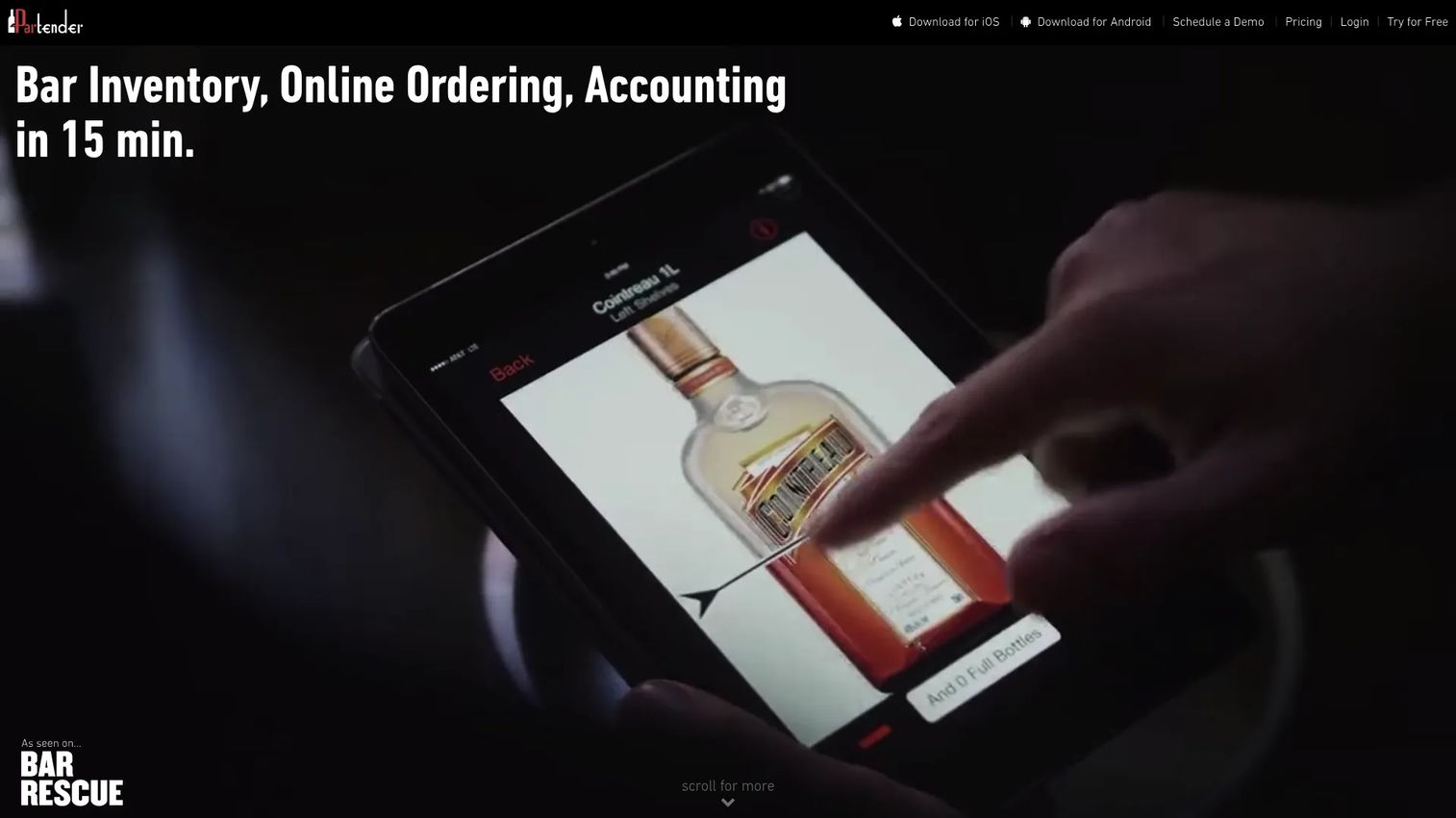
Partender is bar inventory, ordering, and accounting software built around speed. Its signature is a roughly 15-minute inventory workflow: you tap the fill level of each bottle on a tablet or phone and move on. From there it generates purchase orders sorted by distributor and surfaces consumption and variance analytics so you can see shrinkage without a spreadsheet.
Best for: Bars and restaurants that want faster counts and automated purchasing.
Key features
- 15-minute tap-to-count inventory workflow
- Instant purchase orders sorted by distributor
- Consumption and variance analytics
- Multi-device access across tablet and phone
- Shrinkage reporting for pour cost control
Why choose Partender: Choose Partender when count speed and labor savings matter more than a broad all-in-one suite. The tap-the-fill-level flow is the fastest way most teams will get through a full bar.
Partender pricing: Partender offers a 14-day free trial. Pro Monthly is $399/month, and Pro Annual drops to $299/month when billed annually. Enterprise pricing is quote-based.
A current G2 rating for Partender was not available at publication.
3. Bar Patrol Inventory App
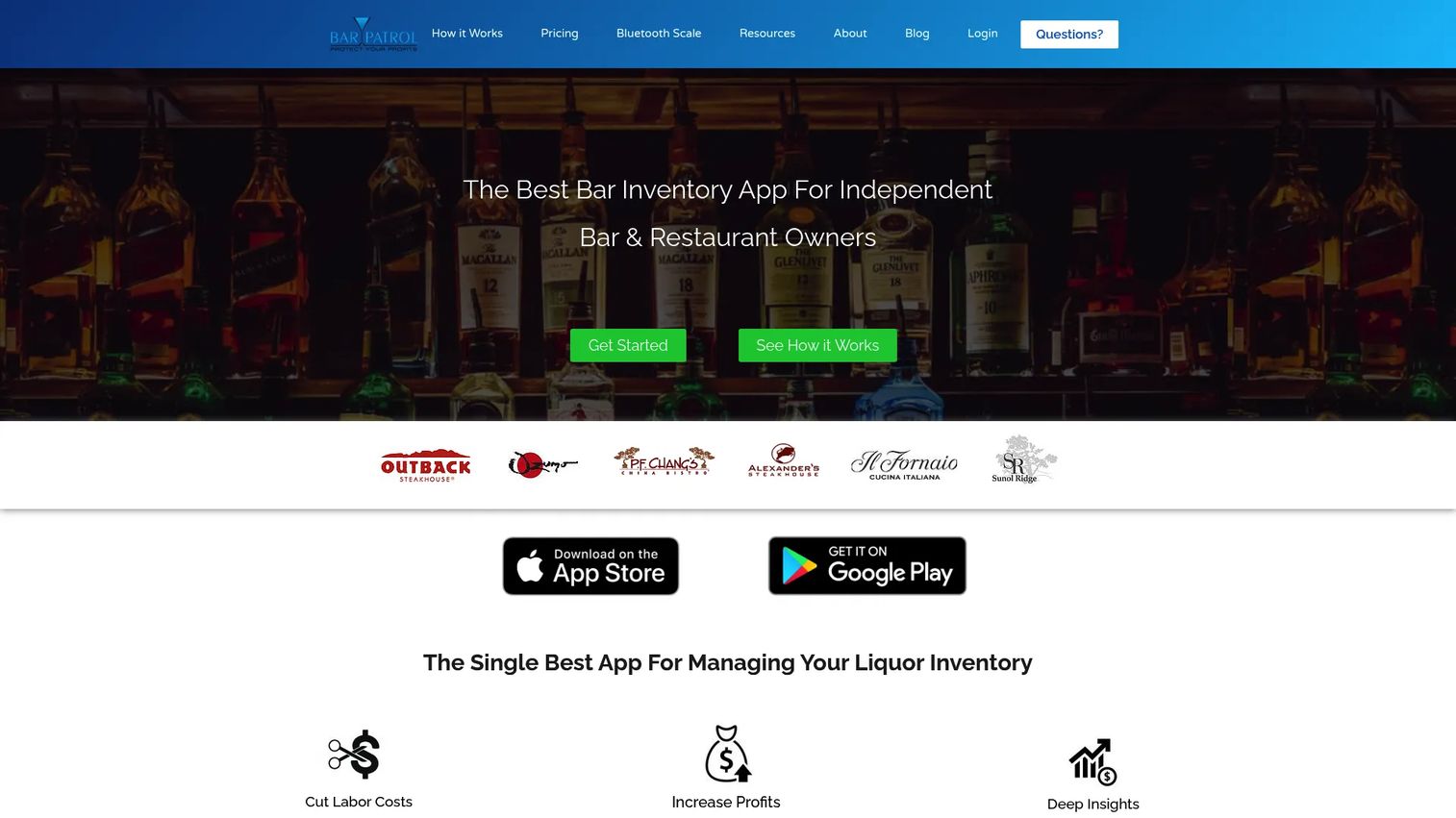
Bar Patrol is bar inventory management software with a bar-industry lean and a hands-on vendor relationship. It pairs a Bluetooth liquor scale for precise weight-based counts with POS sales-data uploads, then handles 1-click ordering and invoicing. Operators who want a real person to talk to about their program tend to gravitate here.
Best for: Independent bars and restaurants that want inventory tracking, ordering, and support.
Key features
- Bluetooth liquor scale integration
- POS sales data upload
- 1-click ordering and invoicing
- Variance and pour cost reporting
- No-contract, cancel-anytime plan
Why choose Bar Patrol: Pick Bar Patrol when you want accurate weight-based counts and a vendor that leans into support and bar-industry credibility rather than leaving you to self-serve.
Bar Patrol pricing: Bar Patrol runs one plan with all premium features. It is $49/month billed annually or $69/month billed monthly, with no contracts and no hidden fees.
A current G2 rating for Bar Patrol was not available at publication.
4. Bevspot
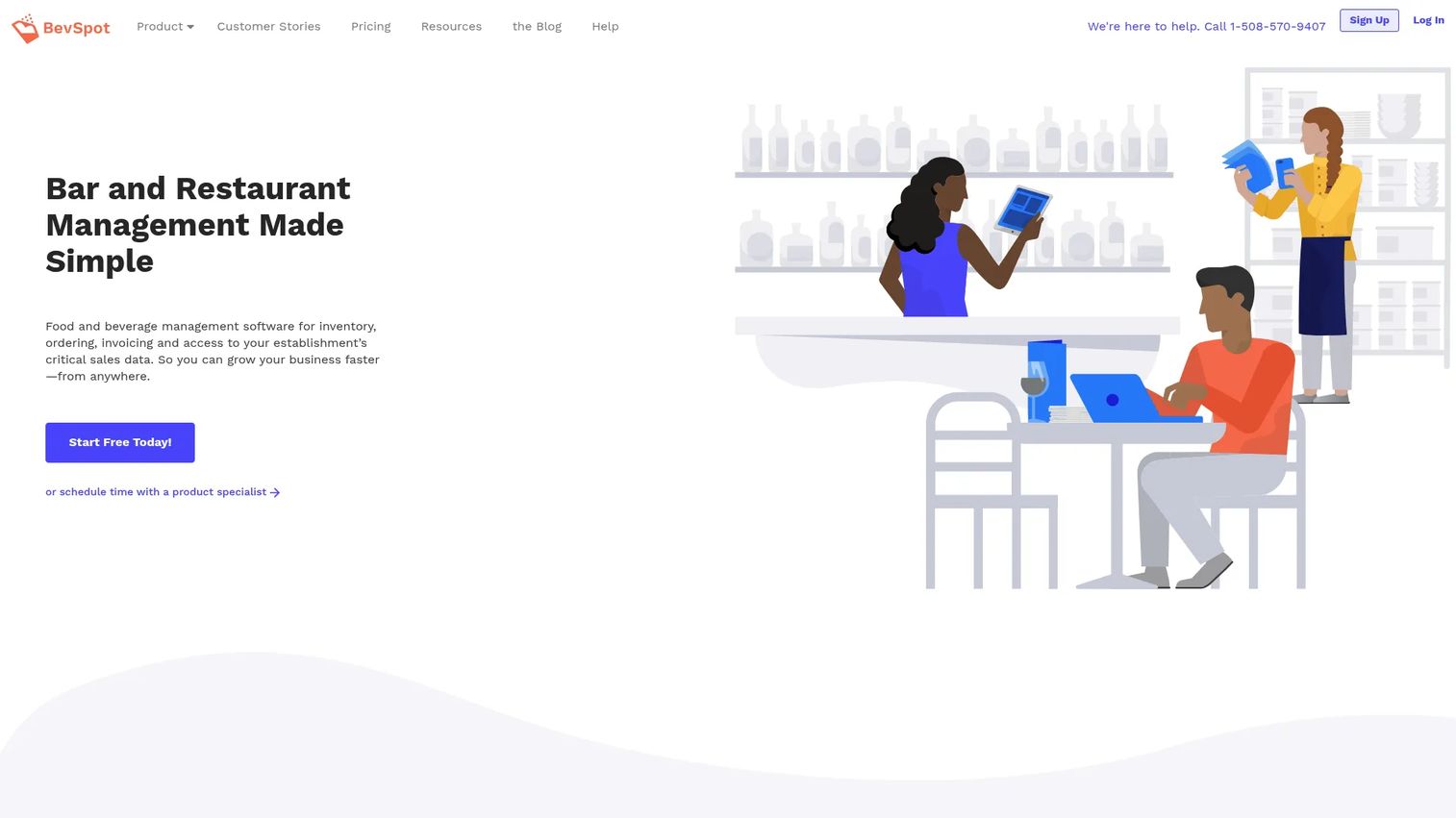
Bevspot is web-based food and beverage inventory and operations software built for bars, restaurants, and multi-location operators. You can count inventory on any device, place orders in one click, and cost out menus and recipes. That recipe-costing layer is what makes it a fit for beverage programs that need more control as they add venues.
Best for: Bars, restaurants, and multi-location operators needing inventory, ordering, and recipe costing.
Key features
- Inventory counting on any device
- One-click ordering
- Menu and recipe costing
- Purchase orders across venues
- Reporting for beverage cost control
Why choose Bevspot: Choose Bevspot when a growing footprint needs beverage-control structure, especially recipe and menu costing tied to inventory, rather than a single-bar tool.
Bevspot pricing: Bevspot offers a free trial. Published annual pricing includes Starter at $948/year and Standard at $1,428/year, with food and beverage plans priced separately and Enterprise available by contacting sales.
Bevspot holds a 3.0/5 rating on G2.
5. Bar cop
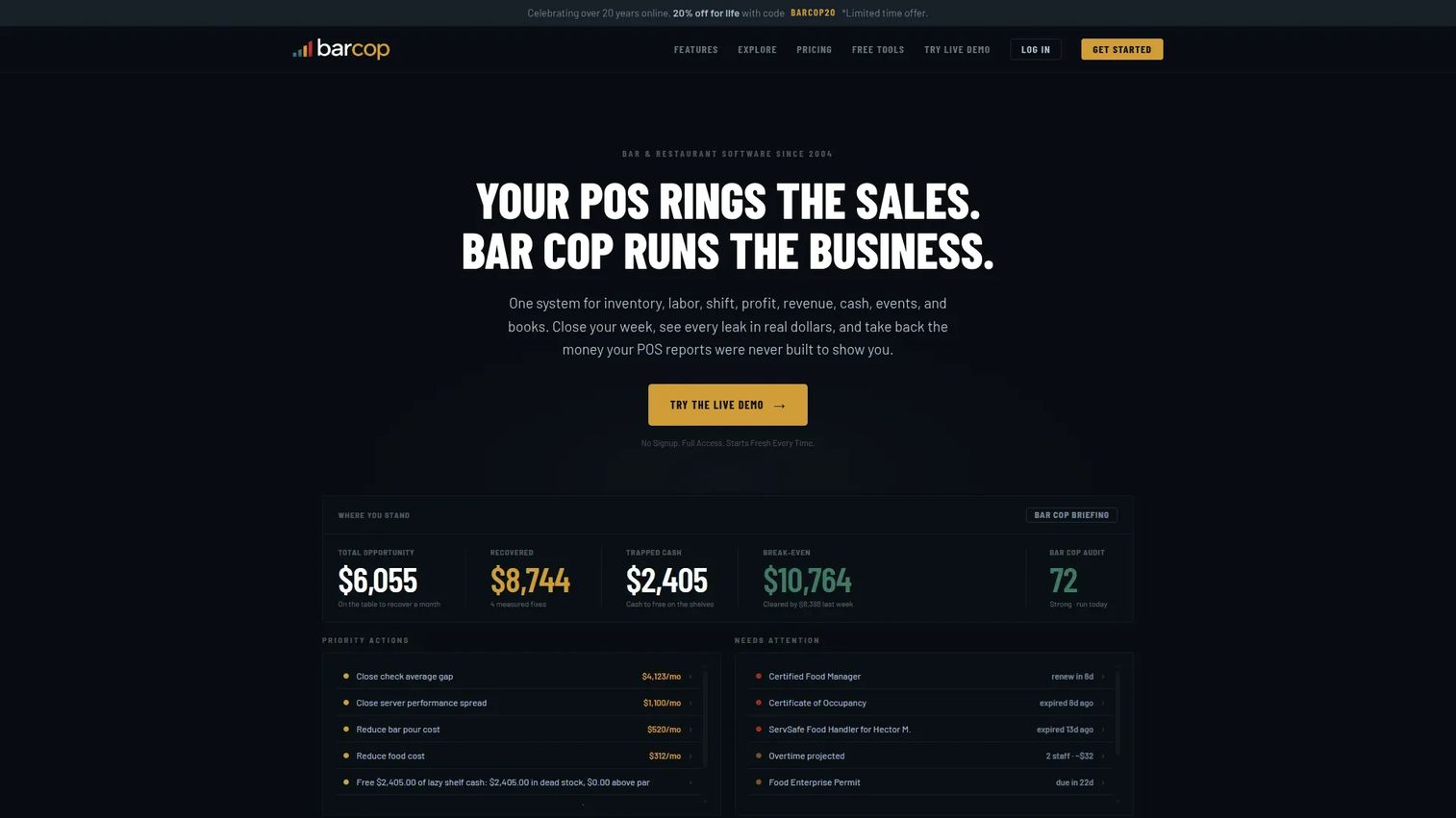
Bar cop is bar and restaurant management software that puts inventory alongside labor, cash, and loss recovery. Its inventory control includes variance and order-to-par tools, and it layers on shift and cash-drawer reconciliation plus profit and revenue audits. It reads less like a lightweight counter and more like a single system for tracking where money goes.
Best for: Bars and restaurants that want one system for inventory, labor, and loss recovery.
Key features
- Inventory control with variance and order-to-par
- Shift and cash drawer reconciliation
- Profit and revenue audits
- Cash recovery tracking
- Flat pricing with no add-ons
Why choose Bar cop: Choose Bar cop when you want inventory counting to sit inside a broader loss-prevention system covering labor and cash, not just bottles on a shelf.
Bar cop pricing: Bar cop uses one flat price with no tiers or add-ons. It is $249/month or $2,490/year, and a live demo serves as the trial.
Bar cop does not have an established G2 rating yet.
6. WISK.ai: Bar & Food inventory
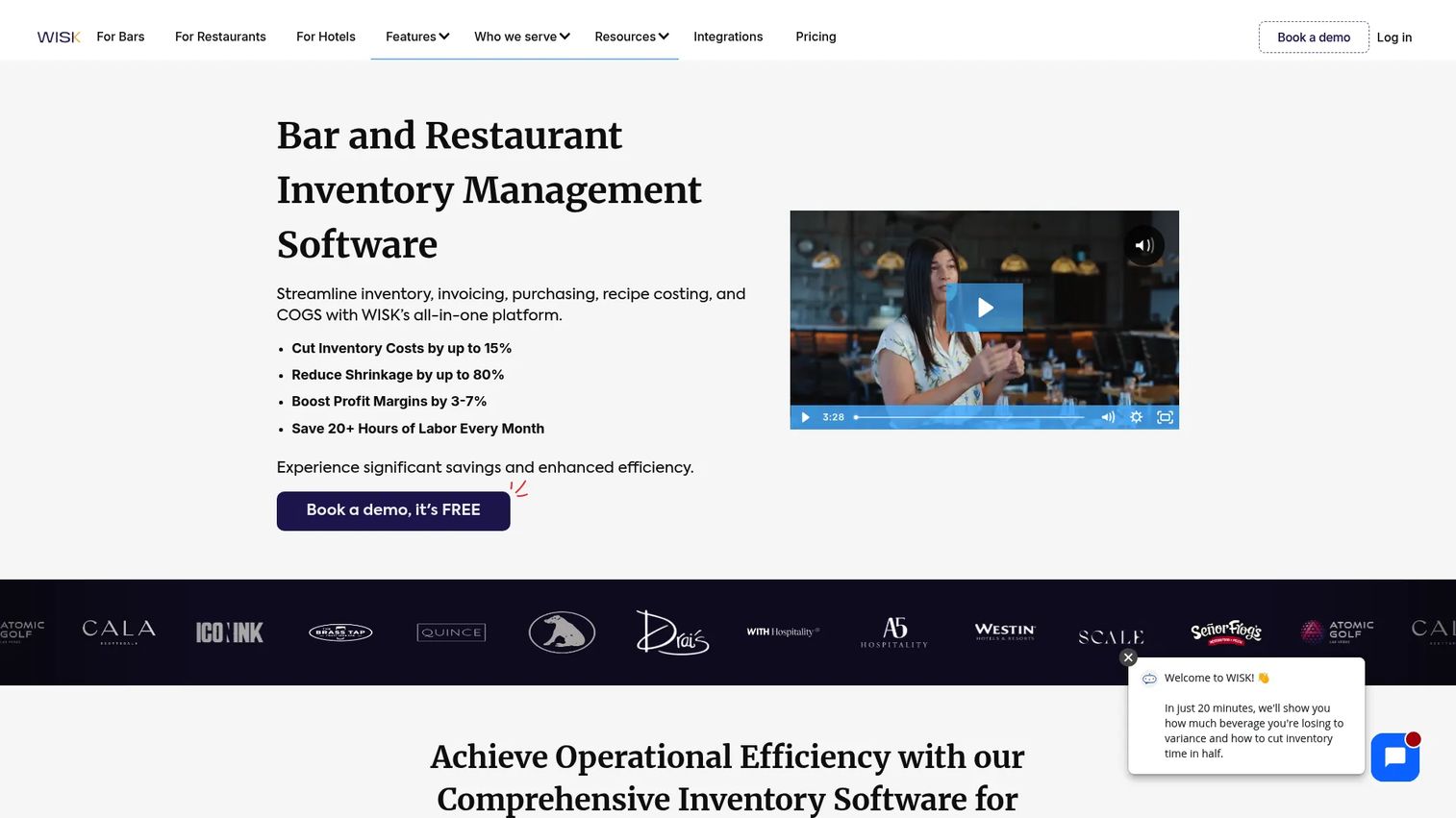
WISK.ai is inventory management software that handles beverage and food inventory together. It scans invoices, updates costs automatically, and connects to your POS, so a beverage program inside a larger kitchen operation stays under one roof. Waste and variance tracking plus cost-control reporting make it a strong fit when drinks and food share a P&L.
Best for: Bars and restaurants needing inventory, invoicing, and cost control in one platform.
Key features
- Beverage, food, and F&B inventory management
- Invoice scanning with automated cost updates
- POS integrations and analytics
- Waste and variance tracking
- Multi-location support
Why choose WISK.ai: Choose WISK.ai when the beverage program sits inside a broader food-and-beverage operation and you want counting, invoice capture, and cost control across both in one platform.
WISK.ai pricing: WISK.ai publishes tiers by shape. Single-venue Beverage and single-venue Food each start at $249/month, the single-venue F&B bundle is $399/month, and multi-outlet and Enterprise pricing scale up from there. Implementation fees are published separately.
WISK.ai holds a 5.0/5 rating on G2, based on a small number of reviews.
7. Sortly
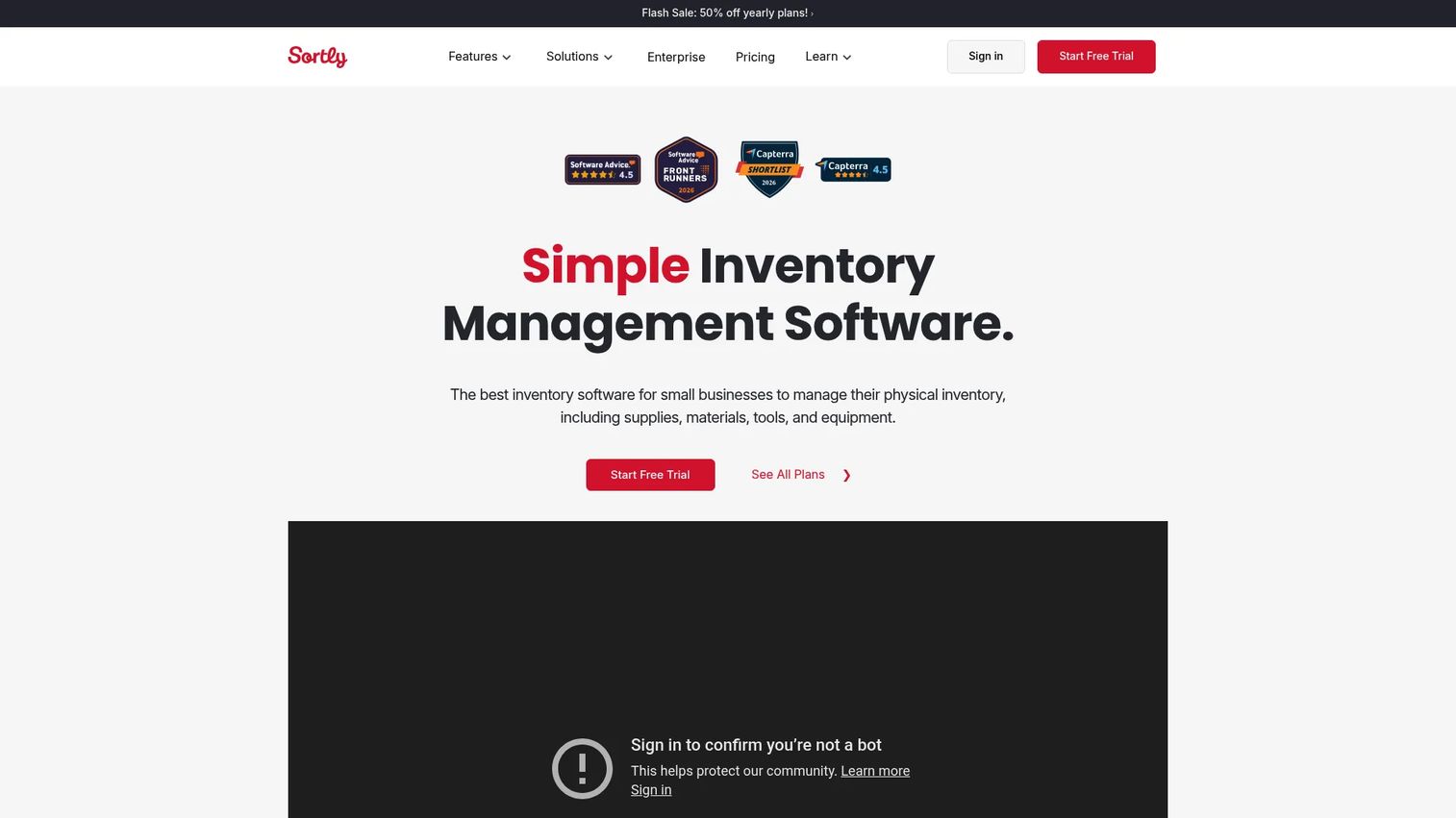
Sortly is general-purpose inventory management software that leans on visual, photo-based tracking. It is not bar-specific, but for a smaller operation that wants a simple, mobile way to track bottles, kegs, and equipment, it adopts fast. Barcode and QR scanning plus low-stock alerts cover the basics without a steep learning curve.
Best for: Operations needing a simple inventory tracker with mobile scanning and custom fields.
Key features
- Mobile app for on-the-floor tracking
- Barcode and QR code scanning
- Low-stock and date-based alerts
- Photo-based visual inventory
- Custom fields for any item type
Why choose Sortly: Choose Sortly when simplicity and quick adoption matter more than beverage-specific pour cost and variance depth. It is the easiest on-ramp for a small team that just needs a clean, visual count.
Sortly pricing: Sortly starts free at $0/month. Advanced is $24/month, Ultra is $74/month, and Premium is $149/month, with Enterprise available by quote and annual billing offered on paid plans.
Sortly holds a 4.3/5 rating on G2.
Considerations
Count speed versus control
Fast counting saves labor, but the fastest flow isn't always the one with the deepest reporting. Decide whether your bottleneck is the count itself or understanding what the count means. Some teams need speed first; others need variance depth first.
Ordering workflows and vendor fit
Look at how the tool builds purchase orders. Does it group by distributor, respect par levels, and let you approve before sending? Automated ordering only saves time if it maps to how your vendors actually work.
Reporting depth for pour cost and variance
The whole point of switching is signal. Confirm the tool calculates theoretical usage against actual depletion and surfaces pour cost control clearly. Weak reporting turns a good count into a number with no meaning.
Mobile usability in a busy venue
Counting happens on a loud floor, often after close. Test the mobile flow on the device your team will actually use. A tool that fights you on a phone is a tool your staff will quietly abandon.
Integrations and data export
Check POS integration and accounting connections before you commit. Sales data pulled automatically is what makes COGS accurate. And confirm you can export your own data if you ever leave.
Conclusion
The best liquor inventory software is the one your team will actually use after the first month. Speed, reporting, and ordering all matter, but consistency beats every feature list.
For most bars and restaurants, Backbar is the strongest all-around fit thanks to invoice-fast onboarding and POS-connected ordering. If raw counting speed is your bottleneck, Partender's roughly 15-minute workflow is hard to beat. Bar Patrol suits operators who want a hands-on vendor and weight-based accuracy. Bevspot fits multi-venue beverage programs that need recipe costing, and WISK.ai is the pick when food and beverage share one P&L. For a smaller team that just wants a clean, visual count, Sortly adopts fastest, while Bar cop makes sense when inventory belongs inside a broader loss-recovery system.
Pick the two that match your venue type and team size, run a trial through one real close, and choose the one your staff finishes counting without complaints.
Start your journey with Guideflow today!
FAQs
There is no single winner for every bar. Backbar fits most bars and restaurants that want fast onboarding and ordering in one place, while Partender wins on raw counting speed. Match the tool to your bottleneck: counting time, ordering, or reporting depth.
It compares theoretical usage, what should have been poured based on sales, against actual depletion from your counts. That variance tracking exposes over-pouring, spillage, and dead stock you would otherwise miss. Catching those gaps early stops you from reordering product that never sells.
Yes. Most modern tools are built for mobile inventory counting on a phone or tablet, so staff count on the floor instead of transcribing to a spreadsheet later. Backbar, Partender, Bevspot, and Sortly all offer mobile counting.
Many tools do. Automated ordering builds purchase orders from par levels and current counts, then groups them by distributor for approval. Backbar offers one-click purchasing, Partender generates orders sorted by distributor, and Bar Patrol includes 1-click ordering.
Look for variance reporting, pour cost, and COGS at minimum. Variance shows the gap between expected and actual usage. Pour cost tells you margin per drink, and COGS ties it back to sales data pulled through POS integration. Inventory reporting without sales context only tells half the story.
Often, yes. Even a small bar loses real money to over-pouring and dead stock, and the labor saved on counts adds up. Free or low-cost tiers from Backbar and Sortly let a small operation start without a big commitment, then upgrade if the reporting proves its worth.
Most operators count weekly, with high-volume bars counting more often on fast-moving spirits. Weekly counting keeps variance tracking meaningful and catches shrinkage before it compounds. The faster your counting workflow, the easier it is to count often without burning labor.
Bar inventory software focuses on liquid: bottle levels, pour cost control, and beverage-specific variance. Restaurant inventory software adds food items, recipe costing, and prep tracking. Tools like WISK.ai and Bevspot bridge both, which matters when drinks and food share the same P&L.










