Your team has tripled in eighteen months. Employees work from three continents, contractors need controlled access to production tools, and your one infrastructure-fluent engineer handles every endpoint exception personally. Security reviews are surfacing gaps. Onboarding a new hire still takes two days of device configuration.
This is the moment most Series B companies hit: The endpoint model that worked at 20 people breaks at 80. Virtual desktop infrastructure (VDI) software centralizes desktop delivery so users get a consistent, managed environment from whatever device they pick up, while your IT owner maintains control from a single console.
The global VDI market reached $25.89 billion in 2026, up from $21.83 billion in 2025, according to Research and Markets (2026). Cloud-based deployments now account for 58.3% of that market, per Dataintelo (2026). The momentum is real, but the wrong platform choice creates a different bottleneck: An infrastructure project that only one specialist can maintain.
Which VDI platform gives your team centralized control without creating a new dependency only one person can operate?
What's inside
This guide covers 14 VDI software platforms verified for 2026. It is written for founders and operations leaders evaluating desktop virtualization for distributed teams, contractor access, or security initiatives.
Platforms were selected based on:
- Deployment fit: Cloud VDI, on-premises, hybrid, and Desktop as a Service options
- Operational ownership: How much specialist expertise the platform requires after go-live
- Security controls: Identity integration, session policy, and data separation
- Pricing transparency: Whether total cost of ownership is estimable before a sales call
TL;DR
- Best for Microsoft-centric organizations: Microsoft Azure Virtual Desktop sits natively inside the Microsoft identity and cloud stack
- Best for AWS-first teams: Amazon WorkSpaces provides managed cloud desktops without building the control plane internally
- Best for enterprise app delivery: Citrix DaaS handles complex application estates with deep policy controls
- Best for hybrid virtualization estates: Omnissa Horizon suits organizations already running mature virtual infrastructure
- Best for lean IT teams: Parallels RAS and V2 Cloud reduce administration overhead for growing companies
- Best open-source option: Proxmox gives technically capable teams full infrastructure control at a low licensing entry point
What is VDI software?
VDI software creates and manages virtual desktop environments hosted on centralized infrastructure, allowing users to access a consistent desktop from approved devices without local installation dependencies.
How virtual desktop infrastructure architecture works
A typical virtual desktop infrastructure architecture includes several layers working together:
- Virtual machines or shared sessions: Each user gets a dedicated VM or shares a server-side session
- Hypervisor or cloud compute: The underlying layer that runs and isolates workloads
- Connection broker: Routes authenticated users to their assigned desktop
- Centralized storage: Holds operating systems, application images, and user profiles
- Identity and access controls: Determines who can reach which desktop under which conditions
- Client access: Users connect via a thin client, managed laptop, browser, or personal device
- Monitoring and policy management: Administrators apply security rules, usage reporting, and lifecycle controls from one console
Core VDI deployment models
On-premises VDI: The organization owns and operates the compute, storage, and networking infrastructure. Maximum control, maximum operational ownership.
Cloud VDI: Desktop workloads run in a public or private cloud. The provider handles the underlying infrastructure; your team manages the desktop layer.
Hybrid VDI: Workloads span local infrastructure and cloud resources. Useful during migration or when latency requirements differ by location.
Desktop as a Service (DaaS): A provider manages more of the stack, including maintenance, patching, and availability. The buyer configures desktops and policies rather than operating servers.
Persistent versus nonpersistent VDI
Persistent VDI retains user-level changes, installed applications, and preferences between sessions. Nonpersistent VDI resets to a clean image after each session, which simplifies image management and reduces storage costs. The right choice depends on user role, application requirements, and how much profile complexity your team is prepared to manage.
Key features to look for in virtual desktop infrastructure software
- Centralized desktop and application provisioning
- Identity provider integration and multifactor authentication
- Role-based access and session policy controls
- Profile and application management
- Image lifecycle management
- High availability and VDI disaster recovery
- Multi-device and browser access
- Usage analytics and cost reporting
- VDI security controls including data leakage prevention
VDI is broader than a single virtual machine. A virtual machine is one compute instance; VDI manages desktop delivery for many users simultaneously. Desktop as a Service shifts more operational responsibility to the provider, which reduces infrastructure staffing requirements.
When to use VDI software
Support hybrid and distributed work
Centralized desktops give employees working from home offices, satellite locations, or temporary sites the same environment they would use in headquarters. For a 60-person SaaS company hiring across four countries, this means fewer endpoint-specific exceptions and faster device replacement when hardware fails.
Control contractor, partner, and temporary access
VDI lets you provision time-limited, role-specific desktops for contractors and external partners without issuing fully managed laptops. Access revocation takes minutes rather than hours of device recovery. Corporate data stays on the server, not on the contractor's personal machine.
Prepare for recovery and rapid workforce changes
Virtual desktops reduce recovery time after hardware failure, office outages, or acquisitions. Spinning up desktops for a new cohort during a seasonal hiring surge or a new office launch happens from the management console rather than requiring physical provisioning per seat. BYOD support is possible on most platforms, though device compatibility, endpoint policy, and data leakage controls still require testing before rollout.
VDI software comparison
The 14 platforms below differ primarily by deployment model, management responsibility, and the operational expertise required after go-live. Cloud-delivered options reduce infrastructure ownership; on-premises and open-source options trade that convenience for more control.
Pricing and ratings verified in September 2026 from official vendor pages and current review listings.
| # | Product | Best for | Key differentiator | Pricing | G2 rating |
|---|---|---|---|---|---|
| 1 | Microsoft Azure Virtual Desktop | Microsoft-centric cloud organizations | Native Azure identity and multi-session Windows | Consumption-based; contact Azure calculator | 4.2/5 |
| 2 | Amazon WorkSpaces | AWS-first distributed teams | Fully managed DaaS on AWS infrastructure | Free tier available; subscription and hourly plans | 4.1/5 |
| 3 | Citrix DaaS | Enterprise app delivery | HDX optimization and deep access policy controls | Custom pricing | 4.1/5 |
| 4 | Omnissa Horizon | Hybrid virtualization estates | Multi-cloud deployment with REST API automation | Custom pricing | 4.6/5 |
| 5 | Parallels RAS | Lean IT teams needing hybrid delivery | Concurrent-user licensing across hybrid and multi-cloud | Custom pricing | 4.2/5 |
| 6 | Nutanix | Infrastructure consolidation | Hyperconverged platform with per-user EUC licensing | From $0.061/user/hour | 4.5/5 |
| 7 | Scale Computing | Branch and distributed site deployments | Edge-optimized hyperconverged infrastructure | Custom pricing | 4.7/5 |
| 8 | Kasm Workspaces | Browser-delivered containerized access | Containerized sessions with free community tier | Free community; Starter from $10/user/month | 4.7/5 |
| 9 | V2 Cloud | SMB and growing teams needing managed cloud desktops | Fixed monthly pricing with fully managed infrastructure | From $35/month per user | 4.7/5 |
| 10 | VENN Software | BYOD and contractor access control | Secure enclave on personal devices without full VDI | Custom pricing | 4.2/5 |
| 11 | Sangfor aDesk | Asia-Pacific enterprise and government | Integrated security with 3D virtual desktop support | Custom pricing | Not listed |
| 12 | H3C Workspace | Government, education, and finance verticals | VDI, IDV, and VOI architecture support | Custom pricing | Not listed |
| 13 | Red Hat Virtualization | VM migration alongside modern cloud workloads | OpenShift Virtualization for hybrid cloud VM management | Custom pricing | 4.1/5 |
| 14 | Proxmox | Technical teams prioritizing infrastructure control | Open-source KVM plus LXC with subscription support tiers | Free to use; subscriptions from €120/year per socket | 4.6/5 |
Best VDI software platforms for 2026
1. Microsoft Azure Virtual Desktop
Microsoft Azure Virtual Desktop is a cloud-hosted desktop and application virtualization service that runs entirely within Azure. It delivers Windows 11 and Windows 10 desktops, supports multi-session Windows configurations, and manages the control plane on Microsoft's infrastructure. Organizations already operating within Azure get identity, networking, storage, and monitoring from the same stack.
Best for: Organizations standardizing on Microsoft cloud services that need scalable Windows desktop delivery without building a separate control plane.
Key features
- Windows 11 and Windows 10 virtual desktop delivery
- Multi-session Windows support for higher user density
- Microsoft-managed control plane with no infrastructure to operate
- Azure Private Link and RDP Shortpath for networking flexibility
- Host pool management with custom image templates
Why choose Microsoft Azure Virtual Desktop: If your team already runs Microsoft 365, Entra ID, and Intune, adding Azure Virtual Desktop extends existing governance without introducing a new identity layer. The cost model requires careful planning because compute, storage, networking, and licensing all contribute to the final number.
Microsoft Azure Virtual Desktop pricing: Pricing combines user access rights with Azure infrastructure consumption for virtual machines, storage, and networking. Microsoft provides no single published starting price and directs customers to the Azure pricing calculator or a sales quote. The cost per user varies by session type, region, VM size, and licensing entitlements. A 30-day free trial of Azure is available for new customers.
G2 rating: 4.2/5
2. Amazon WorkSpaces

Amazon WorkSpaces is a fully managed AWS service that provisions persistent and non-persistent virtual desktops for distributed users. It supports Windows, Ubuntu Linux, Rocky Linux, Red Hat Enterprise Linux, and Amazon Linux desktops, accessed through multiple clients or a web browser. Desktops connect to AWS directory services and include persistent SSD-based storage with automatic backups.
Best for: AWS-first organizations that need managed cloud desktops for distributed employees, contractors, or temporary workers without operating the desktop control plane internally.
Key features
- Persistent and non-persistent desktop options
- Support for Windows and multiple Linux distributions
- Amazon DCV streaming protocol for low-latency access
- AWS directory integration including Active Directory and non-AD options
- GPU-optimized configurations for compute-heavy workloads
Why choose Amazon WorkSpaces: Teams running their application stack on AWS benefit from keeping desktop workloads in the same network boundary. WorkSpaces Personal suits named users on dedicated desktops; WorkSpaces Pools handles non-persistent, pooled access for shift workers or contractors. A free tier covering up to two Standard AutoStop desktops for three months makes initial evaluation straightforward.
Amazon WorkSpaces pricing: WorkSpaces Personal and WorkSpaces Pools offer subscription-based or hourly metering. Actual pricing varies by bundle, operating system, region, and metering mode, so the AWS pricing calculator gives the most accurate project estimate. A free tier is available for new customers covering limited hours across specific configurations.
G2 rating: 4.1/5
3. Citrix DaaS
Citrix DaaS delivers virtual applications and desktops from cloud, on-premises, or hybrid environments, with deep policy controls suited to complex enterprise application estates. Its HDX protocol optimizes delivery for low-bandwidth connections and graphics-intensive applications. Security controls extend to unmanaged endpoints through granular access policies, session recording, and monitoring.
Best for: Enterprise organizations with large, heterogeneous application portfolios that require fine-grained access control, hybrid deployment, and performance tuning across diverse user groups.
Key features
- Virtual application and desktop delivery from hybrid or cloud environments
- HDX protocol optimization for demanding workloads
- Policy-based access controls for managed and unmanaged endpoints
- Session recording, monitoring, and diagnostics
- Workspace delivery with application publishing
Why choose Citrix DaaS: Citrix earns its place in large deployments where the breadth of applications, diversity of user roles, and complexity of compliance requirements justifies a deep administration investment. For a 60-person SaaS company, the implementation overhead and administration depth may exceed what a lean IT team can absorb without specialist support.
Citrix DaaS pricing: Citrix provides personalized pricing estimates and does not display a standard per-user price on its platform pages. Costs cover the Citrix platform license plus the underlying cloud or on-premises infrastructure. Request an estimate directly from Citrix or work through a certified partner for a project-specific figure.
G2 rating: 4.1/5
4. Omnissa Horizon
Omnissa Horizon delivers virtual desktops and applications across on-premises, private cloud, hybrid, and multi-cloud environments. It supports centralized management of desktops, applications, and infrastructure with REST API and Terraform automation for lifecycle management. High-definition graphics, voice, video, and peripheral support are included, making it a fit for demanding end-user workflows.
Best for: Organizations with established virtualization expertise that need to manage virtual desktops across a broad, multi-cloud infrastructure estate.
Key features
- Desktop and application delivery across on-premises, hybrid, and multi-cloud environments
- Automated lifecycle management through REST APIs and Terraform
- Application delivery via Omnissa App Volumes
- Centralized administration console
- Support for graphics-intensive, voice, and video workloads
Why choose Omnissa Horizon: Horizon suits IT teams that already have VMware or broad virtualization experience and need to extend that estate to cloud. Verify current packaging and licensing terms directly with Omnissa, as the product line has evolved following its separation from VMware.
Omnissa Horizon pricing: Omnissa does not display public pricing on its current product pages. Licensing and support costs are sales-led. Contact Omnissa or an authorized partner for current packaging and pricing.
G2 rating: 4.6/5
5. Parallels RAS
Parallels RAS provides remote application and desktop delivery from a single centralized console across hybrid, on-premises, Azure Virtual Desktop, and AWS environments. Its concurrent-user licensing model means costs track active usage rather than total headcount, which can matter when a portion of your team uses VDI intermittently. Multi-factor authentication, access policies, and encryption are included.
Best for: Growing mid-market organizations that need centrally managed remote application and desktop delivery without a large specialist infrastructure team.
Key features
- Application and desktop delivery across hybrid and multi-cloud environments
- Concurrent-user licensing for usage-based cost management
- VDI, RDSH, and remote PC support from one console
- Load balancing, monitoring, and reporting
- Multi-factor authentication, auditing, and access policies
Why choose Parallels RAS: The concurrent-user model works well for companies where not all users are active simultaneously. Administration is manageable for a lean IT function, and hybrid deployment options let organizations start on-premises and extend to cloud without switching platforms. A 30-day trial supports up to 50 concurrent users.
Parallels RAS pricing: Parallels uses an all-inclusive concurrent-user licensing model, but current pricing is not displayed on the product pages and requires a direct quote. Contact Parallels or a reseller for project-specific figures.
G2 rating: 4.2/5
6. Nutanix
Nutanix provides hybrid multicloud infrastructure with end-user computing capabilities for delivering virtual desktops and applications across data centers, edge locations, and cloud environments. Its platform integrates compute, storage, networking, virtualization, and disaster recovery in a single stack managed through Nutanix Prism. It supports Citrix Virtual Apps and Desktops, VMware Horizon, and direct DaaS deployments.
Best for: Organizations looking to consolidate fragmented infrastructure while delivering virtual desktops across on-premises, edge, and cloud environments.
Key features
- Virtual desktop and application delivery across on-premises, edge, and cloud
- Integrated compute, storage, and networking in hyperconverged infrastructure
- Support for Citrix, VMware Horizon, and native DaaS configurations
- Centralized management through Nutanix Prism
- Per-user NCI-VDI licensing for end-user computing workloads
Why choose Nutanix: Infrastructure consolidation is the primary driver. If your team is already managing multiple infrastructure silos, Nutanix can reduce that fragmentation while adding a desktop delivery layer. The investment includes platform licensing, hardware or cloud costs, implementation services, and ongoing management.
Nutanix pricing: Nutanix offers pay-as-you-go EUC Ultimate licensing at $0.061 per user per hour through its NC2 cloud clusters. Other NCI licensing, including the NCI-VDI tier, is term-based or quote-based. Confirm current packaging with Nutanix or a certified partner.
G2 rating: 4.5/5
7. Scale Computing

Scale Computing provides hyperconverged infrastructure optimized for distributed and edge deployments, with KVM-based virtualization supporting Windows and Linux virtual machines. Its platform includes live VM migration, high availability, snapshot scheduling, and VM backup from a centralized management interface. VDI workloads run on appliances deployed at branch locations or central sites.
Best for: Distributed organizations with branch offices or smaller site deployments that need simple, centrally managed virtual desktop infrastructure without extensive infrastructure expertise.
Key features
- KVM-based hypervisor for Windows and Linux VMs
- Live VM migration and high availability
- Snapshot scheduling and VM backup with quick recovery
- Centralized management across distributed sites
- VDI partner integrations
Why choose Scale Computing: The edge-first architecture means desktops stay close to users at branch locations, which reduces latency compared with centralized cloud delivery over slow WAN connections. It is a practical choice for healthcare, retail, or manufacturing companies running VDI across a distributed physical footprint.
Scale Computing pricing: Scale Computing uses appliance and subscription pricing rather than per-user SaaS tiers. Costs depend on the appliance configuration, software subscription, and support tier. Contact Scale Computing for a project-specific quote.
G2 rating: 4.7/5
8. Kasm Workspaces
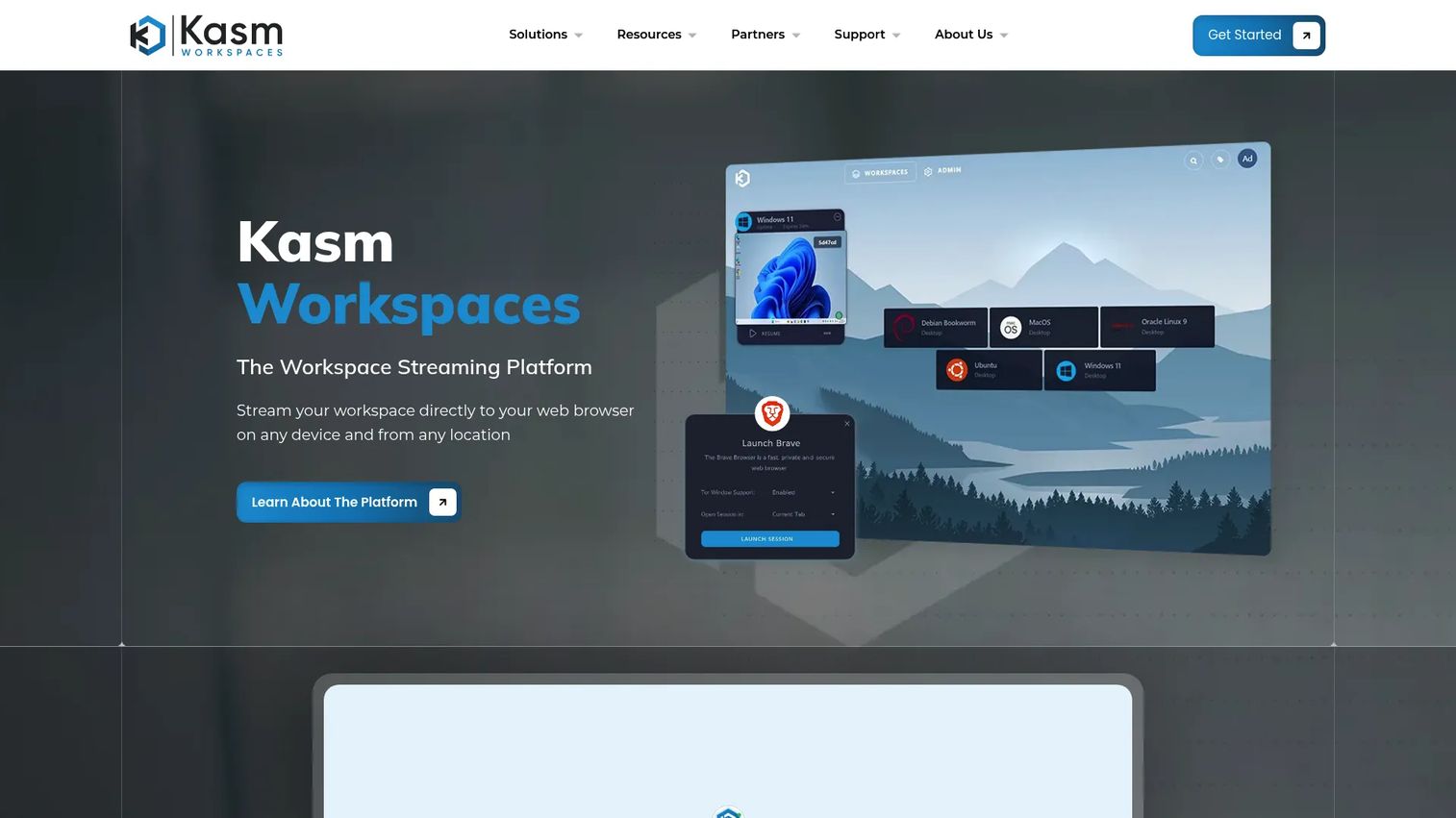
Kasm Workspaces delivers containerized desktops and applications through a browser without requiring endpoint software installation. Each session runs in an isolated container, and data-loss prevention controls govern uploads, downloads, clipboard access, and USB devices. It supports Windows, Linux, VNC, RDP, and SSH workloads, with persistent profiles, web filtering, and single sign-on.
Best for: Technical teams, security-conscious organizations, and companies that need controlled access for contractors or developers via browser-delivered isolated sessions.
Key features
- Browser-based access with no endpoint installation required
- Containerized desktop and application sessions per user
- Data-loss prevention for clipboard, file transfers, and USB devices
- Single sign-on and two-factor authentication
- Persistent profiles with web filtering
Why choose Kasm Workspaces: The containerized model fits use cases where session isolation matters more than a traditional persistent desktop, such as contractor access, secure browsing environments, or developer toolchains. The free Community tier supports evaluation at up to five concurrent sessions before committing to paid plans.
Kasm Workspaces pricing: Community is free and supports up to five concurrent sessions. Starter costs $10 per named user per month or $20 per concurrent session. Enterprise pricing requires a quote. Self-hosted deployment means infrastructure costs sit separately from licensing.
G2 rating: 4.7/5
9. V2 Cloud
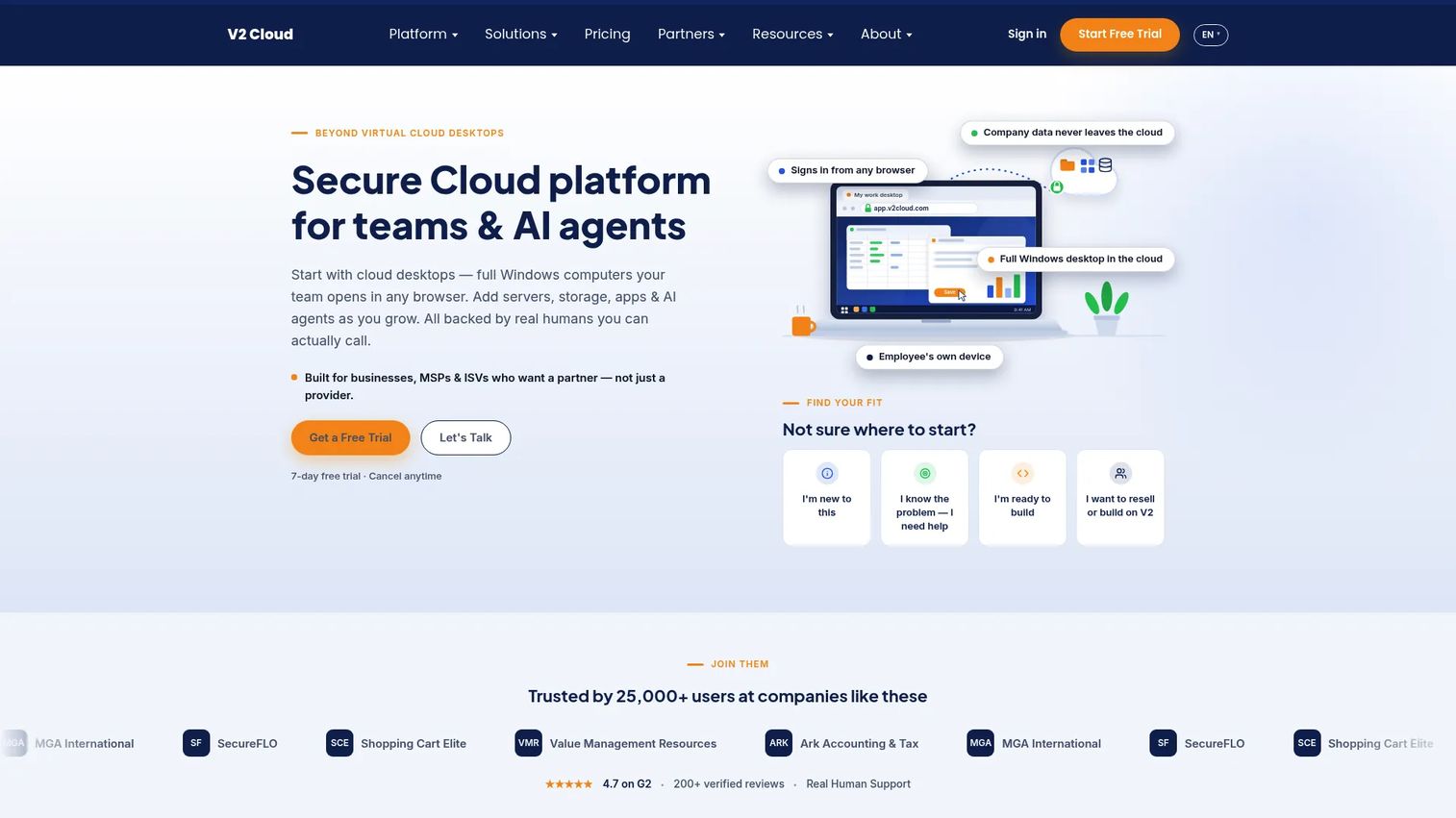
V2 Cloud is a managed cloud platform providing virtual Windows desktops, application virtualization, storage, and remote access for distributed teams. Its centralized console handles users, billing, security policies, and backups from one interface. Desktops are accessible through web browsers, mobile devices, desktop clients, and Raspberry Pi devices, with Active Directory integration and GPU-accelerated options available.
Best for: Small and mid-sized businesses, MSPs, and ISVs that need fully managed cloud desktops without operating a VDI stack.
Key features
- Single-user and multi-user Windows cloud desktops
- Published Windows applications via browser
- Daily backups and malware protection included
- Active Directory integration and IPsec VPN connectivity
- GPU-accelerated computing options for demanding workloads
Why choose V2 Cloud: Fixed monthly pricing makes budgeting straightforward, which matters when you are forecasting headcount growth for board presentations. The fully managed model means your team configures access and policies rather than operating servers. Trade-offs around customization depth and regional availability are worth validating against your specific user locations.
V2 Cloud pricing: Plans start at $35 per user per month for Basic Users, scaling to $40 for Essential, $60 for Mid Level, $110 for Heavy, and from $240 for Power Users. Optional add-ons include managed services, enhanced security, and GPU acceleration. A 7-day free trial is available.
G2 rating: 4.7/5
10. VENN Software
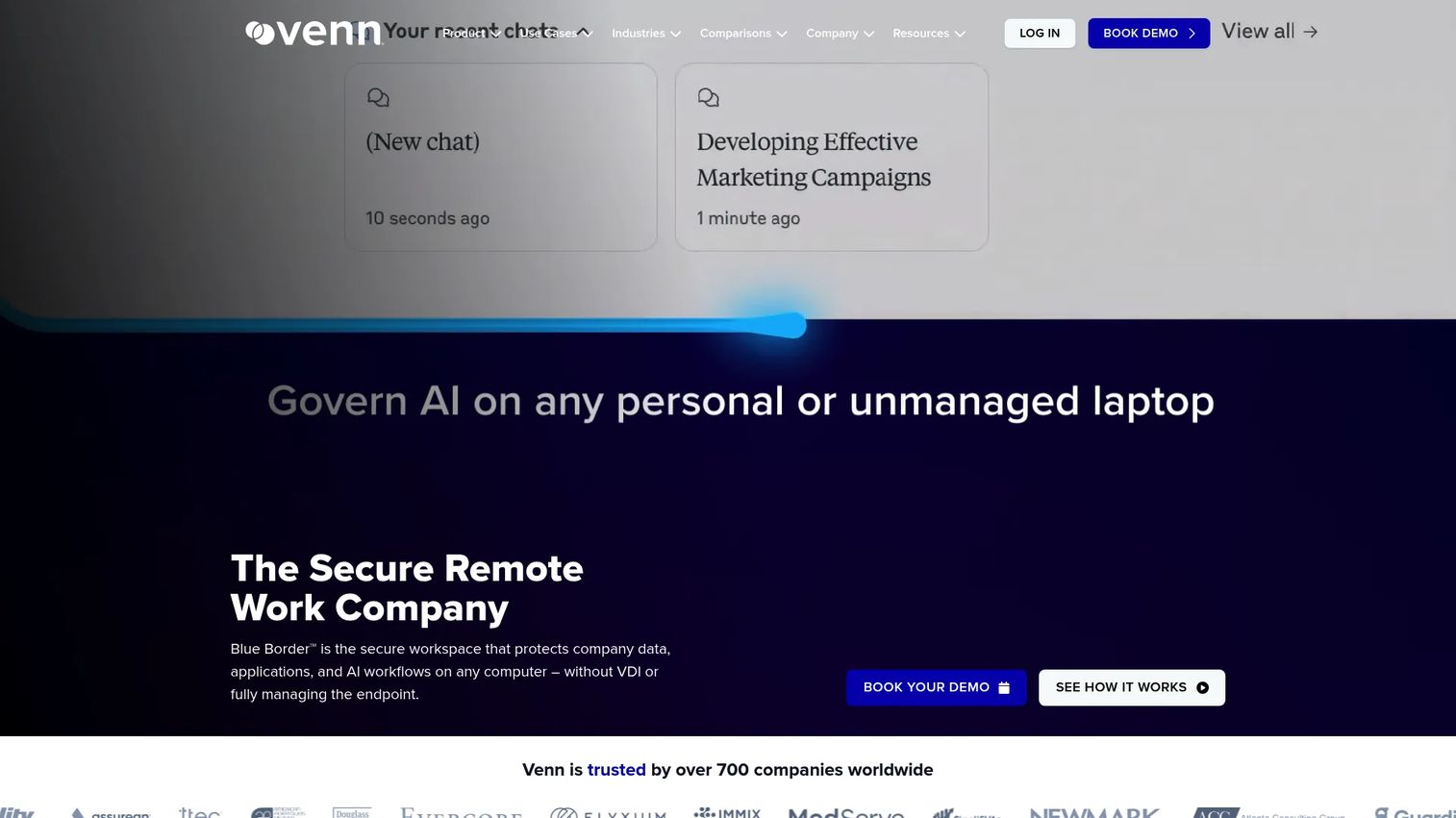
VENN Software provides Blue Border, a secure workspace that isolates company applications, data, internet traffic, and AI workflows on personal PCs and Macs without managing the full endpoint. Data-loss prevention controls govern copy and paste, file transfers, printing, screenshots, and downloads. A private company gateway handles web proxy and filtering, and shadow-AI blocking is included.
Best for: Organizations securing remote employees, contractors, and BYOD users where issuing fully managed devices is impractical or cost-prohibitive.
Key features
- Secure application enclave on personal Windows and Mac devices
- Data-loss prevention for clipboard, file transfers, printing, and screenshots
- Encrypted Venn Disk with file-system integration
- Private Company Gateway with web proxy and filtering
- AI governance and shadow-AI blocking
Why choose VENN Software: The Blue Border model is conceptually different from traditional VDI. Rather than delivering a full virtual desktop, it isolates work applications within a controlled environment on the user's existing device. For contractor-heavy workflows where full VDI provisioning is excessive, this is a lighter-weight alternative worth evaluating.
VENN Software pricing: VENN does not display pricing on its website. Reach out to their team for package details and minimum commitment terms.
G2 rating: 4.2/5
11. Sangfor aDesk
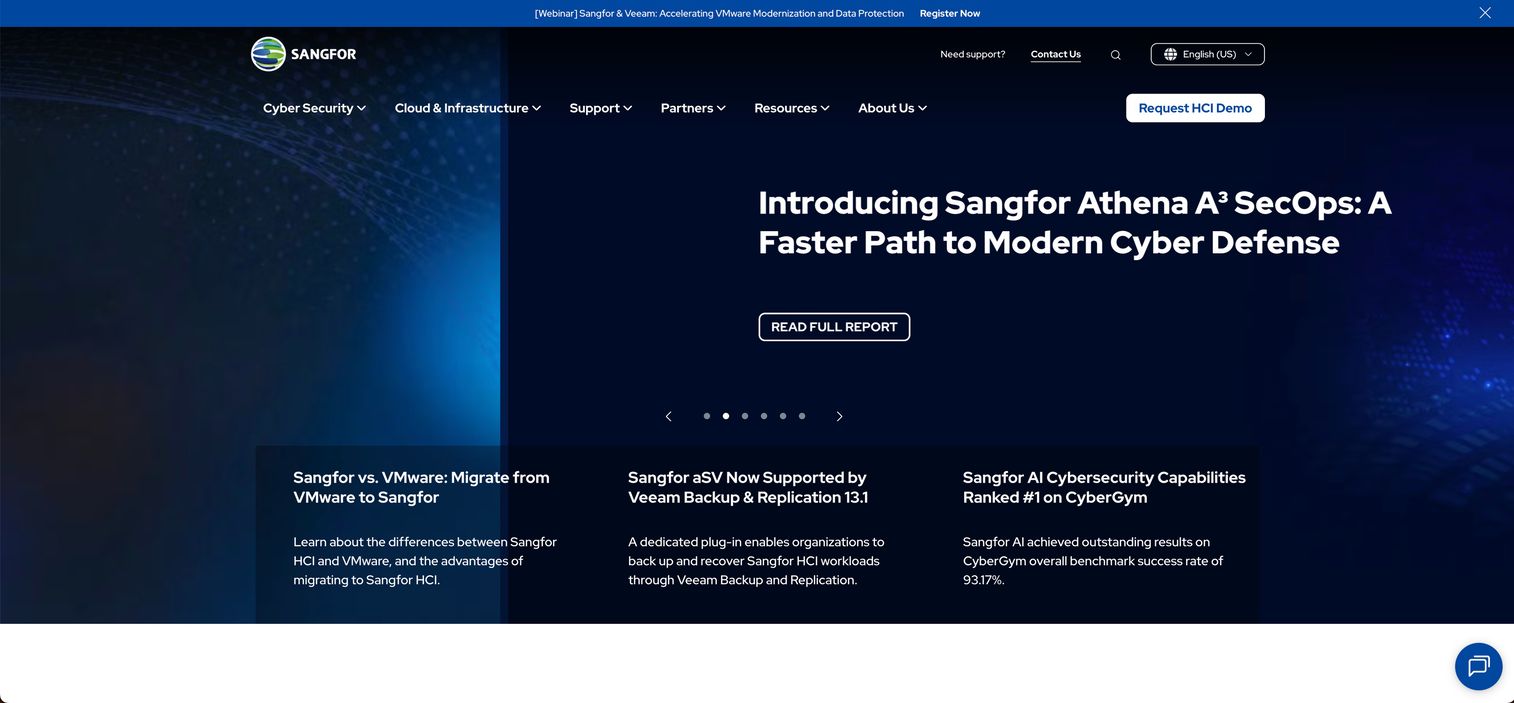
Sangfor aDesk is an integrated virtual desktop infrastructure platform for centralized desktop management, secure remote access, and office environments. It includes multi-factor authentication, single sign-on, virtual application delivery, 3D virtual desktop support, and endpoint data protection with USB controls and anti-ransomware capabilities. Sangfor offers Silver, Golden, and Platinum user license tiers.
Best for: Organizations in Asia-Pacific markets and enterprise or government environments that need an integrated VDI stack with built-in endpoint security.
Key features
- Multi-factor authentication and single sign-on
- Virtual application delivery and 3D virtual desktop support
- Endpoint data protection with USB controls
- Anti-ransomware protection integrated at the platform level
- Centralized desktop administration
Why choose Sangfor aDesk: The integrated security stack reduces the need to layer additional endpoint protection tools on top of the VDI platform. Validate documentation quality, regional partner coverage, and support response times before committing, particularly if your team is outside Sangfor's core Asia-Pacific support network.
Sangfor aDesk pricing: Sangfor lists Silver, Golden, and Platinum user license tiers but does not display prices on its product pages. Contact Sangfor or a regional partner for current pricing.
G2 rating: Not listed on G2 at time of research
12. H3C Workspace

H3C Workspace is a desktop virtualization solution supporting VDI, IDV (Intelligent Desktop Virtualization), and VOI (Virtual OS Infrastructure) architectures. It provides centralized management of virtual desktops, applications, users, and resources, with access through thin clients, PCs, mobile devices, and other endpoints. Security features include watermarking, application control, and encrypted desktop access.
Best for: Government, education, healthcare, and financial services organizations in markets where H3C has established infrastructure and partner coverage.
Key features
- VDI, IDV, and VOI architecture support
- Centralized management of desktops, users, and resources
- Desktop pools with static, dynamic, and manual allocation
- Security controls including watermarking and application control
- Monitoring, high availability, and automated operations
Why choose H3C Workspace: H3C Workspace fits organizations already operating within the H3C infrastructure ecosystem or regional government procurement frameworks. Confirm application and identity stack compatibility before evaluating further, as integration documentation in English may be limited.
H3C Workspace pricing: H3C does not display pricing on its global pages. Purchasing runs through H3C or authorized regional partners.