You need to build a course, host the lessons, sell or assign it, and track who finished. Five tabs later, you are stitching together a video host, a checkout tool, a certificate generator, and a spreadsheet to see completion. That is not a platform. That is duct tape.
The course creation software market grew from USD 3.84 billion in 2025 to USD 4.27 billion in 2026, and is forecast to hit USD 8.45 billion by 2032 at 11.91% CAGR, according to Research and Markets (2026). More vendors means more choice, and more choice means more ways to pick wrong. A creator selling a $200 cohort and an enablement team certifying 400 reps do not need the same tool. But they both search the same phrase: course creation software.
That mismatch is the real problem. Most roundups rank tools by feature count. Feature count does not tell you whether the platform fits your monetization model, your governance needs, or your speed-to-launch. So this guide sorts eight platforms by the job they do best: selling fast, running a course business, building on WordPress, designing interactive lessons, or running a formal internal academy.
If your job is closer to internal enablement than creator monetization, the same criteria apply. You still care about authoring speed, completion data, and how the tool connects to the rest of your stack. Some teams also pair a learning platform with interactive demos to show a product hands-on inside onboarding and certification paths, since a clickable walkthrough carries more than a slide.
What's inside
This guide is for anyone choosing a platform to build, host, sell, or assign online courses. That includes solo creators, coaches, course businesses, WordPress teams, and sales enablement or training leaders evaluating tools for internal certification.
We chose the eight tools below on four criteria:
- Authoring speed: how fast a non-technical person can build a lesson
- Monetization and checkout: payment models, transaction fees, upsells
- Learner experience: mobile access, progress tracking, certificates, engagement
- Integrations and governance: email, CRM, analytics, permissions, reporting
You will also see four platform types: hosted course platforms, all-in-one creator platforms, WordPress LMS plugins, and training or academy platforms.
TL;DR
- Best overall for selling courses: Teachable. Build, host, and sell education products with checkout and payments built in.
- Best for all-in-one business workflows: Kajabi. Courses plus email, funnels, and a website in one place.
- Best for structured course operations: Thinkific. A balanced course business platform, not just a content host.
- Best for engagement-heavy learning: LearnWorlds. Interactive video and assessments when the experience is the product.
- Best for WordPress users: LearnDash. Full LMS control when WordPress is already the center of gravity.
- Best for internal training and academies: Academy of Mine. A customizable LMS with certification and B2B workflows.
- Best for visually interactive content: Genially. No-code interactivity, quizzes, and animations, with a free tier.
What is course creation software
Course creation software is a platform that lets you build, host, sell, and manage online courses without stitching together separate tools for content, payments, and student tracking.
At its core, a course platform handles a repeatable set of jobs:
- Build content with a drag-and-drop course builder and media support
- Host lessons, videos, and downloads in one place
- Publish or sell courses through a storefront or checkout
- Manage students, enrollments, and access
- Track completion, progress, and assessment scores
- Support quizzes, certificates, drip content, and payment integrations
The category splits into a few platform types, and the type matters more than any single feature:
- Hosted course platforms: all-in-one builders like Teachable and Thinkific that host and sell for you
- All-in-one creator platforms: tools like Kajabi that bundle courses with marketing, email, and websites
- WordPress LMS plugins: course authoring software like LearnDash that runs inside your own WordPress site
- Interactive content and course builders: tools like Genially and LearnWorlds focused on engagement and design
- Training and academy platforms: learning management system products like Academy of Mine built for formal, branded internal or B2B training
If you already know the category, the difference between an online course platform for a solo creator and an LMS for a 500-person training program is the whole decision. Keep that split in mind as you read.
What to look for in course creation software
Course authoring speed
The fastest way to kill a course project is a builder that fights you. Look for a drag-and-drop course builder, prebuilt templates, and native support for video, audio, PDFs, and downloads. A built-in quiz builder matters if you assess learners. The real test: can a non-technical subject-matter expert build a lesson without opening a support ticket? If yes, your content velocity holds up as you scale.
Monetization and checkout
If you sell courses, the money mechanics decide your margin. Check for one-time payments, subscriptions, payment plans, coupons, and upsells or order bumps. Then read the fine print on transaction fees, because a percentage skim on every sale adds up fast. Some platforms charge a fee on entry tiers and drop it to zero on higher plans. Confirm which payment processors are supported before you commit.
Learner experience
Completion is the metric that matters, and learner experience drives it. Look for mobile access or a native app, clear progress tracking, certificates on completion, and engagement features like discussions or drip content. Accessibility support matters more for internal training and regulated programs. A course nobody finishes is a cost, not an asset.
Integrations and ecosystem
Your course platform does not live alone. For creators, that means email marketing and analytics. For enablement and training teams, it means CRM, single sign-on, webhooks, and an API. If you run formal programs, check for SCORM or LTI support and LMS compatibility. The tighter the integration, the less manual work sits between enrollment and reporting.
Governance and scalability
This is where internal training teams and course businesses diverge from solo creators. Governance covers permissions, roles, version control, admin controls, and reporting depth. Can you assign courses by team, expire outdated content, and export completion data that leadership trusts? If you certify reps or run compliance training, governance is not optional, it is the point.
When to use course creation software
Launch a first paid course fast
You have an audience and a topic. You want a course live this month, not next quarter. A hosted platform with a drag-and-drop builder, a storefront, and built-in checkout gets you from outline to sale without touching code. Prioritize speed, simple payments, and a clean learner experience over deep customization.
Build internal training or certification paths
You are ramping new hires, certifying reps, or rolling out product training. Here the job shifts from selling to governance: role-based access, completion tracking, certificates, and reporting your leadership can read. Interactive demos also fit this moment well, since a clickable product walkthrough teaches a workflow better than a static screenshot inside a certification path.
Replace scattered docs and live sessions
You are running the same live onboarding session for the tenth time. Docs go stale, screenshots drift, and nobody can prove who learned what. A course platform turns that repeatable knowledge into a self-serve, trackable system. You build once, assign at scale, and see completion data instead of guessing.
Course creation software comparison
Here is how the eight platforms compare on best fit, key differentiator, starting price, and G2 rating. Pricing and ratings are current as of July 2026. Read the differentiator column first, because it maps each tool to the job it does best.
| # | Product | Best for | Key differentiator | Pricing | G2 rating |
|---|---|---|---|---|---|
| 1 | Teachable | Selling courses and digital products | Built-in checkout, payments, and tax handling | From $29/mo (billed annually) | 3.9/5 |
| 2 | Thinkific | Structured course businesses | Course commerce plus communities and AI assistant | From $54/mo | 4.5/5 |
| 3 | LearnWorlds | Engagement-heavy learning | Interactive video and assessments | From $24/mo (billed annually) | 4.7/5 |
| 4 | Kajabi | All-in-one creator businesses | Courses plus email, funnels, and websites | From $143/mo (billed annually) | 4.1/5 |
| 5 | Podia | Simple selling and memberships | Digital products, courses, and email in one | From $42/mo | 4.4/5 |
| 6 | LearnDash | WordPress LMS control | Full LMS running inside WordPress | From $199/year | 4.2/5 |
| 7 | Genially | Visually interactive content | No-code interactivity and animations | Free; Pro from $15/mo | 4.6/5 |
| 8 | Academy of Mine | B2B training and academies | Customizable LMS with certification workflows | From $999/mo | 4.0/5 |
Best 8 tools for course creation
1. Teachable
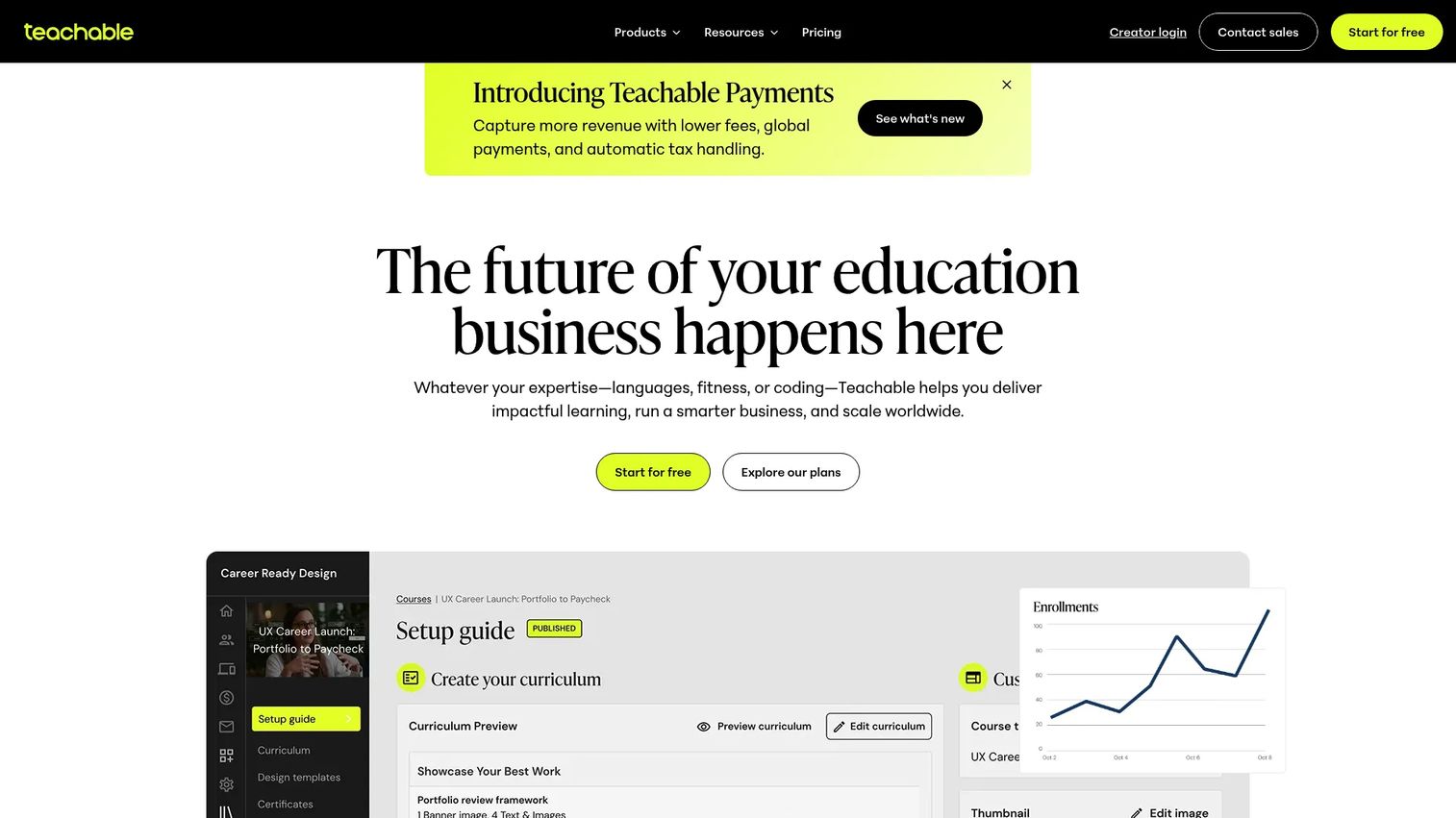
Teachable is an online course and digital product platform built for creators and education businesses that want to build, host, and sell without heavy setup. It handles course creation, memberships, and communities on every plan, and layers in checkout, payments, and automated tax handling so you are not bolting on a separate commerce tool. AI subtitles and translations help you widen reach without re-recording.
Best for: Creators and businesses that want to build, host, and sell online courses or memberships in one place.
Key features
- Course creation and selling in one platform
- Flexible pricing: free, one-time, payment plans, subscriptions
- Built-in checkout with automated tax handling
- AI subtitles and translations
- Bundles, memberships, and communities on all plans
Why choose Teachable: It is a strong default when monetization is the point. If your first goal is to sell an education product cleanly, Teachable gets you there with less assembly than most.
Teachable pricing: Four plans: Starter at $29/month billed annually ($39 monthly), Builder at $69/month billed annually ($89 monthly), Growth at $139/month billed annually ($189 monthly), and Advanced at $309/month billed annually ($399 monthly). Starter carries a 7.5% transaction fee; Builder, Growth, and Advanced have 0% base transaction fees. A free trial is available.
2. Thinkific
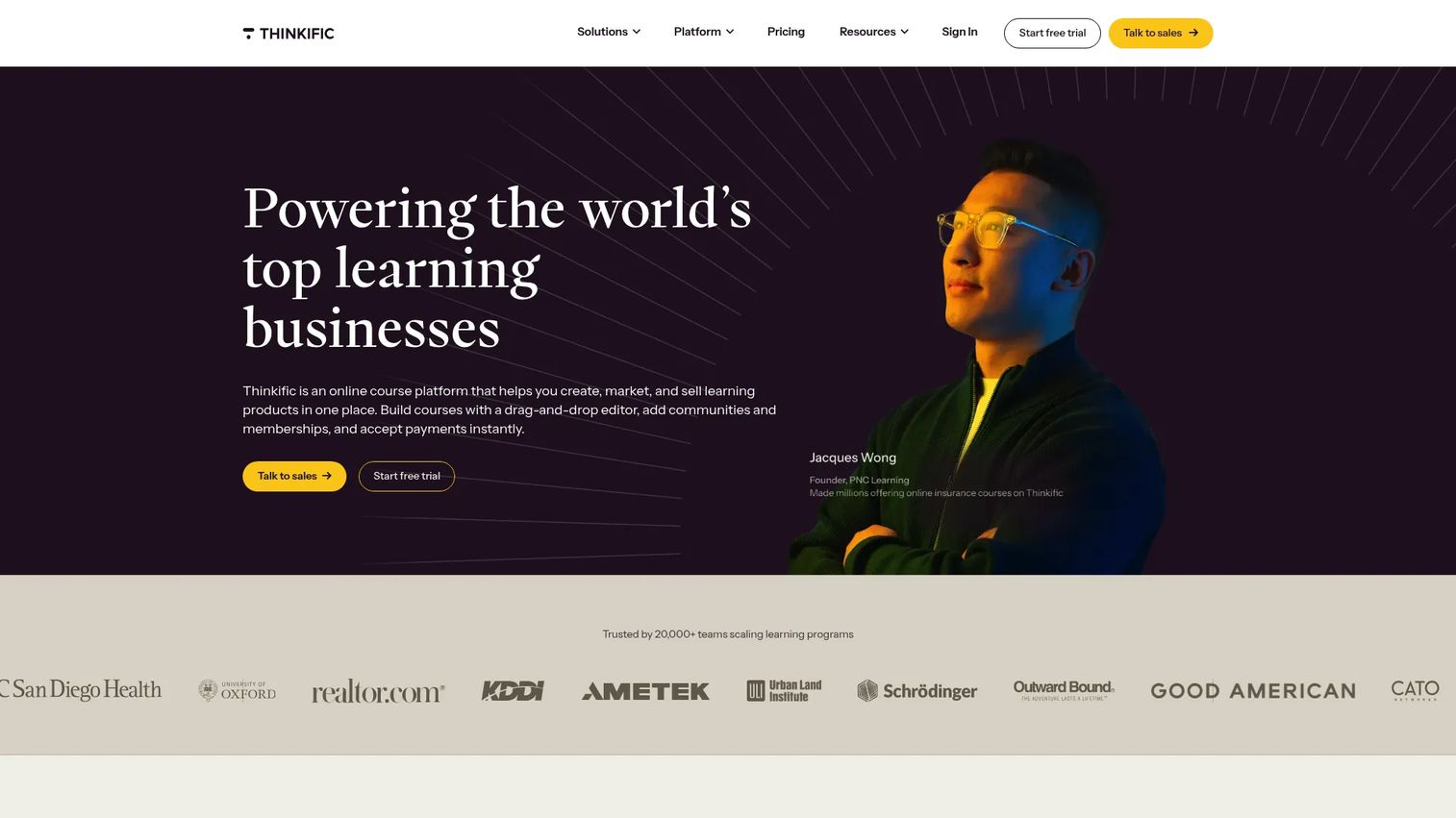
Thinkific is an online learning commerce platform for creating and selling courses, communities, memberships, digital downloads, coaching, and webinars. It leans toward course operations, so it fits teams that want structured lesson building, assessments, and admin controls rather than just a place to park videos. A built-in AI teaching assistant and marketing tools help you move from build to launch inside one system.
Best for: Creators and businesses selling online learning products at scale.
Key features
- Course and community creation
- Built-in commerce tools and checkout
- AI teaching assistant
- Assessments and admin controls
- Marketing tools for launch and growth
Why choose Thinkific: Pick it when you want a course business platform, not just a content host. The balance of commerce, community, and operations suits teams standardizing how courses get built and sold.
Thinkific pricing: Public plans are Basic at $54/month, Start at $109/month, and Grow at $219/month, with a Plus tier via sales contact for larger needs. Monthly and annual billing are available. There is no free plan, but Thinkific offers a 30-day free trial.
3. LearnWorlds
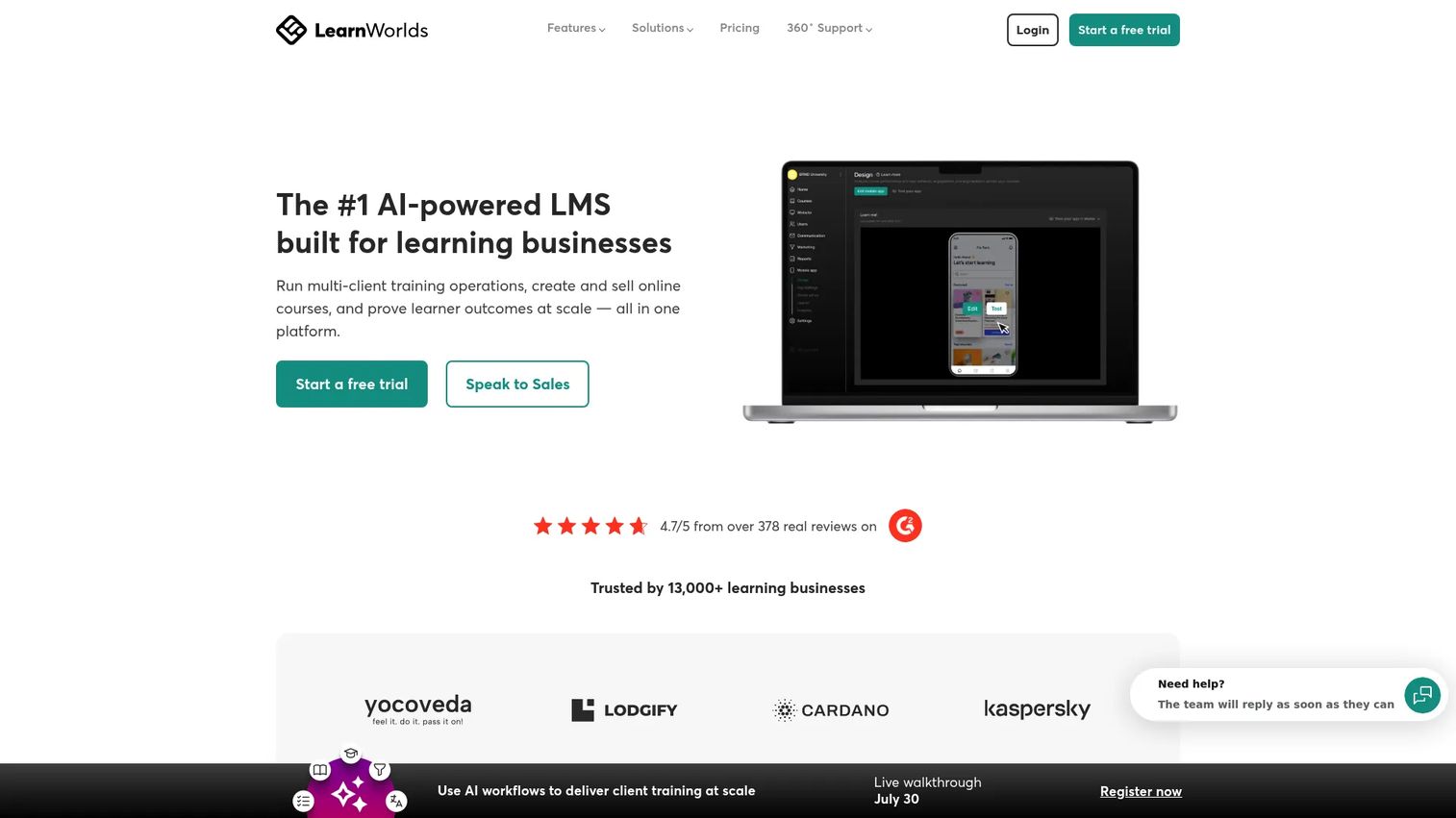
LearnWorlds is a cloud-based online course and learning platform for creators, trainers, and businesses where the learning experience itself is part of the product. Its standout is interactive video: you layer questions, links, and navigation directly into the player. Add assessments, learning paths, and a branded learning environment, and you get engagement features most hosted platforms leave flat.
Best for: Businesses that want to sell branded online courses and training programs with high engagement.
Key features
- AI-assisted course and page creation
- Interactive video with in-player questions
- Assessments and structured learning paths
- Branded learning environment
- Ecommerce, subscriptions, and B2B training workflows
Why choose LearnWorlds: Choose it when interactivity matters and a passive video course will not hold learners. It fits training programs and course businesses that treat engagement as a conversion and completion driver.
LearnWorlds pricing: Four plans: Starter at $24/month, Pro Trainer at $79/month, Learning Center at $249/month, all billed annually, plus a High Volume & Corporate plan via sales contact. Starter includes a $5 per course enrollment fee; higher plans show no enrollment transaction fee.
4. Kajabi
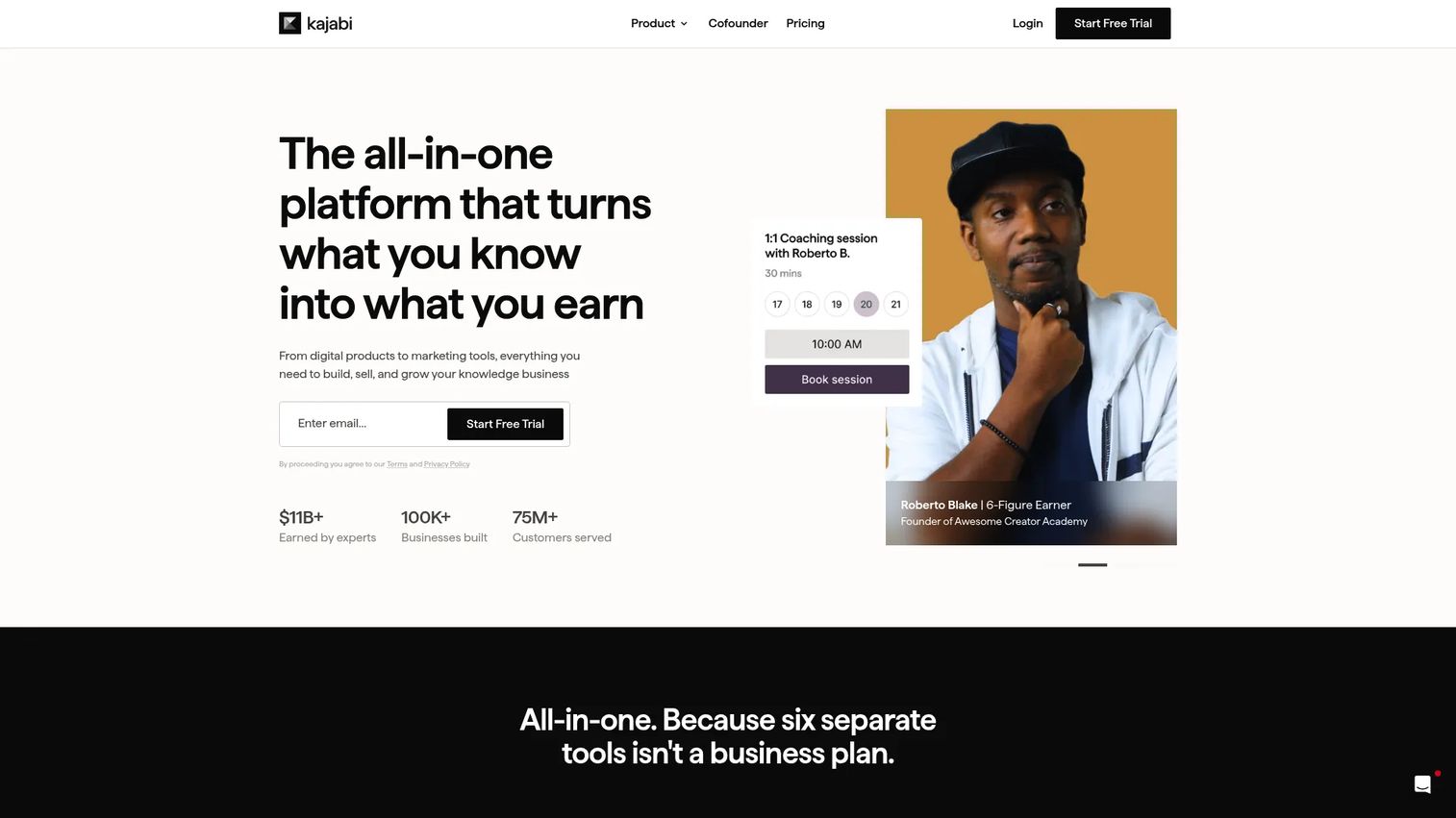
Kajabi is an all-in-one platform for creators and experts to build, market, sell, and deliver digital products and services. The pitch is consolidation: courses, coaching, memberships, and communities sit alongside email marketing, landing pages, funnels, and automation. If your course is one piece of a broader digital business, Kajabi replaces several separate subscriptions.
Best for: Creators, coaches, and experts selling courses or memberships alongside their marketing from one platform.
Key features
- Courses, coaching, memberships, communities, and digital products
- Built-in email marketing and automation
- Landing pages and sales funnels
- Checkout, payments, and analytics
- Branded websites
Why choose Kajabi: Choose it when the course is one piece of a broader digital business and you would rather run marketing and selling in the same tool. Marketers and creator businesses get the most from the bundled workflows.
Kajabi pricing: Three main plans: Basic at $143/month, Growth at $199/month, and Pro at $399/month, each billed annually (monthly rates run higher). A 14-day free trial is available. There is no free tier.
5. Podia

Podia is an all-in-one platform for selling courses, digital products, memberships, email, and websites with fewer moving parts than most. It suits smaller teams and creators who want a straightforward storefront, audience management, and email in one place rather than a deep operations suite. Setup is quick, which makes it a fast path to a first launch.
Best for: Creators who want to sell digital products, courses, and memberships in one place.
Key features
- Online courses
- Digital products and memberships
- Email marketing
- Storefront and website
- Audience management
Why choose Podia: Pick it when you want fewer moving parts and a faster launch over a wide feature surface. It fits smaller teams and creators prioritizing simplicity.
Podia pricing: Three plans billed yearly: Mover at $42/month, Shaker at $84/month, and Earthquaker at $150/month. A 30-day free trial is available, and Podia offers a free plan. Mover includes 5% fees; Shaker and Earthquaker have no Podia transaction fees.
6. LearnDash
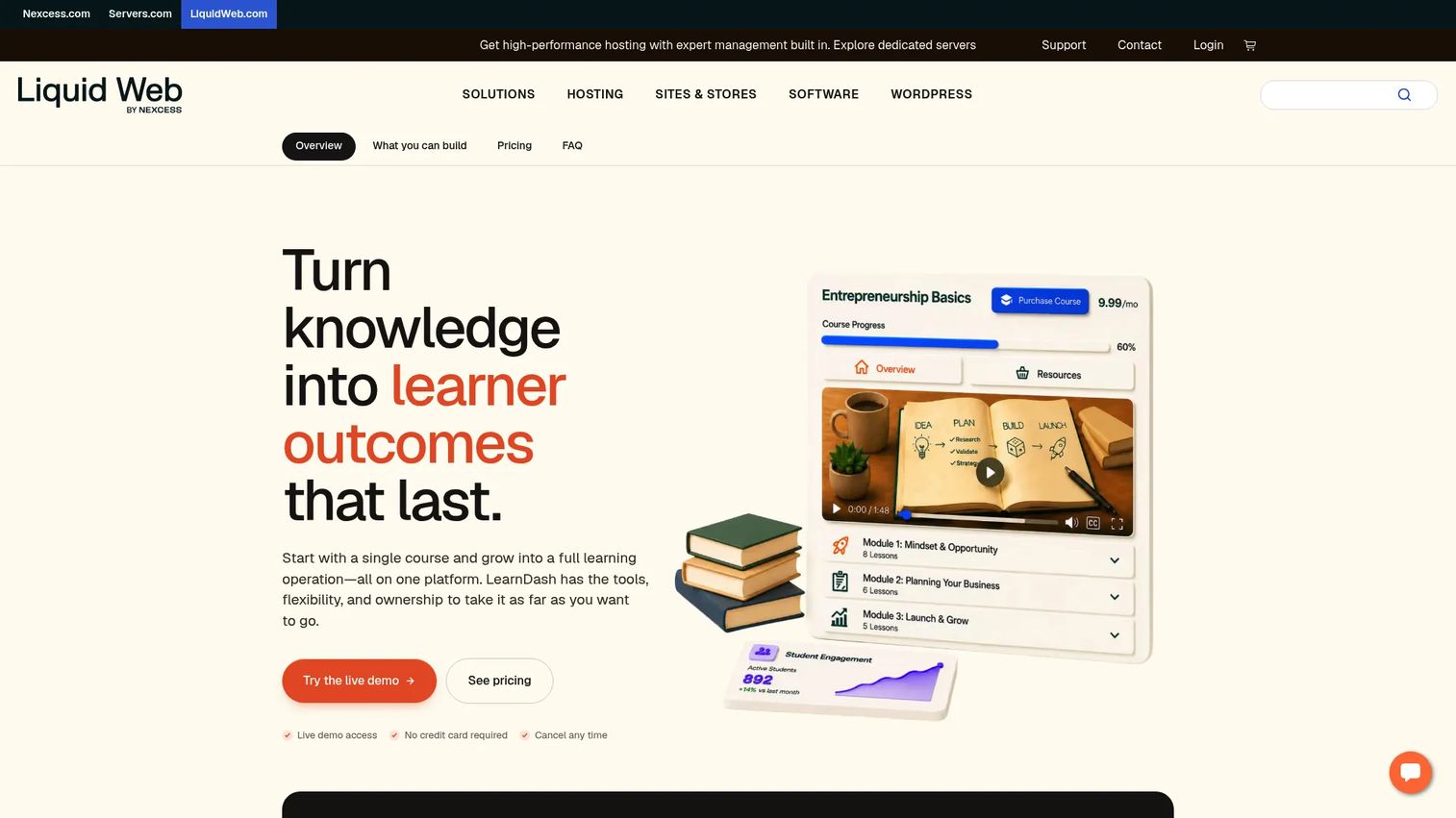
LearnDash is a WordPress learning management system for creating and selling online courses inside your own site. If WordPress is already your center of gravity, LearnDash gives you full LMS control without moving to a hosted platform. You get a drag-and-drop course builder, a quiz builder, assignments, and Focus Mode, with Stripe and PayPal for payments.
Best for: Organizations and creators building paid online courses on WordPress.
Key features
- Drag-and-drop course builder
- Quiz builder and assignments
- Focus Mode for distraction-free learning
- Video progression
- Stripe and PayPal integration
Why choose LearnDash: Choose it when WordPress is already the center of gravity and you want to own your data and design. It trades hosted convenience for control and flexibility.
LearnDash pricing: The core LMS plugin is sold as annual licenses: 1 Site at $199/year, 10 Sites at $399/year, and Unlimited at $799/year. LearnDash Cloud plans are also available starting at $29/month billed annually if you prefer a hosted setup.
7. Genially
Genially is a no-code platform for creating interactive presentations, quizzes, and visual content that plugs into learning workflows. It is less a full course business platform and more a course authoring software tool for teams that want visually rich, interactive lessons. Animations, interactivity, and templates make it strong for engagement, and LMS integrations let you push content into a broader learning setup.
Best for: Teams and educators creating interactive learning and presentation content.
Key features
- No-code interactive content creation
- Quizzes and interactivity
- Animations and templates
- AI tools for content generation and editing
- Collaboration, sharing, and LMS integrations
Why choose Genially: Choose it when you care about visually engaging, presentation-style learning and want a free tier to start. It pairs well with an LMS rather than replacing one.
Genially pricing: Public plans include Free, Pro at $15.00 per user per month, Master at $25.00 per user per month, and Author at $25.00 per user per month, plus a quote-based Enterprise plan. SCORM export sits on the Author and Enterprise plans.
8. Academy of Mine
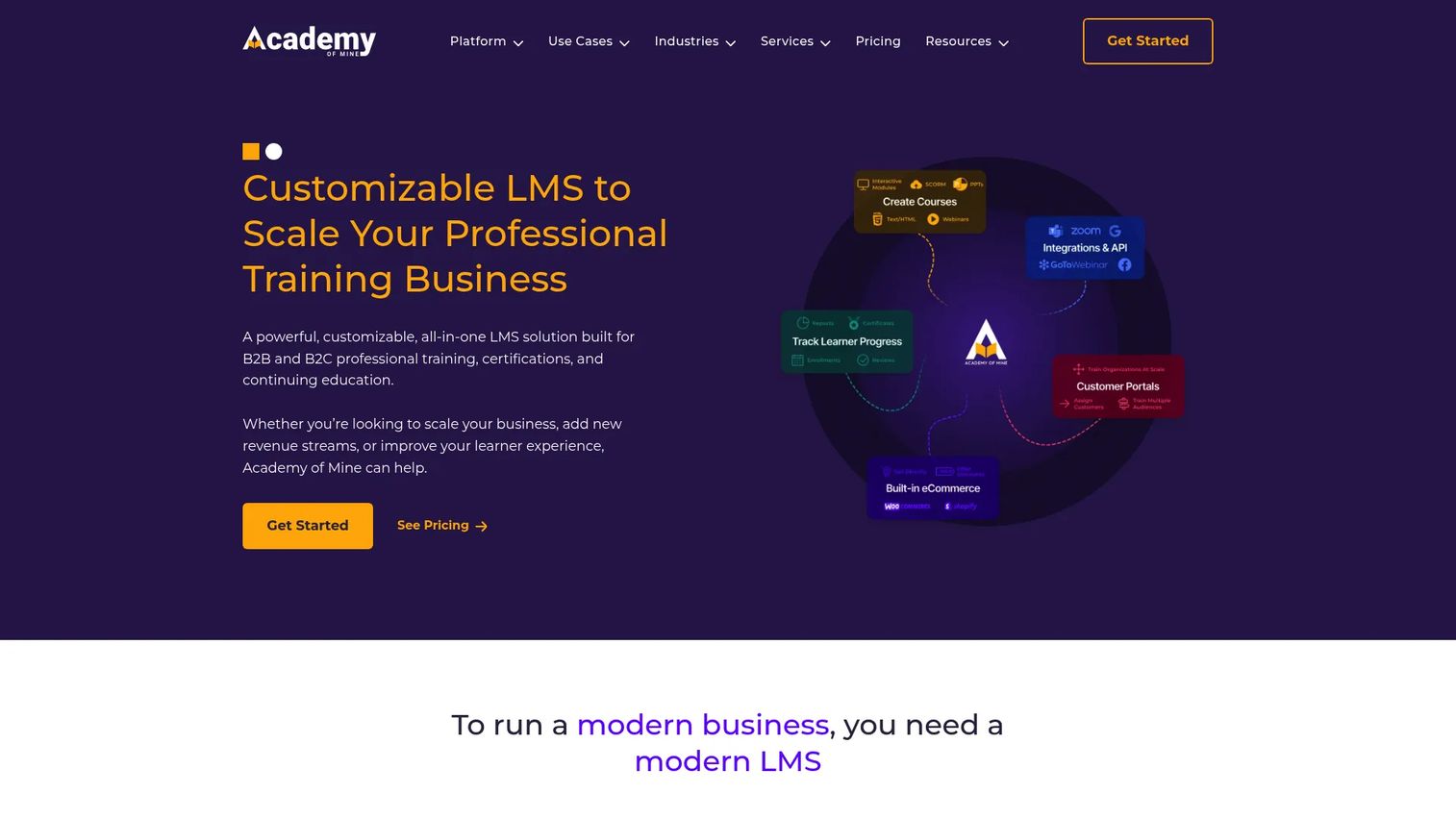
Academy of Mine is a customizable LMS for B2B and B2C professional training, certifications, and continuing education. It is built for organizations that need a serious academy rather than a lightweight creator tool: white-labeled portals, custom branding, and multi-tenant setups for training multiple client groups. Reporting, analytics, and B2B ecommerce round out a platform aimed at formal programs.
Best for: B2B training providers that need a customizable LMS with sales and certification workflows.
Key features
- White-labeled training portals and custom branding
- Self-paced courses, instructor-led training, and webinars
- B2B and B2C ecommerce
- Reporting and analytics
- Multi-tenant portals
Why choose Academy of Mine: Choose it when you run formal training environments and need customization, certification, and reporting at scale. The pricing reflects a platform built for organizations, not solo creators.
Academy of Mine pricing: Two plans: a Professional plan starting at $999/month, and a custom Enterprise plan that requires contacting the vendor. There is no free tier.
Considerations
Before you commit, run each shortlisted tool through these five criteria. They map directly to the selection factors that trip teams up after purchase.
Budget and pricing model
Compare monthly versus annual billing, since annual usually cuts the effective rate. Check for a free plan or trial to test before paying, and read the transaction fee terms closely. A platform that charges a percentage on every sale can cost more than a higher flat plan once volume grows.
Authoring workflow
Ask whether a non-technical person can build a full lesson without help. Drag-and-drop builders, templates, and a quiz builder decide how fast your content ships. If subject-matter experts need engineering support to publish, your velocity stalls and your backlog grows.
Learning outcomes and reporting
Look at completion tracking, assessment scoring, and how clearly learner progress surfaces. For internal training, reporting depth is the difference between proving impact and guessing at it. Export options matter if leadership wants the numbers in their own dashboards.
Integrations and stack fit
Map the platform against your existing tools: email, CRM, analytics, payments, and WordPress if that is your base. Check for SCORM, LTI, webhooks, and an API if you run formal programs. Tight integration removes the manual work between enrollment and reporting.
Scalability and governance
Evaluate permissions, roles, version control, and admin controls. Can you assign courses by team, expire stale content, and manage access as you grow? For certification and compliance programs, governance is the core requirement, not a nice-to-have.
Conclusion
The right course platform depends on the job, not the feature count. For creators selling fast, Teachable and Podia get you to a first sale with the least assembly. For a course business that needs stronger operations, Thinkific balances commerce, community, and admin controls. For all-in-one marketing, Kajabi bundles courses with email, funnels, and a website.
If WordPress is already your base, LearnDash keeps the LMS inside your site with full control. When the learning experience is the product, LearnWorlds and Genially deliver interactivity that passive video cannot. And for formal B2B training or a branded internal academy, Academy of Mine is built for certification, reporting, and scale.
Your next step: shortlist two tools that match your platform type, then start a free trial and build one real lesson in each. The tool that gets a non-technical person from outline to published fastest is usually the one worth paying for. If your use case leans toward product training and enablement, pairing a learning platform with interactive product walkthroughs is worth testing too.
Start your journey with Guideflow today!
FAQs
There is no single best; it depends on your job. Teachable and Podia are strong for creators selling courses fast, Thinkific and Kajabi suit course businesses that want operations and marketing, and Academy of Mine fits formal B2B training. Match the platform type to whether you are selling, teaching, or certifying.
Podia and Teachable are the most beginner-friendly for creators, since both offer quick setup, a clean storefront, and built-in checkout with minimal configuration. Genially is easy for building interactive content and has a free tier. If you want the fewest moving parts, start with Podia.
Some do, especially on entry tiers. Teachable charges a 7.5% fee on its Starter plan and 0% on higher plans. Podia's Mover plan includes 5% fees, while Shaker and Earthquaker have none. Always read the fee terms before choosing a plan, because a percentage on every sale adds up as volume grows.
Yes. LearnDash is a WordPress LMS plugin that runs inside your own site, giving you a course builder, quizzes, assignments, and Stripe and PayPal payments. Choose it when WordPress is already your center of gravity and you want to own your data and design rather than move to a hosted platform.
Governance and reporting lead the list: role-based permissions, completion tracking, certificates, and export-ready analytics your leadership trusts. SCORM or LTI support and single sign-on matter for formal programs. A clickable interactive demo inside a certification path also teaches a product workflow better than a static screenshot.
Kajabi and Podia both handle courses and memberships in one place, with Kajabi adding email, funnels, and websites for a broader business. Teachable also includes memberships and communities on all plans. Pick based on how much marketing you want bundled in.
If you assess learning or certify completion, yes. Quizzes confirm understanding, and certificates give learners proof and give training teams a completion record. Most platforms here include a quiz builder and certificates; LearnDash and LearnWorlds go deeper on assessments if scoring is central to your program.
Start with Podia or Teachable. Both give you a drag-and-drop builder, a storefront, and built-in checkout so you can go from outline to a live, sellable course without touching code. Use a free trial to build one real lesson, then commit to the tool that ships fastest for a non-technical user.