You spent three hours mapping a workflow. Half the team disagrees with it. The other half never opened the file.
That is the real problem with process mapping. Not the diagram. The alignment.
Most teams treat a process map as a one-time artifact. Draw it, present it, drop it in a shared folder, forget it. Then the process changes, the map goes stale, and the next person to touch it starts from scratch. The map becomes fiction the moment the workflow moves.
The global business process mapping software market hit $4.37 billion in 2024 and is projected to reach $10 billion by 2035, a 7.8% CAGR, according to Wise Guy Reports (2025). That growth is not about prettier flowcharts. It is about teams needing shared, current, maintainable visuals of how work actually happens.
For a product manager, that matters. You own cross-functional alignment. You need a map that survives a handoff, imports what already exists, supports BPMN or swimlanes when the process demands rigor, and stays current without becoming a second job. The right tool changes whether your map is a source of truth or a screenshot nobody trusts.
What's inside
This guide covers 12 process mapping tools built for teams that need clarity, not just diagrams. It is written for product managers, operations leads, and business analysts who map cross-functional workflows and have to keep them alive.
We selected and compared each tool on four criteria:
- Collaboration: real-time editing, commenting, and stakeholder input
- Notation support: BPMN, swimlanes, and value stream mapping
- Import and export: Visio compatibility, CSV, and common diagram formats
- Governance: permissions, versioning, and enterprise security
Every pricing figure and rating reflects verified vendor data at time of writing.
TL;DR
- Best for whiteboarding and cross-functional collaboration: Miro
- Best for structured diagramming and data linking: Lucidchart
- Best for fast, template-driven map creation: SmartDraw
- Best for Microsoft-centric teams: Microsoft Visio
- Best free process mapping software: Draw.io
- Best for formal BPMN modeling: Bizagi Modeler or Camunda Modeler
- Best for execution-oriented workflow teams: Tallyfy or ProcessMaker
If you need buyer-friendly detail on any of these, the full comparison table and per-tool breakdowns are below.
What is process mapping software
Process mapping software is a diagramming tool that helps teams visually document, standardize, and improve how work moves through an organization, using flowcharts, swimlanes, BPMN diagrams, and value stream maps.
Unlike a general drawing app, a process map software tool is built for workflow logic: who does what, in what order, with what decision points and handoffs. A good workflow mapping tool pairs that structure with collaboration and version control so the map stays accurate as the process evolves.
Core capabilities to expect:
- Flowcharting and diagram types: flowcharts, swimlane diagrams, BPMN, value stream maps
- Templates: reusable process mapping templates to start faster
- Real-time collaboration: simultaneous editing, comments, and shared feedback
- Import and export: Visio, CSV, spreadsheets, PDF, and image formats
- Data linking: connect shapes to live data or metadata
- Version control: revision history and change tracking
- Permissions and security: role-based access and enterprise controls
Different diagram types serve different jobs. Here is a quick reference for the three most common in process work:
| Diagram type | What it shows | Best used for |
|---|---|---|
| Flowchart | Sequential steps and decisions | Simple, linear processes |
| Swimlane diagram | Steps grouped by role or department | Cross-functional handoffs and ownership |
| BPMN | Formal process notation with events, gateways, and lanes | Standardized, executable, or audited processes |
| Value stream map | Flow of material and information plus time data | Lean improvement and waste reduction |
For product teams, the value is not the picture. It is having one agreed version of a workflow that engineering, design, CS, and sales all read the same way.
When to use process mapping software
Standardize messy cross-functional workflows
When a process spans product, engineering, support, and sales, everyone holds a slightly different mental model. A shared visual forces agreement on who owns each step. Swimlane diagram software is built for exactly this: it maps ownership across lanes so handoffs stop falling through the cracks.
Document current state before changing the process
You cannot redesign what you have not defined. Mapping the current state, honestly, exposes the redundant approvals, the duplicate data entry, and the steps nobody remembers why they exist. This baseline is what makes value stream mapping software and lean improvement work. Skip it and you optimize a process you do not actually understand.
Align stakeholders on future state
Once you know the current state, the future state map becomes your change management artifact. It shows the buying committee, the implementation team, and the people doing the work what the new flow looks like and where responsibilities shift. Process documentation software keeps that future state map accessible so the redesign survives past the kickoff meeting.
Comparison table
The table below ranks all 12 tools by relevance to cross-functional process mapping. Read it as a shortlist starter, then jump to the sections below for the detail that matters to your team.
| # | Product | Best for | Key differentiator | Pricing | G2 rating |
|---|---|---|---|---|---|
| 1 | Miro | Whiteboarding and collaboration | Infinite canvas with 7000+ templates | Free; paid from $8/member/mo | 4.6/5 |
| 2 | Lucidchart | Structured diagramming and data linking | Data-linked diagrams and AI generation | Free; paid from $9/mo | 4.5/5 |
| 3 | SmartDraw | Fast, template-driven maps | Auto-formatting and Microsoft/Google fit | From $6.95/user/mo | 4.5/5 |
| 4 | Microsoft Visio | Microsoft-centric teams | Native Microsoft 365 integration | From $5/user/mo | 4.2/5 |
| 5 | Draw.io | Free, lightweight diagramming | Fully free, browser-based | Free | 4.4/5 |
| 6 | Creately | All-in-one visual collaboration | Diagramming plus work management | Free; Lite from $1/mo | 4.4/5 |
| 7 | EdrawMax | Broad diagram variety | 210+ diagram types | From $99/year | 4.5/5 |
| 8 | Bizagi Modeler | Formal BPMN modeling | Free BPMN modeler with simulation | Free; enterprise by subscription | 4.6/5 |
| 9 | Camunda Modeler | Executable process modeling | BPMN that deploys to orchestration | Free; enterprise by quote | 4.5/5 |
| 10 | Tallyfy | Execution-oriented workflows | Runs and tracks live processes | From $100/year | 4.9/5 |
| 11 | ProcessMaker | Low-code workflow automation | Design plus automation and orchestration | Custom pricing | 4.3/5 |
| 12 | IBM Blueworks Live | Enterprise process discovery | Collaborative modeling with governance | Free trial; pricing by sales | Not listed |
Who should care about what: collaborative teams gravitate to Miro and Lucidchart. Microsoft shops default to Visio. Formal process work pulls toward BPMN tools like Bizagi and Camunda. Teams that want the process to actually run, not just be drawn, look at Tallyfy and ProcessMaker.
Best process mapping software tools for 2026
1. Miro
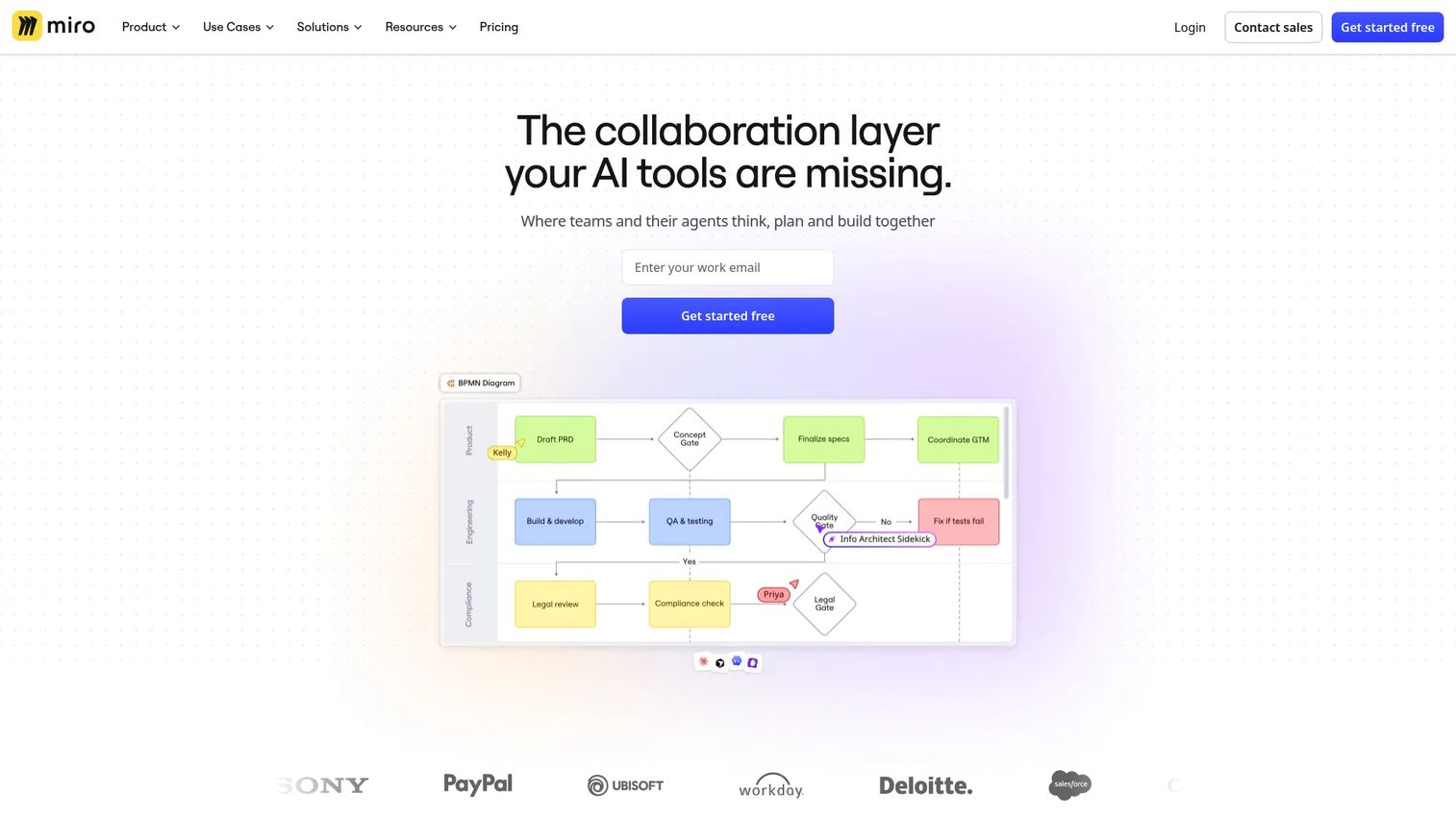
Miro is a visual collaboration and online whiteboard platform for brainstorming, planning, diagramming, and workshops. Its infinite canvas suits teams that map processes live, together, rather than in isolation. For product managers running cross-functional sessions, that real-time model turns a solo drawing task into a shared one. Miro leans AI-first, generating and organizing maps quickly, and its template depth removes the blank-canvas problem.
Best for: Teams needing a shared visual workspace for whiteboarding, planning, and cross-functional collaboration.
Key strengths
- Infinite canvas whiteboard
- 7000+ templates
- 250+ integrations
- AI workflows and agents
- Presentations and workshops
Why choose Miro: If your process mapping happens in workshops with stakeholders in the room (or on the call), Miro's collaboration model fits the way you already work. It trades some formal BPMN rigor for speed and buy-in.
Miro pricing: Free plan available. Starter is $8/month per member billed yearly. Business is $20/month per member billed yearly. Enterprise uses custom pricing from 30 members.
2. Lucidchart
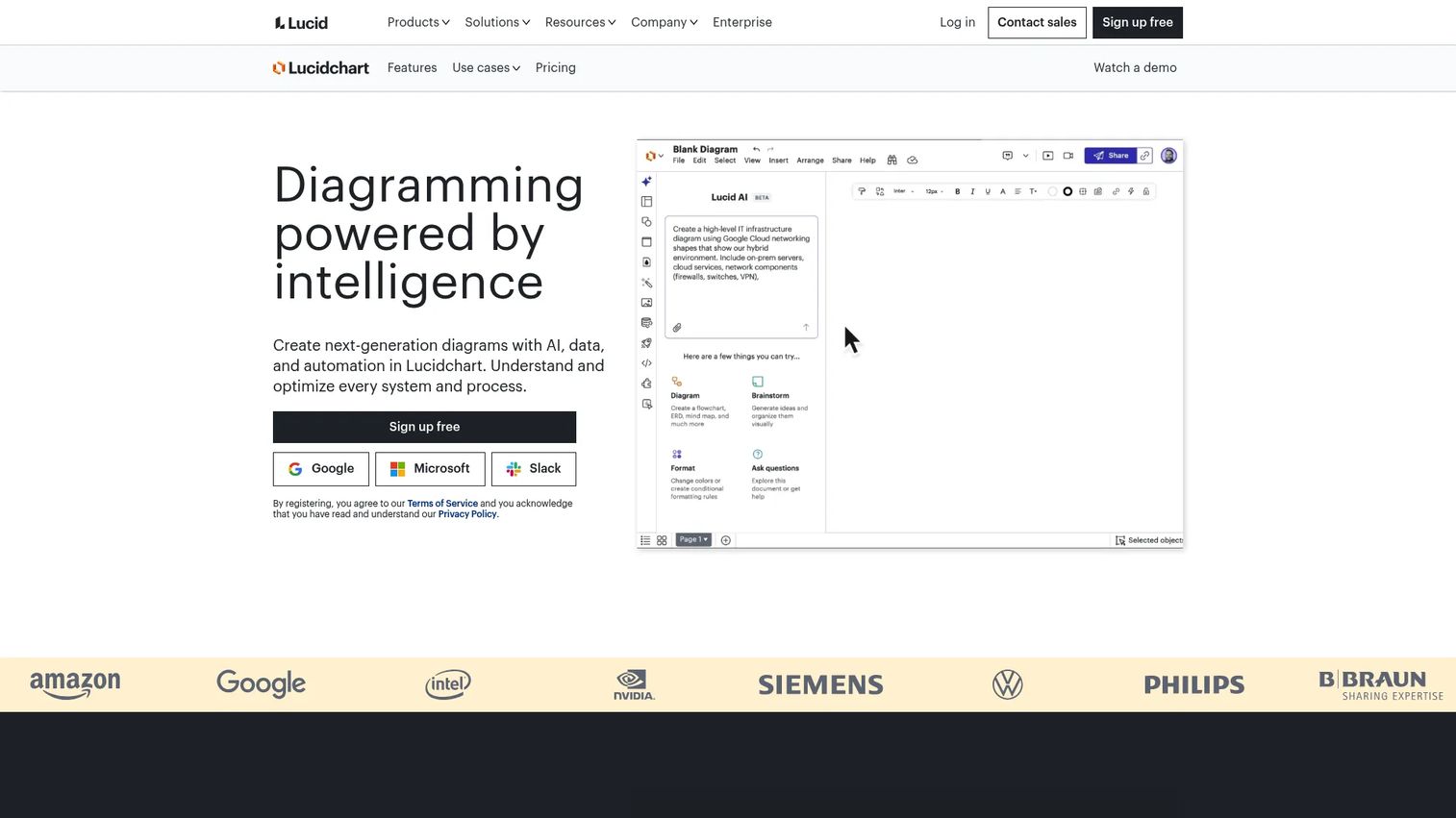
Lucidchart is cloud-based intelligent diagramming and visual collaboration software. It sits between free-form whiteboarding and rigid modeling, giving you structured process diagrams with layers, conditional formatting, and data linking. That data-linking capability lets you tie shapes to live data, which matters when a map needs to reflect real system state instead of a static snapshot. AI diagram generation speeds up the first draft.
Best for: Teams needing diagramming, process mapping, and collaborative visual documentation.
Key strengths
- Real-time collaboration
- AI-generated diagrams and data imports
- Templates, layers, and conditional formatting
Why choose Lucidchart: Pick Lucidchart when you want more structure than a whiteboard but less overhead than a dedicated BPMN suite. Its data linking and layers make it strong for maps that need to stay tied to real information.
Lucidchart pricing: Free plan available. The Individual plan is $9.00/month plus tax. Team and Enterprise plans are also offered, with Team pricing available through Lucid directly.
3. SmartDraw
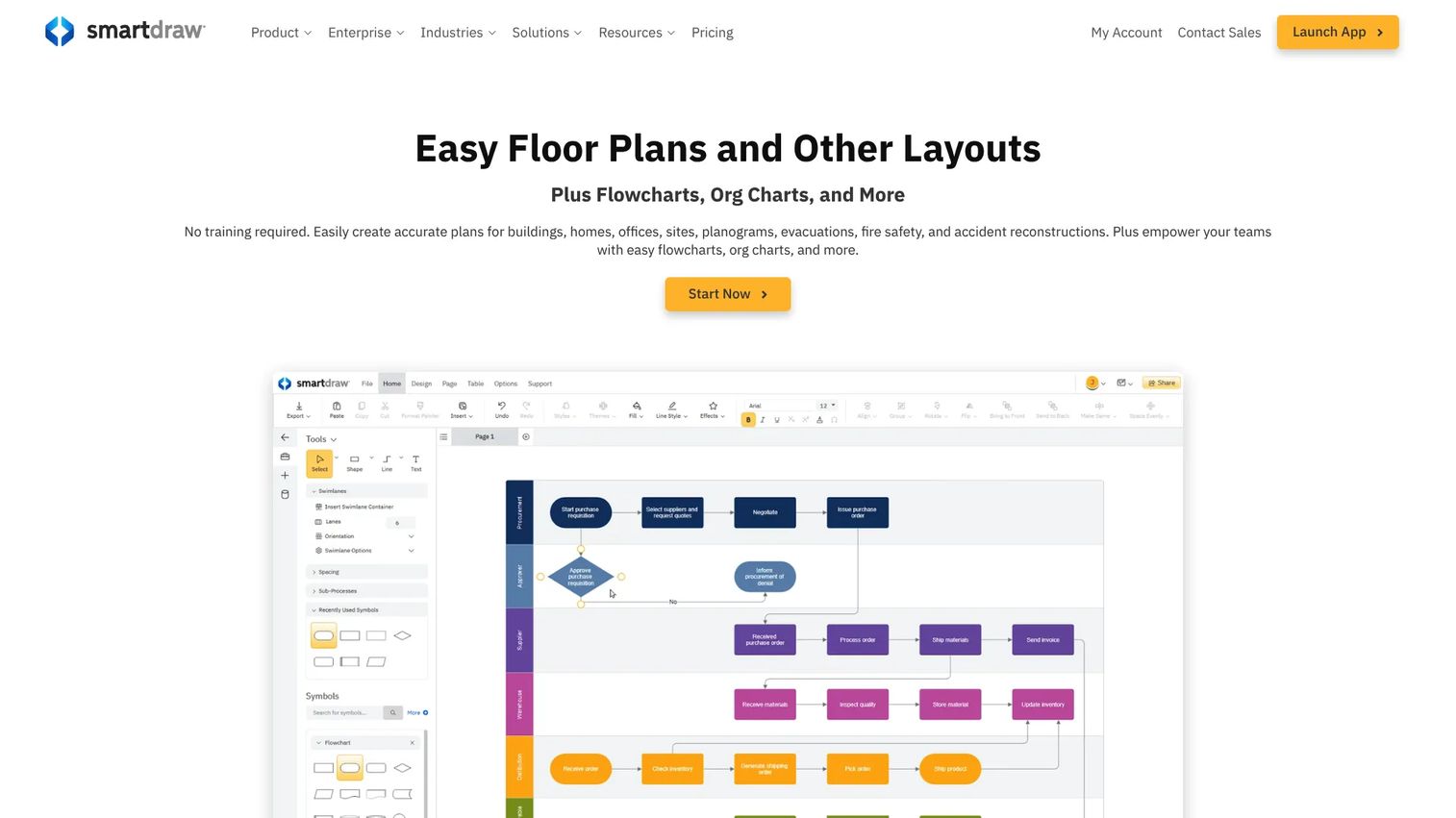
SmartDraw is cloud-based diagramming and scaled-drawing software for diagrams, floor plans, and collaboration. Its calling card is speed: automatic shape alignment and built-in templates mean you build a clean map without fighting the layout. It interoperates with Microsoft 365 and Google Workspace, and integrates with Jira, Confluence, AWS, Azure, and GitHub, which keeps it useful inside an existing product stack.
Best for: Teams that need diagramming plus precise floor plans and enterprise collaboration.
Key strengths
- Built-in templates and automatic shape alignment
- Shared folders and collaboration
- Integrations with Microsoft 365, Google Workspace, Jira, Confluence, AWS, Azure, and GitHub
Why choose SmartDraw: Choose SmartDraw when your priority is producing polished maps fast without manual formatting. The auto-alignment removes the tedious cleanup that slows down other tools.
SmartDraw pricing: No public free tier, but a free trial is available. The Individual plan is $7.95 per month billed annually. The Team plan is $6.95 per user per month billed annually with a 3-user minimum. Enterprise is quote-based.
4. Microsoft Visio

Microsoft Visio is diagramming and flowchart software from Microsoft for creating, editing, and collaborating on visuals. For teams already living in Microsoft 365, it is the path of least resistance: files, permissions, and sharing all run through infrastructure IT already manages. It supports BPMN and advanced diagram types, with both web and desktop options depending on the plan. That native ecosystem fit and enterprise trust are why Microsoft shops rarely look elsewhere.
Best for: Teams that need Microsoft-native flowcharts and business diagramming with web, desktop, and collaboration options.
Key strengths
- Visio in Microsoft 365 for viewing and basic editing
- Visio Plan 1 web and Teams apps for professional diagrams
- Visio Plan 2 desktop app, offline and local file support, and advanced diagram types
Why choose Microsoft Visio: If your organization runs on Microsoft 365, Visio removes procurement friction and slots into existing governance. It is the default for enterprises that value ecosystem consistency over standalone flexibility.
Microsoft Visio pricing: Visio in Microsoft 365 is included in commercial plans. Visio Plan 1 is $5.00/user/month paid yearly. Visio Plan 2 is $15.00/user/month paid yearly. One-time desktop editions are Visio Standard 2024 at $309.99 and Visio Professional 2024 at $579.99.
5. Draw.io
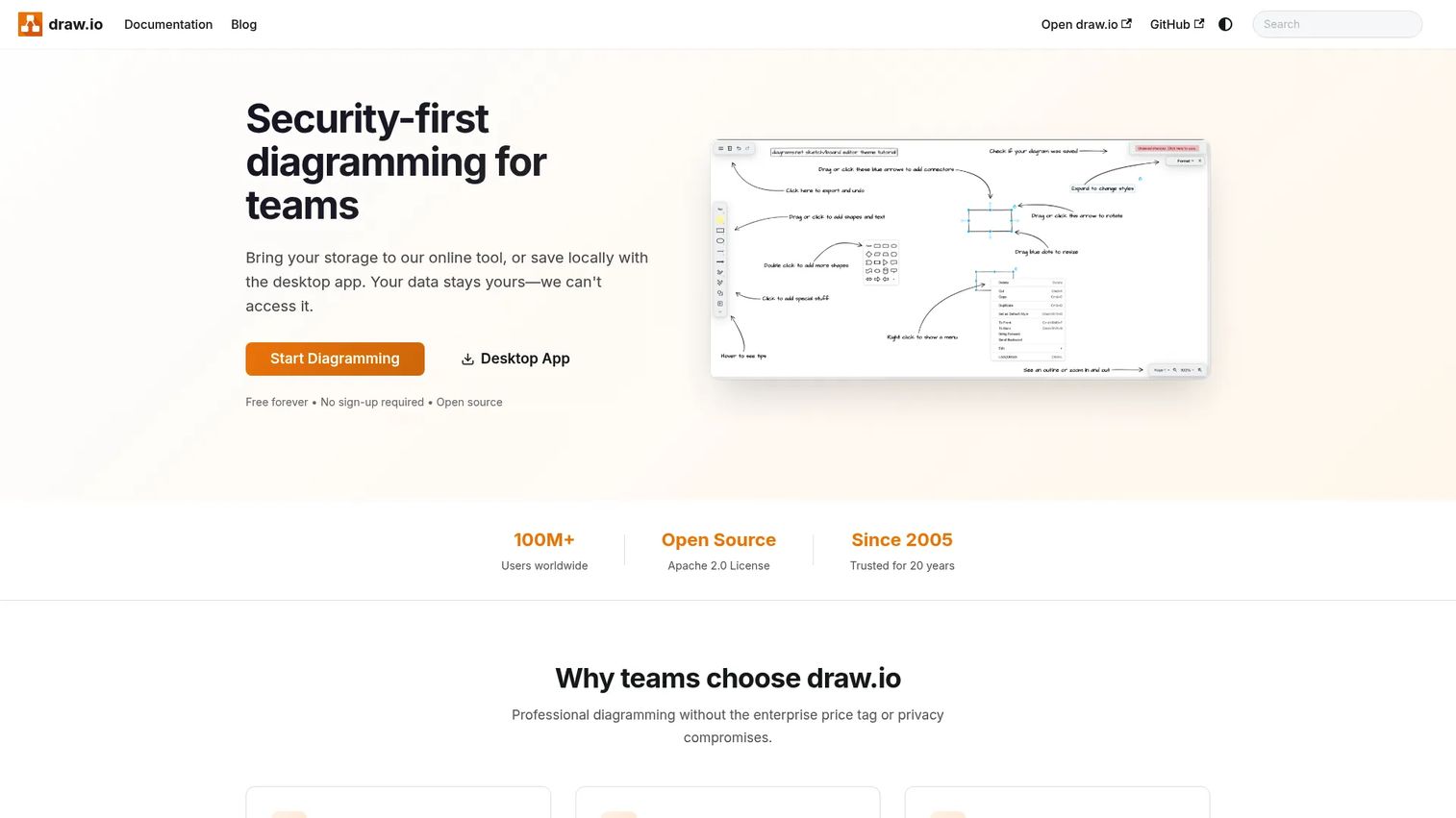
Draw.io is free online diagram software for flowcharts, network diagrams, UML, ER diagrams, BPMN, and more. It is the no-friction option: open the browser, start mapping, no account required. Despite being free, it imports .vsdx, Gliffy, and Lucidchart files, so migrating existing work is straightforward. For lightweight teams or a quick current-state sketch, it does the core job without a purchase decision.
Best for: Teams and individuals needing a free, general-purpose diagramming tool.
Key strengths
- Browser-based diagramming
- Imports .vsdx, Gliffy, and Lucidchart files
- Supports flowcharts, network diagrams, UML, ER diagrams, BPMN, and circuit diagrams
Why choose Draw.io: Choose Draw.io when budget is zero and you still need real diagram types including BPMN. It trades advanced collaboration and governance for being completely free and instantly available.
Draw.io pricing: Free. Draw.io is free online diagram software with no public paid tiers.
6. Creately
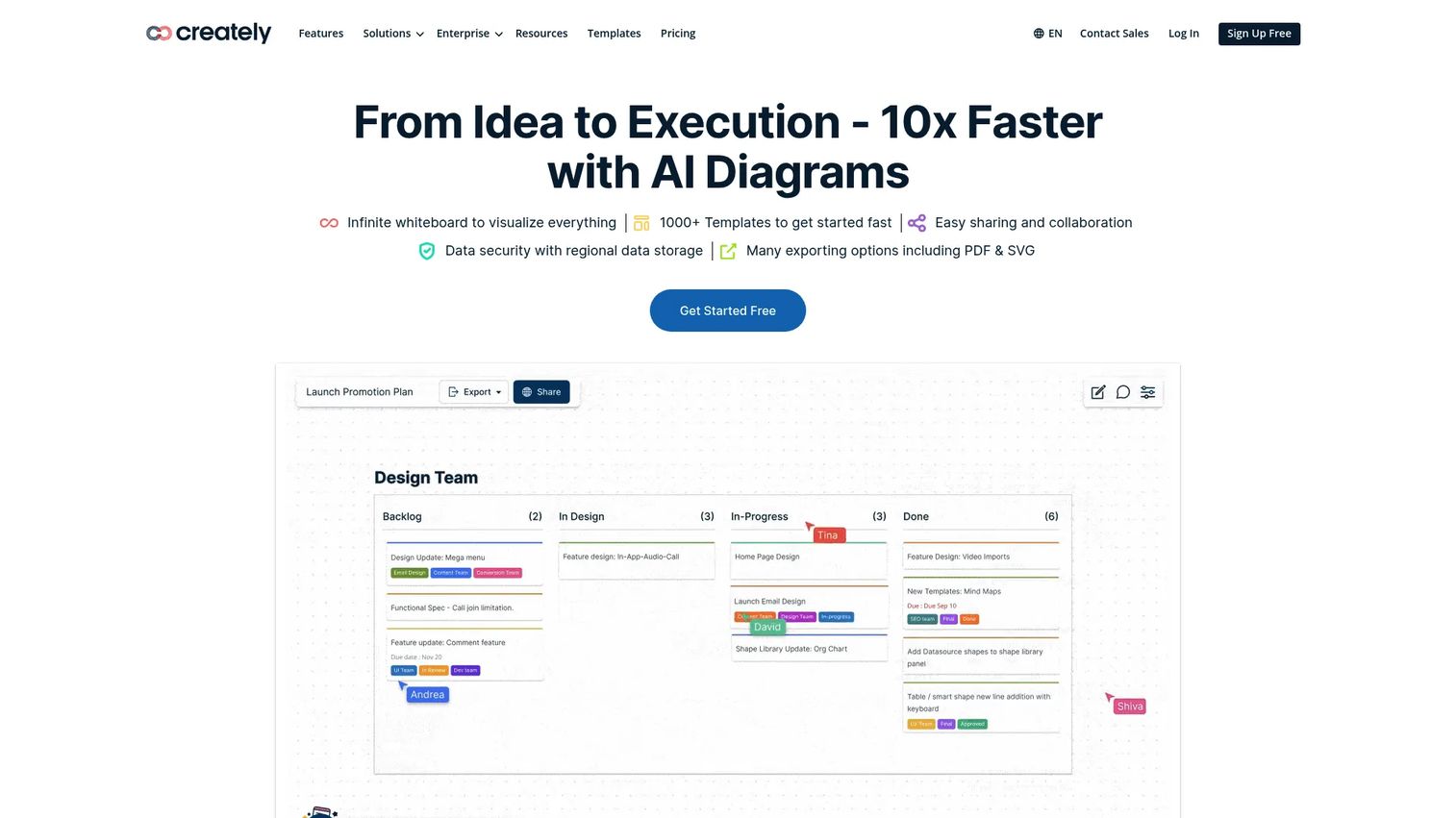
Creately is a visual collaboration, diagramming, and work management platform. It blends an infinite canvas with real-time collaboration, notes, and databases, so a process map can sit next to the work it describes. That combination appeals to teams that want diagramming and lightweight project management in one place rather than stitching tools together. It supports templates and enterprise controls as you scale.
Best for: Teams needing an all-in-one visual collaboration and diagramming tool.
Key strengths
- Infinite canvas with real-time collaboration
- Diagramming, whiteboarding, notes, and databases
- Project management tools, integrations, and enterprise controls
Why choose Creately: Pick Creately when you want your process maps to live alongside tasks and data, not in a separate diagramming silo. It suits teams consolidating visual work into one platform.
Creately pricing: Free plan available. A Lite plan is offered at $1/month for one year of access. Starter, Team, and Business plans are available on monthly or annual billing, and Enterprise is custom.
7. EdrawMax
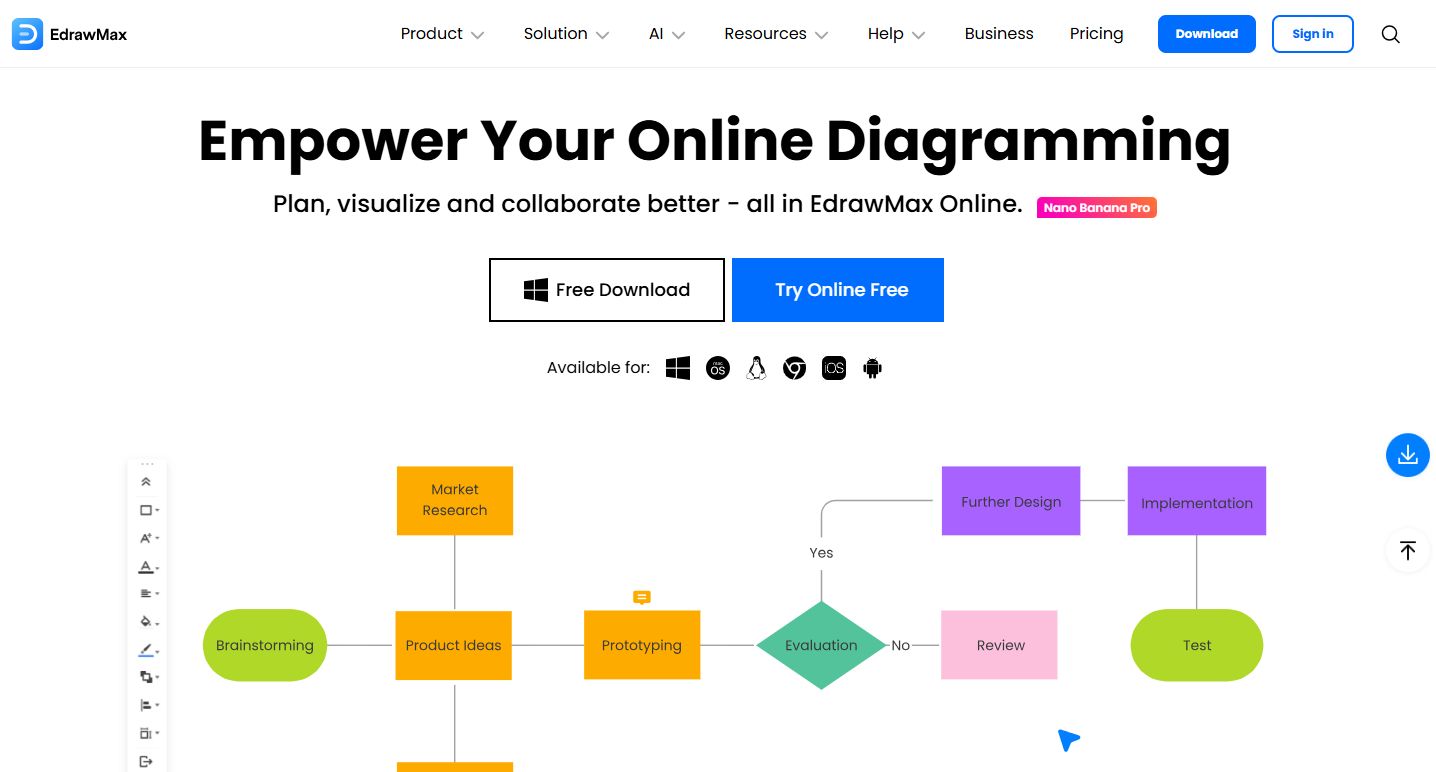
EdrawMax is all-in-one diagramming software for creating flowcharts, floor plans, mind maps, org charts, and more. Its differentiator is sheer breadth: 210+ diagram types cover nearly any visual a product or ops team might need beyond process maps. Reusable templates and AI diagram generation speed up first drafts, and it works across desktop, web, and mobile. For teams that want one tool covering many diagram jobs, the range is the draw.
Best for: Teams and individuals needing a broad-purpose diagramming tool with templates and AI assistance.
Key strengths
- 210+ diagram types
- AI diagram generation and image tools
- Cross-platform use with desktop, web, and mobile access
Why choose EdrawMax: Choose EdrawMax when your diagramming needs stretch well past process maps and you want one tool for all of them. The one-time perpetual license option also appeals to teams avoiding recurring subscriptions.
EdrawMax pricing: The Annual Plan is $99 per year. The Perpetual Plan is a one-time purchase at $198.
8. Bizagi Modeler
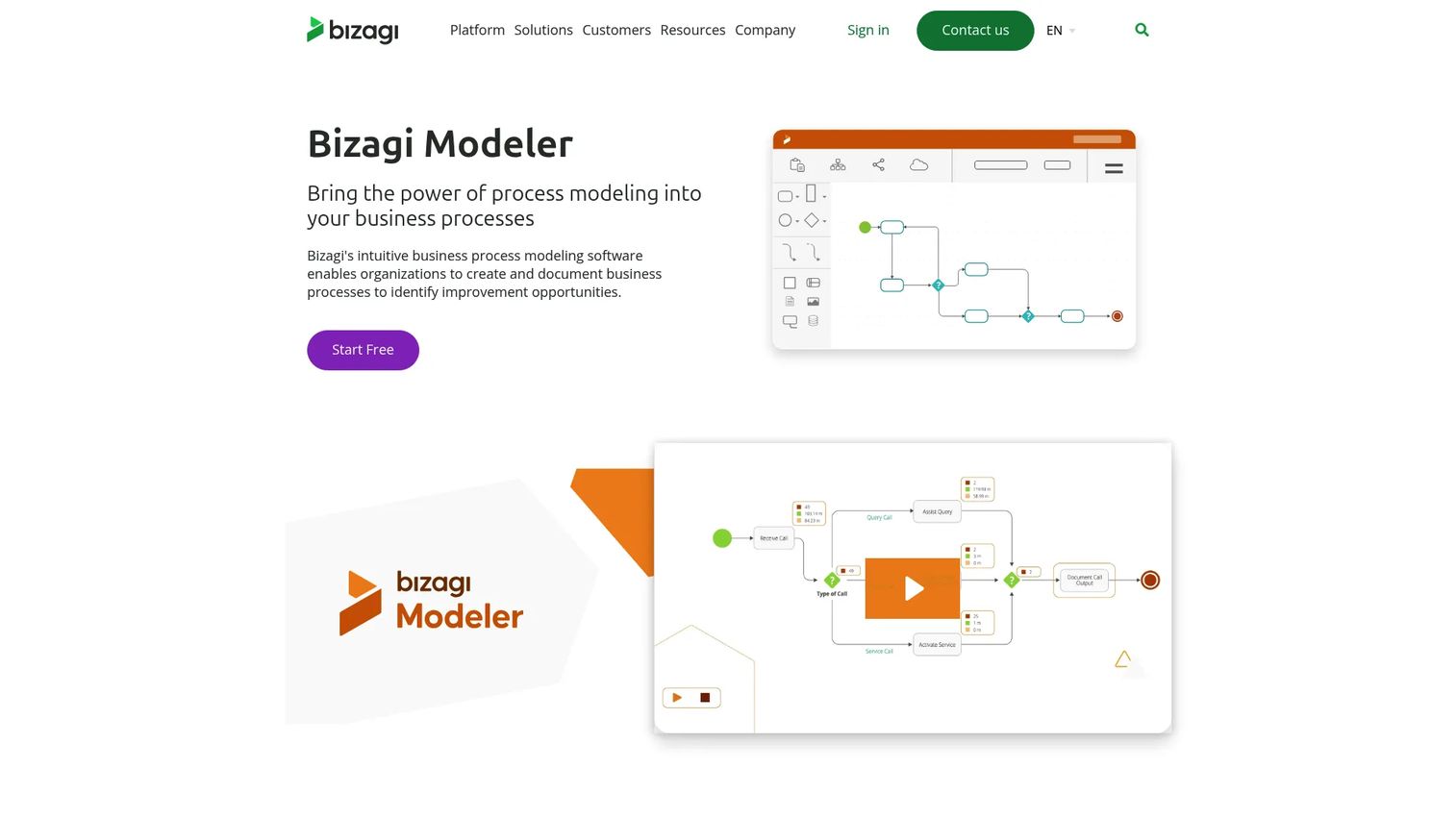
Bizagi Modeler is business process modeling software for diagramming, documenting, simulating, publishing, and sharing BPMN processes. This is where process mapping gets formal. Bizagi is built around BPMN software standards, so it is the right tool when a process needs proper notation, simulation, or documentation for governance. The desktop modeler is free to download, and enterprise cloud features add collaboration and governance on subscription.
Best for: Teams that need BPMN process modeling with optional enterprise collaboration and governance.
Key strengths
- Free desktop modeler download
- Process simulation
- Publish diagrams to Word, PDF, web, and SharePoint
Why choose Bizagi Modeler: Choose Bizagi when your process work demands BPMN rigor and simulation, not just a readable flowchart. The free desktop modeler makes it low-risk to start formal modeling.
Bizagi Modeler pricing: The desktop Modeler is free. Enterprise cloud features are available by subscription, with pricing through Bizagi.
9. Camunda Modeler
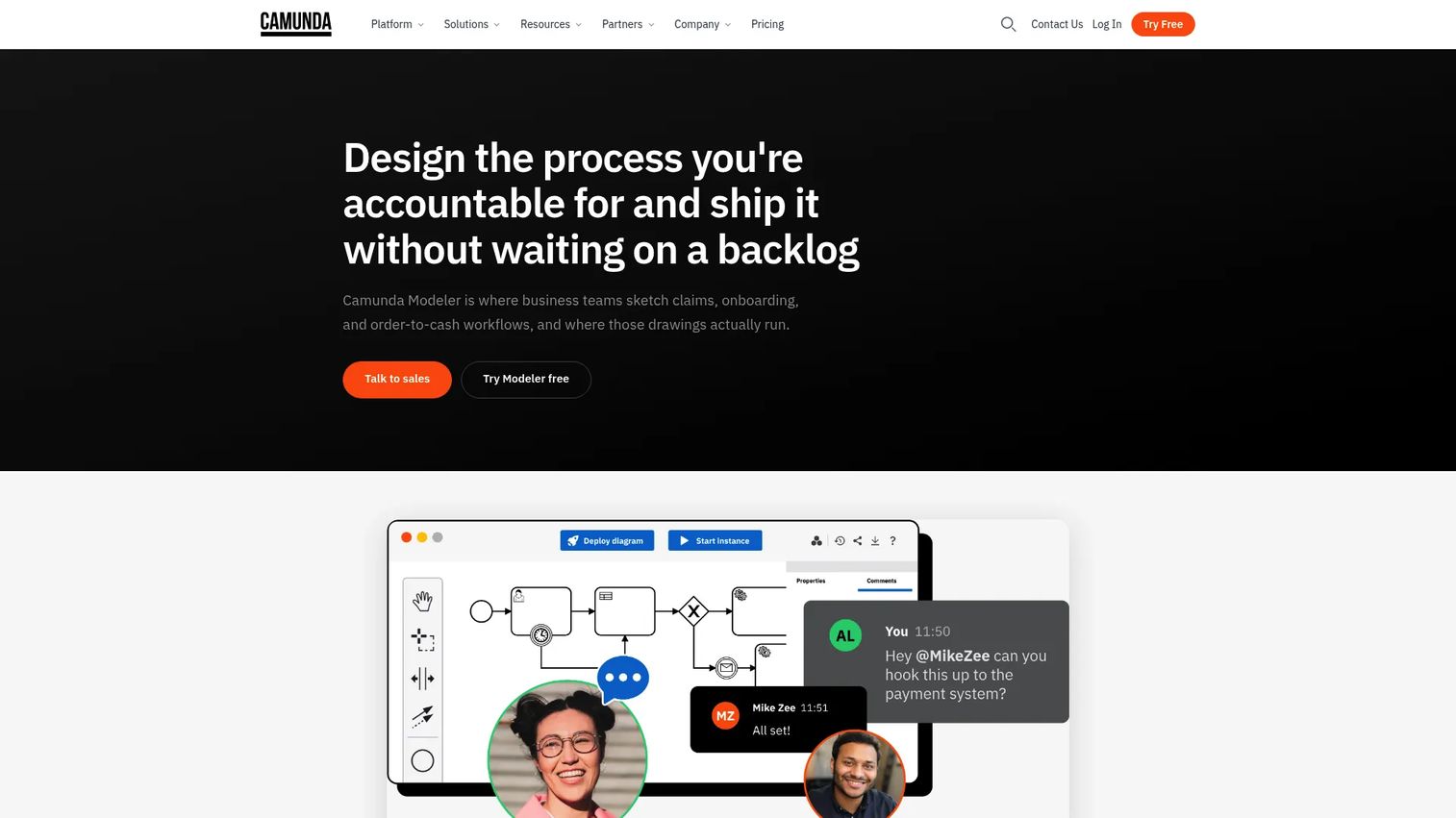
Camunda Modeler is a visual process design tool for building executable business processes on the Camunda platform. It is BPMN modeling aimed at technical and orchestration-heavy teams: the diagram is not just documentation, it can deploy and run. Drag-and-drop forms, decision rules, and connectors let you move from map to executable workflow, with one-click deploy to Camunda SaaS or self-managed environments.
Best for: Teams that need BPMN-based process modeling and execution on Camunda.
Key strengths
- Free desktop application and collaborative web application
- Drag-and-drop forms, decision rules, and connectors
- One-click deploy to Camunda SaaS or self-managed
Why choose Camunda Modeler: Choose Camunda when your process maps are meant to become running orchestration, not static diagrams. It fits engineering-adjacent teams building executable workflows.
Camunda Modeler pricing: Local development and non-production use is free. Camunda SaaS offers a free trial, then moves to enterprise pricing. Production self-managed plans are licensed through Camunda sales.
10. Tallyfy
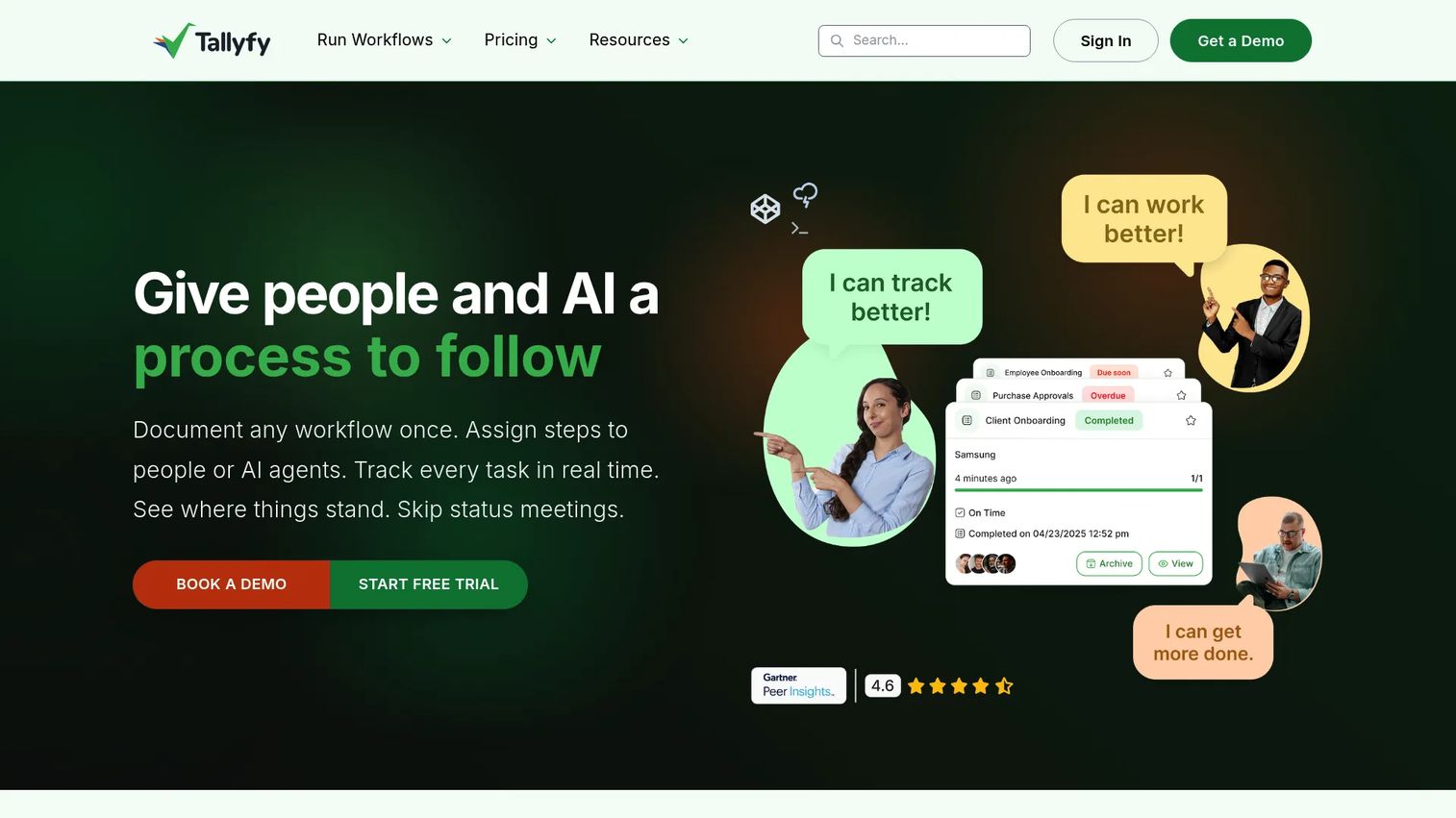
Tallyfy is workflow management software for documenting, tracking, and automating recurring business processes. It differs from pure diagramming tools in one important way: it runs the process rather than only picturing it. You document a workflow, then Tallyfy tracks each task in real time, handles conditional logic, and shows where work actually sits. For teams whose maps keep going stale, execution-based documentation stays current because the map is the running process.
Best for: Teams that need repeatable internal or customer-facing workflows with approvals and task tracking.
Key strengths
- Real-time status tracking
- Conditional workflow automation
- External guest collaboration
Why choose Tallyfy: Choose Tallyfy when a static diagram is not enough and you need the process to actually execute and stay consistent. It suits ops teams standardizing recurring workflows over drawing one-off maps.
Tallyfy pricing: Free trial available for 14 days. The Light Seat is $100/year and the Full Seat is $300/year, both billed annually. A Data Feed analytics add-on is $20/seat/year. Free guests and SSO are included.
11. ProcessMaker
ProcessMaker is a cloud-based low-code business process automation and workflow platform for enterprises. Like Tallyfy, it moves past mapping into operationalization: you design a process, then run, report on, and optimize it. Low-code tooling handles approvals, service requests, and system integrations, with role-based experiences for participants, designers, and administrators. It targets larger organizations orchestrating processes across systems.
Best for: Enterprises needing low-code workflow automation and process orchestration.
Key strengths
- Design, run, report on, and optimize business processes
- Low-code workflow automation for approvals, service requests, and system integrations
- Role-based experiences for participants, designers, and administrators
Why choose ProcessMaker: Choose ProcessMaker when process mapping is a step toward full automation across enterprise systems. It fits teams that need orchestration, not just documentation.
ProcessMaker pricing: ProcessMaker uses custom pricing set through orders and statements of work, and directs prospects to request a demo. Public numeric pricing is not listed.
12. IBM Blueworks Live
IBM Blueworks Live is a cloud-based business process discovery and modeling platform for documenting, understanding, and improving work. It is built for enterprise process discovery and governance, with real-time collaboration and process mapping that exports to BPMN. AI-powered modeling and Blueworks Live IQ help teams document and standardize processes at scale, which suits organizations that treat process governance as an ongoing program, not a one-off project.
Best for: Teams that need collaborative business process modeling and process governance.
Key strengths
- AI-powered process modeling and Blueworks Live IQ
- Real-time collaboration and governance
- Process mapping, documentation, and BPMN export
Why choose IBM Blueworks Live: Choose Blueworks Live when process discovery and governance span many teams and need consistent documentation. It fits enterprises standardizing processes as a continuous discipline.
IBM Blueworks Live pricing: A free trial is available. Licenses are structured as Editor, Contributor, and Viewer roles, with pricing through IBM sales.
Considerations for product teams
Picking a process mapping tool is less about the diagram and more about what happens after you draw it. Here is what to verify before you commit.
Collaboration and stakeholder input
Check whether the tool supports simultaneous editing, threaded comments, and shared feedback without version chaos. Real-time collaboration is the difference between a map the team owns and one the team ignores. Verify guest access too, since stakeholders outside your workspace often need to weigh in.
Import and export flexibility
Your existing work lives somewhere already, usually in Visio, spreadsheets, or PDFs. Confirm the tool can import Visio files (.vsdx), CSV, and common diagram formats, and export to whatever your stakeholders actually open. Migration friction kills adoption before it starts.
BPMN and diagram type support
Decide what notation your processes actually require. A simple onboarding flow needs a flowchart. A regulated, audited process needs BPMN software. Lean improvement work needs value stream mapping software. Match the tool to the rigor the process demands, not the other way around.
Security and permissions
For anything touching sensitive workflows, confirm role-based access, granular sharing controls, and enterprise security features like SSO. Governance is not optional once maps become the documented source of truth. Check who can view versus edit, and whether admin controls scale with your team.
Keeping maps current
The biggest failure mode is decay. Ask how the tool handles version control and revision history so you can see what changed and roll back if needed. Tools that tie the map to a running process, or centralize maps in one place, make it far easier to keep documentation from drifting into fiction.
Conclusion
The right process mapping software depends less on which brand wins a feature checklist and more on how your team actually works.
If your mapping happens in collaborative workshops, Miro and Lucidchart give you the shared-canvas model that turns stakeholders into contributors. If you live in Microsoft 365, Visio removes procurement and governance friction. If budget is the constraint, Draw.io delivers real diagram types, including BPMN, for free.
When the process demands formal rigor, Bizagi Modeler and Camunda Modeler bring proper BPMN modeling, with Camunda extending into executable orchestration. And when a static diagram is not enough, Tallyfy and ProcessMaker move you from mapping the process to actually running it, which is often the real reason maps keep going stale.
Start by naming your primary need: collaborative whiteboarding, formal BPMN, or execution-oriented workflow management. Then shortlist two tools from that group, import an existing map into each, and see which one your team keeps opening. The best tool is the one people actually use.
Start your journey with Guideflow today!
FAQs
Draw.io is the strongest fully free option, offering flowcharts, swimlanes, and BPMN with no account required and no paid tiers. Miro, Lucidchart, Creately, and Bizagi Modeler also offer free plans or a free desktop modeler, though advanced collaboration and governance features usually sit behind paid tiers.
Yes. Most modern tools import Visio (.vsdx) files. Draw.io imports .vsdx directly and for free, and Lucidchart, SmartDraw, and others support Visio import as well. If migrating existing Visio diagrams is a priority, confirm .vsdx support and test one real file before committing.
Process mapping is the broad practice of visually documenting a workflow, using any notation from a simple flowchart to a swimlane diagram. BPMN (Business Process Model and Notation) is a specific, standardized notation with defined symbols for events, gateways, and lanes. Use general process mapping for clarity and BPMN when you need rigor, consistency, or executable processes.
Miro leads on real-time, workshop-style collaboration with its infinite canvas and simultaneous editing. Lucidchart and Creately also offer strong real-time collaboration with commenting and shared feedback. For product teams running cross-functional mapping sessions, these three make it easiest to turn stakeholders into active contributors.
Only when ownership matters. Swimlane diagram software is worth it for cross-functional processes where you need to show which role or department owns each step. For a simple linear process with a single owner, a standard flowchart is clearer and faster. Match the notation to the handoffs the process actually contains.
Prioritize collaboration, import and export flexibility, the right notation support (flowchart, swimlane, BPMN, or value stream), version control, and enterprise security. For product managers specifically, maintainability matters most: a tool that keeps maps current as workflows change beats one with prettier diagrams that go stale.
Yes, several do. SmartDraw integrates with Jira and Confluence directly, and Miro, Lucidchart, and others offer integrations with common product and documentation tools. If your maps need to live where your team already works, verify the specific integrations before you buy rather than assuming coverage.
Assign an owner for each map, tie updates to your release or process-change cadence, and use tools with version control and revision history. Execution-oriented tools like Tallyfy and ProcessMaker help because the map is the running process, so it stays current by design. Centralizing maps in one place also means a single fix propagates instead of leaving stale copies scattered across folders.