Your media plan is solid. The offer is clear. Then the campaign stalls because every new banner size needs another design ticket, and your designer is already three requests behind.
Creative production is the bottleneck most performance marketers don't talk about enough. U.S. display advertising generated $81.6 billion in revenue in 2025, up 9.8% year over year, according to IAB/PwC (2026). That growth means more competition for attention, which means more creative variants, more sizes, and faster refresh cycles. The teams winning on display are not the ones with the biggest budgets. They're the ones who can ship more angles faster without sacrificing brand quality.
The right ad design software changes that equation. This guide compares 17 tools across template speed, HTML5 production depth, creative automation, and brand governance, so you can match the tool to your actual campaign workflow.
What's inside
This guide is for growth marketers, paid media teams, startup generalists, and agency creatives evaluating ad design software in 2026.
Tools were selected based on:
- Fit for display ad use cases (templates, multi-size output, HTML5 support)
- AI design and automation capabilities
- Brand control and team collaboration features
- Pricing transparency and G2 reputation
The guide covers template-based ad makers, animated and HTML5 banner builders, creative automation platforms, and brand governance tools.
TL;DR
- Best overall for most marketing teams: Canva, for broad template coverage, brand kits, and multi-format ad creation without a designer
- Best for Adobe teams: Adobe Express, for polished ad assets inside the Adobe ecosystem
- Best for free animated banners: BannerBoo, with a free plan, HTML5 export, and animation built for display
- Best for brand-controlled distributed teams: Marq, for locked templates and approval workflows
- Best for display-specific production: Zuuvi, Bannerwise, or Flexitive, depending on your channel mix and dynamic creative needs
- Best for creative automation at scale: Rocketium, for teams producing high volumes of campaign variants
What is display ad design software?
Display ad design software helps marketers create, resize, animate, export, and manage digital ad creative for placements such as website banners, programmatic display, Google Ads, social platforms, and video ad units.
It sits between your campaign strategy and media activation, turning offer, audience, and message into channel-ready assets, without requiring a professional designer for every size change.
Core formats display ad design software supports
Most tools in this category handle at least some of the following:
- Static banners (PNG, JPG)
- Animated banners (GIF, HTML5)
- HTML5 interactive banners
- Social feed ads
- Video ad units (MP4)
- Responsive display ads
- Retargeting creative
- App install ads
Common display ad dimensions include the 300x250 medium rectangle, 728x90 leaderboard, 300x600 half page, 336x280 large rectangle, and 160x600 wide skyscraper. Always verify current platform specs before launching, since Google Ads and programmatic networks update requirements regularly.
Key features to look for
When evaluating ad design software, prioritize:
- Template library with display ad formats
- Drag-and-drop editor
- Brand kits (logos, fonts, colors)
- Multi-size resizing from one source file
- Animation controls and timeline
- AI copy and image tools
- HTML5 export capability
- PNG, JPG, GIF, MP4 export support
- Collaboration and approval workflows
- Asset library management
Where it fits in the marketing workflow
Display ad design software connects campaign strategy to media activation. For growth marketers, the practical value is reducing the gap between "we need 12 sizes of this ad" and actually having those sizes ready. The best tools let you test more creative angles before fatigue hits, adapt one concept across Google Display, LinkedIn, and social without rebuilding, and keep every asset on brand even when multiple people are editing.
When to use display ad design software
Ship more campaign variants without design bottlenecks
Performance teams need multiple headlines, CTAs, and visuals to find what converts. A template-based ad maker lets a marketer produce and test those angles without filing a design ticket for each one. The faster you can refresh creative, the longer you can run a campaign before audience fatigue kills your ROAS.
Adapt one campaign across multiple platforms
A single campaign concept needs to work across Google Display, LinkedIn sponsored content, YouTube pre-roll, and website banners. Each platform has different aspect ratios, file size limits, and animation rules. A good ad design tool handles multi-size generation from one master file, so you're not manually recreating the same ad at 10 different dimensions.
Keep paid media assets on brand
When three people are producing ads across a campaign, brand drift happens fast. Logo placement shifts, fonts change, CTAs lose contrast. Tools with brand kits, locked template elements, and approval workflows protect consistency without requiring a design review on every asset.
Display ad design software comparison
The table below summarizes all 17 tools by fit, key differentiator, pricing, and G2 rating. Pricing reflects verified data from each vendor's official pricing page. G2 ratings are current as of October 2026.
| # | Product | Best for | Key differentiator | Pricing | G2 rating |
|---|---|---|---|---|---|
| 1 | Canva | Most marketing teams | Broad template library and brand kits | Free plan available | 4.7/5 |
| 2 | Adobe Express | Adobe ecosystem users | Templates, stock assets, and AI tools | Free plan; Premium from $9.99/mo | N/A |
| 3 | Zuuvi | Display ad production teams | Dynamic creative and multi-format scaling | Custom pricing | 4.6/5 |
| 4 | VistaCreate | Startup marketers | Fast ad creation with 200,000+ templates | Free plan; Pro $10/mo | 4.5/5 |
| 5 | Picmaker | Social and display ad makers | AI-assisted design and brand kits | Free plan; Starter from $6/mo | N/A |
| 6 | Creatopy | HTML5 and animated banner production | AI-driven ad creation and animation | Pro from $29/mo | N/A |
| 7 | Lapis | AI-assisted ad creative | Campaign creation and continuous optimization | From $99/mo | 4.9/5 |
| 8 | BannerBoo | Animated banner ads | HTML5, AMPHTML, GIF, MP4 banner builder | Free plan; Start from $15/mo | 4.7/5 |
| 9 | PosterMyWall | Local businesses and events | Quick promotional ad creation | Free plan; Premium from $13/mo | 4.7/5 |
| 10 | Visme | Visual content teams | Presentations, graphics, and ad assets | Free plan; Starter from $12.25/mo | 4.5/5 |
| 11 | Marq | Brand-controlled teams | Locked templates and brand governance | Free plan; paid from $10/mo | 4.5/5 |
| 12 | Rocketium | Creative automation at scale | Credit-based variant production | From $9/credit | 4.2/5 |
| 13 | Flexitive | Enterprise display teams | Responsive creative and multi-format export | Free plan; Premium from $29/mo | 4.5/5 |
| 14 | Bannerwise | Programmatic display teams | Dynamic banners with feed syncing | From €275/mo | 4.8/5 |
| 15 | Simplified | AI-first content teams | Copy, design, and social publishing in one workflow | From $79/mo | 4.6/5 |
| 16 | Prezi | Motion-led campaign assets | Zoomable canvas and interactive presentations | Free plan; Standard from $7/mo | 4.2/5 |
| 17 | Blush | Illustration-based ads | Customizable artist-made illustration library | Pricing not publicly confirmed | N/A |
Best 17 display ad design software tools for 2026
1. Canva
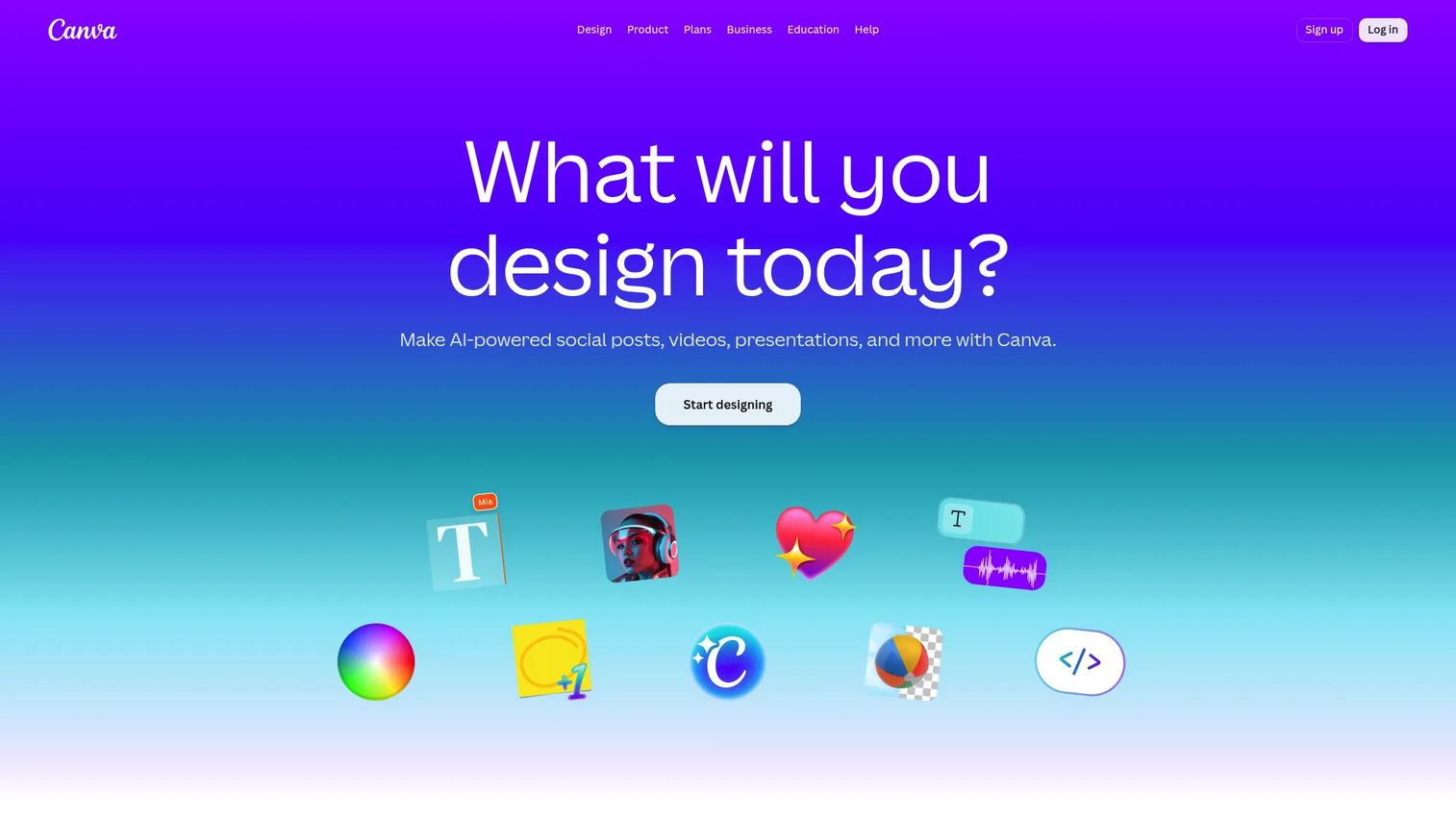
Canva is the most widely used visual design platform for marketing teams, covering social content, presentations, video, documents, and display ad creative. Its template library spans thousands of formats, and its brand kit feature lets teams set approved colors, fonts, and logos so every asset stays consistent. Magic Resize adapts a design across multiple ad dimensions without rebuilding from scratch.
Best for: Growth marketers and startup generalists who need fast, on-brand ad templates without design support.
Key features
- Ad templates across display and social formats
- Brand kits with locked fonts, colors, and logos
- Magic Studio AI tools (Magic Write, background removal, Magic Resize)
- Team collaboration with comments and approvals
- Export to PNG, JPG, GIF, MP4, and PDF
Why choose Canva: Canva covers the widest range of formats for teams that produce display ads alongside social content, presentations, and other campaign assets. Teams focused heavily on HTML5 banners or programmatic dynamic creative may need a more specialized platform.
Canva pricing: Canva offers a free plan. Paid plans are available in regional pricing; the India pricing page showed Pro at ₹4,000/year per person and Business at ₹6,800/year per person. Enterprise pricing is sales-led. A 30-day free trial applies to paid plans in most regions.
G2 rating: 4.7/5
2. Adobe Express
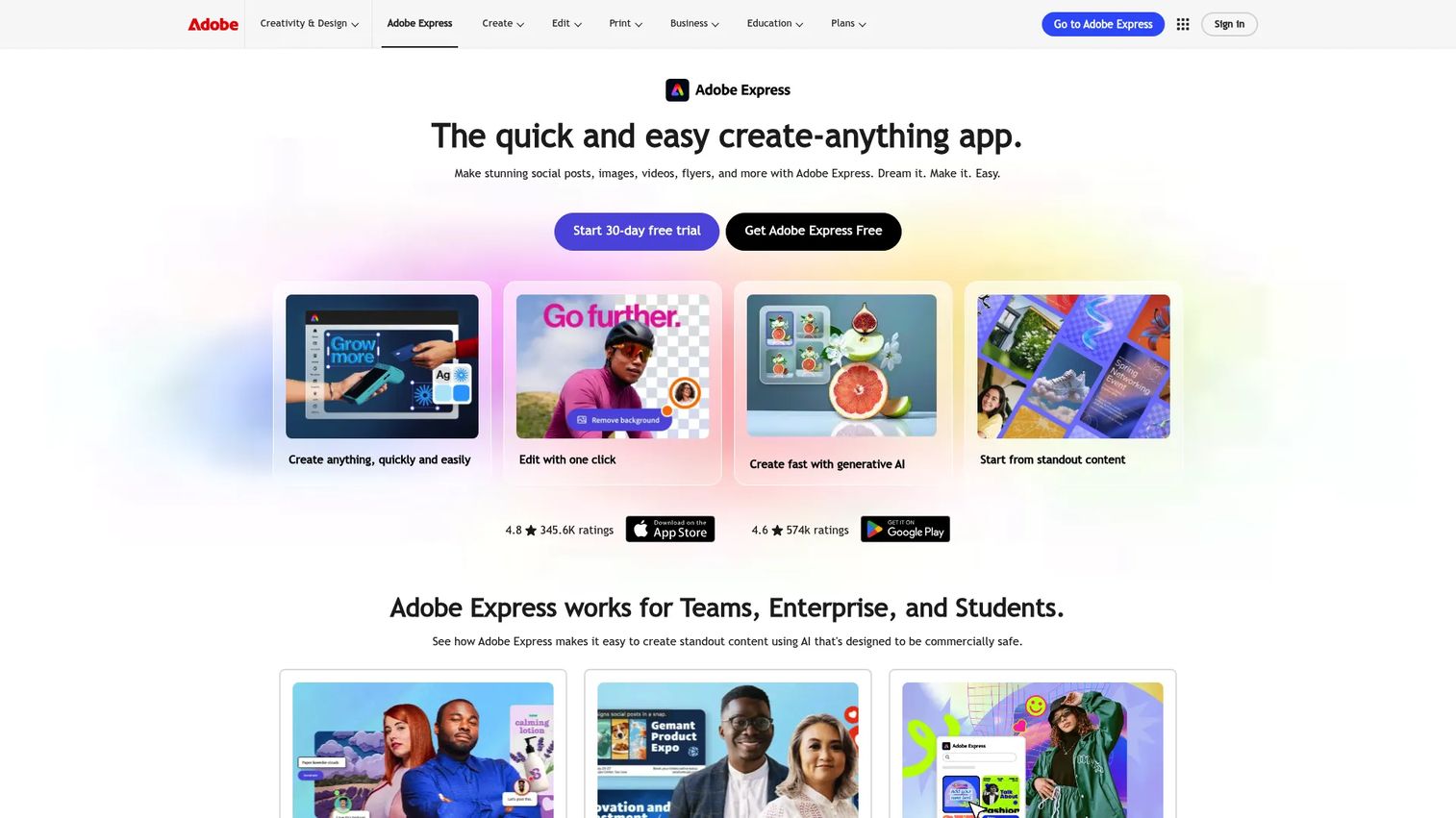
Adobe Express is Adobe's streamlined design tool for marketers who want polished ad assets without opening Photoshop or Illustrator. It includes advertisement templates, Adobe Stock access, AI-powered generative image tools, animation, and social media publishing. Teams already running Adobe Creative Cloud get native brand asset integration.
Best for: Teams working inside the Adobe ecosystem who need quick ad creative with stock asset access.
Key features
- Advertisement and social media templates
- Adobe Stock asset library built in
- AI generative image and text-effect tools
- Animation and video creation
- Content scheduling for social channels
Why choose Adobe Express: Adobe Express is the natural pick when your team already uses Adobe tools and wants brand consistency across marketing assets without maintaining a separate design platform. Heavy HTML5 banner workflows will still require a dedicated banner builder.
Adobe Express pricing: A free individual plan is available. Premium costs $9.99/month (billed monthly). Adobe Firefly Pro is $19.99/month. Teams plans start at $4.99 per license per month (introductory; regular price $7.99/month), billed annually with a two-seat minimum. Enterprise pricing is contact sales.
3. Zuuvi
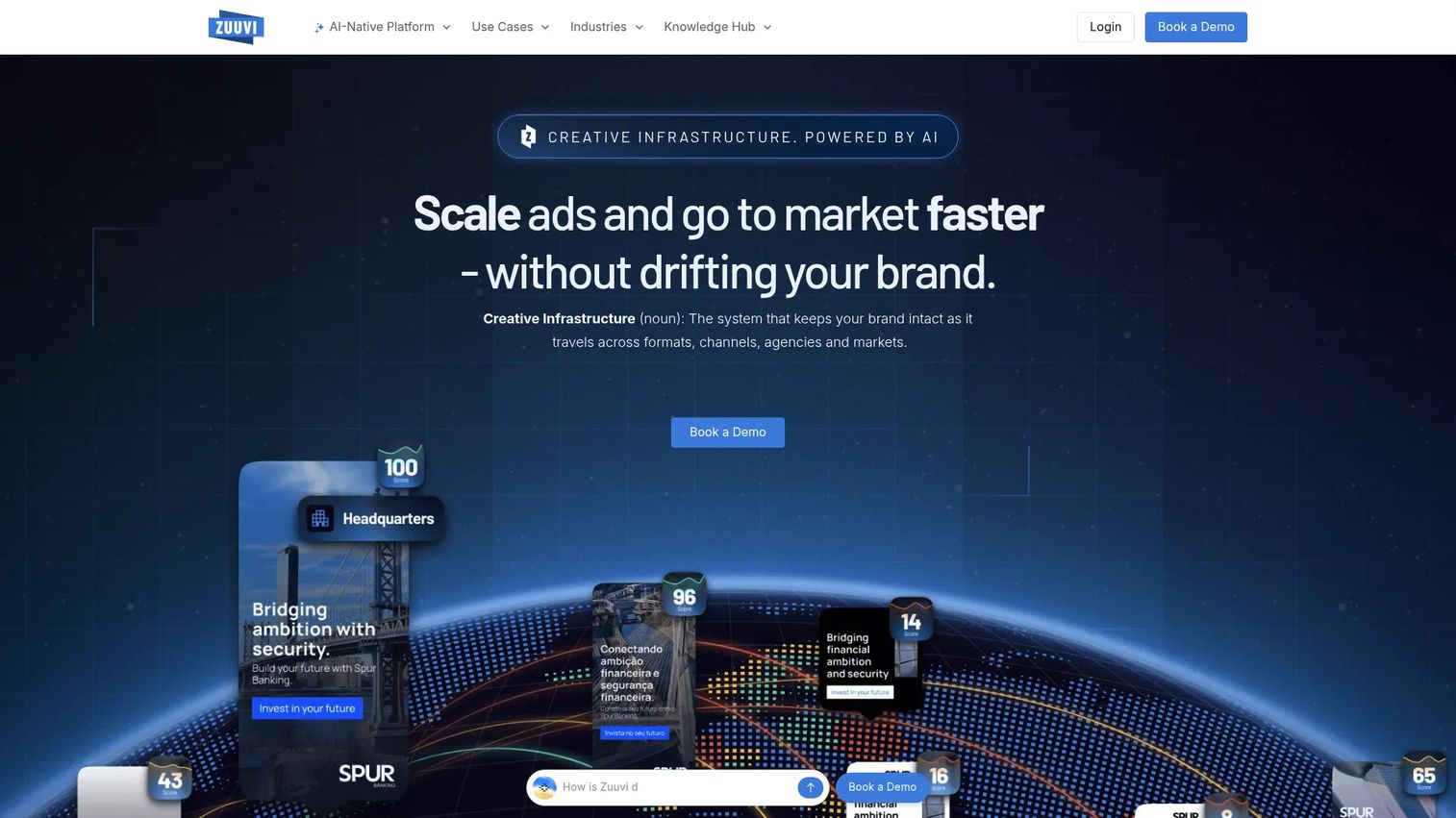
Zuuvi is a display-ad-specific creative infrastructure platform for teams producing high volumes of on-brand digital advertising. It supports dynamic creative versioning using product feeds, spreadsheets, and APIs, alongside creative analytics, multi-format export, and integrations with Figma, Meta, Google Ads, and 100+ other platforms. AI features include attention heatmaps, automatic format generation, and Motion AI for animation.
Best for: Performance marketing teams scaling display ad production across markets and formats.
Key features
- Dynamic ad templates with feed and API-driven versioning
- Multi-size ad production with real-time creative analytics
- AI attention heatmaps and Motion AI animation
- Figma, Meta, Google Ads integrations, and 100+ platform connections
- Brand controls with reusable template libraries
Why choose Zuuvi: Zuuvi earns its place when display advertising is a core channel and your team needs structured production, dynamic personalization, and creative performance data in one platform. Smaller teams running occasional campaigns may find a broader template tool more cost-effective.
Zuuvi pricing: Zuuvi uses custom pricing based on your requirements. The pricing page directs you to request a tailored quote or book a demo. Zuuvi notes subscriptions cover unlimited ad production and hosting, with an impressions-based package also available.
G2 rating: 4.6/5
4. VistaCreate
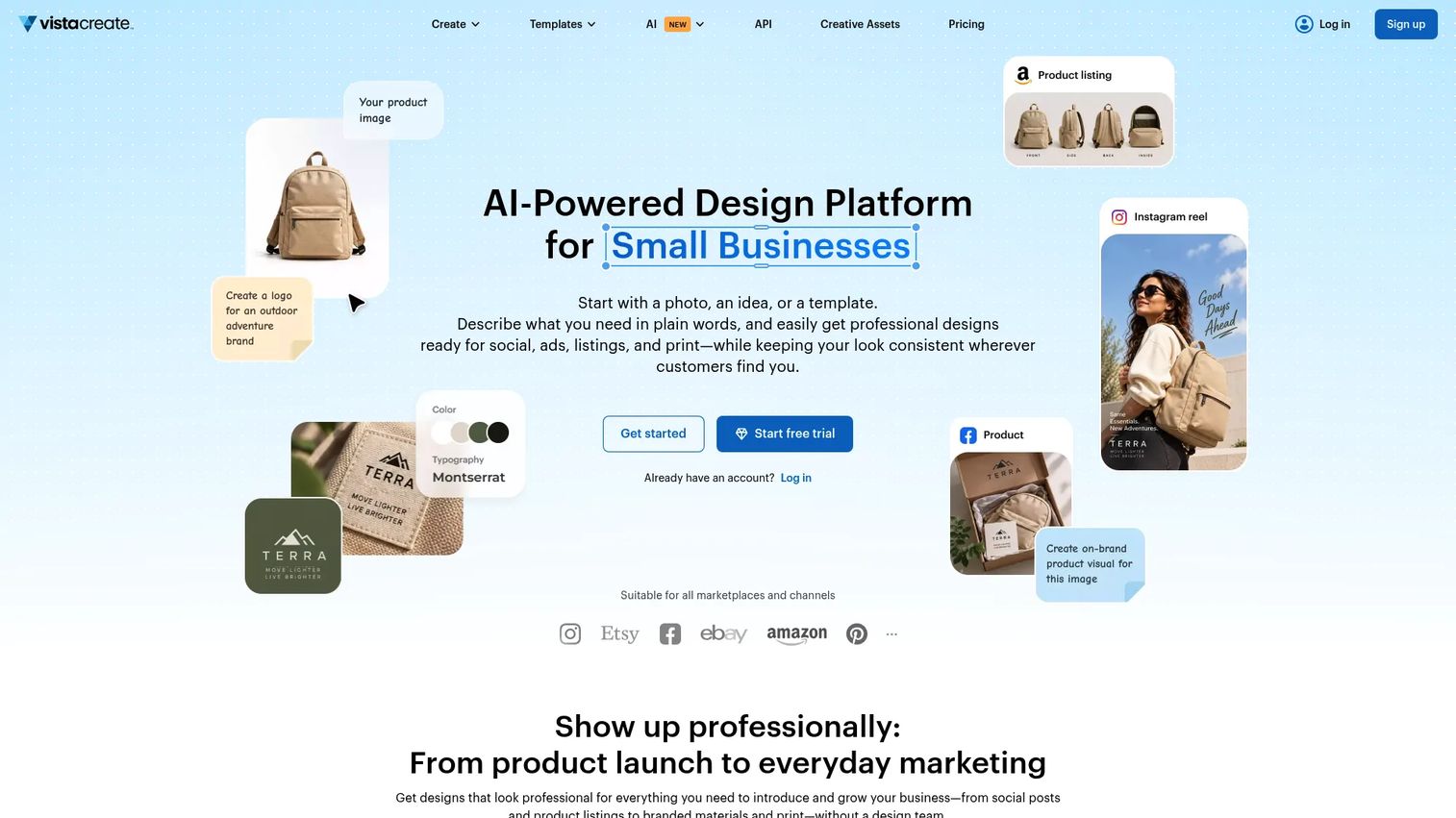
VistaCreate is a template-first design platform built for marketers who need attractive promotional creative quickly. With over 200,000 professionally designed templates, AI-powered image generation, brand kits, animation, and social media publishing, it covers most small team and startup creative needs in one place.
Best for: Small teams needing fast ad creative with a low learning curve and a strong template selection.
Key features
- 200,000+ professionally designed templates
- AI image generation, writing, and background removal
- Brand kits with logos, fonts, and colors
- Animation and video editing
- Social media publishing and scheduling
Why choose VistaCreate: VistaCreate is a strong pick for startup marketers who need attractive ads fast without complex tooling. Teams requiring advanced HTML5 banner workflows or dynamic feed-based creative will need a more specialized platform.
VistaCreate pricing: The Starter plan is free. Pro costs $10/month (billed monthly) and adds premium templates, AI tools, unlimited brand kits and storage, HD downloads, and team collaboration for up to 10 members. A 14-day free trial is available on Pro.
G2 rating: 4.5/5
5. Picmaker
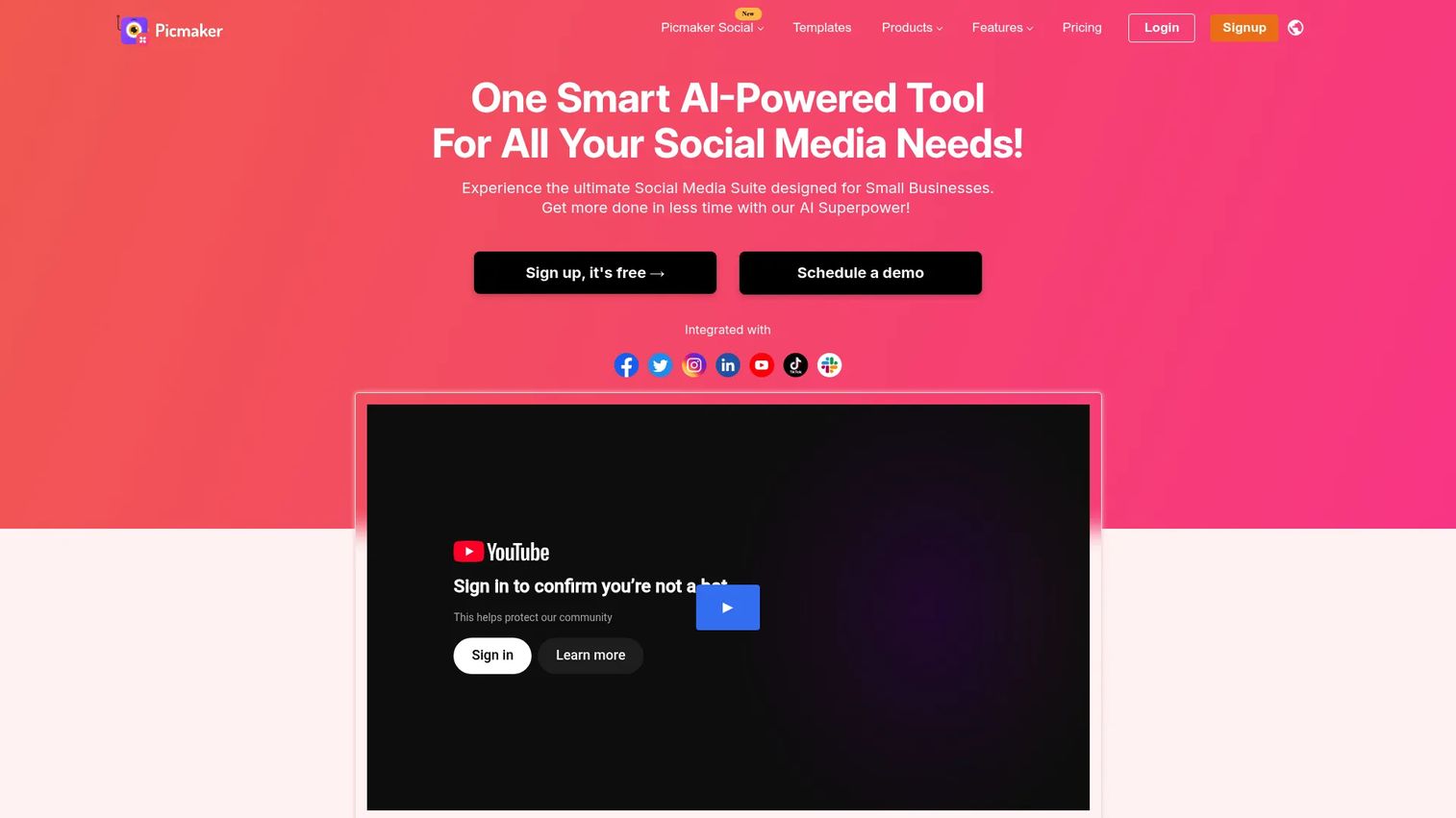
Picmaker is a graphic design and social media management platform with AI-assisted design tools, templates for social and display formats, background removal, brand kits, and social scheduling. Its MAD Button AI generates design suggestions on demand, reducing the blank-canvas problem for non-designers.
Best for: Marketers who need AI-assisted social and display ad production with social publishing built in.
Key features
- AI design suggestions via MAD Button
- Background remover and photo editing tools
- Ad and social media templates
- Brand kit with custom colors, fonts, and logos
- Social media scheduling and analytics (Teams plan)
Why choose Picmaker: Picmaker suits social-first marketers who also need display assets and want to manage social scheduling in the same tool. Teams with dedicated programmatic or HTML5 banner needs will want a specialist platform alongside it.
Picmaker pricing: A free plan is available. Starter costs $6/month (billed monthly, or $32.40/month billed annually at a 45% discount). Pro costs $9/month (billed monthly, or $53.99/month billed annually). Teams pricing is custom and billed annually.
6. Creatopy
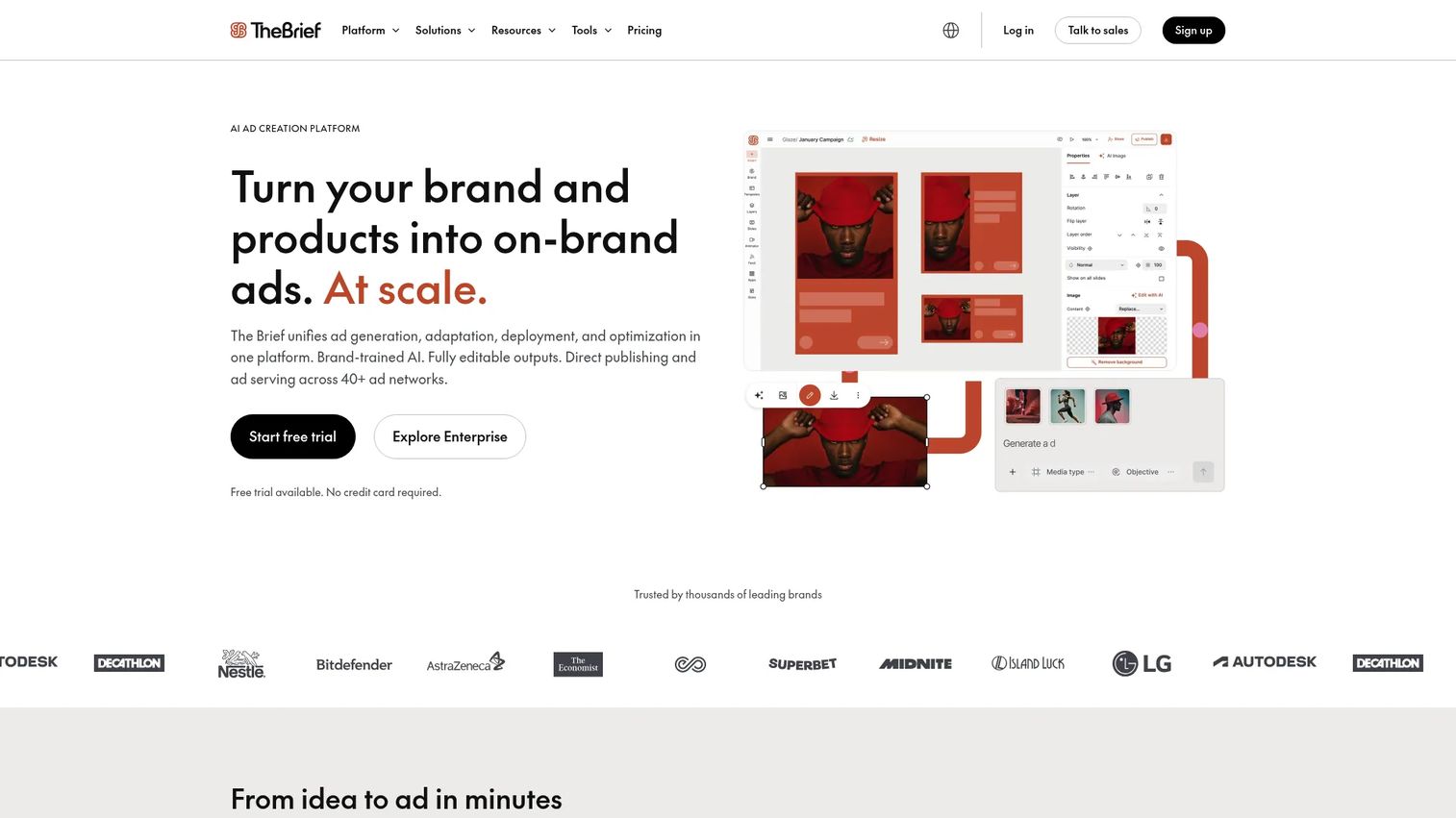
Creatopy is an AI-driven creative automation platform for designing, personalizing, scaling, and delivering digital ads. It covers HTML5 banner production, animation, multi-size generation, Photoshop and Figma import, brand kits, team collaboration, ad serving, and A/B testing. Note that Creatopy's product is currently being transitioned and branded as The Brief on their pricing page.
Best for: Marketing teams and agencies producing animated, HTML5, and multi-size display campaigns at scale.
Key features
- HTML5 banners with animation timeline
- AI-powered ad generation, copy, image, and resize tools
- Multi-size production with real-time co-editing
- Ad serving, publishing, and A/B testing
- Brand kits and Photoshop or Figma import
Why choose Creatopy: Creatopy is built for teams where banner production, animation fidelity, and format control are primary requirements, not secondary features. Casual ad makers who need a handful of static social assets will likely find a broader template tool sufficient.
Creatopy pricing: Pro costs $29/month (billed annually at $348). Ultra costs $79/month (billed annually at $948). Team is $49 per seat per month (billed annually at $588 per seat). Enterprise pricing is usage-based and contact sales.
7. Lapis
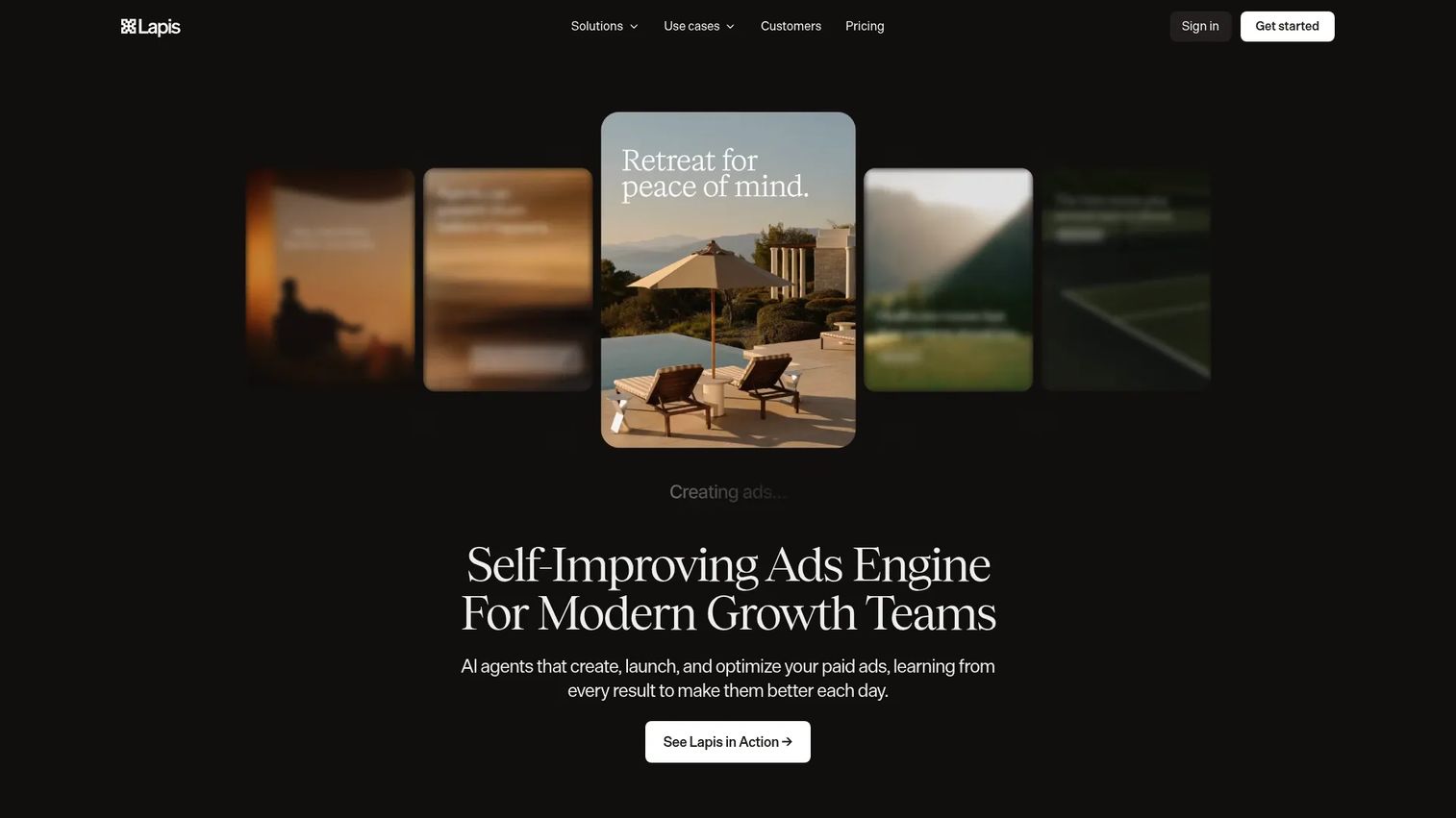
Lapis is an AI-powered paid advertising platform that creates, launches, and continuously optimizes campaigns across advertising channels. Beyond generating on-brand ad creative, it handles campaign deployment, performance forecasting, competitor intelligence, and campaign-matched landing pages, positioning it closer to managed advertising than a standalone ad design tool.
Best for: Growth and marketing teams seeking AI-assisted or managed paid advertising across multiple channels.
Key features
- AI-generated, on-brand ad creative
- Campaign creation, deployment, and continuous optimization
- Performance forecasting and competitor intelligence
- Cross-channel campaign management
- Campaign-matched landing pages and post-click tracking
Why choose Lapis: Lapis is worth evaluating when you want AI to handle campaign creation and optimization, not just design. Teams that need a standalone banner builder or have specific HTML5 format requirements will find dedicated ad design tools more flexible.
Lapis pricing: Basic costs $99/month (billed monthly) with a 14-day free trial. Managed Traditional Ads and Managed ChatGPT and LLM Ads plans use custom pricing with dedicated strategist support.
G2 rating: 4.9/5
8. BannerBoo
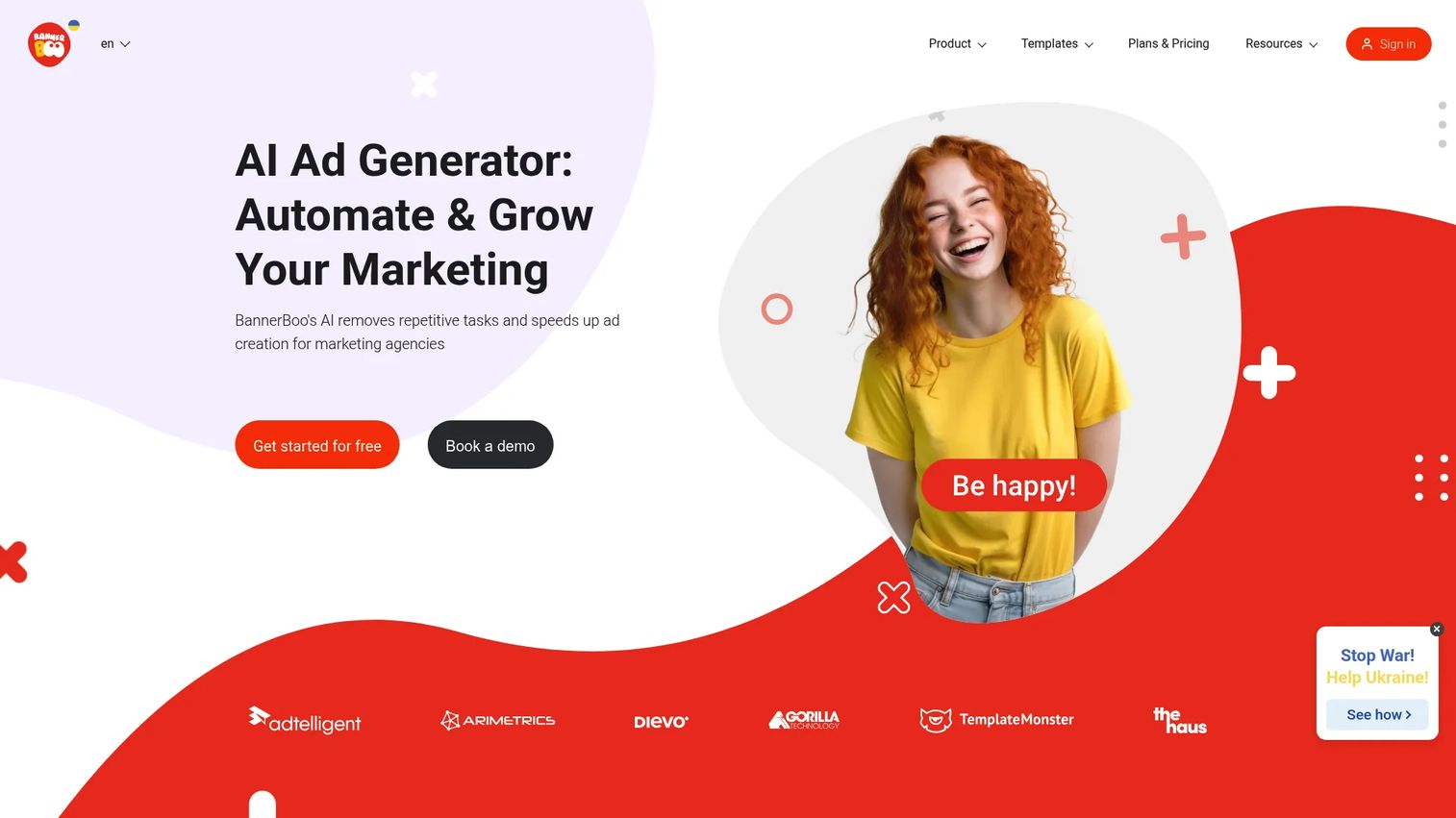
BannerBoo is an online advertising creative platform for building animated and static HTML5, AMPHTML, GIF, MP4, JPEG, and PNG banners without coding. Its drag-and-drop editor, animation timeline, AI banner generator, and ad-network export make it a practical choice for marketers who need more motion than a standard template tool provides.
Best for: Teams building animated display banners quickly without motion design expertise.
Key features
- HTML5, AMPHTML, GIF, and MP4 banner export
- AI banner generator
- Animation timeline and one-click animation
- Banner resizing and multi-size generation
- Ad-network export and team sharing
Why choose BannerBoo: BannerBoo is a focused banner builder, not a general design platform. It earns its place when animated and HTML5 display ads are your primary output and you want a tool purpose-built for that job. Teams needing broader approval workflows or enterprise governance should verify whether the paid plans meet those requirements.
BannerBoo pricing: A free plan is available. Paid plans include Start at $15/month (or $12/month billed annually), Pro at $29/month (or $17/month annually), and Plus at $49/month (or $34/month annually). A 7-day free trial applies to paid plans.
G2 rating: 4.7/5
9. PosterMyWall
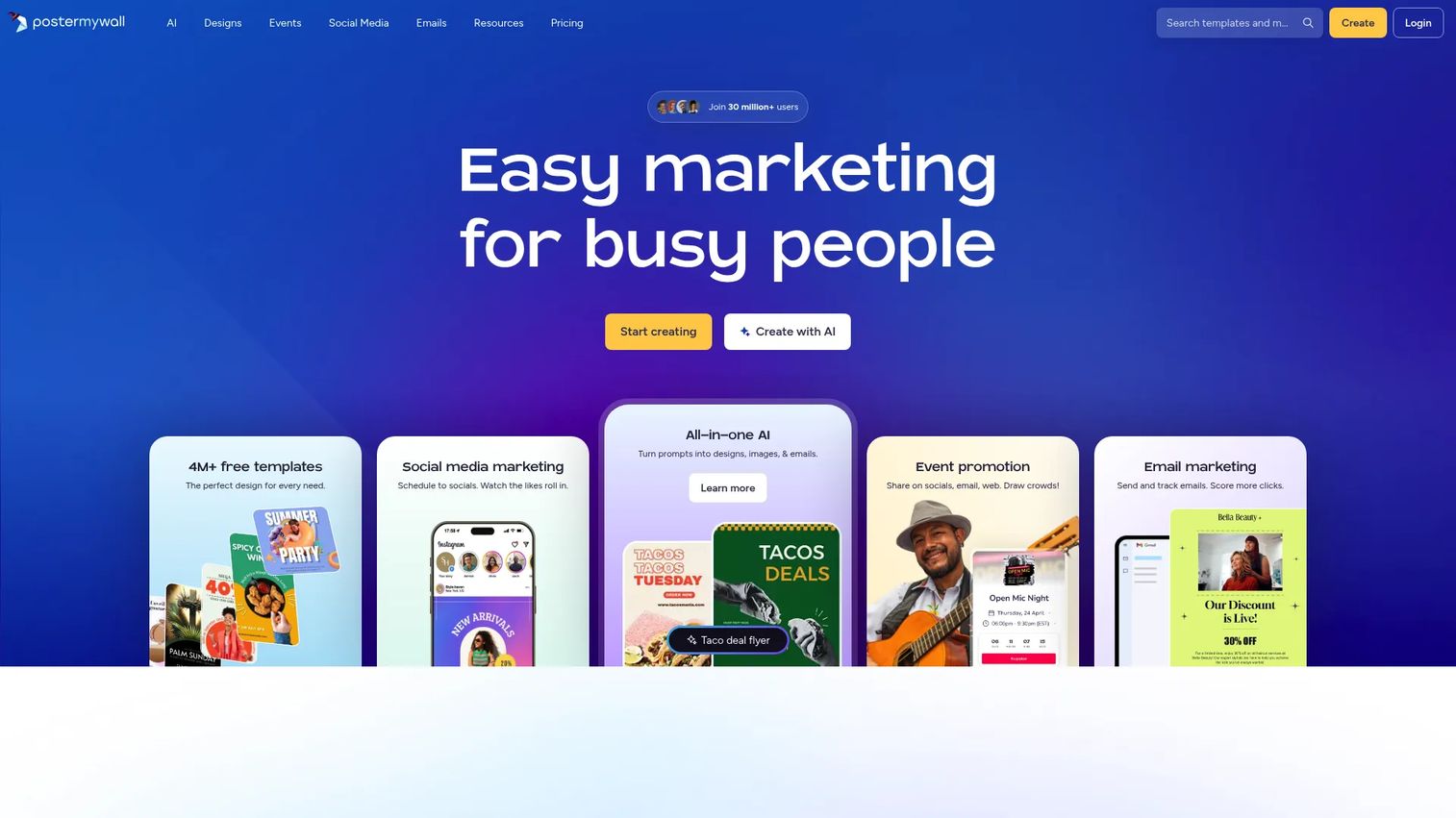
PosterMyWall is an AI-powered design and marketing platform covering social posts, email marketing, event promotions, and promotional ad creative. Its template library spans millions of customizable designs, and paid plans include social scheduling, email tools, and branded downloads for small businesses and local organizations.
Best for: Local businesses and small teams creating quick promotional ads and event marketing assets.
Key features
- Millions of customizable design templates
- AI-assisted design and copywriting
- Social media publishing and scheduling
- Email marketing tools
- Event pages and ticketing
Why choose PosterMyWall: PosterMyWall covers quick promotional creative and simple campaign assets well. Performance teams that need heavy creative testing, HTML5 banners, or advanced attribution between ad creative and campaign results will likely outgrow it.
PosterMyWall pricing: A free plan is available with limited downloads. Premium costs $13/month (billed monthly) and adds unlimited high-quality downloads, AI tools, social and email scheduling, and a Brand Kit. Premium Plus costs $30/month and adds expanded email and social accounts, unlimited Brand Kits, and additional credits.
G2 rating: 4.7/5
10. Visme
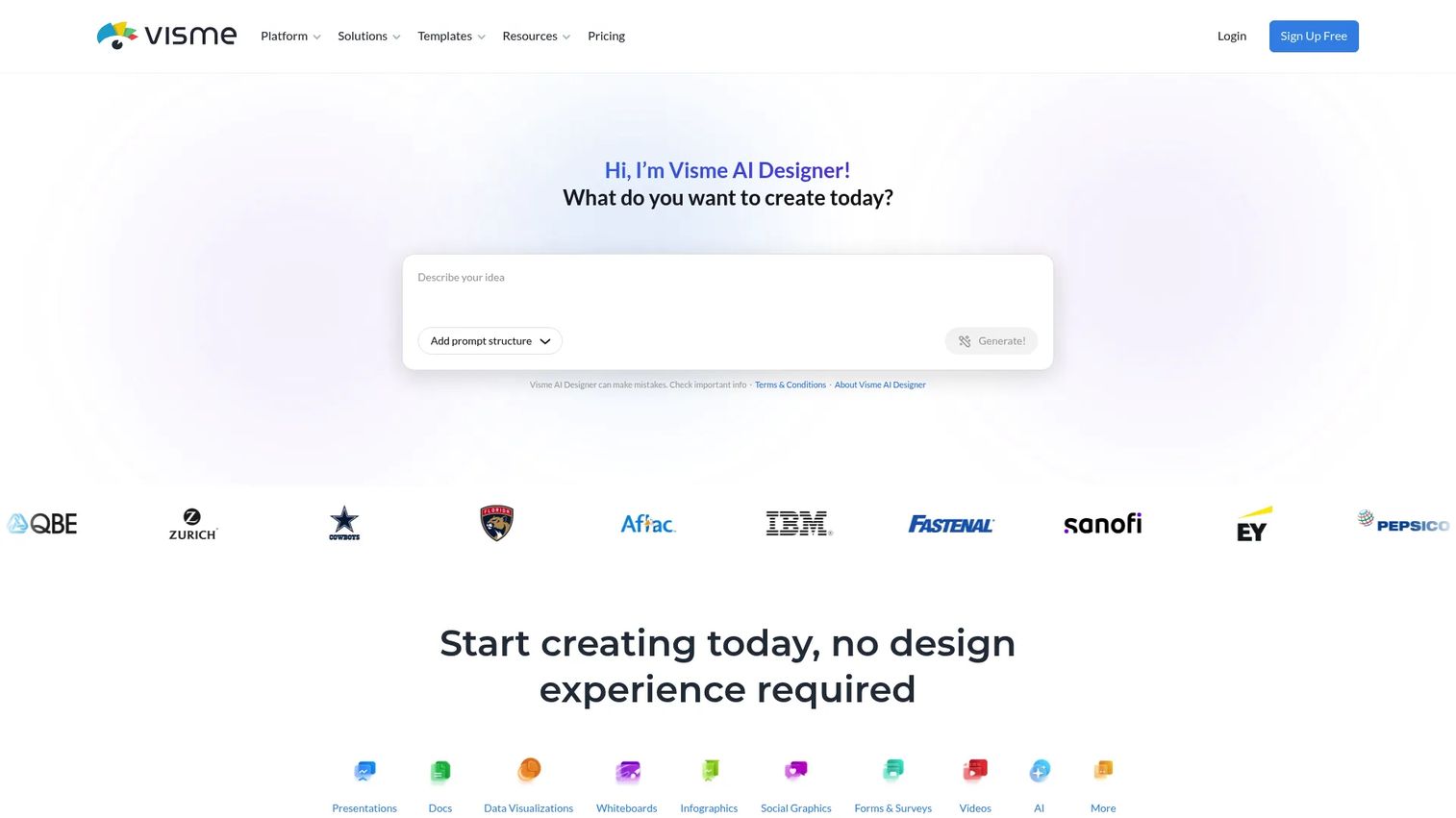
Visme is an AI-powered visual content platform for creating presentations, reports, proposals, infographics, data visualizations, and social graphics. Teams use it for display ad creative alongside broader campaign visuals, with brand kits, animation, and download formats including HTML5 and video on the Business plan.
Best for: Marketing teams that produce display ads as part of a wider visual content operation.
Key features
- AI Designer and thousands of customizable templates
- Brand kit and branded content controls
- Animation and interactivity tools
- HTML5, video, GIF, and PPTX export (Business plan)
- Team collaboration, analytics, and content calendar
Why choose Visme: Visme is a good fit when display ads are one output among many, including infographics, reports, and social graphics. Teams focused on HTML5 banner production at scale will find dedicated banner platforms better suited.
Visme pricing: The Basic plan is free. Starter costs $12.25/month per person (billed annually at $147/year). Business costs $24.75/month per person (billed annually at $297/year) and adds HTML5, video, and GIF exports, plus Brand Kit and integrations. Enterprise uses custom pricing.
G2 rating: 4.5/5
11. Marq
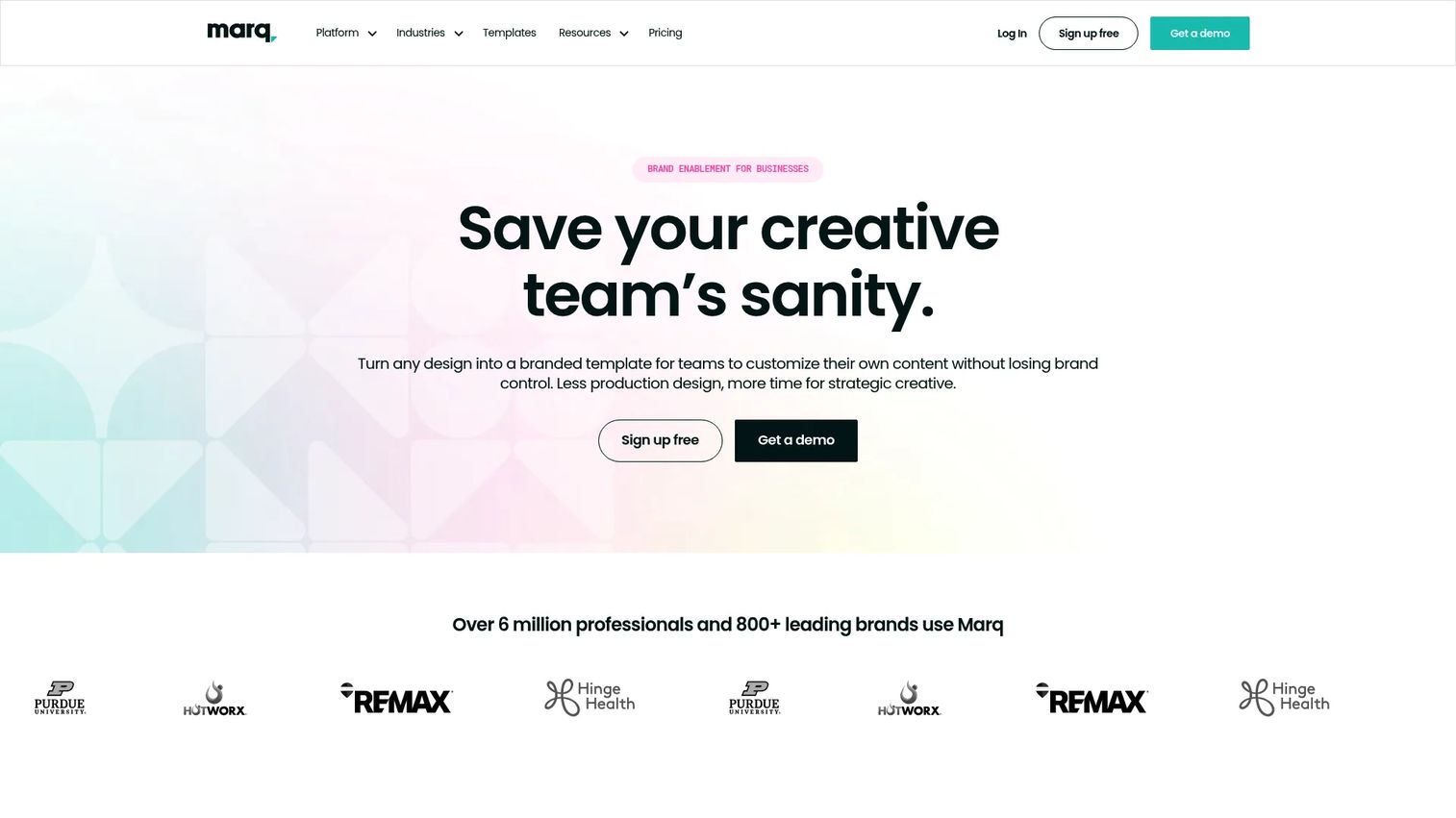
Marq is a brand-templating platform for organizations that need controlled, on-brand content creation across distributed teams. It supports locked templates, smart fields, creative automation, centralized asset management, approval workflows, and publishing across web, social, and print, without letting non-designers break brand rules.
Best for: Organizations needing scalable, brand-controlled ad templates for distributed marketers or sales teams.
Key features
- Locked templates with brand asset management
- Smart fields and creative automation
- Team permissions and approval workflows
- Web publishing, social publishing, and print-and-ship
- Real-time collaboration with comments and live chat
Why choose Marq: Marq earns its place when the cost of off-brand ads is high, distributed teams produce assets independently, and governance matters. Teams that only need a quick free ad maker will find Marq's structure more than necessary for their volume.
Marq pricing: A free plan is available for individuals. Pro costs $12/month (billed monthly, or $10/month billed annually). Team pricing also starts at $12/month per license (or $10/month annually) for two to 20 users. Enterprise is custom pricing.
G2 rating: 4.5/5
12. Rocketium
Rocketium is a human-led AI creative production platform for consumer brands producing high volumes of campaign assets. It handles automated resizing, localization, brand governance, self-serve copy and design editing, and centralized management of templates, briefs, and feedback, replacing the manual parts of creative operations.
Best for: Enterprise and agency teams scaling ad creative production and reducing repetitive resize and adaptation work.
Key features
- AI-assisted creative production and asset versioning
- Automated resizing, adaptation, and localization
- Brand governance and compliance checks
- Self-serve copy and design editing
- Centralized template, asset, and feedback management
Why choose Rocketium: Rocketium fits teams where manual resizing and repetitive creative edits consume significant hours each week. Its credit-based model suits high-volume production rather than occasional campaign work; smaller teams will find template tools more cost-effective.
Rocketium pricing: Pricing is credit-based. One static image adaptation starts at $9 per credit, per Rocketium's published academy pricing guide. No per-seat fees are stated. Contact Rocketium for full rate card details.
G2 rating: 4.2/5
13. Flexitive
Flexitive is an omnichannel design automation platform for creating and distributing responsive visual communications across channels, sizes, and file formats. It supports responsive ad design, automated design variations from data feeds, global asset management, and exports to HTML5, MP4, animated GIF, JPG, PDF, and more.
Best for: Agencies and enterprise teams producing responsive, multi-size display campaigns with dynamic data.
Key features
- Responsive and flexible ad creation with global assets
- Automated design variations from data feeds
- Exports to HTML5, MP4, animated GIF, JPG, and PDF
- Interactive widgets and expandable ad formats
- Brand governance with custom templates
Why choose Flexitive: Flexitive is the right pick when responsive production, brand-safe scaling, and multiple export formats all matter for the same campaign. A startup building a handful of static banners will not need this level of workflow structure.
Flexitive pricing: A free plan is available for one user with five static JPG export credits per month. Premium costs $29/month per user (billed annually) or $34/month (billed monthly). Teams costs $59/user/month (annually) or $74/user/month (monthly), with a two-user minimum. Enterprise starts from $89/user/month annually, with a five-user minimum. Export credit packages are additional.
G2 rating: 4.5/5
14. Bannerwise
Bannerwise is a creative management platform for creating, scaling, personalizing, and publishing on-brand digital ads across channels and networks. It supports drag-and-drop creation of animated HTML5, static, social, and dynamic ads, autoscaling to multiple sizes, dynamic rules with feed syncing, and publishing through ad networks and API integrations.
Best for: Programmatic display and ecommerce teams building dynamic, feed-driven banner campaigns.
Key features
- Drag-and-drop HTML5, static, and dynamic ad creation
- Autoscaling to multiple sizes with simultaneous editing
- Dynamic rules, feed syncing, and dynamic preview
- Publishing through ad networks, API, and third-party tags
- Localization tools and brand templates
Why choose Bannerwise: Bannerwise is best suited for teams whose display ads depend on product feeds, localized variations, or programmatic publishing. Broader design platforms will cover general marketing collateral more economically.
Bannerwise pricing: Standard costs €275/month (yearly payment) or €299/month (monthly payment with a one-year commitment). Professional costs €459/month (yearly) or €499/month (monthly). Enterprise is custom pricing. A free 7-day trial is available. Annual payment includes one month free.
15. Simplified
Simplified is an AI marketing platform combining writing, image generation, video creation, design tools, social media scheduling, and campaign publishing in one workspace. It suits teams that want to reduce the number of tools they use for content and ad creation without handing work to multiple specialists.
Best for: AI-first marketers who want copy and design in the same campaign workflow, with social publishing included.
Key features
- AI agents for marketing workflows
- AI writing, image, video, and design tools
- Social media scheduling, publishing, analytics, and inbox
- Brand kit
- Campaign approvals and collaboration
Why choose Simplified: Simplified works well for teams consolidating creative tools. Teams with dedicated display ad operations, particularly HTML5 or programmatic workflows, will still need a specialist banner platform alongside it.
Simplified pricing: Starter costs $79/month (billed monthly) and includes five campaigns per month. Additional campaigns cost $10 each. Pro and Business tier pricing was not publicly displayed at the time of verification. Contact Simplified for full plan details.
G2 rating: 4.6/5
16. Prezi
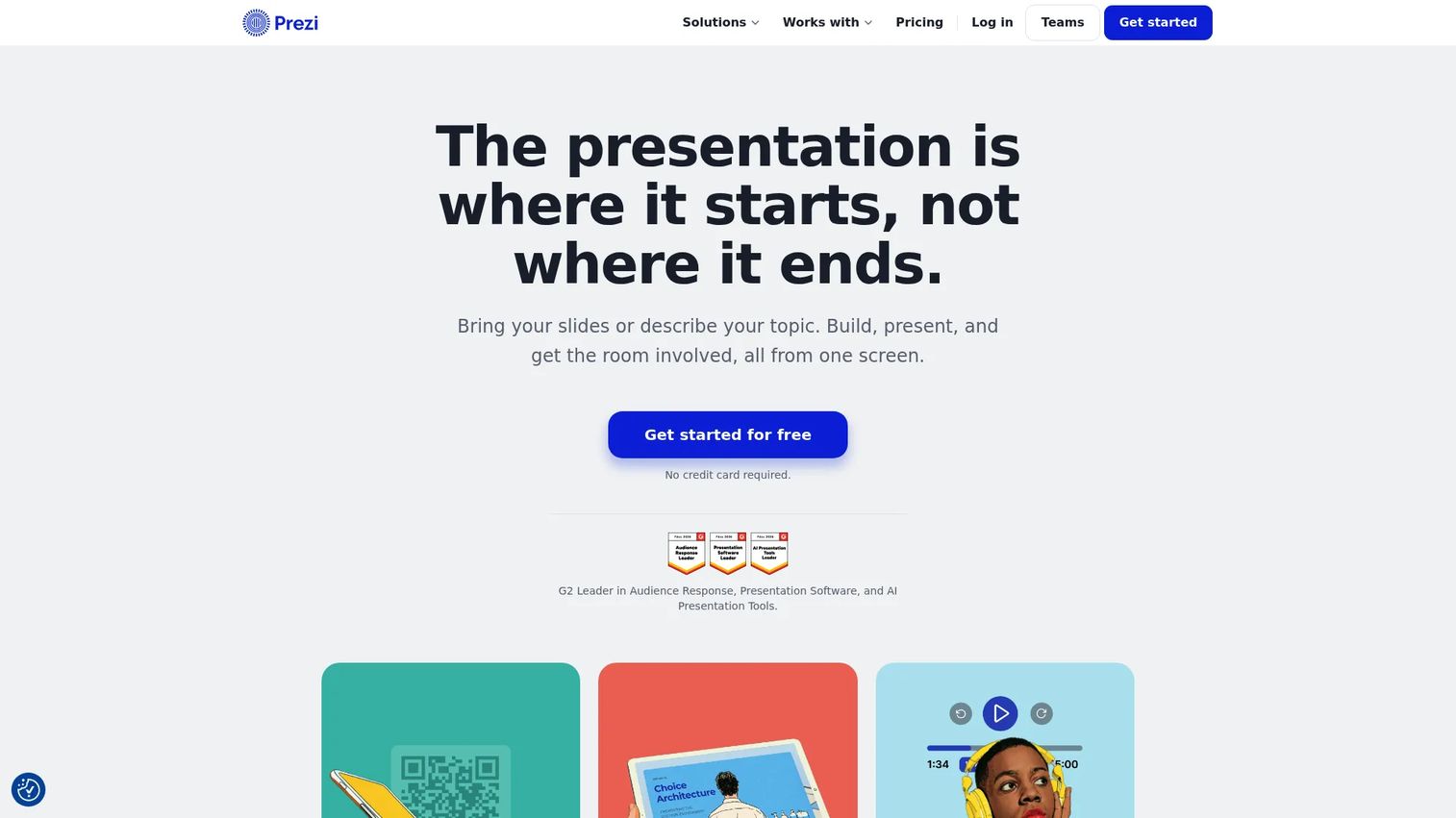
Prezi is a presentation platform built around a zoomable canvas, interactive polls, and visual storytelling. It supports AI-assisted presentation creation, video recording, PowerPoint and PDF import, and audience engagement tracking. Its motion-driven format can support campaign videos and visual story assets in specific contexts.
Best for: Teams creating motion-led campaign assets, brand storytelling videos, or event presentations.
Key features
- Zoomable presentation canvas with AI-assisted creation
- Presentation recording and video conferencing support
- Interactive polls, quizzes, and Q&A
- PowerPoint, PDF, Word, and Google Slides import
- Analytics and audience engagement tracking
Why choose Prezi: Prezi fits when the campaign asset needs movement or story structure, such as a brand video or event presentation. For standardized display banner production, a dedicated ad design tool is a more practical choice.
Prezi pricing: A free Basic plan is available. Standard costs $7/month (billed annually). Plus costs $19/month (billed annually). Premium costs $29/month (billed annually). A 14-day free trial applies to paid plans.
G2 rating: 4.2/5
17. Blush
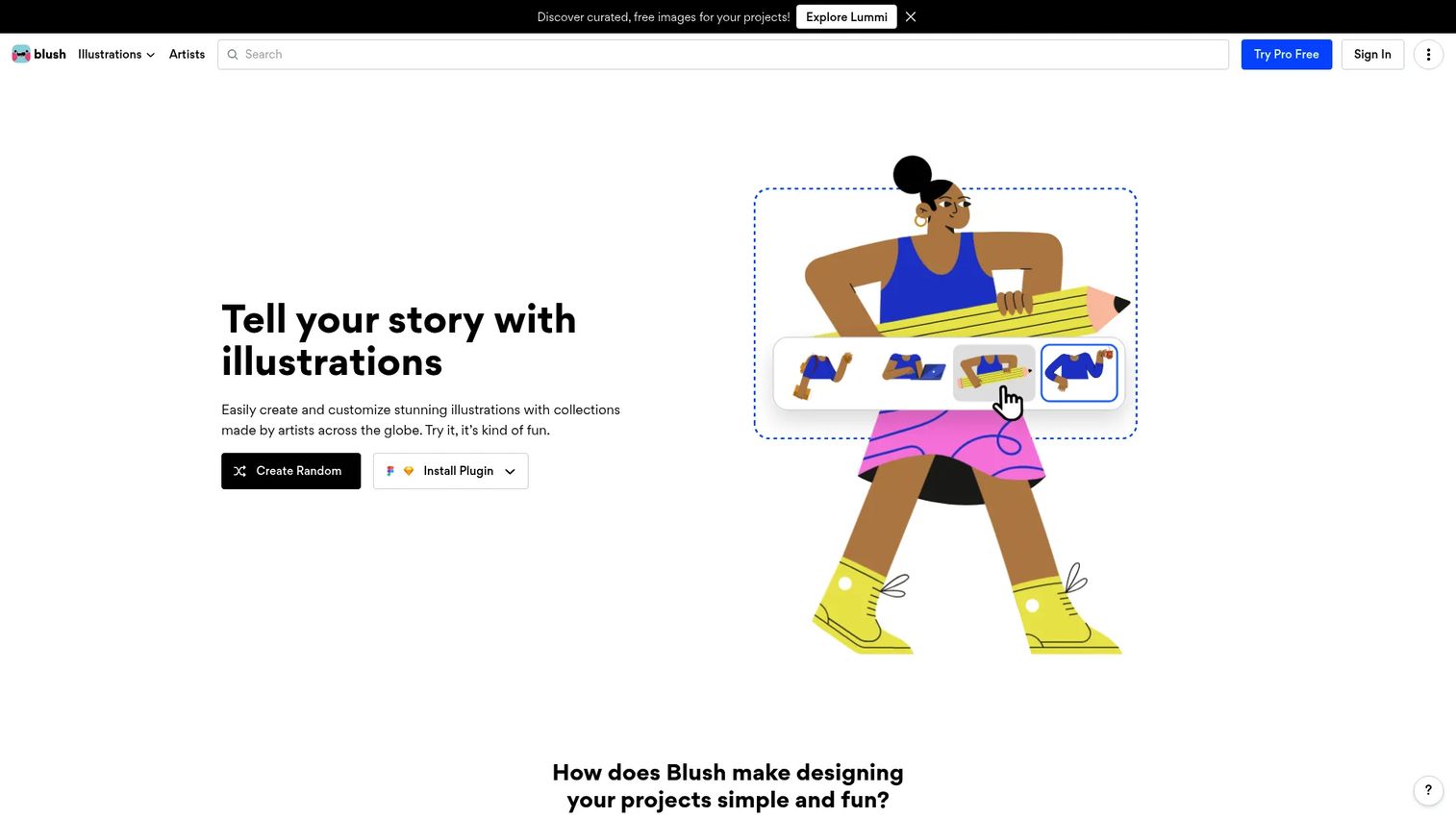
Blush is a design tool for creating, mixing, and customizing artist-made illustrations. It offers a library of illustration collections with customizable characters, colors, and shapes, plus Figma and Sketch plugins for design workflow integration. Marketers use it to add distinctive illustration assets to banner creative, replacing stock photography with a more unique visual style.
Best for: Marketers who want custom illustration assets to make display ads feel less generic.
Key features
- Customizable illustration library with mix-and-match objects
- Color customization and style filters
- Web app plus Figma and Sketch plugins
- SVG exports and vectorized illustrations
- Reusable design assets with Pro
Why choose Blush: Blush is an asset tool, not a complete display ad platform. Use it alongside a layout or ad production tool when differentiated visual style matters more than template speed. For resizing, ad specs, HTML5 export, and campaign publishing, pair it with one of the dedicated tools in this list.
Blush pricing: Blush's pricing page could not be confirmed at time of writing. Visit blush.design/pricing for current plan details before making a purchasing decision.
Considerations when choosing display ad design software
Match the tool to your campaign volume
A startup running three static banner sizes per campaign has different needs than an enterprise team producing thousands of localized variants per quarter. Before committing, estimate your monthly campaign count, sizes per campaign, and refresh cadence. Template tools work well at low volume; automation platforms pay off when production is constant.
Check export formats before you commit
Not every tool exports HTML5, MP4, or AMPHTML. Google Ads and programmatic networks have strict file format and size requirements. Run a test export in your target format before rolling out a new tool to the team. PNG and JPG work for static placements; animated and interactive formats require more from the platform.
Look for multi-size production
Manual resizing is where campaign production slows down most. A strong display ad tool should adapt one design to the 300x250, 728x90, 300x600, and 336x280 formats without rebuilding the ad from scratch. Test this with a real campaign brief before signing up.
Protect brand consistency
Brand kits, locked template elements, and approval workflows matter more as teams grow. A single off-brand ad in a paid campaign can create confusion at scale. If more than two people produce ads independently, look for governance features, not just design features.
Evaluate AI by output quality, not novelty
AI tools save time only when their output is usable and brand-safe. Before adopting an AI-powered ad tool, run it against one real campaign brief with your actual brand guidelines, audience, and offer. Generic prompts will not tell you whether the output meets your standards.
Conclusion
The right display ad design software depends on what your team actually produces and how fast you need to ship it.
For most marketing teams, Canva handles the widest range of ad formats and is the lowest-friction starting point. Adobe Express makes sense for teams already inside the Adobe ecosystem. If display advertising is a core channel and you're producing many sizes or using dynamic feeds, Zuuvi, Creatopy, Bannerwise, or Flexitive each offer deeper production capabilities worth evaluating. Rocketium suits teams where creative adaptation and resizing are consuming significant team hours. Marq is the right pick when brand governance across a distributed team is the primary concern.
Before migrating your team, pick two tools from this list, recreate one current campaign in both, and compare speed, export format support, and output quality. The tool that produces your actual ad formats without friction is the one worth committing to.
Once your ads earn the click, use an interactive product experience to show prospects what happens next, turning paid traffic into qualified engagement without scheduling a call.
Start your journey with Guideflow today!
FAQs about display ad design software
The best tool depends on campaign volume, creative format, and team size. Canva suits most marketing teams for template-based ad creation across formats. Teams producing HTML5 banners, animated display ads, or high volumes of dynamic variants should evaluate Creatopy, Zuuvi, Bannerwise, or Flexitive based on which channel and export requirements match their media plan.
Canva, VistaCreate, BannerBoo, Visme, and Marq all offer free plans. Free tiers typically limit export volume, premium templates, brand kit features, or collaboration seats. BannerBoo's free plan is particularly useful for animated banners. Always verify whether free exports meet your platform's file format and size requirements before launching a campaign.
Yes. Template-based tools like Canva, VistaCreate, and Adobe Express include ad size presets and drag-and-drop editors that work without design experience. You still need to verify Google's file format, animation limits, and file size requirements before uploading. Common starting sizes are 300x250 and 728x90.
Static placements typically accept PNG and JPG. Animated formats use GIF or HTML5. Video units use MP4. Some programmatic networks support AMPHTML for interactive ads. Accepted formats and file size limits vary by platform and placement type, so check your media plan and ad network specs before exporting.
An ad maker is usually a simple drag-and-drop template editor for creating static or social ad images. Display ad design software typically adds multi-size resizing, HTML5 export, animation timelines, brand governance, approval workflows, and in some cases dynamic creative and ad serving. The distinction matters when your campaign requires animated formats, feed-driven personalization, or enterprise-level production controls.
You need HTML5 if your campaigns require animated banners, interactive display placements, programmatic rich media, or dynamic creative. Static social ads do not require HTML5. Check your media plan's placement requirements first. Tools like BannerBoo, Creatopy, Flexitive, Bannerwise, and Zuuvi all support HTML5 export.
Start with the placements in your media plan and match the dimensions your ad network supports. The 300x250 medium rectangle, 728x90 leaderboard, 300x600 half page, and 336x280 large rectangle cover most Google Display Network placements. Responsive display campaigns may generate multiple sizes from a single set of assets. Confirm exact specs on the platform you are buying through.
AI tools can speed up copy generation, background removal, image variation, and multi-size adaptation. Performance depends on offer clarity, audience targeting, CTA contrast, and creative testing, not the AI tool alone. Review every AI-generated output against your brand guidelines and platform requirements before publishing, and run A/B tests to measure whether AI-assisted variants outperform manually produced ones.