


Your front desk is jammed. Three people are hunched over a clipboard, printing their names in the wrong boxes, while a fourth asks for a pen that works. Behind the counter, a filing cabinet holds two years of signed paper that no one can search when a claim comes in.
That is the real cost of paper intake. Not the paper. The bottleneck it creates at the exact moment a customer walks through your door, and the retrieval nightmare it creates the day you actually need a signed form.
The market has already moved. The global digital waiver market is expected to grow at a 14.2% CAGR through 2027, according to Statista data cited by TopWaiver in 2026. Buyers are replacing clipboards with online waiver software that captures consent in seconds and stores it where you can find it.
This guide compares five digital waiver software tools for 2026. It covers who each one fits, how they handle kiosk and mobile signing, what storage looks like, and where pricing lands. The goal is a shortlist you can defend to ops or finance without a two-week evaluation.
What's inside
This guide is built for operators who want fewer check-in bottlenecks and cleaner records, not a feature dump.
- Founders and operators evaluating a paperless waiver workflow for the first time
- Teams comparing kiosk, mobile, QR code, and online signing methods
- Buyers who care about integrations, secure storage, and pricing at scale
- Operators who need a paperless process that removes admin instead of adding it
We ranked tools on four criteria: signing flexibility (kiosk, mobile, QR, link), record storage and retrieval, integration fit with booking and payment stacks, and pricing transparency.
TL;DR
Short on time? Here are the decision shortcuts.
- Best for high-volume front-desk operations: Smartwaiver
- Best for Square-based and booking-first businesses: Waiver Electronic
- Best for flexible recurring agreements and broad configuration: WaiverSign
- Best for teams already running document workflows: PandaDoc
- Best for long-term storage and retrieval: WaiverForever
What is digital waiver software
Digital waiver software is a tool that lets businesses create, distribute, collect, and store legally binding liability waivers [electronically instead of on paper.
It replaces the clipboard and the filing cabinet with a signing workflow that works on any device and a searchable record of every signature. The category sits next to e-signature software](https://en.wikipedia.org/wiki/Electronic\_signature) but is purpose-built for the intake moment: high volume, repeatable, and tied to a check-in or booking event.
Core functions of digital waiver software include:
- Create waiver templates with custom fields, branding, and legal language
- Distribute via link, QR code, email, SMS, embed, or kiosk
- Collect legally binding electronic signatures on any device
- Store and retrieve signed records securely with search and export
- Track submissions, run reports, and trigger follow-up actions
- Support mobile, tablet, desktop, and dedicated kiosk signing
- Integrate with booking, POS, CRM, and messaging tools
The difference between a good tool and a bad one is rarely the signature itself. It is what happens around it: how fast someone signs at the door, how easily you find the record 18 months later, and whether the data flows into the rest of your stack or dies in a silo.
When to use digital waiver software
Replace paper intake at check-in
Paper slows the front desk in two ways. Filling it out takes time when a line is forming, and storing it eats space while making retrieval slow. A digital waiver on a kiosk or tablet lets a customer sign in under a minute, and the record lands in searchable storage the instant they tap submit. No transcription, no scanning, no lost forms.
Collect waivers before arrival
The fastest check-in is the one that already happened. Sending a signing link by SMS, email, or a QR code on a confirmation page lets customers sign online liability waivers before they arrive. When they walk in, the waiver is done. This matters most for booked activities, classes, and events where you already have contact details.
Standardize records across multiple locations
Run more than one location and paper becomes chaos. Different sites file differently, and no one can answer a records request quickly. Centralized digital waiver storage gives every location the same template, the same fields, and one searchable archive. That consistency is what turns a records request from a scramble into a two-minute lookup.
Comparison table
Here is how the five tools compare on fit, differentiation, pricing, and rating. Prices reflect published entry tiers at the time of writing.
| # | Product | Best for | Key differentiator | Pricing | G2 rating |
|---|---|---|---|---|---|
| 1 | Smartwaiver | High-volume front-desk operations | Kiosk apps with offline mode and searchable storage | From $19/mo | 4.0/5 |
| 2 | Waiver Electronic | Booking-first and Square-centric businesses | Waivers plus booking and payments in one system | From $11.99/mo | 4.7/5 |
| 3 | WaiverSign | Flexible recurring agreements | Tiered usage plans with multi-language signing | From $15/mo | Not listed |
| 4 | PandaDoc | Teams already using document workflows | Full document automation with e-signatures | Free tier; from $19/seat/mo | 4.7/5 |
| 5 | WaiverForever | Long-term storage and retrieval | Free forever tier plus secure storage and search | Free tier; from $19/mo | 4.7/5 |
Best 5 digital waiver software tools for 2026
1. Smartwaiver
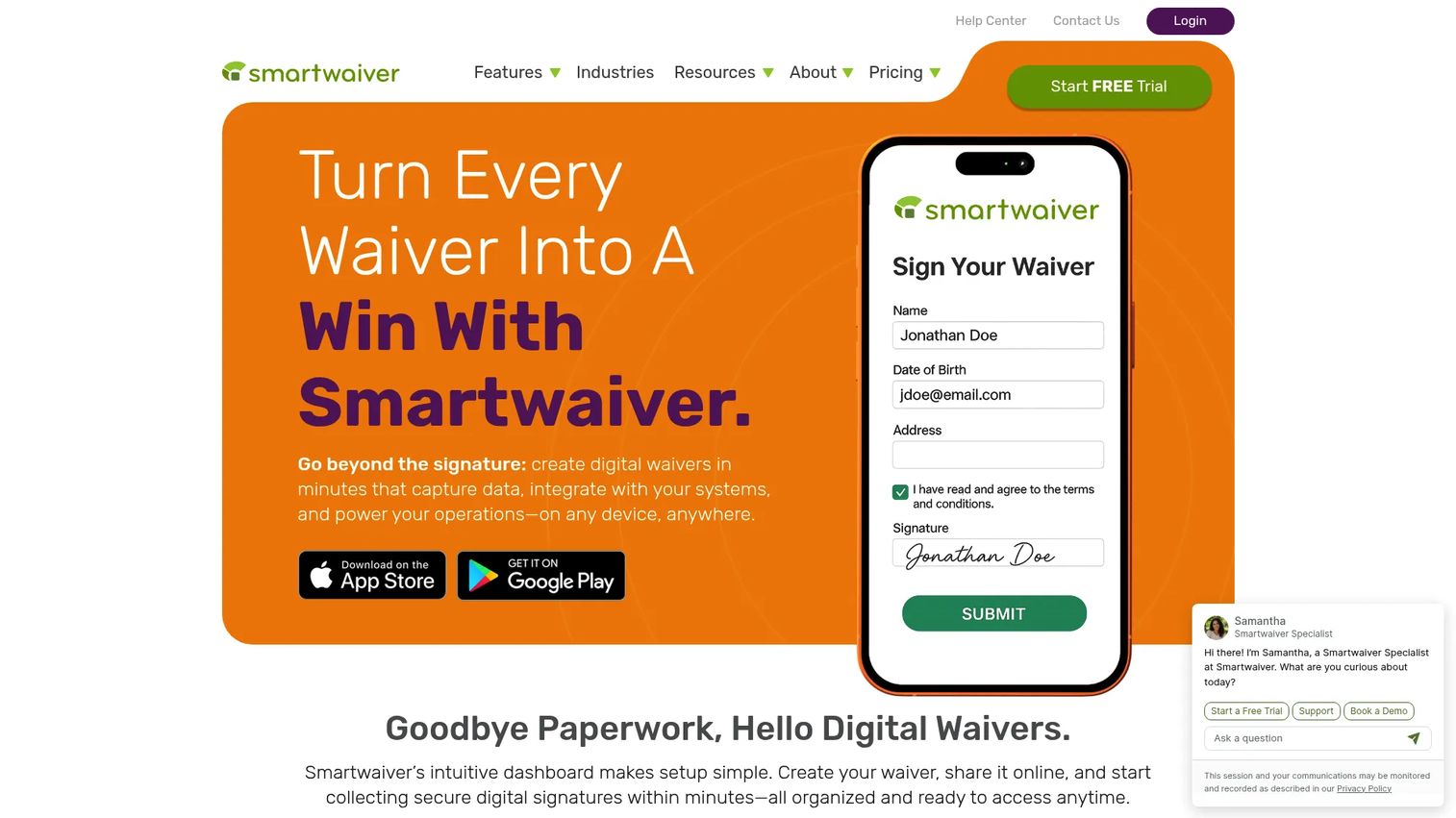
Smartwaiver is digital waiver software for creating, signing, storing, and managing waivers online. It is built for businesses and events that push real volume through a check-in point and need every signed form to be searchable later. The kiosk apps run on iPad and Android, and they keep signing when the wifi drops, which matters at a busy front desk or an outdoor event.
Best for: Businesses and events that need high-volume digital waiver capture and searchable waiver storage.
Key features
- Digital waiver creation and collection on any device
- Kiosk apps for iPad and Android with offline mode
- Integrations with reservation, email, and other business tools
Why choose Smartwaiver: If your bottleneck is the check-in line and your fear is a records request you cannot answer, Smartwaiver is built for exactly that. The offline kiosk mode is the detail operators care about, because a dropped connection at the door should never stop signing.
Smartwaiver pricing: Paid plans run Basic at $19/mo, Starter at $55/mo, Business at $155/mo, and Premium at $199/mo, with yearly options and an add-on Storage Plan at $7/mo. An Enterprise option uses custom pricing. A 15-day free trial covers up to 50 signed waivers.
2. Waiver Electronic
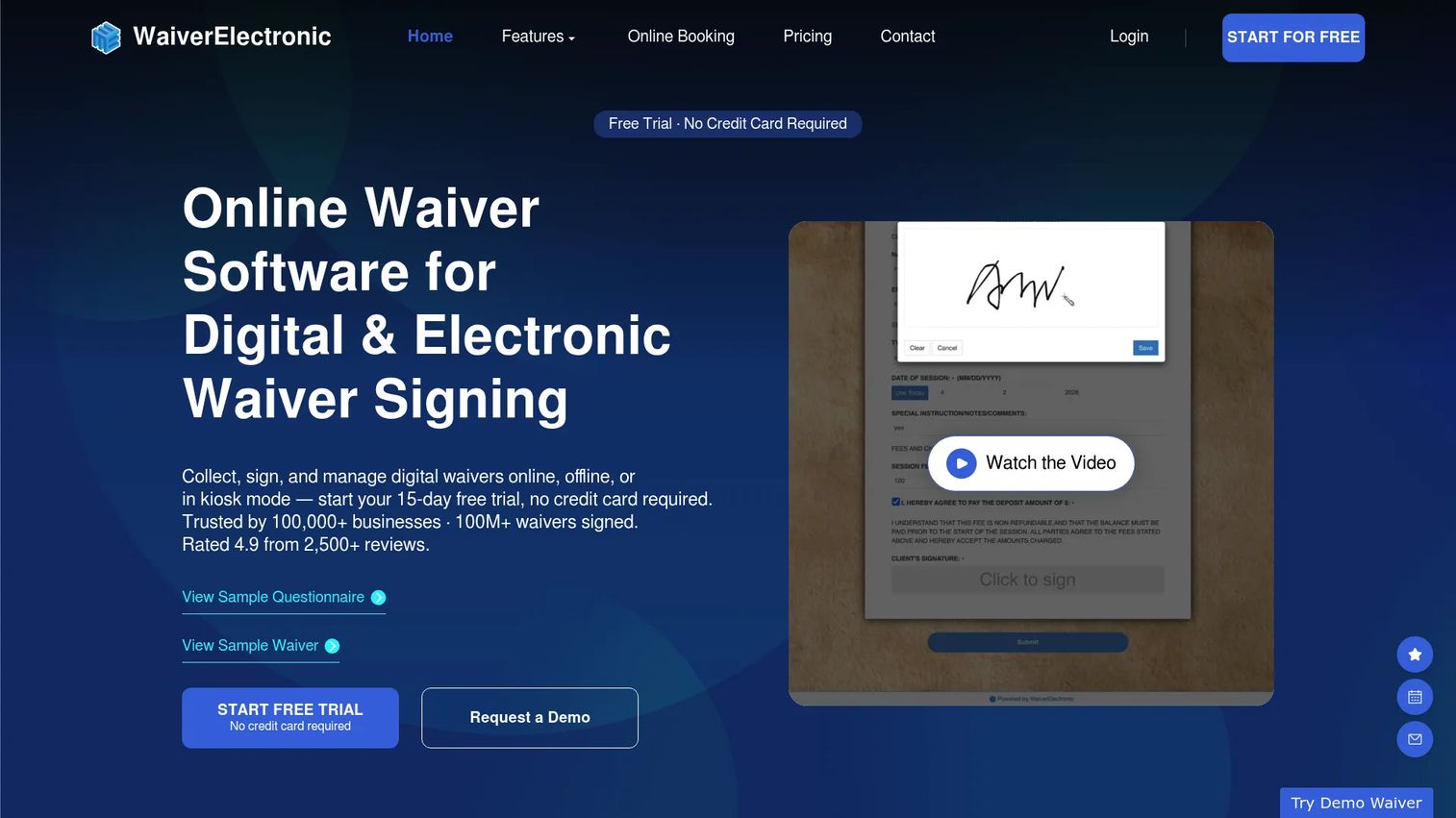
Waiver Electronic is digital waiver software with integrated online booking and payments. It fits operators who want signing, scheduling, and money collection in one system instead of three. Waivers work across mobile, tablet, and desktop, and tablets keep signing offline, so an event or a busy counter never stalls on connectivity.
Best for: Businesses that need digital waivers plus booking and payments in one system.
Key features
- Digital waivers on mobile, tablet, and desktop
- Offline waiver signing on tablets
- Integrated payments and booking
Why choose Waiver Electronic: The pull here is consolidation. If you are stitching together a booking tool, a payment processor, and a separate waiver app, this collapses that into one flow. For a founder trying to reduce tools while keeping signal, that is a real argument.
Waiver Electronic pricing: Plans run Basic at $11.99/month, Starter at $34.99/month, Business at $119.99/month, Premier at $249.99/month, and Enterprise at $499.99/month, plus a Customized Plan with custom pricing. Every plan includes a 15-day free trial.
3. WaiverSign
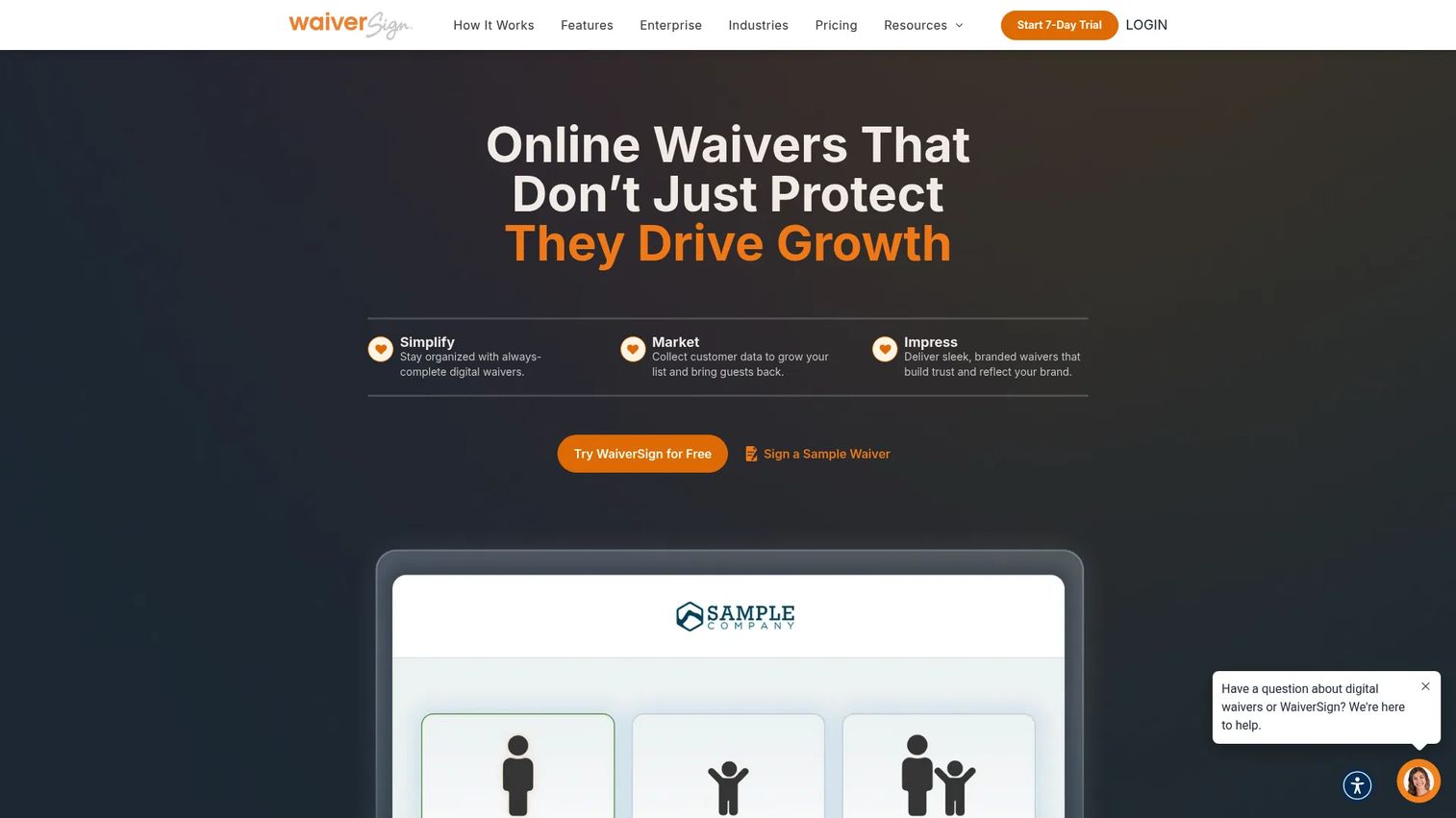
WaiverSign is online waiver software for creating, sending, signing, and storing digital waivers and release forms. It leans toward operators who need more than a single-use waiver, with support for recurring agreements, custom branding, and multiple languages. The tiered usage model prices by waiver volume, which keeps the entry cost low for smaller teams.
Best for: Businesses that need digital waiver collection with tiered monthly usage plans.
Key features
- Multi-language signing
- Kiosk-compatible signing
- SMS texting and tracking
- Custom fields and branding
- Unlimited documents
- Waiver lookup and dashboard reporting
Why choose WaiverSign: Choose WaiverSign when your intake is not one-and-done. Recurring agreements, multi-language signing, and per-waiver pricing suit membership businesses, seasonal operators, and anyone who wants configuration depth without a flat high monthly fee.
WaiverSign pricing: Public plans include Growth at $15/mo for 50 waivers, Small Business at $46/mo for 250 waivers, Business at $149/mo for 1,000 waivers, and Business Plus at $189/mo for 2,500 waivers, all with $0.15 per additional waiver. Enterprise, seasonal, and single-event options use custom pricing.
4. PandaDoc
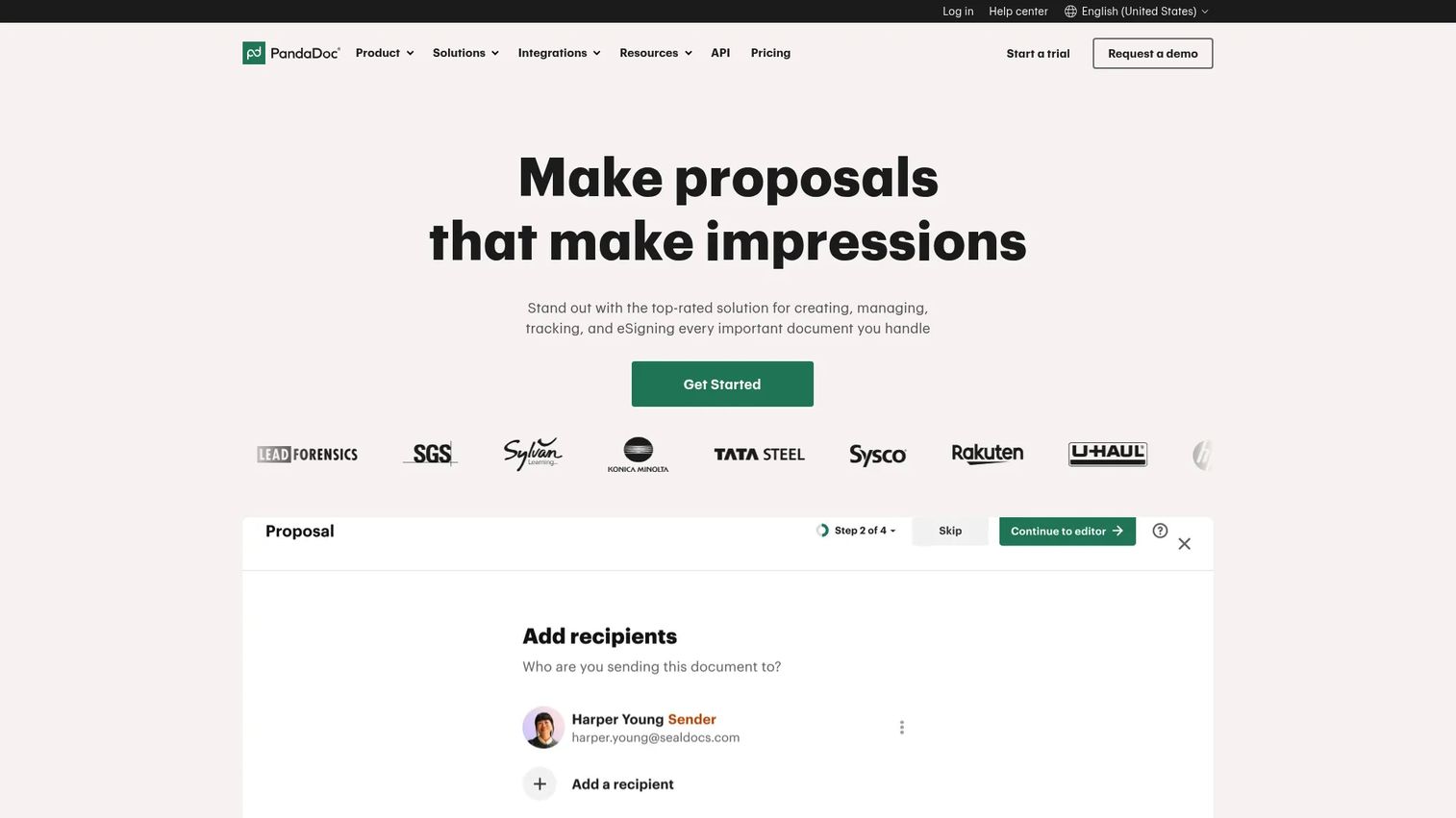
PandaDoc is document automation software for creating, sending, tracking, and e-signing business documents. It is not a waiver-only tool, and that is the point. If you already run proposals, quotes, and contracts through PandaDoc, adding waivers keeps one signing workflow instead of buying a second product for the intake job.
Best for: Teams that need document workflow automation with e-signatures and proposal or quote creation.
Key features
- Drag-and-drop document editor
- Unlimited e-signatures and document sending on paid plans
- Real-time tracking, notifications, and audit trail
Why choose PandaDoc: The tradeoff is clear. PandaDoc is a broader document platform, not a purpose-built waiver app with kiosk offline mode. But if your team already lives in it, the marginal cost of running waivers there is close to zero, and you keep one audit trail across every document type.
PandaDoc pricing: A Free plan includes 60 documents per year. Starter is $19 per seat per month billed annually, Business is $49 per seat per month billed annually, and Enterprise uses custom pricing.
5. WaiverForever
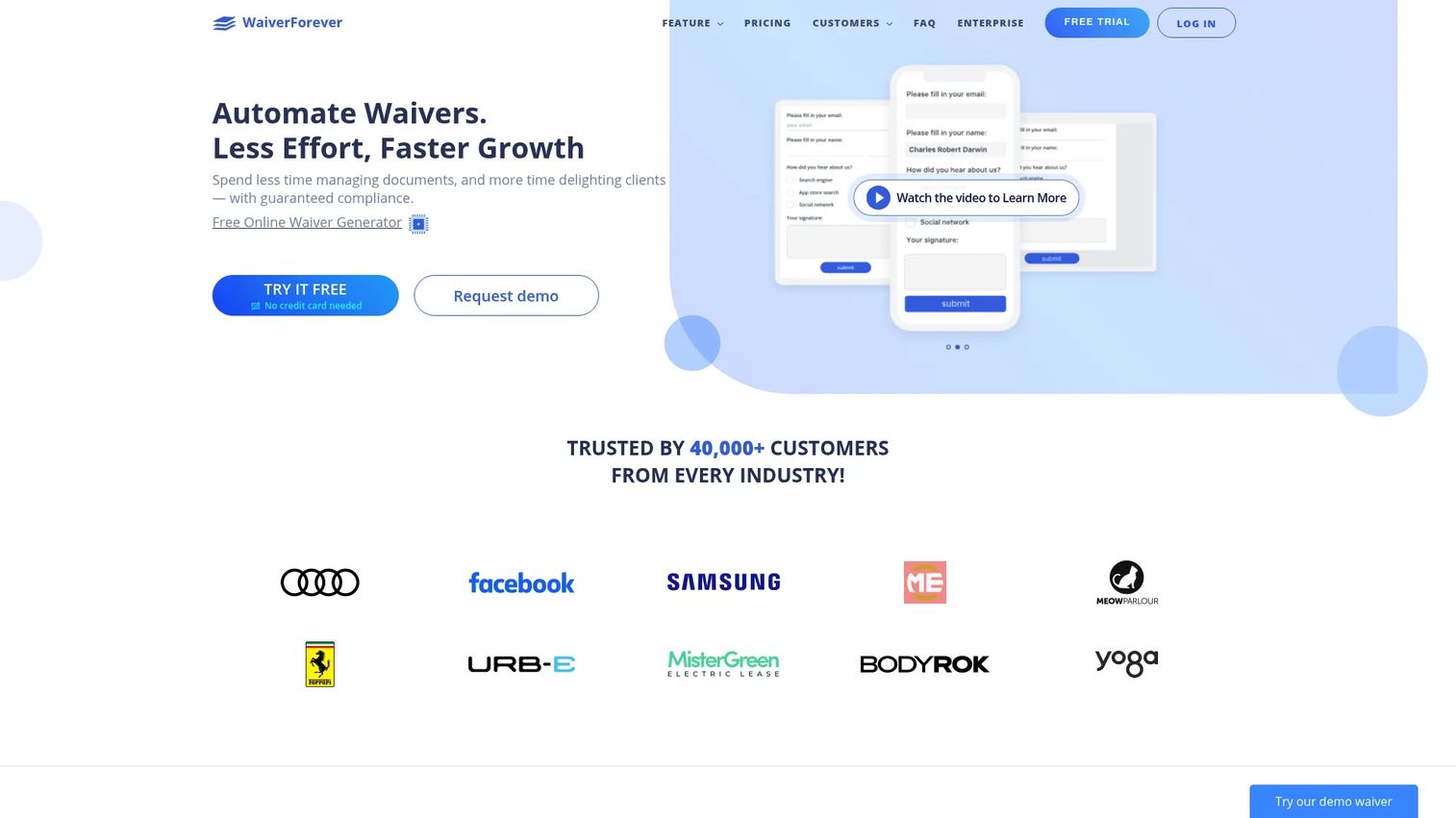
WaiverForever is a digital waiver and electronic signature platform built around capture, storage, and retrieval. The name signals the priority: long-term recordkeeping. A no-code builder handles templates, and the search, analytics, and resend workflows are aimed at teams that need to find and re-request signed forms long after the visit.
Best for: Businesses that need digital waiver capture with mobile signing and long-term storage.
Key features
- No-code waiver and template builder
- Electronic signatures with mobile and browser capture
- Secure storage, search, analytics, and integrations
Why choose WaiverForever: Retention is the argument. If your industry means you may need a signed form years later, storage and search built for that job matter more than a flashy front-desk flow. The free forever tier also makes it an easy first tool for a small operator.
WaiverForever pricing: A Free Starter Plan is available forever. Paid plans are Essential at $19.00/mo, Standard at $39.00/mo, and Scale at $129.00/mo, with usage charges beyond the included free submissions.
Considerations
Before you commit, run your shortlist through this checklist.
Kiosk and offline needs
If customers sign at your counter, kiosk mode is not optional, and offline signing is what keeps the line moving when the connection drops. Confirm the kiosk app runs on the tablets you already own, iPad or Android, and test it with the wifi off before you roll it out.
Storage and retention
Ask how long records are kept, whether storage is capped, and how fast search returns a signed form. A records request is a bad time to learn your archive is slow or your retention window is too short. Some tools charge separately for extended storage, so price that in.
Integrations with booking or POS
A waiver that does not talk to your booking or payment tools creates double entry. Check for native connections to the reservation, POS, and messaging systems you run today. Consolidation into one flow is often worth more than any single feature.
Branding and customer experience
The signing screen is a customer touchpoint. Custom fields, your logo, and clear language reduce confusion and support tickets at the door. Multi-language signing matters if you serve a mixed customer base.
Pricing model and scale
Per-waiver pricing rewards low-volume operators; flat monthly pricing rewards high-volume ones. Map your real monthly waiver count against each tier, and watch for jumps between plans that could bite as you grow.
Conclusion
The right digital waiver software depends on your operating model, not on a feature scoreboard.
Choose Smartwaiver if volume and offline kiosk reliability at a busy front desk are your priority. Pick Waiver Electronic when you want signing, booking, and payments consolidated for mobile and event work. Go with WaiverSign when you need recurring agreements, multi-language signing, and per-waiver pricing. Reach for PandaDoc when your team already runs documents through it and waivers should live in the same workflow. Consider WaiverForever when long-term storage and retrieval outrank everything else.
Next step: shortlist two tools that match your check-in reality, run each on a real tablet at your counter for a week, and watch how fast the line moves and how easily you retrieve a signed form. That week-one test tells you more than any spec sheet.
If part of your job is showing a product experience rather than describing it, whether for onboarding, sales follow-ups, help center guides, or customer education, Guideflow builds interactive demos, sandboxes, and demo centers that let people experience a product at their own pace. Start your journey with Guideflow today!
FAQs
E-signature software signs any document, from contracts to NDAs. Digital waiver software is purpose-built for the intake moment: high-volume, repeatable liability waivers tied to a check-in or booking, with kiosk signing and searchable waiver storage designed around that job. Tools like PandaDoc bridge both if you already run documents through them.
Yes. Every tool in this guide supports mobile signing, so a customer can complete online waiver forms on their own phone through a link, QR code, or embed. Mobile signing before arrival is the fastest way to remove check-in friction, since the waiver is done before they walk in.
Yes. Smartwaiver, WaiverSign, and Waiver Electronic all support kiosk signing on tablets. The detail that matters is offline mode: Smartwaiver and the Waiver Electronic tablets keep signing when the connection drops, which keeps the line moving at a busy counter or an outdoor event.
Signed waivers are stored in secure cloud storage with an audit trail, searchable by name, date, or custom field. Retention windows and storage caps vary by vendor, and some charge separately for extended storage. Confirm how fast search returns a record and how long forms are kept before you commit.
The integrations that remove double entry: booking or reservation systems, POS or payment processors, and messaging tools for reminders. Waiver Electronic builds booking and payments in directly. For others, check for native connections to the reservation and POS tools you already run.
Yes, in the United States a properly collected electronic signature on a waiver is legally binding under the ESIGN Act and UETA, the same laws that back e-signatures generally. Enforceability depends on clear language, proof of consent, and a retrievable record, which is exactly why secure storage and audit trails matter.
Yes. Most tools distribute waivers by link, QR code, SMS, email, or embed. A QR code on a confirmation page or a poster lets customers pull up online liability waivers on their own device, and SMS links push the waiver straight to their phone before they arrive.
Look for fast search across every signed form, exportable records, and dashboards that show submission volume and completion. WaiverSign offers waiver lookup and dashboard reporting, and WaiverForever adds analytics built for long-term retrieval. Good reporting turns a records request into a two-minute lookup instead of a scramble.










