



You bought smart bulbs from one brand, a thermostat from another, and a door sensor from a third. Now you have four apps, three accounts, and nothing that talks to each other. Every automation you want lives behind a cloud you do not control, and one server outage takes your lights offline.
That is the real problem home automation software solves. Not "convenience." Control.
The stakes are higher than they used to be. According to YouGov data cited by IMARC Group in 2024, 65% of Americans own at least one smart home device. Grand View Research reported global smart home adoption hit 300 million homes in 2023, projected to reach 425 million by 2028. More devices means more fragmentation, and more fragmentation means the platform you pick determines whether your house runs on rules you own or rules a vendor rents to you.
The choice comes down to local control, privacy, integration breadth, and how much maintenance you are willing to sign up for.
What's inside
This guide is for people evaluating a home automation platform they can actually maintain, not just install and abandon. That includes DIY builders, privacy-first homeowners, and technical folks who want vendor-neutral control across mixed device ecosystems.
We compared seven open source and commercial platforms on the criteria that matter most:
- Local control and privacy: can it run without the cloud, keeping your data at home
- Integration breadth: how many devices, protocols, and brands it supports
- Automation flexibility: how deep the rules, scripts, and logic can go
- Cross-platform support: where it runs, from Raspberry Pi to bare-metal servers
TL;DR
- Best overall for most users: Home Assistant. Local-first control, 1,000+ integrations, deep automation, free and open source.
- Best for vendor-neutral flexibility: openHAB. Supports 400+ technologies, runs anywhere, no cloud required.
- Best for simple visual automation: Node-RED. Browser-based flow editor for drag-and-drop logic.
- Best for straightforward DIY setups: Domoticz. Lightweight home control for smaller installations.
- Best for polished consumer-style control: Homey. App-first hub with cloud or local options.
- Best for advanced local rule building: Jeedom. Open-source framework with optional turnkey hardware.
- Best for long-term smart home ownership: HomeSeer. Local automation plus optional remote access and hardware.
What is home automation software?
Home automation software is the control layer that connects your smart devices, sensors, and hubs into a single system that runs rules and routines. It sits between your hardware and you, translating "sunset" or "nobody home" into actions across brands that would otherwise never coordinate.
A strong home automation platform handles several jobs at once:
- Device control: turn lights, locks, thermostats, and plugs on or off from one place
- Automation rules: trigger actions based on time, presence, sensor state, or events
- Voice and app control: operate the system through a phone app or a voice assistant
- Dashboards: build custom views that surface the devices and data you care about
- Protocol and integration support: speak Zigbee, Z-Wave, Matter, MQTT, Wi-Fi, and more
- Local versus cloud operation: run on your own hardware or lean on a hosted service
The distinction that matters most is local versus cloud. Cloud-dependent systems route your commands through a vendor's servers, which means a slower response, a privacy tradeoff, and a hard dependency on that vendor staying online and in business. Local control keeps decisions inside your home. Your lights still work when your internet does not, and your data never leaves the building.
For open source home automation platforms, that local model is the default rather than the exception. It is also why technically capable buyers gravitate toward them: you own the rules, the data, and the roadmap.
When to use home automation software
Automate recurring household tasks
Lighting that follows sunrise and sunset. A thermostat that drops when everyone leaves and warms before they return. Security cameras that arm on a schedule and disarm when your phone connects to home Wi-Fi. Presence-based automations that react to who is actually in the house. These are the daily wins that make a system earn its keep, and they run on rules you write once.
Centralize mixed device ecosystems
Most homes accumulate devices from four or five brands. Without a platform, that means four or five apps and zero coordination. Smart home automation software gives you one control plane where a Philips bulb, an Aqara sensor, and a Z-Wave lock can all participate in the same routine. One dashboard, one automation engine, every brand.
Reduce cloud dependence
Cloud services get discontinued. Companies get acquired. Subscriptions appear where features used to be free. A no cloud, privacy first setup protects you from all of it. Local control means faster response times, no data leaving your network, and a smart home that keeps working regardless of what happens to any vendor's servers.
Comparison table
We ranked these seven platforms by how well they serve the core buyer motive: local control you own, broad integrations, and automation depth you can maintain over time. Open source options lead because they carry no vendor lock-in and no cloud requirement by default. Pricing and ratings below reflect verified values from each vendor's site at the time of writing.
| # | Product | Best for | Key differentiator | Pricing | G2 rating |
|---|---|---|---|---|---|
| 1 | Home Assistant | Most users wanting local, extensible control | 1,000+ integrations, privacy-first, open source | Free | Not listed |
| 2 | openHAB | Vendor-neutral, self-hosted setups | Supports 400+ technologies, runs anywhere | Free | Not listed |
| 3 | Domoticz | Lightweight DIY installations | Simple, resource-light home control | Free | Not listed |
| 4 | Node-RED | Visual automation logic | Browser-based drag-and-drop flow editor | Free | 4.5/5 |
| 5 | Homey | Polished consumer-style control | App-first hub, cloud or local options | Free up to 5 devices, then $2.99/mo | 4.1/5 |
| 6 | HomeSeer | Long-term local ownership | Local automation plus optional cloud/hardware | HS4 from $149.95 | Not listed |
| 7 | Jeedom | Advanced local rule building | Open-source framework, optional hardware | Free software; Luna box from €199 | Not listed |
Best 7 home automation platforms compared
1. Home Assistant
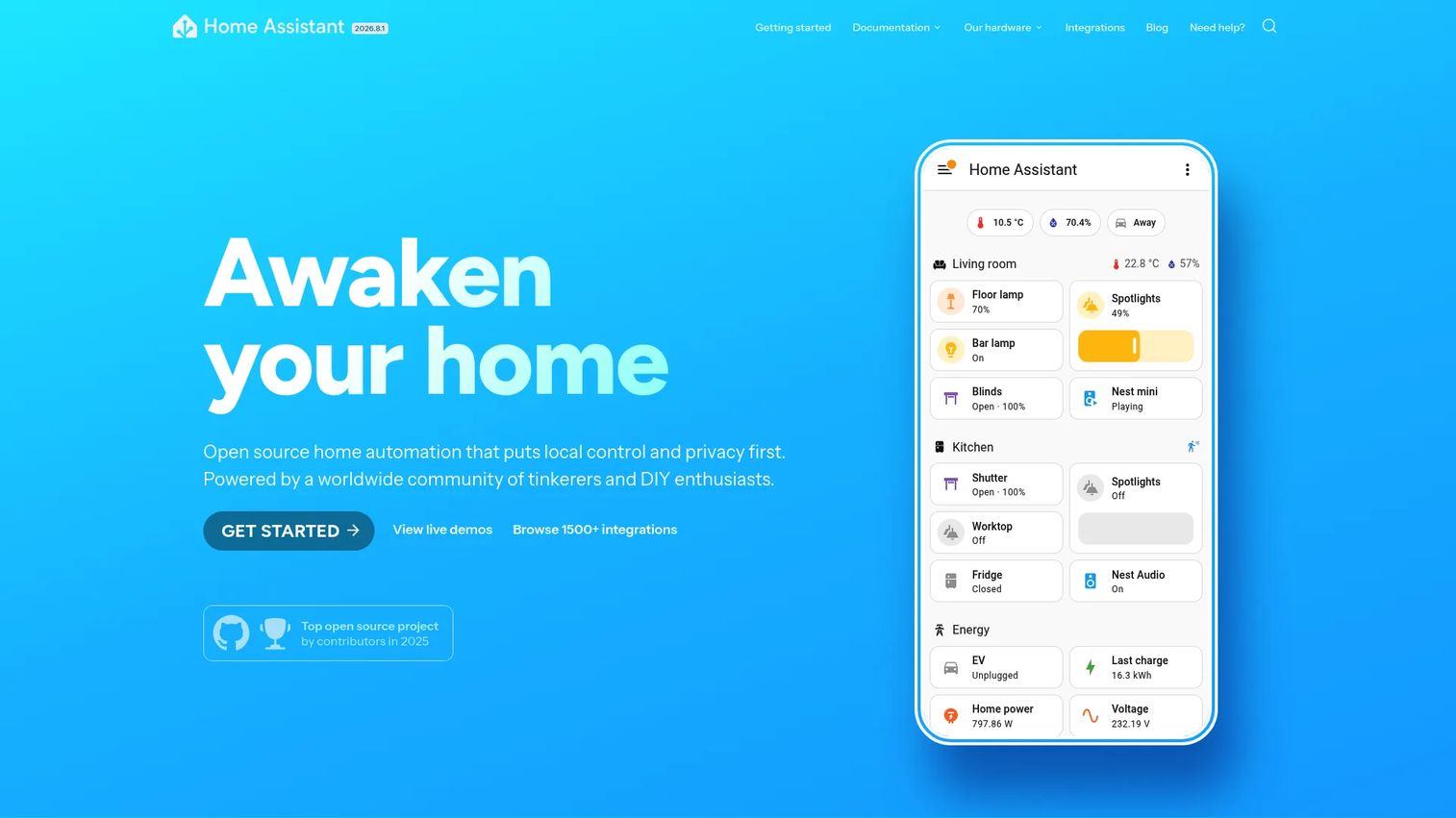
Home Assistant is the platform most people land on and stay with. It is open source, local-first, and privacy-focused by design, which means your automations run inside your home rather than through someone else's servers. With more than 1,000 built-in integrations, it connects to nearly anything you already own, then lets you build dashboards, automations, and voice control on top.
Best for: People or teams wanting a locally controlled, highly extensible smart home platform.
Key features
- Local control and privacy-first automation
- 1,000+ built-in integrations
- Custom dashboards and automation editor
- Assist voice control and companion mobile apps
- Runs on Raspberry Pi, dedicated hardware, or Docker
Why choose Home Assistant: It hits the widest sweet spot in the category. If you want maximum device coverage and deep automation without renting control from a vendor, this is the default pick. The active community means integrations arrive fast and problems get answered.
Home Assistant pricing: The core software is free and open source with no paywalled features. Optional paid add-ons include Home Assistant Cloud for remote access and voice, plus first-party hardware, but the platform itself costs nothing to run.
A public G2 rating was not available for Home Assistant at the time of writing.
2. openHAB
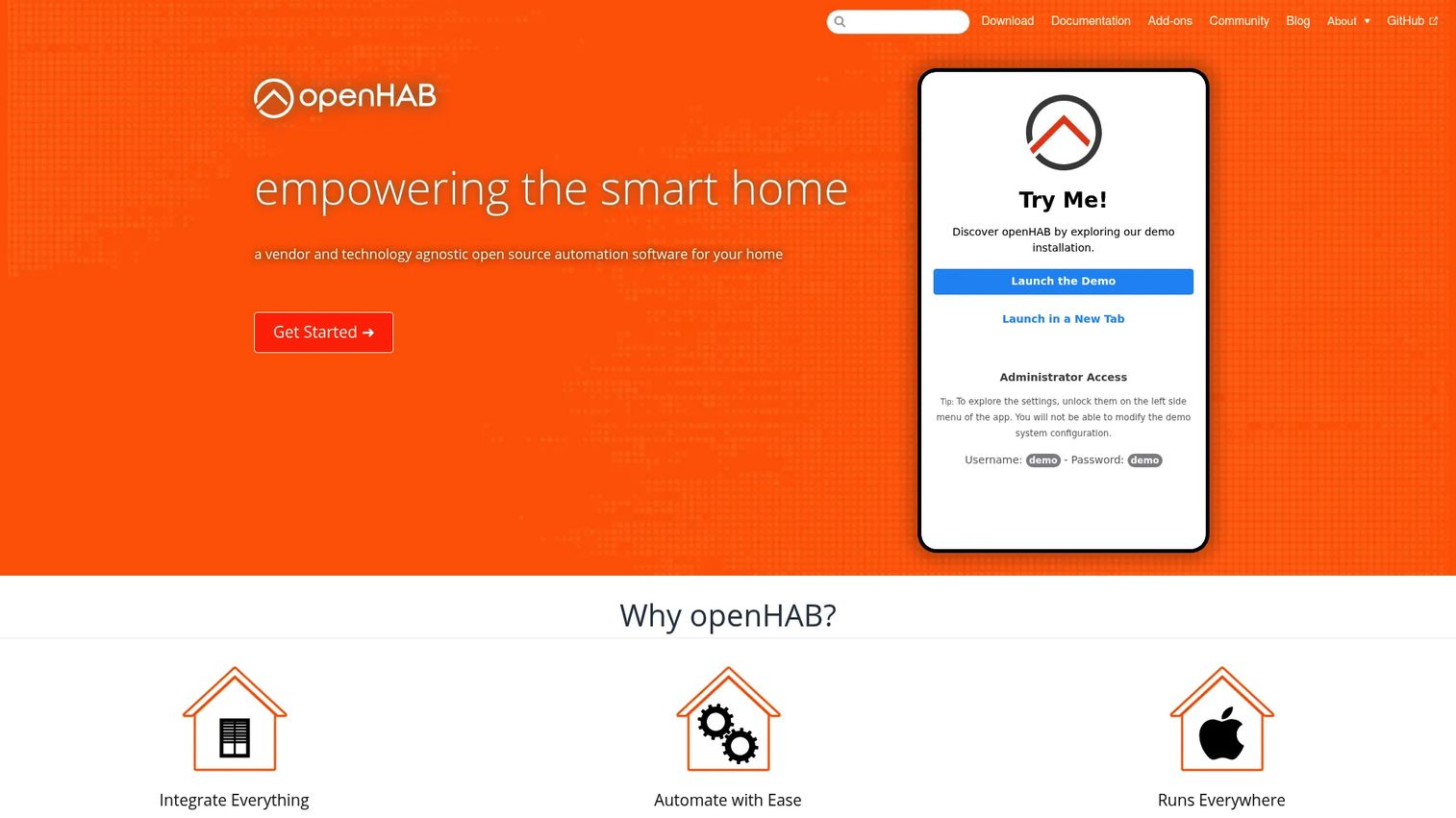
openHAB is the vendor-neutral choice for people who refuse to be locked into any single manufacturer. It is open source, free, and built to work without a cloud service. The project supports 400+ technologies and systems, and it runs on Linux, macOS, Windows, Raspberry Pi, Docker, and Synology, so it fits almost any hardware you have lying around.
Best for: DIY users and tinkerers building a self-hosted smart home automation system.
Key features
- Supports 400+ technologies and systems
- Runs on Linux, macOS, Windows, Pi, Docker, Synology
- Works without a cloud service, full local control
- Rules, scripts, and actions for custom automation
- Vendor-neutral architecture
Why choose openHAB: Pick it when vendor neutrality is non-negotiable and you want a mature rules engine you fully control. It rewards people who like to configure deeply and value cross-platform deployment freedom.
openHAB pricing: The software is open source and free to use. The project runs on optional donations and foundation membership, but there are no paid tiers gating features of the platform itself.
A public G2 rating was not available for openHAB at the time of writing.
3. Domoticz
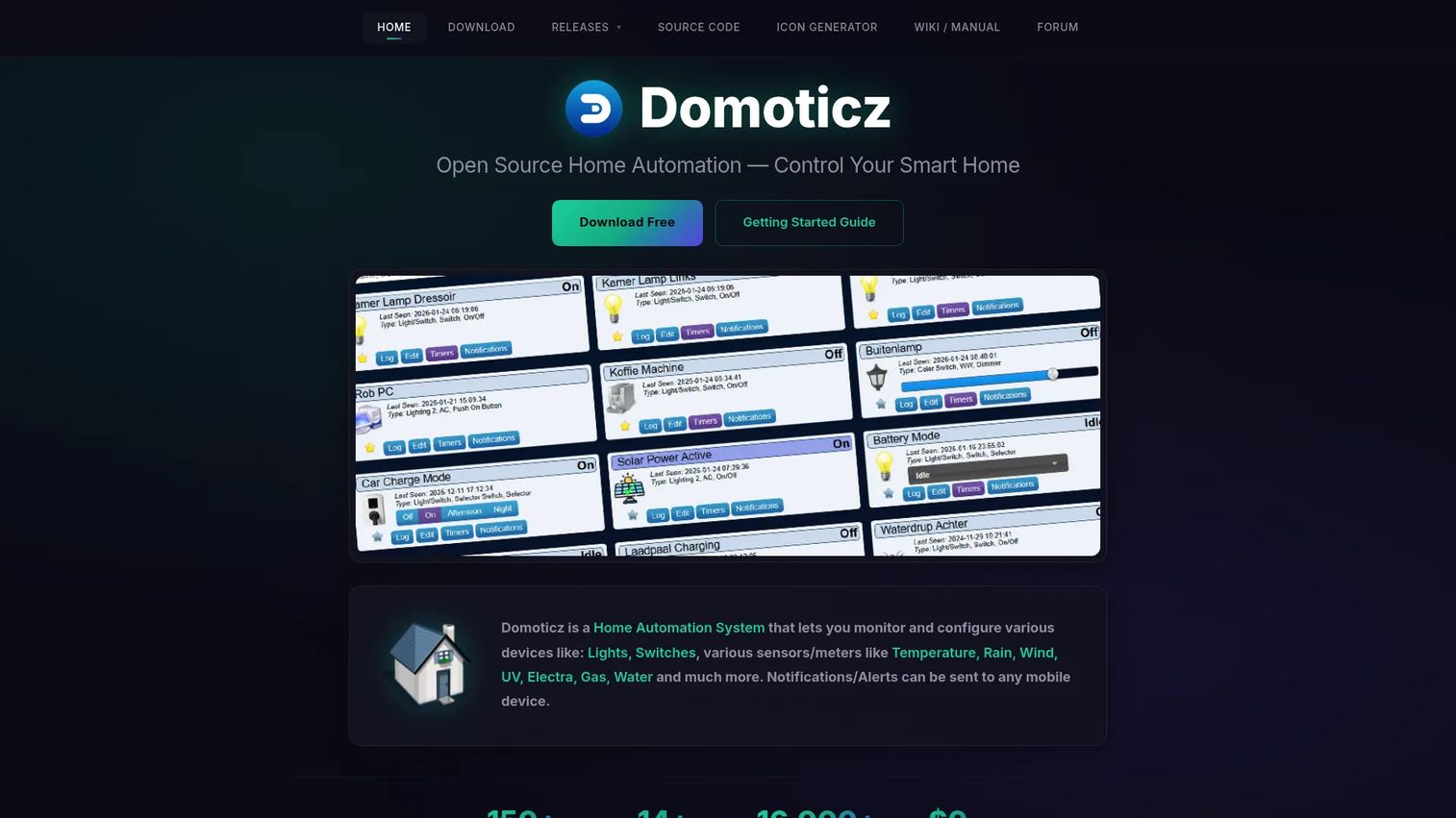
Domoticz is the lightweight option for people who want home control without a heavy install. It is open source and runs comfortably on modest hardware, monitoring lights, switches, and a long list of sensor types. The HTML5 web frontend works on desktop and mobile, and it pushes notifications straight to your phone.
Best for: Self-hosted home automation for hobbyists and small installations.
Key features
- Monitors lights, switches, and many sensor types
- HTML5 web frontend for desktop and mobile
- Mobile notifications and alerts
- Resource-light, runs on small hardware
- Open source and free
Why choose Domoticz: Choose it when you want a straightforward, resource-light system for a smaller setup rather than a sprawling whole-home platform. It is a solid fit for a first self-hosted build on a Raspberry Pi.
Domoticz pricing: Domoticz is free and open source. There are no paid plans to weigh, which makes it an easy starting point for a first project.
A public G2 rating specific to Domoticz was not confirmed at the time of writing.
4. Node-RED
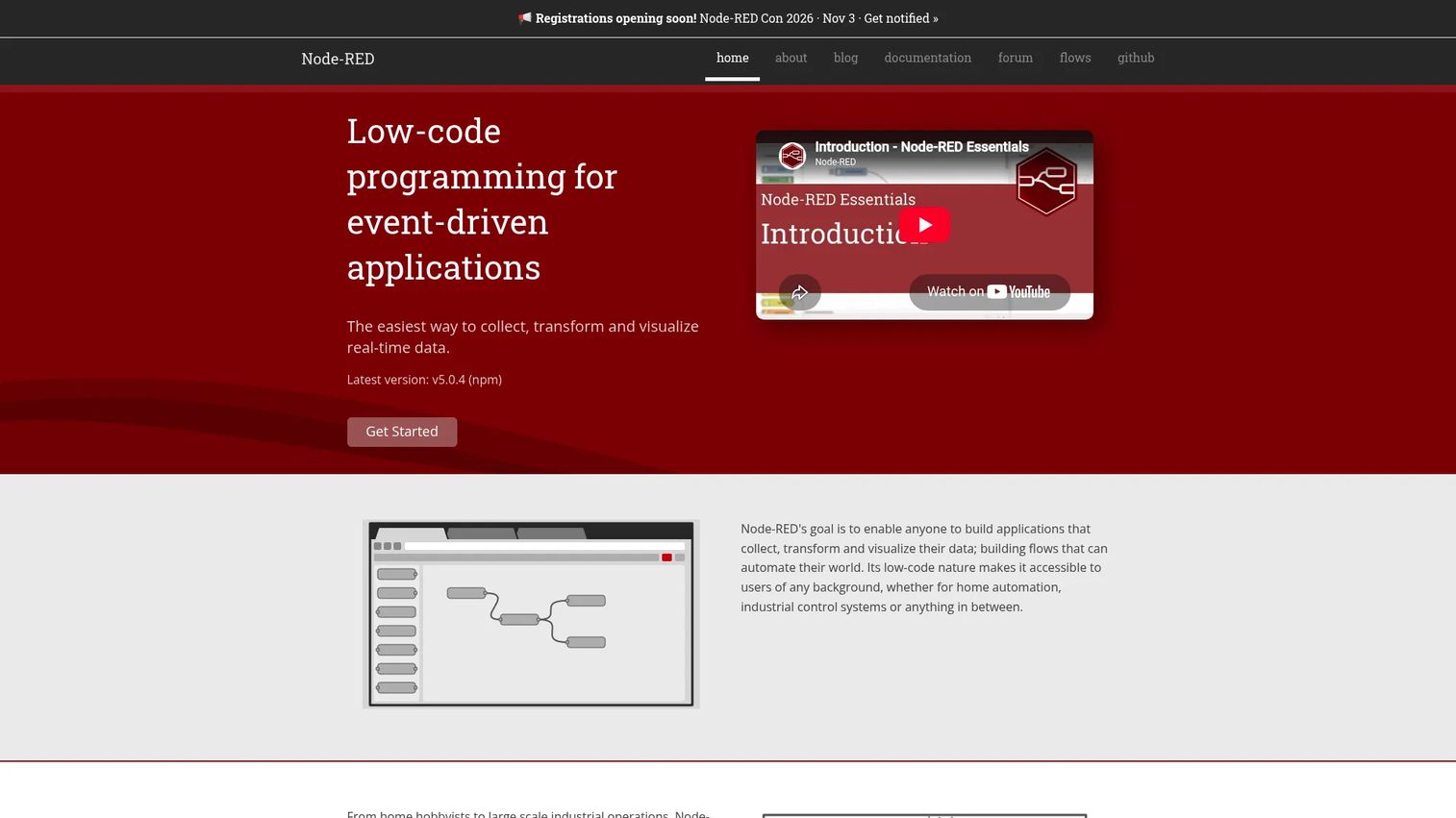
Node-RED takes a different angle: instead of a device-first hub, it is a visual automation layer. You wire logic together in a browser-based flow editor, dragging nodes and connecting them to build event-driven rules. Built on Node.js and backed by the OpenJS Foundation, it pairs beautifully with a platform like Home Assistant when you want automation logic you can see.
Best for: Teams or builders needing visual automation and integration workflows.
Key features
- Browser-based flow editor
- Single-click deploy to runtime
- Built on Node.js with reusable nodes
- Large community flow library
- Open source
Why choose Node-RED: Reach for it when your automation logic outgrows a simple rule builder and you want to map complex flows visually. It complements a device hub rather than replacing it.
Node-RED pricing: Node-RED is an open source project with no listed pricing. It is free to install and run, which is exactly what you would expect from an OpenJS Foundation project.
Node-RED holds a 4.5/5 rating on G2.
5. Homey
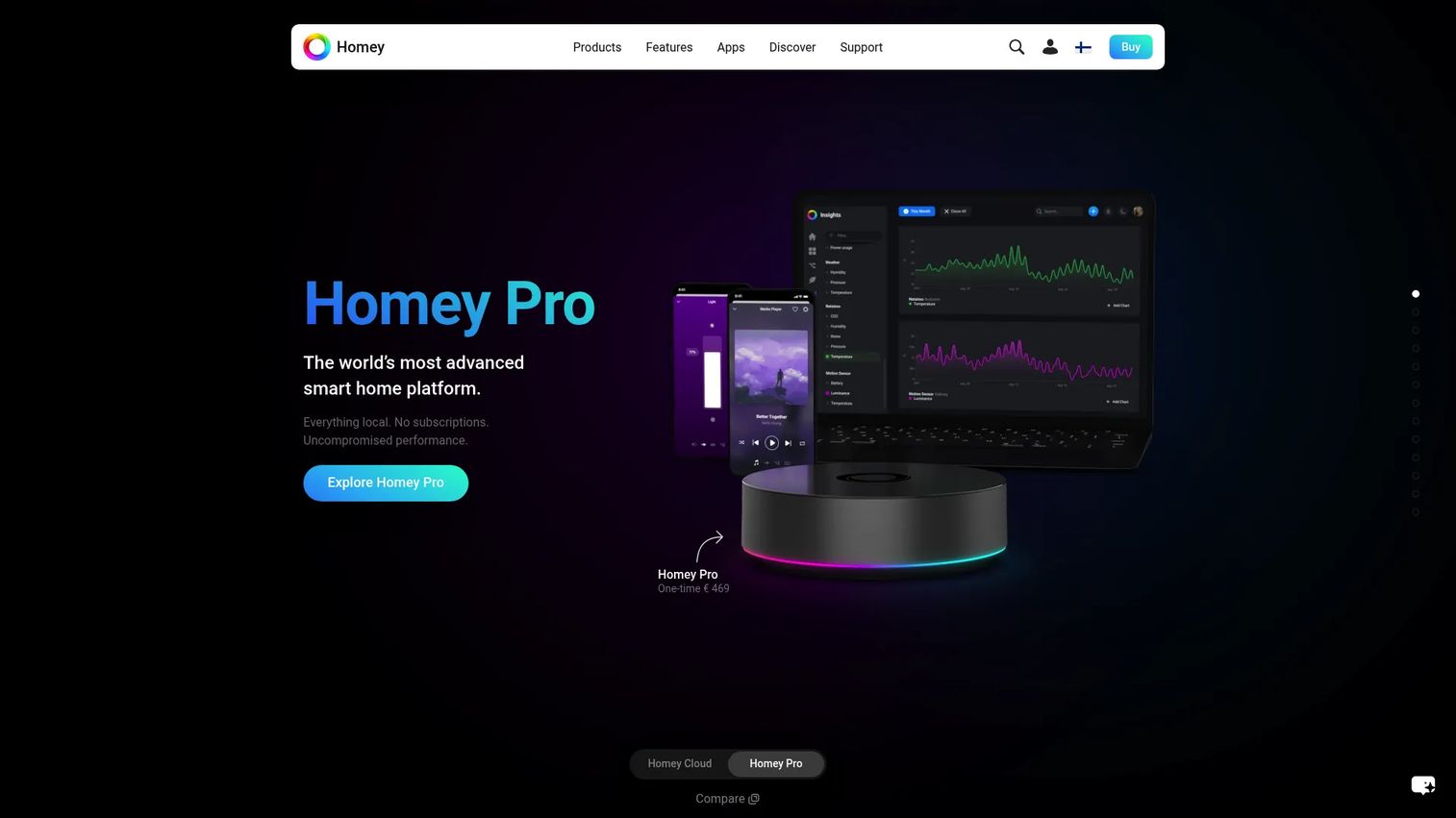
Homey is the most consumer-polished platform on this list. It offers a clean app experience, a large device catalog, and a visual automation builder called Flow. You can run it in the cloud or step up to Homey Pro hardware for local control, which gives you a smoother on-ramp than most open source options while still supporting broad device coverage.
Best for: People who want a smart home hub and app platform with cloud or local control options.
Key features
- Large device catalog across brands
- Flow visual automation builder
- Cloud or local hub options
- Clean, consumer-friendly app
- Homey Pro hardware for local control
Why choose Homey: Pick it when you want polish and quick setup over deep configuration. It suits people who value a refined app and are happy to trade some open-source flexibility for a smoother experience.
Homey pricing: Homey Cloud is free for up to 5 devices, then $2.99/mo. Homey Pro mini is a one-time $249, and Homey Pro is a one-time $449 for local control and more capacity.
The available G2 listing showed a 4.1/5 rating, though it may reference a differently branded Homey product.
6. HomeSeer
HomeSeer is built for people who want to own their smart home for the long haul. It combines HS4 automation software with its own hubs, Z-Wave interfaces, and hardware, plus MyHS for remote access, cloud backups, and integrations with Alexa, Google, and IFTTT. Automations run locally, so your house keeps working without depending on a live internet connection.
Best for: DIY and prosumer smart-home users who want local automation plus optional remote and cloud access.
Key features
- HS4 smart home automation software
- Local automation, no cloud dependency required
- MyHS remote access with cloud backups
- Alexa, Google, and IFTTT integration
- Smart hubs, Z-Wave interfaces, and sensors
Why choose HomeSeer: Choose it when reliability and long-term ownership matter more than a free price tag. The paired hardware and local-first design appeal to power users who want a system they can depend on for years.
HomeSeer pricing: HomeSeer HS4 software is a one-time $149.95, with the HS4 and HS4Touch bundle at $399.90. A free 30-day HS4 trial is available. MyHS remote-access plans start free with a Lite tier, then $39.95/yr for Plus, $59.95/yr for Pro, and $99.95/yr for Business.
A HomeSeer-specific G2 rating was not confirmed at the time of writing.
7. Jeedom
Jeedom is an open-source home automation framework for technically capable users who want deep local control. It installs on Linux, operates without any cloud connection, and offers multi-protocol support with a customizable interface. If you would rather buy hardware than build it, Jeedom also sells turnkey gateways that ship with the software preloaded.
Best for: Users wanting a local, open-source home automation platform with optional turnkey hardware.
Key features
- Open source, installable on Linux
- Local operation, no cloud connection required
- Multi-protocol support
- Customizable interface
- Optional turnkey gateway hardware
Why choose Jeedom: Pick it when you want open-source flexibility and full local control, with the option to skip the DIY build by buying a preloaded box. It suits people comfortable configuring a system to their exact needs.
Jeedom pricing: The Jeedom software is free and open source. If you prefer turnkey hardware, the Jeedom Luna gateway is a one-time €199 TTC and the Atlas is €249 TTC. Some services may require a Service Pack or Market purchase.
A public G2 rating for Jeedom was not confirmed at the time of writing.
Considerations
Before you commit, run your shortlist through this checklist. The right home automation platform depends on your hardware, your tolerance for maintenance, and how much you value privacy over convenience.
Local control and privacy
Decide early whether you want a no cloud, privacy first setup or accept a cloud dependency for easier remote access. Local control keeps your data at home and your automations running through internet outages. If privacy is a priority, favor open source home automation platforms that treat local as the default.
Integration breadth and protocol support
Count the protocols your devices actually use: Zigbee, Z-Wave, Matter, MQTT, Wi-Fi. A platform is only as useful as the hardware it can talk to. Home Assistant and openHAB lead on raw breadth, so check that your specific brands and sensors appear on the supported list before you build.
Setup complexity and ongoing maintenance
Be honest about how much tinkering you enjoy. Open source platforms reward configuration but expect you to maintain updates and troubleshoot yourself. Consumer-oriented options trade some flexibility for a smoother path. Match the platform to the time you will realistically spend.
Voice and mobile experience
If you rely on voice assistants or phone control, verify the platform's app quality and voice support. Assist, companion apps, and third-party assistant integrations vary widely across these tools. Test the daily-use experience, not just the feature list.
Community and support
For open source home automation systems, the community is your support desk. A large, active community means faster answers, more integrations, and longer project lifespan. Check forum activity and release cadence before betting your house on a platform.
Conclusion
For most people, Home Assistant is the strongest starting point: local-first, privacy-focused, and backed by more than 1,000 integrations and a large community. If vendor neutrality is your priority, openHAB delivers the same local ethos with 400+ supported technologies across almost any hardware. Node-RED is the pick when you want visual automation logic layered on top of a device hub.
Prefer polish and quick setup? Homey gives you an app-first experience with cloud or local options. Want long-term ownership with reliable local automation? HomeSeer pairs software and hardware for people who plan to keep their system for years. Domoticz suits lean DIY builds, and Jeedom rewards those who want open-source flexibility with an optional turnkey box.
The best next step is not a full migration. Pick one platform, run it on spare hardware like a Raspberry Pi, and automate a single area first, lighting or a thermostat. Prove the system fits your home before you move everything over. You will learn more from one working automation than from weeks of comparison research.
FAQs
Home Assistant is widely regarded as the strongest open source home automation platform for most users, thanks to its 1,000+ integrations, local-first design, and large community. openHAB is a close alternative for people who prioritize vendor neutrality and cross-platform deployment. Both are free and run without a cloud dependency.
Local-first open source platforms like Home Assistant, openHAB, and Jeedom are the strongest choices for privacy. They process automations on your own hardware, so your device data and commands never leave your home network. Avoid cloud-only systems if keeping data local is your priority.
It depends on your devices. Wi-Fi and Matter-over-Wi-Fi devices often connect directly, but Zigbee and Z-Wave devices usually need a compatible USB stick or hub. Platforms like Home Assistant and openHAB support a wide range of radio adapters, so you can add the protocols your hardware needs.
Yes. Home Assistant, openHAB, Domoticz, and Jeedom all run well on a Raspberry Pi, which makes it a popular low-cost host for a first build. A Pi handles a typical home's automations comfortably, though very large installations may eventually benefit from more powerful hardware.
Homey offers the smoothest on-ramp for beginners with its polished app and visual Flow builder. Among open source options, Home Assistant has the most guided setup and documentation, and Domoticz is a good lightweight starting point for a simple DIY build on modest hardware.
Yes. Home Assistant, openHAB, Domoticz, and Jeedom are built for local control and run without any cloud connection. HomeSeer runs automations locally while offering optional cloud access through MyHS. Local operation means faster response times and a system that keeps working during internet outages.
Check for Zigbee, Z-Wave, Matter, MQTT, and Wi-Fi support, since these cover the majority of smart home devices. Matter is the newest cross-brand standard worth prioritizing for future-proofing. Confirm your specific devices and brands appear on a platform's supported list before committing.










