Getting a station on the air is the easy part. You can download a playout app, point it at a stream, and be live in an afternoon. Keeping that station running week after week without babysitting the queue is where most operators hit a wall.
That wall has a shape. A track ends and dead air follows. A stream drops mid-show and nobody notices for twenty minutes. Your scheduled overnight block never fires because a metadata field was blank. These are not exotic failures. They are the daily reality of running radio without software built to automate it.
The market reflects how central this software has become. The global radio broadcast software market reached USD 2.02 billion in 2025 and is projected to hit USD 3.78 billion by 2035, a 6.44% CAGR, according to Global Growth Insights (2025). The same research found roughly 61% of broadcasters now use automation tools and 49% integrate their broadcast with streaming services. Radio automation software has moved from a nice-to-have to the backbone of station operations.
So the buying question is no longer "does it play music." It is how much automation you get, which streaming protocols it supports, how it handles scheduling and metadata, what it costs to keep running, and how much of your week it quietly gives back. Those variables separate a tool you fight with from one you forget about. This guide is built to help you weigh them before you commit.
What's inside
This guide covers seven radio station software options spanning every operating model: free desktop tools, hosted cloud platforms, and self-hosted open-source suites. Each pick fits a different kind of station.
We selected tools based on four criteria that actually matter for day-to-day operations:
- Automation depth: AutoDJ, scheduling, fallback programming, and how much runs without you.
- Streaming compatibility: support for Icecast, SHOUTcast, and encoder flexibility.
- Operating model and cost: free, one-time purchase, subscription, or self-hosted.
- Support and analytics: community resources, documentation, and audience analytics.
The list mixes Windows desktop software, browser-based hosted platforms, and Dockerized open-source options so you can match the tool to your technical comfort and maintenance tolerance.
TL;DR
- Best free Windows automation: RadioDJ. Full-featured playout and scheduling at zero cost, with a large community behind it, if you are comfortable with hands-on setup.
- Best hosted all-in-one: Live365. Hosting, music licensing coverage, monetization, and distribution to TuneIn and iHeartRadio in one managed platform.
- Best mature desktop broadcaster: SAM Broadcaster Pro. Deep automation, sound processing, and listener reporting in a one-time purchase.
- Best beginner-friendly cloud station: Radio.co. Browser-based station management with scheduling, apps, and analytics, no software to install.
- Best free open-source mixing and broadcast: Mixxx. Cross-platform DJ software with live broadcasting for hands-on operators.
- Best focused playout tool: PlayIt Live. Free core playout with optional premium modules for voice tracking and scheduling.
- Best self-hosted open-source suite: AzuraCast. Full station management you run on your own infrastructure, free and highly extensible.
What is radio station software?
Radio station software is the broadcast automation, streaming, and station management software that schedules, plays, and streams a station's audio content to listeners, either over the air or online.
At its core, radio playout software handles the machinery of continuous broadcasting so a station can run with minimal manual intervention. The category spans several capabilities:
- Playout: the engine that plays tracks, jingles, and shows in sequence without gaps.
- AutoDJ: automated queuing and rotation that keeps content flowing when no presenter is live.
- Scheduling: time-based programming for shows, clocks, and rotations across the week.
- Encoder support: the components that compress and send audio to a streaming server.
- Streaming protocols: compatibility with Icecast and SHOUTcast, the two dominant standards for online radio.
- Metadata handling: now-playing track and artist data passed to players and directories.
- Audience analytics: listener counts, session data, and engagement reporting.
- Distribution: getting the stream onto directories, apps, and platforms where listeners find it.
The biggest operational split is between desktop and hosted tools. Desktop radio playout software like RadioDJ or SAM Broadcaster Pro runs on your own Windows machine, which means you control everything and pay nothing per month, but you also own uptime, the internet connection, and the streaming server. Hosted platforms like Live365 and Radio.co run in the cloud, so the infrastructure, streaming, and often the licensing are handled for you in exchange for a subscription. Self-hosted open-source software like AzuraCast sits in between: full control and no license fee, running on a server you manage. Which model fits depends on how much control you want versus how much maintenance you are willing to carry.
When to use radio station software
Run an automated station with less manual intervention
If your station needs to broadcast around the clock, AutoDJ and scheduling are the features that matter most. A good rotation engine keeps music playing overnight, fills gaps when a live show ends early, and runs fallback programming if a source drops. Stations that promise consistent output across the week, community radio, genre stations, background music channels, cannot depend on a human always being at the desk. Automation is what makes 24/7 output realistic for a small team.
Stream to Icecast or SHOUTcast without platform friction
Protocol support decides how portable your station is. Icecast and SHOUTcast are the standards nearly every player, directory, and hosting provider speaks. Software that encodes to both gives you freedom to switch streaming hosts, run multiple bitrates, or migrate providers without rebuilding your setup. Encoder flexibility also affects broadcast stability. Tools that let you configure reconnection, buffering, and multiple mount points tend to stay on the air through the small network hiccups that would otherwise cause dead air.
Balance free software, hosted services, and support needs
The real decision boundary is time versus money. Free radio station software like RadioDJ, Mixxx, PlayIt Live, and AzuraCast costs nothing to license, but you provide the machine, the streaming server, and the troubleshooting. Hosted online radio station software trades a monthly fee for handled infrastructure, bundled streaming, and often music licensing. If you have technical skill and enjoy tinkering, the free route is genuinely capable. If your time is worth more than the subscription, or you want licensing and distribution solved for you, a hosted platform earns its cost.
Comparison table
Here is how the seven tools compare across the variables that drive most buying decisions. Ratings are shown where a verified source was available.
| # | Product | Intent | Key differentiation | Pricing | G2 rating |
|---|---|---|---|---|---|
| 1 | RadioDJ | Free Windows automation | Full-featured playout at zero license cost | Free | Not available |
| 2 | Live365 | Hosted all-in-one | Licensing, monetization, and directory distribution bundled | From $59/mo | Not available |
| 3 | SAM Broadcaster Pro | Mature desktop broadcaster | Deep automation and audio processing, one-time purchase | $299 one-time | Not available |
| 4 | Radio.co | Beginner-friendly cloud | Browser-based station management, no install | From $35/mo | 3.7/5 |
| 5 | Mixxx | Open-source mixing and broadcast | Live DJ mixing plus broadcasting, cross-platform | Free | Not available |
| 6 | PlayIt Live | Focused playout | Free core with optional premium modules | Free core | Not available |
| 7 | AzuraCast | Self-hosted open source | Complete station suite you run yourself | Free (self-hosted) | 4.8/5 |
1. RadioDJ
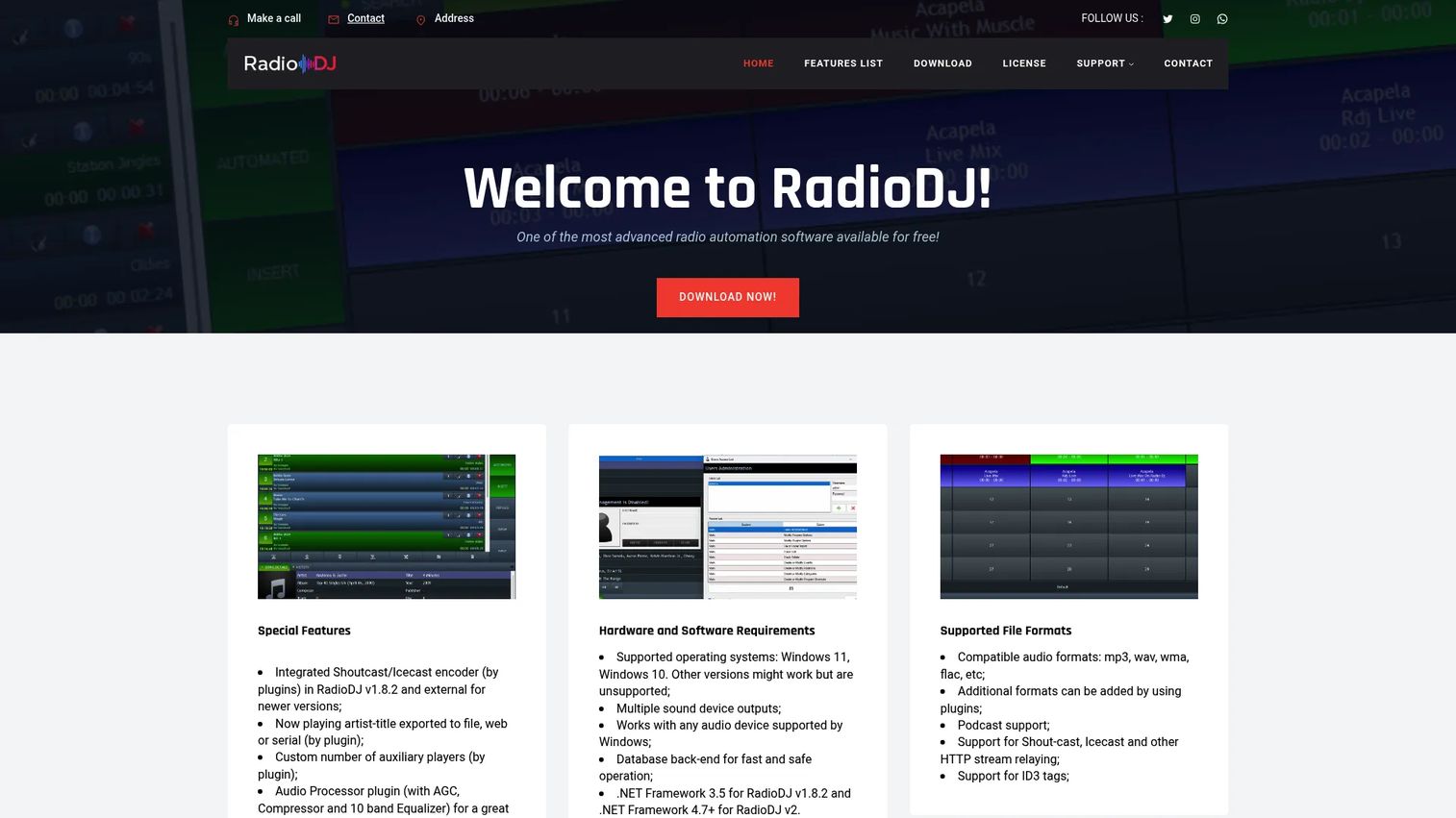
RadioDJ is free radio automation software for Windows that runs and schedules radio broadcasts. It has become a default recommendation for hobbyists and small stations that want full control over playout without paying a license fee. The tradeoff is that you handle setup and configuration yourself, but the payoff is a serious automation engine that costs nothing.
RadioDJ is built around a rotation and scheduling model that many commercial tools charge for. You define categories, clocks, and events, and the software assembles your programming automatically. It supports stream encoding to standard protocols, connects to Icecast and SHOUTcast servers, and includes audio processing to keep levels consistent across a mixed music library.
Best for: budget-conscious operators on Windows who want deep automation control and do not mind hands-on setup.
Key strengths
- Free desktop automation: A complete playout and scheduling engine with no license cost, funded by donations.
- Plugin architecture: An extensible design where community-built plugins add encoders, connectors, and features.
- Community support: An active forum and user base that documents setups, fixes, and configurations.
Why choose RadioDJ: If you are comfortable installing software, editing settings, and pointing your own encoder at a streaming server, RadioDJ gives you professional-grade automation for the cost of the Windows machine it runs on. It rewards operators who want to understand and control every part of their station rather than pay for a managed abstraction.
RadioDJ pricing: RadioDJ is free to download and use. The project is supported by donations rather than license fees, and there is no paid tier. Because it is desktop software, your only real costs are the Windows machine it runs on and whatever streaming server you connect it to.
2. Live365
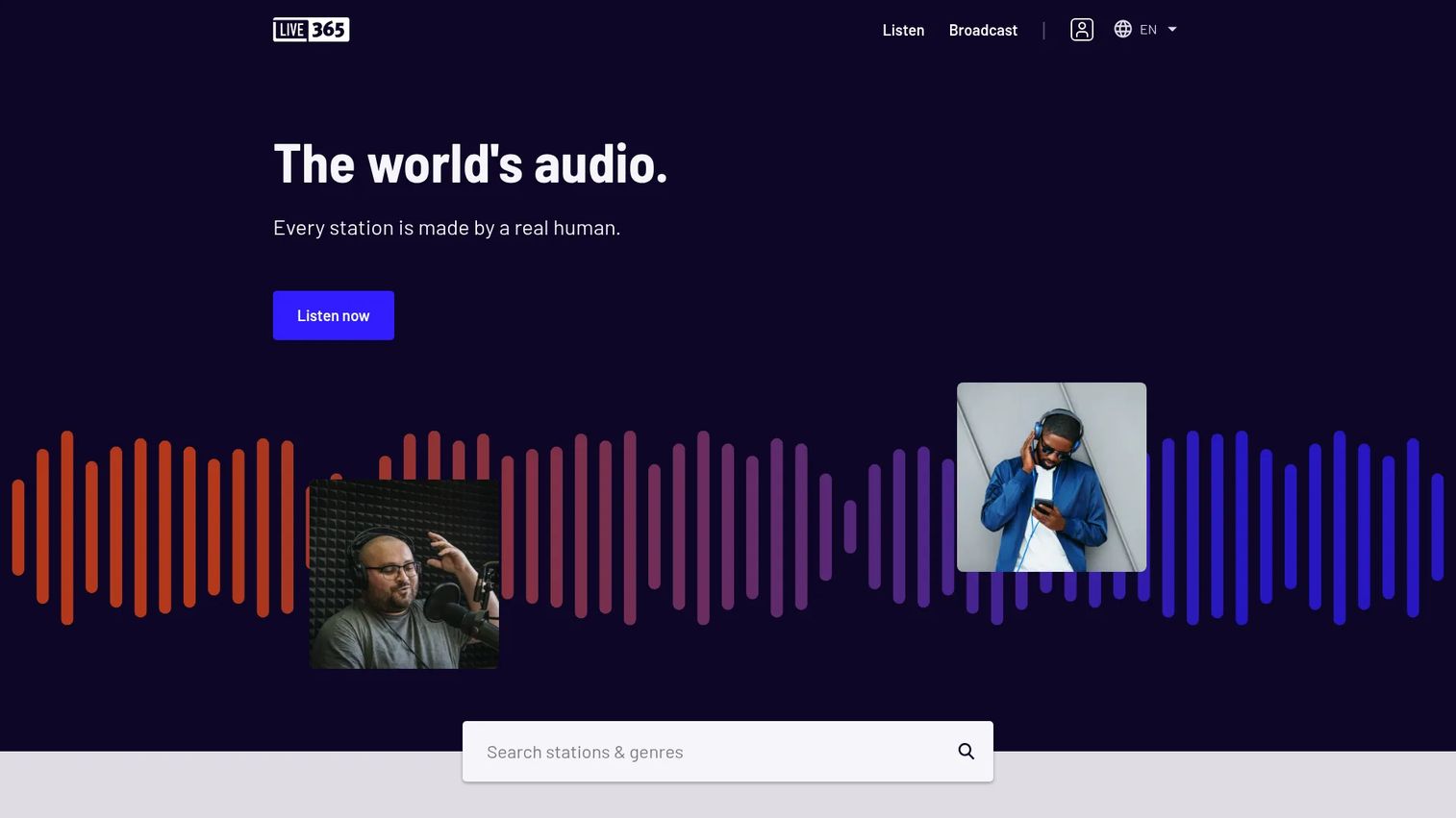
Live365 is a hosted online radio station software platform for creating, streaming, monetizing, and listening to internet radio. It targets operators who want a managed path to launching and growing a station without assembling their own infrastructure. The headline value is that licensing, hosting, and distribution come bundled, which removes the two hardest problems for a new internet station.
The platform includes AutoDJ for automated programming, listener analytics, and distribution to major directories. Live365 covers music licensing in the U.S., Canada, and Mexico, which is a genuine differentiator, since sorting out performance rights independently is a common blocker for new broadcasters. On the monetization side, it offers programmatic audio ads and pushes your station out to TuneIn and iHeartRadio for wider reach.
Best for: internet radio broadcasters who want hosting, licensing, and monetization solved in one managed platform.
Key strengths
- Bundled music licensing: Coverage across the U.S., Canada, and Mexico removes a major legal and administrative hurdle.
- Directory distribution: Automatic reach to TuneIn and iHeartRadio puts your station where listeners already are.
- Built-in monetization: Programmatic audio ads give the station a revenue path without a separate ad stack.
Why choose Live365: The appeal is operational, not just featural. Live365 exists so you can run a legal, distributed, potentially revenue-generating station without becoming an expert in licensing, streaming infrastructure, or ad tech. For operators whose time is better spent on programming than plumbing, that bundle is the whole point.
Live365 pricing: Live365 publishes Broadcast plans from Broadcast 1 at $59 per month up to Broadcast 5 at $999 per month, billed monthly, with a 7-day free trial. Higher tiers add capacity and features as your listenership and needs grow. There is no permanently free plan, since the subscription funds the hosting and licensing coverage.
3. SAM Broadcaster Pro
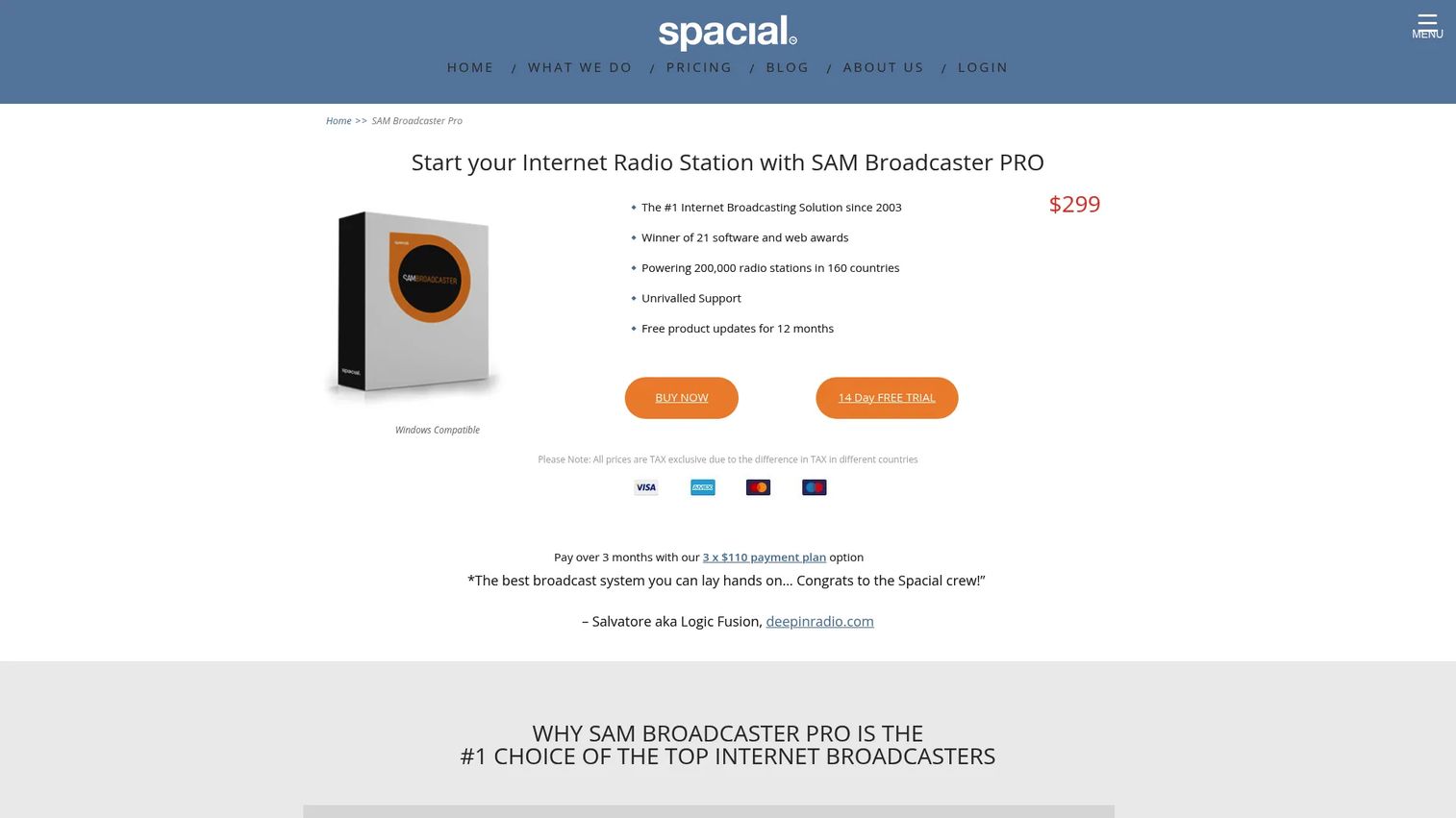
SAM Broadcaster Pro is internet radio broadcasting software for live and automated station management. It is one of the more mature Windows broadcasters on the market, and it shows in the feature depth. Operators who want a professional desktop tool with strong audio quality and detailed listener reporting tend to land here.
Where RadioDJ leans on community extensibility, SAM Broadcaster Pro ships a polished, integrated feature set out of the box. It includes cross-fading and gap killing to keep transitions clean, beat matching and voice tracking for a produced sound, and stream encoding with statistics relaying and listener reporting so you can see who is tuned in. Its media library and automation handle both scheduled programming and live shows.
Best for: existing broadcasters who want a mature, Windows-based automation and live streaming tool with serious feature depth.
Key strengths
- Audio processing: Cross-fading, gap killing, and beat matching produce a clean, professional on-air sound.
- Voice tracking: Pre-record presenter segments and drop them into automated blocks for a live feel.
- Listener reporting: Stream statistics relaying and reporting give you visibility into audience size and behavior.
Why choose SAM Broadcaster Pro: If you want the polish of a commercial broadcaster without an ongoing subscription, the one-time license is compelling. It suits operators moving beyond a hobby setup who want production features, reliable automation, and reporting in a single tool they buy once and own.
SAM Broadcaster Pro pricing: SAM Broadcaster Pro is a one-time purchase at $299, with a 14-day free trial. Spacial also offers a payment option of three installments of $110. There is no recurring subscription, which makes the total cost predictable over the life of the station.
4. Radio.co
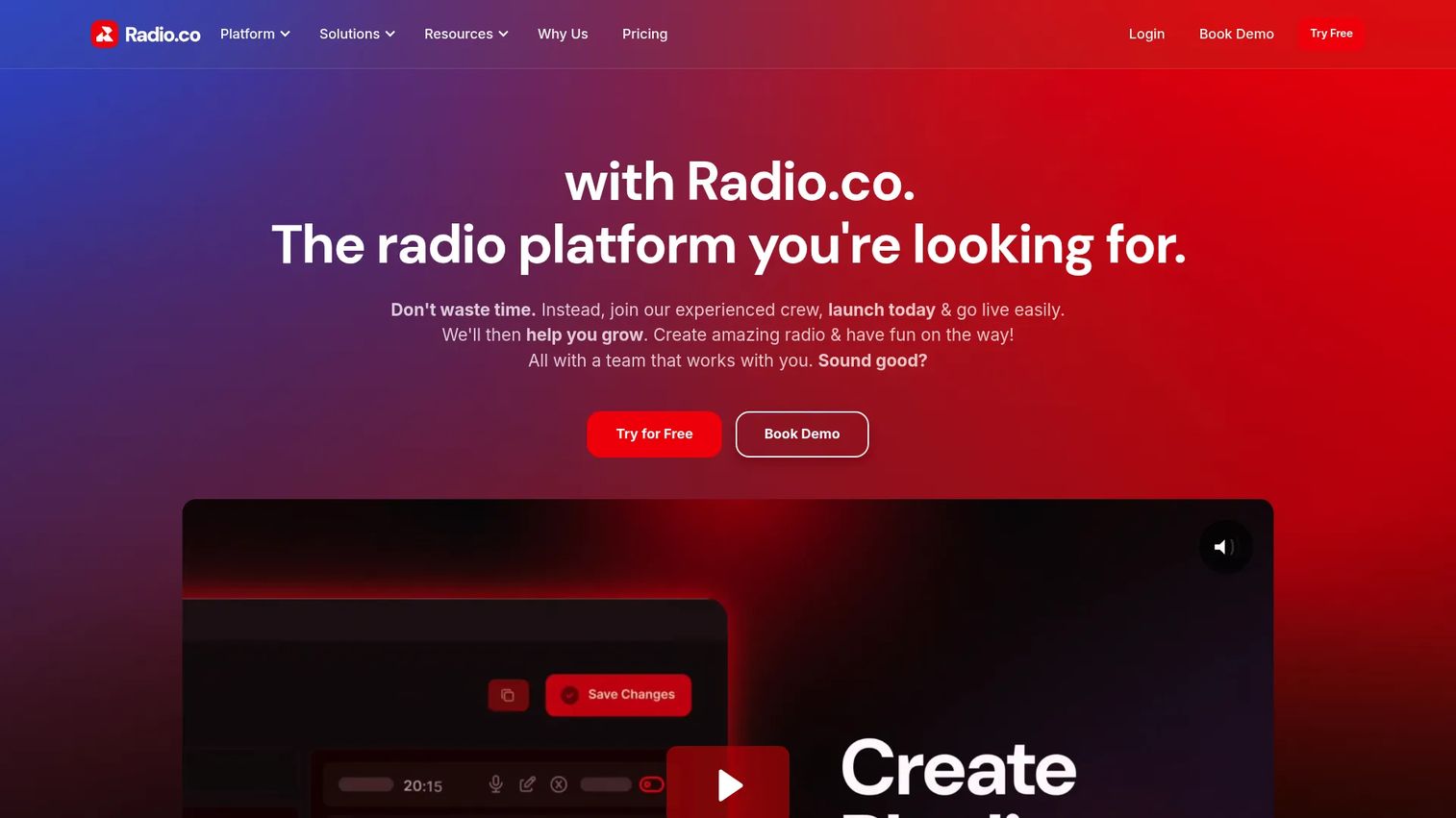
Radio.co is a cloud-based internet radio platform for creating, scheduling, broadcasting, and managing online stations. It is built for creators and small teams who want a hosted station rather than a desktop workflow, and its browser-based approach means there is nothing to install and no server to maintain.
Everything runs in the browser: station broadcasting, scheduling and playlists, and automation. Radio.co also provides mobile apps, smart speaker support, and listener analytics, so your station shows up on the devices your audience already uses. The managed infrastructure is the draw here. You upload your music and set your schedule, and the platform handles the streaming and delivery.
Best for: individuals and teams launching an internet radio station who want a hosted, low-maintenance setup without managing their own broadcast infrastructure.
Key strengths
- Browser-based management: Run the entire station from a web interface with no desktop software to install.
- Scheduling and automation: Playlists and automated programming keep the station running without constant attention.
- Multi-device reach: Mobile apps and smart speaker support extend the station to where listeners actually are.
Why choose Radio.co: The ease-of-use case is strong for anyone who wants to launch quickly and avoid infrastructure. Rather than configuring encoders and streaming servers, you get a managed platform that handles delivery and gives you analytics to track your audience. It is the shortest path from idea to a running station.
Radio.co pricing: Radio.co publishes four plans: Lite at $35 per month, Standard at $59 per month, Plus at $139 per month, and Premium at $199 per month. All plans include a 14-day free trial. Higher tiers add capacity and features as listenership grows. Radio.co holds a 3.7 out of 5 rating on G2.
5. Mixxx
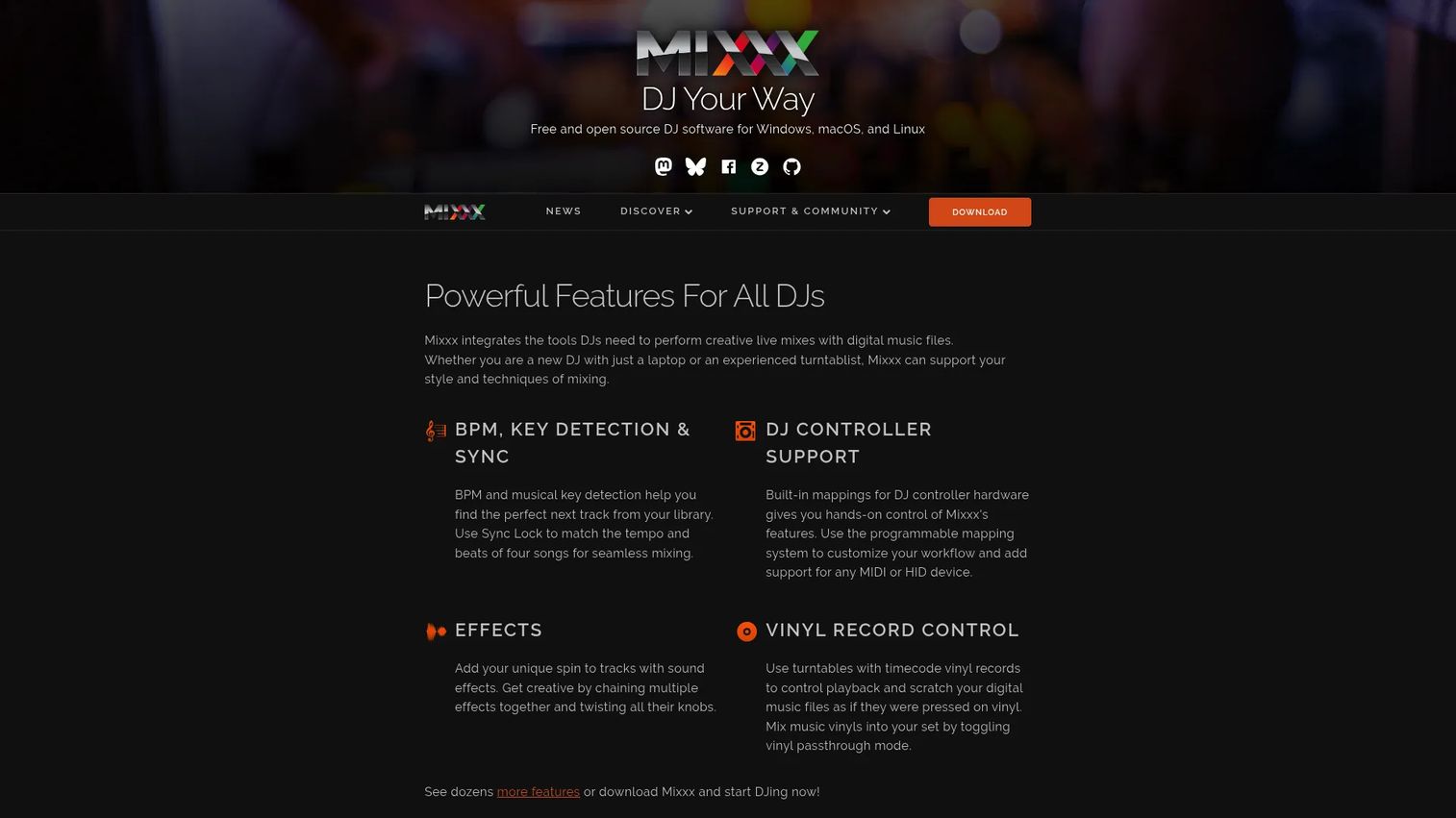
Mixxx is free, open-source DJ mixing software for Windows, macOS, and Linux. While it is best known as a DJ application, its live broadcasting features make it a legitimate option for stations built around live mixing rather than pure automation. Technically confident users who want free software and hands-on control tend to gravitate toward it.
Mixxx gives you four decks, hotcues, looping, sync lock, and beat and key detection, the toolkit of a real performance app. Crucially for radio, it includes recording and live broadcasting, so you can stream a live mix straight to an Icecast or SHOUTcast server. Broad controller support means you can drive it with hardware if you run a manned show. As open-source software, its development is community-driven and it runs across all three major desktop platforms.
Best for: technically confident operators who want a free, cross-platform tool for live mixing and broadcasting rather than unattended automation.
Key strengths
- Live broadcasting: Stream a live mix directly to Icecast or SHOUTcast servers.
- Cross-platform: Native support for Windows, macOS, and Linux, unusual in this category.
- Open source and free: No license cost, with community-driven development and no pro upsell.
Why choose Mixxx: Mixxx is strongest for stations centered on live, human-driven shows where mixing quality matters. If your programming is more about presenters and live sets than 24/7 unattended rotation, its performance features and broadcasting support make it a capable free choice. Pairing it with a separate automation tool covers the overnight gaps.
Mixxx pricing: Mixxx is completely free. There is no official paid or pro version; the project states donations are appreciated but not required. It runs on Windows, macOS, and Linux at no cost.
6. PlayIt Live
PlayIt Live is Windows live-assist and automated radio playout software. It occupies a focused niche: a dependable playout tool with a free core and optional paid modules, so you only pay for the advanced features you actually use. Stations that want a simple, reliable operational setup without a large upfront cost tend to choose it.
The free core handles both live-assist and automated playout, and it broadcasts to Icecast and SHOUTcast with now-playing metadata. Voice tracking and remote voice tracking let presenters pre-record segments, including from off-site, for a live feel in automated blocks. Playlist management and live assist give a presenter control during manned shows, while the automation keeps things running otherwise. Premium modules extend it with scheduling, remote management, and voice tracking capabilities.
Best for: radio broadcasters who want free, dependable playout with the option to add premium modules only when they need them.
Key strengths
- Free core playout: Live-assist and automated playout at no cost, with Icecast and SHOUTcast streaming built in.
- Modular pricing: Add voice tracking, remote management, or advanced scheduling only when you need them.
- Remote voice tracking: Presenters can pre-record segments from off-site and slot them into automation.
Why choose PlayIt Live: The modular model is the differentiator. You start free with full playout, then add exactly the premium capabilities your station needs as it grows, rather than paying for an all-in-one license upfront. That makes it a low-risk starting point that scales with your operation.
PlayIt Live pricing: The core functionality is free. Premium modules, Voice Tracking, Remote Management, and Advanced Scheduling, are sold separately at US$30 per month, US$180 per year, or US$899 lifetime each. A Premium Module Bundle covering all functionality is available at US$75 per month, US$450 per year, or US$2,249 lifetime.
7. AzuraCast
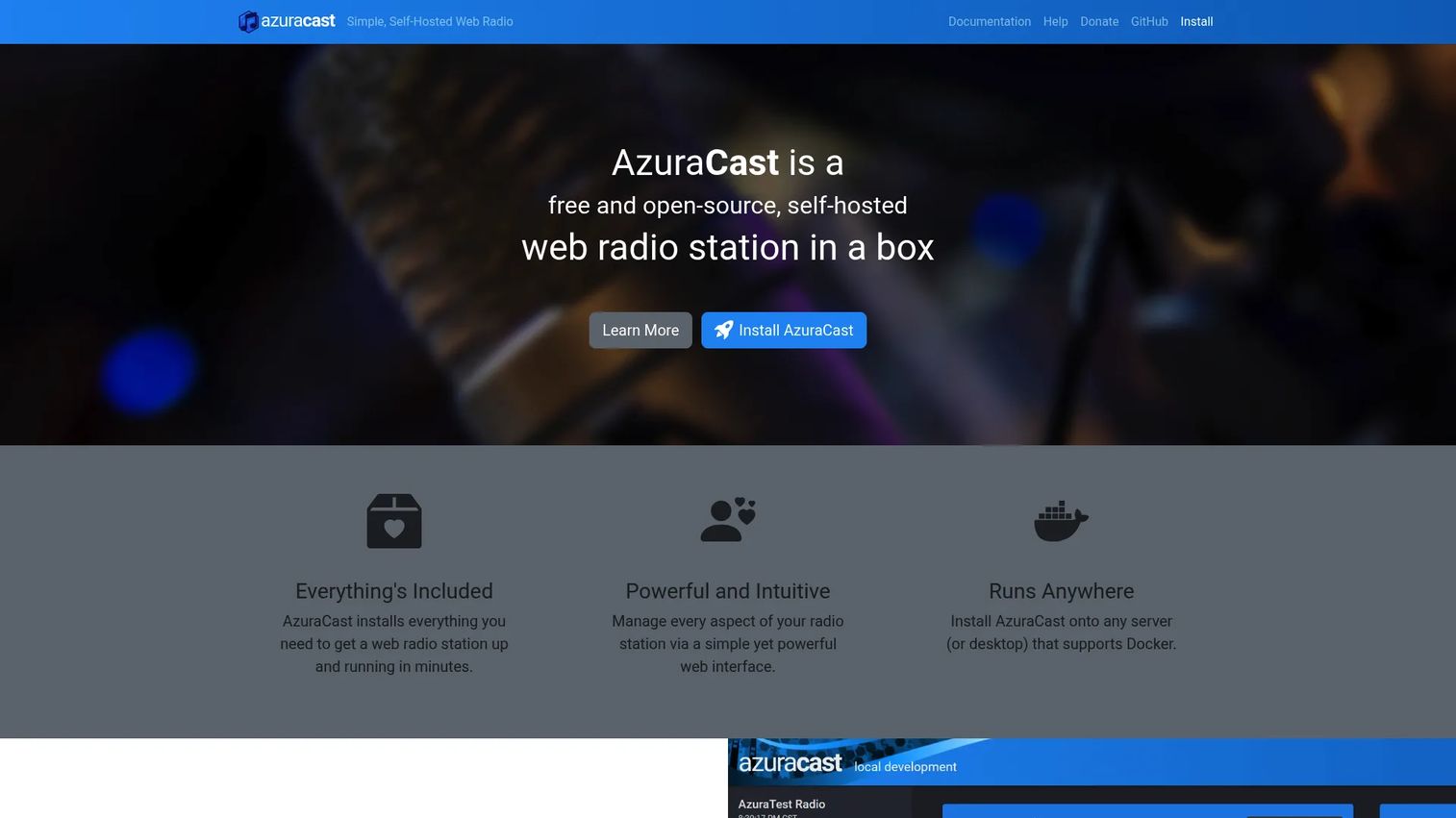
AzuraCast is a free, open-source, self-hosted web radio management suite. It is the pick for teams comfortable owning their infrastructure who want complete control and extensibility without a license fee. You install it on your own server, typically via Docker, and run everything from a web interface.
The suite is genuinely full-featured. It handles media management, playlists, live DJs, a Web DJ for in-browser broadcasting, public pages, listener requests, remote relays, web hooks, and analytics. Multi-station administration with role-based permissions means one installation can run several stations with different team members managing each. Because it is self-hosted and open source, you control the streaming, the data, and the customization entirely.
Best for: teams and individuals running their own online radio station on self-hosted infrastructure who want full control.
Key strengths
- Self-hosted control: Run the entire suite on your own server, owning your data and streaming end to end.
- Multi-station management: One installation handles multiple stations with role-based permissions.
- Open and extensible: Web hooks, remote relays, and an open-source codebase support deep customization.
Why choose AzuraCast: For operators who want the capabilities of a commercial platform without the subscription, and who have the technical comfort to run a server, AzuraCast is hard to beat. The Docker-based install makes deployment approachable, and the free open-source model means the only cost is your hosting. It suits teams that value control and extensibility over a managed hand-off.
AzuraCast pricing: AzuraCast is completely free to install and use, including for commercial purposes, and the project is supported by donations. There is no paid tier for the software itself. Your only cost is the infrastructure you host it on, which varies with your listener count and number of stations. AzuraCast holds a 4.8 out of 5 rating on G2.
Considerations
Before you commit to any tool, run your shortlist through these criteria. They map directly to how much a station costs you in time and money over its life.
Automation and scheduling depth
Look at how the software handles unattended programming. Can it build rotations from categories and clocks, fire time-based events, and fall back gracefully if a source drops? A tool with shallow scheduling forces you back to the desk more often than its price suggests.
Streaming protocol and encoder support
Confirm the software encodes to both Icecast and SHOUTcast, and check whether it supports multiple bitrates and mount points. Broad protocol support keeps you portable, so you can change streaming hosts or add stream variants without rebuilding your setup.
Operating model and total cost
A free desktop tool has no license fee but requires your own machine and streaming server. A hosted platform bundles infrastructure and often licensing into a subscription. Self-hosted open source is free to license but costs server time. Price the whole model, not just the sticker.
Licensing and distribution
Some hosted platforms include music licensing and push your stream to directories like TuneIn and iHeartRadio. If you are broadcasting music you did not create, sorting out performance rights is not optional, so a bundled solution can save real legal and administrative work.
Support and analytics
Check whether the tool has active community support, current documentation, and audience analytics. When something breaks at 2 a.m., a strong forum or knowledge base is the difference between a quick fix and dead air.
Conclusion
The right radio station software depends far less on a feature checklist than on how you want to operate. Match the tool to your model.
If you are on Windows, budget-conscious, and comfortable with setup, RadioDJ gives you serious automation for free. If you want a managed all-in-one with licensing and distribution solved, Live365 is the cleanest path. For a mature desktop broadcaster you buy once, SAM Broadcaster Pro delivers depth without a subscription. If you want to launch fast with nothing to install, Radio.co is the beginner-friendly cloud option.
For live, human-driven shows, Mixxx brings free, cross-platform mixing and broadcasting. PlayIt Live suits stations that want a free playout core and modular upgrades. And AzuraCast is the strongest self-hosted open-source suite for teams ready to run their own infrastructure.
Pick based on how much control, automation, and support you actually want to own. Then start a free trial or install on your top one or two picks and run a week of real programming before you commit. A weekend of testing tells you more than any spec sheet.
FAQs
For beginners who want the least friction, a hosted platform like Radio.co is the easiest starting point, since there is nothing to install and the infrastructure is managed for you. If you are comfortable with a bit of setup and want to avoid subscription costs, RadioDJ and PlayIt Live both offer capable free options with active communities to help you learn.
RadioDJ, SAM Broadcaster Pro, and PlayIt Live are all built for Windows and are the strongest desktop choices. RadioDJ is free and highly extensible, SAM Broadcaster Pro offers mature production features in a one-time purchase, and PlayIt Live provides a free playout core with optional paid modules. Mixxx also runs on Windows if you want live mixing alongside broadcasting.
AutoDJ automates your programming: it queues and rotates tracks, jingles, and shows on a schedule so the station runs without a presenter. Live broadcasting is a human at the controls, mixing and talking in real time. Most stations use both, running AutoDJ for overnight and off-peak hours and switching to live shows when a presenter is on air.
Yes. Icecast and SHOUTcast are the two dominant streaming protocols for online radio, and every tool on this list supports at least one, with most supporting both. RadioDJ, SAM Broadcaster Pro, Mixxx, PlayIt Live, and AzuraCast all encode to these standards, which keeps your station portable across streaming hosts.
Absolutely. Free tools like RadioDJ, AzuraCast, PlayIt Live, and Mixxx run real, full-time stations every day. The tradeoff is that you provide the machine, the streaming server, and the troubleshooting yourself. If you have the technical comfort, free radio station software is genuinely capable, but you are trading money for time.
Prioritize automation depth, support for Icecast and SHOUTcast, and an operating model that matches your maintenance tolerance. With roughly 61% of broadcasters now using automation tools and 49% integrating streaming, per Global Growth Insights (2025), reliable unattended playout and solid streaming compatibility are the baseline. Then weigh licensing, distribution, and audience analytics based on how you plan to grow.
It comes down to time versus control. Desktop software like RadioDJ or SAM Broadcaster Pro costs less over time and gives you full control, but you own uptime, infrastructure, and licensing. Hosted platforms like Live365 and Radio.co handle streaming, and often licensing and distribution, for a monthly fee. Choose hosted if your time is worth more than the subscription; choose desktop if you want control and can manage the setup.