Most people buy the machine first. The gantry, the optical power rating, the bed size, the diode wattage. Then they plug it in, open whatever software came in the box, and discover the real constraint was never the hardware. It was the software controlling it.
The laser engraving software market hit $0.76B in 2025 and is projected to reach $1.27B by 2030, growing at an 11% CAGR, according to Research and Markets (2026). That growth tells you something: the tooling layer is where the actual decisions live now. Your controller, your operating system, and your output workflow determine which software will run your machine, and which will leave you fighting file exports and connection errors.
If you think about software selection the way a product manager thinks about a tooling stack, the logic gets cleaner. You are not picking a "best" tool. You are matching a system to constraints: hardware compatibility, OS, controller protocol, and the type of work you actually produce. A diode laser cutting acrylic has different needs than a CO2 tube etching photos, and both differ from a fiber marker running production batches.
This guide treats the choice as a compatibility and workflow decision, not a feature beauty contest. Get the match right and the software disappears into the background where it belongs.
What's inside
This article compares the best laser engraving software for 2026 across seven tools that regularly show up in real buyer conversations. We selected them based on machine compatibility, controller support, operating system fit, workflow depth, and buyer value. The list covers paid and free laser engraving software, Windows and Mac options, GRBL-friendly control tools, and vector-prep utilities. Each entry includes verified pricing where available, who the tool fits best, and where it sits in a real production or hobby workflow. You will also find a comparison table, a machine-and-OS decision framework, and a buyer's checklist.
TL;DR
- Best overall paid pick: LightBurn. Broad machine support, design and control in one app, and a one-time license make it the default for most serious makers and shops.
- Best free laser engraving software for Windows: LaserGRBL. GRBL-native control, a strong image engraving pipeline, and zero cost.
- Best free vector design tool: Inkscape. Cross-platform, powerful vectorization, and it runs on Windows, Mac, and Linux.
- Best for GRBL and older workflows: T2Laser. A long-standing option for GRBL-based laser and CNC setups.
- Best for production shops: EngraveLab from Gravotech, aimed at professional engraving environments.
- Best for beginners on a budget: VectorEase for quick image-to-vector prep, paired with a free control tool.
What is laser engraving software?
Laser engraving software is the application layer that turns your design into machine instructions, then streams those instructions to your laser cutter or engraver to control power, speed, and movement. Some tools do everything. Others specialize in one stage of the pipeline.
Most laser engraver software combines some mix of these core capabilities:
- Design and layout: creating or importing artwork, arranging jobs on the bed, and setting cut versus engrave regions.
- Vectorization: converting raster images into clean vector paths for cutting and outlining.
- Image conversion and dithering: turning photos into grayscale or dithered patterns the laser can reproduce as engravings.
- Machine control: jogging the head, homing, setting origin, feed hold, and resume.
- G-code streaming: sending the generated toolpath to the controller as a gcode streamer, one line at a time.
- Device compatibility: talking to your specific controller board and firmware.
The controller and laser type shape which software fits:
- Diode laser software: usually GRBL-based, so GRBL compatible software covers most desktop diode machines.
- CO2 laser software: often needs DSP controller support or Ruida compatibility for larger sealed-tube systems.
- Fiber lasers: frequently require galvo-specific control that only certain paid suites handle.
- GRBL contexts: the most common hobbyist standard, well served by both free and paid tools.
The practical takeaway: your firmware and controller narrow the field before any feature list does.
When to use each type of laser engraving software
Choose software based on your machine type
Your controller decides the shortlist. GRBL-based diode machines work with almost everything, including free tools. Sealed CO2 tubes running DSP or Ruida controllers need software that speaks that protocol, which rules out most GRBL-only options. Galvo fiber markers narrow the field further to suites built for galvo control. Check your control board and firmware first, then filter.
Choose software based on your workflow
If you mostly engrave photos and logos, prioritize image engraving software with strong dithering and grayscale handling. If you cut shapes from acrylic, wood, or leather, vector cutting and clean path generation matter more. If you run repeat production jobs, look for batch layout, nesting, and job management. Most makers land somewhere in the middle and want a tool that handles both raster and vector cleanly.
Choose software based on your operating system
The Windows versus Mac decision matters early. Several strong control tools are Windows-only, including LaserGRBL and T2Laser. If you run macOS, your best-supported paths are cross-platform tools like LightBurn and Inkscape. Confirm OS support before you commit to a machine, because a Windows-only control app can force you into a virtual machine or a spare laptop you did not plan to buy.
Comparison table
Here is how the seven tools compare across intent, differentiation, pricing, and available ratings. Pricing reflects verified first-party values as of mid-2026. Where no public G2 profile was confirmed, the rating is left blank.
| # | Product | Intent | Key differentiation | Pricing | G2 rating |
|---|---|---|---|---|---|
| 1 | LightBurn | Paid all-in-one design and control | Broad machine support, design plus control in one app | From $99 one-time | - |
| 2 | LaserGRBL | Free Windows GRBL control | GRBL-native control and image engraving pipeline | Free | - |
| 3 | Inkscape | Free cross-platform vector design | SVG vector creation and vectorization | Free | 4.4/5 |
| 4 | T2Laser | GRBL laser and CNC control | Raster-to-vector plus single G-code output | From $39.95 one-time | - |
| 5 | EngraveLab 11 Pro | Professional engraving suite | Production and shop-oriented engraving from Gravotech | Not publicly listed | - |
| 6 | ACMER Studio | Vendor-specific machine software | AI design and job prep for ACMER hardware | $19.98/mo | - |
| 7 | VectorEase | Image-to-vector prep | Layered SVG export mapped to laser layers | From $39 one-time | - |
Best laser engraving software for 2026
1. LightBurn
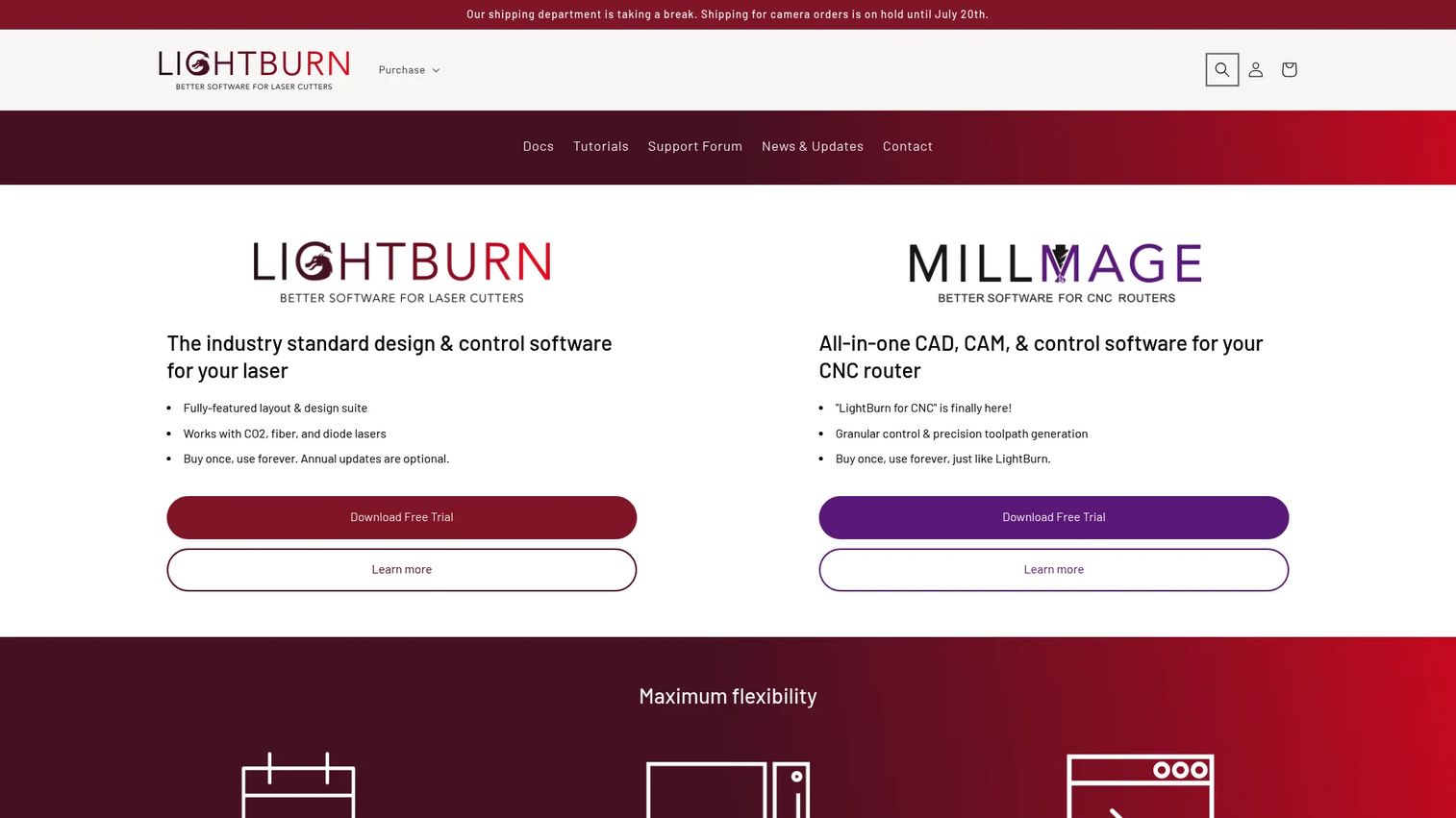
LightBurn is the closest thing the laser world has to a default paid standard. It combines design tools, job planning, and direct machine control in a single application, and it supports hundreds of machines from many manufacturers. That breadth is why it shows up first in most buyer conversations. You design your artwork, arrange the job on the bed, set cut and engrave layers, then send the job to the laser without bouncing between applications.
Best for: Laser shops and makers who want one-time-purchase design and control software that works across a wide range of machines.
Key strengths
- Broad machine support: Runs hundreds of laser machines across multiple manufacturers and controller types.
- Design plus control in one app: Built-in digital design tools for creating and editing artwork alongside job control.
- Job planning and management: Layout, ordering, and management tools, with documented camera support for alignment.
Why choose LightBurn: If you want a single tool that handles both design and control without stitching together a free editor and a separate streamer, LightBurn earns its place. The one-time license model appeals to buyers who dislike subscriptions, and the machine breadth means it likely runs your hardware whether you own a diode, CO2, or DSP-driven machine. It suits both dedicated hobbyists and small production shops.
LightBurn pricing: LightBurn Core is $99 USD as a one-time purchase and supports GCode-based devices. LightBurn Pro is $199 USD and adds DSP and galvo support. Both include a year of updates, with an additional year available for $40. Upgrading Core to Pro costs $100, and additional license seats run $25 for Core or $50 for Pro. A 30-day trial is available before you buy, so you can confirm your machine connects before you download and commit.
2. LaserGRBL
LaserGRBL is free, open source, and built specifically for GRBL-based laser cutters and engravers. It is a Windows-first tool, and for hobbyists running a diode machine on a Windows laptop, it is one of the strongest free laser engraving software options available. It loads G-code with a job preview, converts images with grayscale, dithering, and vectorization, and gives you the direct machine controls you need during a job.
Best for: Hobbyists and makers running GRBL compatible software on Windows with a diode engraver.
Key strengths
- GRBL-native control: Jogging, homing, feed hold, resume, and GRBL reset controls built for GRBL firmware.
- Image engraving pipeline: Grayscale conversion, dithering, and vectorization turn photos into engravable output.
- G-code preview: Loads G-code with a visual job preview before you run the machine.
Why choose LaserGRBL: If your machine runs GRBL and you work on Windows, LaserGRBL removes the cost question entirely. It is a capable gcode streamer with a genuine image engraving workflow, which makes it a common first tool for people who bought an inexpensive diode engraver. It performs best when you want direct, no-cost control on Windows and are comfortable pairing it with a separate design tool for complex vector work.
LaserGRBL pricing: LaserGRBL is free and open source. There are no paid tiers and no license to buy. You download it from the official site at no cost, which makes it an easy starting point for anyone testing the waters before investing in paid software.
3. Inkscape
Inkscape is a free, open-source vector graphics editor that runs on Windows, Mac, and Linux. It is not a machine control tool, but it is one of the most widely used pieces of software in the laser workflow because it handles the design and vectorization stage that control tools do not. Many makers create or clean up artwork in Inkscape, then export it to their control software for cutting and engraving.
Best for: Individuals or teams who need a free, cross-platform vector editor to prepare artwork before engraving.
Key strengths
- SVG-based vector drawing: Native SVG creation and editing for clean cut paths.
- Broad format support: Import and export SVG, AI, EPS, PDF, PS, and PNG for flexible file handoff.
- Extensible: Add-ons and extensions expand the workflow, including laser-specific tools.
Why choose Inkscape: Inkscape solves the design half of the pipeline. Its dithering and vectorization capabilities let you turn images and sketches into clean vectors, and its file export options connect cleanly to control tools like LightBurn or LaserGRBL. It works on both Windows and Mac, which makes it a reliable constant in a stack where control tools may be OS-locked. Rated 4.4 out of 5 on G2, it has a large user base and deep community support.
Inkscape pricing: Inkscape is free and open source with no paid tiers, hidden conditions, or license fees. You download it and use it without charge on any supported operating system.
4. T2Laser
T2Laser is laser and CNC engraving software built for GRBL-based systems. It still appears in buyer conversations among makers who run GRBL hardware and want a control tool with raster and vector handling plus simple CNC workflow support. It supports grayscale images and vector graphics, does raster-to-vector conversion, and outputs a single G-code file for the job.
Best for: Users of GRBL-based laser and CNC engravers who need engraving plus simple CNC workflow software.
Key strengths
- Raster and vector support: Handles grayscale images and vector graphics in one tool.
- Raster-to-vector conversion: Converts images to vectors and outputs single G-code.
- Multi-pass cutting: Multi-pass vector cutting and photo engraving for thicker materials and detailed work.
Why choose T2Laser: T2Laser fits GRBL users who want a paid control option with an image and CNC workflow in one place. It performs best for people already comfortable with GRBL-based machines who value a compact, purpose-built control tool over a broader design suite. The one-time license keeps ongoing costs predictable, which suits hobbyists who want to own their software outright.
T2Laser pricing: A single-PC hardware license is $39.95 USD as a one-time purchase when bought from within the trial software, or $44.95 via the PayPal link. A replacement license is $19.97, and a USB-key dongle license is $79.95. Key regeneration is free. A trial version lets you evaluate the software before you download the licensed build.
5. EngraveLab 11 Pro
EngraveLab from Gravotech sits at the professional and production end of the market. Where hobbyist tools focus on a single diode machine and a laptop, EngraveLab is aimed at engraving environments that run multiple jobs, materials, and machines. Gravotech is an established engraving equipment and software company, and EngraveLab has long been positioned for shops rather than weekend makers.
Best for: Professional engraving shops and production environments that need a purpose-built engraving suite.
Key strengths
- Production orientation: Built for shop and production workflows rather than single-machine hobby use.
- Established vendor: Backed by Gravotech, a long-standing name in engraving hardware and software.
- Professional engraving focus: Positioned specifically for professional engraving output.
Why choose EngraveLab 11 Pro: If you run engraving as a business rather than a hobby, a professional suite from an established engraving vendor can be worth the step up from maker-focused tools. It fits buyers whose priority is production reliability and shop workflow rather than the lowest possible cost. Because Gravotech does not publish pricing for this specific product publicly, contact the vendor directly for a quote and confirm your machine and material requirements before you commit.
EngraveLab 11 Pro pricing: Gravotech does not list public pricing for EngraveLab 11 Pro on its site. Reach out to the vendor for a quote and to confirm current product availability and machine compatibility for your setup.
6. ACMER Studio
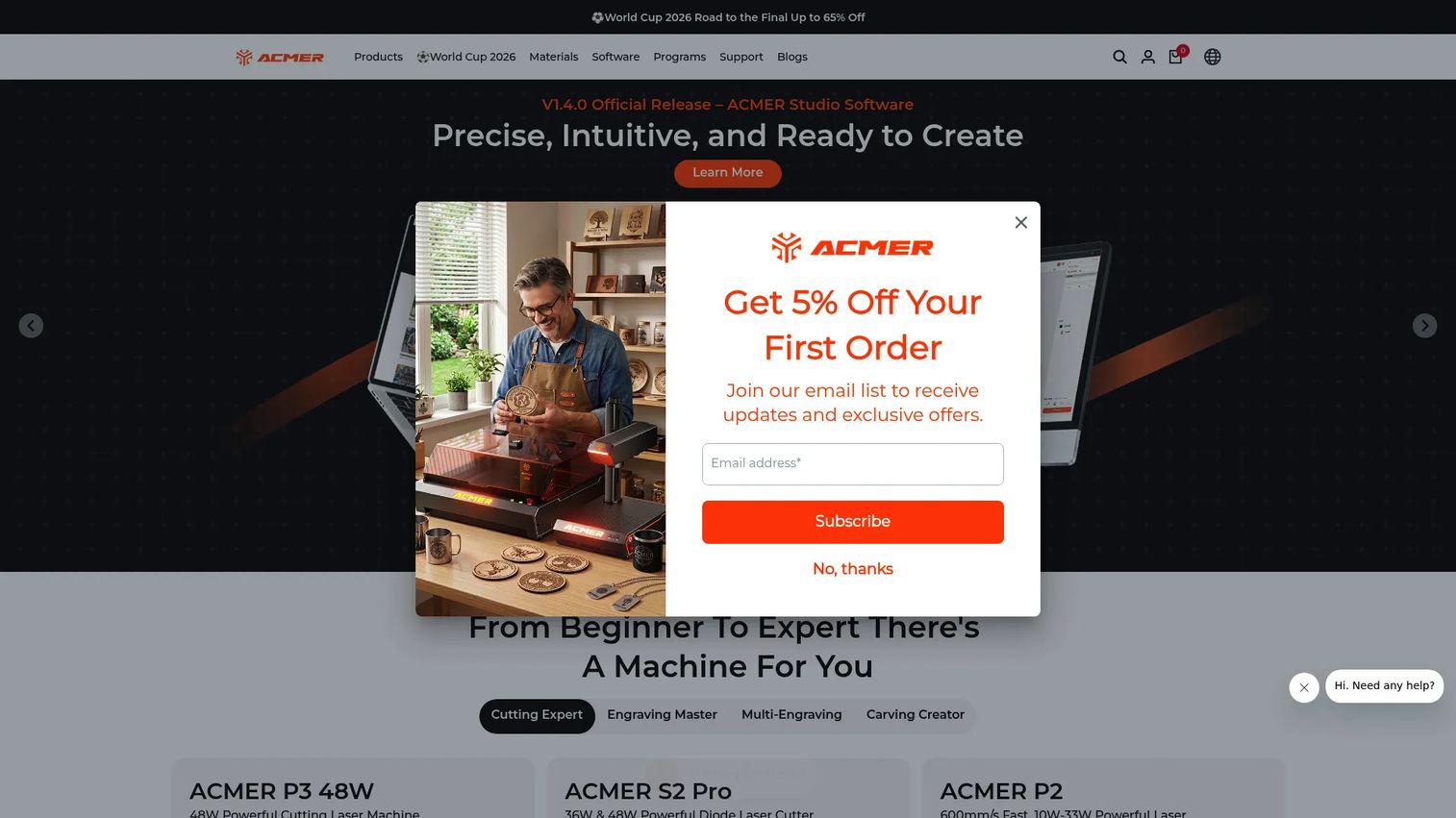
ACMER Studio is vendor-specific software built for ACMER laser engravers. It bundles design, layout, and machine control tuned to ACMER hardware, which makes sense when the machine ecosystem matters more than a general-purpose suite. If you own an ACMER machine, the studio software is designed to work with it out of the box, with features aimed at reducing setup friction.
Best for: Owners of ACMER laser engravers who want branded design and job-prep software tuned to their hardware.
Key strengths
- AI design: AI-assisted design tools to speed up artwork creation.
- Project and template library: Reusable templates and project files for faster job setup.
- Smart nesting and path optimization: Layout nesting and path optimization to improve material use and job efficiency.
Why choose ACMER Studio: Vendor software earns its place when tight hardware integration outweighs the flexibility of a general-purpose tool. For ACMER owners, the studio removes guesswork about compatibility because it is built for the machine you already own. It fits buyers who value a matched hardware-and-software pairing and want AI-assisted design and nesting without configuring a third-party control tool.
ACMER Studio pricing: ACMER Studio is offered as a monthly subscription at $19.98 USD per month on the official site. No free tier was confirmed. Check the vendor page for current subscription terms before you subscribe.
7. VectorEase
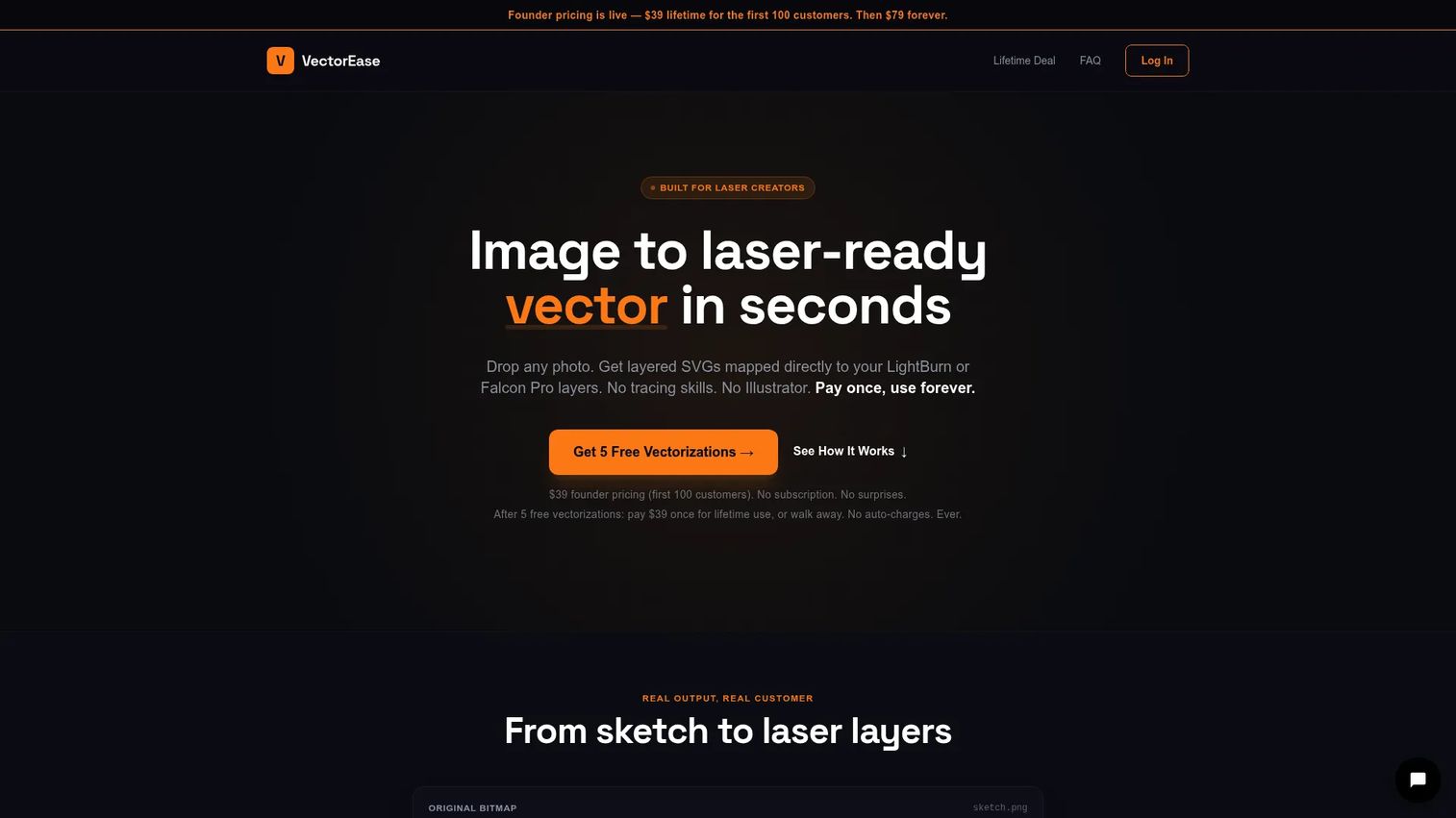
VectorEase is a browser-based image-to-vector conversion tool built specifically for laser creators. It is not a control tool. It is an adjacent utility that solves the source-file problem: turning images and sketches into clean, layered vectors that map to laser layers before you send anything to your engraver. For people who struggle with vectorization inside heavier design apps, it is a fast, focused shortcut.
Best for: Laser creators who need quick, layered vector exports from images or sketches before engraving.
Key strengths
- Layered SVG export: Exports layered SVG mapped to laser layers for cut-and-engrave separation.
- Client-side processing: Runs in the browser with client-side processing, so no install is needed.
- Free trial: A free trial includes five vectorizations before you pay.
Why choose VectorEase: VectorEase fits the specific moment when your artwork is not laser-ready and you want clean vectors fast. It complements control tools rather than replacing them, so it sits well in a workflow alongside LightBurn or LaserGRBL. The one-time lifetime pricing appeals to buyers who want a permanent utility rather than another subscription, and the browser-based approach means it works regardless of your operating system.
VectorEase pricing: VectorEase offers five free vectorizations, then a one-time lifetime purchase. Founder pricing is $39 for the first 100 customers, then $79 forever after that. There is no subscription. The free trial lets you test the output quality before you pay.
Considerations before you buy
Treat software selection like any tooling decision: validate the constraints before you commit budget. Here is the checklist to run first.
Controller and firmware compatibility
Your control board and firmware set the hard boundary. GRBL machines have the widest software support, including free tools. DSP and Ruida CO2 controllers and galvo fiber setups need software built for those protocols. Confirm what your machine runs before you shortlist anything.
Operating system support
Windows laser engraving software has the broadest options, including LaserGRBL and T2Laser. Mac laser engraving software is more limited on the control side, so macOS users lean on cross-platform tools like LightBurn and Inkscape. Confirm OS support before you buy hardware, not after.
Workflow fit
Decide whether your work is primarily image engraving, vector cutting, or production batches. Image-heavy work rewards strong dithering and grayscale handling. Cutting rewards clean vector paths. Production rewards nesting and job management. Match the tool to the work you actually do most.
Cost model and trial availability
Decide between a one-time license, a subscription, or free software. LightBurn, T2Laser, and VectorEase are one-time purchases. ACMER Studio is a subscription. LaserGRBL and Inkscape are free. Most paid tools offer a trial or download, so test connection and file export before you pay.
Maintenance and updates
Software that lags behind firmware updates becomes a support burden. Check how often the tool ships updates and whether updates cost extra, as they do with LightBurn after the first year.
Conclusion
The right laser engraving software is the one that matches your machine, your operating system, and the work you produce. For most makers and shops, LightBurn is the strongest all-around paid pick because it combines design and control across a huge range of machines. If you run a GRBL diode machine on Windows and want zero cost, LaserGRBL is the obvious starting point. Inkscape handles the vector design stage on any OS, and VectorEase speeds up image-to-vector prep when your source files need cleanup. For GRBL users who want a paid control tool, T2Laser fits, and for professional production, EngraveLab from Gravotech targets shop environments. ACMER owners get the tightest hardware fit from ACMER Studio.
Start with your controller and OS, then download or trial the tool that matches. Confirm the connection and a test file export before you spend a dollar. If you build interactive demos and product experiences for a living rather than laser jobs, Guideflow is worth a look for showing your product without a live call.
Start your journey with Guideflow today!
FAQs
For a beginner on a GRBL diode machine and Windows, LaserGRBL is the easiest free starting point because it handles control and image engraving in one place. If you want design and control together and are willing to pay, LightBurn is the friendliest all-in-one option. Pair either with Inkscape for free vector design.
For most serious hobbyists and small shops, yes. LightBurn combines design, layout, and machine control in one app and supports hundreds of machines, so you avoid stitching together separate tools. The one-time license starts at $99 for Core, and a 30-day trial lets you confirm your machine connects before you buy.
LaserGRBL is built Windows-first and is one of the strongest free options for Windows users running GRBL-based machines. It offers direct machine control plus a grayscale, dithering, and vectorization pipeline for image engraving. It is a solid first tool before deciding whether to invest in a paid suite.
Yes, for the design and vectorization stage. Inkscape is a free vector editor, not a machine control tool, so you create or clean up artwork in Inkscape and export it to control software like LightBurn or LaserGRBL for cutting and engraving. It runs on Windows, Mac, and Linux.
GRBL machines have the widest software support. LaserGRBL is the popular free choice, T2Laser is a paid GRBL-focused control tool, and LightBurn supports GRBL alongside many other controller types. Any of these grbl compatible software options will run a standard GRBL diode setup.
For macOS, your best-supported paths are cross-platform tools. LightBurn runs on Mac for both design and control, and Inkscape runs on Mac for vector design. Several Windows-first control tools, including LaserGRBL and T2Laser, do not run natively on macOS, so confirm compatibility before buying hardware.
Often, yes. Diode machines usually run GRBL, so most diode laser software and GRBL tools work. CO2 systems frequently use DSP or Ruida controllers and need co2 laser software that speaks that protocol. Fiber lasers typically require galvo-specific control found in certain paid suites, so match the software to your laser type and controller.