You built a shift calendar in a spreadsheet. Someone signed up twice for Saturday morning. Two people no-showed Thursday. Now you are texting volunteers one by one to plug the gaps, and the event starts in six hours.
That is the moment most volunteer coordinators start shopping for software. The spreadsheet does not break because you did something wrong. It breaks because coordinating people across recurring shifts, reminders, and last-minute swaps is a real workflow, and a grid of cells was never built to run it.
The demand is real, and growing. The global volunteer management software market sits at roughly USD 2.2 billion in 2026 and is projected to reach USD 5.1 billion by 2035, according to Business Research Insights (2026). And 56% of U.S.-based nonprofits now use a digital volunteer platform, per Market Growth Reports (2026). The tools have gone mainstream because the manual version does not scale past a few dozen people.
The problem is that most search results are vendor landing pages. They tell you why their product is great. They do not tell you which tool fits a 40-person church group versus a multi-site nonprofit running a donor CRM. This guide does that comparison work. We look at 9 tools, who each one is actually for, what the free plans really include, and where the pricing lands.
What's inside
This guide is for volunteer coordinators, nonprofit operations leads, and anyone responsible for getting the right people into the right shifts without chasing them by hand. We chose these 9 tools on four criteria: ease of setup for non-technical users, self-service signup and reminders, support for recurring shifts and capacity limits, and transparent pricing with a free or trial path. We favored tools with real nonprofit adoption over generic scheduling apps. Each entry covers who it fits, the standout capabilities, and what you actually pay.
TL;DR
- Best free signup sheets for quick setup: SignUp.com, with a free basic plan and passwordless volunteer access.
- Best flexible self-booking with calendar sync: SuperSaaS, for teams that want granular scheduling rules.
- Best configurable volunteer database: Volgistics, for nonprofits that need portals, reporting, and multi-site support.
- Best auto-scheduler for recurring shifts: Volunteer Scheduler Pro, for complex ongoing assignments.
- Best open-source nonprofit CRM with volunteer coordination: CiviCRM, when scheduling lives inside a wider constituent system.
- Best all-in-one nonprofit suite: Giveffect and Bloomerang Volunteer, when volunteer activity ties to donor records.
- Best simple shift scheduler for churches and schools: WhenToHelp, for straightforward coverage without overhead.
What is volunteer scheduling software?
Volunteer scheduling software is a tool that helps organizations post shifts, let volunteers sign up for slots, send reminders, and track who is covering what, without manual coordination or spreadsheets. It replaces the back-and-forth of email chains and phone calls with a shared system where volunteers self-serve and coordinators see coverage at a glance.
The category sits inside the broader volunteer management market, which is heavily cloud-based. Cloud solutions held a 78.16% share of the non-profit software market in 2025, and subscription SaaS held 81.64%, according to Mordor Intelligence (2026). In plain terms, almost every modern option is a hosted web app you pay for monthly or annually.
Core features you will find across the category:
- Self-service signup: Volunteers claim open slots themselves, often without creating an account.
- Recurring shifts: Repeating slots for weekly or ongoing commitments, set once instead of rebuilt each week.
- Capacity controls: Limits per shift so a slot fills and then closes automatically.
- Reminders: Automated email and text notifications to cut no-shows.
- Calendar sync: Push confirmed shifts to Google, Outlook, or iCal.
- Reporting: Hours tracked per volunteer for grant reporting and recognition.
- Portals: A volunteer-facing view of schedules, openings, and history.
The right tool depends on scale and adjacent needs. A small group wants a signup sheet. A large nonprofit wants a database that connects to donor and event records.
When to use volunteer scheduling software
Replace the spreadsheet before it breaks
If you are managing more than a handful of recurring shifts, the manual approach stops working fast. Double-bookings, no-shows, and last-minute gaps are symptoms of a coordination problem software solves. The trigger is usually a specific painful event: a shift went uncovered, or you spent an evening texting people to fill slots.
Enable self-service signup
When volunteers can browse open slots and claim them without waiting for you, coordination load drops sharply. Self-service booking works best for groups where volunteers are motivated and just need visibility into what is open. Passwordless signup removes the biggest friction point, which is forcing people to create yet another account.
Tie volunteer activity to a wider nonprofit system
Larger organizations often need volunteer hours, contact records, and donor history in one place. If you already run a nonprofit CRM or fundraising platform, a connected volunteer module keeps everything on one record instead of scattered across tools. This is where suite platforms earn their fit.
Comparison table
Here is the shortlist side by side. Pricing reflects publicly listed starting tiers as of mid-2026, and ratings come from each tool's current G2 listing. Use this to narrow to two or three before reading the full sections.
| # | Product | Intent | Key use case | Pricing | G2 rating |
|---|---|---|---|---|---|
| 1 | SignUp.com | Simple signup sheets | Quick, passwordless volunteer and event sign-ups | Free plan; paid from $8.34/mo | 4.7/5 |
| 2 | SuperSaaS | Flexible self-booking | Custom scheduling rules with calendar sync | Free plan; paid from $9/mo | 4.6/5 |
| 3 | Volgistics | Configurable volunteer management | Portals, reporting, multi-site coordination | From $9/mo | 4.1/5 |
| 4 | Volunteer Scheduler Pro | Auto-scheduling | Recurring and complex shift assignments | From $35/mo per 100 volunteers | 3.9/5 |
| 5 | CiviCRM | Open-source nonprofit CRM | Volunteer coordination inside a full CRM | Free/open source; ESR from $30/mo | 3.9/5 |
| 6 | Giveffect | All-in-one nonprofit suite | Volunteer management with fundraising and CRM | Contact sales; 14-day trial | 4.1/5 |
| 7 | Bloomerang Volunteer | Volunteer + donor CRM | Scheduling tied to constituent records | From $119/mo billed annually | 4.3/5 |
| 8 | Daxko | Operations platform | Scheduling within community-org operations | Custom pricing | 4.2/5 |
| 9 | WhenToHelp | Simple shift scheduling | Straightforward coverage for small groups | Free trial; paid from $16/mo | 4.3/5 |
1. SignUp.com
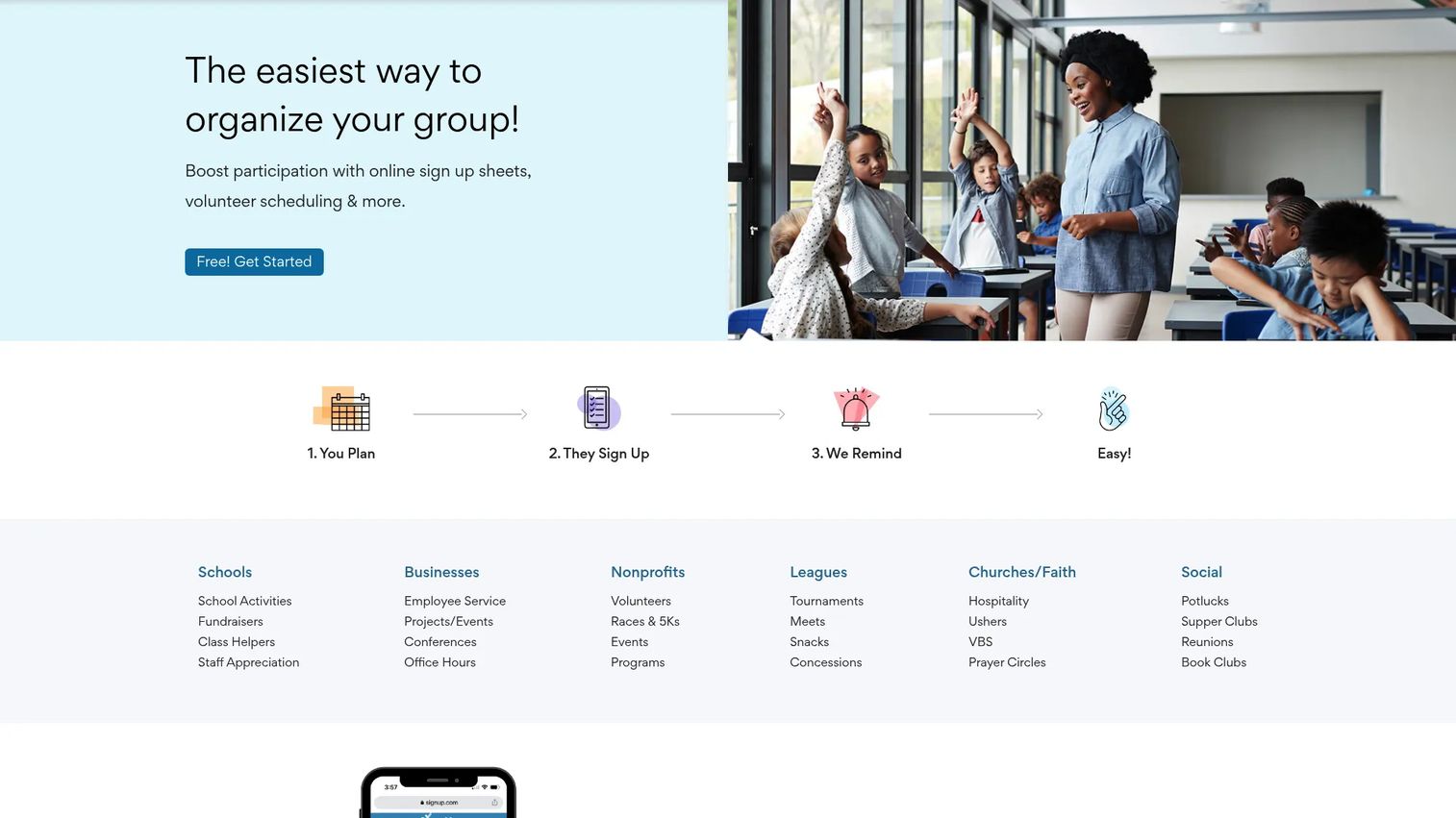
SignUp.com is online sign-up sheet and scheduling software built for groups, schools, nonprofits, and events. It leans hard into simplicity: create a sheet, share a link, and volunteers claim slots. The standout is passwordless access, which means people sign up without the friction of creating an account. For coordinators who want to stop chasing people and start filling shifts today, it is one of the fastest paths from zero to a working schedule.
Best for: Teams that need simple volunteer and event sign-ups without forcing participants to create accounts.
Key strengths
- Free basic sign-up sheets: Get a working schedule live without paying, ideal for small groups and one-off events.
- Automated text reminders: SMS reminders on premium plans cut no-shows without manual follow-up.
- Participant tools: Waitlists, waivers, check-in, and custom questions handle the details around a shift, not just the slot.
Why choose SignUp.com: If your priority is speed and low friction for volunteers, this is the tool that gets out of the way. It fits organizations where the barrier to participation is any extra step. The tradeoff is depth: it is a signup tool first, not a full volunteer database, which is exactly right for most small and mid-sized groups.
SignUp.com pricing: There is a free Basic plan. Paid tiers start at Starter for $8.34/month billed at $99.99 annually, then Plus at $20.83/month, and Max at $41.66/month, both billed annually. A Campus plan starts at $99/year, and an Organization plan is available on request. Premium tiers add higher limits, SMS reminders, waitlists, waivers, and check-in.
2. SuperSaaS
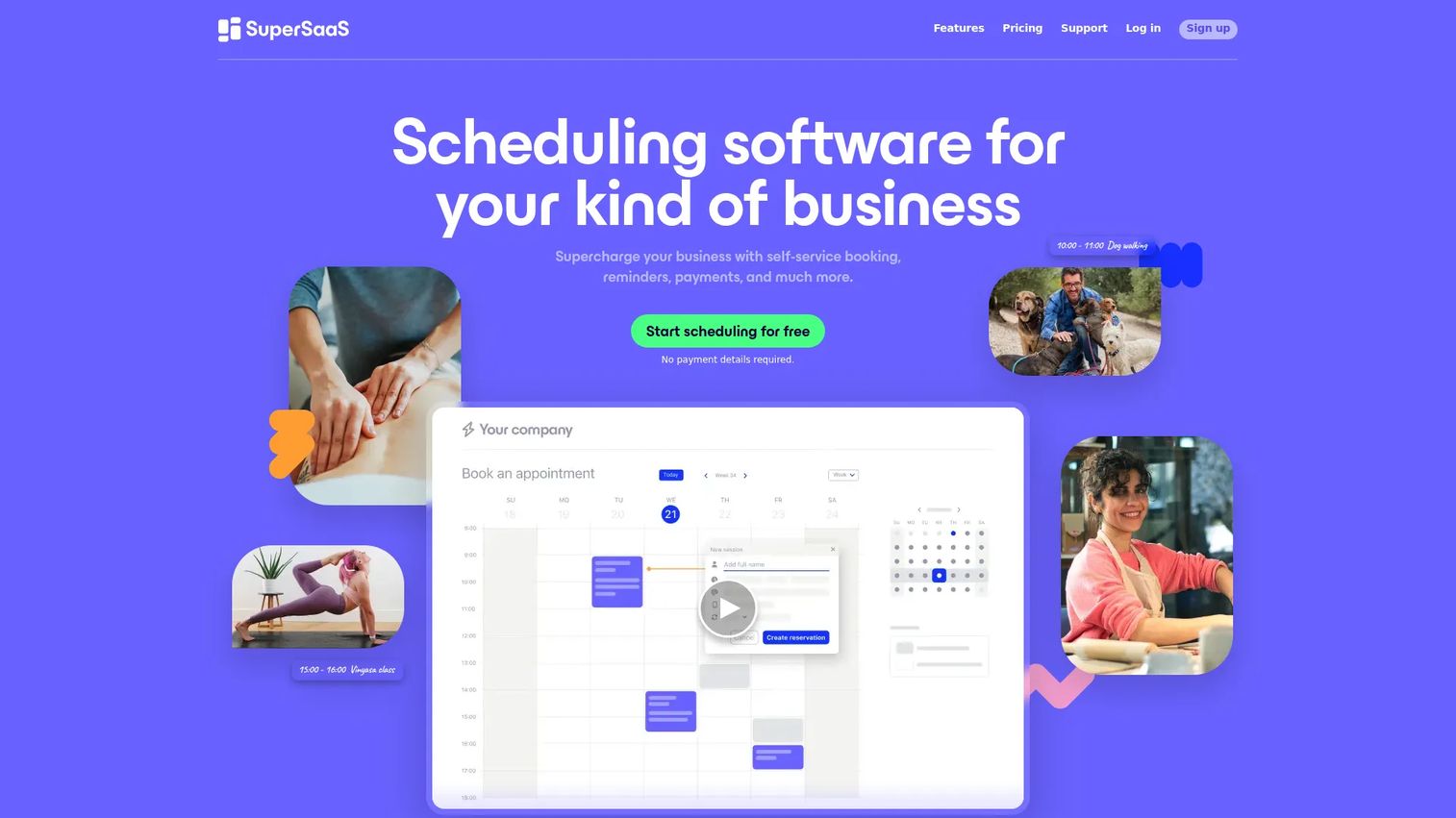
SuperSaaS is online appointment scheduling and reservation software that adapts well to volunteer scheduling when you need control over the rules. It is not a nonprofit-specific tool, which is its strength: the scheduling logic is flexible enough to model almost any shift structure, capacity limit, or booking window. Teams that have outgrown a simple signup sheet but do not need a full volunteer database often land here.
Best for: Organizations that need a customizable online booking system with calendar sync and granular scheduling rules.
Key strengths
- Flexible scheduling controls: Configure capacity, booking windows, and rules to match how your shifts actually work.
- Calendar sync: Two-way sync with Google, Outlook, and iCal keeps volunteers' personal calendars current.
- Payments and pricing rules: Handle paid slots, promotions, and discounts when a volunteer program includes fees or events.
Why choose SuperSaaS: Choose it when your scheduling needs are specific and a template-driven tool feels too rigid. The customization is the draw. It fits coordinators comfortable configuring a system to their exact rules, and the free plan lets you test that fit before committing.
SuperSaaS pricing: There is a free plan. Paid plans scale by the number of future appointments and past reservations kept, starting at $9/month and rising through tiers at $18, $28, $38, $48, $70, $98, $120, $150, and $180/month. All paid plans include ad-free use, calendar sync, and payments.
3. Volgistics
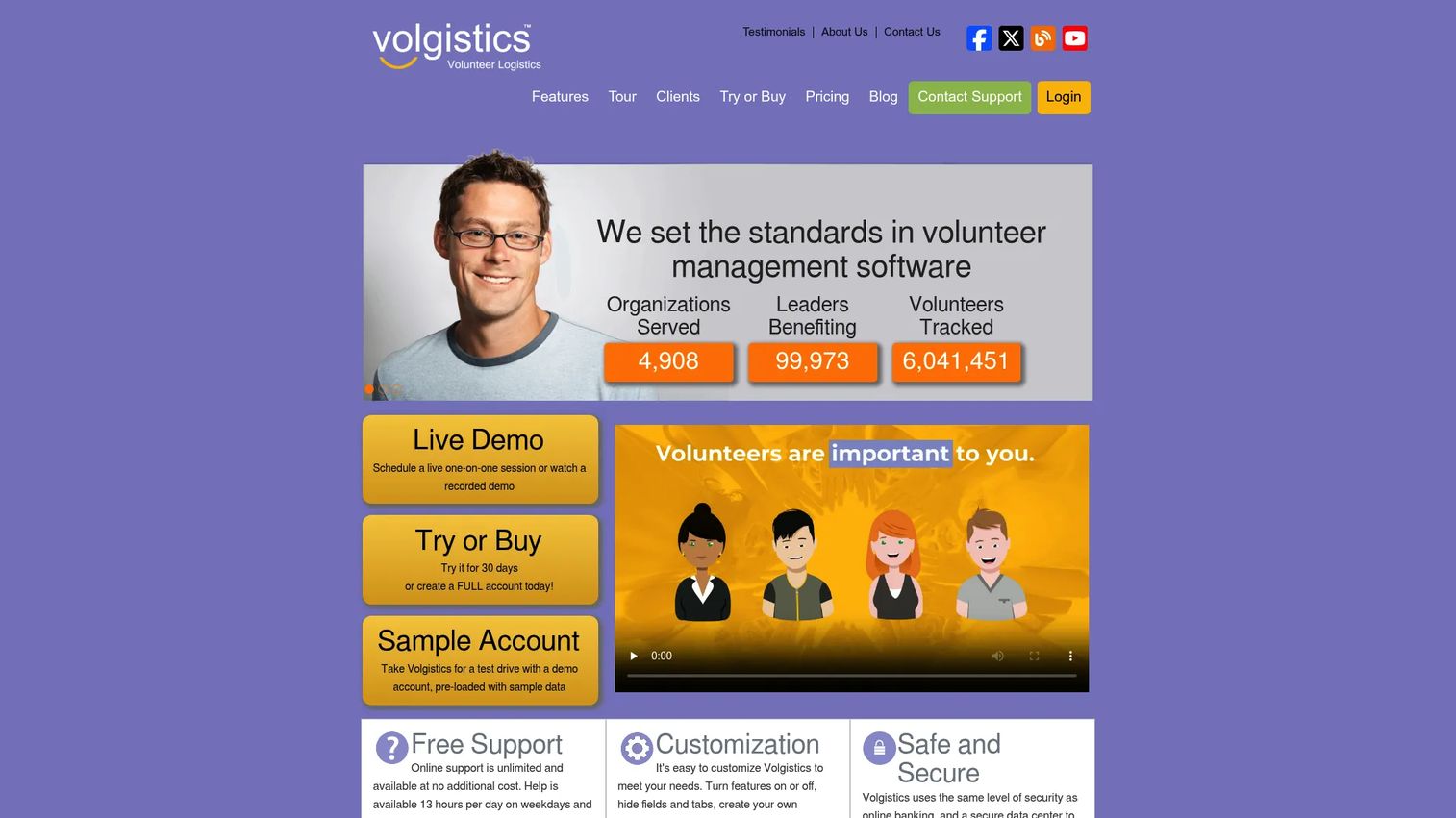
Volgistics is volunteer management software for organizations that need to recruit, schedule, track, and communicate with volunteers in one place. This is a step up from signup sheets into a real volunteer database. Coordinators get a volunteer portal, multiple schedule views, a sign-in kiosk, and built-in reporting. For nonprofits that need to prove volunteer hours for grants or manage multiple sites, that depth matters.
Best for: Nonprofits and other organizations that need configurable volunteer management with reporting and multi-site support.
Key strengths
- Volunteer portal: Volunteers manage applications, opportunities, schedules, open slots, and logged hours themselves.
- Text and email communications: Send reminders and targeted outreach to specific volunteer groups.
- Reports and multi-site support: Built-in reporting, scheduling tools, a sign-in kiosk, and coordination across locations.
Why choose Volgistics: Choose it when scheduling is one part of a broader volunteer management need, especially recordkeeping and reporting. It fits growing nonprofits that have real reporting obligations. The pricing model, based on volunteer capacity rather than seats, scales predictably as your roster grows.
Volgistics pricing: Pricing is a monthly service fee based on how many volunteer records you need. It starts at $9/month for 50 volunteers, $18/month for 100, $24/month for 200, and $30/month for 500, with optional modules for the volunteer portal, kiosk, and document storage. There are no software, licensing, or upgrade fees.
4. Volunteer Scheduler Pro
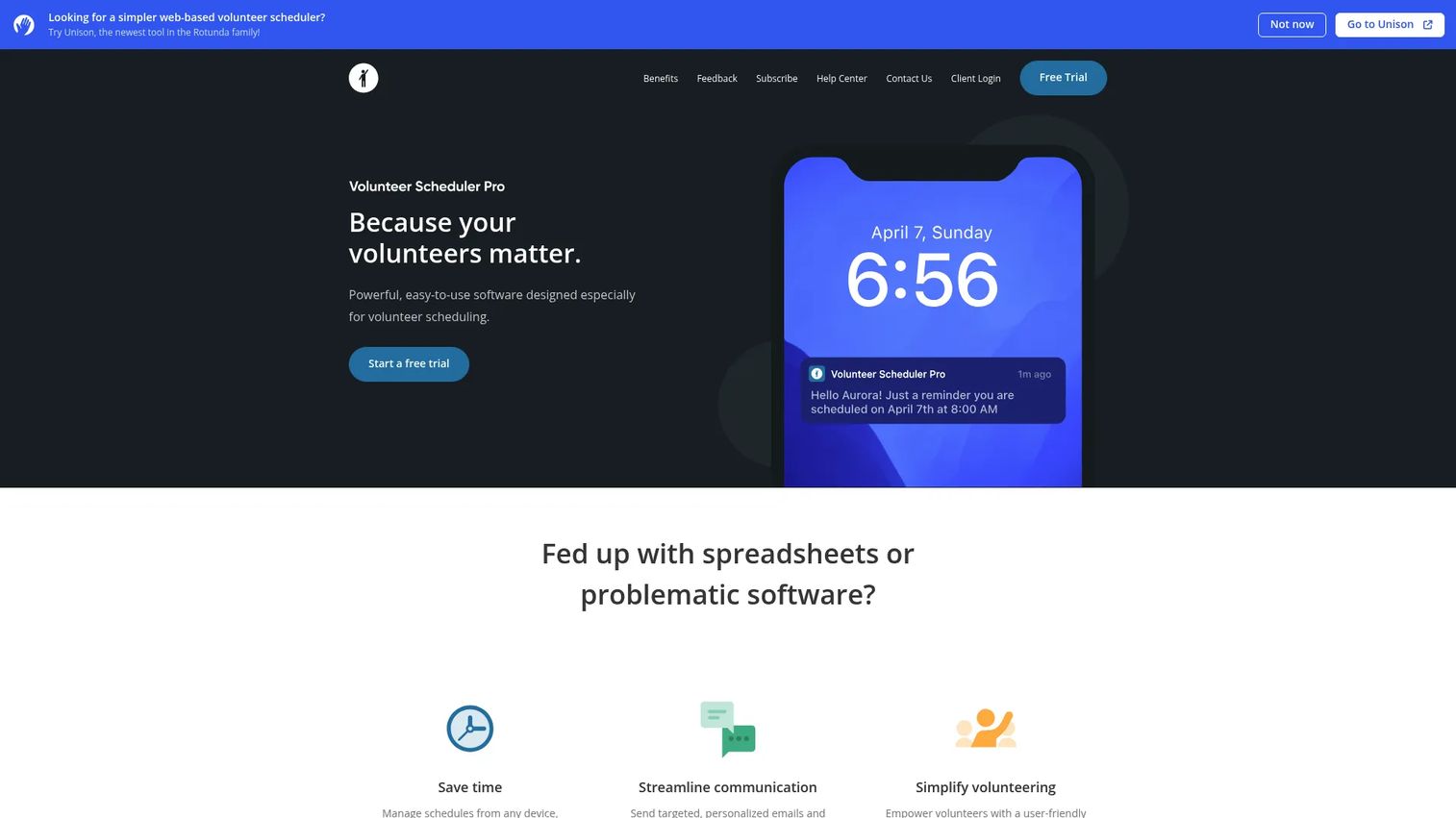
Volunteer Scheduler Pro is volunteer scheduling software focused on managing shifts, communications, reminders, and self-service. Its differentiator is the auto-scheduler, which builds recurring and complex assignments for you instead of making you place every volunteer by hand. For organizations running ongoing rotations, like a food bank or a hospital front desk, that automation is the whole point.
Best for: Organizations that need shift scheduling with self-service signups, auto-scheduling, and communications.
Key strengths
- Auto-scheduler: Automatically builds recurring and complex assignments, saving hours of manual placement.
- Self-signup and publishing: Volunteers claim open slots online, and you publish schedules with a click.
- Mobile access and sub requests: Web and mobile access, substitution requests, reminders, and a sign-in kiosk.
Why choose Volunteer Scheduler Pro: Choose it when recurring coverage is your core challenge and you want the system to do the assigning. It fits established programs with predictable, repeating shift patterns. The auto-scheduler earns its place fastest for coordinators who currently rebuild the same rotation every week.
Volunteer Scheduler Pro pricing: Two editions are publicly listed. Lite starts at $35/month per 100 volunteers, and Standard at $60/month per 100 volunteers. Text messages are billed separately at $0.02 per message sent or received. The minimum subscription length is three months, and a free trial is available.
5. CiviCRM
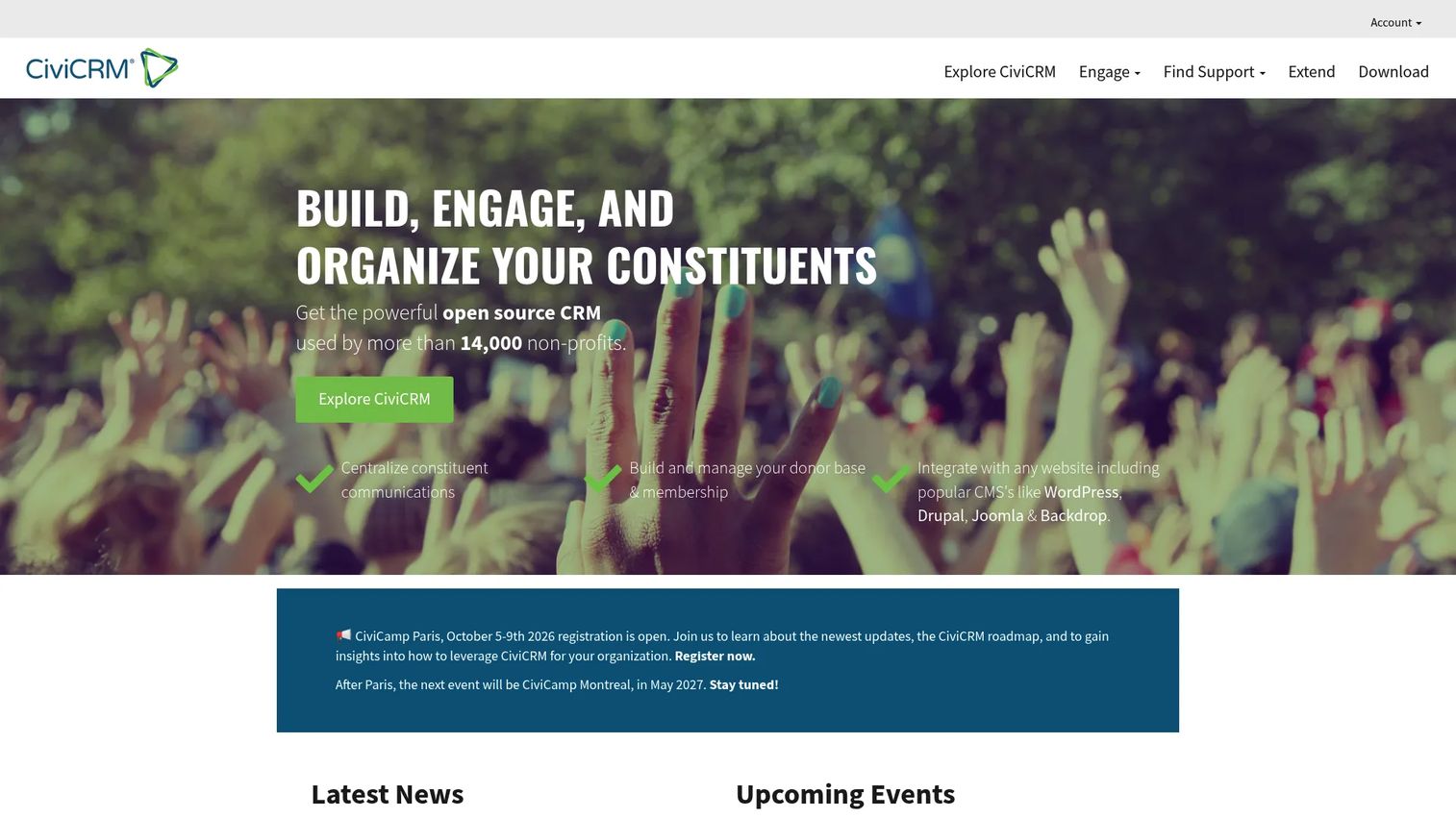
CiviCRM is open-source constituent relationship management software for nonprofits, NGOs, and advocacy organizations. Volunteer coordination here is one component of a full CRM that also handles contacts, contributions, events, and memberships. That means volunteer activity lives on the same record as donations and event attendance, giving you a complete picture of each supporter.
Best for: Nonprofits and civic organizations that need a flexible open-source CRM where volunteer coordination is part of a larger system.
Key strengths
- Configurable forms and fields: Customizable forms, option lists, and custom fields adapt the system to your data.
- Reporting with export: Reports with HTML, PDF, and CSV export, plus automated delivery to stakeholders.
- Full CRM components: Contacts, contributions, events, memberships, and email marketing in one open-source platform.
Why choose CiviCRM: Choose it when a point scheduling tool is too narrow and you want volunteer data connected to everything else. It fits organizations with technical capacity or a support partner, since it is self-hosted open source. The software itself is free, which changes the cost math for budget-conscious nonprofits.
CiviCRM pricing: The core software is free and open source with no license or user fees. Paid Extended Security Release subscriptions are publicly listed at $30, $70, and $120 per month across three tiers, giving organizations maintained, security-patched releases without ongoing internal effort.
6. Giveffect
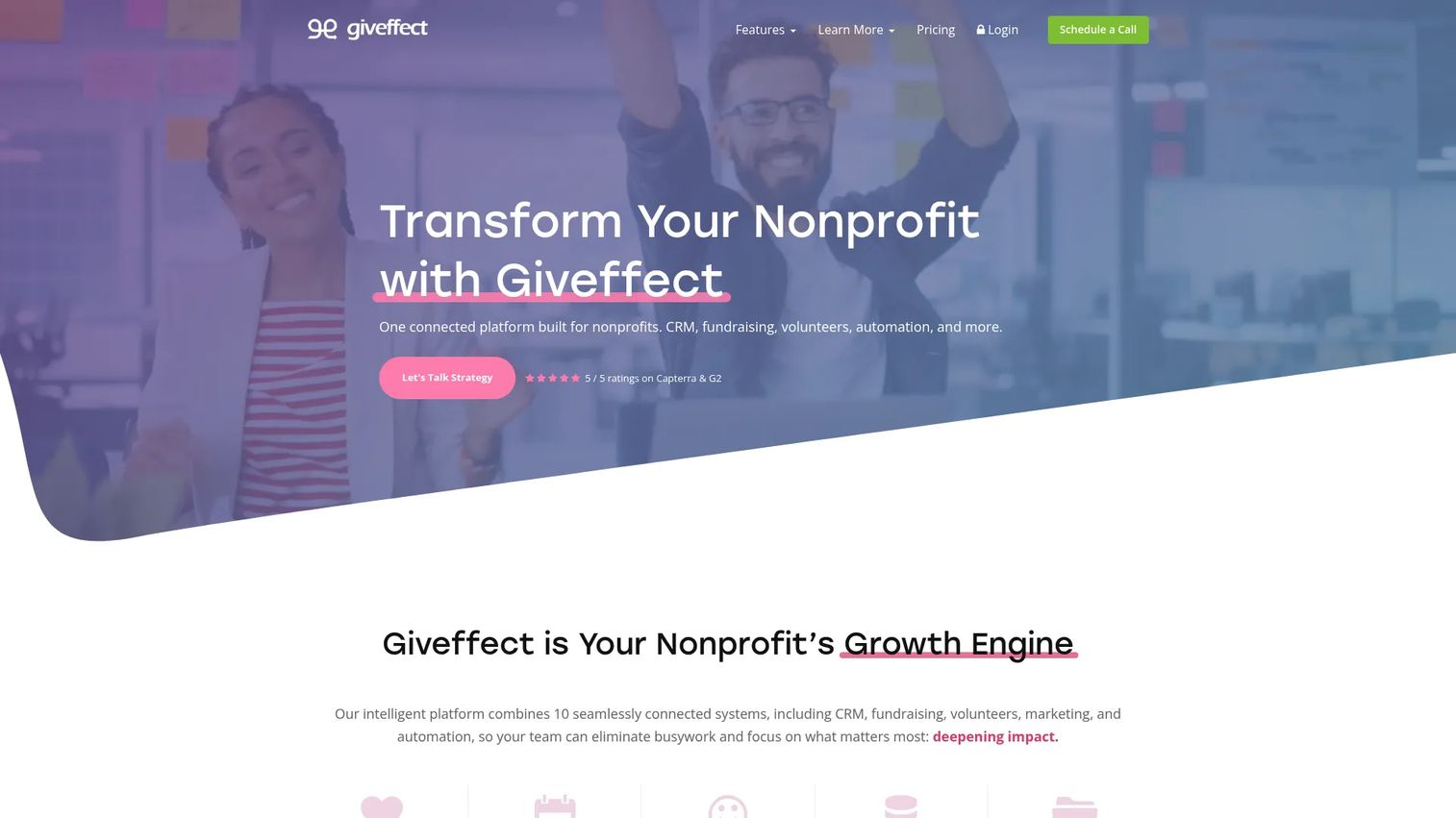
Giveffect is all-in-one nonprofit software that combines fundraising, donor CRM, volunteer management, and events in a single platform. Volunteer scheduling here is one module inside a wider system, which suits organizations that want to stop stitching together separate tools for giving, constituents, and volunteers. The pitch is consolidation: one platform instead of five.
Best for: Nonprofits that want an integrated fundraising and CRM platform with volunteer management built in.
Key strengths
- Volunteer scheduling and management: Coordinate shifts and track volunteers alongside donor and event data.
- Online and offline giving: Track online donations and offline gifts on the same constituent records.
- Peer-to-peer and events: Peer-to-peer fundraising and event management round out the nonprofit toolkit.
Why choose Giveffect: Choose it when volunteer scheduling is one piece of a bigger goal to consolidate your nonprofit stack. It fits organizations tired of exporting between disconnected systems. The tradeoff is that you are buying a suite, so it makes most sense when you will use the fundraising and CRM sides too, not just scheduling.
Giveffect pricing: Public pricing is not listed. The pricing page shows three contact-us tiers, Lite, Ultimate, and Ultimate+, and offers a 14-day free trial. Because it is a full suite, expect pricing to reflect the fundraising and CRM capabilities, not just volunteer scheduling.
7. Bloomerang Volunteer
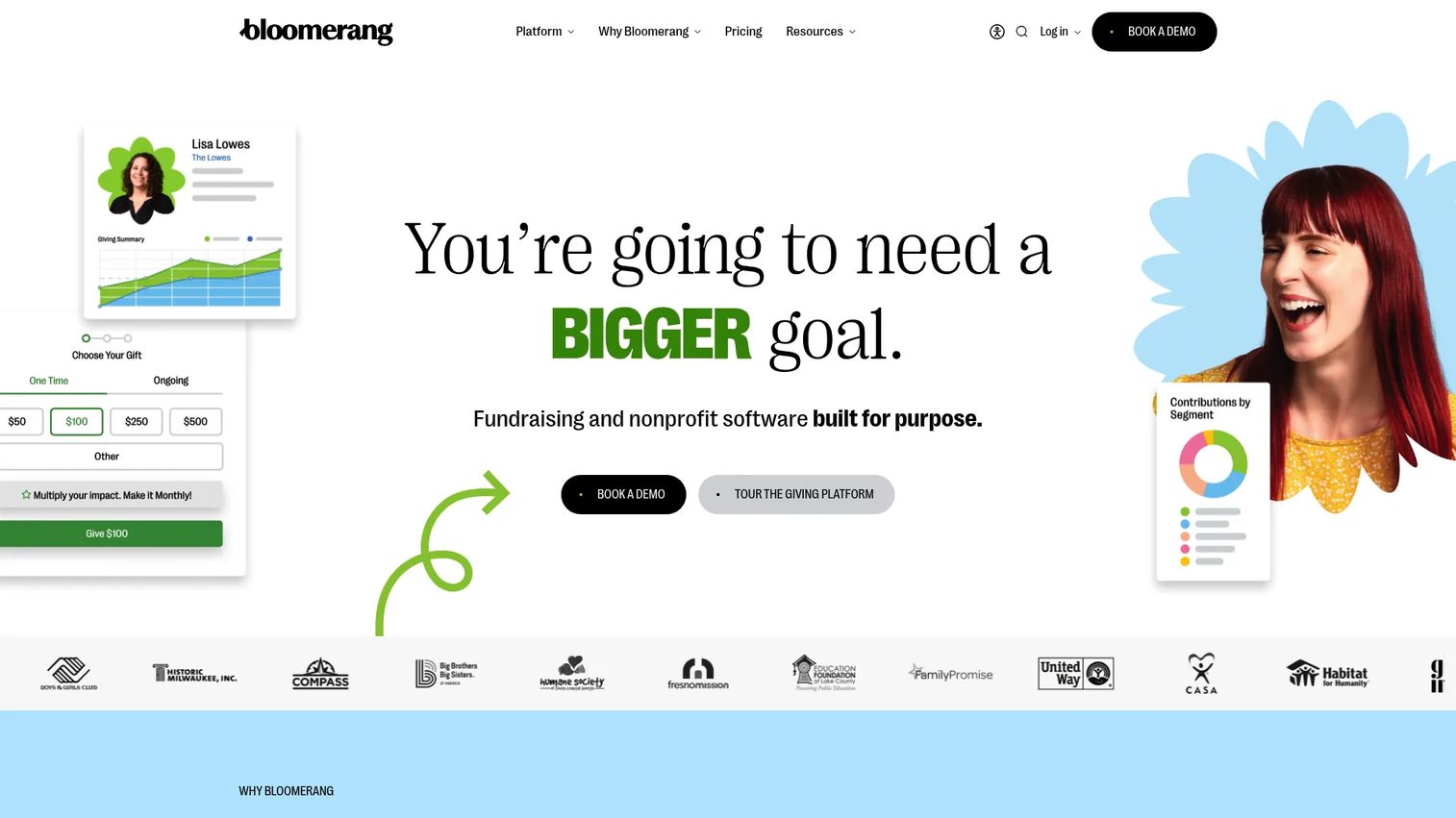
Bloomerang Volunteer is volunteer management software for nonprofits, with scheduling, communications, tracking, reporting, and CRM integration. Its natural fit is organizations already using Bloomerang for donor management, since volunteer activity connects to constituent records. It also brings features that matter to larger programs, like built-in background checks and a volunteer mobile app.
Best for: Nonprofits that need volunteer scheduling, communications, and CRM-connected volunteer tracking.
Key strengths
- AI-powered scheduling: Automated scheduling helps fill shifts and manage assignments at scale.
- Volunteer mobile app: Volunteers view schedules, claim shifts, and check in from their phones.
- Built-in background checks: Screen volunteers within the platform, useful for programs working with vulnerable populations.
Why choose Bloomerang Volunteer: Choose it when you want volunteer activity tied to a donor CRM and need features like background checks and a dedicated volunteer app. It fits nonprofits already in the Bloomerang ecosystem or those wanting one record per supporter. The mobile app makes it a strong fit for programs where volunteers act on the go.
Bloomerang Volunteer pricing: Bloomerang Volunteer starts at $119/month billed annually. The broader Bloomerang platform is priced through sales, but the volunteer product has a visible starting price, which is more transparency than many suite tools offer.
8. Daxko

Daxko is fitness and nonprofit management software for clubs, studios, community centers, and similar organizations. Scheduling here is one part of a broad operations platform that also handles membership, billing, and payments. For community organizations like YMCAs and rec centers that already need member management and payments, having scheduling in the same system reduces tool sprawl.
Best for: Community organizations that need configurable membership, operations, and payment software with scheduling included.
Key strengths
- Member management: Manage members and volunteers within one operations platform.
- Billing and payments: Integrated billing and payment processing for programs that charge fees.
- Scheduling and bookings: Coordinate shifts, classes, and bookings alongside operational workflows.
Why choose Daxko: Choose it when scheduling is a supporting need inside a larger operational platform, not a standalone problem. It fits community-based organizations that run memberships and payments and want fewer systems. If you only need volunteer scheduling, a dedicated tool will be simpler, but for full operations, the consolidation is the value.
Daxko pricing: Public pricing is not listed. Daxko routes to demo and contact flows, and its billing materials indicate service fees are customer-specific. Expect pricing to reflect the full operations platform rather than a single scheduling module.
9. WhenToHelp
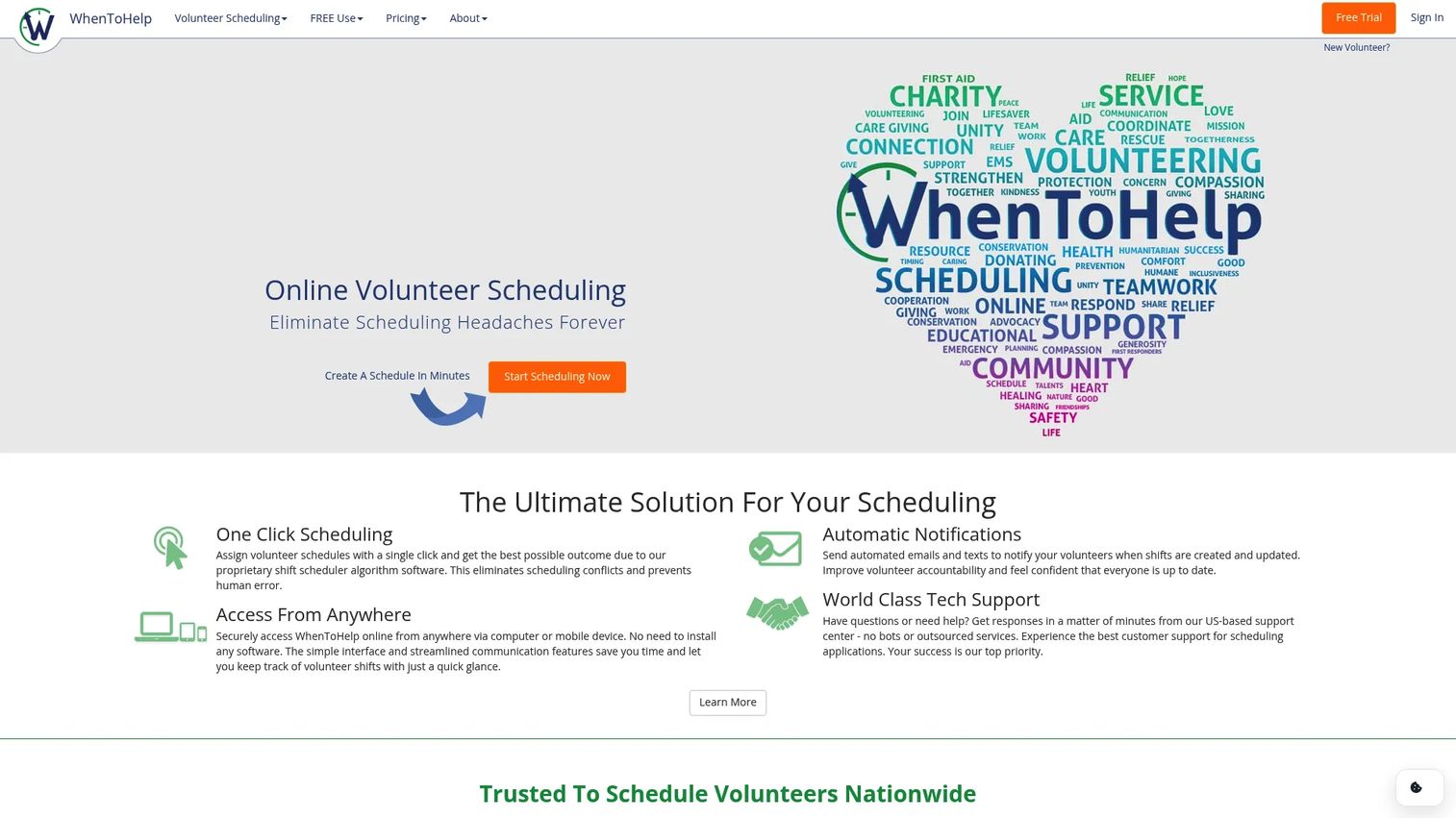
WhenToHelp is online volunteer scheduling software built for simple, straightforward shift coordination. It focuses on the core job: post shifts, let volunteers sign up, and send notifications. Its AutoFill feature assigns volunteers to open shifts based on availability, which keeps coverage tight without heavy manual work. For churches, schools, and community groups, it hits the sweet spot of capable but uncomplicated.
Best for: Nonprofits and volunteer-led organizations that need simple shift scheduling and automated notifications.
Key strengths
- AutoFill shift assignment: Automatically assign volunteers to open shifts based on availability.
- Email and text notifications: Automated reminders and updates reduce no-shows and confusion.
- Web and mobile access: Volunteers view and manage their schedules from any device.
Why choose WhenToHelp: Choose it when you want a practical scheduler that does the job without a learning curve. It fits smaller organizations and volunteer-led groups where simplicity beats feature depth. The helper-based pricing keeps small teams affordable, and qualifying charities may apply for extended free use of the Lite version.
WhenToHelp pricing: Full-version pricing is based on the number of helpers, starting at $16/month for 1 to 10 helpers, $33/month for 11 to 30, $54/month for 31 to 60, $78/month for 61 to 100, $97/month for 101 to 150, and $117/month for 151 to 200. A free 30-day trial is offered, and qualifying charities may apply for extended free use of the Lite version.
Considerations before you choose
Before you commit to any tool, run through this checklist against your actual workflow, not the feature list on the vendor's homepage.
Setup effort for non-technical coordinators
The person running your schedule is often a volunteer or a part-time staffer, not an IT admin. Test how long it takes to build your first real schedule, not a demo one. If you cannot get a working shift live in an afternoon, that friction will compound every week.
Free plan versus paid reality
A free tier is a great way to start, but read what it actually includes. Text reminders, waitlists, and higher volunteer counts often sit behind paid plans. Map your must-haves against the free plan before assuming free is enough, then price the upgrade you will realistically need.
Reminders and no-show reduction
Automated reminders are the single feature most tied to attendance. Confirm whether the tool sends both email and SMS, and whether text messages cost extra per message. For programs where no-shows hurt most, this feature justifies the plan on its own.
Recurring shifts and self-service signup
If you run ongoing rotations, make sure the tool handles recurring slots without rebuilding them weekly. And check whether volunteers can sign up without creating an account, since that single barrier drives more drop-off than any other part of the flow.
Integrations and reporting
If volunteer data needs to reach a donor CRM or feed grant reports, confirm the tool exports cleanly or connects directly. For standalone use, this matters less. For nonprofits with reporting obligations, it is a dealbreaker.
Conclusion
The right volunteer scheduling software depends less on the feature count and more on the shape of your program. For a small group or one-off event that needs coverage fast, SignUp.com and WhenToHelp get you live with minimal setup and low or free entry pricing. For teams that want granular control over scheduling rules with calendar sync, SuperSaaS is the flexible choice. For growing nonprofits that need a real volunteer database with portals and reporting, Volgistics and Volunteer Scheduler Pro handle depth and recurring assignments. And when volunteer activity should live inside a wider system, CiviCRM, Giveffect, Bloomerang Volunteer, and Daxko connect scheduling to CRM, fundraising, or operations.
Start with the free plan or trial of the two tools that match your scale, and build one real schedule in each. The tool that gets a working shift live in an afternoon, without you reading a manual, is usually the one your volunteers will actually use.
FAQs
Volunteer scheduling software helps organizations post shifts, let volunteers sign up for open slots, send automated reminders, and track coverage without manual coordination. It replaces spreadsheets and email chains, which break down once you are managing more than a handful of recurring shifts or dealing with frequent no-shows and last-minute swaps.
The features that move the needle are self-service signup, automated reminders, recurring shifts, capacity controls, and calendar sync. Self-service lets volunteers claim slots without waiting on you. Reminders cut no-shows. Recurring shifts and capacity limits keep ongoing coverage organized. Calendar sync keeps everyone's personal calendar current.
Yes. SignUp.com and SuperSaaS both offer free plans, and WhenToHelp offers a free trial with extended free Lite use for qualifying charities. CiviCRM's core software is free and open source. Free tiers usually cap volunteer counts or gate features like SMS reminders and waitlists, so confirm the free plan covers your must-haves before assuming it is enough.
Some tools allow it. SignUp.com is built around passwordless access, where volunteers claim slots by clicking a link and entering minimal information, with no account required. This low-friction flow matters because forcing people to create yet another account is one of the biggest causes of signup drop-off.
Many tools do. SignUp.com, Volgistics, Volunteer Scheduler Pro, and WhenToHelp all support text reminders alongside email. Note that SMS is often a premium feature or billed per message, for example Volunteer Scheduler Pro charges $0.02 per text. Automated reminders are the feature most directly tied to reducing no-shows.
Recurring shifts let you define a repeating slot once, such as every Saturday at 9 a.m., instead of rebuilding it each week. Volunteers can commit to an ongoing slot or claim open recurring shifts as they come up. Tools like Volunteer Scheduler Pro go further with an auto-scheduler that builds complex recurring rotations for you.
Match the tool to your scale and adjacent needs. Weigh setup effort for non-technical coordinators, what the free plan actually includes, whether reminders come by email and text, support for recurring shifts and passwordless signup, and whether data needs to reach a donor CRM or grant reports. Test a real schedule before committing.
Many tools sync with Google Calendar, Outlook, and iCal so confirmed shifts appear on volunteers' personal calendars automatically. SuperSaaS offers calendar sync across its paid plans. Calendar sync is a common buying question because it reduces missed shifts, a volunteer who sees the shift on their own calendar is far more likely to show up.