



Your team's work is scattered across chat, video, files, calendars, and a project tool nobody fully agrees on. A decision gets made in a thread someone forgot to share. A file lives in three places, two of them outdated. The result is a tax most teams pay quietly: context switching, lost coordination, and people who can't tell what's actually happening across the org.
Virtual workspace software exists to fix that. It pulls communication, files, presence, and coordination onto one shared operating surface so a distributed team stops reconstructing context every morning. The category matters more in 2026 because the money behind it is real. The virtual workspace solutions market is estimated at USD 24.4 billion in 2026 and projected to reach USD 73.3 billion by 2035 at a 13% CAGR, according to Research Nester (2026). Spend follows the problem, and the problem is fragmented work.
This is a buyer's shortlist, not a generic remote work roundup. If you run sales enablement, RevOps, or internal comms, you care about findability, governance, adoption, and whether a workspace actually reduces tool sprawl instead of adding to it. The same discipline applies whether you're choosing a digital adoption platform, a customer data platform, or the workspace layer that holds your team together. We graded these 15 tools on collaboration depth, integration fit, governance, and how likely people are to use them daily.
What's inside
This guide covers what virtual workspace software is, how to evaluate it, and which of the 15 tools fit different team needs. The list focuses on platforms that help teams collaborate across communication, files, presence, and coordination, not single-purpose utilities.
We chose tools using four criteria:
- Collaboration breadth: chat, video, files, and shared work in one place
- Integration depth: how well it fits an existing stack instead of creating another silo
- Governance and findability: permissions, ownership, and search that scale
- Adoption likelihood: whether teams actually use it every day
Pricing and G2 ratings reflect values verified in mid-2026. Treat them as a starting point and confirm current figures before you buy.
TL;DR
For skimmers, here's the shortlist by job:
- Best for spatial presence and a virtual office feel: Gather, Kumospace, and Sococo recreate proximity and walk-up conversation
- Best for intranet-style centralization: Simpplr and AgilityPortal anchor an employee experience platform and modern intranet
- Best for all-in-one ecosystems: Microsoft Teams and Google Workspace bundle communication, files, and meetings
- Best for real-time team communication software: Slack centralizes channels, integrations, and async-to-sync flow
- Best for knowledge and coordination: Notion, Asana, Trello, and ClickUp keep work visible and organized
- Best for meetings and visual collaboration: Zoom, Google Meet, and Miro power live interaction and shared thinking
No single winner. The right pick depends on your primary collaboration model and the stack you already run.
What is virtual workspace software?
Virtual workspace software is a centralized digital environment where distributed teams communicate, share files, coordinate work, and maintain presence without depending on a physical office.
The category combines several building blocks into one shared surface:
- Communication: chat, channels, and messaging for async and real-time exchange
- Meetings: video calls, audio, and screen sharing for live collaboration
- Files and content: shared storage, co-editing, and a single source of truth
- Coordination: tasks, projects, and visibility into who owns what
- Presence: signals showing who is available, busy, or in focus
- Integrations: connections into CRM, calendars, analytics, and the rest of your stack
- Visibility: search, governance, and findability that keep information accessible
The terminology trips people up, so it helps to separate three terms. A virtual workspace is the broad operating surface where work happens across communication, files, and coordination. A virtual office is a narrower, presence-based simulation of a physical office, with rooms, avatars, and walk-up interaction. A virtual workplace is the wider concept covering all the digital tools, culture, and policies that make distributed work function. Most buyers want a virtual workspace, and some want the virtual office layer on top of it.
The infrastructure underneath is growing fast. The desktop virtualization market is estimated at USD 13.64 billion in 2026 with an 8.53% CAGR through 2031, per Mordor Intelligence (2026). North America held a 31.70% share of the virtual desktop infrastructure market in 2025, according to Fortune Business Insights (2026). The plumbing is maturing, which is exactly why the workspace layer on top is worth getting right.
What virtual workspace software should include
Before you compare tools, get clear on the non-negotiables. A workspace that misses one of these forces your team back into the sprawl you're trying to escape.
- Communication that scales: Channels and direct messaging that handle both quick async questions and real-time problem-solving. Without this, conversations fracture across email and side tools.
- Files and co-editing: A shared place to store, find, and edit documents together. Version chaos is one of the most expensive forms of friction for distributed teams.
- Meeting support: Built-in or tightly integrated video so live conversation doesn't require a separate app and a copied link.
- Presence and visibility: Signals that show availability and what people are working on. Presence is what replaces the office cue of seeing someone at their desk.
- Integrations: Connections into your CRM, calendar, and analytics stack. The workspace should reduce switching, not add another tab.
- Coordination: Tasks, projects, or boards that keep accountability visible. Communication without coordination just produces well-documented confusion.
- Governance and search: Permissions, ownership, and findability so the workspace stays usable as it grows.
For a sales enablement leader, that last point is the difference between a tidy content library and a graveyard of stale assets. Findability and governance are not nice-to-haves. They decide whether reps trust the workspace enough to use it.
When teams use virtual workspace software
Coordinate remote work without constant meeting overload
Distributed teams reach for these platforms to cut coordination friction between live calls. Instead of booking a meeting to align on status, work moves through channels, shared docs, and async updates. This matters for remote team collaboration where time zones make synchronous-everything impossible. The workspace becomes the place decisions get recorded, so nobody has to attend a call just to stay informed.
Create a shared operating surface for hybrid teams
Hybrid team collaboration breaks down when in-office people share context in hallways that remote people never hear. A virtual workspace levels that by keeping information and collaboration in one place, accessible to everyone regardless of location. Distributed teams use it as the single source of truth so the person at home and the person at a desk see the same thing.
Support culture, belonging, and daily connection
Presence and visibility do more than coordinate work. They give distributed teams a sense of being on the same team. Spatial tools recreate the walk-up conversation. Status signals and informal channels create the small interactions that build belonging. For teams losing the watercooler, a virtual collaboration space restores some of that connection without forcing more scheduled meetings.
Comparison table
The table below ranks the 15 tools by relevance to the virtual workspace software keyword. Use it to shortlist two or three by your primary collaboration model, then read the full sections. Pricing and G2 ratings were verified in mid-2026 and should be reconfirmed before purchase.
| # | Product | Intent | Key differentiation | Pricing | G2 rating |
|---|---|---|---|---|---|
| 1 | Gather | Virtual office | Spatial presence and walk-up conversation | From $12/member/mo | - |
| 2 | Simpplr | Employee experience | AI intranet and search | Quote-based | 4.6/5 |
| 3 | Kumospace | Virtual office | Customizable spaces, spatial audio | Free; $16/user/mo | 4.7/5 |
| 4 | AgilityPortal | Digital workplace | Branded intranet and comms hub | From $99/mo | 4.8/5 |
| 5 | Microsoft Teams | Collaboration hub | Microsoft 365 ecosystem fit | Free; $4/user/mo | 4.4/5 |
| 6 | Google Workspace | Productivity suite | Docs, Drive, Meet integration | From $7/user/mo | - |
| 7 | Slack | Team communication | Channel-based messaging, integrations | Free; $7.25/user/mo | 4.5/5 |
| 8 | Notion | Knowledge hub | Docs, wikis, and databases | Free; $10/member/mo | 4.6/5 |
| 9 | Miro | Visual collaboration | Shared whiteboard and workshops | Free; $8/member/mo | 4.6/5 |
| 10 | Asana | Work management | Structured task coordination | Free; $10.99/user/mo | 4.4/5 |
| 11 | Trello | Visual task management | Simple kanban boards | Free; $5/user/mo | 4.4/5 |
| 12 | Zoom | Meetings | Video, chat, and AI Companion | Free; $14.16/mo | 4.6/5 |
| 13 | Google Meet | Meetings | Workspace-native video | From $7/user/mo | - |
| 14 | ClickUp | All-in-one work | Tasks, docs, chat in one app | Free; $7/user/mo | - |
| 15 | Sococo | Virtual office | Room-based presence and conferencing | From $13.49/seat/mo | 4.3/5 |
The pattern is clear. Spatial tools (Gather, Kumospace, Sococo) sell presence. Intranet platforms (Simpplr, AgilityPortal) centralize knowledge. Ecosystem suites (Microsoft, Google) bundle everything. The rest specialize in communication, knowledge, coordination, or meetings. Your job is matching the primary model to how your team actually works.
1. Gather
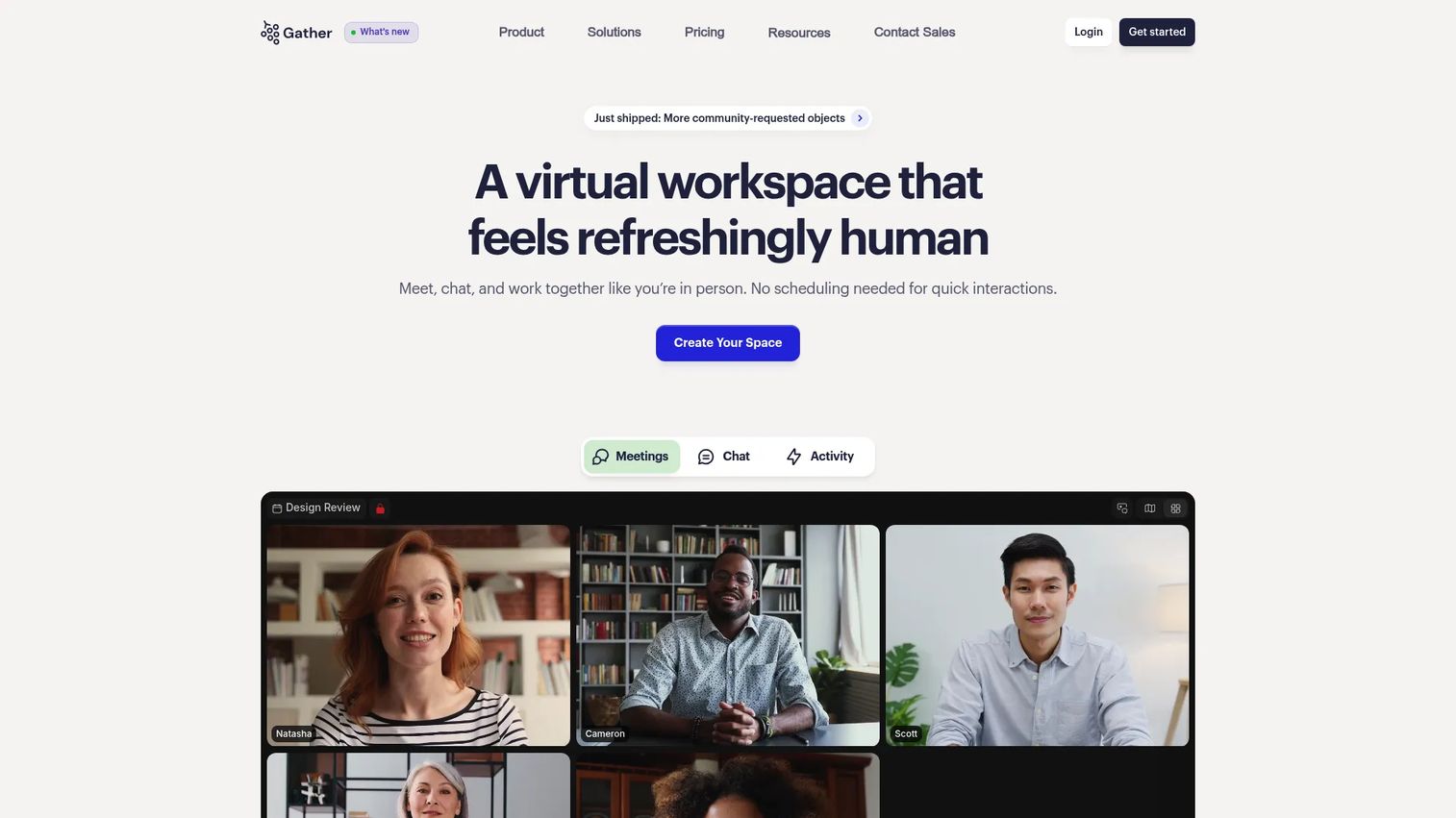
Gather builds a spatial, presence-based virtual workspace around the idea that proximity drives conversation. Team members move avatars through a custom virtual office, and walking up to a colleague starts a conversation the same way it would in person. That walk-up model removes the friction of scheduling a call just to ask a quick question, which is exactly the kind of coordination tax distributed teams pay daily.
The platform leans into spontaneous interaction. Availability is visible, conversations happen in proximity, and the simplified spatial view keeps the focus on people rather than a wall of tiles. For remote teams that miss the informal energy of an office, Gather recreates the parts that actually mattered.
Best for: Distributed teams that want a virtual office with built-in chat, meetings, and presence baked into a spatial environment.
Key strengths
- Custom virtual office: Build a space that matches how your team works, with rooms for focus, collaboration, and casual connection.
- Unlimited meetings and chat: Talk as much as you need without metering, supporting both planned and spontaneous conversation.
- Integrations: Connect Google Calendar, GitHub, and Spotify to keep schedules, work, and ambiance inside the workspace.
Why choose Gather: If your team's biggest gap is the loss of casual, walk-up conversation, Gather addresses it more directly than chat-first tools. It fits remote teams that value presence and proximity over a deep coordination layer, and it pairs well with a dedicated project tool.
Gather pricing: The Essential plan starts at $12 USD per member per month, billed monthly or annually. A Custom plan is available with pricing on request. Gather does not offer a permanent free tier, but it provides a 30-day free trial so teams can test the spatial model before committing.
2. Simpplr
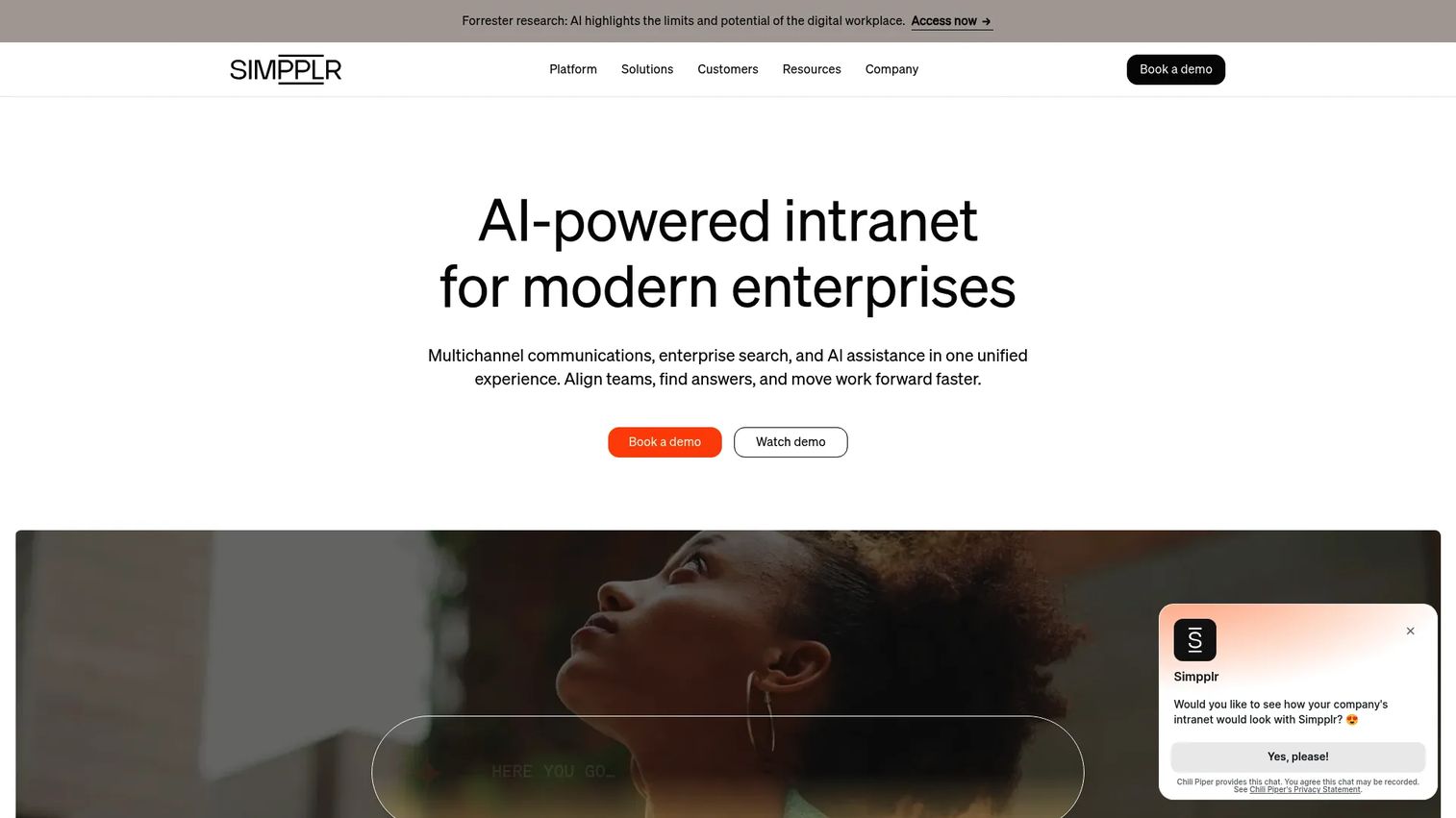
Simpplr is a modern intranet and employee experience platform that doubles as a virtual workspace hub. Instead of recreating an office, it centralizes information, resources, and internal communication so distributed teams stop hunting for what they need. For organizations where knowledge sprawl is the core problem, Simpplr brings governance and findability to the front.
The platform leans heavily on AI for search and content surfacing. That matters for a sales enablement leader who needs reps to find the right asset at the right moment without pinging three people first. Simpplr treats the intranet as a living system, not a static homepage nobody visits.
Best for: Mid-market and enterprise teams wanting a unified intranet and employee experience platform with strong search and governance.
Key strengths
- AI intranet: A dynamic, personalized homepage that surfaces relevant content instead of forcing people to dig.
- AI search: Findability that scales across a growing content library, reducing the "where is that doc" tax.
- AI agents: Automation that helps route information and answer common internal questions.
Why choose Simpplr: Choose Simpplr when your bottleneck is internal communication and knowledge findability across a large, distributed organization. It is the right fit for teams treating the workspace as a centralized hub rather than a presence simulation, and it earns a 4.6/5 on G2.
Simpplr pricing: Simpplr uses quote-based pricing tailored to organization size, complexity, and support needs, so there is no public starting price. The company offers 14-day trials, so teams can evaluate fit before committing to a contract.
3. Kumospace
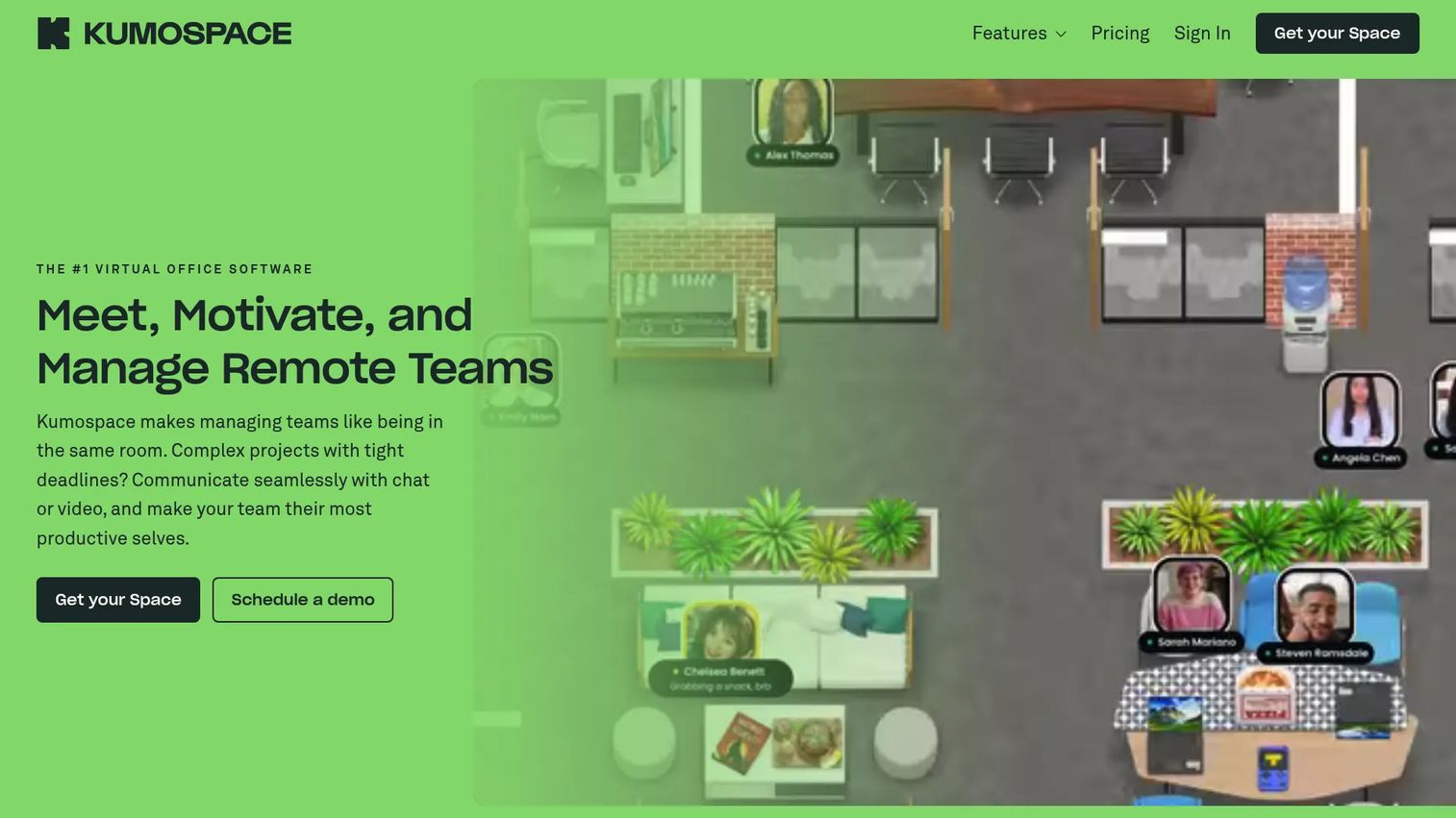
Kumospace is a virtual office platform built for collaboration, culture, and visible team interaction. It blends chat, video, and spatial audio so conversations feel natural rather than scheduled. Hallway-style connection, milestone celebrations, and watercooler moments are first-class, which is why teams that worry about culture drift in remote setups gravitate to it.
The spatial audio is the standout. As you move closer to a group, you hear them more clearly, recreating the natural ebb of office conversation. Combined with customizable spaces, recording, and analytics, Kumospace gives distributed teams a virtual collaboration space that supports both work and belonging.
Best for: Remote teams needing a customizable virtual office for communication, collaboration, and culture.
Key strengths
- Customizable spaces: Multiple floors and rooms you can shape to match teams, events, and workflows.
- Spatial audio and video: Natural, proximity-based conversation plus chat, group DMs, and recording.
- Analytics and access controls: Visibility into usage with governance over who can access what.
Why choose Kumospace: Pick Kumospace when culture and visible interaction matter as much as task coordination. It suits teams that want a virtual office with real engagement features, and it holds a 4.7/5 on G2.
Kumospace pricing: The Free plan supports up to five registered members at $0 per user per month. The Business plan runs $16 USD per user per month with a 14-day free trial, and Enterprise pricing is custom. The free tier makes it easy to test the spatial model with a small team first.
4. AgilityPortal
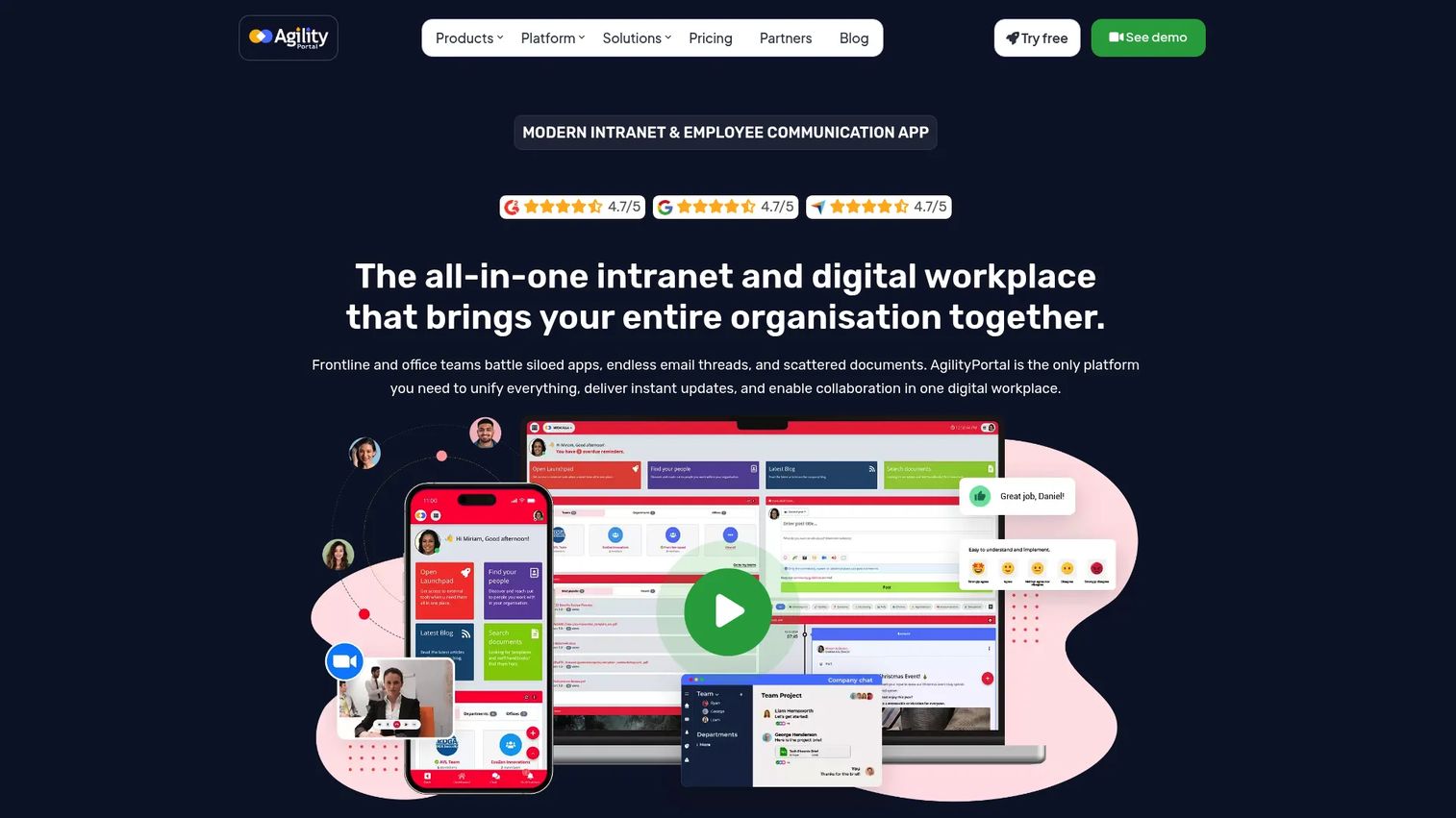
AgilityPortal is a connected digital workplace and virtual workspace hub that brings internal communication, content, and collaboration into one branded layer. Instead of scattering tools, it gives teams a single intranet-style surface for comms, engagement, and project work. For admins who care about governance and a consistent employee experience, that consolidation is the appeal.
The platform packages communication and engagement tools alongside project management, so it works as both a modern intranet and a coordination layer. That dual role suits teams that want one place for announcements, knowledge, and active work rather than separate systems for each.
Best for: Teams needing a branded intranet and employee communication hub with collaboration built in.
Key strengths
- Internal communications: Centralized announcements and messaging that keep distributed teams aligned.
- Employee engagement tools: Features that support recognition, connection, and a shared culture.
- Project management and collaboration: Coordination capabilities so work and communication live together.
Why choose AgilityPortal: Choose AgilityPortal when you want an all-in-one intranet and digital workplace with admin control over branding and governance. It fits teams consolidating comms and collaboration into a single hub, and it carries a 4.8/5 on G2.
AgilityPortal pricing: The Small (P1) plan starts from $99 per month, Medium (P2) from $499 per month, and Large (P3) is custom and quote-based. The site notes a 14-day free plan with no credit card required, so teams can trial the hub before scaling up.
5. Microsoft Teams
Microsoft Teams is a collaboration hub that blends chat, meetings, files, and Microsoft 365 workflows into one app. For organizations already standardized on Microsoft, it is the path of least resistance: documents, calendars, and identity already live in the ecosystem, so Teams becomes the natural workspace layer on top.
Channels organize conversations by team and project, meetings run inside the same app, and file co-authoring happens through tight Office integration. That ecosystem fit is the whole argument. If your stack is Microsoft, Teams reduces switching more than any standalone tool could.
Best for: Organizations that want an all-in-one Microsoft-native hub for messaging, meetings, and collaboration.
Key strengths
- Chat and messaging: Channel and direct messaging that keep conversation organized by context.
- Video meetings and webinars: Built-in meetings and webinar support for live collaboration at scale.
- File sharing and co-authoring: Native Office integration so documents live where the conversation happens.
Why choose Microsoft Teams: Choose Teams when your organization runs on Microsoft 365 and wants one hub for communication and files. It is the strongest fit for enterprise teams already invested in the ecosystem, and it earns a 4.4/5 on G2.
Microsoft Teams pricing: Microsoft offers a free Teams plan, with paid tiers including Teams Essentials at $4.00 per user per month, Microsoft 365 Business Basic at $6.00 per user per month, and Microsoft 365 Business Standard at $12.50 per user per month, all billed yearly. Enterprise plans like Microsoft 365 E3 and E5 include Teams or offer no-Teams variants.
6. Google Workspace

Google Workspace is a lightweight but powerful foundation for a virtual workspace, bundling email, Docs, Sheets, Slides, Drive, Calendar, Chat, and Meet. For teams that live in Google's ecosystem, it removes the seams between communication, files, and meetings. Real-time co-editing in Docs remains one of the cleanest collaboration experiences in the category.
The suite adds Gemini AI assistance and admin controls, so it scales from small teams to large organizations without losing the simplicity that made Google's tools sticky. Calendar and Drive flow naturally into Meet and Chat, keeping coordination inside one set of tabs.
Best for: Businesses needing integrated email, collaboration, storage, and AI tools in one suite.
Key strengths
- Custom business email and core apps: Docs, Sheets, Slides, Meet, Drive, Chat, and Calendar in one place.
- Gemini AI assistance: AI help across documents, email, and meetings to speed up everyday work.
- Admin and security controls: Governance and access management that scale with the organization.
Why choose Google Workspace: Choose Google Workspace when your team already lives in Gmail and Docs and wants collaboration without friction. It is the natural fit for teams that prize real-time co-editing and a clean, familiar interface.
Google Workspace pricing: Business plans start at $7.00 USD per user per month for Starter, $14.00 for Standard, and $22.00 for Plus, billed monthly. Enterprise is contact-sales, and a 14-day trial is available so teams can test the suite end to end.
7. Slack
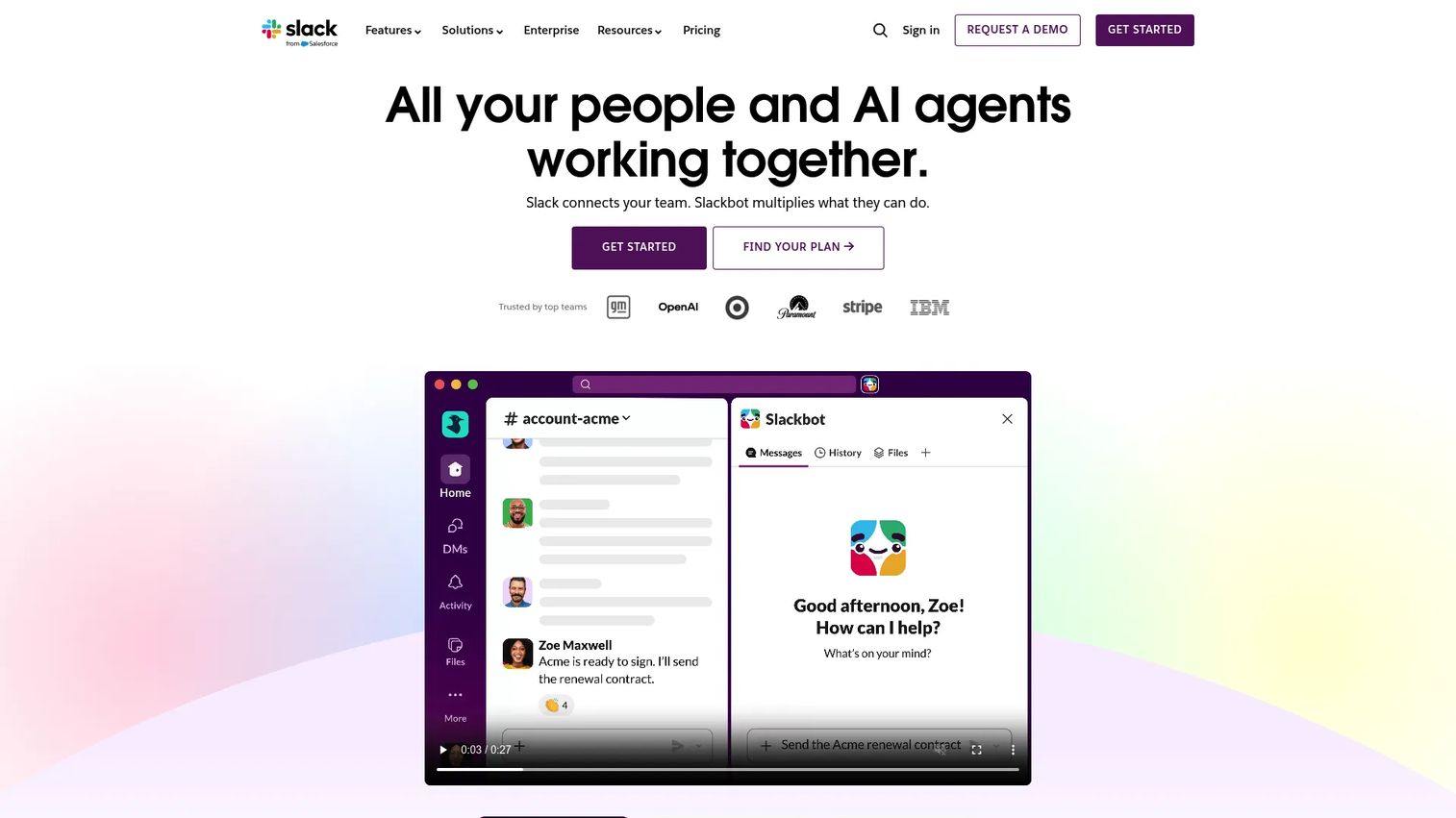
Slack is the real-time communication layer many teams build their virtual workspace around. Channels organize conversation by team, project, and topic, while integrations pull updates from the rest of the stack into one stream. For distributed teams, Slack is often the connective tissue between async messages and live problem-solving.
The platform has grown well beyond chat. Huddles handle quick voice and video, Canvases hold shared docs, Lists track lightweight work, and Workflow Builder automates routine processes. Slack Connect extends channels to external partners, which matters for partner enablement and cross-company collaboration.
Best for: Teams that need internal messaging, channels, and external collaboration in one workspace.
Key strengths
- Channels and Slack Connect: Organized internal conversation plus shared channels with external partners.
- Huddles and Canvases: Quick audio and video alongside collaborative docs inside the same workspace.
- Apps and integrations: Deep connections into CRM, project tools, and analytics, with enterprise search across it all.
Why choose Slack: Choose Slack when team communication software is the heart of your workspace and you want a central hub that integrates everything else. It suits teams that coordinate primarily through messaging, and it holds a 4.5/5 on G2.
Slack pricing: The Free plan offers limited message history and up to 10 apps. Pro runs $7.25 USD per user per month when billed annually, Business+ is $15 per user per month, and Enterprise+ is custom quoted. The free tier is enough to test channel-based coordination with a small team.
8. Notion
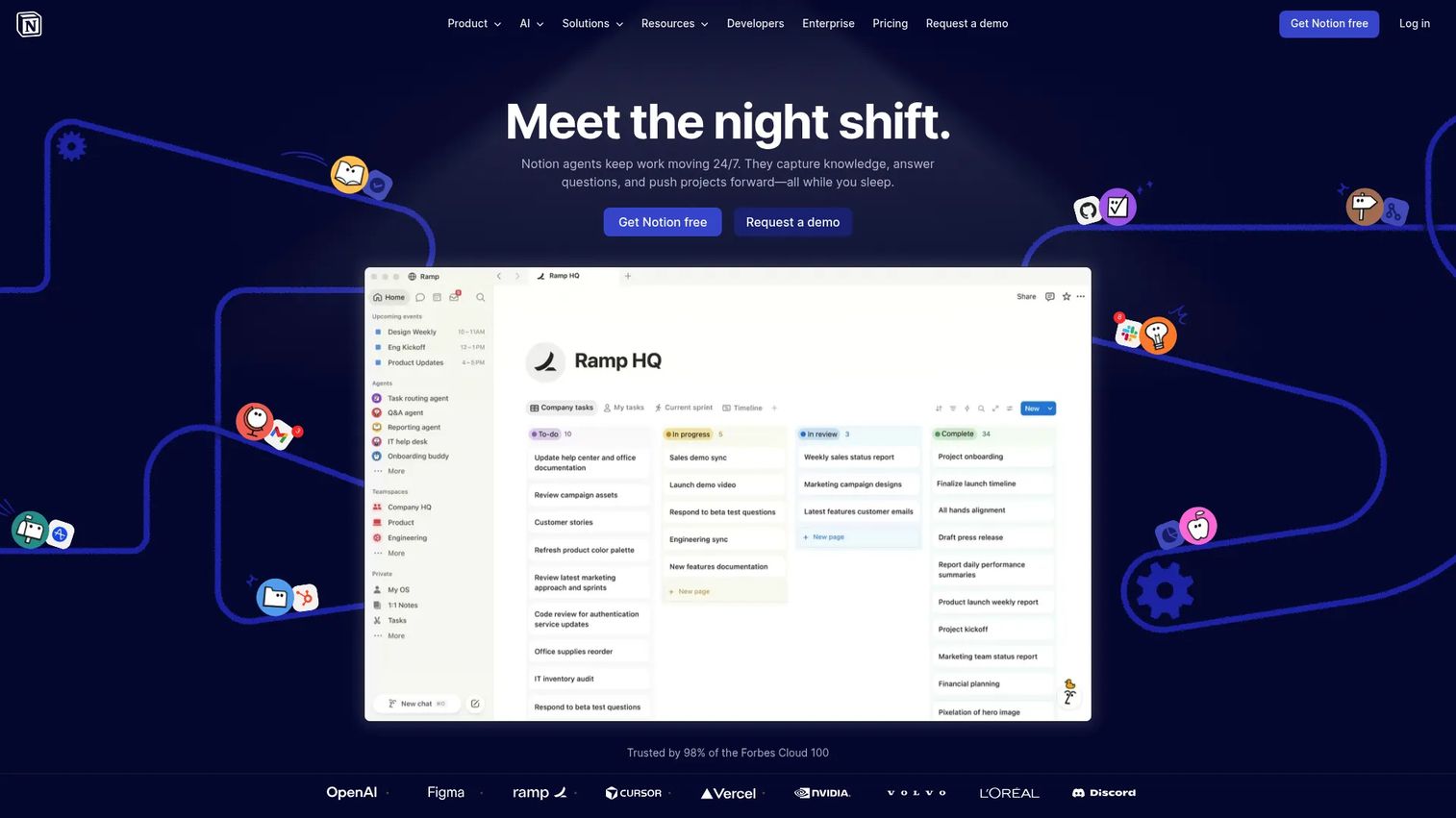
Notion is a flexible workspace for docs, wikis, databases, and lightweight project tracking. It functions as a system of record where team knowledge, planning, and internal documentation live together. For distributed teams drowning in scattered docs, Notion offers a single, structured home that bends to almost any workflow.
The flexibility is the point. The same tool builds a company wiki, a project tracker, a meeting-notes hub, and a content calendar. Notion AI, agents, and meeting notes add automation, while permissions and enterprise search keep a growing workspace governable.
Best for: Teams that want a flexible all-in-one workspace for knowledge management and lightweight project tracking.
Key strengths
- Docs, wikis, projects, and databases: One workspace for knowledge, planning, and execution.
- Notion AI and agents: AI assistance and meeting notes that speed up writing and synthesis.
- Integrations and enterprise search: Permissions and search that keep knowledge findable as it grows.
Why choose Notion: Choose Notion when centralizing team knowledge is the priority and you want one tool to replace several. It fits teams building a system of record, and it earns a 4.6/5 on G2.
Notion pricing: The Free plan starts at $0 per member per month. Plus is $10 per member per month, Business is $20, and Enterprise is custom. Annual billing carries up to a 20% discount, and the free tier is generous enough to build a real workspace.
9. Miro
Miro is a visual collaboration surface for brainstorming, workshops, planning, and shared thinking. Inside a virtual workspace stack, it is where distributed teams do the messy, generative work that whiteboards used to handle in person. For remote facilitation, Miro turns a scattered group into a focused session around one shared canvas.
The platform pairs an infinite canvas with thousands of templates, AI-powered synthesis, and diagram generation. Presentations, workshops, and Talktrack support let facilitators run live or async sessions, and 250+ integrations connect it to the rest of the stack.
Best for: Cross-functional teams that need a shared visual workspace for collaborative planning and ideation.
Key strengths
- 7000+ templates: Ready-made frameworks for retros, roadmaps, workshops, and more.
- AI-powered workspace: Synthesis and diagram generation that speed up planning and capture.
- 250+ integrations: Connections into the tools your team already uses, plus presentations and Talktrack.
Why choose Miro: Choose Miro when visual collaboration and workshops are central to how your team thinks and plans. It is the strong companion in a workspace stack rather than the full operating surface, and it holds a 4.6/5 on G2.
Miro pricing: The Free plan is $0. Starter is $8 per member per month billed annually, Business is $20 per member per month annually, and Enterprise is custom from 30 members. The free tier is enough to run real sessions before scaling.
10. Asana
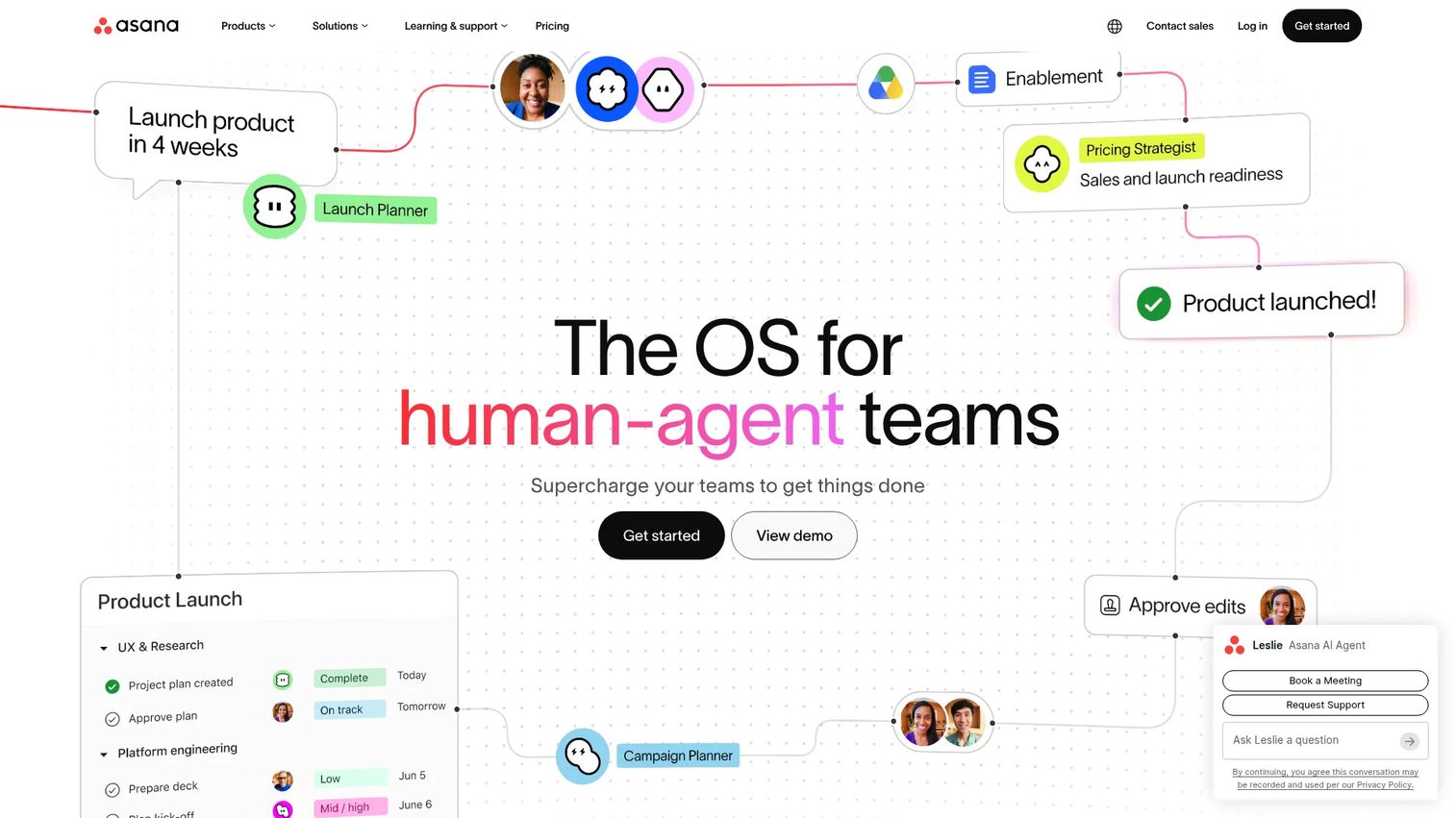
Asana is a coordination and project execution layer that keeps virtual teams' work visible and organized. It is built for distributed accountability: who owns what, what's due, and where a project actually stands. For teams that communicate well but coordinate poorly, Asana adds the structure that turns conversation into completed work.
Multiple work views (list, board, calendar, timeline) let teams see the same projects through different lenses. AI features including AI Studio, smart summaries, and AI teammates help automate routine workflow steps, so coordination scales without more manual overhead.
Best for: Teams needing structured work management with built-in collaboration and AI workflow features.
Key strengths
- Project and task management: Clear ownership and deadlines that keep distributed work accountable.
- Multiple work views: List, board, calendar, and timeline so every team sees work its way.
- AI features: AI Studio, smart summaries, and AI teammates that automate routine coordination.
Why choose Asana: Choose Asana when the gap in your workspace is coordination and accountability, not communication. It suits teams that need structured execution alongside their chat and meeting tools, and it earns a 4.4/5 on G2.
Asana pricing: The Personal plan is free forever at $0. The Starter plan is $10.99 USD per user per month billed annually, or $13.49 billed monthly. Advanced, Enterprise, and Enterprise+ are higher tiers, with Enterprise and Enterprise+ available through contact sales.
11. Trello
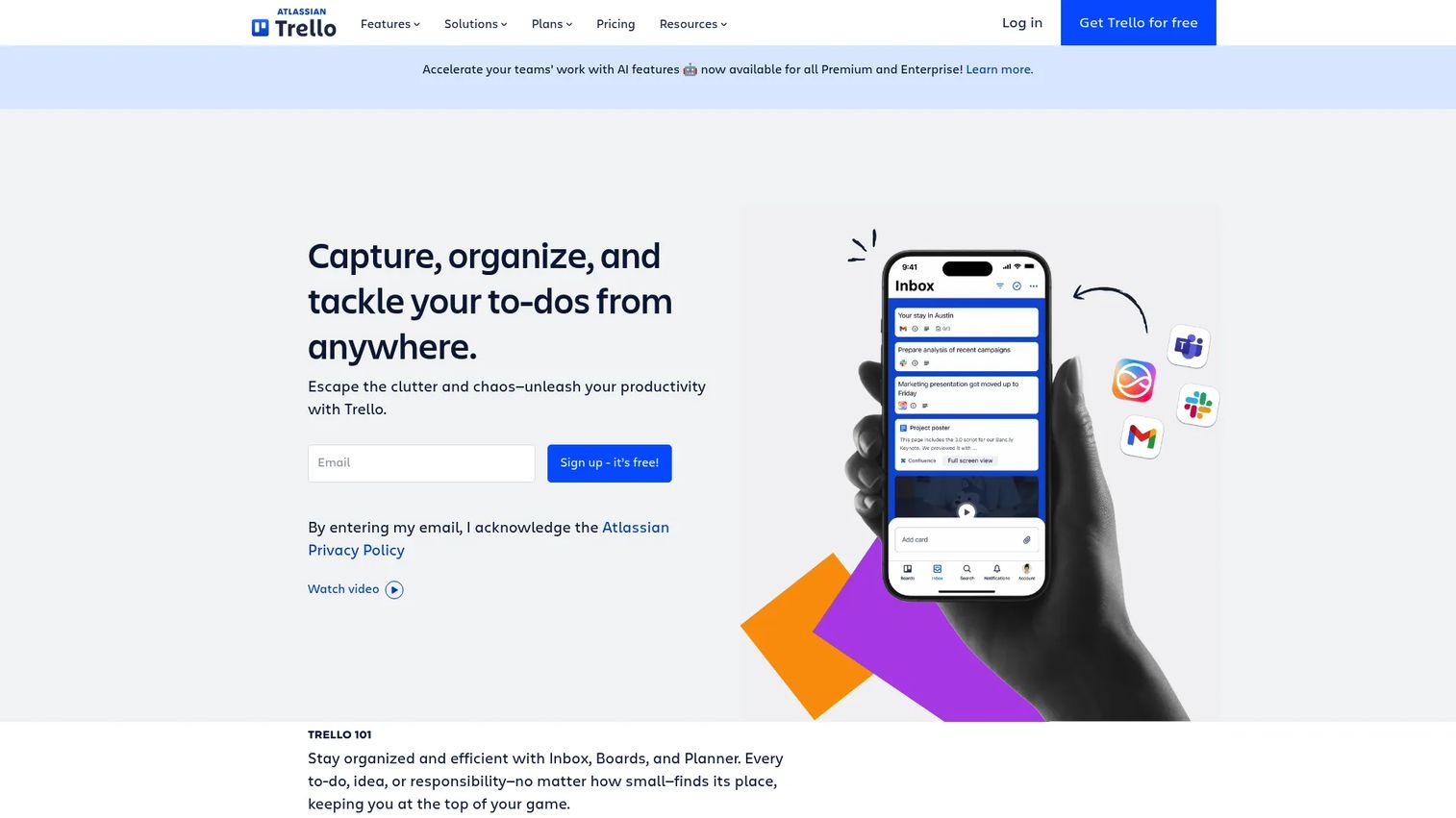
Trello is a simple, lightweight virtual workspace component for visual task management. Built on boards, lists, and cards, it makes team workflow visible at a glance without a learning curve. For smaller teams or focused projects, Trello's simplicity is its strength: people adopt it in minutes and actually use it.
Beyond basic kanban, Trello adds built-in automation through Butler and multiple views including Calendar, Timeline, Table, Dashboard, and Map. That gives teams room to grow without abandoning the clean board model that made it approachable in the first place.
Best for: Teams that want a simple visual system for task and project tracking.
Key strengths
- Boards, lists, and cards: Visual task management that anyone can pick up immediately.
- Built-in automation (Butler): No-code automation that handles repetitive board actions.
- Multiple views: Calendar, Timeline, Table, Dashboard, and Map for different ways to see work.
Why choose Trello: Choose Trello when ease of adoption matters more than depth and your team wants a visual coordination layer without overhead. It fits smaller teams and focused workflows, and it holds a 4.4/5 on G2.
Trello pricing: The Free plan is $0. Standard is $5 USD per user per month billed annually ($6 monthly), Premium is $10 billed annually ($12.50 monthly), and Enterprise is $17.50 per user per month billed annually. The free tier covers most small-team needs.
12. Zoom
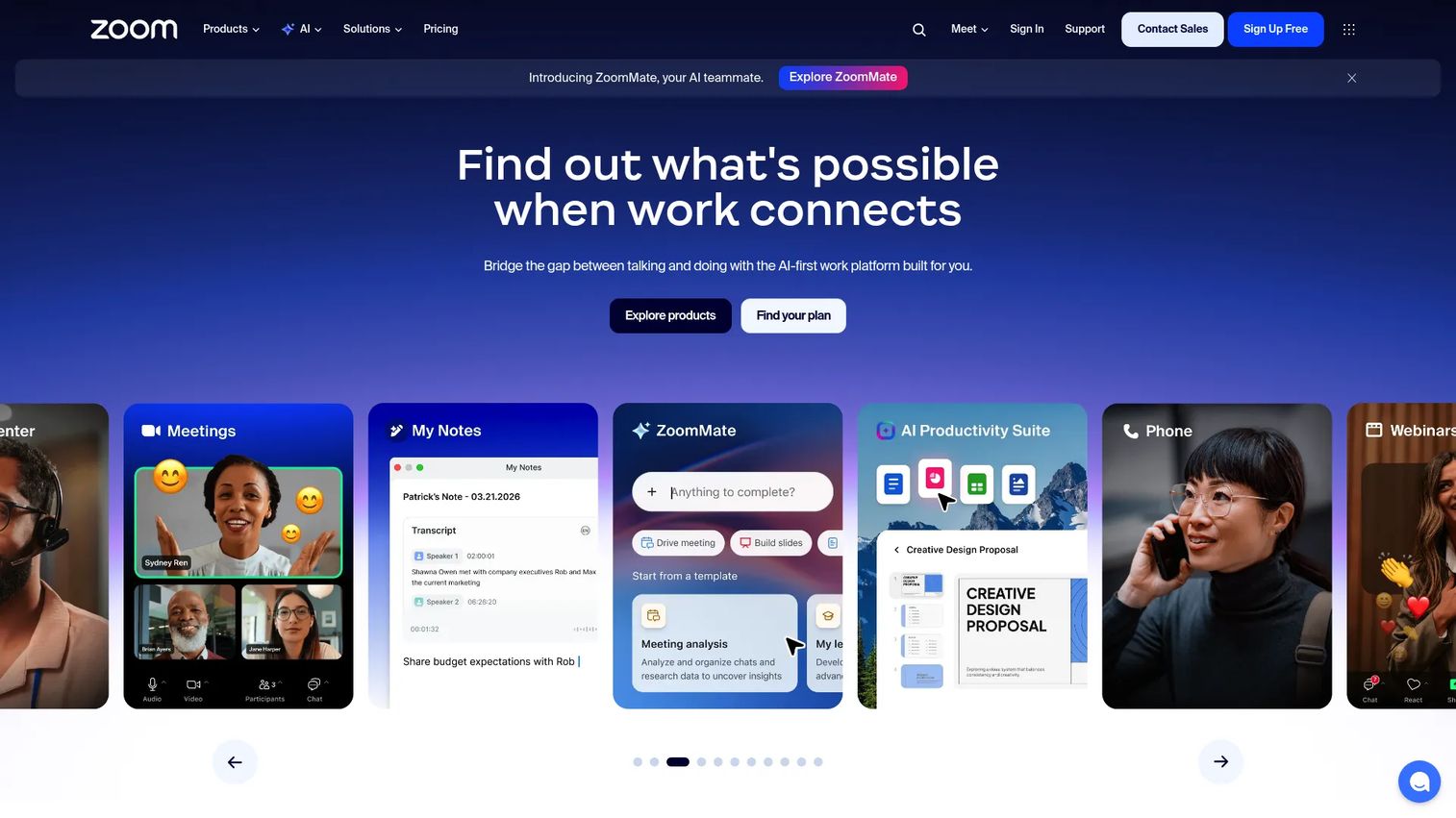
Zoom is the meeting layer many virtual workspaces rely on for live interaction, but it has grown into a broader collaboration platform. Beyond reliable video, Zoom Workplace now bundles chat, mail, calendar, docs, whiteboard, and an AI Companion. For teams whose live communication runs through Zoom, that expansion turns a meeting tool into a workspace surface.
The reliability is what keeps Zoom central. When a call has to work for a customer or a cross-functional review, teams reach for the tool that connects without fuss. The added collaboration features mean the conversation doesn't have to end when the meeting does.
Best for: Teams needing a single platform for meetings and collaboration.
Key strengths
- Meetings and video conferencing: Reliable live communication that scales from one-on-ones to large sessions.
- Chat, mail, calendar, and docs: Collaboration tools that extend beyond the meeting itself.
- Whiteboard and AI Companion: Visual collaboration and AI assistance built into the workspace.
Why choose Zoom: Choose Zoom when meetings are the backbone of your team's communication and you want collaboration features around them. It suits teams that prioritize live interaction, and it earns a 4.6/5 on G2.
Zoom pricing: Workplace Basic is free. Workplace Pro is listed at $14.16 USD billed annually, and Workplace Business is contact-sales. The free tier covers core meeting needs for small teams getting started.
13. Google Meet
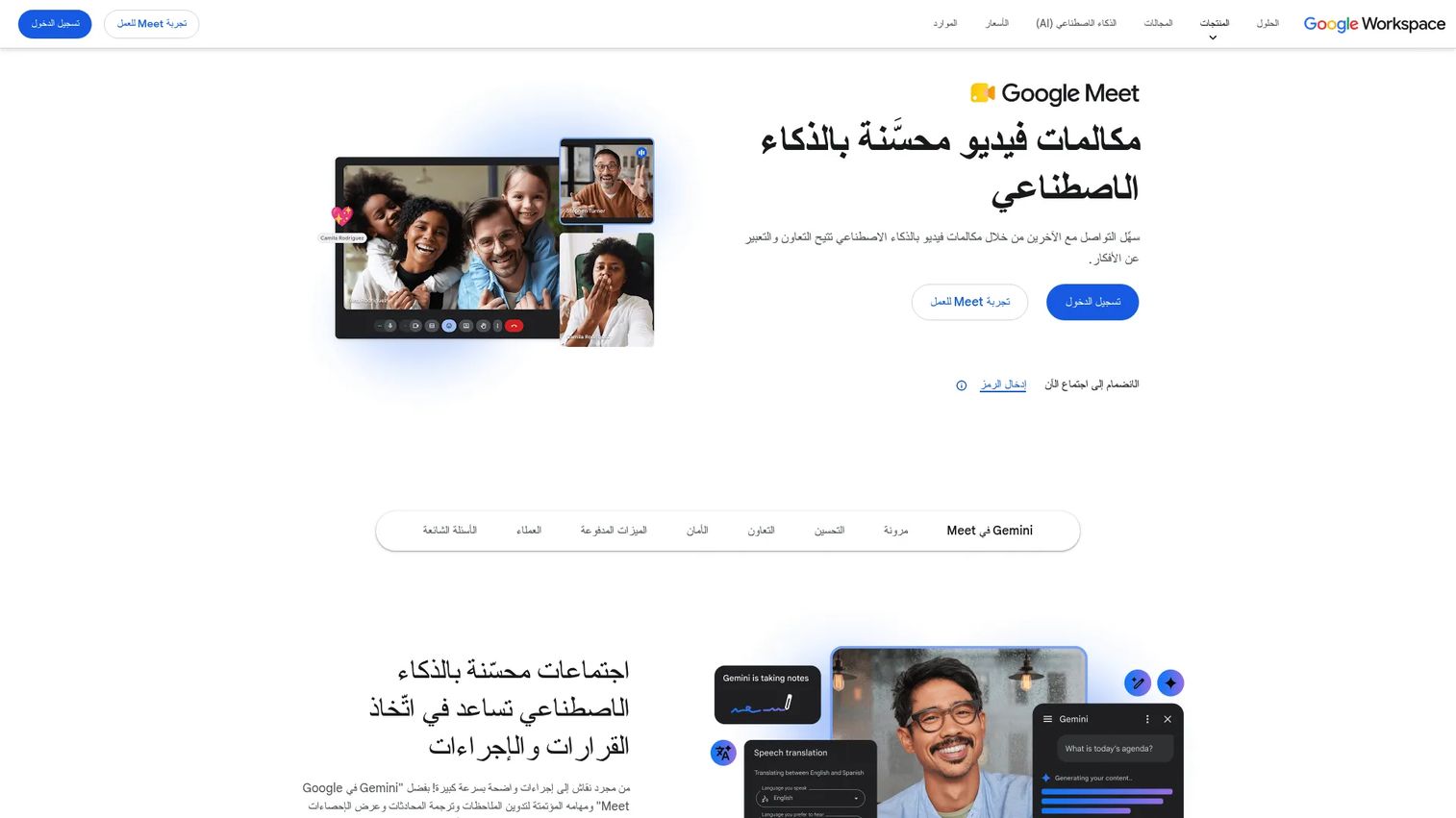
Google Meet is a straightforward meeting and collaboration tool for teams already in Google Workspace. Its appeal is simplicity and ecosystem fit: a calendar invite becomes a meeting link with no extra steps, and the experience lives inside the same tools teams use all day. For Workspace organizations, Meet is the path of least resistance for live communication.
The product scales with Workspace tiers, from 100-participant meetings on Starter to 500 participants and in-domain live streaming on higher plans. Recording, noise cancellation, and attendance tracking arrive as you move up, keeping the entry point clean while supporting larger needs.
Best for: Teams that want Google Workspace-integrated video meetings with a free entry tier and scalable business plans.
Key strengths
- Workspace-native video: Meetings launched straight from Calendar with no separate app or link juggling.
- Scalable participant limits: From 100 participants on Starter up to 500 on higher tiers.
- Built-in controls: Recording, noise cancellation, and attendance tracking as you scale.
Why choose Google Meet: Choose Google Meet when your team already runs on Google Workspace and wants frictionless, integrated video. It is the natural meeting layer for Workspace-native teams rather than a standalone platform.
Google Meet pricing: Meet is bundled into Google Workspace, with plans at $7.00 USD per user per month for Starter, $14.00 for Standard, $22.00 for Plus, and contact-sales Enterprise. A free entry tier is available, making it easy to start without separate licensing.
14. ClickUp
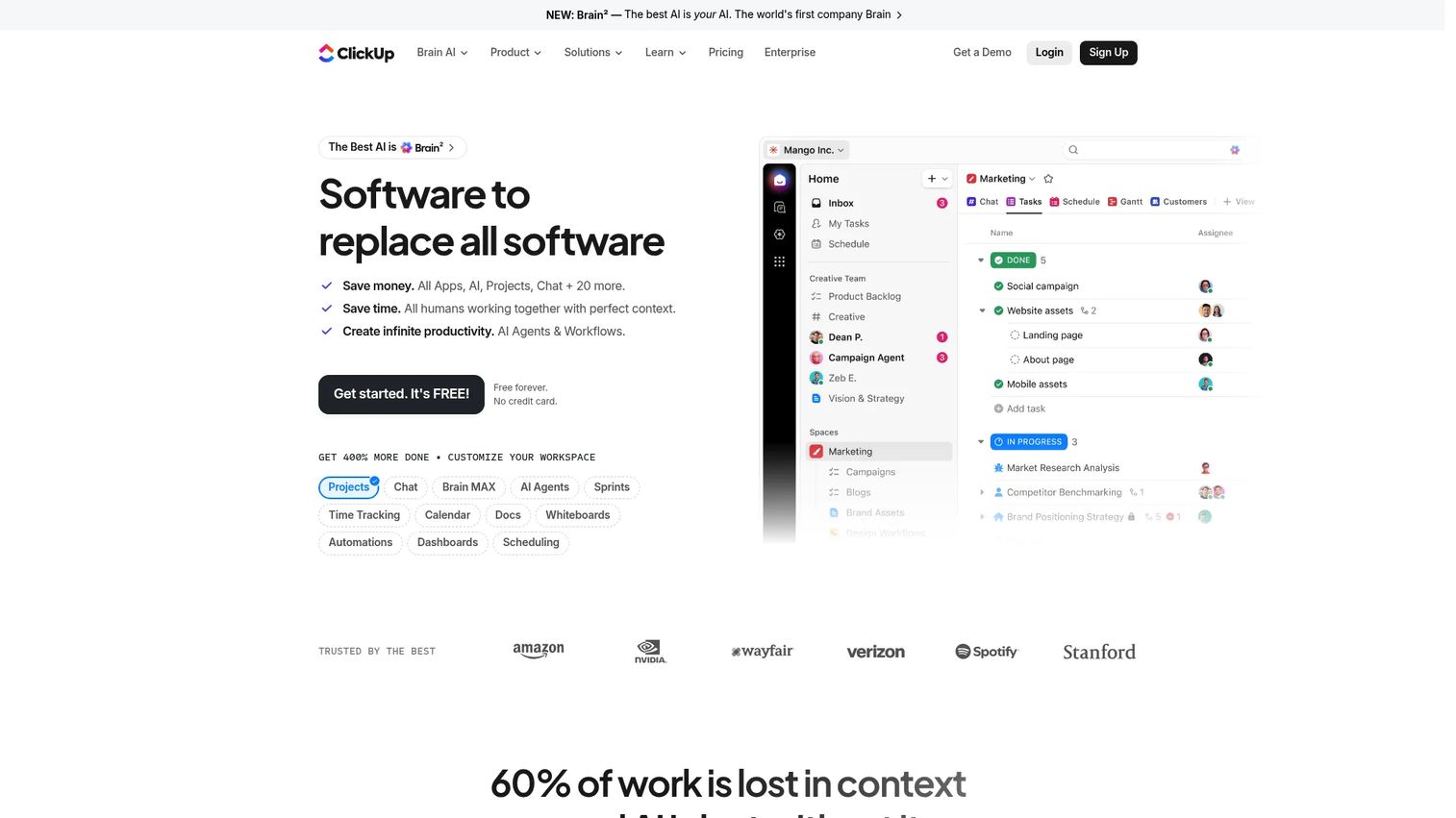
ClickUp is an all-in-one work management platform that can function as a broader virtual workspace for task-heavy teams. It folds tasks, docs, chat, goals, and dashboards into one app, aiming to replace several tools at once. For teams tired of paying for and switching between separate systems, ClickUp's consolidation pitch is the draw.
The breadth is real. Multiple task views, built-in docs and wikis, chat, automations, and AI features mean a lot of work can happen without leaving the app. That makes ClickUp a candidate for the central operating surface, not just a coordination add-on.
Best for: Teams wanting a highly customizable work management suite in one app.
Key strengths
- Task and project management: Multiple views and deep customization for how work gets tracked.
- Docs, wikis, and knowledge: Built-in documentation so knowledge lives alongside the work.
- Chat, dashboards, and AI: Communication, reporting, and automation in the same platform.
Why choose ClickUp: Choose ClickUp when consolidation is the goal and you want tasks, docs, and communication in one customizable workspace. It suits task-heavy teams looking to reduce tool sprawl across the stack.
ClickUp pricing: The Free Forever plan is $0. Unlimited is $7 per user per month billed yearly, Business is $12 per user per month billed yearly, and Enterprise is custom. AI add-on plans are available separately, and the free tier supports real team use.
15. Sococo
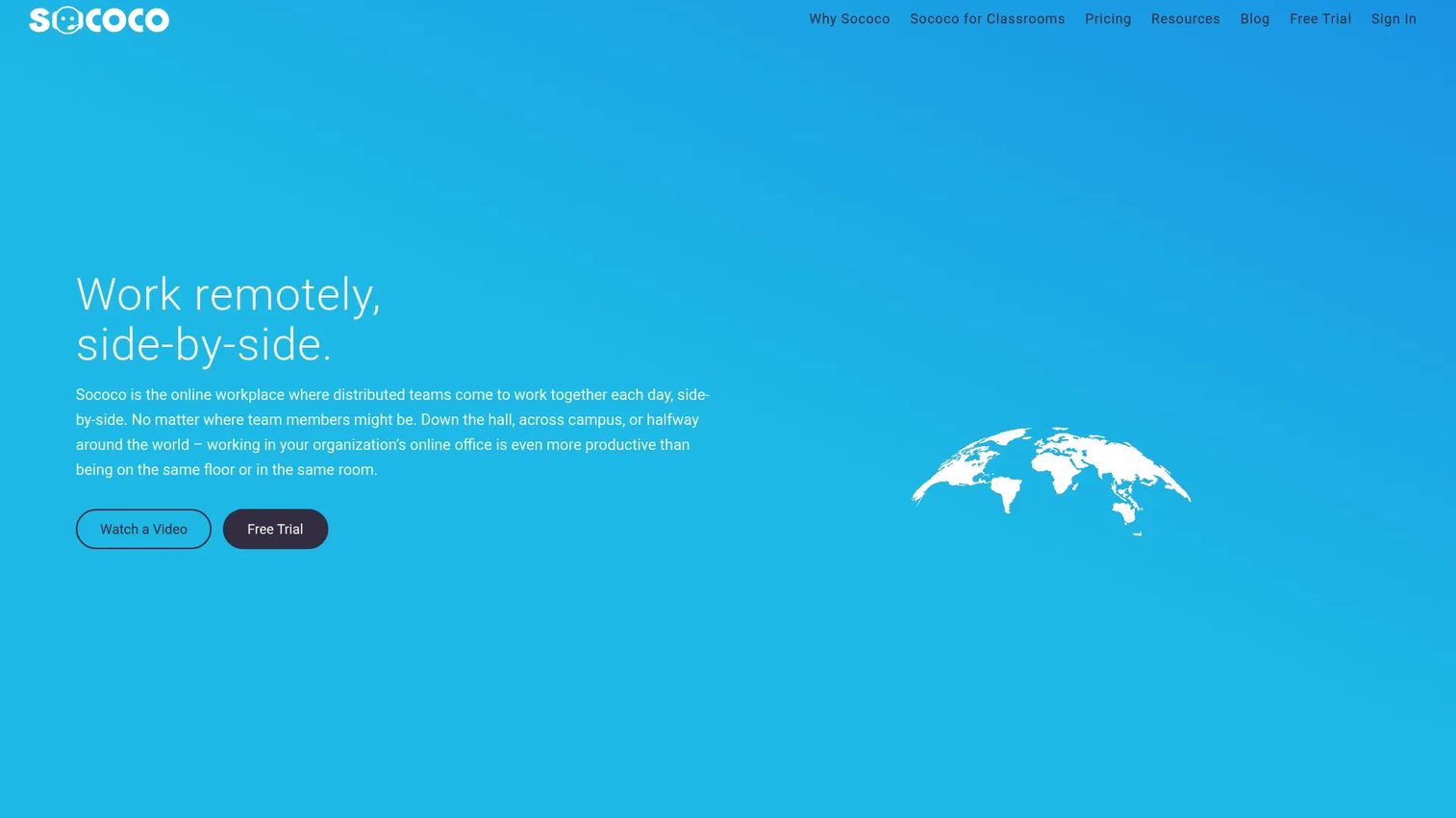
Sococo is an online workplace platform centered on presence, visibility, and remote team collaboration. It renders a virtual office as a floor plan with rooms, so you can see who's in a meeting, who's available, and who's heads-down. For distributed teams that want an office-like sense of where everyone is, Sococo makes presence tangible.
The map-based layout is the differentiator. Dropping into a room starts in-room chat, audio, video, or screen sharing, recreating the act of walking into someone's office. Integrations with Zoom, Webex, Google Meet, and Microsoft Teams mean it layers onto existing meeting tools rather than replacing them.
Best for: Distributed teams wanting a virtual office environment with clear presence and visibility.
Key strengths
- Virtual office with rooms: A floor-plan layout that makes team presence and availability visible.
- In-room communication: Chat, audio, video, and screen sharing the moment you enter a room.
- Meeting integrations: Works with Zoom, Webex, Google Meet, and Microsoft Teams.
Why choose Sococo: Choose Sococo when you want an office-like digital environment that makes presence and coordination visible across a distributed team. It fits teams that value the spatial office model, and it holds a 4.3/5 on G2.
Sococo pricing: The Sococo plan is $13.49 per seat per month, annually prepaid with a 10-seat minimum. Sococo Unlimited is $24.99 per seat per month on an annual term with a 100-seat minimum. Each paid seat includes 500 minutes per month of media usage, and a 14-day trial is available.
Considerations
Before you commit, run your shortlist through these criteria. The best virtual workspace software is the one that fits your team's actual collaboration model and stack, not the one with the longest feature list.
Define your primary collaboration model
Decide what your team most needs: a communication hub, a virtual office, a knowledge hub, or a coordination layer. A team losing culture to remote work needs something different from a team drowning in scattered docs. Name the primary model first, then shortlist tools built for it. Trying to buy one tool for every model usually produces a tool that does none of them well.
Check integration depth before buying
The workspace has to fit your existing stack, not create another silo. Verify it connects cleanly to your CRM, calendar, and analytics tools. A workspace that reduces switching is worth far more than one with marginally better features that lives in its own corner. For sales enablement teams, CRM integration is non-negotiable, because that's where engagement signal and coordination meet.
Evaluate governance and admin controls
As the workspace scales, permissions, ownership, and findability decide whether it stays usable or rots. Check who can create, edit, and archive content, and how search holds up across a growing library. Governance is the difference between a trusted content hub and a graveyard of stale assets nobody opens.
Consider privacy, attention, and boundary controls
Distributed work runs on attention, so the workspace should help protect it. Look for audio controls, clear availability signals, and ways to manage distraction. Spatial tools that let people signal "do not disturb" or step into private rooms respect focus instead of demanding constant presence. These controls keep the workspace from becoming another source of always-on pressure.
Assess adoption friction
The best workspace is the one people actually use daily. A tool with deep features nobody adopts is worse than a simpler tool the whole team lives in. Pilot with one team, watch real usage, and treat low adoption as a signal, not a failure of willpower. Adoption is the metric that decides whether the investment pays off.
Conclusion
There's no single best virtual workspace software, only the best fit for how your team works. Spatial tools like Gather, Kumospace, and Sococo recreate presence and culture for teams that miss the office. Intranet platforms like Simpplr and AgilityPortal centralize knowledge and communication for larger, distributed organizations. Ecosystem suites like Microsoft Teams and Google Workspace consolidate everything for teams already inside Microsoft or Google.
For communication-first teams, Slack remains the connective tissue. For knowledge and coordination, Notion, Asana, Trello, and ClickUp keep work visible and organized. For meetings and visual collaboration, Zoom, Google Meet, and Miro power live interaction and shared thinking.
The next step is simple: name your primary collaboration model, shortlist two or three tools built for it, check integration and governance against your stack, then pilot with one team before rolling out. Adoption, not feature count, decides whether the workspace earns its place. If you're also evaluating how to onboard and educate teams inside these tools, a digital adoption platform pairs well with whichever workspace you choose.
Start your journey with Guideflow today!
FAQs
Virtual workspace software is a centralized digital environment where distributed teams communicate, share files, coordinate work, and maintain presence without a physical office. It differs from a single chat or meeting tool by combining several functions, communication, files, presence, and coordination, into one shared operating surface.
The core benefit is less fragmentation. By pulling communication, files, and coordination into one place, it reduces context switching and the time teams spend reconstructing what's happening. Teams also gain better findability, visibility into who's doing what, and a single source of truth that keeps remote and in-office people aligned.
A virtual workspace is the broad operating surface where work happens across communication, files, and coordination. A virtual office is a narrower, presence-based simulation of a physical space, with rooms, avatars, and walk-up interaction. Tools like Gather, Kumospace, and Sococo are virtual offices, while Slack, Notion, and Google Workspace are broader virtual workspaces.
Prioritize communication that scales, shared files with co-editing, meeting support, presence and visibility, integrations into your stack, coordination tools, and governance with strong search. The exact weighting depends on your primary collaboration model, but integration depth and findability matter for almost every team.
Hybrid teams benefit most from a shared operating surface that keeps information equally accessible to in-office and remote people. Ecosystem suites like Microsoft Teams and Google Workspace work well for teams already in those stacks, while Slack suits communication-first hybrid teams. Spatial tools like Kumospace add presence and culture on top.
Yes, mainly by cutting context switching and speeding coordination. When communication, files, and tasks live in one place, people spend less time hunting for information and fewer meetings exist just to share status. Better visibility also helps teams act on the right work faster, which is where most productivity gains actually come from.
Focus on findability, governance, adoption, and internal coordination. Reps need to find the right asset at the right moment, so search and content organization matter most. Strong permissions and ownership keep the library current, CRM integration ties the workspace to deal context, and high adoption ensures the investment pays off across the team.
They tend to reduce reliance on these channels rather than eliminate them. A workspace can absorb a lot of chat, meetings, and coordination, but email still matters for external communication and formal records, and live calls still have their place. The realistic goal is fewer fragmented channels and one primary surface, not zero email.










