A permit application lands in an inbox. It gets forwarded to plan review. Plan review flags a missing document. Two weeks pass before anyone tells the applicant. Then it routes to zoning, then fire, then back to the front counter for a fee correction. By the time an inspector shows up, the applicant has called four times asking where things stand, and nobody in the office can give a straight answer.
That is the reality most permit offices are still living in. Paper folders, email threads, spreadsheets, and a public counter that turns into a bottleneck every time construction activity picks up. The delays are not small either. Slow permitting directly stalls housing starts, commercial projects, and small-business openings, and the pressure on local governments to digitize has only grown.
The market reflects that pressure. The global permit management software market was valued at $4.8 billion in 2025 and is projected to reach $10.6 billion by 2034, growing at a 9.2% CAGR, according to Dataintelo (2025). North America alone held 38.5% of that revenue in 2025. Cities, counties, and construction teams are all moving off manual processes at the same time, and the tools available in 2026 are far more capable than what most offices bought five years ago.
This guide walks through the platforms worth shortlisting, what each one does well, and how to match a tool to your actual permitting motion, whether you run a municipal building department, manage multi-department government workflows, or file permits for construction projects across jurisdictions.
What's inside
This guide covers permit management software built for two overlapping audiences: local and state government agencies, and construction teams that submit permits across jurisdictions. Every tool here handles some version of intake, review, approval, inspections, and reporting, but they differ sharply in who they serve best.
We selected platforms based on four criteria that matter to a serious buyer: lifecycle coverage from application through closeout, self-service portal quality for applicants and residents, workflow automation and multi-department routing depth, and inspection and field-work support. We also weighed integration flexibility and how the tool fits into an existing government or construction tech stack.
TL;DR
Short on time? Here is the quick read on where each tool fits.
- Best for large government agencies: Accela, for configurable multi-department permitting, licensing, and civic workflows at scale.
- Best for mid-sized municipal building departments: Cloudpermit, for end-to-end building permit software with strong applicant self-service.
- Best for smaller cities and counties: iWorQ Systems, for practical municipal permitting software with no per-seat licensing.
- Best for government-wide visibility: OpenGov Permitting & Licensing, for unified permitting, licensing, and dashboards.
- Best for deep process automation: Oracle Permits and Inspections, for guided intake, plan review, and strong field support.
- Best for construction teams: PermitFlow, for AI-assisted permit prep, submission, and AHJ research.
- Best for straightforward land management: PermitTrax, for permit tracking software with unlimited-user pricing.
What is permit management software?
Permit management software is a system that digitizes the full permit lifecycle, from application intake and review through approval, inspection scheduling, and final issuance, replacing paper forms, email chains, and disconnected spreadsheets with a single tracked workflow.
For governments, it is the operational backbone of a community development or building department. For construction teams, it is the layer that turns a chaotic, jurisdiction-by-jurisdiction filing process into a repeatable one. Most modern platforms in this category, whether marketed as building permit software, government permitting software, or licensing and permitting software, share a common set of core functions.
Here is what a capable platform handles:
- Permit intake: Guided online applications and a public portal so applicants submit complete, correct packages the first time.
- Workflow routing: Automatic handoffs between plan review, zoning, fire, engineering, and other departments based on permit type.
- Approval workflows: Configurable permit approval workflow logic, parallel or sequential review, and clear status at every step.
- Inspections: Inspection scheduling, mobile field access, checklists, and real-time result capture as permit inspections software.
- Fees and payments: Configurable forms and fees, fee calculation, and integrated online payment.
- Notifications: Automated status updates that cut down applicant phone calls and counter traffic.
- Reporting and analytics: Turnaround-time tracking, volume reporting, and dashboards for management.
- GIS mapping and integrations: Parcel data, land records, and connections to finance, payment, and document systems.
The strongest permitting software also layers in permit workflow automation and, increasingly, AI permit processing to speed up intake and review. The difference between a good deployment and a frustrating one usually comes down to how well the tool matches your permit volume, department complexity, and inspection needs, not the feature list on the sales page.
When to use permit management software
Not every office needs the same thing. Here is how to tell when the category earns its cost and which capability matters most for your situation.
Reduce manual permit backlogs
If applications sit in queues because handoffs happen by email, or if staff spend hours re-keying data and chasing missing documents, permit workflow automation is the fix. A system that routes applications automatically and flags incomplete submissions at intake removes the two biggest sources of delay. This is where permit tracking software pays for itself fastest, because backlog reduction is measurable within a quarter.
Give applicants a self-service portal
When your front counter and phone lines are the bottleneck, an online permit portal shifts the load to applicants. A good public portal lets residents and contractors apply, upload documents, pay fees, check status, and schedule inspections without calling the office. Resident self-service and a dedicated contractor portal cut inbound calls sharply and let staff focus on review instead of status updates.
Coordinate inspections and field work
If inspectors work off printed route sheets and re-enter results at the end of the day, permit inspections software with mobile access closes that gap. Inspectors pull up checklists, capture results and photos in the field, and sync instantly, so applicants see outcomes the same day. Strong inspection scheduling also balances inspector routes and reduces windshield time.
Standardize multi-department approvals
When a single permit touches building, zoning, fire, and engineering, inconsistent routing creates delays and disputes. Configurable workflow routing enforces the right review sequence for each permit type and gives management visibility into where things stall. This is the core reason larger agencies adopt government permitting software over spreadsheets.
Comparison table
We compared these tools on intent, primary use case, publicly available pricing, and G2 rating. Pricing and ratings shift, so confirm current figures on each vendor's site before you commit. Ratings shown reflect each product's G2 listing; several newer or government-focused tools carry few public reviews, which is common in this category.
| # | Product | Intent | Key use case | Pricing | G2 rating |
|---|---|---|---|---|---|
| 1 | Accela | Enterprise government | Multi-department permitting, licensing, and civic workflows | Contact sales | 3.9/5 |
| 2 | Cloudpermit | Municipal building depts | End-to-end community development and building permits | Contact sales | Limited reviews |
| 3 | iWorQ Systems | Small to mid municipalities | Configurable municipal operations, no per-seat fees | Contact sales | 3.8/5 |
| 4 | OpenGov Permitting & Licensing | Government-wide operations | Unified permitting, licensing, inspections, dashboards | Contact sales | 4.5/5 |
| 5 | Oracle Permits and Inspections | Enterprise agencies | Guided intake, plan review, mobile inspections | Contact sales | Not listed |
| 6 | PermitTrax | Municipal land management | Permit tracking, code enforcement, land management | From $15,000/yr | Limited reviews |
| 7 | PermitFlow | Construction teams | AI-assisted permit research, submission, tracking | Contact sales | Limited reviews |
1. Accela

Accela is one of the most widely deployed civic platforms in the government permitting space. It runs an end-to-end system for permit intake, inspection, approval, and renewal, with modules that stretch well beyond permits into planning and zoning, business licensing, service requests, and fire prevention. For large agencies that need one platform to run multiple departments, this breadth is the whole point.
The reason bigger cities and counties gravitate toward Accela is configurability at scale. When a single agency processes thousands of permits across many permit types and departments, the ability to model each workflow, route it correctly, and report across all of it in one place matters more than any single feature. Accela pairs that with GIS, mobile apps for field staff, a public portal for applicants, and analytics for management.
Best for: Large government agencies that need a single configurable platform spanning permitting, licensing, inspections, and other civic services.
Key strengths
- Broad module coverage: Handles building permits, planning, licensing, service requests, and fire prevention in one platform.
- Configurable multi-department workflows: Model and route complex permit approval workflow logic across departments.
- Full civic toolset: GIS mapping, mobile field apps, public portal, and reporting built in.
Why choose Accela: If your agency is large and runs many interrelated civic functions, Accela consolidates them onto one system so you are not stitching together separate tools per department. Smaller offices may find the platform more than they need, so the fit is strongest where scale and department complexity are real.
Accela pricing: Accela does not publish a first-party price. It uses subscription pricing that depends on product mix, number of users, permit volume, implementation complexity, and any ancillary products, and directs buyers to contact sales for a quote. Its G2 rating sits at 3.9/5. Budget for implementation effort proportional to the number of departments and workflows you configure.
2. Cloudpermit
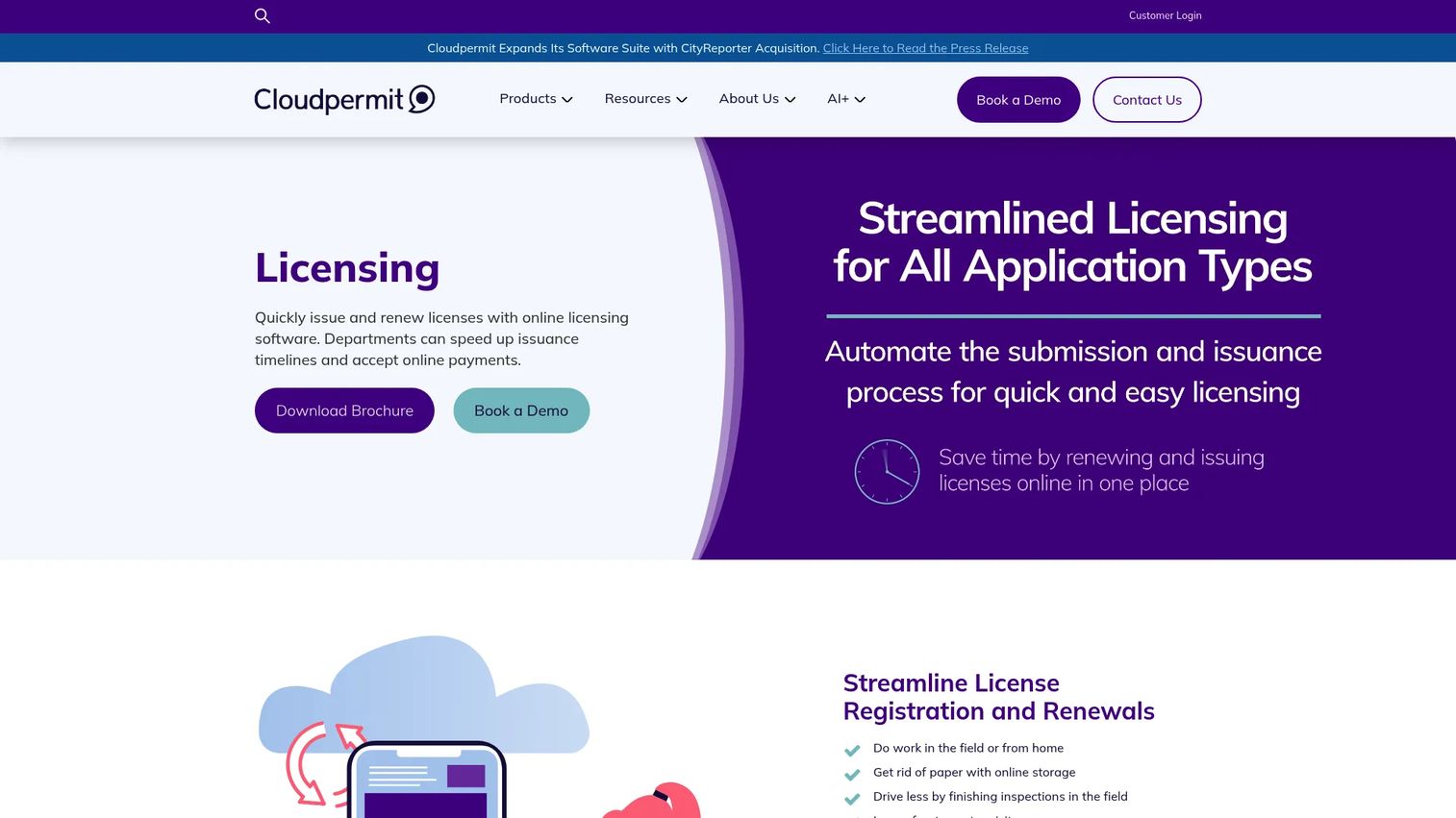
Cloudpermit is cloud-based community development software built for local governments, with a clear center of gravity in municipal building departments. It covers online building permitting, mobile field inspections, planning and land use workflows, and code enforcement case management. For a building department that wants to move off paper without a multi-year enterprise rollout, this is a practical, focused option.
Where Cloudpermit fits best is the small-to-mid municipality that needs strong applicant self-service and clear online visibility into permit status. Applicants apply and track online, inspectors work from the field on mobile, and staff manage the lifecycle from a single view. It also integrates with tools building departments already rely on, including Bluebeam and DigEplan for plan review, plus payment gateways and ICC code references.
Best for: Small to mid-sized municipalities digitizing building permits and related community development workflows.
Key strengths
- End-to-end building lifecycle: Online building permitting through mobile field inspections in one flow.
- Applicant self-service: A public portal that gives residents and contractors online visibility into status.
- Building-department integrations: Connects with Bluebeam, DigEplan, payment gateways, and ICC code references.
Why choose Cloudpermit: Choose it when you run a building department and want building permit software that is focused rather than sprawling. It handles permitting, inspections, planning, and code enforcement without the overhead of a broad enterprise civic suite, which makes it a strong fit for mid-sized teams.
Cloudpermit pricing: Cloudpermit does not expose public pricing on its site and sells through a demo and quote process, with subscription-based pricing referenced but no listed figure. Its G2 profile currently carries limited review volume, which is common for government-focused tools. Request a demo and a scoped quote based on your permit volume and modules.
3. iWorQ Systems
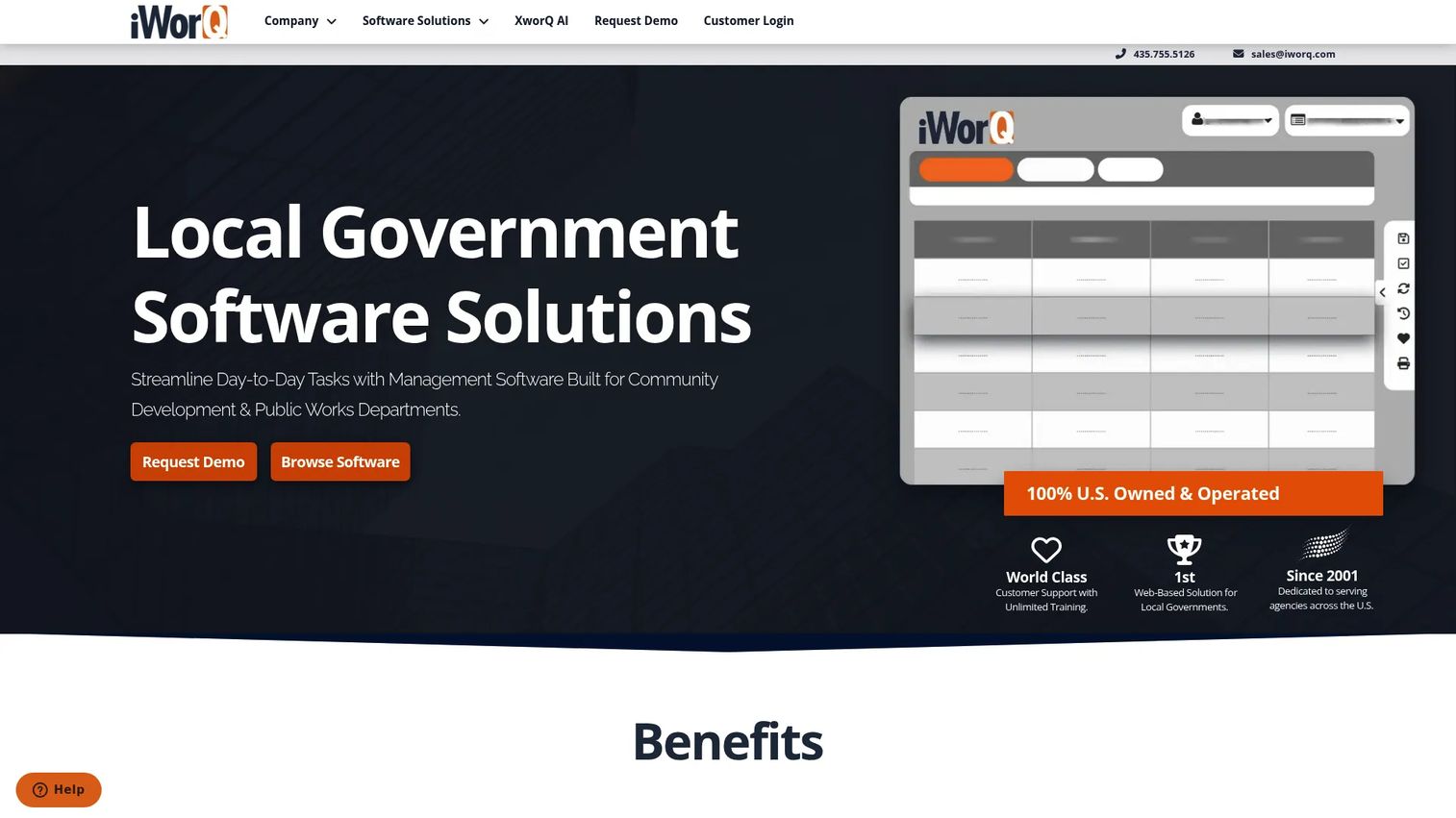
iWorQ Systems is cloud-based software for local governments that spans public works and community development, with permitting as a core module alongside code enforcement, licensing, work orders, asset and facility management, stormwater, and fleet. It runs web-based with mobile field access, so staff manage permits at the desk and inspectors work from the field.
The practical draw for small and mid-sized municipalities is the pricing model and support structure. iWorQ states a straightforward pricing structure with no per-seat licensing fee, plus free, unlimited support, training, and upgrades. For a lean office where every added seat would otherwise raise the bill, that structure changes the math. On the workflow side, permitting, communication automation, and reporting come together to cut the manual back-and-forth that slows small departments down.
Best for: Cities and counties that want configurable municipal permitting software without per-seat licensing costs.
Key strengths
- No per-seat licensing: Add staff without watching the price climb per user.
- Broad municipal modules: Permits, code enforcement, licensing, work orders, assets, stormwater, and fleet in one system.
- Included support and upgrades: Free, unlimited support, training, and upgrades.
Why choose iWorQ Systems: If you run a smaller government with a tight budget and a wide range of operational needs, iWorQ lets you cover permitting and adjacent workflows on one configurable platform without seat-based cost growth. The all-in support model also lowers the risk for teams without a large IT function.
iWorQ Systems pricing: iWorQ does not publish a numeric price on its site, but it states a straightforward structure with no per-seat licensing and includes free, unlimited support, training, and upgrades. Its G2 rating is 3.8/5. Contact iWorQ with your module needs and jurisdiction size for a scoped quote.
4. OpenGov Permitting & Licensing
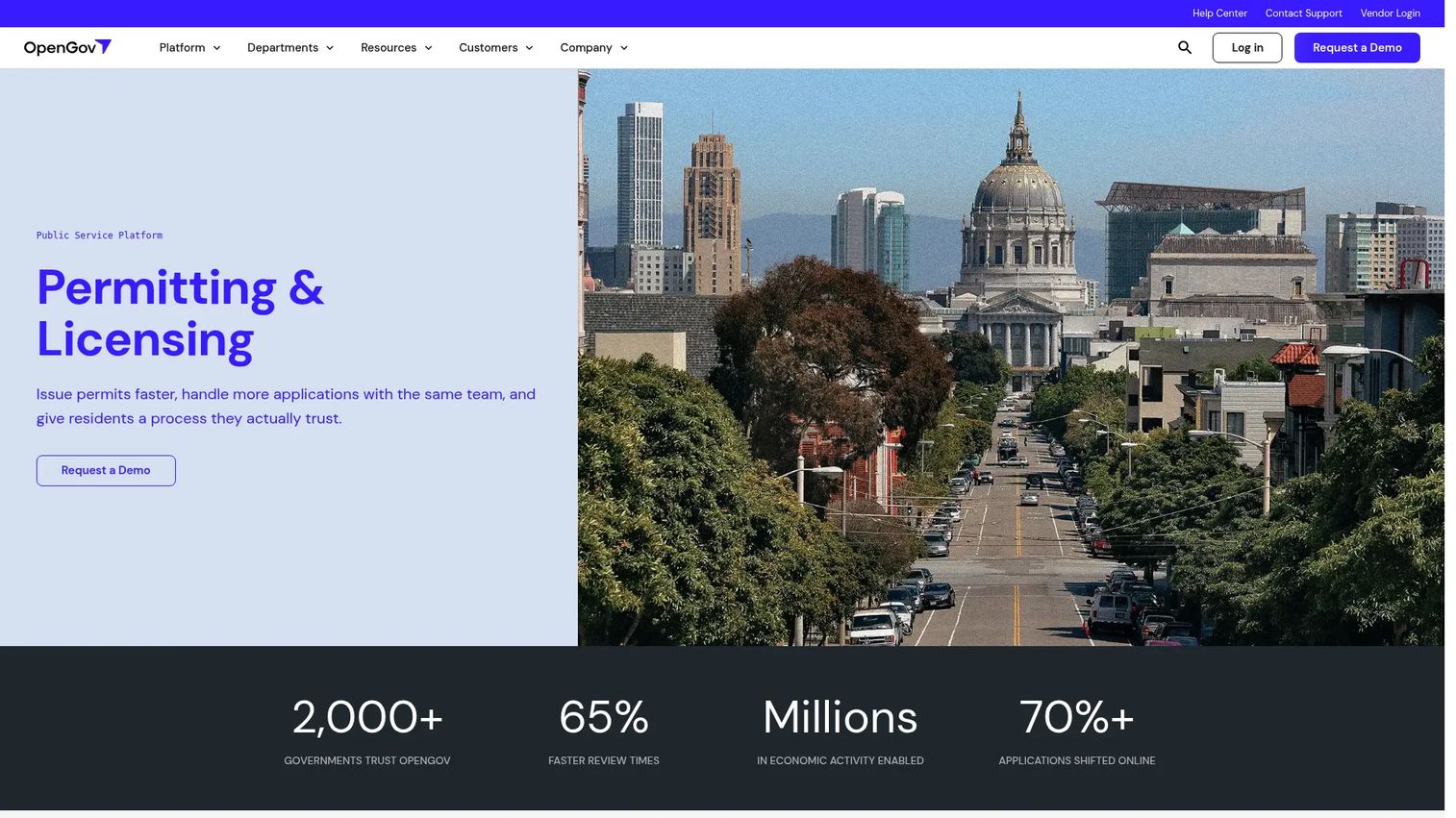
OpenGov Permitting & Licensing is cloud software for local and state governments to manage permits, licenses, inspections, and related workflows in one configurable system. It combines guided online applications and a public portal with workflow automation for approvals, routing, and renewals, plus inspections, reporting, and integrated fee and payment handling.
The pitch that resonates with government leaders is government-wide visibility and configuration flexibility without heavy IT involvement. Instead of separate systems for building permits, business licensing, and inspections, OpenGov brings them under one roof with dashboards that show turnaround times and workload across departments. That unified view is what makes it appealing to agencies trying to standardize service levels across multiple functions.
Best for: Public-sector teams that want a configurable, government-wide permitting and licensing system with strong reporting.
Key strengths
- Guided intake and portal: Guided online applications plus a public portal for resident self-service.
- Workflow automation: Automated approvals, workflow routing, and renewals across departments.
- Dashboards and payments: Reporting on turnaround times plus integrated fee and payment handling.
Why choose OpenGov Permitting & Licensing: Pick it when you want one licensing and permitting software platform across the whole organization and value dashboards that give leadership real visibility. Its configuration flexibility means departments can adapt workflows without a heavy custom build.
OpenGov pricing: OpenGov does not publish first-party pricing and sells through a demo-based, quote-driven process. Its G2 rating is 4.5/5, among the higher scores in this list, though based on a modest number of reviews. Ask for a quote scoped to the departments and permit types you plan to bring online.
5. Oracle Permits and Inspections
Oracle Permits and Inspections is Oracle's cloud-based permitting and inspection solution for government agencies. It centers on web-based permit applications, a permit guide that steps applicants through requirements, automated workflows, inspection checklists, and analytics with dashboards. For agencies that want deeper process automation and strong field support, it brings enterprise infrastructure to the permitting problem.
The strongest fit is agencies that need serious workflow depth and reliable mobile inspection work. The guided permit applications and permit guide reduce incomplete submissions at intake, plan review keeps document-heavy permits moving, and inspection checklists standardize field work so results are consistent across inspectors. Analytics tie it together so management can see where permits slow down.
Best for: State and local government agencies that need deep process automation and strong inspection and field support.
Key strengths
- Guided applications: A permit guide and web-based applications reduce incomplete intake.
- Structured inspections: Inspection checklists and mobile field work standardize results.
- Automated workflows and analytics: Configurable automation plus dashboards for turnaround visibility.
Why choose Oracle Permits and Inspections: Choose it when your agency wants enterprise-grade process automation and analytics, and values guided intake and structured field inspections. Agencies already invested in Oracle infrastructure will find the fit especially natural.
Oracle pricing: Oracle does not publish public pricing for this product on its site and works through its sales and public-sector teams for quotes. A product-specific G2 rating was not available at the time of writing. Engage Oracle's public-sector team for pricing scoped to your agency size and module needs.
6. PermitTrax
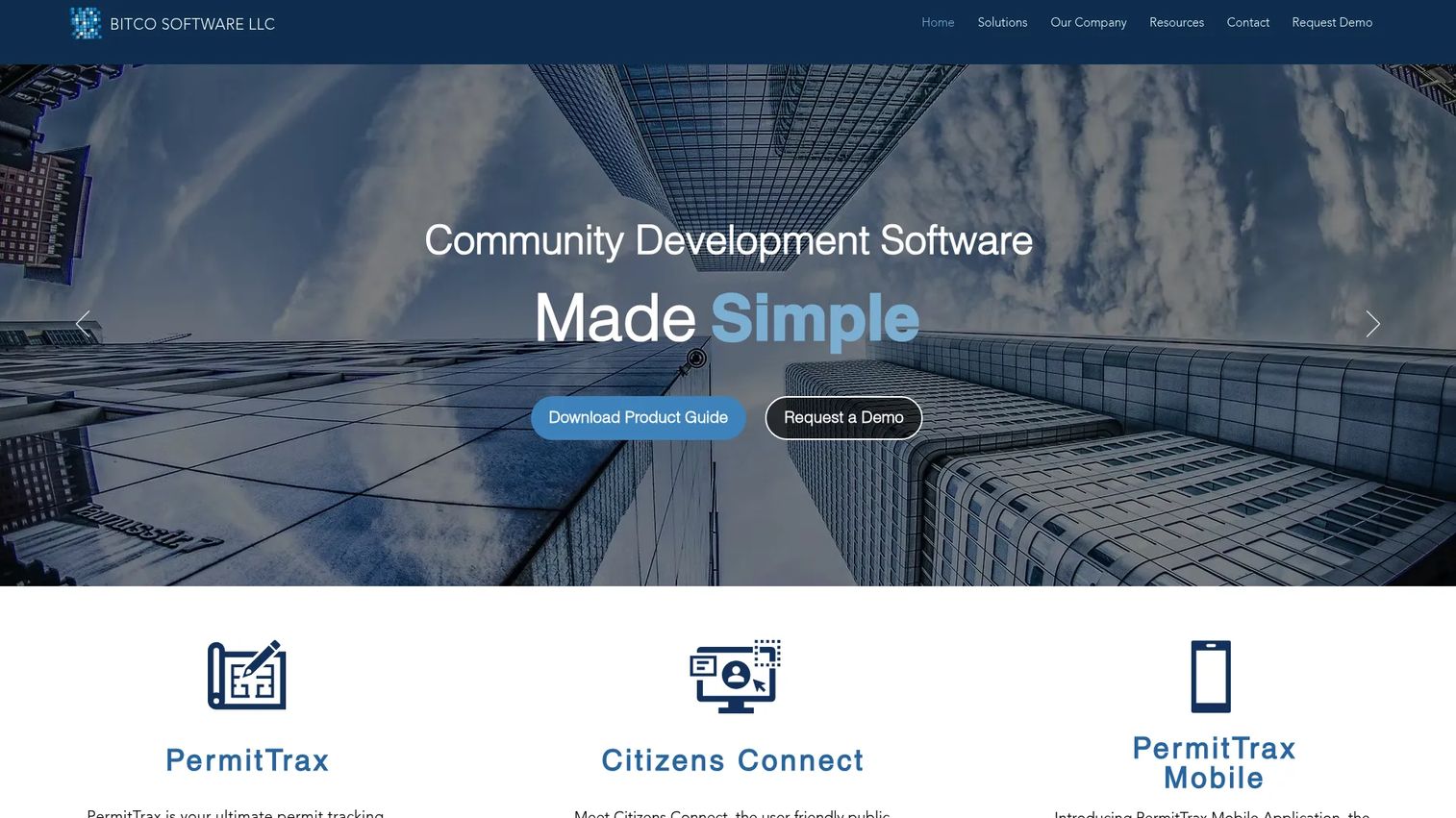
PermitTrax is a cloud land management and permitting platform for municipalities, focused on permit tracking, code enforcement, and land management workflows. It includes a citizen self-service portal called Citizens Connect, inspection scheduling with mobile field access, and permit tracking and management as the core of the system. For agencies that want a straightforward permit tracking software option with transparent pricing, it stands out for publishing figures many competitors keep behind sales.
Where PermitTrax fits is the municipal agency that wants permit, code enforcement, and land management coverage without a complex enterprise rollout. Applicants use Citizens Connect to apply and check status, inspectors schedule and complete inspections from the field, and staff manage fees and reporting from one system. The published pricing also makes budgeting easier for offices that need a clear number up front.
Best for: Municipal agencies that want permit tracking, code enforcement, and land management with transparent, unlimited-user pricing.
Key strengths
- Citizen self-service portal: Citizens Connect lets residents apply and track online.
- Field inspections: Inspection scheduling with mobile field access.
- Land management focus: Permit tracking alongside code enforcement and land management.
Why choose PermitTrax: Choose it when you want clear pricing and a focused permit and land management system rather than a broad civic suite. The unlimited-user hosted package removes seat-count math from the decision, which helps smaller municipalities plan budgets.
PermitTrax pricing: PermitTrax publishes pricing on its product guide: a hosted SaaS solution at $15,000 per year and an on-premise solution at $20,000 per year, both billed annually. The hosted package includes unlimited users, data conversions, implementation, and training. Its G2 listing currently shows limited review volume. Verify the current product guide before purchase.
7. PermitFlow
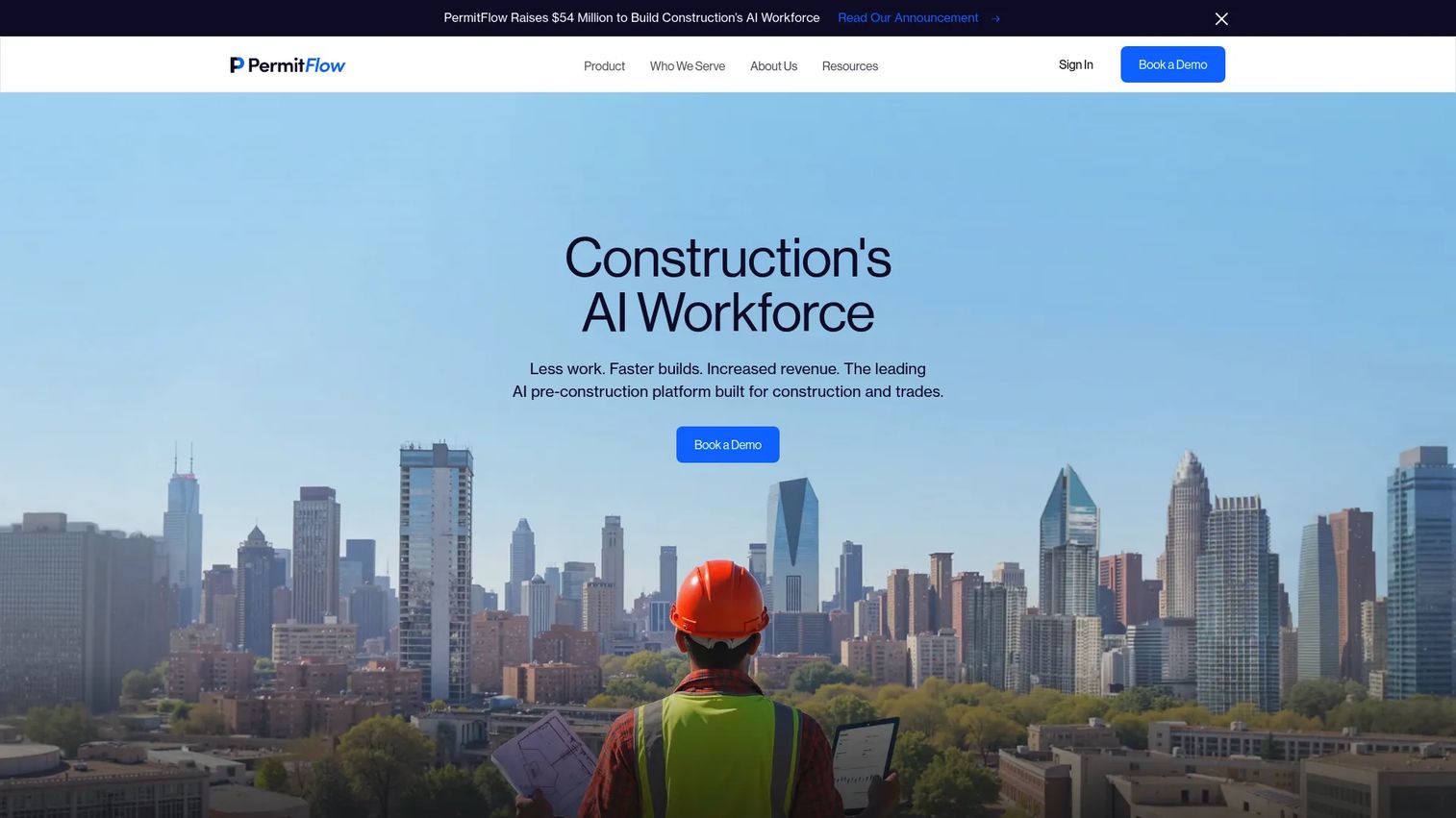
PermitFlow approaches permitting from the other side of the counter. It is an AI pre-construction platform built for construction teams that need to research, submit, and track permits across jurisdictions. Rather than helping a government issue permits, it helps builders and developers get them, which makes it the standout construction permitting software on this list.
PermitFlow uses an agent-based model. An Intake Agent pulls data from a CRM, files, and contracts. A Research Agent confirms requirements, fees, and timelines for the relevant authority having jurisdiction. Then Submission, Coordination, and Issuance agents handle filing and tracking through to the permit landing in hand. For a construction team filing across many AHJs, the value is standardization: the same repeatable process regardless of which county or city you are dealing with.
Best for: Construction teams, builders, and developers that need to automate permit research, submission, and tracking across jurisdictions.
Key strengths
- AI intake: An Intake Agent pulls permit data from CRM, files, and contracts.
- AHJ research: A Research Agent confirms requirements, fees, and timelines per jurisdiction.
- End-to-end filing: Submission, Coordination, and Issuance agents file and track permits to issuance.
Why choose PermitFlow: Choose it when you are the applicant, not the agency, and permitting delays are eating into your construction timelines. Its AHJ research and agent-driven workflow remove the guesswork of filing across unfamiliar jurisdictions, which is exactly the pain builders feel most.
PermitFlow pricing: PermitFlow does not publish public pricing and routes prospects to book a demo, with fees defined by order form. Its G2 seller page currently shows limited review volume. Book a demo and request pricing scoped to your project volume and the jurisdictions you file in.
How to choose the right permit management software
Once you have a shortlist, the decision usually comes down to a handful of practical questions rather than a feature-by-feature bake-off.
Match the tool to your permitting motion
The single biggest fork is municipal versus construction. If you issue permits, you want government permitting software like Accela, Cloudpermit, iWorQ, OpenGov, Oracle, or PermitTrax. If you file permits as a construction team, PermitFlow is built for your side of the counter. Do not evaluate them against each other; they solve different problems.
Size the platform to your department complexity
A large agency running many interrelated civic functions needs configurable workflow routing across departments, which is where enterprise platforms earn their cost. A single building department is better served by a focused tool that does not carry enterprise overhead. Be honest about how many permit types and departments you actually run.
Weigh applicant volume and portal needs
If your counter and phones are the bottleneck, prioritize a strong online permit portal with resident self-service and a contractor portal. High applicant volume makes portal quality and automated notifications the features that move your turnaround times most.
Confirm inspection and field support
If field inspections are a large share of your work, test the mobile experience directly. Inspection scheduling, offline capability, checklists, and same-day result sync separate a tool that helps inspectors from one that adds a step.
Check integrations and implementation effort
Confirm the platform connects to your finance, payment, GIS, and document systems, and get a realistic implementation timeline. Configuration depth is a strength for complex agencies but adds setup time, so scope it before you sign.
Conclusion
The right permit management software depends less on which tool has the longest feature list and more on which permitting motion you actually run. For large government agencies juggling permitting, licensing, and inspections across departments, Accela and OpenGov Permitting & Licensing offer the configurable, government-wide coverage that scale demands. Mid-sized municipal building departments will find Cloudpermit and iWorQ Systems focused and practical, with iWorQ's no-per-seat model easing budget pressure. Oracle Permits and Inspections suits agencies that want deep process automation and strong field inspection support, while PermitTrax offers transparent pricing for permit tracking and land management.
Construction teams sit on the other side of the counter entirely, and PermitFlow is the clear fit for automating research, submission, and tracking across jurisdictions.
Shortlist based on three things: workflow complexity, applicant volume, and inspection needs. Then request a demo scoped to your real permit types, and test the applicant portal and mobile inspection experience before you commit. Those two touchpoints, not the sales deck, are where turnaround times are won or lost.
FAQs
It removes the manual handoffs that create delay. Applications route automatically to the right departments, incomplete submissions get flagged at intake, and status is visible to everyone at once. Automated notifications cut the phone calls and re-work that stretch a two-week review into two months, so permits move faster without adding staff.
For most municipalities, the highest-impact features are a strong online permit portal for applicant self-service, configurable workflow routing across departments, mobile inspection support, and clear reporting on turnaround times. Configurable forms and fees and integrated payments matter too, because they reduce counter traffic and manual fee calculation.
Yes. Most modern platforms include permit inspections software with mobile field access, so inspectors pull up checklists, capture results and photos on site, and sync instantly. Good inspection scheduling also balances inspector routes and lets applicants book slots through the portal, which reduces missed inspections and repeat trips.
AI permit processing speeds up the front of the pipeline. It can pull data from documents and contracts, check applications for completeness, confirm jurisdiction-specific requirements, and flag issues before a human reviewer sees the file. On the construction side, AI agents research AHJ requirements and prepare submissions, which standardizes filing across many jurisdictions.
Look for a public portal that lets applicants apply, upload documents, pay fees, check real-time status, and schedule inspections without calling the office. Resident self-service and a dedicated contractor portal reduce inbound calls sharply. Mobile responsiveness and clear status updates are what actually shift load off your front counter.
Yes, they sit on opposite sides of the counter. Municipal permitting software helps governments issue and manage permits, with intake, routing, inspections, and licensing. Construction permitting software helps builders and developers research requirements, prepare submissions, and track permits across jurisdictions. Evaluate them for your role, not against each other.
The system routes each permit type through a configured approval workflow, sending it to building, zoning, fire, engineering, or other departments in the right sequence or in parallel. Each department sees its queue, records decisions, and passes the permit forward automatically. Management gets visibility into where a permit sits and which step is holding it up.
The integrations that matter most connect permitting to the systems around it: finance and payment processing for fees, GIS mapping for parcel and land data, document management for plan review, and licensing systems where relevant. For construction teams, CRM integration matters so permit data flows from existing project records rather than manual entry.