A single misconfigured server does not announce itself. It sits quietly out of spec until a deploy breaks, an audit flags it, or an outage traces back to a change nobody documented. Multiply that across hundreds of nodes, three clouds, and a dozen engineers, and you get the daily reality most operations teams live with: systems that slowly drift away from the state you approved.
That drift is expensive. The configuration management software market is projected to grow from $17.26 billion in 2025 to $36.7 billion by 2030, a 16.3% CAGR, according to The Business Research Company (2025). Spending like that does not happen because teams enjoy buying tools. It happens because manual configuration does not scale, and because auditability and compliance requirements keep tightening.
For presales engineers, this category shows up in nearly every technical validation. Buyers ask how you enforce desired state, catch configuration drift before it causes an incident, and prove compliance to their security reviewers. Answering those questions well means knowing the tools cold. If you are also shaping how buyers experience your own product during evaluation, the way you frame technical fit matters as much as the interactive demo itself.
This guide compares nine configuration management tools across DevOps automation, enterprise governance, open-source desired-state management, and hybrid cloud operations. We keep it practical: what each tool does best, who it fits, and where it sits in a real stack.
What's inside
This guide is for presales engineers, DevOps leads, and IT operations teams evaluating configuration management software in 2026. It covers both interpretations of the category: infrastructure configuration management for servers and cloud resources, and the broader governance layer that ties change control to service processes.
We selected tools based on four criteria: strength of desired-state enforcement and drift detection, integration fit with CI/CD and CMDB workflows, suitability across multi-environment and hybrid cloud setups, and clarity of pricing and support for enterprise-scale operations. The list spans open-source engines, infrastructure-as-code tools, container orchestration, and enterprise ITSM platforms, because real environments rarely stay inside one box.
TL;DR
- Best overall for DevOps automation: Ansible, agentless and readable, with the widest ecosystem.
- Best for enterprise governance: Puppet, built for policy-driven desired-state enforcement at scale.
- Best for code-centric teams: Chef, infrastructure-as-code with strong compliance tooling.
- Best for high-scale remote execution: Salt, fast and event-driven.
- Best for infrastructure provisioning: Terraform, the standard for reproducible infrastructure as code.
- Best for containerized workloads: Kubernetes, declarative config across clusters.
- Best for ITSM and CMDB governance: ServiceNow, enterprise change control and service data.
- Best for Atlassian-native teams: Jira Service Management, change control tied to existing workflows.
- Best enterprise-grade Ansible: Red Hat Ansible Automation Platform, with lifecycle governance and support.
What is configuration management software?
Configuration management software is a category of tools that define, enforce, and maintain the desired state of infrastructure and systems, then detect and correct any drift away from that state. Instead of configuring servers by hand, you describe the target configuration as code, and the tool reconciles reality against it.
The core capabilities are consistent across the category:
- Desired-state management: Declare how a system should be configured, and the tool enforces it continuously.
- Drift detection: Compare live systems against the approved baseline and flag or correct deviations.
- Automation and policy enforcement: Apply changes at scale with rules that gate what is allowed.
- Version control and reproducibility: Track every change so environments can be rebuilt identically.
- Auditability and compliance: Produce evidence of who changed what, when, and against which policy.
It helps to separate three related terms that get blurred. Infrastructure configuration management (the focus of tools like Ansible, Puppet, and Chef) enforces the state of servers, networks, and cloud resources. Software configuration management is the discipline of versioning application source code and build artifacts, closer to Git and release engineering. A CMDB, or configuration management database, is the system of record for assets and their relationships. It stores what exists and how it connects, while configuration management tools do the actual enforcement and execution. Modern teams increasingly wire these together, using GitOps workflows to drive change and CMDB integration to keep the inventory honest.
When to use configuration management software
Prevent configuration drift at scale
Once you pass a few dozen systems, manual consistency breaks down. Someone patches one box and forgets three others. Configuration management software keeps every node aligned to an approved baseline, re-applying the correct state on a schedule so drift never accumulates silently. This is the difference between finding a misconfiguration during a routine reconciliation and finding it during a 2 a.m. incident.
Standardize changes across environments
Dev, staging, and production should differ only where you intend them to. When configuration lives as code, the same definition promotes cleanly across environments, removing the manual variation that causes "works in staging, breaks in prod." Multi-environment support turns environment parity from a hope into an enforced property.
Improve audit readiness and compliance
Regulated teams need to show, not claim, that controls are in place. Versioned configuration, policy enforcement, and change history give auditors a clean trail. When a reviewer asks how you prevent unauthorized changes, you point at the policy code and the drift reports rather than scrambling for screenshots. That posture is what makes compliance readiness routine instead of a quarterly fire drill.
Support hybrid cloud and multi-environment operations
Distributed estates spanning on-prem, multiple public clouds, and containers make manual configuration untenable. Hybrid cloud configuration management gives you one consistent way to enforce state across everything, so a policy defined once applies whether the workload runs in your data center or a managed cloud region.
Comparison table
The table below positions each tool by primary intent so you can spot fit quickly. Sort your shortlist by the job you need done: infrastructure automation, enterprise IT governance, open-source desired-state management, or hybrid cloud orchestration. Pricing and ratings reflect the vendors' published figures where available; several enterprise tools use quote-based pricing.
| # | Product | Intent | Key differentiation | Pricing | G2 rating |
|---|---|---|---|---|---|
| 1 | Ansible | DevOps automation | Agentless, YAML playbooks, broad ecosystem | Free community project; enterprise via subscription | - |
| 2 | Puppet | Enterprise IT governance | Policy-driven desired-state at scale | Free Core Developer under 25 nodes; custom above | 4.2/5 |
| 3 | Chef | Infrastructure as code | Policy-as-code with compliance automation | From $59 per node/year | 4.2/5 |
| 4 | Salt | Open-source desired-state | Event-driven, fast remote execution | Open source | - |
| 5 | Terraform | Infrastructure as code | Reproducible provisioning, plan/apply workflow | Free tier; paid from $0.10 per resource/month | - |
| 6 | Kubernetes | Hybrid cloud orchestration | Declarative container config, self-healing | Open source | 4.6/5 |
| 7 | ServiceNow | Enterprise IT governance | ITSM, CMDB, change control | Custom quote | 4.4/5 |
| 8 | Jira Service Management | Policy and compliance control | Change control in the Atlassian ecosystem | Free up to 3 agents; paid per agent | 4.3/5 |
| 9 | Red Hat Ansible | Enterprise automation | Governance and lifecycle controls on Ansible | Custom quote | 4.6/5 |
1. Ansible
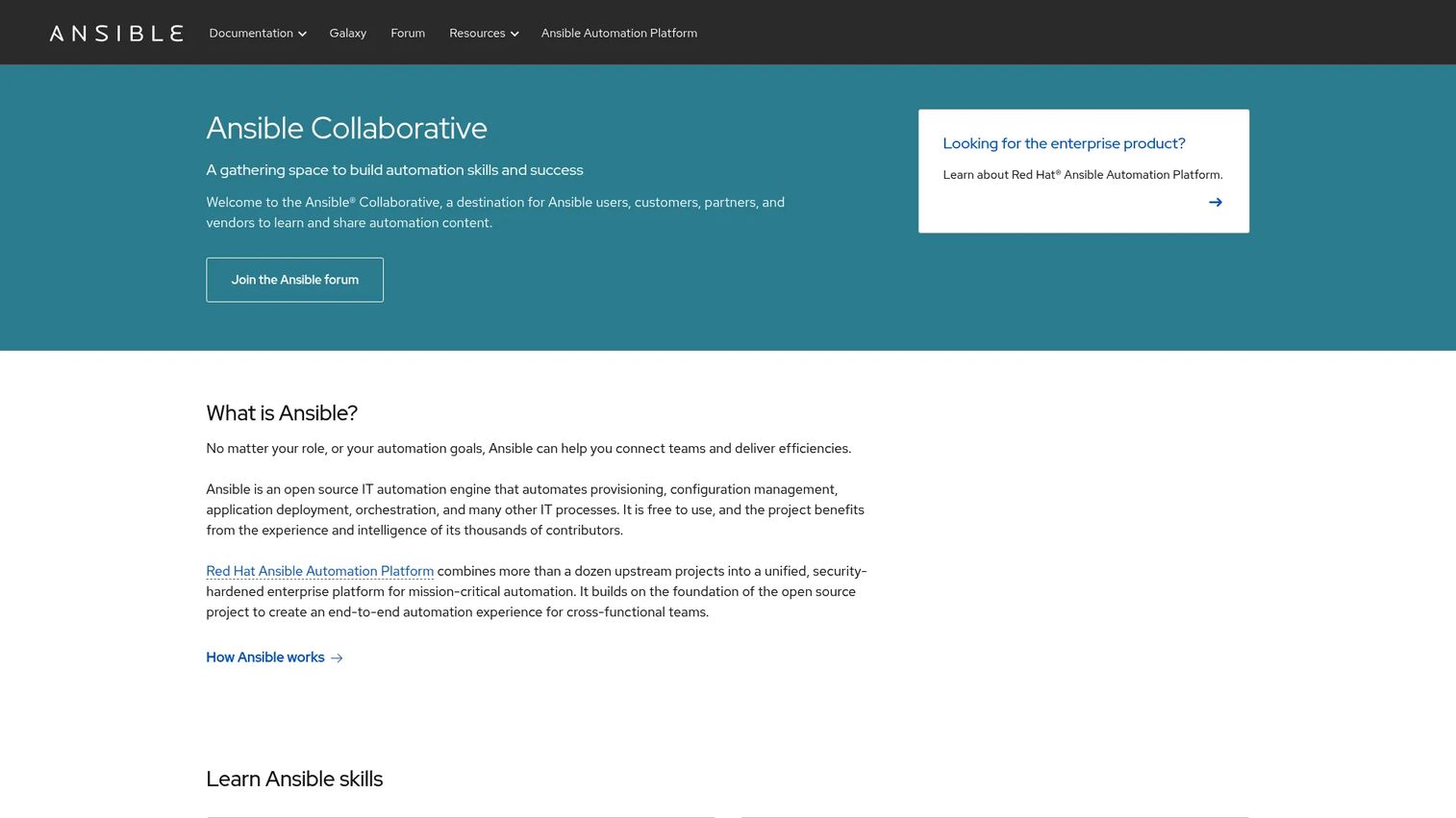
Ansible is the most accessible entry point into configuration management for most DevOps and IT teams. It is an open-source automation engine that uses agentless architecture and human-readable YAML playbooks, so you describe desired state in plain declarative files and Ansible applies them over SSH. There is nothing to install on target nodes, which lowers the operational overhead of getting started.
Best for: DevOps and IT teams that want readable, agentless automation with a large module ecosystem.
Key strengths
- Agentless automation: Manage nodes over SSH with no agent to deploy, patch, or maintain.
- YAML playbooks: Configuration reads like documentation, which keeps teams aligned and reviewable.
- Configuration management and orchestration: Handle both state enforcement and multi-step workflows from one tool.
Why choose Ansible: If your team values readability, quick onboarding, and version-controllable definitions, Ansible is hard to beat. Playbooks live in Git naturally, which supports reproducibility and clean code review. The agentless model means you can bring a fleet under management without a separate rollout project first.
Ansible pricing: The community Ansible project is free and open source. Red Hat offers the enterprise platform on a subscription basis, and public pricing is not listed on the primary sources reviewed. Teams typically start with community Ansible and move to the supported platform when governance and scale demand it.
For drift control, Ansible re-applies playbooks to keep systems on baseline, and its idempotent modules mean running the same playbook repeatedly converges to the same state. That predictability is what makes repeatable change management practical across environments.
2. Puppet
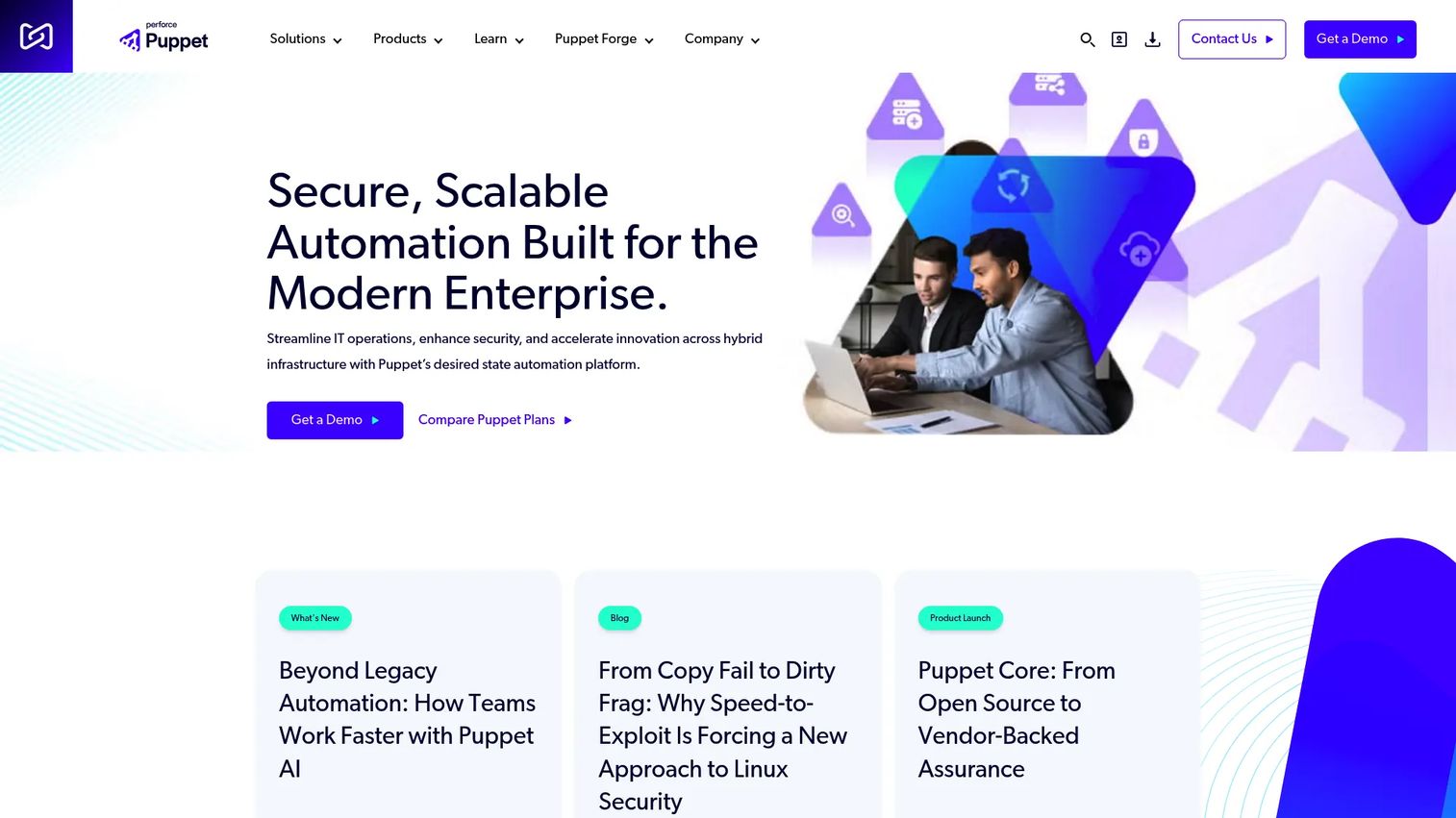
Puppet is built for large environments that need policy-driven desired-state enforcement and long-term standardization. It uses a declarative model where you define the state a system should be in, and Puppet continuously enforces it, correcting drift on each run. For organizations that treat configuration as a governance concern, that continuous enforcement loop is the appeal.
Best for: Teams needing enterprise-scale infrastructure automation with strong security and compliance enforcement.
Key strengths
- Desired state automation: Continuously reconciles systems to the declared configuration.
- Configuration management: Manages complex, heterogeneous fleets from a central model.
- Security and compliance enforcement: Bakes policy directly into the enforced state.
Why choose Puppet: Puppet suits organizations that want configuration to be a controlled, auditable system rather than a set of scripts. Its model-driven approach scales well when many teams share infrastructure and standardization matters more than speed of ad hoc changes. Security and compliance enforcement is a first-class capability, not an afterthought.
Puppet pricing: Puppet lists Core, Enterprise, and Advanced plans. The Core Developer tier is free for under 25 nodes, which is useful for evaluation and small footprints. Commercial, Enterprise, and Advanced tiers are custom or contact-sales offerings. Puppet holds a 4.2/5 rating on G2.
For enterprise governance, Puppet's continuous enforcement and reporting give you defensible evidence of state, which shortens compliance conversations and reduces the surface for unauthorized change.
3. Chef
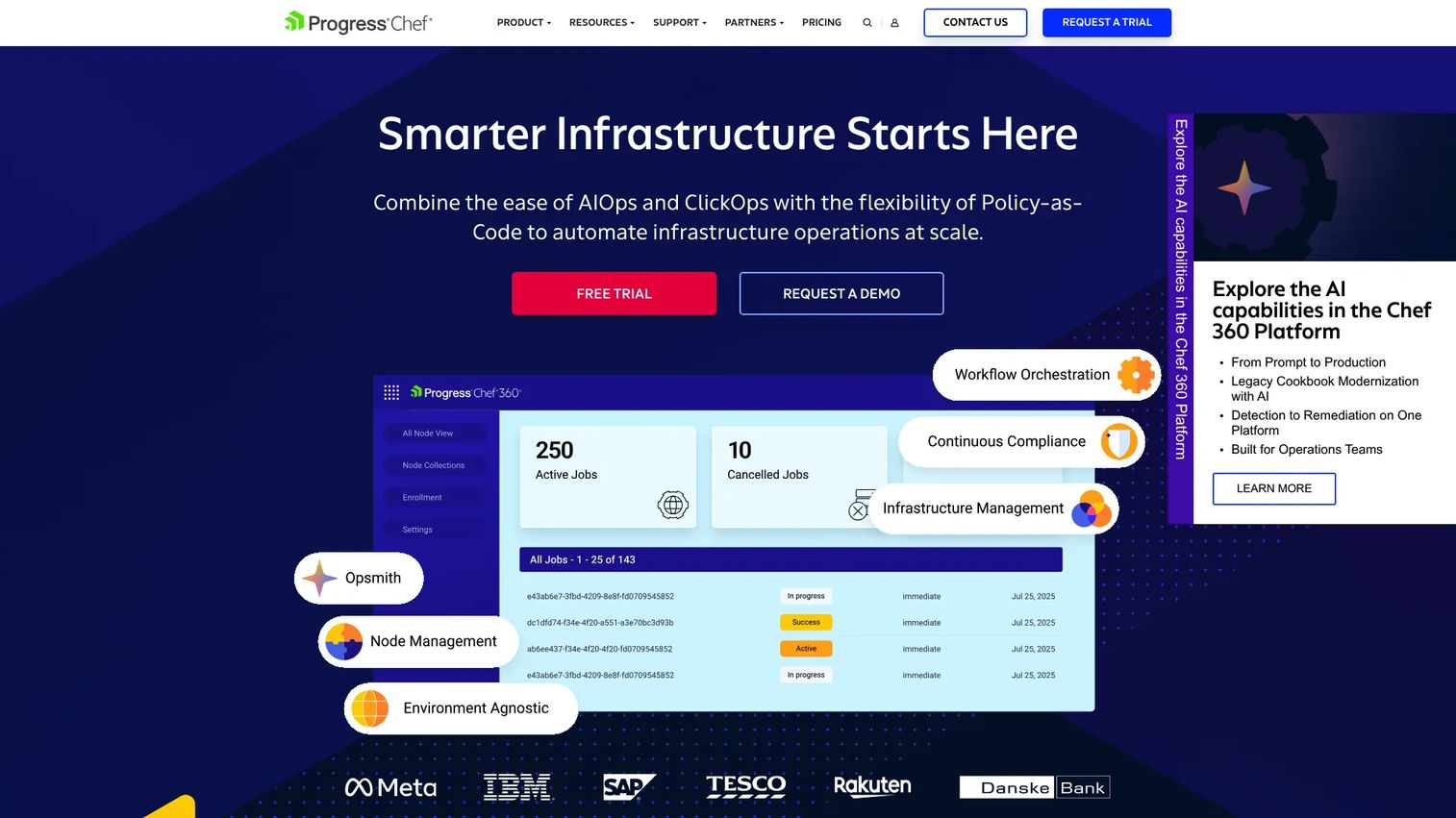
Chef brings a code-centric philosophy to configuration management. It is a DevSecOps and infrastructure automation platform where configuration is expressed as policy-as-code, appealing to teams that want programmable, testable control over their systems. Chef Infra applies desired state, detects drift, and corrects it across Windows, Linux, macOS, cloud, and edge.
Best for: Organizations needing infrastructure automation, compliance, and orchestration at scale.
Key strengths
- Infrastructure management: Programmable, code-first control over system state.
- Compliance management: Policy-as-code with drift detection and correction built in.
- Job orchestration: Coordinates multi-node changes with automation discipline.
Why choose Chef: Chef fits teams that treat infrastructure like software: tested, versioned, and reviewed. If your engineers are comfortable writing code and want compliance woven into the same workflow, Chef's policy-as-code approach keeps enforcement and audit evidence in one place. Its cross-platform reach covers mixed estates cleanly.
Chef pricing: Chef publishes clear per-node pricing. The Business tier is $59 per node per year, Enterprise is $189 per node per year, and Enterprise Plus is a custom quote. That transparency helps with budgeting when you can forecast node counts. Chef holds a 4.2/5 rating on G2.
The emphasis on repeatability and automation discipline makes Chef a strong choice where audit trails and reproducible builds carry real weight.
4. Salt

Salt is an open-source automation engine known for fast remote execution and event-driven automation at high scale. Beyond configuration management, Salt reacts to events across your infrastructure, which suits teams that want responsive, real-time control alongside desired-state enforcement.
Best for: Teams needing open-source infrastructure automation and configuration management at scale.
Key strengths
- Remote execution: Run commands across large fleets quickly and in parallel.
- Configuration management: Enforce desired state across many nodes.
- Automation and orchestration: Coordinate complex, event-driven workflows.
Why choose Salt: Salt earns its place when scale and speed matter. Its architecture is designed to reach thousands of nodes efficiently, and its event-driven model lets infrastructure respond to changes automatically rather than waiting for the next scheduled run. For teams that value operational responsiveness, that reactivity is the differentiator.
Salt pricing: Salt is an open-source project, and no public pricing page with paid plan prices was found on the brand site. Teams adopt it as free, self-managed software and layer their own support and operations around it.
For high-scale environments, Salt's speed of remote execution shortens the time between deciding on a change and seeing it applied everywhere, which keeps drift windows short.
5. Terraform
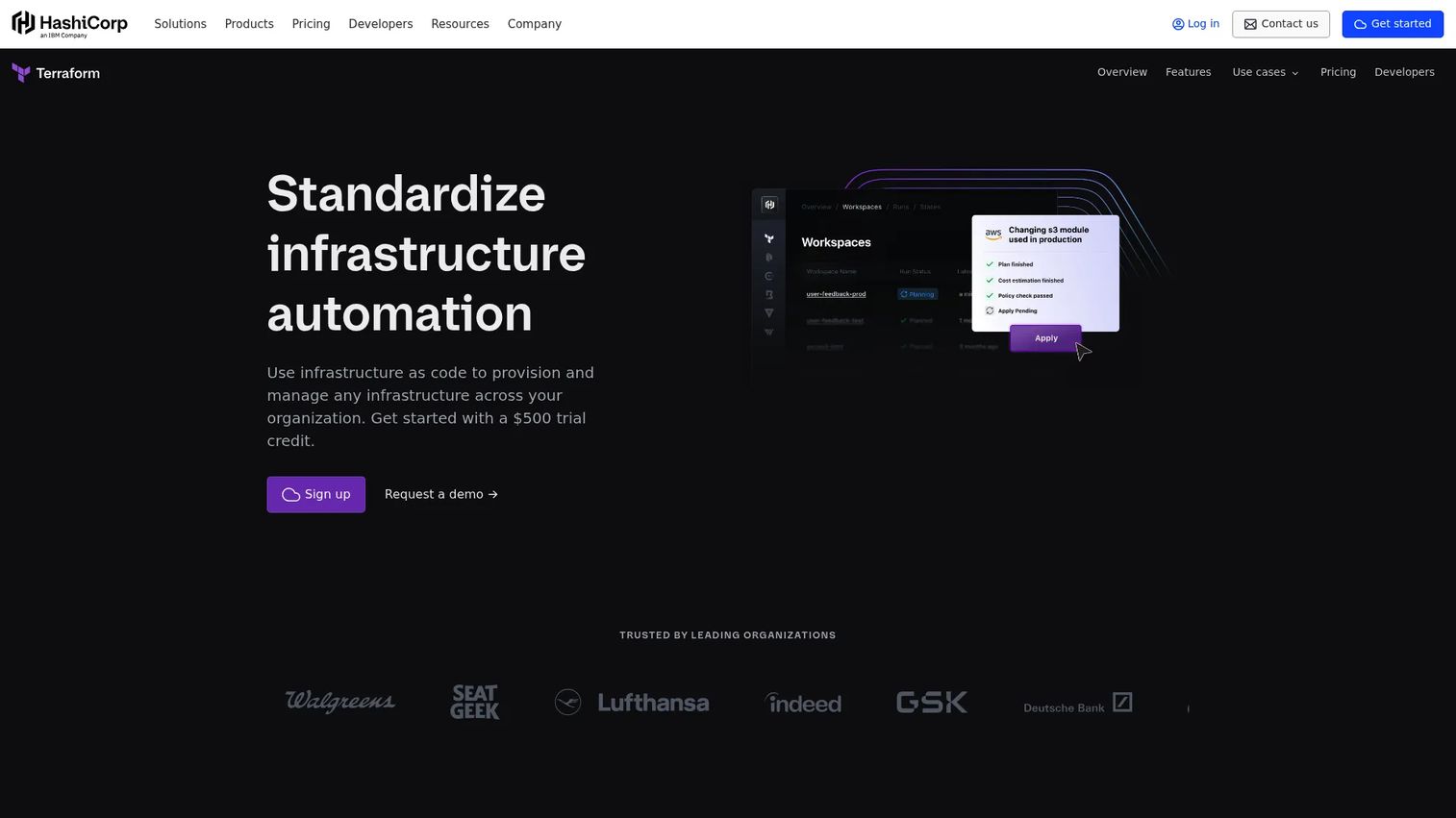
Terraform is the standard for infrastructure as code. It defines, changes, and versions cloud and on-prem resources through human-readable configuration and a safe plan/apply workflow. It is worth being precise here: Terraform excels at provisioning and reproducible environment setup, and it sits adjacent to classic configuration management rather than always replacing it.
Best for: Teams managing cloud and on-prem infrastructure with infrastructure-as-code workflows.
Key strengths
- Human-readable configuration: Declarative definitions for infrastructure resources.
- Plan/apply workflow: Preview changes safely before they touch anything.
- Remote state and module registry: Version control integration and reusable modules for reproducibility.
Why choose Terraform: Terraform is the right tool when your problem is provisioning and lifecycle management of infrastructure itself, creating the servers, networks, and managed services. Many teams pair it with a configuration management tool like Ansible: Terraform stands up the resources, then Ansible configures what runs on them. Knowing that boundary keeps your stack clean.
Terraform pricing: A free tier is available for small teams. Paid plans include Essentials starting at $0.10 per month per resource, Standard at $0.47 per resource, Premium at $0.99 per resource, and Enterprise with custom pricing. The per-resource model scales with the size of your managed estate.
Terraform's best-use boundary is clear: reach for it to build and version infrastructure, and pair it with configuration management when you also need to enforce in-system state over time.
6. Kubernetes
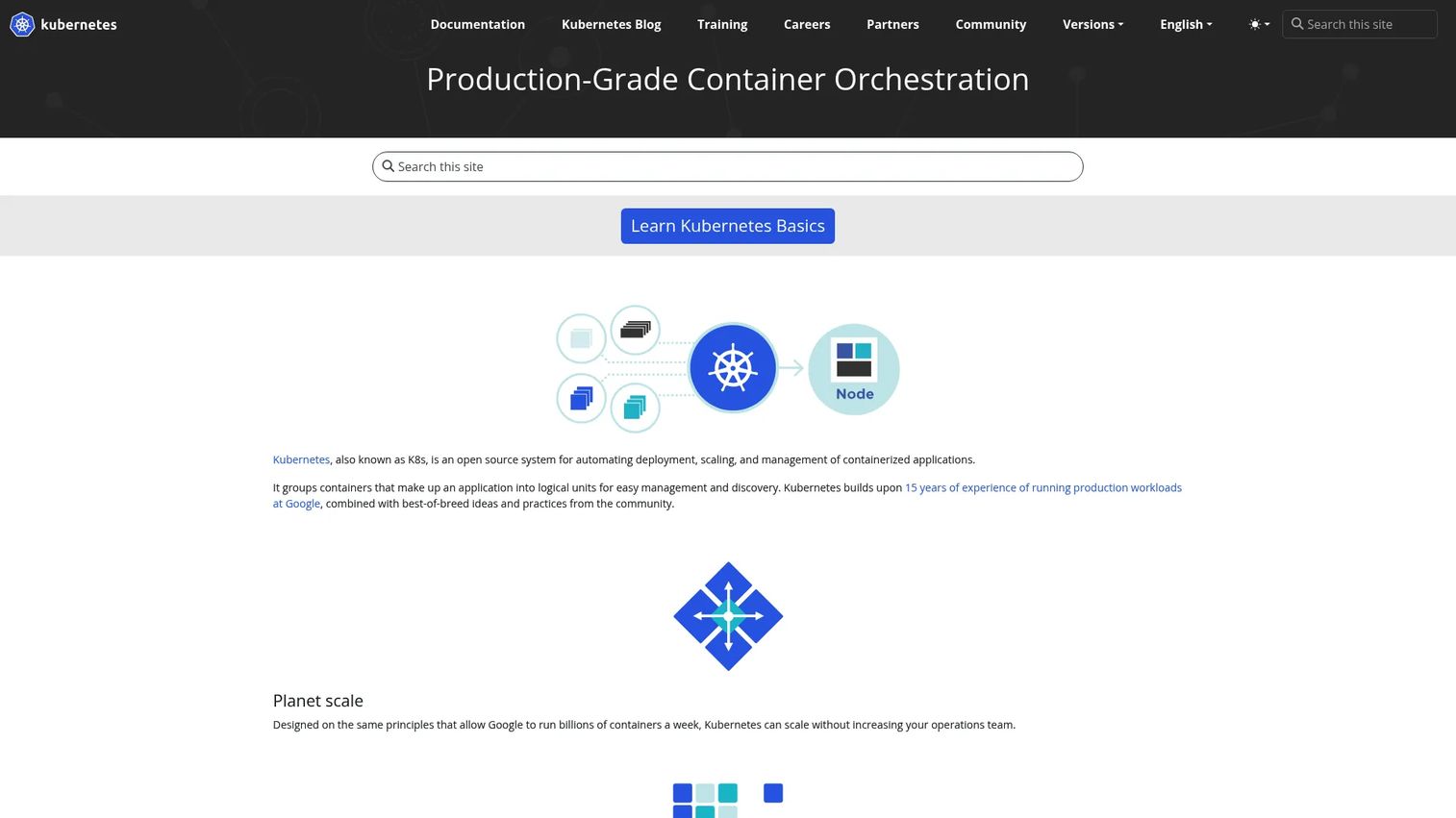
Kubernetes is the control plane for containerized workloads, and its configuration model is inherently declarative. You describe the desired state of your applications, and Kubernetes continuously works to match reality to that spec, restarting failed containers and replacing unhealthy replicas. For container-native teams, that reconciliation loop is configuration management by design.
Best for: Teams needing a portable, extensible platform to run and orchestrate containerized workloads at scale.
Key strengths
- Automated deployment and scaling: Declaratively manage containerized workloads and scale them on demand.
- Self-healing: Restarts failed containers and replaces replicas to hold desired state.
- Service discovery and networking: Built-in load balancing and networking across clusters.
Why choose Kubernetes: Kubernetes fits when your applications are containerized and consistency across clusters and deployments is non-negotiable. Its declarative manifests version cleanly in Git, which is why GitOps workflows are so common in Kubernetes shops. Configuration drift in a cluster gets reconciled automatically rather than accumulating.
Kubernetes pricing: Kubernetes is an open-source project with no public pricing on the official site. Teams run it themselves or through managed offerings, and cost comes from the underlying infrastructure and operations rather than a Kubernetes license. Kubernetes holds a 4.6/5 rating on G2.
In a broader config management workflow, Kubernetes handles the runtime state of containerized applications while tools like Terraform provision the clusters and Ansible manages the hosts underneath.
7. ServiceNow
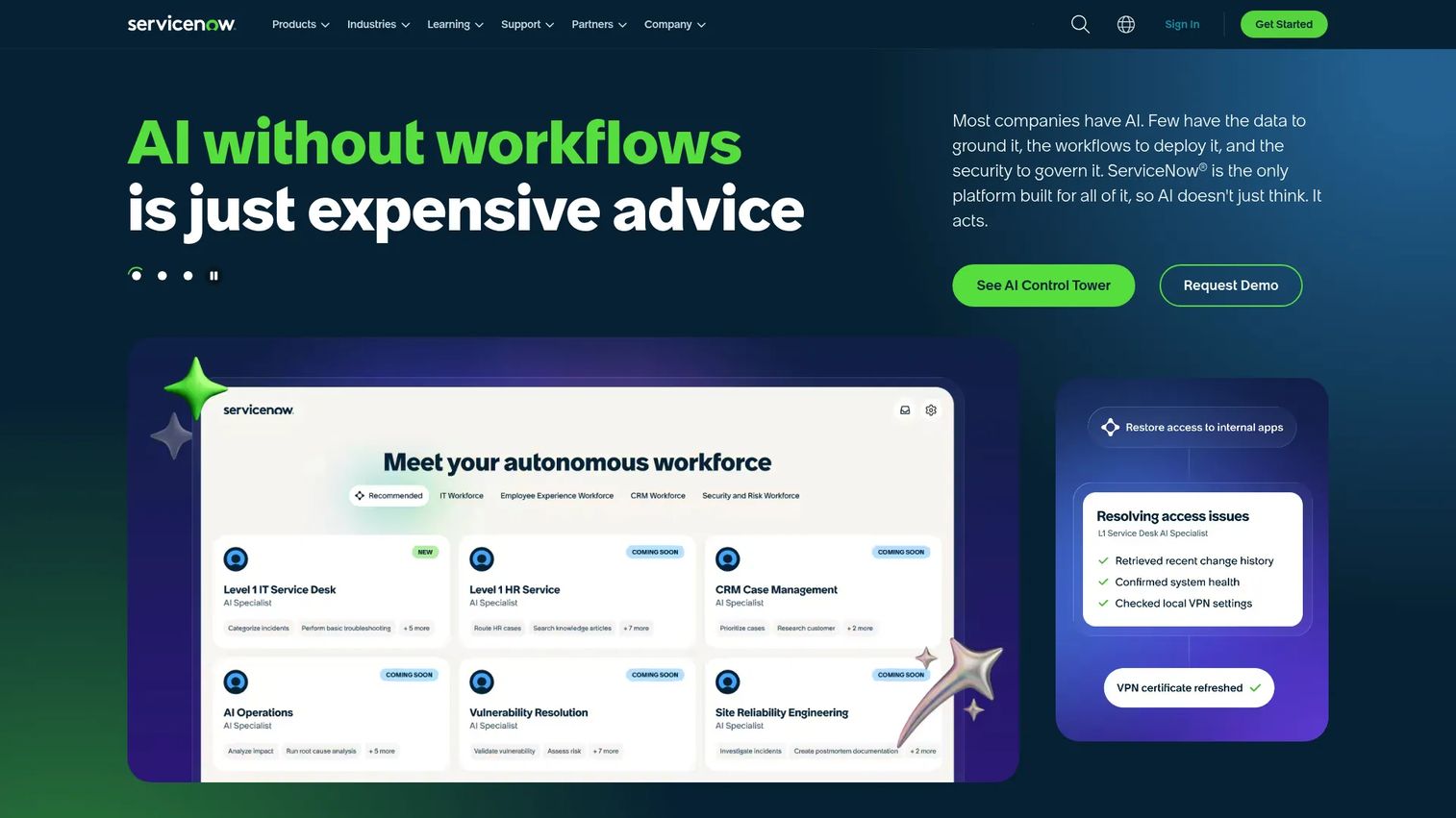
ServiceNow approaches configuration from the enterprise governance side. It is an enterprise AI workflow platform for IT, and its CMDB, change management, and service processes are where configuration data lives as a system of record. Where the automation engines enforce state on machines, ServiceNow governs the change process and tracks configuration items and their relationships.
Best for: Large enterprises standardizing and automating cross-department workflows.
Key strengths
- Unified platform: AI, data, and workflows on a single cloud platform.
- Workflow automation and governance: AI agents and a control tower for automating and governing change.
- Extensible app platform: App Engine and the ServiceNow Store to build and extend enterprise applications.
Why choose ServiceNow: ServiceNow suits governance-heavy organizations where change control, CMDB accuracy, and cross-team service processes matter as much as the technical enforcement. It becomes the authoritative record of what exists and how changes get approved, which pairs naturally with execution tools that do the actual configuration work.
ServiceNow pricing: ServiceNow's ITSM pricing pages list packages such as ITSM Foundation, Advanced, and Prime, with quote-based pricing rather than public numbers. Pricing is tailored to enterprise scope and modules. ServiceNow holds a 4.4/5 rating on G2.
For ITSM and CMDB-centric organizations, ServiceNow provides the governance and CMDB integration layer that ties automated configuration enforcement to auditable change processes.
8. Atlassian Jira Service Management
Atlassian Jira Service Management brings IT service workflows together with configuration visibility and change control. For teams already living in the Atlassian ecosystem, it ties incident, problem, change, and asset and configuration management into the same place they track everything else, which keeps context from scattering across tools.
Best for: Teams needing an Atlassian-based ITSM platform for internal and external service requests.
Key strengths
- Request and incident management: Handle service requests and incidents in one queue.
- Change management: Route configuration changes through approval and review.
- Asset and configuration management: Track configuration items alongside service data.
Why choose Jira Service Management: If your engineering org already runs on Jira, keeping change control and configuration visibility in the same platform reduces handoff friction and lost context. Change requests link directly to the work items and code that drive them, so the audit trail forms naturally as part of daily work.
Jira Service Management pricing: It offers a Free plan for up to 3 agents, Standard and Premium tiers priced per agent per month, and Enterprise via contact sales. The free tier makes it easy to trial for small teams. Jira Service Management holds a 4.3/5 rating on G2.
Its fit is strongest for teams that want change control tied to configuration visibility without adopting a separate enterprise governance platform.
9. Red Hat Ansible
Red Hat is the enterprise-grade home for Ansible. It adds governance, lifecycle controls, and support on top of the open-source engine, aimed at larger organizations standardizing automation across hybrid IT. Where community Ansible gives you the engine, the platform gives you the controls around it.
Best for: Enterprises standardizing and enforcing configuration across hybrid cloud, network, security, and operations teams.
Key strengths
- Automation controller: Centralized control, scheduling, and role-based access for automation.
- Automation mesh: Scales execution across distributed and hybrid environments.
- Event-Driven Ansible: Triggers automation in response to observed events.
Why choose Red Hat Ansible Automation Platform: Choose it when you love Ansible's model but need enterprise policy, scale, and support. The platform adds the governance and access controls that large orgs require, plus a supported path for hybrid cloud configuration management across teams that would otherwise run disparate tooling.
Red Hat Ansible Automation Platform pricing: Red Hat prices the platform by sizing and subscription and directs buyers to request a quote, with Standard and Premium support plans available. No public numeric price is shown. Red Hat Ansible Automation Platform holds a 4.6/5 rating on G2.
For enterprises, the emphasis on policy, scale, and supported automation makes it the natural progression from community Ansible once governance requirements grow.
Considerations
Choosing among these tools comes down to matching the tool's model to your operational reality. Use this checklist to narrow the field before you get lost in vendor specifics.
Automation model
Decide whether you need agentless, code-first, or event-driven automation. Agentless tools reduce the footprint on target systems. Code-first models suit teams that treat infrastructure like software. Event-driven engines fit environments that must react in real time. The right model depends on your team's skills and how dynamic your infrastructure is.
Drift detection and reporting
Verify how each tool detects drift, what it does when it finds it, and what evidence it produces. Look for clear baseline visibility, automatic correction options, and audit trails you can hand to a reviewer. Strong reporting turns drift detection from a background task into defensible compliance evidence.
Integration and ecosystem fit
Configuration management rarely stands alone. Check how well a tool integrates with your CI/CD pipeline, CMDB, ITSM platform, and cloud providers. CMDB integration keeps your inventory accurate, and tight CI/CD fit supports GitOps workflows where change flows through version control.
Scale and environment complexity
What works for fifty servers may strain at five thousand across multiple clouds. Assess how the tool handles multi-cloud, hybrid, and containerized systems. Multi-environment support and hybrid cloud configuration management become the deciding factors as your estate grows.
Security and governance
For enterprise evaluation, confirm access control, approval workflows, and compliance evidence. Security and governance features determine whether the tool clears your internal reviews. Role-based access and change approvals are what let you scale automation without scaling risk.
Conclusion
Configuration management software is not one category but a family of related subproblems: enforcing desired state, catching drift, provisioning infrastructure, orchestrating containers, and governing change. The right choice depends on which of those problems dominates your environment.
For most DevOps teams, Ansible is the pragmatic starting point, with Red Hat Ansible Automation Platform as the enterprise path once governance grows. Puppet and Chef fit teams that want continuous, policy-driven enforcement, with Chef appealing to code-centric shops. Salt suits high-scale, event-driven operations. Terraform owns provisioning, Kubernetes owns container runtime state, and both pair well with a dedicated configuration tool. On the governance side, ServiceNow anchors enterprise ITSM and CMDB, while Jira Service Management fits teams already standardized on Atlassian.
Your next step is concrete: map your real drift, audit, and automation scenarios against these tools, then trial the two or three that match your model. Test them against your actual environment, not a demo dataset, and let outage prevention and change risk reduction guide the decision.
FAQs
Configuration management software defines, enforces, and maintains the desired state of infrastructure and systems, then detects and corrects drift away from that state. Instead of configuring systems manually, you describe the target configuration as code and let the tool reconcile reality against it. The result is consistency, repeatability, and cleaner audit evidence across environments.
Configuration management, in the infrastructure sense, controls the lifecycle state of servers, networks, and cloud resources. Software configuration management is the discipline of versioning application source code and build artifacts, closer to Git and release engineering. They overlap in spirit but solve different problems: one governs running systems, the other governs code.
Terraform is infrastructure as code focused on provisioning and lifecycle management of resources rather than classic in-system state enforcement. It excels at creating and versioning infrastructure, and it is often used alongside a configuration management tool. A common pattern is Terraform standing up the resources and Ansible configuring what runs on them.
Configuration management tools compare live systems against an approved baseline and flag or automatically correct any deviation. Because the desired state is declared explicitly, the tool always knows what "correct" looks like and can reconcile reality on each run. That closes the window in which configuration drift silently accumulates before causing problems.
For enterprise teams, look for policy enforcement, strong reporting, security and governance controls, deep integrations, and proven scale. Puppet and Red Hat Ansible Automation Platform are strong for policy-driven enforcement at scale, while ServiceNow anchors governance, change control, and CMDB integration. The best fit depends on whether your priority is technical enforcement or process governance.
A CMDB and configuration management software solve different jobs. The CMDB is your system of record for assets and their relationships, while configuration management tools do the actual enforcement and execution. Many teams use both, connecting them so the CMDB stays accurate and the enforcement layer acts on trustworthy inventory data.
Configuration management supports compliance through versioned configuration, policy enforcement, and complete change history. When a system's desired state is codified, you can prove which controls are applied and show auditors who changed what and when. That turns auditability and compliance from a manual scramble into a byproduct of normal operations.
There is no single universal winner for hybrid cloud; fit depends on your model. For consistent state enforcement across mixed estates, Ansible and Red Hat Ansible Automation Platform work well, while Terraform handles provisioning across providers and Kubernetes governs containerized workloads. Evaluate multi-environment support and integration fit against your specific mix of clouds and workloads.