A driver calls out at 5:47 a.m. Two routes need coverage before 7. Your dispatcher is toggling between a spreadsheet, a group text, and a whiteboard that's already wrong.
That's the real problem. Not the schedule itself, but the speed at which it falls apart.
Most operations teams treat driver scheduling as a calendar problem. It isn't. It's a visibility and coordination problem. When a route changes, you need to know who's available, which vehicle is free, and whether the reassignment actually landed on the driver's phone. Miss any one of those and you get late deliveries, idle assets, and a dispatcher spending the morning on damage control.
The market reflects how much this matters. The driver management software segment is valued at USD 5.8 billion in 2025 and expected to reach USD 13.2 billion by 2034, growing at an 11.2% CAGR, according to MarketIntelo (2024). Cloud-based deployments already account for 68.3% of that revenue, which tells you where operations teams are moving: away from on-premise tools that can't update in real time.
What's inside
This guide is for fleet managers, dispatchers, transportation managers, and operations leaders comparing driver scheduling software for logistics, delivery, trucking, and passenger transport. We looked past marketing language and evaluated tools on the criteria that actually reduce dispatch chaos.
We selected and ranked tools based on:
- Real-time visibility into driver availability and status
- Mobile access so drivers get assignments and updates in the field
- Automation for scheduling, reassignment, and notifications
- Fleet integration connecting schedules to vehicles, routes, and maintenance
- Reporting on utilization, coverage, and assignment history
The list favors tools that help teams create, edit, and track schedules without manual follow-up eating the morning.
TL;DR
- Best for driver-first scheduling: Driver Schedule, built around scheduling, availability, and staff coordination as the core workflow.
- Best for fleet operations depth: Fleetio, where scheduling lives inside maintenance, inspections, and asset management.
- Best for telematics-connected scheduling: Motive and Samsara, both tying schedules to GPS, safety, and compliance data.
- Best for route optimization: OptimoRoute, where stop sequencing and driver assignment plan themselves.
- Best for last-mile dispatch: Elite EXTRA and Track-POD, both built for delivery execution and proof of delivery.
What is driver scheduling software?
Driver scheduling software is a tool for assigning drivers to shifts and routes, tracking their availability, coordinating vehicle assignments, and keeping schedules updated across a fleet in real time. It replaces the spreadsheet-and-group-chat method that breaks the moment a schedule changes.
At its core, the category solves one job: get the right driver, in the right vehicle, on the right route, and make sure everyone knows about changes fast.
Core capabilities most buyers should expect:
- Calendar scheduling: assign drivers to shifts, routes, or time windows visually.
- Availability tracking: see who's on, off, on leave, or already assigned.
- Vehicle and asset assignment: connect drivers to the vehicles and equipment they'll use.
- Mobile updates: push assignments and changes to drivers' phones instantly.
- Alerts and notifications: flag coverage gaps, changes, and conflicts automatically.
- Reporting: track utilization, on-time coverage, and assignment history.
Some tools stay focused on people and shifts. Others expand into full fleet management, adding maintenance tracking, fuel, inspections, and telematics. The right choice depends on whether scheduling is your center of gravity or one layer in a bigger operation.
When to use driver scheduling software
If your schedule survives a full week without a single change, a spreadsheet might hold. Most fleets don't have that luxury. Here's where dedicated driver scheduling software earns its place.
Manage daily dispatch changes
Drivers call out. Loads get added. Weather reroutes half the day. When schedules change constantly, you need fast reassignment without rebuilding the whole board from scratch. Good driver scheduling software lets a dispatcher drag one driver onto an open route and have the change reach the field in seconds, not after a round of phone calls.
Coordinate vehicles, drivers, and time windows
Dispatch rarely depends on driver availability alone. You also need a vehicle that's fueled, inspected, and not already committed. Vehicle scheduling software that connects driver availability to asset assignment stops the double-booking that happens when those two calendars live in different places. This matters most for trucking and delivery operations where a driver without a truck is just as stuck as a truck without a driver.
Reduce manual follow-up and missed coverage
The hidden cost of manual scheduling is the follow-up. Did the driver see the change? Did the route get covered? Notifications, mobile access, and real-time status cut that back-and-forth. Instead of chasing confirmations, dispatchers see acknowledgment and status live, and the system flags a gap before it becomes a missed pickup.
Comparison table
The table below surfaces the fastest decision signals: whether a tool leads with scheduling, fleet breadth, routing depth, or last-mile delivery execution. Use it to shortlist two or three tools that match your operation, then read the sections that follow.
| # | Product | Best for | Key differentiator | Pricing | G2 rating |
|---|---|---|---|---|---|
| 1 | Driver Schedule | Driver-first scheduling and staff coordination | Scheduling, availability, and time-off as the core workflow | From $3.00/user/mo + $29.95 base/mo | Not yet rated |
| 2 | Fleetio | Scheduling inside full fleet operations | Assignments tied to maintenance, inspections, and assets | From $4/vehicle/mo (billed annually) | 4.6/5 |
| 3 | Motive | Telematics-connected fleet scheduling | Scheduling within a unified safety and operations platform | Contact sales | 4.4/5 |
| 4 | Samsara | Enterprise fleet and driver visibility | Real-time operations across fleet, safety, and assets | Quote-based | 4.5/5 |
| 5 | OptimoRoute | Route optimization and scheduling | Multi-stop route planning with driver assignment | From $35.10/driver/mo (billed annually) | 4.8/5 |
| 6 | Elite EXTRA | Last-mile dispatch and delivery | Customizable routing, dispatch, and returns automation | Custom quote | Not listed |
| 7 | Track-POD | Delivery scheduling with proof of delivery | ePOD and route planning in one driver app | From $49/driver/mo (billed annually) | 4.5/5 |
1. Driver Schedule
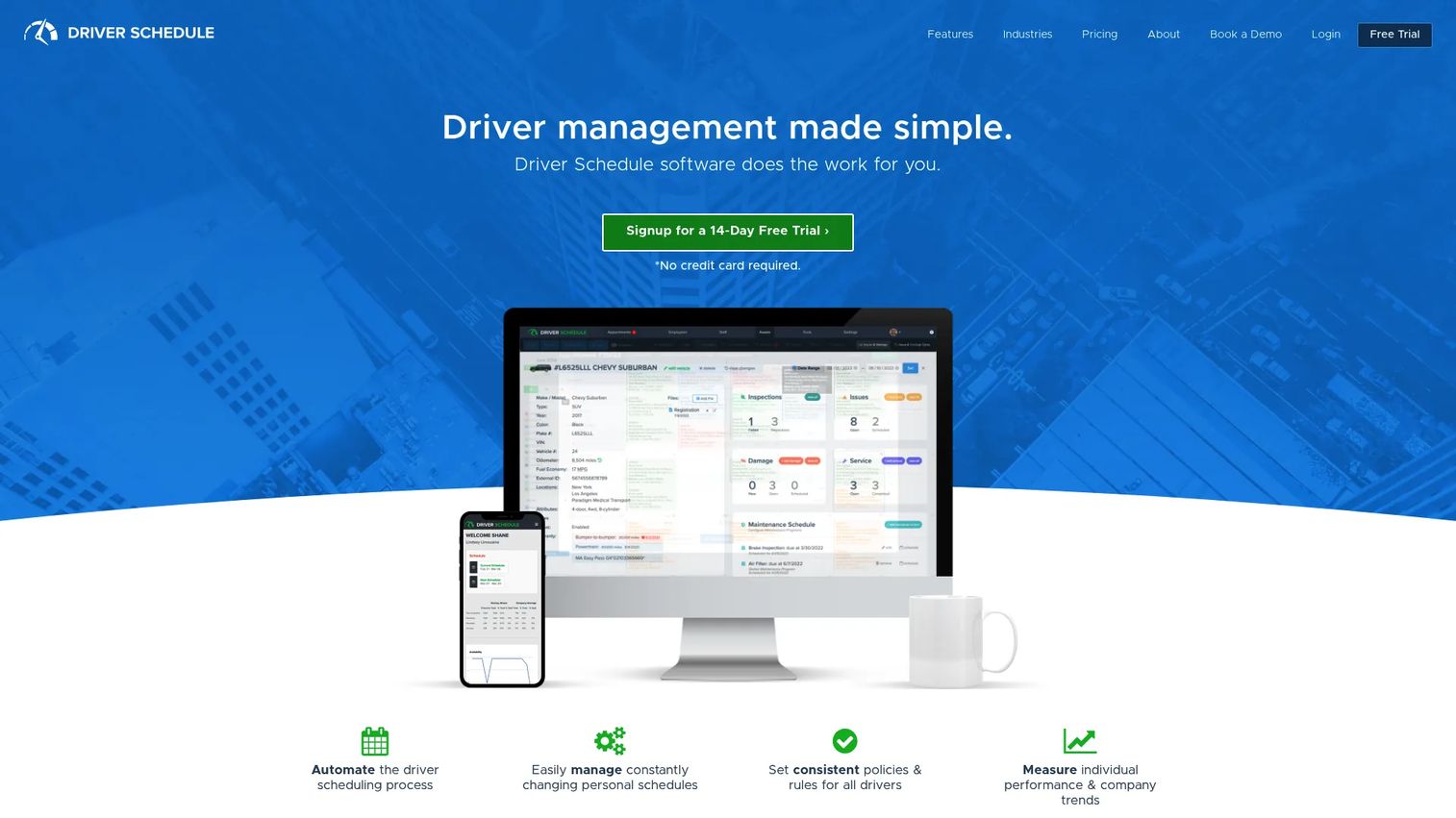
Driver Schedule is built for teams where driver scheduling is the center of the workflow, not an afterthought bolted onto a fleet platform. It's a driver management software product designed to automate schedules, handle changing availability, track performance, and keep drivers and office staff coordinated. Transportation, delivery, shuttle, limo, and taxi teams are the natural fit.
The tool leans into the operational reality that schedules break daily. Auto-assign scheduling fills open slots, availability and time-off tracking keep the board honest, and SMS text messaging pushes changes straight to drivers. It also carries the workforce side of the job, with time clock and payroll tracking, plus asset inspections and maintenance reporting for teams that want scheduling and vehicle upkeep in one place.
Best for: Transportation and dispatch teams that want a driver scheduler as the primary system, with workforce and vehicle tracking attached.
Key strengths
- Auto-assign scheduling and driver availability tracking
- Time-off tracking, time clock, and payroll tracking
- GPS tracking and asset inspections, maintenance, and reporting
- Appointment scheduling and SMS text messaging
- API integration for connecting to your existing stack
Why choose Driver Schedule: If your day starts with a scheduling board and everything else follows from it, this puts scheduling first instead of treating it as a fleet-management feature. The staff and payroll tracking suit teams that manage drivers as employees, not just assets.
Driver Schedule pricing: Essentials starts at $3.00 per user per month plus a $29.95 monthly base fee. Advanced is $3.50 per user per month plus $129.90 base, and Premium is $4.00 per user per month plus $199.90 base. Enterprise pricing is quote-based, and a 14-day free trial is available.
2. Fleetio
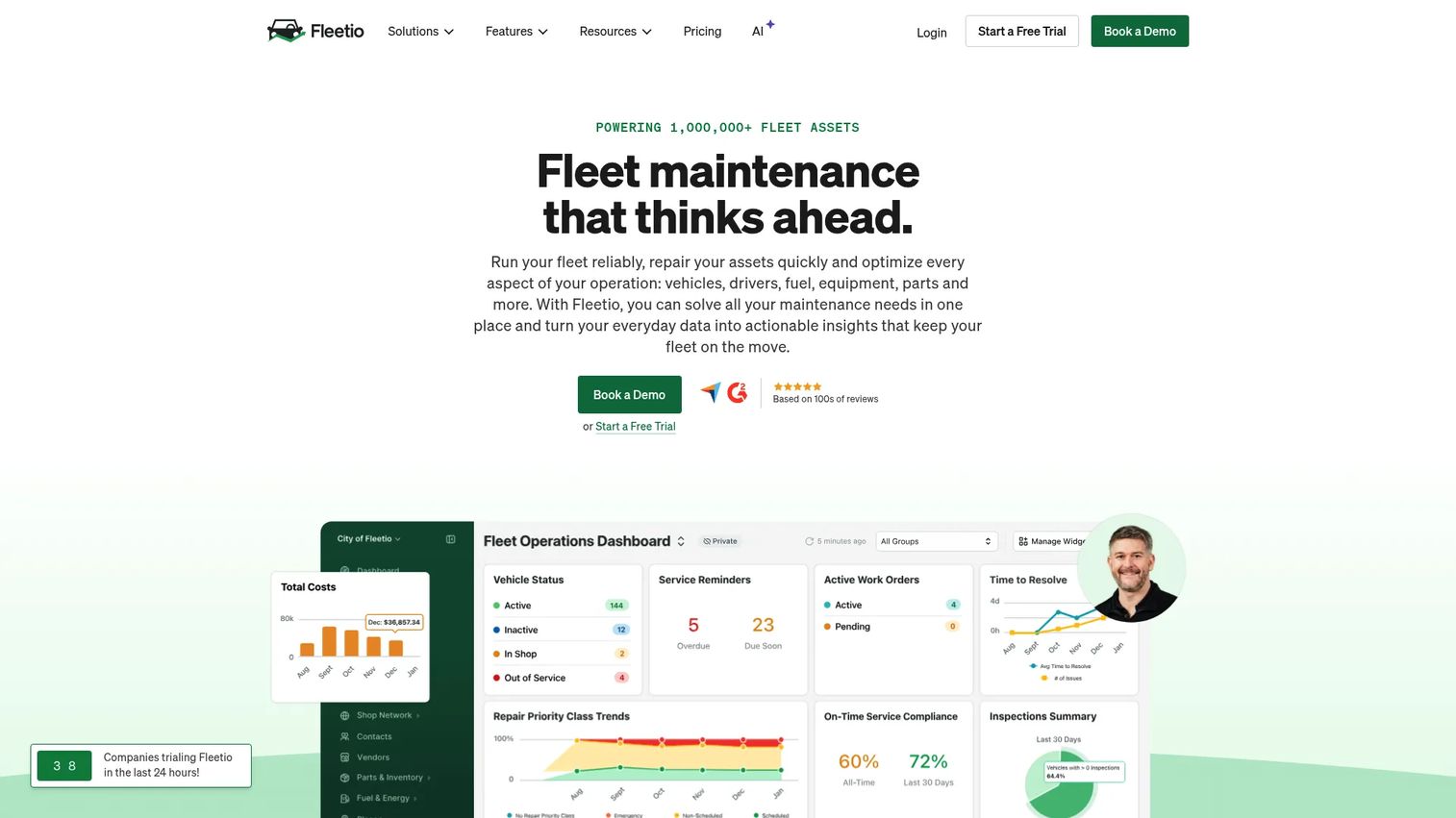
Fleetio treats driver assignments as one part of a broader fleet operations system. That's the pitch: instead of scheduling in one tool and tracking maintenance in another, you assign drivers to vehicles from a calendar view and see that assignment connect to inspections, fuel, work orders, and utilization. For teams that already think in terms of assets, this keeps scheduling inside the same platform where the rest of fleet management lives.
The calendar-based assignment flow lets you assign assets to your team in a few clicks, then track those assignments in real time to improve accountability and surface unused vehicles. Drivers get a mobile app to view and manage vehicle and equipment assignments from anywhere, and the system can notify them automatically when a new assignment lands. Assignment history and asset utilization reports close the loop on who used what, when.
Best for: Fleets that want driver scheduling inside a full maintenance and operations stack, not as a standalone tool.
Key strengths
- Calendar-based driver and asset assignment
- Preventive maintenance scheduling and digital work orders
- Vehicle inspections tied to assignments
- Mobile app (Fleetio Go) for in-field assignment management
- Automatic driver notifications and utilization reporting
Why choose Fleetio: Choose Fleetio when maintenance and asset health matter as much as who's driving. Scheduling here is a layer inside fleet management, which suits operations teams that measure success in uptime and utilization, not just coverage.
Fleetio pricing: Essential starts at $4 per vehicle per month billed annually, or $5 billed monthly. Professional is $7 per vehicle per month and Premium is $10 per vehicle per month, both billed annually. Prices assume a 5-asset fleet and vary by fleet size and contract term. A 14-day free trial is available.
3. Motive
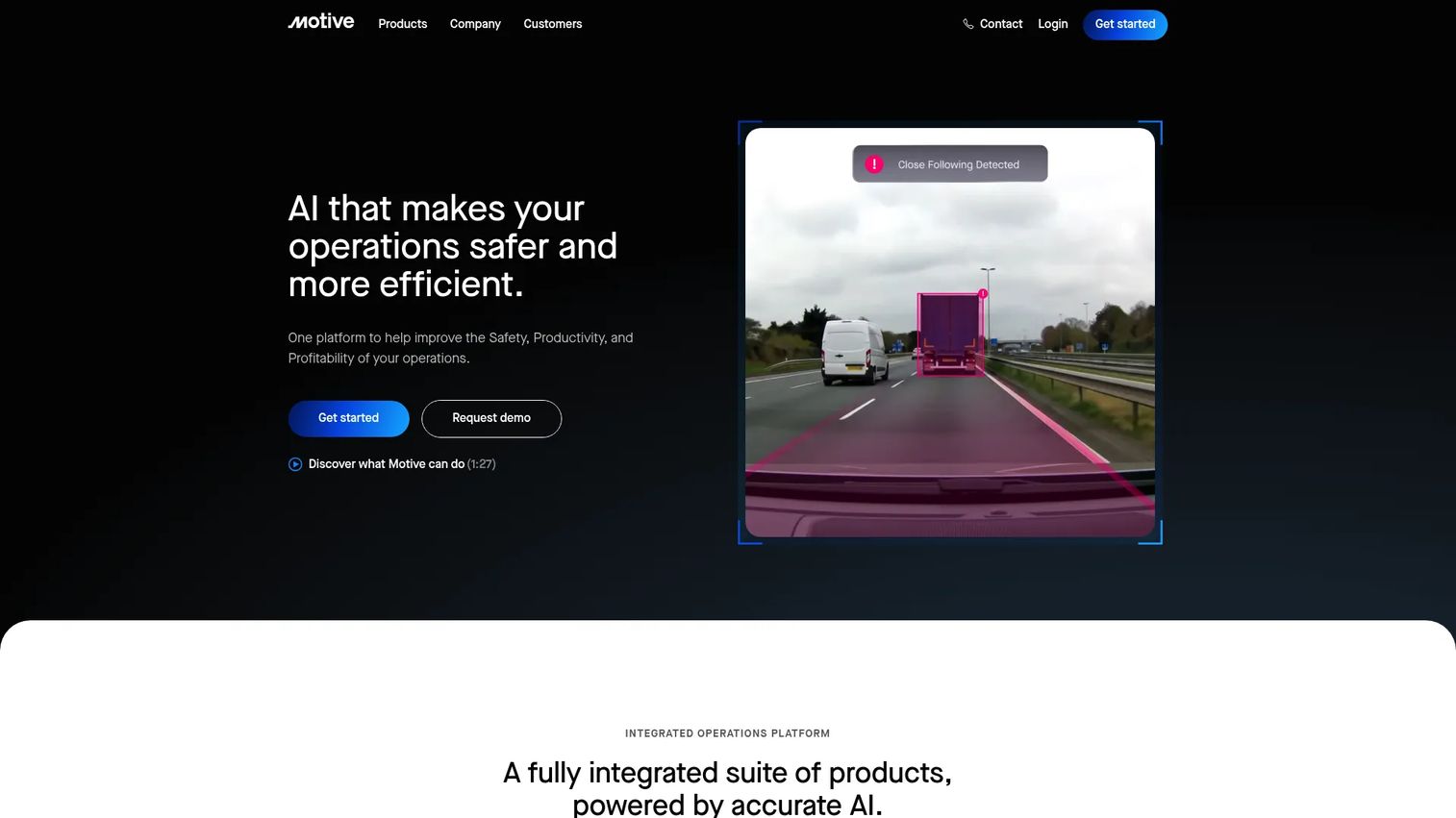
Motive positions itself as a unified operations platform, combining driver safety, fleet management, equipment monitoring, spend management, and workforce management in one place. For scheduling, that means driver location and availability aren't a separate data source. They're already flowing from the telematics and GPS layer the rest of the platform runs on. Automated scheduling, appointment coordination, and time and attendance sit on top of that shared data.
This is the fit for teams that want schedules tied to what's actually happening on the road. When a driver's location, hours, and status are visible in the same system that assigns their next route, dispatch decisions get grounded in reality instead of guesswork. Fleet sizes range from five vehicles to thousands, so it scales from a small operation to a large carrier. Trucking, bus, and food delivery are common use cases.
Best for: Fleet operators who want scheduling connected to telematics, safety, and compliance data in one platform.
Key strengths
- Fleet telematics and GPS tracking
- AI dashcams with driver safety and coaching
- Automated scheduling and time and attendance
- Reporting, analytics, and workflow automation
- Scales from small fleets to thousands of vehicles
Why choose Motive: Choose Motive when you want driver availability and scheduling grounded in live telematics rather than a standalone calendar. The safety and compliance tooling makes it a strong fit for regulated trucking operations.
Motive pricing: Motive uses sales-led pricing. Public plan prices aren't listed on the site, which directs buyers to contact sales for a quote based on fleet size and needs.
4. Samsara
Samsara is a connected operations platform for fleets, equipment, sites, and people. Scheduling here rarely lives alone. It sits inside a broader system built around real-time visibility, mobile workflows, and asset tracking. For transportation teams that need more than a schedule, that context matters: you see where drivers and vehicles are, what condition assets are in, and how compliance is tracking, all in the same place you coordinate driver movement.
The platform is aimed at mid-market and enterprise physical-operations teams that need fleet, safety, and asset visibility at scale. AI dash cams and video safety, fleet telematics, and equipment maintenance run alongside the scheduling and dispatch layer. That makes it a strong choice when driver coordination is one piece of a much larger operational picture, not the whole job.
Best for: Mid-market and enterprise teams that need driver scheduling inside a full connected-operations platform.
Key strengths
- Fleet telematics and real-time GPS tracking
- AI dash cams and video safety
- Equipment tracking and maintenance
- Mobile workflows for drivers and field teams
- Real-time visibility across fleet, assets, and compliance
Why choose Samsara: Choose Samsara when schedule control is one requirement among many and you need enterprise-grade visibility across the entire operation. It's built for teams whose scheduling challenge is inseparable from safety, compliance, and asset management.
Samsara pricing: Samsara uses quote-based pricing. The site routes buyers through a vehicle and asset count flow rather than listing public plan prices, so pricing depends on fleet size and configuration.
5. OptimoRoute
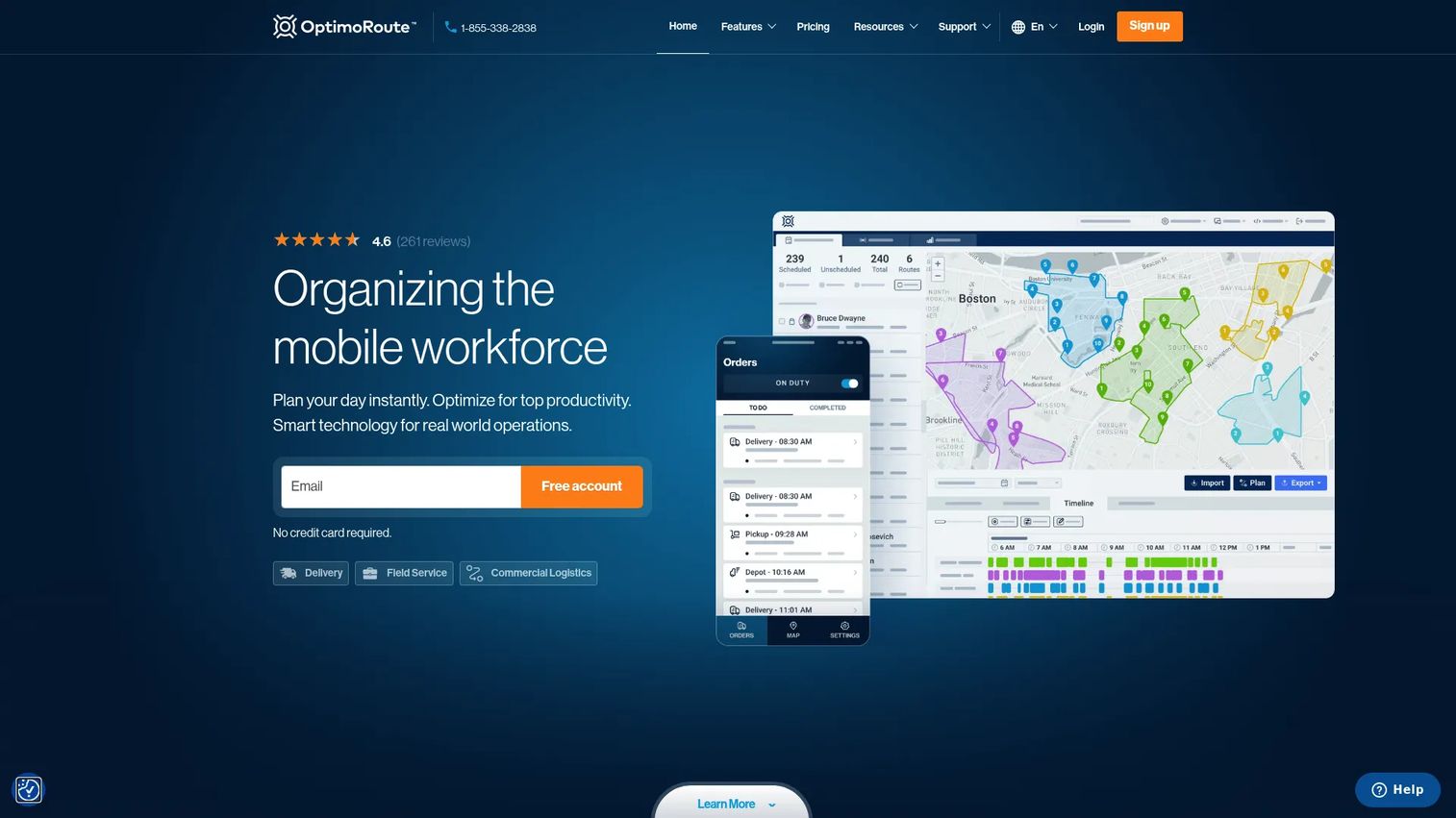
OptimoRoute approaches driver scheduling from the route side. For delivery and field service teams, the driver's day is defined by stops, sequences, and time windows, so the software plans optimized routes and assigns drivers in the same motion. When route efficiency matters as much as driver availability, this is where driver routing and scheduling actually converge into one workflow.
The tool handles multi-stop route optimization, live tracking with ETA updates, and a driver mobile app with proof of delivery. That combination means you're not just deciding who works when, you're deciding the most efficient path each driver takes and adjusting it as the day shifts. For a delivery operation running dozens of stops per driver, the scheduling win and the routing win are the same win.
Best for: Delivery and field service businesses where route optimization and driver scheduling need to happen together.
Key strengths
- Multi-stop route optimization and planning
- Driver scheduling tied to route assignments
- Live tracking and ETA updates
- Driver mobile app with proof of delivery
- Schedule adjustment as conditions change through the day
Why choose OptimoRoute: Choose OptimoRoute when the efficiency of the route drives your scheduling decisions. It's built for operations where a better-sequenced day means more stops served and fewer miles driven, not just filled shifts.
OptimoRoute pricing: Lite starts at $35.10 per driver per month billed annually. Pro is $44.10 per driver per month billed annually, and a Custom plan is available via sales. A 30-day free trial is offered.
6. Elite EXTRA
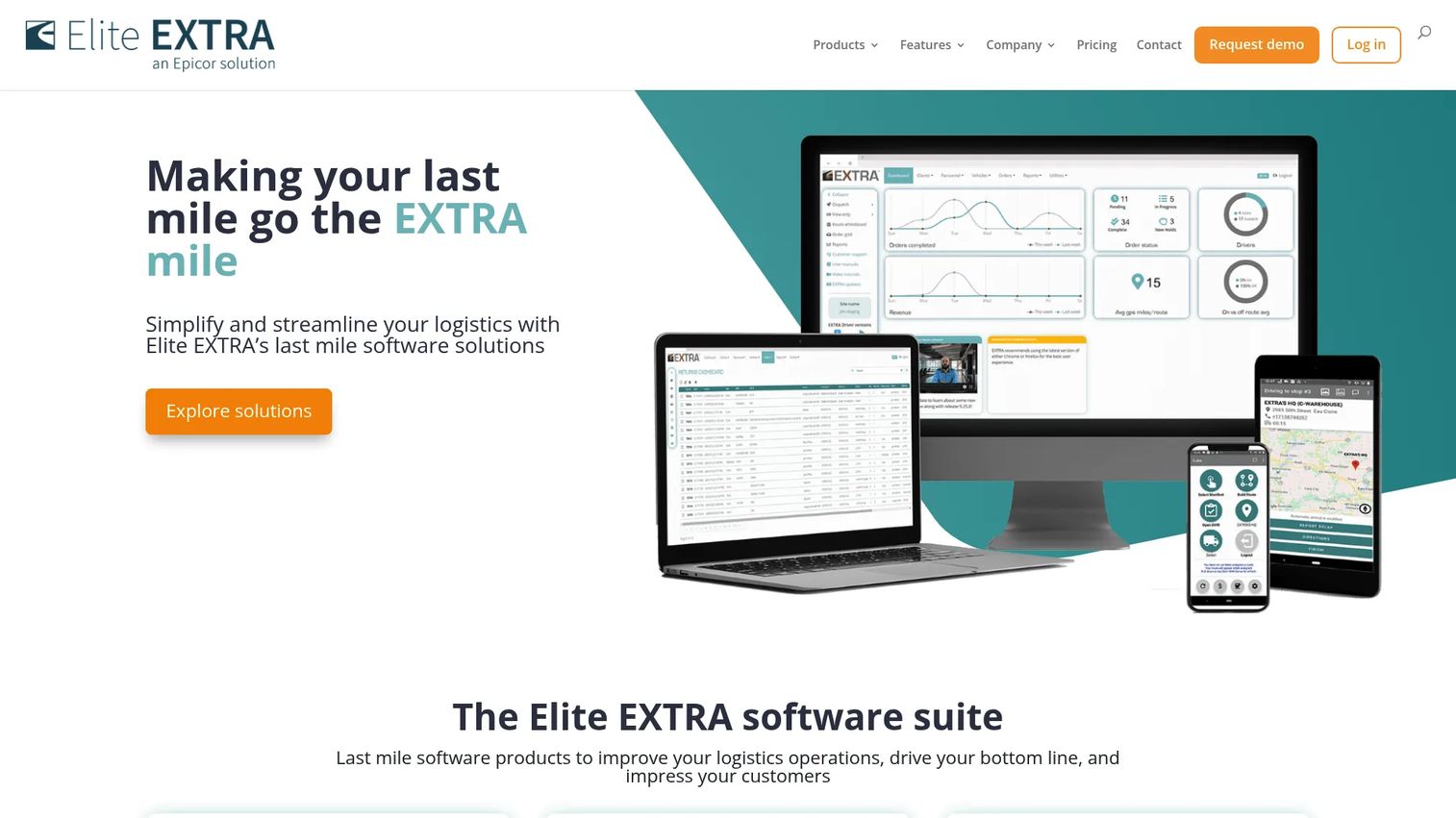
Elite EXTRA is last-mile logistics software built for teams that need tight control over delivery dispatch and route execution. Where some tools stop at the schedule, Elite EXTRA leans into what happens after a driver is assigned: dispatch, optimized routing, real-time driver tracking, customer ETA notifications, and returns automation. For dispatch-driven operations, that end-to-end control is the point.
The platform is customizable to a company's specific workflows, which is why it fits teams across a wide range of delivery industries. If proof of delivery, customer communication, and route visibility all matter to how you standardize scheduling and execution, this brings those pieces under one system. It's a fit when your scheduling challenge is really a last-mile coordination challenge.
Best for: Dispatch-driven delivery operations that need customizable last-mile scheduling and execution.
Key strengths
- Optimized route planning and dispatch
- Real-time driver tracking
- Customer ETA notifications
- Returns automation for reverse logistics
- Customizable to specific delivery workflows
Why choose Elite EXTRA: Choose Elite EXTRA when last-mile execution is where your operation lives or dies. The customization suits teams with delivery workflows that don't fit a one-size template, and the focus on dispatch and proof of delivery serves operations that measure success at the doorstep.
Elite EXTRA pricing: Elite EXTRA uses custom quote-based pricing. The company customizes its software to each business's needs and workflows, so pricing is scoped to your operation rather than listed publicly.
7. Track-POD
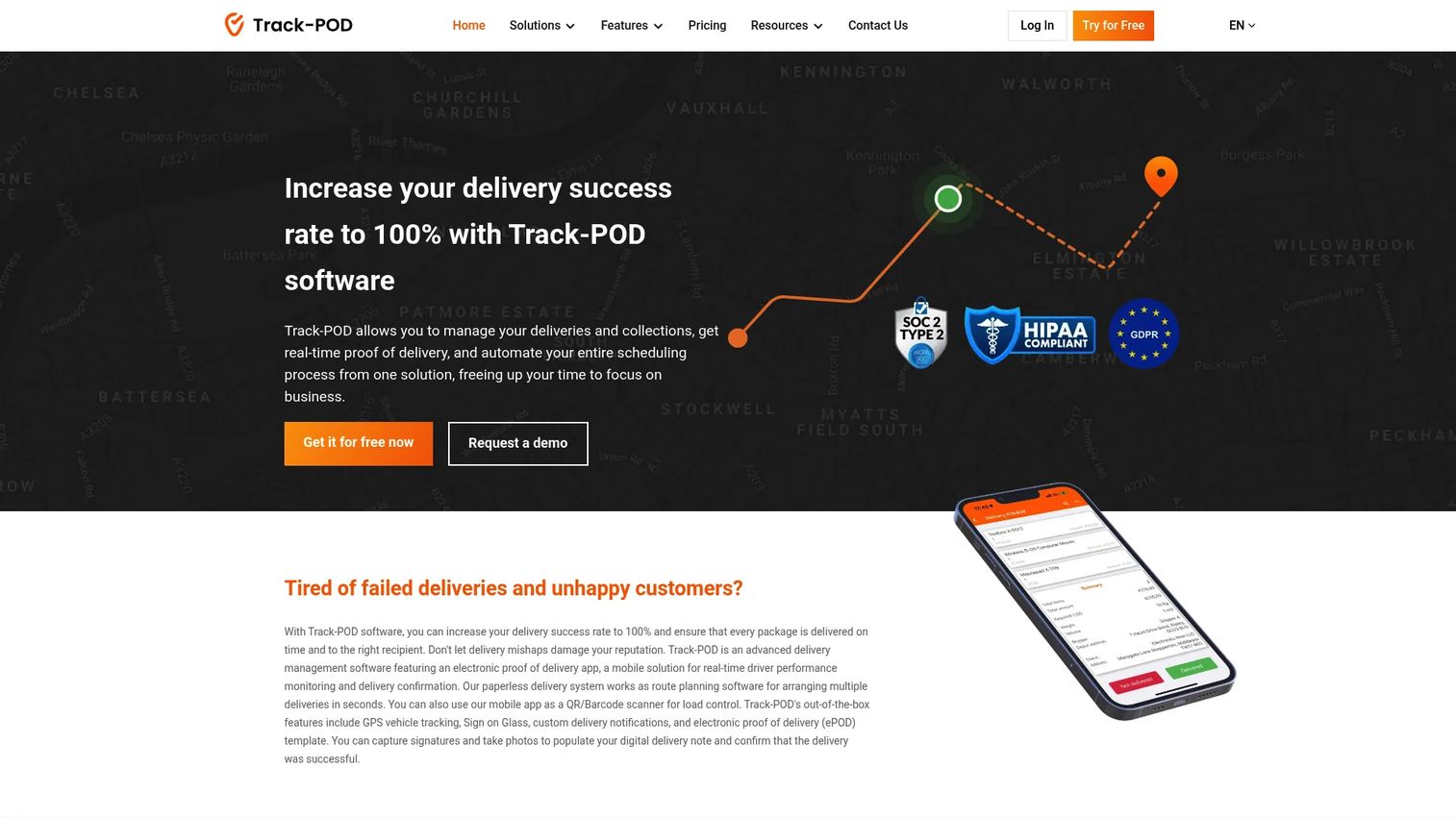
Track-POD is delivery management software that pairs scheduling and dispatch with a strong mobile driver workflow and electronic proof of delivery. For delivery teams, the value is in balancing two jobs at once: assigning and adjusting routes quickly, and confirming that each delivery actually happened. The driver app carries both, so scheduling and completion tracking don't live in separate tools.
The platform handles route planning and optimization, real-time vehicle and delivery tracking with live ETAs, and ePOD with signatures, photos, geotags, timestamps, and barcode scanning. That makes it a fit for operations that need fast assignment handling and real-time updates while keeping a verifiable record of every drop. For teams juggling scheduling against delivery completion, having both in one delivery driver scheduling software cuts the tool-switching that slows dispatch down.
Best for: Delivery teams that need quick scheduling and dispatch alongside verifiable proof of delivery.
Key strengths
- Electronic proof of delivery with signatures, photos, geotags, and barcode scanning
- Route planning and optimization with dispatch and notifications
- Real-time vehicle and delivery tracking with live ETAs
- Mobile driver app for assignments and delivery confirmation
- Analytics on driver performance and delivery completion
Why choose Track-POD: Choose Track-POD when proof of delivery is non-negotiable and you want it in the same tool that handles scheduling and routing. The per-driver and per-order pricing options give teams flexibility depending on whether they scale by headcount or volume.
Track-POD pricing: Advanced starts at $49 per driver or vehicle per month billed annually, Advanced Plus is $69, and Ultimate is $89. Per-order plans start at $285 per month for 1,500 orders and scale up. A free trial is available with no credit card required.
How to choose the right driver scheduling software
Before you shortlist, pressure-test each tool against your actual operation. These are the criteria that separate a scheduling board that survives a bad Monday from one that doesn't.
Real-time visibility
A schedule is only useful if it reflects what's happening right now. Check whether the tool shows live driver availability, vehicle status, and assignment acknowledgment. Real-time driver tracking and status updates are what let a dispatcher fill a coverage gap before it becomes a missed route.
Mobile driver experience
Your drivers aren't at a desk. Evaluate the mobile driver app on how fast assignments reach the field, whether drivers can confirm or update status, and how it handles poor connectivity. A clean mobile workflow is often the difference between a change that lands and one that gets missed.
Fleet and vehicle integration
Decide whether you need scheduling to connect to vehicle assignments, maintenance, and inspections. Some tools stay focused on people and shifts, which is ideal if that's your need. Others fold scheduling into full fleet management, which matters when a driver's schedule depends on a vehicle being available and roadworthy.
Automation and alerts
Manual scheduling scales badly. Look for auto-assignment, conflict detection, and alerts and notifications that flag gaps automatically. The goal is to spend less time confirming and chasing, and more time handling the exceptions that actually need a human.
Reporting and utilization
You can't improve what you can't see. Confirm the tool reports on on-time coverage, fleet utilization, missed shifts, and assignment history. This is how you prove the software is working and where you find the idle assets and coverage patterns worth fixing.
Conclusion
The right pick comes down to where your operation feels the most pain.
If scheduling and driver coordination are the center of your day, Driver Schedule puts that first. If you want scheduling inside a full fleet operations stack with maintenance and inspections, Fleetio is the fit. For telematics-connected scheduling at scale, Motive and Samsara tie schedules to live GPS, safety, and compliance data. When routes drive your scheduling, OptimoRoute plans and assigns in one motion. And for last-mile delivery where proof of delivery matters, Elite EXTRA and Track-POD are built for that execution.
Your next step: shortlist the two or three tools that match your operational profile, then run a trial on real routes during a real week. A demo on a quiet day tells you little. Watching a tool absorb a Monday full of call-outs and reroutes tells you everything.
FAQs
At minimum, expect availability tracking, calendar-based scheduling, mobile access for drivers, and alerts for coverage gaps and changes. Beyond that, look for auto-assignment, vehicle and asset assignment, assignment history, and reporting on utilization and on-time coverage. The features that matter most depend on whether you're scheduling people, coordinating vehicles, or executing deliveries.
They overlap but aren't identical. Driver scheduling software is schedule-first, focused on who works when, availability, and shift coverage. Dispatch software is execution-first, focused on assigning and directing drivers to jobs or routes in real time. Many modern tools, like the ones in this list, combine both so scheduling and dispatch happen in one system rather than two disconnected ones.
For delivery teams, the best choice depends on route complexity, proof of delivery needs, and real-time visibility. OptimoRoute suits operations where multi-stop route optimization drives scheduling. Track-POD and Elite EXTRA fit teams that need scheduling and dispatch paired with proof of delivery and last-mile execution. Match the tool to whether route efficiency or delivery confirmation is your bigger challenge.
Some can, some stay focused on people and shifts. Tools like Fleetio and Samsara connect driver scheduling to vehicle and asset assignment, so you avoid double-booking a truck that's already committed or in for maintenance. If your dispatch depends on both driver availability and vehicle availability, prioritize a tool that handles both calendars in one place.
Most modern tools do. Mobile driver apps let drivers receive assignments, confirm status, get notified of changes, and in many cases submit proof of delivery from the field. Mobile access is central to reducing manual follow-up, since a change that only lives on a dispatcher's screen isn't a change the driver knows about. Check how the app handles low-connectivity areas before you commit.
The clearest signals are operational: higher on-time coverage, fewer missed or uncovered shifts, less time spent on manual coordination, and better fleet utilization. Watch how much back-and-forth disappears once assignments and changes flow through one system. If dispatchers spend less of the morning chasing confirmations and idle assets show up in reports, the tool is doing its job.
Driver scheduling is one layer of fleet management. Scheduling software focuses on assigning drivers, tracking availability, and coordinating shifts and routes. Fleet management platforms wrap that in a wider system that often includes maintenance tracking, fuel, inspections, compliance, and telematics. A driver-first tool suits teams whose main problem is coverage and coordination. A full fleet platform suits teams managing vehicle health, safety, and operations alongside scheduling.