A customer wants to book a call. They email you three times to find a slot. You reply twice. By the time the calendar invite lands, they have half-forgotten why they reached out.
That friction has a cost. Over 55% of service-oriented businesses now rely on online booking systems to automate workflows and improve customer accessibility, according to ReAnIn (2025). The global online booking systems market was valued at $13.8B in 2025 and is projected to reach $31.6B by 2034, per Dataintelo (2025).
The reason is simple. Every back-and-forth message is a chance for the buyer to drop off. Every unconfirmed appointment is a no-show waiting to happen. A booking system removes the coordination tax and lets people schedule on their own terms.
For founders and operators, the question is not whether to use one. It is which one fits your team, your payments needs, and your stack without turning into another orphaned tool. This guide breaks that down.
What's inside
This guide is for teams evaluating booking software for service delivery, customer calls, consulting, or operations-adjacent scheduling. It covers seven tools, ranked by how well they fit different business models.
We selected each tool based on:
- Calendar and scheduling depth: sync, availability rules, and routing
- Payments and no-show control: deposits, card on file, and reminders
- Team and resource support: staff calendars, multi-location, and resource booking
- Stack fit: website embeds, integrations, and time-to-value
Every pricing figure and rating comes from first-party sources verified in July 2026.
TL;DR
Short on time? Here are the fast picks:
- Best for all-in-one commerce: Square Appointments pairs booking with payments and POS in one system.
- Best for simple scheduling links: Calendly is the cleanest option for low-friction meeting booking and team routing.
- Best for service businesses: SimplyBook.me offers broad customization without custom development.
- Best for home services: Zenbooker handles live pricing, territories, and intake for field teams.
- Best for polished client scheduling: Acuity Scheduling delivers a refined client-facing booking experience.
- Best for smaller teams: Setmore is a straightforward, quick-to-launch option with a free tier.
- Best for structured automation: Appointy adds workflow structure without a full commerce layer.
If your product is easier to understand through interaction than explanation, the same self-serve logic that powers good booking also powers good sales. Teams that let buyers explore before a call, the way Guideflow lets prospects experience a product through interactive demos, tend to see fewer drop-offs.
What is online booking software?
Online booking software lets customers schedule appointments, classes, consultations, or services through a self-serve booking page, without back-and-forth email or phone coordination.
The category sits between calendar tools and full operations platforms. A plain calendar shows your availability. A booking system turns that availability into a bookable, shareable page that syncs with your real calendar, collects payment, and sends reminders automatically.
Core capabilities usually include:
- Calendar sync: two-way integration with Google Calendar, Outlook, and iCloud to prevent double-booking
- Booking page and website embed: a hosted booking page or a booking widget you drop onto your site
- Automated reminders: email and SMS confirmations and reminders to reduce no-shows
- Payments: deposits, prepayments, card on file, and full checkout at the time of booking
- Team scheduling: staff availability, resource booking, and multi-location routing
- Automation and integrations: CRM sync, workflow automation, and connections to the rest of your stack
The difference between a booking system and a bare scheduling link comes down to depth. A scheduling link solves meeting coordination. A booking platform runs a service business: payments, staff, resources, intake, and follow-up all in one place.
When to use online booking software
Not every team needs the same feature set. Here is how the major use cases map to the category.
Reduce back-and-forth scheduling
The most common trigger. Instead of trading messages to find a time, you send one link. The customer picks a slot that already respects your real availability. The invite and confirmation happen automatically. This alone removes hours of coordination each week.
Accept bookings from your website
If traffic already lands on your site, a booking widget or embed converts that interest on the spot. A branded booking page keeps the experience consistent and captures the appointment before the visitor leaves.
Collect payments and deposits upfront
Deposits and prepayments change customer behavior. When someone has paid, they show up. Card-on-file and full checkout at booking also cut the admin work of chasing invoices after the fact.
Coordinate staff and resources
Multi-person teams need staff calendars, availability rules, and sometimes resource booking for rooms or equipment. Multi-location businesses need routing so bookings land with the right person at the right site.
Automate reminders and follow-ups
Automated confirmations and reminders are the single most reliable lever for no-show reduction. Follow-up automation and CRM sync then keep the relationship moving after the appointment ends.
Comparison table
Here is how the seven tools compare on fit, standout capability, pricing, and rating. Pricing reflects first-party pages verified in July 2026. Ratings reflect current G2 listings where available.
| # | Product | Best for | Key use case | Pricing | G2 rating |
|---|---|---|---|---|---|
| 1 | Square Appointments | All-in-one commerce | Booking connected to payments and POS | Free; paid from $49/mo per location | Not listed |
| 2 | Calendly | Simple scheduling links | Meeting booking and team routing | Free; paid from $10/seat/mo | 4.7/5 |
| 3 | SimplyBook.me | Service businesses | Customizable booking site and widget | Free; paid from $13.9/mo | Not listed |
| 4 | Zenbooker | Home services | Live pricing and field scheduling | From $129/mo; 14-day trial | 5.0/5 |
| 5 | Acuity Scheduling | Polished client scheduling | Self-serve appointment booking | From $16/mo (annual) | 4.7/5 |
| 6 | Setmore | Smaller teams | Free team booking and calendars | Free; Pro from $5/user/mo | 4.5/5 |
| 7 | Appointy | Structured automation | Multi-channel booking and staff management | Free tier available | Not listed |
Each tool below expands on where it fits, what it does well, and what it costs.
1. Square Appointments
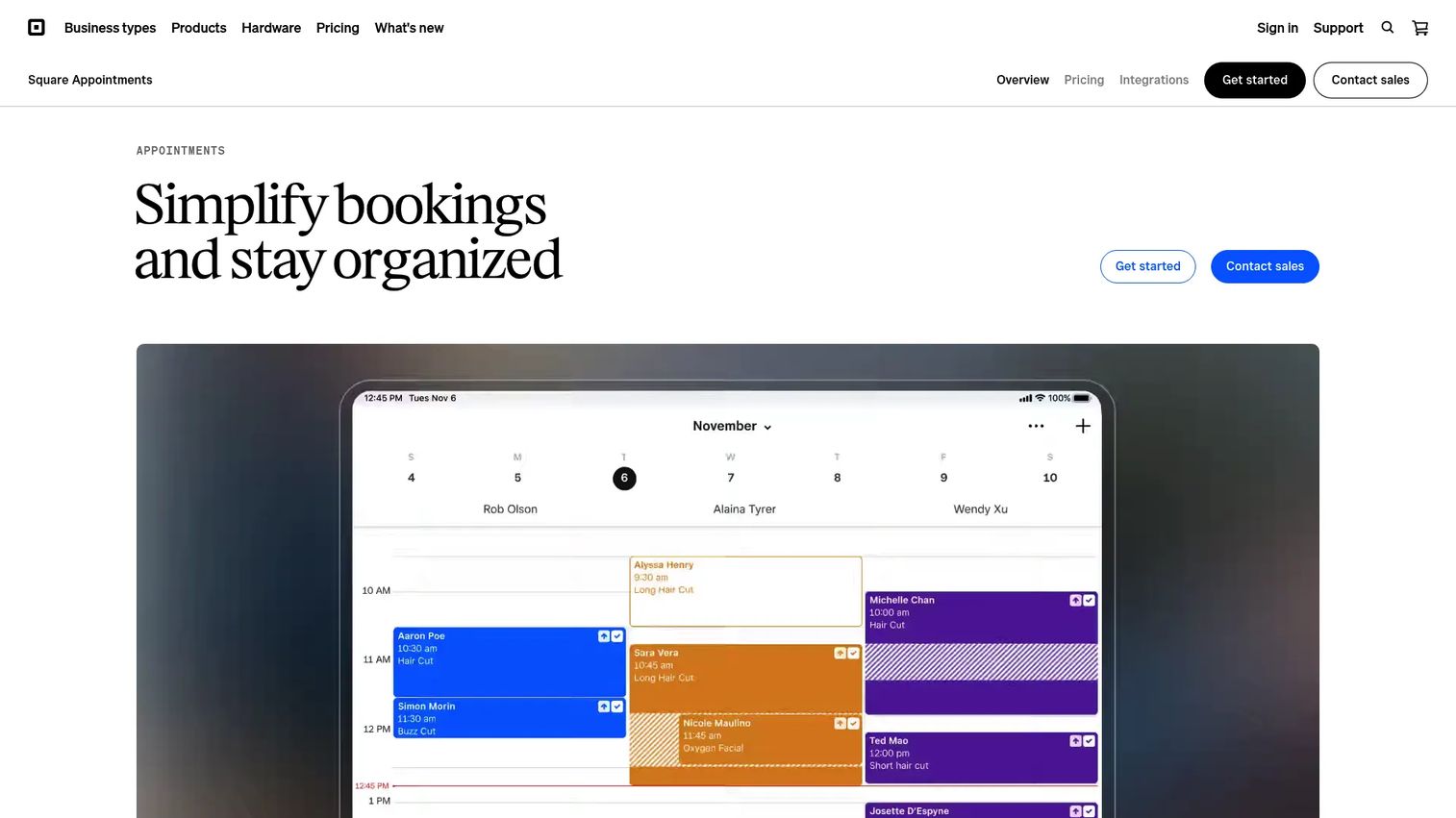
Square Appointments is online appointment scheduling and booking software with built-in payments, client management, and scheduling tools for service businesses. It stands out because booking is connected directly to Square's payments and POS layer. If you take payment in person and online, this keeps both in one system.
The pitch is operational, not just calendar-deep. You get a free online booking website, automated reminders, staff scheduling, and no-show protection tied to card capture. For a business where the appointment and the transaction are the same moment, that connection removes a whole class of reconciliation work.
Best for: Service businesses that want booking, reminders, and POS payments in one system.
Key strengths
- Free online booking website included
- Automated email and text reminders
- Google Calendar sync
- Payments and POS in the same platform
- Staff scheduling and no-show protection
Why choose Square Appointments: Choose it when payments and commerce sit at the center of your business, not scheduling alone. If you already run Square for checkout, adding booking is the path of least resistance.
Square Appointments pricing: The Square Free plan is $0/month. Square Plus is $49/month per location and Square Premium is $149/month per location. Plus and Premium include a 30-day free trial.
2. Calendly
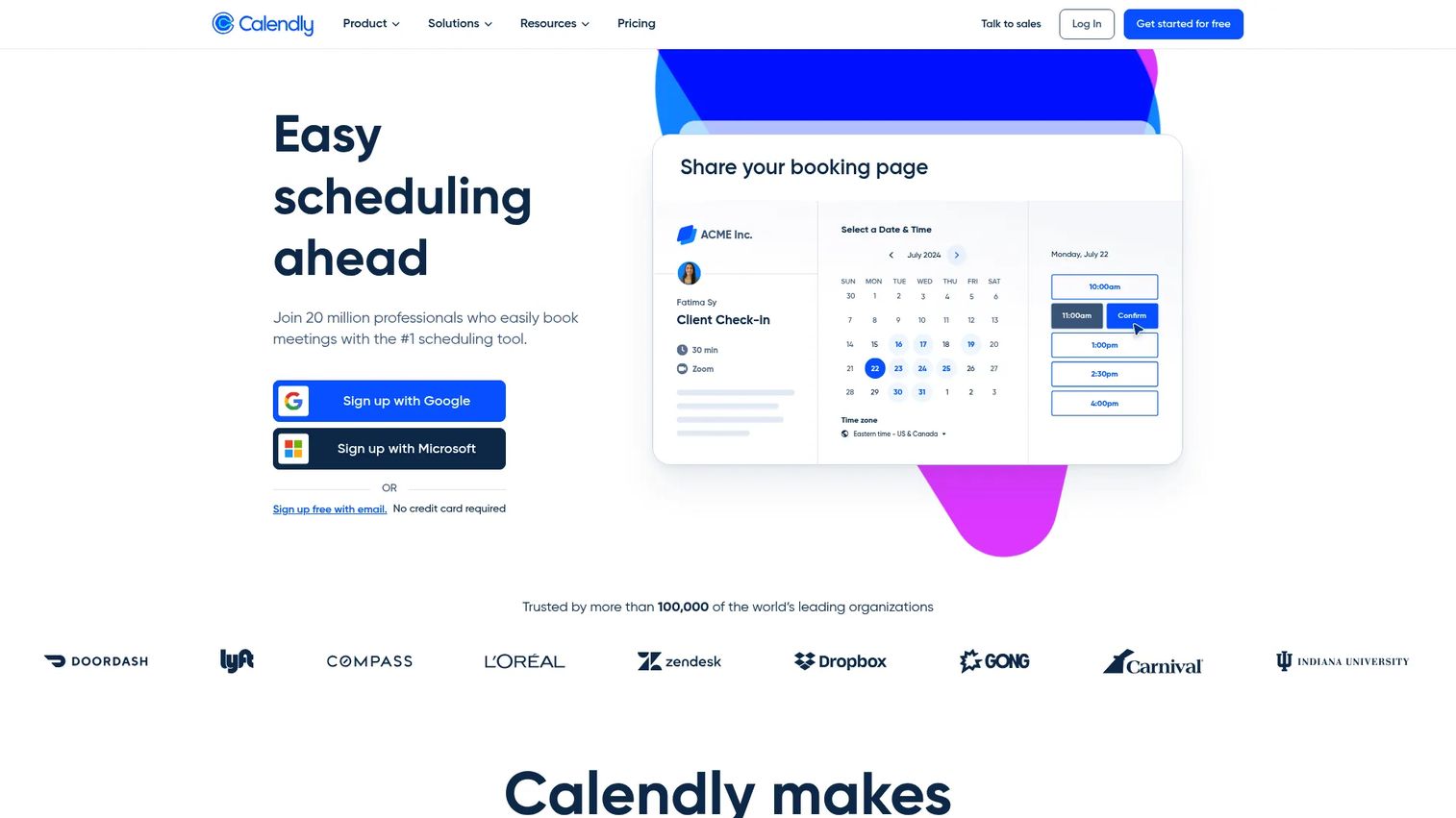
Calendly is scheduling automation software for booking meetings without the back-and-forth. It is the cleanest option on this list for meeting coordination. You connect your calendars, set availability rules, and share a scheduling link that respects every conflict automatically.
Where Calendly earns its place is team logic. Routing forms, round robin, and collective events let you direct bookings to the right person or group. For a Series B team that wants demos and customer calls booked without a founder in the loop, this is the workflow layer that makes it repeatable.
Best for: Teams that need automated meeting scheduling, routing, and calendar coordination.
Key strengths
- Connect multiple calendars
- Customize availability and booking pages
- Routing forms and round robin
- Workflows, analytics, and admin controls
- Website embed options
Why choose Calendly: Choose it when the job is meeting booking and team routing, not payments or resource management. It is the fastest way to remove scheduling friction from a sales or success motion.
Calendly pricing: The Free plan is always free. Standard is $10/seat/month and Teams is $16/seat/month, both billed yearly. Enterprise starts at $15k/year. Monthly billing is also available.
3. SimplyBook.me
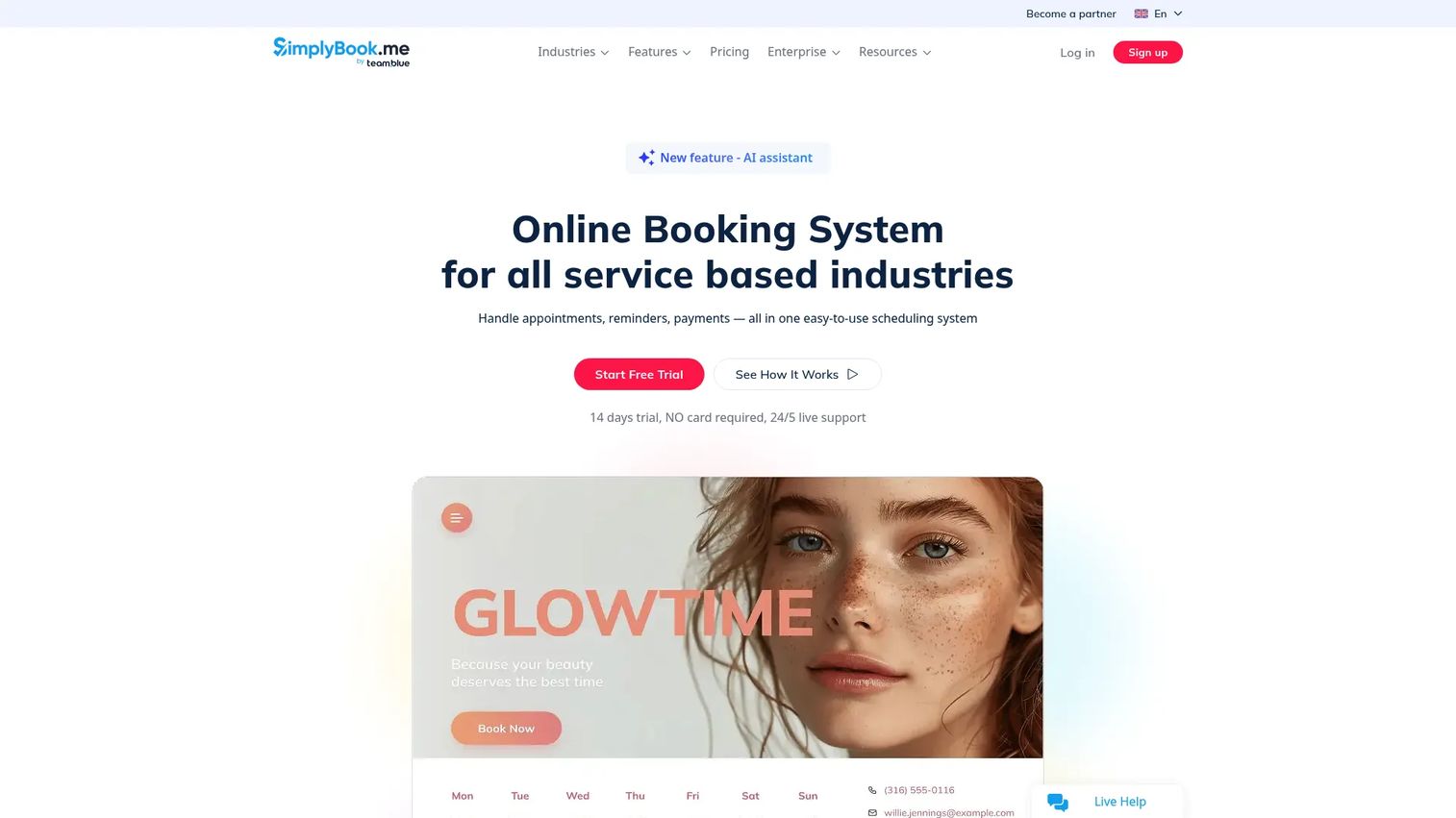
SimplyBook.me is online booking and appointment scheduling software built for service businesses. It covers a wide range of verticals with a booking website, a website embed, notifications, and payments. The appeal is flexibility: you get broad feature coverage without needing custom development.
Because it supports deposits, calendar sync, and a configurable booking page, it fits businesses that need more than a link but do not want to build from scratch. You turn on the features your vertical needs and leave the rest off.
Best for: Service-based businesses that need flexible online appointment booking with custom features.
Key strengths
- Online booking website and website embed
- Automated reminders and notifications
- Payments and deposits
- Calendar sync
- Broad customization by vertical
Why choose SimplyBook.me: Choose it when you want a booking platform you can shape to your specific service model without hiring a developer. The modular feature approach keeps it adaptable.
SimplyBook.me pricing: The Free plan is $0/month. Basic is $13.9/month, Standard is $29.9/month, and Premium is $59.9/month. Enterprise is custom-priced.
4. Zenbooker
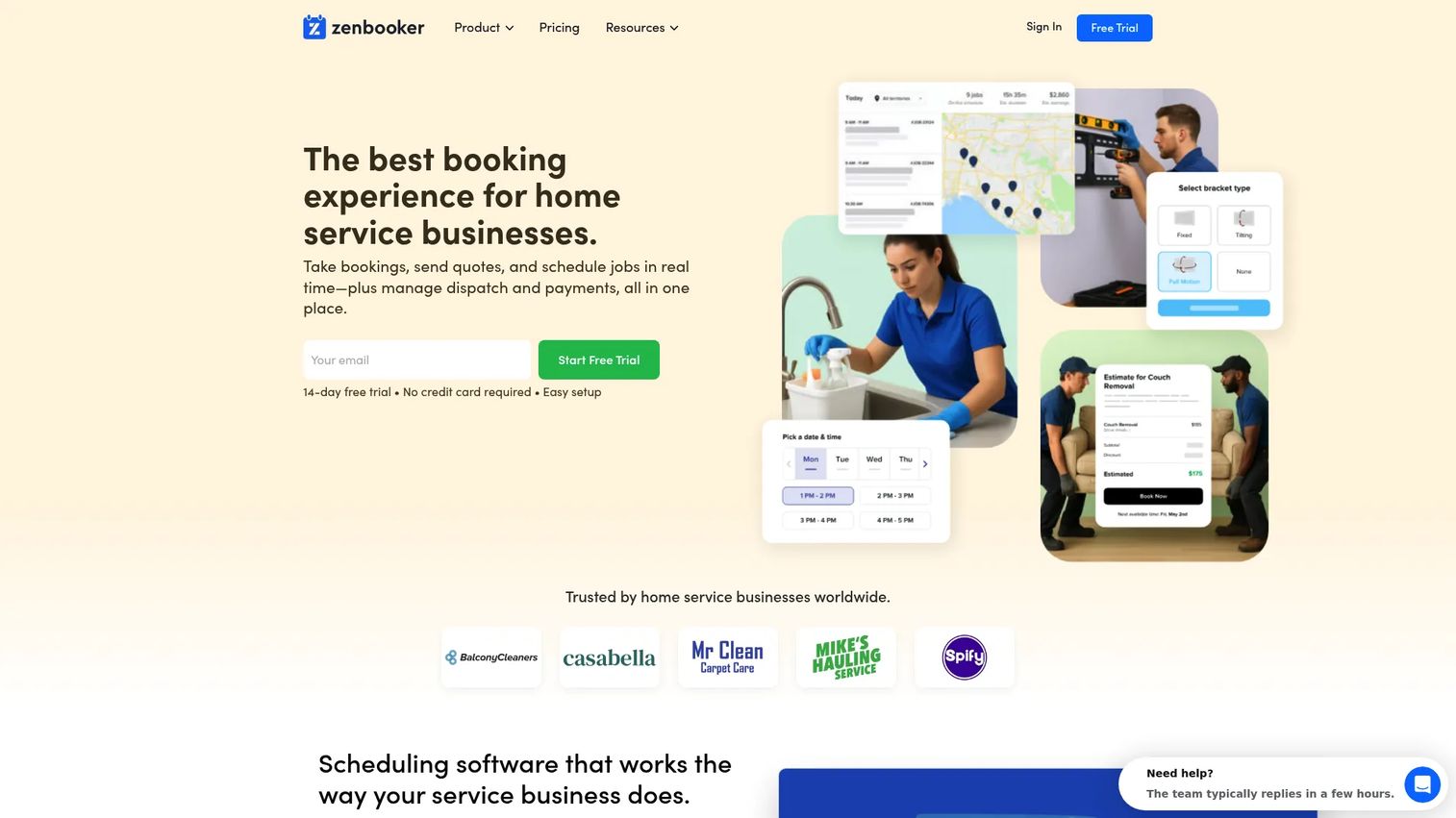
Zenbooker is home-service booking and scheduling software with embedded booking, real-time pricing, and website-builder tools. It is the most specialized tool here, built for field and local service operations rather than generic appointments.
The operational depth shows in the details. Real-time availability, service options that update price live, territories, and intake data all support the reality of dispatching people to locations. If your business quotes jobs and sends technicians, this workflow fits far better than a generic scheduler.
Best for: Home-service businesses that want configurable online booking with live pricing.
Key strengths
- Real-time availability and booking windows
- Service options with live price updates
- Automated confirmations, reminders, and follow-ups
- Territory and dispatch support
- Embedded booking and website tools
Why choose Zenbooker: Choose it when you run a home or field service business and need quotes, pricing logic, and intake built into the booking flow. It is purpose-built for that operating model.
Zenbooker pricing: Zenbooker offers a free 14-day trial. Service-based pricing starts from $129/month, with higher tiers for deeper cleaning and move-out jobs. Zenbooker holds a 5.0/5 rating on G2.
5. Acuity Scheduling
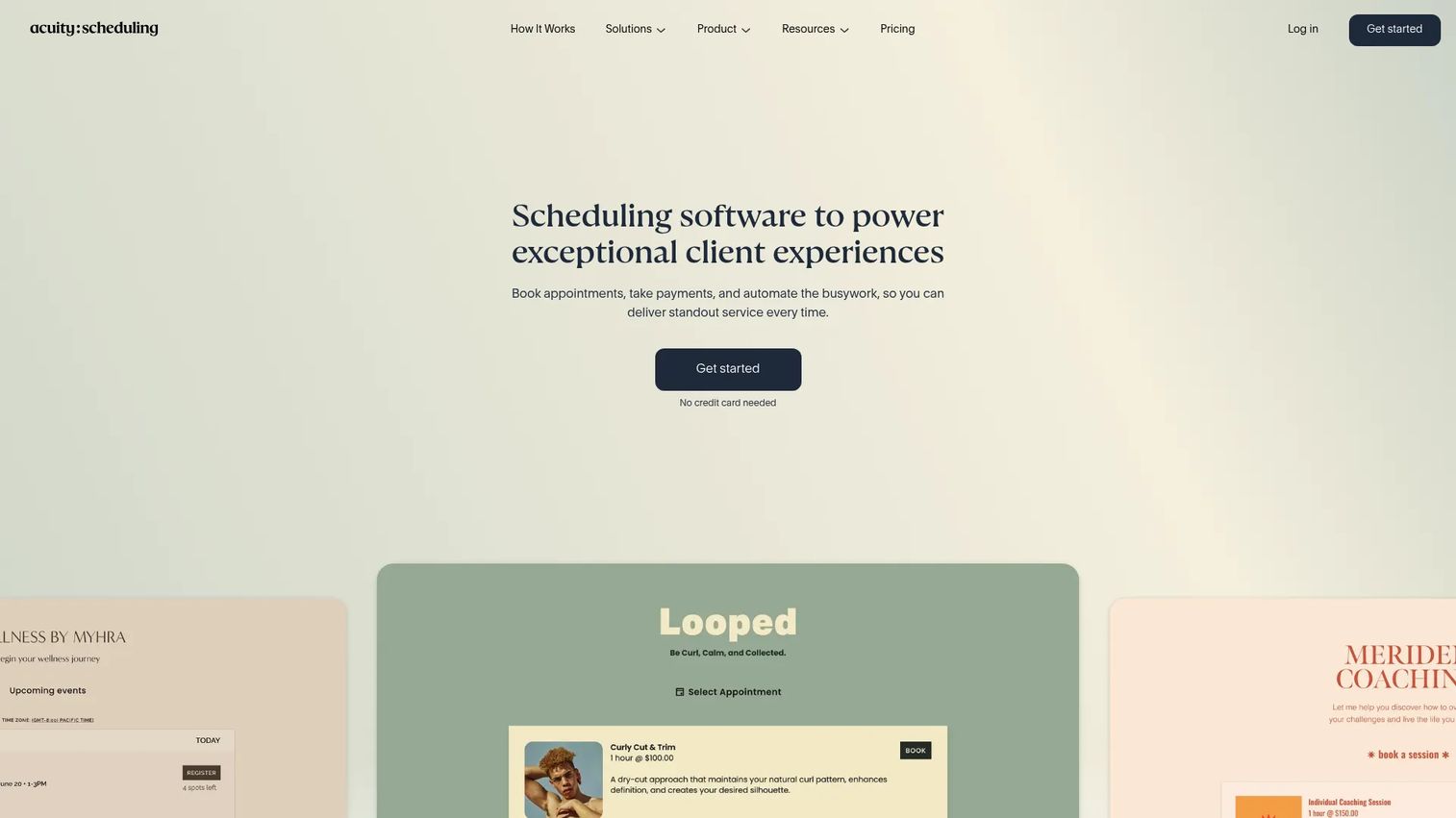
Acuity Scheduling is online scheduling software for appointments, classes, and payments. It is built around a polished, client-facing booking experience. Customers self-schedule, the calendar prevents double-booking, and confirmations run automatically.
Acuity fits businesses that care about how the booking feels from the customer side. Client self-scheduling, intake forms, and payment collection combine into a smooth flow that reflects well on the brand. It is scheduling with presentation in mind.
Best for: Service businesses that need online booking, reminders, and calendar management.
Key strengths
- Client self-scheduling
- Calendar sync and double-booking prevention
- Automated confirmations, reminders, and follow-ups
- Intake forms
- Payment collection at booking
Why choose Acuity Scheduling: Choose it when a clean client experience matters and you want appointments, classes, and payments handled in one polished interface. It balances simplicity with real depth.
Acuity Scheduling pricing: Acuity offers a 7-day free trial with no free plan. Starter is $16/month, Standard is $27/month, and Premium is $49/month when billed annually. Annual billing saves 20% over monthly rates. Acuity holds a 4.7/5 rating on G2.
6. Setmore
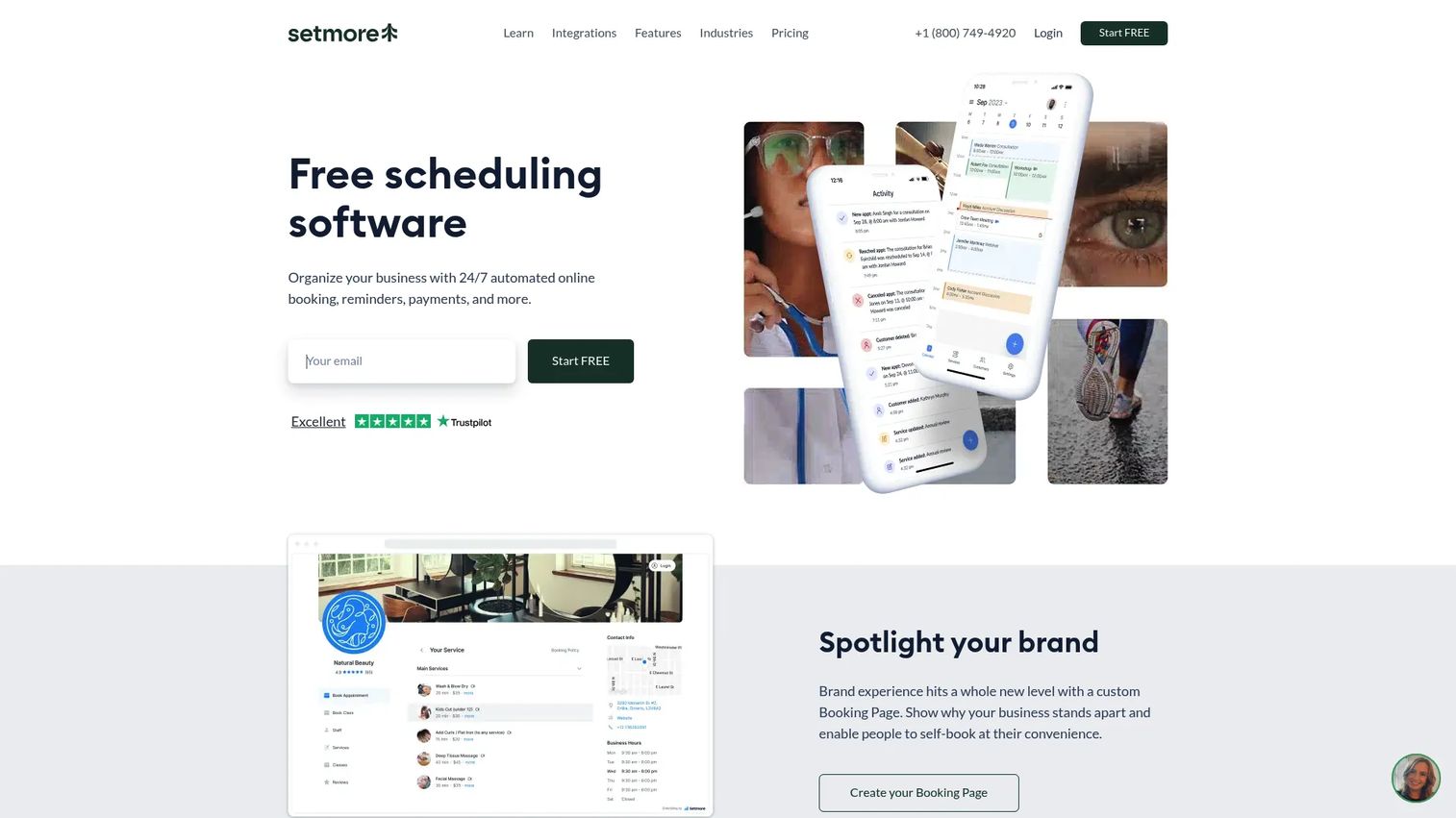
Setmore is online appointment scheduling software for booking, payments, reminders, and team scheduling. It is the straightforward, quick-to-launch option for smaller teams that want a booking page without a heavy setup process.
The value is in the free tier. You get a Booking Page for self-scheduling, calendar sync, mobile apps, and reminders without paying upfront. For a small team testing whether online booking helps, that lowers the barrier to starting.
Best for: Small businesses needing online booking and calendar-based appointment scheduling.
Key strengths
- Booking Page for self-scheduling
- Calendar sync and mobile apps
- Payments support
- Automated reminders
- Team scheduling on shared calendars
Why choose Setmore: Choose it when you want a simple, easy-to-launch booking tool and a real free tier to start with. It suits smaller teams that value speed over deep configuration.
Setmore pricing: The Free plan is $0 per user/month for up to 4 users. The Pro plan is $5 per user/month with annual billing for unlimited users. Setmore holds a 4.5/5 rating on G2.
7. Appointy
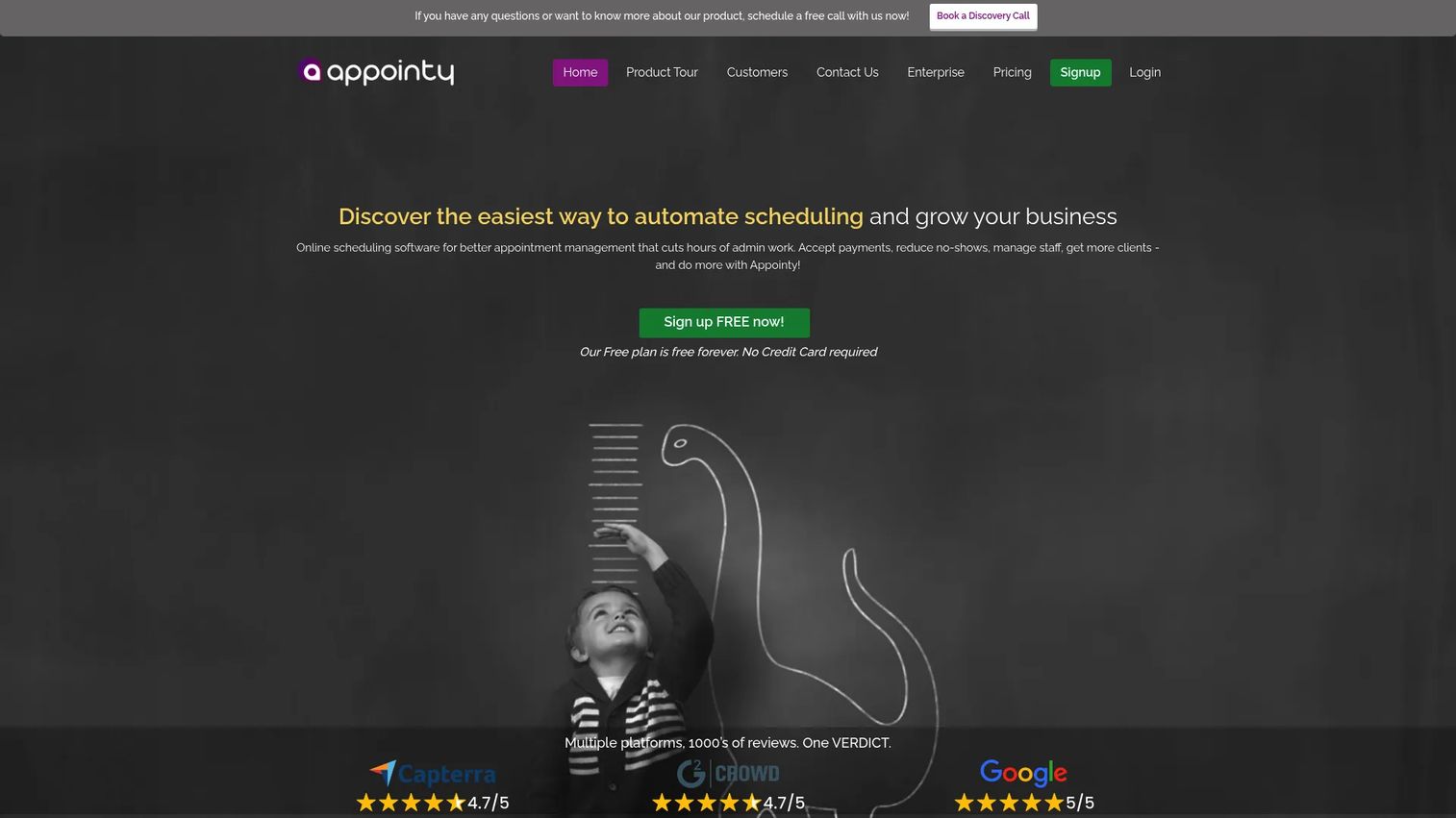
Appointy is scheduling and appointment booking software built around automation and client management. It sits between a bare scheduling link and a full commerce platform. You get more structure than a simple link without taking on an entire POS system.
The strength is breadth of scheduling logic. Multiple booking channels, staff management, client management, and integrations give teams a repeatable booking process. For businesses that need workflow structure but not a checkout stack, that middle ground is the fit.
Best for: Teams that want structured scheduling automation without a full commerce ecosystem.
Key strengths
- Scheduling automation
- Multiple booking channels
- Client and staff management
- Integrations with common tools
- Workflow structure for repeatable booking
Why choose Appointy: Choose it when you have outgrown a scheduling link but do not need payments and POS at the center. It gives structure and automation without the commerce overhead.
Appointy pricing: Appointy offers a free tier to start. Paid plans add staff, channels, and automation features as your booking needs grow.
What to consider before you choose
The right pick depends less on feature counts and more on how the tool fits your operating model. Run through these questions before committing.
How much booking logic do you need?
A single-person consultant needs a link that respects one calendar. A multi-location team needs routing, staff availability, and resource booking. Match the logic to your actual complexity. Paying for depth you never use is as costly as outgrowing a tool that is too thin.
Do you need payments or deposits?
If no-shows hurt or you bill at booking, prioritize deposits, prepayments, and card on file. Square Appointments and Acuity handle this natively. If payment happens elsewhere, a lighter scheduling tool like Calendly may be enough.
Will the tool support your team and resources?
Check staff calendars, availability rules, and multi-location routing against your headcount and sites. A tool that works for one person can break down at five. Confirm resource booking if you schedule rooms or equipment.
How important is website embedding and branding?
If bookings come from your site, a clean booking widget and a branded booking page matter. Verify the embed options and how much white-label control each tier allows before you commit to a plan.
What integrations actually matter in your stack?
List the systems booking data must reach: CRM, calendar, payments, and any workflow automation. Confirm those specific integrations exist and are not gated behind a higher tier. A booking tool that does not sync to your CRM becomes another orphaned system.
Conclusion
The strongest pick depends on your operating model, not a feature scorecard.
For commerce-first businesses where the appointment and the payment are the same moment, Square Appointments keeps booking and POS in one system. For teams that just need meetings booked without back-and-forth, Calendly is the cleanest scheduling link with real team routing. Service businesses that want flexibility without a developer should look at SimplyBook.me, while home and field service operations get purpose-built pricing and intake with Zenbooker.
For a polished client-facing experience, Acuity Scheduling delivers appointments, classes, and payments in one interface. Smaller teams testing the waters can start free with Setmore, and teams that need structured automation without a commerce stack fit well with Appointy.
Pick based on where your friction actually lives. If it is coordination, start with a scheduling link. If it is payments and operations, choose an all-in-one platform. The same principle that makes booking work, removing friction from the buyer's side, applies everywhere buyers make decisions. Teams that let people self-serve, whether booking a slot or exploring a product through Guideflow, convert more of the interest they already have.
Start your journey with Guideflow today!
FAQs
For small businesses, Setmore and Square Appointments are strong starting points. Setmore offers a real free tier with self-scheduling and calendar sync, which lowers the barrier to testing. Square Appointments fits when you also take payments and want booking connected to checkout.
SimplyBook.me suits general service businesses that need broad customization without a developer. For home and field services specifically, Zenbooker is purpose-built with live pricing, territories, and intake. Acuity Scheduling works well when a polished client-facing booking experience matters most.
Yes, most do. Square Appointments, Acuity Scheduling, SimplyBook.me, and Setmore support payments, and several handle deposits, prepayments, and card on file. Collecting payment at booking is one of the most reliable ways to cut no-shows and reduce post-appointment invoicing.
Yes. Calendar sync is a core capability across these tools. Square Appointments, Calendly, Acuity, Setmore, and others offer two-way sync with Google Calendar and Outlook. This prevents double-booking by reflecting your real availability in the booking page.
Calendly leads for team scheduling with routing forms, round robin, and collective events that direct bookings to the right person. Square Appointments and Acuity also support staff calendars and multi-person availability for service teams that need coordinated scheduling across a roster.
Two levers do most of the work: automated reminders and upfront payment. Email and SMS confirmations plus reminders keep the appointment top of mind. Deposits and prepayments add commitment, so booked customers are far more likely to show. Most tools on this list offer both.
Yes. Most of these tools provide a booking widget or embed code you drop onto your site, alongside a hosted booking page. Website embedding lets visitors book without leaving your site, which captures the appointment before they drop off. Check embed and branding options per plan tier.
Scheduling software focuses on meeting coordination: a scheduling link that finds a mutual time and syncs calendars, like Calendly. Booking software runs a fuller service workflow: payments, staff, resources, intake, and reminders, like Square Appointments or SimplyBook.me. The right choice depends on whether your friction is coordination or operations.