Your users don't care whether search is full-text, vector, semantic, or hybrid. They care whether the right result appears before they churn, file a support ticket, or abandon the workflow entirely.
The stakes are measurable. In its October 2025 report, McKinsey found that roughly half of surveyed US consumers now intentionally seek out AI-powered search, and projects that AI-powered search will influence $750 billion in U.S. consumer spending by 2028. For product managers, that number translates directly into activation rates, time-to-first-value, and support deflection: the metrics that determine whether a feature ships or a backlog item dies.
The problem is that the category has fragmented. You now choose between site search APIs, managed vector databases, cloud-native enterprise search services, and open-source engines, each with a different retrieval model, indexing approach, and operational overhead. Picking the wrong one creates a maintenance burden that competes with every future sprint.
This guide maps 12 platforms to the PM outcomes they actually affect, so you can shortlist by use case first and hand engineering a defensible rationale second.
What's inside
This guide covers 12 AI search and retrieval platforms evaluated for product and engineering teams in 2026. Selection criteria:
- Retrieval model fit: Full-text, semantic, vector, and hybrid capabilities
- Data freshness and indexing: How the platform handles re-indexing, crawling, and permissions changes across release cadences
- Developer implementation path: Managed SaaS, open-source self-hosted, and cloud-native options
- PM-relevant outcomes: Impact on activation, discovery, support deflection, and time-to-value
- Pricing visibility: Entry tier, free options, and usage-based costs as published by each vendor
TL;DR
- Best overall for commercial AI search: Algolia, for teams that need AI ranking, personalization, and merchandising controls in production search
- Best open-source path: Meilisearch or Typesense, for developer-friendly search with strong defaults and self-hosting flexibility
- Best for AI agent retrieval: Cloudflare AI Search, for teams already building on Cloudflare infrastructure
- Best for vector-first RAG: Pinecone, Weaviate, or Qdrant, depending on hosting preference and filtering requirements
- Best for enterprise stack fit: Elastic, Microsoft Azure AI Search, or Google Vertex AI Search, depending on cloud and governance context
What is an AI search and retrieval platform?
An AI search and retrieval platform is software that indexes structured or unstructured data, understands natural-language intent, and returns relevant information for search experiences, AI agents, or retrieval-augmented generation (RAG) workflows.
For PMs, the category matters because users increasingly expect search to understand what they mean, not just what they typed. Keyword matching breaks on synonyms, misspellings, long natural-language questions, and sparse metadata. AI retrieval platforms close that gap.
Core capabilities the category covers:
- Indexing: Ingests websites, documents, databases, product catalogs, code, or private knowledge bases
- Semantic search: Matches meaning rather than exact keywords, so "how do I cancel" returns the cancellation flow even if the doc says "terminate subscription"
- Vector search: Retrieves embeddings for similarity-based matching across dense data
- Hybrid search: Combines keyword precision with semantic recall, capturing exact product names while still understanding intent
- RAG support: Grounds LLM answers in indexed source material, preventing hallucination over stale or missing data
- Freshness: Re-indexes as content, permissions, or product surfaces change across your release cadence
- Analytics: Surfaces zero-result queries, reformulations, click-through, and usage patterns for instrumentation
Four platform types appear in this list:
- Product and site search platforms (Algolia, Meilisearch, Typesense)
- Vector databases and similarity engines (Pinecone, Weaviate, Qdrant)
- Enterprise cloud search services (Microsoft Azure AI Search, Google Vertex AI Search)
- Open-source search engines (Elastic, OpenSearch, Vespa, with Cloudflare AI Search as managed retrieval infrastructure)
Choosing the right type is the first decision. A vector database won't give you merchandising workflows. An enterprise search service won't give you a lightweight developer API.
When to use AI search and retrieval platforms
Improve product discovery inside your app
When users can't find features, workflows, or help content, they file tickets or churn before reaching their first meaningful outcome. AI-powered in-app search reduces time-to-value by connecting intent to the right action. PMs can measure the delta in support ticket volume, activation rate, and early retention cohorts.
Ground AI assistants in private data
LLMs have a knowledge cutoff and no awareness of your product's current state, your customer's account data, or your internal policies. RAG gives an AI assistant the right context before it answers. Without it, your assistant confidently hallucinates. With a well-indexed retrieval layer, answers reflect the current knowledge base.
Replace brittle keyword search with intent-based retrieval
Traditional keyword search punishes users who phrase queries differently from your index. Hybrid search handles synonym variation, typos, long-form questions, and multi-language input without manual tuning of every edge case. Teams that switch from keyword-only search consistently see lower zero-result rates and higher search-to-action conversion.
AI search and retrieval platform comparison
The 12 platforms below are ordered by relevance to the category. Pricing reflects the figures each vendor published on its own pricing page at the end of October 2026; several vendors bill by consumption, so confirm current rates before you budget. G2 ratings come from live G2 listings, and two entries have no G2 listing of their own.
One relationship is worth naming up front: OpenSearch (#11) is not an independent project relative to Elastic (#7). AWS forked Elasticsearch 7.10 in 2021 to create OpenSearch, so the two share a common code ancestor and overlap heavily in capability. Treat them as two paths through the same lineage rather than two unrelated shortlist candidates.
| # | Product | Best for | Key differentiator | Pricing | G2 rating |
|---|---|---|---|---|---|
| 1 | Algolia | Commercial product search and discovery | AI ranking, personalization, and merchandising in one managed platform | Free tier; Grow from $0/mo + usage | 4.5/5 |
| 2 | Meilisearch | Developer-friendly site and app search | Fast hybrid search with open-source and managed cloud options | From $20/mo (cloud); self-hosted free | 4.8/5 |
| 3 | Cloudflare AI Search | AI agent and RAG retrieval on Cloudflare stack | Automatic indexing with usage-based pricing and MCP endpoint | Free included monthly usage; $0.75/1K semantic queries | Not listed on G2 |
| 4 | Pinecone | Managed vector retrieval for RAG and AI apps | Serverless vector indexes with integrated embedding and reranking | Free tier; Builder $20/mo | 4.4/5 |
| 5 | Weaviate | Vector and hybrid search with flexible deployment | AI-native with built-in vectorization and multi-tenancy | Free tier; Flex from $45/mo | 4.4/5 |
| 6 | Qdrant | High-performance vector search with strong filtering | Payload filtering during HNSW traversal; open-source and managed | Free tier; Standard usage-based | 4.5/5 |
| 7 | Elastic | Enterprise search, observability, and security in one stack | Elasticsearch with hybrid retrieval and enterprise controls. Related to OpenSearch (#11), which AWS forked from Elasticsearch in 2021 | From $99/mo (Standard); 14-day free trial | 4.5/5 |
| 8 | Typesense | Fast open-source search for SaaS and marketplaces | Typo-tolerant instant search with a self-hosted option | One-time Cloud credits for new accounts; cloud pricing configurable | 4.7/5 |
| 9 | Microsoft Azure AI Search | Azure-native enterprise search and RAG | Agentic retrieval with semantic reranking and Azure OpenAI integration | Capacity-based (Dedicated) or usage-based (Serverless preview) | 4.4/5 |
| 10 | Google Vertex AI Search | Google Cloud enterprise and app search | Generative AI grounding and conversational search over enterprise data | From $1.50/1K queries; 10K queries/mo free trial | 4.2/5 |
| 11 | OpenSearch | Open-source search with full operational control | Community-driven, Apache 2.0 license, no platform lock-in. Forked from Elasticsearch by AWS in 2021, so it shares a code ancestor with Elastic (#7) | Open source, free; hosted AWS pricing varies | Not listed on G2 |
| 12 | Vespa | Large-scale search, recommendations, and real-time ranking | Distributed ML model serving with tensor ranking at scale | From $0.05/hr per vCPU (Startup tier) | 4.6/5 |
AI search and retrieval platforms reviewed in detail
1. Algolia
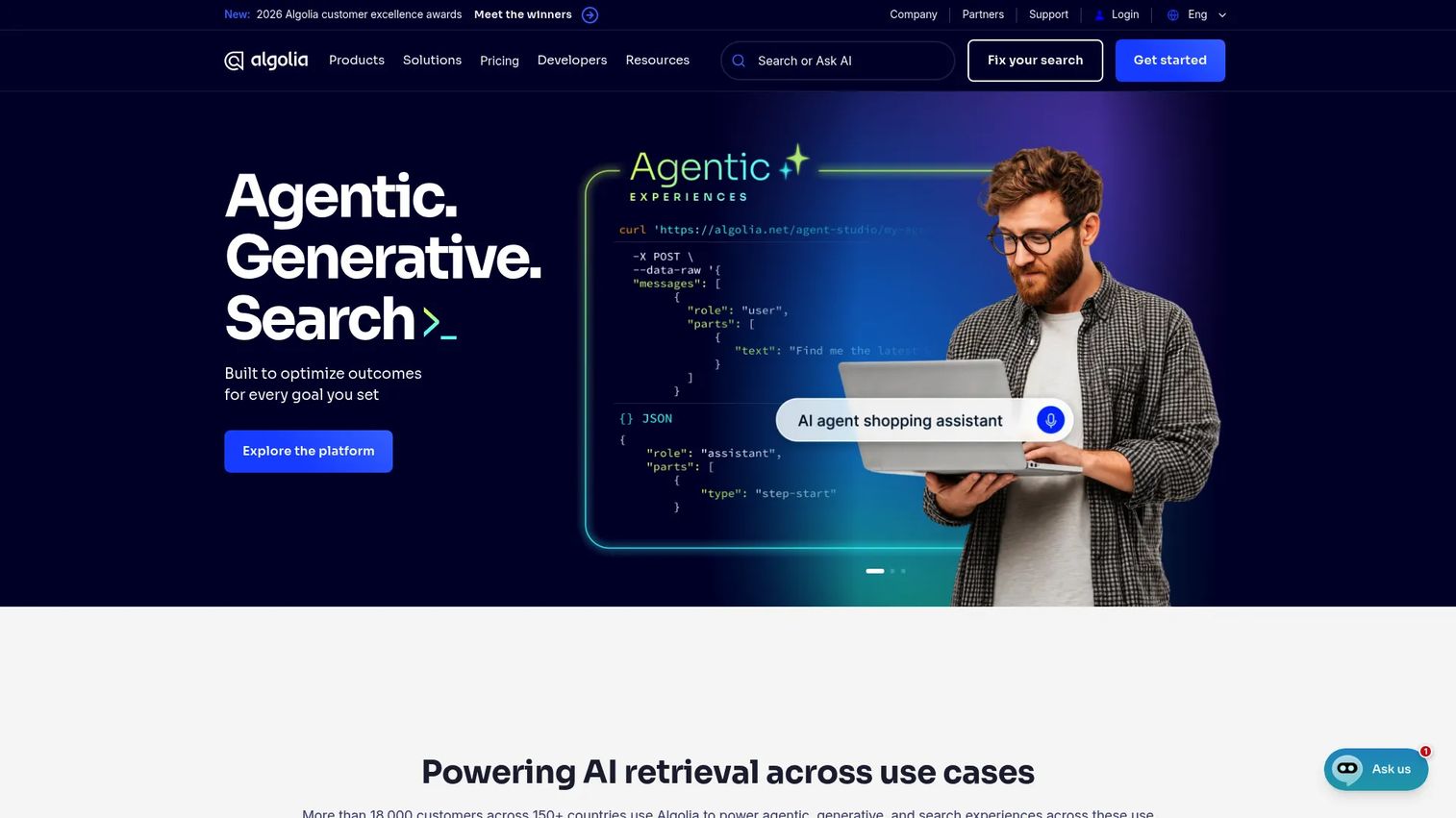
Algolia is a mature AI search and discovery platform covering product search, ecommerce, B2B portals, and agentic experiences. It combines AI ranking, NeuralSearch for semantic intent understanding, personalization, and merchandising controls in a managed API. Teams at production scale use it to tune relevance without writing custom ranking logic.
Best for: Product and marketing teams where search quality directly drives conversion, activation, or revenue.
Key features
- Hybrid search combining keyword and neural retrieval
- AI ranking with query categorization and intent modeling
- Advanced personalization by user attributes and behavior
- Merchandising controls: pins, boosts, and rules
- Search analytics with zero-result and click-through tracking
Why choose Algolia: Choose it when you need a polished managed platform with business controls built in, not just a retrieval engine. Teams that need open-source or self-hosting will find the managed-only architecture constraining.
Algolia pricing: The free tier includes 10K search requests and 50K records per month. Grow and Grow Plus both start at $0/month with pay-as-you-go usage: Grow bills $0.50 per additional 1K searches and Grow Plus bills $1.75 per additional 1K searches, with records at $0.40 per additional 1K per month. Elevate pricing is custom on an annual plan.
G2 rating: 4.5/5
2. Meilisearch
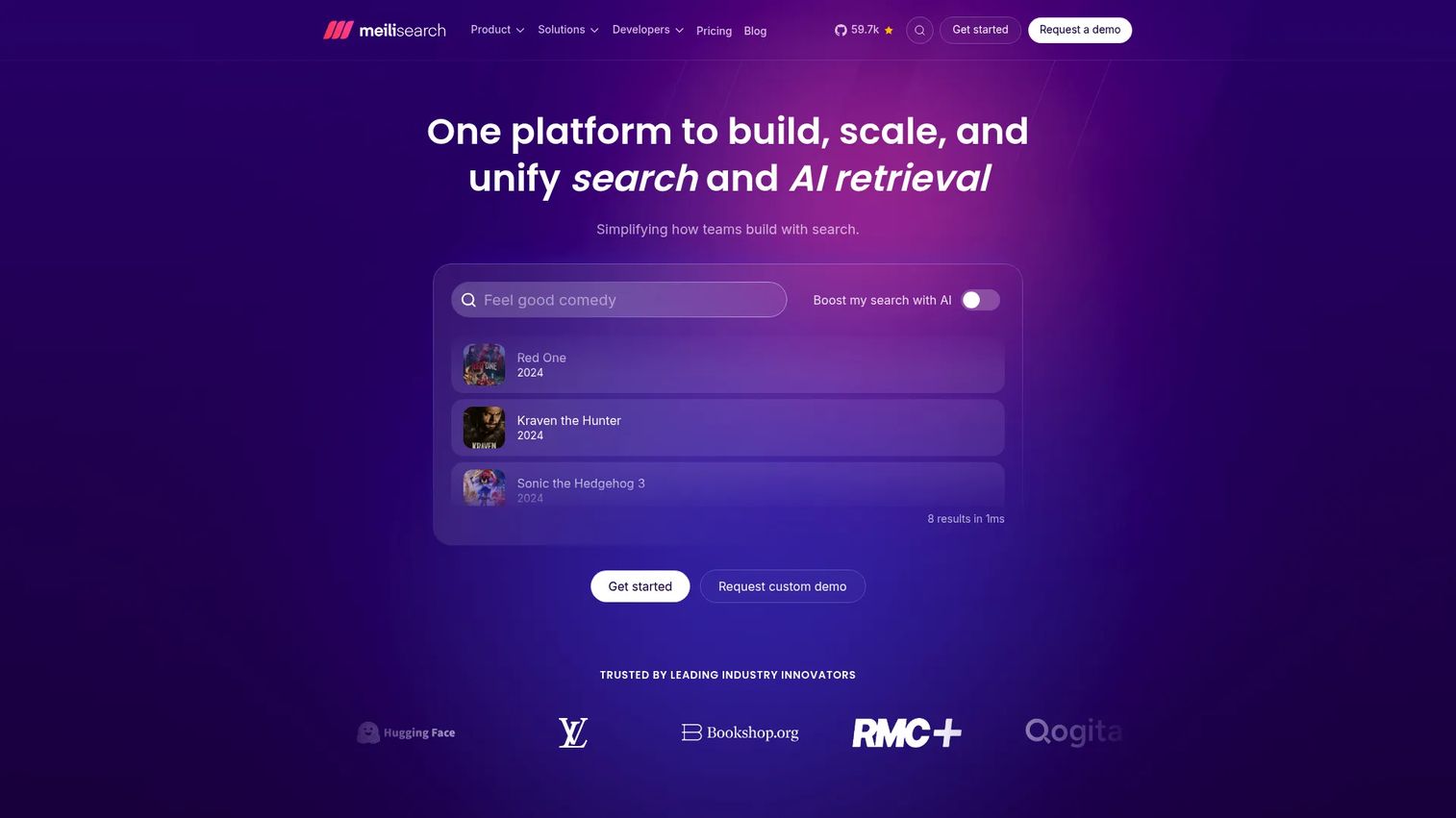
Meilisearch is a developer-first search and AI retrieval platform covering full-text search, hybrid retrieval, faceting, filtering, federated search, and multimodal search across text, images, video, and audio. It ships with strong defaults: typo tolerance, relevance ranking, and search-as-you-type out of the box. Teams choose between a managed cloud option and a self-hosted deployment under the MIT license.
Best for: Product and engineering teams that want fast, low-friction search with open-source flexibility.
Key features
- Full-text search with typo tolerance and relevance ranking
- Hybrid vector and keyword retrieval
- Faceted search, filtering, sorting, and geosearch
- Federated search across multiple indexes
- Managed cloud and self-hosted deployment paths
Why choose Meilisearch: It's a strong starting point for teams prioritizing developer experience and speed-to-integration. Teams needing deep enterprise governance, permissioning at scale, or advanced analytics should compare it against Azure AI Search or Elastic.
Meilisearch pricing: Cloud starts at $20/month with a 14-day free trial and no credit card required. Billing runs on either a resource-based model, charged hourly for compute, disk, and bandwidth, or a usage-based model, where a $30/month base covers 100K documents and 50K searches. Self-hosting is free under the MIT license. Enterprise pricing requires contacting sales.
G2 rating: 4.8/5
3. Cloudflare AI Search
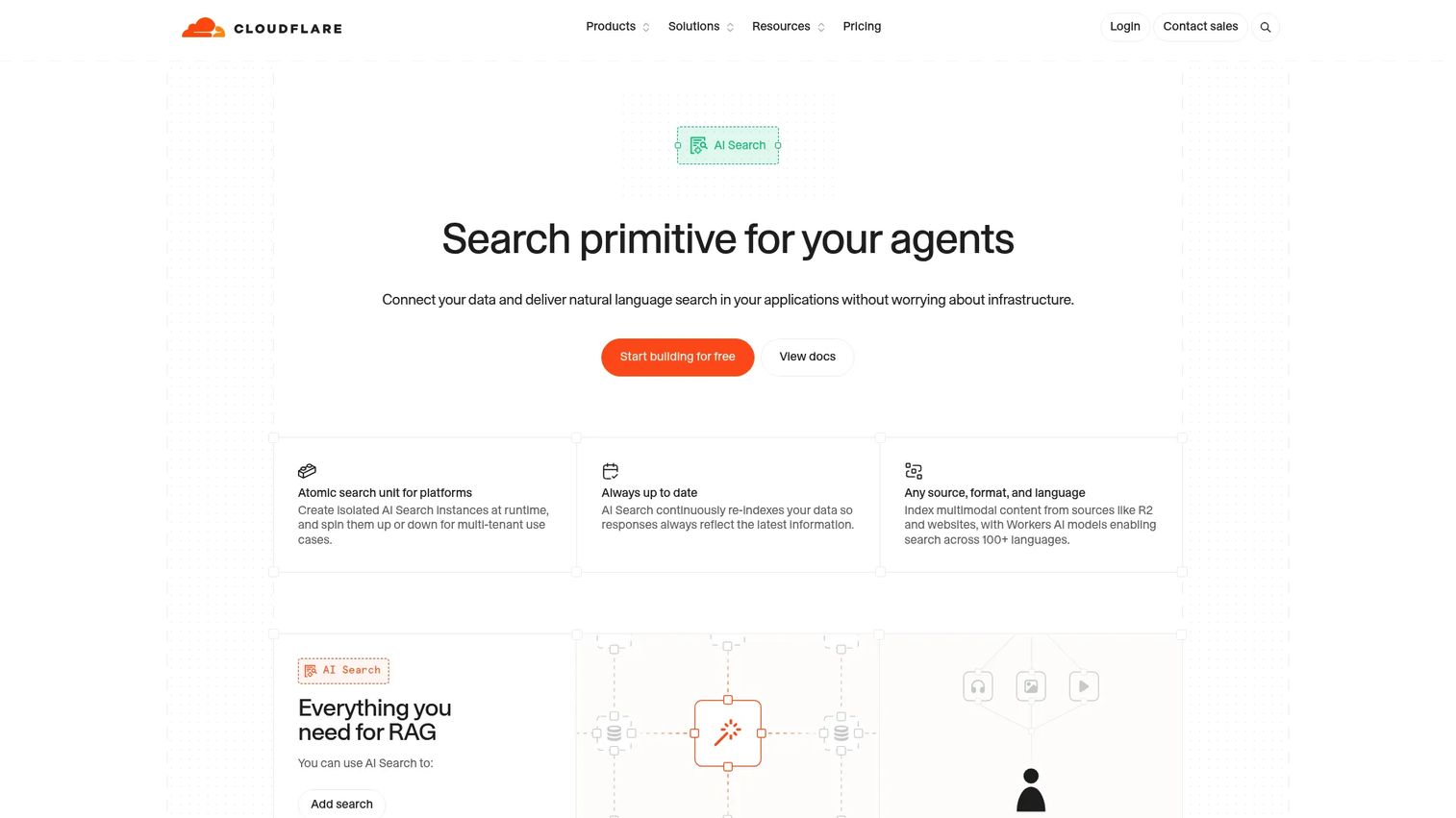
Cloudflare AI Search is managed retrieval infrastructure for developers building natural-language search, knowledge-base retrieval, or AI agent experiences. It automatically indexes websites, R2 buckets, and uploaded documents, then exposes those indexes through hybrid semantic and keyword search. Multimodal capabilities cover image search and OCR for scanned PDFs. Integration paths include Workers bindings, SDKs, an embeddable search component, and a built-in MCP endpoint for agent workflows.
Best for: Teams building AI agents or RAG tools inside the Cloudflare developer stack.
Key features
- Automated indexing of websites, R2 data, and documents
- Hybrid semantic and full-text search with metadata filtering
- Multimodal image search and OCR for scanned PDFs
- Built-in MCP endpoint for agent retrieval workflows
- Continuous re-indexing to maintain data freshness
Why choose Cloudflare AI Search: It fits teams where retrieval is part of an agentic architecture rather than a standalone search purchase. Teams outside Cloudflare's infrastructure should carefully evaluate implementation effort and integration paths.
Cloudflare AI Search pricing: Every account includes 5 million ingestion tokens, 10 GB-month storage, 1K semantic queries, and 1K full-text queries monthly at no charge. Beyond that, semantic queries cost $0.75 per 1K; full-text queries cost $0.10 per 1K. Ingestion runs $0.75 per million tokens, with image processing adding $0.50 per million, and storage runs $2.00 per GB-month. Usage-based billing starts November 1, 2026.
G2 rating: Not listed on G2
4. Pinecone
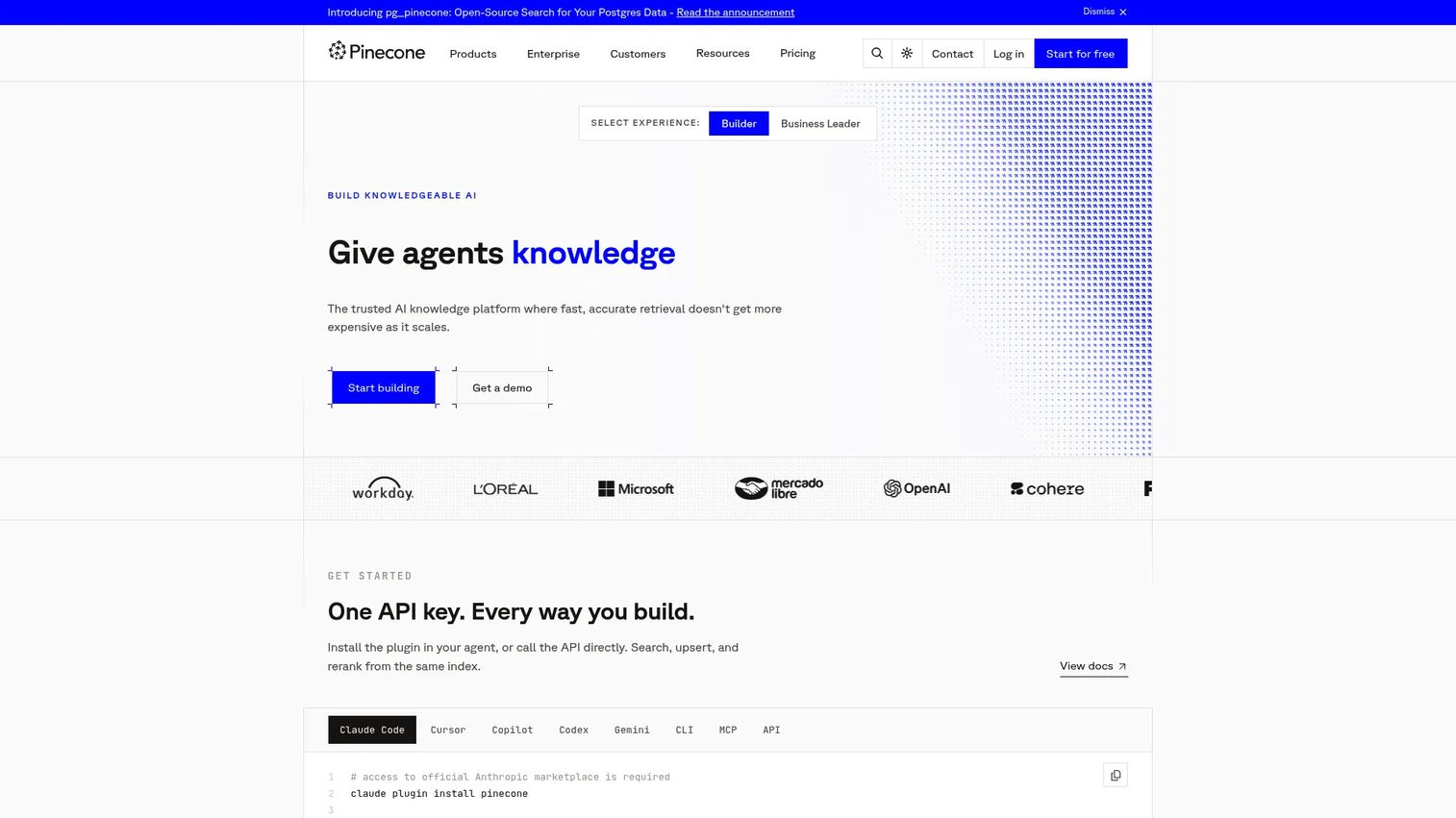
Pinecone is a fully managed vector database and AI knowledge infrastructure platform. It handles dense, sparse, and full-text indexes with automatic scaling, metadata filtering, integrated embedding models, and a reranking layer. Pinecone Assistant provides a ready-made RAG interface so teams can wire retrieval to an LLM without building the full pipeline from scratch.
Best for: Teams building vector-first AI applications that need managed vector retrieval at production scale.
Key features
- Dense, sparse, and full-text indexes with automatic scaling
- Metadata filtering for targeted retrieval
- Serverless indexes with no cluster management
- Integrated embedding and reranking models
- Pinecone Assistant for RAG without custom pipeline work
Why choose Pinecone: It's the right choice when the team already has an embedding strategy and wants to offload vector infrastructure entirely. Product search teams that also need business rules, merchandising, or search analytics will need a search platform alongside it.
Pinecone pricing: Starter plan is free. Builder costs $20/month flat. Standard requires a $50/month minimum, and Enterprise requires a $500/month minimum, both usage-based beyond the floor.
G2 rating: 4.4/5
5. Weaviate
Weaviate is an open-source, AI-native vector database with hybrid search, built-in vectorization modules, native multi-tenancy, and flexible deployment across managed cloud and self-hosted environments. Its Query Agent supports RAG and natural-language querying without a custom retrieval layer. Vector index compression keeps costs manageable at scale.
Best for: Developer teams that want vector and hybrid search with the option to self-host or go fully managed.
Key features
- Hybrid vector and BM25 keyword search
- Built-in vectorizer integrations for automatic embedding
- Native multi-tenancy for SaaS and multi-customer workloads
- Query Agent for RAG and natural-language querying
- Configurable backups and vector index compression
Why choose Weaviate: Choose it when engineering wants a vector-native platform with strong retrieval flexibility and deployment choice. PMs should align with engineering early on schema design and operational ownership, since those decisions affect maintainability across release cycles.
Weaviate pricing: A free managed tier covers 100,000 objects and one cluster. Flex starts at $45/month on a pay-as-you-go basis, billed from $0.00465 per 1M vector dimensions plus storage from $0.12 per GiB. Premium is a prepaid contract priced by quote.
G2 rating: 4.4/5
6. Qdrant
Qdrant is a high-performance vector search engine and database built for semantic, hybrid, and AI retrieval workloads. Its filtering runs during HNSW graph traversal rather than as a post-retrieval step, which improves precision when payload metadata matters. Multivector and multimodal retrieval, reranking with ColBERT and score boosting, and REST plus gRPC APIs give engineering teams solid flexibility.
Best for: Engineering teams building semantic or RAG applications where filtering precision and retrieval latency are critical.
Key features
- Vector similarity search with HNSW-native payload filtering
- Hybrid retrieval combining dense and lexical search
- Multivector and multimodal retrieval support
- Reranking: ColBERT, MMR, and score boosting
- Open-source and managed cloud deployment options
Why choose Qdrant: It's more infrastructure-oriented than product search platforms with merchandising workflows, but strong for teams that need exact control over retrieval precision and latency. A free cloud tier makes it easy to prototype before committing to a paid cluster.
Qdrant pricing: The free tier provides 0.5 vCPU, 1 GB RAM, and 4 GB disk with no time limit and no high availability. Paid clusters are billed hourly on resource usage across vCPU, memory, storage, backup storage, and inference tokens, so run the pricing calculator for a figure that matches your workload. Premium requires a minimum spend, and Hybrid Cloud and Private Cloud are priced on request.
G2 rating: 4.5/5
7. Elastic
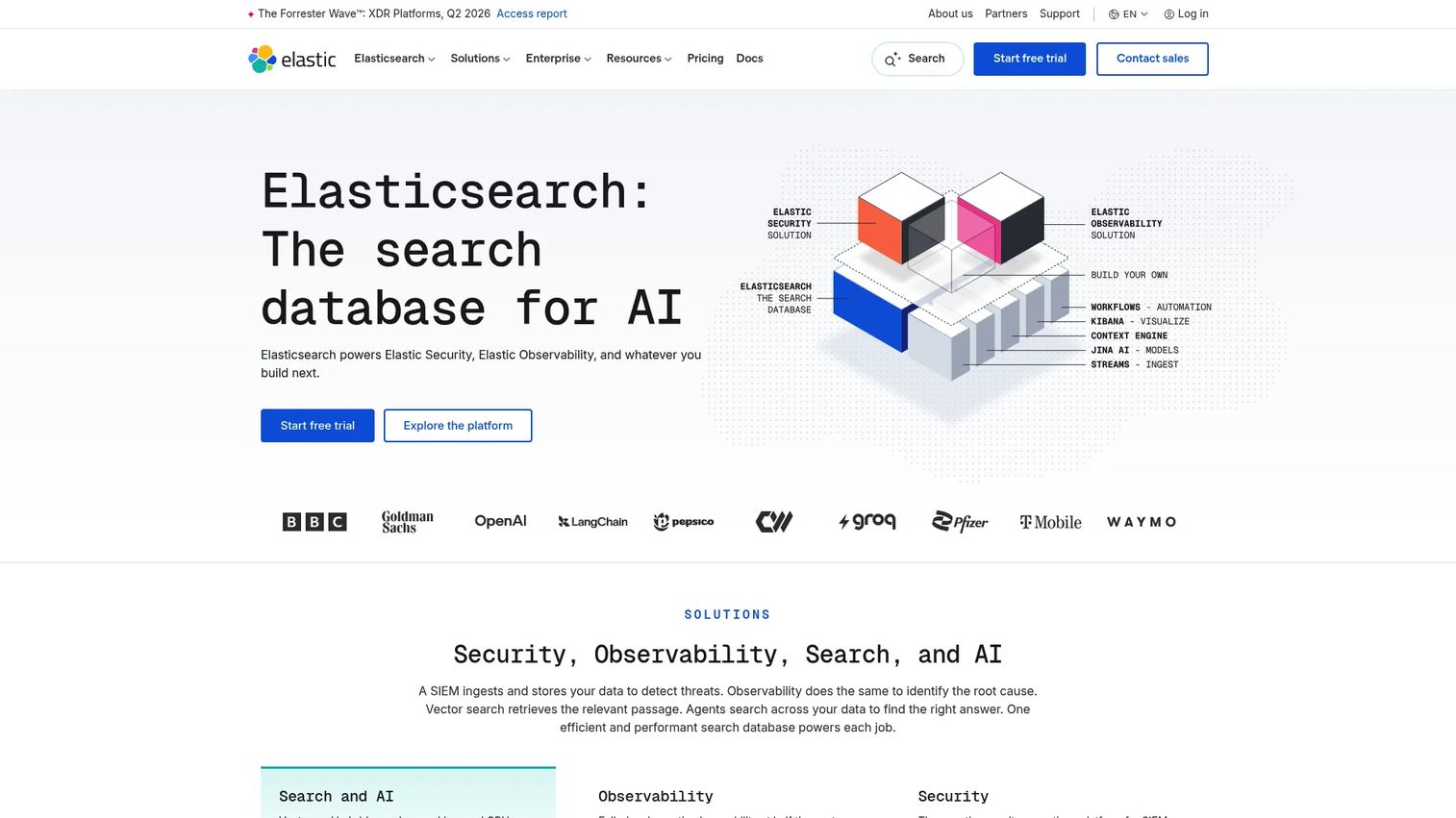
Elastic provides search, observability, and security capabilities through its Search AI Platform, with Elasticsearch at the center. Full-text and vector search combine in a hybrid retrieval model, and enterprise controls cover relevance tuning, access management, and cluster configuration. Teams that already run Elastic for log analytics often extend it to power application search or RAG pipelines rather than introducing another stack.
Vendor relationship to disclose: Elasticsearch and OpenSearch (#11) are not independent options. AWS forked Elasticsearch 7.10 and Kibana in 2021 after Elastic relicensed Elasticsearch under the SSPL, and that fork became OpenSearch. The two codebases have diverged since, but if Elastic and OpenSearch are both on your shortlist, you are comparing two branches of one lineage, not two separate architectures.
Best for: Enterprise teams that need search, observability, and AI retrieval in one operational environment.
Key features
- Elasticsearch with full-text and vector search
- Hybrid retrieval combining keyword and semantic ranking
- Enterprise controls: access management, relevance tuning, cluster ops
- Observability for logs, metrics, and application performance
- Security analytics and threat detection
Why choose Elastic: It's a strong fit when the organization already has Elastic expertise and wants to consolidate. Smaller PM teams should account for the setup investment, cluster governance, and the engineering hours required to operate it well.
Elastic pricing: Elastic Cloud Hosted publishes starting prices for all four tiers: Standard from $99/month, Gold from $114/month, Platinum from $131/month, and Enterprise from $184/month. Those are entry points for a reference configuration, and actual cost scales with instance usage. A 14-day free trial is available.
G2 rating: 4.5/5
8. Typesense
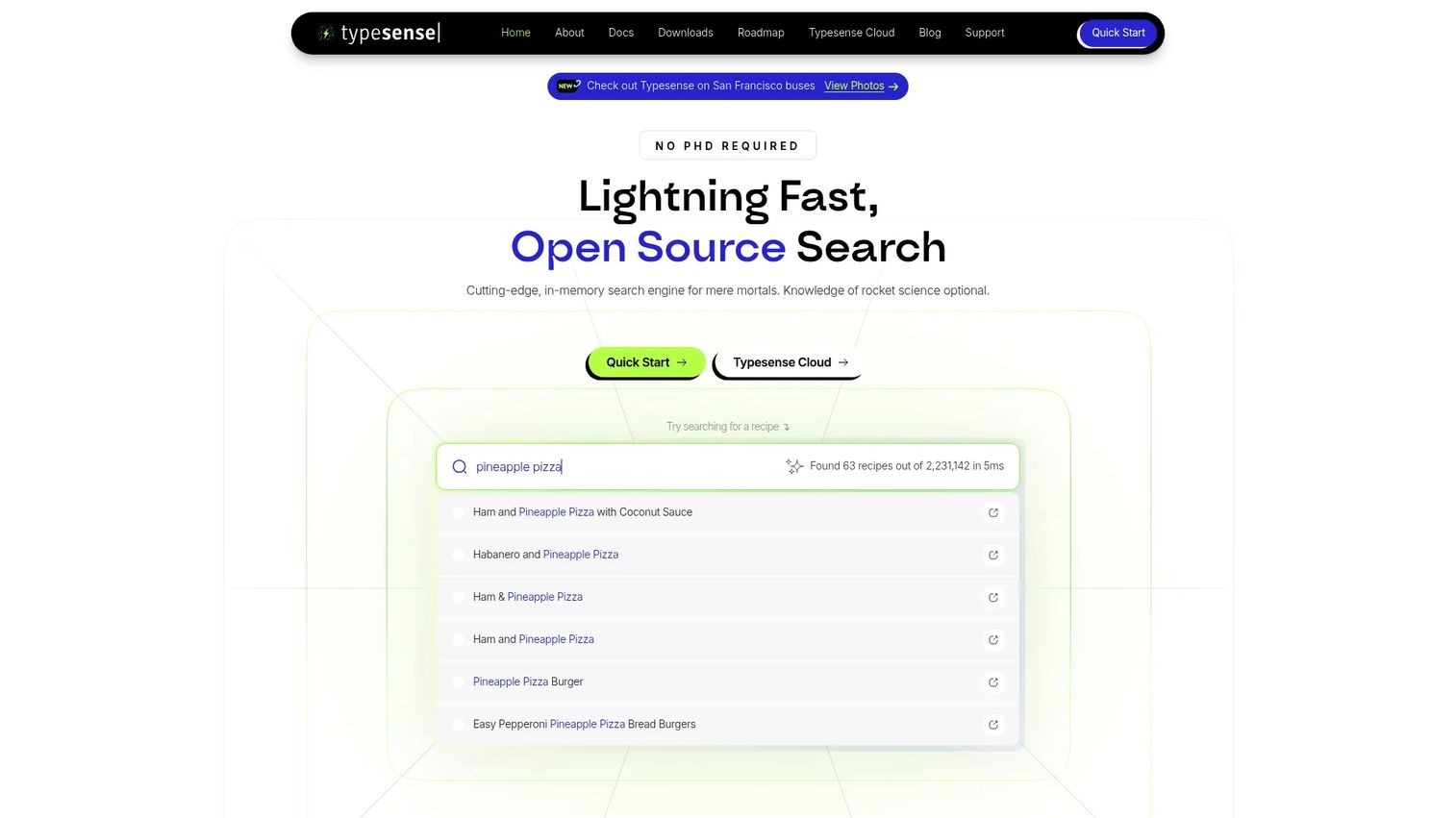
Typesense is an open-source, typo-tolerant search engine designed for instant, relevant search. It covers faceted navigation, filtering, geosearch, semantic search, and conversational search, and it offers a managed Typesense Cloud option alongside a self-hosted deployment under an open-source license. SaaS apps, documentation sites, marketplaces, and product catalogs are its natural habitat.
Best for: Development teams building fast, typo-tolerant search experiences for apps, docs, or catalogs without heavy infrastructure overhead.
Key features
- Search-as-you-type with millisecond latency
- Typo tolerance and automatic spell correction
- Faceted navigation, filtering, and geosearch
- Semantic and conversational search
- Cloud hosting and open-source self-hosted deployment
Why choose Typesense: It's a direct alternative to Meilisearch with a similar developer experience. Teams that need deep enterprise security controls or advanced analytics dashboards should validate those capabilities carefully before committing.
Typesense pricing: Typesense Cloud bills clusters by the hour, sized through a calculator on the pricing page rather than through fixed plan tiers, so no public starting figure applies to every configuration. New accounts get a one-time credit of 720 hours and 10 GB of bandwidth on select configurations, which does not renew monthly, so add a payment method before running anything in production. Self-hosting is free.
G2 rating: 4.7/5
9. Microsoft Azure AI Search
Microsoft Azure AI Search is a fully managed cloud search service supporting full-text, vector, hybrid, and multimodal search alongside agentic retrieval with query planning, parallel retrieval, semantic reranking, and citations. AI enrichment handles document extraction, OCR, chunking, and vectorization. Enterprise security covers private endpoints, managed identities, and document-level access control. Azure OpenAI integration makes it a natural choice for teams building RAG over enterprise data already in Azure.
Best for: Azure-native teams building enterprise search or RAG workflows over proprietary data.
Key features
- Full-text, vector, hybrid, and multimodal search
- Agentic retrieval with query planning and semantic reranking
- AI enrichment: OCR, chunking, and auto-vectorization
- Azure indexers connecting to Azure data sources
- Enterprise security with private endpoints and managed identities
Why choose Azure AI Search: The right call when the organization already runs Azure and needs identity, governance, and AI integration in one service. Non-Azure teams should validate how much implementation effort the connector model adds.
Azure AI Search pricing: Two pricing models exist: capacity-based for Dedicated tiers, billed hourly by service tier, and usage-based for Serverless, billed by compute unit per hour plus indexed storage per GB-month. Azure's pricing page lists the tier limits but leaves the rate cells blank for anonymous visitors, so pull current figures from the Azure pricing calculator or contact Microsoft directly.
G2 rating: 4.4/5
10. Google Vertex AI Search
Google Vertex AI Search (presented as Agent Search in current Google pricing documentation) is Google Cloud's enterprise and app search platform for AI-powered retrieval, generative AI summaries, and conversational search. It spans websites, structured data, and unstructured documents through data connectors and grounding, tying closely into the broader Google Cloud AI infrastructure.
Best for: Google Cloud teams building enterprise search, website search, or grounded generative AI experiences.
Key features
- Natural-language and semantic search across websites and documents
- Generative AI summaries and conversational search
- Data connectors for structured and unstructured sources
- Generative AI grounding to reduce hallucination
- Google Cloud integration for identity and data governance
Why choose Google Vertex AI Search: It's the clearest fit when Google Cloud is already the data and AI platform. PMs should check connector coverage, permission propagation, and total per-query cost against the data architecture before committing.
Google Vertex AI Search pricing: Search Standard Edition costs $1.50 per 1K queries. Search Enterprise Edition costs $4.00 per 1K queries. Advanced Generative Answers adds $4.00 per 1K user input queries as an add-on to either edition. A free trial provides 10K queries per account per month, excluding Advanced Generative Answers.
G2 rating: 4.2/5
11. OpenSearch
OpenSearch is a community-driven, open-source search and analytics suite under the Apache 2.0 license. It covers full-text, lexical, vector, semantic, hybrid, and AI-powered search, with OpenSearch Dashboards for visualization and a plugin architecture that extends observability, security analytics, anomaly detection, and SQL querying. Managed deployment is available through AWS and other cloud providers.
Vendor relationship to disclose: OpenSearch began as an AWS fork of Elasticsearch 7.10 and Kibana in 2021, created after Elastic moved Elasticsearch to the SSPL. It is therefore a sibling of Elastic (#7) rather than an unrelated alternative. AWS donated the project to the Linux Foundation in September 2024, where it now runs as the OpenSearch Software Foundation with vendor-neutral governance and a technical steering committee, so the AWS relationship is governance-level history rather than current ownership.
Best for: Teams that want open-source search infrastructure with full operational control and no platform lock-in.
Key features
- Full-text, vector, semantic, and hybrid search
- k-NN plugin for approximate nearest-neighbor retrieval
- OpenSearch Dashboards for data visualization
- Built-in security, alerting, anomaly detection, and index management
- Managed service options through AWS and community providers
Why choose OpenSearch: The right choice when engineering wants control and needs to avoid closed-platform lock-in. Running search clusters still requires engineering commitment for setup, tuning, upgrades, and on-call coverage, which is an opportunity cost PMs should factor into the build-vs-buy decision.
OpenSearch pricing: The software is free under Apache 2.0. Hosted AWS OpenSearch Service pricing is usage-based by compute, storage, and data transfer; check the AWS pricing calculator for current rates per instance type.
G2 rating: Not listed on G2. The project itself has no G2 profile; the managed Amazon OpenSearch Service is listed separately and rated 4.2/5.
12. Vespa
Vespa is an AI search platform for real-time retrieval, distributed machine-learned ranking, and ML inference at scale. It combines vector, text, and structured search with tensor-based ranking models and automated scalability. Vespa Cloud handles continuous deployment and managed operations, while large-scale recommendation and personalization workloads are among its core strengths.
Best for: Technical teams building large-scale search, recommendations, or retrieval applications with custom ranking requirements.
Key features
- Vector, text, and structured search in one engine
- Distributed ML model serving and tensor ranking
- Real-time indexing with no downtime for schema updates
- Hybrid retrieval across dense and lexical signals
- Vespa Cloud with automated scalability and managed operations
Why choose Vespa: It performs best for teams with deep ranking or recommendation requirements that go beyond what managed search APIs offer. Engineering depth is a real prerequisite; it's not a tool for teams looking to minimize infrastructure ownership.
Vespa pricing: Vespa Cloud charges by allocated compute resources per hour. Startup tier costs $0.05 per vCPU/hour, $0.005 per GB memory/hour, and $0.0002 per GB disk/hour. Basic starts at $0.10 per vCPU/hour, Commercial at $0.145, and Enterprise at $0.18, with unit prices falling as allocated volume grows. Enterprise requires a $20,000/month minimum spend. Self-managed pricing requires contacting sales.
G2 rating: 4.6/5 (based on a small review count, so read it as directional)
Considerations when choosing AI search and retrieval platforms
Match the retrieval model to the job
Keyword search, semantic search, vector retrieval, and hybrid retrieval all serve different use cases. Before selecting a platform, map your retrieval job: exact product name matching favors keyword; intent-based discovery favors semantic; similarity across embeddings favors vector; production search usually needs hybrid. Buying a vector database when you need merchandising workflows, or an enterprise search service when you need a lightweight API, creates friction your engineering team will carry for years.
Validate data freshness before launch
Search that reflects stale data damages trust faster than no search at all. Check how each platform handles indexing cadence, web crawling, connector updates, event-driven re-indexing, and permission propagation. For PMs managing a continuous release cadence, onboarding decay is a real risk: your search index needs to update when your product UI changes, not on a weekly batch schedule.
Measure failed searches, not just successful queries
Zero-result rate, query reformulation frequency, click-through on results, and answer acceptance are the signals that tell you whether retrieval is working. Most teams track successful queries and ignore the failures. Correlating zero-result searches with support ticket volume and activation drop-off gives you the business case for relevance investment.
Check permissions and private data boundaries
AI retrieval over private data fails badly when access controls are loose. Evaluate role-based access, tenant isolation, document-level permission filtering, audit trails, and how the platform handles permission changes when users are added or removed. This is a pre-launch requirement, not a post-launch concern.
Estimate engineering ownership honestly
Managed SaaS reduces operational burden but constrains deployment and customization. Open-source self-hosting maximizes control but adds on-call burden, upgrade cycles, and cluster management. Cloud-native services tie you to a specific cloud. Estimate engineering hours per quarter for each option against the opportunity cost of those hours spent on product features instead.
Conclusion
The right platform depends on the job you're prioritizing. For polished commercial search with relevance controls, Algolia is the most complete managed option. For developer-friendly open-source search, Meilisearch and Typesense both deliver strong defaults with self-hosting flexibility. Cloudflare AI Search fits teams building retrieval into agentic workflows on the Cloudflare stack.
For vector-first RAG, Pinecone, Weaviate, and Qdrant each serve slightly different profiles: Pinecone for teams that want full infrastructure abstraction, Weaviate for flexible deployment with built-in vectorization, and Qdrant for high-precision filtering at retrieval time.
Enterprise teams on existing cloud contracts should evaluate Elastic for its broad observability-plus-search platform, Azure AI Search for deep Azure integration, and Google Vertex AI Search for grounded generative experiences on Google Cloud. OpenSearch and Vespa serve teams with the engineering depth to operate them well, with the caveat that OpenSearch and Elastic share a code ancestor and so cover much of the same ground.
The PM-ready path: shortlist by use case and retrieval model first, then validate with engineering on indexing, permissions, analytics, and total operational cost before committing.
Picking a retrieval platform is only half the work. Once search surfaces the right feature, your team still has to show buyers and new users how that feature behaves, and an interactive demo from Guideflow lets presales and product marketing teams do that without pulling engineering into every request.
Start your journey with Guideflow today!
FAQs
Traditional search matches keywords, applies filters, and ranks by structured metadata signals. AI search adds semantic understanding, vector retrieval, and natural-language intent modeling, so results reflect what the user meant rather than exactly what they typed. Hybrid search, which combines keyword precision with semantic recall, often delivers the most reliable production results for SaaS products.
Retrieval-augmented generation (RAG) is a method that retrieves relevant source material from an indexed knowledge base before an LLM generates its answer. This matters for current, private, or product-specific data because LLMs have a knowledge cutoff and no awareness of your internal state. A well-configured retrieval layer grounds answers in your actual content and reduces hallucination. For more on how agentic AI platforms use RAG, see our related guide.
Not always. Vector databases help when semantic similarity is the primary retrieval signal, but many product teams also need access controls, indexing pipelines, analytics dashboards, and business rules. Platforms like Algolia, Meilisearch, and Azure AI Search combine hybrid retrieval with those operational capabilities in one service. A standalone vector database is the right call when your team controls embedding generation and retrieval logic end-to-end.
Product discovery and in-app search typically fit Algolia, Meilisearch, or Typesense, since they're optimized for fast, typo-tolerant, faceted search with developer APIs. RAG-heavy features, AI assistants, and knowledge-base retrieval often fit Pinecone, Weaviate, Qdrant, Azure AI Search, or Google Vertex AI Search, depending on deployment model and cloud stack. If you're evaluating enterprise search software, our dedicated guide covers that comparison in detail.
Track zero-result rate, query reformulation frequency, result click-through, answer acceptance (for generative responses), and search latency. Correlate those signals with activation rate, support ticket volume, and early retention cohorts. Establish a baseline before launch; measuring uplift requires knowing the before state. Also monitor knowledge base self-serve rates as a proxy for support deflection.
Hybrid search runs two retrieval passes in parallel: a keyword-based pass that scores exact text matches, and a vector-based pass that scores semantic similarity. Results from both passes are combined and reranked using a fusion algorithm, typically reciprocal rank fusion or a learned reranking model. This captures exact product name matches that pure semantic search misses, while still understanding natural-language intent that keyword search fails on.
Most enterprise and managed platforms support role-based access control, document-level permission filtering, tenant isolation for multi-customer architectures, and audit logs. The critical step is modeling permissions accurately before launch: if your index doesn't reflect the same access rules as your application, users may retrieve content they shouldn't see. Check how each platform propagates permission changes when users join, change roles, or leave. For more on AI governance tools that complement retrieval infrastructure, see our separate guide.
Site search helps users find public or product-facing content: documentation, features, catalog items, help articles. Enterprise search spans internal documents, applications, databases, and knowledge repositories, with permissions, audit trails, and connector coverage as primary requirements. Some platforms serve both purposes well, but evaluation criteria differ significantly. Site search software and enterprise search are covered separately in our related guides for that reason.