
You closed the month. The work got done. Then finance asked for the invoice, and nobody could account for eleven hours logged in three tabs, two Slack threads, and a spreadsheet someone forgot to save.
That gap is revenue. It leaks quietly, and it compounds.
Billable utilization hit a four-year low of 66.4% in 2025, according to SPI Research. When a third of your delivery capacity never converts to a bill, the problem isn't effort. It's capture. Hours that live in memory instead of a system turn into delayed invoices, disputed line items, and margin you can't forecast.
A billable hours tracker fixes the first link in that chain. It captures billable time as work happens, classifies it, and turns approved entries into invoices without a manual rebuild. The global time tracking software market sat at USD 6.1B in 2025 and is projected to reach USD 11.43B by 2030, per Mordor Intelligence. More teams are treating time capture as revenue infrastructure, not admin.
This guide compares seven tools that help you track billable hours, invoice from them, and get cleaner reporting on where margin actually goes.
What's inside
This guide is for founders, ops leaders, agency owners, and professional services teams who need to stop losing billable time between the work and the invoice.
We chose tools based on the criteria that matter when time equals cash:
- Billable tracking and timesheets that capture hours without friction
- Invoicing and expense handling that pull from approved time
- Reporting and profitability visibility, not just logged hours
- Approvals and integrations that connect to your existing stack
- Usability for teams that don't have time to fight their tools
TL;DR
- Best for teams that want broad coverage: Clockify
- Best for simple, reliable billing workflows: My Hours
- Best for legal billing and invoice control: Bill4Time
- Best for project and resource-heavy teams: Productive
- Best for agencies balancing time, budget, and delivery: Paymo
- Best for employee time and attendance style tracking: actiTIME
- Best for all-in-one time, invoicing, and expenses: Harvest
Several tools here offer a free billable hours software tier for small teams. Match the pick to your billing motion, not the longest feature list.
What is billable hours software
Billable hours software is a tool that captures time worked on client or project work, converts that time into billable entries, and turns those entries into invoices and reports.
It sits between delivery and finance. Work gets logged as it happens, marked billable or non-billable, sent for approval, and then billed. The output is a clean invoice and a report that shows where hours went.
Core capabilities most tools share:
- Timer and timesheet capture for real-time and after-the-fact logging
- Billable and non-billable classification per task, client, or project
- Invoicing generated from tracked and approved time
- Reporting and export for finance and client transparency
- Budgets, rates, and approvals to control what gets billed
- Integrations with accounting, calendar, and project tools
Cloud deployment dominates the category at 77.8% market share, according to Mordor Intelligence, and SMEs drive 62.8% of revenue. That tells you most of these tools are built for small, fast-moving teams, not five-thousand-seat enterprises.
When to use
Track client work without losing hours
You need a billable hours tracker when work spans multiple clients and retainers, and hours slip through the cracks. A timer plus timesheet workflow captures time as it happens, so a two-hour call doesn't become a guess at month-end. This is the baseline: capture first, everything else follows.
Turn time into invoices faster
You need automatic invoicing when billing takes days instead of minutes. The right tool pulls approved billable time into a draft invoice, applies the correct rate, and lets you send it without rekeying anything. That shortens the gap between delivered work and collected cash.
Protect margin with better reporting
You need profitability reporting when you can log hours but can't see margin. Managers need budgets, utilization, and profitability views that show which clients pay for themselves and which quietly bleed. Reporting turns raw time into decisions about pricing, staffing, and scope.
Comparison table
Here's how the seven tools compare on fit, differentiator, pricing, and rating. Use it to shortlist two or three, then test them against a real week of billable time.
| # | Product | Best for | Key differentiator | Pricing | G2 rating |
|---|---|---|---|---|---|
| 1 | Clockify | Teams wanting broad time and billing coverage | Wide feature set across timekeeping, invoicing, and reporting | Free plan; paid from $5.49/seat/mo (annual) | 4.5/5 |
| 2 | My Hours | Small teams needing simple billing workflows | Straightforward project billing with flexible rates | Free plan; Basic from $4/user/mo (annual) | 4.6/5 |
| 3 | Bill4Time | Law firms and professional services | Legal billing with trust accounting and batch invoicing | From $39/user/mo (annual) | 4.7/5 |
| 4 | Productive | Project and resource-heavy services teams | Time, budgets, and profitability in one operating system | From $12/mo (annual) | 4.6/5 |
| 5 | Paymo | Agencies balancing time, budget, and delivery | Project management plus time tracking and invoicing | Free plan; Solo from $5.9/mo | 4.6/5 |
| 6 | actiTIME | Teams needing structured timekeeping and attendance | Time, cost, and productivity visibility | Free up to 3 users; from $6/user/mo (annual) | 4.6/5 |
| 7 | Harvest | Consultants wanting time, invoicing, and expenses | Clean flow from tracked time to client invoice | Free plan; Teams from $9/seat/mo | 4.3/5 |
Best billable hours software for 2026
1. Clockify
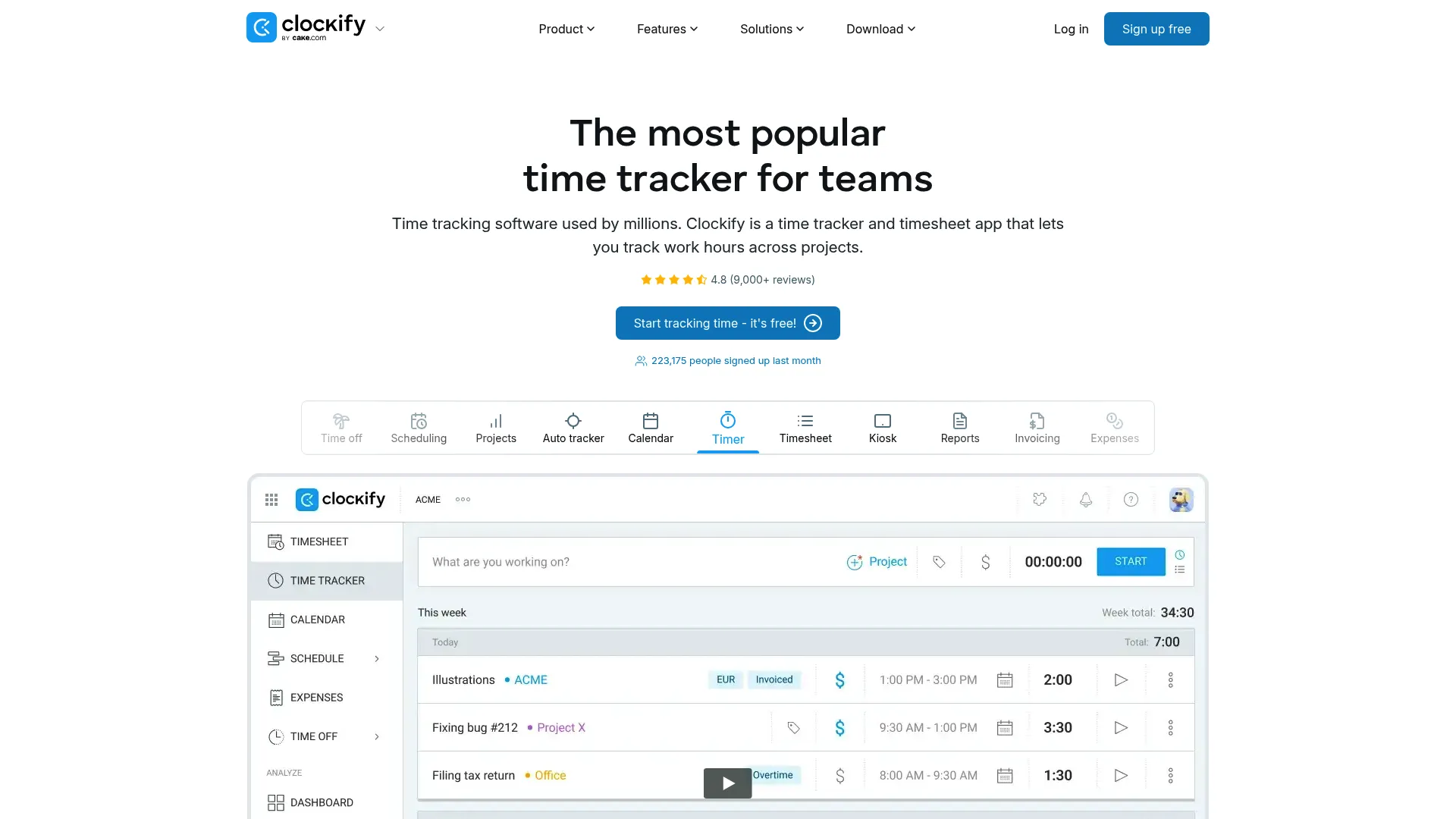
Clockify covers the widest span in this list. It starts with a timer and manual entry, layers on timesheets and approvals, then extends into reports, invoicing, and project tracking. Teams that want one tool to handle timekeeping and billing across desktop, browser, and mobile tend to land here.
The breadth is the point. You can run a kiosk for on-site staff, track billable and non-billable time by project, approve timesheets, and generate an invoice from the same system. For a founder consolidating tools, that coverage earns its place fast.
Best for: Teams needing time tracking, timesheets, and billable reporting in one place.
Key strengths
- Timer and manual time entry
- Timesheets and approvals
- Reports, invoicing, and project tracking
Why choose Clockify: Choose it when you want broad coverage without stitching together separate timekeeping and billing tools. It scales from a solo tracker up to managers who need visibility across a full team.
Clockify pricing: Free plan available for up to 4 people. Standard is $5.49 per seat per month billed annually ($6.99 monthly). Pro is $7.99 per seat per month annually, and Enterprise is $11.99 per seat per month annually.
2. My Hours
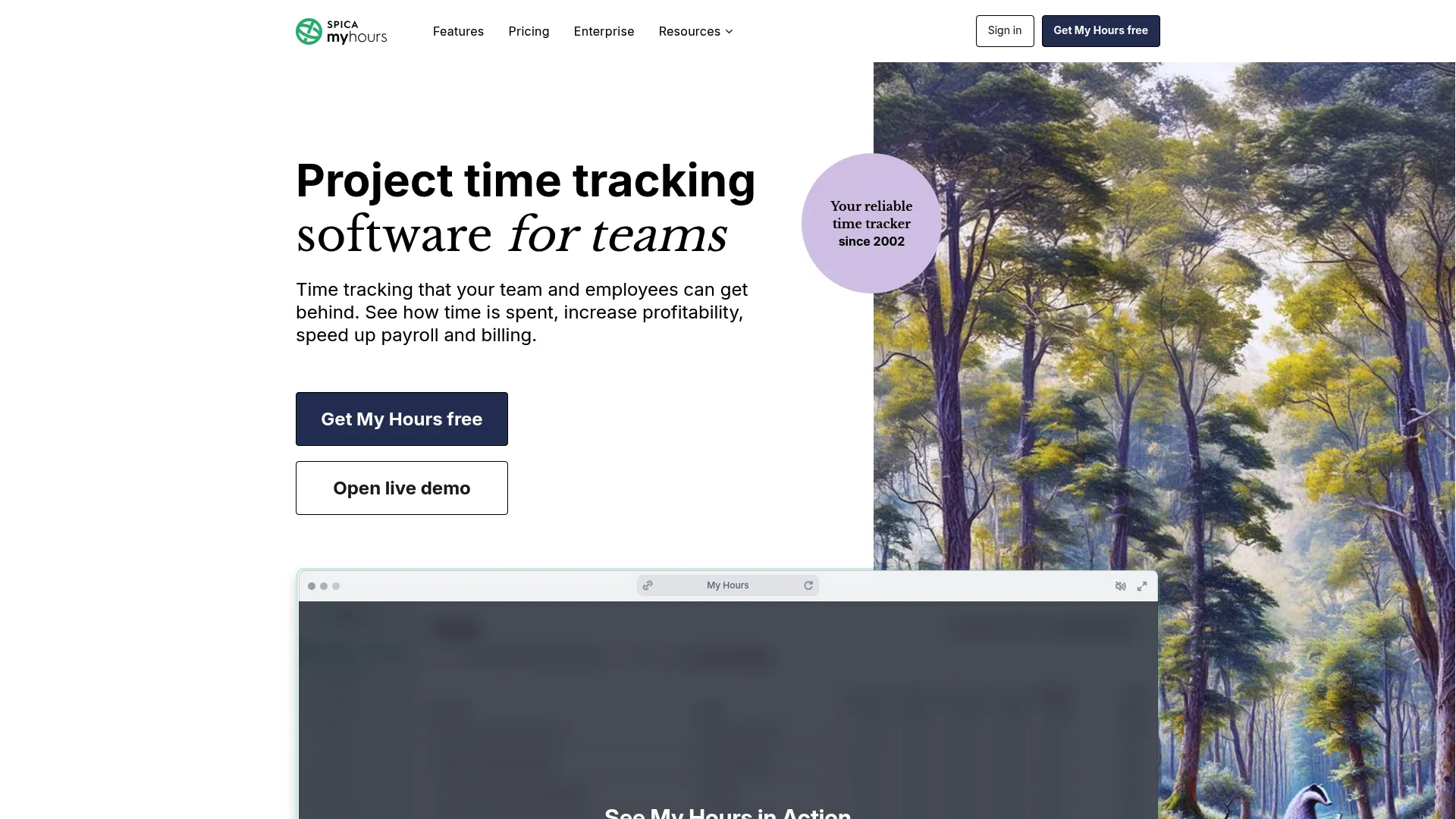
My Hours keeps the billing workflow simple. It handles timers and timesheets, organizes work by project, client, and task, then adds reports, approvals, budgets, and billing controls. The appeal is a low-friction interface that small teams actually use instead of avoiding.
Flexible rates matter here. You can set different billing rates per project or task, track against budgets, and route entries through approval before they hit an invoice. For teams that want reliable billing without a heavy operating system, it fits.
Best for: Small teams that need straightforward time tracking with billing and approvals.
Key strengths
- Timer and timesheets
- Projects, clients, and tasks
- Reports, approvals, budgets, and billing controls
Why choose My Hours: Choose it when you want a dependable billing workflow without a steep setup. It rewards teams that value simplicity over a sprawling feature set.
My Hours pricing: Free plan for up to 5 active users. Basic is $5 per user per month billed monthly, or $4 per user per month billed annually. Pro is $9 per user per month monthly, or $8 per user per month annually. Enterprise is custom.
3. Bill4Time

Bill4Time is built for legal billing and the workflows that come with it. It combines time tracking with invoicing, batch billing, trust accounting, online payments, and matter-style organization. For law firms and professional services teams handling sensitive client work, that specialization shows.
Invoice control is the differentiator. Batch billing lets you generate invoices across many matters at once, trust accounting keeps client funds separate, and reporting supports the transparency legal clients expect. It reads as legal time tracking software first, general tracker second.
Best for: Law firms and professional services teams that need time tracking plus billing and trust accounting.
Key strengths
- Time tracking and batch invoicing
- Trust accounting and online payments
- Reporting, document management, and QuickBooks integration
Why choose Bill4Time: Choose it when your billing carries legal or compliance weight that a general tracker can't hold. The trust accounting and matter workflows are the reason firms pick it over lighter tools.
Bill4Time pricing: No free tier. Time & Billing is $49 per user per month monthly, or $39 annually. Legal Pro is $69 monthly, or $59 annually. Legal Enterprise is $99 monthly, or $89 annually. A 14-day free trial is available.
4. Productive
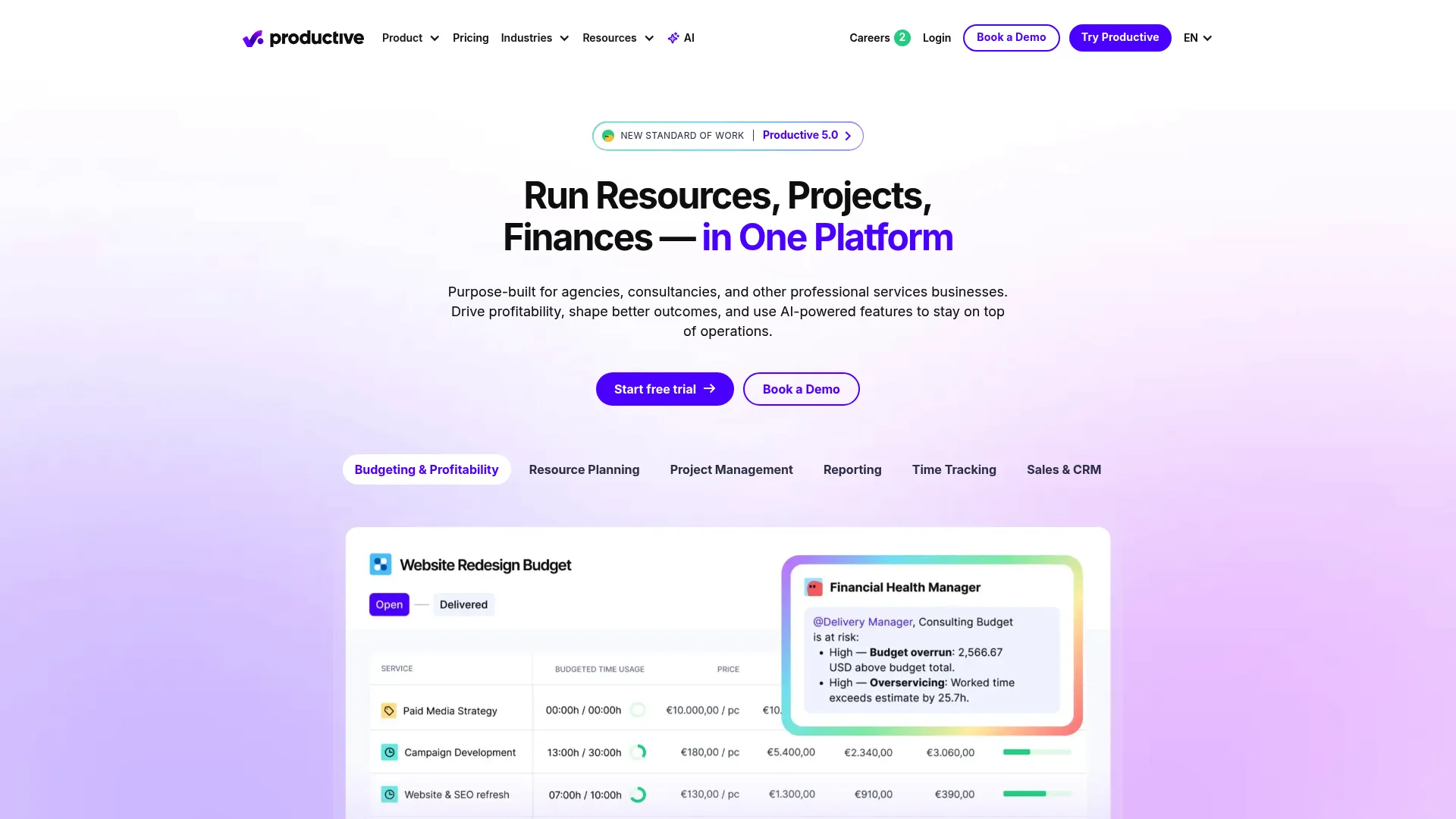
Productive treats billable time as one input into a full operating system. It brings project and task management, resource planning, time tracking, budgeting, invoicing, and reporting under one roof. Agencies and services teams with deeper delivery and utilization needs use it to connect hours to profit.
The profitability link is what sets it apart. Because time, budgets, and forecasting live in the same place, you can see project margin as work happens, not after the invoice. For a founder who wants delivery and finance in one view, that's the pull.
Best for: Agencies and professional services firms that need one system for projects, resources, and finances.
Key strengths
- Project and task management
- Resource planning and time tracking
- Budgeting, invoicing, and reporting
Why choose Productive: Choose it when you need billable time tied directly to project profitability and resource planning. It fits teams ready to run delivery and finances from a single operating system.
Productive pricing: Essential starts at $12 per month billed yearly. Professional is $25 per month billed yearly. Ultimate is custom, priced through sales.
5. Paymo

Paymo blends project management with time tracking and invoicing. It handles task management, time capture, and planning and scheduling, so agencies and small teams run billable projects without juggling separate tools. The operational breadth is the draw.
Because tasks, time, and invoices connect, you track billable time against specific work and bill from it directly. Schedule visibility helps you see who's booked and where capacity sits. For teams that want delivery and billing in one place, it holds up.
Best for: Freelancers and small teams needing project management plus time tracking and invoicing.
Key strengths
- Task management
- Time tracking
- Planning and scheduling
Why choose Paymo: Choose it when you want operational breadth without stitching multiple tools together. It suits agencies that run billable projects and need schedule visibility alongside billing.
Paymo pricing: Free plan available. Solo is $5.9 per month, Plus is $10.9 per user per month, and Pro is $16.9 per user per month. Annual billing offers discounts of up to 40%.
6. actiTIME
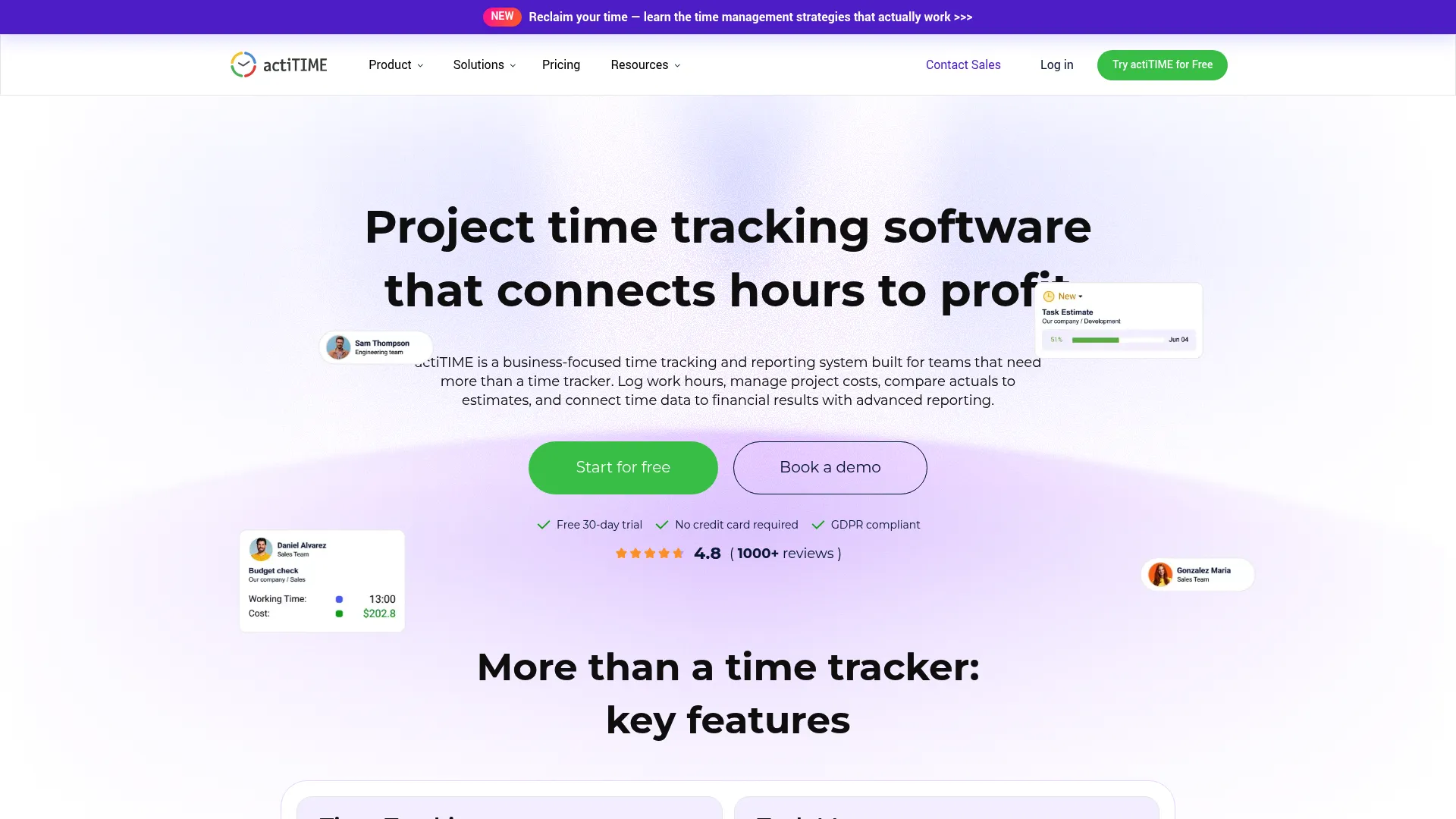
actiTIME leans into structured timekeeping. It handles time tracking, weekly timesheets, project and task reporting, estimates versus actuals, approvals, and reminders across mobile and browser. Teams where attendance and billable work overlap tend to fit here.
The distinction worth naming: this is as much about managing staff time as billing clients. Employee time tracking and attendance structure sit alongside billable reporting, so managers get cost, productivity, and profitability visibility. If your team needs discipline in how hours get logged and reviewed, that structure helps.
Best for: Teams needing time tracking plus project profitability and reporting.
Key strengths
- Time tracking and weekly timesheets
- Project and task reporting, estimates vs actuals
- Approvals, reminders, and mobile/browser access
Why choose actiTIME: Choose it when you need stronger timekeeping structure, especially where attendance and billable hours overlap. It rewards teams that want cost and productivity visibility, not just logged time.
actiTIME pricing: Free for up to 3 users. actiTIME Online starts at $6 per user per month billed yearly. Self-Hosted is a one-time $120 per user. Teams of 200+ users use a fixed cost for unlimited users.
7. Harvest
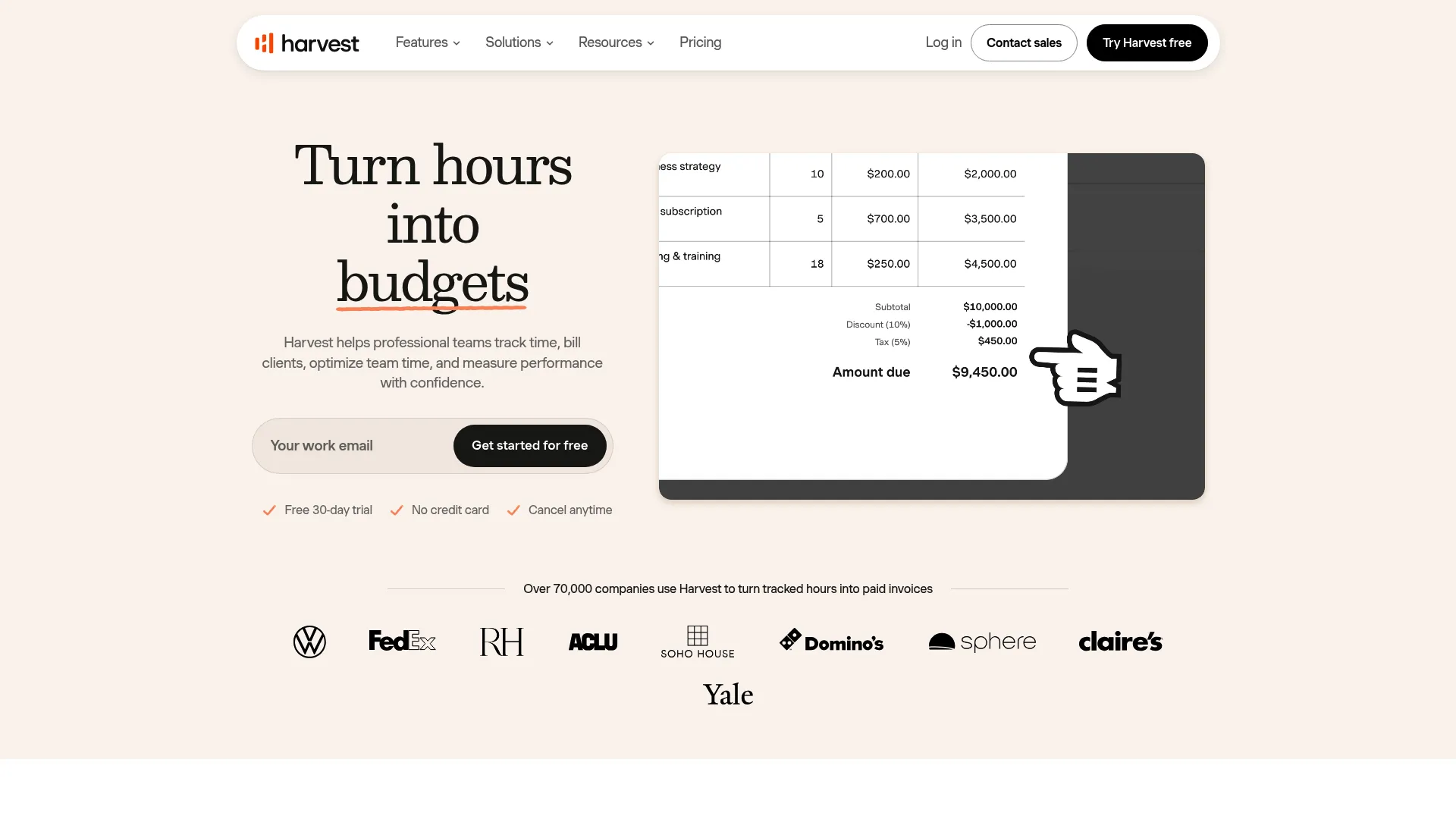
Harvest keeps the path from tracked time to client invoice clean. It handles time tracking, invoicing, online payments, reporting, budgets, and expense tracking. Consultants and small service businesses use it to turn logged hours into a sent invoice without friction.
Expense capture is part of the billing flow, not a bolt-on. You track billable time, add expenses to the same project, then generate an invoice that covers both. For a lean team that wants time and money in one system, Harvest is a common default.
Best for: Service businesses that need time tracking, invoicing, and reporting in one tool.
Key strengths
- Time tracking
- Invoicing and online payments
- Reporting, budgets, and expense tracking
Why choose Harvest: Choose it when your priority is a clean, fast flow from tracked time to a client invoice. Its expense tracking makes it a fit for consultants who bill time and costs together.
Harvest pricing: Free plan available. Teams is $9 per seat per month monthly, or $11 per seat per month annually. Enterprise is $14 per seat per month monthly, or $17.50 annually. Enterprise Plus is custom.
Considerations
Before you commit, run the shortlist through these checks. The goal is a tool that matches your billing motion, not the one with the most features.
Decide how much structure your team needs
A solo consultant needs a light timer and a fast invoice. A 40-person agency needs approvals, budgets, and role-based visibility. Be honest about where you sit. Too much structure slows a small team; too little leaks revenue on a large one.
Check invoicing depth
Some teams need simple line items pulled from hours. Others need batch billing, trust accounting, multiple rates, and expense line items on the same invoice. Map your actual invoicing complexity against what each tool supports before you buy.
Review approvals and controls
Decide whether time entries need manager review before they become billable. If a wrong entry on an invoice creates a client dispute, you want approvals in the workflow. If speed matters more than control, a lighter path may serve you better.
Look at reporting and profitability
Logged hours are the floor. Ask whether the tool shows utilization, budgets, and project margin, or just time in a grid. Profitability reporting is what turns time data into pricing and staffing decisions.
Confirm integrations
Check that the tool connects to your accounting software, calendar, and project tools. If billable time has to move into QuickBooks or a project system by hand, you've moved the leak, not fixed it.
Conclusion
The right billable hours software depends on your billing motion. Clockify fits teams wanting broad coverage across timekeeping and billing. My Hours suits small teams that want a simple, reliable billing workflow. Bill4Time is the pick for law firms that need trust accounting and batch invoicing.
Productive fits agencies that need time tied to project profitability. Paymo works for teams that want project management and billing together. actiTIME suits teams needing structured timekeeping where attendance and billable work overlap. Harvest is a clean default for consultants billing time and expenses.
Shortlist two or three, then test them against a real week of billable time. Watch how fast hours become an invoice, how clean the reporting is, and whether your team actually logs time without being chased. That's the test that tells you which tool protects your margin.
Start your journey with Guideflow today!
FAQs
The best way is to capture time as work happens, using a timer or a timesheet you fill daily, then classify each entry as billable or non-billable. Waiting until month-end forces you to reconstruct hours from memory, which is where revenue leaks. A billable hours tracker that pushes approved time straight into invoicing closes the gap between delivered work and collected cash.
Several tools offer a free billable hours program tier. Clockify has a free plan for up to 4 people, My Hours covers up to 5 active users free, Paymo includes a free plan, and actiTIME is free for up to 3 users. Free tiers usually cap seats or advanced features, so confirm the limits match your team before committing.
Most tools in this list calculate billable hours automatically once you apply a rate to tracked time. Clockify, Harvest, and Paymo turn timed entries into billable totals and pull them into invoices. The automation depends on setting correct rates per project, task, or client up front, so the math runs without manual edits.
Use a running timer during work rather than logging from memory later, and set daily reminders so timesheets get filled before details fade. Tools with reminders and approvals, like actiTIME and My Hours, reduce missed entries by flagging gaps. The habit matters more than the tool: capture time the day it happens.
Bill4Time is the strongest fit for law firms in this list. It combines time tracking with trust accounting, batch invoicing, and matter-style organization built for legal billing complexity. General trackers handle hours, but legal time tracking software adds the trust and compliance controls firms need for client funds and transparency.
Harvest and Clockify both convert tracked time into invoices cleanly, and Harvest adds expense line items to the same bill. For teams that need heavier invoice control, like batch billing across matters, Bill4Time goes further. Match invoicing depth to your billing complexity rather than defaulting to the simplest option.
Yes. Harvest, Productive, and Bill4Time include expense tracking alongside time, so you can bill hours and costs on one invoice. Expense capture in the same tool avoids reconciling receipts against hours in a separate system. Confirm the tool lets you attach expenses to specific projects or clients.
Look for reporting that shows utilization, budgets, and project profitability, not just a grid of logged hours. The useful signal is which clients and projects pay for themselves and which quietly erode margin. Tools like Productive and actiTIME surface profitability and estimates versus actuals, which turn raw time into pricing and staffing decisions.

.avif)