Your finance team spends the last five days of every month stitching together billing exports, contract terms, and spreadsheets just to close the books. Then the auditors ask how you calculated standalone selling price on a mid-term upgrade, and the reconstruction begins all over again.
That is the exact friction revenue recognition software exists to remove. The global market for these tools reached USD 5.90B in 2025 and is projected to hit USD 11.70B by 2032 at a 10.26% CAGR, according to 360iResearch (2026). The growth is not vanity. It tracks a real shift: SaaS pricing got complicated, and manual revenue schedules stopped scaling.
For SaaS finance teams, the decision comes down to four things. Can the tool handle ASC 606 and IFRS 15 without a consultant on retainer? Does it automate revenue schedules, deferred revenue, and allocations, or just report on them? Will it connect to your billing system and ERP as a source of truth? And does it produce an audit trail your controller can defend?
Cleaner revenue processes are not only a finance win. When deal structure, packaging, and contract changes flow through a system instead of a spreadsheet, handoffs between Sales, RevOps, and finance get less painful, and the numbers everyone reports finally match. If your team also spends time proving product value to buyers, interactive demos reduce that friction on the GTM side the way revenue automation does on the finance side. Teams comparing operational tooling often cross-reference guides like audit management software and best marketing automation software tools when they map the wider stack, and Guideflow sits alongside those on the go-to-market side.
What's inside
This guide is for SaaS and software finance teams comparing revenue recognition tools: controllers, revenue accountants, RevOps-adjacent operators, and anyone who owns the close. We picked the shortlist on five criteria that matter to buyers at the mid-to-late consideration stage.
- Compliance depth: ASC 606 and IFRS 15 support, including performance obligations and contract modifications.
- Automation: revenue schedules, deferred revenue, and allocation handling, not just reporting.
- Integrations: billing, ERP, CRM, and data warehouse connections.
- Audit readiness: traceable approvals, journal entries, and reconciliations.
- Fit by stage: where a tool sits between SaaS-focused automation and full enterprise platforms.
The list blends dedicated enterprise revenue engines, SaaS-native automation, native ERP modules, and two authoritative accounting references.
TL;DR
Short on time? Here are the decision shortcuts.
- Best for SaaS automation: Maxio pairs subscription billing with revenue recognition for B2B SaaS finance teams.
- Best for complex enterprise revenue operations: Zuora Revenue handles multi-model monetization at scale with audit-ready ASC 606 and IFRS 15 output.
- Best for finance-stack alignment: Sage Intacct and NetSuite Revenue Management keep recognition close to the general ledger.
- Best for subscription-first analytics: Chargebee RevenueStory connects billing events to revenue reporting.
- Best for education-first buyers: The KPMG Handbook and PwC Q&A guide anchor your compliance interpretation before you buy.
What revenue recognition software is
Revenue recognition software automates how a company records revenue over time, applying accounting standards to contracts so the books match the value actually delivered in each period.
In practice, that means the software takes signed contracts and billing events, then generates the recognition schedules, allocations, and reporting that finance used to build by hand. The category exists because standards like ASC 606 and IFRS 15 require you to allocate transaction price across performance obligations, and doing that manually across hundreds of SaaS contracts does not hold up.
Core capabilities
Most revenue recognition tools cover some or all of the following:
- Revenue schedules: automatic recognition timing across the contract term.
- Deferred revenue tracking: clean deferred revenue reconciliation across periods.
- SSP and allocation: standalone selling price calculation and transaction-price allocation across obligations.
- Contract modification handling: upgrades, downgrades, and mid-term changes without manual rework.
- Audit trails and approvals: traceable journal entries and controls for audit-ready revenue recognition.
- ERP and billing integration: two-way sync with the systems of record.
- Revenue waterfall reporting: forward-looking recognition and deferred balances by period.
Why it matters now
SaaS pricing outgrew simple recurring subscriptions years ago. Usage-based billing, hybrid plans, multi-element contracts, and frequent contract modifications all create manual burden that spreadsheets absorb poorly.
Each of those models forces judgment calls: when to recognize, how much, and against which obligation. Software that encodes those rules once, then applies them consistently, is what makes revenue close automation possible. The payoff shows up in three places: faster close, audit readiness that survives scrutiny, and reporting that stays consistent quarter over quarter.
When to use revenue recognition software
Not every finance team needs a dedicated platform on day one. Here is how to tell when the manual approach has run out of room.
When contract volume and complexity are rising
A spreadsheet works at 20 contracts. At 200, with mid-term upgrades and usage true-ups, it breaks. Manual schedules drift, formulas get overwritten, and one bad cell reference distorts the whole period. When your revenue recognition for SaaS starts requiring tribal knowledge to maintain, that is the signal.
When the finance close is slow or brittle
If close depends on one person and their file, you have a control problem, not just a speed problem. Automation replaces fragile manual reconciliation with repeatable schedules, approval workflows, and a defensible audit trail. That shortens close and reduces the risk of a restatement.
When your revenue model is changing
Moving to usage-based revenue, adding hybrid billing, or introducing new packaging all change how revenue must be recognized. These are the moments where advanced software earns its cost, because manual handling of contract modifications and multi-element pricing is where errors concentrate.
Comparison table
We ranked the shortlist by relevance to SaaS and software finance teams, weighting compliance depth, automation, and integration fit ahead of raw scale. Two entries are guidance resources rather than software, included because buyers use them to shape requirements before purchase.
| # | Product | Intent | Key differentiation | Pricing | G2 rating |
|---|---|---|---|---|---|
| 1 | Maxio | SaaS billing plus rev rec | Billing and revenue operations in one platform | From $599/mo; standard starts at $5,000/yr | 4.3/5 |
| 2 | Zuora Revenue | Enterprise revenue automation | Audit-ready ASC 606/IFRS 15 for complex models | Custom | 3.9/5 |
| 3 | KPMG Handbook | ASC 606 guidance | Standard-setting interpretation for software/SaaS | Free resource | N/A |
| 4 | PwC Q&A guide | Rev rec education | Five-step model applied to SaaS entities | Free resource | 4.2/5 |
| 5 | Sage Intacct | Mid-market finance stack | Automated rev rec inside a full accounting suite | Custom | 4.3/5 |
| 6 | NetSuite Revenue Management | ERP-native rev rec | Recognition close to the general ledger | Custom | N/A |
| 7 | Chargebee RevenueStory | Subscription analytics | Billing-connected revenue reporting | From $0/mo | 4.4/5 |
1. Maxio
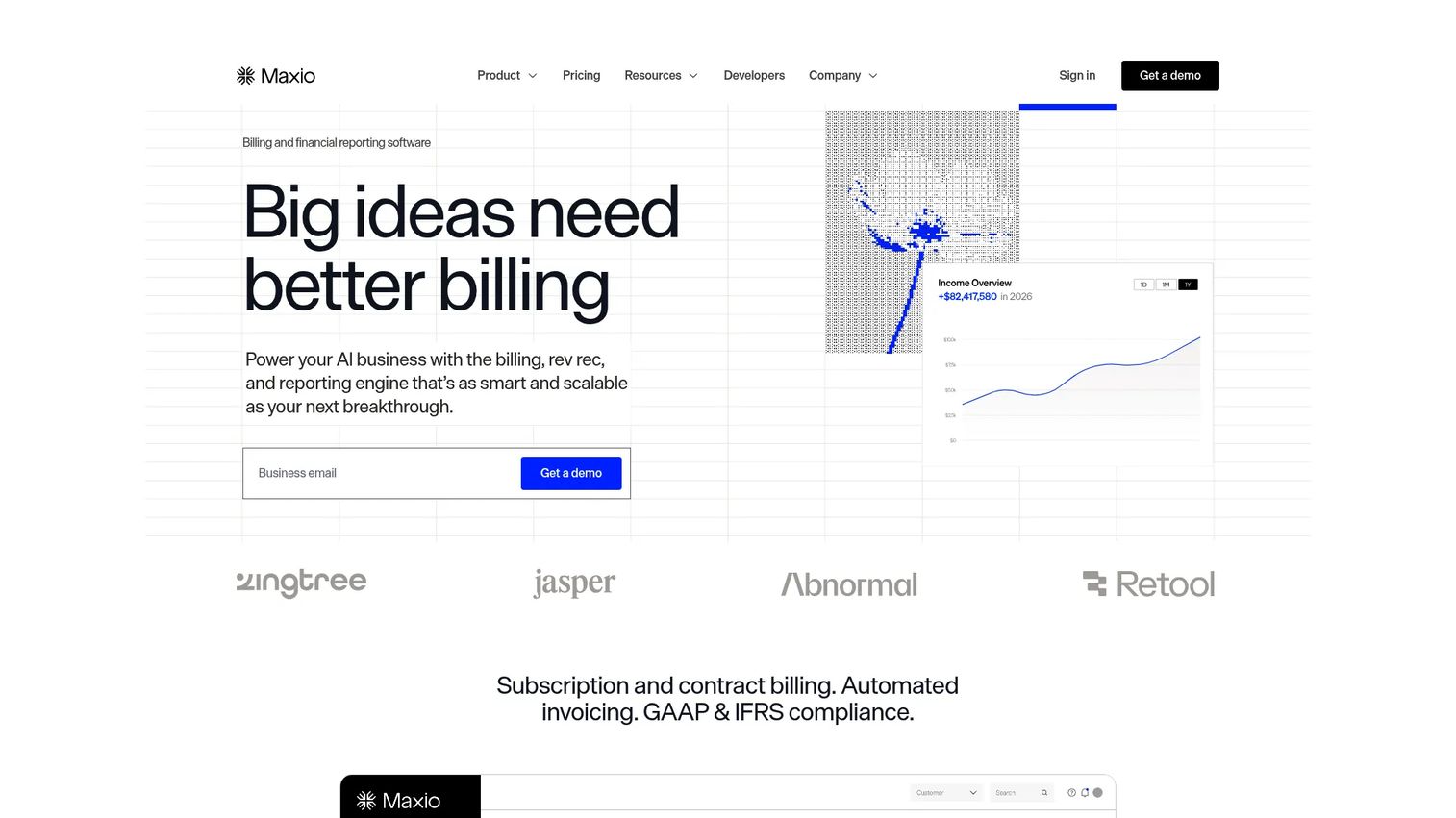
Maxio is a financial operations platform built for B2B SaaS businesses, combining recurring billing, subscription management, and revenue recognition in one system. Rather than bolting recognition onto an ERP after the fact, it treats billing and revenue operations as a single workflow, which is why it lands first for SaaS operators who want practical close support tied to the systems that actually generate the revenue.
Best for: B2B SaaS finance teams that want subscription billing and revenue operations in one platform.
Key strengths
- Recurring billing and subscription management: handles subscriptions, plan changes, and invoicing in the same place recognition happens.
- Revenue recognition and financial reporting: automates schedules and produces the reporting finance needs to close.
- Usage-based and flexible pricing models: supports usage-based revenue and hybrid pricing without manual workarounds.
Why choose Maxio: If your revenue model is subscription-first and you would rather not run billing and recognition in two disconnected tools, Maxio is the natural fit. It suits growing SaaS companies where the finance team wants recognition schedules and deferred revenue reconciliation to flow directly from billing events, without maintaining a spreadsheet layer in between.
Maxio pricing: Maxio's public pricing page shows a Grow plan at $599 per month, a Scale plan available by quote, and a Build entry with a free trial. Maxio also notes that standard pricing starts at $5,000 annually, based on trailing twelve-month billing volume. There is no free tier. Maxio holds a 4.3/5 rating on G2.
2. Zuora Revenue
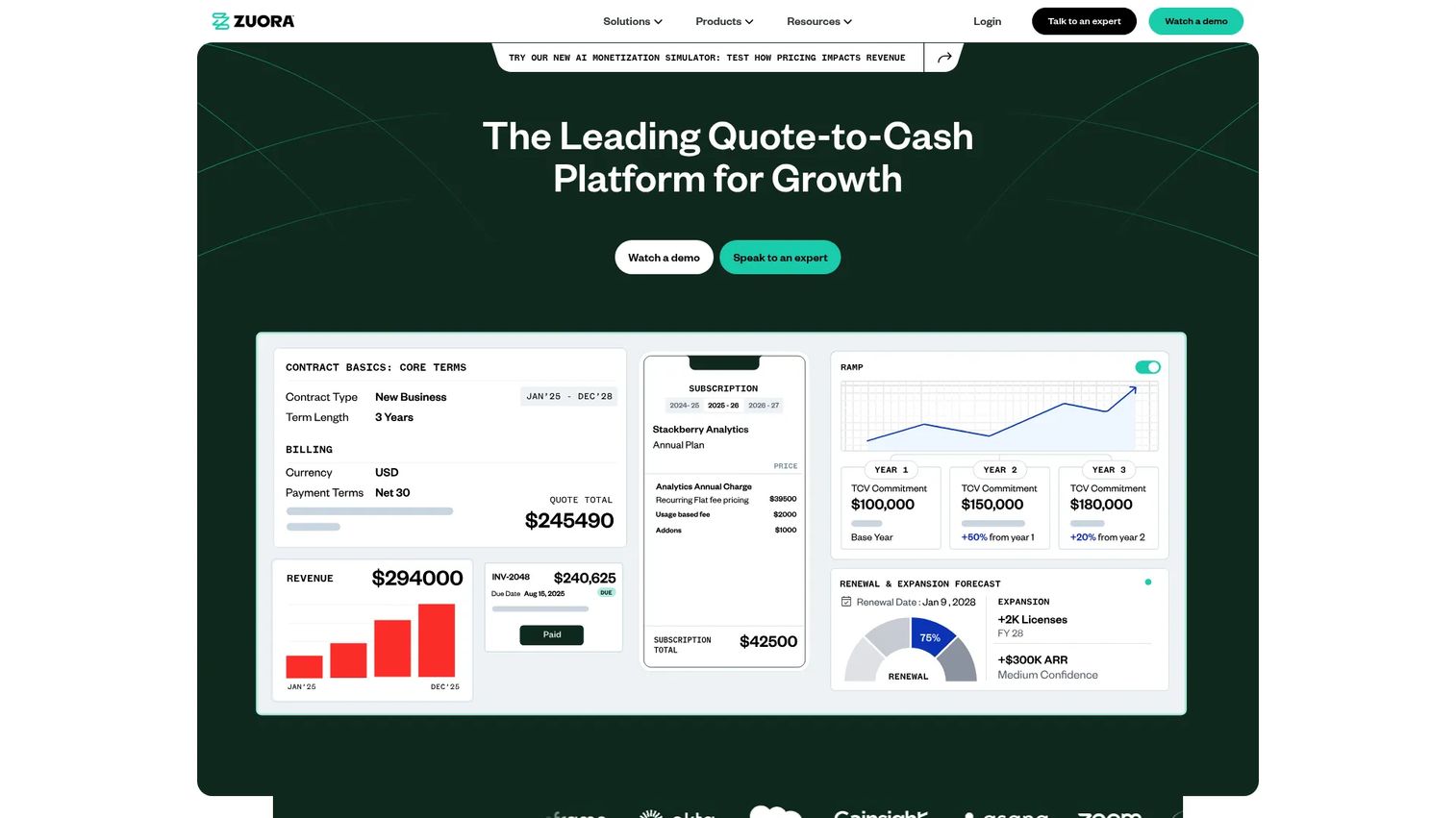
Zuora Revenue is enterprise revenue recognition software built to automate ASC 606 and IFRS 15 across complex monetization. It handles subscriptions, usage-based charges, hybrid models, and one-time fees, and covers SSP calculation, allocations, journal entries, and reconciliations. This is the platform for finance teams operating across multiple systems who need continuous accounting rather than a periodic scramble.
Best for: Finance teams needing automated, audit-ready revenue recognition for complex monetization models.
Key strengths
- ASC 606 and IFRS 15 automation: applies both standards to high-volume, multi-model contracts.
- Broad charge-model support: subscriptions, usage-based revenue, hybrid, and one-time charges in one engine.
- Full recognition lifecycle: SSP, allocations, journal entries, and reconciliations end to end.
Why choose Zuora Revenue: Choose it when your monetization spans several billing systems and revenue types, and when audit readiness is a board-level concern rather than a nice-to-have. The implementation scope is enterprise-grade, which fits companies that need extensibility and continuous accounting across a large, connected finance stack. Smaller teams with a single billing source may find more focused tools a closer match.
Zuora Revenue pricing: Zuora does not publish pricing for Zuora Revenue; plans are quoted based on scope and volume. On G2, Zuora holds a 3.9/5 rating, reflecting the broader Zuora listing rather than a Revenue-only page.
3. KPMG Handbook: Revenue for software and SaaS
The KPMG Handbook: Revenue for software and SaaS is a guidance resource, not software. It walks through applying ASC 606 and ASC 340-40 to software and SaaS revenue contracts, with deep treatment of licensing issues, contract modifications, and contract costs. Finance leaders use it to interpret the standard correctly before they ever shortlist a tool.
Best for: Finance and accounting teams evaluating software and SaaS revenue recognition under ASC 606.
Key strengths
- ASC 606 and ASC 340-40 guidance: authoritative interpretation from a Big Four firm.
- Software licensing and SaaS-specific issues: addresses the recognition questions unique to software contracts.
- Contract modifications and contract costs: covers the areas where manual judgment most often goes wrong.
Why choose the KPMG Handbook: Reach for it when you need to settle an interpretation question, brief your controller, or write requirements for a software evaluation. It does not automate anything, but getting the accounting logic right first makes every downstream tool decision cleaner and every implementation shorter.
KPMG Handbook pricing: The handbook is presented as a free downloadable resource on KPMG's site, with no public price. As guidance content rather than a product, it carries no G2 rating.
4. PwC Revenue recognition: Q&A guide for software and SaaS entities
The PwC Revenue recognition: Q&A guide explains how to apply the five-step model to software and SaaS entities. It covers identifying the contract, performance obligations, transaction price, allocation, and recognition, along with contract modifications, principal-versus-agent questions, and costs to obtain a contract. It is a trusted reference for teams shaping requirements before a software purchase.
Best for: Software and SaaS finance teams seeking clear PwC accounting guidance.
Key strengths
- Five-step model, applied: turns abstract standard language into SaaS-specific answers.
- Full transaction lifecycle: contract identification through allocation and recognition.
- Edge-case coverage: contract modifications, principal-versus-agent, and contract-acquisition costs.
Why choose the PwC guide: Use it alongside the KPMG handbook when you want a second authoritative read on a thorny recognition question, or when a new packaging change raises a standard-interpretation issue your team has not faced. It sharpens the requirements you take into a software evaluation.
PwC guide pricing: The Q&A guide is a free informational PwC content page, not a paid product, so no pricing applies. PwC's seller profile on G2 shows a 4.2/5 rating, reflecting PwC as a services provider rather than this specific guide.
5. Sage Intacct Revenue Recognition
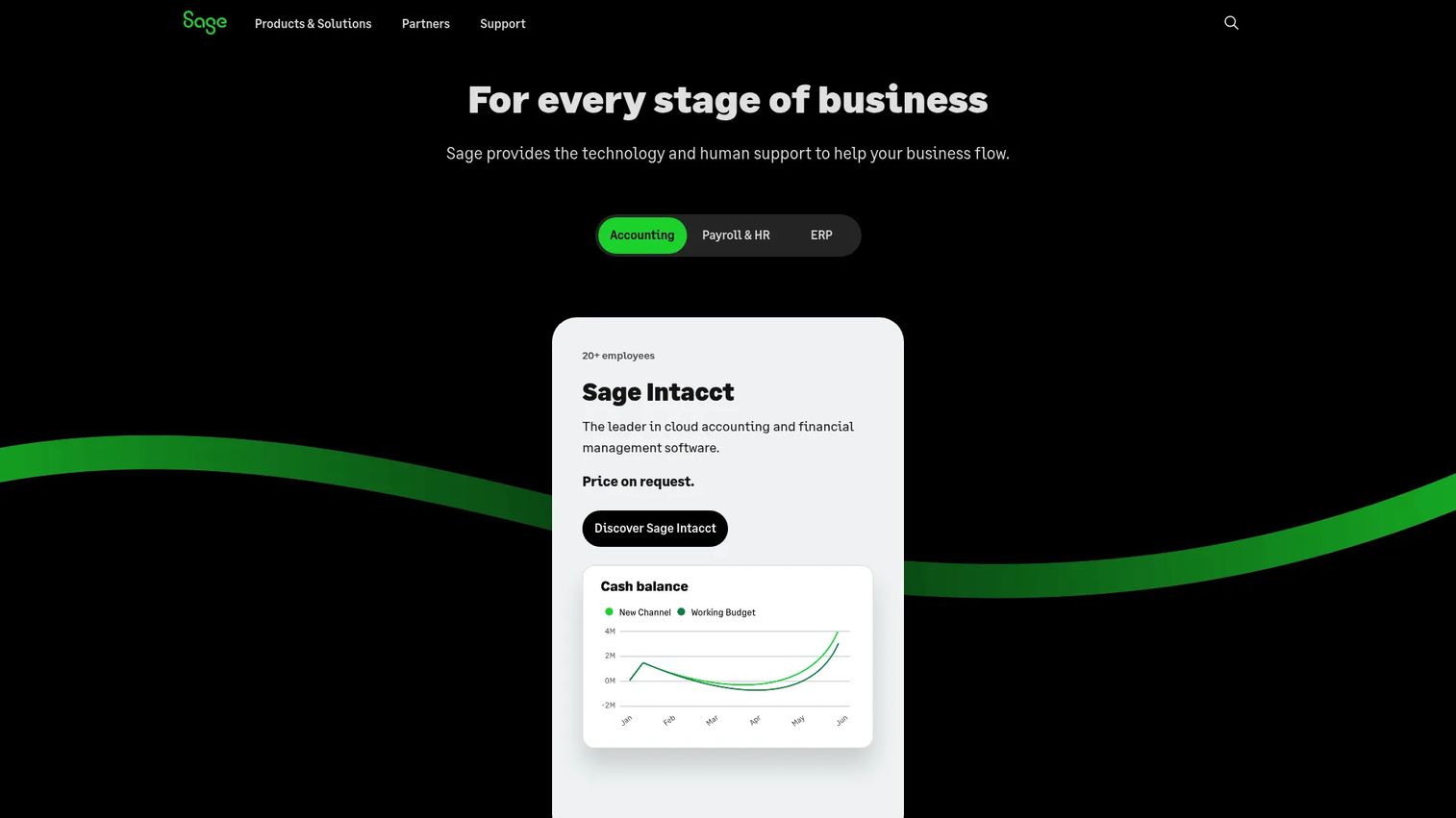
Sage Intacct Revenue Recognition automates revenue recognition inside Sage Intacct, with built-in compliance support for ASC 606 and IFRS 15. It handles automated recognition and expense reallocation, and connects to Salesforce for quote-to-cash workflows. For mid-market accounting teams, it keeps recognition inside the same finance suite they already use.
Best for: Mid-sized finance teams needing automated revenue recognition and accounting compliance in one system.
Key strengths
- Automated revenue recognition and expense reallocation: recognition and matching costs handled together.
- ASC 606 and IFRS 15 support: compliance built into the accounting workflow.
- Salesforce integration: connects quote-to-cash so deal data reaches finance cleanly.
Why choose Sage Intacct: It fits teams that want strong reporting, controls, and accounting-team usability without adopting a separate enterprise revenue engine. Where a dedicated platform like Zuora Revenue targets the most complex multi-system monetization, Sage Intacct sits well for mid-market finance stacks that value clean billing and ERP integration inside a single suite.
Sage Intacct pricing: Sage Intacct pricing is custom and module-based; Sage works with each customer to build a tailored plan and does not publish a starting price. Sage Intacct holds a 4.3/5 rating on G2, reflecting the overall product rather than the revenue recognition module specifically.
6. NetSuite Revenue Management
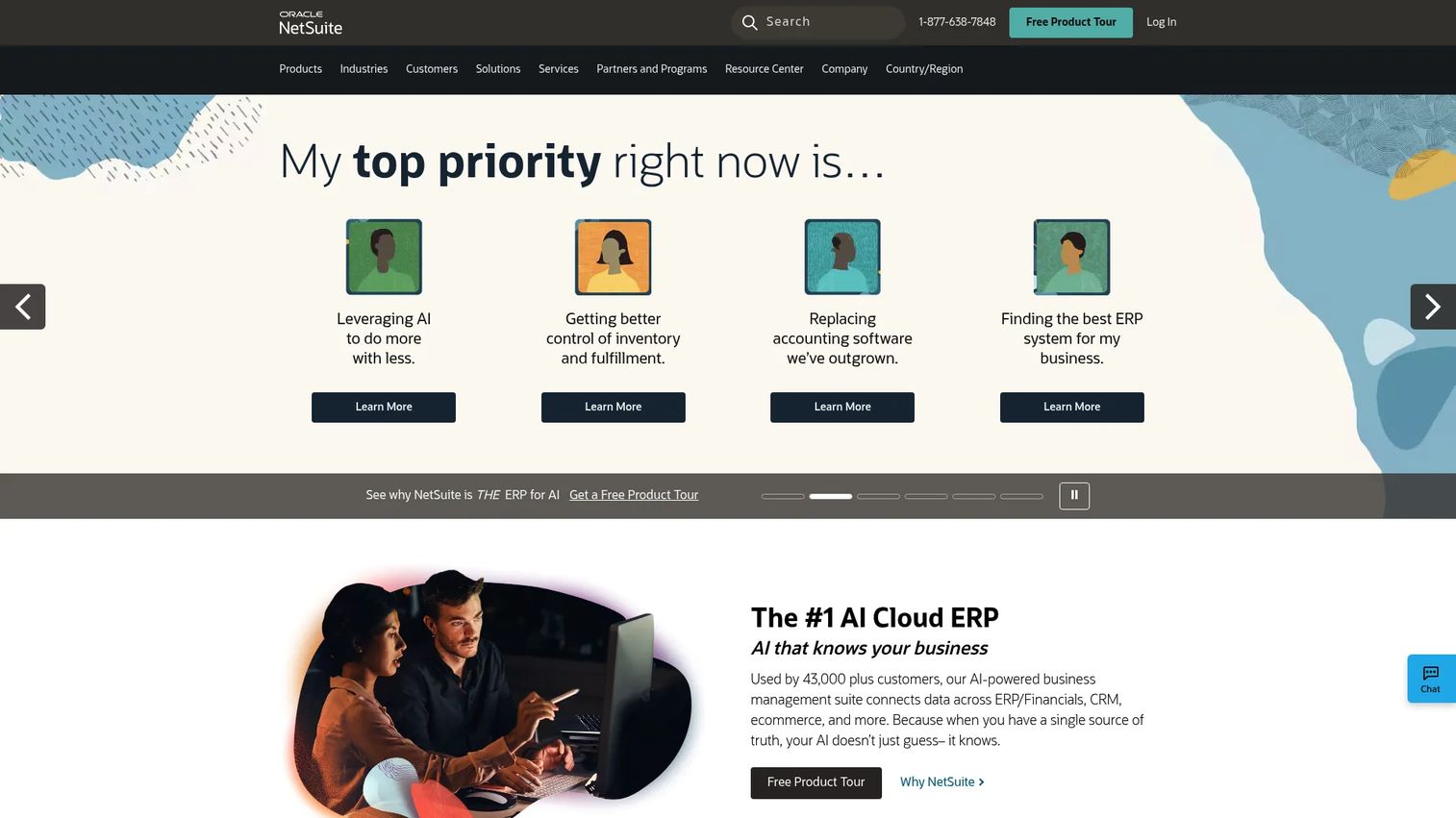
NetSuite Revenue Management is Oracle NetSuite's revenue recognition and allocation capability, built to automate revenue policy and compliance directly inside the ERP. It supports ASC 606 and IFRS 15-style allocation, automates revenue plans across multiple performance obligations, and includes dynamic standalone selling price and event-driven revenue plans. For NetSuite-heavy finance stacks, recognition sits right next to the general ledger.
Best for: Finance teams needing automated revenue recognition and compliance inside NetSuite.
Key strengths
- ASC 606 and IFRS 15-style allocation: revenue allocation and recognition aligned to the standards.
- Automated revenue plans: schedules across multiple performance obligations without manual builds.
- Dynamic SSP and event-driven plans: standalone selling price and recognition triggered by real events.
Why choose NetSuite Revenue Management: If you already run NetSuite, keeping revenue management inside the same platform removes an integration layer and puts recognition close to your source of truth. That proximity to the general ledger simplifies close and reconciliation for teams that have standardized on NetSuite as their core finance system.
NetSuite Revenue Management pricing: NetSuite does not publish a public price for this capability; it is documented as part of the broader NetSuite platform and quoted by scope. A current G2 rating for the module specifically was not available.
7. Chargebee RevenueStory
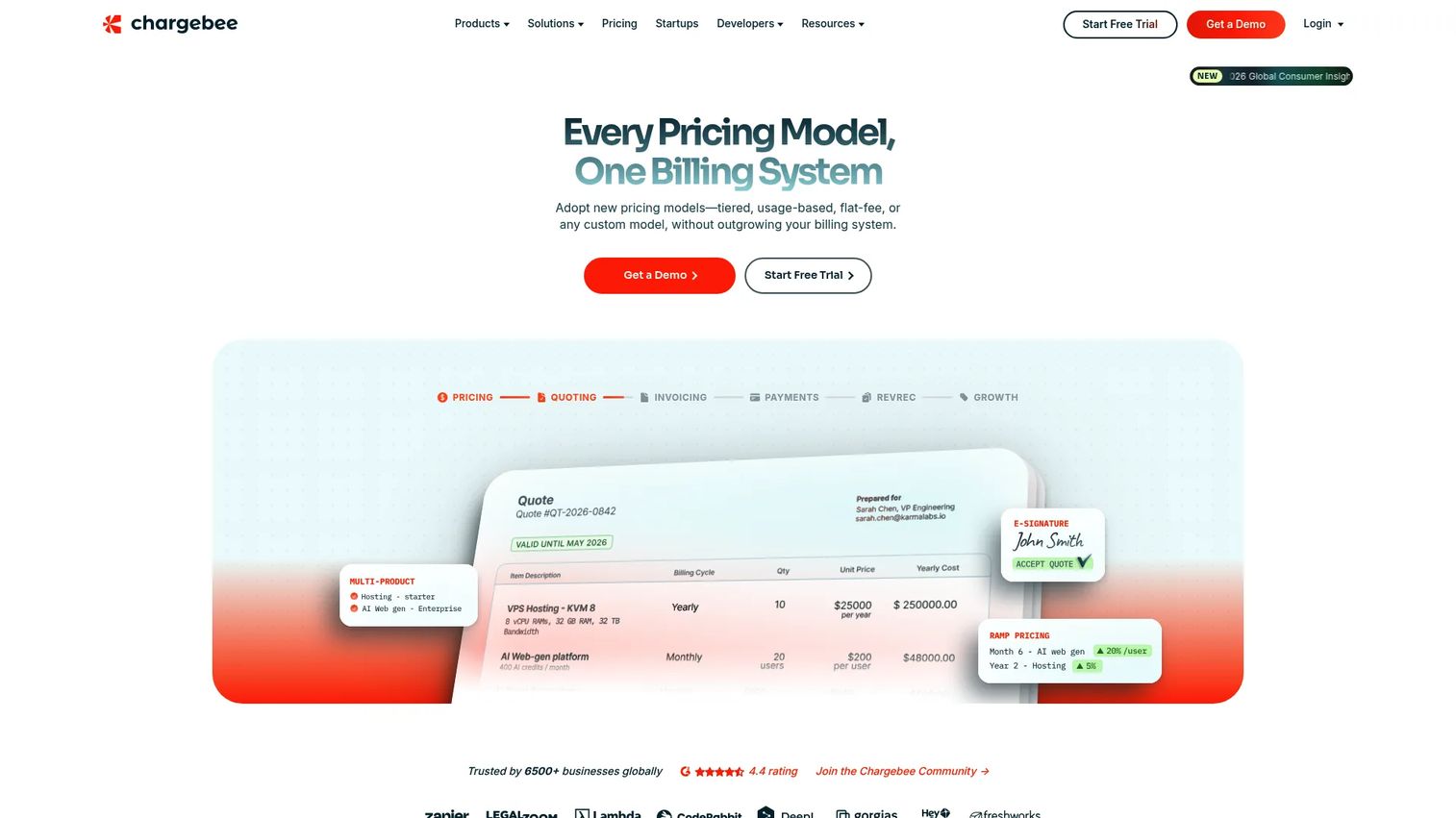
Chargebee RevenueStory is the subscription analytics and intelligence layer for Chargebee billing users. It ships with 150-plus out-of-the-box subscription metrics, role-specific dashboards, shareable reports, threshold alerts, goal tracking, and a report builder. For subscription-first finance operations, it connects billing events to revenue reporting so teams see the operational view of revenue tied to their subscriptions.
Best for: Chargebee customers needing subscription revenue analytics and reporting.
Key strengths
- 150-plus subscription metrics: revenue and retention metrics available without manual calculation.
- Role-specific dashboards and shareable reports: the right view for finance, RevOps, and leadership.
- Alerts, goals, and a report builder: threshold alerts and custom reports to track revenue movement.
Why choose Chargebee RevenueStory: It fits teams already running Chargebee billing who want revenue analytics that sit directly on top of their subscription data. The angle here is operational visibility, connecting billing events to reporting, rather than serving as a standalone recognition engine for the most complex multi-standard environments.
Chargebee RevenueStory pricing: RevenueStory appears on Chargebee's pricing page as part of the product suite, available on Performance and Enterprise plans. The pricing page shows a Starter tier at $0 per month, with Performance at request pricing and Enterprise as a custom quote; there is no dedicated free RevenueStory tier. Chargebee holds a 4.4/5 rating on G2.
How to choose: a buyer's checklist
Feature lists blur together fast. These are the criteria that actually separate the shortlist.
Compliance scope
Confirm depth, not just a checkbox. Ask how the tool handles performance obligations, contract modifications, and SSP under ASC 606, and whether IFRS 15 support is genuine or regionally limited. The gap between "supports ASC 606" and "handles your specific modification patterns" is where implementations stall.
Automation depth
Distinguish reporting from automation. A tool that shows you a revenue waterfall is useful; one that generates schedules, handles deferred revenue reconciliation, and posts journal entries automatically is what shortens close. Push vendors on what happens without manual intervention.
Integrations and source of truth
Map your billing system, ERP, CRM, and data warehouse before you evaluate. The best revenue recognition tools align to a single source of truth, so billing and ERP integration quality matters more than feature count. A clean sync prevents the reconciliation drift that eats close time.
Audit readiness
Verify that every recognized dollar traces back to a contract, an approval, and a journal entry. Audit-ready revenue recognition means controls, versioning, and reconciliations your auditors can follow without a guided tour. This is what separates a reporting tool from a system of record.
Conclusion
The shortlist sorts cleanly by fit. Maxio is the SaaS-first pick when you want billing and recognition in one platform. Zuora Revenue is built for enterprise complexity across many monetization models and systems. Sage Intacct and NetSuite Revenue Management make sense when finance-stack alignment matters most and you want recognition close to the ledger. Chargebee RevenueStory serves subscription-first teams already on Chargebee, and the KPMG and PwC references anchor your compliance thinking before you spend a dollar on software.
The buying principle holds across all of them: choose based on your contract complexity, system fit, and close requirements, not on the longest feature list. Start by mapping your ASC 606 and IFRS 15 scope, your reporting needs, and your integrations, then test each candidate against that reality.
And if your team also owns how product value reaches buyers, the same show-don't-tell logic that cleans up revenue reporting applies to GTM: Start your journey with Guideflow today!
FAQs
Revenue recognition software automates how a company records revenue over time under accounting standards, generating recognition schedules, allocations, and reporting from contracts and billing events. It replaces manual spreadsheet work with repeatable, audit-ready processes. The practical goal is a faster, cleaner close with a defensible trail.
SaaS revenue recognition software handles the models that break spreadsheets: subscriptions, usage-based revenue, hybrid pricing, and frequent contract modifications. It applies recognition rules consistently across hundreds of contracts, so upgrades and true-ups do not require manual rework. The result is reduced manual effort and a cleaner, more reliable close.
Most tools support ASC 606, but the depth varies by vendor. The important test is how each one handles performance obligations, standalone selling price, and contract modifications in practice, not whether it claims coverage. Verify those specifics against your actual contract patterns during evaluation.
Many revenue recognition tools support both ASC 606 and IFRS 15, since the two standards share the same five-step model. That said, regional nuances and implementation differences matter, especially for companies reporting under both. Confirm dual-standard support and any regional limits before you commit.
Billing systems, ERP, CRM, and data warehouse connections matter most, because revenue recognition is only as accurate as its inputs. Strong billing and ERP integration keeps a single source of truth and prevents the reconciliation drift that slows close. Prioritize tools that sync cleanly with the systems you already run.
Use a short checklist: compliance scope (ASC 606, IFRS 15, SSP), automation depth, controls and audit readiness, reporting quality, and implementation effort. Weight the criteria by your own contract complexity and system fit rather than raw feature count. The right tool is the one that matches your close requirements, not the one with the longest list.
Usage-based, hybrid, multi-element, and contract-modification-heavy models are the hardest to support. They require judgment on when to recognize revenue, how much, and against which performance obligation, which is exactly where manual processes produce errors. These models are the clearest signal that a team needs advanced revenue recognition software rather than a spreadsheet.