Your engineering lead built the wrong screen. Not because they misunderstood the spec, but because there was no spec, only a Slack thread and three people arguing about where the filter panel goes. Two sprints later, you are unwinding work nobody wanted to build.
Most product managers blame unclear requirements. It is not requirements. It is structure. Teams jump into polished design and code before anyone agrees on how a flow actually works. Wireframing software fixes that by forcing the structural conversation early, when changing your mind costs minutes instead of sprints.
The market reflects how central this has become. The wireframe software market was valued at $1.82 billion in 2024 and is projected to reach $5.5 billion by 2035, growing at a 10.6% CAGR through 2035, according to WiseGuy Reports (2025). That growth tracks a simple reality: product teams are shipping faster, and the cheapest place to catch a bad decision is a low-fidelity wireframe.
Good wireframing tools do more than draw boxes. They compress the distance between an idea and shared understanding. Some lean into speed and low fidelity so non-designers can sketch freely. Others carry a wireframe all the way into a testable prototype. A few now use AI to generate first drafts from a prompt or a screenshot. If you are also weighing broader ai design tools for your stack, the AI angle here will matter more each year.
What's inside
This guide compares seven wireframing tools built for product teams in 2026. It is written for product managers who need wireframes to align stakeholders, reduce iteration waste, and support clearer decisions before expensive design and engineering work starts.
We selected and ranked each tool on four criteria that matter most to PMs: collaboration and contextual feedback, speed to clarity, ease of use for non-designers, and prototype and handoff readiness. We also weighed AI assistance, reusable component libraries, and how well each fits into an existing product and design workflow. Pricing and G2 ratings were verified against first-party sources.
TL;DR
- Best for fast, low-fidelity ideation: Balsamiq keeps wireframes deliberately rough so debate stays on structure, not pixels.
- Best for collaborative product teams: Figma pairs real-time co-editing with FigJam and clean developer handoff in one platform.
- Best for non-designers sketching journeys: Whimsical maps flows, and wireframes without heavy setup.
- Best for wireframing plus whiteboarding: MockFlow bundles UI wireframes, brainstorming boards, and AI generation in one workspace.
- Best for higher-fidelity prototypes: UXPin and Axure RP push wireframes toward testable, logic-driven interactions.
- Best AI-assisted drafts: Visily turns prompts and screenshots into editable wireframes in seconds.
What is wireframing software?
Wireframing software is a tool for creating low-fidelity visual layouts, called wireframes, that map the structure, content, and flow of a screen or app before any polished design or code exists.
A wireframe is a skeletal blueprint. It shows what goes where and how a user moves through a flow, without color, branding, or final copy. That deliberate roughness is the point: it keeps feedback focused on structure and logic instead of aesthetics.
Modern wireframe tools generally share a core set of capabilities:
- Low-fidelity layouts: Fast, rough mockups that prioritize structure over visual polish so ideas stay cheap to change.
- Collaboration: Real-time co-editing, comments, and shared links so product, design, and engineering can react in context.
- Component libraries: Reusable UI elements (buttons, forms, navigation) that keep wireframes consistent and fast to build.
- Prototyping: Clickable connections between screens so a static wireframe becomes a testable flow.
- Handoff: Specs, annotations, and export options that carry a wireframe cleanly into design and development.
- AI support: Prompt-to-wireframe or screenshot-to-wireframe generation that produces a first draft to react to, not start from.
The distinction that trips up most teams is fidelity. Low-fidelity wireframes exist to validate structure quickly. Higher-fidelity mockups and prototypes exist to validate interaction and feel. The best tools let you start rough and increase fidelity only when the structure is settled, which is exactly the sequence that keeps iteration waste down.
What product managers should look for in wireframing software
A wireframe maker is not judged on how beautiful its output looks. It is judged on how fast it moves a team from disagreement to a shared, buildable understanding. Four criteria matter most for PMs.
Collaboration and contextual feedback
Wireframes are conversation tools. If feedback lives in a separate doc or a Slack thread, context gets lost and decisions get relitigated. Look for real-time co-editing, inline comments tied to specific elements, and shareable links that let stakeholders react without an account or a license. The goal is one place where the structural debate happens and resolves.
Speed to clarity
The whole value of wireframing is catching structural problems before they get expensive. A tool that takes an hour to lay out three screens defeats the purpose. Evaluate how quickly a non-designer can produce a rough flow, how fast you can rearrange it when the conversation shifts, and whether the fidelity stays low enough that nobody argues about fonts in a structure review.
Ease of use for non-designers
Most people who touch a wireframe are not designers. PMs, engineers, and founders all need to sketch and edit. A steep learning curve means fewer people participate, which pushes structural decisions back onto a bottlenecked design team. The best web wireframe tool feels usable within an afternoon and does not punish people for not knowing design conventions.
Prototype and handoff readiness
At some point the wireframe has to leave the whiteboard and become work. Check how cleanly the tool turns a static wireframe into a clickable prototype for user validation, and how well it hands off to your design and engineering workflow through specs, annotations, or exports. Tools built for wireframe tools for teams tend to treat handoff as a first-class feature, not an afterthought.
When product managers use wireframing software
Wireframing tools earn their place at three specific moments in a product workflow. Recognizing which moment you are in tells you how much fidelity you actually need.
Shape a new flow before design work begins
Before a designer opens a canvas, you need agreement on what screens exist and how they connect. A rough wireframe turns a vague idea into something concrete enough to critique. This is where low fidelity wins: you want people arguing about the flow, not the shade of blue. Ten minutes of boxes and arrows can save a full design cycle.
Align stakeholders after discovery
You just finished user research and have a point of view. Now you need product, design, and engineering to see the same picture. A shared wireframe replaces a long written spec with something people actually read. It surfaces disagreement early, when it is cheap to resolve, instead of in a sprint review when it is not.
Pressure-test onboarding or feature concepts
When you are validating an onboarding flow or a new feature, a clickable wireframe lets you test the structure with real users or internal stakeholders before committing engineering time. You learn whether the sequence makes sense, where people get stuck, and what to cut, all before writing a line of code. That feedback loop is where the biggest activation and time-to-value wins come from.
Comparison table
Here is a side-by-side view of the seven tools, sorted by how quickly PMs can get to a shared, buildable wireframe. Pricing and G2 ratings are verified against first-party and G2 sources as of mid-2026.
| # | Product | Intent | Key differentiation | Pricing | G2 rating |
|---|---|---|---|---|---|
| 1 | Balsamiq | Fast low-fidelity wireframes | Deliberately rough style keeps debate on structure | From $16/mo per editor; free trial | 4.2/5 |
| 2 | Figma | Collaborative design and handoff | Real-time co-editing plus FigJam and Dev Mode | Free tier; paid from $16/mo | 4.6/5 |
| 3 | Whimsical | Lightweight flow and wireframe mapping | Boards, flowcharts, and wireframes in one workspace | Free tier; Pro from $10/mo per editor | Not listed |
| 4 | MockFlow | Wireframing plus whiteboarding | UI wireframes, idea boards, and AI in one tool | Free tier; Suite $324/year | 4.2/5 |
| 5 | UXPin | Higher-fidelity interactive prototypes | Code-based prototypes with design-system support | Free tier; Core from $29/mo | 4.2/5 |
| 6 | Axure RP | Logic-heavy prototyping | Conditions, variables, and data-driven interfaces | From $29/mo per user | 4.2/5 |
| 7 | Visily | AI-assisted wireframe generation | Prompt and screenshot to editable wireframe | Free tier; Pro from $11/mo per editor | 4.4/5 |
Best wireframing software for 2026
1. Balsamiq
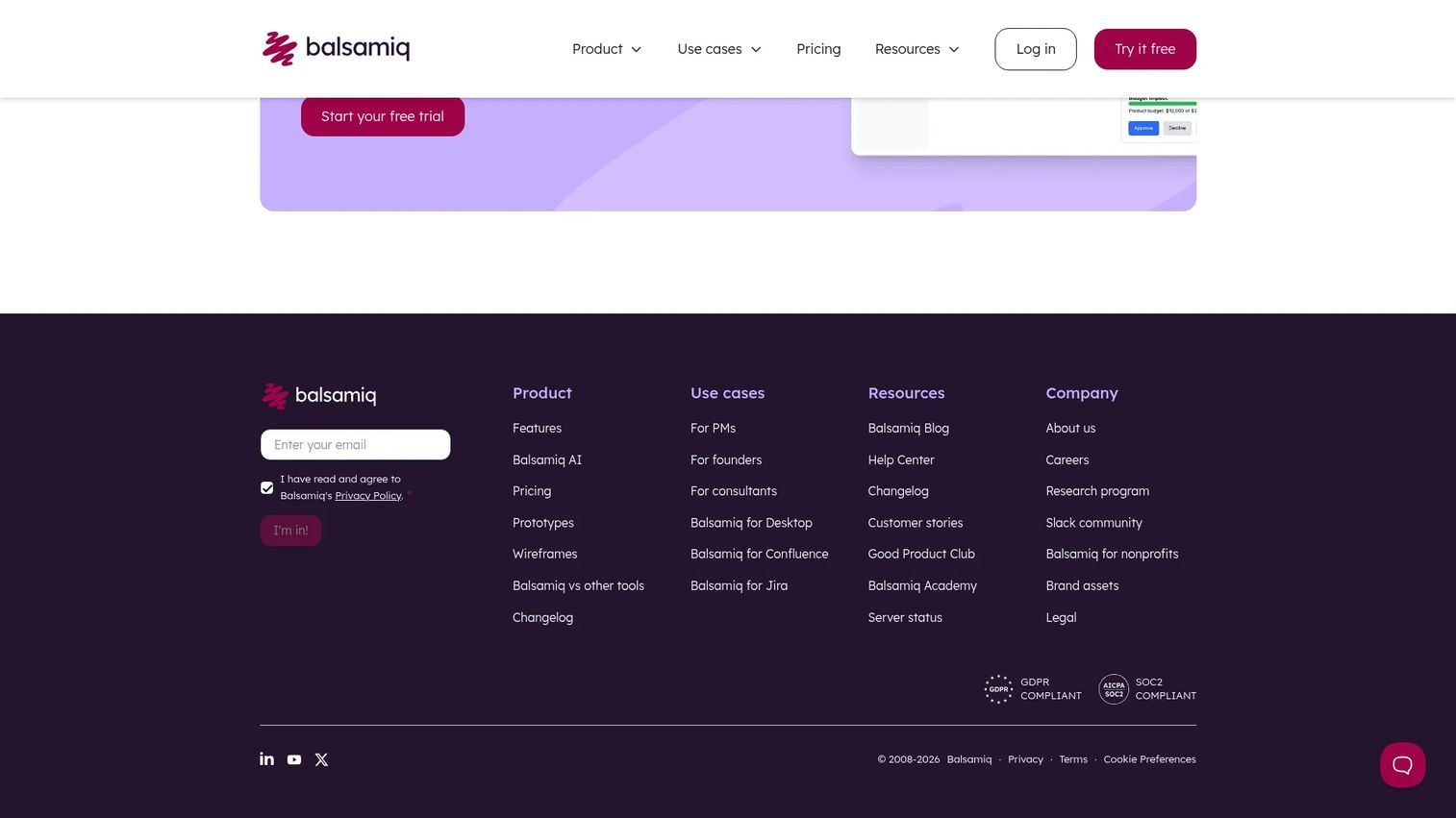
Balsamiq is the tool that made deliberately rough wireframes a philosophy. Its sketch-style output looks hand-drawn on purpose, which is exactly why it works for early product thinking. Nobody argues about a font weight when the whole screen looks like a napkin sketch. That keeps the conversation on structure, content, and flow, which is where PMs need it in discovery.
Best for: Product teams and non-designers who want to validate structure fast, before any polished design begins.
Key strengths
- Drag-and-drop wireframing: A large library of UI controls lets anyone build a screen in minutes, no design skills required.
- AI wireframing and prototyping: Generate a first-draft wireframe to react to instead of starting from a blank canvas.
- Unlimited reviewers: Every paid plan includes unlimited reviewers, so stakeholders comment without adding to your seat count.
Why choose Balsamiq: The low-fidelity constraint is the feature, not a limitation. When you need product, design, and engineering to agree on a flow before anyone invests real hours, Balsamiq's rough style removes the aesthetic debate that stalls early reviews. It is the fastest path from vague idea to a wireframe everyone can critique.
Balsamiq pricing: Balsamiq Cloud is priced per editor and billed annually. The Starter plan is $16 per month per editor ($192/year), Teams is $24 per month per editor ($288/year), and Enterprise is $35 per month per editor ($420/year). Every paid plan includes unlimited reviewers, drag-and-drop wireframing, AI wireframing, and reusable UI components, with a free trial to start.
2. Figma
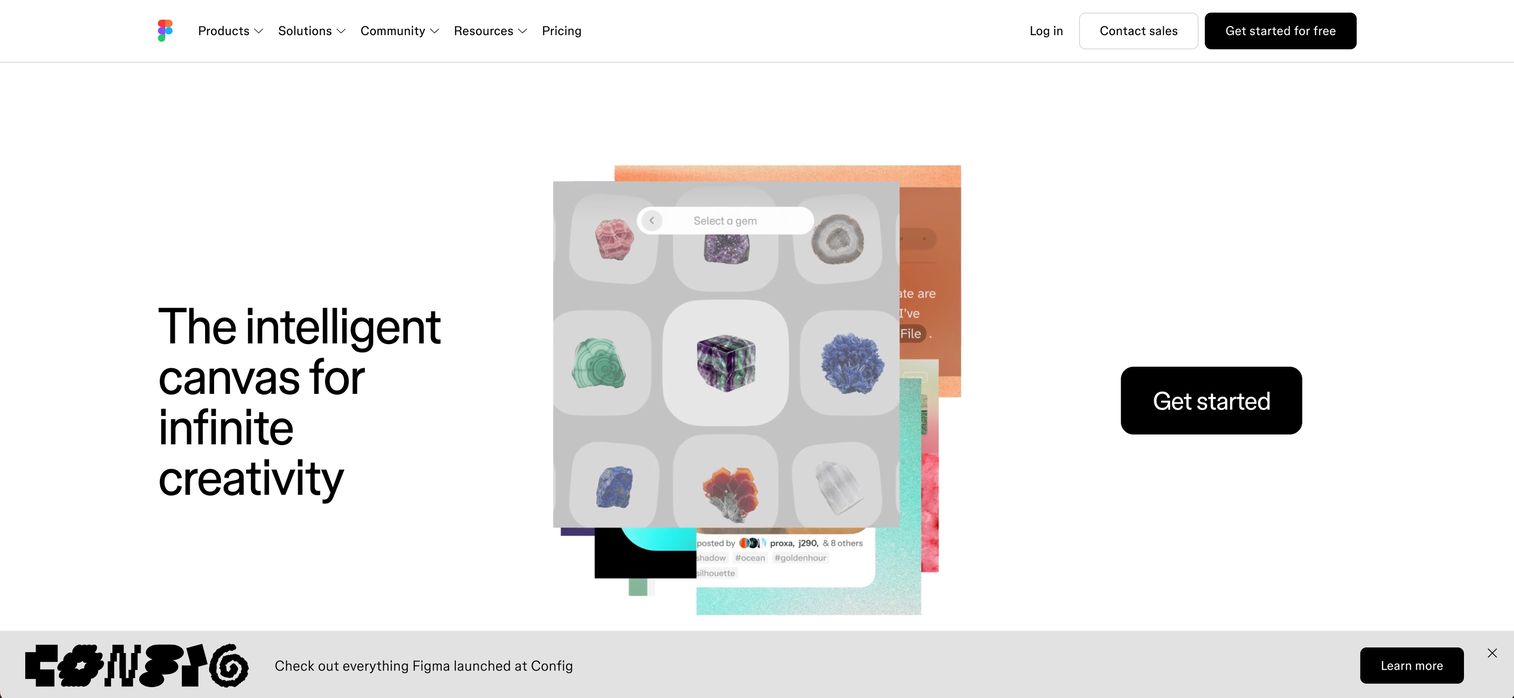
Figma is where most product teams already live, which makes it a natural wireframing home. You can start with low-fidelity boxes, build up to high-fidelity mockups, prototype interactions, and hand off to engineering through Dev Mode, all in one file. FigJam adds a whiteboard layer for the messy ideation that precedes structured wireframes. For PMs working closely with design, keeping wireframes in the same tool as the eventual UI removes a translation step.
Best for: Product teams that collaborate tightly with designers and want wireframes, prototypes, and handoff in one platform.
Key strengths
- Real-time co-editing: Multiple people edit the same file at once, so wireframe reviews happen live instead of over async comment threads.
- Prototyping and Dev Mode: Turn wireframes into clickable flows and hand specs, assets, and measurements to engineering cleanly.
- Shared components and libraries: Reusable components and branching keep wireframes consistent as they mature into designs.
Why choose Figma: If your design partners already build in Figma, wireframing there means no context is lost when structure becomes UI. The tradeoff is that Figma's power can feel like more than a PM needs for pure low-fidelity work. But the payoff is a single source of truth from first sketch to developer handoff.
Figma pricing: The Starter plan is free with limited access. Professional is $16 per month, Organization is $55 per month billed annually, and Enterprise is $90 per month billed annually. Figma uses separate seat types for Full, Dev, and Collab access, so cost depends on who needs to edit versus review.
3. Whimsical
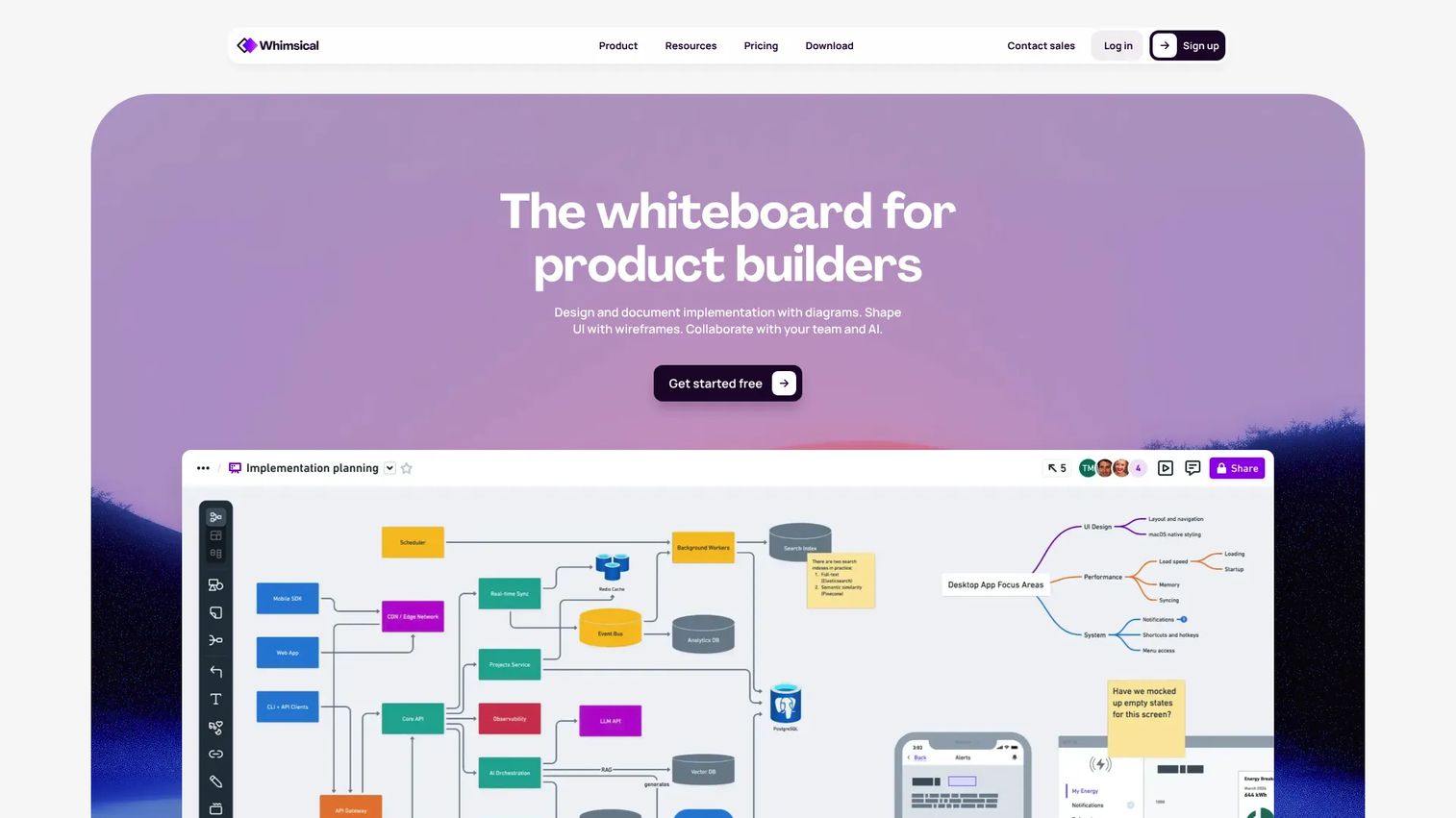
Whimsical is built for the thinking that happens before and around wireframes. It combines boards, flowcharts, mind maps, diagrams, and wireframes in one clean workspace, which makes it a favorite for PMs mapping user journeys. You can sketch a flowchart of the whole experience, then drop in wireframes for the screens that need them, without switching tools. The interface stays deliberately simple, so non-designers are productive immediately.
Best for: Product managers who want to map flows and journeys, then wireframe key screens without heavy setup.
Key strengths
- Flows and wireframes together: Flowcharts, mind maps, and wireframes live side by side, matching how PMs actually think through a feature.
- Real-time collaboration: Shared boards let the whole team react to a journey map or wireframe in the same space.
- Low setup: The clean interface means people contribute within minutes, not after a training session.
Why choose Whimsical: When your job is to communicate a flow and align a room, Whimsical's speed and simplicity are the point. It excels at the discovery-to-alignment stretch, where you need a shared picture more than a pixel-accurate one. It is less about high-fidelity prototyping and more about fast, collaborative thinking.
Whimsical pricing: The Free plan supports basic use with viewers always free. Pro is $10 per month per editor and Business is $20 per month per editor, both with expanded limits. Because viewers never count against your plan, stakeholders can review journey maps and wireframes at no added cost.
4. MockFlow
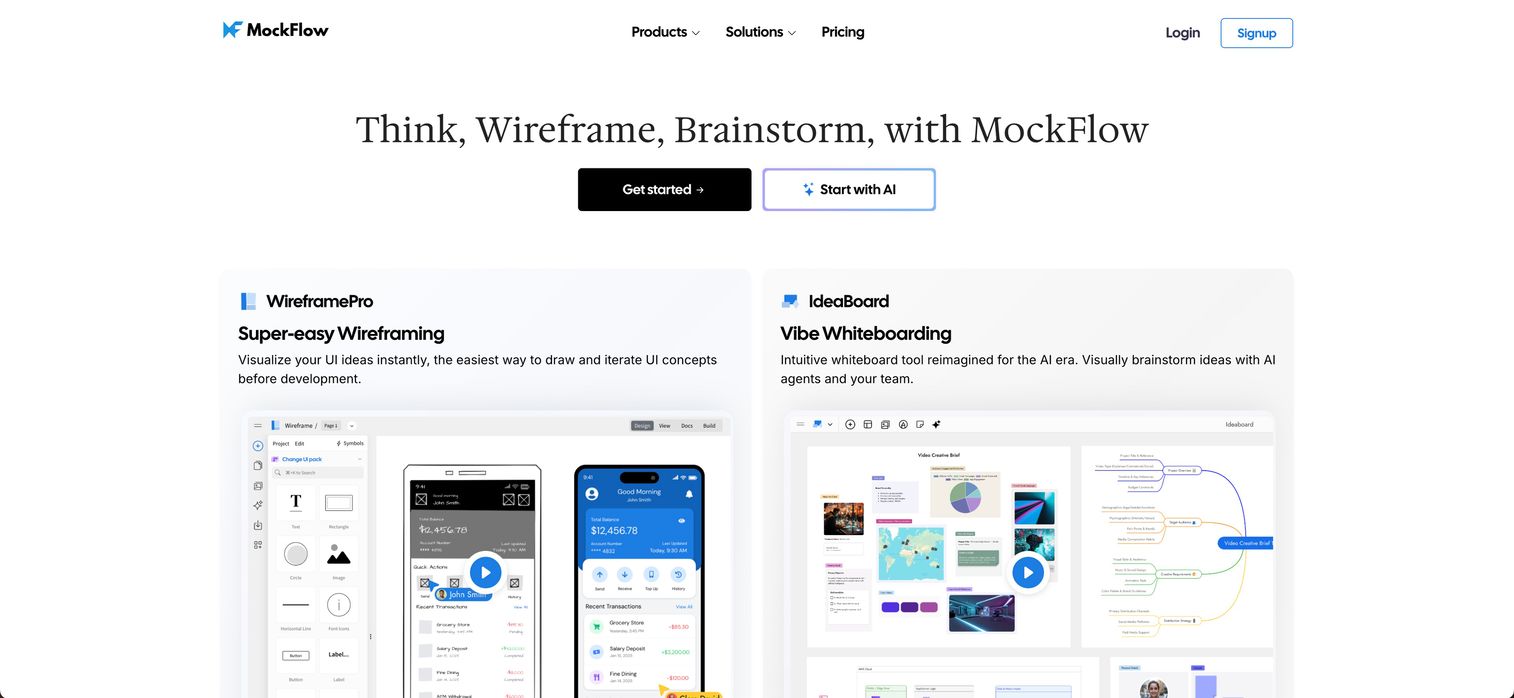
MockFlow bundles wireframing, whiteboarding, and product planning into one workspace. Its WireframePro module handles UI wireframes and prototypes, while IdeaBoard covers brainstorming and collaborative whiteboarding. Layered AI features generate wireframes, diagrams, sitemaps, and content, which speeds up the first-draft stage. For PMs who want diagrams, structure, and UI ideation without stitching together three tools, MockFlow keeps it under one roof.
Best for: Teams that want fast wireframing and collaborative brainstorming in a single, connected workspace.
Key strengths
- WireframePro: A dedicated wireframing module for building UI layouts and clickable prototypes quickly.
- IdeaBoard: A whiteboard for the brainstorming and mapping that feeds structured wireframes.
- AI generation: Auto-generate wireframes, sitemaps, and diagrams to skip the blank-canvas problem.
Why choose MockFlow: MockFlow fits PMs who move between brainstorming and structured wireframing in the same session. Having ideation and UI drafting connected reduces context-switching and keeps the artifacts of a planning session in one place. It is a strong fit when a single tool covering multiple modes matters more than deep specialization in any one.
MockFlow pricing: MockFlow offers a free Basic plan, paid app-based plans for WireframePro and IdeaBoard, and a MockFlow Suite billed at $324 per year. The free tier lets you evaluate wireframing and whiteboarding before committing, and the Suite bundles the full set of modules for teams that use more than one.
5. UXPin
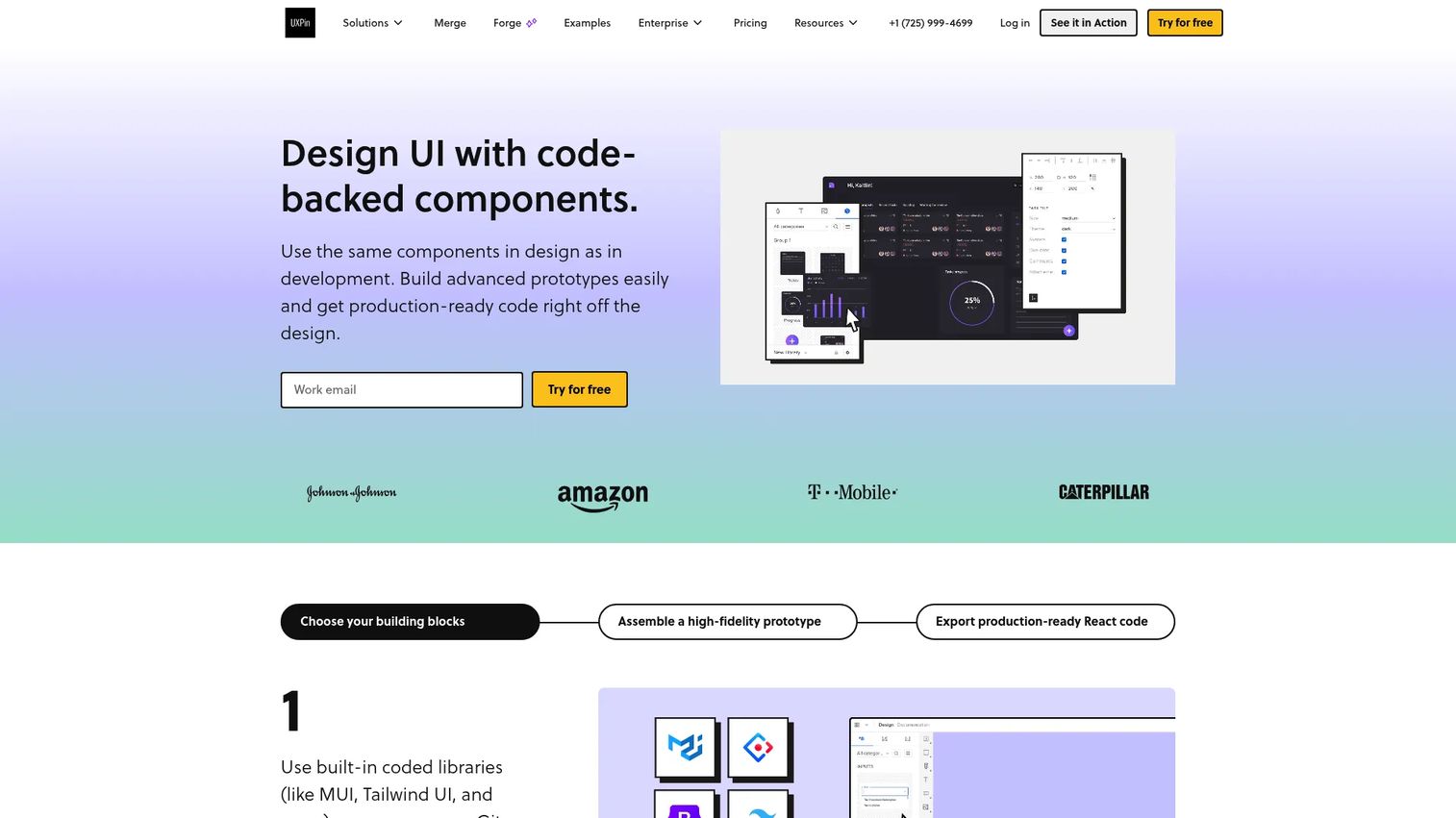
UXPin is where wireframes get serious about interaction. It is a code-based prototyping and design-system platform, so wireframes can carry states, logic, variables, and expressions that behave like real product. For PMs who need to test how something actually works, not just how it is laid out, that fidelity matters. It also supports design-system alignment, so what you validate maps to what engineering can build.
Best for: Product teams that need realistic, interactive prototypes and design-system-driven handoff, not just static layouts.
Key strengths
- Real interactive prototypes: States, logic, variables, and expressions let wireframes behave like the finished product.
- Coded component libraries: Built-in libraries and design-system support keep prototypes consistent with what will ship.
- Developer handoff: Specs, assets, code snippets, and integrations make the jump to engineering cleaner.
Why choose UXPin: UXPin fits the moment when a wireframe needs to become a testable interaction. When you are validating a complex flow with users and static boxes are not enough, its code-based prototypes close the gap between design intent and buildable behavior. It suits teams ready to move past low fidelity into interaction testing.
UXPin pricing: Every plan starts with a 14-day free trial. The Free plan is $0, Core is $29 per month, Growth is $40 per month, and Enterprise is custom. Core and Growth are billed monthly with annual savings shown on the pricing page, and higher tiers unlock more advanced prototyping and design-system features.
6. Axure RP
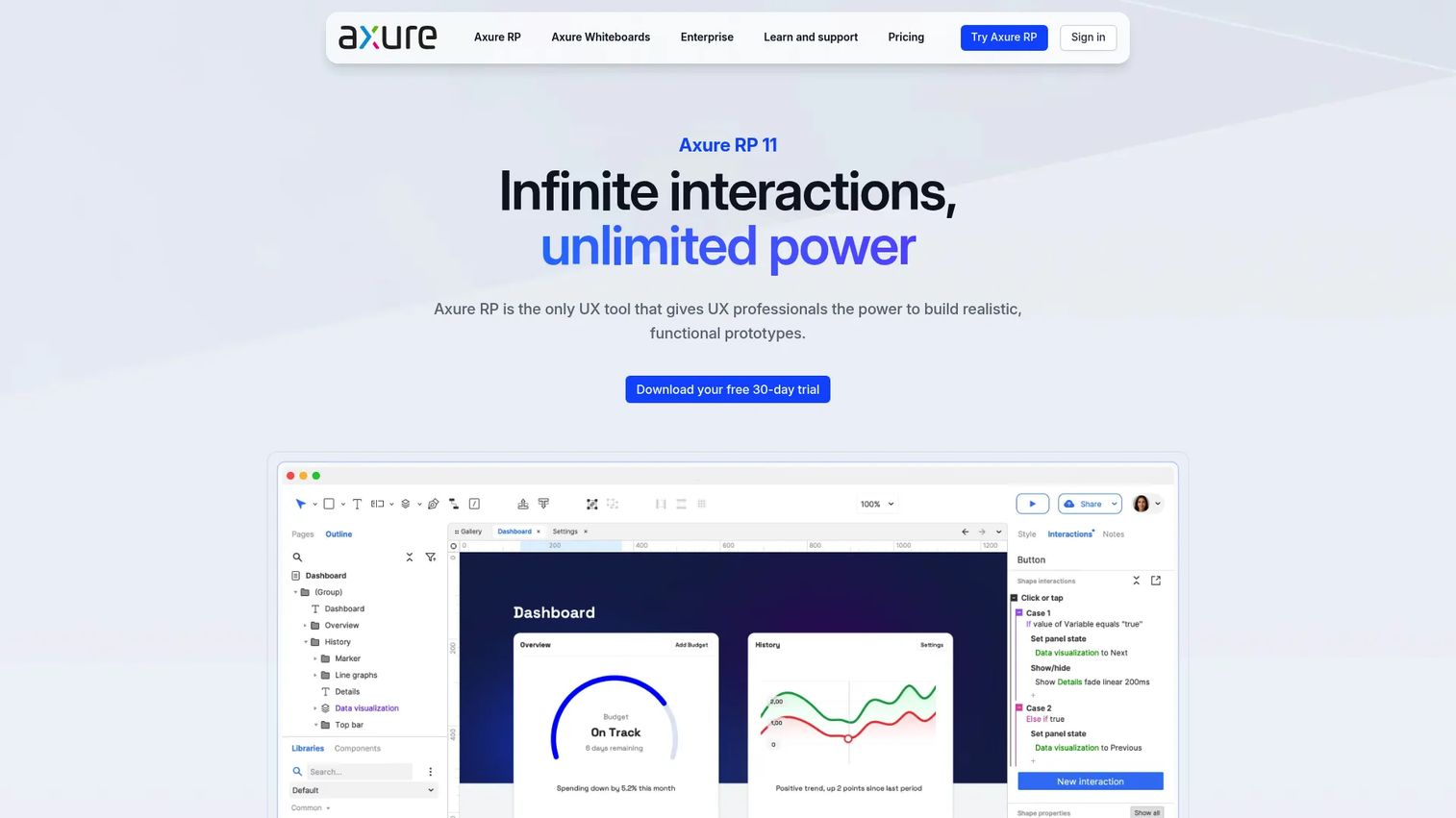
Axure RP is the veteran choice for complex, logic-heavy prototypes. It builds interactive prototypes with triggers, conditions, and actions, plus working forms, multi-state containers, and data-driven interfaces. For PMs validating complicated workflows, conditional logic, or enterprise flows where the interaction is the hard part, Axure handles depth few tools match. It also produces flow diagrams, notes, and specifications alongside the prototype for stakeholder review.
Best for: Teams building high-fidelity, interactive prototypes for complex workflows and stakeholder validation.
Key strengths
- Conditional logic: Triggers, conditions, and actions model complex interactions that simpler tools cannot represent.
- Data-driven interfaces: Working forms, variables, and multi-state containers simulate real product behavior.
- Documentation alongside prototypes: Flow diagrams, notes, and specs keep the wireframe and its rationale together.
Why choose Axure RP: When your workflow has real branching logic and stakeholders need to click through it to believe it, Axure earns its place. It suits PMs on complicated products where a low-fidelity sketch understates the complexity and a functional prototype prevents costly misunderstandings later. It rewards teams willing to invest in depth.
Axure RP pricing: Axure RP 11 comes as Pro at $29 per month per user, Team at $49 per month per user, and Enterprise with custom pricing. Subscriptions include unlimited publishing and hosting on Axure Cloud. There is no general free tier, but a 30-day trial is available and qualified students and educators can use Axure RP Team free of charge.
7. Visily
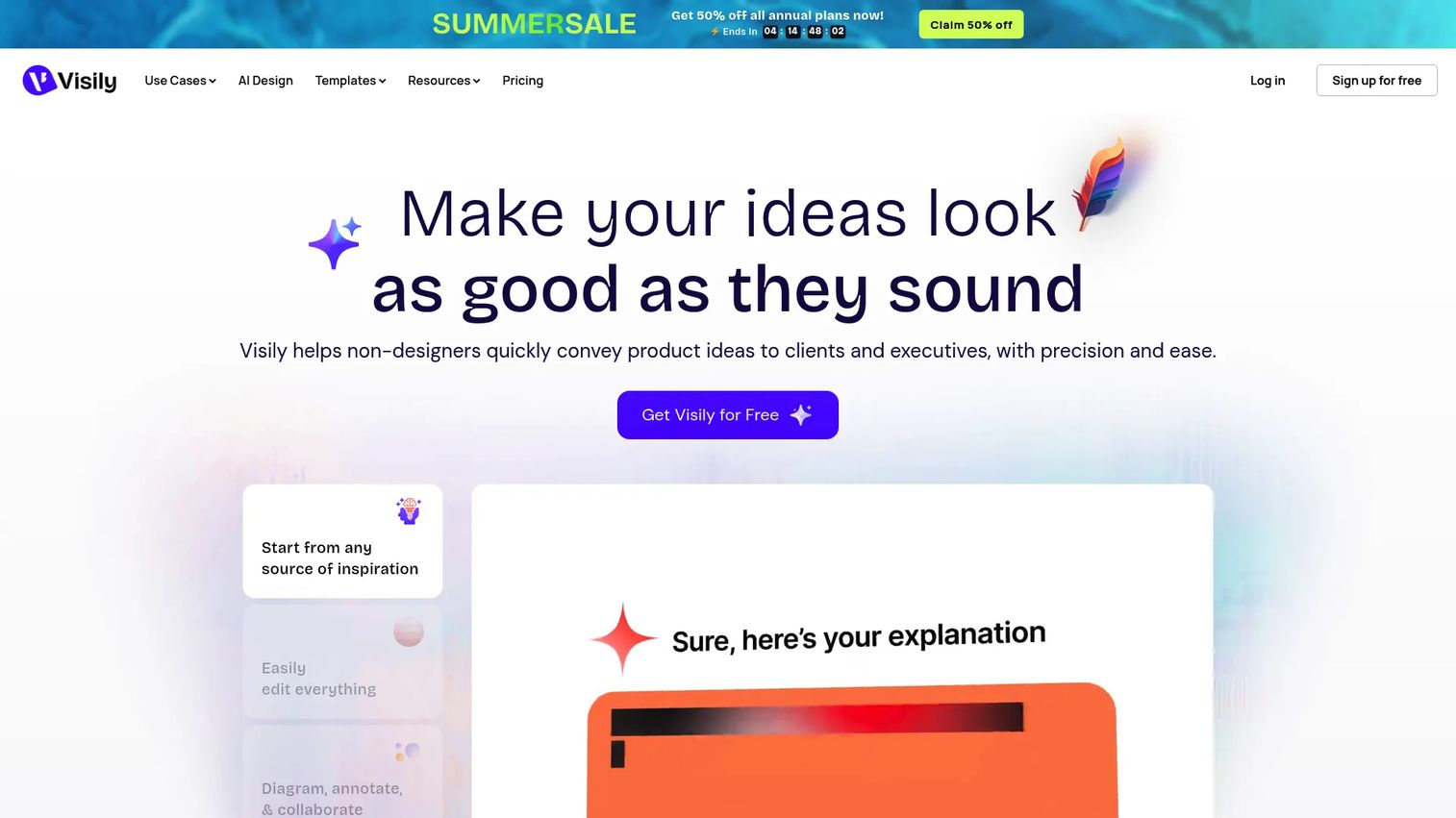
Visily leads with AI. It turns text prompts and screenshots into editable wireframes, so you start from a draft instead of a blank canvas. Point it at a competitor's screen or describe a flow, and it produces something to react to in seconds. For PMs who want fast drafts without design overhead, that screenshot-to-wireframe and prompt-to-wireframe workflow is the appeal. It stays approachable for non-designers throughout.
Best for: Non-designers and product teams who want AI-generated wireframes and prototypes fast.
Key strengths
- AI UI design generator: Turn a text prompt into a structured wireframe you can edit immediately.
- Screenshot editor: Import a screenshot and convert it into an editable wireframe to iterate on.
- Diagramming and brainstorming: Supporting tools cover the flow-mapping that surrounds wireframing.
Why choose Visily: Visily fits the PM who values a fast starting point over a blank page. When you need to move from an idea to something concrete in a single meeting, its AI generation compresses the first-draft stage dramatically. It excels at speed and accessibility, especially for teams without dedicated design support.
Visily pricing: The Starter plan is free. Pro is $11 per editor per month billed annually, Business is $29 per editor per month billed annually, and Enterprise is custom. The free tier is generous enough to test the AI generation and screenshot workflows before committing to a paid seat.
Considerations before you buy
Before you commit a team to a wireframing tool, run through this checklist. The right choice depends less on feature count and more on how the tool fits your workflow and who will actually use it.
Collaboration model
Decide whether you need real-time co-editing or async commenting is enough. Check whether reviewers are free or count against your seat pricing, since a per-editor model that charges for viewers gets expensive fast when the whole company weighs in on a flow.
Learning curve
Be honest about who touches wireframes on your team. If engineers and non-designers need to sketch, prioritize a tool usable within an afternoon. A powerful tool nobody outside design can operate pushes structural decisions back onto a bottleneck.
Fidelity needs
Match the tool to the job. If you mostly validate structure early, a low-fidelity wireframe maker is faster and cleaner. If you regularly test interactions, invest in a tool that carries wireframes into testable prototypes so you are not switching platforms mid-project.
Existing design and product workflow
The best tool is often the one your design partners already use. Wireframing where the eventual UI lives removes a handoff and keeps a single source of truth. Weigh integration with your current stack heavily.
AI features versus manual control
AI wireframe generation speeds up first drafts, but check how editable the output is. A generated wireframe you cannot easily reshape wastes the time it saved. The best AI features produce a draft to react to, not a black box.
Conclusion
There is no single best wireframing software, only the best fit for a specific moment in your workflow. For fast, low-fidelity ideation where structure is the whole point, Balsamiq stays the cleanest choice. If your team already lives in a design tool and wants wireframes, prototypes, and handoff in one place, Figma is the natural pick. Whimsical wins when you are mapping flows and aligning stakeholders and need speed over pixels.
For higher-fidelity work, UXPin and Axure RP carry wireframes into testable, logic-driven prototypes, with Axure handling the most complex interactions. MockFlow suits teams that want wireframing and whiteboarding under one roof, and Visily is the fastest way to turn a prompt or screenshot into an editable draft.
The practical move is to start with the fidelity your current decision actually requires. Most PMs over-invest in polish too early. Pick the tool that gets your team to a shared, buildable wireframe fastest, then increase fidelity only when the structure is settled. Try the free tier of your top two picks on a real flow this week and let the workflow decide.
FAQs
For most PMs, the best wireframing software is the one that gets a team to a shared, buildable understanding fastest. Balsamiq is ideal for fast low-fidelity structure work, Figma fits teams already collaborating with designers, and Whimsical excels at mapping flows and aligning stakeholders. The right choice depends on your fidelity needs and existing workflow.
Balsamiq, Whimsical, and Visily are the most approachable for non-designers. Balsamiq's deliberately rough style removes the pressure to make things look polished, Whimsical keeps the interface simple, and Visily generates a starting draft from a prompt or screenshot so you edit rather than build from scratch. All three let PMs and engineers contribute without design training.
Wireframing validates structure: what goes where and how screens connect, usually in low fidelity. Prototyping validates interaction: how the product actually behaves when someone clicks through it. Some tools like UXPin and Axure RP span both, letting you start with a rough wireframe and build it up into a testable, interactive prototype as the structure firms up.
Use Balsamiq when you want fast, deliberately rough wireframes that keep debate on structure, especially early in discovery. Use Figma when your design partners already work there and you want wireframes, higher-fidelity mockups, prototyping, and developer handoff in a single file. Many teams use Balsamiq for early sketches and Figma once the structure is settled.
Figma leads on real-time collaboration, with multiple people co-editing the same file live and clean developer handoff through Dev Mode. Whimsical is strong for collaborative flow mapping, and Balsamiq includes unlimited reviewers on every paid plan so stakeholders can comment without added seat cost. Check whether reviewers are free in your chosen tool, as that shapes both cost and participation.
Yes, when it produces an editable first draft rather than a locked output. Visily, Balsamiq, and MockFlow all offer AI generation that turns a prompt, screenshot, or brief into a wireframe you can reshape. The value is skipping the blank canvas, not replacing your judgment, so prioritize tools where the AI-generated wireframe is easy to edit.
A wireframe is a low-fidelity, skeletal layout of a screen or app that shows structure, content placement, and flow without color, branding, or final copy. Its purpose is to validate how something is organized before investing in polished design or code. That deliberate roughness keeps feedback focused on logic and structure instead of aesthetics.
Free tiers from Figma, Whimsical, Visily, MockFlow, and UXPin are often enough to validate structure and align a small team. They usually cap projects, seats, or advanced features, so the constraint tends to be scale rather than capability. Starting on a free plan and upgrading only when reviewer count or prototyping needs grow is a sensible path for most product teams.