You open chapter 14, then realize a subplot from chapter 3 contradicts it. The character note lives in a different doc. The timeline sits in a spreadsheet you last touched two weeks ago. You spend forty minutes reconstructing what you already decided.
That is the real cost of drafting a novel in tools built for memos, not manuscripts.
A 90,000-word book is not a long document. It is a system: Scenes, chapters, research, revisions, and a plot that has to hold together across hundreds of pages. General-purpose editors treat it as one endless page. The friction adds up until the software becomes the thing slowing you down.
The creative writing software market hit $1.7 billion in 2025 and is projected to reach $4.3 billion by 2034, according to MarketIntelo (2025). Novels made up 34.2% of that market. Writers are voting with their wallets for tools built around how books actually get written.
This guide sorts through what earns the money and what does not.
What's inside
This is a practical breakdown of book writing software for long-form fiction, built for writers deciding between familiar general-purpose apps and novel-specific tools. We picked the seven that come up most in serious workflows.
- Structure and organization: How well the tool handles scenes, chapters, and reordering as a manuscript grows
- Planning and worldbuilding: Notes, research, and character tracking kept close to the draft
- Export and handoff: Manuscript, EPUB, and print output for editors or publishing
- Pricing and platform: What it costs, whether it is one-time or subscription, and where it runs
No affiliate ranking games. Just the tradeoffs that matter when you are the one staring at a blank chapter.
TL;DR
- Best overall for fiction structure: Scrivener remains the benchmark for organizing scenes, research, and revisions in one project.
- Best for collaboration: Google Docs and Microsoft Word win when critique partners, editors, or co-authors need real-time access.
- Best for publishing handoff: Vellum turns a finished draft into clean EPUB and print layouts on Mac.
- Best all-in-one with a modern feel: Atticus covers drafting and formatting in one browser-based purchase.
- Best for AI-assisted drafting: Novelcrafter pairs structured worldbuilding with connectable AI models.
- Best for Apple minimalists: Ulysses keeps drafting clean and distraction-free across Mac, iPad, and iPhone.
What is novel writing software
Novel writing software is a category of writing tools built to draft, organize, revise, and export long-form fiction without forcing everything into a single flat document.
Unlike a standard word processor, this software for writing a novel treats the manuscript as a collection of movable parts. You draft scene by scene, keep research beside the text, and restructure without cutting and pasting across a 300-page file. Some tools stop at drafting. Others carry you through to a print-ready book.
The category spans two camps. All-in-one writing apps handle planning and drafting together. Specialized tools focus on one job, like formatting the finished manuscript for publishing. Most serious writers end up with a modular stack rather than one tool that does everything.
Core features to expect from a book writing program:
- Scene and chapter organization: Move sections without breaking the manuscript
- Outliner or binder-style planning: See structure at a glance and reorder it
- Notes, research, and worldbuilding: Characters, places, and lore kept next to the draft
- Manuscript and ebook export: Output to Word, PDF, EPUB, and print formats
- Collaboration or version sharing: Comments, track changes, and shared editing
- Offline access and distraction control: Write without a browser tab pulling you away
Cloud deployment dominated the category in 2025 at 62.8% of the market, per MarketIntelo (2025). That reflects a shift toward tools you can open on any device and sync automatically, which matters when drafting happens on a laptop one day and a tablet the next.
Individual writers made up 45.3% of end users in 2025, according to the same MarketIntelo report. This is largely a market of solo authors choosing their own stack, not teams buying seats.
When to use novel writing software
Draft a long novel without losing your structure
A short story fits in one document. A novel does not. Once you cross 40,000 words, finding scene 23 and moving it before scene 19 becomes a real task in a flat file. Novel writing tools give you a binder or outliner so the manuscript stays navigable at any length. You see the whole book, then drop into any scene.
Keep notes, research, and worldbuilding in one place
Fiction runs on details you have to keep straight: Character ages, timeline, invented rules for how your world works. Scattered across tabs and docs, those details go stale and contradict each other. Software that stores research beside the draft means the answer is one click away, not one search across five apps.
Hand off clean drafts for editing or publishing
At some point the draft leaves your hands. A critique partner marks it up, an editor tracks changes, or you format it for retail. Collaboration and export decide how smooth that handoff is. Weak export means manual reformatting. Weak sharing means emailing versions back and forth and losing track of which is current.
Comparison table
Here is the side-by-side. Pricing and G2 ratings were verified against each vendor's current listing at the time of writing. Where a tool sells a one-time licence rather than a subscription, that is noted in the pricing column.
| # | Product | Best for | Key differentiator | Pricing | G2 rating |
|---|---|---|---|---|---|
| 1 | Scrivener | Structured long-form drafting | Binder, corkboard, and outliner in one project | From $49 one-time | 4.5/5 |
| 2 | Google Docs | Real-time collaboration | Browser-based co-editing and comments | Free; Workspace from $7/user/mo | Not listed |
| 3 | Microsoft Word | Editing and universal handoff | Track changes and near-universal file support | Free web; 365 from $99.99/yr | 4.7/5 |
| 4 | Vellum | Publishing and formatting | One-click EPUB and print layouts on Mac | From $199.99 one-time | 4.8/5 |
| 5 | Atticus | All-in-one draft plus format | Write and format in one cross-platform app | $147 one-time | 3.0/5 |
| 6 | Novelcrafter | AI-assisted drafting | Codex worldbuilding plus connectable AI models | From $4/mo | Not rated |
| 7 | Ulysses | Apple-first minimalist drafting | Clean single-library editor with iCloud sync | From $5.99/mo | 4.5/5 |
Best 7 tools for novel writing
1. Scrivener
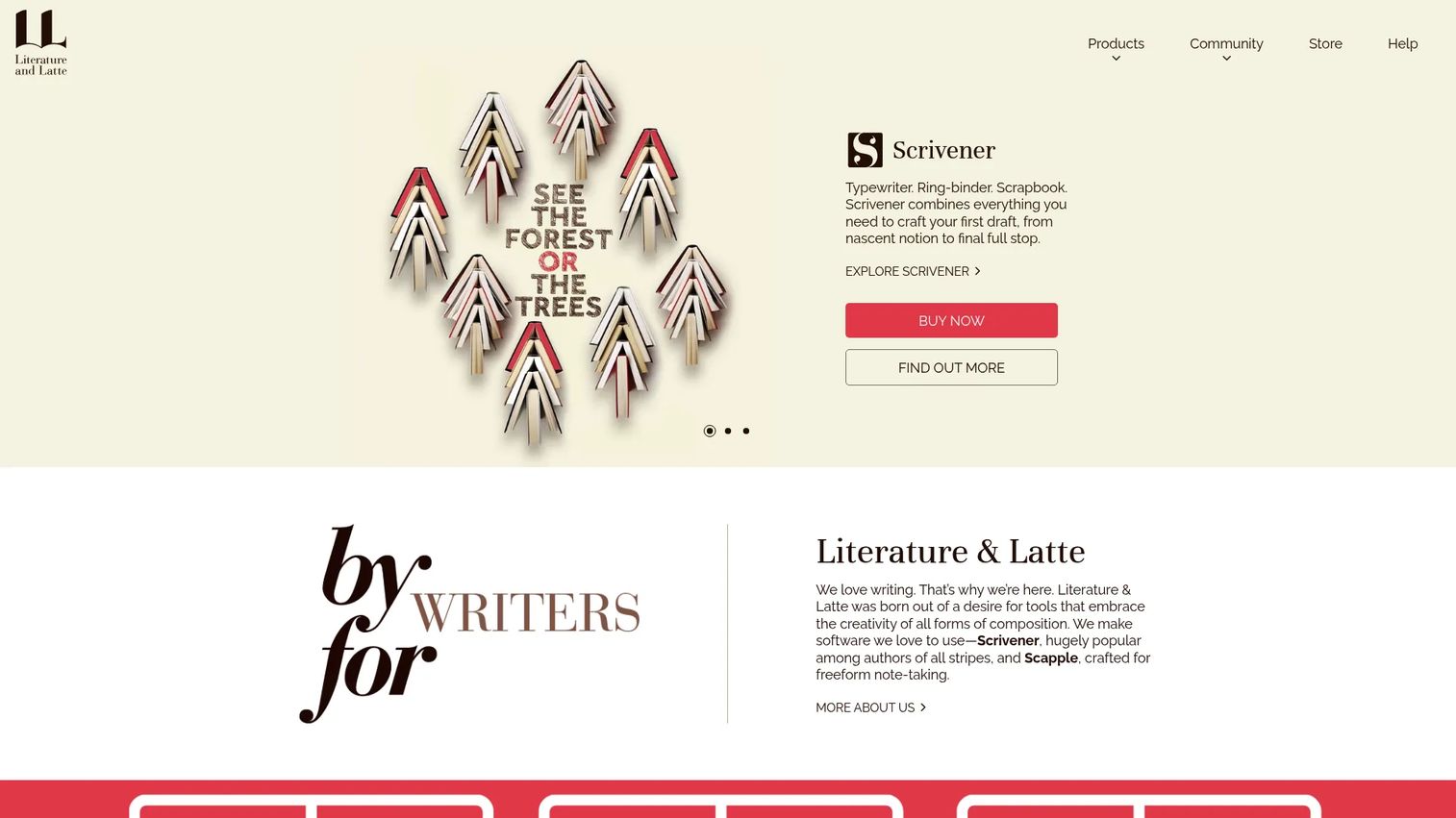
Scrivener from Literature & Latte is the tool most novelists benchmark everything else against. It breaks your manuscript into a Binder of scenes and chapters you can reorder by dragging, plan on a Corkboard of index cards, or view in an Outliner. Research lives inside the same project, so reference material sits beside the draft. Snapshots let you save a version of any scene before you rewrite it.
Best for: Authors and long-form writers who want deep structure without a forced linear workflow.
Key features
- Corkboard and outliner for planning and reordering
- Binder for managing scenes, chapters, and research
- Snapshots to save versions before revising
- Compile export to Word, PDF, Final Draft, plain text
- Inspector for per-scene notes and metadata
Why choose Scrivener: If your book is complex and you draft out of order, Scrivener bends to your process instead of fighting it. The learning curve is real, so it rewards writers ready to commit to a system over people who want to open and type immediately.
Scrivener pricing: A standard macOS or Windows licence is $49 one-time, the macOS plus Windows bundle runs $80, and the iOS/iPadOS app costs $23.99. A 30-day free trial covers the macOS and Windows versions.
Scrivener holds a 4.5/5 rating on G2, reflecting years of use by working authors.
2. Google Docs
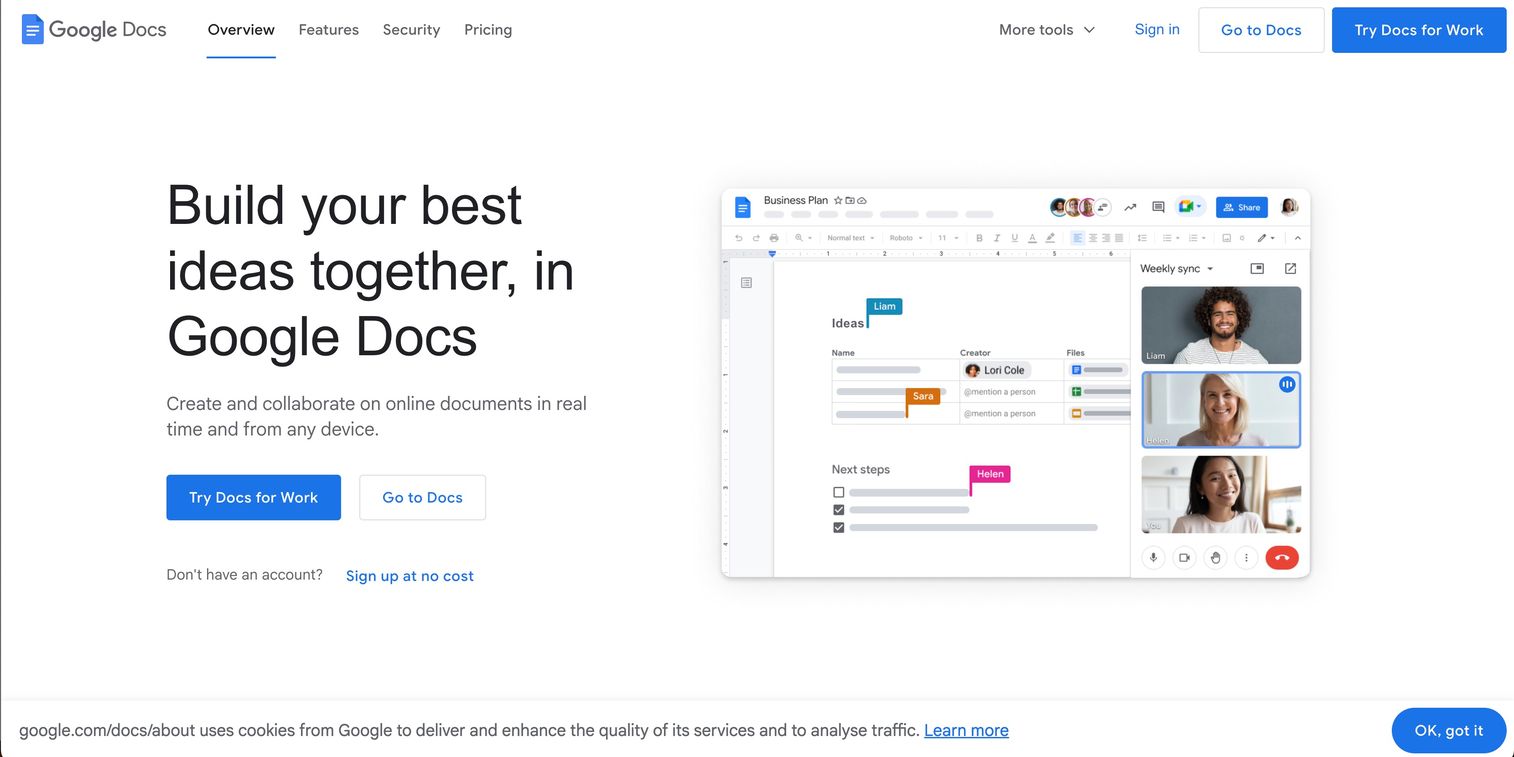
Google Docs is the easy answer when more than one person touches the manuscript. Real-time co-editing means a critique partner or editor works in the same file you do, with comments threaded in the margin. Version history tracks every change, and offline editing keeps you writing when the connection drops. For a founder used to collaborative docs across a team, the model needs no explanation.
Best for: Writers who share drafts constantly with editors, co-authors, or critique partners.
Key features
- Real-time co-editing with multiple people
- Threaded comments and suggestions
- Version history for every change
- Offline editing in the browser
- Works on any device with a browser
Why choose Google Docs: Nothing beats it for collaboration and access, and it costs nothing to start. The tradeoff is organization: A full novel in one Docs file gets unwieldy, since there is no binder or scene-level structure built for book-length fiction.
Google Docs pricing: Anyone with a Google Account writes in Docs for free. Google Workspace, which bundles Docs with business features, starts at $7 per user per month on an annual commitment, with Standard at $14 and Plus at $22 per user monthly.
Google Docs does not carry a standalone G2 rating, though Capterra lists it at 4.7/5.
3. Microsoft Word
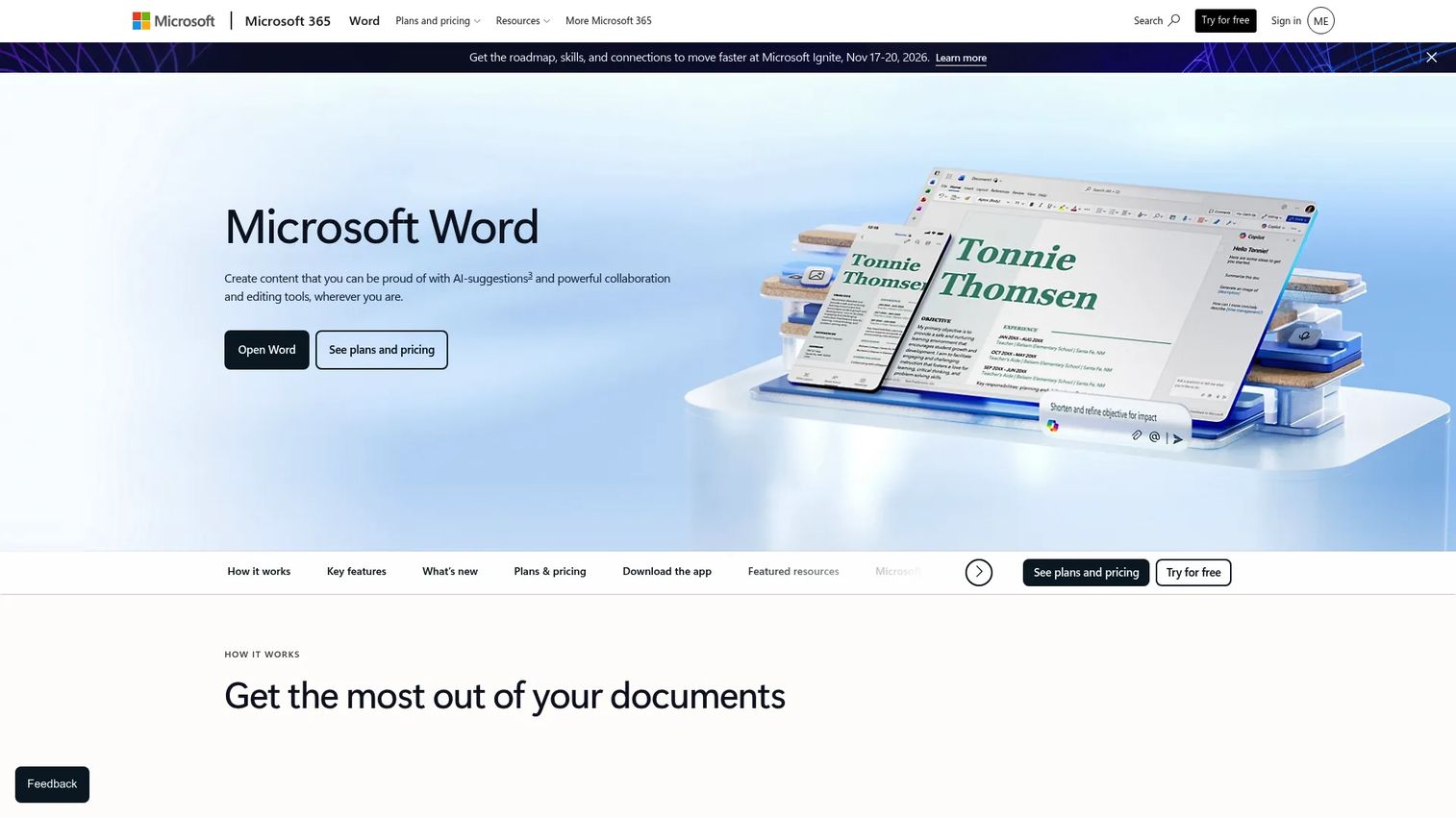
Microsoft Word is where a lot of manuscripts start and where nearly every editor expects them to arrive. Its file format is the industry default for editorial handoff, and Track Changes remains the standard for line edits. Copilot now assists with drafting and rewriting inside the document, while the built-in Editor flags grammar and style as you go.
Best for: Writers who want a familiar editor and universal compatibility for editorial handoff.
Key features
- Track Changes for editor markup
- Editor for grammar, spelling, style
- Copilot in Word for drafting help
- Real-time sharing and co-editing
- Near-universal .docx compatibility
Why choose Microsoft Word: If your editor works in Word, handing off is frictionless because there is no conversion step. The limitation is the same as Docs: Word treats a novel as one long document, so scene reordering and worldbuilding notes live outside the tool.
Microsoft Word pricing: The web version is free with basic features. Microsoft 365 Personal, which includes the desktop app, is $99.99 per year, Family is $129.99 per year, and Premium is $199.99 per year.
Word carries a 4.7/5 rating on G2.
4. Vellum
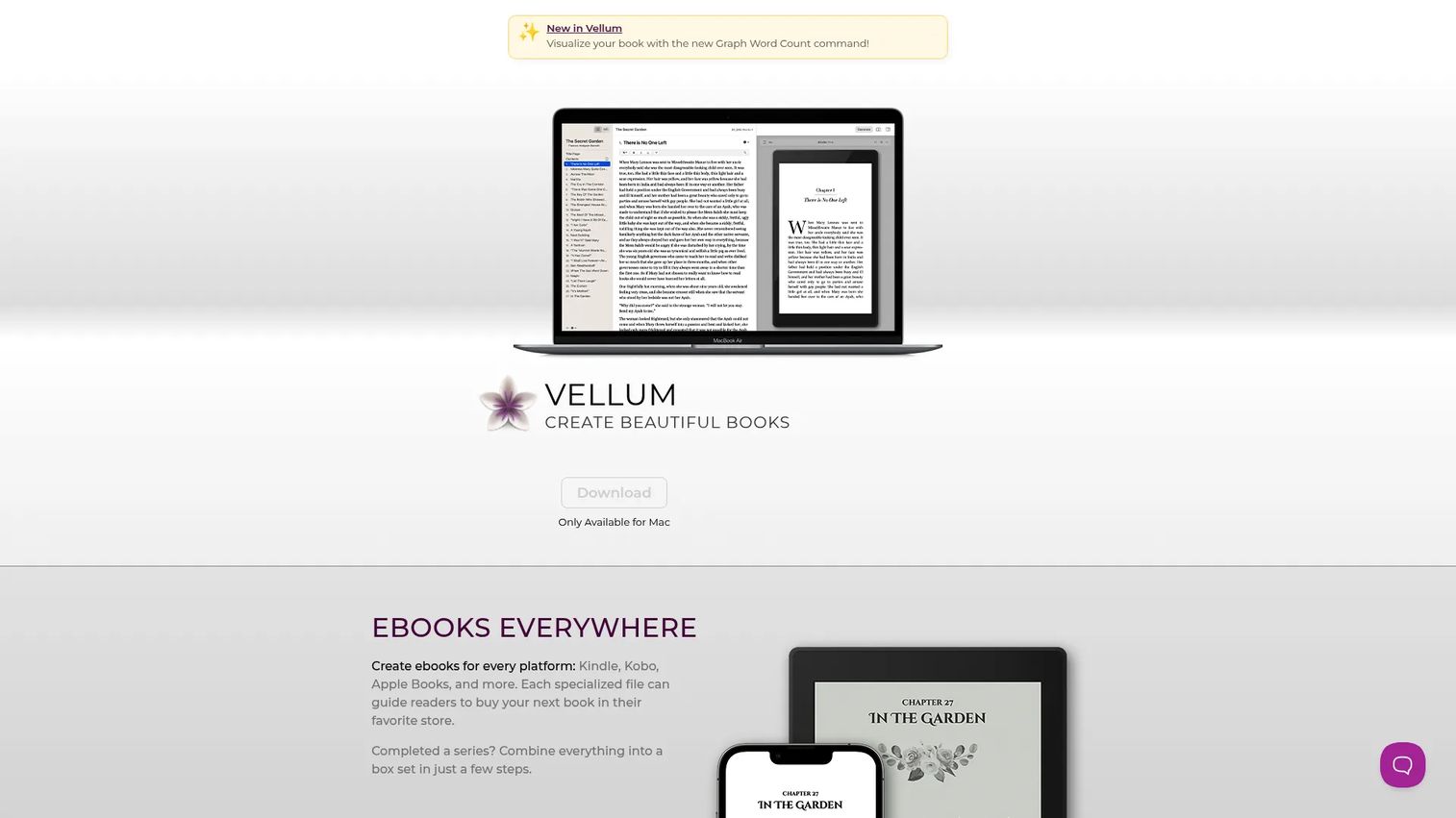
Vellum is not where you write the book. It is where you make the finished book look like a real book. This Mac software takes a completed manuscript and produces clean ebooks for Kindle, Kobo, and Apple Books, plus print layouts that handle margins, page numbers, and headers automatically. The preview shows exactly how each store's version will render before you generate the files.
Best for: Mac authors self-publishing who need polished ebook and print output.
Key features
- Ebook creation for Kindle, Kobo, Apple Books
- Automatic print layout with margins and headers
- Widow handling and spread balancing
- EPUB, MOBI, and PDF/X-1a export
- Live preview before file generation
Why choose Vellum: For self-publishing authors, Vellum removes the formatting nightmare that eats days before a launch. It only runs on Mac and only handles formatting, so it is a downstream layer in your stack, not the drafting engine.
Vellum pricing: The app downloads free, and you pay to generate. Vellum Ebooks is $199.99 for unlimited ebooks, and Vellum Press is $249.99 for unlimited ebooks plus paperbacks. Both are one-time purchases.
Vellum earns a 4.8/5 on G2, the highest rating in this roundup.
5. Atticus
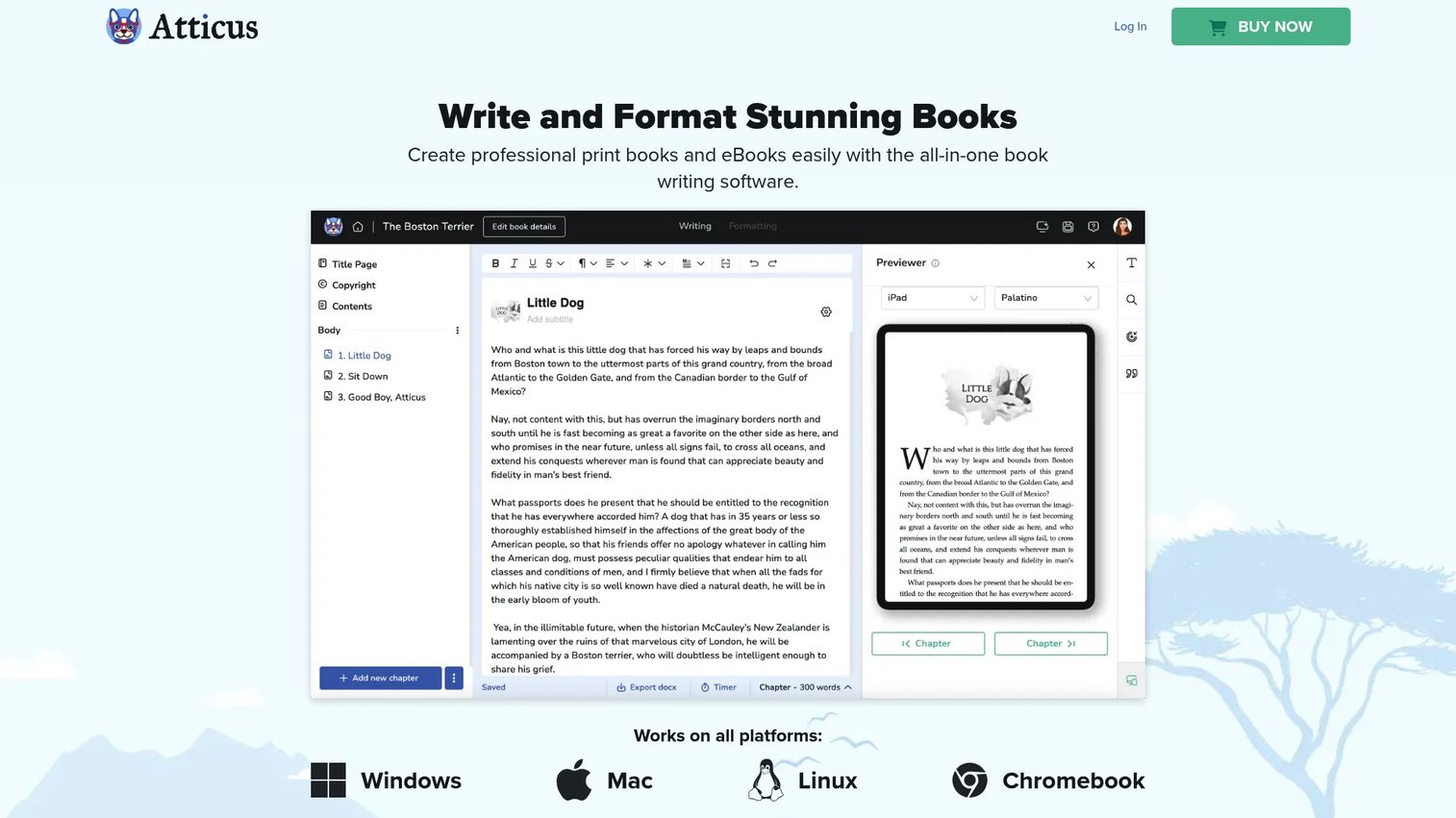
Atticus sets out to do what usually takes two tools: Write the draft and format the book. It runs in the browser, so it works across desktop and tablet regardless of operating system, which sidesteps the Mac-only constraint that limits some formatting software. You draft in one workspace, then export to EPUB and PDF for retail without moving to a separate app.
Best for: Authors who want a single cross-platform app for drafting through export.
Key features
- Writing and formatting in one app
- Export to EPUB and PDF
- Runs on desktop and tablet browsers
- Works across Mac, Windows, Chromebook
- One-time purchase, no subscription
Why choose Atticus: It is the practical middle ground between Scrivener's drafting depth and Vellum's formatting polish, on any platform. Its planning and organization run lighter than Scrivener's, so writers with heavy worldbuilding needs may want more structure.
Atticus pricing: Atticus sells as a one-time purchase at $147 with no monthly fee, covering both writing and formatting.
Atticus shows a 3.0/5 on G2, though that listing may reflect a different company sharing the Atticus name, so weigh it against author reviews on writing-focused sites.
6. Novelcrafter
Novelcrafter is a web-based platform that pairs structured novel planning with connectable AI. Its Codex stores characters, places, and lore, including shared data across a series, so the world stays consistent as the book grows. Planning modes surface plot holes and inconsistencies. The AI integration lets you connect your own custom prompts and third-party or local models rather than locking you to one engine.
Best for: Authors who want an organized writing workspace with worldbuilding plus optional AI support.
Key features
- Codex for characters, places, lore, series data
- Planning modes to spot plot holes
- Custom AI prompting with connectable models
- Scene and chapter organization
- Web-based access from any browser
Why choose Novelcrafter: It suits writers who want AI in the loop on their terms, with real manuscript structure underneath. Adoption of AI in fiction is climbing: 68% of self-published authors used AI for at least one stage of novel creation, per a 2023 PMarketResearch survey of 2,400 writers. If you prefer no AI in your drafting, this is not the tool for you.
Novelcrafter pricing: Four monthly plans run from Scribe at $4, Hobbyist at $8, Artisan at $14, to Specialist at $20. A 21-day free trial is available, and there is no free plan.
Novelcrafter has no substantive G2 rating yet, as its seller page shows zero reviews.
7. Ulysses
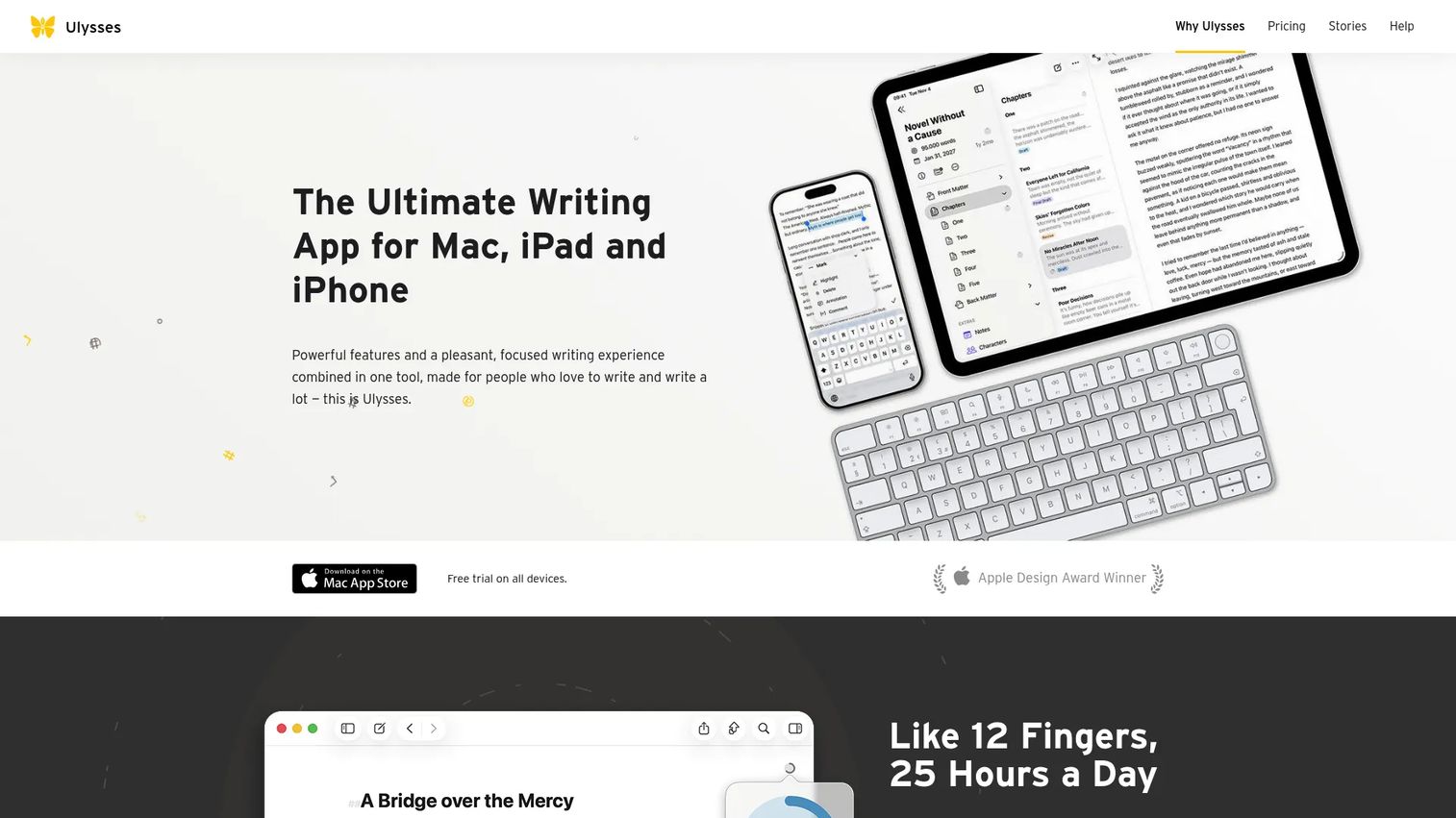
Ulysses is the choice for Apple writers who want to draft with nothing in the way. It uses a plain-text enhanced editor and a single library that organizes everything into projects, groups, and sheets. iCloud syncs your work across Mac, iPad, and iPhone automatically, so you pick up mid-sentence on whichever device is nearest. It is lighter than Scrivener by design, trading structural depth for a calm writing surface.
Best for: Apple-only writers who want a focused, distraction-free drafting workspace.
Key features
- Plain-text enhanced editor
- Single-library organization with sheets and groups
- iCloud sync across Mac, iPad, iPhone
- Export to PDF, web page, ebook
- Filters and goals for tracking progress
Why choose Ulysses: If distraction is your enemy and you live in the Apple ecosystem, Ulysses keeps the interface quiet and your text in front of you. The tradeoff is platform lock-in and less scene-level planning than Scrivener offers.
Ulysses pricing: The subscription runs $5.99 per month or $39.99 per year, and both include a 7-day free trial. Volume licensing for organizations is available outside the App Store.
Ulysses holds a 4.5/5 rating on G2.
Considerations
Picking a novel writing program comes down to matching the tool to how you actually work, not to a feature checklist. Run through these before you buy.
How much structure do you actually need?
A linear, single-POV novel survives fine in a plain editor. A sprawling multi-timeline epic needs a binder and outliner or you will drown in cross-references. Be honest about the shape of your book. Over-buying structure you never use is as costly as under-buying it and fighting your tool.
Will you work solo or with an editor?
If drafts move between you, a co-author, and an editor, live collaboration matters more than drafting depth. Google Docs and Word handle shared editing natively. If you draft alone and only hand off at the end, a solo-first tool like Scrivener or Ulysses serves you better.
Do you need export and publishing handoff?
Traditional submission usually wants a Word manuscript, which Word and most tools export cleanly. Self-publishing wants retail-ready EPUB and print files, where Vellum or Atticus earn their place. Match the export target to where your book is headed.
Do you want one tool or a modular stack?
All-in-one apps reduce the number of things to learn and pay for. A modular stack, drafting in one tool and formatting in another, gives you the best tool for each job. Fewer tools means less to maintain, which is worth weighing if you value a lean setup.
What platform and pricing model fit your workflow?
Some tools are Mac-only, some are browser-based and run anywhere. Some charge once, others charge monthly. A one-time licence suits a long project you own outright. A subscription suits ongoing use with continuous updates. Decide which cost shape fits your habits.
Conclusion
The right choice depends on your book and your workflow, not on which tool tops a list.
Scrivener stays the default for writers who need real structure across a long, complex manuscript. Vellum is the handoff layer that turns a finished draft into a professional ebook and print book on Mac. Google Docs and Word win the moment collaboration or editorial handoff enters the picture. Atticus bundles drafting and formatting into one cross-platform purchase, Novelcrafter brings worldbuilding and optional AI together, and Ulysses keeps Apple writers focused and synced.
Start with the job that hurts most right now. If you are losing structure in a growing draft, try Scrivener's free trial. If your finished manuscript needs to look like a real book, Vellum handles it. If shared editing is the friction, you likely already have Docs or Word.
Pick one, run a real chapter through it, and see if it fits how you write. The best software for writing a novel is the one that disappears while you work.
Start your journey with Guideflow today!
FAQs
For a first novel, Google Docs or Microsoft Word lowers the barrier to entry because you likely already know them and can start typing immediately. Once structure becomes the pain point, Scrivener's free trial is the natural next step. Beginners rarely need formatting tools like Vellum until they finish a draft.
For most serious novelists, yes. Its Binder, Corkboard, and Outliner make managing a book-length manuscript far easier than a flat document, and the $49 one-time price is modest for the depth. The main cost is time: Scrivener has a learning curve, so it pays off for writers committed to a structured workflow.
Yes, plenty of authors draft entire novels in Google Docs, and its free price and collaboration make it appealing. The limitation is organization, since a full manuscript in one file lacks scene-level structure. Many writers draft in Docs, then move to a dedicated tool once the book grows large.
Novelcrafter's Codex is purpose-built for worldbuilding, storing characters, places, and lore, including shared data across a series. Scrivener also handles it well by keeping research and notes inside the same project as your draft. The right pick depends on whether you want that material beside your text or in a dedicated system.
They do different jobs, so many authors use both. Scrivener drafts and organizes the manuscript, while Vellum formats the finished book into polished ebook and print files. Scrivener can compile to EPUB, but Vellum's output is cleaner and faster for self-publishing, which is why the two often pair.
It depends on your priorities. Atticus combines drafting and formatting in one cross-platform app, so you write and export retail-ready files without switching tools. Scrivener offers deeper drafting structure but hands formatting to a separate tool. Choose Atticus for an all-in-one workflow, Scrivener for maximum organizational depth.
Google Docs is the strongest free book writing program, offering full drafting, collaboration, and offline access at no cost. Microsoft Word's web version is free with basic features and useful if you want the Word format for editorial handoff. Both are general-purpose, so you trade novel-specific structure for zero cost.
Draft in Word if you value familiarity and universal compatibility, especially when an editor expects a Word manuscript. Draft in Scrivener if your book is complex and you need to reorder scenes, store research, and see structure at a glance. A common approach is drafting in Scrivener, then exporting to Word for editing.