You open one tool for charts. Another for scanning. A third to backtest the idea. A fourth to actually place the trade. By the time the setup lines up, the edge is gone.
That fragmentation is the real problem with most trading stacks. The tools work fine on their own. Stitched together, they leak time and introduce errors between analysis and execution. And the market keeps growing, which means the number of options keeps climbing too. The global online trading platform market reached USD 12.57B in 2026 and is projected to hit USD 18.18B by 2031 at a 7.66% CAGR, according to Mordor Intelligence (2026).
More tools, more noise, harder choices. So the question stops being "which platform has the most features" and becomes "which platform matches the workflow I actually run." A day trader scanning for breakouts needs something different from a quant deploying automated strategies, and both need something different from an institutional buyer comparing execution vendors.
This guide breaks down seven trading platform software options across those workflows, so you can shortlist based on fit instead of feature counts.
What's inside
This guide is for anyone evaluating trading platform software in 2026, whether you trade discretionarily, run automated strategies, or research the market as an operator or investor. We looked at each tool through a practical lens, not a marketing one.
We chose and compared the seven platforms on four criteria that matter across most workflows:
- Charting and technical analysis depth
- Backtesting and strategy testing quality
- Automation and scripting support
- Execution and broker integration
You'll get a comparison table, individual breakdowns, a buyer's checklist, and answers to the questions people actually ask before they commit.
TL;DR
Short on time? Here's the decision shortcut by profile:
- Best for automated technical analysis: TrendSpider, with cloud-based scanning, backtesting, and an AI assistant in one place.
- Best for retail active traders: thinkorswim, free to Schwab clients with deep charting and paper trading.
- Best for algorithmic developers: NautilusTrader, an open-source Rust-native engine with research-to-live parity.
- Best for peer-reviewed research: Gartner Peer Insights, to compare institutional and commercial platforms using verified feedback.
- Best for broad market access: Interactive Brokers, with trading across 170+ markets and low-cost execution.
- Best for a free multi-asset terminal: MetaTrader 5, downloadable at no cost with built-in automation.
What is trading platform software?
Trading platform software is the system traders use to research markets, build and test strategies, place orders, and monitor open positions from a single interface. It sits between the trader and the market, turning analysis into executable orders and tracking the result.
Most platforms combine several core capabilities. The strongest ones do more than one well:
- Charting and technical analysis: Price charts, indicators, drawing tools, and pattern detection to read market structure.
- Scanning and screening: Filters that surface tickers matching specific technical or fundamental criteria across a universe of assets.
- Backtesting and simulation: Testing a strategy against historical data before risking capital, plus paper trading in live conditions.
- Execution and order management: Placing, routing, and managing orders across one or more brokers and venues.
- Automation and scripting: Rules, bots, or code that trigger orders without manual intervention.
Some tools focus on one layer, such as charting or backtesting. Others span the full stack from research to execution. Institutional buyers often separate these into execution management systems and research platforms, while retail traders tend to want them bundled. The right mix depends on whether you trade by hand, by rule, or somewhere in between.
When to use trading platform software
Not every trader needs every capability. Three situations tend to trigger a serious platform decision.
When you need faster market research
Scanning a watchlist manually does not scale past a handful of tickers. Trading software that automates scanning and charting lets you surface setups across hundreds of instruments in seconds, then drill into the ones that matter. This is where technical analysis software earns its cost: it compresses hours of chart-flipping into a filtered shortlist.
When you want to test strategies before live trading
A strategy that looks good on a chart can fall apart against real historical data. Strategy backtesting software lets you run an idea across years of price history, measure drawdown and win rate, and refine the rules before a single dollar is at risk. Paper trading extends that into live conditions without live exposure.
When you need to connect analysis to execution
The gap between spotting a setup and placing the order is where slippage and mistakes live. Platforms that link scanning, alerts, and order routing in one workflow close that gap. For automated trading platform users, this means rules can fire orders directly, removing the manual step entirely.
Comparison table
Here's how the seven platforms compare at a glance. Pricing and ratings reflect verified values at the time of writing. Where a public rating was not available, the cell is left blank rather than estimated.
| # | Product | Best for | Key differentiator | Pricing | G2 rating |
|---|---|---|---|---|---|
| 1 | TrendSpider | Active traders wanting charting plus automation | Cloud-based automated technical analysis with AI assistant | From $51.30/month | - |
| 2 | thinkorswim | Retail active Schwab clients | Advanced desktop, web, and mobile suite with paper trading | $0 for Schwab clients | 4.0/5 |
| 3 | NautilusTrader | Algorithmic developers | Open-source Rust-native engine with research-to-live parity | Open-source | - |
| 4 | Gartner Peer Insights | Enterprise software evaluators | Verified peer reviews and product comparisons | Tied to Gartner access | 4.6/5 |
| 5 | TradeStation | Active traders and strategy builders | Multi-asset brokerage with backtesting and automation | $0 stock commissions | - |
| 6 | Interactive Brokers | Global, cost-conscious investors | Access to 170+ markets with low-cost execution | $0 US stocks (IBKR Lite) | - |
| 7 | MetaTrader 5 | Retail multi-asset and forex traders | Free multi-asset terminal with algorithmic trading | Free | 3.9/5 |
The table shows how different these tools really are. Some are charting-and-analysis platforms, some are brokerages, one is open-source infrastructure, and one is a review hub. Match the row to your workflow before you weigh price.
Best trading platform software for 2026
Below are the seven platforms in detail, with what each does well, who it fits, and current pricing.
1. TrendSpider
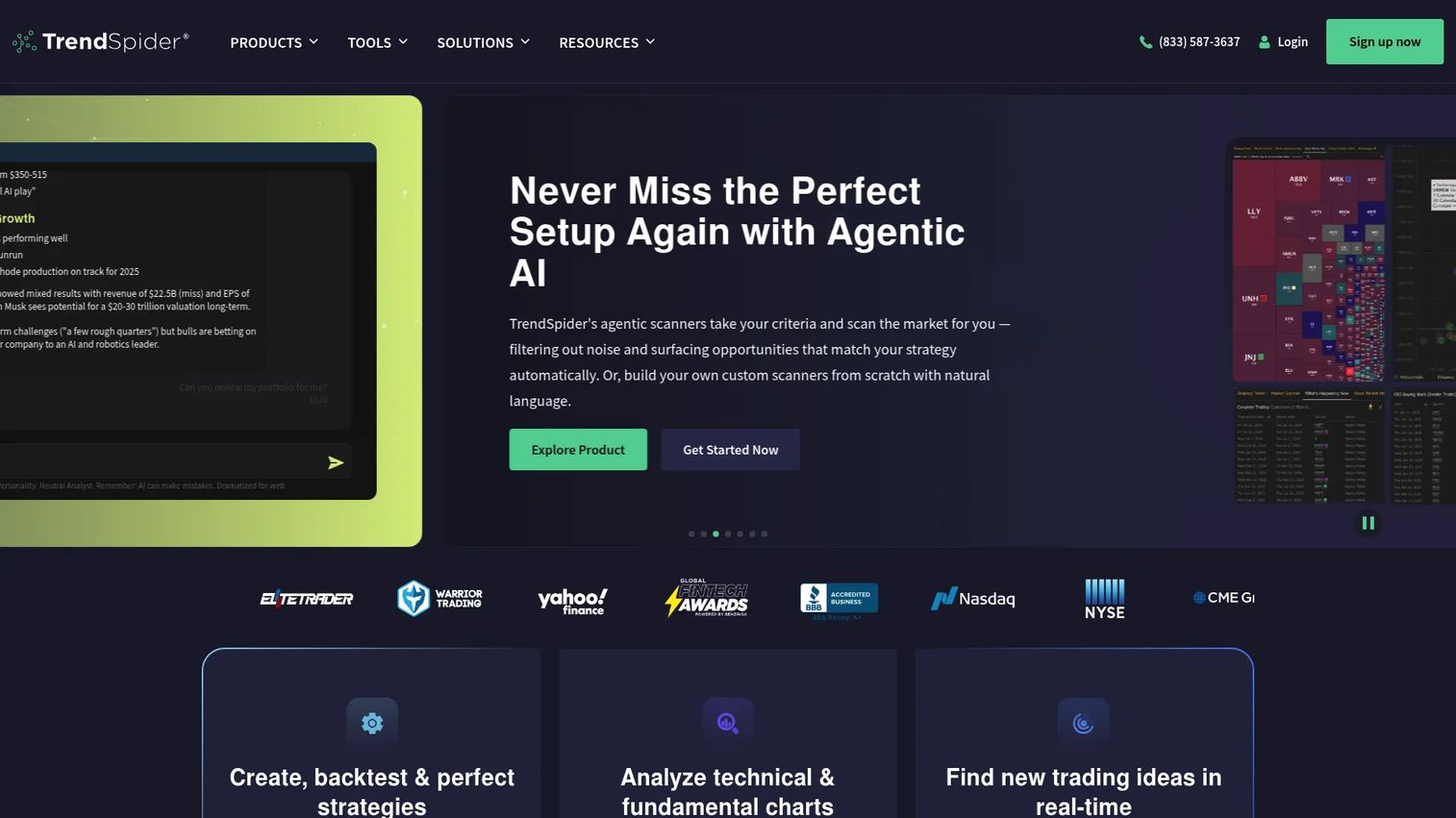
TrendSpider is a cloud-based market research and trading platform built around automated technical analysis. It handles charting, scanning, backtesting, alerts, and AI-assisted investing without a desktop install, which makes it a fit for traders who want research and automation in one browser tab. The platform leans hard into removing manual chart work, from automatic trendline detection to no-code strategy bots.
Best for: Active traders and investing teams that need charting, automation, and AI-assisted market analysis in one place.
Key strengths
- Automated charting and technical/fundamental analysis
- Strategy tester, backtesting, and no-code strategy bots
- Cloud alerts, broker integrations, and Sidekick AI assistant
Why choose TrendSpider: If you spend hours drawing trendlines and flipping through charts, TrendSpider automates the grunt work so you can focus on decisions. It suits discretionary traders who want automation without writing code, and its Sidekick AI assistant adds a research layer for those who want AI trading platform features baked in.
TrendSpider pricing: A free tier is available. Paid individual plans start at $51.30/month for Standard, with Premium at $68.25/month and Advanced at $160.50/month. Business plans start from $399/month. Separate Sidekick AI tiers run from $0/month up to $349/month.
2. thinkorswim
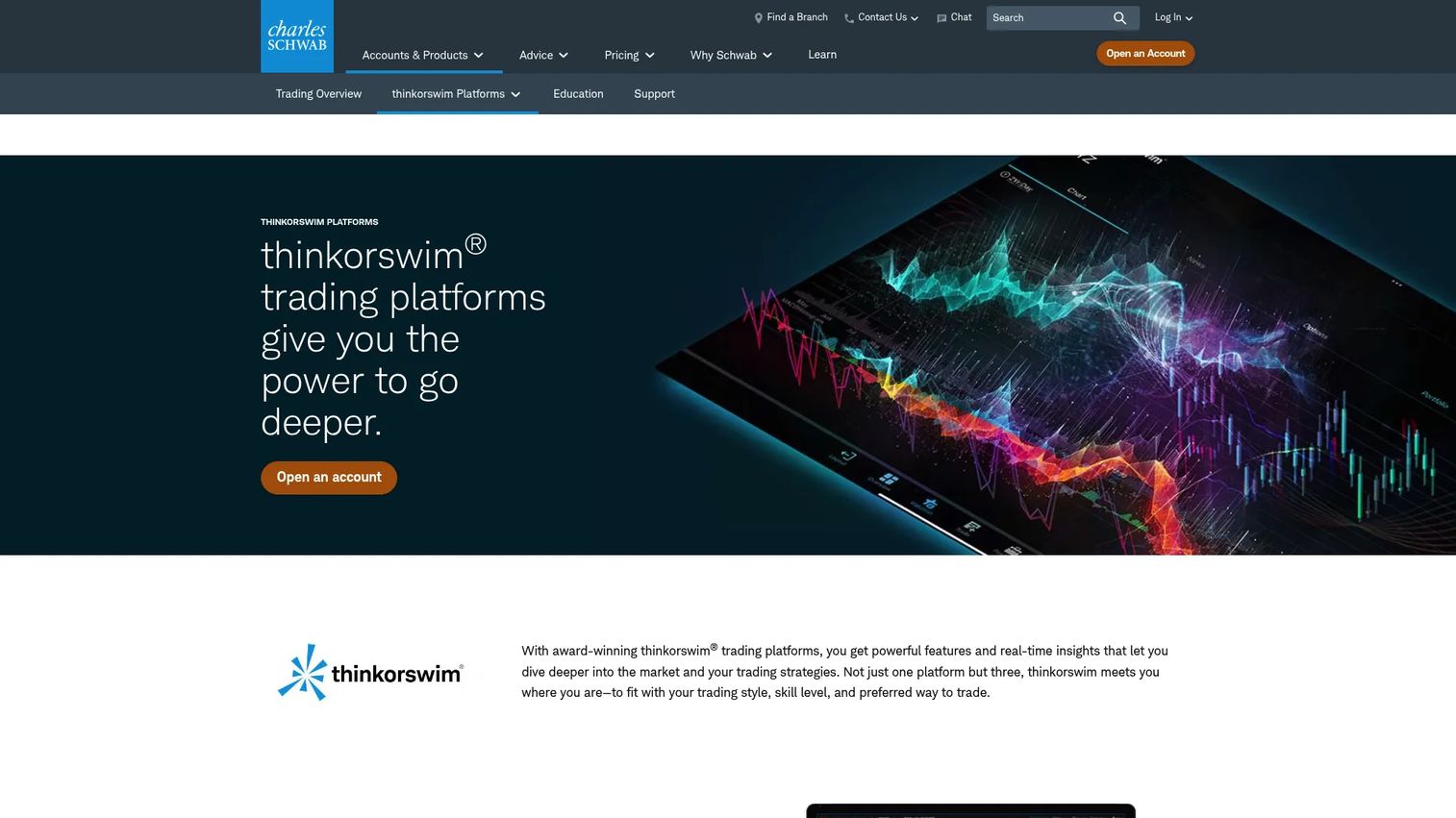
thinkorswim is a suite of Schwab trading platforms for active traders, spanning desktop, web, and mobile. It's a well-known name in retail trading for a reason: the charting is deep, the paperMoney virtual environment lets you practice without risk, and the education resources are extensive. Because it's tied to a Schwab brokerage account, the platform access itself carries no separate charge.
Best for: Active Schwab clients who want advanced trading tools and paper trading.
Key strengths
- Desktop, web, and mobile trading platforms
- Charting and technical analysis tools
- paperMoney virtual trading environment
Why choose thinkorswim: For retail traders already at Schwab, or willing to open an account, thinkorswim delivers professional-grade charting and a genuine paper trading environment at no platform cost. It's a strong pick if you want to practice strategies live before committing capital, and the cross-device access means your workflow follows you.
thinkorswim pricing: Schwab clients get access to the thinkorswim platform suite for $0. Standard trade commissions still apply to trades placed through the platforms.
3. NautilusTrader
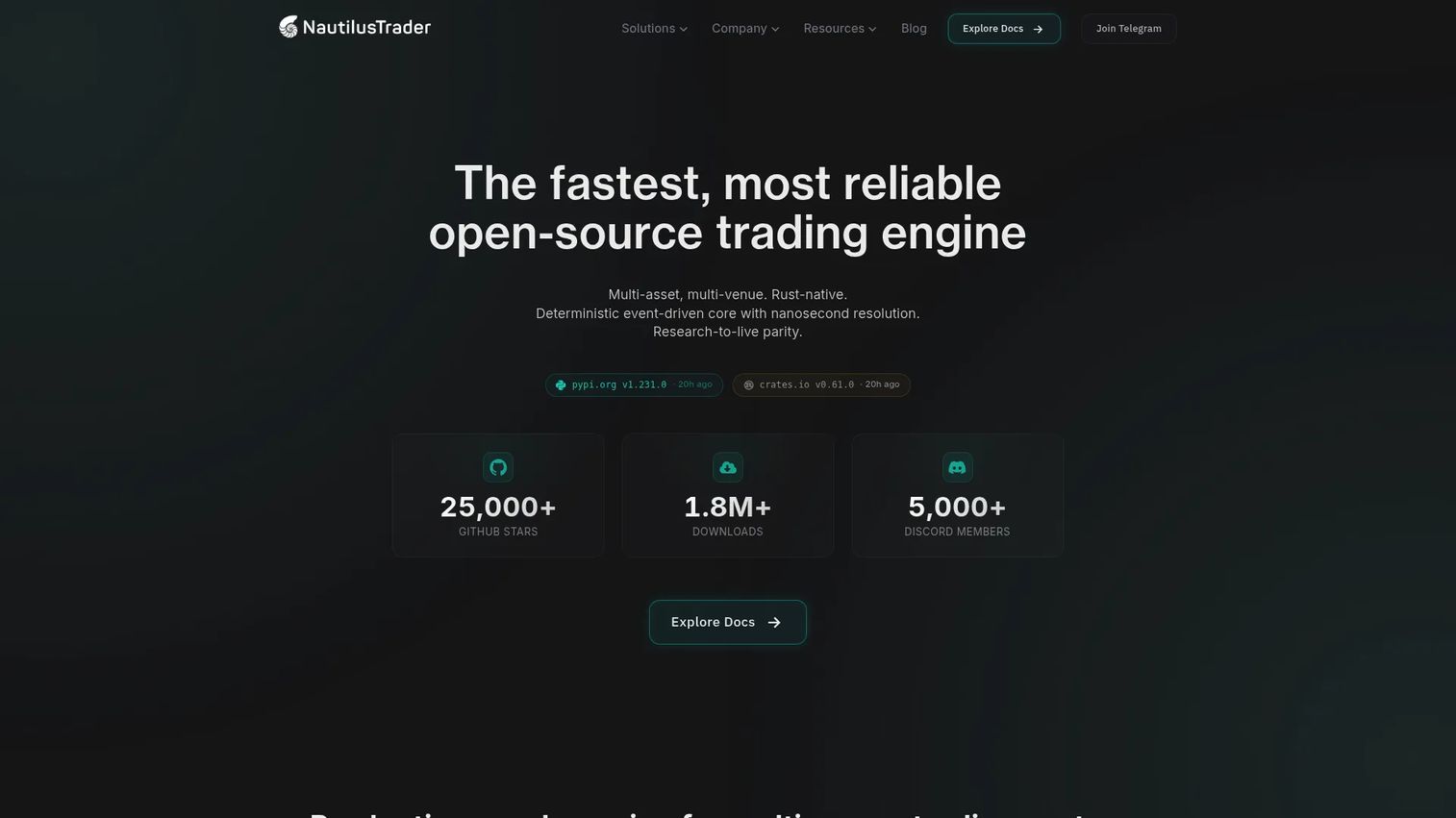
NautilusTrader is an open-source, production-grade, Rust-native trading engine for multi-asset, multi-venue research, backtesting, and live execution. Its appeal is architectural: the same code you use to backtest runs in live trading, which removes the translation gap that breaks many strategies between research and production. Technical users pick it for the deterministic core and the shared semantics across environments.
Best for: Teams building algorithmic trading systems that need backtesting and live execution in one engine.
Key strengths
- Rust-native deterministic event-driven core with nanosecond resolution
- Python strategy API with shared research-to-live semantics
- Multi-asset and multi-venue trading with modular adapters
Why choose NautilusTrader: If you write your own strategies and care about the gap between backtest and live behavior, NautilusTrader's research-to-live parity is the differentiator. The Python strategy API keeps development approachable while the Rust core handles performance, making it a fit for quant developers and systematic trading teams.
NautilusTrader pricing: The core engine is open-source. The homepage lists separate Pro, Cloud Platform, and Institutional offerings, though public prices are not shown for those tiers.
4. Gartner Peer Insights
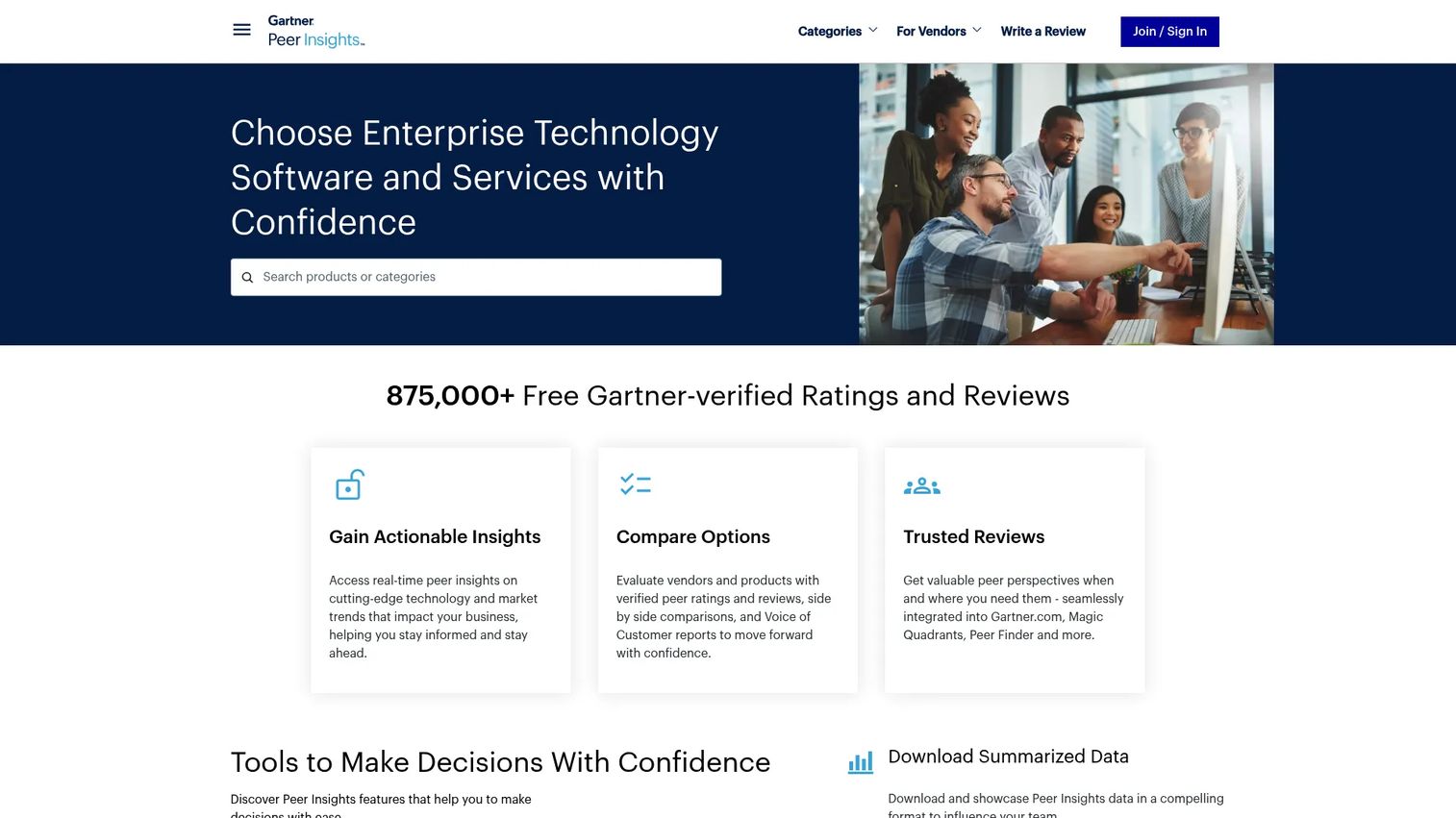
Gartner Peer Insights is Gartner's peer-review platform for enterprise technology, and it functions as a research hub rather than a trading tool itself. For anyone comparing institutional trading platform software or execution management system vendors, it's a place to read verified peer ratings, run product comparisons, and pull Voice of the Customer reports before shortlisting. It answers the "what do actual users say" question that vendor sites can't.
Best for: Enterprise buyers evaluating software with verified peer reviews.
Key strengths
- Verified peer ratings and reviews
- Product comparisons
- Voice of the Customer reports
Why choose Gartner Peer Insights: When the decision is high-stakes and the buyers are a committee, peer-reviewed evidence carries weight that a demo doesn't. Use it to validate a shortlist of institutional or commercial trading platforms against real user feedback rather than marketing claims. It's a research layer, not an execution platform, so it complements the trading tools on this list.
Gartner Peer Insights pricing: Public pricing is not shown on Gartner's own pages. Access appears tied to Gartner entitlements.
5. TradeStation
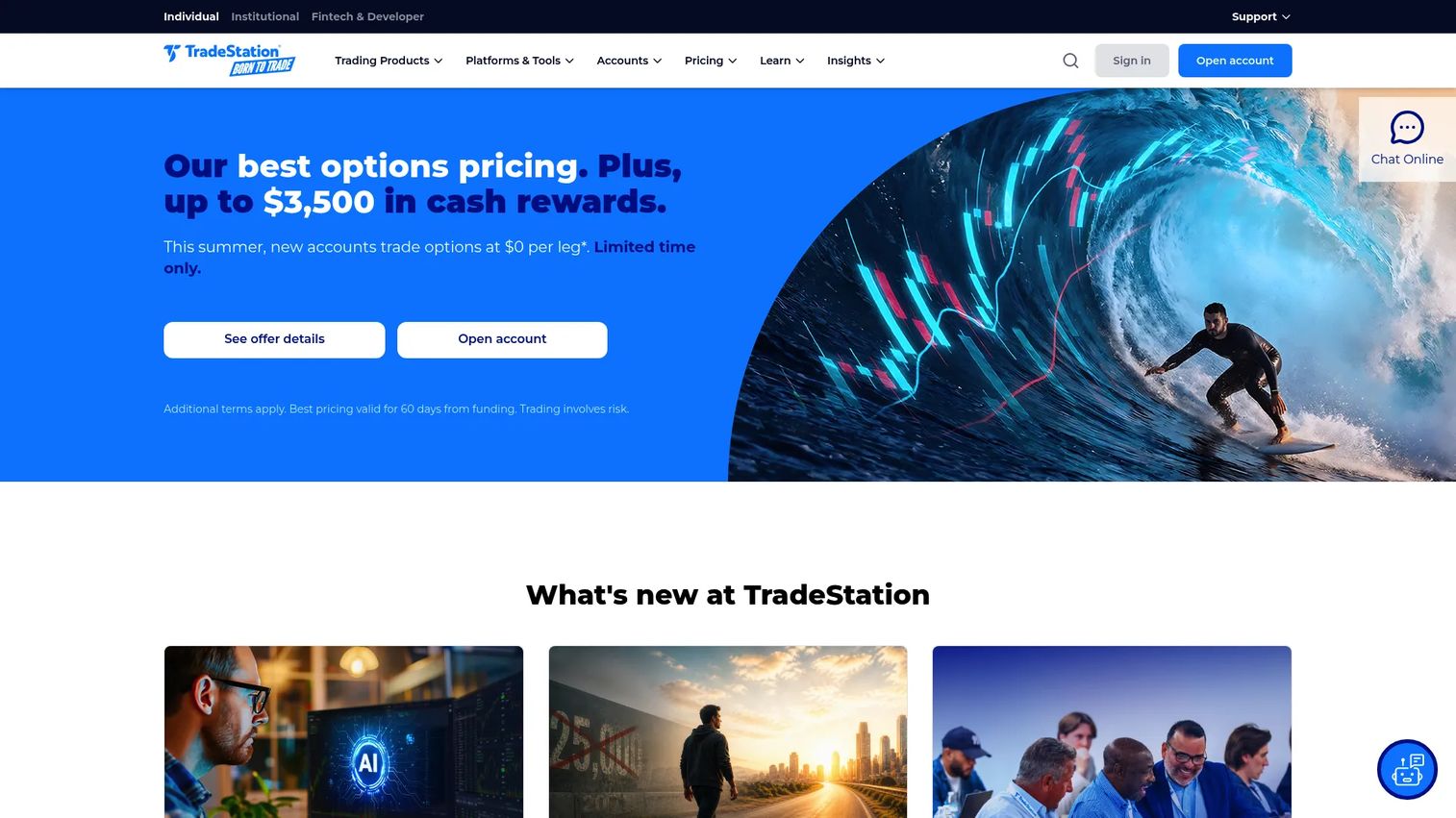
TradeStation is an online brokerage and trading platform for stocks, options, futures, and more. It sits at the intersection of technical analysis and execution, with advanced charting and scanning on one side and order routing plus strategy backtesting on the other. That combination makes it a natural home for active traders who build and automate strategies and want to place the resulting orders in the same environment.
Best for: Active traders who want a multi-asset brokerage with advanced desktop, web, and mobile tools.
Key strengths
- Desktop, web, and mobile trading platforms
- Advanced charting and scanning tools
- Simulated trading and strategy backtesting
Why choose TradeStation: TradeStation appeals to strategy builders who want analysis and execution under one roof. The simulated trading and backtesting tools let you validate an idea, and the same platform routes the live order, closing the gap between research and execution that fragmented stacks leave open.
TradeStation pricing: Stocks and ETFs trade at $0 commissions. Options are $0 per contract, and futures run $0.50 per contract ($0.25 per micro). Pricing is commission and fee based rather than a subscription.
6. Interactive Brokers
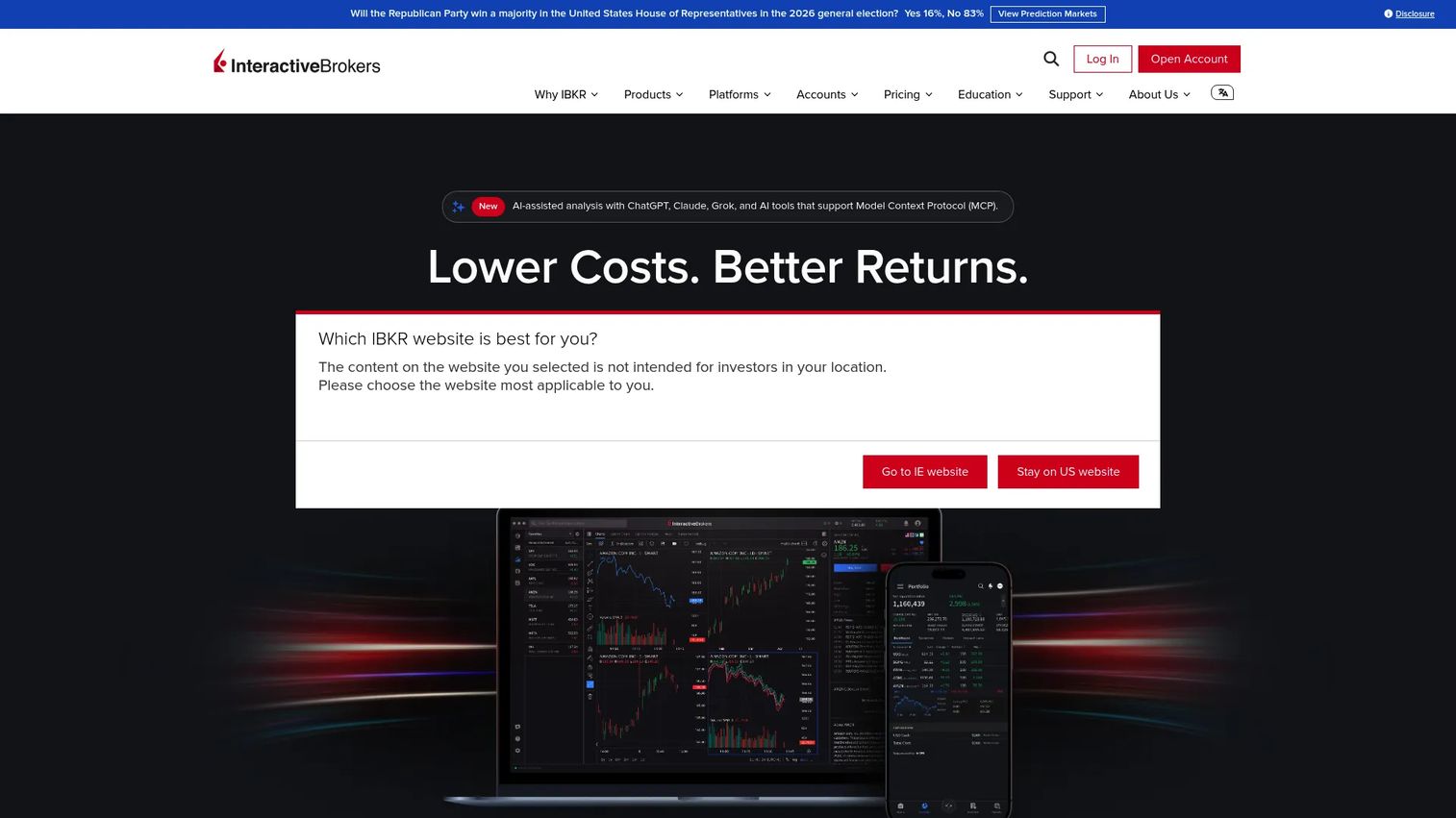
Interactive Brokers is a global online brokerage offering low-cost trading, margin, and investing tools across many markets. Its reach is the headline: trading across 170+ markets worldwide, fractional shares on 10,500+ US stocks and ETFs, and no platform fees. Experienced traders and global investors choose it for the breadth of access and the strength of the execution infrastructure behind it.
Best for: Cost-conscious active and global investors who want broad market access.
Key strengths
- Desktop, mobile, and web trading platforms with no platform fees
- Fractional shares on 10,500+ US stocks and ETFs
- Trading across 170+ markets worldwide
Why choose Interactive Brokers: If you trade internationally or want access to markets most brokers don't touch, Interactive Brokers is hard to beat on reach and cost. It fits experienced users who value execution depth and global coverage over hand-holding, and the tiered pricing rewards active volume.
Interactive Brokers pricing: IBKR Lite offers $0.00 commissions on US-listed stocks and ETFs. IBKR Pro uses Fixed and Tiered pricing, starting at USD 0.005 per share with a minimum on the Fixed plan.
7. MetaTrader 5
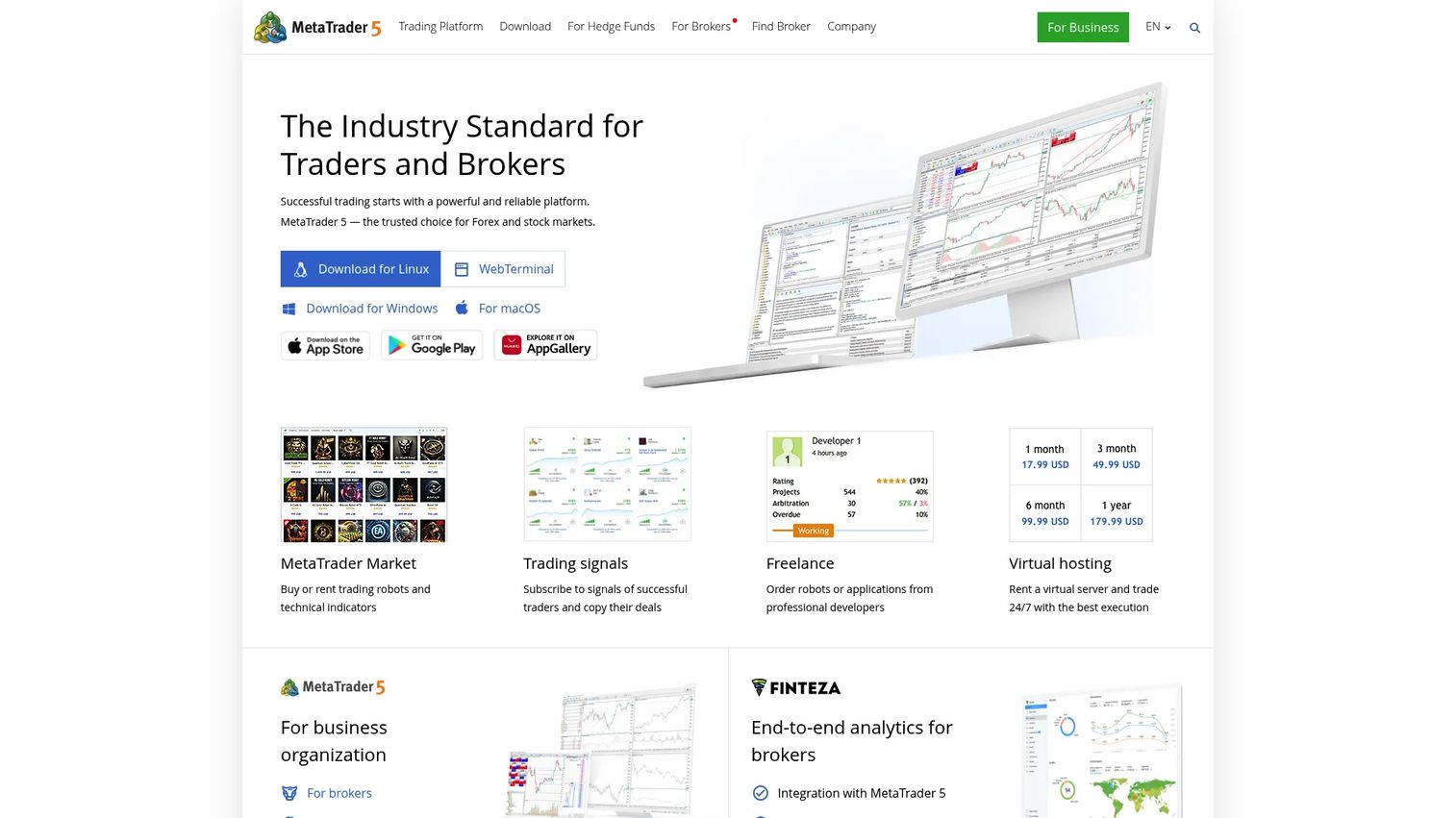
MetaTrader 5 is a multi-asset trading platform for forex, stocks, futures, and related market analysis and automation tools. It remains a common benchmark in the category, especially across retail forex and active trading, thanks to its built-in algorithmic trading tools and wide broker support. The platform is downloadable and usable for free, which keeps it accessible to traders and brokers alike.
Best for: Retail traders and brokers needing a free multi-asset trading terminal with charting and automation.
Key strengths
- Multiple order execution modes and trade order types
- 21 timeframes with unlimited charts
- Built-in technical analysis and algorithmic trading tools
Why choose MetaTrader 5: MetaTrader 5 is the default for many forex and multi-asset traders because it's free, widely supported by brokers, and ships with real algorithmic trading capability. If you want a proven terminal with automation built in and no subscription cost, it's an obvious shortlist entry.
MetaTrader 5 pricing: The desktop, web, iPhone/iPad, and Android versions are all free to download and use. The site references paid Market apps and rentals for third-party trading applications, but no platform subscription price is publicly shown.
Considerations
Before you commit to a platform, run it against these five criteria. Each one exposes a different way a tool can fit or fail your workflow.
Charting and analysis depth
Look at the indicators, drawing tools, and timeframes on offer, and whether scanning is automated or manual. A cloud based trading platform that surfaces setups across hundreds of tickers saves hours that a basic charting app can't. Test whether the analysis tools actually match how you read the market.
Backtesting and simulation quality
Check whether the platform tests strategies against real historical data and how far back that data goes. Also confirm there's a paper trading or simulation mode for live conditions. A backtest that can't model drawdown or slippage honestly will flatter a strategy that fails in production.
Automation and scripting support
Decide whether you need no-code bots, a scripting language, or a full code API. Some platforms offer visual strategy builders, others expose Python or a proprietary language. Match the automation depth to your technical comfort, because an automated trading platform is only useful if you can actually build in it.
Execution and broker integration
Confirm which brokers and venues the platform routes to, and whether analysis and execution live in the same tool. A charting platform that can't place orders means another handoff. For institutional workflows, check how it maps to execution management system requirements.
Learning resources and support
Evaluate the documentation, tutorials, and community around the tool. Deep platforms carry a learning curve, and strong education plus responsive support shorten the ramp. Paper trading and active forums often matter more than a feature list when you're getting started.
Conclusion
The right trading platform software depends on the workflow you actually run, not the longest feature list. For automated technical analysis and AI-assisted research, TrendSpider covers charting, scanning, and backtesting in one browser tab. Retail traders at Schwab get professional-grade tools and paper trading with thinkorswim at no platform cost. Developers building systematic strategies should look at NautilusTrader for its research-to-live parity.
If reach matters most, Interactive Brokers opens 170+ markets, TradeStation pairs analysis with execution for strategy builders, and MetaTrader 5 remains the free multi-asset default for forex and active trading. When the decision is a committee call, Gartner Peer Insights adds verified peer evidence to the shortlist.
The next step is simple: pick two platforms that fit your workflow and test them against the same task, whether that's scanning a watchlist, backtesting one strategy, or placing a single order. The one that closes the gap between analysis and execution fastest is the one worth paying for.
FAQs
For beginners, look for strong education and a risk-free practice mode. thinkorswim's paperMoney environment lets new traders test ideas without real money, and MetaTrader 5 is free to download with a large support community. Start with a platform that has a paper trading mode so you can learn without financial risk.
Day traders need fast charting, real-time scanning, and quick order execution in one place. TrendSpider suits those who want automated scanning and alerts, while TradeStation and Interactive Brokers pair advanced tools with direct execution. The best trading platform for day traders is the one that minimizes the delay between spotting a setup and placing the trade.
At minimum, look for charting and technical analysis, scanning or screening, backtesting, order execution, and some form of automation. Stronger platforms connect these so analysis flows straight into execution. The exact mix depends on whether you trade by hand, by rule, or with code.
They overlap but aren't identical. A brokerage app handles account management and order placement, while dedicated trading platform software adds deep charting, scanning, backtesting, and automation. Some tools like Interactive Brokers and TradeStation combine both, offering brokerage execution alongside advanced analysis.
No. Backtesting is common but not universal. Platforms like TrendSpider, TradeStation, and NautilusTrader offer strong backtesting and simulation, while some brokerage-first apps focus more on execution. If testing strategies against historical data matters to you, confirm the depth of the backtesting engine before committing.
For algorithmic and automated trading, NautilusTrader offers an open-source engine with a Python strategy API and research-to-live parity. MetaTrader 5 ships with built-in algorithmic trading tools, and TrendSpider provides no-code strategy bots. The right choice depends on whether you prefer to code your strategies or build them visually.
Yes. MetaTrader 5 is free to download across desktop, web, and mobile. thinkorswim is free to Schwab clients, and Interactive Brokers charges no platform fees. TrendSpider also offers a free tier, so you can evaluate several options without upfront cost.
Institutional buyers typically separate research, execution management system vendors, and order management into specialized tools. To compare institutional trading platform software using verified feedback, Gartner Peer Insights is a strong research starting point. For building systematic strategies in-house, NautilusTrader's production-grade engine is designed for multi-asset, multi-venue execution.