Your support queue spikes every Monday at 9am. Volume drops Friday afternoon. Yet your agent coverage stays flat all week, because the schedule lives in a spreadsheet that nobody wants to rebuild.
That gap costs you twice. You overstaff the slow hours and burn budget. You understaff the peaks and miss SLA targets, which means longer wait times and frustrated customers.
Manual scheduling breaks at scale. Attendance tracking turns into a guessing game. Labor costs creep up quietly. And overtime or break-law compliance becomes a real liability the moment you operate across locations or time zones.
Workforce management software exists to close that gap. According to Mordor Intelligence, the global workforce management software market is projected to reach about USD 12 billion by 2026, growing at roughly 4 to 5 percent per year. That growth tracks a simple reality: more teams are staffing variable demand, from contact-center queues to retail floors, and spreadsheets can't keep up.
For support leaders specifically, the right software for workforce management forecasts ticket volume, builds shift schedules around peak hours, tracks adherence, and keeps labor cost in line as your user base grows. For operations and HR leaders, it replaces brittle processes with scheduling, time tracking, and compliance that hold under pressure.
This guide gives you a priced, vendor-neutral shortlist of the best workforce management software for 2026.
What's inside
This guide is built for operations leaders, HR managers, and customer support leaders who staff teams against changing demand. We picked 10 workforce management tools that real buyers shortlist, then evaluated each against four criteria:
- Scheduling and forecasting depth: Can it predict demand (like ticket volume) and auto-build compliant schedules?
- Time and attendance accuracy: Does it track hours reliably and cut down on manual errors?
- Compliance and wage-hour automation: Does it enforce overtime, break, and local labor rules?
- Pricing transparency and integrations: Is pricing clear, and does it connect to payroll, HRIS, and helpdesk systems?
Every pricing figure and G2 rating below was checked against live vendor pages and current G2 listings.
TL;DR
Short on time? Here are the decision shortcuts:
- Best all-in-one for hourly businesses: Workforce.com
- Best for enterprise HR plus WFM: UKG
- Best for fast-scaling SaaS orgs: Rippling
- Best for enterprise global compliance: WorkForce Software
- Best for SMB scheduling simplicity: When I Work
- Best for deskless and frontline teams: Connecteam
- Best low-cost SMB option: Zoho People
Each tool fits a different team size, budget, and use case. Match the pick to your staffing reality, not the longest feature list.
What is workforce management software?
Workforce management software is a system that helps organizations schedule, track, forecast, and pay their workforce while staying compliant with labor laws. It replaces manual spreadsheets and disconnected tools with one place to plan coverage, capture hours, and enforce wage rules.
Most workforce management systems group their capabilities into a few core areas:
- Scheduling: Build shift schedules, manage swaps, and assign coverage by role, location, or skill.
- Labor forecasting: Predict demand (foot traffic, ticket volume, call volume) to staff the right number of people at the right times.
- Time and attendance: Capture clock-ins and clock-outs, manage breaks, and reduce buddy-punching.
- Wage and hour compliance: Automate overtime, break, and local labor-law rules across locations.
- Payroll integration: Sync hours, overtime, and differentials to payroll to cut manual entry.
- Analytics and reporting: Track labor cost, adherence, and coverage against targets.
- Employee self-service: Let staff view schedules, swap shifts, and request time off from their phones.
- Mobile access: Clock in, check schedules, and message teammates on the go.
Gartner typically refers to this category as workforce management applications or workforce management suites. You will also see vendors describe themselves as wfm software, workforce management solutions, or, when delivered over the internet, cloud based workforce management software.
The distinction worth knowing: human capital management (HCM) suites bundle WFM with payroll, benefits, and talent management. Standalone workforce management tools focus tightly on scheduling, time, forecasting, and compliance. Both approaches appear on the list below. Many of these platforms onboard new users through guided walkthroughs, which is exactly where interactive demos help teams ramp faster on complex WFM features.
When to use workforce management software
You don't always need a dedicated system. A five-person team on fixed hours can manage with a shared calendar. The case for WFM gets strong when demand swings, headcount grows, or compliance risk shows up. Here are the three clearest triggers.
Staff your support queue to ticket volume
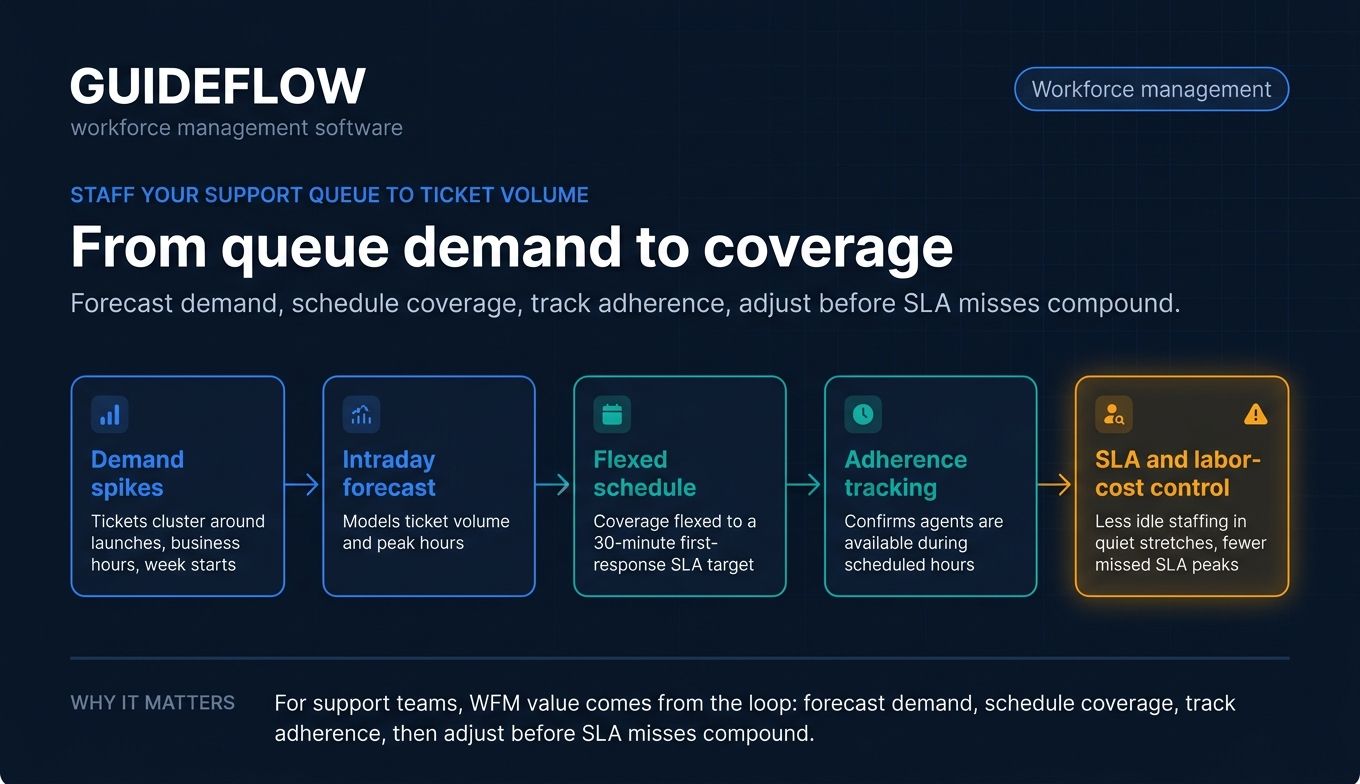
Support demand is rarely flat. Tickets cluster around product launches, business hours, and the start of the week. Workforce management scheduling software uses intraday forecasting to model that demand, then builds shift schedules that cover your peaks without paying for idle agents during quiet stretches.
That matters for SLA targets. If your first-response goal is 30 minutes, your schedule has to flex to volume, not the other way around. WFM also tracks adherence, so you can see whether staffed agents are actually available during the hours you scheduled them.
Track time and attendance accurately at scale
Spreadsheets fall apart once you pass a couple dozen people. Hours get entered wrong. Breaks go untracked. Buddy-punching inflates payroll. Workforce management systems capture clock-ins through apps, kiosks, or biometric clocks, then sync those hours straight to payroll.
The payoff is fewer errors and less manual reconciliation. When time data flows automatically into pay runs, you stop chasing discrepancies at the end of every cycle.
Automate compliance and overtime rules
Labor law gets complicated fast across states, countries, and union agreements. Overtime thresholds, mandatory breaks, and predictive scheduling rules vary by location. Enforcing them by hand invites mistakes and penalties.
WFM software encodes those rules and applies them automatically. It flags overtime before it happens, enforces required breaks, and adapts to local regulations. For multi-location operations, that automation is often the single biggest reason to buy.
The 10 best workforce management software tools for 2026
The table below compares the leading workforce management software companies by intent, primary use case, pricing, and G2 rating. Tools are sorted by relevance, starting with all-in-one hourly platforms and moving through enterprise suites to SMB-friendly options.
Pricing varies widely. Some vendors publish per-user rates. Others, especially enterprise suites, quote custom pricing after a sales conversation. We've noted exactly what each vendor makes public.
| # | Product | Intent | Key use case | Pricing | G2 rating |
|---|---|---|---|---|---|
| 1 | Workforce.com | All-in-one hourly | Scheduling, time, payroll for shift teams | From CAD $12.80/user/mo (All-in-One) | 4.5/5 |
| 2 | UKG | Enterprise HCM + WFM | Unified HR, payroll, and workforce management | Custom quote | 4.4/5 |
| 3 | Rippling | Unified workforce platform | HR, IT, payroll, and WFM in one | Custom quote | 4.8/5 |
| 4 | Dayforce | Continuous payroll + WFM | Real-time payroll tied to scheduling and time | Module-based, custom | 4.2/5 |
| 5 | WorkForce Software | Enterprise global compliance | Complex pay rules and union/global compliance | Custom quote | 4.1/5 |
| 6 | When I Work | SMB scheduling | Simple shift scheduling and time tracking | From $2.50/user/mo | 4.4/5 |
| 7 | Connecteam | Deskless/frontline | All-in-one app for frontline teams | Free; paid from $29/mo (first 30 users) | 4.6/5 |
| 8 | ADP Workforce Now | Payroll-anchored HR + WFM | Time, scheduling, compliance on ADP payroll | Custom quote | 4.2/5 |
| 9 | Tanda | Shift-heavy compliance | Rostering with wage/award interpretation | Custom quote | 4.8/5 |
| 10 | Zoho People | Low-cost SMB HR + WFM | Affordable attendance, time, and scheduling | Free; paid from $1.25/user/mo | 4.4/5 |
1. Workforce.com
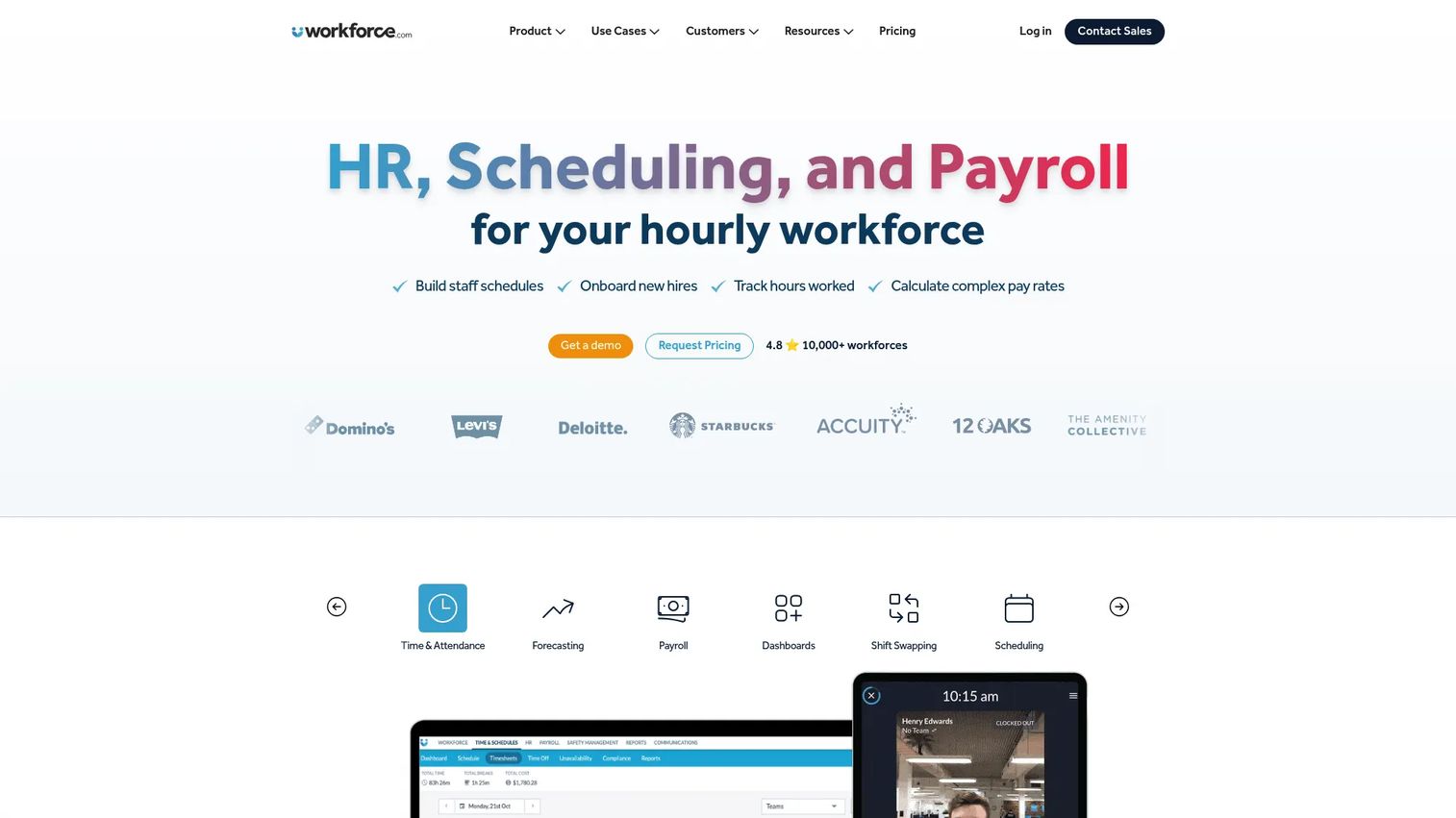
Workforce.com is an all-in-one payroll, HR, scheduling, time and attendance, and workforce management platform built for hourly and shift-based teams. It puts demand forecasting, scheduling, time tracking, and pay in one system, so operations leaders manage the full labor cycle without stitching tools together. For support orgs and contact centers running shift coverage, that single-system approach keeps schedule, attendance, and cost data aligned.
Best for: Hourly and shift-based businesses that want scheduling, HR, time tracking, and payroll in one system.
Key strengths
- Scheduling and labor forecasting: Build demand-driven schedules and forecast labor needs against expected volume.
- Time and attendance with timesheets: Capture accurate hours and feed clean timesheets into pay runs.
- Payroll and wage-hour automation: Run integrated payroll with wage and hour compliance, HRIS, and onboarding built in.
Why choose Workforce.com: If your team is hourly and you're tired of running scheduling in one tool, time tracking in another, and payroll in a third, Workforce.com consolidates the stack. It leans toward mid-market hourly and shift operations that want forecasting tied directly to scheduling and pay.
Workforce.com pricing: Workforce.com's main pricing page lists plan names with request-based pricing for individual modules. A first-party Canada pricing page shows the All-in-One Plan, which bundles HR, Payroll, and Workforce Management, starting from CAD $12.80 per user per month. Individual modules (Workforce Management, HR, Payroll) are available with tailored pricing on request. Workforce.com holds a 4.5 out of 5 rating on G2.
2. UKG
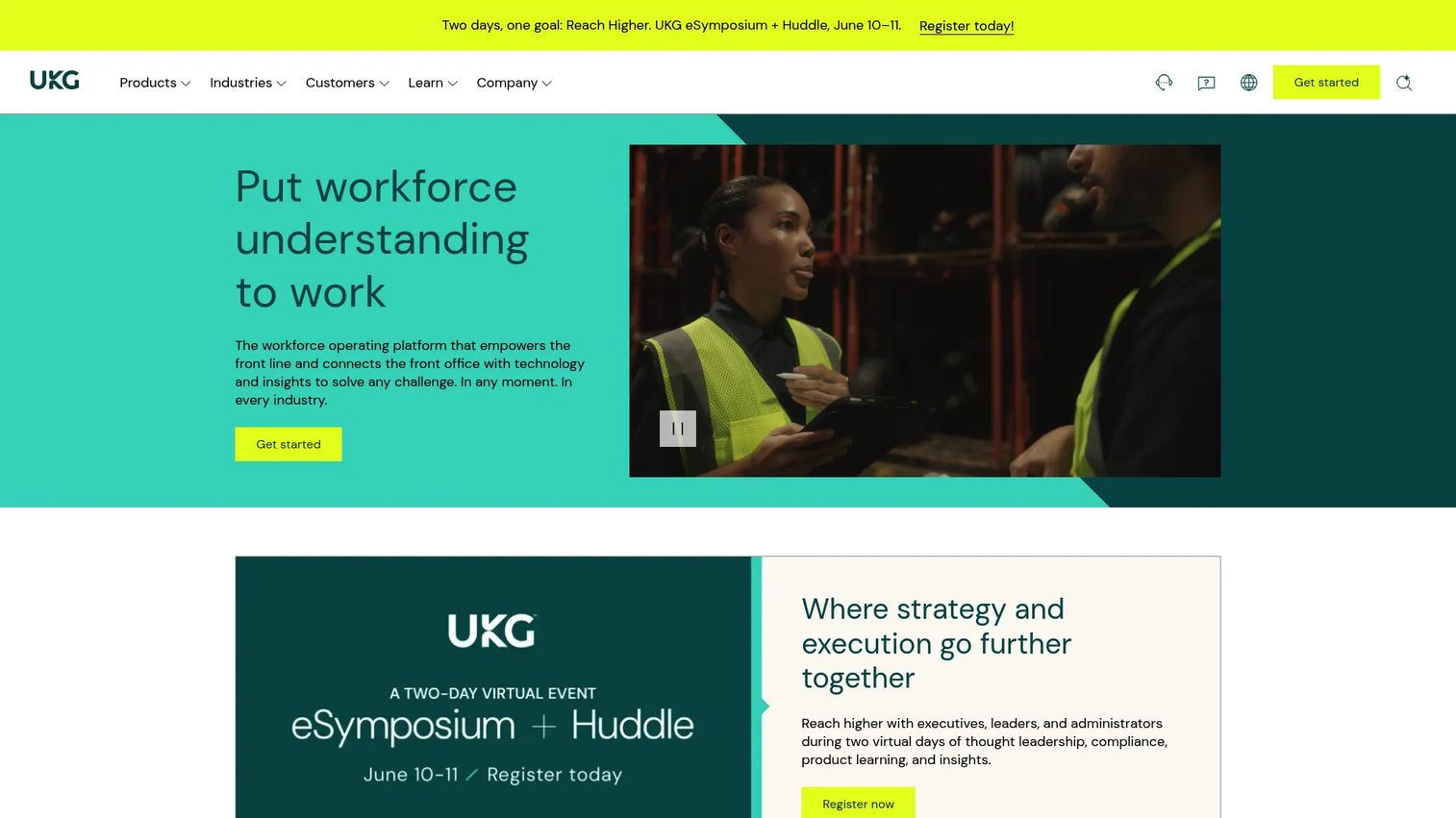
UKG provides HR, payroll, workforce management, and people-first AI for organizations across sizes and industries. It pairs deep workforce management (time, scheduling, compliance) with full human capital management, so larger orgs run people operations from one platform. UKG Ready serves SMB and mid-market buyers, while UKG Pro targets enterprise needs.
Best for: Organizations seeking an integrated HR, payroll, time, scheduling, compliance, and workforce management platform.
Key strengths
- Workforce management depth: Time and attendance, scheduling, and compliance built for complex, multi-location operations.
- Full HCM coverage: Payroll, talent management, and reporting alongside WFM in one system.
- Reporting and analytics: Track labor cost, coverage, and compliance with built-in analytics.
Why choose UKG: UKG fits organizations that want their workforce management and HR records in the same platform rather than integrated across vendors. The tiered UKG Ready lineup means smaller teams can start without buying enterprise-scale capability they don't need yet.
UKG pricing: UKG Ready offers four plans: Start for businesses with fewer than 200 employees, Core for HR, pay, and workforce management, Plus (Core plus three add-on capabilities), and Advanced (Core plus six add-on capabilities). UKG does not publish numeric prices; each plan uses a "Get pricing" flow that connects buyers with a sales expert for a personalized quote. UKG Ready holds a 4.4 out of 5 rating on G2.
3. Rippling
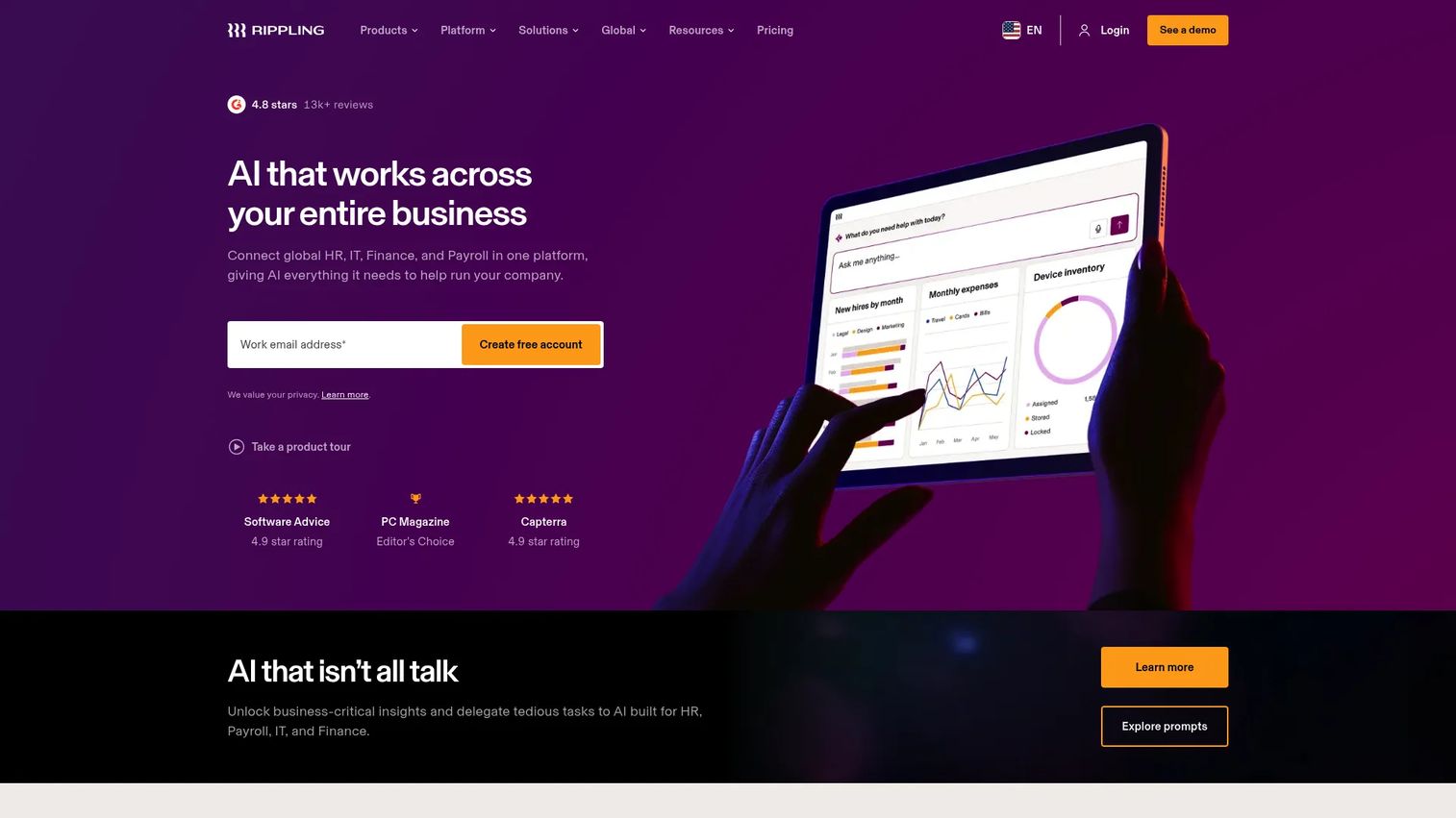
Rippling is a workforce platform that manages and automates HR, IT, payroll, finance, and employee operations in one place. Its WFM capabilities, including time and attendance and scheduling, sit alongside payroll and IT provisioning, which makes it a strong fit for fast-scaling tech and SaaS companies already centralizing operations. Onboarding employees onto these unified platforms is far smoother when paired with user onboarding software that walks new hires through each module step by step.
Best for: Companies that want a unified platform to manage HR, payroll, IT, and spend across the employee lifecycle.
Key strengths
- Unified workforce directory: One source of truth for HR, onboarding, offboarding, permissions, and compliance.
- HCM modules: Payroll, time and attendance, benefits, scheduling, and performance management in one stack.
- IT and spend automation: Device management, identity, and expense tools tied to the same employee record.
Why choose Rippling: SaaS orgs that already lean on Rippling for HR and IT get workforce management without adding another vendor. The trade-off is breadth over WFM-specific depth: if scheduling and forecasting are your only need, a focused tool may fit better. For teams consolidating operations, the unified record is the draw.
Rippling pricing: Rippling's pricing page directs buyers to request a custom quote. HR, Finance, and IT products can be purchased separately alongside the required Rippling Platform. Most products are billed per employee per month, and some may include a monthly base fee. Rippling holds a 4.8 out of 5 rating on G2.
4. Dayforce
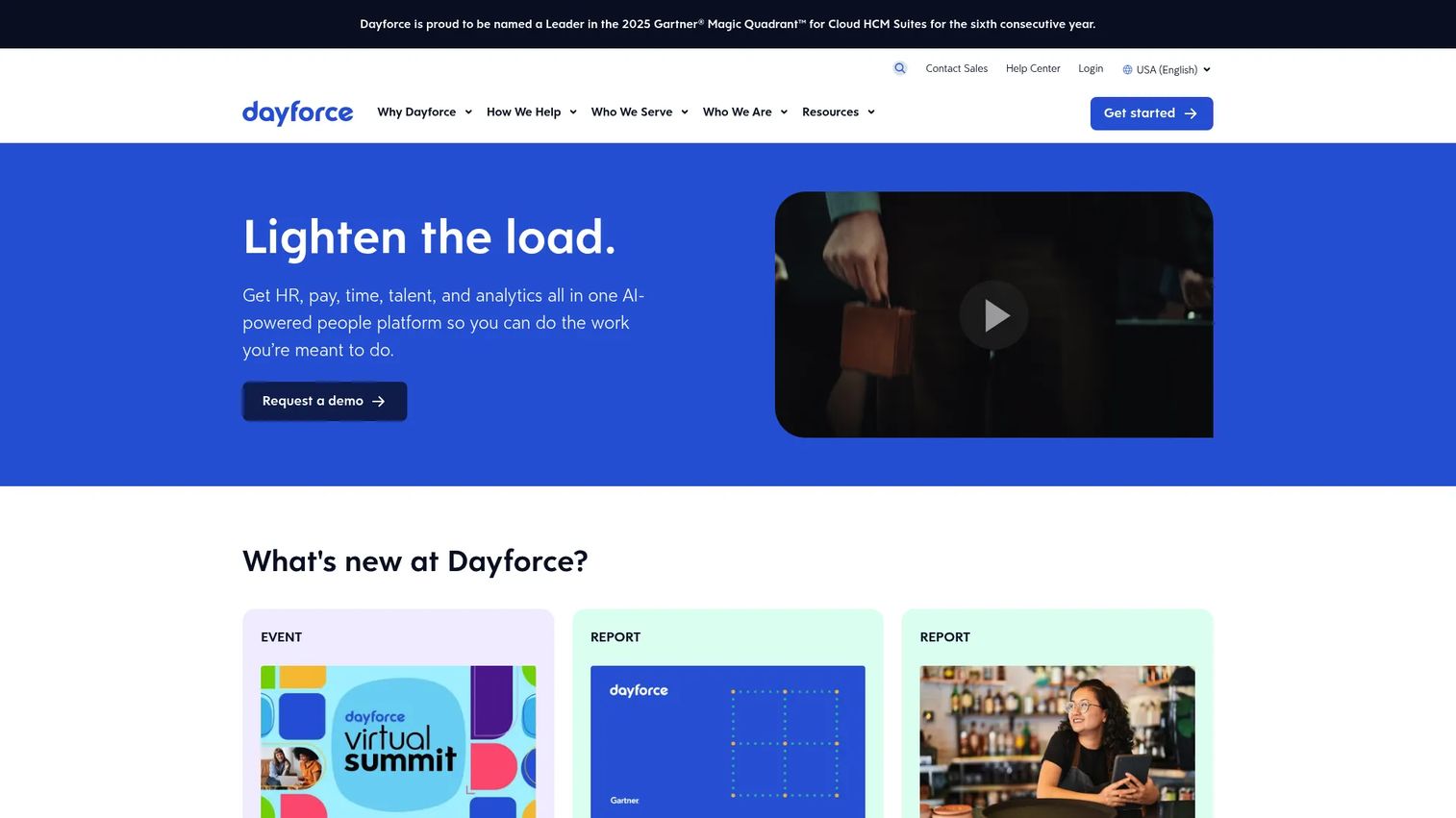
Dayforce, formerly known as Ceridian, is a global HCM people platform spanning HR, payroll, benefits, talent, workforce management, reporting, and analytics. Its signature is continuous-calculation payroll, which keeps pay data current rather than batching it at period end. That real-time model ties tightly to time and scheduling for enterprise operations.
Best for: Mid-market and enterprise organizations needing a unified HCM platform for HR, payroll, workforce management, talent, and analytics.
Key strengths
- Continuous payroll: Real-time pay calculation, unified time and pay, and on-demand pay via Dayforce Wallet.
- Workforce management: Time and attendance, scheduling, absence management, labor planning, and task management.
- HR and talent: Employee records, benefits, mobile access, and document management in one platform.
Why choose Dayforce: Dayforce fits enterprises that want payroll and workforce management calculated together in real time rather than reconciled after the fact. The continuous-payroll model is the differentiator for orgs where accurate, up-to-the-moment labor cost matters.
Dayforce pricing: Dayforce sells the platform by module, with payroll software available as an enterprise license or by user. No public numeric pricing is listed; the vendor directs buyers to reach out to learn about pricing and licensing. Dayforce holds a 4.2 out of 5 rating on G2.
5. WorkForce Software
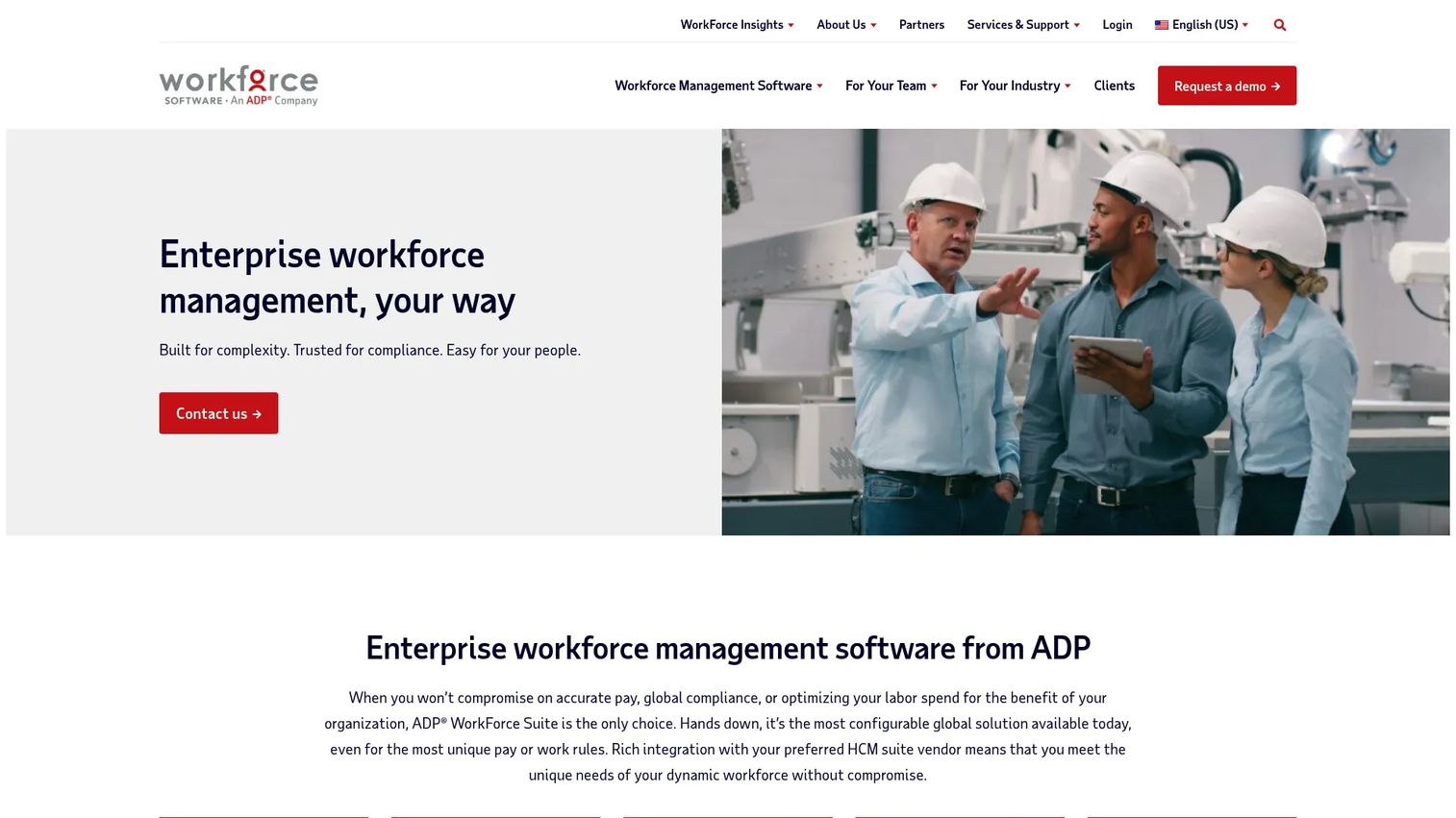
WorkForce Software, now part of ADP, provides enterprise workforce management software for accurate pay, global compliance, scheduling, labor optimization, and employee engagement. Its strength is complexity: union rules, country-specific regulations, company policies, and retroactive pay calculations that simpler tools can't handle.
Best for: Large enterprises needing configurable global workforce management for complex pay rules, compliance, scheduling, and labor optimization.
Key strengths
- Global compliance: Configurable rules for union, country, and company policies across a distributed workforce.
- Time, attendance, and scheduling: Time clocks, data capture, absence management, and scheduling at enterprise scale.
- Labor forecasting and analytics: Forecast demand and surface insights to optimize labor against targets.
Why choose WorkForce Software: When your workforce spans multiple countries, unions, and policy frameworks, generic scheduling tools fall short. WorkForce Software is built for that complexity, with the configurability and compliance depth large, regulated, or unionized organizations require.
WorkForce Software pricing: WorkForce Software does not publish public pricing on its site; the enterprise model is quoted per organization. Buyers should expect a custom quote based on workforce size, complexity, and required modules. WorkForce Software holds a 4.1 out of 5 rating on G2.
6. When I Work
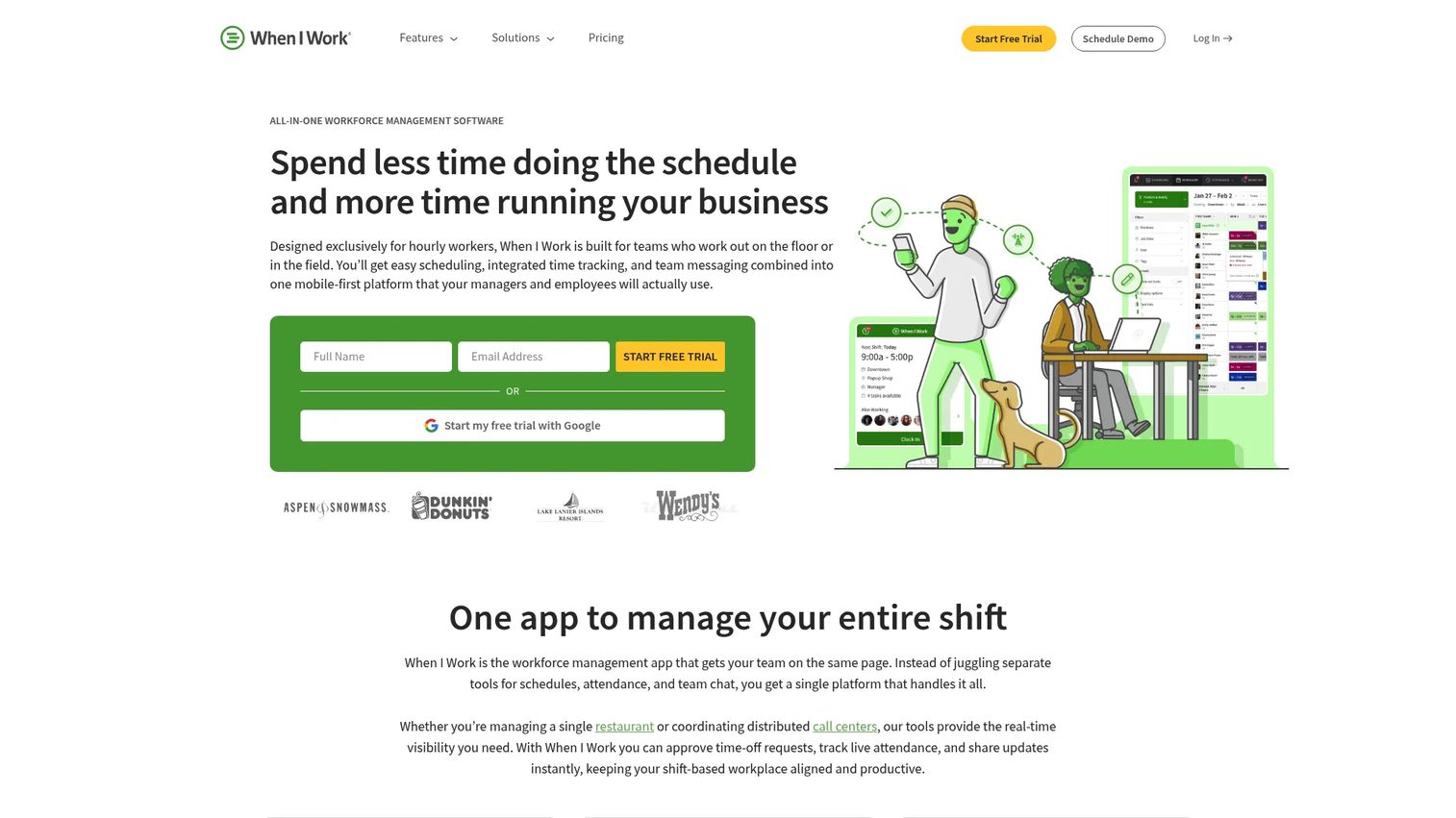
When I Work is workforce management software for employee scheduling, time tracking, attendance, and team messaging. It's mobile-first and built for shift-based teams that want fast, simple scheduling without enterprise overhead. For smaller support teams managing coverage, it's one of the quickest tools to stand up. If scheduling is your core need, it's worth comparing against dedicated business scheduling software options too.
Best for: Shift-based businesses that need employee scheduling, time tracking, attendance, and staff communication in one platform.
Key strengths
- Employee scheduling: Templates, OpenShifts, shift swapping, and multi-week, multi-location scheduling.
- Time clock and attendance: Timesheets, break management, labor cost visibility, and payroll integrations.
- In-app team messaging: Communicate with employees across shifts and departments without a separate tool.
Why choose When I Work: If you want scheduling live this week, not next quarter, When I Work delivers. It's purpose-built for SMBs and shift teams that value speed and simplicity over deep enterprise configuration. Larger orgs with complex compliance needs will outgrow it, but for most SMB and support-team scheduling, it hits the mark.
When I Work pricing: When I Work publishes clear per-user pricing. Essentials starts at $2.50 per user per month and includes unlimited users, auto scheduling, multi-week and multi-location scheduling, forecast tools, messaging, OpenShifts, and payroll/POS integrations. Pro runs $5 per user per month, adding advanced scheduling, rules, role permissions, and custom reporting. Premium is $8 per user per month and adds API access, webhooks, and SAML/SSO. There's a 14-day free trial but no ongoing free tier. When I Work holds a 4.4 out of 5 rating on G2.
7. Connecteam
Connecteam is an employee management app for connecting deskless teams, simplifying everyday work, and running operations in one place. It bundles scheduling, time tracking, communication, tasks, forms, and HR tools into a single mobile app aimed at frontline and field-based teams. You can even explore its workflow yourself through this Connecteam interactive demo.
Best for: Deskless or field-based teams that need scheduling, time tracking, communication, tasks, forms, and HR tools in one app.
Key strengths
- Employee scheduling: Build and assign shifts for distributed, frontline teams from one app.
- Time tracking: Capture hours and breaks with mobile clock-in for staff who aren't at a desk.
- Internal communication: Chat, company updates, and a team directory keep deskless teams connected.
Why choose Connecteam: Connecteam fits budget-conscious frontline teams that need more than scheduling: comms, tasks, and HR in one mobile-first place. The free plan makes it especially accessible for small teams testing the waters before committing to a paid hub.
Connecteam pricing: Connecteam offers a Small Business Plan that's free for life for up to 10 users. Paid hubs (Operations, Communications, and HR & Skills) come in Basic, Advanced, Expert, and Enterprise tiers. Basic starts at $29 per month billed yearly (or $35 monthly) for the first 30 users, Advanced at $49, and Expert at $99, with custom Enterprise pricing. Paid prices are fixed for the first 30 users, with per-user pricing after that. Connecteam holds a 4.6 out of 5 rating on G2.
8. ADP Workforce Now
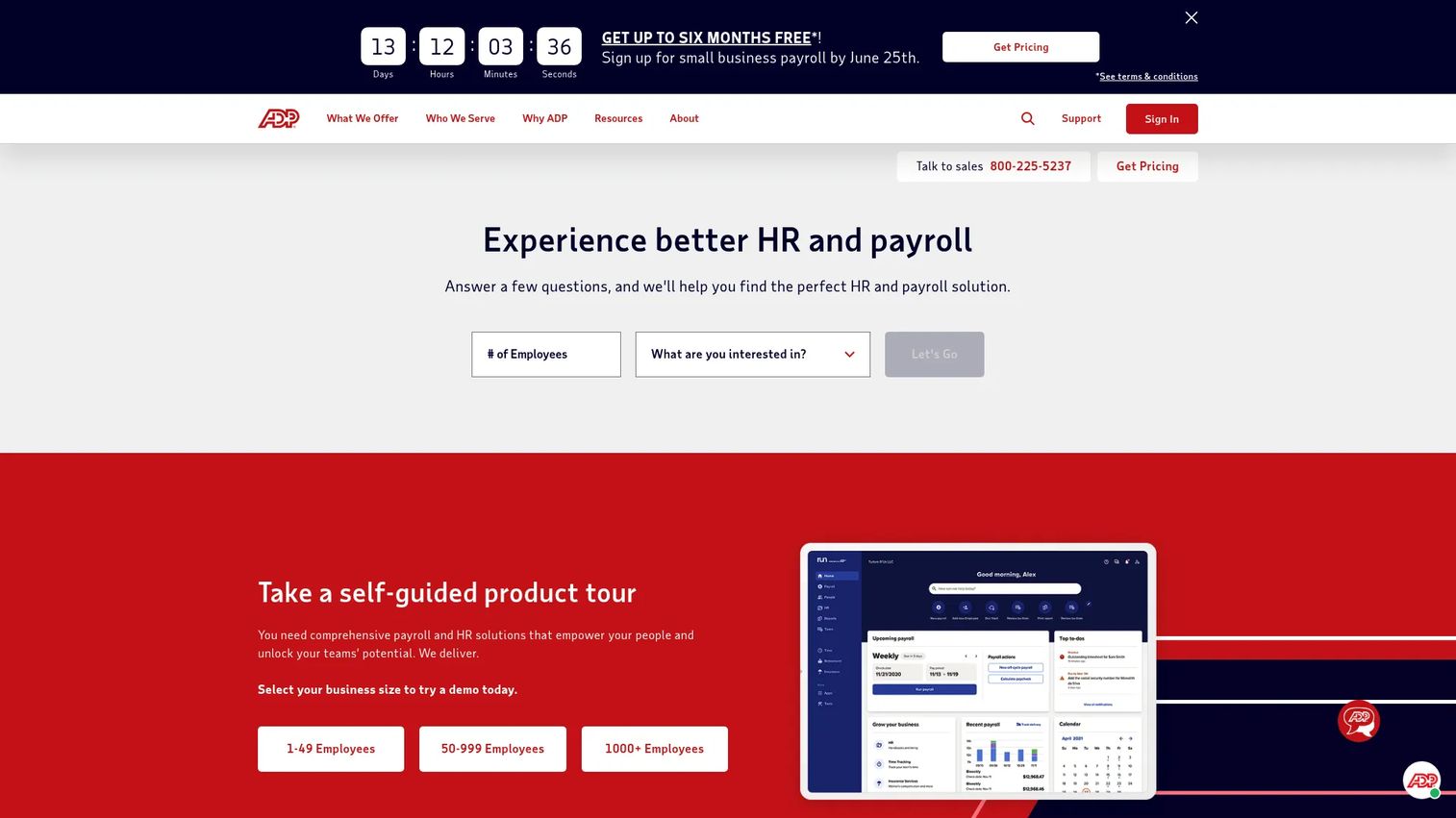
ADP Workforce Now is an all-in-one, AI-powered HR, payroll, benefits, talent, time, and workforce management platform for midsized and enterprise organizations. Anchored in ADP's payroll engine, it adds time and attendance, scheduling, and compliance for orgs already standardized on ADP.
Best for: Midsized and enterprise employers that want a configurable ADP suite for payroll, HR, benefits, talent, time, and workforce analytics.
Key strengths
- Payroll and tax: Real-time payroll processing, error-detection alerts, tax filing, and general ledger interface.
- Enhanced HR tools: Compliance reporting, new-hire and termination workflows, self-service, and engagement surveys.
- Workforce management: Time collection, scheduling, benefits administration, and analytics across the suite.
Why choose ADP Workforce Now: If payroll already runs on ADP, Workforce Now keeps time, attendance, and scheduling in the same ecosystem rather than bolting on a separate WFM vendor. The deep ADP ecosystem and add-on modules let midsized and enterprise orgs scale capability as needs grow.
ADP Workforce Now pricing: ADP Workforce Now comes in three packages. Select bundles payroll and HR. Plus adds benefits administration. Premium adds automated Time and Attendance. Add-ons include talent acquisition, performance, compensation, analytics, and learning management. ADP does not publish numeric prices; each plan uses a "Get pricing" flow for a custom quote. ADP Workforce Now holds a 4.2 out of 5 rating on G2.
9. Tanda
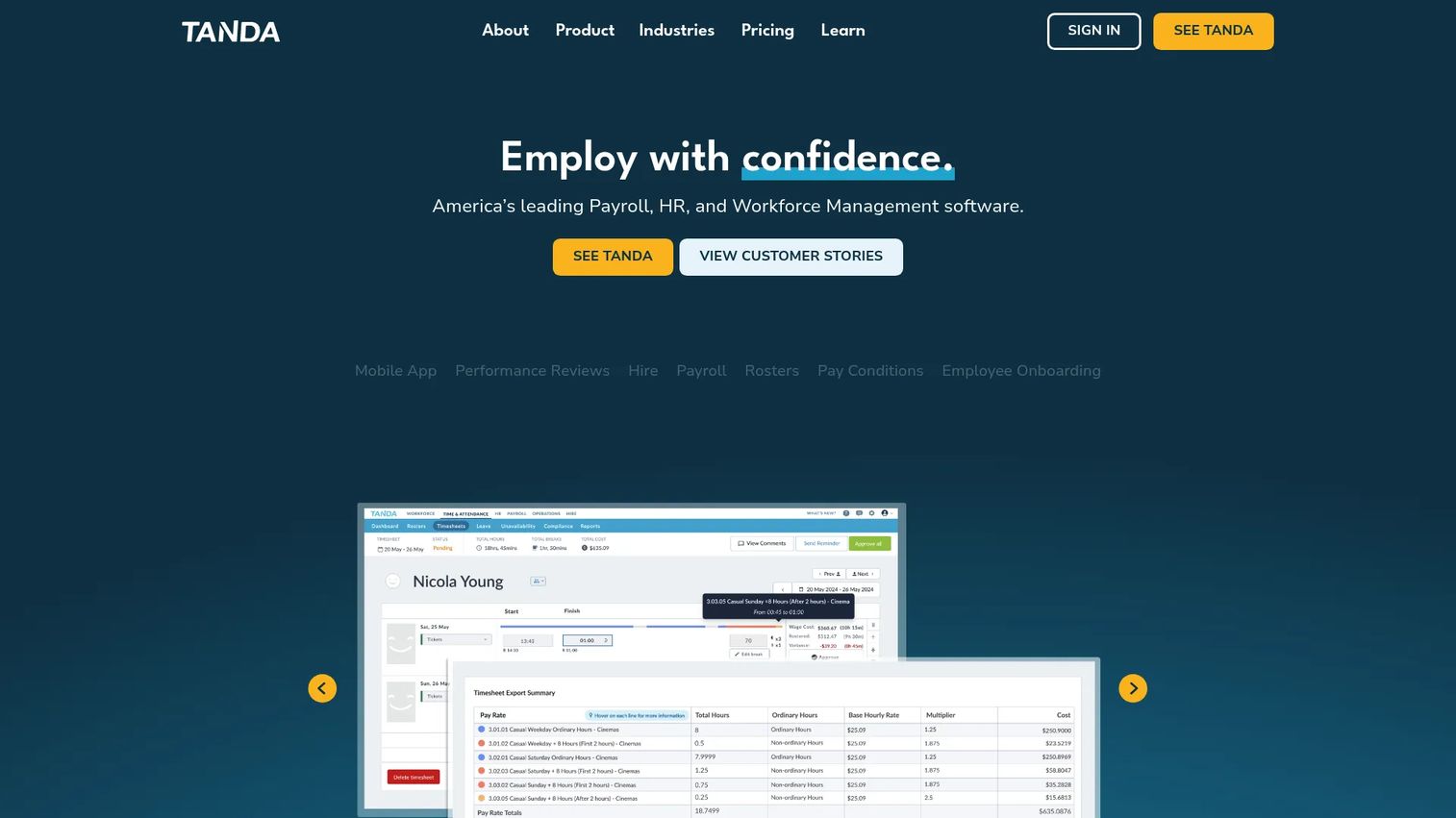
Tanda is an all-in-one payroll, HR, and workforce management system for scheduling, paying, and managing hourly employees with compliance support. It's known for rostering and wage compliance in shift-heavy industries like hospitality and retail, where award and wage interpretation gets complicated.
Best for: Businesses with hourly workers that need rostering, time tracking, payroll, HR, and compliance workflows in one system.
Key strengths
- Rostering software: Build demand-based rosters for shift-heavy hourly operations.
- Employee time clock app: GPS clock-ins capture accurate attendance for distributed staff.
- Leave and compliance management: Manage leave alongside wage and award interpretation for accurate pay.
Why choose Tanda: For shift-heavy hourly operations that need precise wage and award interpretation, Tanda handles compliance complexity that simpler scheduling tools skip. Hospitality and retail businesses with intricate pay rules are its sweet spot.
Tanda pricing: Tanda offers customized pricing through a request form and does not publish public numeric prices or named plans on its site. Pricing depends on your workforce size and required modules. Tanda holds a 4.8 out of 5 rating on G2.
10. Zoho People
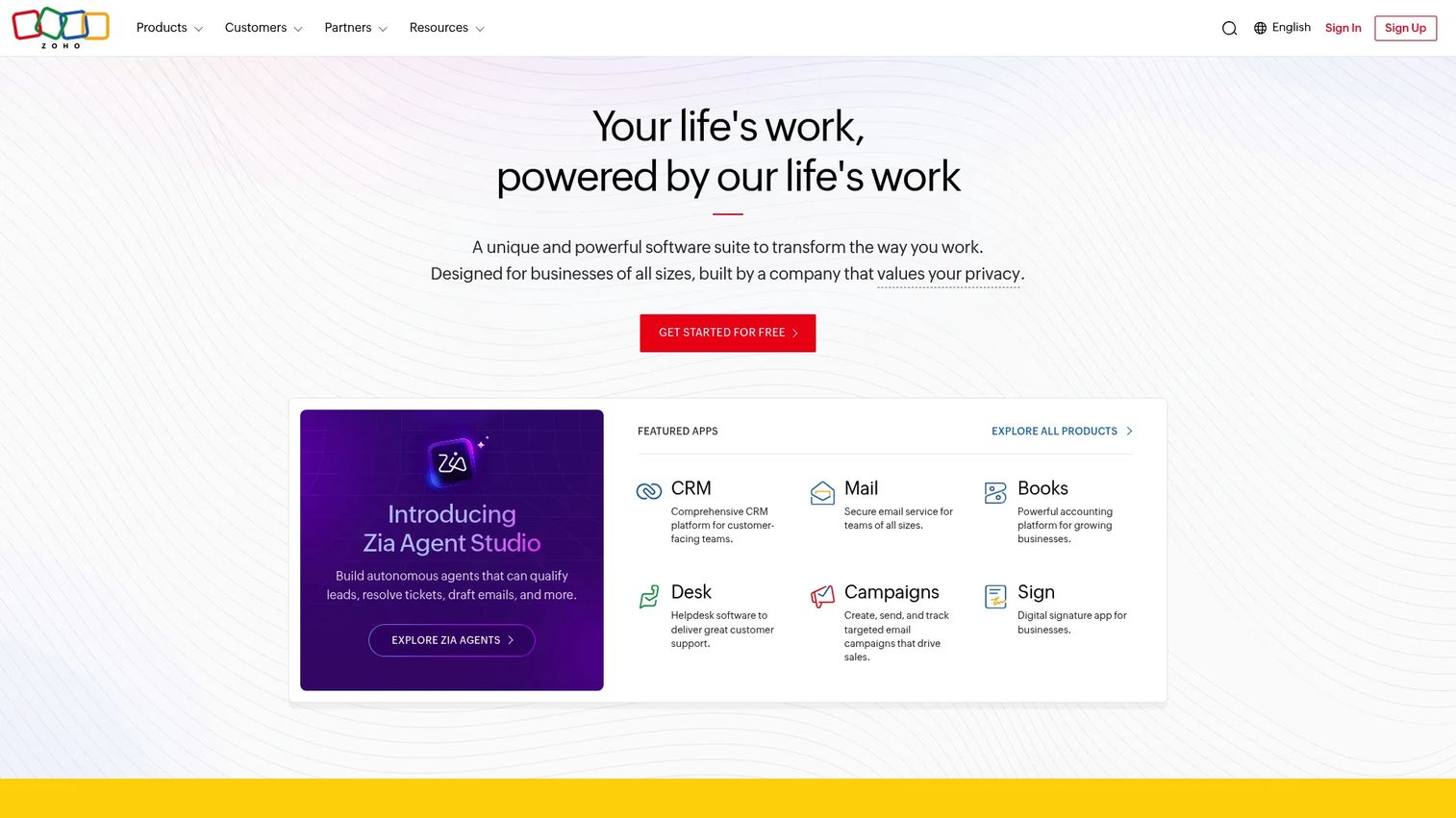
Zoho People is a cloud-based AI HR software platform for streamlining HR processes and employee experiences. It covers attendance, time, and shift management at a low price point, making it a practical WFM option for SMBs already in the Zoho ecosystem. You can preview the broader Zoho suite through this Zoho interactive demo.
Best for: Businesses that want a configurable HRMS with core HR, attendance, performance, learning, engagement, analytics, and Zoho integrations.
Key strengths
- Employee database and self-service: Centralize records and let staff manage their own information.
- Time-off, attendance, and shift management: Track attendance, timesheets, shifts, and leave in one place.
- HR breadth: Performance, learning management, HR help desk, engagement surveys, and analytics built in.
Why choose Zoho People: Zoho People is the budget-friendly choice for SMBs that want attendance, time tracking, and shift scheduling without enterprise pricing. Teams already using other Zoho apps get the tightest fit, with a free tier to start small.
Zoho People pricing: Zoho People offers a forever-free plan for up to 5 users. Paid annual plans start with Essential HR at US$1.25 per user per month, Professional at US$2, Premium at US$3, and Enterprise at US$4.50, all billed annually. Organizations above 500 users are directed to request a quote. Zoho People holds a 4.4 out of 5 rating on G2.
How to choose the right workforce management software
The best workforce management software for one team is the wrong fit for another. Run every shortlisted tool through these five criteria before you book a demo.
Scheduling and forecasting depth
Ask whether the tool forecasts demand, not just builds static schedules. For support teams, that means modeling ticket volume and peak hours. For retail or hospitality, it means foot traffic or sales. The strongest workforce management solutions auto-build compliant schedules from that forecast, so you staff to demand instead of guessing.
Compliance and wage-hour automation
Check coverage for the labor laws you actually face: overtime thresholds, mandatory breaks, predictive scheduling rules, and any union or country-specific requirements. A tool that enforces these automatically removes a major source of risk. If you operate across jurisdictions, this is often the deciding factor.
Integrations
Map the tool against your stack. Confirm native or supported connections to your payroll provider, HRIS, helpdesk or contact-center platform, and ERP. Clean integrations mean hours flow to payroll automatically and coverage data lines up with your queue tools, instead of living in silos. When evaluating tools, a quick interactive product walkthrough can show how cleanly a vendor connects to your existing systems before you commit.
Pricing model and total cost
Look past the headline price. Compare per-employee versus flat pricing, then factor in implementation fees, contract terms, and add-on module costs. Per-user models scale with headcount, which can surprise you as you grow. Enterprise suites often quote custom, so push for a full breakdown before committing.
Mobile and self-service
For distributed, remote, or frontline teams, mobile matters. Verify that staff can clock in, view schedules, swap shifts, and request time off from their phones. Strong self-service cuts the administrative load on managers and keeps schedules accurate without constant back-and-forth.
Conclusion
There's no single best pick. The right software for workforce management depends on your team size, budget, and how variable your demand is.
If you run an hourly or shift-based operation and want scheduling, time, and payroll in one system, Workforce.com is the natural starting point. Larger organizations that want workforce management inside a full HR and payroll suite should look at UKG, Dayforce, or ADP Workforce Now. Fast-scaling SaaS teams consolidating HR and IT will find Rippling fits. For complex global or unionized workforces, WorkForce Software handles the compliance depth.
On the SMB side, When I Work wins on scheduling speed and simplicity, Connecteam covers deskless and frontline teams with a free plan, and Zoho People delivers low-cost WFM features for teams already in the Zoho stack. Tanda is the pick for shift-heavy operations that need precise wage and award interpretation.
Your next step is simple. Shortlist two or three tools that match your criteria, book demos to see them against your real scheduling scenarios, then run a short pilot before you commit. Start with the vendor whose pricing and use case fit your team today, and pressure-test it against your busiest week. If you build software yourself, see how Guideflow's interactive demo platform lets prospects experience your product before that pilot even begins.
FAQs
Workforce management software is a system for scheduling, tracking, forecasting, and paying your workforce while staying compliant with labor laws. It combines shift scheduling, time and attendance, demand forecasting, and wage-hour compliance in one place. Most options also integrate with payroll to sync hours and overtime automatically.
Pricing varies by tier and vendor. Many SMB-focused tools start in the low single digits per employee per month, with When I Work beginning at $2.50 and Zoho People paid plans from $1.25 per user. Enterprise suites like UKG, Dayforce, WorkForce Software, and ADP Workforce Now are custom-quoted and often add separate implementation and setup fees.
HR software, or HRIS, centers on employee records, hiring, benefits, and people management. Workforce management software centers on scheduling, time and attendance, labor forecasting, and wage-hour compliance. Many suites overlap, and several tools on this list (like UKG and Rippling) combine both into one platform.
Yes. Forecasting and scheduling modules can model demand, such as ticket volume and peak hours, to build coverage against your SLA targets. The software then tracks agent adherence, so you can confirm staffed agents are actually available when scheduled. This helps support leaders flex coverage to demand without overspending or burning out agents.
Cloud based workforce management software is a WFM system hosted in the cloud and accessed through a browser or mobile app. It updates automatically and requires no on-premise servers to maintain. That makes it easier to deploy for distributed and remote teams, since staff can clock in, view schedules, and swap shifts from anywhere.
There's no single best pick; it depends on team size and needs. When I Work, Connecteam, and Zoho People are strong SMB fits thanks to simpler setup, lower entry pricing, and, in some cases, free plans. When I Work suits shift scheduling, Connecteam fits deskless teams, and Zoho People works well for Zoho-stack users.
Most do, either with built-in payroll or prebuilt integrations to popular providers. The software syncs hours, overtime, and pay differentials to payroll, which cuts manual entry and reduces errors. Workforce.com, Dayforce, and ADP Workforce Now include native payroll, while tools like When I Work and Connecteam connect to external payroll systems.
Mobile or field workforce management software is optimized for deskless, field, or distributed teams. It typically includes mobile clock-in, GPS or geofencing to verify location, task dispatch, and on-the-go schedule management. Tools like Connecteam and Tanda emphasize these mobile-first features for staff who work away from a desk.