You billed 40 hours to a project last month. The invoice went out for 32. Nobody tracked the other eight, and by the time anyone noticed, the budget was already gone.
This is the quiet math that eats architecture firms alive. The design work is visible. The firm operations behind it are not. Most practices run tasks in one tool, log hours in a spreadsheet, cut invoices somewhere else, and only reconcile profitability at quarter-end when it is too late to fix anything.
The tooling market backing these firms is growing fast. The global architecture, engineering, and construction software market sat at $12.4 billion in 2025 and is projected to reach $29.8 billion by 2034, according to MarketIntelo (2025). Engineers and architects are the fastest-growing end-user segment in construction software, expanding at a 12.09% CAGR per Fortune Business Insights (2025). More firms are treating software as core infrastructure, not an afterthought.
The problem is that most firms buy point tools and end up with drift. Design lives in one place, delivery in another, and money in a third. The gaps between them are where hours vanish and margins erode. The fix is not more tools. It is choosing software that treats the firm as one connected operation.
What's inside
This guide covers software that helps architecture firms run the business of delivering projects, not the CAD or BIM work of designing them. We looked at eight platforms that handle project planning, time tracking, invoicing, financial visibility, collaboration, and integrations, then weighed how well each fits real architecture workflows.
We selected tools based on four criteria: depth of firm operations coverage (projects to payment), quality of time tracking and billing, financial and profitability visibility, and how cleanly each integrates with the accounting, storage, and office tools firms already run. The list mixes purpose-built firm management platforms with flexible work management tools that fit architecture teams well.
TL;DR
- Best all-in-one firm management: Monograph connects projects, budgets, staffing, time, and invoicing in one system built for A&E firms.
- Best for time tracking tied to invoicing: Paymo links hours, schedules, and billing for smaller teams that want one practical tool.
- Best for deep financial control: BQE Core handles project accounting, billing, and reporting for firms that need back-office depth.
- Best for mature A&E accounting: Deltek Ajera pairs project management with project-based accounting in one application.
- Best flexible work management: Wrike offers customizable workflows, dashboards, and approvals for cross-functional coordination.
- Best customizable workspace: ClickUp lets teams build architecture workflows around their own process.
- Best for client delivery tracking: Teamwork focuses on project delivery, billable time, and resourcing for client work.
- Best lightweight coordination: Asana suits smaller firms that want simple project timelines over financial controls.
What is architecture firm software?
Architecture firm software is the set of tools a practice uses to plan projects, track billable time, invoice clients, coordinate teams, and monitor profitability across the full delivery lifecycle.
It is not design software. CAD, BIM, and rendering tools handle the drawing and modeling work. Architecture firm software handles everything around that work: the schedules, the hours, the budgets, and the money. Think of it as the operating layer that keeps the practice profitable while the design work happens.
The category breaks into a few core buckets:
- Project management: phases, milestones, deliverables, and deadlines mapped to how architecture projects actually run.
- Task planning and scheduling: who does what, when, and how work moves across a team or multiple offices.
- Time tracking and timesheets: capturing billable and non-billable hours against projects and phases, the foundation of accurate billing.
- Invoicing and payments: turning tracked time and fee structures into client invoices, with support for retainers, fixed fees, and hourly work.
- Financial visibility and profitability: budgets, project health, utilization, and margin, so leadership can see which work makes money.
- Collaboration and document coordination: shared context, comments, files, and approvals that keep design and delivery aligned.
- Integrations: connections to accounting platforms, file storage, and office tools so data does not live in silos.
For context on where this fits in the broader landscape, the global architecture design software market alone reached $6.05 billion in 2025 and is projected to hit $12.68 billion by 2030, per Research and Markets (2026). BIM adoption across architecture and landscape practices already reached 77% in 2023, according to Business Research Insights (2026). Firms are digitizing design and operations in parallel, which makes the operational layer harder to ignore.
When to use architecture firm software
Not every firm needs the same depth. Here is how to match the decision to where your practice actually is.
Run the firm with less spreadsheet sprawl
You know you have outgrown spreadsheets when the same number lives in four places and none of them agree. Tasks in one tab, hours in another, a billing tracker somewhere, and a profitability model that only the principal understands. Every handoff between those is a chance for data to drift or drop. Architecture firm software pulls project planning, hours, and billing into one system, so visibility stops depending on whoever last updated the spreadsheet.
Track billable time and project health in one place
The moment your schedule, your hours, and your budget performance stop talking to each other, profitability becomes a guess. You want a tool that connects a project phase to the hours logged against it and the fee remaining. That is what turns time tracking for architects from a compliance chore into a live signal about utilization and margin. When hours and budgets sit in the same view, an over-servicing problem shows up in week two, not at project close.
Standardize delivery across small teams or multiple offices
When your firm depends on a few people remembering how things get done, growth breaks it. Repeatability matters more than heroics once you add a second office or a third project manager. Consistent workflows, standardized reporting, and clear accountability let every project run the same way, regardless of who staffs it. That consistency is what makes a firm scalable rather than fragile.
Comparison table
The table below compares all eight tools by intent and use case, so you can shortlist by how much firm management depth your team actually needs. Purpose-built A&E platforms sit at the top, followed by flexible work management tools that adapt to architecture workflows.
| # | Product | Intent | Key differentiation | Pricing | G2 rating |
|---|---|---|---|---|---|
| 1 | Monograph | All-in-one firm management | Connected projects, budgets, staffing, time, and invoicing for A&E | From $45/user | 4.5/5 |
| 2 | Paymo | Time tracking plus invoicing | Hours tied directly to billing and project management | Free; paid from $5.90/mo | 4.6/5 |
| 3 | BQE Core | Deep financial operations | Project accounting, billing, and reporting depth | Quote-based | 4.3/5 |
| 4 | Deltek Ajera | Mature A&E accounting | Project management plus project-based accounting in one app | Quote-based | Not listed |
| 5 | Wrike | Flexible work management | Customizable workflows, dashboards, and approvals | Free; paid from $10/user/mo | 4.2/5 |
| 6 | ClickUp | Customizable workspace | Build architecture workflows around your own process | Free; paid from $7/user/mo | 4.7/5 |
| 7 | Teamwork | Client delivery tracking | Project delivery, billable time, and resourcing | Free; paid from $9.99/user/mo | 4.4/5 |
| 8 | Asana | Lightweight coordination | Simple project timelines and cross-functional tasks | Free; paid from $10.99/user/mo | Not listed |
1. Monograph
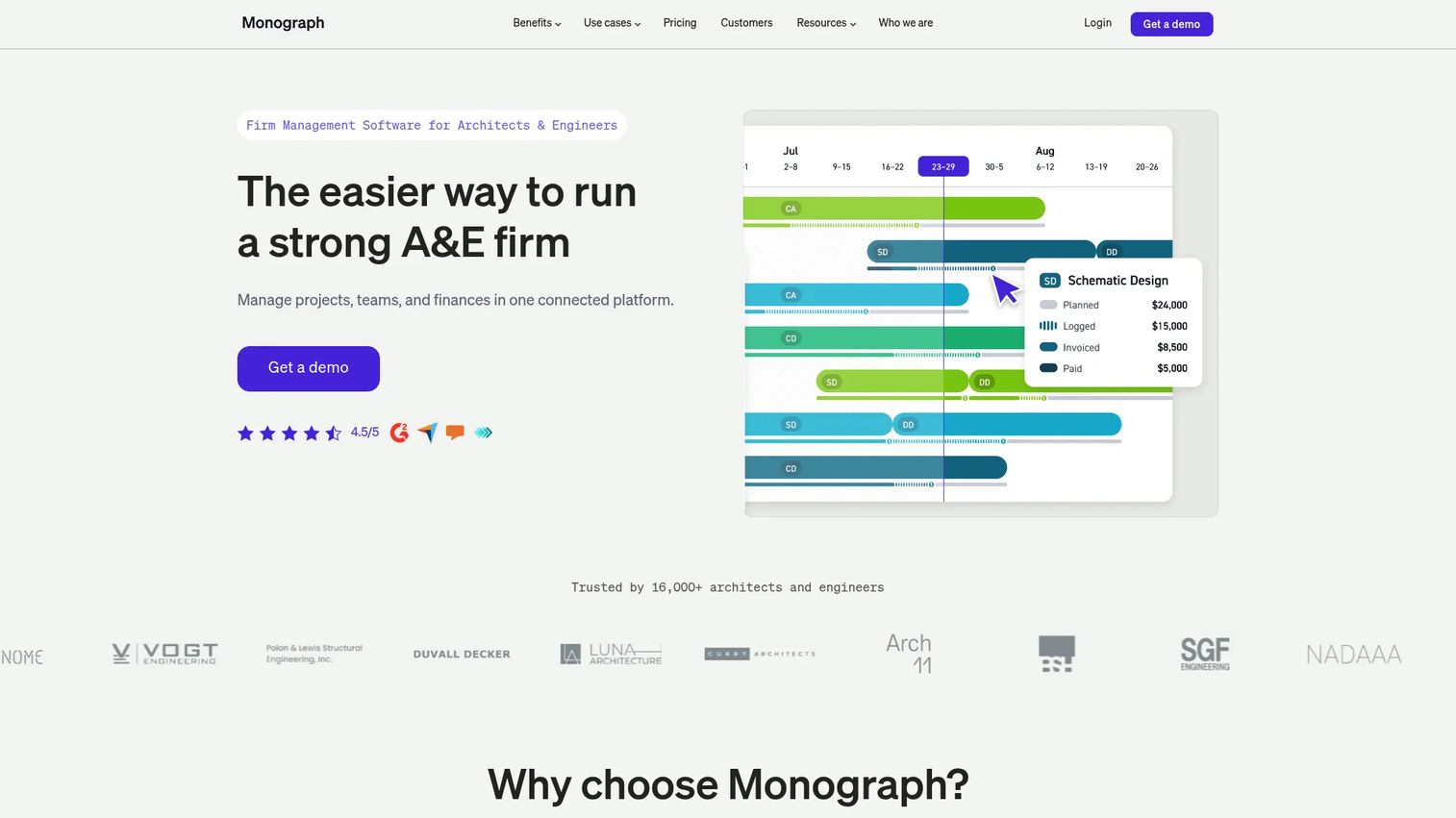
Monograph is business operating software built specifically for architects and engineers. Instead of stitching together a project tool, a timesheet, and an accounting workaround, it connects project planning, budgets, staffing, time tracking, and invoicing in one system. That connection is the point: hours logged against a phase feed directly into budget tracking and billing, so a principal can see project health and firm profitability without exporting anything.
For firms that want the whole project-to-payment workflow in a single place, this is the strongest fit on the list. It speaks the language of A&E practice: phases, fees, consultants, and utilization, rather than generic tasks and boards.
Key strengths
- Project planning and budgets: Map phases, fees, and budgets the way architecture projects actually run, with live budget-versus-actual visibility.
- Time tracking and invoicing: Capture billable hours against phases and turn them into client invoices without leaving the platform.
- QuickBooks Online sync: Push financial data to accounting so the books and the project data stay aligned.
Why choose Monograph: Choose it when you want one connected system for firm operations rather than a stack of point tools. It fits practices that are tired of reconciling spreadsheets and want project health, staffing, and billing in the same view. The tradeoff is that it is purpose-built for A&E, so teams looking for a general-purpose work tool may find it narrower than a flexible platform.
Monograph pricing: G2 lists one publicly readable edition, Track, starting at $45.00 for one user. Monograph's support documentation also references Grow and Track plans, with some features limited by plan. There is no free tier. Because pricing was confirmed through G2 rather than a public pricing page, confirm current figures with Monograph directly before budgeting.
2. Paymo
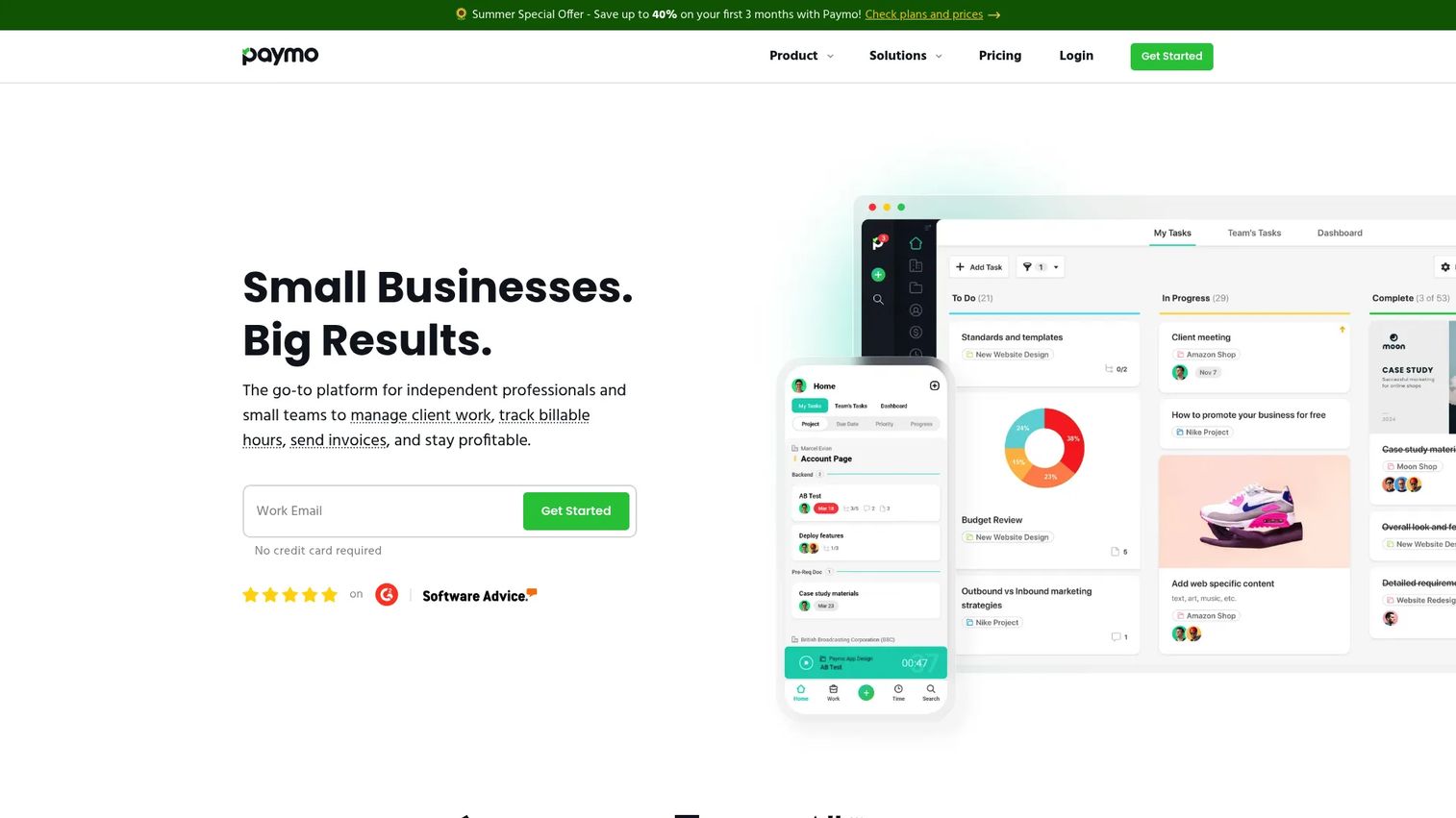
Paymo is project management, time tracking, invoicing, and resource planning in one tool. For architecture teams, its strength is how tightly it links hours to billing. You plan the project, track time against tasks, then generate invoices from that tracked time and take online payments, all without moving data between systems. That makes it a practical all-rounder for firms that want project management software for architects without the weight of a full accounting platform.
Smaller firms and lean teams tend to get the most from it. It covers the core operational loop of plan, track, bill, and get paid, which is often exactly what a practice under 15 people needs.
Key strengths
- Time tracking: Log billable and non-billable hours against tasks and projects, with timers and manual entry.
- Task and project management: Plan work, set deadlines, and schedule resources across the team.
- Invoicing and online payments: Convert tracked time into invoices and collect payment inside the same tool.
Why choose Paymo: Choose it when time tracking and invoicing need to live in the same place and your firm does not need deep project accounting. It suits freelancers and small studios that value a clean, practical workflow over enterprise financial depth. Larger firms with complex consultant billing may eventually outgrow it.
Paymo pricing: Paymo publishes public pricing with a free tier. Paid plans start with Solo at $5.90 per month and Plus at $10.90 per user per month, with a Pro tier above that. Annual pricing is available alongside promotional monthly rates, and a 15-day free trial covers the paid plans. Confirm current promotional rates on the pricing page before purchase.
3. BQE Core
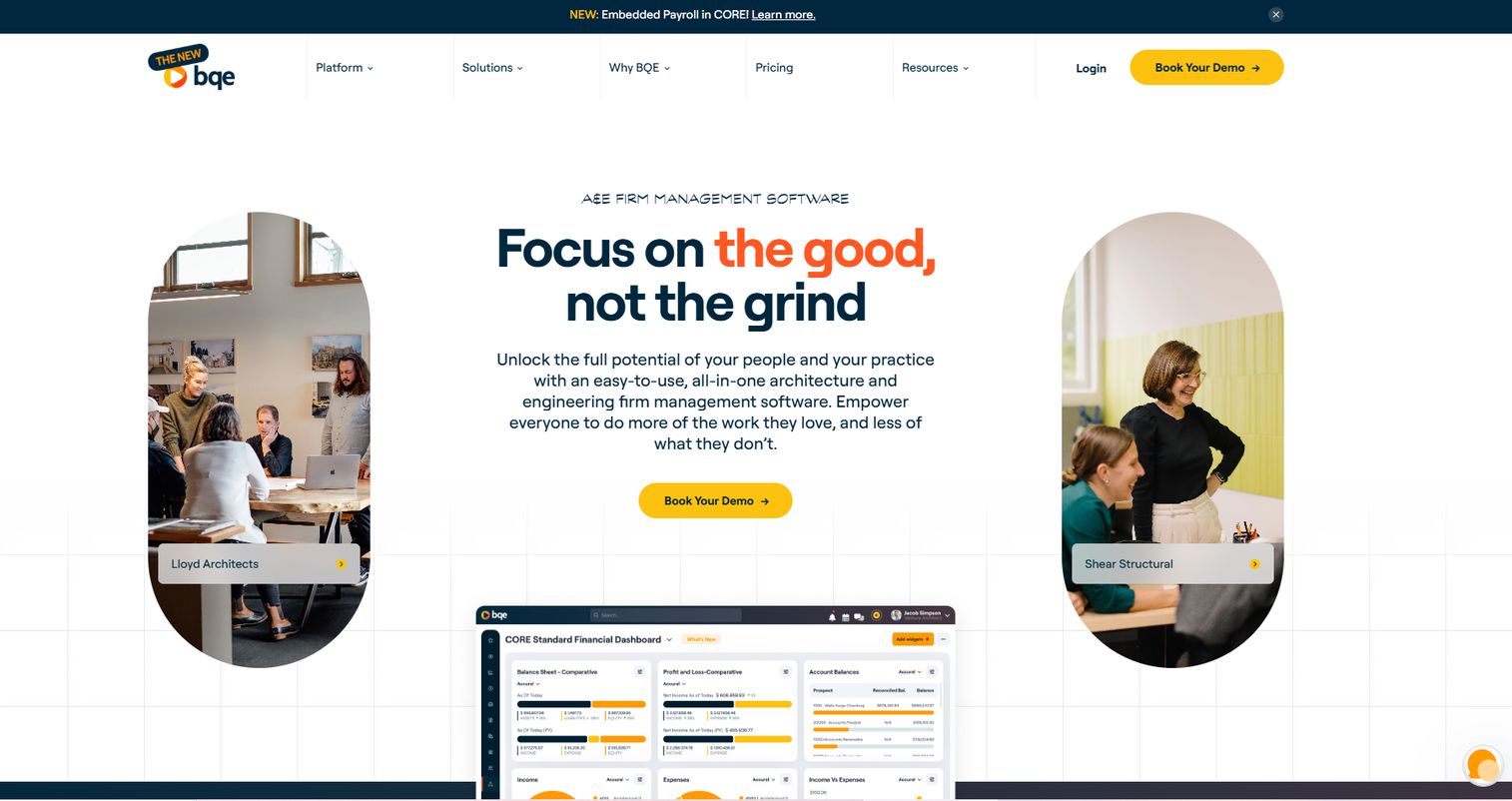
BQE Core is cloud-based business management software for professional services firms, including architecture and engineering practices. It goes deeper on the financial side than most work management tools, combining project management, time and expense tracking, billing, and invoicing with genuine project accounting. For firms where back-office control is the priority, that depth is the whole reason to look here.
Where lightweight PM tools stop at tasks and timers, BQE Core carries through to detailed billing arrangements, expense management, and reporting that finance leaders actually use. It fits firms that have outgrown a simple invoicing workflow and need to manage the money with more rigor.
Key strengths
- Project management: Plan and track projects with the financial context attached, not bolted on afterward.
- Time and expense tracking: Capture billable time and project expenses that flow into billing and reporting.
- Billing and invoicing: Handle varied fee structures and generate detailed client invoices from tracked work.
Why choose BQE Core: Choose it when your firm needs stronger financial and operational control than a task-first tool provides. It fits mid-sized practices that treat project accounting as central, not incidental. The tradeoff is that its depth means more to configure, so smaller teams wanting something lightweight may find it more than they need.
BQE Core pricing: BQE does not publish numeric pricing. Cost varies by the modules you enable and the number of users, and BQE directs prospective buyers to request a quote for the Foundations module and any optional modules. Plan for a sales conversation rather than a self-serve signup, and scope your module needs before requesting a quote.
4. Deltek Ajera
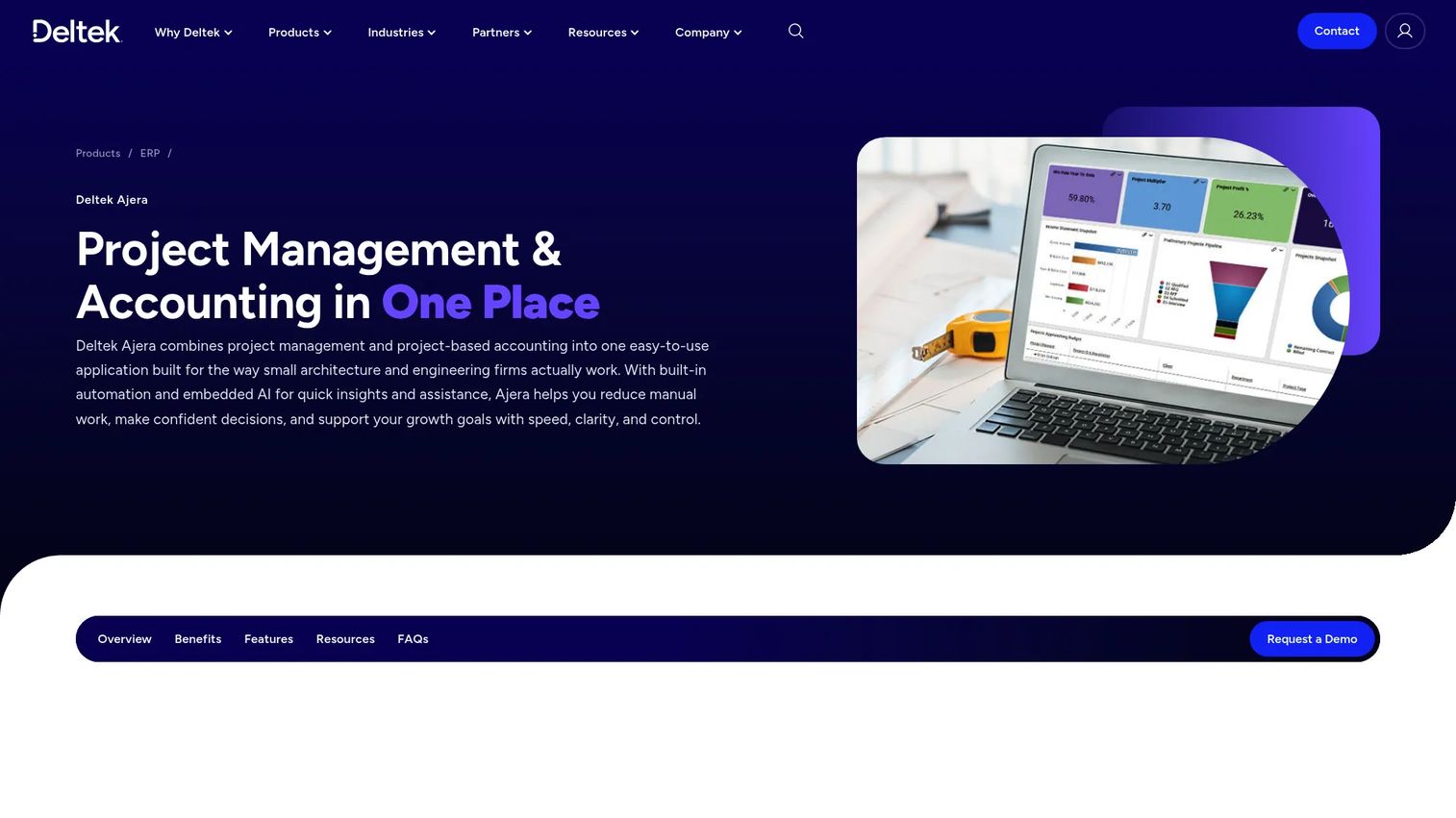
Deltek Ajera is project management and accounting software built for small architecture and engineering firms. Its defining feature is that project management and project-based accounting live in one application, so labor, billing, and project control are not separate systems bolted together. For firms that want mature, A&E-specific back-office workflows, that integration matters.
Ajera fits firms that value structure and reporting depth over flexibility. It brings dashboards and live data for project, resource, and financial visibility, plus automation for invoices, bank matching, timesheets, and expenses. Practices that need to run tight financial control across projects tend to appreciate the rigor.
Key strengths
- Integrated project accounting: Project management and project-based accounting in a single application, not two connected tools.
- AI and automation: Automate invoices, bank matching, timesheets, and expenses to cut manual back-office work.
- Dashboards and live data: Real-time visibility into project, resource, and financial performance.
Why choose Deltek Ajera: Choose it when your firm wants established A&E accounting workflows with reporting depth and is ready to commit to a structured system. It fits practices that treat financial control as a core discipline. Implementation is more involved than signing up for a task tool, so plan for a proper rollout rather than an instant start.
Deltek Ajera pricing: Deltek does not publish pricing for Ajera. Cost is handled through a demo and contact flow rather than a public page, so you will need to speak with their team to get numbers tailored to your firm size and needs. Treat pricing discovery as part of the evaluation, not a quick lookup.
5. Wrike
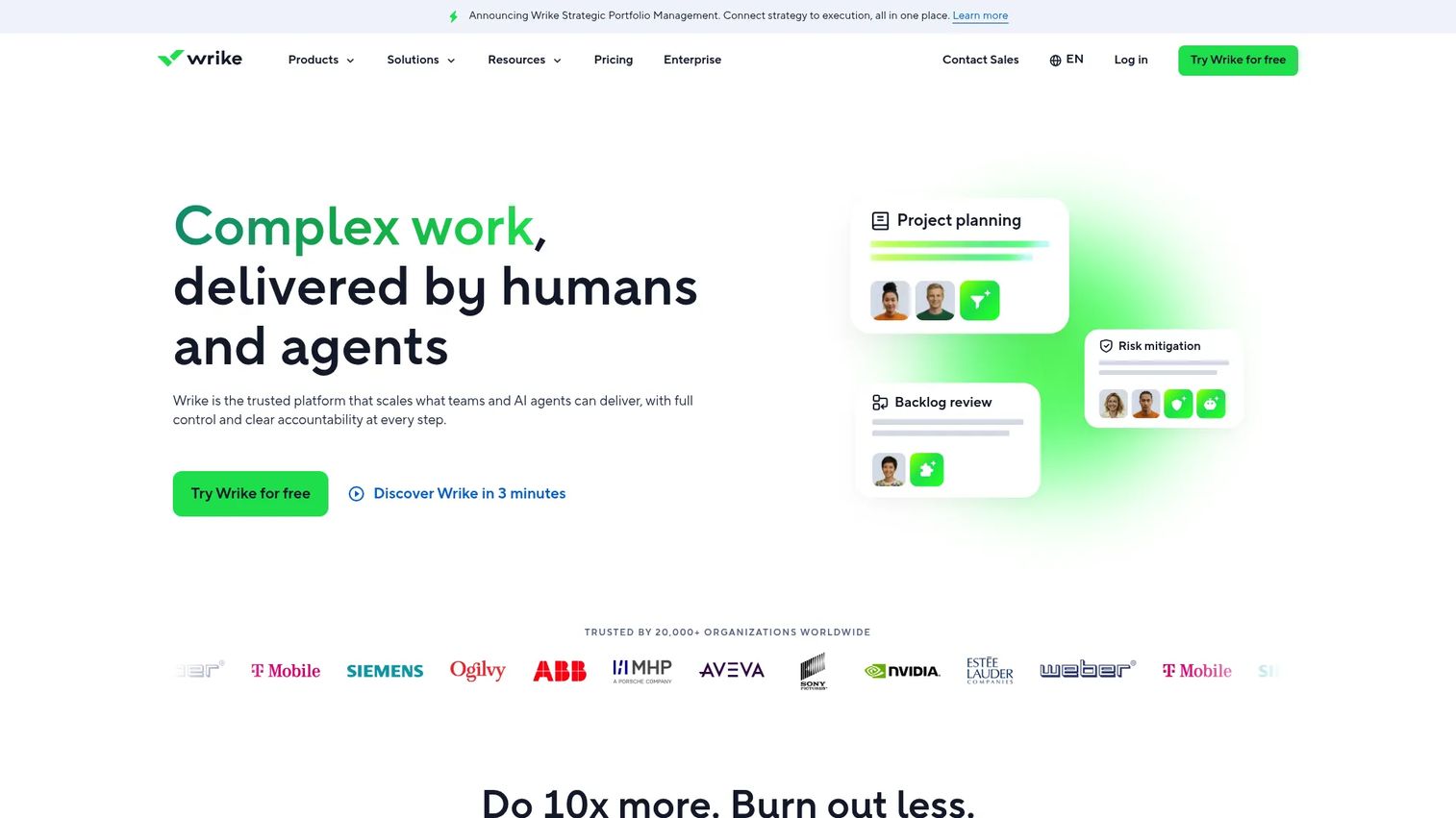
Wrike is a cloud-based work management platform that adapts well to architecture teams needing customizable workflows. It is not architecture-specific, but its flexibility is the draw: you can build task and project structures, dashboards, Gantt charts, approvals, and automations that map to your delivery process. For firms with broader cross-functional coordination needs, that adaptability is valuable.
Wrike makes the most sense when architecture work sits alongside other functions that need the same visibility, such as marketing, business development, or operations. It handles process visibility and document collaboration across teams that do not all work the same way.
Key strengths
- Task and project management: Structure work across projects with multiple views and clear ownership.
- Dashboards and Gantt charts: Visualize timelines, dependencies, and progress across the portfolio.
- Automations, AI, and integrations: Reduce manual coordination and connect Wrike to the rest of your stack.
Why choose Wrike: Choose it when your firm needs flexible, customizable workflows and coordinates work across more than just design and delivery. It fits teams that value process visibility and approvals over built-in architecture accounting. You will layer financial tracking on separately, since Wrike is a work management platform rather than a firm management system.
Wrike pricing: Wrike publishes pricing in USD, billed annually per user. Plans are Free, Team at $10 per user per month, Business at $25 per user per month, plus Pinnacle and Apex, which require contacting sales. Note that some plans are purchasable online only up to 15 users, so larger seat counts route through sales.
6. ClickUp
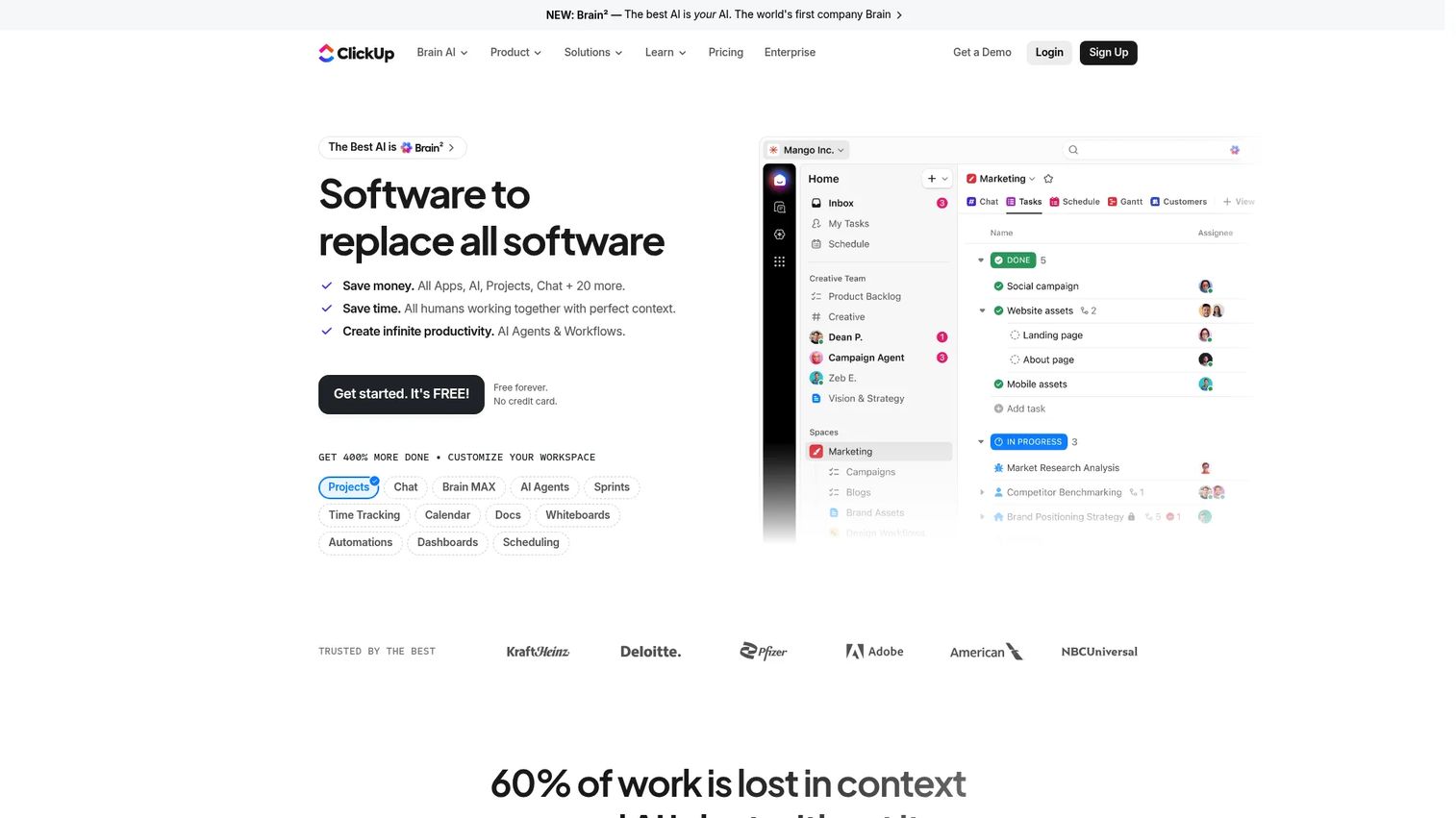
ClickUp is an all-in-one work management platform covering tasks, docs, chat, goals, time tracking, and AI. For architecture teams, its appeal is the blank-canvas flexibility: you build task hierarchies, custom views, and workflows around exactly how your practice runs. Docs, whiteboards, forms, and dashboards live in the same place, so a firm can consolidate a lot of scattered tools into one workspace.
It works well for teams that want to design their own process rather than adopt a prescribed one. That freedom comes with a requirement: the team needs internal discipline to set up and maintain the structure, or the flexibility becomes clutter.
Key strengths
- Task and project management: Multiple views (list, board, Gantt, calendar) to fit how each team works.
- Docs, chat, goals, and time tracking: Consolidate collaboration and coordination in one workspace.
- Automations, dashboards, and integrations: Build repeatable workflows and connect to your existing stack.
Why choose ClickUp: Choose it when your firm wants a highly customizable workspace and has the appetite to configure it. It fits teams that would rather build their own architecture workflow than adopt an A&E-specific system. The upside is flexibility across firm operations; the requirement is the internal discipline to keep the setup clean as you scale.
ClickUp pricing: ClickUp offers four plans. Free Forever at $0, Unlimited at $7 per user per month billed yearly, Business at $12 per user per month billed yearly, and Enterprise with custom pricing. The free tier is genuinely usable for small teams, which makes it easy to trial before committing.
7. Teamwork
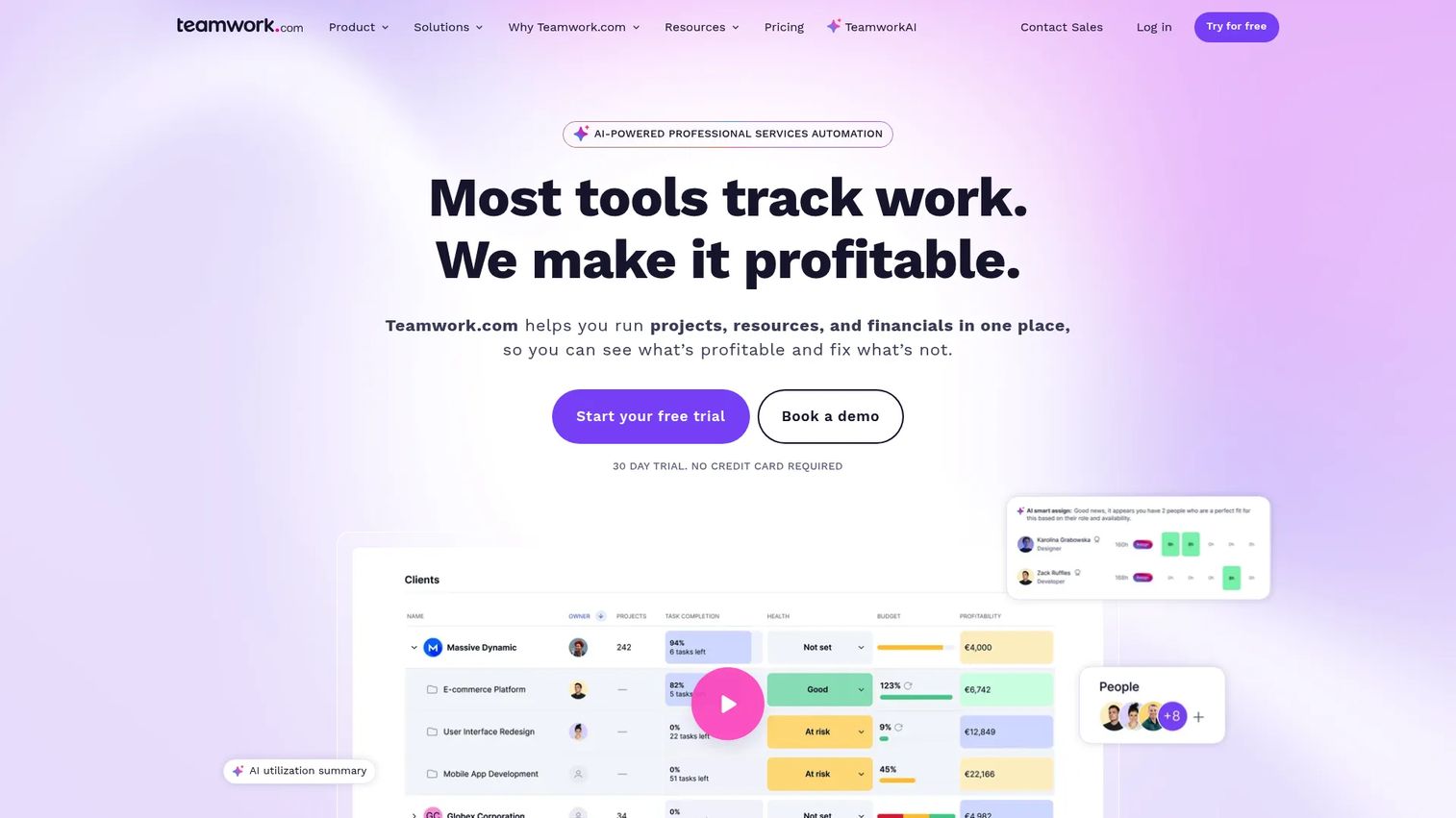
Teamwork is client work management software built for projects, time tracking, resourcing, and billing. It leans toward client-service teams, which maps neatly onto how architecture firms operate: every project is client work with hours, budgets, and delivery deadlines. Its billable time reporting and resource planning make it a practical fit for firms juggling multiple client engagements at once.
Teamwork shines when the core challenge is delivering client projects on time and on budget while keeping an eye on profitability. It combines project views, time tracking, and capacity management, so a project manager can see who is overloaded and which projects are at risk.
Key strengths
- Project management views: Gantt, table, list, and board views to track delivery across projects.
- Time tracking and billable reporting: Capture hours and report on billable time for accurate client billing.
- Resource planning: Manage team capacity so staffing matches the workload.
Why choose Teamwork: Choose it when your firm runs on client projects and wants delivery tracking, billable time, and resourcing in one tool. It fits practices that think in terms of client engagements and utilization. It is delivery-focused rather than a full accounting system, so pair it with your books for complete financial visibility.
Teamwork pricing: Teamwork publishes pricing billed annually per user. Plans are Free at $0, Basics at $9.99 per user per month, Accelerate at $24.99 per user per month, plus Optimize and Enterprise, which route through sales. Paid plans include a 30-day free trial, so you can test the delivery workflow before committing.
8. Asana
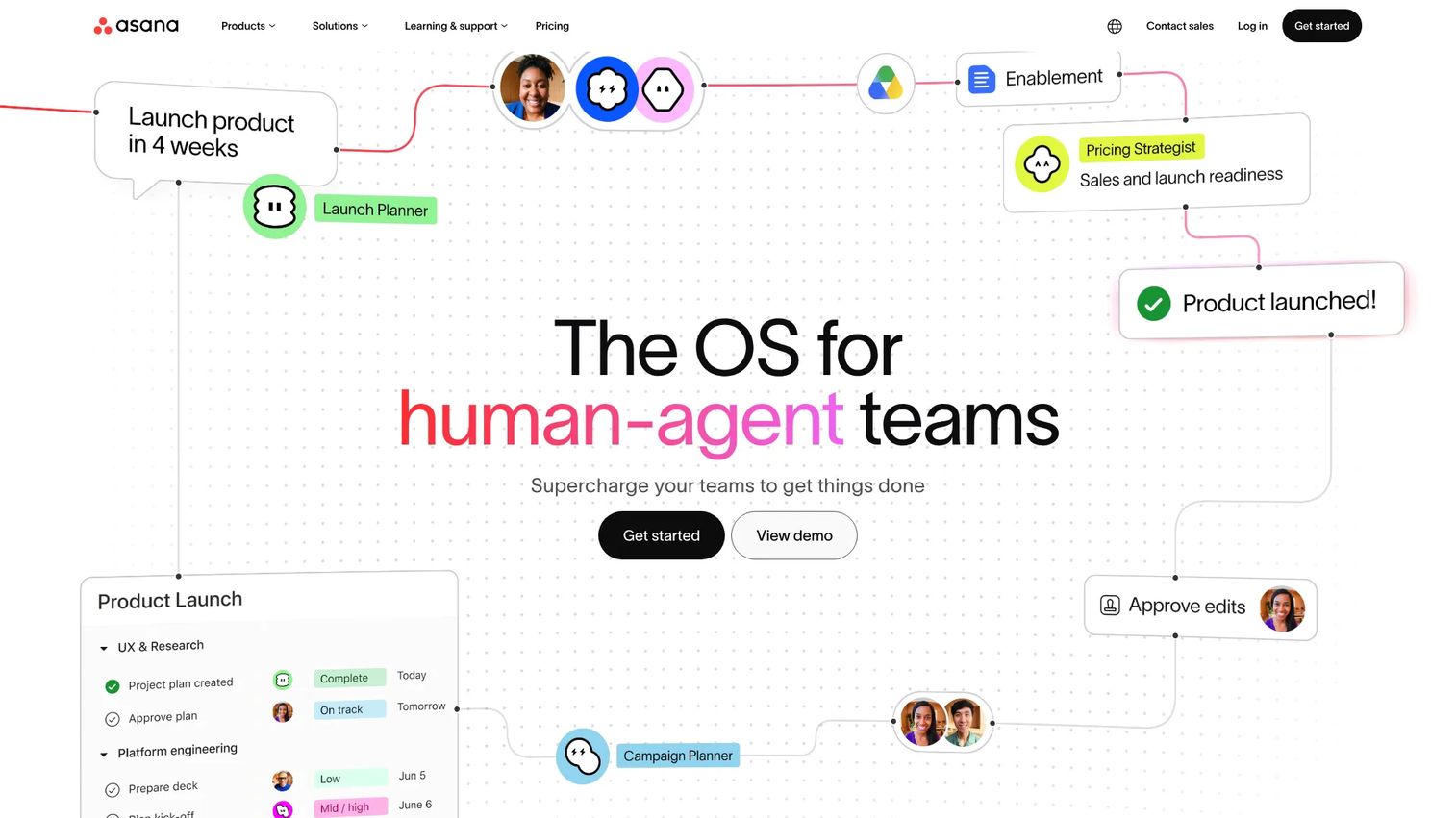
Asana is work management software for teams to plan, track, and manage projects and workflows. It is the lightest-weight option here, built for coordination and clarity rather than deep financial control. For smaller or less process-heavy firms, that simplicity is a feature: project timelines, recurring workflows, and cross-functional visibility without a steep setup.
Asana fits practices that want their team aligned on who is doing what and by when, without the overhead of firm accounting. It handles the coordination layer cleanly, then leaves time tracking and invoicing to specialized tools if you need them.
Key strengths
- Tasks and projects: Organize work with clear ownership, deadlines, and dependencies.
- Multiple views: List, board, calendar, timeline, and Gantt views to match how each team plans.
- Goals, portfolios, and automations: Connect daily work to firm goals and automate repetitive coordination.
Why choose Asana: Choose it when your firm wants simple, reliable project coordination and does not need built-in financial controls. It fits smaller studios that value ease of use over operational depth. You will add time tracking and invoicing separately, since Asana is a coordination tool rather than a firm management platform.
Asana pricing: Asana publishes public pricing with a free Personal tier at $0. Starter is $10.99 per user per month billed annually ($13.49 billed monthly), and Advanced is $24.99 per user per month billed annually ($30.49 billed monthly). Enterprise pricing routes through sales.
Considerations before you buy
The right choice depends less on features and more on how your firm actually operates. Run through these before committing.
Financial visibility depth
Decide how much you need to see the money. If profitability, utilization, and budget-versus-actual are daily concerns, prioritize purpose-built firm platforms like Monograph, BQE Core, or Deltek Ajera. If coordination is the bigger gap, a work management tool may cover you.
Time tracking and invoicing fit
Check whether hours flow directly into billing. A tool where invoicing software for architecture firms and time tracking are disconnected reintroduces the exact drift you are trying to eliminate. The tightest loop is plan, track, bill, in one system.
Firm size and offices
Match the tool to your scale. A five-person studio and a three-office practice have different needs. Lighter tools like Asana or Paymo suit small teams; Deltek Ajera and BQE Core carry more structure for firms that need standardized reporting across locations.
Integrations with your existing stack
Confirm the tool connects to your accounting platform, file storage, and office tools. QuickBooks sync, for example, keeps the books and project data aligned. Integrations are what prevent your new system from becoming another silo.
Setup and adoption cost
Weigh the rollout. A flexible platform gives you freedom but requires internal discipline to configure and maintain. A purpose-built system is more prescriptive but faster to operate the way your firm actually works. Be honest about which tradeoff your team can absorb.
Conclusion
The decision comes down to one question: how much financial visibility and firm management depth does your practice actually need?
If you want an all-in-one system that connects projects, staffing, time, and billing, Monograph is the strongest architecture-specific fit. For practical time tracking tied to invoicing in a lighter package, Paymo covers the core loop well. When back-office and financial control are the priority, BQE Core and Deltek Ajera bring the accounting depth that task-first tools do not. And if flexible coordination matters more than built-in accounting, Wrike, ClickUp, Teamwork, and Asana each adapt to architecture workflows in their own way.
Start by mapping where hours and money currently leak between your tools. That gap tells you whether you need a purpose-built firm platform or a flexible work management system with financial tracking layered on. Shortlist two options, run a real project through each, and choose the one that closes the gap between design, delivery, and profitability without adding chaos.
FAQs
Architecture firm software is the set of tools a practice uses to run the business of delivering projects: planning, time tracking, invoicing, collaboration, and profitability tracking. It is distinct from CAD, BIM, and rendering tools, which handle the design work itself. Think of it as the operating layer that keeps a firm profitable while design happens.
Start with the plan-track-bill loop: project planning, time tracking, and invoicing that connect without manual re-entry. Then look at financial visibility, so you can see budget-versus-actual and utilization in real time. Collaboration and integrations with your accounting and storage tools round out the essentials.
Yes, though the line blurs. General project management software handles tasks, timelines, and collaboration well. Architecture firm software adds the financial layer specific to A&E practice: phase-based budgets, billable time tied to fees, and project accounting. Purpose-built platforms like Monograph and Deltek Ajera lead on that depth; flexible tools like Asana and ClickUp cover coordination and let you add financials separately.
For most firms, yes. When time tracking and invoicing live in separate systems, hours get lost in the handoff and invoices go out incomplete. A single tool where tracked hours flow directly into billing eliminates that drift. Paymo, Monograph, BQE Core, and Teamwork all connect the two natively.
Smaller studios usually want practicality over depth. Paymo links time tracking and invoicing in a clean, affordable package, and Asana handles coordination if you do not need built-in billing. Monograph is worth a look for small A&E firms that want an all-in-one system from the start rather than assembling one later.
Larger and multi-office practices benefit from standardized workflows and deeper reporting. BQE Core and Deltek Ajera bring the project accounting and financial control that scale demands. Wrike suits firms coordinating architecture alongside other functions that need shared visibility across locations.
Check that the tool connects to the systems you already depend on: your accounting platform, file storage, and office tools. A QuickBooks sync, for instance, keeps project data and the books aligned without manual export. The goal is to avoid creating another silo, so map your current stack before evaluating any tool's integration list.
It can, by making profitability visible in time to act on it. When hours, budgets, and billing sit in one system, over-servicing and scope creep surface during the project instead of at close. That visibility is what turns profitability from a quarter-end surprise into a number you manage week to week.