It is 2:14 a.m. A payment service is throwing 500s. The alert fires, routes to a responder who left the team three weeks ago, and sits there. Nobody gets paged. Twenty-three minutes later a customer tweets about the outage before anyone on your team knows it happened.
That is the failure mode on-call management software exists to prevent. Missed alerts. Rotations nobody updated. Escalations that dead-end on a stale contact. Pages that hit the wrong person at the worst possible hour.
The stakes keep climbing. The global on-call management software market was valued at $2.1 billion in 2025 and is projected to reach $5.1 billion by 2034 at an 11.2% CAGR, according to MarketIntelo (2025). More teams are running always-on services, and more services mean more ways for a page to slip through.
Good on-call scheduling software does three things well: it puts the right responder on rotation, it escalates fast when the first person misses, and it delivers the page across enough channels that it actually lands. This guide compares the tools that do that in 2026.
What's inside
This guide is for engineering leads, SRE teams, presales engineers, and IT ops managers evaluating on-call management software before a shortlist. If you help buyers validate reliability tooling, or you own the pager yourself, this is written for you.
We selected tools based on four criteria that matter in real incidents:
- Scheduling flexibility: rotations, overrides, follow-the-sun coverage, holidays
- Escalation reliability: retries, delays, fallback paths, guaranteed delivery
- Integrations: monitoring tools, Slack, Microsoft Teams, Jira, ticketing
- Mobile and analytics: on-call mobile apps, alert delivery, responder health data
TL;DR
- Best overall for enterprise incident response: PagerDuty. Deep escalation policies, broad integrations, mature on-call workflows.
- Best for automated routing and broad incident workflows: xMatters. Alert correlation, noise suppression, global scheduling.
- Best for small teams wanting simple pricing: TaskCall. Transparent per-user tiers, live call routing, straightforward setup.
- Best for AI-assisted incident and on-call in one place: Rootly. Slack-native workflows, AI similar-incident matching, retrospectives.
- Best for teams inside the IBM ecosystem: IBM On Call Manager. Alert deduplication, incident command, performance reporting.
- Note on Opsgenie: Atlassian has ended new sales, so weigh migration timelines before committing.
What is on-call management software
On-call management software is a tool that schedules responders, routes alerts from monitoring systems to the right person, escalates when a page goes unanswered, and delivers notifications across multiple channels so incidents get acknowledged fast.
It sits between your monitoring stack and your humans. Datadog, Prometheus, or CloudWatch detects a problem. The on-call tool decides who is responsible right now, pages them, and if they do not respond, moves the alert up the escalation chain automatically.
Core capabilities to expect:
- Rotation scheduling: daily, weekly, follow-the-sun, and custom rotations
- Escalation policies: timed retries and fallback responders when the first page is missed
- Multi-channel alerting: push, SMS, voice call, email, Slack, and Microsoft Teams
- Coverage overrides and swaps: handle vacations, sick days, and shift trades
- Mobile responder access: acknowledge, escalate, and resolve from a phone
- Analytics and responder health: page volume, response times, and burnout signals
The category has consolidated around scheduling and escalation as the non-negotiable core, with alert routing and integrations as the connective tissue. Healthcare is the leading vertical, holding 28.5% of global market revenue in 2025 per MarketIntelo, because clinical on-call carries direct patient-safety stakes.
When to use on-call management software
Reduce missed alerts during off-hours
A missed page at 3 a.m. is not a minor process gap. It is minutes of downtime piling up while nobody knows. Manual rotations tracked in a spreadsheet or a shared calendar break the moment someone forgets to update them. On-call management software guarantees delivery by retrying across channels and escalating to a backup when the primary responder does not acknowledge. That is the difference between a five-minute blip and a customer-facing outage.
Coordinate distributed teams across time zones
If your engineers sit in three regions, follow-the-sun coverage means nobody gets paged at 3 a.m. in their local time. The tool hands off the rotation automatically as each region's workday starts. Clean handoffs matter here. When a responder in Berlin picks up an incident that started in San Francisco, they need the full context, not a cold page with no history.
Cut alert fatigue and responder burnout
Alert fatigue is real, and it is a reliability risk. When responders get paged for noise, they start ignoring pages, and the one that matters gets lost. Analytics on page volume and response times surface the responders who are getting hammered. Alert correlation and suppression collapse duplicate signals into one incident. Smarter routing sends the page only to the person who can actually act on it.
Comparison table
Here is the shortlist side by side. Pricing and ratings reflect verified figures from each vendor's pricing page and G2 listing as of August 2026. Where a vendor does not publish a public price, we note that rather than guess.
| # | Product | Best for | Key differentiator | Pricing | G2 rating |
|---|---|---|---|---|---|
| 1 | PagerDuty | Enterprise incident response | Mature escalation and broad integrations | Free up to 5 users; Professional $25/user/mo | 4.5/5 |
| 2 | xMatters | Automated routing at scale | Alert correlation and noise suppression | Free up to 10 users; Starter $9/user/mo | Not published |
| 3 | TaskCall | Small teams, simple pricing | Transparent tiers and live call routing | Free up to 5 users; Starter $9/user/mo | Not published |
| 4 | IBM On Call Manager | IBM ecosystem teams | Alert deduplication and incident command | Contact IBM | Not published |
| 5 | Rootly | AI-assisted incident and on-call | Slack-native workflows and AI matching | Essentials $20/user/mo | 4.8/5 |
| 6 | Opsgenie | Atlassian-aligned teams | Deep Jira and Atlassian integration | Free up to 5 users; Essentials $9.45/user/mo | 4.3/5 |
| 7 | Oncall | Internal scheduling needs | Round-robin scheduling and REST API | Not published | Not published |
| 8 | ONCALL Orchestrate | Healthcare and property routing | Voice, SMS, email escalation with audit trails | Contact vendor | Not published |
Best 8 on-call management software for 2026
1. PagerDuty
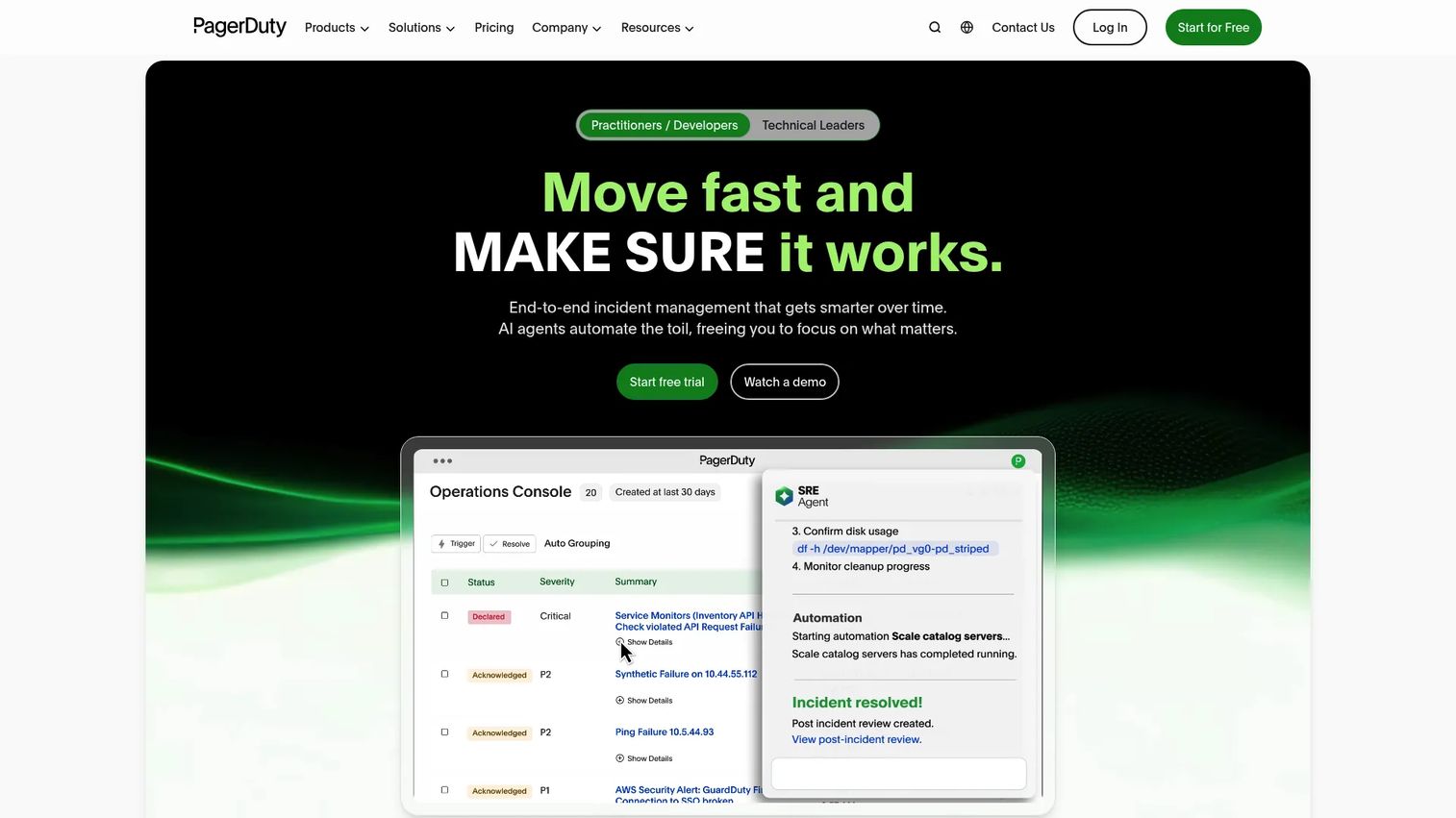
PagerDuty is the operations cloud most large teams benchmark against. It handles incident management, on-call scheduling, alerting, automation, and response coordination in one platform. IT, DevOps, and SRE teams lean on it when incidents are frequent, escalation paths are complex, and downtime carries real revenue cost.
The reason enterprises pick PagerDuty is depth. Escalation policies chain across multiple layers with timed retries. Rotations handle follow-the-sun coverage without manual babysitting. The integration catalog connects to hundreds of monitoring and ticketing tools, so alerts flow in from wherever your stack lives. Status pages and analytics round out the incident lifecycle.
Best for: large IT, DevOps, and SRE teams running complex incident response at scale.
Key features
- On-call scheduling and layered escalation policies
- Incident response and workflow automation
- Multi-channel alerting: push, SMS, voice, email
- Broad monitoring and ticketing integrations
- Status pages and incident analytics
Why choose PagerDuty: if your incident volume is high and your escalation logic is genuinely complex, PagerDuty's maturity is hard to match. Smaller teams may find it more platform than they need, but at enterprise scale that depth pays off.
PagerDuty pricing: Free plan for up to 5 users. Professional is $25 per user per month, Business is $49 per user per month, and Enterprise is custom, all billed monthly. Yearly billing is offered at a discount.
2. xMatters
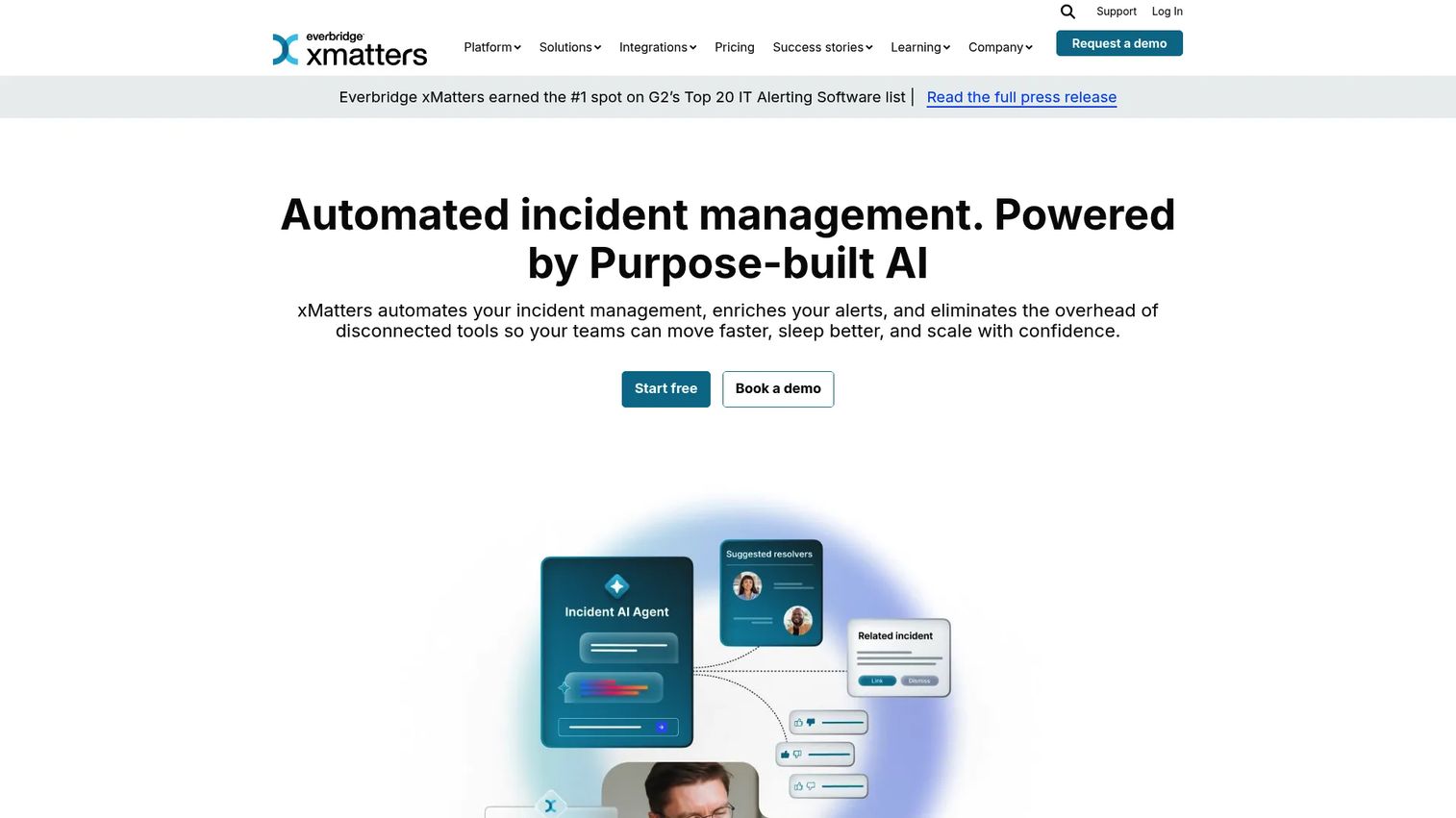
xMatters focuses on automated incident management and on-call alerting for IT, DevOps, and SRE teams. Its strength is orchestration: correlating alerts, suppressing noise, and routing the right signal to the right responder without a human triaging the queue first.
Where xMatters earns its place is the automation layer. Alert correlation groups related signals so one incident does not fire twenty pages. Noise suppression keeps low-priority chatter off responders' phones. Global on-call scheduling and escalation handle distributed teams, and incident collaboration workflows keep everyone aligned once a page lands. Mobile on-call operations mean responders act from anywhere.
Best for: teams that want alert routing and noise reduction automated rather than manual.
Key features
- Global on-call scheduling and escalation
- Alert correlation and noise suppression
- Incident collaboration and response workflows
- Multi-channel alerting across push, SMS, and voice
- Mobile on-call operations
Why choose xMatters: if alert fatigue is your core problem, the correlation and suppression engine directly targets it. Teams drowning in duplicate pages tend to feel the difference fast.
xMatters pricing: Free plan for up to 10 users. Starter (Essentials) is $9 per user per month for up to 100 users. Advanced pricing is available by contacting sales.
3. TaskCall
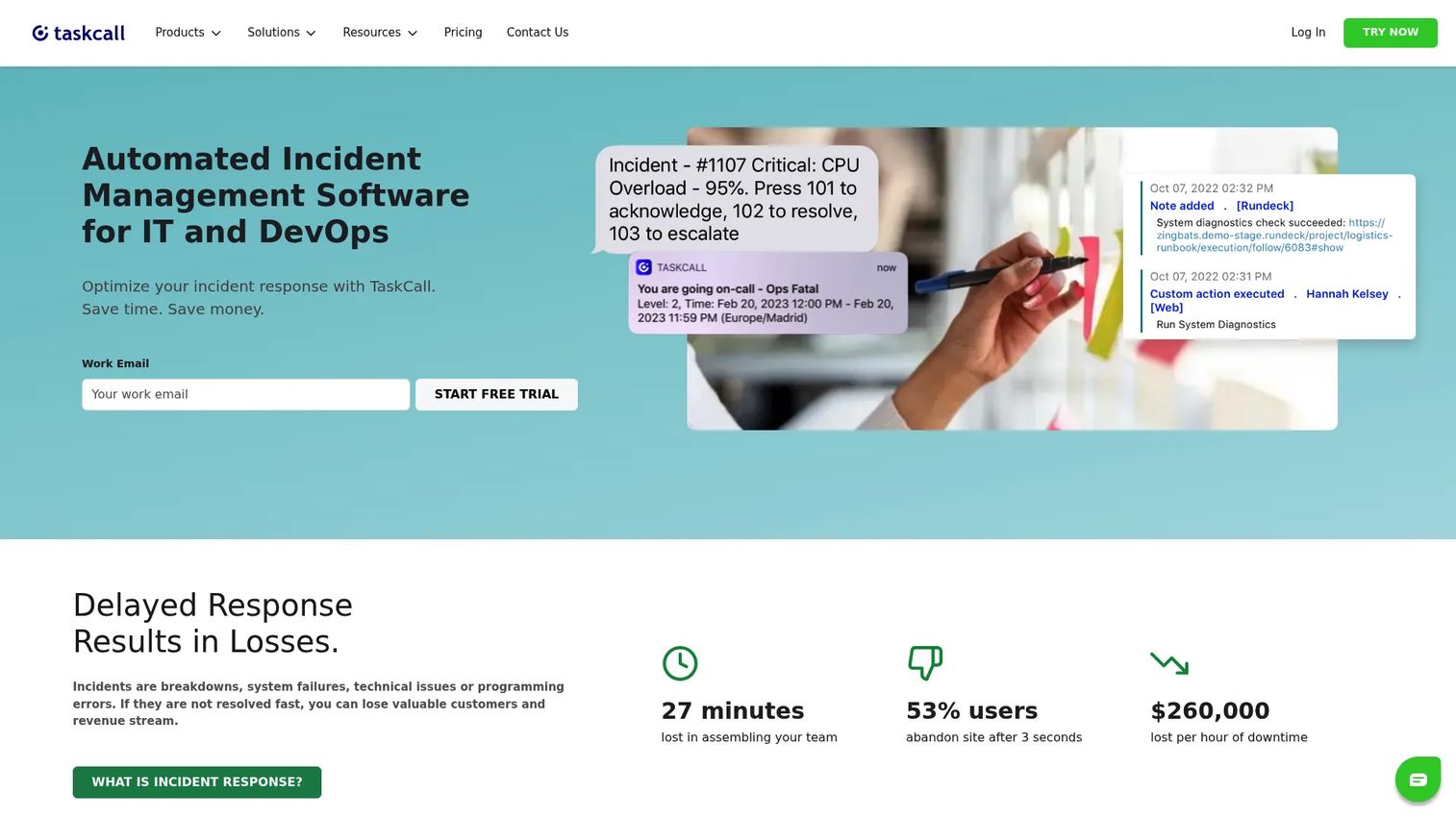
TaskCall is incident management and on-call alerting software built for IT and DevOps teams that want capability without a heavy price tag. It covers the incident workflow end to end: acknowledge, resolve, snooze, reassign, and escalate, plus live call routing.
TaskCall's appeal is pricing transparency and a clean setup path. Every tier is published, so you know what you are paying before a sales call. On-call scheduling and escalation policies cover the core, live call routing connects incidents to phone workflows, and multi-channel notifications make sure pages land. For a small team that wants straightforward implementation, that clarity matters.
Best for: small to mid-size DevOps and IT teams that want simple, transparent pricing.
Key features
- Incident workflow: acknowledge, resolve, snooze, reassign, escalate
- On-call scheduling and escalation policies
- Live call routing and multi-channel notifications
- Analytics on incident handling
- Published per-user pricing across all tiers
Why choose TaskCall: if you want predictable costs and a fast setup without enterprise overhead, TaskCall keeps things simple. Larger orgs with deep integration needs may want to check the connector list first.
TaskCall pricing: Free plan for up to 5 users. Starter is $9 per user per month, Business is $19 per user per month, and Digital Operations is $29 per user per month.
4. IBM On Call Manager
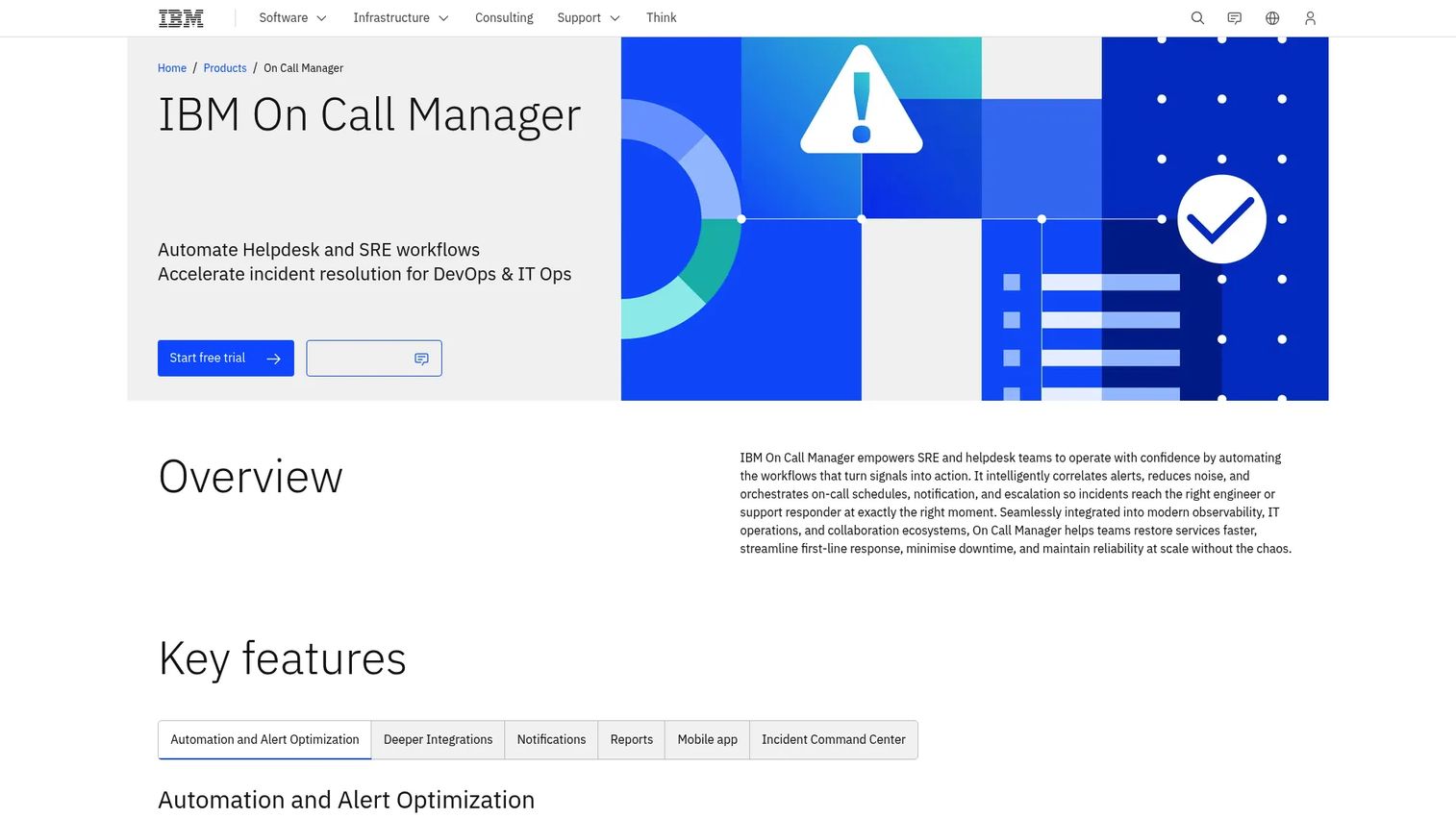
IBM On Call Manager is IBM's incident management product for automating on-call scheduling, alert routing, escalation, and major-incident coordination. It fits teams already invested in the IBM ecosystem or looking for a broader incident-response platform backed by a large vendor.
The differentiator is automation around alert quality. Automated alert optimization and deduplication cut the noise before it reaches a responder. On-call scheduling and escalation policies handle coverage, multi-channel notifications and mobile apps deliver the page, and an Incident Command Center coordinates major incidents. Incident reporting closes the loop with performance data.
Best for: IT ops and SRE teams inside the IBM ecosystem needing automated incident response.
Key features
- Automated alert optimization and deduplication
- On-call scheduling and escalation policies
- Multi-channel notifications and mobile apps
- Incident reporting and Incident Command Center
Why choose IBM On Call Manager: if your organization already runs IBM tooling, the fit and support model are natural. Teams outside that ecosystem should weigh it against tools with more public pricing visibility.
IBM On Call Manager pricing: IBM does not publish a public price for this product. Contact IBM for a quote tailored to your seat count and requirements.
5. Rootly
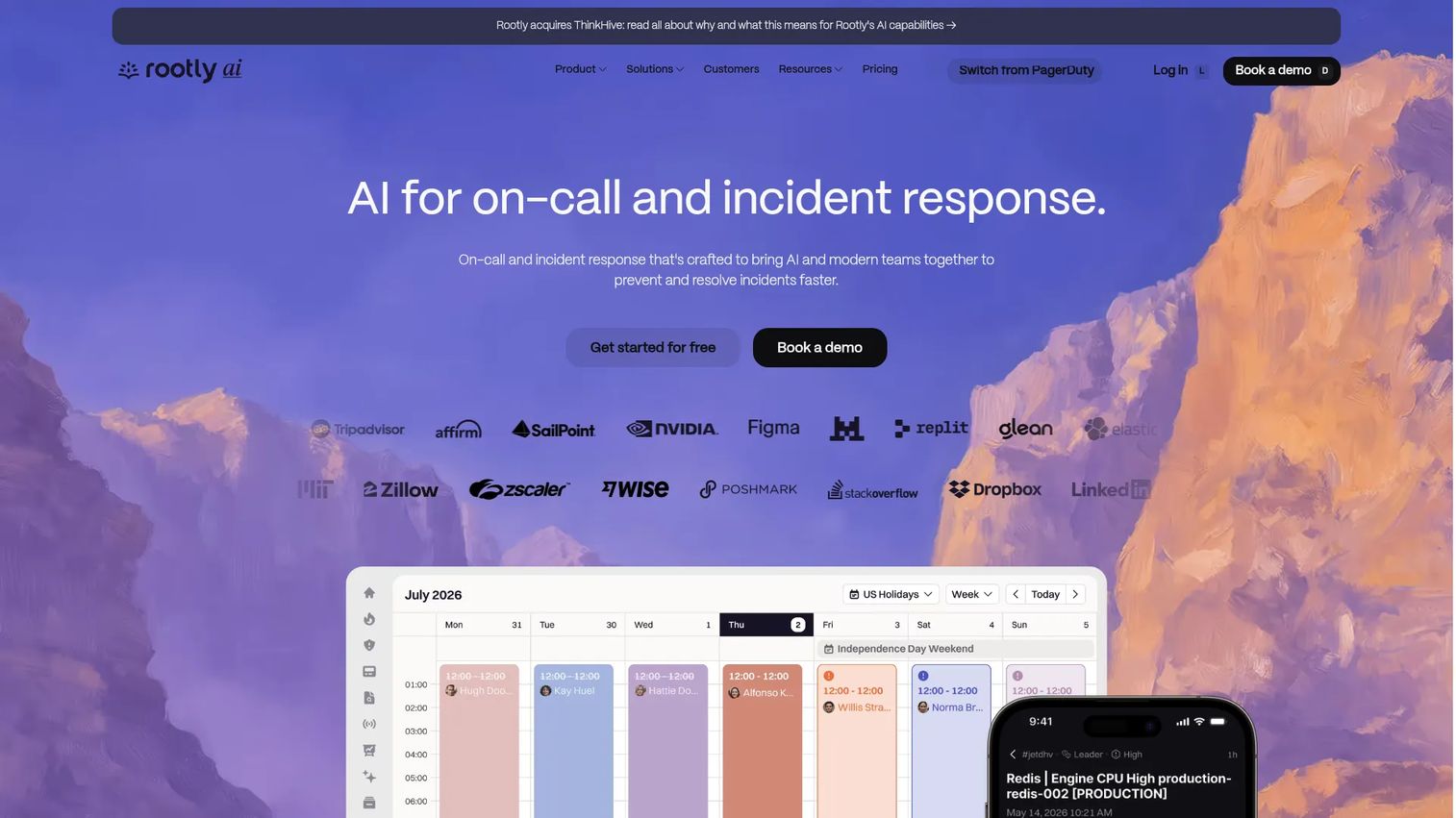
Rootly is an AI-native incident response and on-call platform for teams that want to manage, resolve, and learn from incidents in one place. It runs natively in Slack and Microsoft Teams, which is where most modern engineering teams already coordinate during an incident.
Rootly's edge is combining incident management and on-call under one roof with AI assistance layered in. AI similar-incident matching surfaces past incidents that resemble the current one, so responders skip the guesswork. On-call scheduling, alert grouping, escalation policies, and call routing cover the operational side. Retrospectives, status pages, a service catalog, and workflows handle the learning loop. Enterprise controls like SSO, SAML, and SCIM are built in.
Best for: teams that want a Slack-native platform combining on-call and incident response with AI.
Key features
- Incident response in Slack, Microsoft Teams, with AI chat and similar-incident matching
- On-call scheduling, alert grouping, escalation policies, call routing
- Retrospectives, status pages, and service catalog
- Workflows, API, webhooks
- SSO, SAML, SCIM for enterprise governance
Why choose Rootly: if you want your on-call and incident response living in the same tool, inside Slack, with AI helping responders move faster, Rootly is built for exactly that. It holds a 4.8/5 rating on G2.
Rootly pricing: Essentials is $20 per user per month. Enterprise is custom, available by contacting the Rootly team.
6. Opsgenie
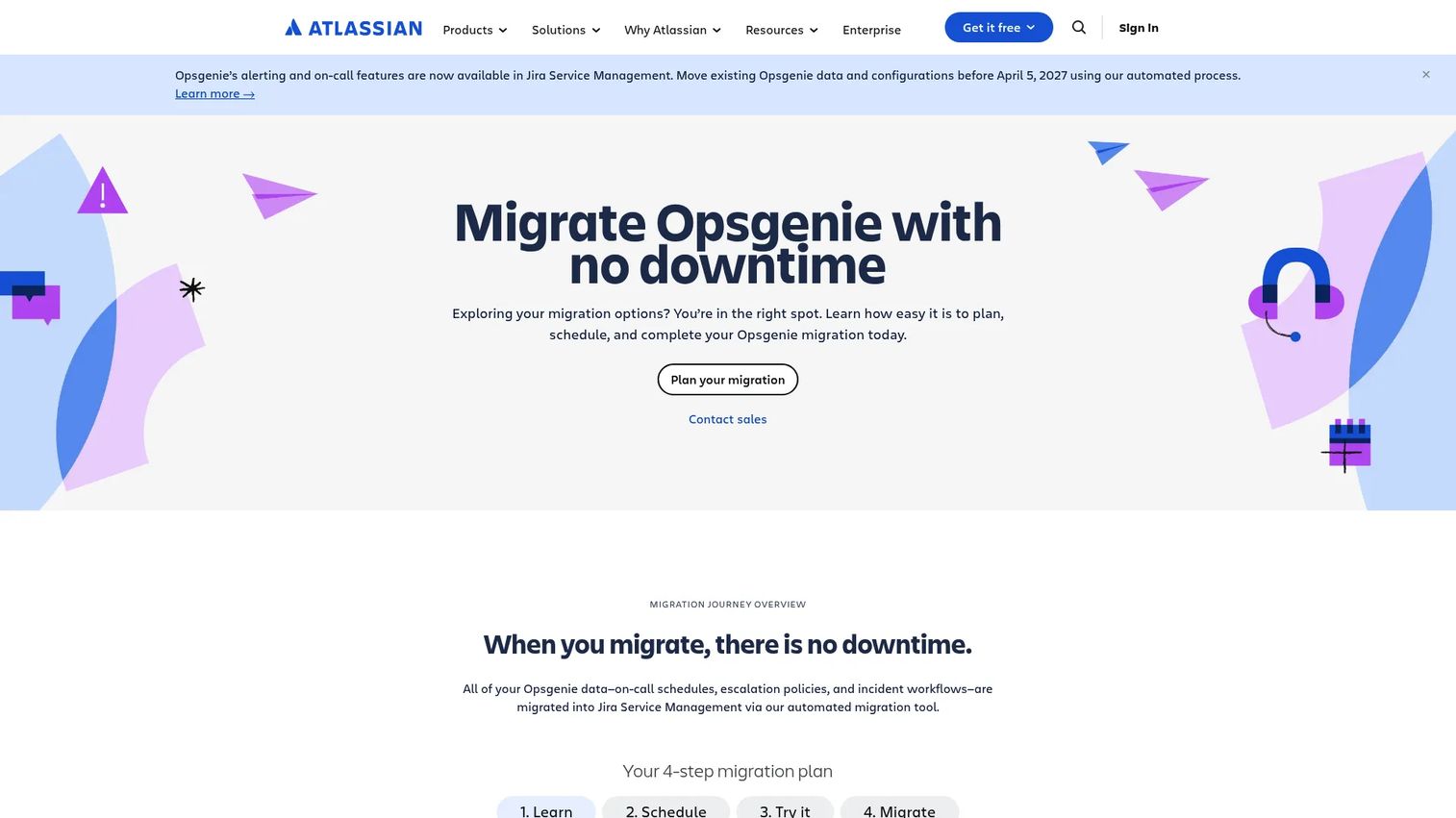
Opsgenie is Atlassian's incident management software for alerting and on-call management. It has long been the natural pick for Jira and Atlassian-heavy teams because the integration runs deep, tying alerts directly to issues and workflows.
Opsgenie covers multi-channel alerting with alert grouping and filtering, on-call schedules with rotations, overrides, and escalations, and integrations with Slack, Jira, Datadog, and CloudWatch. For distributed teams, the scheduling handles rotation complexity well.
One important note: Atlassian has stated Opsgenie is no longer available for purchase as of June 4, 2025, and reaches end of support on April 5, 2027. If you already run it, plan your migration timeline. If you are evaluating fresh, factor that status into your decision.
Best for: existing Atlassian and Jira teams already running Opsgenie, planning around the migration timeline.
Key features
- Alerting with multiple channels and alert grouping and filtering
- On-call schedules, rotations, overrides, and escalations
- Integrations with Slack, Jira, Datadog, CloudWatch
- Distributed team coverage
Why choose Opsgenie: for teams deep in Atlassian, the Jira integration is the tightest available. Given the end-of-sale and end-of-support dates, weigh that against a longer-lived alternative before committing.
Opsgenie pricing: Free plan for up to 5 users. Essentials is $9.45 per user per month billed annually, Standard is $19.95 per user per month billed annually, and Enterprise is $31.90 per user per month billed annually. Note that new signups and sales have ended.
7. Oncall
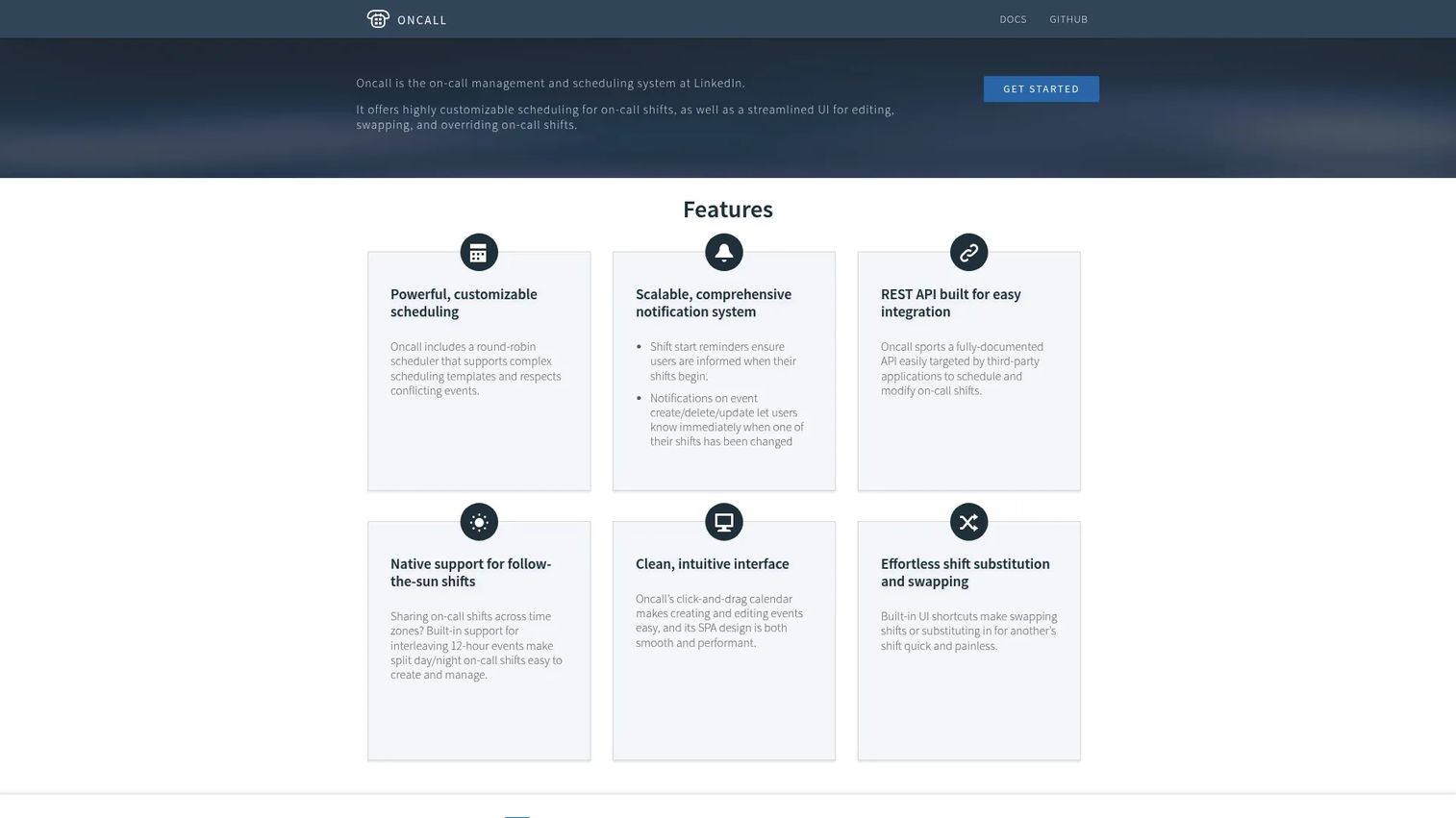
Oncall is LinkedIn's open on-call management and scheduling system. It is built for teams that want internal control over scheduling and shift management, often with the flexibility to self-host and extend.
Oncall's strengths are scheduling depth and programmability. Round-robin scheduling handles complex on-call templates without manual assignment. Shift swapping, overriding, and substitution cover the human realities of coverage. A REST API lets you script scheduling and modify shifts programmatically, which suits teams that want on-call woven into their own tooling.
Best for: engineering teams wanting a lightweight, programmable, self-managed scheduling system.
Key features
- Round-robin scheduling for complex on-call templates
- Shift swapping, overriding, and substitution
- REST API for scheduling and modifying shifts
- Internal team scheduling and shift management
Why choose Oncall: if you want full control over your scheduling logic and prefer to run and extend it yourself, Oncall's API-first approach fits. Teams wanting a fully managed commercial platform with bundled alerting will want to compare against the others here.
Oncall pricing: Oncall does not publish public pricing on its site. Evaluate deployment and support needs directly, since it is positioned as a self-managed system.
8. ONCALL Orchestrate
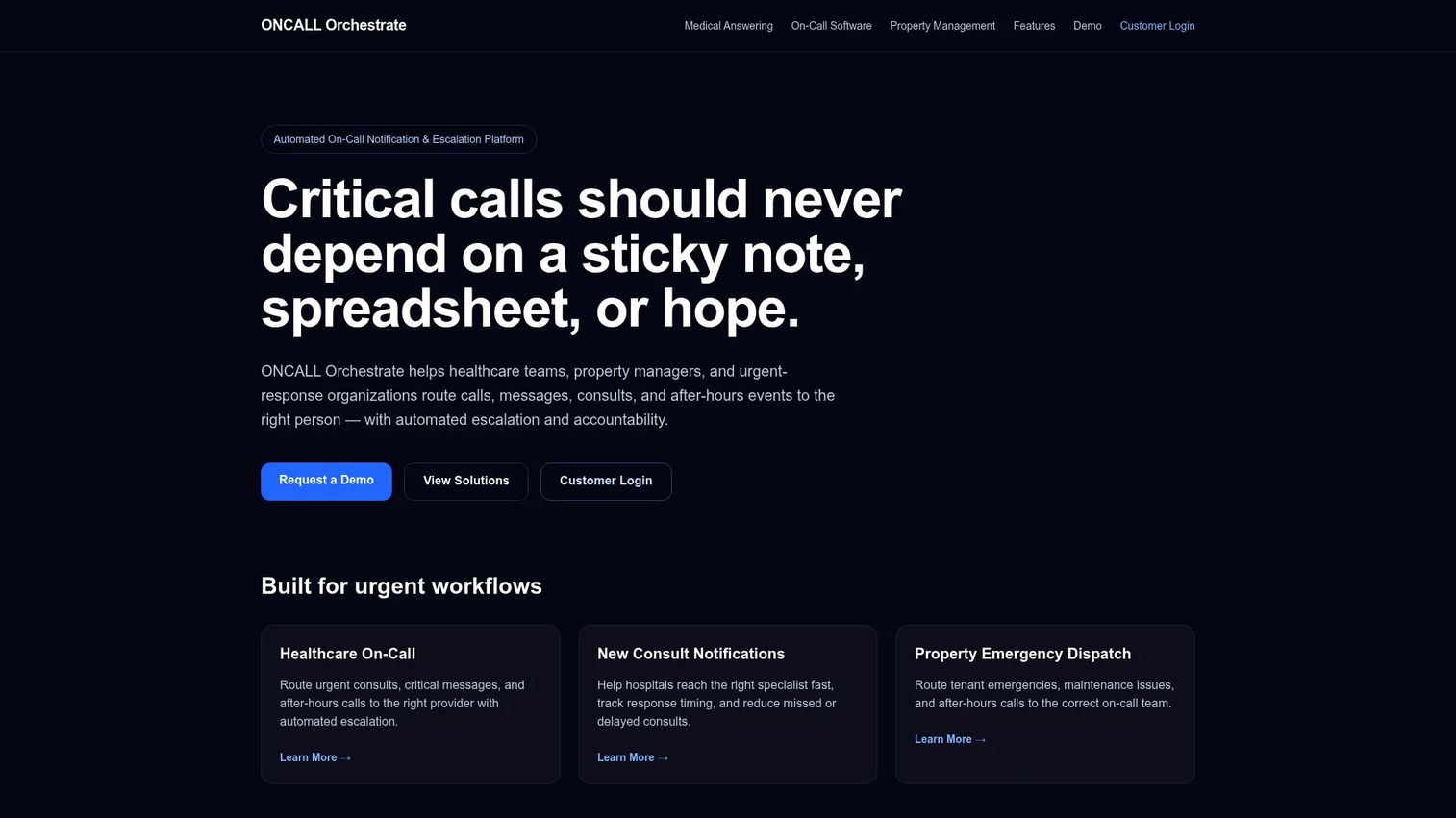
ONCALL Orchestrate is an automated on-call notification, routing, and escalation platform aimed at healthcare and property-management workflows. Its focus is schedule-based urgent-call routing with a strong emphasis on accountability and audit trails.
The product centers on getting urgent calls to the right person and proving it happened. Voice, SMS, and email escalation deliver the message across channels. On-call schedule routing decides who is responsible. Audit trails and reporting document every routing decision, which matters in regulated settings like clinical on-call where accountability is not optional.
Best for: healthcare and property-management organizations needing schedule-based urgent-call routing with audit trails.
Key features
- Voice, SMS, and email escalation
- On-call schedule routing
- Audit trails and reporting
- Accountability-focused escalation workflows
Why choose ONCALL Orchestrate: if your on-call is about routing urgent human calls with a documented chain of accountability, this is purpose-built for that context. Engineering teams wiring alerts from monitoring tools will find the DevOps-native options above a closer fit.
ONCALL Orchestrate pricing: pricing is demo and contact-based. Reach out to the vendor for a quote matched to your workflow.
Considerations
Before you commit, run the shortlist through these criteria against your actual on-call reality.
Scheduling flexibility
Check how the tool handles rotations you actually run: weekly, follow-the-sun, and split coverage. Confirm weekend and holiday handling, and how easy it is to set an override when someone goes on vacation. Rigid scheduling forces manual workarounds that eventually break.
Escalation reliability
This is the feature that saves you at 3 a.m. Confirm retry logic, escalation delays, and fallback paths when a responder does not acknowledge. Ask how delivery is guaranteed across channels, and what happens when a page bounces. A missed escalation is a missed incident.
Integrations and workflows
Map the tool against your stack. Does it connect to your monitoring tools, Slack, Microsoft Teams, Jira, and ticketing? Alert routing only works if alerts flow in cleanly and incidents flow out to where your team already works. Thin integration coverage means manual glue code later.
Mobile experience
Responders live on their phones during on-call. Test the mobile app for acknowledging, escalating, and resolving. Confirm push, SMS, and voice delivery all land reliably. A page that does not reach the phone is the exact problem you are trying to solve.
Analytics and governance
Look for page volume, response time, and responder health data so you can spot burnout before it becomes attrition. For regulated teams, confirm audit trails and access controls. Analytics turn on-call from a black box into something you can actually manage and improve.
Conclusion
The right on-call management software depends on your size, stack, and incident complexity. PagerDuty is the deep pick for enterprise incident response with complex escalation. xMatters targets alert fatigue with correlation and noise suppression. TaskCall keeps pricing transparent for smaller teams. Rootly combines on-call and incident response with AI, natively in Slack and Microsoft Teams. IBM On Call Manager fits teams inside the IBM ecosystem. Opsgenie remains strong for Atlassian shops, with the end-of-sale timeline to plan around. Oncall suits teams wanting a programmable, self-managed system, and ONCALL Orchestrate serves healthcare and property routing with audit trails.
Shortlist on two things above all: integration depth with your existing stack, and escalation reliability. Those are the two features that determine whether a 3 a.m. page actually lands. Start a trial with your top two, wire up your real monitoring tools, and run a test incident before you sign anything.
FAQs
On-call management software schedules responders, routes alerts from monitoring tools to the right person, escalates unanswered pages automatically, and delivers notifications across channels like push, SMS, voice, Slack, and Microsoft Teams. It sits between your monitoring stack and your team so incidents get acknowledged fast instead of slipping through.
You define rotations, so the tool knows who is responsible at any given time. When a monitoring tool detects a problem, the software checks the current on-call person, pages them across their preferred channels, and if they do not acknowledge within a set window, escalates to the next responder. Overrides and swaps handle vacations and shift trades without breaking the rotation.
Retry logic, escalation delays, and fallback paths. A strong escalation policy retries the primary responder, waits a defined interval, then moves to a backup, and keeps climbing until someone acknowledges. Guaranteed multi-channel delivery matters too, since a single push notification can be missed but a voice call rarely is.
Three levers: alert correlation to collapse duplicate signals into one incident, suppression to keep low-priority noise off responders' phones, and analytics on page volume to spot who is getting overloaded. Smarter routing that sends a page only to the person who can act on it also cuts the noise that trains responders to ignore alerts.
At minimum, your monitoring tools (Datadog, Prometheus, CloudWatch), your chat platform (Slack or Microsoft Teams), and your ticketing or issue tracker (Jira). Alert routing only works if alerts flow in from your observability stack and incidents flow out to where your team already coordinates. Check the connector list against your actual stack before buying.
PagerDuty fits enterprises with high incident volume and complex escalation logic. xMatters is the pick when alert fatigue is the core problem, thanks to its correlation and noise suppression. Rootly suits teams that want on-call and incident response combined in one Slack-native tool with AI assistance. Match the tool to your biggest pain, not the longest feature list.
No. While DevOps, SRE, and IT ops are the largest users, healthcare is the leading vertical for on-call management tools, holding 28.5% of global market revenue in 2025 per MarketIntelo. Clinical on-call, property management, and any team routing urgent human calls all rely on schedule-based routing and escalation.
A page only helps if it reaches the responder, and responders are rarely at their desk during off-hours. Mobile apps deliver push, SMS, and voice, and let responders acknowledge, escalate, or resolve directly from the phone. Reliable mobile delivery is the difference between a five-minute acknowledgment and a page that sits unanswered until morning.