Your order data says one thing. Your payment processor says another. Inventory is oversold, the refund hasn't posted to accounting, and support is answering tickets with stale fulfillment context. Somewhere between checkout and your data warehouse, the signal broke.
This is the core friction of e-commerce data integration: Every system captures a slice of truth, and none of them agree automatically. The global retail and e-commerce data integration market was valued at $2.82 billion in 2024 and is projected to reach $6.53 billion by 2030, growing at 14.9% CAGR, according to Grand View Research (2024). That growth reflects how many teams are still stitching together disparate systems manually, and how badly they need a better model.
For product managers, the stakes are concrete: Poor data quality increases engineering interrupt requests, slows segmentation, and makes it harder to validate improvements to activation or retention without building yet another one-off pipeline.
The right e-commerce data integration software doesn't just move data. It becomes the instrumentation layer that lets your team act on customer, order, payment, inventory, and shipping signals without firefighting.
What's inside
This guide compares 15 e-commerce data integration software options for 2026. Tools were chosen for relevance to commerce data workflows, not generic app popularity.
Selection criteria:
- Connector coverage: Store platforms, CRM, ERP, accounting, shipping, payments, and analytics
- Data sync depth: Batch, real-time, ETL, ELT, CDC, or workflow automation
- Operational fit: Whether the tool serves product, engineering, finance, support, or operations teams
- Pricing visibility and G2 rating: Current, verified figures from live sources
TL;DR
- Best for data pipeline depth: Integrate.io fits teams that need ETL, ELT, CDC, and reverse ETL across commerce systems
- Best for commerce workflow automation: Jitterbit fits teams connecting orders, fulfillment, ERP, EDI, and CRM workflows
- Best for custom enterprise architecture: DataForest suits companies needing engineered data platforms, streaming, or AI-ready infrastructure
- Best for store-native commerce data: Shopify, BigCommerce, and Adobe Commerce anchor the data model at the commerce layer
- Best for CRM and customer lifecycle sync: Salesforce, HubSpot, and Zoho operationalize purchase, lead, and support data
- Best for finance and fulfillment accuracy: NetSuite, ShipStation, Stripe, QuickBooks, and Xero reduce reconciliation work across orders, payments, and accounting
What is e-commerce data integration software?
E-commerce data integration software connects commerce platforms with the systems that store, process, analyze, and act on customer, product, order, payment, inventory, shipping, and support data.
In practice, it pulls data from your store, cart, and channel tools, then cleans, maps, or transforms it before sending it to destinations such as ERP, CRM, accounting, warehouses, support, fulfillment, analytics, or marketing platforms. The mechanisms vary: Some tools use API connectors and webhooks, others run scheduled ETL or ELT jobs, others use change data capture (CDC) to detect row-level changes in source systems, and still others automate full operational workflows end to end.
Not every tool in this list does the same job. The category spans four distinct types:
- Integration-layer platforms (Integrate.io, Jitterbit) focus on moving and transforming data across systems
- Commerce platforms (Shopify, BigCommerce, Adobe Commerce) anchor the product and order data model, then connect outward
- Systems of record (Salesforce, HubSpot, NetSuite, Microsoft Dynamics 365, Zoho) own CRM, ERP, finance, or operations data and pull commerce context in
- Operational specialists (ShipStation, Stripe, QuickBooks, Xero) manage fulfillment, payments, or accounting data specifically
Key capabilities to look for:
- Commerce platform connectors (Shopify, BigCommerce, marketplaces)
- ERP and accounting sync
- CRM and customer data sync
- Inventory and product catalog updates
- Order, fulfillment, and shipping workflows
- Payment, refund, and revenue reconciliation
- ETL, ELT, and change data capture
- Error handling, retry logic, and audit trails
- Governance, monitoring, and access controls
Choosing the right tool starts with one question: Where does data truth live in your stack?
When to use e-commerce data integration software
Synchronize inventory before customers feel the problem
Overselling happens when your store platform and your warehouse or ERP disagree on stock levels. The customer completes checkout, but the item isn't available. That error shows up as a support ticket, a refund, and a retention problem before your team even sees it. Inventory synchronization is typically the first integration that breaks at scale, especially when SKU counts grow and channels multiply.
Connect orders, payments, fulfillment, and finance
Each completed order touches four or more systems: The store, the payment processor, the shipping carrier, and the accounting ledger. Manual reconciliation works for a few hundred orders a month. At thousands of SKUs across multiple regions, it becomes a full-time job with a growing error rate. The right e-commerce integration platform automates the handoffs and creates an auditable record that finance and operations can trust.
Build a single source of truth for product and customer decisions
Fragmented data makes cohort analysis unreliable, lifecycle messaging generic, and feature prioritization guesswork. When purchase behavior, support history, and activation events live in separate systems with no clean join key, product managers can't segment accurately or measure the downstream impact of a release. A unified data layer supports better instrumentation across the customer lifecycle.
E-commerce data integration software comparison
The table below is a decision aid, not a ranking. Choose the row that matches where your integration problem lives. Pricing and G2 ratings are verified from live vendor pages and G2 listings.
| # | Product | Best for | Key differentiator | Pricing | G2 rating |
|---|---|---|---|---|---|
| 1 | Integrate.io | Data pipelines and warehouse activation | ETL, ELT, CDC, and reverse ETL for commerce data | From $1,999/mo | 4.4/5 |
| 2 | Jitterbit | Commerce workflow automation | Low-code integration across ERP, CRM, EDI, and fulfillment | Contact sales | 4.5/5 |
| 3 | DataForest | Custom enterprise data platforms | Engineering-led architecture, streaming, and AI use cases | Custom pricing | N/A |
| 4 | Shopify | Store-native commerce operations | Commerce platform with app and channel data ecosystem | From $29/mo | 4.4/5 |
| 5 | BigCommerce | Open SaaS commerce integration | API-first commerce platform for multi-channel selling | From $29/mo (billed annually) | 4.2/5 |
| 6 | Adobe Commerce | Complex B2B and enterprise commerce | Flexible commerce data model and Adobe ecosystem fit | Custom pricing | N/A |
| 7 | Salesforce | Customer lifecycle and CRM sync | Commerce and customer data tied to CRM workflows | Free; paid from $25/user/mo | 4.4/5 |
| 8 | HubSpot | CRM, marketing, and lifecycle automation | Commerce data activation for sales and marketing teams | Free; paid from $7/seat/mo | 4.4/5 |
| 9 | NetSuite | ERP-centered commerce operations | Unified ERP for inventory, order, and finance workflows | Custom pricing | N/A |
| 10 | Microsoft Dynamics 365 | Enterprise ERP and CRM integration | Microsoft-native commerce, finance, and customer data | From $65/user/mo | N/A |
| 11 | Zoho | Cost-conscious CRM and operations sync | Broad app suite for CRM, finance, support, and commerce | Free plan; paid from $20/mo | 4.4/5 |
| 12 | ShipStation | Shipping and fulfillment data | Carrier, tracking, and fulfillment workflow automation | From $14.99/mo | 4.3/5 |
| 13 | Stripe | Payment and revenue data | Payment, billing, refund, and revenue event infrastructure | 2.9% + 30¢ per transaction | 4.4/5 |
| 14 | QuickBooks | Small business accounting sync | Order, revenue, tax, and expense reconciliation | Free; paid from $19/mo | 4.0/5 |
| 15 | Xero | Cloud accounting for ecommerce teams | Accounting and reconciliation for growing online stores | From $27/mo | 4.4/5 |
Best 15 e-commerce data integration software tools for 2026
1. Integrate.io
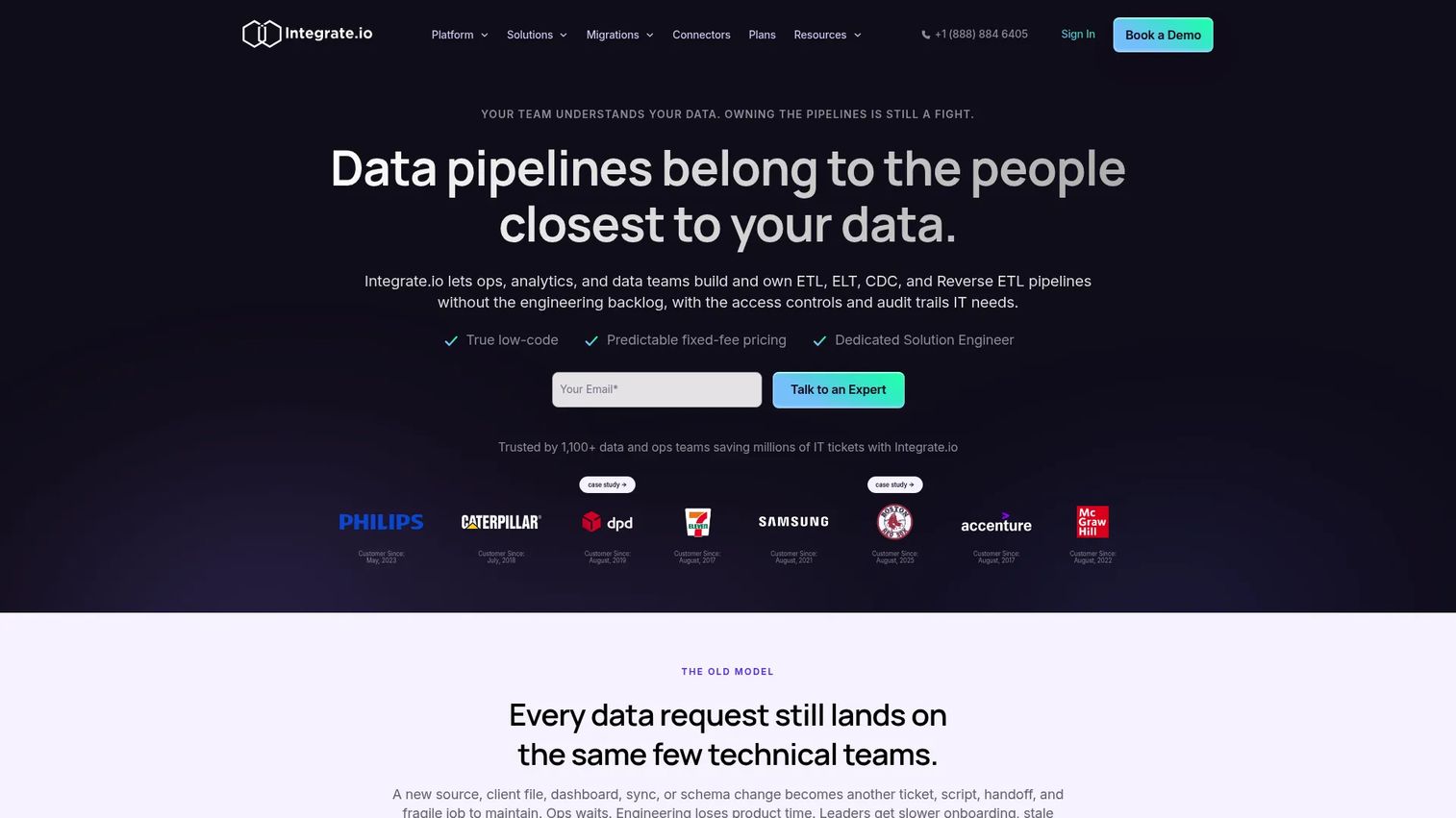
Integrate.io is a low-code data pipeline platform built for teams that need governed, scalable data movement between commerce systems, cloud warehouses, CRMs, and operational apps. It covers ETL, ELT, reverse ETL, and change data capture in one platform, with over 150 production-ready connectors and a visual pipeline builder that doesn't require custom engineering for standard workflows. It's a strong fit when the integration problem sits at the data layer rather than the application layer.
Best for: Product and data teams that need a dedicated integration layer for commerce data pipelines, warehouse loading, and reverse ETL activation.
Key features
- ETL and ELT pipelines with 220+ transformations
- Reverse ETL to activate warehouse data in operational tools
- Change data capture for real-time source tracking
- 150+ prebuilt connectors across commerce, CRM, and warehouses
- Role-based access control and compliance-ready security options
Why choose Integrate.io: It handles the full pipeline lifecycle, from ingestion to warehouse to activation, without requiring a bespoke engineering build for each connection. The fixed-fee Core plan makes cost predictable regardless of data volume.
Integrate.io pricing: The Core plan starts at $1,999/month and includes unlimited data volumes, pipelines, and connectors. A 14-day free trial is available. Custom plans add advanced security, HIPAA readiness, and tailored support.
G2 rating: 4.4/5
2. Jitterbit
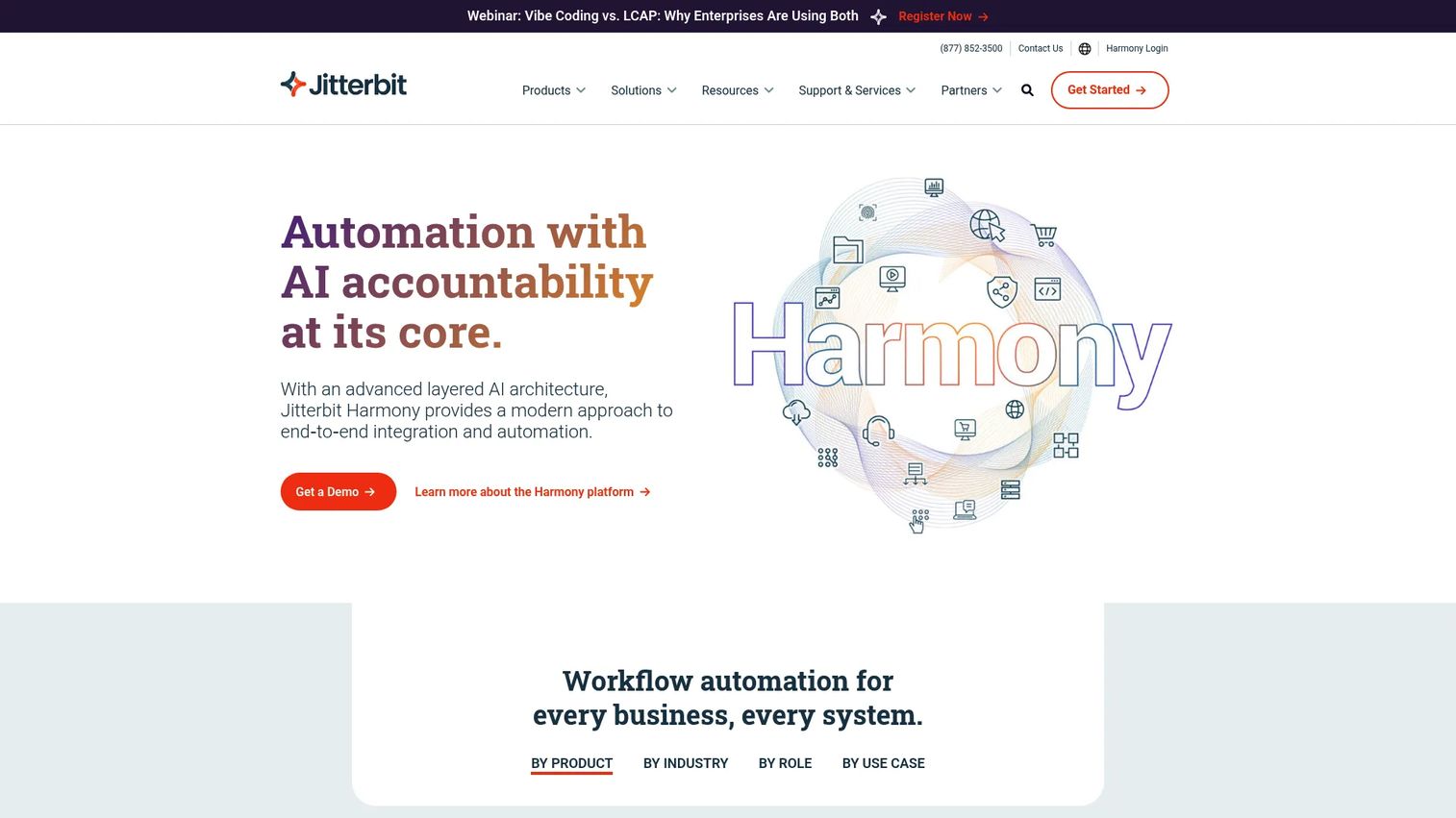
Jitterbit is an AI-infused low-code platform for integration, workflow automation, EDI, API management, and application development. It fits commerce teams that need to automate end-to-end business processes, not just move data. Lead-to-order, order-to-fulfillment, and EDI-to-ERP workflows are core use cases, and its centralized management console gives operations teams visibility into process health across the stack.
Best for: Mid-market and enterprise commerce teams automating repeatable workflows across ERP, CRM, EDI, fulfillment, and store systems.
Key features
- Low-code integration builder with pre-built recipes and templates
- EDI support for business document exchange
- API Manager for creating and consuming APIs
- Commerce workflow automation (order-to-fulfillment, lead-to-order)
- Centralized monitoring console for all integrations
Why choose Jitterbit: It's the right call when operations teams need more than data movement. Jitterbit models business processes, not just pipelines, which reduces the gap between IT-built integrations and what the business actually needs. Teams with EDI requirements will find it covers that ground natively.
Jitterbit pricing: Standard, Professional, and Enterprise plans are available; pricing is quote-based. Cost drivers include connector count, workflows, agents, environments, and support requirements. Contact sales for a quote.
G2 rating: 4.5/5
3. DataForest
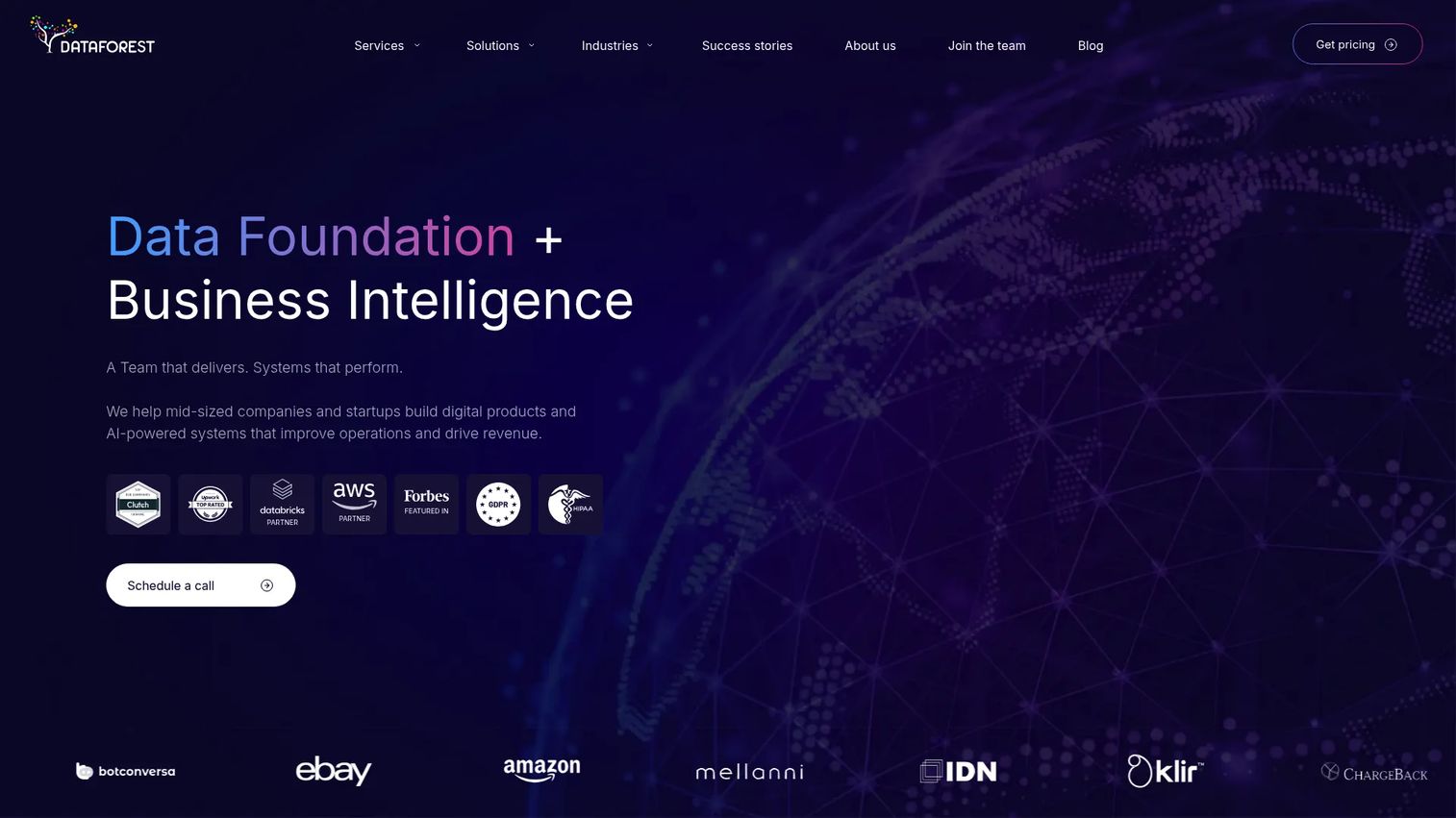
DataForest is a custom data engineering and digital transformation partner, not a packaged SaaS connector tool. It builds data pipelines, AI agents, modern data architectures, and analytics platforms from the ground up. For enterprise commerce teams with high data volumes, unusual system combinations, strict governance requirements, or AI/ML use cases, DataForest designs the infrastructure rather than pointing teams to a prebuilt catalog.
Best for: Enterprise teams that need custom ecommerce data engineering, streaming architecture, or AI-ready commerce data infrastructure.
Key features
- Custom data engineering and pipeline development
- Streaming data pipelines for high-volume event processing
- Data lakehouse architecture and modern data platform design
- AI and machine learning integration and model support
- Web scraping and external data acquisition services
Why choose DataForest: Choose it when the company needs a designed architecture rather than a packaged connector catalog. It suits complex commerce stacks where off-the-shelf integration tools hit scale, governance, or customization limits.
DataForest pricing: Pricing is project-based and quote-driven, with cost tied to scope, data complexity, source count, and ongoing engineering support needs. Contact DataForest directly for an assessment.
4. Shopify

Shopify is the most widely adopted commerce platform for businesses selling online, in-store, and across channels. Its integration value comes from the store data model itself: Product, order, customer, inventory, and payment records are all native, and the app ecosystem and Admin APIs extend that data into CRM, ERP, marketing, shipping, and analytics tools. It's often the source of truth that other integrations are built around.
Best for: Brands that want their store platform to anchor commerce data across channels, apps, and operations before adding ERP or warehouse layers.
Key features
- Storefront and checkout data with multichannel selling
- App ecosystem with thousands of integrations
- POS for in-person selling and unified inventory
- Admin APIs for custom data access and automation
- AI commerce tools for catalog, search, and product management
Why choose Shopify: Use Shopify when the store should be the center of the data flow. It's strongest for teams scaling on a commerce-native workflow before adding data warehouse or ERP complexity.
Shopify pricing: Basic starts at $29/month (billed annually). Grow is $79/month, Advanced is $299/month, and Plus starts from $2,300/month on a 3-year term. A 3-day free trial is available, followed by 3 months for $1/month.
G2 rating: 4.4/5
5. BigCommerce
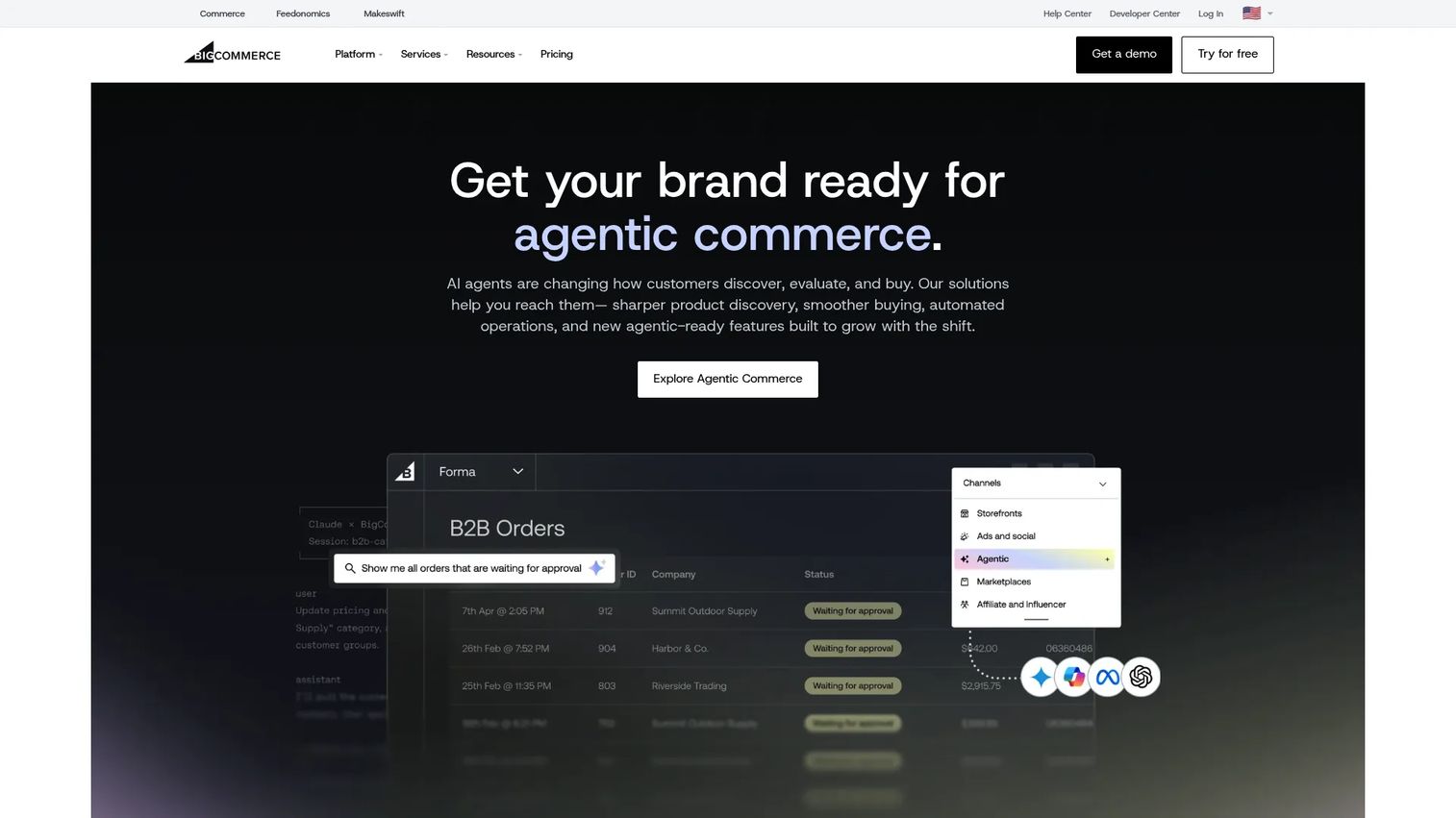
BigCommerce is an open SaaS commerce platform built for B2C and B2B businesses that need strong API access and multi-channel selling without heavy platform lock-in. Its headless and composable architecture lets teams connect BigCommerce to existing ERP, PIM, and marketing tools without replacing them. For teams evaluating B2B ecommerce platforms, BigCommerce's native B2B capabilities are a meaningful differentiator.
Best for: Commerce teams that need an API-friendly ecommerce platform for multi-channel selling with flexibility across backend systems.
Key features
- Open API architecture for headless and composable commerce
- Multi-storefront and omnichannel selling
- Catalog management and B2B commerce capabilities
- ERP connector ecosystem via partner integrations
- Multi-currency and international commerce support
Why choose BigCommerce: It fits teams that want commerce platform flexibility without renegotiating their entire stack. Its API-first design reduces the engineering cost of connecting new systems as the stack evolves.
BigCommerce pricing: Core starts at $29/month (billed annually), Growth at $79/month, and Scale at $299/month. Performance plans start at $1,499/month with custom pricing. Monthly billing is available at slightly higher rates. No permanent free tier; a free trial is available.
G2 rating: 4.2/5
6. Adobe Commerce
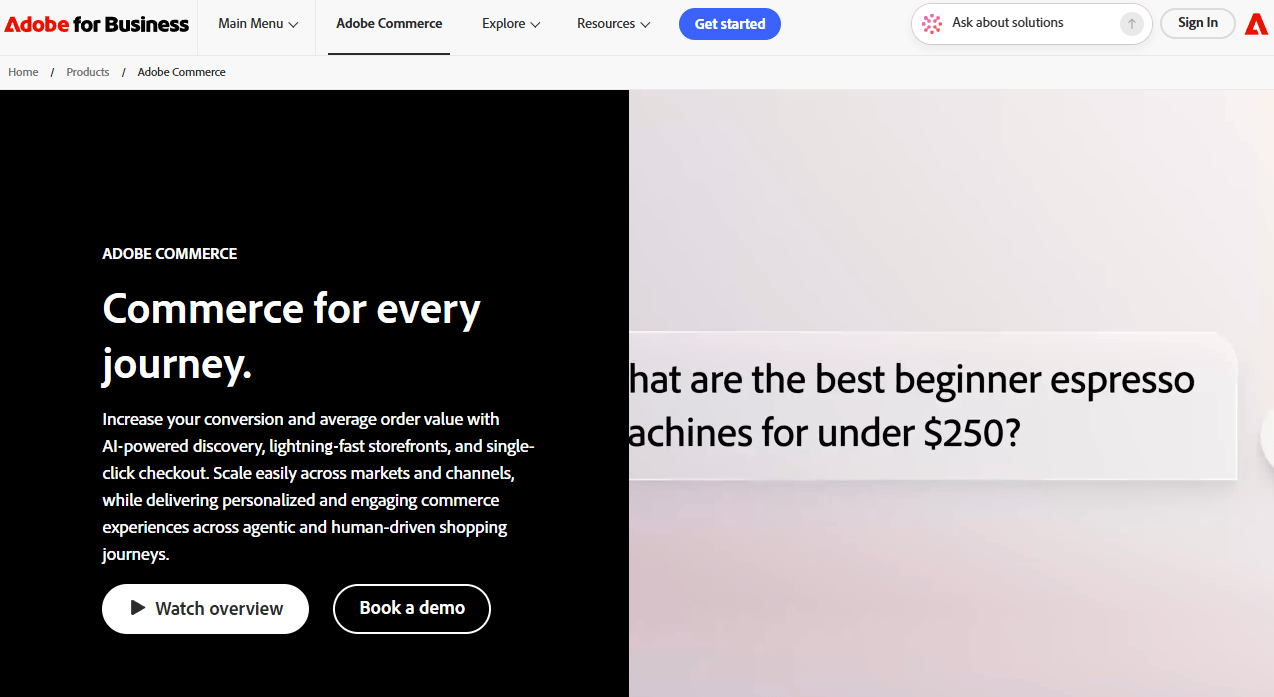
Adobe Commerce is an enterprise-grade commerce platform for complex B2B and B2C operations, handling sophisticated product catalogs, buyer account structures, custom checkout flows, and Adobe ecosystem integration. It supports headless storefronts, AI-powered search and recommendations, and a large extension marketplace. Teams running the Adobe Experience Cloud will find the tightest native integration here.
Best for: Enterprise and B2B commerce teams with complex product catalogs, custom workflows, and Adobe stack alignment.
Key features
- Flexible catalog model for complex products and configurations
- B2B tools for company accounts, quotes, and purchase approvals
- AI-powered search, recommendations, and merchandising
- Extension marketplace for additional functionality
- Headless storefront support and API-based integration options
Why choose Adobe Commerce: Choose it when commerce data complexity starts at the product and buyer account level. It suits teams where the catalog itself is a differentiator and standard platforms create too many workarounds.
Adobe Commerce pricing: Three offerings are available: Adobe Commerce as a Cloud Service (SaaS), Adobe Commerce on Cloud (PaaS), and Adobe Commerce Optimizer. All are custom-priced. Cost drivers include edition, hosting model, implementation, extensions, and support tier. Contact Adobe sales for a quote.
7. Salesforce
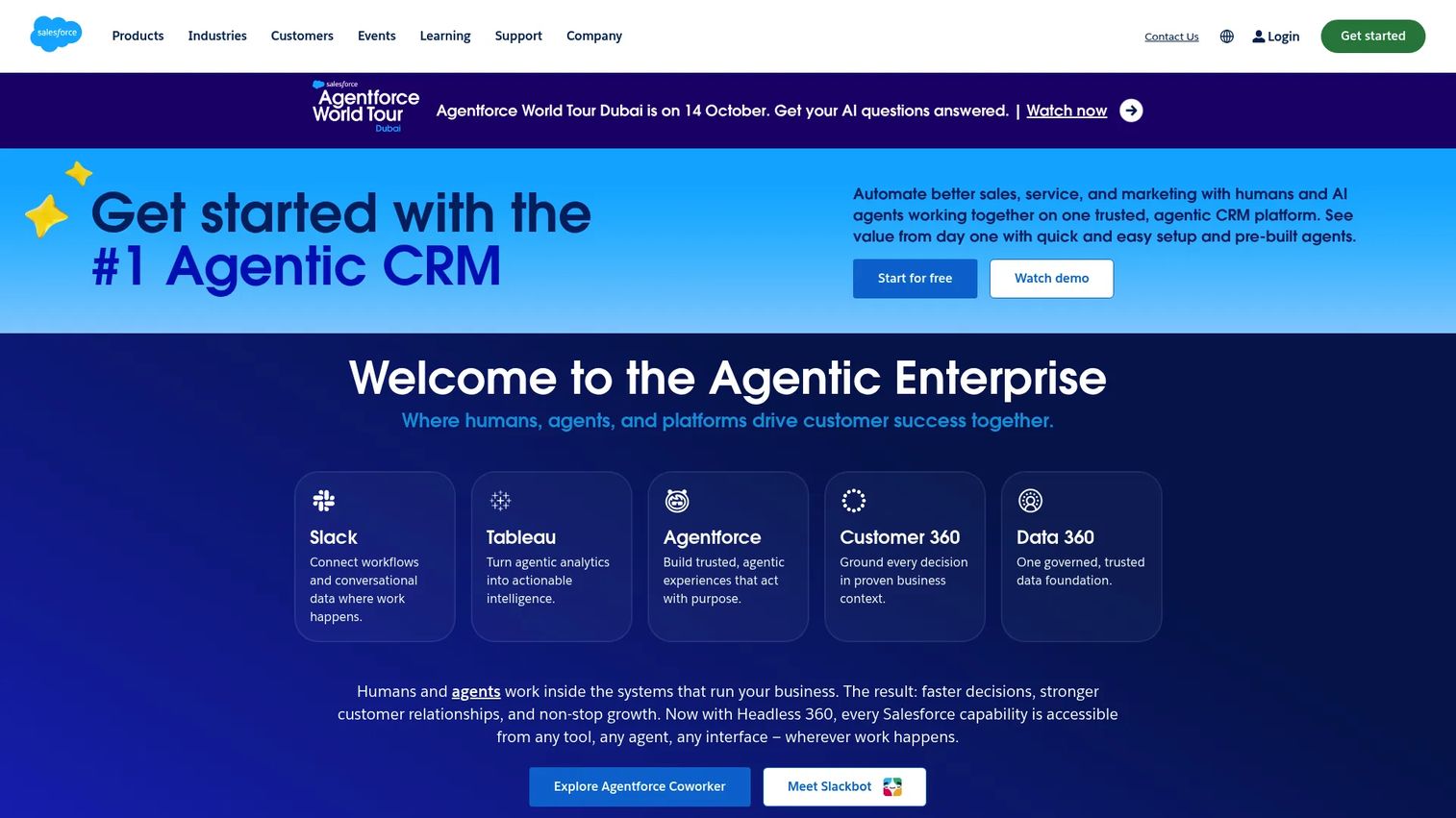
Salesforce is an enterprise CRM platform that connects customer data, sales pipelines, service workflows, marketing campaigns, and commerce activity in a single data model. For product managers, its value is in making purchase behavior visible to sales and support without requiring separate data exports. The AppExchange connector ecosystem and Agentforce AI add operational automation on top of the CRM foundation. It's worth comparing against other options in a broader best CRM software shortlist.
Best for: Teams that need commerce behavior tied to CRM, lifecycle automation, account data, and support workflows across customer-facing teams.
Key features
- CRM data model unifying customer, account, and opportunity records
- Commerce Cloud options for B2C and B2B selling
- Marketing automation links via Marketing Cloud or third-party connectors
- Service workflow integration for support and case management
- AppExchange connector ecosystem for extended integrations
Why choose Salesforce: Choose it when commerce data needs to inform customer-facing teams in real time. Product managers benefit when support, success, and sales teams all see the same customer context, reducing the "who has the right version of this account?" problem.
Salesforce pricing: A Free Suite is available at $0. Starter Suite is $25/user/month. Pro Suite is $100/user/month, Enterprise is $175/user/month, and Unlimited is $350/user/month (all billed annually).
G2 rating: 4.4/5
8. HubSpot

HubSpot is an AI-powered customer platform combining CRM, marketing automation, sales workflows, and content tools. For ecommerce teams, its strength is activating purchase and customer data in lifecycle campaigns, segmentation, and reporting without heavy engineering overhead. It connects to commerce platforms through native integrations and third-party apps, making it accessible for growth teams that want fast iteration over deep data architecture.
Best for: Teams that need commerce data inside CRM, marketing workflows, email journeys, and lifecycle reporting without a heavy implementation project.
Key features
- Free CRM with contact records, deal pipelines, and activity tracking
- Marketing automation and email workflow tools
- Ecommerce app integrations for order and customer data
- Workflow automation across sales, marketing, and service hubs
- Campaign attribution reporting
Why choose HubSpot: Choose it when the immediate goal is making customer and purchase data usable for lifecycle teams. It's a faster path than a full CRM and data warehouse implementation, and the free tier reduces the barrier to getting started.
HubSpot pricing: Free for up to 2 users. Starter plans begin at $7/seat/month. Professional starts at $1,300/month, and Enterprise starts at $4,700/month.
G2 rating: 4.4/5
9. NetSuite
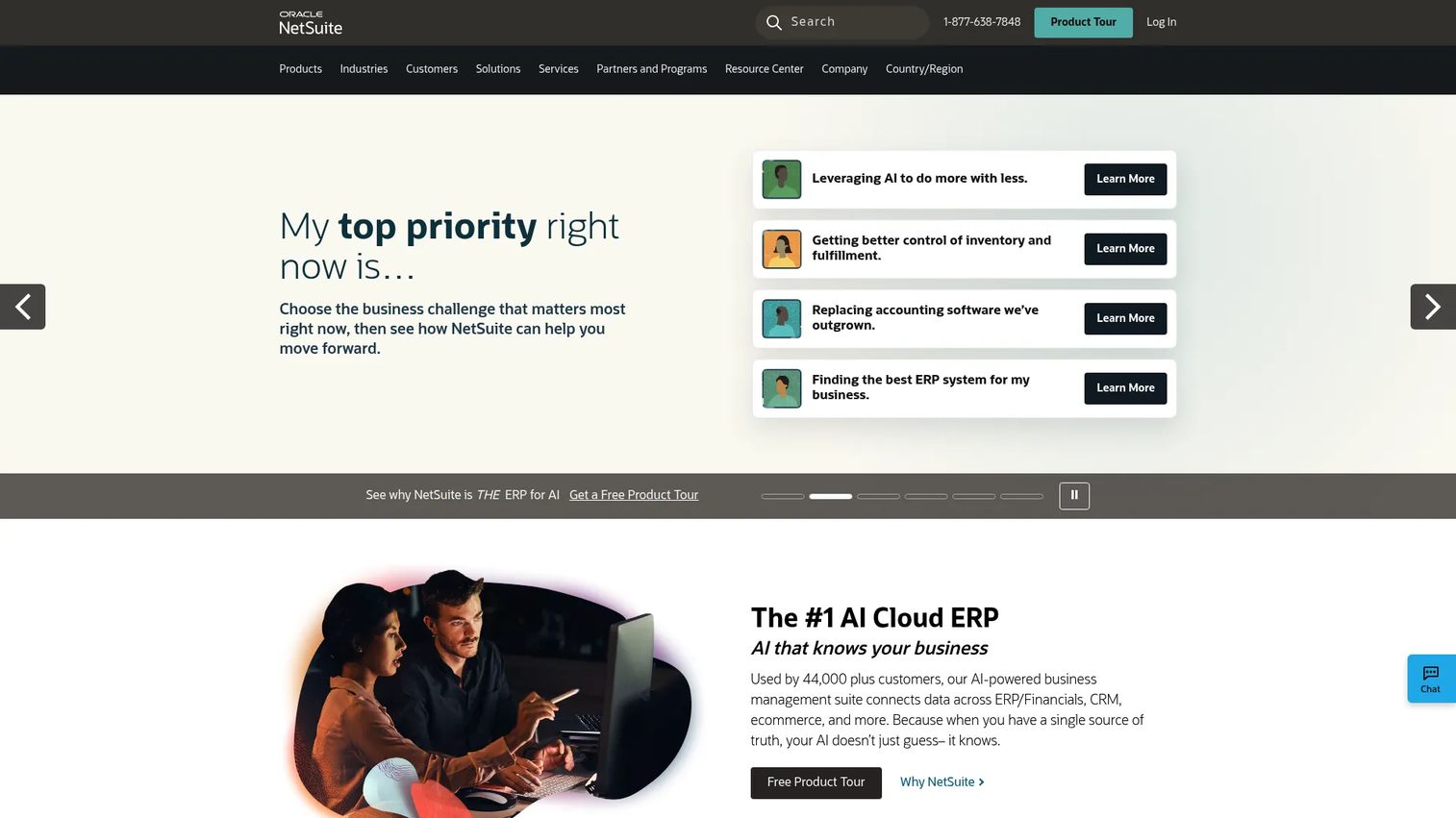
NetSuite is a cloud-based ERP suite for managing financials, inventory, order management, procurement, and commerce operations in one platform. It eliminates the need to reconcile data across separate accounting, inventory, and order tools by unifying them in a single operational backbone. For scaling brands where order accuracy affects margin, NetSuite provides the finance and operations governance that store platforms alone can't deliver. It covers much of the same ground addressed in a broader accounting software evaluation.
Best for: Commerce teams that need ERP-first control over orders, inventory, financials, and fulfillment as transaction volume and complexity grow.
Key features
- Financial management and accounting with multi-currency support
- Inventory and order management with procurement workflows
- Supply chain visibility and global business management
- CRM and omnichannel commerce capabilities
- SuiteApp marketplace for extended integrations
Why choose NetSuite: Choose it when finance and operations need stronger governance than a store platform alone provides. It fits companies where inventory and order accuracy directly affect margins, and where a single reconciliation system is worth the implementation investment.
NetSuite pricing: Pricing is quote-based, consisting of an annual license fee covering the platform, selected modules, and user count, plus a one-time implementation fee. NetSuite QuickStart is free for eligible high-tech startups within stated usage limits. Contact sales for standard pricing.
G2 rating: N/A (current G2 rating not verified)
10. Microsoft Dynamics 365
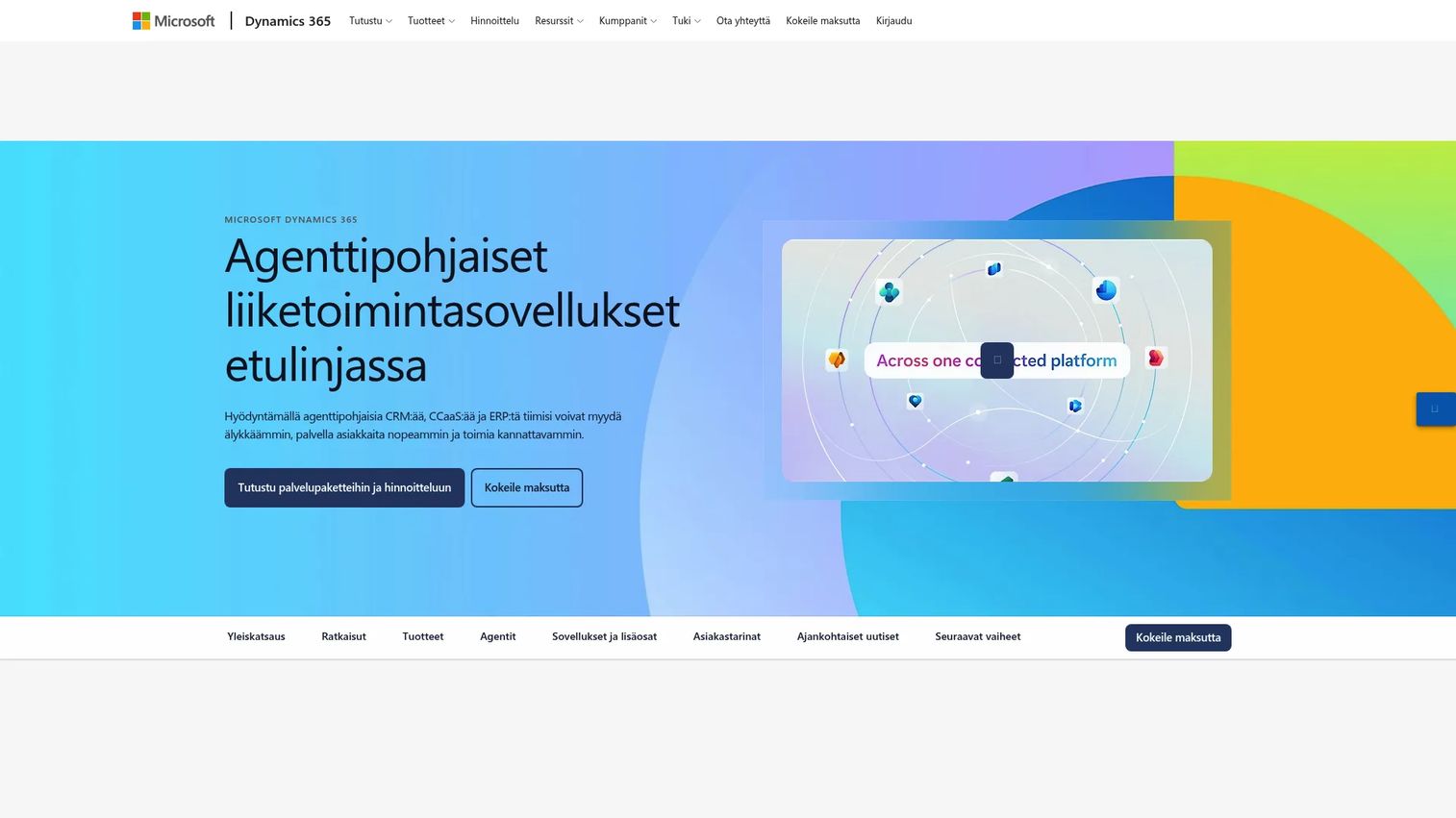
Microsoft Dynamics 365 is a suite of AI-powered business applications spanning CRM, ERP, finance, supply chain, and commerce operations. For organizations already running on Azure, Microsoft 365, or Power Platform, Dynamics 365 connects commerce and business data without requiring a separate middleware layer. Individual apps (Sales, Finance, Supply Chain) are licensed and deployed modularly, so teams adopt what they need rather than the full suite at once.
Best for: Enterprise teams already invested in Microsoft business applications, Azure, and Power Platform who need commerce, finance, and customer data tied together.
Key features
- ERP and CRM applications across sales, finance, and supply chain
- Commerce capabilities for B2C and B2B selling
- Supply chain and operations modules
- Power Platform integration for workflow automation and reporting
- Copilot AI embedded across applications
Why choose Microsoft Dynamics 365: Choose it when commerce data must live inside a broader Microsoft operating model. It's the right fit for complex organizations where ERP, CRM, analytics, and workflow automation need to work as one coordinated system rather than separate integrations.
Microsoft Dynamics 365 pricing: Dynamics 365 Sales Professional starts at $65/user/month (billed annually). Sales Enterprise is $105/user/month, Sales Premium is $150/user/month, Finance is $210/user/month, and Finance Premium is $300/user/month. Other applications are priced separately. Free trials are available.
11. Zoho
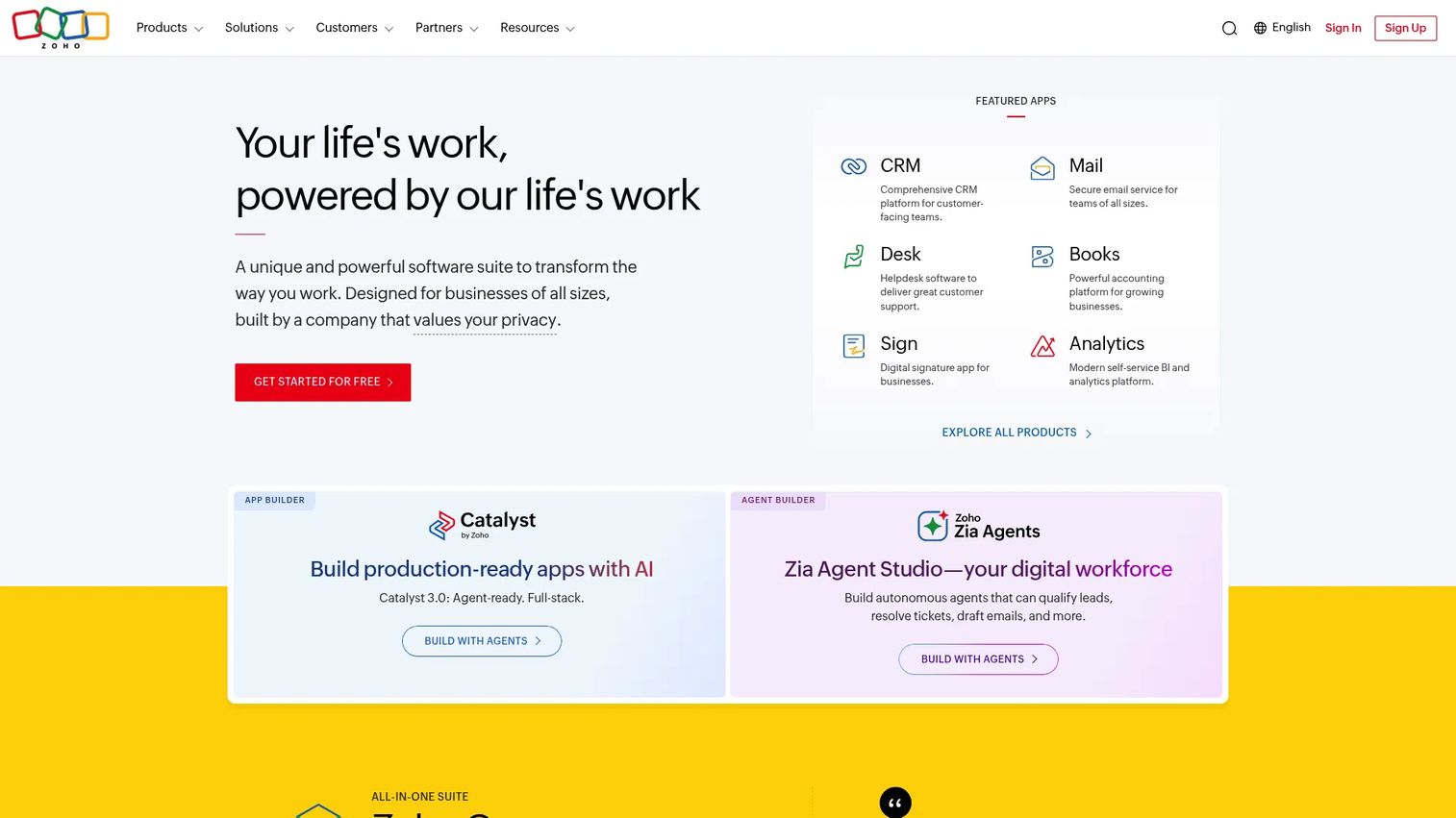
Zoho is a broad cloud software suite covering CRM, finance, inventory, project management, support, and analytics. For cost-conscious commerce teams, it offers wide operational coverage without requiring separate vendors for each function. Zoho Books handles accounting and reconciliation, Zoho CRM handles customer and sales data, and the Zoho app ecosystem connects them to commerce platforms. It's a practical choice when a team wants broad coverage before investing in enterprise-level ERP or dedicated integration tools.
Best for: Small and growing commerce teams that want CRM, operations, and finance apps without enterprise overhead or per-tool licensing for each function.
Key features
- CRM with sales, service, marketing, and omnichannel capabilities
- Inventory and order management within the Zoho suite
- Finance applications (Zoho Books) for accounting and reconciliation
- Workflow automation across the app suite
- Zoho app ecosystem for commerce and third-party integrations
Why choose Zoho: Choose it when a team wants broad operational coverage at a lower cost. It works well for companies that prefer one vendor family over many disconnected apps, though teams with complex data transformation needs may eventually need a dedicated integration layer alongside it.
Zoho pricing: Zoho Books (accounting) starts at a free plan, with paid tiers from $20/month (Standard), $50/month (Professional), and $70/month (Premium), billed monthly. Annual billing reduces those rates. Other Zoho apps are priced separately. A free plan is available for Zoho Books.
G2 rating: 4.4/5
12. ShipStation
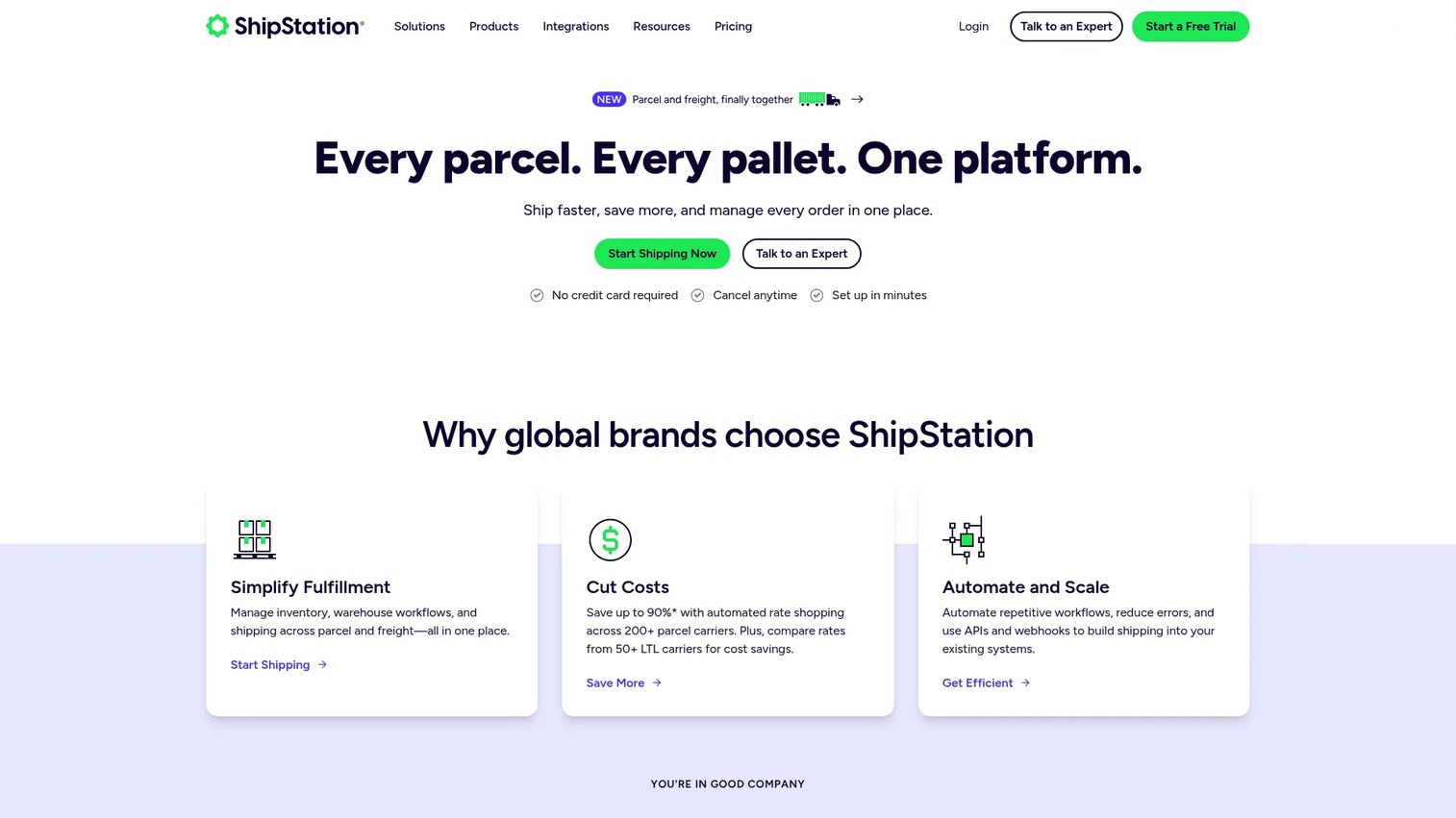
ShipStation is AI-powered shipping and logistics software for managing carriers, labels, orders, tracking, inventory, and fulfillment workflows. After checkout, ShipStation becomes the data hub for everything related to delivery: Carrier selection, label creation, tracking updates, returns, and multi-warehouse routing. For product managers, it resolves the gap between what a customer sees in their order confirmation and what actually happens in fulfillment.
Best for: Teams that need order, carrier, label, tracking, and fulfillment data connected across shipping workflows and visible to support and operations.
Key features
- Multi-carrier rate comparison and discounted shipping labels
- Fulfillment automation and order management rules
- Inventory and warehouse management
- Tracking updates and returns management
- Integrations with commerce platforms and marketplaces
Why choose ShipStation: Choose it when shipping data is the bottleneck between checkout and customer satisfaction. It gives operations teams cleaner visibility into fulfillment events and reduces the support tickets that come from "where is my order?" queries.
ShipStation pricing: Starter is $14.99/month (up to 3 users), Standard is $29.99/month (up to 10 users), and Premium is $349.99/month (up to 15 users). Annual billing saves 20%. A 30-day free trial is available.
G2 rating: 4.3/5
13. Stripe
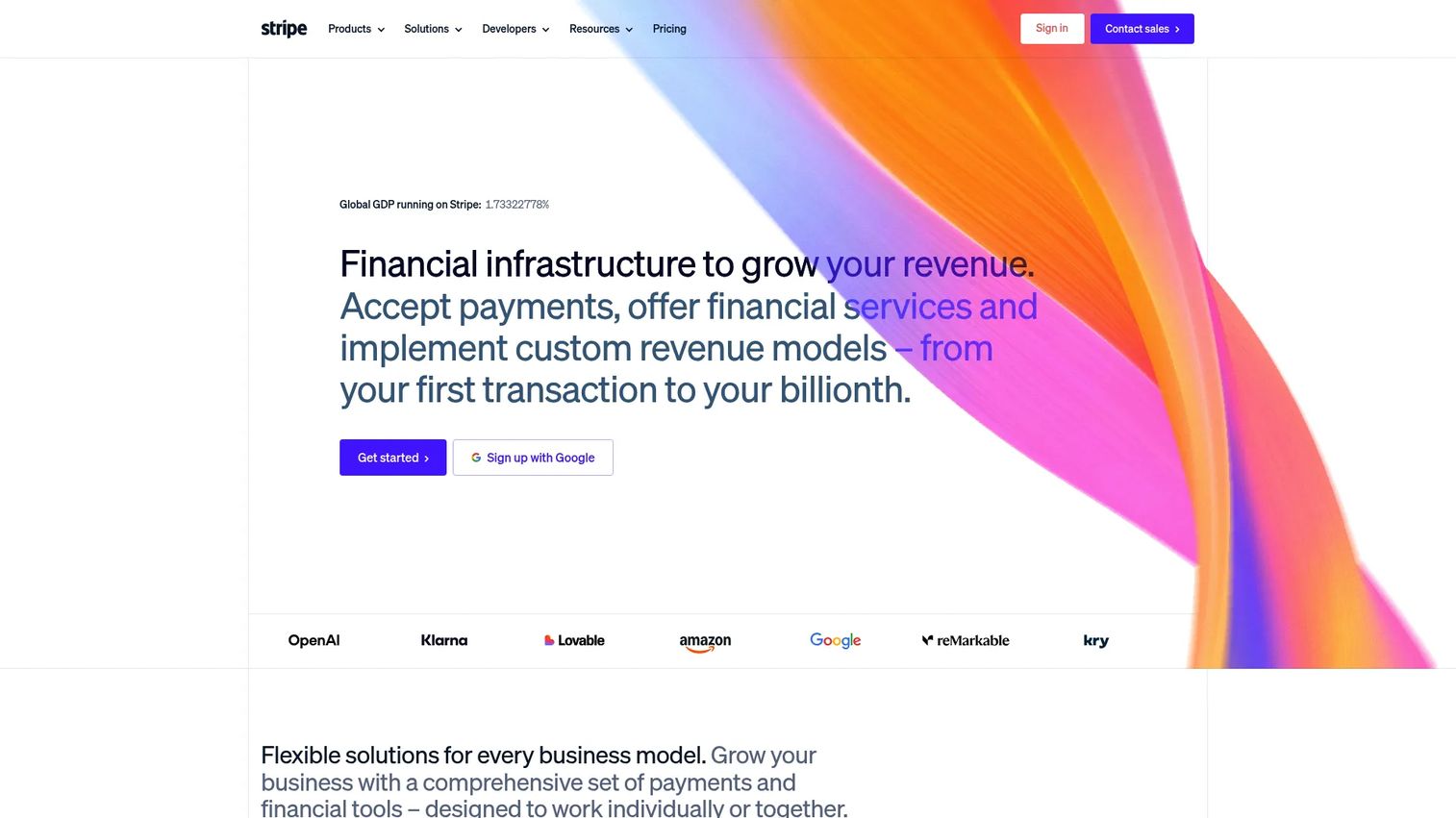
Stripe is programmable financial infrastructure for payment processing, billing, subscriptions, invoicing, and revenue reporting. In a commerce data stack, Stripe generates the payment events that finance, product, and support teams all need to trust. Its webhooks and APIs make it straightforward to push payment, refund, dispute, and subscription events into data warehouses, CRMs, and accounting tools. It's not a general integration platform, but it's foundational to any commerce data stack that handles real money. For teams reviewing the broader payments landscape, see our best payment processing software guide.
Best for: Teams that need reliable payment, billing, refund, dispute, and subscription event data at the source, accessible to finance, product, and support systems.
Key features
- Global payment processing with 100+ payment methods
- Billing and subscription management
- Refund and dispute tracking with event data
- Webhooks and APIs for real-time data routing
- Revenue reporting and reconciliation tools
Why choose Stripe: Choose it when payment events are the system that finance, product, and support all need to trust. Its developer-friendly APIs reduce the engineering cost of routing payment data into the rest of the stack.
Stripe pricing: Standard processing is 2.9% + 30¢ per successful domestic card transaction, with no monthly fee. Custom pricing is available for high-volume businesses. Billing and other products have separate pricing.
G2 rating: 4.4/5
14. QuickBooks
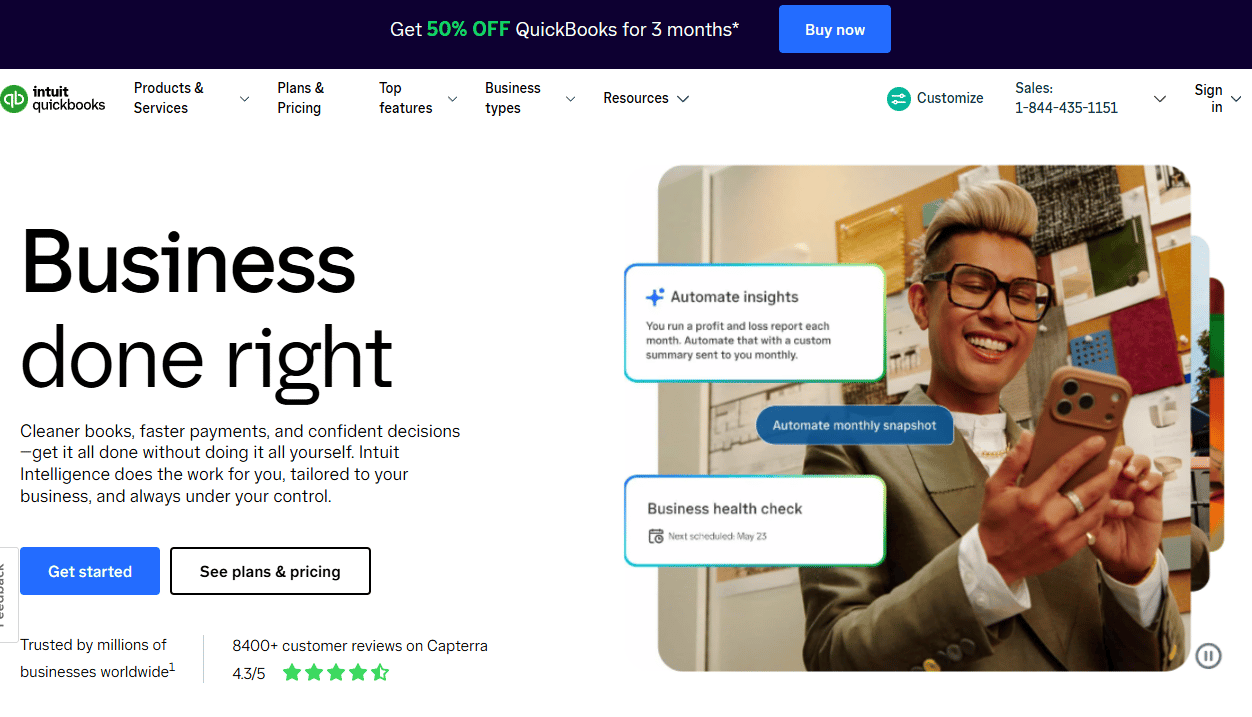
QuickBooks is cloud-based accounting software that connects commerce sales, taxes, fees, payouts, expenses, and reporting into a single finance workflow. For small commerce teams, it handles the accounting layer without requiring a full ERP implementation. It integrates with Shopify, Stripe, and other commerce and payment tools through the app marketplace, making it possible to automate order and revenue reconciliation at manageable cost.
Best for: Small businesses that need ecommerce orders and payments reflected in accounting without enterprise ERP complexity.
Key features
- Income and expense tracking with bank reconciliation
- Sales tax tracking and management
- Invoicing and online payment acceptance
- Expense management and financial reporting
- App integrations with commerce and payment platforms
Why choose QuickBooks: Choose it when accounting accuracy matters more than enterprise ERP depth. It fits teams where the finance function needs clean books and the implementation budget rules out a NetSuite-scale project.
QuickBooks pricing: A free plan is available. Simple Start is $19/month, Essentials is $42.50/month, Plus is $70/month, and Advanced is $170/month. Paid plans currently offer 50% off for the first 3 months.
G2 rating: 4.0/5
15. Xero
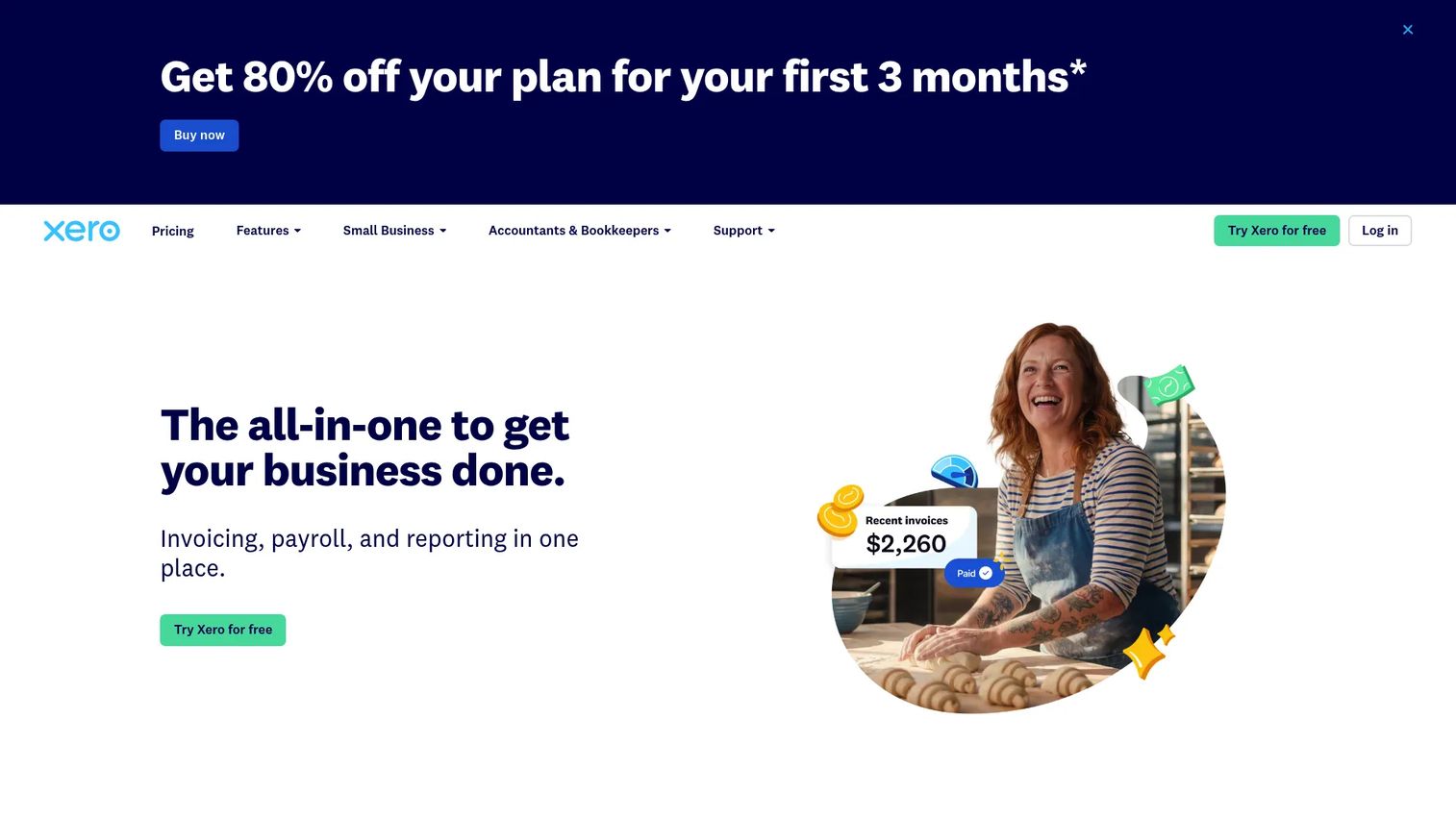
Xero is cloud-based accounting software built for small businesses and accounting professionals, with a strong app marketplace that connects commerce platforms, payment processors, and inventory tools. For growing online stores, Xero handles invoicing, bank reconciliation, multi-currency accounting, and financial reporting without requiring dedicated finance headcount to maintain it. Its integration ecosystem covers the major ecommerce and payment platforms through third-party connectors.
Best for: Growing online stores that want cloud accounting with ecommerce and payment data connections and a clean books-first approach.
Key features
- Cloud accounting with bank connections and reconciliation
- Invoice management and online payment acceptance
- Multi-currency accounting and international support
- App marketplace for commerce and payment integrations
- Financial reporting and analytics
Why choose Xero: Choose it when finance teams want a cloud-first accounting system with broad integration options. It suits stores that need clean books before they're ready to justify a full ERP investment.
Xero pricing: Early is $27/month, Growing is $59/month, and Established is $97/month. Xero offers one month free for new customers. No permanent free tier is available.
G2 rating: 4.4/5
Considerations when choosing e-commerce data integration software
Decide the system of record before choosing connectors
Every integration decision flows from this: Where does customer, order, product, payment, inventory, and finance truth live? If the store overwrites the ERP and the ERP overwrites the store, integration creates confusion rather than clarity. Define ownership first, then select connectors that respect it.
Separate real-time sync from batch reporting
Inventory availability, payment authorization, and support context need fast updates. Revenue dashboards, cohort analysis, and marketing attribution can tolerate batch pipelines. Treating both needs the same way leads to either expensive real-time infrastructure for reports that don't need it, or stale data in systems that do.
Check mapping, error handling, and retry logic
Field mapping errors and failed syncs are where integrations break quietly. Evaluate whether each platform provides clear error logs, retry mechanisms, idempotency controls, and audit trails. A system that fails silently creates reconciliation problems that surface weeks later.
Price the full implementation, not only the license
Software cost is one line item. The fuller picture includes engineering time, data cleanup before migration, connector licensing, workflow maintenance, and ongoing monitoring. For tools like NetSuite, Adobe Commerce, or Jitterbit, implementation cost frequently exceeds the first year of licensing.
Protect product velocity
For product managers, this is the constraint that matters most. If every commerce release triggers an integration rework, the tool slows the roadmap and increases engineering interrupt requests. The right platform reduces maintenance overhead across release cadences, not just at initial setup. Evaluate maintainability alongside connector coverage.
Conclusion
Choosing e-commerce data integration software comes down to three questions: Where does data truth live in your stack, which workflows need fast sync, and how much engineering maintenance your team can sustain?
For dedicated data pipelines and warehouse activation, Integrate.io covers ETL, ELT, CDC, and reverse ETL. Jitterbit handles commerce workflow automation across ERP, CRM, EDI, and fulfillment systems. DataForest suits enterprise teams that need a custom-designed data architecture.
For store-anchored commerce data, Shopify, BigCommerce, and Adobe Commerce anchor the product and order layer. Salesforce, HubSpot, and Zoho activate that data for customer-facing teams. NetSuite and Microsoft Dynamics 365 provide ERP-centered operations governance. ShipStation, Stripe, QuickBooks, and Xero handle fulfillment, payment, and finance workflows where reconciliation accuracy is the priority.
Start by identifying the highest-cost data breakage in your current stack: Inventory mismatch, order errors, payment reconciliation, customer segmentation, or reporting distrust. That problem identifies your first integration, and your first integration tells you which tool type fits.
If your team also needs to show buyers, partners, or internal stakeholders how your product works, use interactive demos to explain complex workflows without adding another live meeting.
Start your journey with Guideflow today!
FAQs
E-commerce data integration software connects commerce platforms with the systems that store, process, analyze, and act on customer, product, order, payment, inventory, shipping, and support data. It synchronizes records across store platforms, CRM, ERP, accounting, fulfillment, payment, analytics, and warehouse destinations through mechanisms including APIs, webhooks, ETL pipelines, and workflow automation.
Ecommerce integration can mean connecting any app to an online store, including payments, reviews, chat, or marketing tools. Ecommerce data integration focuses specifically on moving, syncing, transforming, and activating structured data across systems to create a reliable operational record. The distinction matters when choosing tools: App integrations solve point problems, while big data analytics software and data integration platforms solve structural data quality problems across the stack.
The best choice depends on where inventory truth lives. If it lives in the store platform, Shopify or BigCommerce handles it natively. If it lives in an ERP, NetSuite or Microsoft Dynamics 365 provides stronger governance. If inventory must sync across multiple channels and systems, a dedicated integration platform like Integrate.io or Jitterbit manages the mapping and conflict resolution.
ETL and ELT are better for analytics, warehousing, and data transformation jobs where historical accuracy and schema control matter. iPaaS is better for operational workflow automation across live business systems. Some teams need both: ETL to load the warehouse for reporting, and iPaaS to automate order-to-fulfillment workflows in real time. The choice follows the use case, not a preference for one architecture over another.
Focus on activation, retention, support load, instrumentation quality, and engineering maintenance cost. Ask how quickly your team can validate a data-driven improvement without filing a ticket. Evaluate whether the platform supports your release cadence, not just your current state. Maintainability is the criterion that most listicles skip, and it's the one PMs feel most acutely after six months of ownership.
Start with the workflow causing the most business pain. Common starting points include orders (to align store, finance, and operations), inventory (to prevent overselling), and payment events (to reconcile revenue). Customer records and shipping events typically come next, followed by analytics and segmentation data as instrumentation matures.
Pricing varies widely by category. Store platforms like Shopify start at $29/month. Dedicated integration platforms like Integrate.io start at $1,999/month. CRM tools like HubSpot offer free tiers and paid plans from $7/seat/month. ERP tools like NetSuite use quote-based pricing with implementation fees. Accounting tools like Xero start at $27/month. Budget for the full implementation cost, not just the license, especially for ERP and custom data engineering work.
Off-the-shelf software is usually faster when the connectors and workflows you need already exist. Custom engineering makes sense when data volumes are very high, the event model is unusual, governance requirements are strict, or AI-ready architecture is the goal. DataForest and similar partners are worth evaluating when the commercial platforms hit structural limits, not before.